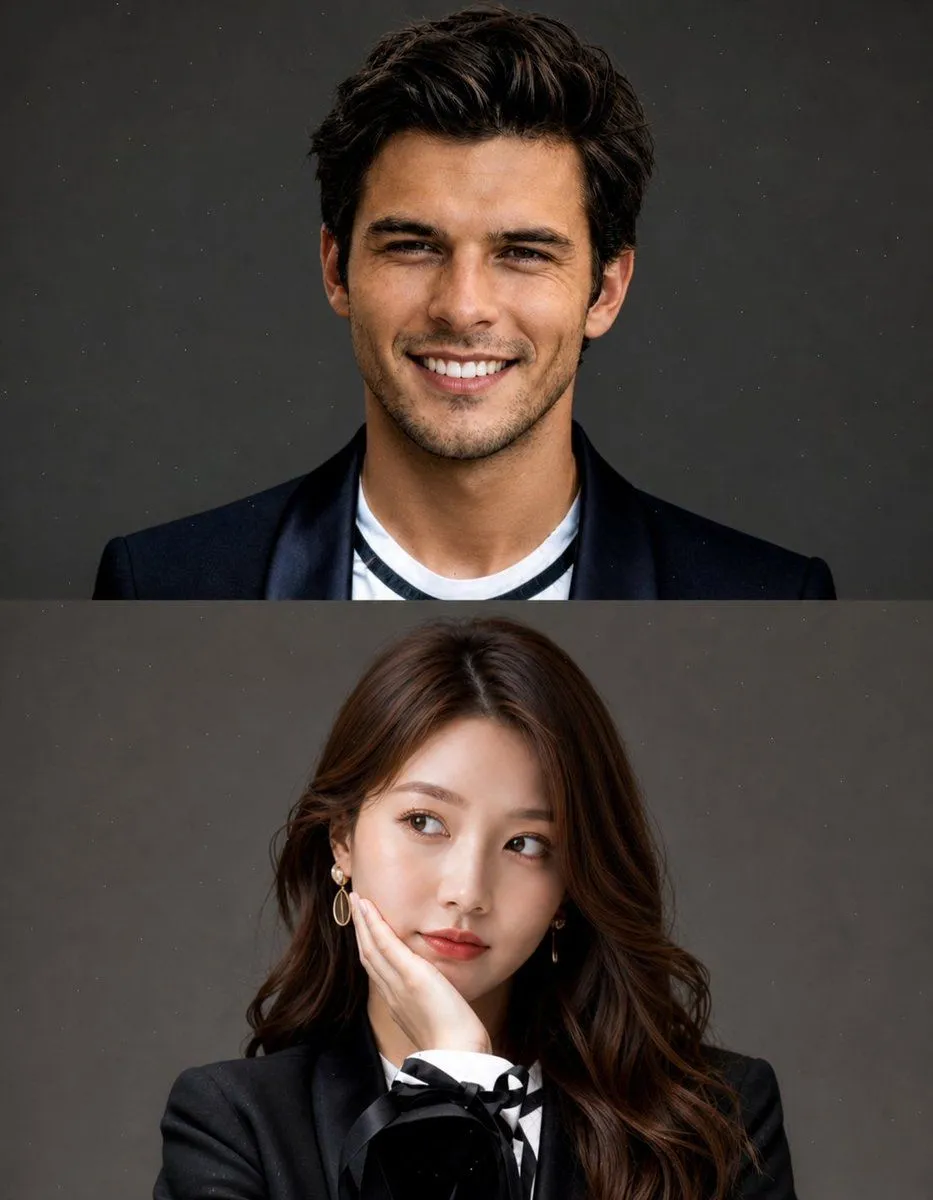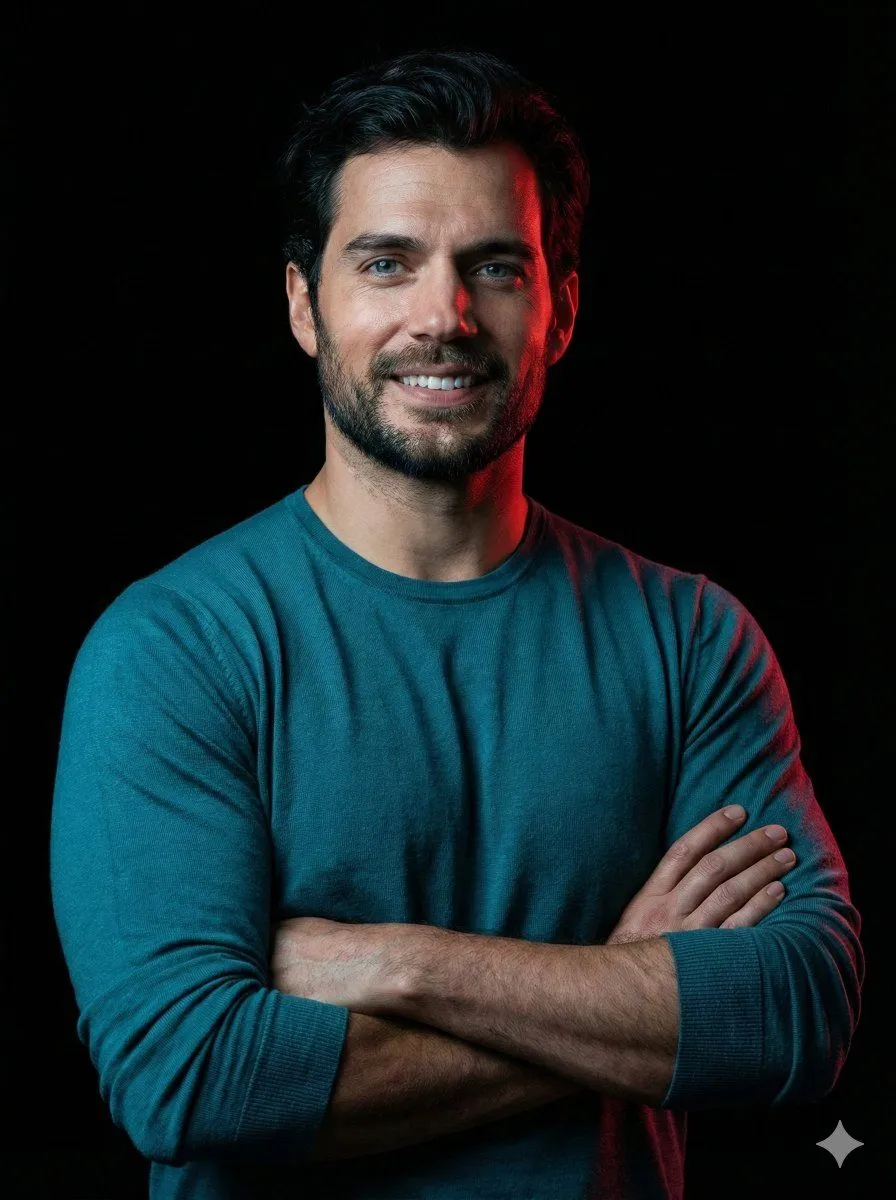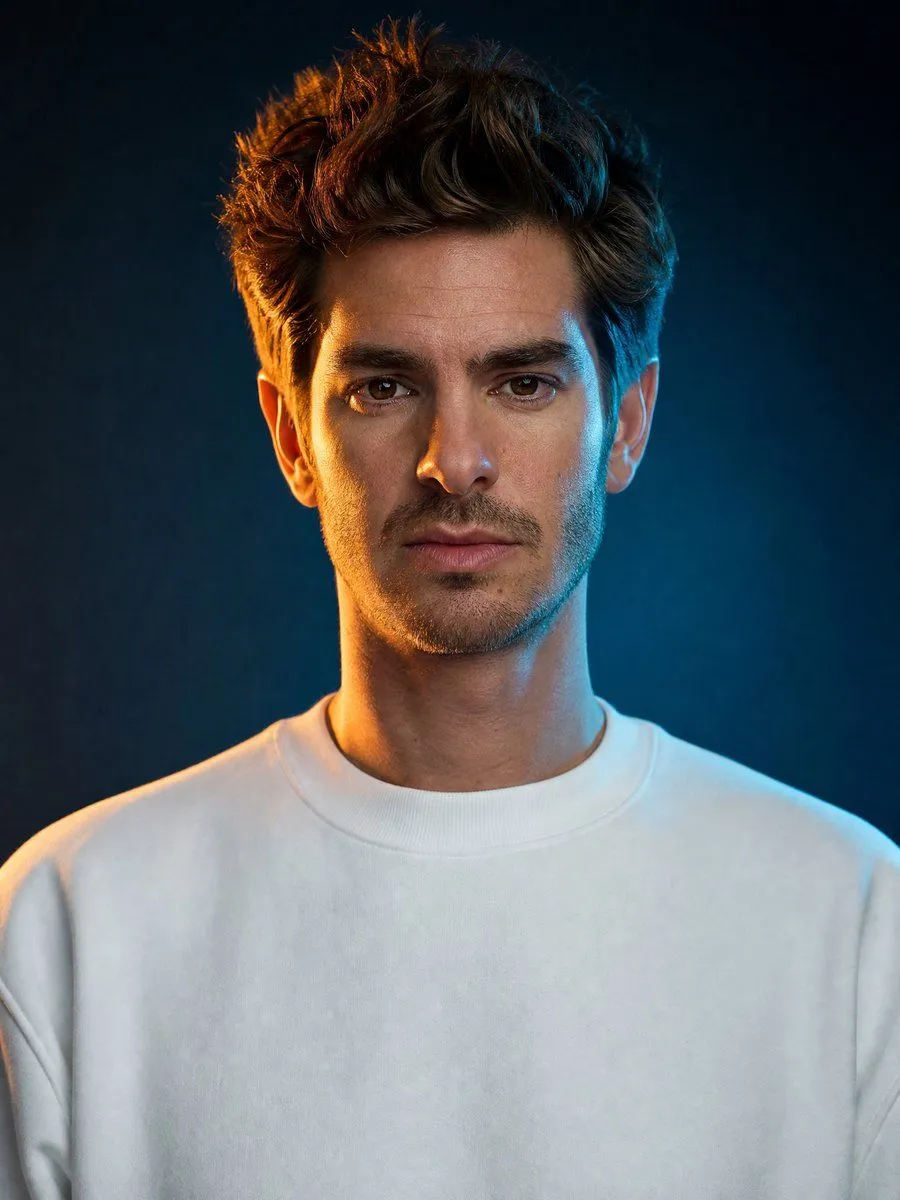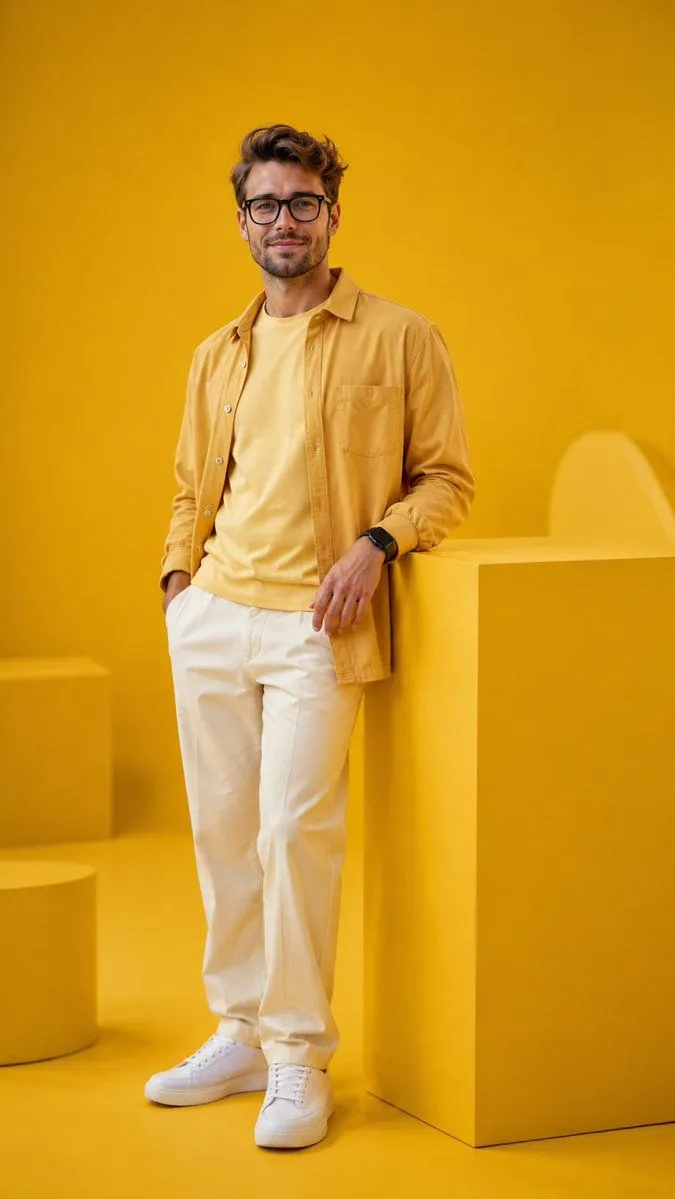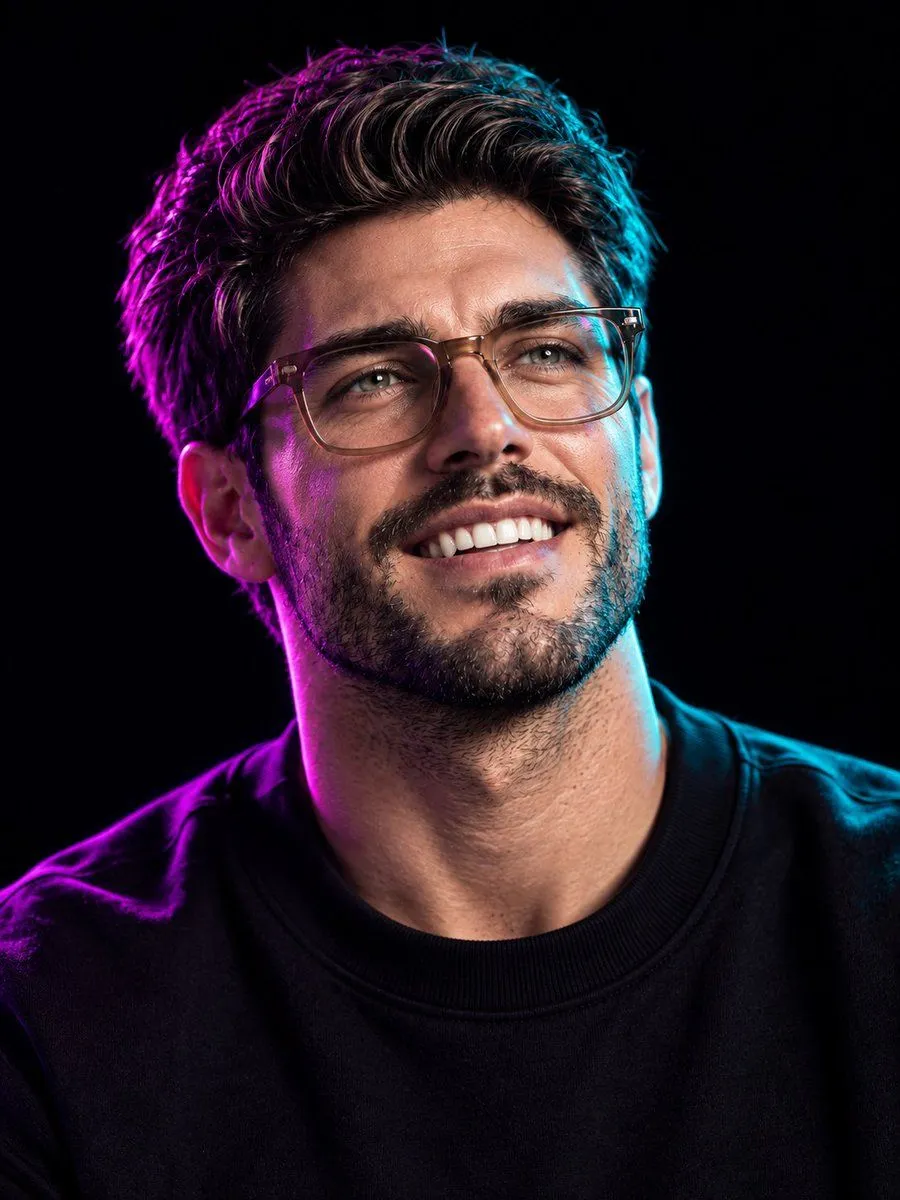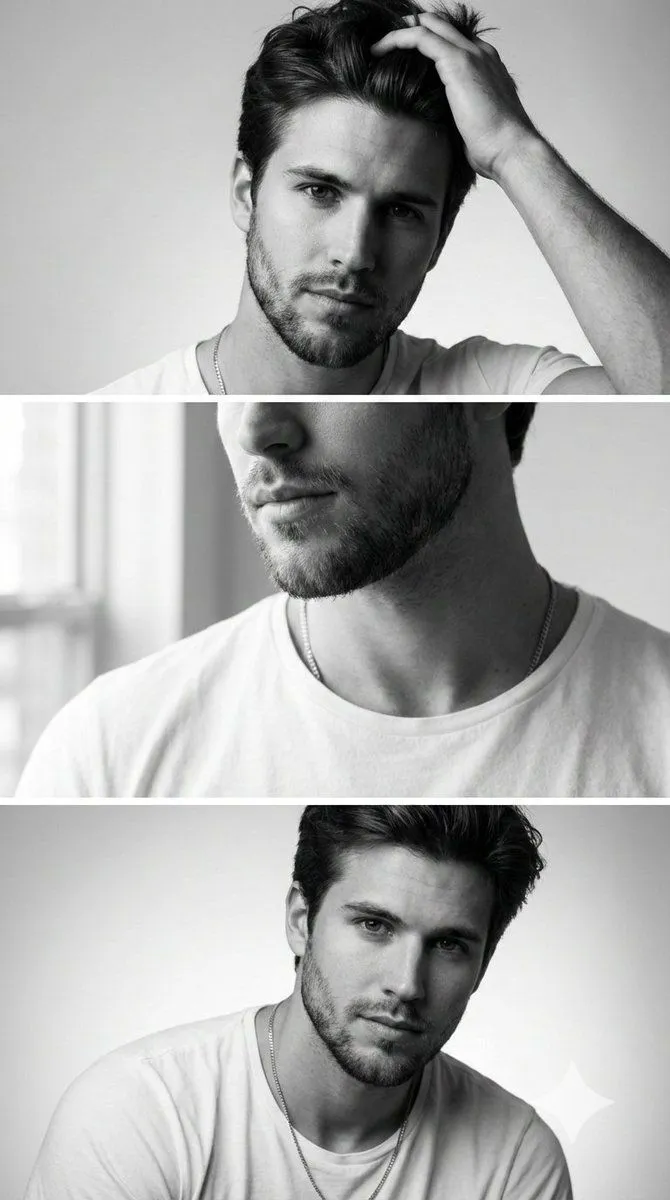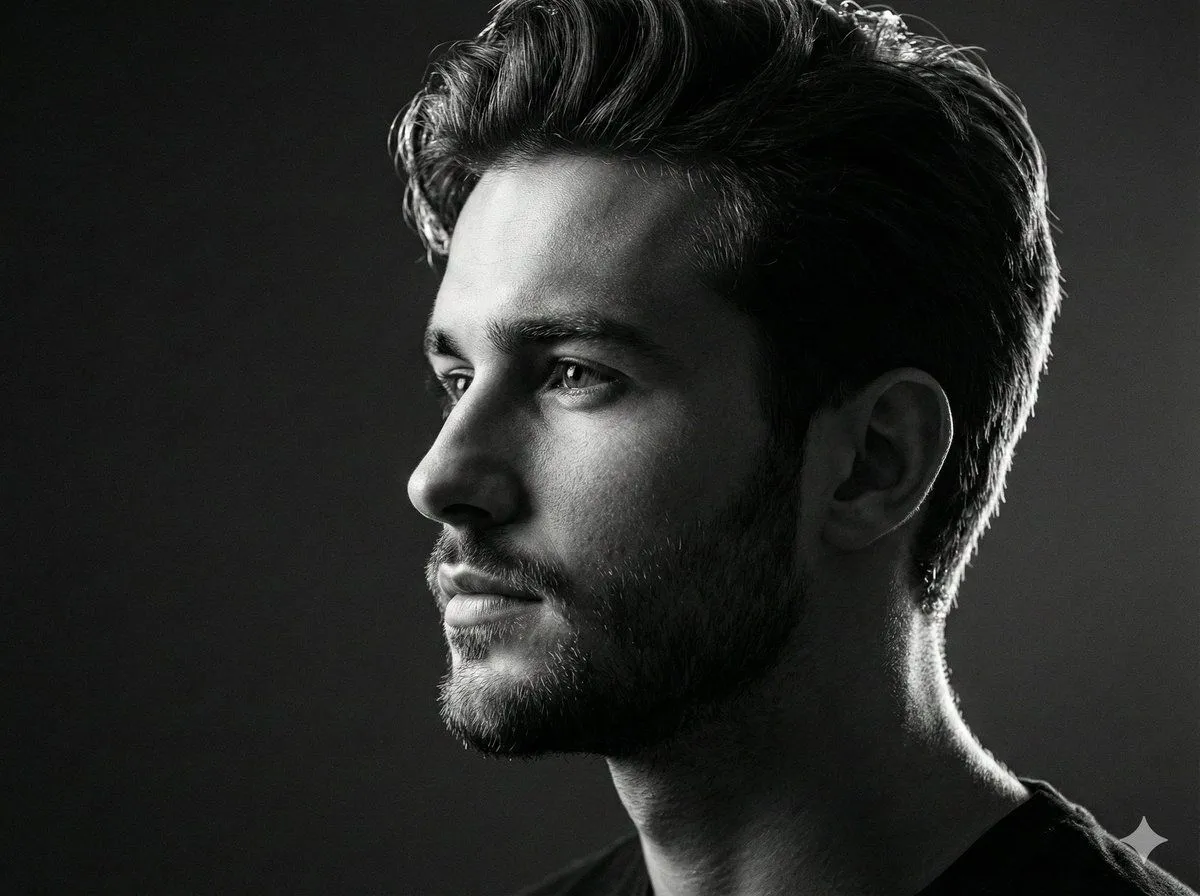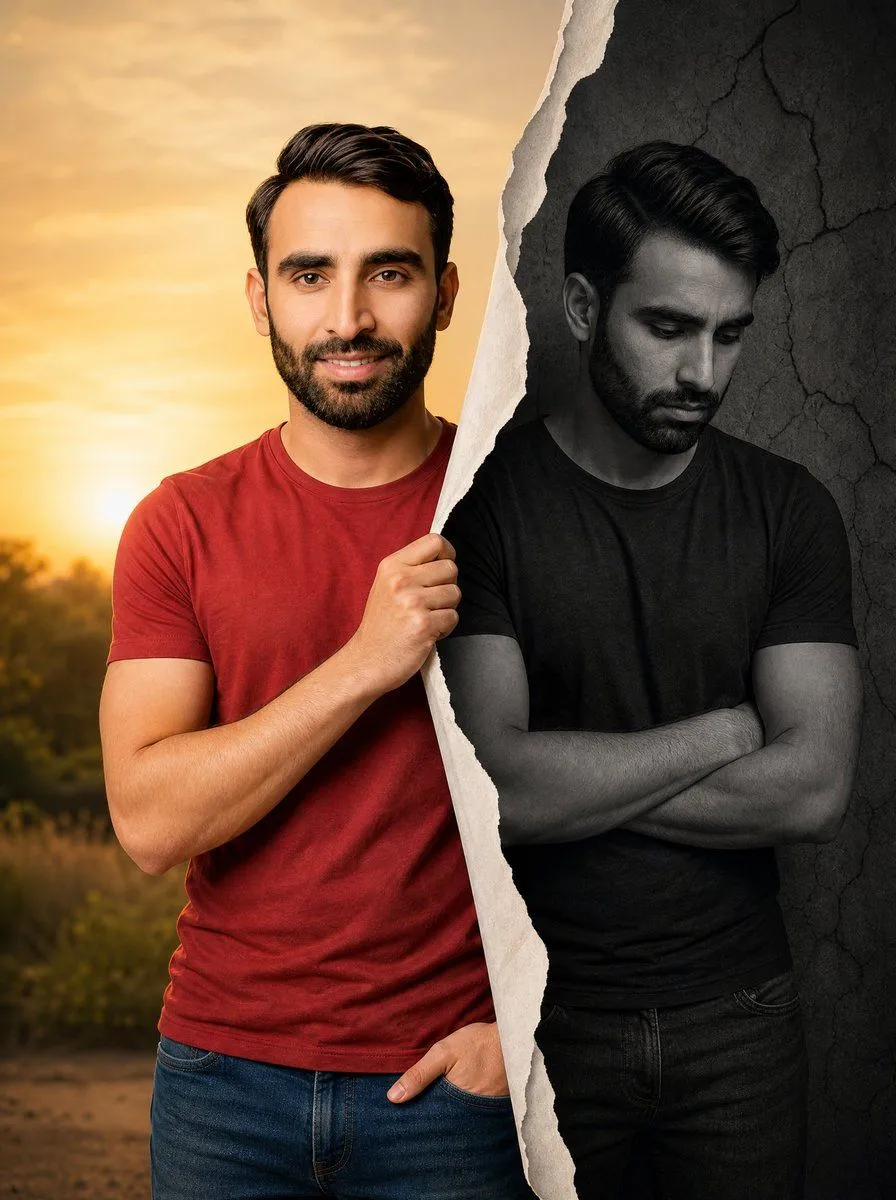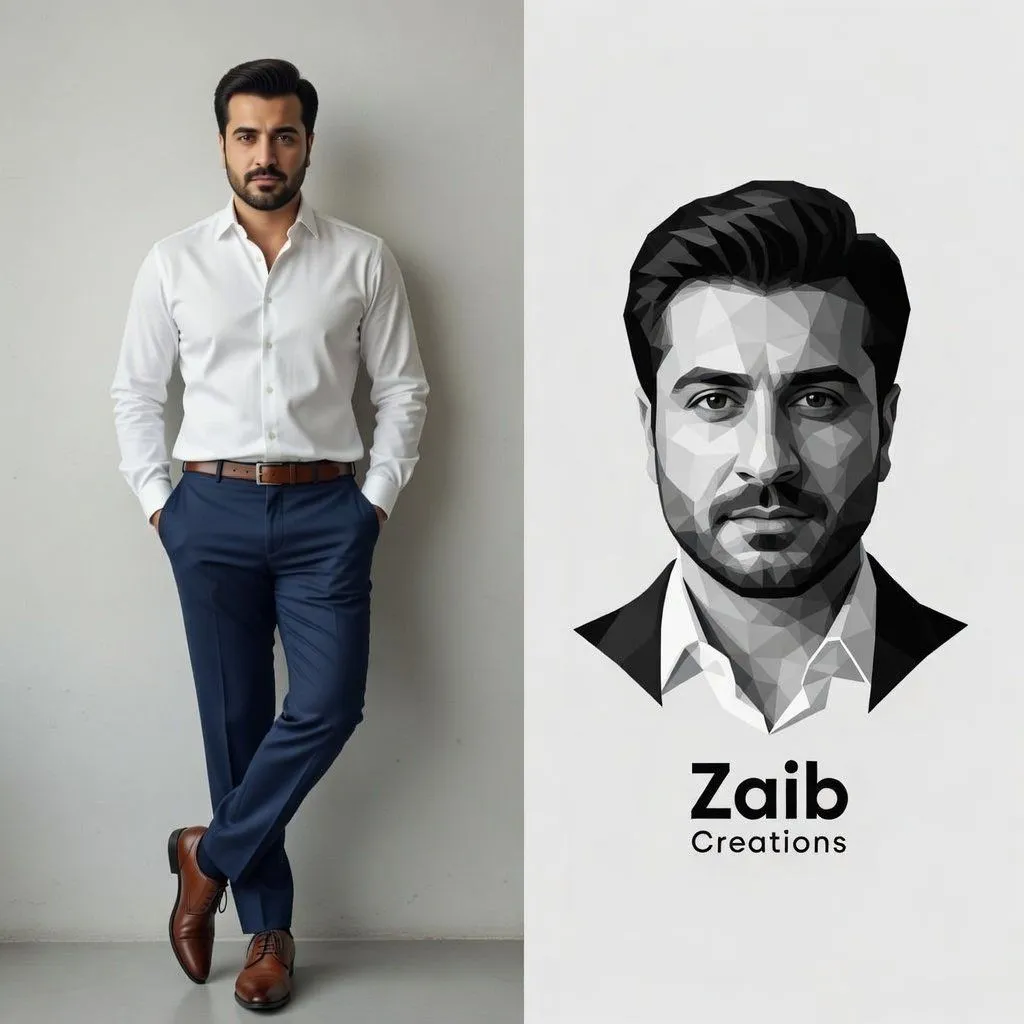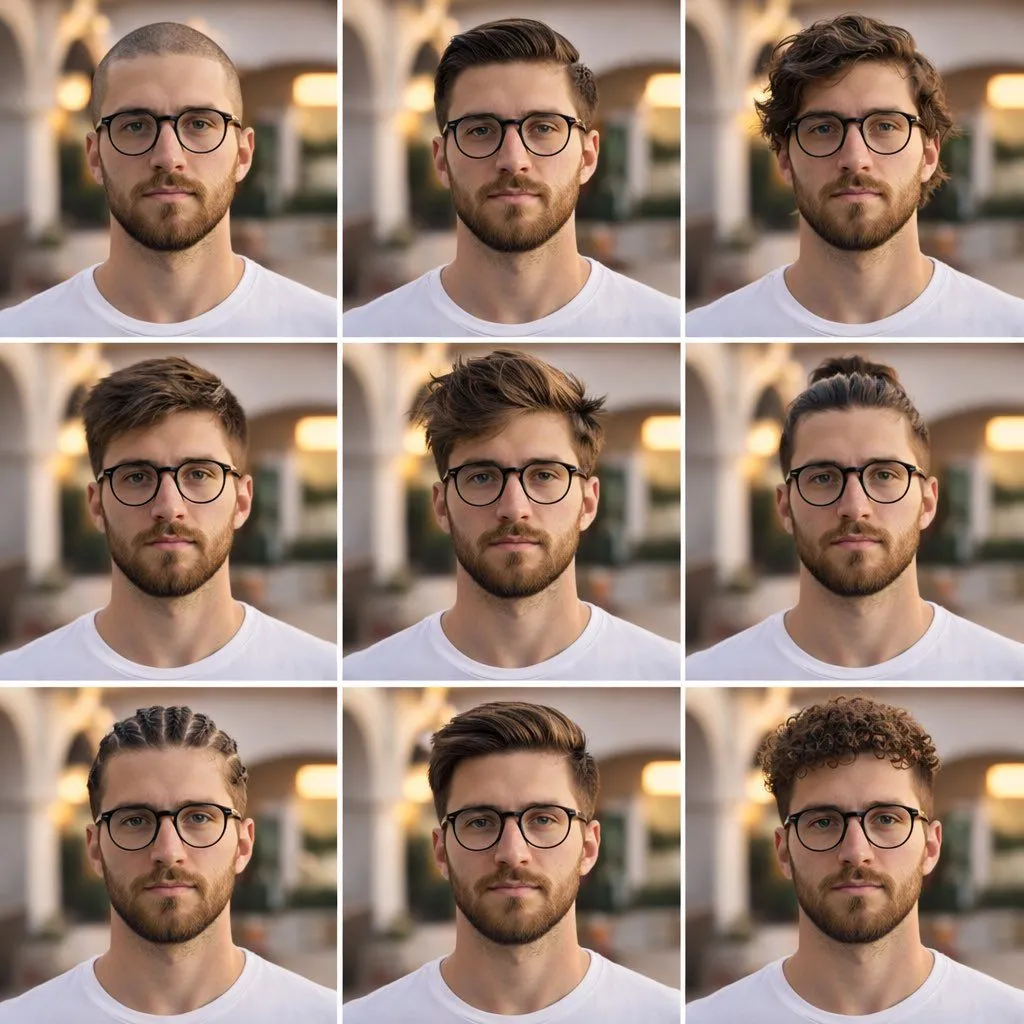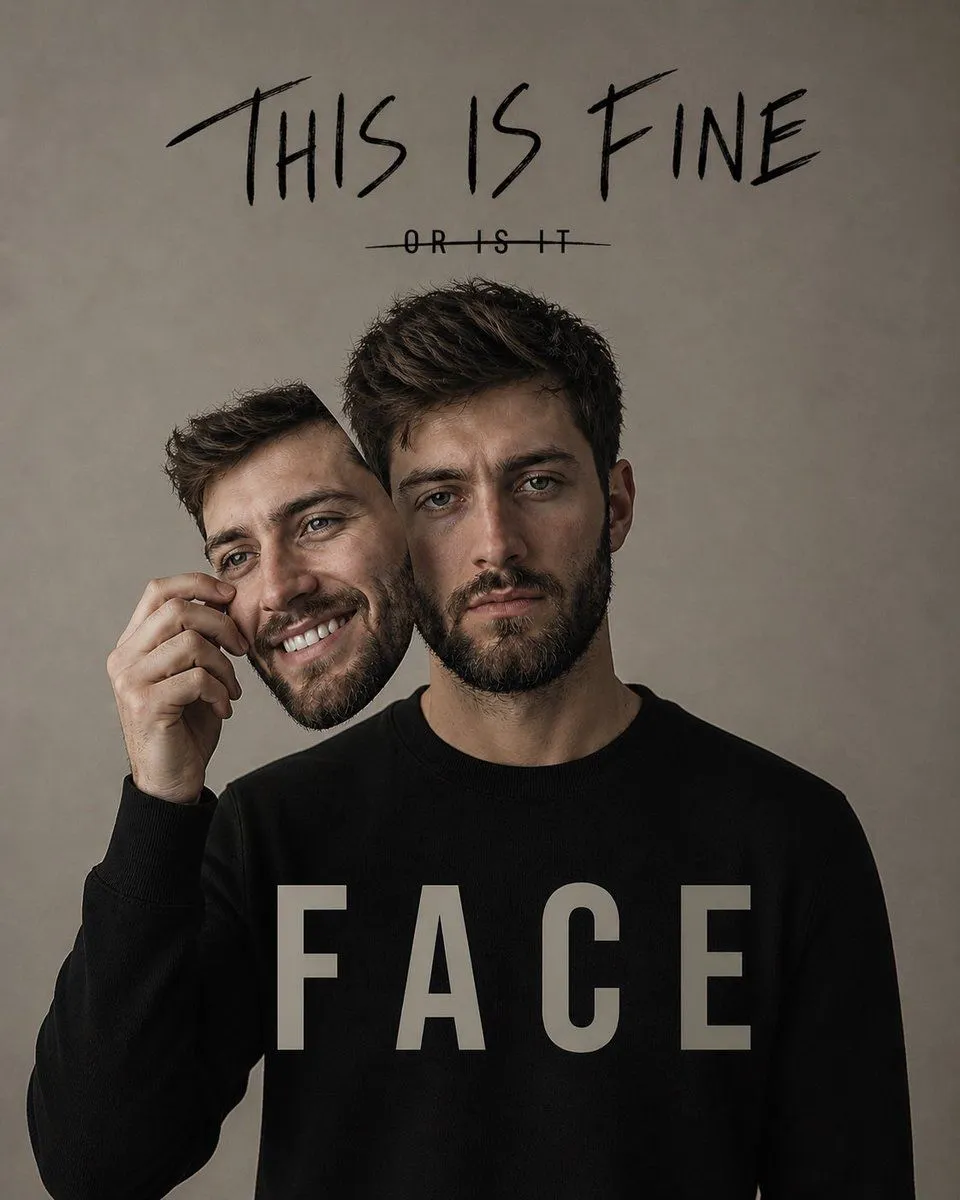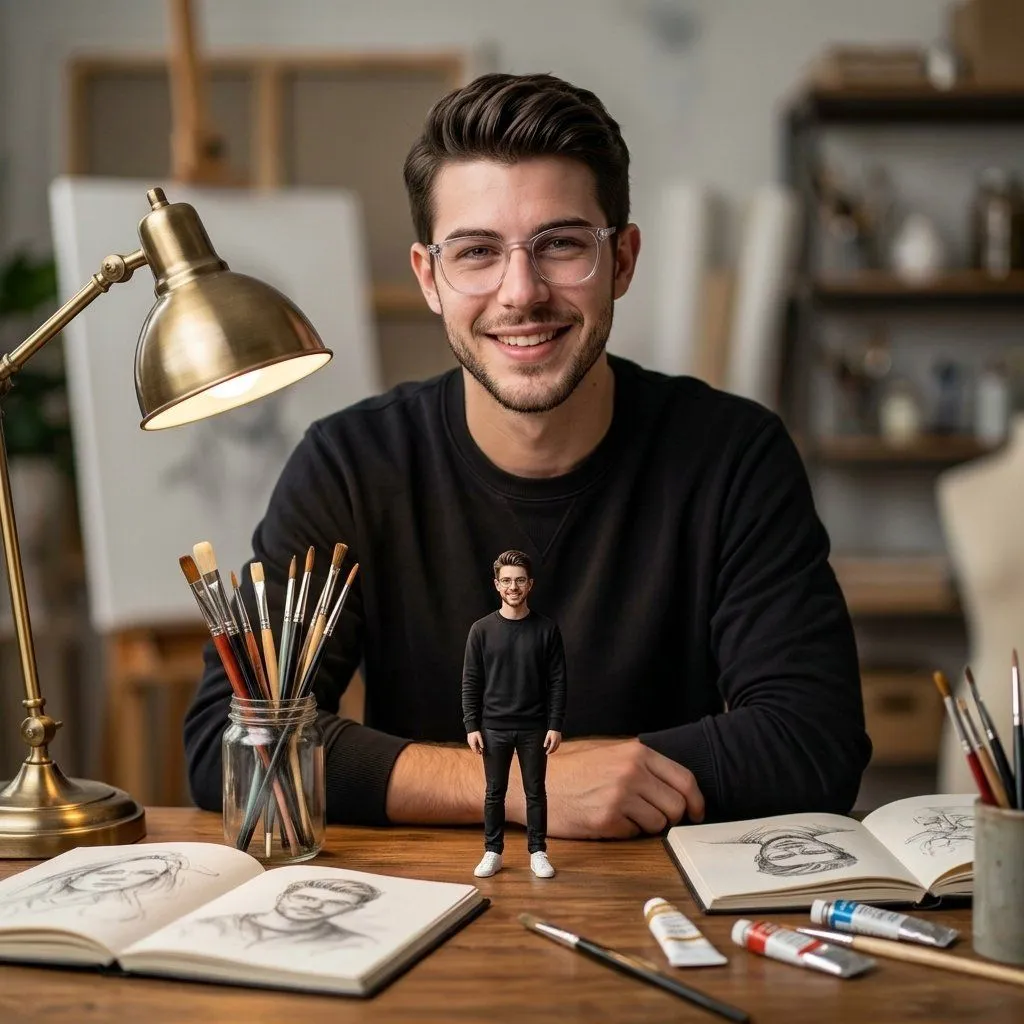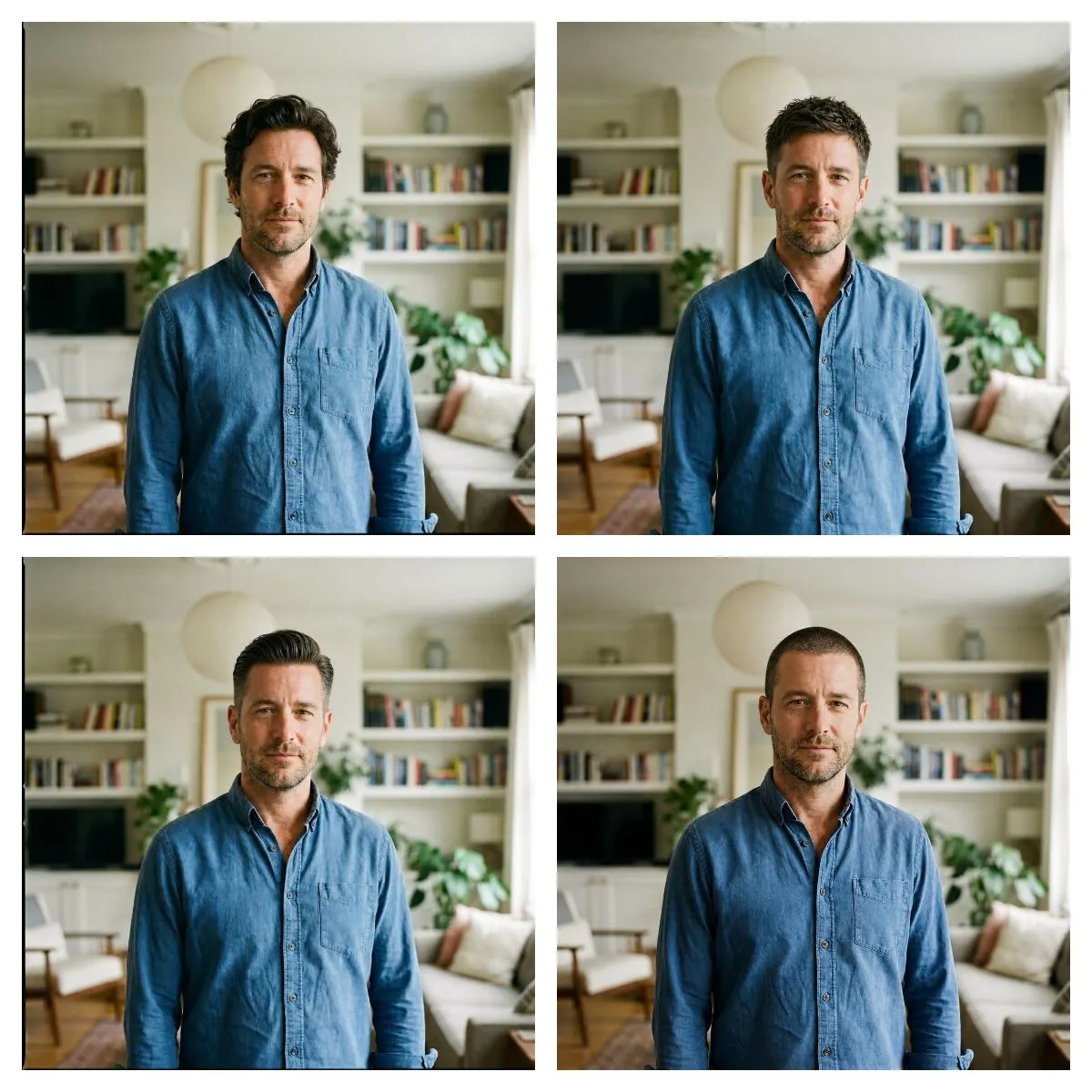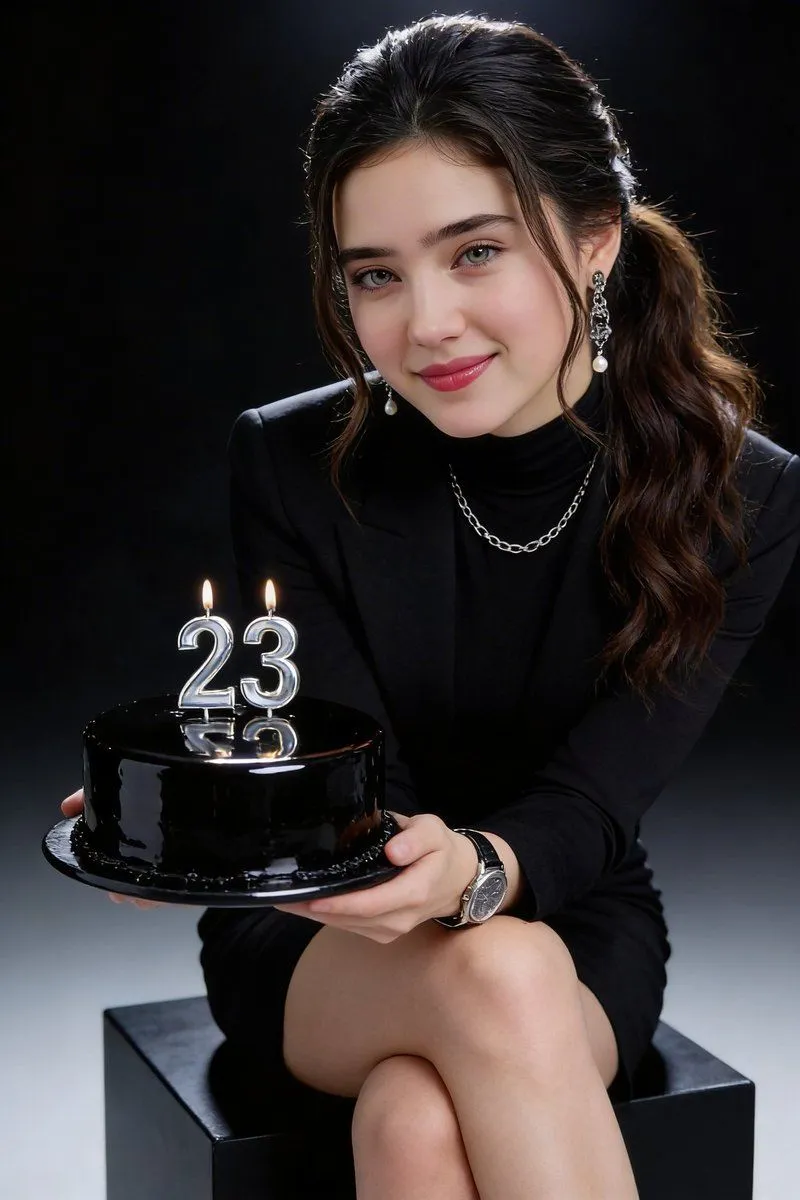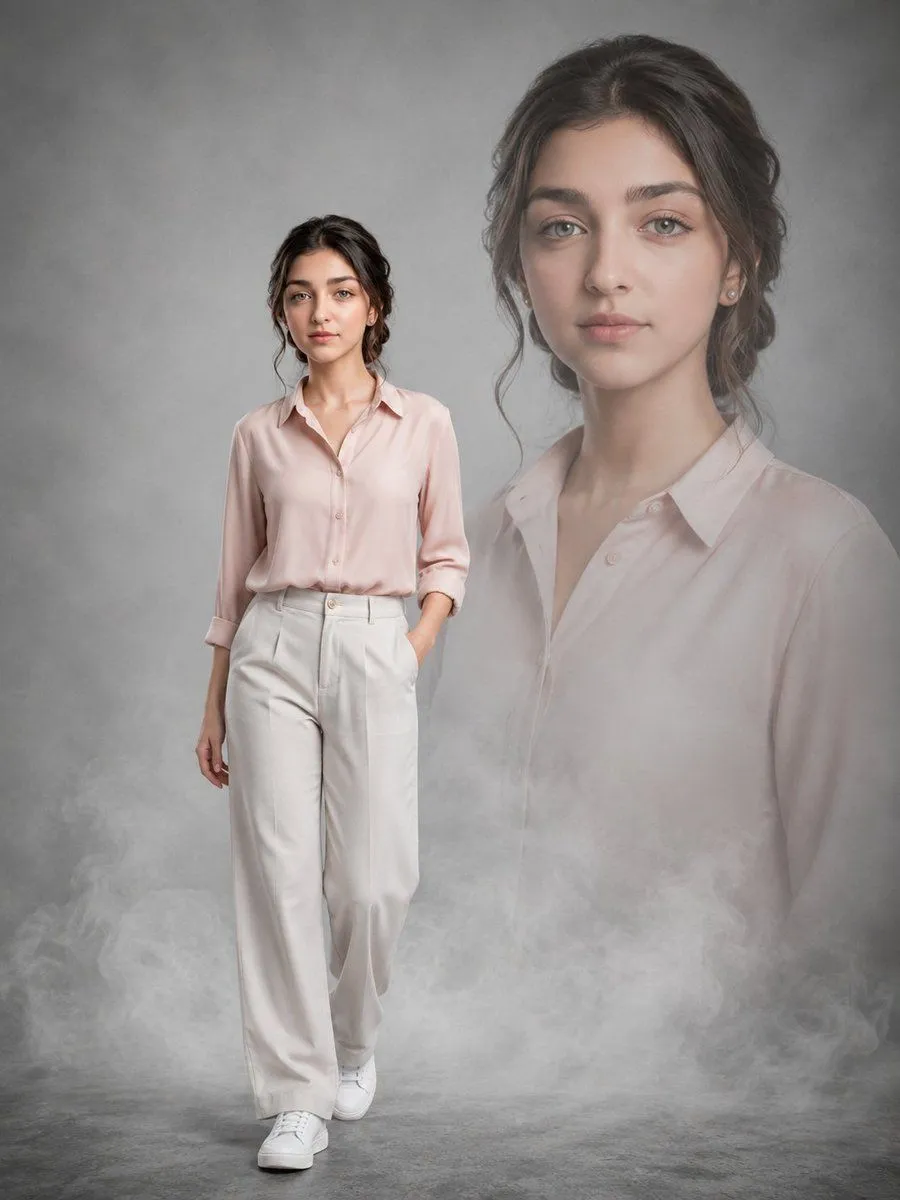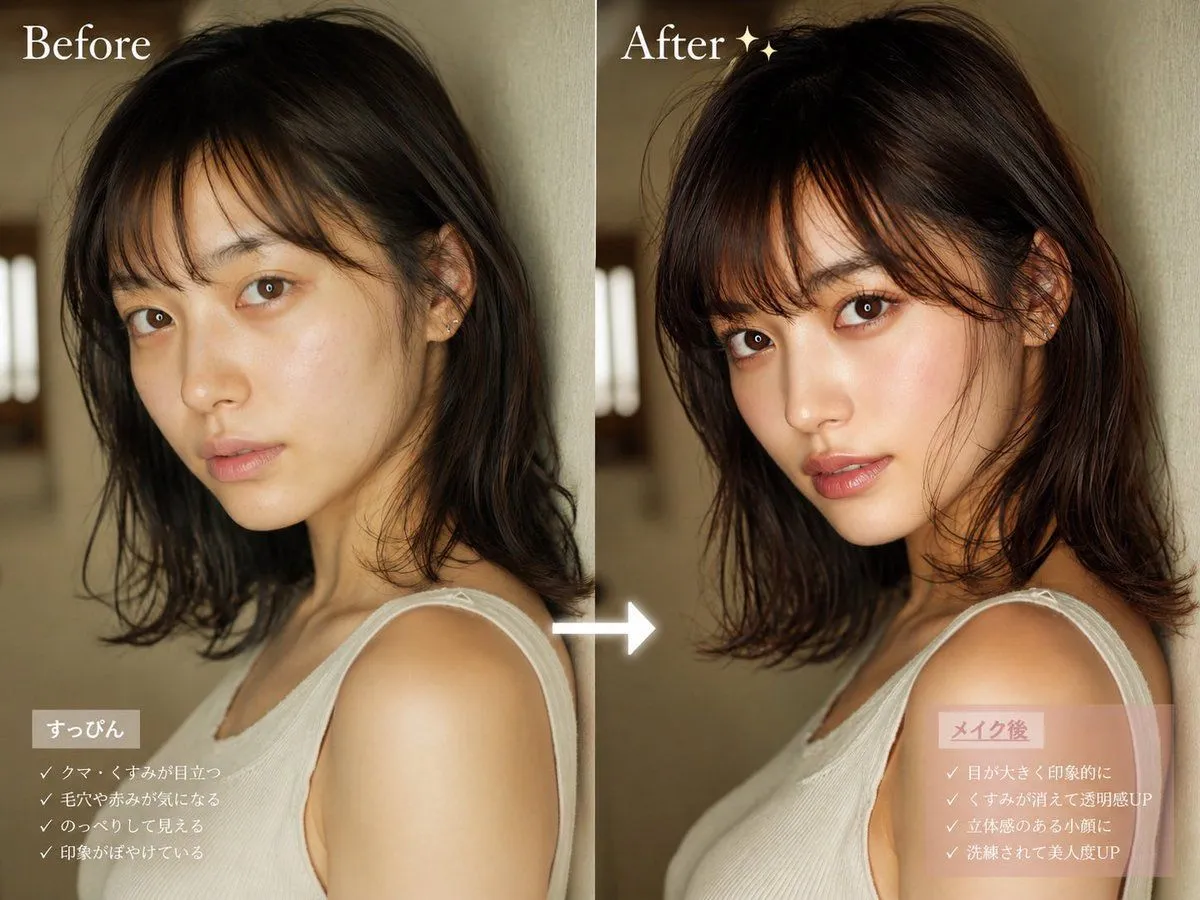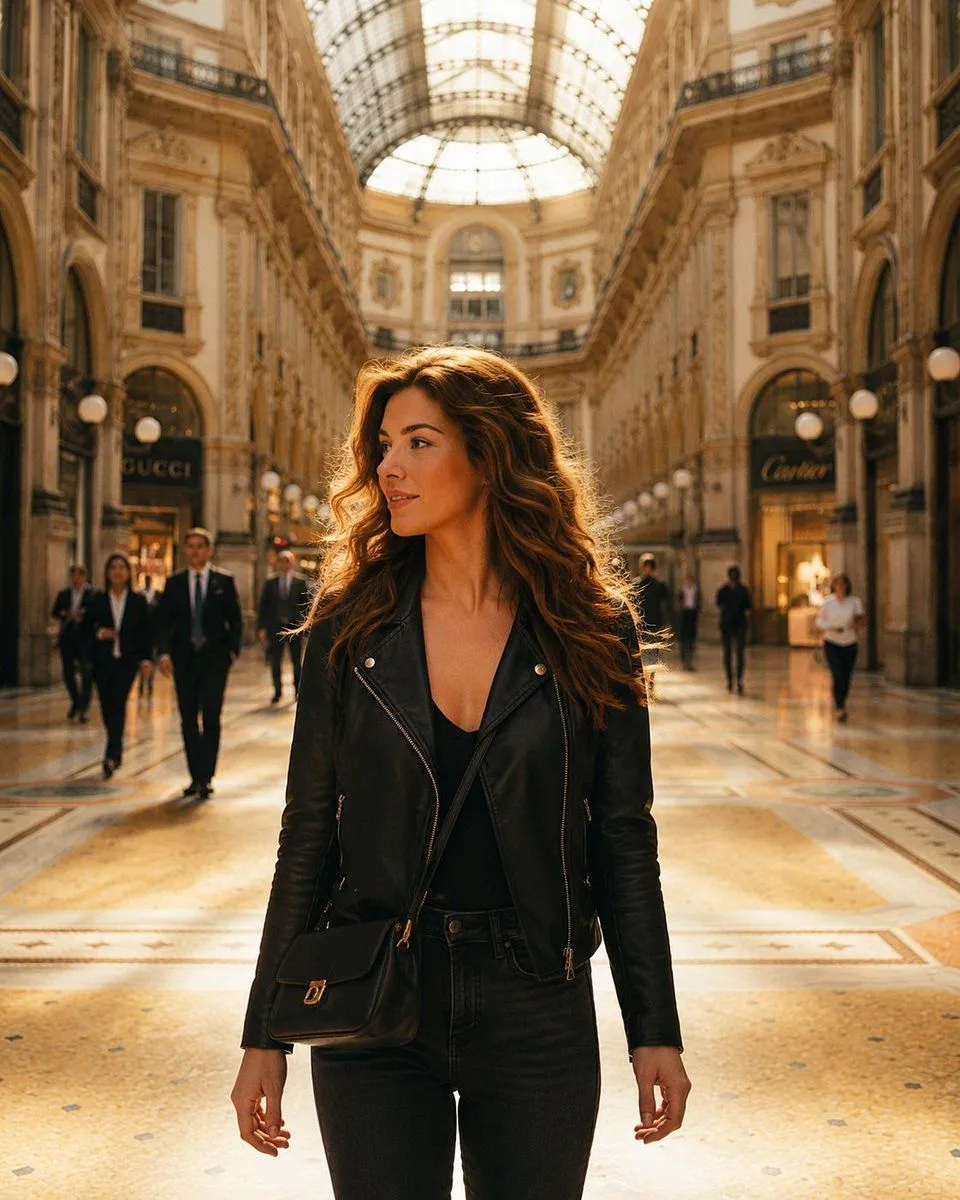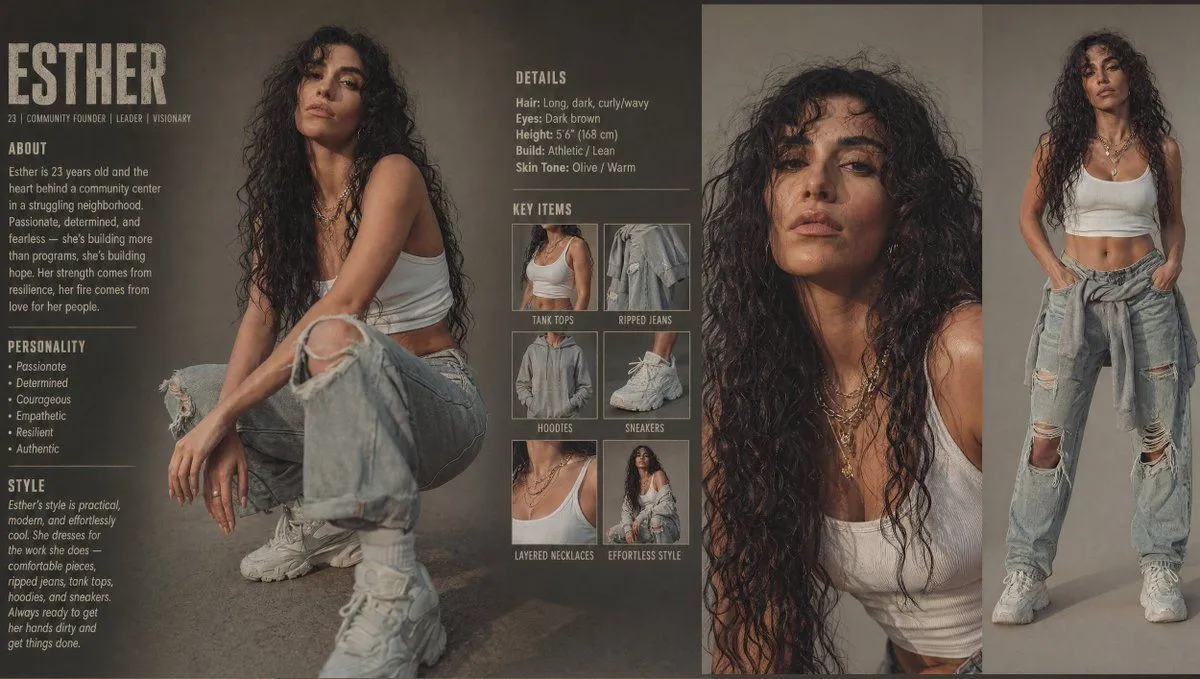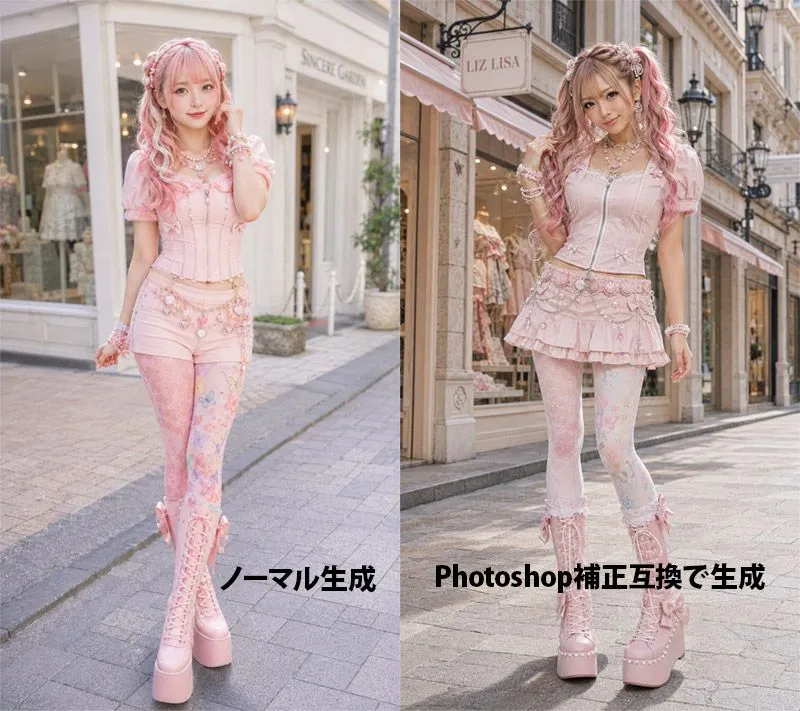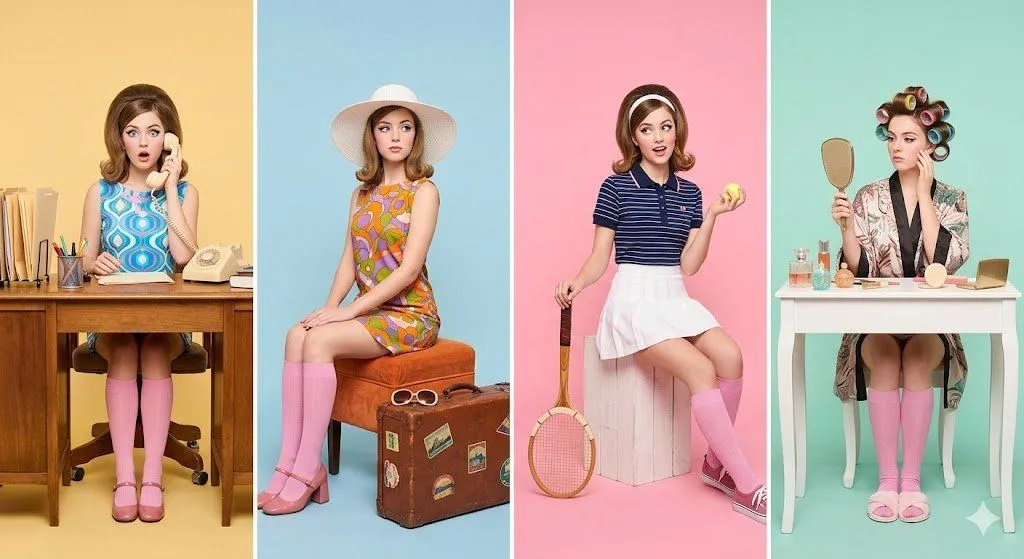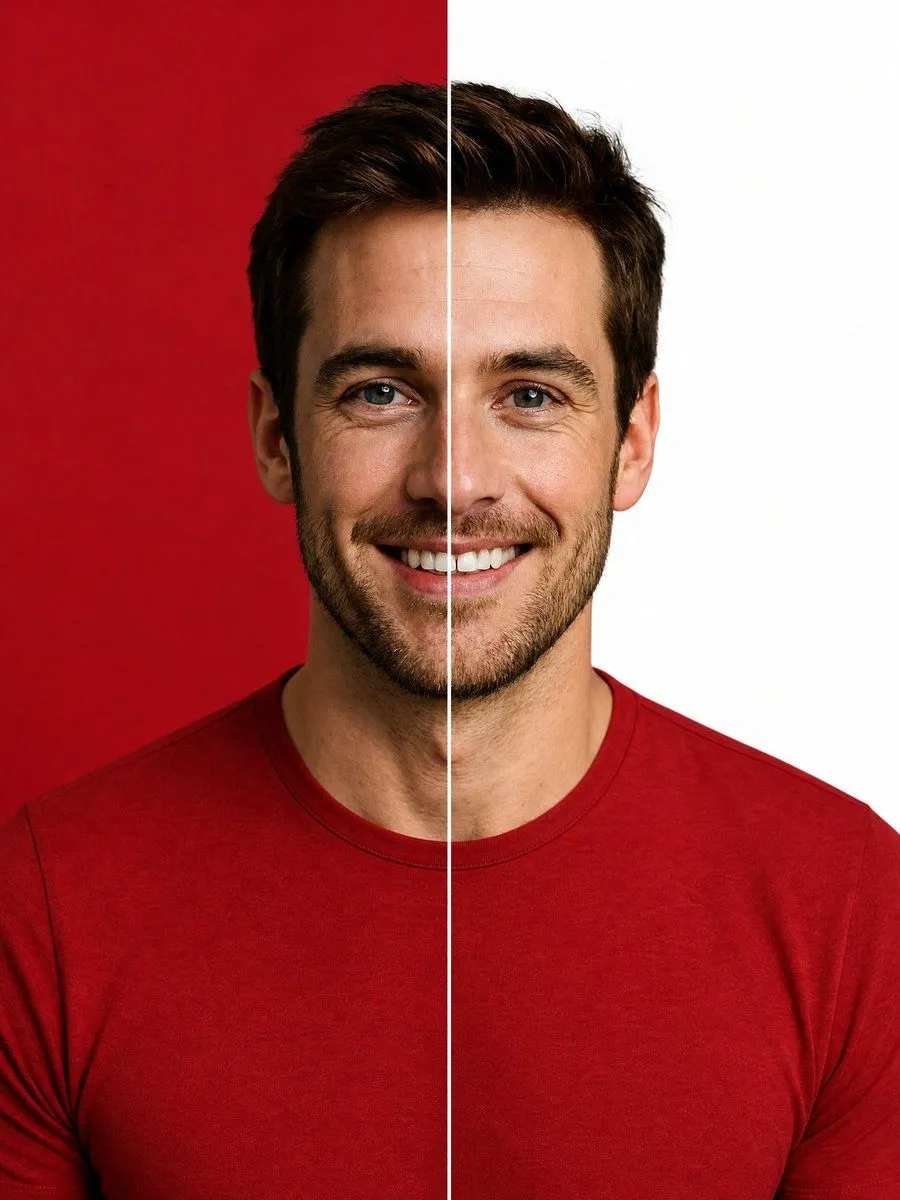
Made with GPT Image 2 in ChatGPT by Library Avatars. Promptclay never generates images.
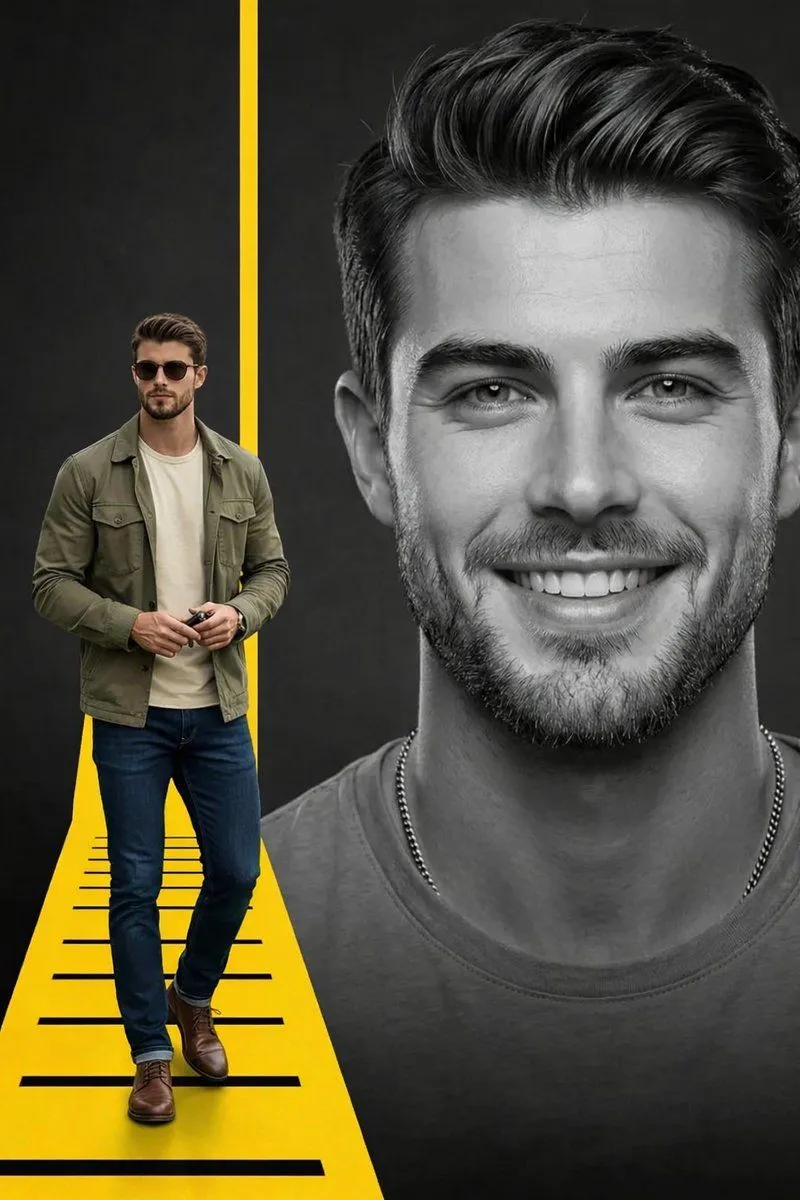
Split Background Studio Portrait
Prompt
4 blanks to fillCreate a high-end studio portrait of a smiling {subject_description} facing straight toward the camera, centered and cropped from the upper chest upward. He wears a fitted {shirt_color_and_style}. Split the entire image into exactly 2 vertical halves with a razor-sharp thin white divider line running perfectly from the top edge to the bottom edge through the center of his face and torso: the left half has a solid {left_background_color} studio backdrop, and the right half has a solid {right_background_color} studio backdrop. Keep the subject symmetrical and aligned with the divider, with one half of his face on each side, a natural friendly smile, crisp facial detail, realistic skin texture, polished commercial lighting, soft shadows, sharp focus, and premium editorial retouching. Use a vertical 3:4 composition, minimal background, no text, no logos, no props, no border other than the central divider.
Preview of your prompt
Create a high-end studio portrait of a smiling young adult man with short dark brown hair, blue eyes, light skin, and neatly trimmed stubble facing straight toward the camera, centered and cropped from the upper chest upward. He wears a fitted premium crimson red crew-neck t-shirt. Split the entire image into exactly 2 vertical halves with a razor-sharp thin white divider line running perfectly from the top edge to the bottom edge through the center of his face and torso: the left half has a solid deep crimson red studio backdrop, and the right half has a solid clean white studio backdrop. Keep the subject symmetrical and aligned with the divider, with one half of his face on each side, a natural friendly smile, crisp facial detail, realistic skin texture, polished commercial lighting, soft shadows, sharp focus, and premium editorial retouching. Use a vertical 3:4 composition, minimal background, no text, no logos, no props, no border other than the central divider.
DetailsVersions, settings and questions
Written for
What's in the prompt
- Subject
- Model
- GPT Image 2
If your face changes
keep my face exactly the sameQuestions
- Does this work in the ChatGPT app?
- Yes. Paste the prompt and attach your photo if it uses one.
- It changed my face. What do I do?
- Add "keep my face exactly the same" to the end and run it again.
- Can I use the images I make?
- Check the terms of the app you use. Promptclay never generates images and claims nothing you make.
Did it work?
No reports yet. Tell others if it worked for you.