Tell us anything

An idea, a bug, something you love. We read every note.

⌘↵ to send. The page you're on comes along.

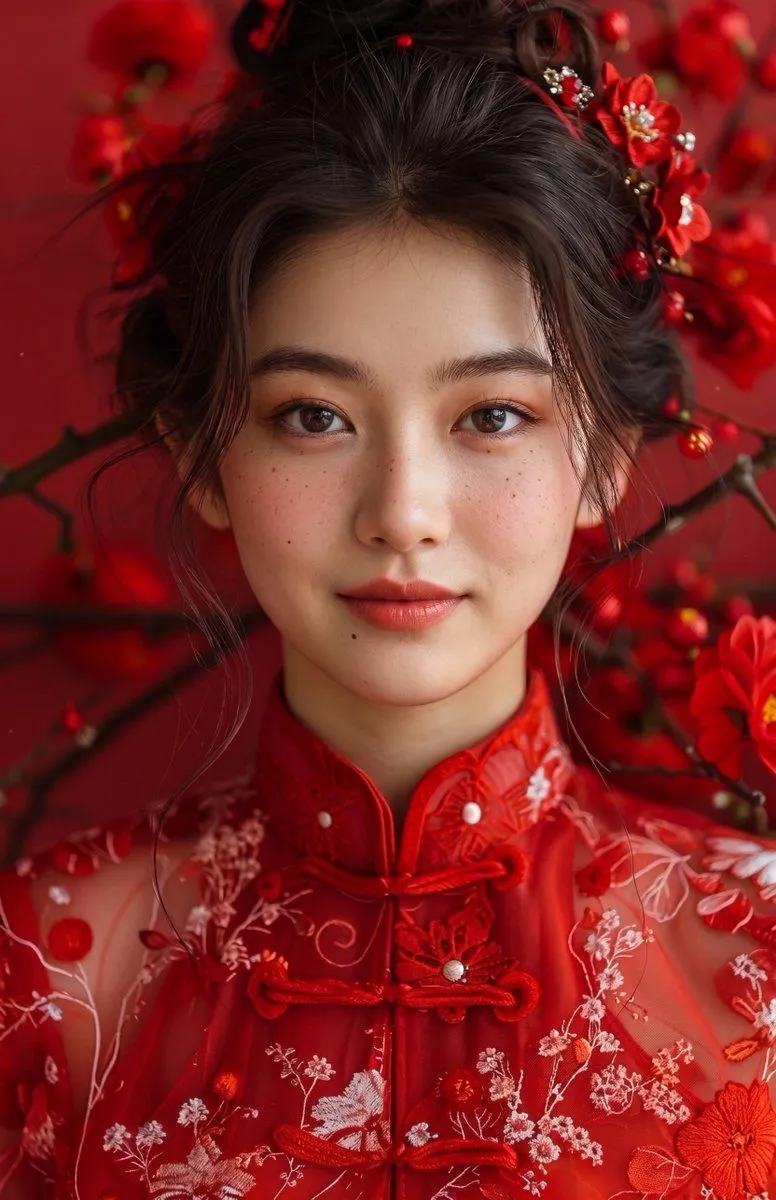
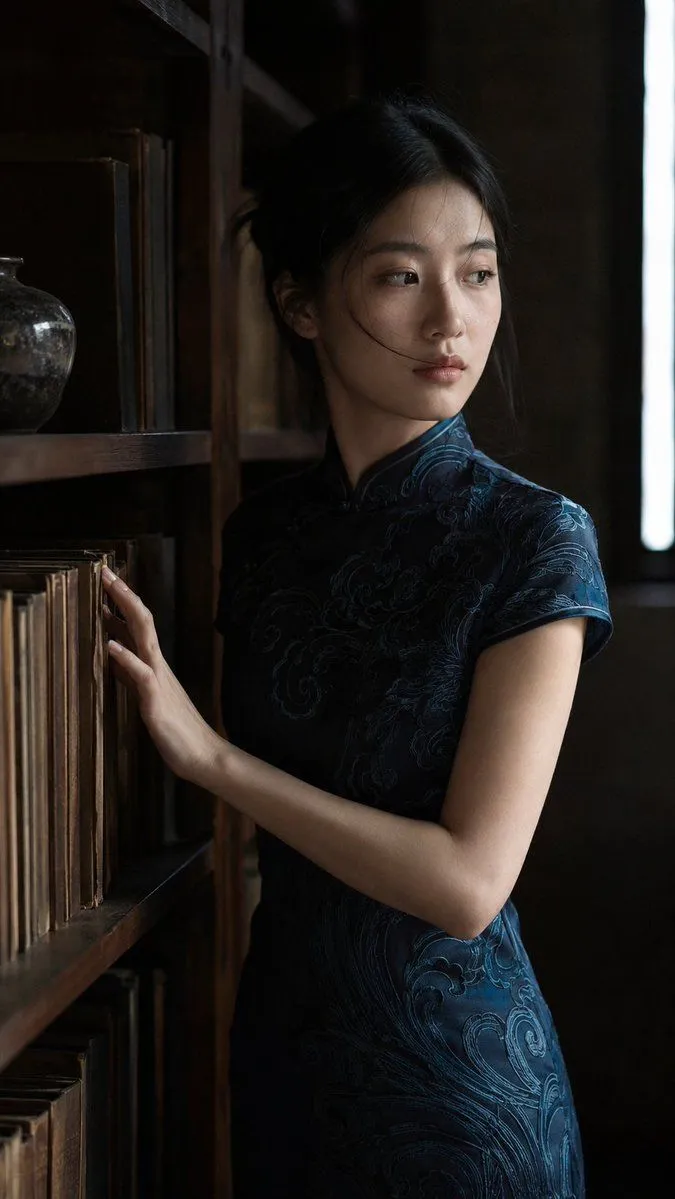
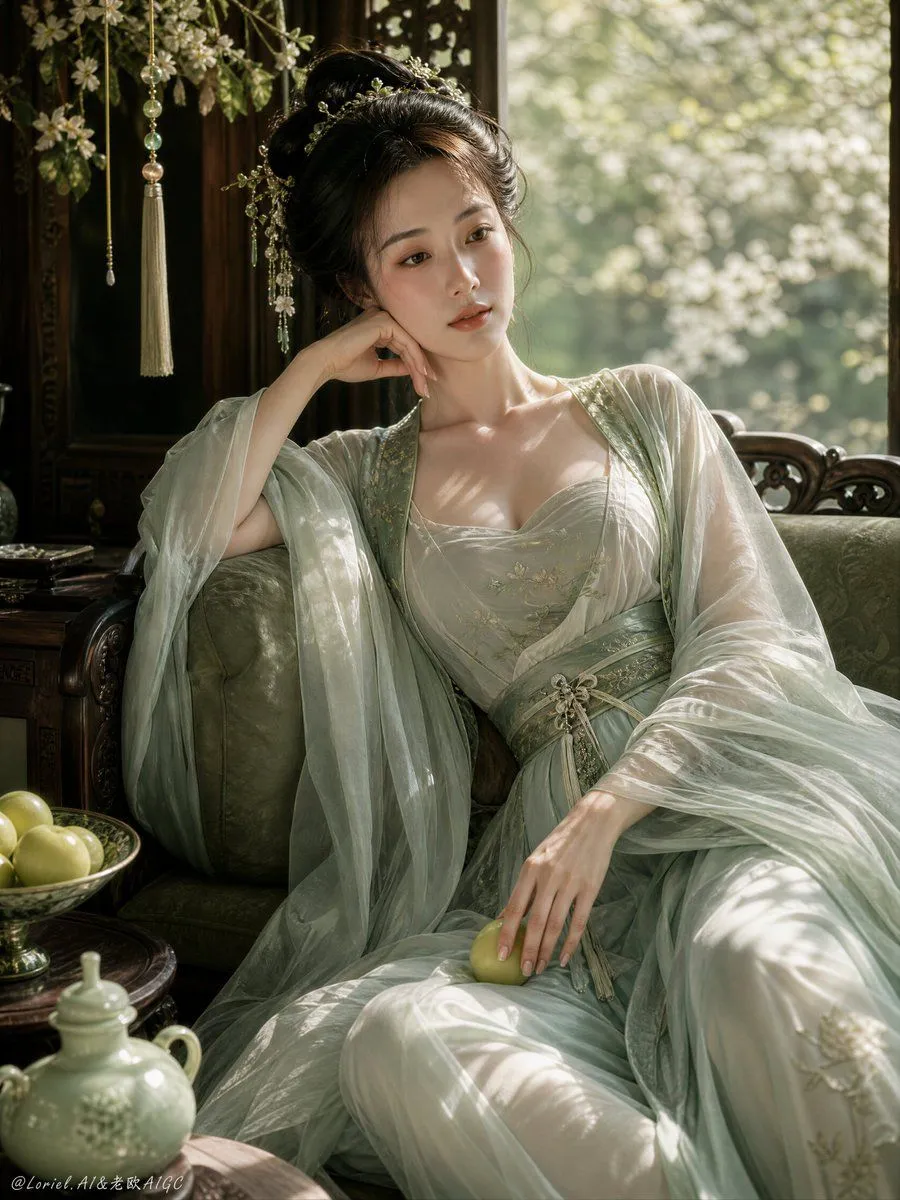
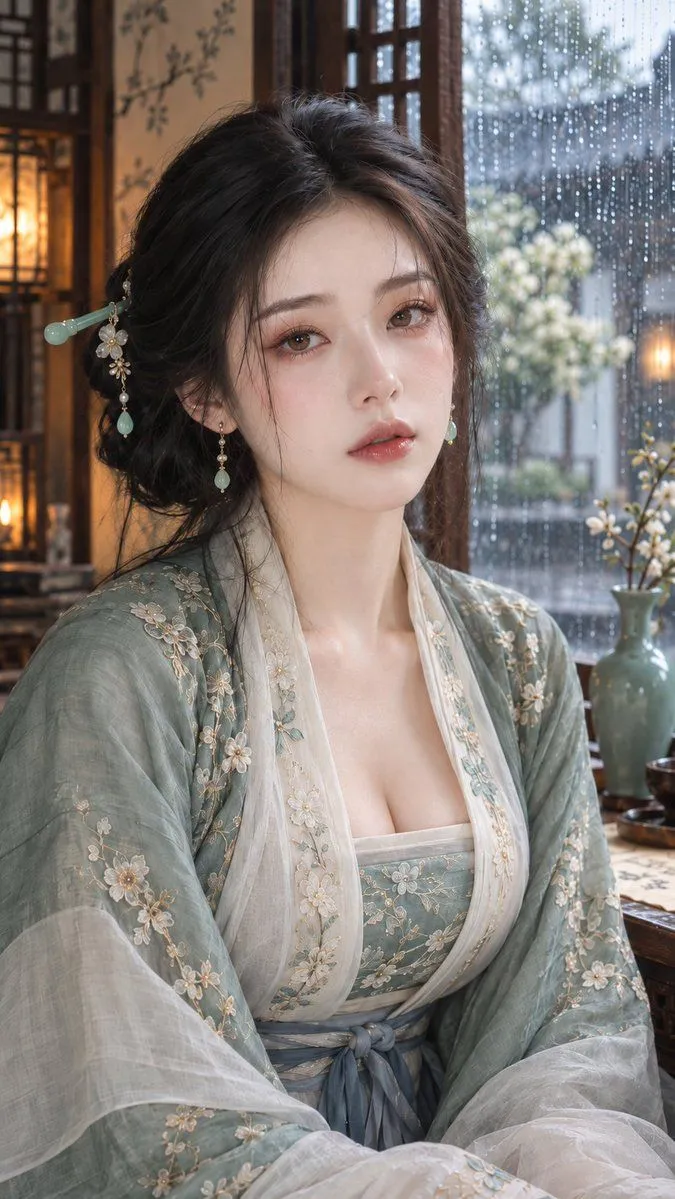
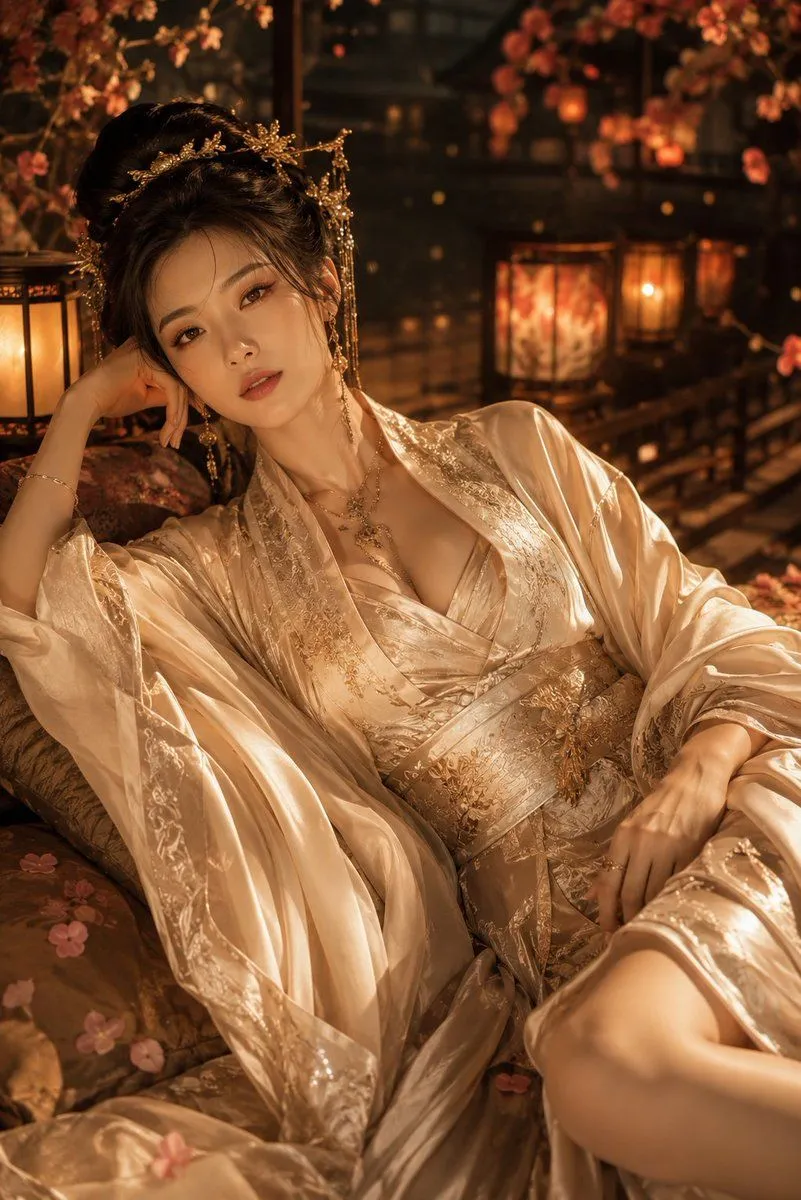
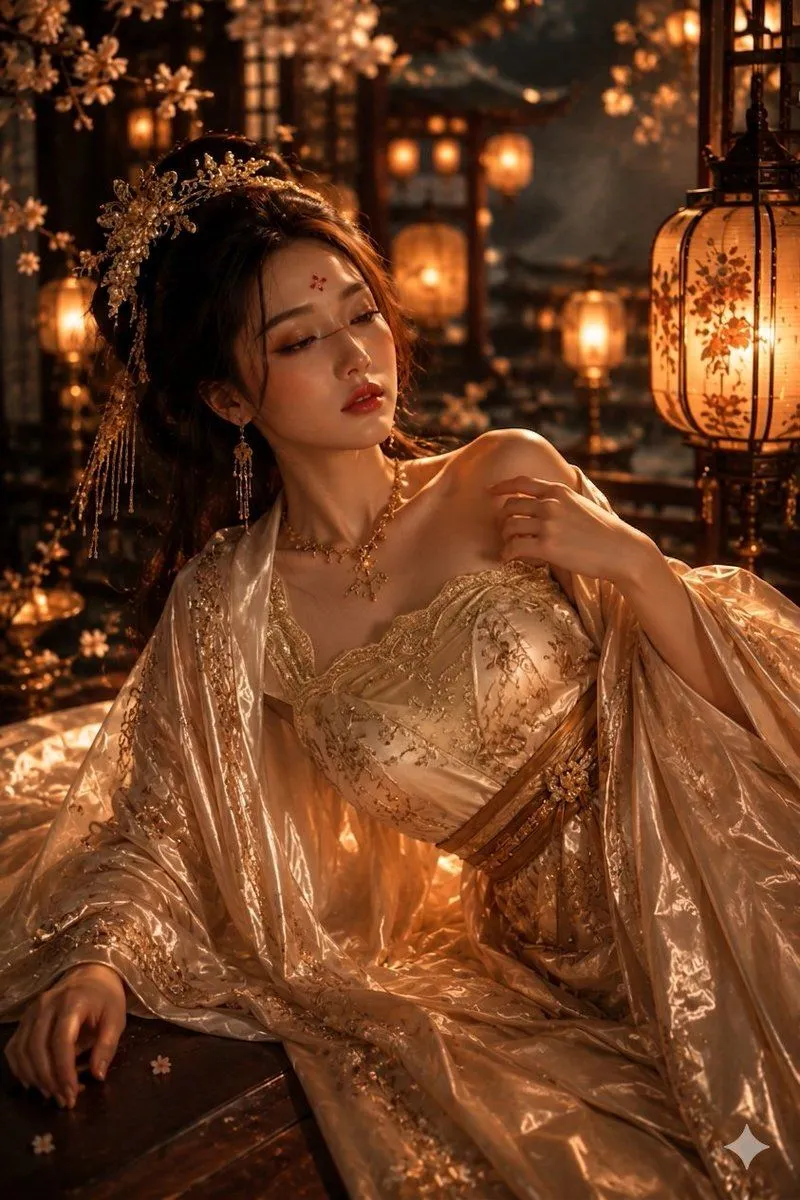
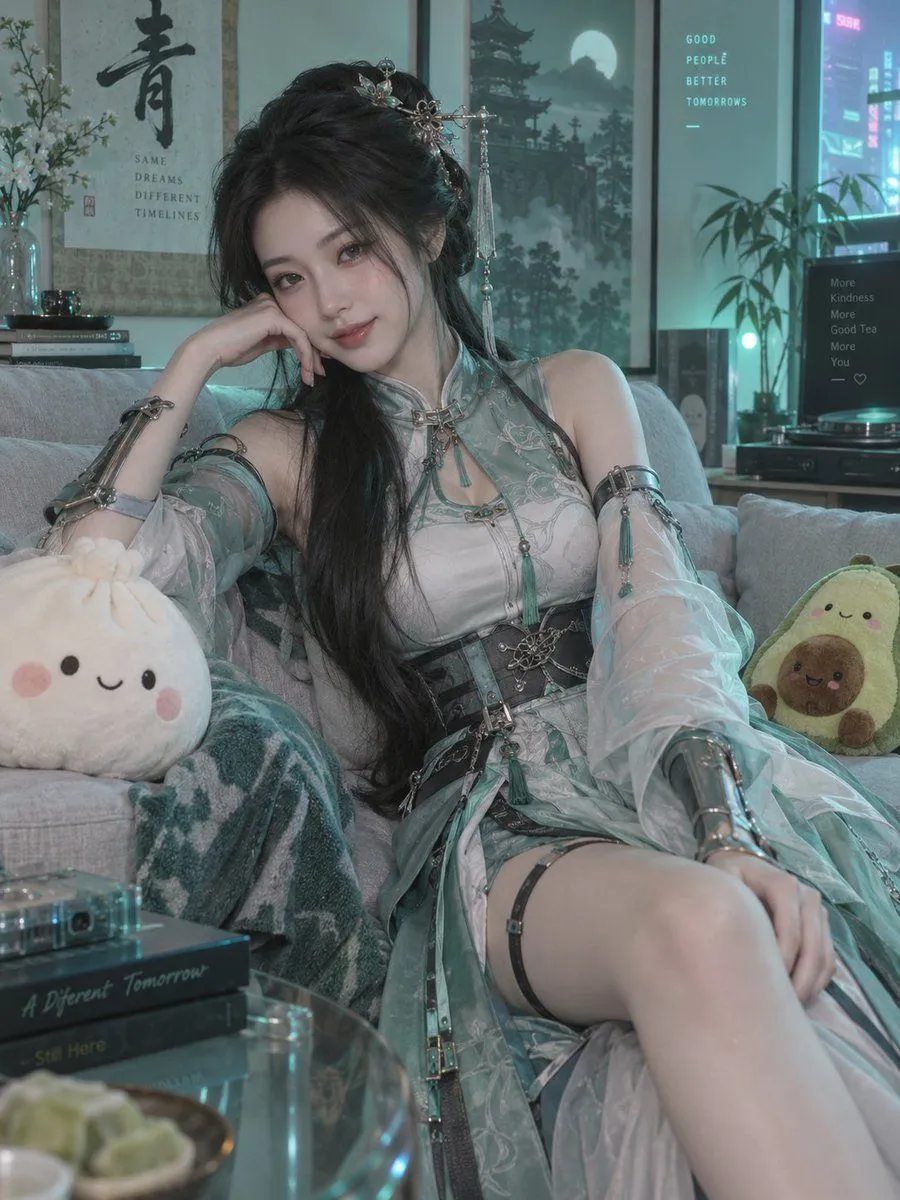
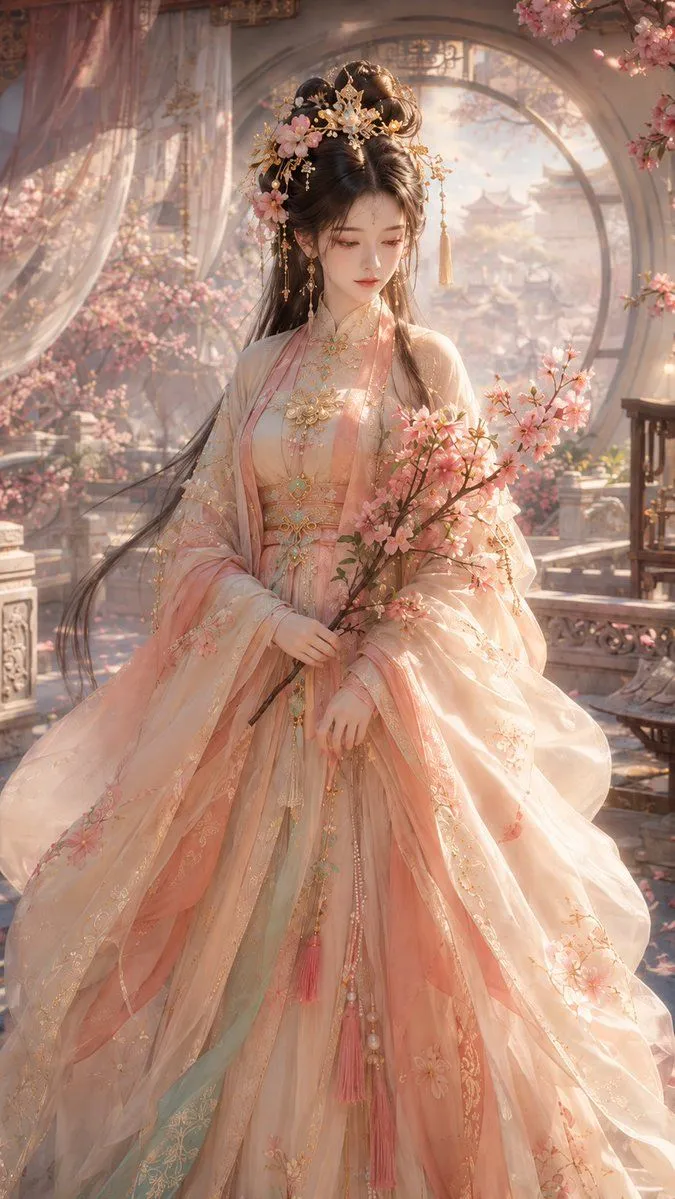
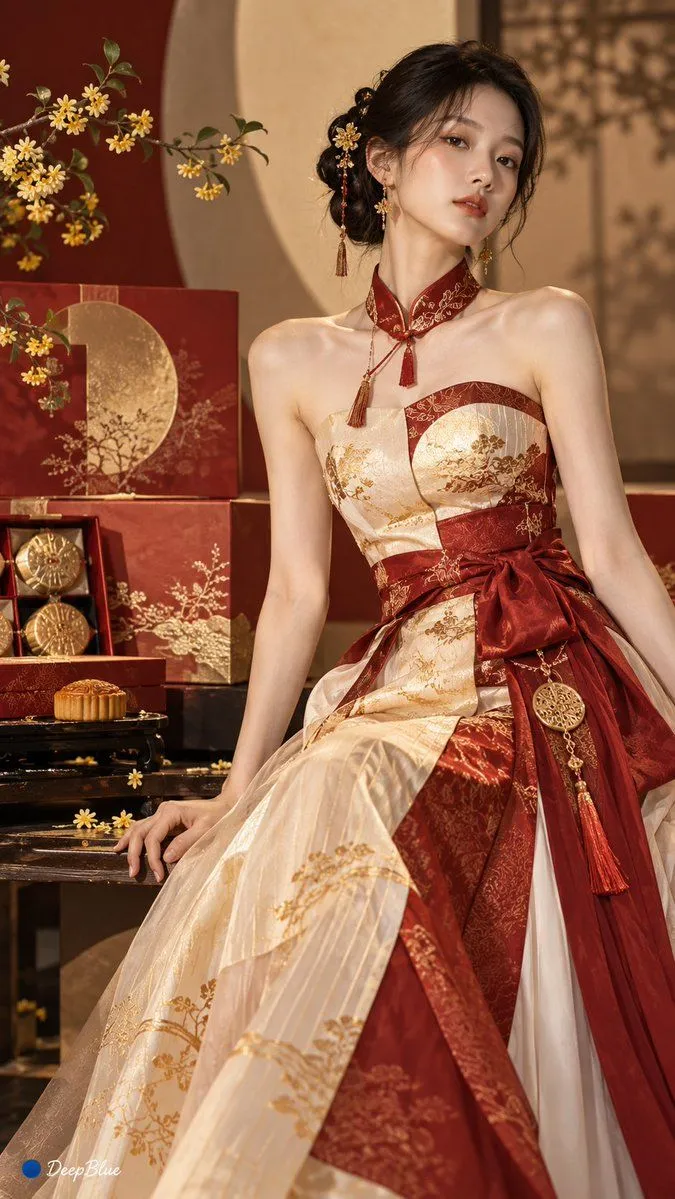
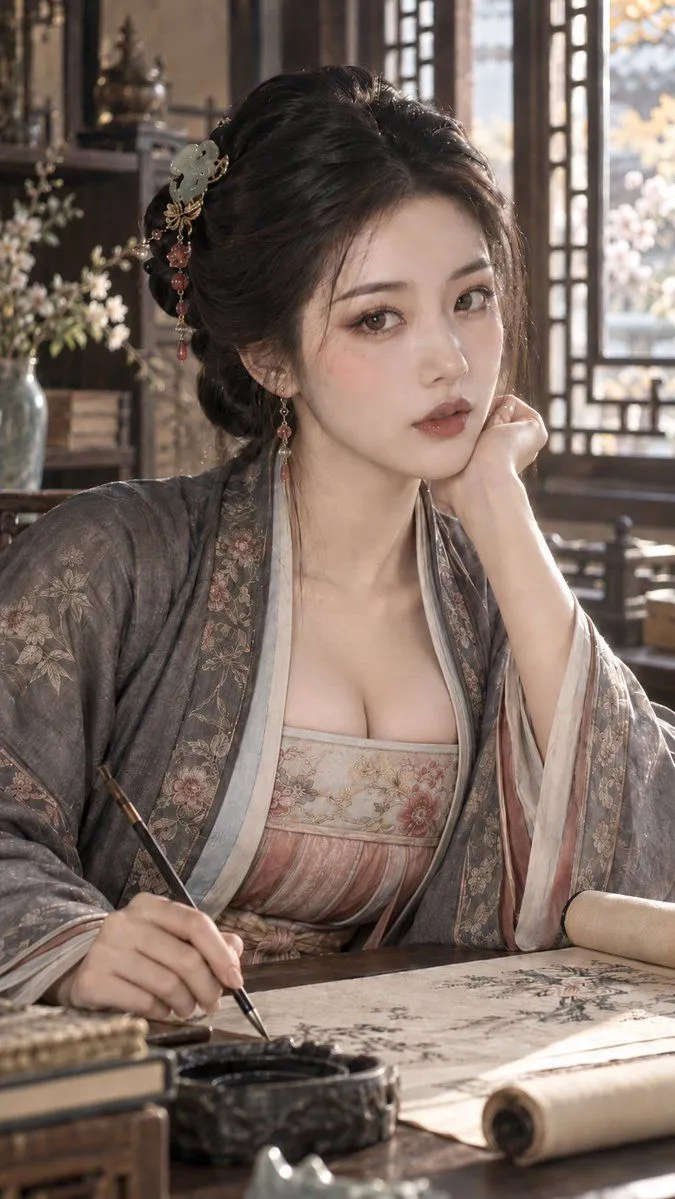
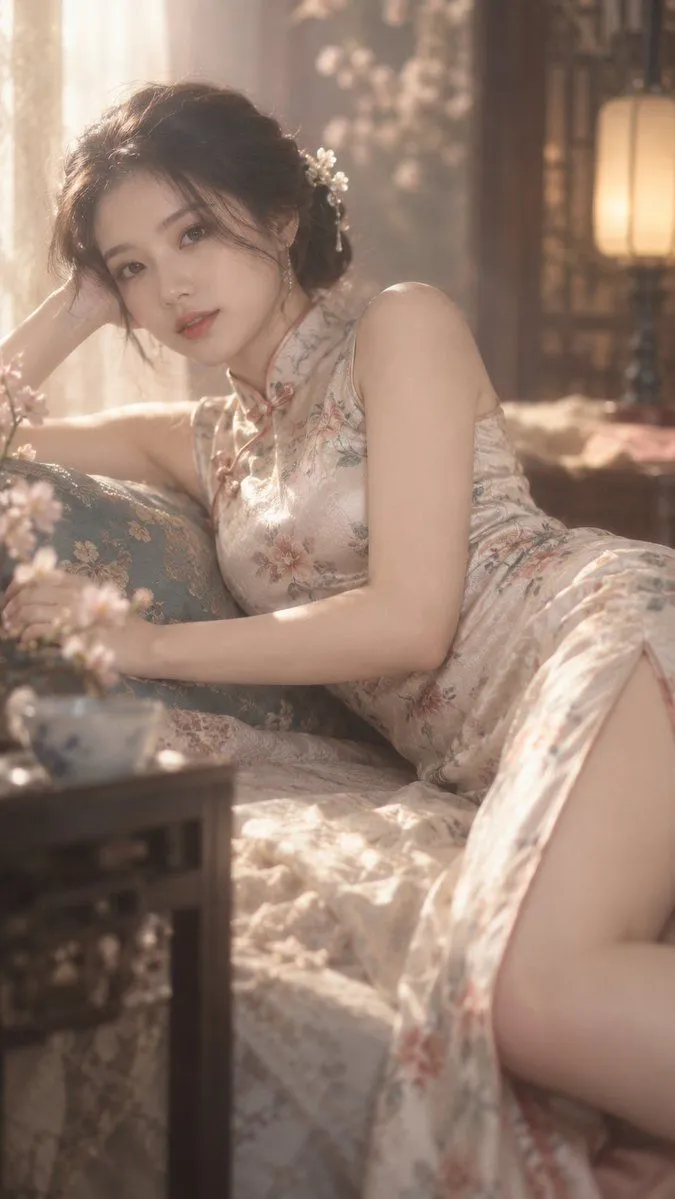
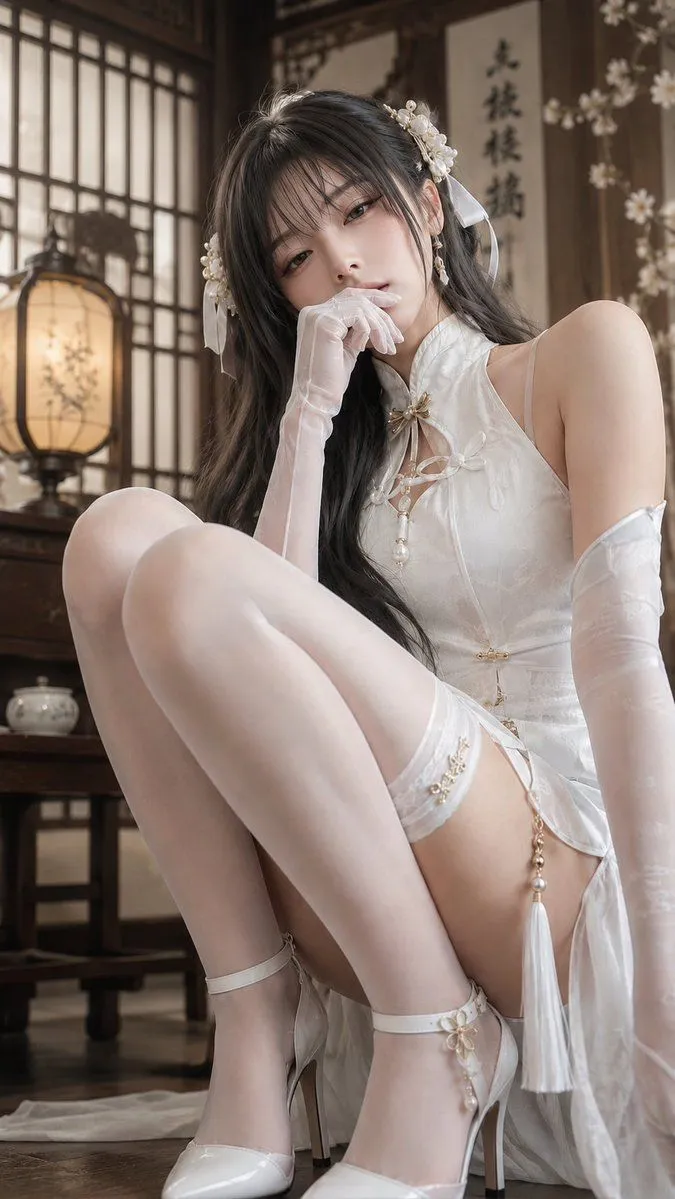
Soft Light Qipao Portrait

Made with GPT Image 2.5 in ChatGPT by Library Lifestyle. Promptclay never generates images.

Did it work?

No reports yet. Tell others if it worked for you.

No comments yet. Be the first.

    Soft Light Qipao Portrait

    GPT Image 2.59:16AI-generated

    Prompt

    9:16, qipao, overflowing soft light, blurry, lying on the side

    Works in
    ChatGPT, Gemini
    Status
    Free to copy
    0
    DetailsVersions, settings and questions

    Written for

    What's in the prompt

    Subject
    Model
    GPT Image 2.5

    If your face changes

    keep my face exactly the same

    Questions

    Does this work in the ChatGPT app?
    Yes. Paste the prompt and attach your photo if it uses one.
    It changed my face. What do I do?
    Add "keep my face exactly the same" to the end and run it again.
    Can I use the images I make?
    Check the terms of the app you use. Promptclay never generates images and claims nothing you make.

    Similar prompts

    See more
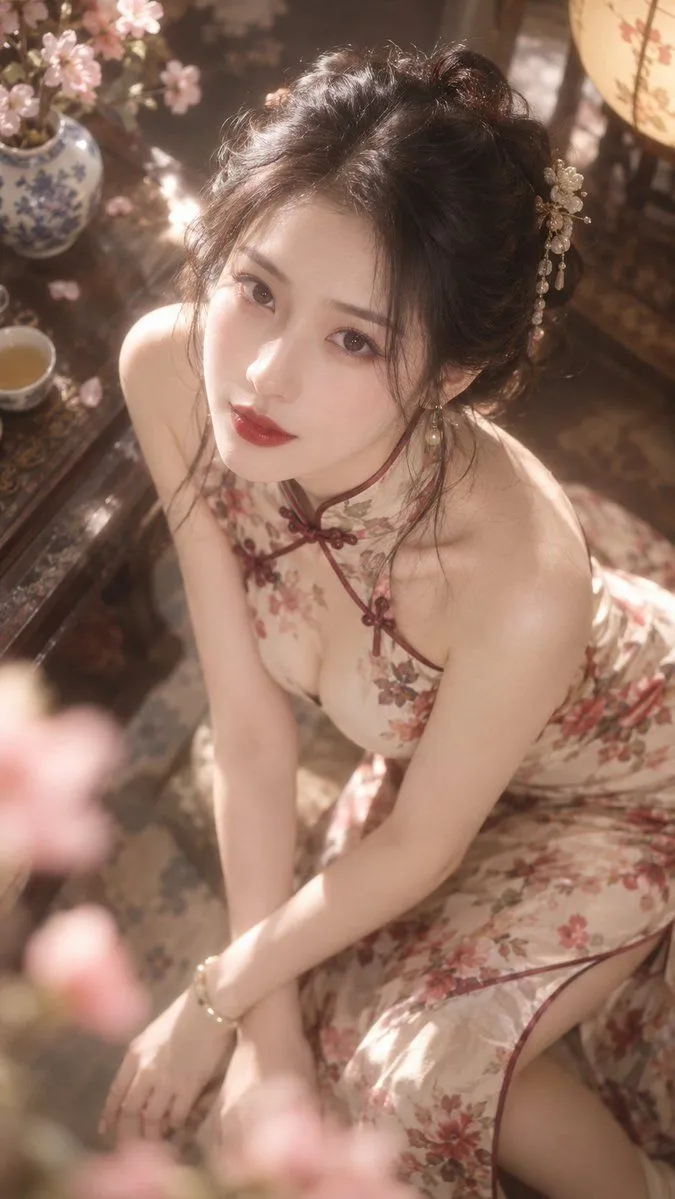
    • Dreamy Silk Qipao Portrait
    • Elegant White Qipao Portrait
    • Traditional Red Qipao Portrait
    • Authentic Qipao Interior Portrait
    • Ultra-Premium New-Guofeng Cinematic Portrait
    • Ancient Chinese Style Rainy Window Portrait Prompt
    • Cinematic Hanfu Fashion Editorial Portrait
    • Ancient Chinese Empress Palace Portrait
    • Ancient Drama Short Video Prompt: The Runaway BrideVideo, 0:15
    • 1970s Retro Cinematic Portrait Prompt
    • Neon Xianxia Apartment Portrait
    • 3D CG Oriental Fantasy Goddess
    • Fashion Design from Objects
    • GPT Image 2.5 Ancient Chinese Portrait Prompt
    • Lifestyle Bedroom Portrait Photography
    • 1980s Vintage Retro Portrait
    • AI Chat Screenshot With Censored Women
    • Live-Streaming App Interface Mockup
    • Rustic Cabin Forest Portrait
    • Antique Chinese Noblewoman Poster
    • Cinematic Breakfast Dating Sim UI
    • Convenience Store Fight Scene
    • Live E-commerce UI Mockup
    • Pop Idol Typography Cover Art

    Show more

    Run it on your phone

    1. Prompt copiedRead it

      9:16, qipao, overflowing soft light, blurry, lying on the side

    2. Open your app

    3. Paste and run

      Press and hold the message box, then tap Paste. Add your photo first if the prompt uses one. You may need to sign in.

    Soft Light Qipao Portrait