Tell us anything

An idea, a bug, something you love. We read every note.

⌘↵ to send. The page you're on comes along.

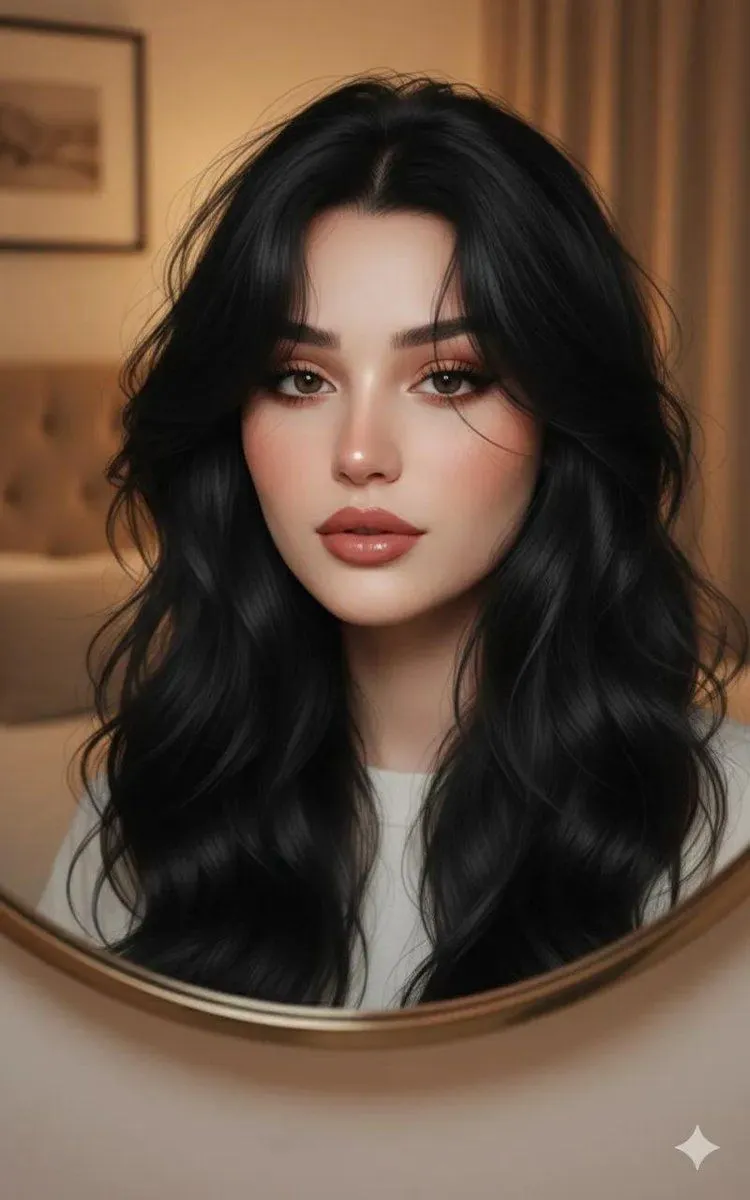
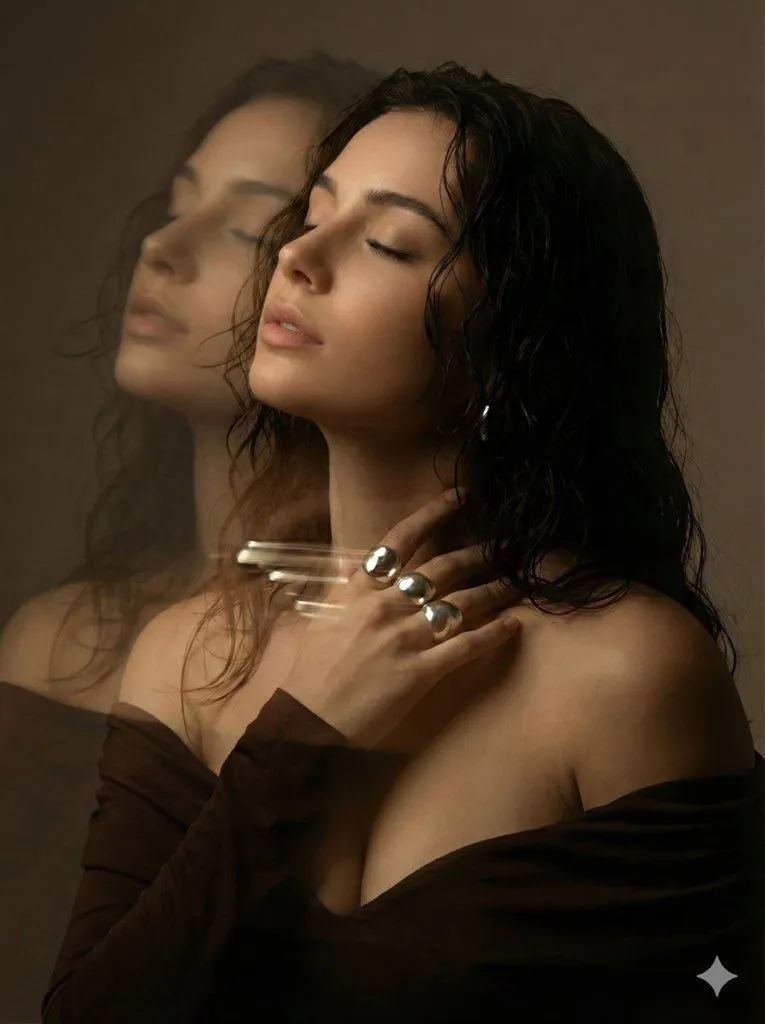
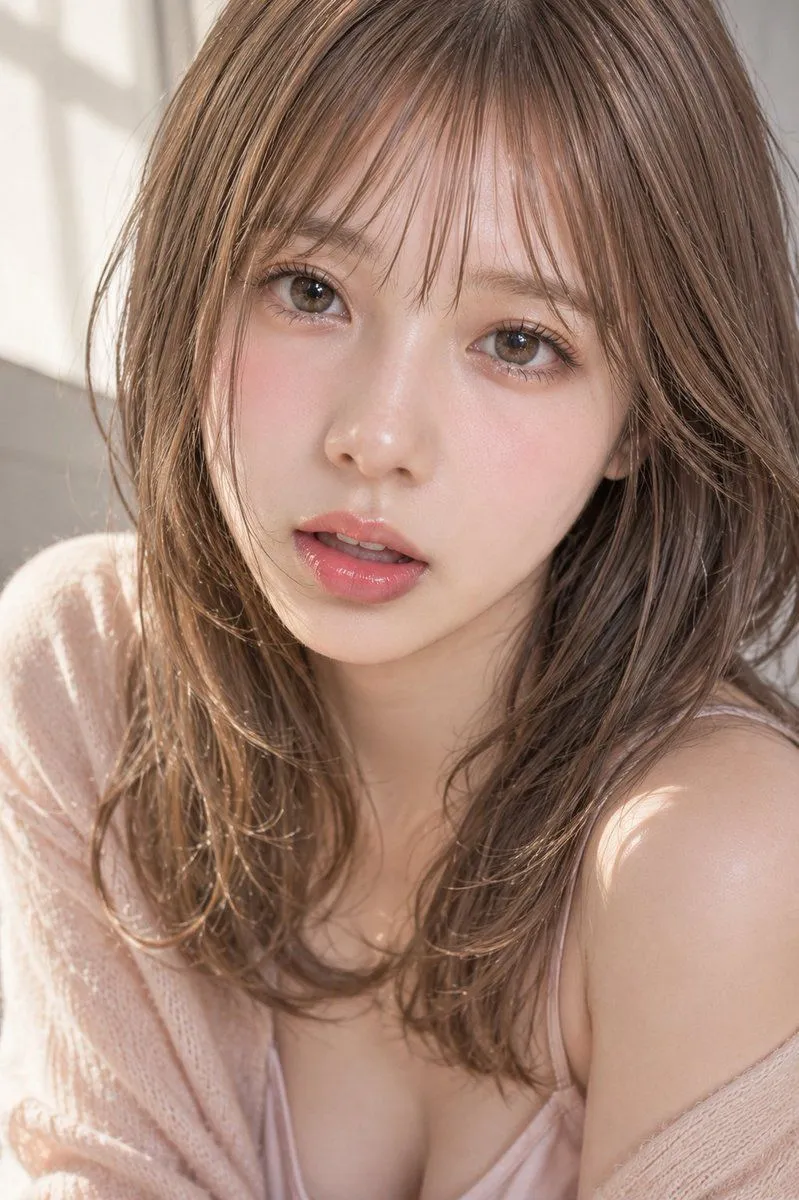
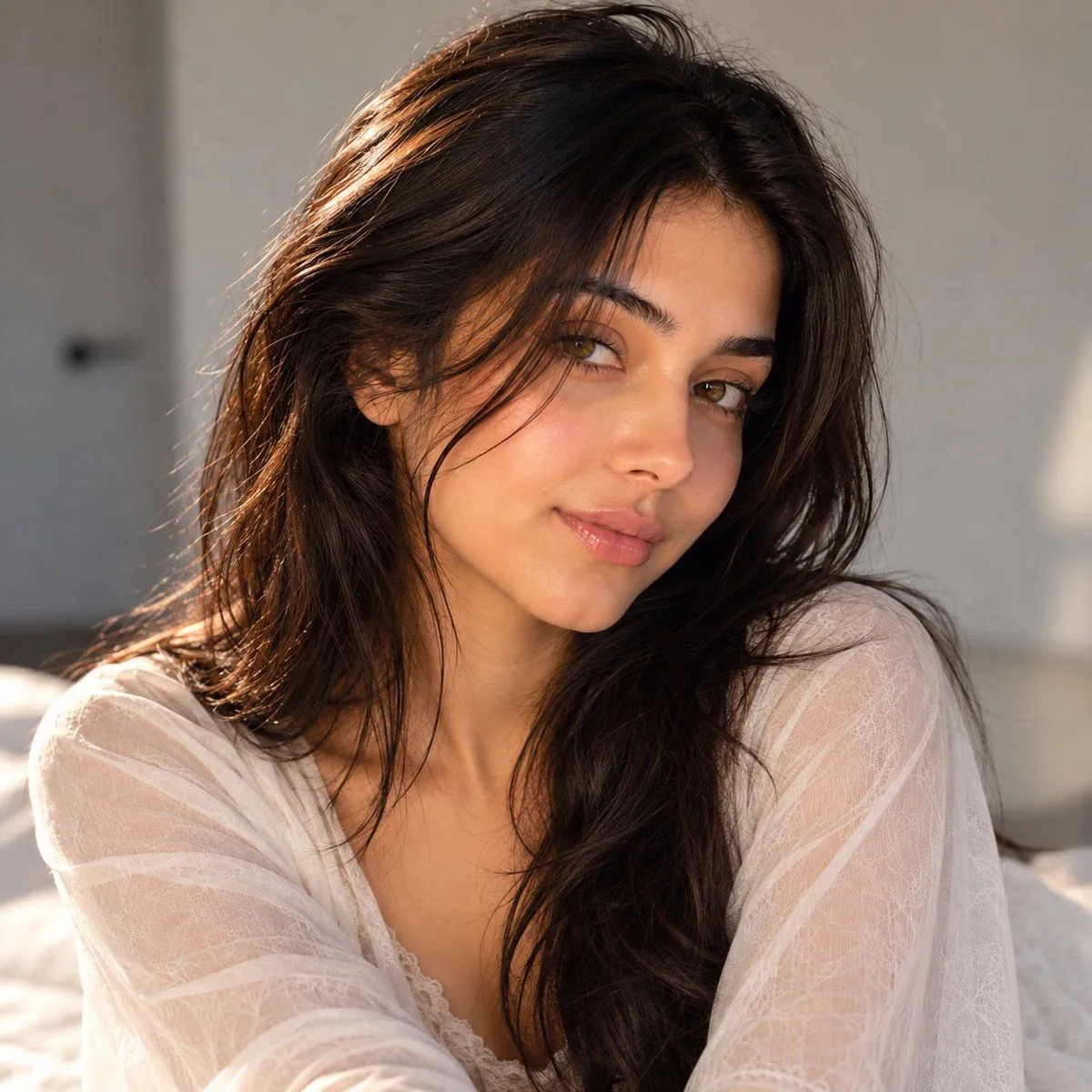
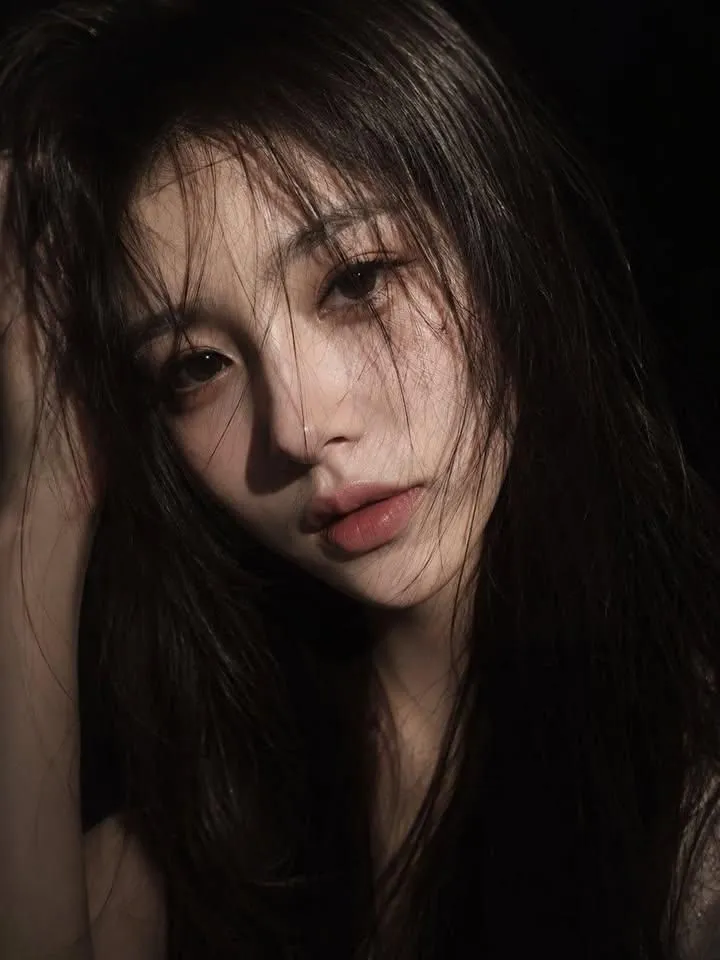
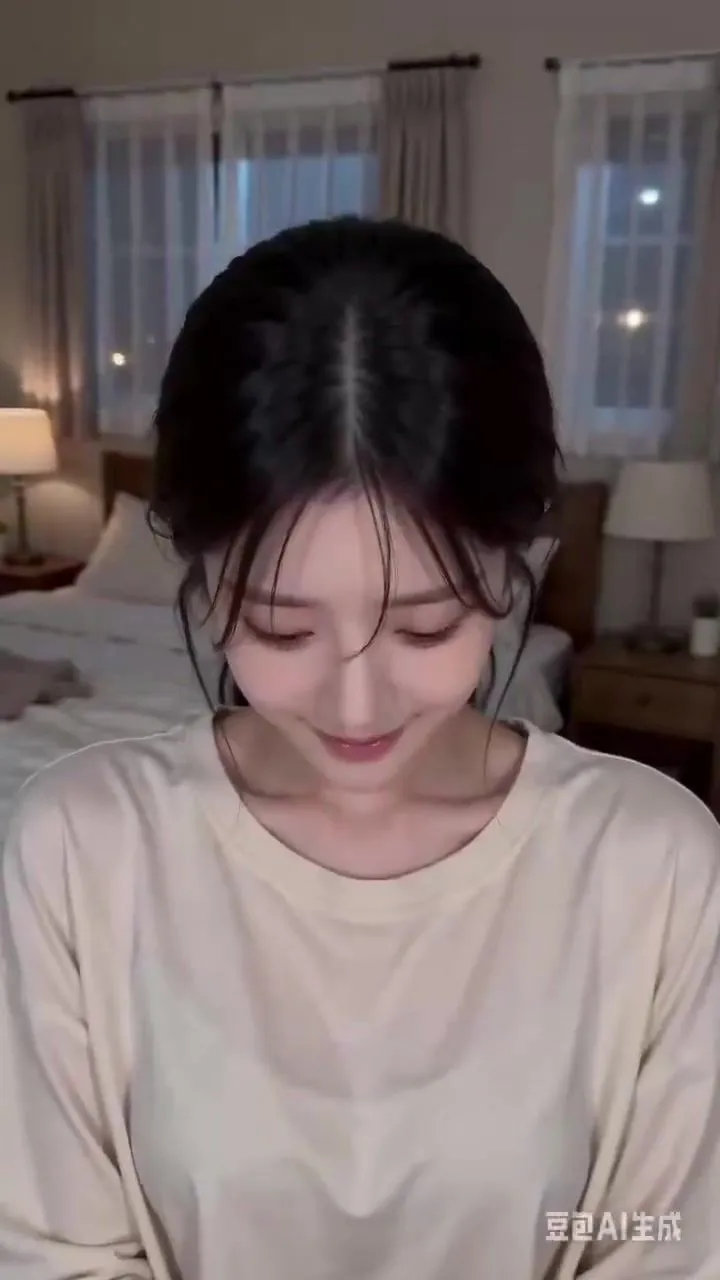
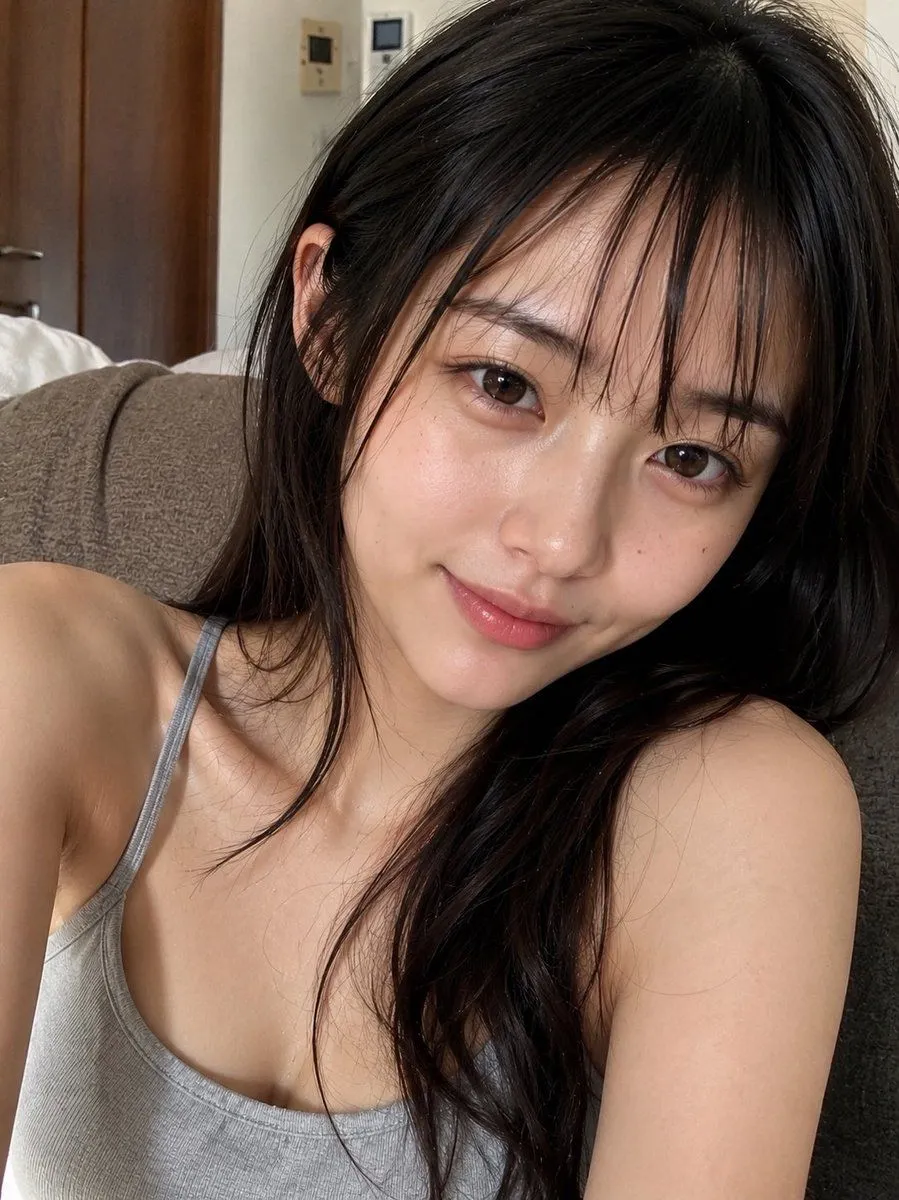
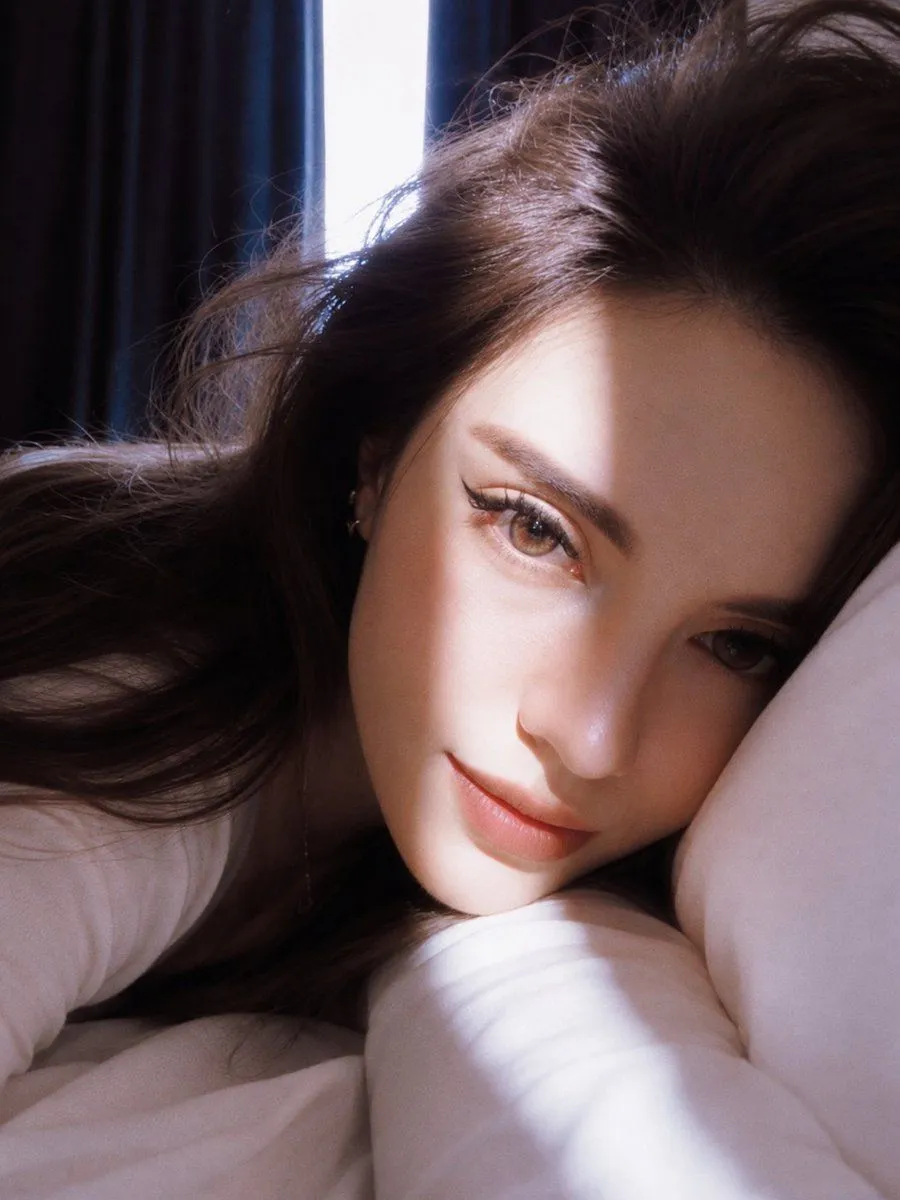
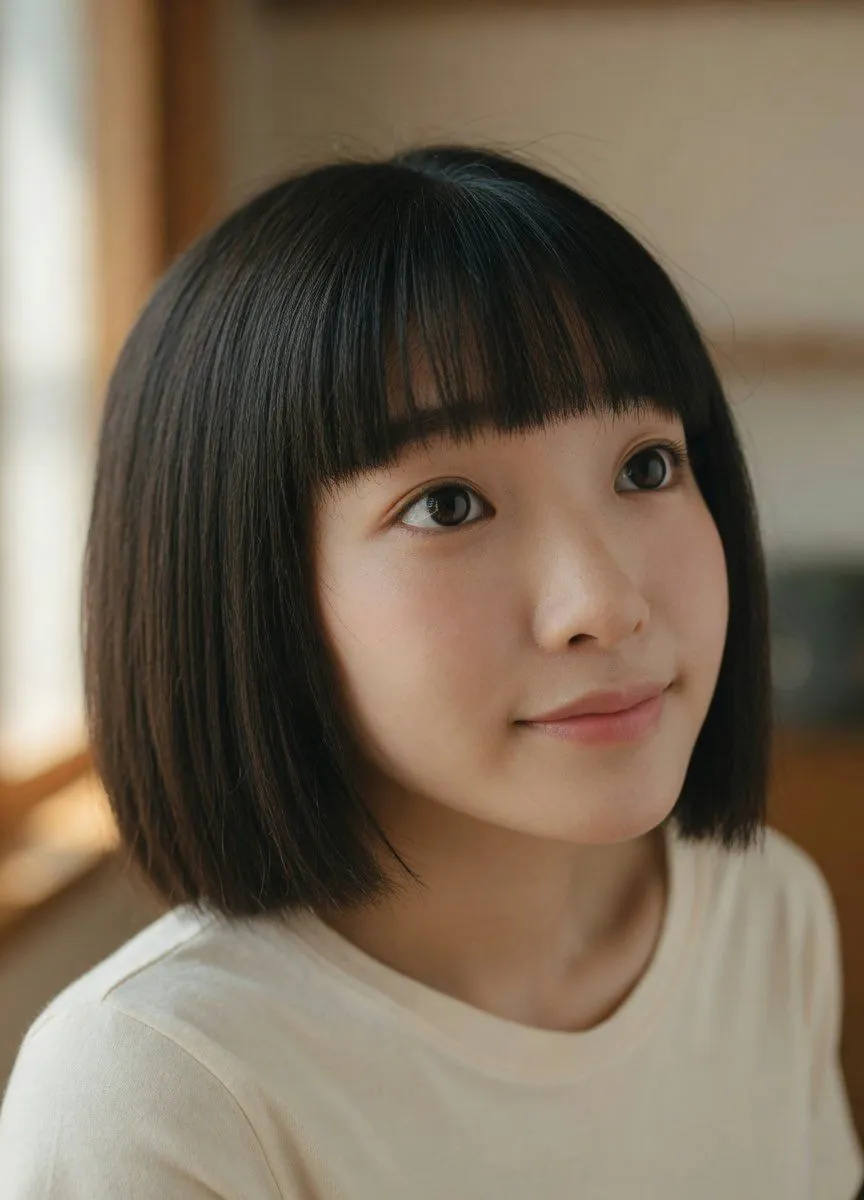
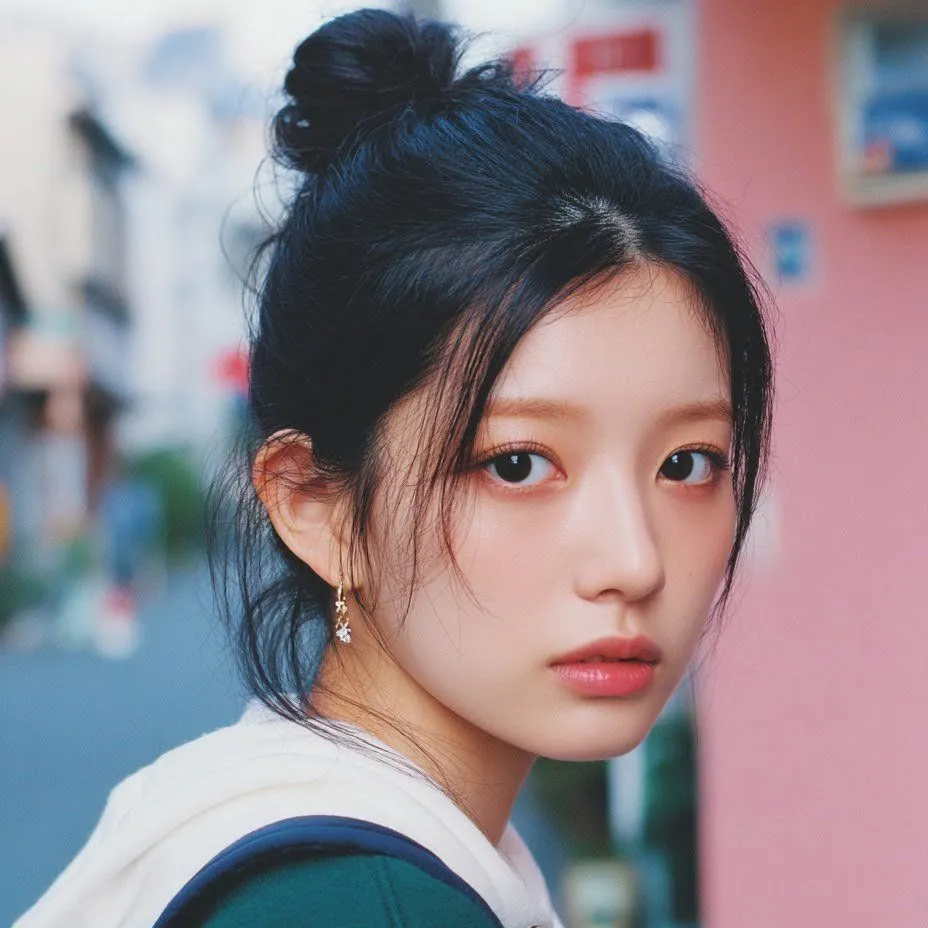
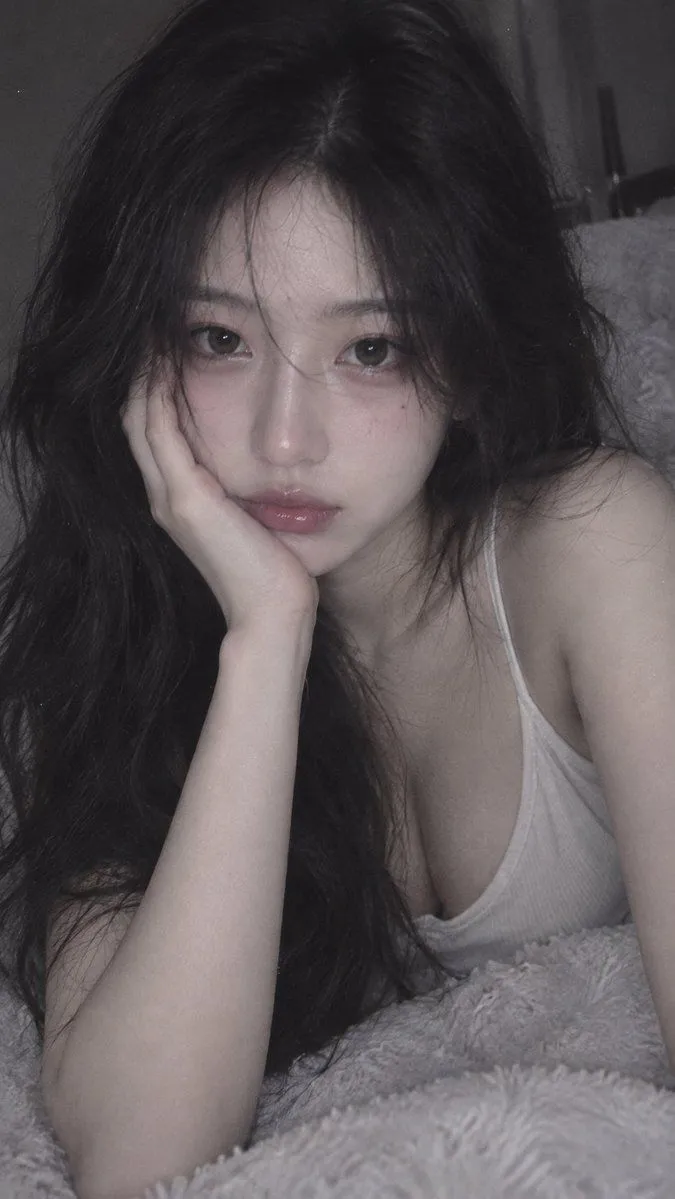
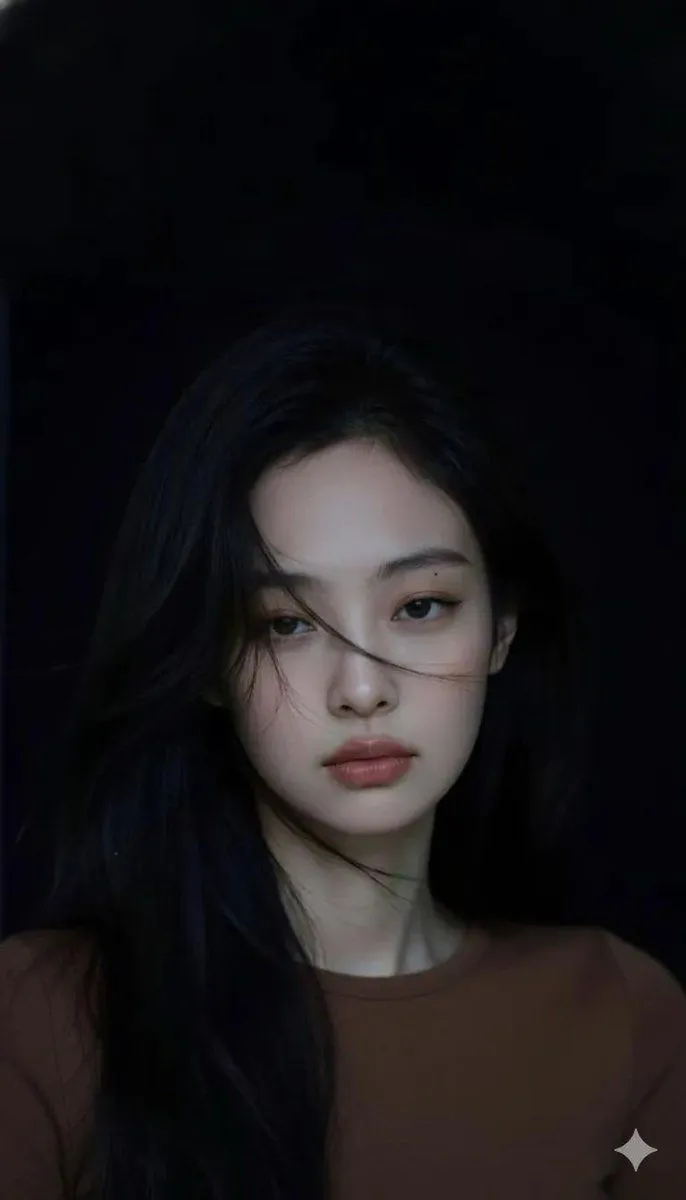
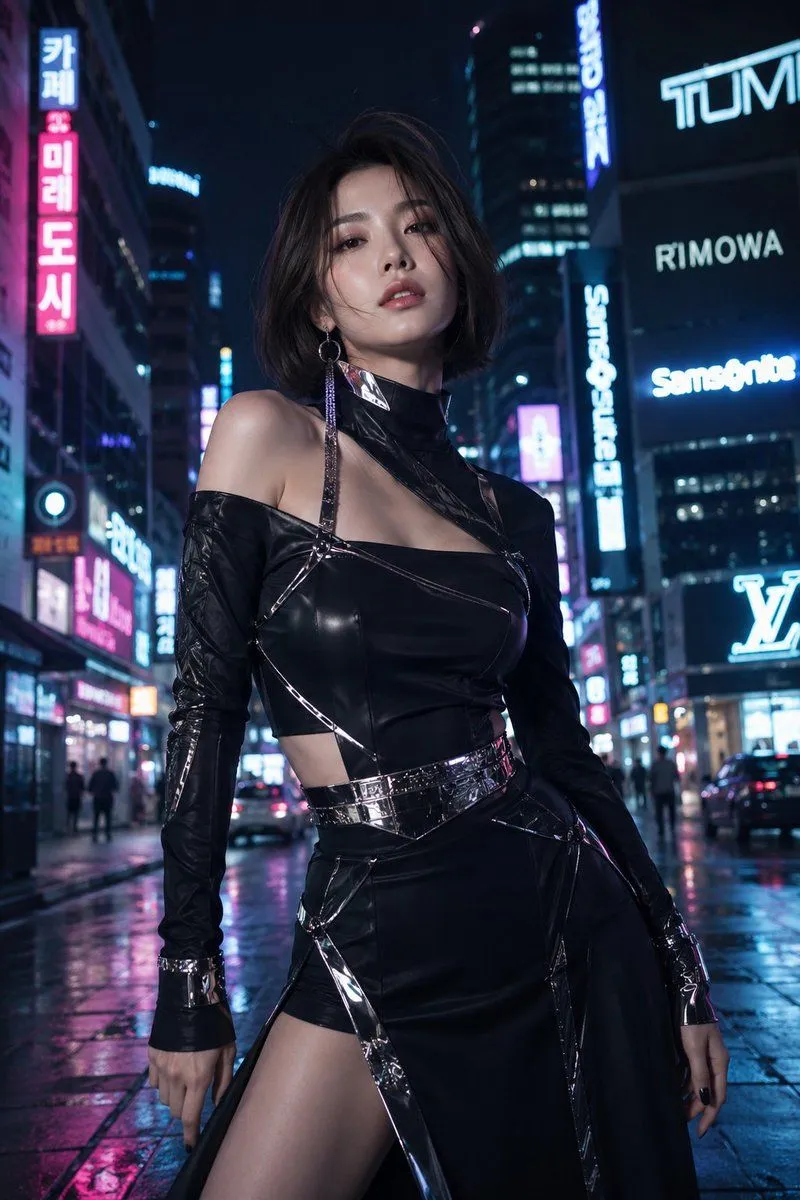
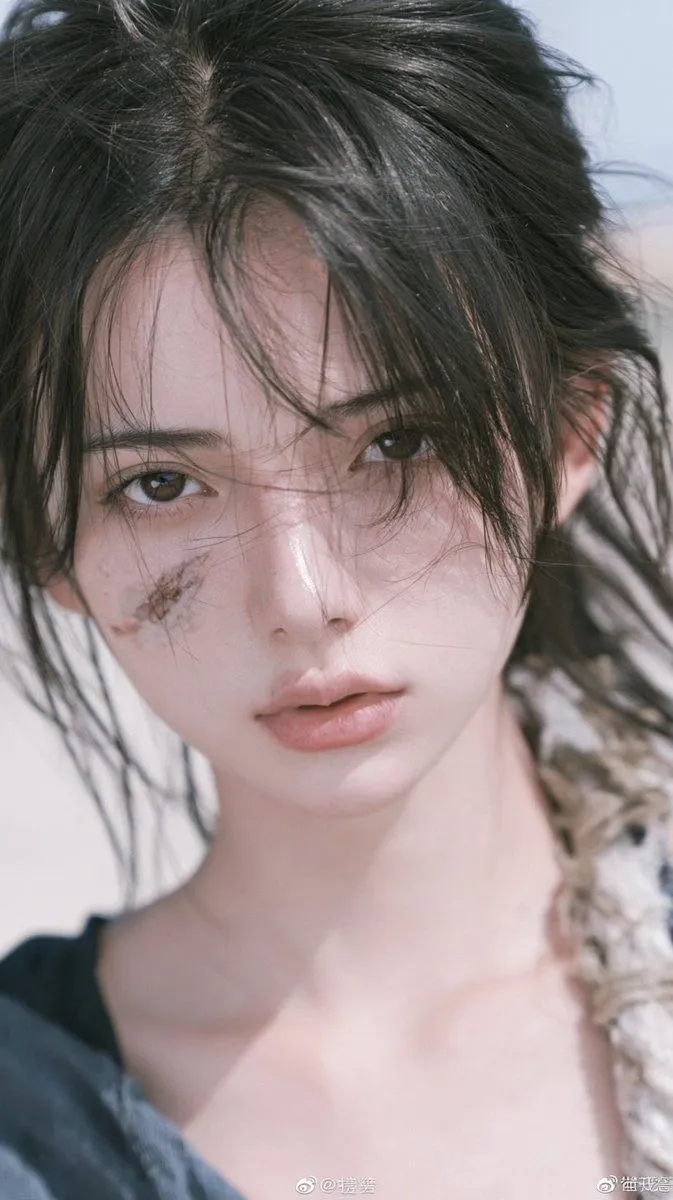
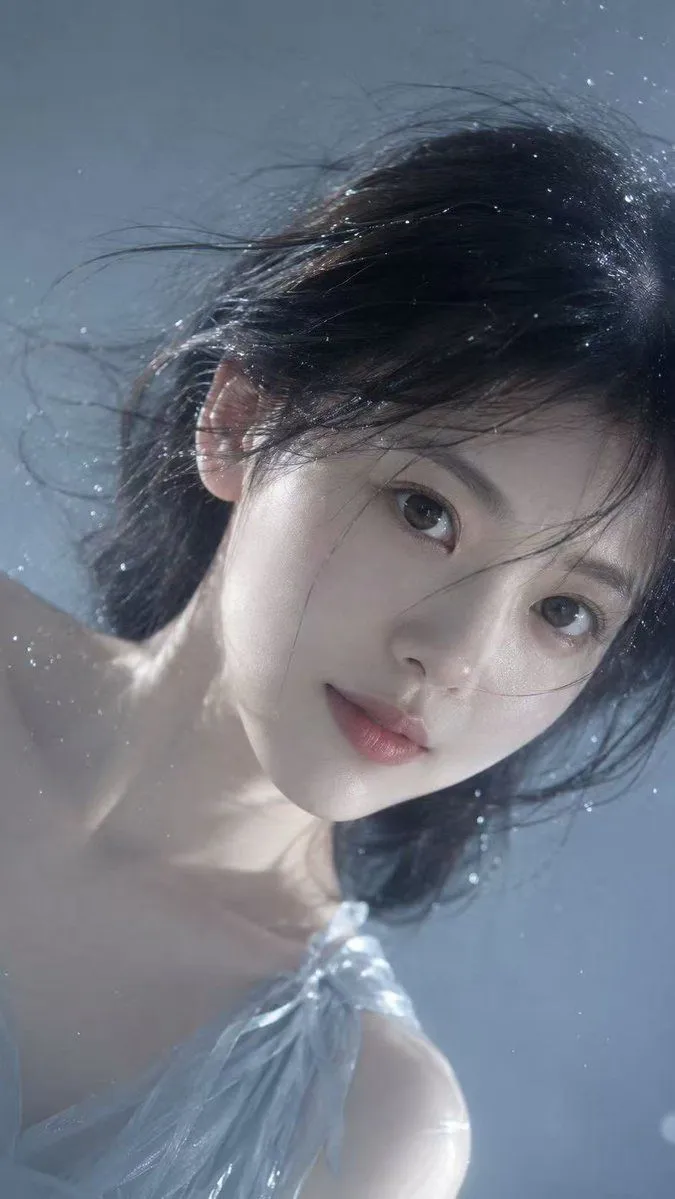
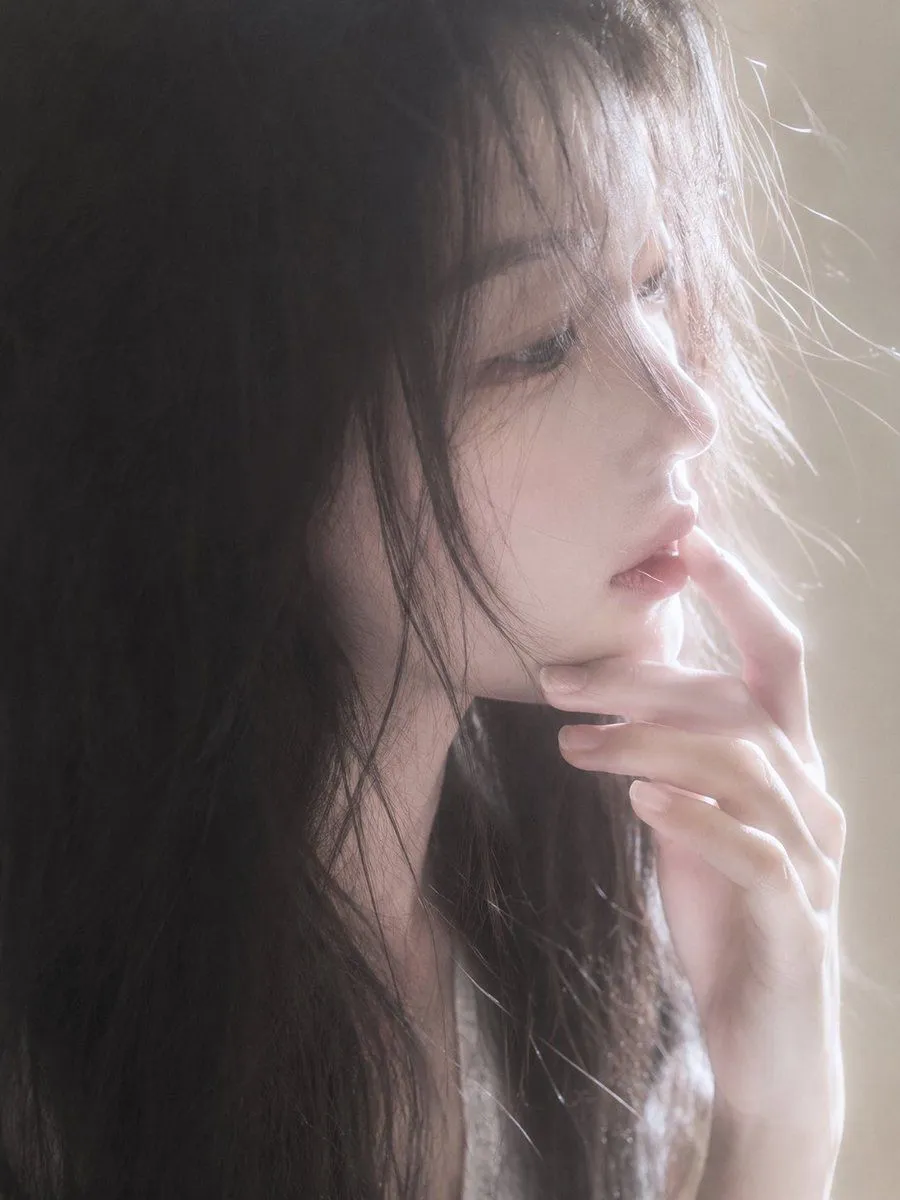
Soft Light Portrait Transformation

Made with GPT Image 2.5 in ChatGPT by Library Avatars. Promptclay never generates images.

Did it work?

No reports yet. Tell others if it worked for you.

No comments yet. Be the first.

    Soft Light Portrait Transformation

    GPT Image 2.59:16AI-generated

    Prompt

    4 blanks to fill

    Using the provided reference image, regenerate the subject in {new_pose} while keeping the character's core identity unchanged. Apply {lighting_style} to create a gentle and ethereal atmosphere. Change the background to {background_setting}. Add subtle details such as {additional_elements} to enhance realism.

    Works in
    ChatGPT, Gemini
    Status
    Free to copy
    0
    DetailsVersions, settings and questions

    Written for

    What's in the prompt

    Subject
    Model
    GPT Image 2.5

    If your face changes

    keep my face exactly the same

    Questions

    Does this work in the ChatGPT app?
    Yes. Paste the prompt and attach your photo if it uses one.
    It changed my face. What do I do?
    Add "keep my face exactly the same" to the end and run it again.
    Can I use the images I make?
    Check the terms of the app you use. Promptclay never generates images and claims nothing you make.
    Similar prompts

    See more
    • Underwater Dreamy Close-up Portrait
    • Backlit Censored Portrait
    • Ultra-Realistic Portrait through a Round Mirror
    • Ethereal Portrait with Motion Blur and Double Exposure
    • Pale Pink Close-up Portrait
    • Serene Four-Panel Woman Portrait
    • Moody Editorial Beauty Portrait
    • Pure Desire Goddess Transformation Video PromptVideo, 0:10
    • Macro Portrait with Wet Hair and Cinematic Blue Tones
    • Moody Close-up Portrait with Wet Hair and Cool Lighting
    • Natural Face Realism Modifier
    • Golden Hour Car Portrait
    • Sketch to Realistic Color Photo Transformation
    • Attempting to Recreate a BeautyPlus Prompt
    • Moody Aesthetic iPhone Selfie Portrait
    • Moody Cinematic Portrait in Brown Top
    • AI Chat Screenshot With Censored Women
    • Cinematic Dark Movie Poster
    • Convenience Store Fight Scene
    • Futuristic Fashion in Neon Seoul
    • Japanese Creator Branding Poster
    • Pop Idol Typography Cover Art
    • Skyscraper Climbing Action Shot
    • Victorian Railroad Ceremony Scene

    Show more

    Run it on your phone

    1. Prompt copiedRead it

      Using the provided reference image, regenerate the subject in {new_pose} while keeping the character's core identity unchanged. Apply {lighting_style} to create a gentle and ethereal atmosphere. Change the background to {background_setting}. Add subtle details such as {additional_elements} to enhance realism.

    2. Open your app

    3. Paste and run

      Press and hold the message box, then tap Paste. Add your photo first if the prompt uses one. You may need to sign in.

    Soft Light Portrait Transformation