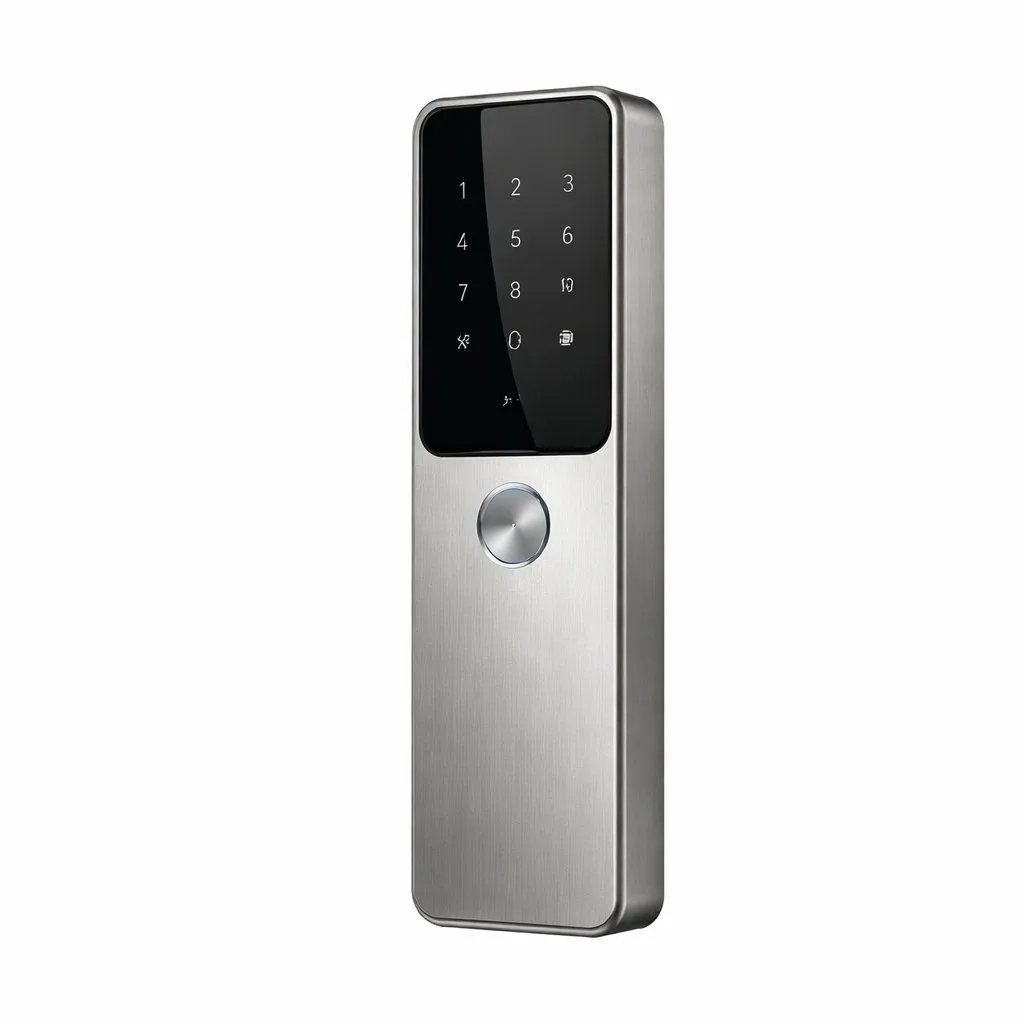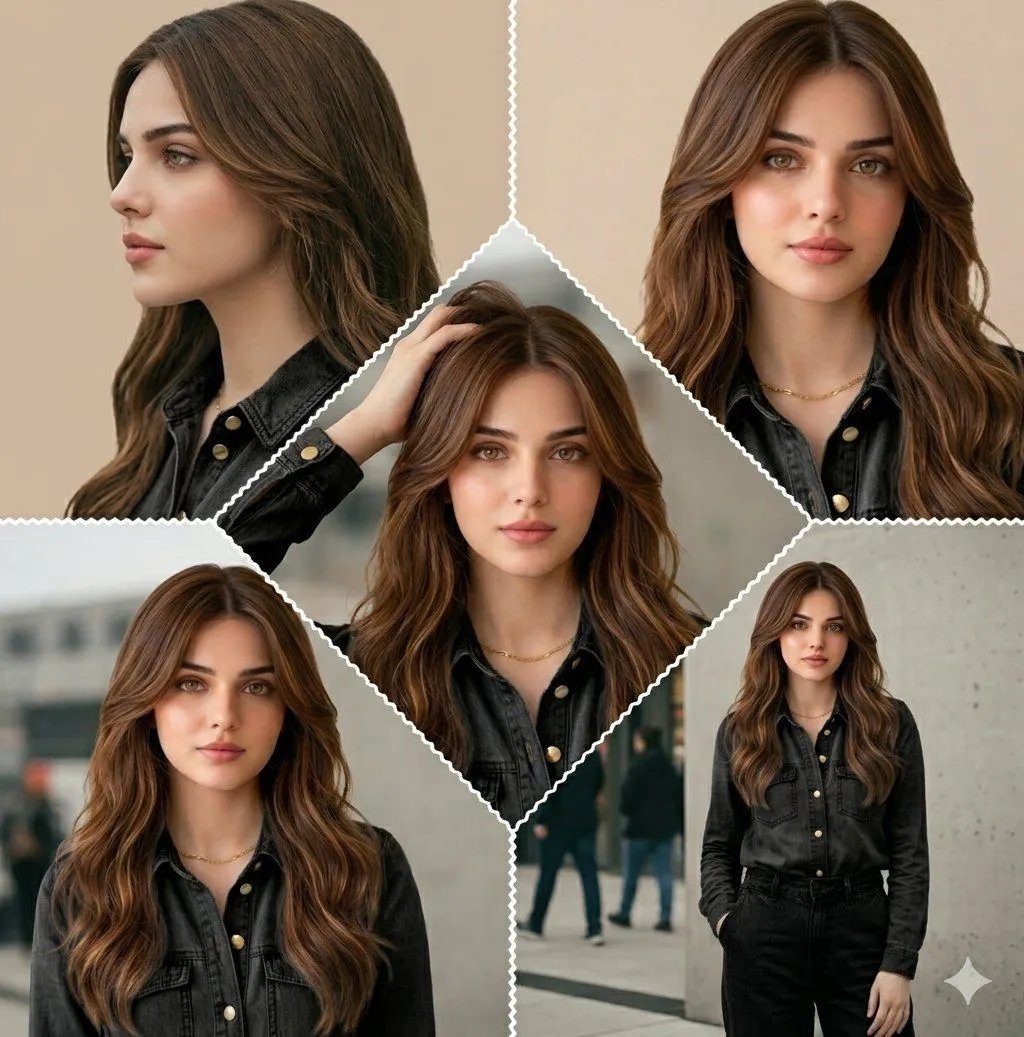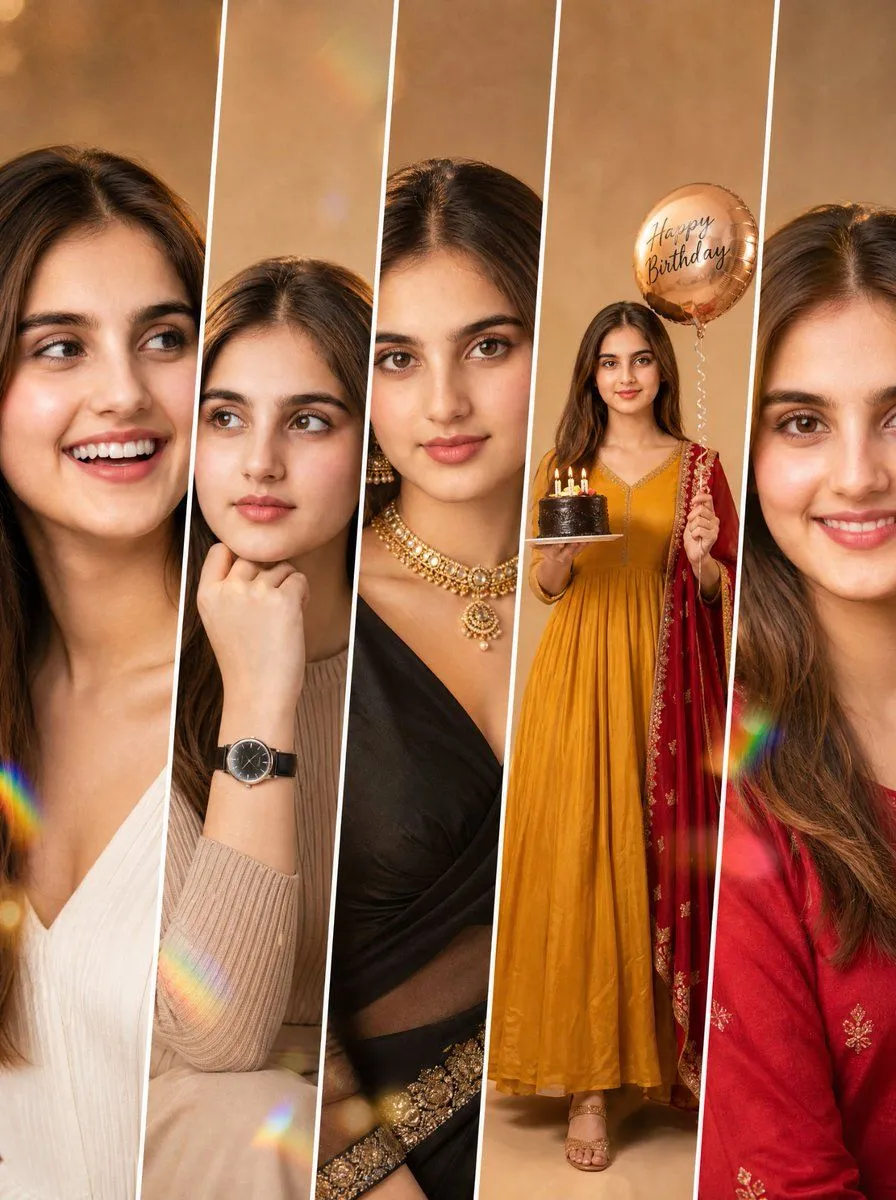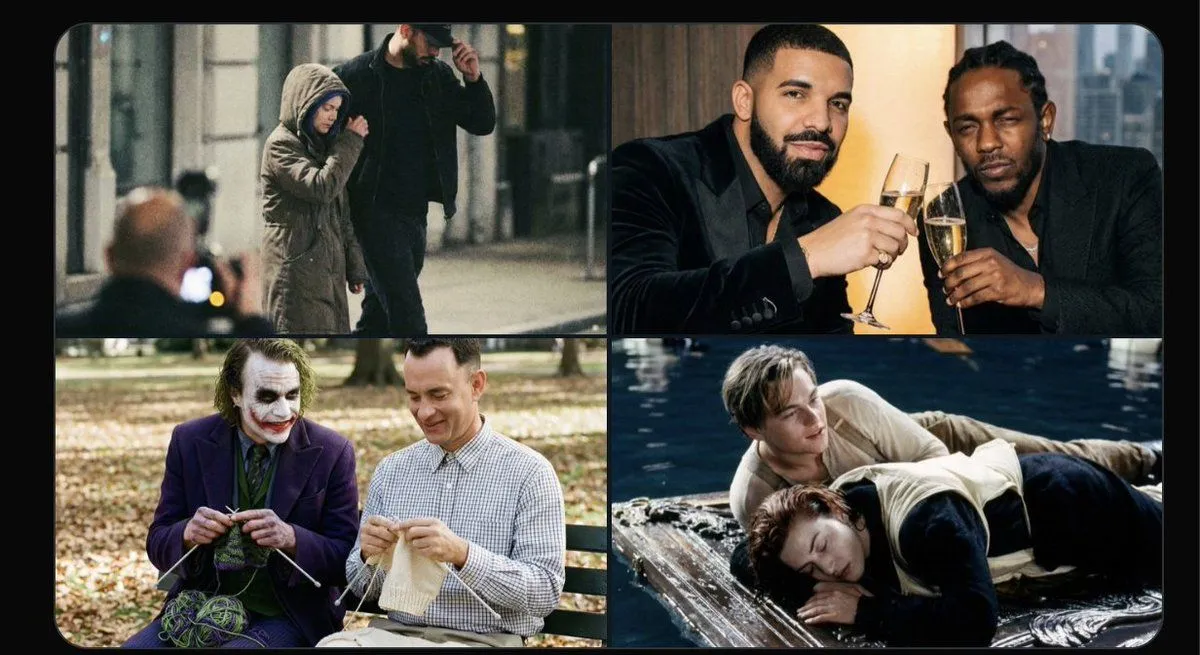
Made with Nano Banana Pro in Gemini by Library Product. Promptclay never generates images.
Did it work?
No reports yet. Tell others if it worked for you.
Smart Doorbell Product Visualization Collage Prompt
Prompt
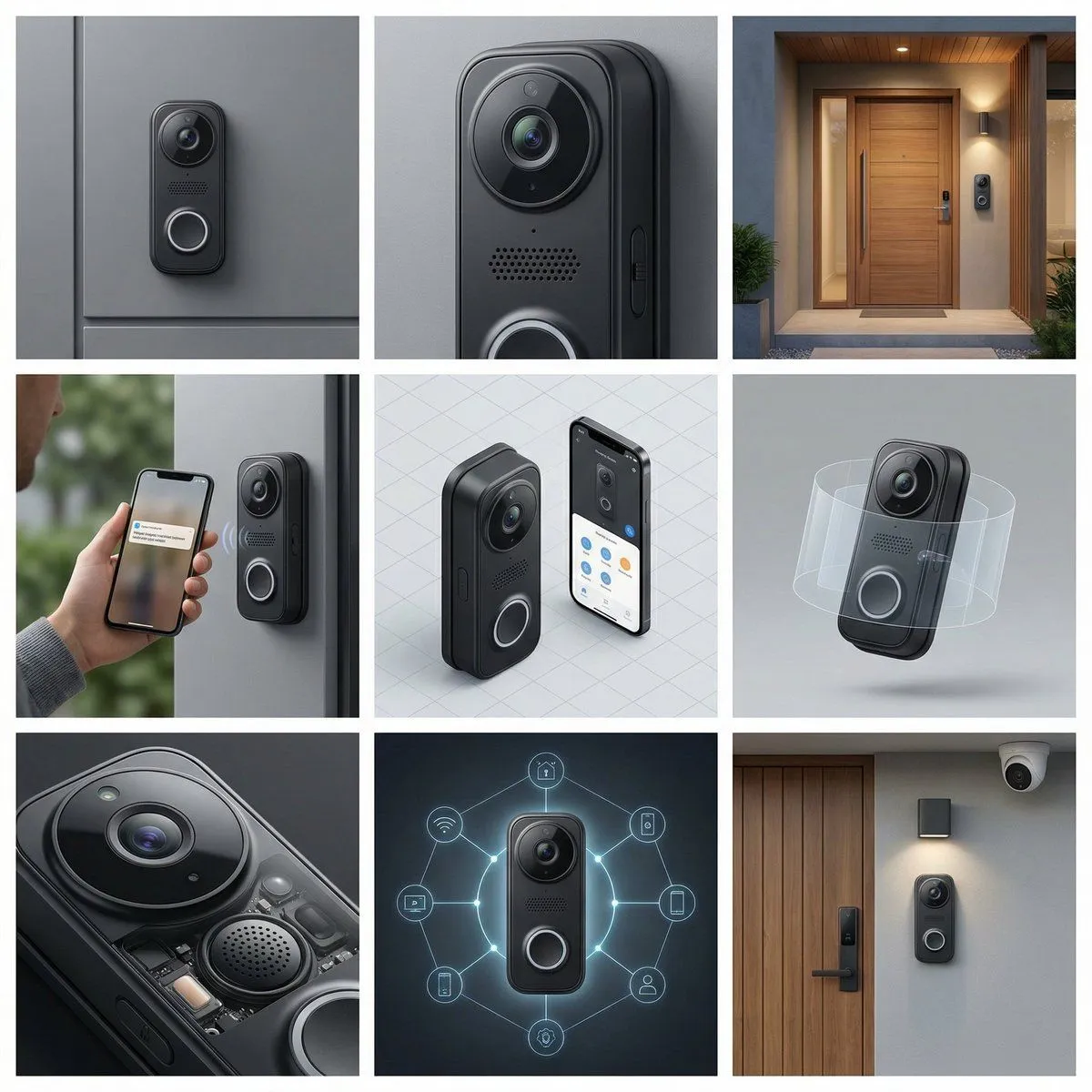
1 blank to fill{ "ProductReference": "{product_features}", "Frame1_HeroShot": { "Product": "Doorbell mounted on entry, lens centered", "Background": "Modern entry seamless gray" }, "Frame2_CloseUp": { "Focus": "Camera lens clarity, microphone grille, button mechanism, weather seal, LED indicator lights, mounting bracket" }, "Frame3_BrandEnvironment": { "Setting": "Smart home entry aesthetic, modern security", "Props": { "Background": "Front door texture", "Surface": "Porch area" } }, "Frame4_InUse": { "Interaction": "Homeowner receiving notification on phone, two-way conversation gesture", "Styling": "Smart home security interaction" }, "Frame5_IsometricGrid": { "Count": "Doorbell with app interface display", "Arrangement": "Smart entry system formation" }, "Frame6_Levitating": { "Concept": "Doorbell floating with security zone visualization" }, "Frame7_DetailExtreme": { "Focus": "Facial recognition sensor, microphone quality, speaker output, battery backup, WiFi antenna, motion sensor range" }, "Frame8_EditorialUnexpected": { "Concept": "Doorbell as home guardian, security network visualization", "Materials": "Smart security ecosystem" }, "Frame9_WideUseScenario": { "Location": "Complete smart home entry with security", "Props": ["Smart lock", "Entry light", "Door mat", "Planters", "Door hardware", "Security camera"] }, "CameraStyle": { "ColorPalette": "Doorbell black, camera lens blue, LED lights, door color", "Mood": "Smart security, home entry, modern convenience" } }
Preview of your prompt
{ "ProductReference": "Smart doorbell with facial recognition, two-way audio, night vision, motion detection, weather-resistant, sleek design, ", "Frame1_HeroShot": { "Product": "Doorbell mounted on entry, lens centered", "Background": "Modern entry seamless gray" }, "Frame2_CloseUp": { "Focus": "Camera lens clarity, microphone grille, button mechanism, weather seal, LED indicator lights, mounting bracket" }, "Frame3_BrandEnvironment": { "Setting": "Smart home entry aesthetic, modern security", "Props": { "Background": "Front door texture", "Surface": "Porch area" } }, "Frame4_InUse": { "Interaction": "Homeowner receiving notification on phone, two-way conversation gesture", "Styling": "Smart home security interaction" }, "Frame5_IsometricGrid": { "Count": "Doorbell with app interface display", "Arrangement": "Smart entry system formation" }, "Frame6_Levitating": { "Concept": "Doorbell floating with security zone visualization" }, "Frame7_DetailExtreme": { "Focus": "Facial recognition sensor, microphone quality, speaker output, battery backup, WiFi antenna, motion sensor range" }, "Frame8_EditorialUnexpected": { "Concept": "Doorbell as home guardian, security network visualization", "Materials": "Smart security ecosystem" }, "Frame9_WideUseScenario": { "Location": "Complete smart home entry with security", "Props": ["Smart lock", "Entry light", "Door mat", "Planters", "Door hardware", "Security camera"] }, "CameraStyle": { "ColorPalette": "Doorbell black, camera lens blue, LED lights, door color", "Mood": "Smart security, home entry, modern convenience" } }
DetailsVersions, settings and questions
Written for
What's in the prompt
- Subject
- Model
- Nano Banana Pro
If your face changes
keep my face exactly the sameQuestions
- Does this work in the Gemini app?
- Yes. Gemini runs Nano Banana, so paste the prompt and attach your photo if it uses one.
- It changed my face. What do I do?
- Add "keep my face exactly the same" to the end and run it again.
- Can I use the images I make?
- Check the terms of the app you use. Promptclay never generates images and claims nothing you make.