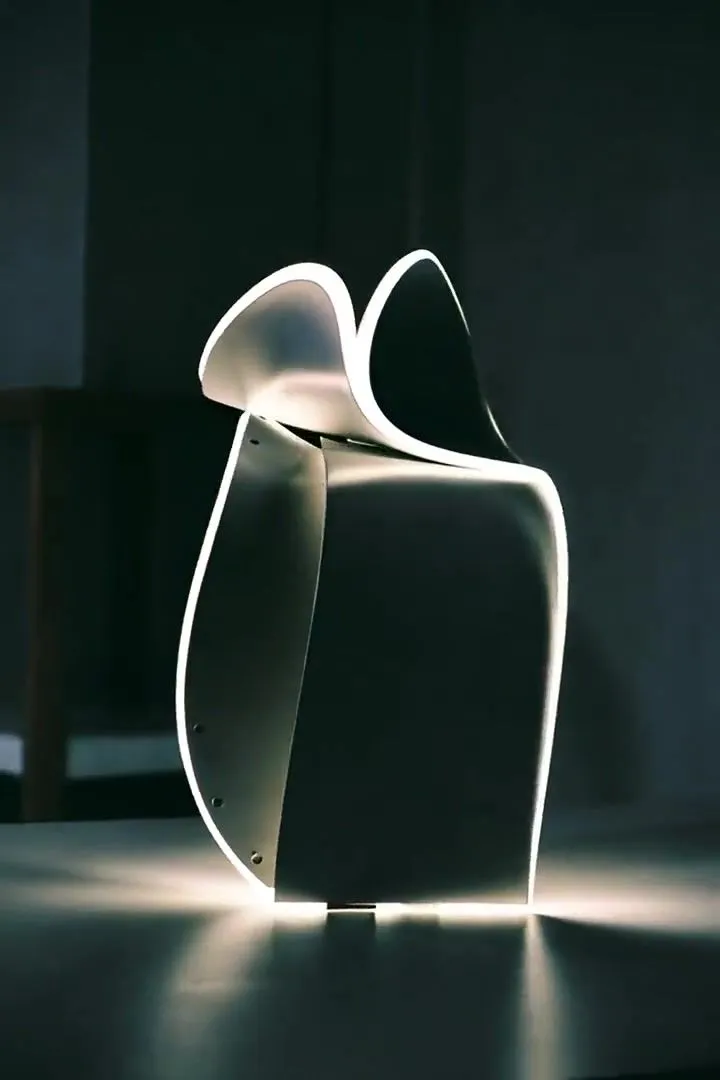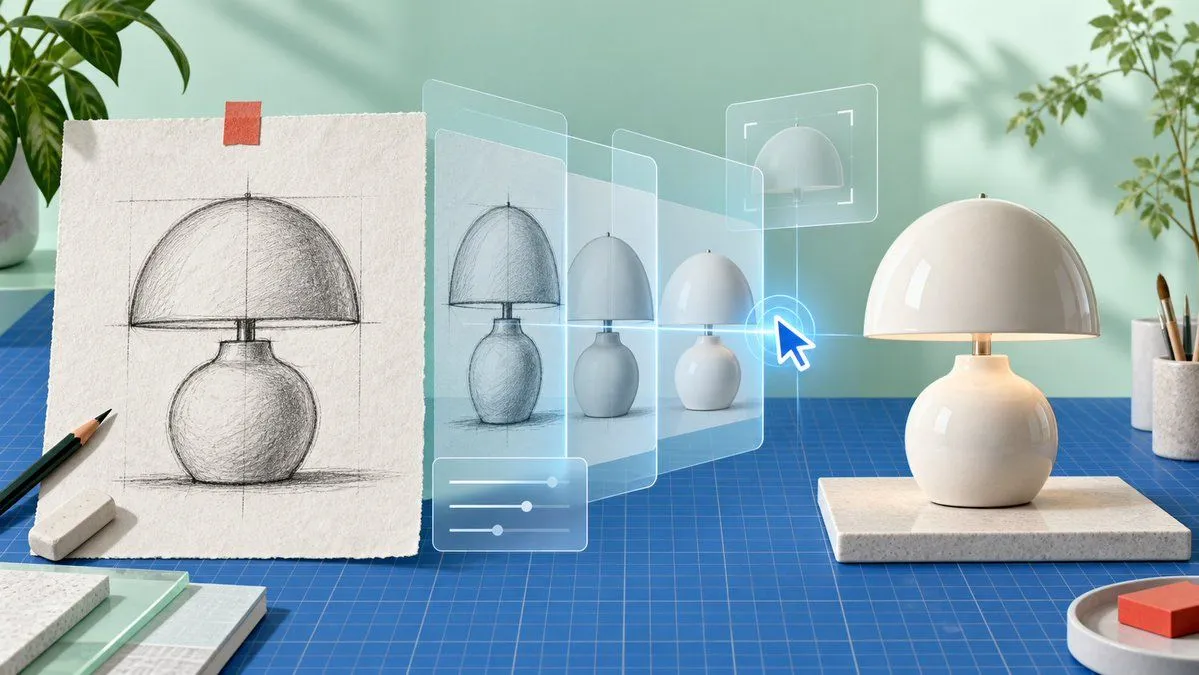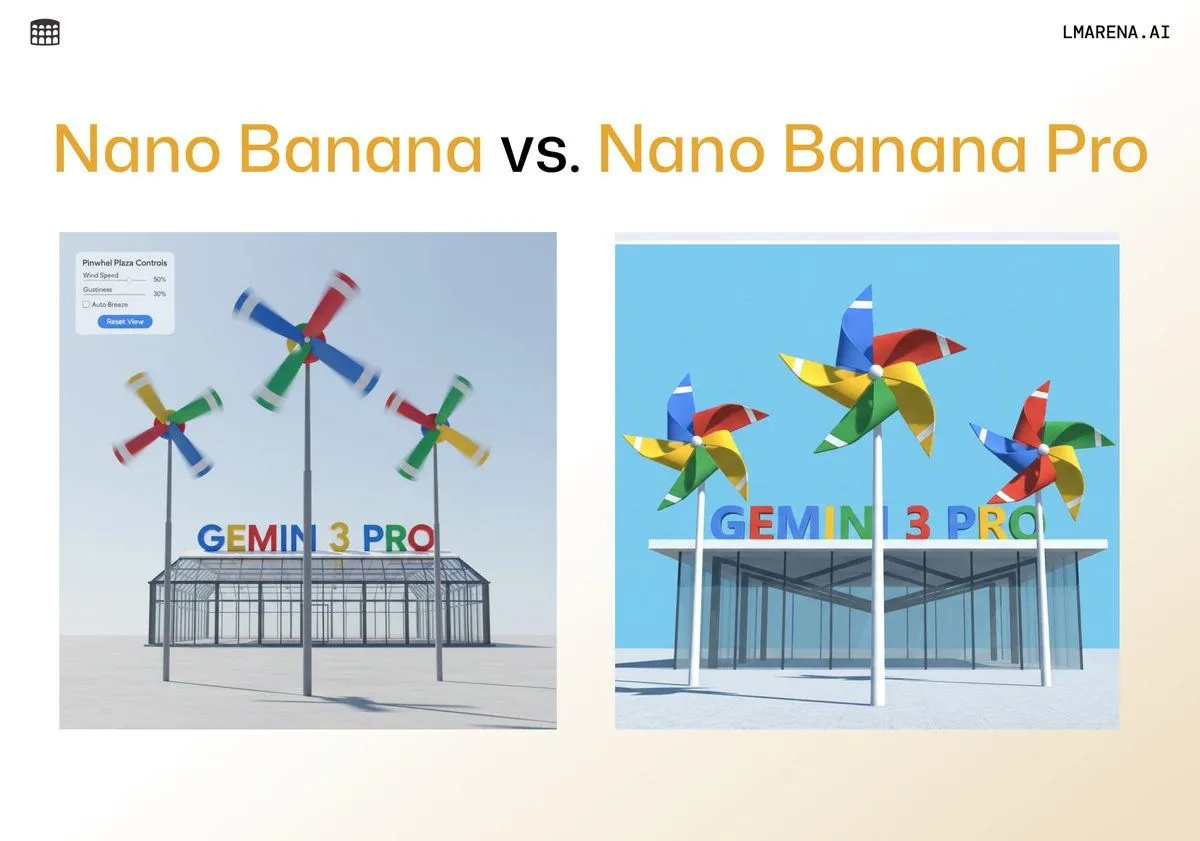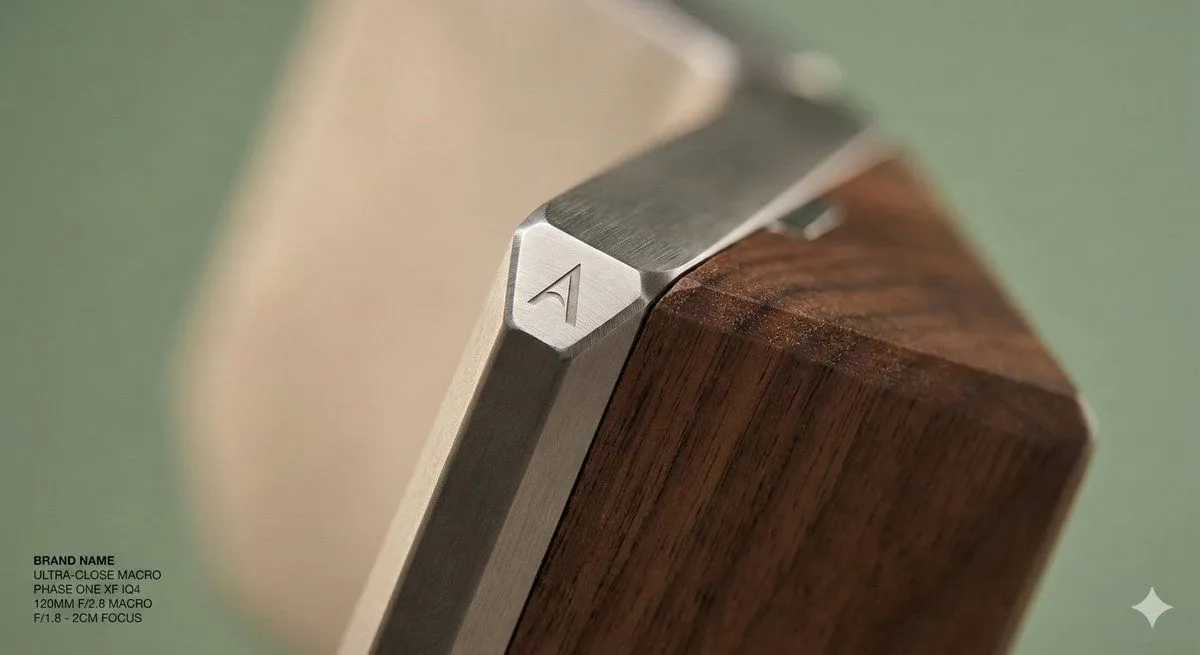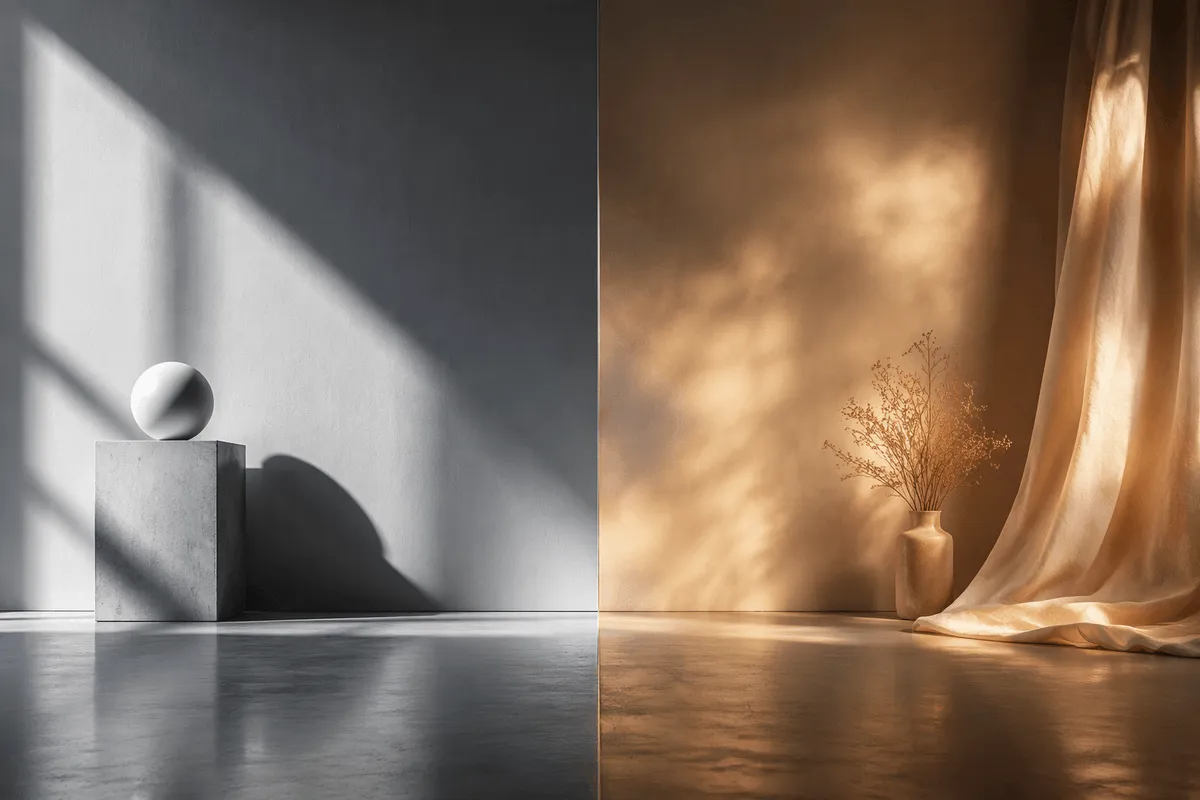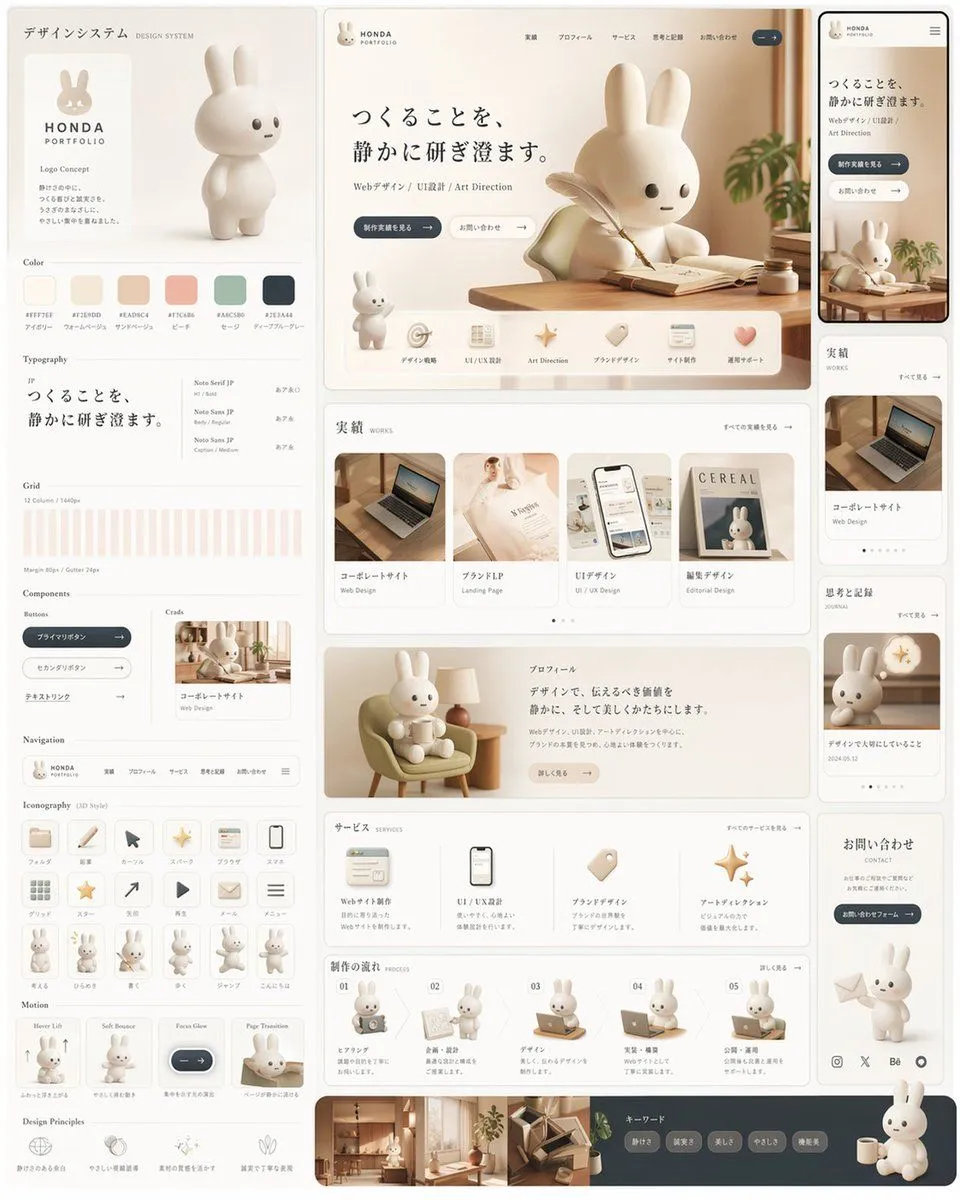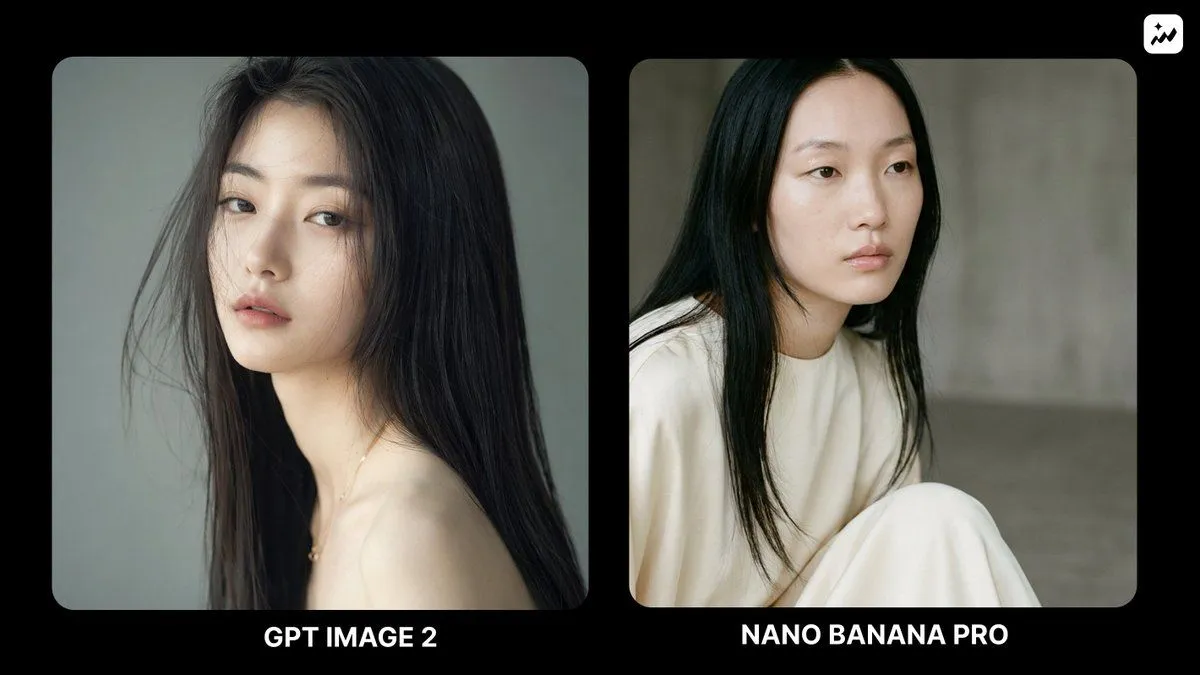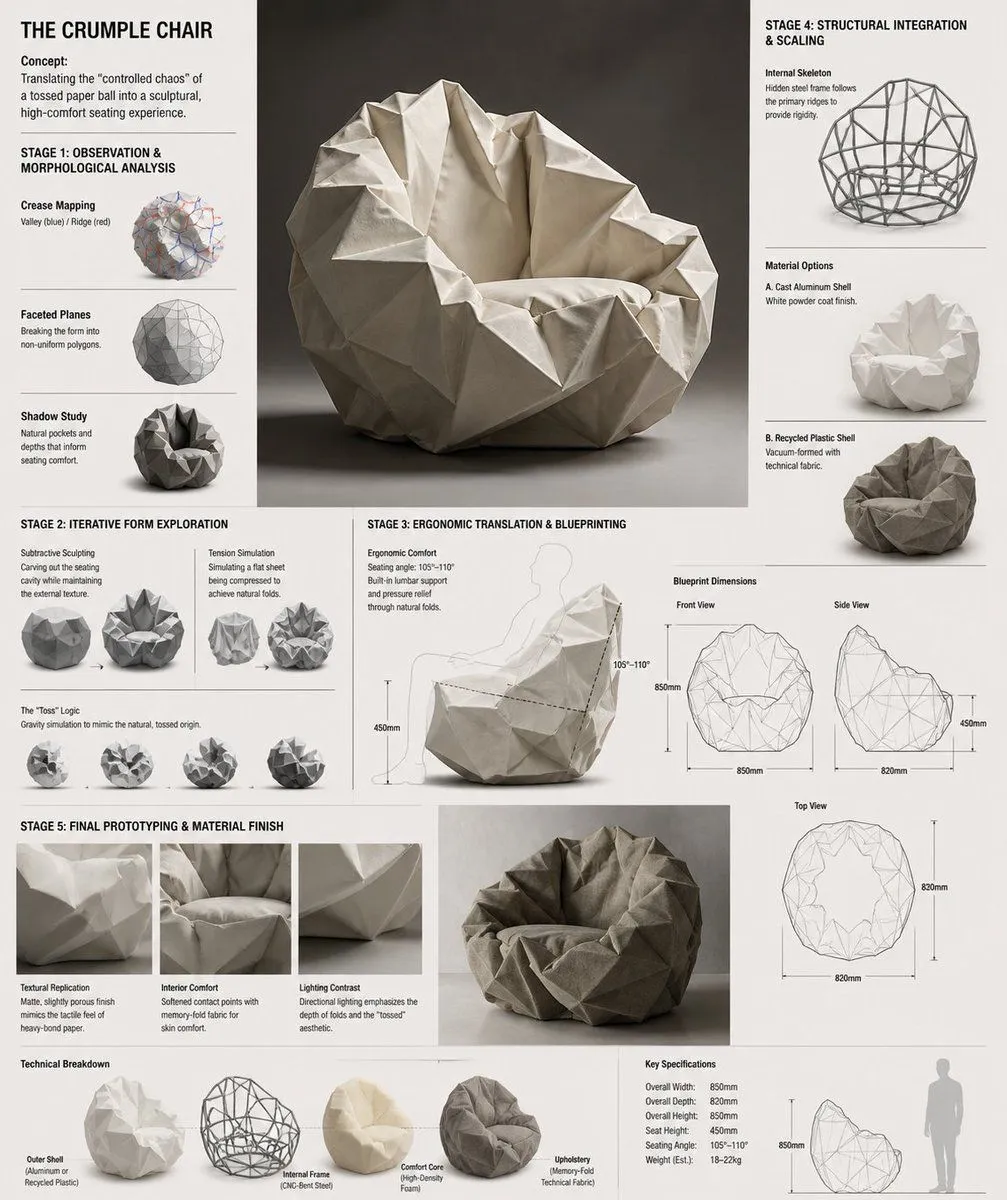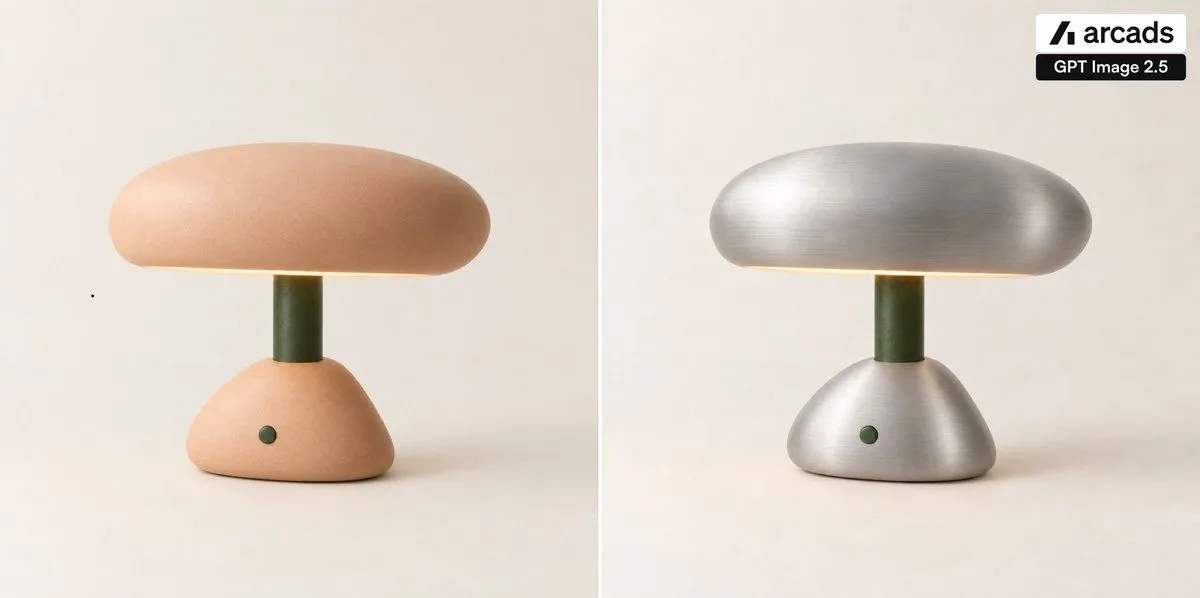
Made with GPT Image 2.5 in ChatGPT by Library Brand. Promptclay never generates images.
Did it work?
No reports yet. Tell others if it worked for you.
Side-by-Side Lamp Material Edit
Prompt
1 blank to fillCreate a clean side-by-side product comparison image on a wide 2:1 canvas, showing exactly 2 vertical panels separated by 1 thin white divider line down the center. In both panels, place the same minimalist mushroom-shaped table lamp centered on a warm off-white studio background with soft shadows: a rounded pill-shaped dome shade, a short dark olive-green cylindrical stem, and a low rounded triangular base with one small dark green circular button on the front. The left panel shows the original lamp in a soft matte peach ceramic finish, with a subtle warm glow under the shade. The right panel shows the edited version of the exact same lamp, preserving the same shape, position, lighting, stem, button, and background, but changing only the shade and base material to {edited_material} with visible horizontal brushed texture and realistic metallic highlights. Add exactly 2 branding badges in the top-right corner of the right panel: a white rounded rectangle containing a black angular mark and the word “arcads”, and directly below it a black rounded rectangle with white text “GPT Image 2.5”. Keep the composition minimal, photorealistic, softly lit, and premium; no extra objects, no people, no additional text, and maintain a static before-and-after comparison look.
Preview of your prompt
Create a clean side-by-side product comparison image on a wide 2:1 canvas, showing exactly 2 vertical panels separated by 1 thin white divider line down the center. In both panels, place the same minimalist mushroom-shaped table lamp centered on a warm off-white studio background with soft shadows: a rounded pill-shaped dome shade, a short dark olive-green cylindrical stem, and a low rounded triangular base with one small dark green circular button on the front. The left panel shows the original lamp in a soft matte peach ceramic finish, with a subtle warm glow under the shade. The right panel shows the edited version of the exact same lamp, preserving the same shape, position, lighting, stem, button, and background, but changing only the shade and base material to brushed silver metal with visible horizontal brushed texture and realistic metallic highlights. Add exactly 2 branding badges in the top-right corner of the right panel: a white rounded rectangle containing a black angular mark and the word “arcads”, and directly below it a black rounded rectangle with white text “GPT Image 2.5”. Keep the composition minimal, photorealistic, softly lit, and premium; no extra objects, no people, no additional text, and maintain a static before-and-after comparison look.
DetailsVersions, settings and questions
Written for
What's in the prompt
- Subject
- Model
- GPT Image 2.5
If your face changes
keep my face exactly the sameQuestions
- Does this work in the ChatGPT app?
- Yes. Paste the prompt and attach your photo if it uses one.
- It changed my face. What do I do?
- Add "keep my face exactly the same" to the end and run it again.
- Can I use the images I make?
- Check the terms of the app you use. Promptclay never generates images and claims nothing you make.