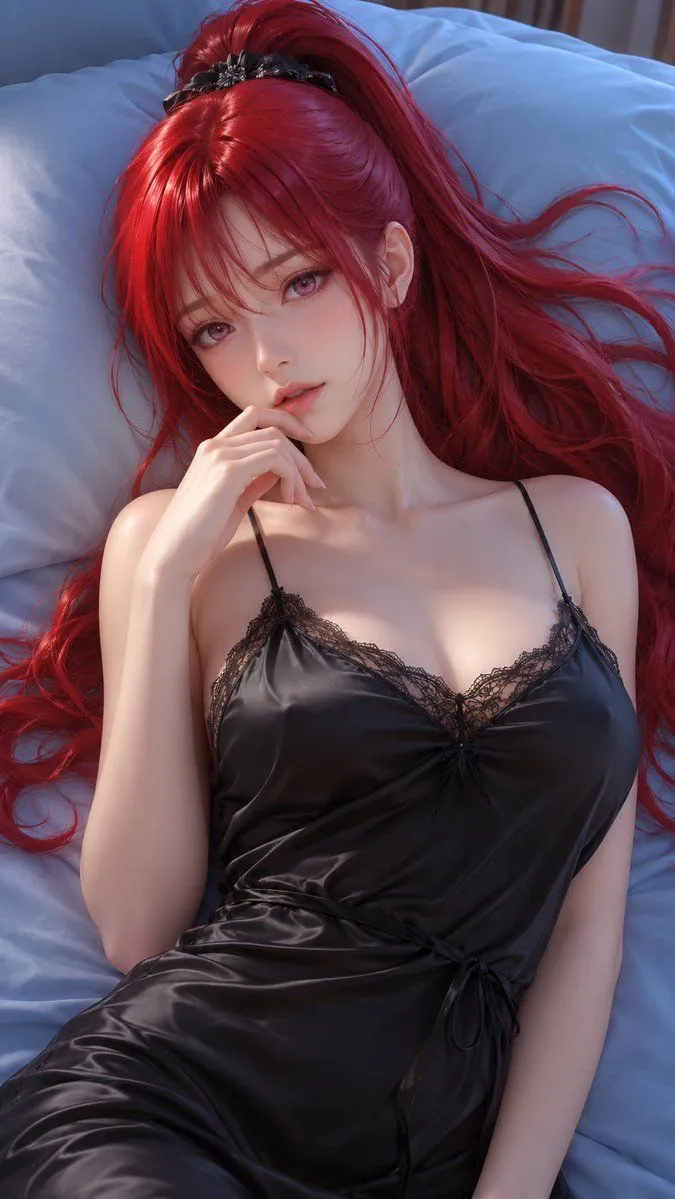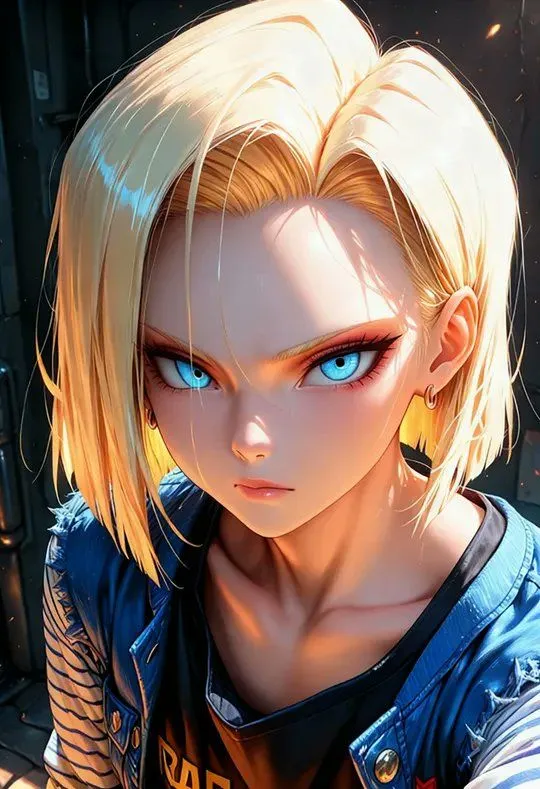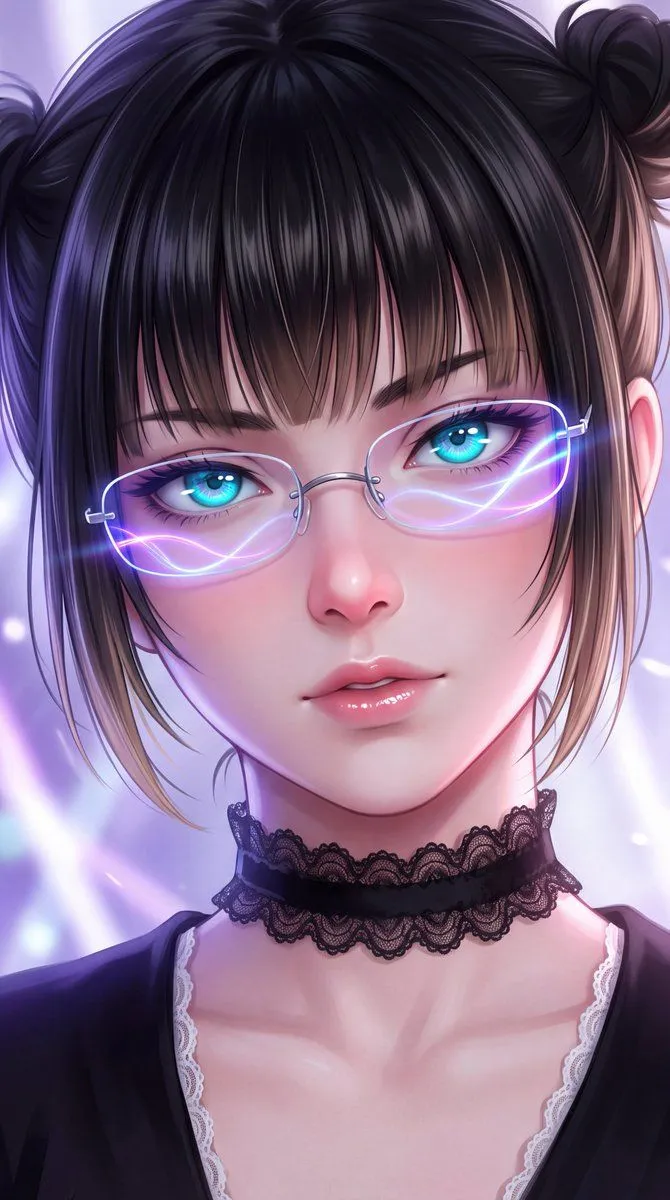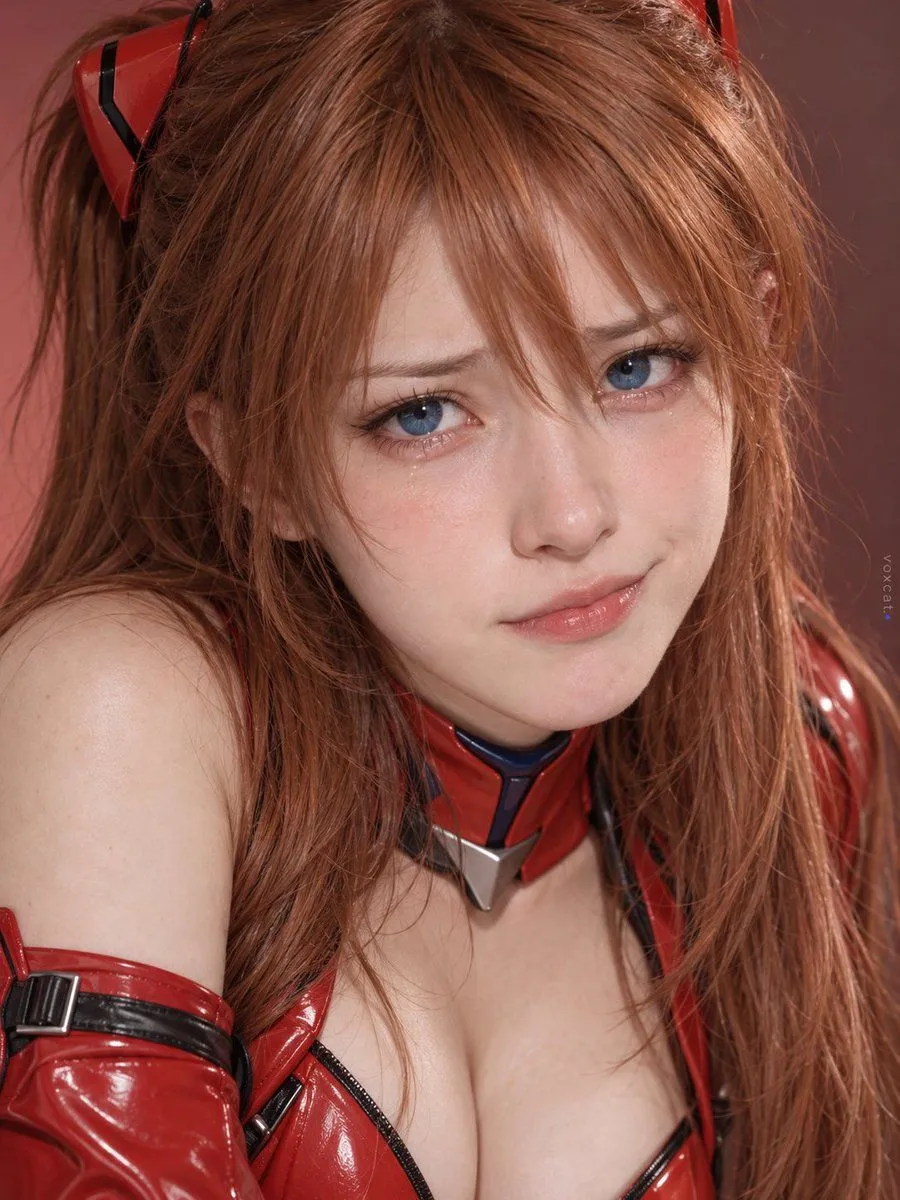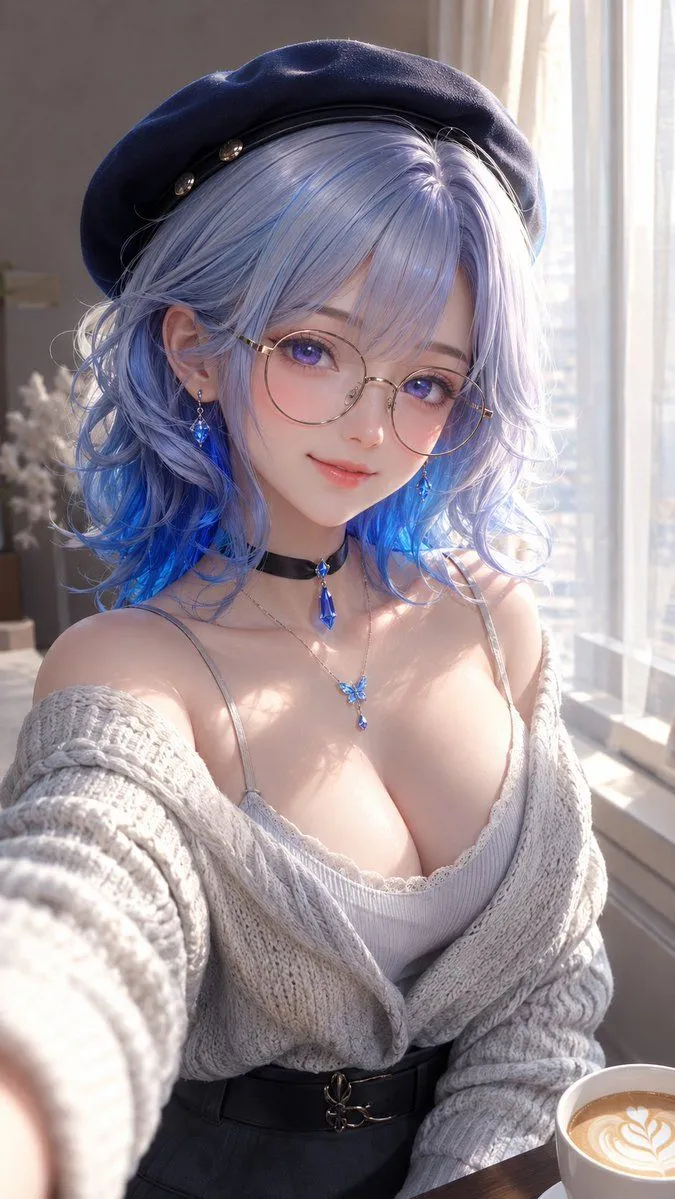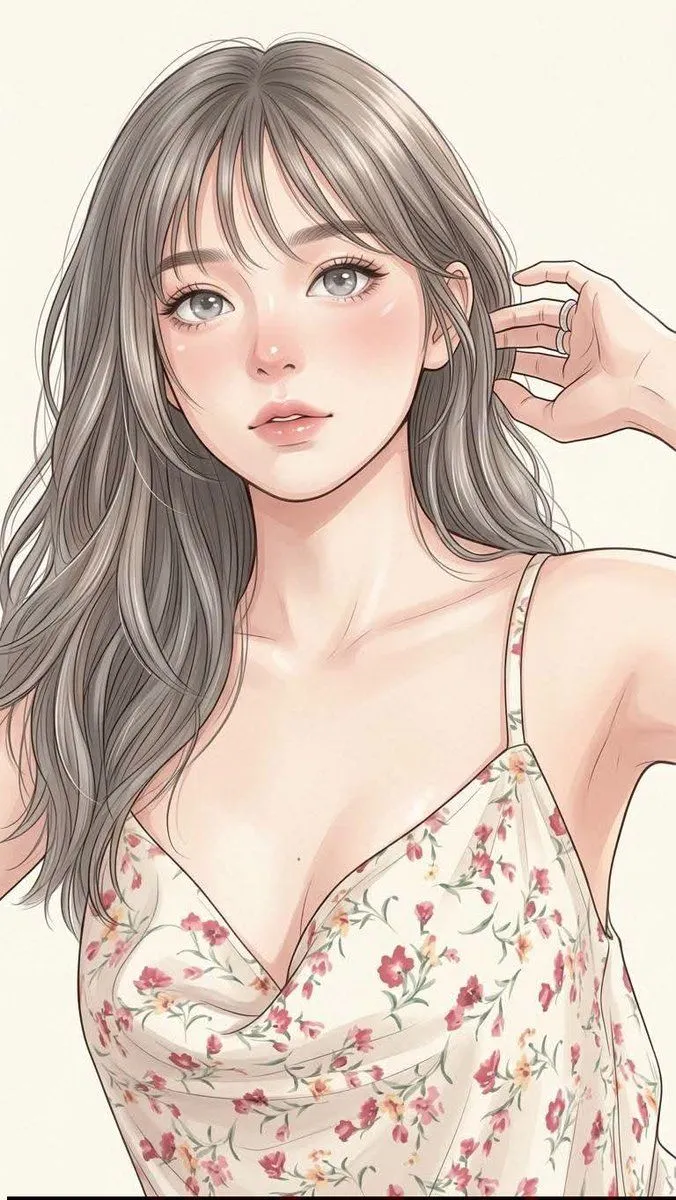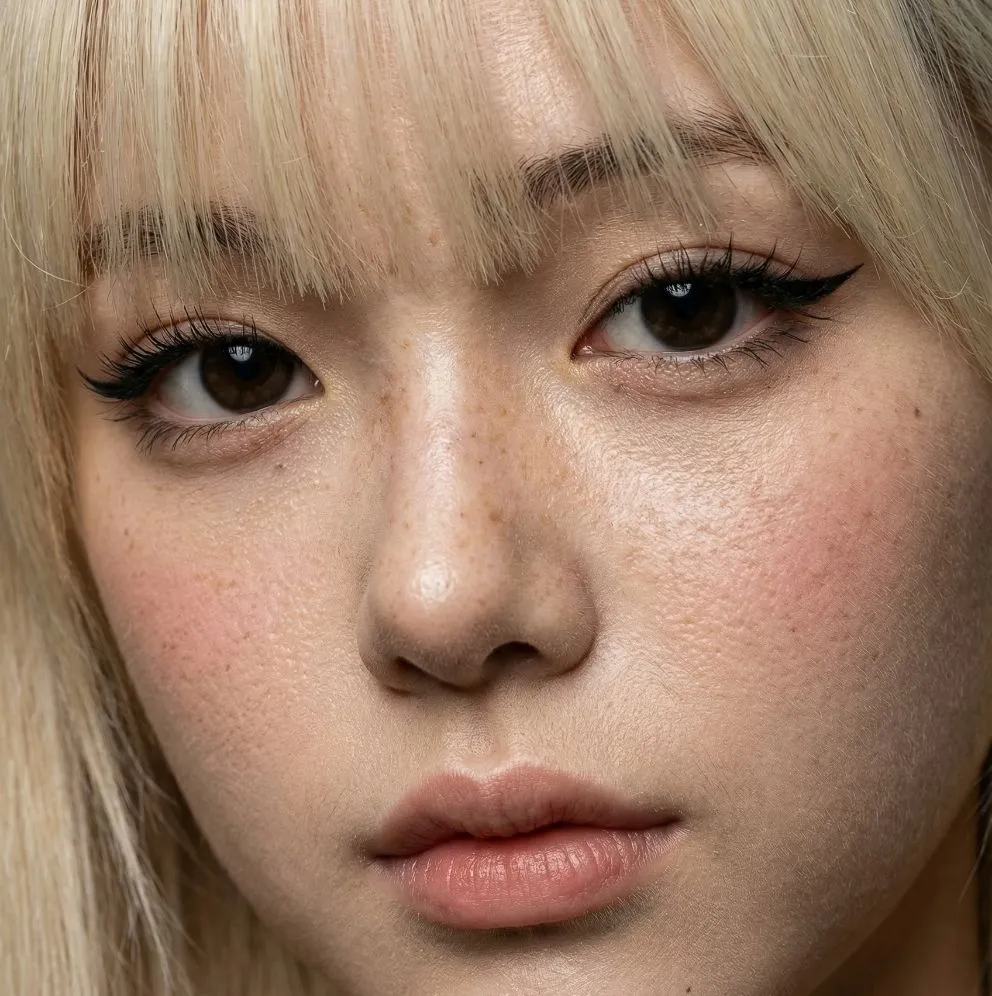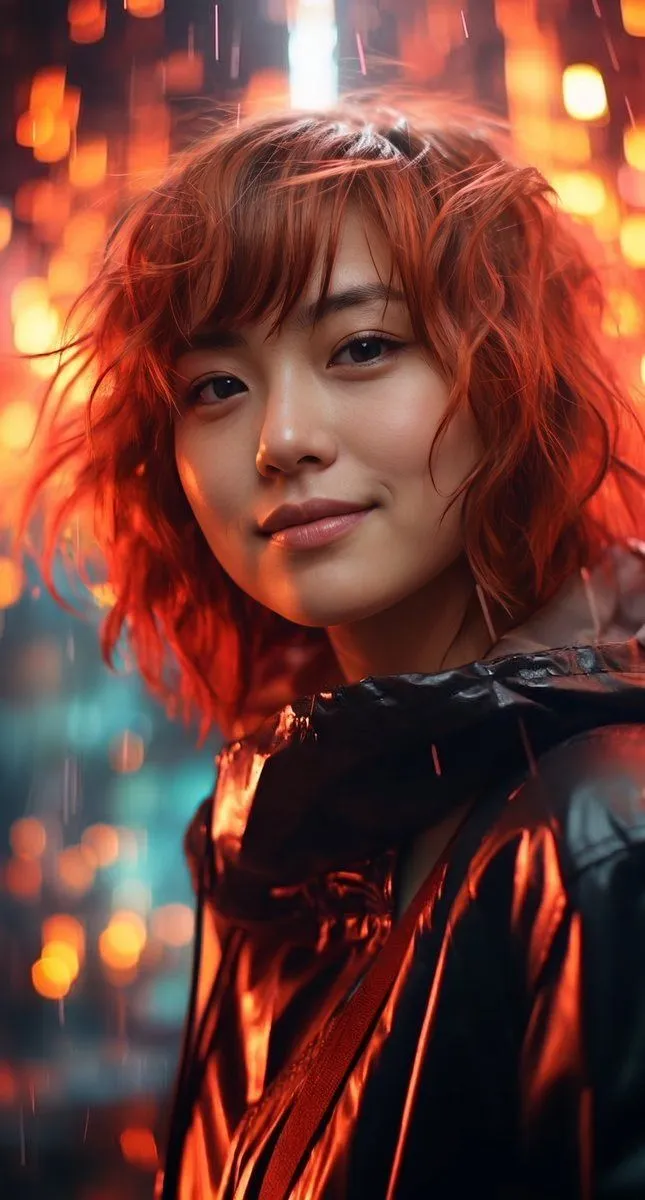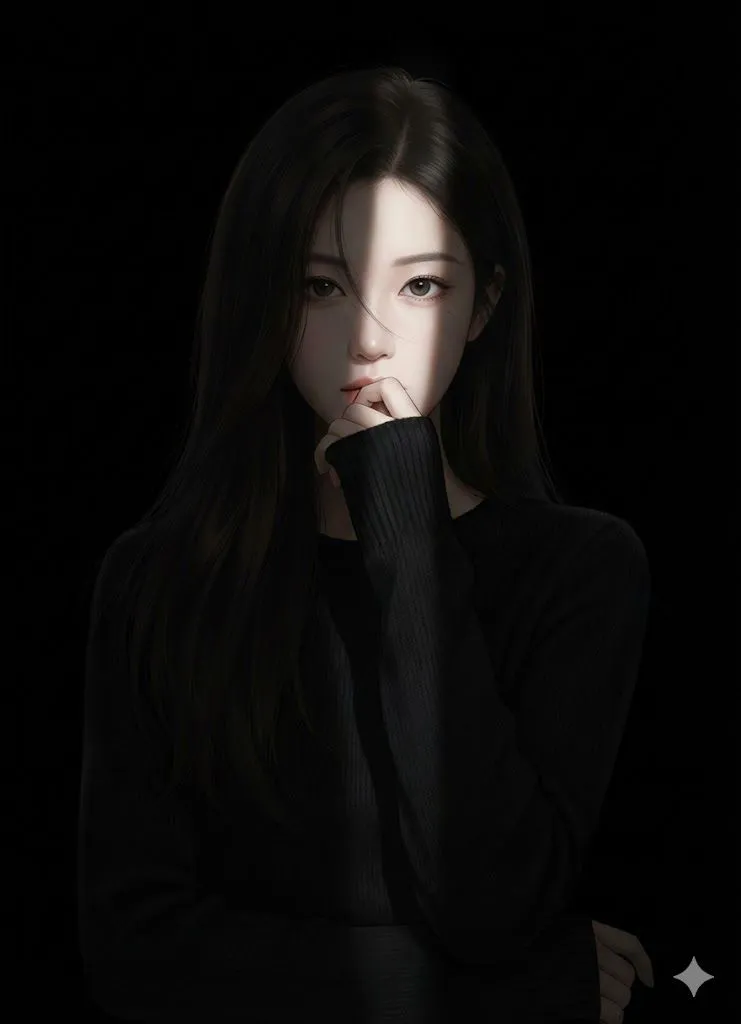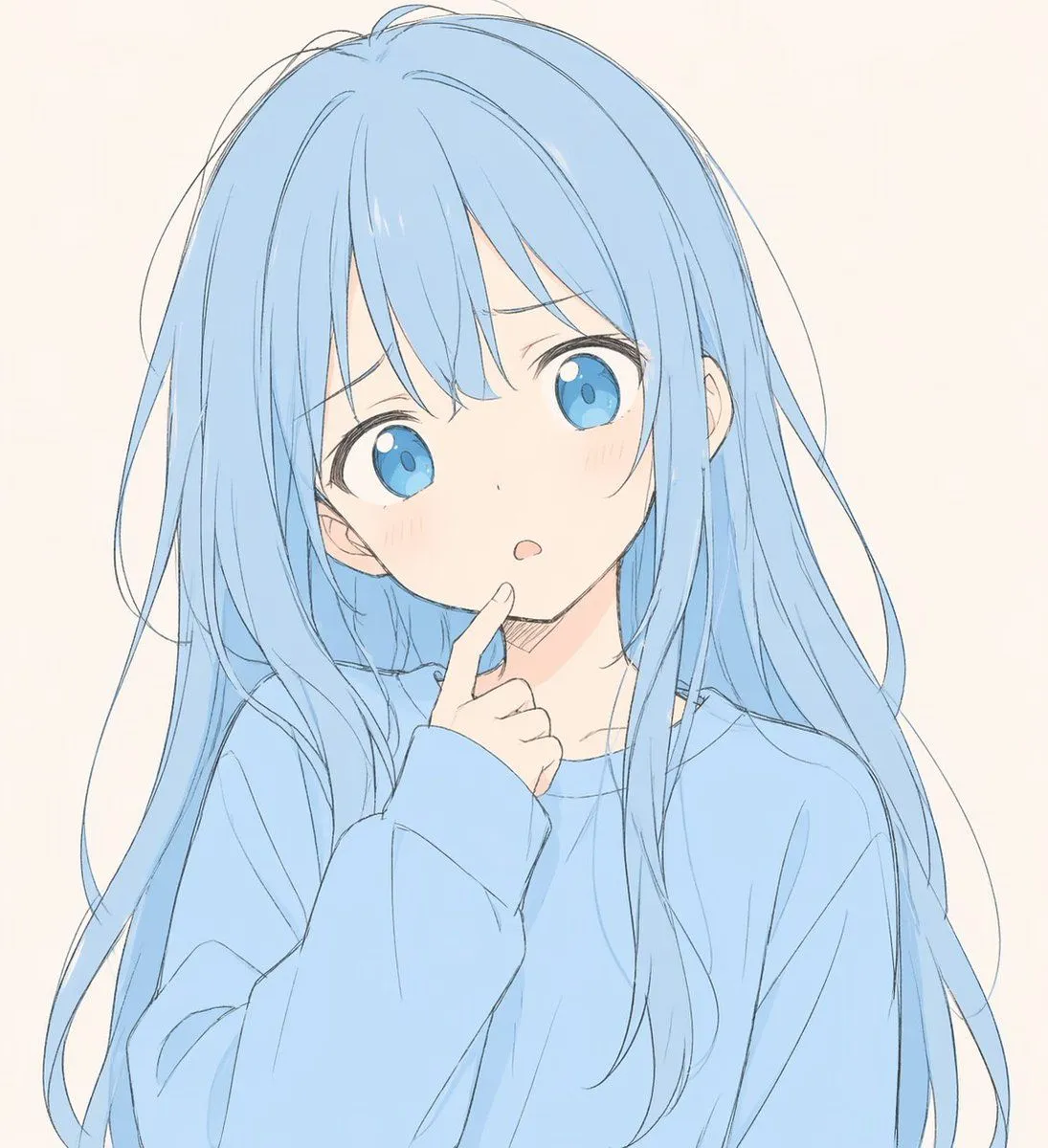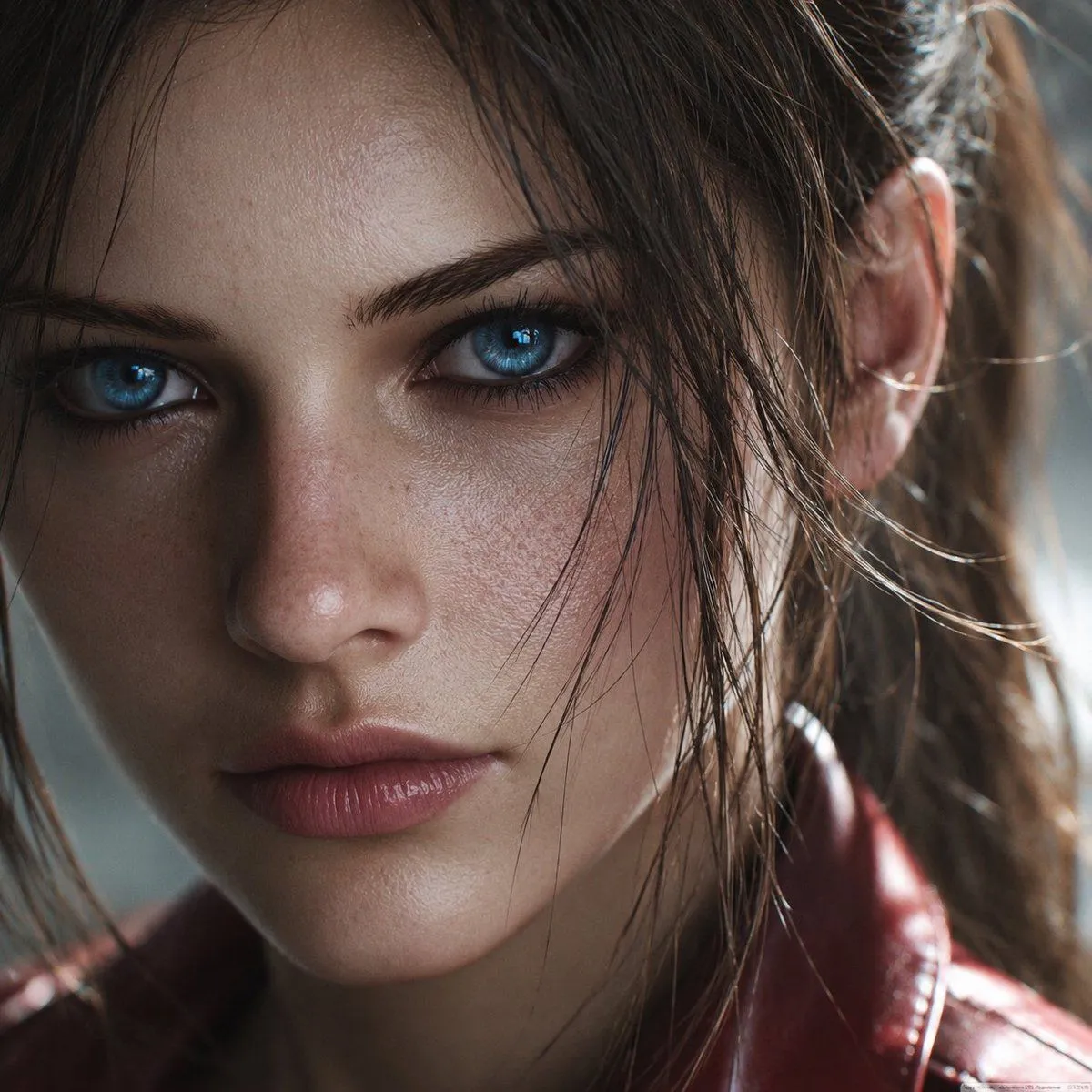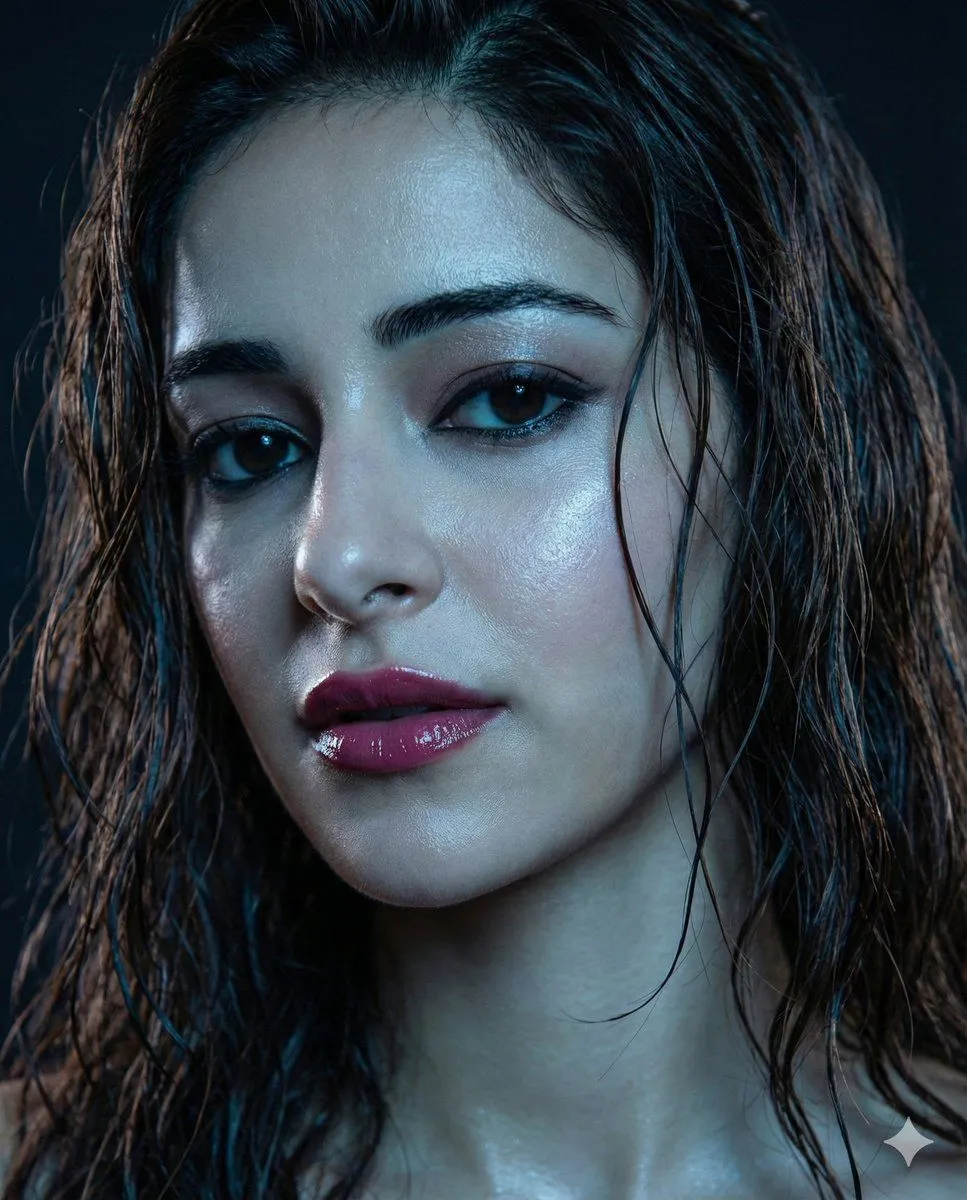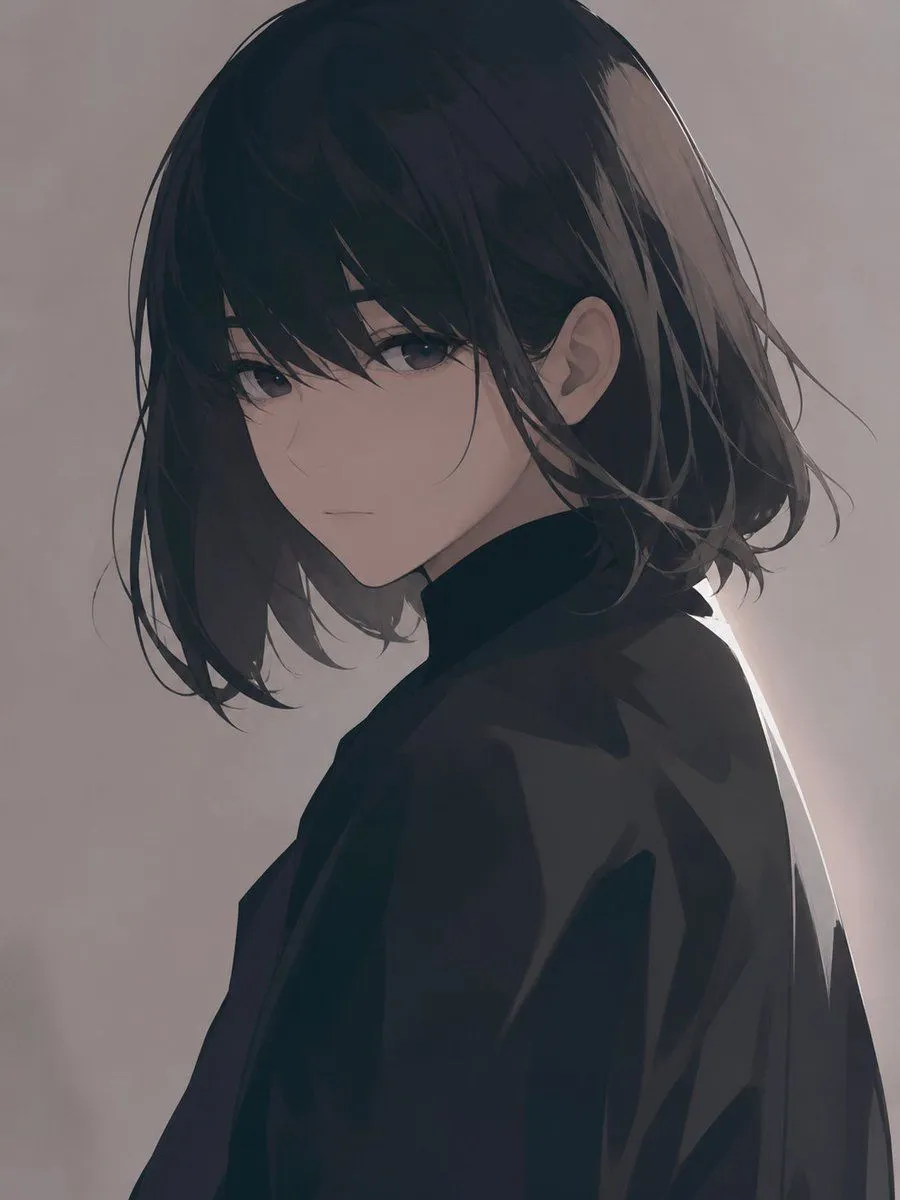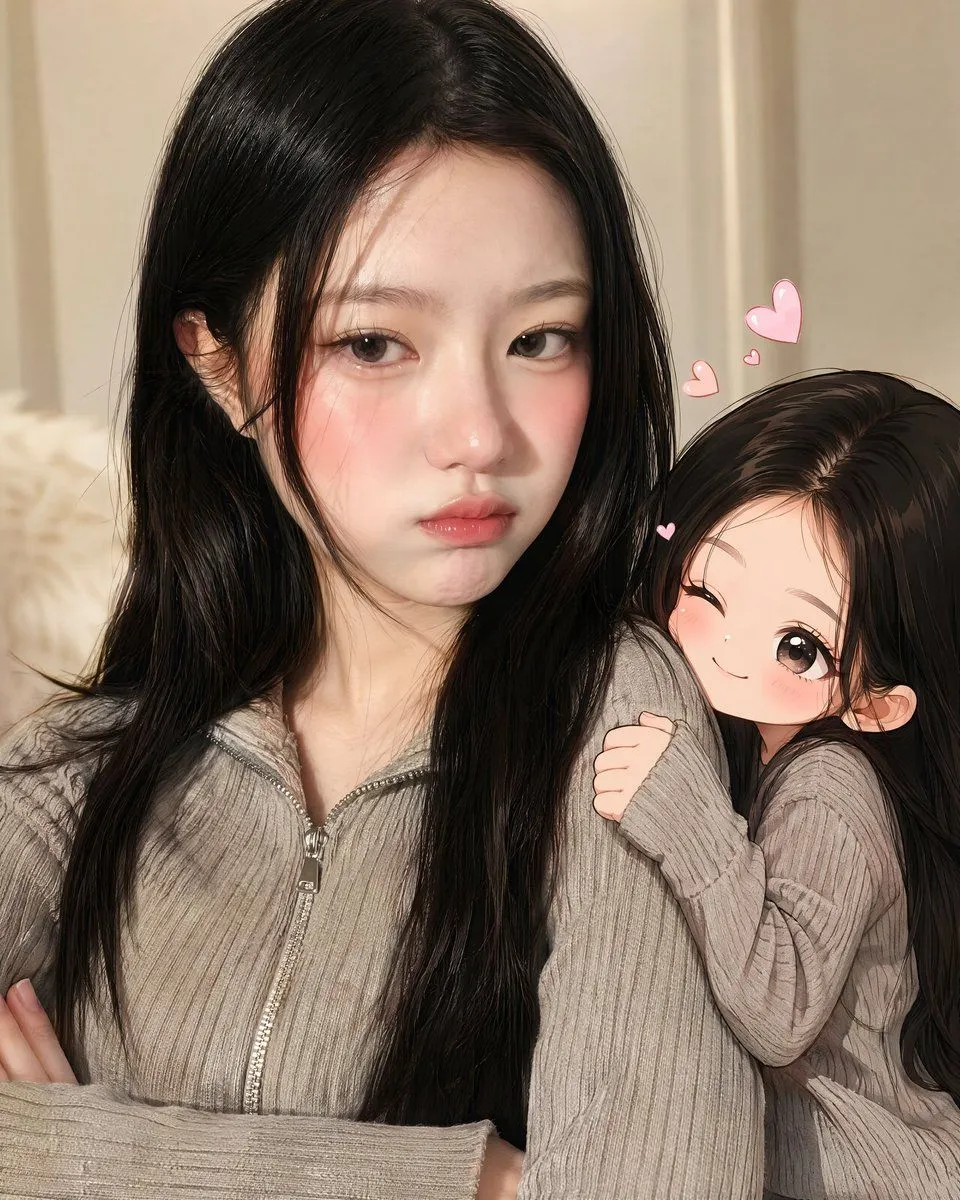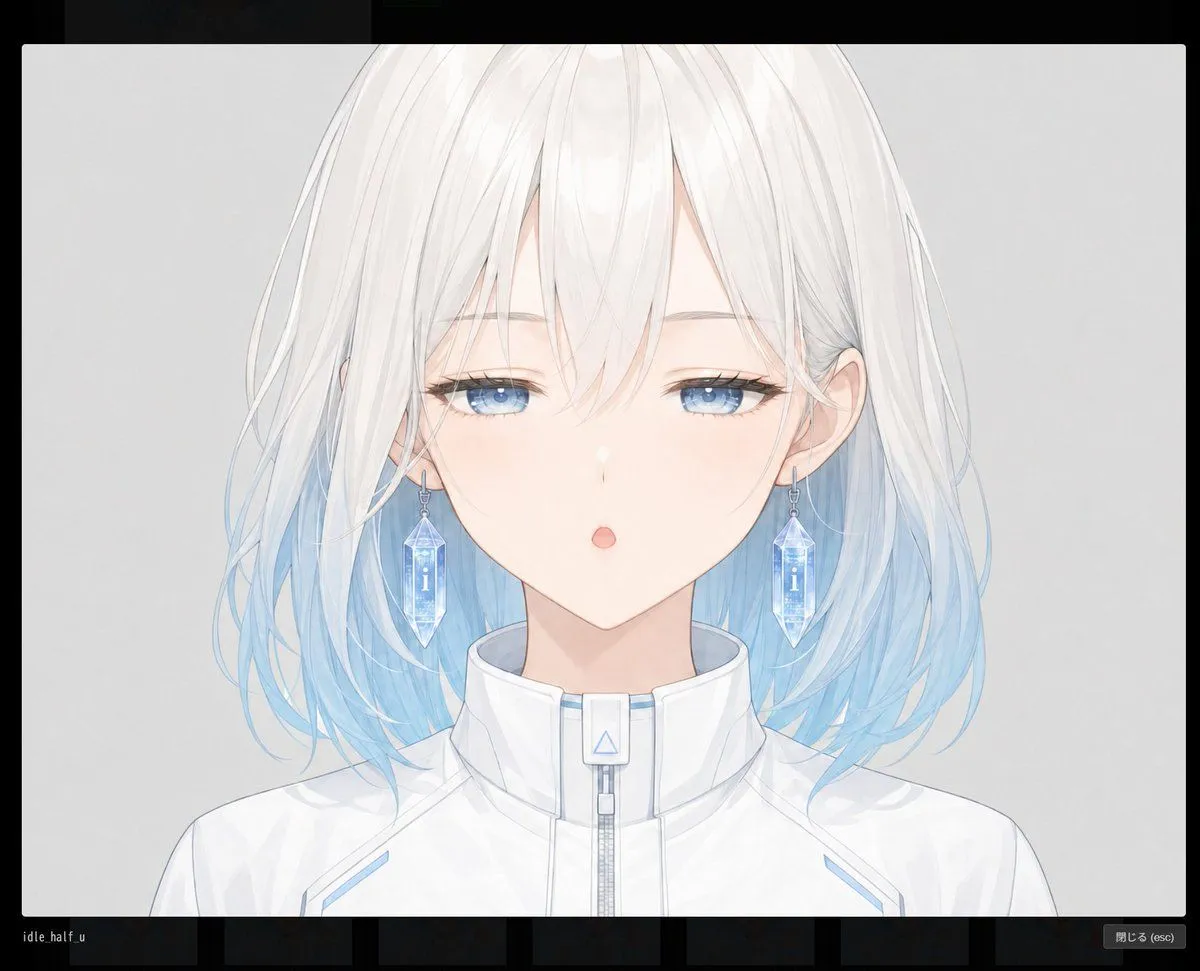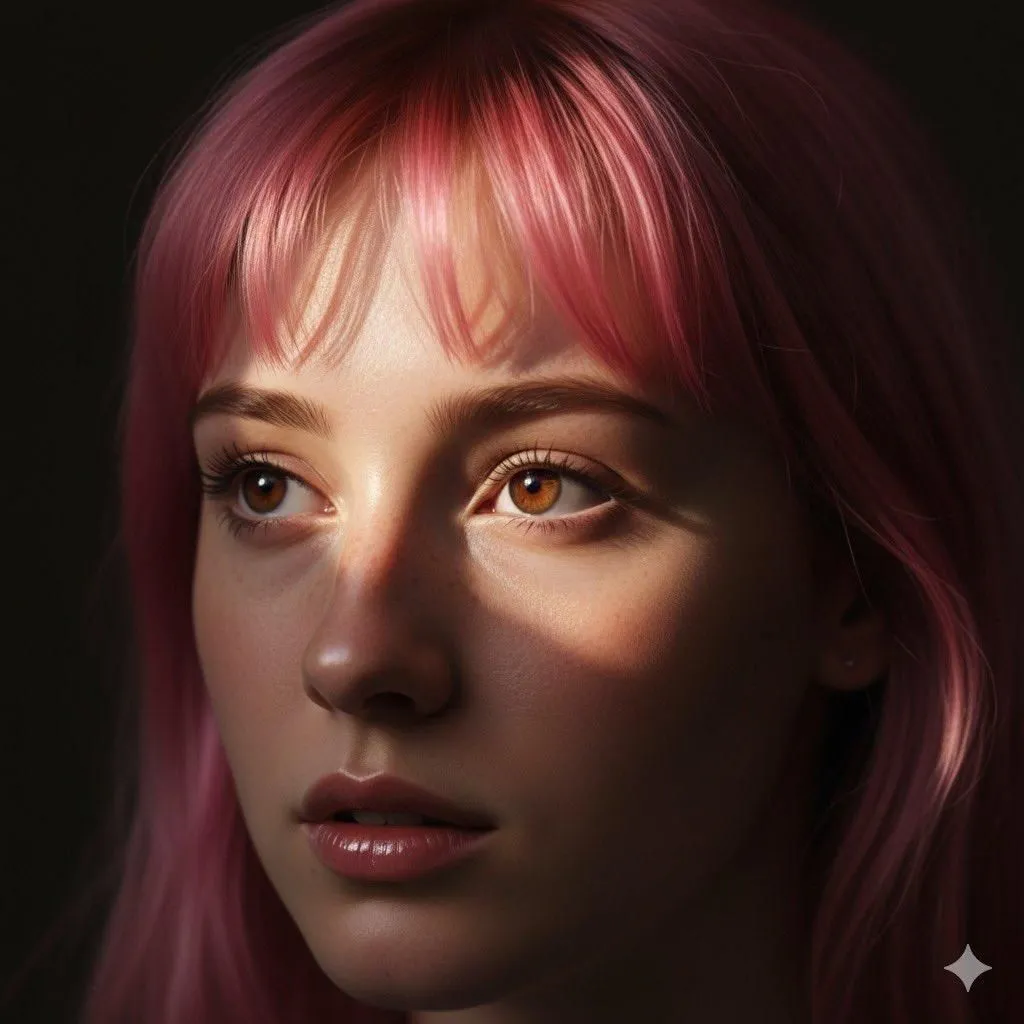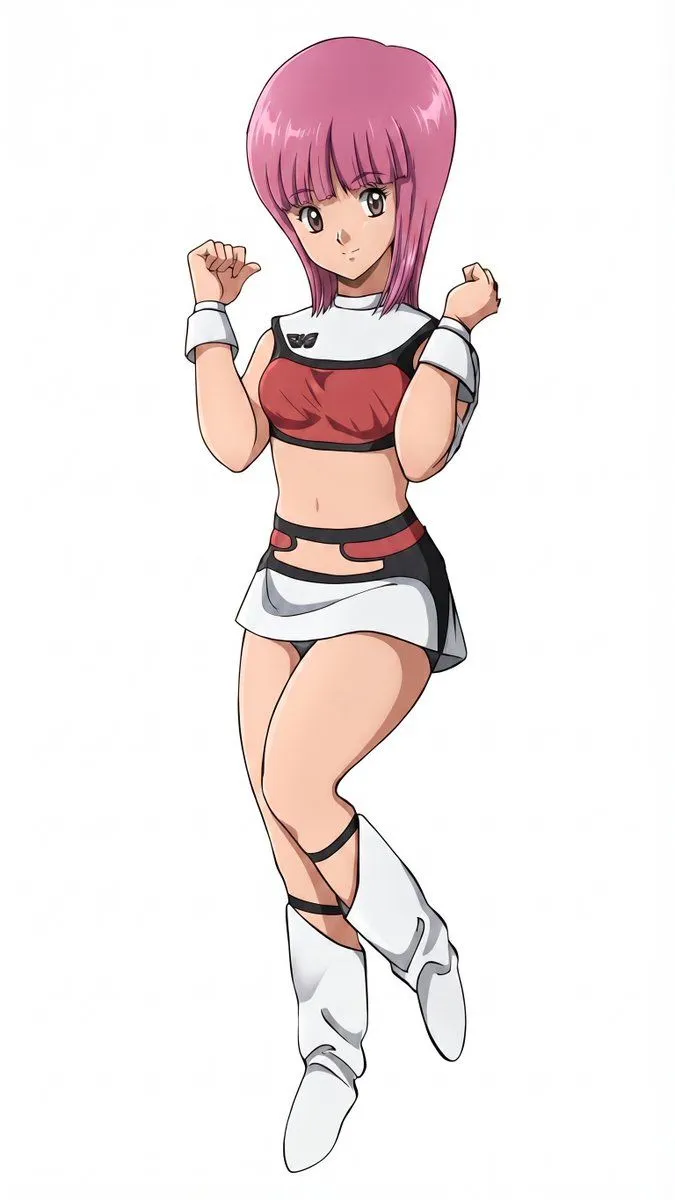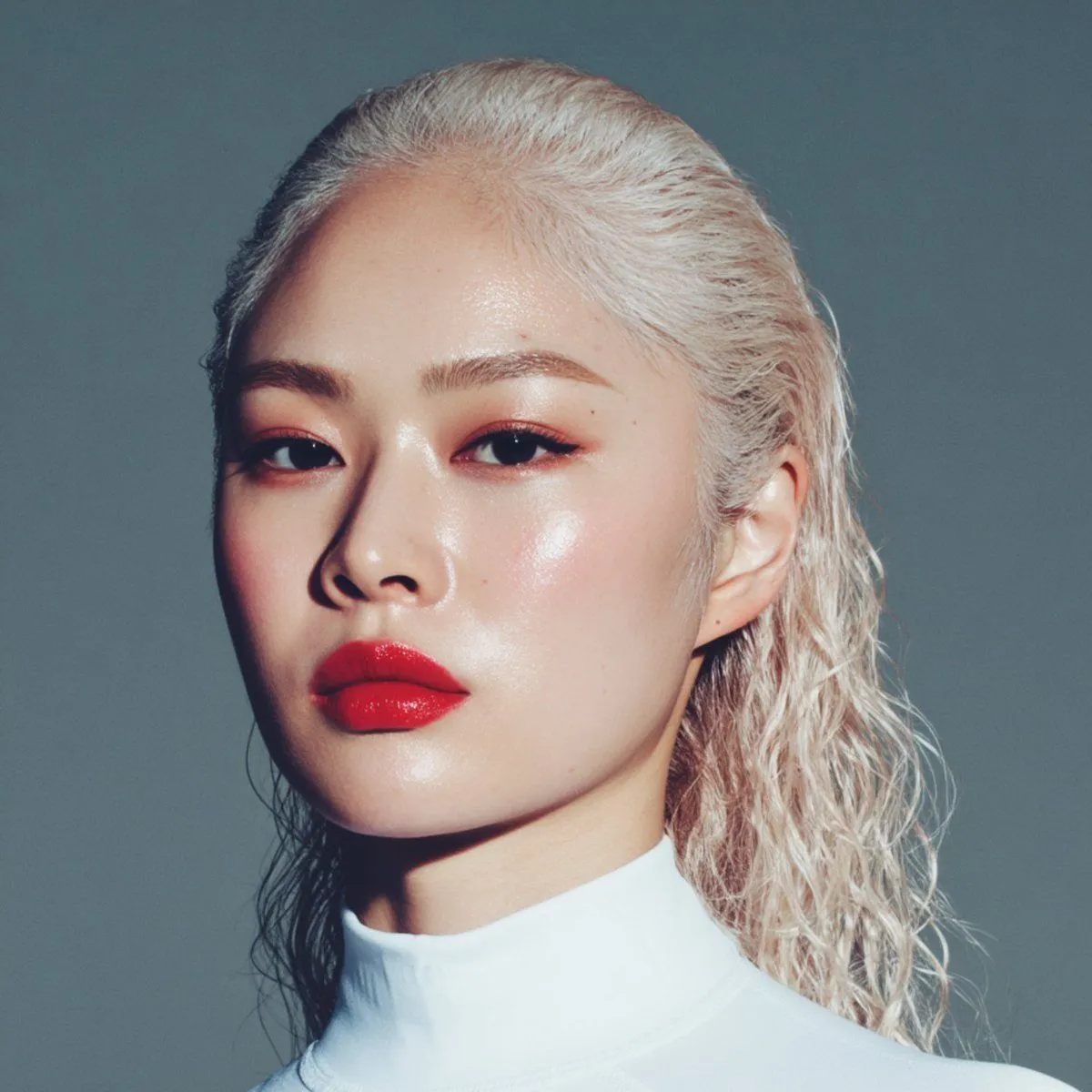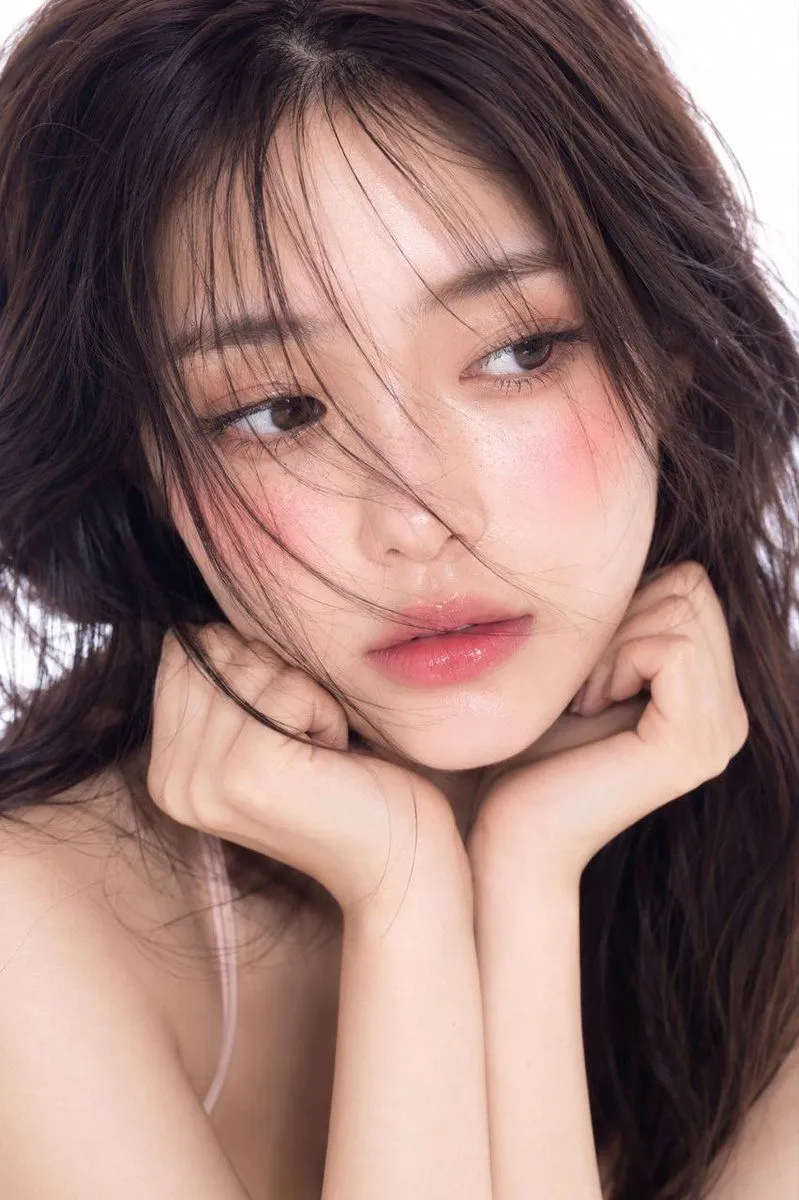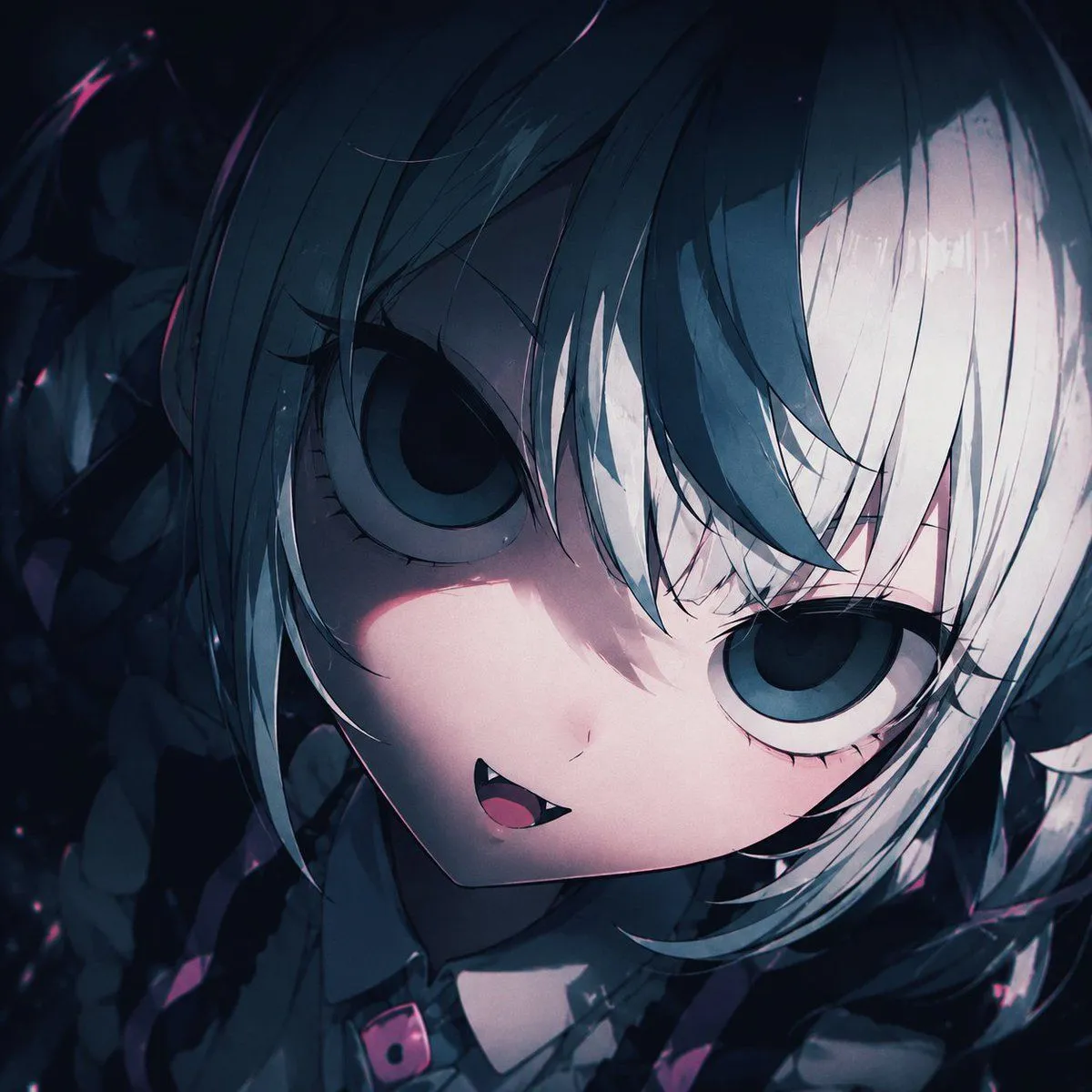
Made with GPT Image 2 in ChatGPT by Library Avatars. Promptclay never generates images.
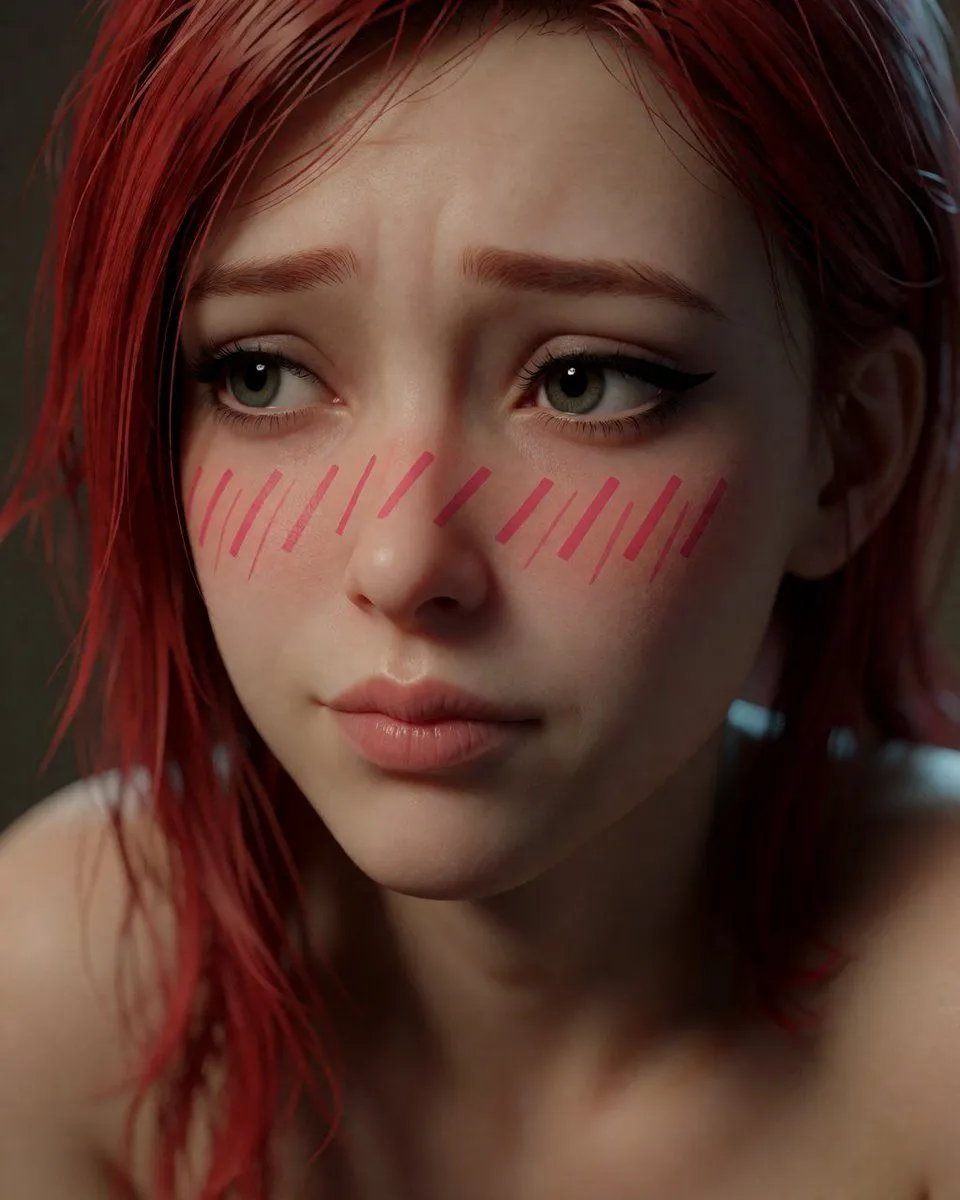
Shy Red-Haired Anime Realism Portrait
Prompt
2 blanks to fillCreate an intimate close-up portrait of {character_name} with a stylized semi-realistic CGI/anime-realism look blended with photographic skin detail. She has {hair_color} shoulder-length messy hair swept across her forehead, loose strands framing her face, pale skin, large glossy hazel-green eyes, long lashes, dark winged eyeliner, softly arched worried eyebrows, a small nose, and slightly parted natural pink lips. Her expression is shy, anxious, and tender, looking slightly off to the viewer’s right rather than directly at the camera. Add visible anime-style blush marks: exactly 18 diagonal pink strokes across both cheeks and the bridge of the nose, with 8 strokes on the viewer-left cheek area, 2 shorter strokes over the nose bridge, and 8 strokes on the viewer-right cheek area. Frame her from bare shoulders upward in a tight vertical portrait, face filling most of the canvas, with the top of the hair close to the upper edge and shoulders softly visible at the bottom. Use shallow depth of field, soft moody indoor lighting from the upper left, subtle catchlights in the eyes, realistic pores and skin texture, gentle subsurface scattering, cinematic contrast, muted dark gray-brown background blur, and a high-end character-render-meets-photography finish. Keep the image clean with no text, no accessories, and no extra characters.
Preview of your prompt
Create an intimate close-up portrait of a young woman with a stylized semi-realistic CGI/anime-realism look blended with photographic skin detail. She has deep crimson red shoulder-length messy hair swept across her forehead, loose strands framing her face, pale skin, large glossy hazel-green eyes, long lashes, dark winged eyeliner, softly arched worried eyebrows, a small nose, and slightly parted natural pink lips. Her expression is shy, anxious, and tender, looking slightly off to the viewer’s right rather than directly at the camera. Add visible anime-style blush marks: exactly 18 diagonal pink strokes across both cheeks and the bridge of the nose, with 8 strokes on the viewer-left cheek area, 2 shorter strokes over the nose bridge, and 8 strokes on the viewer-right cheek area. Frame her from bare shoulders upward in a tight vertical portrait, face filling most of the canvas, with the top of the hair close to the upper edge and shoulders softly visible at the bottom. Use shallow depth of field, soft moody indoor lighting from the upper left, subtle catchlights in the eyes, realistic pores and skin texture, gentle subsurface scattering, cinematic contrast, muted dark gray-brown background blur, and a high-end character-render-meets-photography finish. Keep the image clean with no text, no accessories, and no extra characters.
DetailsVersions, settings and questions
Written for
What's in the prompt
- Subject
- Model
- GPT Image 2
If your face changes
keep my face exactly the sameQuestions
- Does this work in the ChatGPT app?
- Yes. Paste the prompt and attach your photo if it uses one.
- It changed my face. What do I do?
- Add "keep my face exactly the same" to the end and run it again.
- Can I use the images I make?
- Check the terms of the app you use. Promptclay never generates images and claims nothing you make.