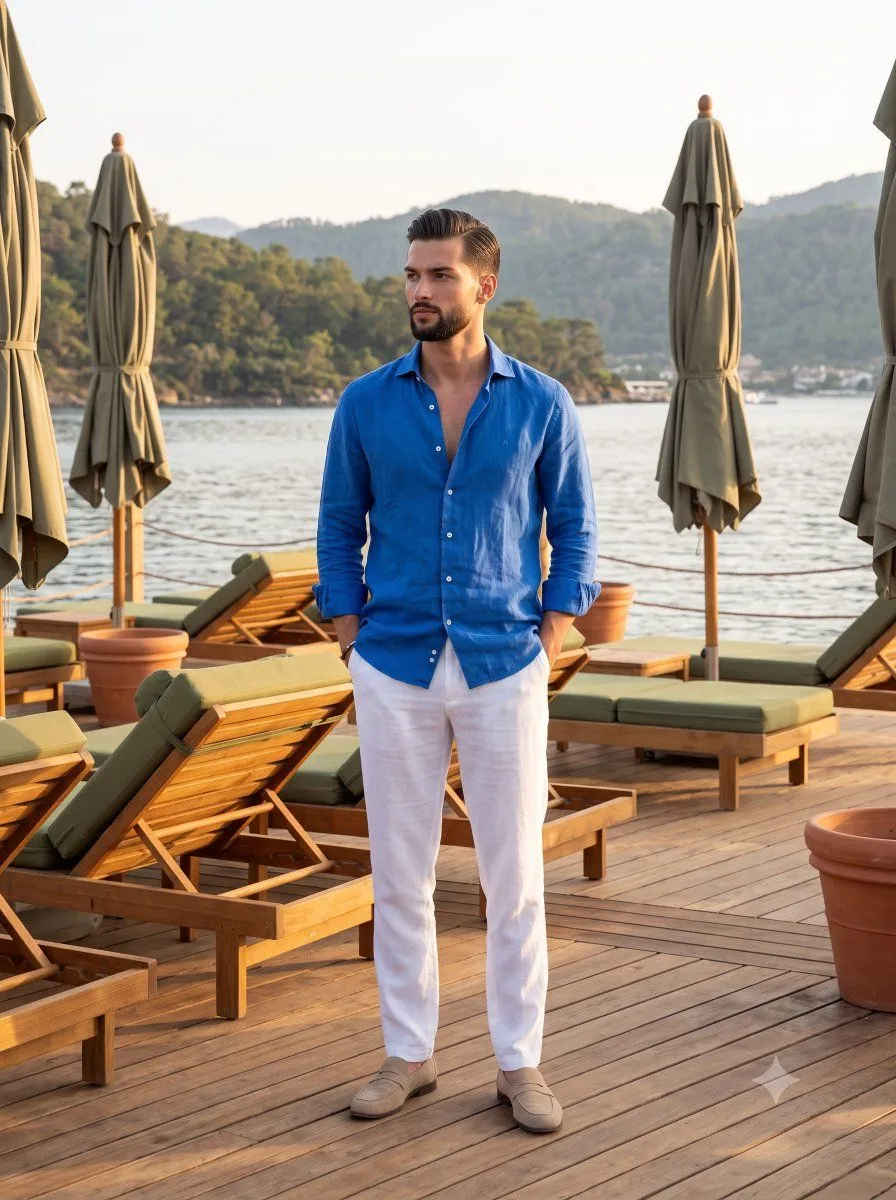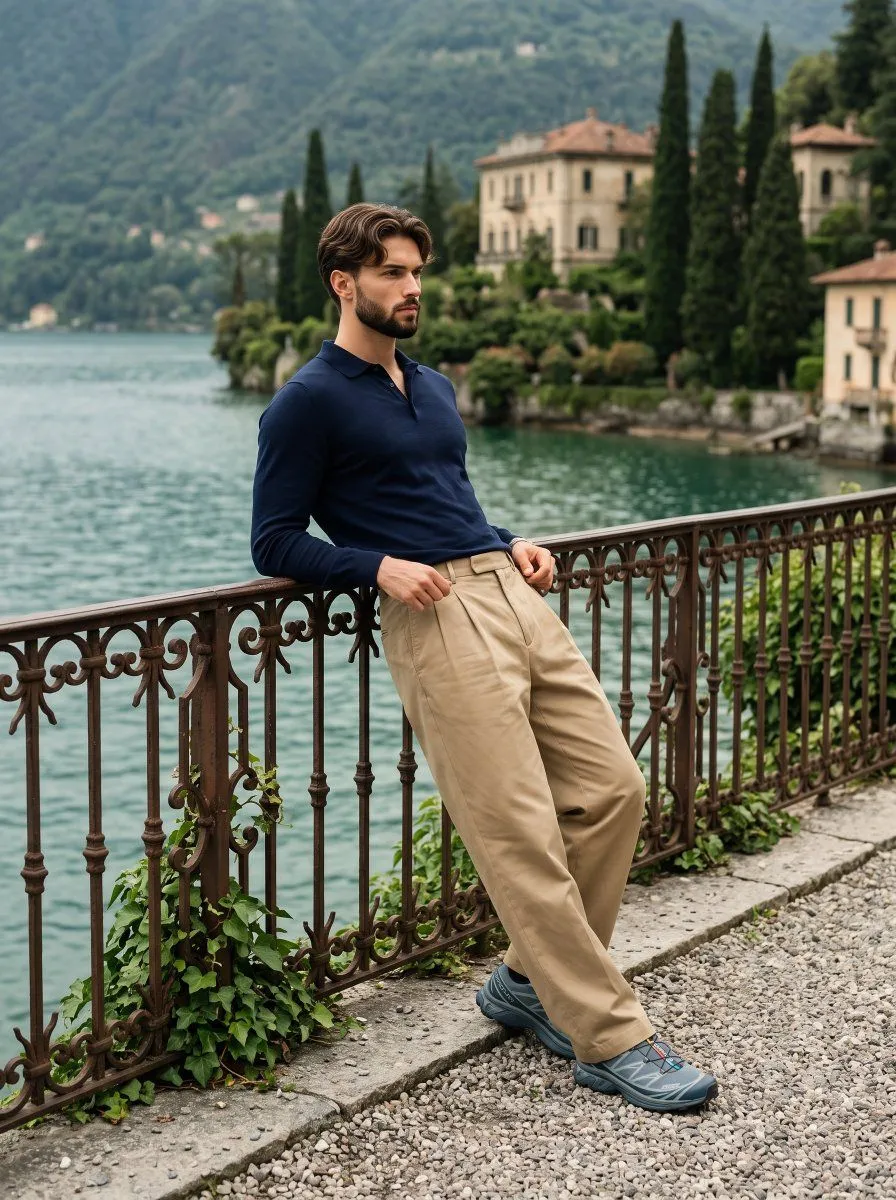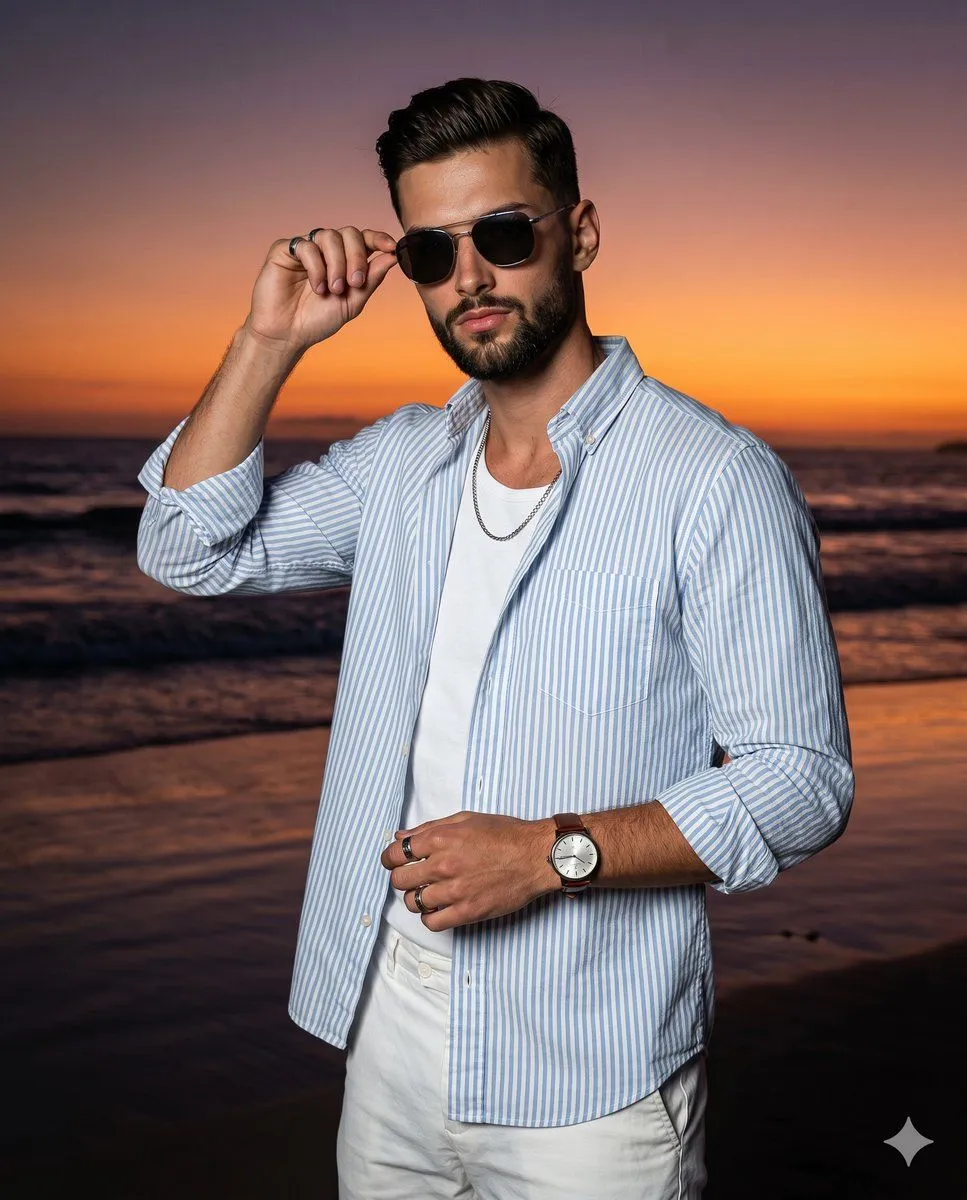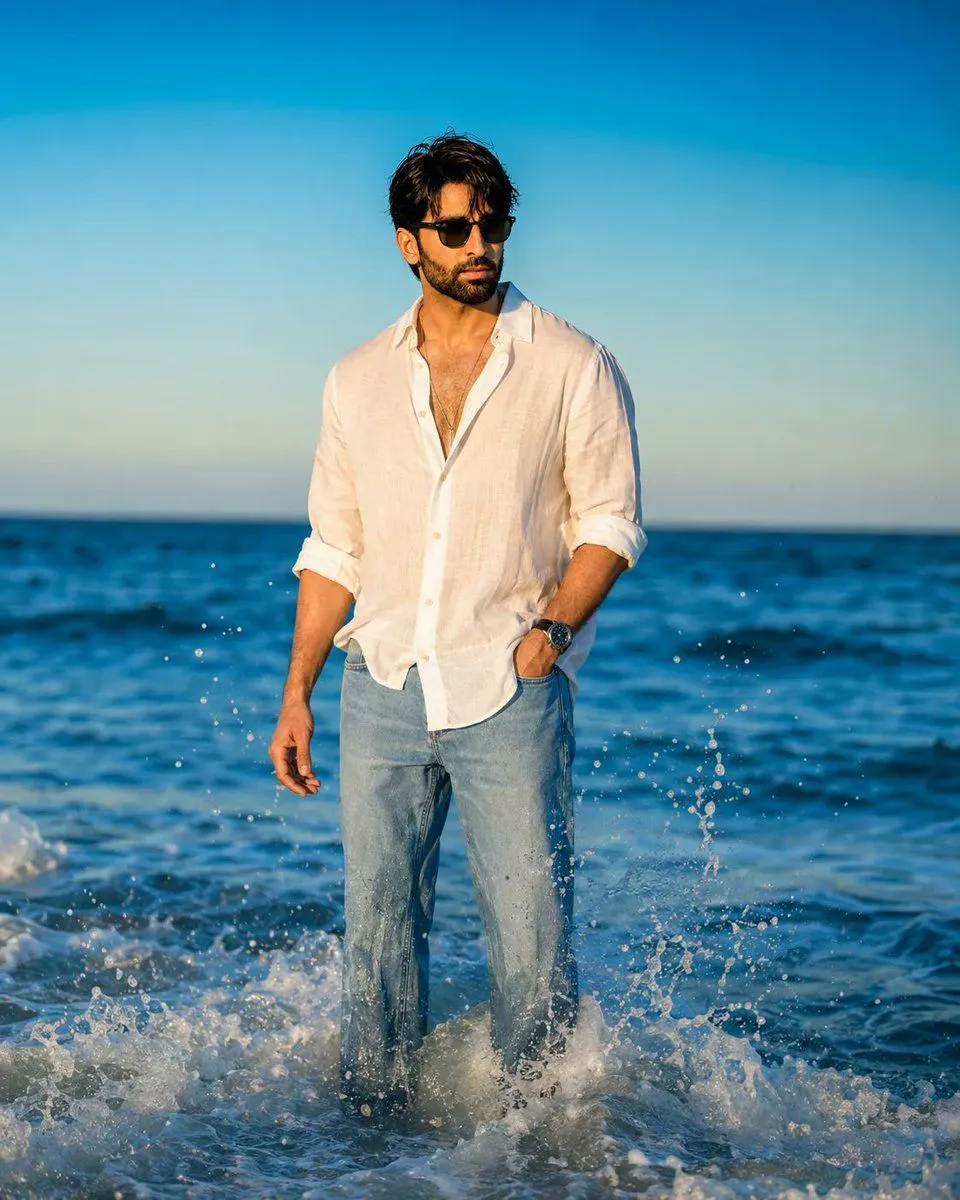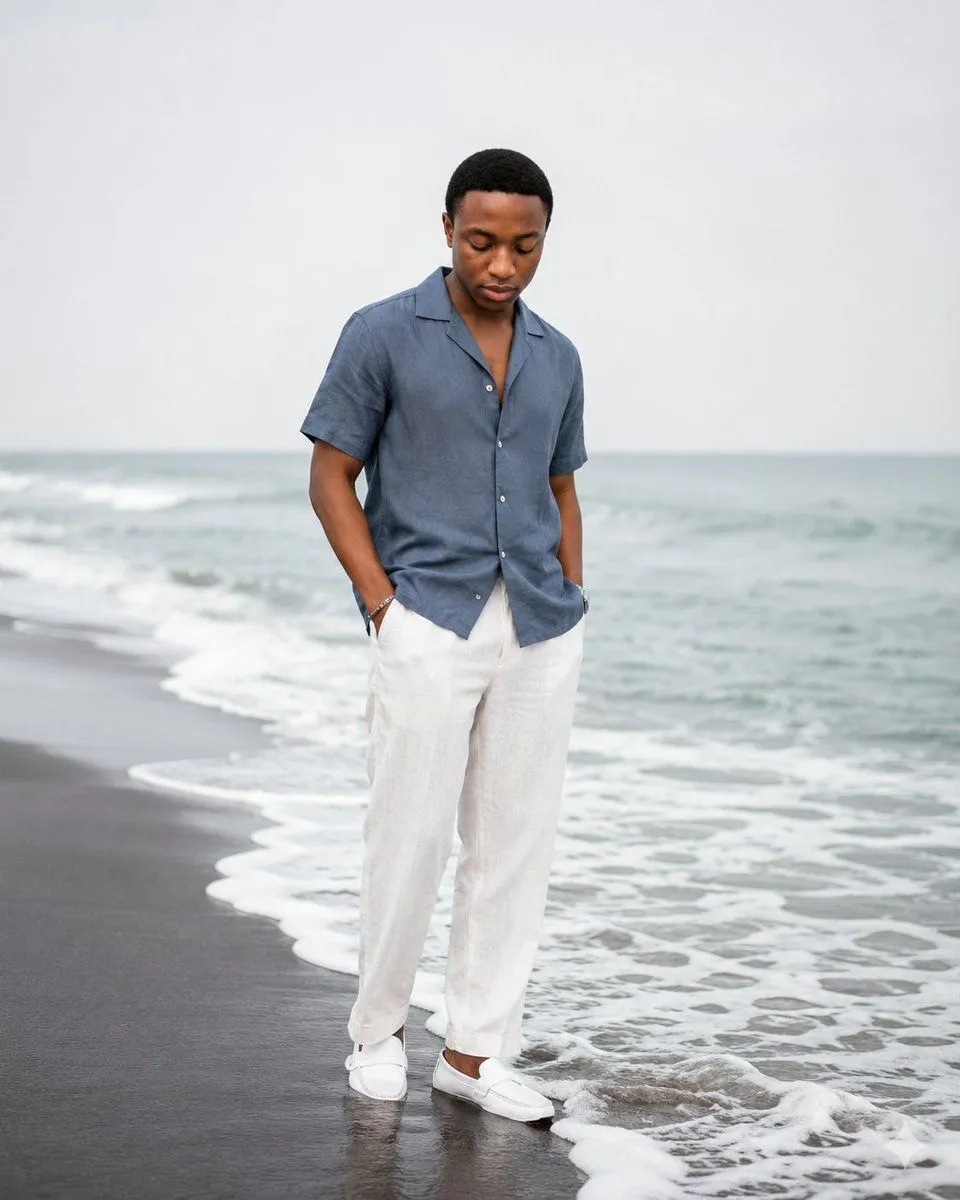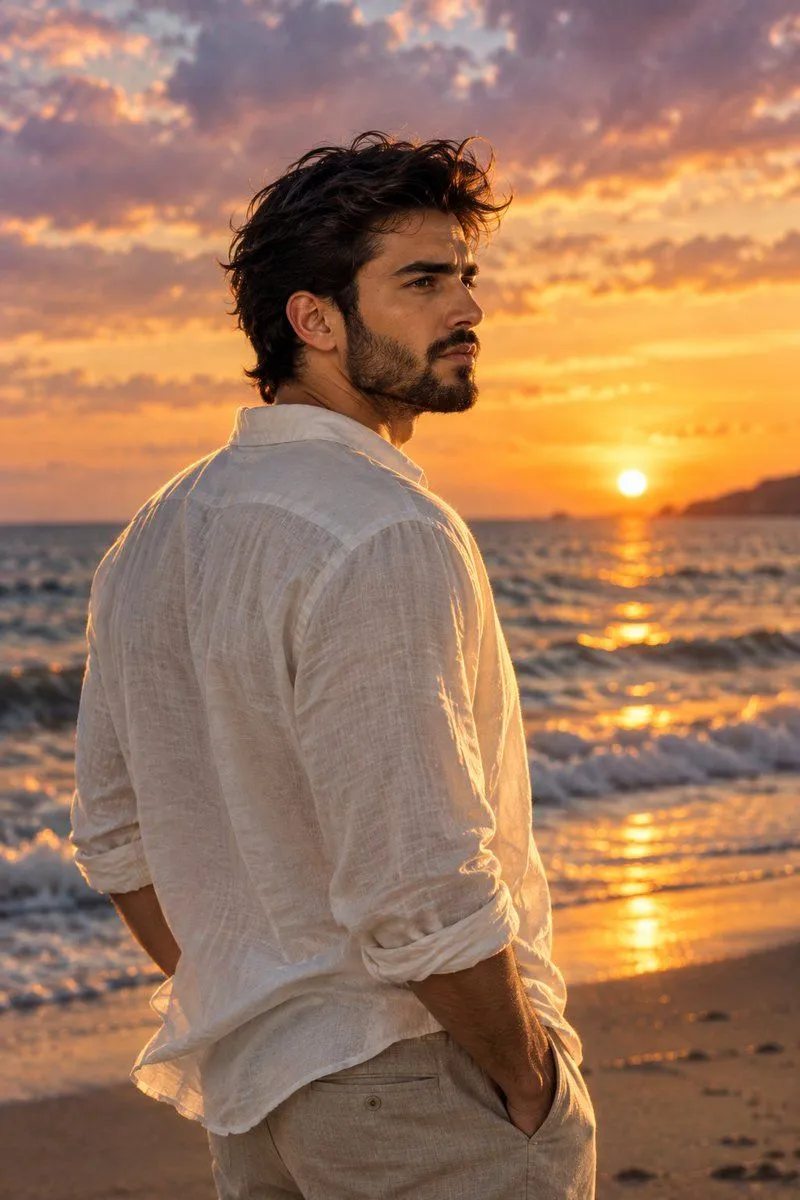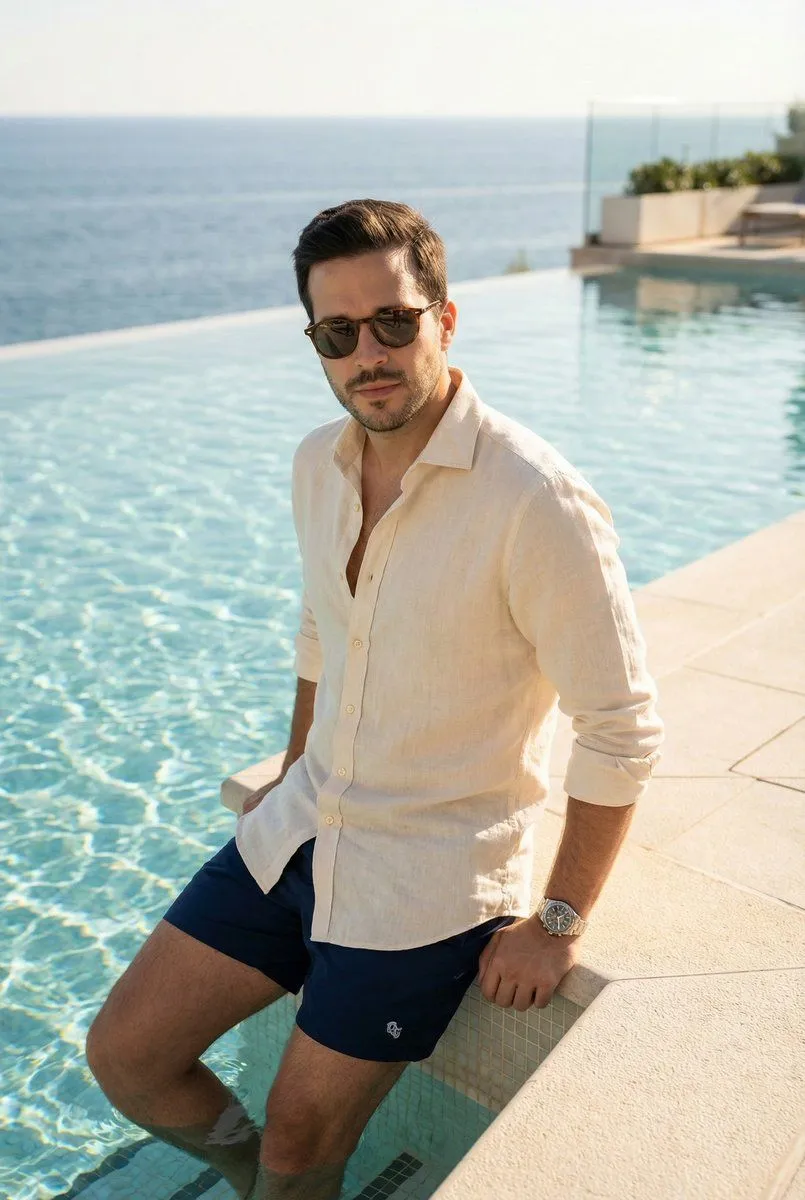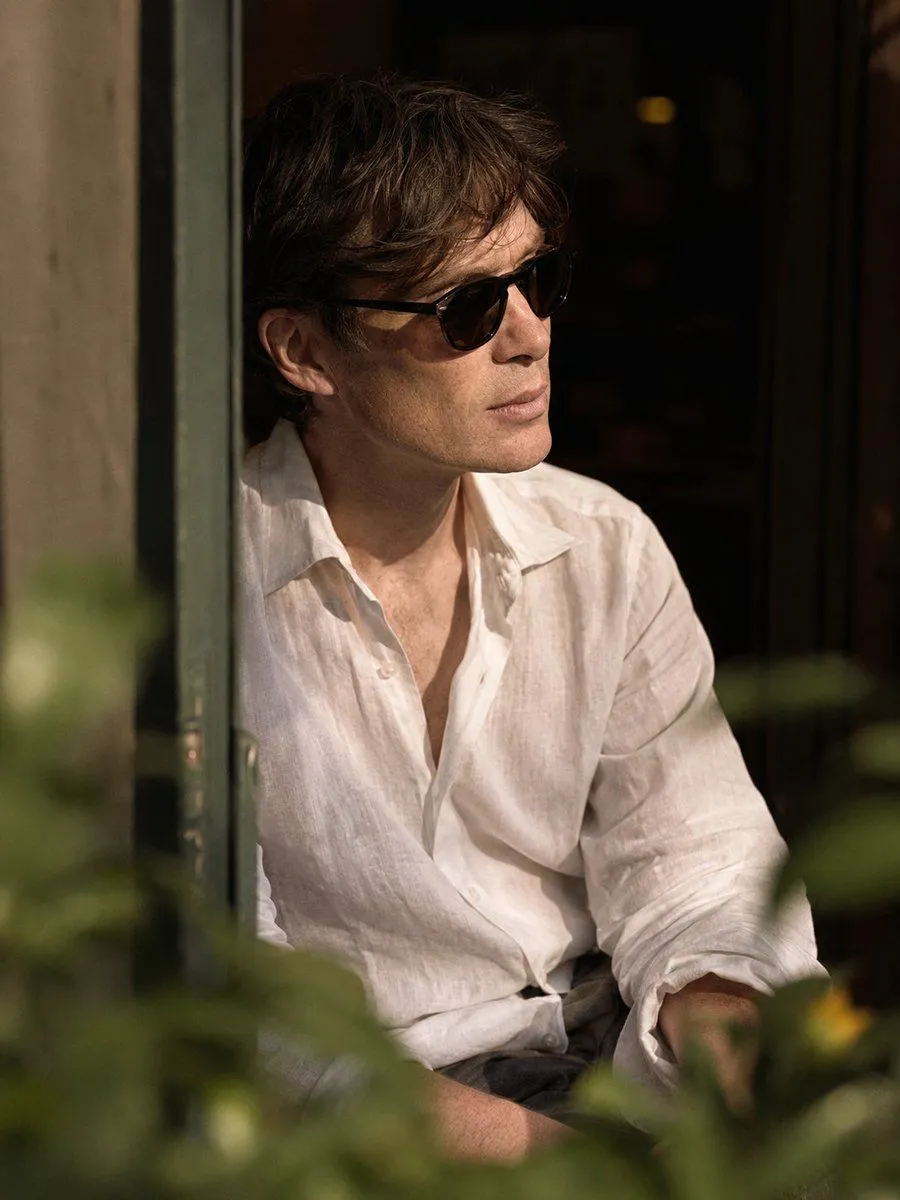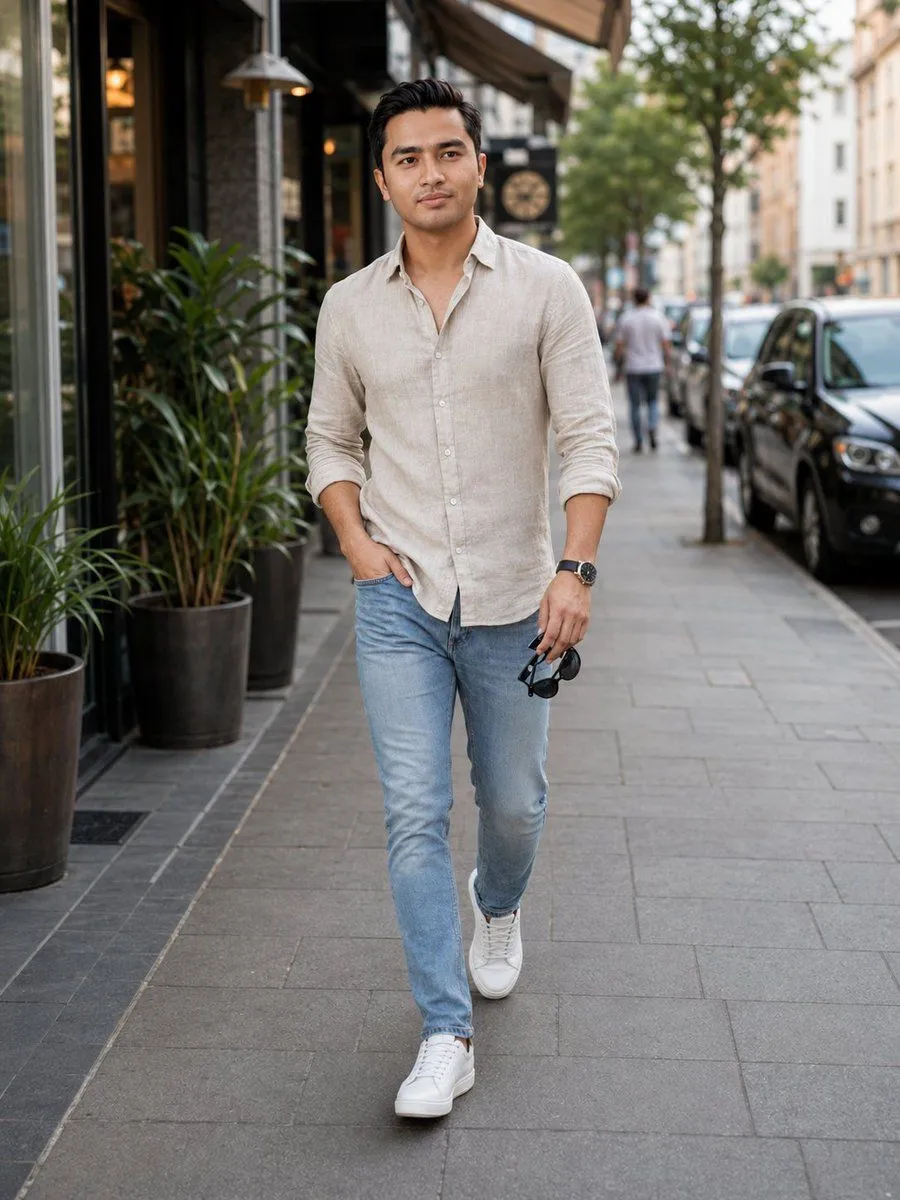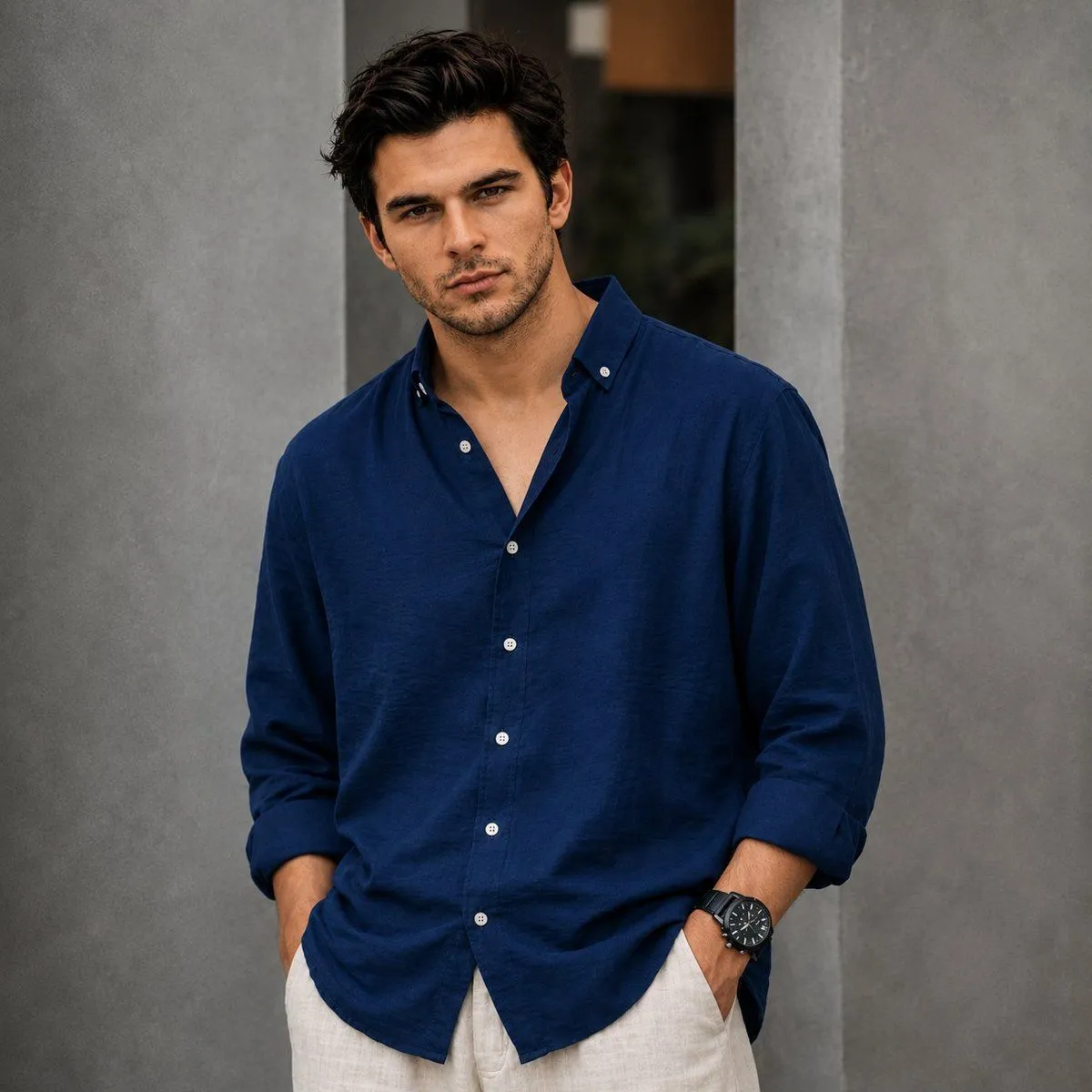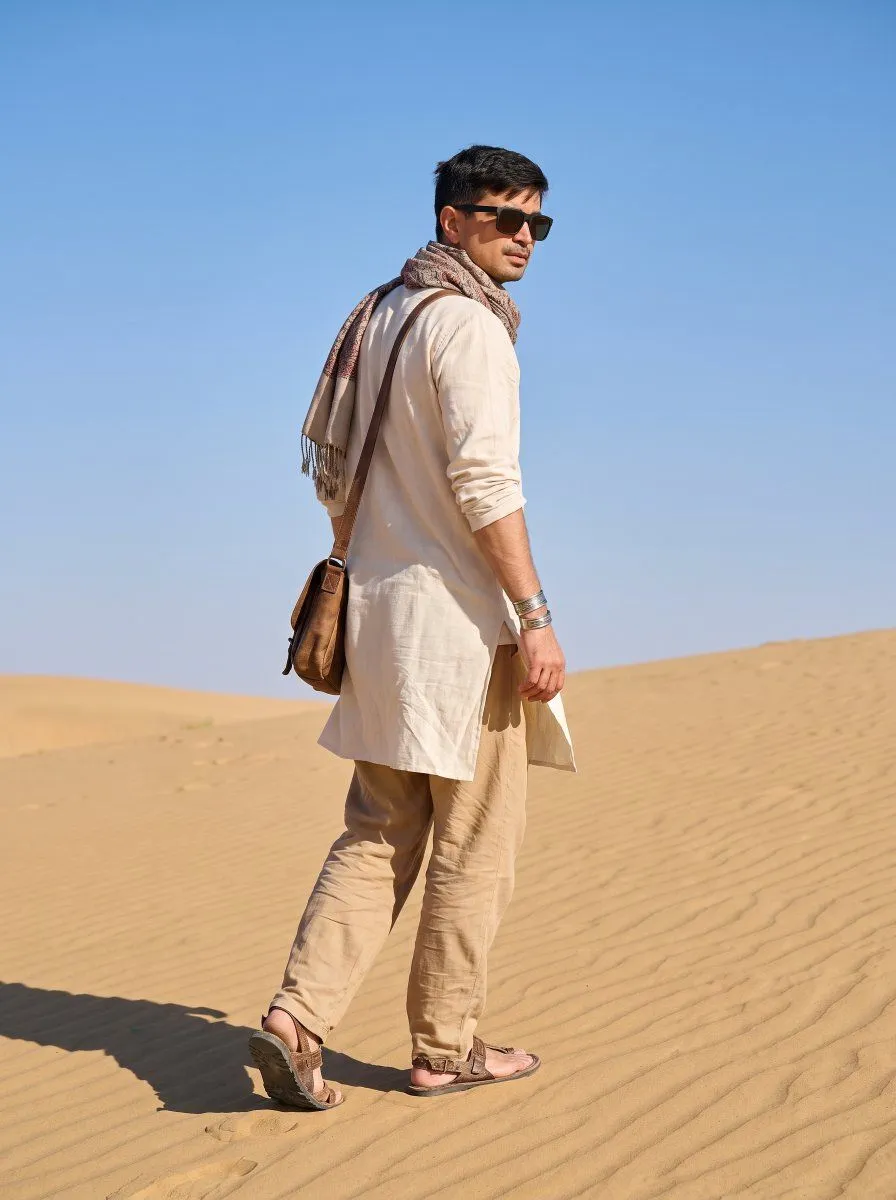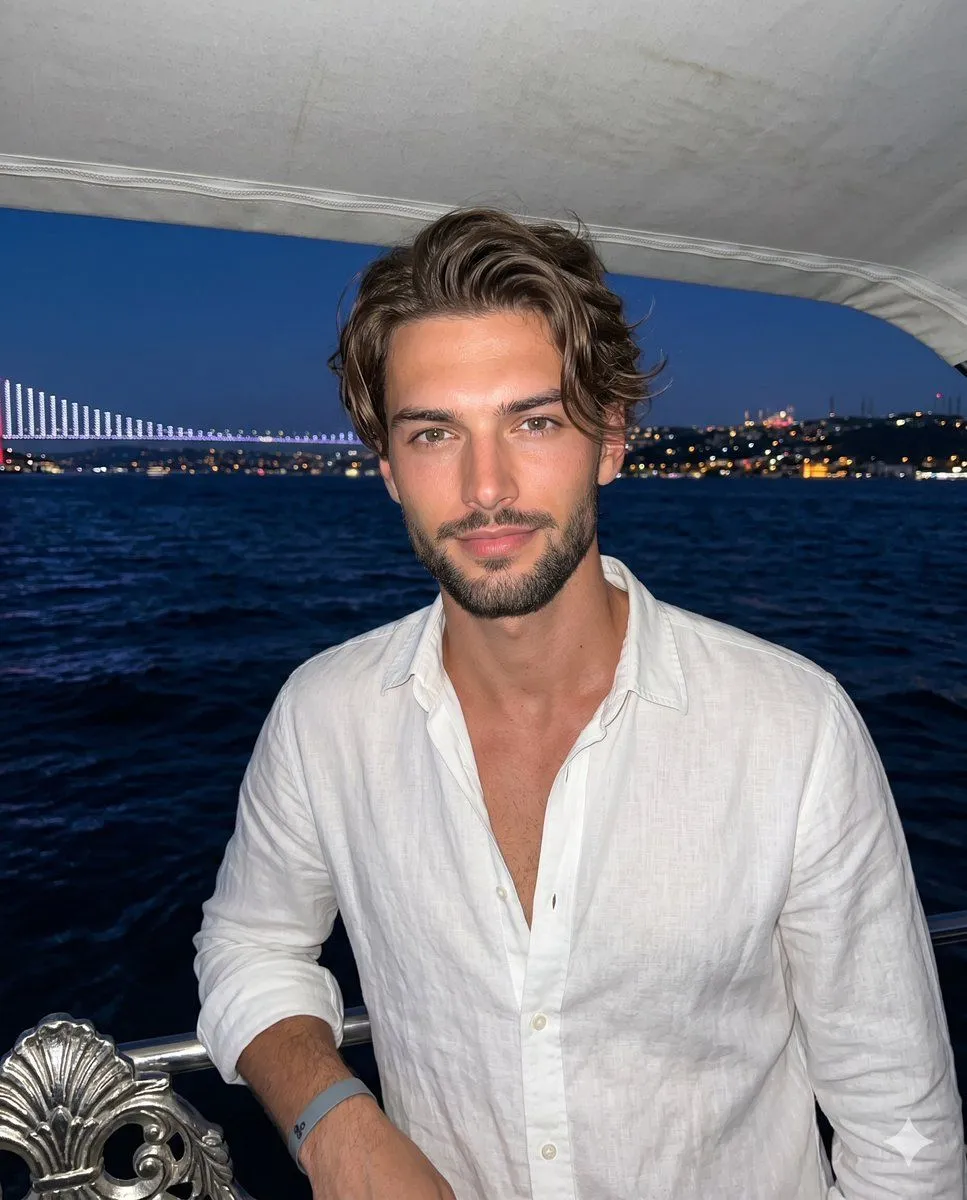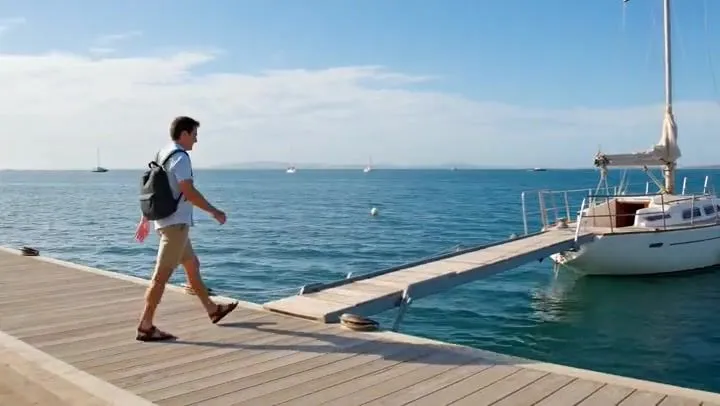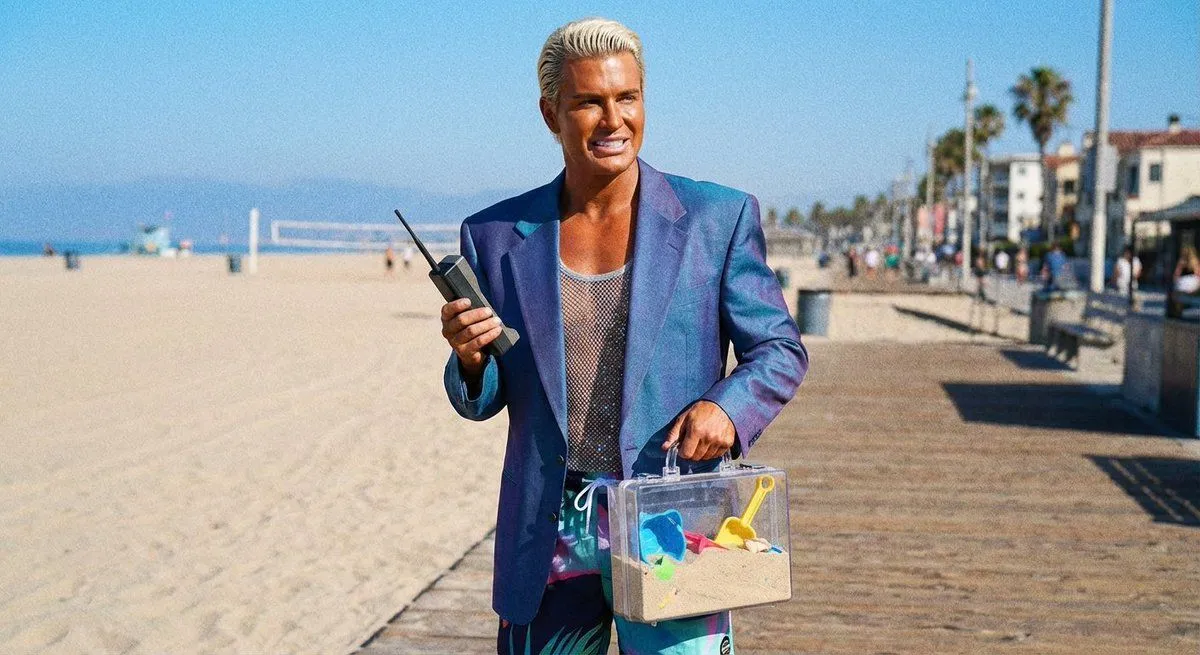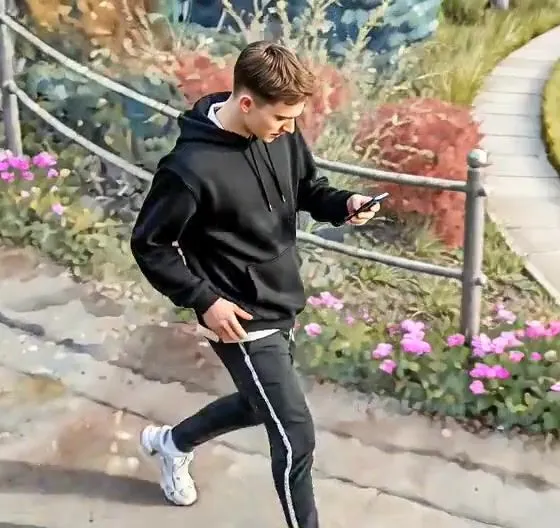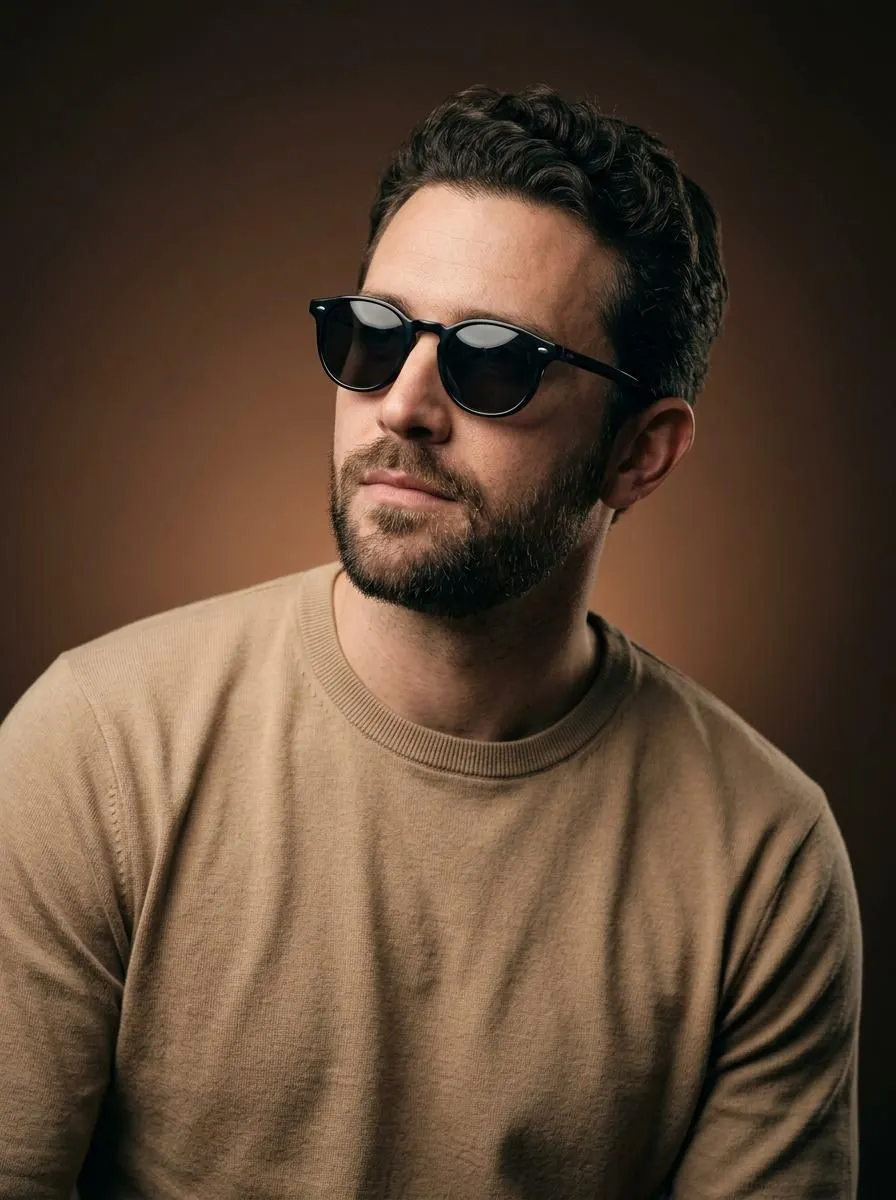
Made with GPT Image 2 in ChatGPT by Library Lifestyle. Promptclay never generates images.
Shoreline Fashion Portrait Photography
Prompt
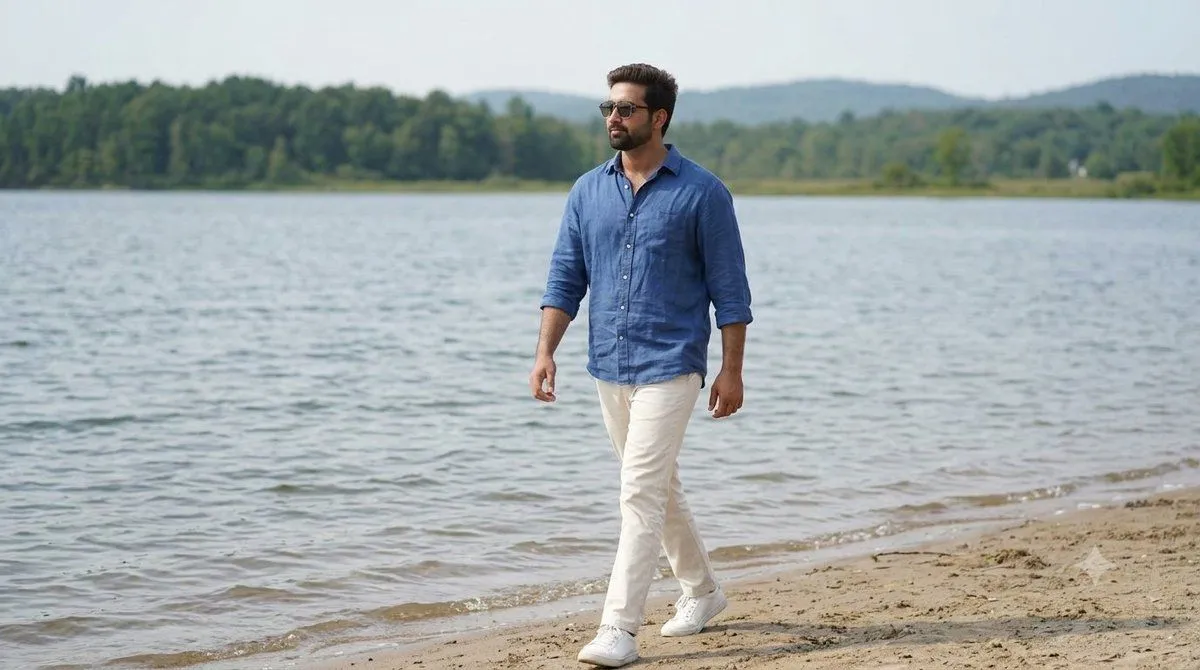
3 blanks to fillCreate a hyper-realistic full-body fashion portrait of a {subject} walking confidently along the peaceful shoreline of a {location} during bright daytime. He is wearing black sunglasses, a {shirt} with the sleeves rolled up, off-white straight-fit trousers, and clean white sneakers. He is looking confidently to his left while walking forward with a relaxed, natural posture. The background features crystal-clear rippling lake water, a lush green tree line, and soft rolling hills in the distance beneath a slightly hazy blue sky. Warm natural daylight creates soft shadows and enhances the tranquil atmosphere. Capture realistic skin texture, subtle fabric movement, cinematic composition, ultra-sharp focus, vibrant natural colors, high dynamic range, professional fashion photography, shallow depth of field, editorial magazine style, 85mm lens, f/2.8, 8K ultra-HD quality, photorealistic, highly detailed. Aspect ratio 9:16.
Preview of your prompt
Create a hyper-realistic full-body fashion portrait of a stylish young man walking confidently along the peaceful shoreline of a calm lake during bright daytime. He is wearing black sunglasses, a loose sky-blue linen button-down shirt with the sleeves rolled up, off-white straight-fit trousers, and clean white sneakers. He is looking confidently to his left while walking forward with a relaxed, natural posture. The background features crystal-clear rippling lake water, a lush green tree line, and soft rolling hills in the distance beneath a slightly hazy blue sky. Warm natural daylight creates soft shadows and enhances the tranquil atmosphere. Capture realistic skin texture, subtle fabric movement, cinematic composition, ultra-sharp focus, vibrant natural colors, high dynamic range, professional fashion photography, shallow depth of field, editorial magazine style, 85mm lens, f/2.8, 8K ultra-HD quality, photorealistic, highly detailed. Aspect ratio 9:16.
DetailsVersions, settings and questions
Written for
What's in the prompt
- Subject
- Model
- GPT Image 2
If your face changes
keep my face exactly the sameQuestions
- Does this work in the ChatGPT app?
- Yes. Paste the prompt and attach your photo if it uses one.
- It changed my face. What do I do?
- Add "keep my face exactly the same" to the end and run it again.
- Can I use the images I make?
- Check the terms of the app you use. Promptclay never generates images and claims nothing you make.