Tell us anything

An idea, a bug, something you love. We read every note.

⌘↵ to send. The page you're on comes along.

Grok Imagine Prompt: Wow! Logo Followed by Off-Screen Narration

Made with Grok Imagine in Gemini by Library Cinema. Promptclay never generates images.

Did it work?

No reports yet. Tell others if it worked for you.

No comments yet. Be the first.

    Grok Imagine Prompt: Wow! Logo Followed by Off-Screen Narration

    Grok Imagine16:9AI-generated

    Prompt

    Follow with the Wow! logo. Then an off-screen narration: “See the rest with the Wow! application...

    Works in
    Gemini, ChatGPT
    Status
    Free to copy
    0
    DetailsVersions, settings and questions

    Written for

    What's in the prompt

    Subject
    Model
    Grok Imagine

    If your face changes

    keep my face exactly the same

    Questions

    Does this work in the Gemini app?
    Yes. Gemini runs Nano Banana, so paste the prompt and attach your photo if it uses one.
    It changed my face. What do I do?
    Add "keep my face exactly the same" to the end and run it again.
    Can I use the images I make?
    Check the terms of the app you use. Promptclay never generates images and claims nothing you make.

    Similar prompts

    See more

    • Minimalistic contemplative pier scene prompt for Nano Banana Pro
    • Ultra-Realistic Yacht Sunset Portrait
    • Golden Hour Sailboat Portrait
    • Summer Holiday Luxury Resort Fashion
    • Shoreline Fashion Portrait Photography
    • Cinematic Forest Boardwalk Portrait
    • Multi-Scene Identity Preservation Collage
    • Sahara Desert Cinematic Portrait Prompt
    • Cinematic Ocean Wave Fashion Portrait
    • Sharpen blurred lifestyle photo
    • Hyper-Realistic Underwater Snorkeling Portrait
    • Aesthetic Image Generation Prompt
    • Man on a seaboat attacked by a sea monsterVideo, 0:15
    • Image Generation Prompt: Nishimura Mizuki and Leviathan
    • Forest Walk with Pooh and MickeyVideo, 0:06
    • Tropical Beach Reflection in Sunglasses
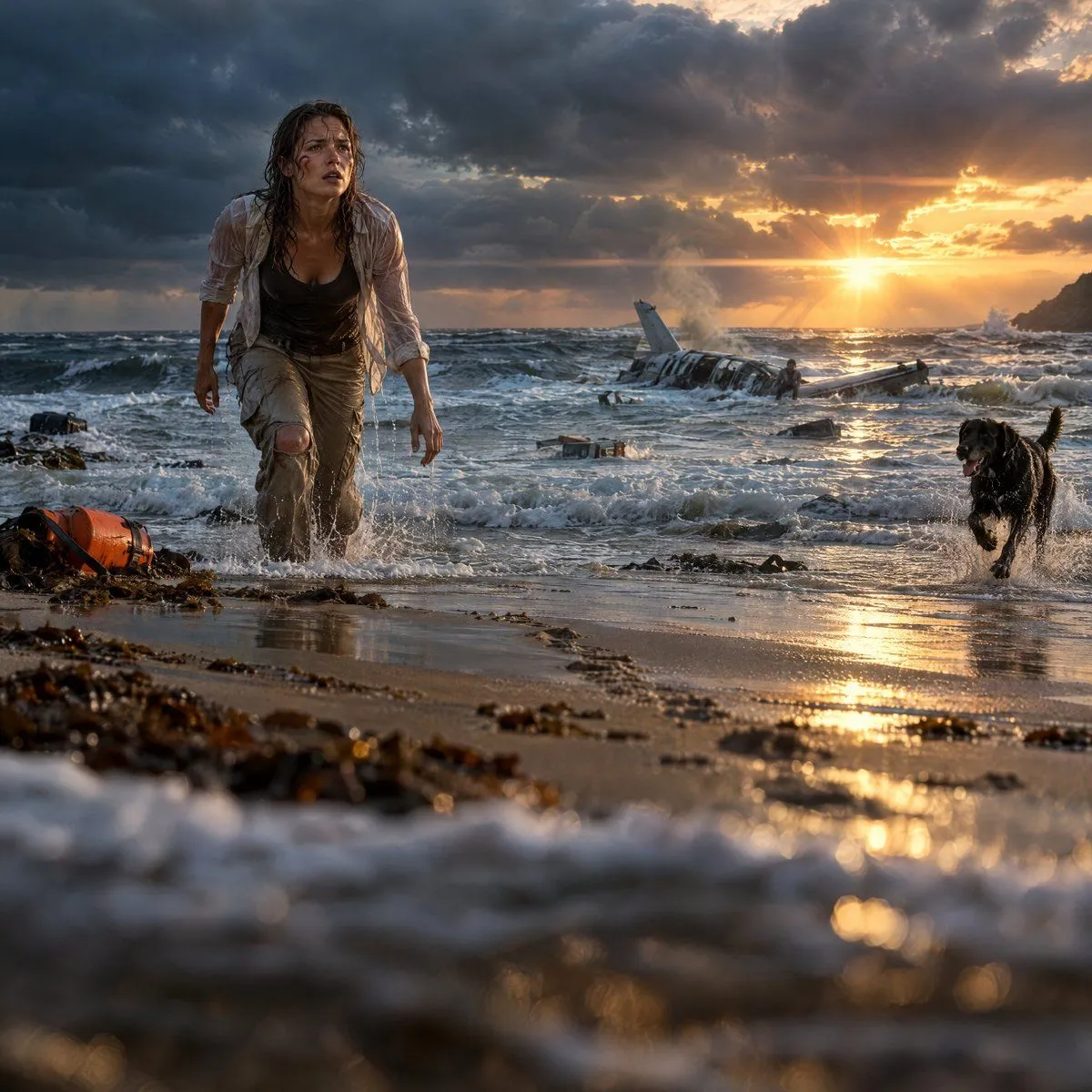
    • Cinematic Plane Crash Beach Survival
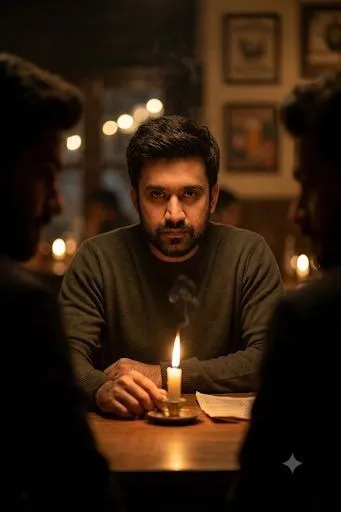
    • Cinematic Candlelit Noir Scene
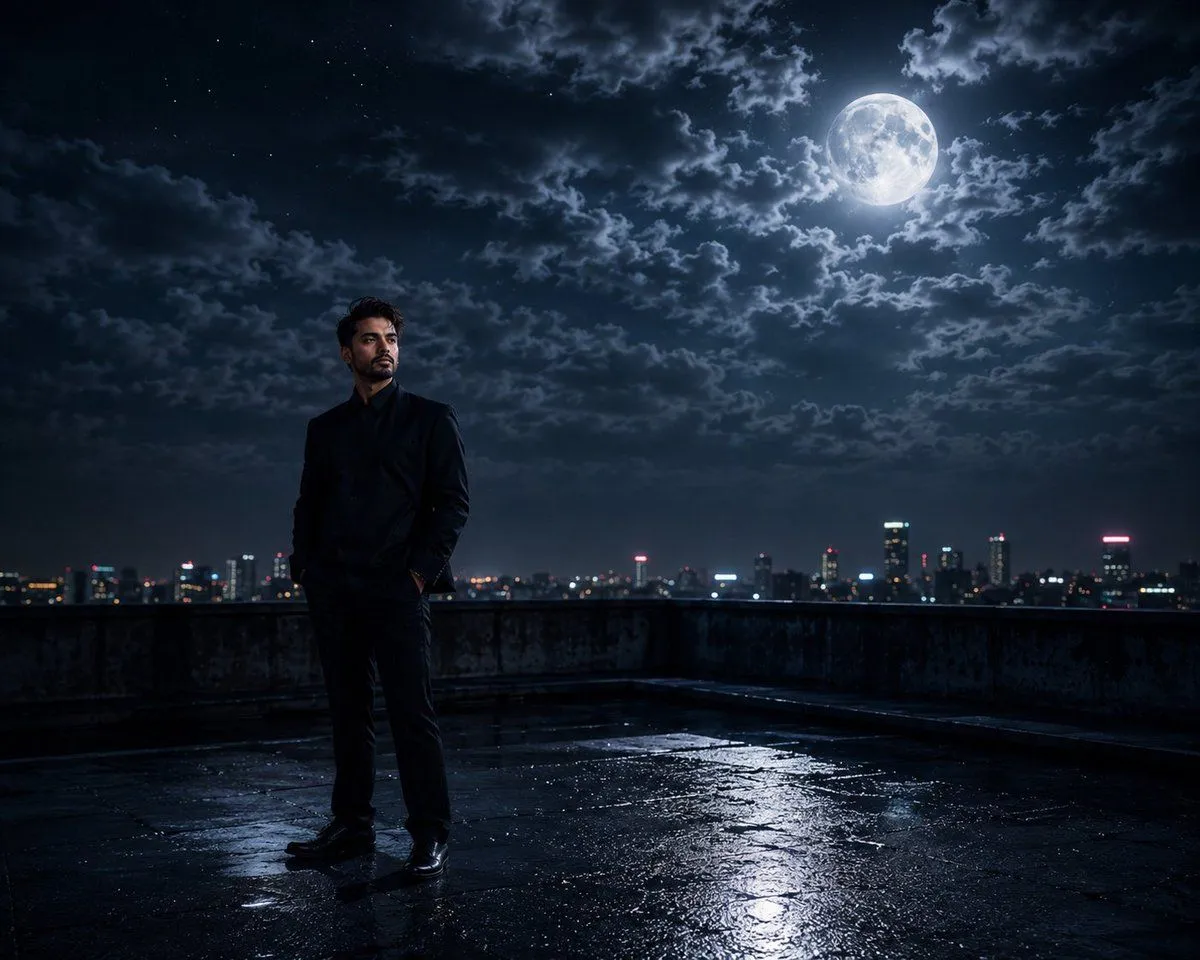
    • Cinematic Moonlight Rooftop Portrait Collage
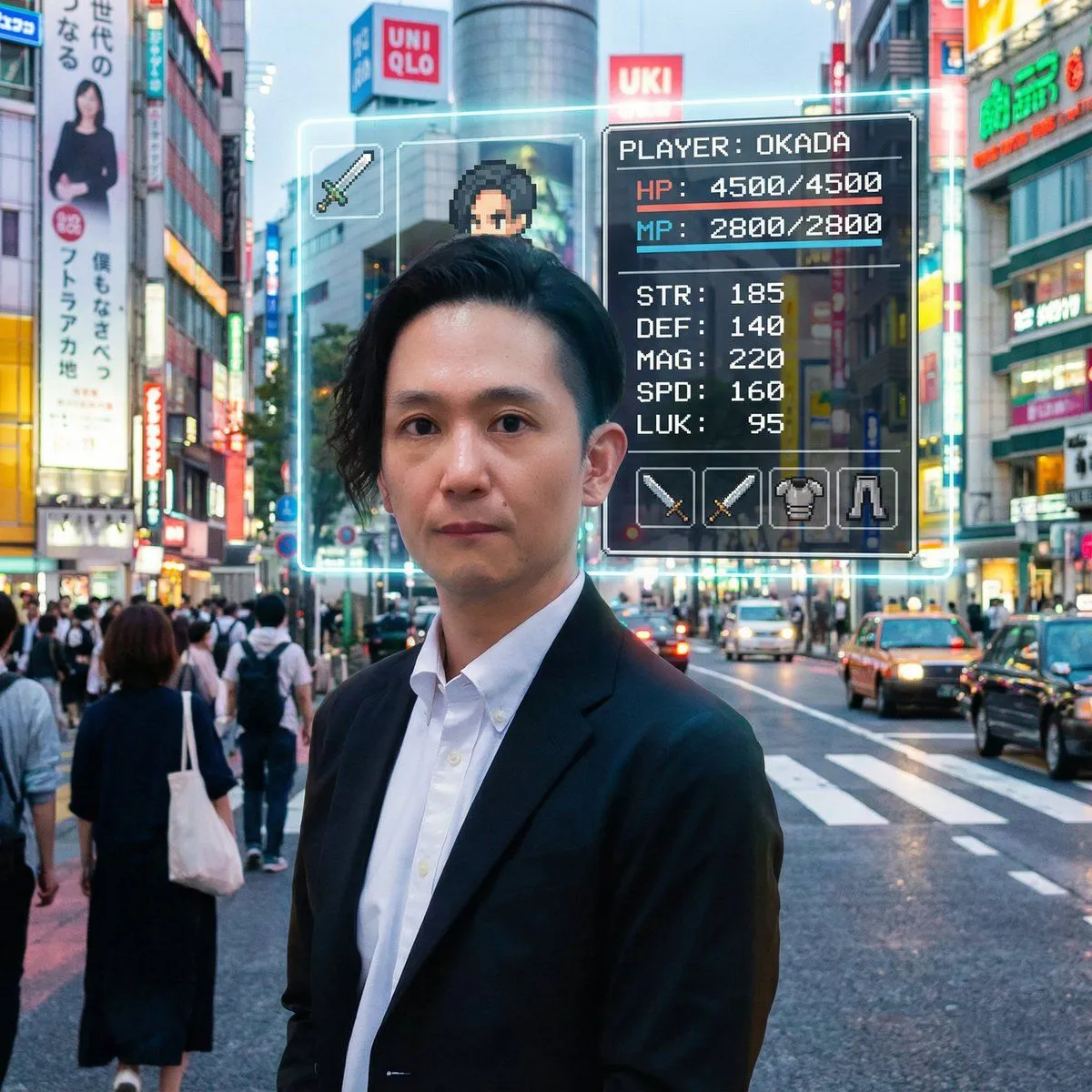
    • RPG Status Screen Overlay
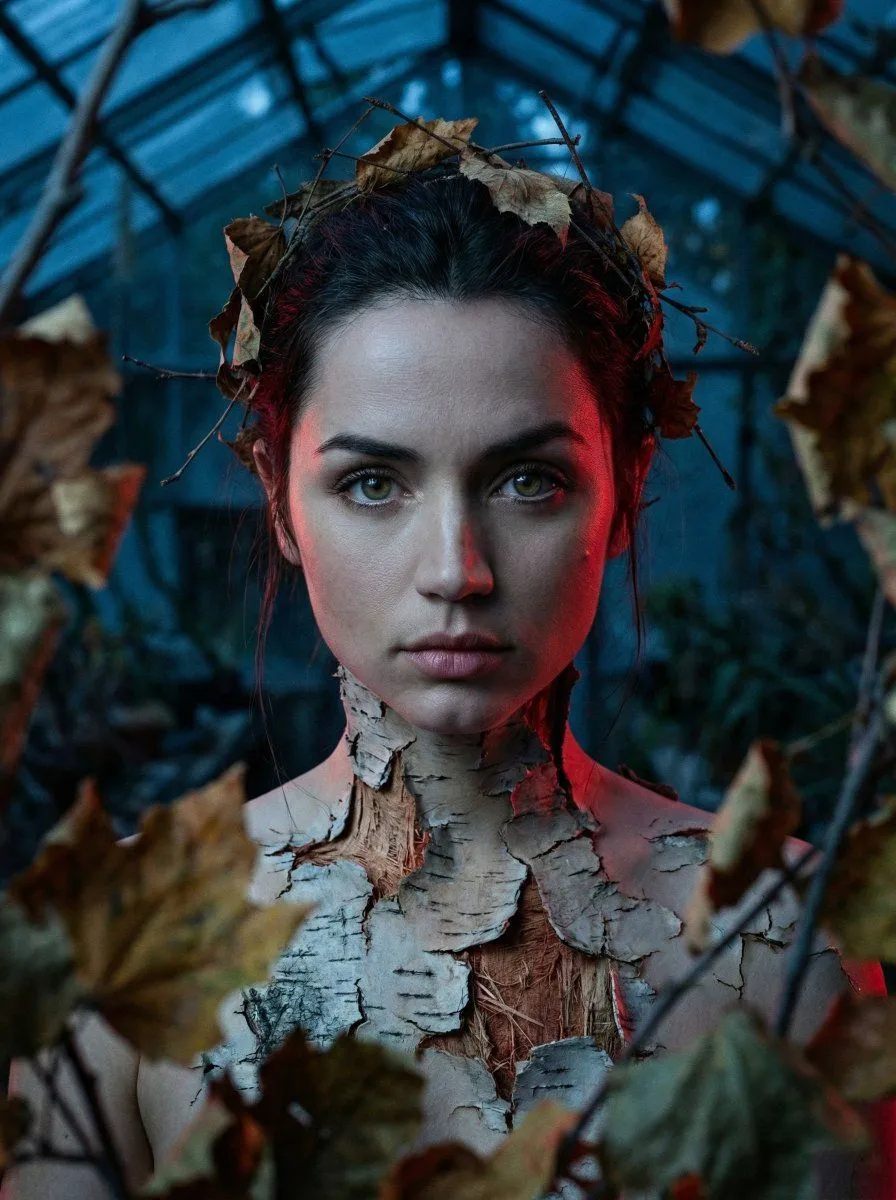
    • Surreal Birch Bark Portrait Prompt
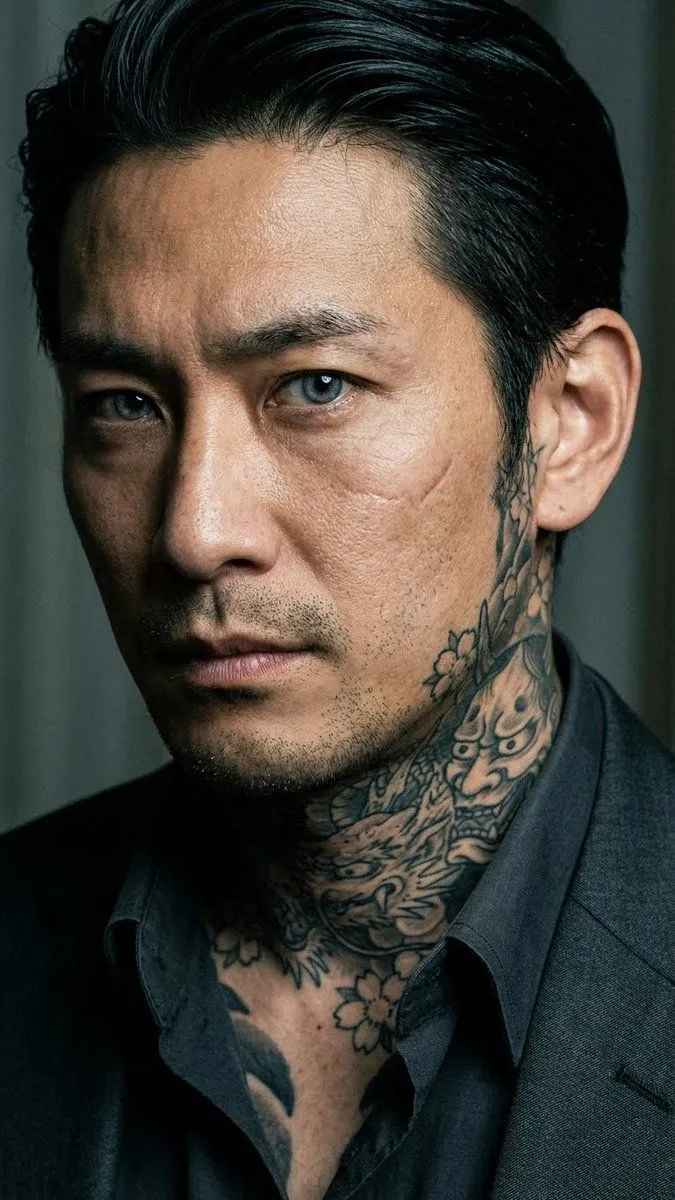
    • Yakuza Portrait with Irezumi Tattoos
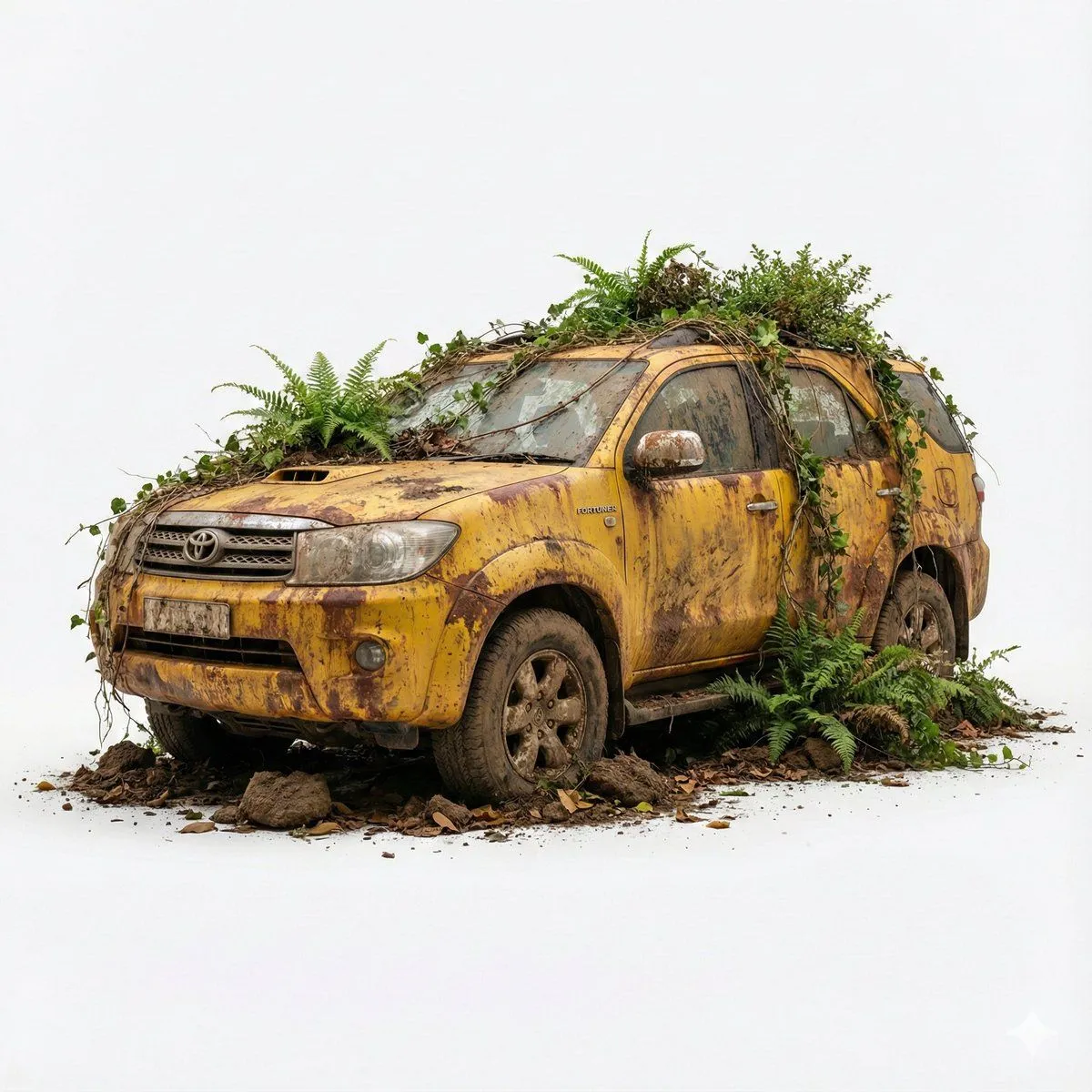
    • Abandoned Object Photorealistic Image Generator
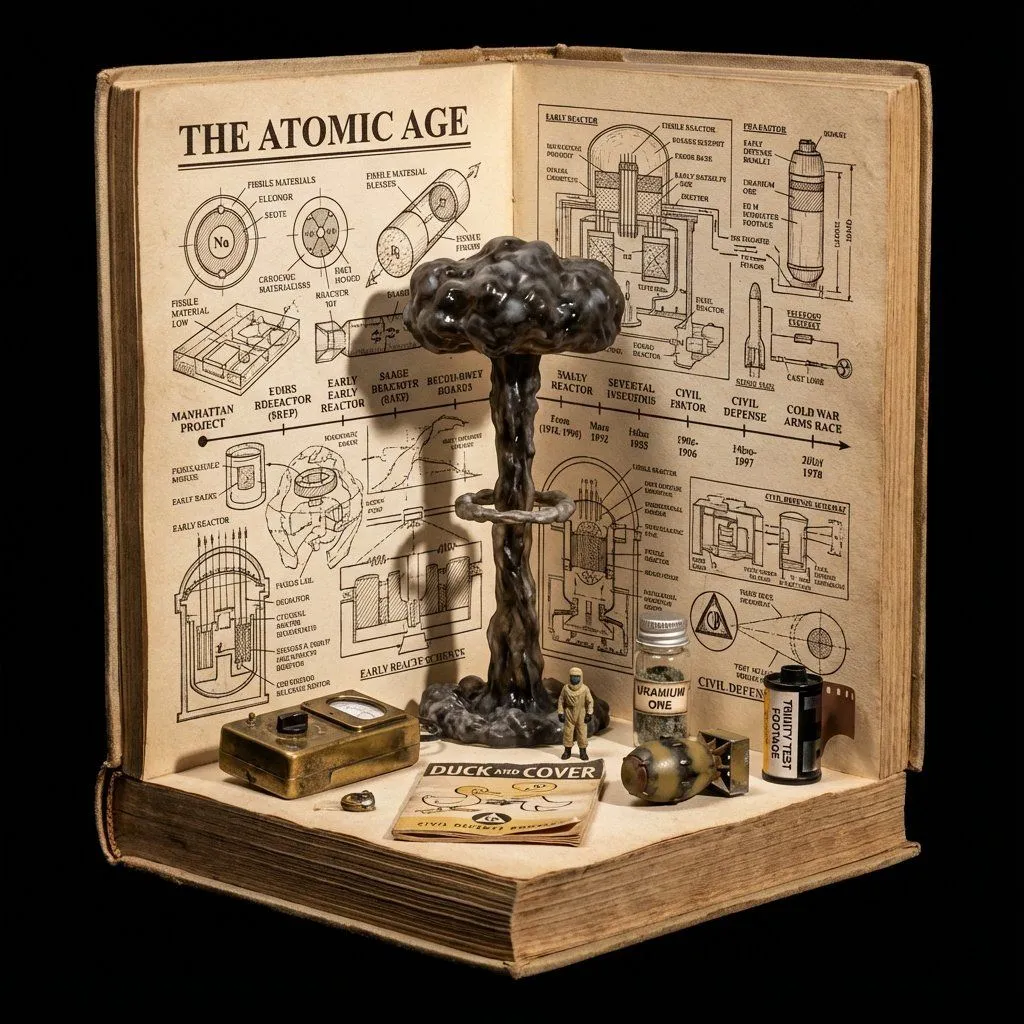
    • Procedural Book Nook Diorama Generation Prompt

    Show more

    Run it on your phone

    1. Prompt copiedRead it

      Follow with the Wow! logo. Then an off-screen narration: “See the rest with the Wow! application...

    2. Open your app

    3. Paste and run

      Press and hold the message box, then tap Paste. Add your photo first if the prompt uses one. You may need to sign in.