Tell us anything

An idea, a bug, something you love. We read every note.

⌘↵ to send. The page you're on comes along.

Seoul Subway Zombie Horror Prompt

Made with Seedance 2.5 in Kling by Library Cinema. Promptclay never generates images.

Did it work?

No reports yet. Tell others if it worked for you.

No comments yet. Be the first.

    Seoul Subway Zombie Horror Prompt

    Seedance 2.516:9AI-generated

    Prompt

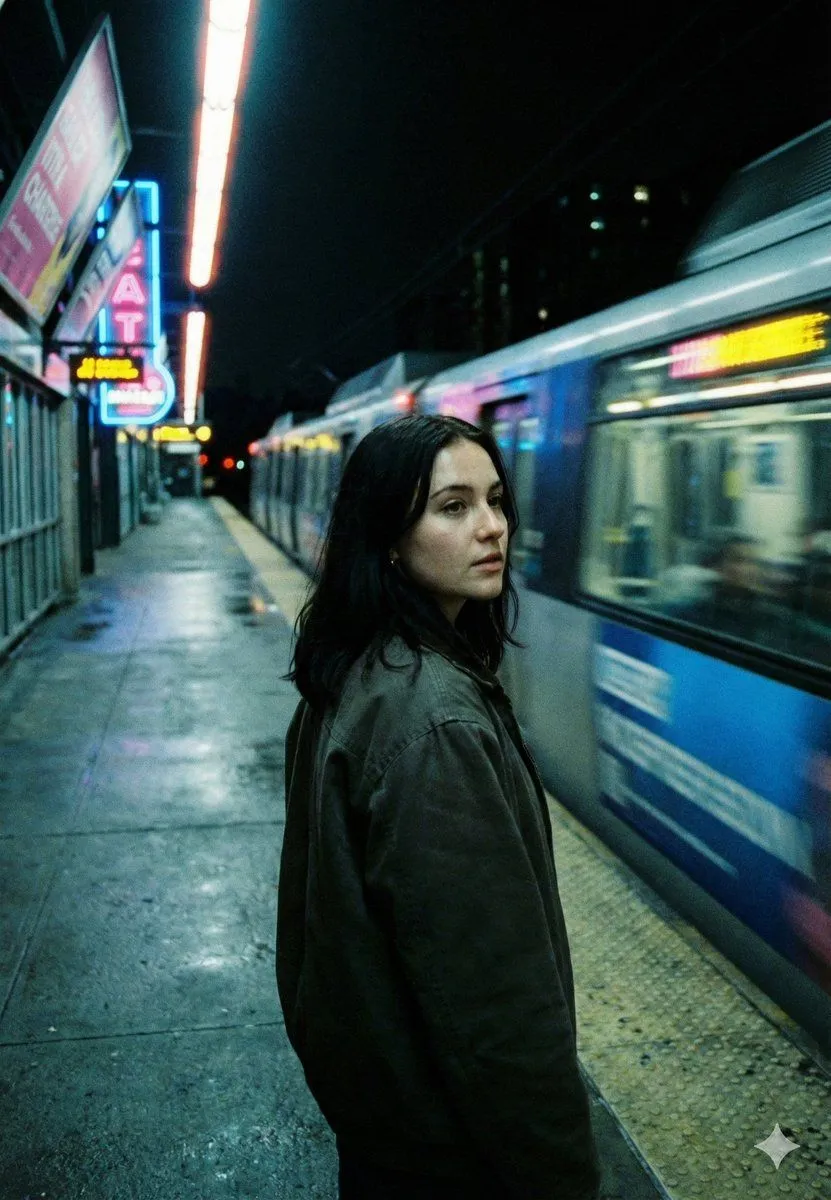
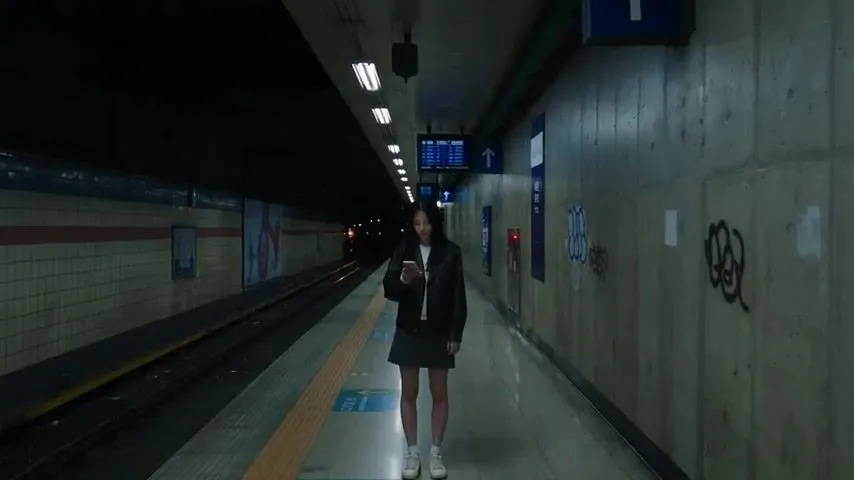
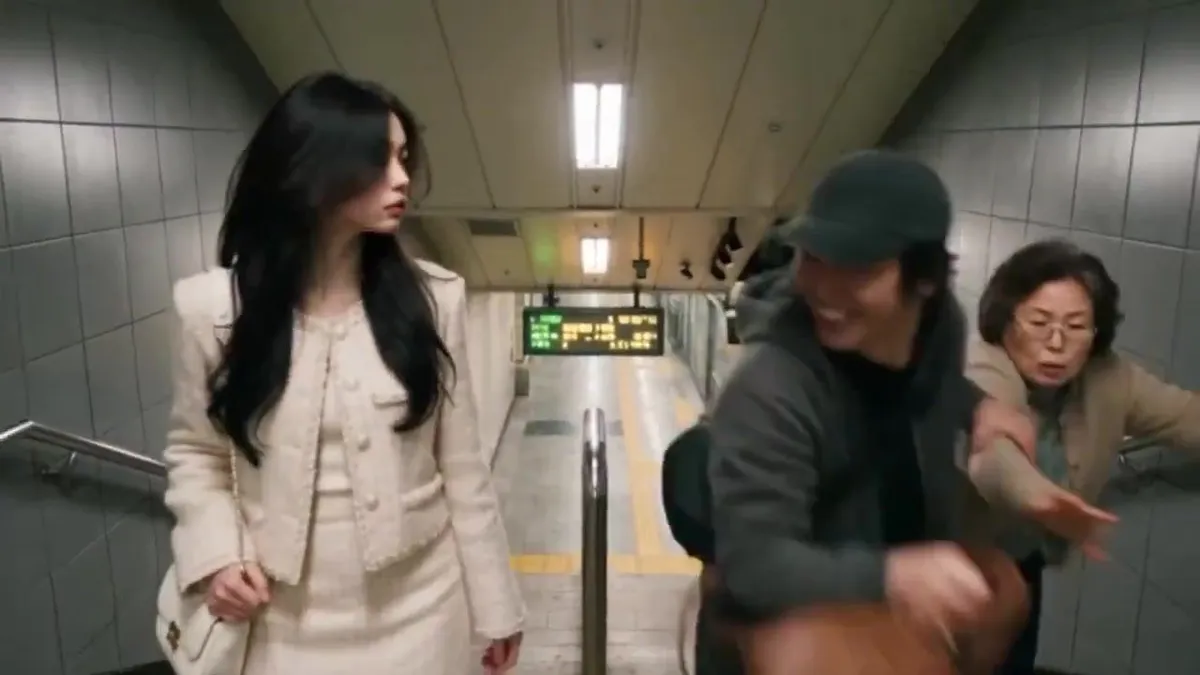
    A young Korean woman in a black leather jacket and denim skirt waits alone on a nearly empty Seoul subway platform. Suddenly, her eyes turn milky white, dark veins spread across her face, and she begins laughing uncontrollably. When a train arrives, she drops to all fours and crawls unnaturally toward terrified passengers. A commuter runs into a service corridor, but she suddenly appears behind him, dragging her fingers along the walls. The station lights flicker out as the last train departs. In the darkness, her pale eyes appear inside the train’s final window. STYLE: Photorealistic Korean zombie horror, cinematic 4K, handheld camera, realistic movements, eerie laughter, flickering fluorescent lights, suspenseful sound design, natural film grain. NEGATIVE: Cartoon, anime, obvious CGI, excessive gore, inconsistent characters, subtitles, text, or watermark. No music or narration.

    Works in
    Kling
    Status
    Free to copy
    0
    DetailsVersions, settings and questions

    Written for

    What's in the prompt

    Subject
    Model
    Seedance 2.5

    If your face changes

    keep my face exactly the same

    Questions

    Does this work in the Kling app?
    Yes. Paste the prompt and attach your photo if it uses one.
    It changed my face. What do I do?
    Add "keep my face exactly the same" to the end and run it again.
    Can I use the images I make?
    Check the terms of the app you use. Promptclay never generates images and claims nothing you make.
    Similar prompts

    See more
    • Korean Superpower Action Short Film PromptVideo, 0:24
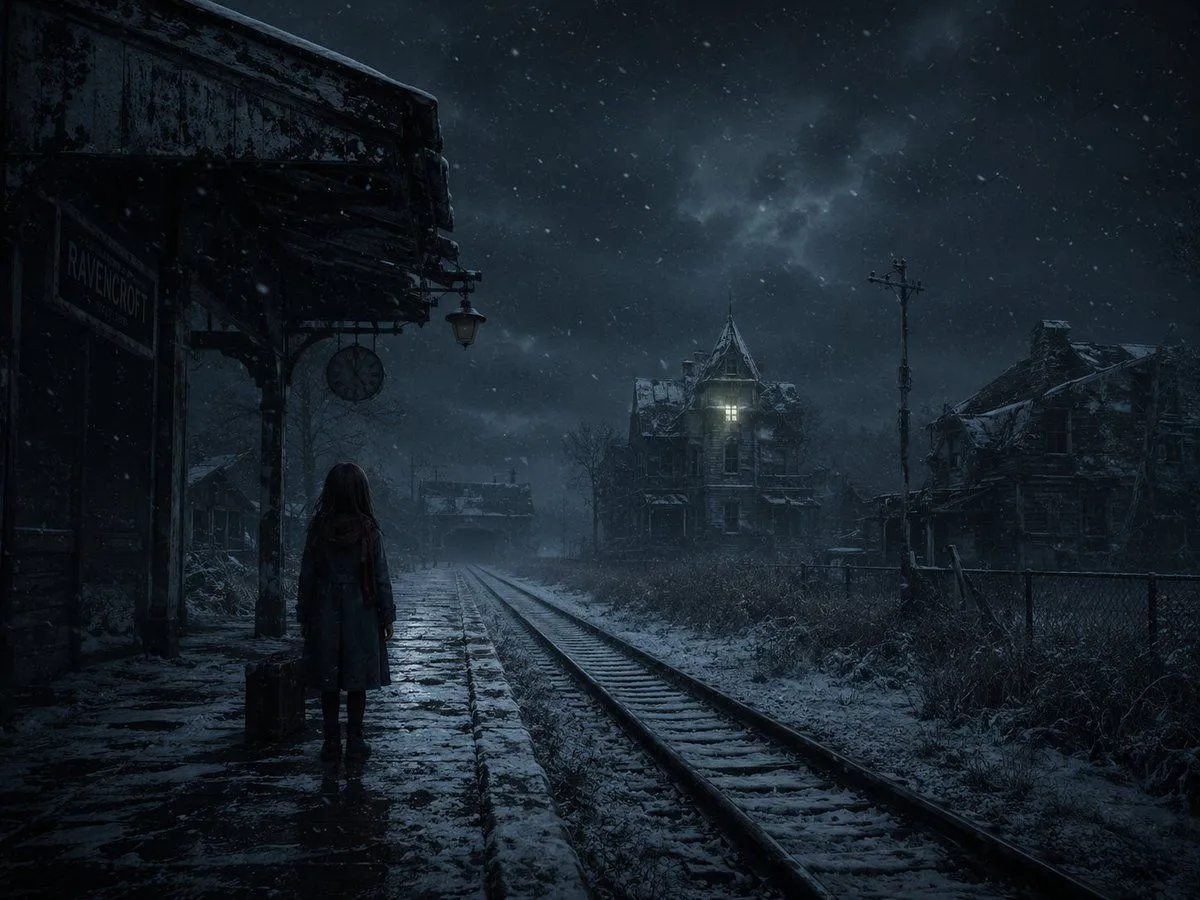
    • Snowy Gothic Abandoned Railway Station
    • DVD Screengrab of Ominous Korean Horror Movie
    • Horror Cinematic Image with Identity Consistency
    • Neo-Noir Cinematic Street Photography in Subway
    • Cinematic Subway Editorial Portrait
    • Melancholic K-Drama Subway Poster
    • Double Exposure Movie Poster
    • Japanese Urban Youth Film Portrait
    • Cinematic Portrait of a Woman on a Train Platform
    • Zombie Hunter Supermarket SceneVideo, 0:13
    • Realistic Korean School Classroom Portrait
    • Subway Platform Cinematic Portrait
    • Subway Ad Poster Prompt for Character Image Generation (Portfolio Style)
    • Subtle Cyborg Transformation in Subway
    • Emotional Japanese Student Selfie
    • Rainy Japanese Apartment at Night
    • Shocked Doctor Hospital Still
    • Japanese Apartment Horror Game Screenshot
    • Urban Night Portrait with Soft Bokeh
    • Cinematic Subway Motion Blur Portrait
    • Cinematic Urban Commute Fashion Editorial
    • Night Train Racing HUD Scene
    • Modern Mita Line Subway Train

    Show more

    Run it on your phone

    1. Prompt copiedRead it

      A young Korean woman in a black leather jacket and denim skirt waits alone on a nearly empty Seoul subway platform. Suddenly, her eyes turn milky white, dark veins spread across her face, and she begins laughing uncontrollably. When a train arrives, she drops to all fours and crawls unnaturally toward terrified passengers. A commuter runs into a service corridor, but she suddenly appears behind him, dragging her fingers along the walls. The station lights flicker out as the last train departs. In the darkness, her pale eyes appear inside the train’s final window. STYLE: Photorealistic Korean zombie horror, cinematic 4K, handheld camera, realistic movements, eerie laughter, flickering fluorescent lights, suspenseful sound design, natural film grain. NEGATIVE: Cartoon, anime, obvious CGI, excessive gore, inconsistent characters, subtitles, text, or watermark. No music or narration.

    2. Open your app

    3. Paste and run

      Press and hold the message box, then tap Paste. Add your photo first if the prompt uses one. You may need to sign in.