Tell us anything

An idea, a bug, something you love. We read every note.

⌘↵ to send. The page you're on comes along.

Seedance 2.0 Video Prompt: Classic Movie Scene Recreation (Two Segments)

Made with Seedance 2.0 in Kling by Library Cinema. Promptclay never generates images.

Did it work?

No reports yet. Tell others if it worked for you.

No comments yet. Be the first.

    Seedance 2.0 Video Prompt: Classic Movie Scene Recreation (Two Segments)

    Seedance 2.016:9AI-generated

    Prompt

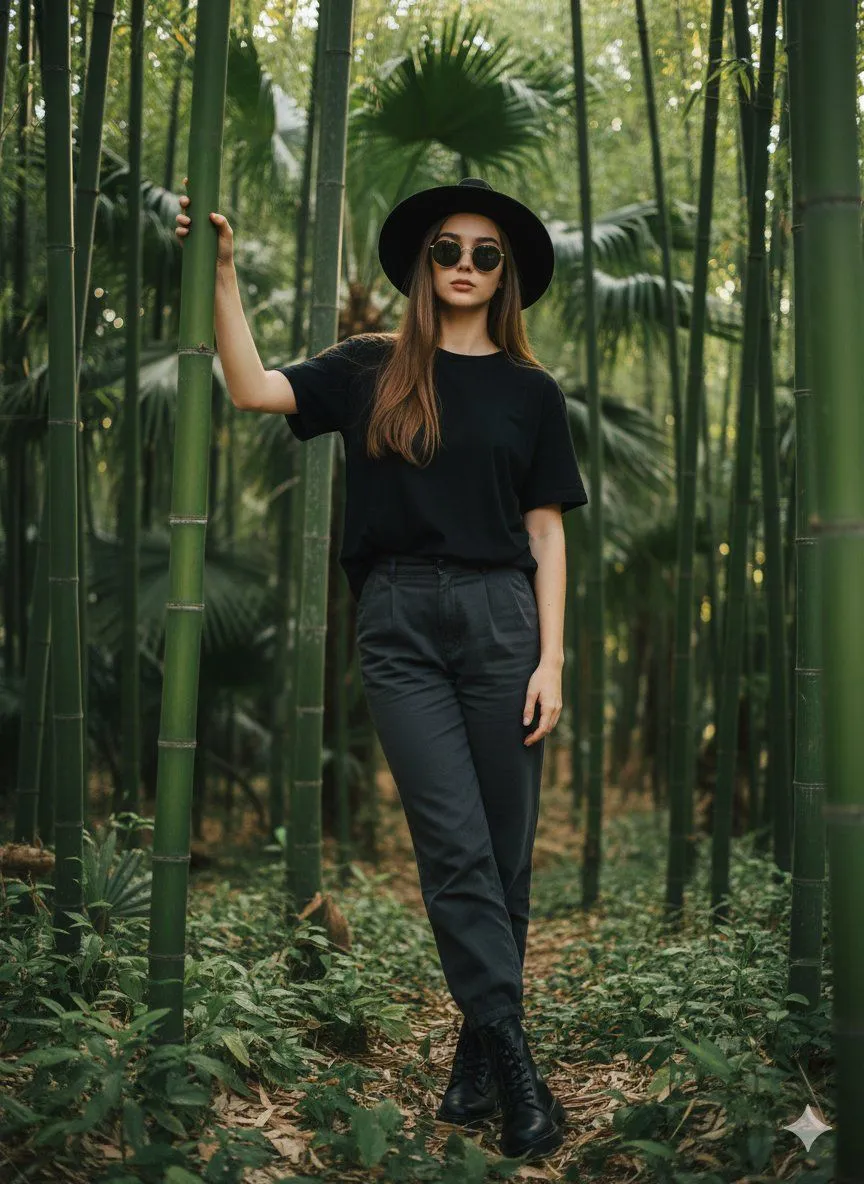
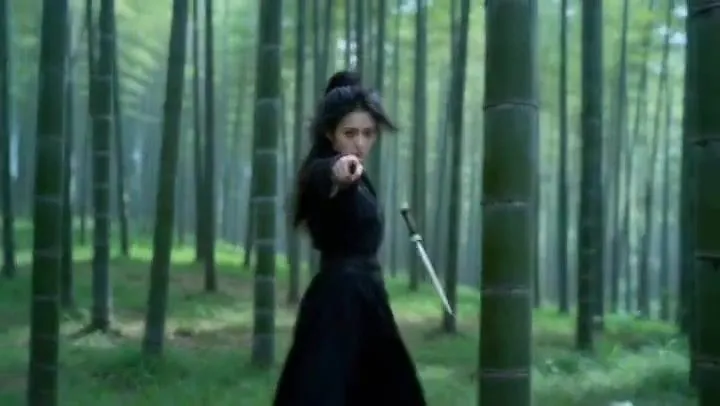
    Segment 1: Referencing the character movements and camera techniques of @Video 1, generate a video of the black-clad figure in @Image 1 throwing a flying knife in a bamboo forest. There is only the black-clad woman in the video. The starting frame's perspective and shot composition strictly reference @Video 1. After the flying knife is thrown, slow motion focuses on the flying knife and blurs the black-clad figure. Note that the knife blade is flying towards the camera. Achieve a 1:1 restoration of the reference video, only changing the character to the black-clad woman. Generate only fighting sound effects and environmental sound effects, do not include background music. Segment 2: Referencing the perspective and camera techniques of the flying knife moving forward in @Video 1, generate a video where a flying knife flies forward. The flying knife perspective gradually zooms to show the woman in @Image 1 practicing sword fighting in the forest, and the woman uses her sword to block the flying knife. There is only the green-clad woman in the video. Ensure the starting frame's perspective and camera techniques strictly reference @Video 1. Generate only fighting sound effects and environmental sound effects, do not include background music.

    Works in
    Kling
    Status
    Free to copy
    0
    DetailsVersions, settings and questions

    Written for

    What's in the prompt

    Subject
    Model
    Seedance 2.0

    If your face changes

    keep my face exactly the same

    Questions

    Does this work in the Kling app?
    Yes. Paste the prompt and attach your photo if it uses one.
    It changed my face. What do I do?
    Add "keep my face exactly the same" to the end and run it again.
    Can I use the images I make?
    Check the terms of the app you use. Promptclay never generates images and claims nothing you make.
    Similar prompts

    See more
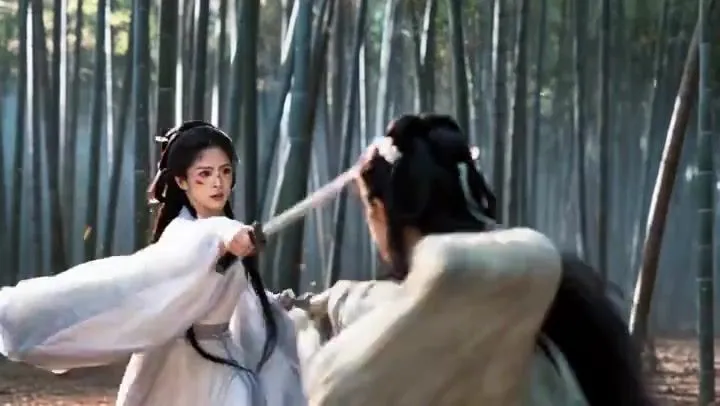
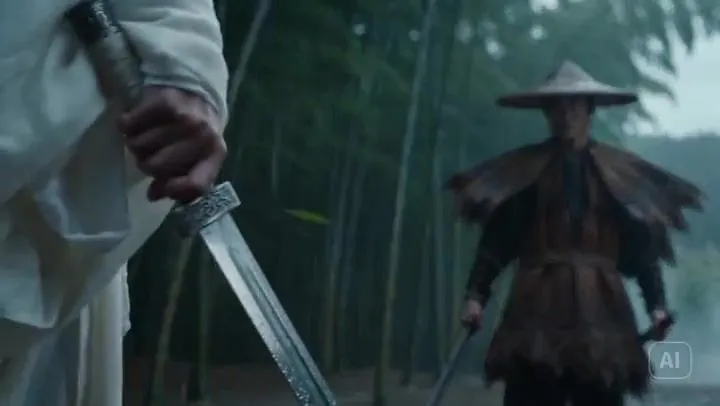
    • Wuxia Bamboo Forest Duel Video Prompt for Seedance 2.0Video, 0:13
    • Wuxia Swordsman Duel PromptVideo, 0:15
    • Red Wuxia Swordswoman Poster
    • Structured JSON Prompt for Controlling Aesthetic Elements in Nano Banana Pro
    • Frost Blade Wuxia Snow Portrait
    • Autumn Female Samurai Portrait
    • Chinese Martial Arts Beauty Portrait
    • Dark Fantasy Valkyrie in Rain
    • Moonlit Dark Fantasy Sword Maiden
    • Rainy Dark Fantasy Swordswoman
    • Cinematic Wuxia Swordswoman in Candlelit Chamber
    • Cinematic Forest Runner
    • Dune-Inspired Epic Scene with Woman Riding a Giant Rooster
    • Lara Croft with Fiery Bow in Heavy Downpour
    • Forest Fashion Portrait Photography
    • Battle-Worn Knight vs Forest Wraith
    • Fantasy Link Pulling Master Sword
    • Sci-Fi Movie Still with Reference Images
    • Futuristic Female Jedi Desert Portrait
    • Hyper-realistic environmental portrait of stylish woman prompt (partial)
    • Cinematic Nordic Editorial Image Stack
    • Dynamic Perspective Flat Vector Illustration
    • Influencer-Style Hard Flash Car Selfie
    • Ultra-Realistic Portrait with Tribal Markings and Painterly Realism

    Show more

    Run it on your phone

    1. Prompt copiedRead it

      Segment 1: Referencing the character movements and camera techniques of @Video 1, generate a video of the black-clad figure in @Image 1 throwing a flying knife in a bamboo forest. There is only the black-clad woman in the video. The starting frame's perspective and shot composition strictly reference @Video 1. After the flying knife is thrown, slow motion focuses on the flying knife and blurs the black-clad figure. Note that the knife blade is flying towards the camera. Achieve a 1:1 restoration of the reference video, only changing the character to the black-clad woman. Generate only fighting sound effects and environmental sound effects, do not include background music. Segment 2: Referencing the perspective and camera techniques of the flying knife moving forward in @Video 1, generate a video where a flying knife flies forward. The flying knife perspective gradually zooms to show the woman in @Image 1 practicing sword fighting in the forest, and the woman uses her sword to block the flying knife. There is only the green-clad woman in the video. Ensure the starting frame's perspective and camera techniques strictly reference @Video 1. Generate only fighting sound effects and environmental sound effects, do not include background music.

    2. Open your app

    3. Paste and run

      Press and hold the message box, then tap Paste. Add your photo first if the prompt uses one. You may need to sign in.