Tell us anything

An idea, a bug, something you love. We read every note.

⌘↵ to send. The page you're on comes along.

Seedance 2.0 Car Scene Prompt

Made with Seedance 2.0 in Kling by Library Cinema. Promptclay never generates images.

Did it work?

No reports yet. Tell others if it worked for you.

No comments yet. Be the first.

    Seedance 2.0 Car Scene Prompt

    Seedance 2.09:16AI-generated

    Prompt

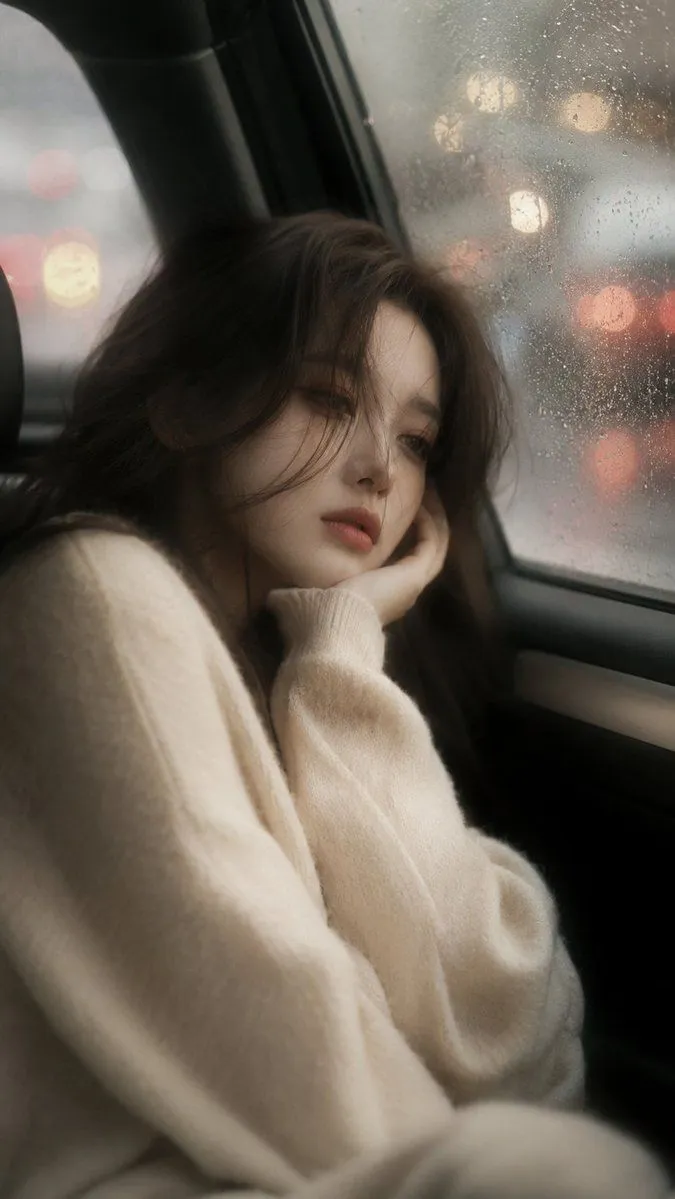
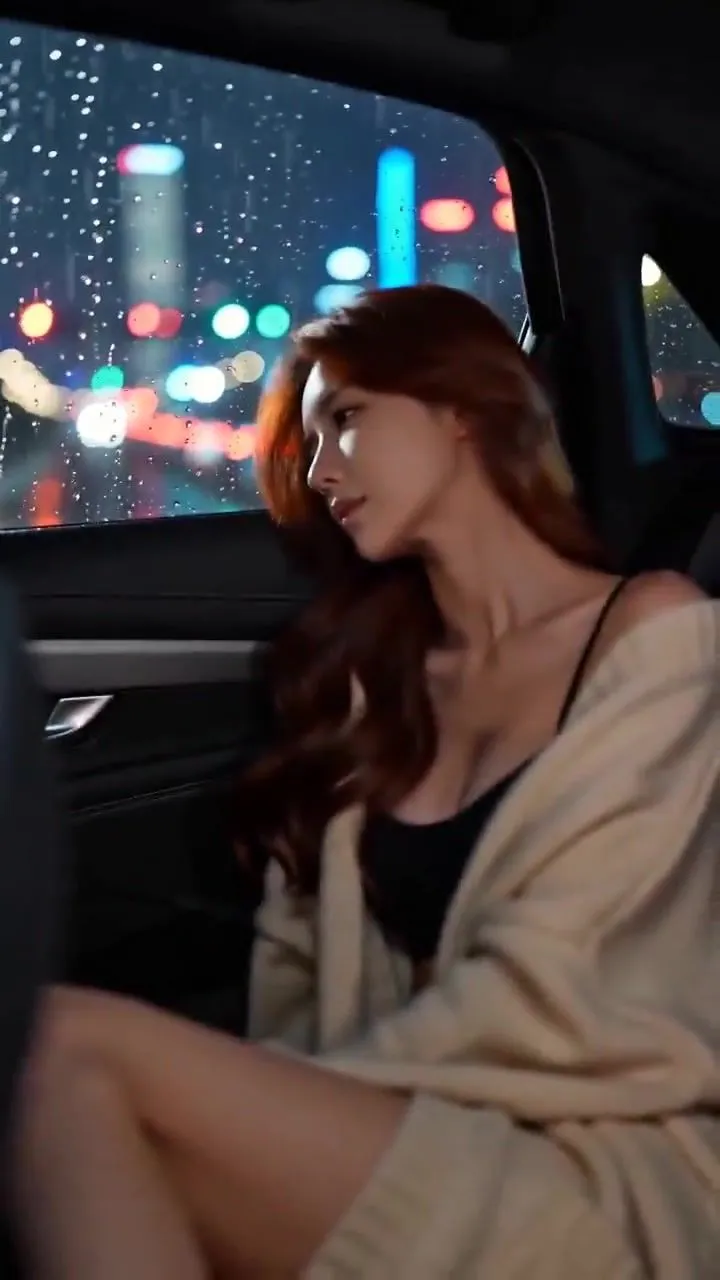
    Realistic style, vertical screen, first-person driver's seat perspective. Inside the car at night, raindrops slide down the windshield, and the neon lights outside blur into a halo. Sitting in the passenger seat is an elegant young Asian woman with chestnut wavy hair, wearing a beige knit cardigan and black camisole, with her delicate collarbone faintly visible. Action description: She first looks out the window in a daze, then slowly turns to the camera, her mouth curved into a gentle smile, and softly says: What are you thinking about, looking at me so seriously? She reaches up to brush her hair, and her other hand rests naturally on her lap. The camera slowly moves down, showing her long, crossed legs, as she slips off one black stiletto high heel, her bare foot gently swaying. The atmosphere inside the car is ambiguous and warm, with rich light and shadow layers, and cinematic quality.

    Works in
    Kling
    Status
    Free to copy
    0
    DetailsVersions, settings and questions

    Written for

    What's in the prompt

    Subject
    Model
    Seedance 2.0

    If your face changes

    keep my face exactly the same

    Questions

    Does this work in the Kling app?
    Yes. Paste the prompt and attach your photo if it uses one.
    It changed my face. What do I do?
    Add "keep my face exactly the same" to the end and run it again.
    Can I use the images I make?
    Check the terms of the app you use. Promptclay never generates images and claims nothing you make.
    Similar prompts

    See more
    • Testing Partial Image Correction and Pose Modification in GPT-Image-1.5
    • Cinematic Night Car Portrait
    • Night Drive Cinematic Portrait
    • Cinematic Night Car Interior Portrait
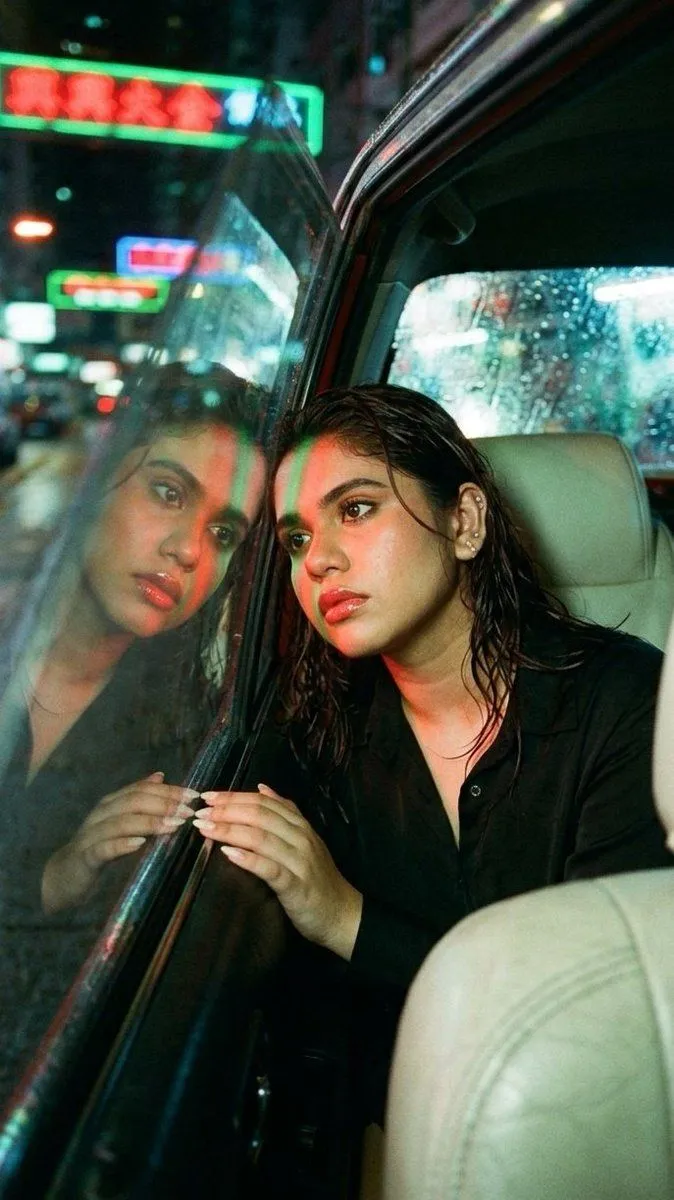
    • Rainy Night Woman Leaning from Car
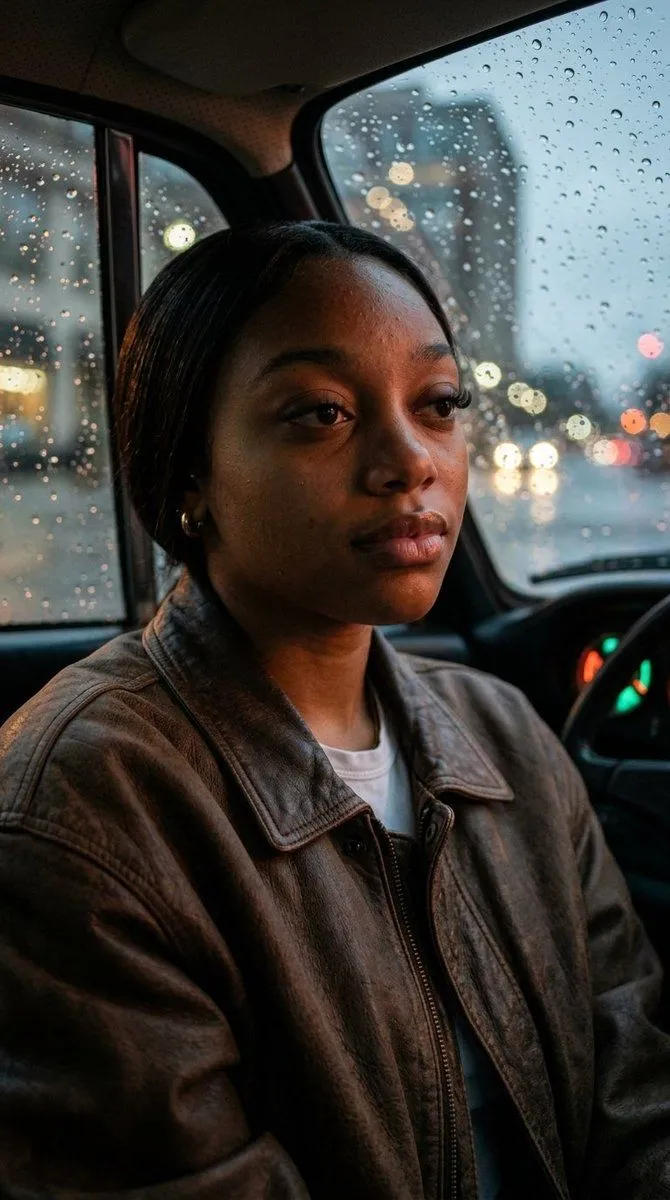
    • Cinematic Rainy Night Car Portrait Prompt
    • Wong Kar-wai Style Portrait in Taxi
    • Raw Intimate Portrait in Vintage Porsche
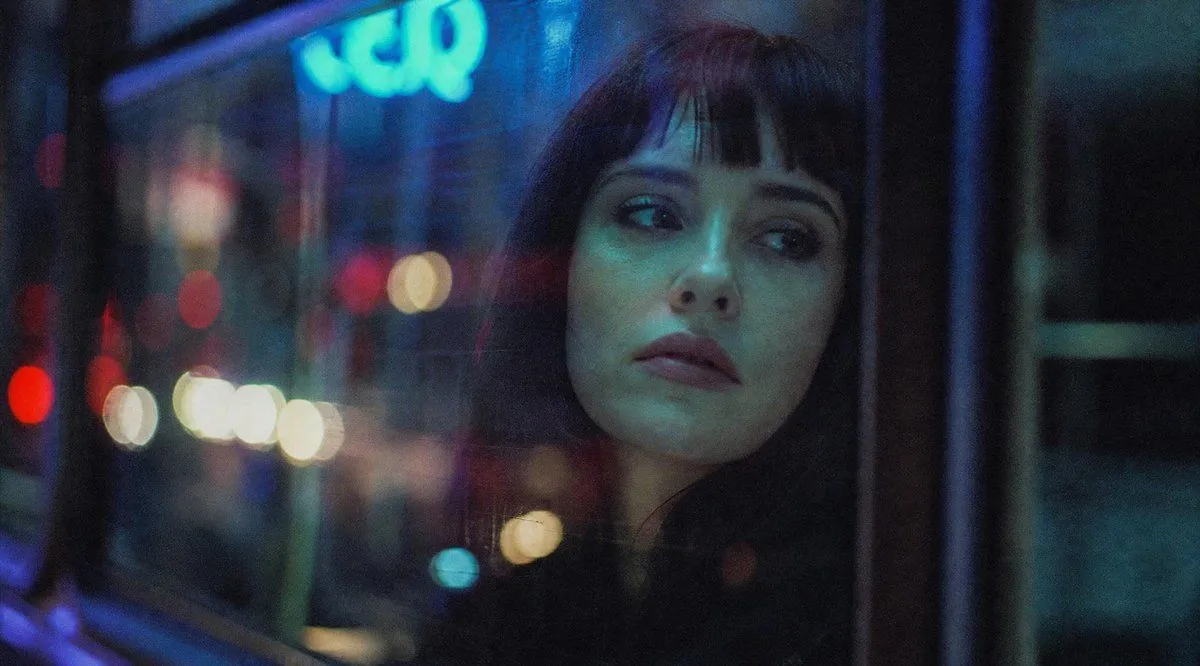
    • Anonymous Night Bus Portrait
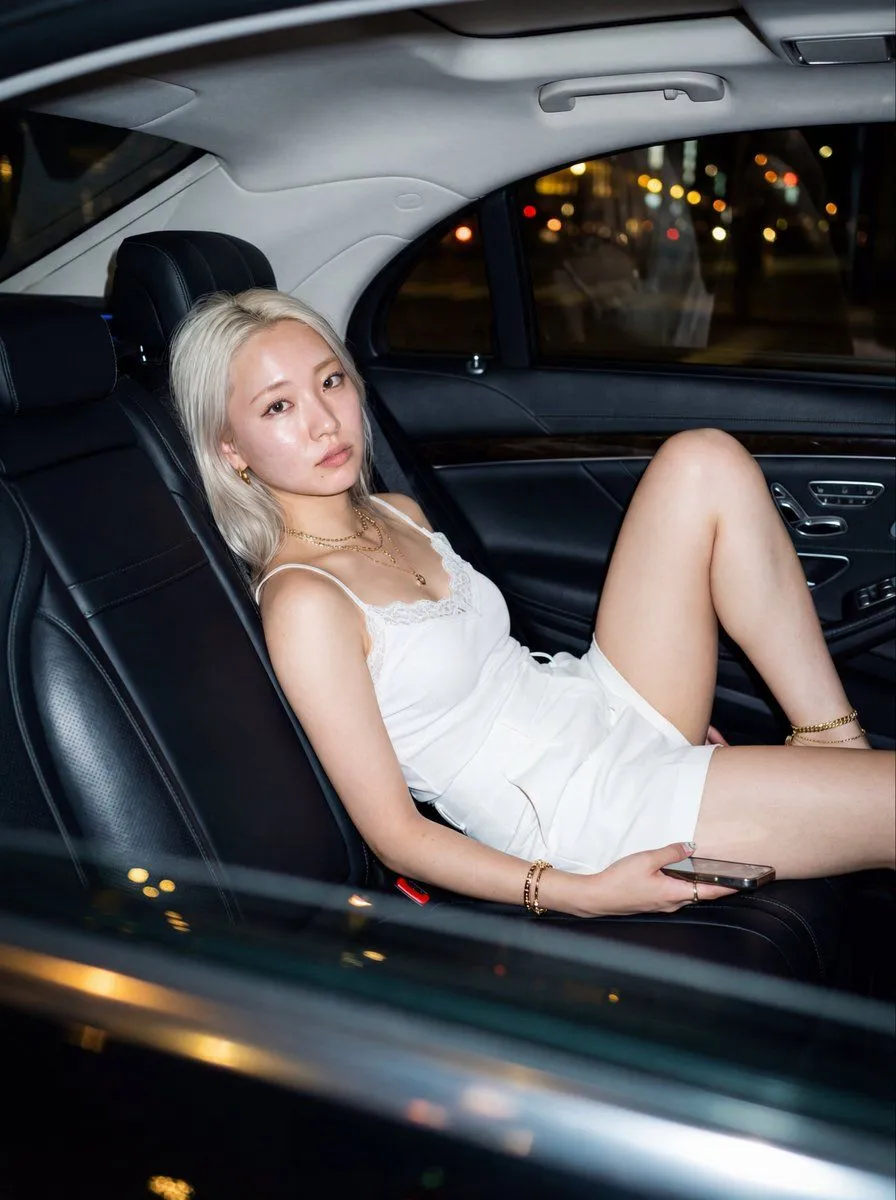
    • Ultra-Realistic Backseat Portrait with Direct Flash
    • Melancholic Cinematic Car Portrait
    • Photorealistic Close-up Portrait in Vintage Car
    • Cinematic Night Drive Filmstrip Prompt
    • Cinematic Rain Night 'White Moonlight' Video PromptVideo, 0:10
    • Cinematic Rainy Day Car Window Portrait Prompt
    • Synth Pulse and Gravel-Road Growl Video PromptVideo, 0:10
    • Luxury Night Apartment Portrait
    • Blonde Woman in Pink Satin Pajamas
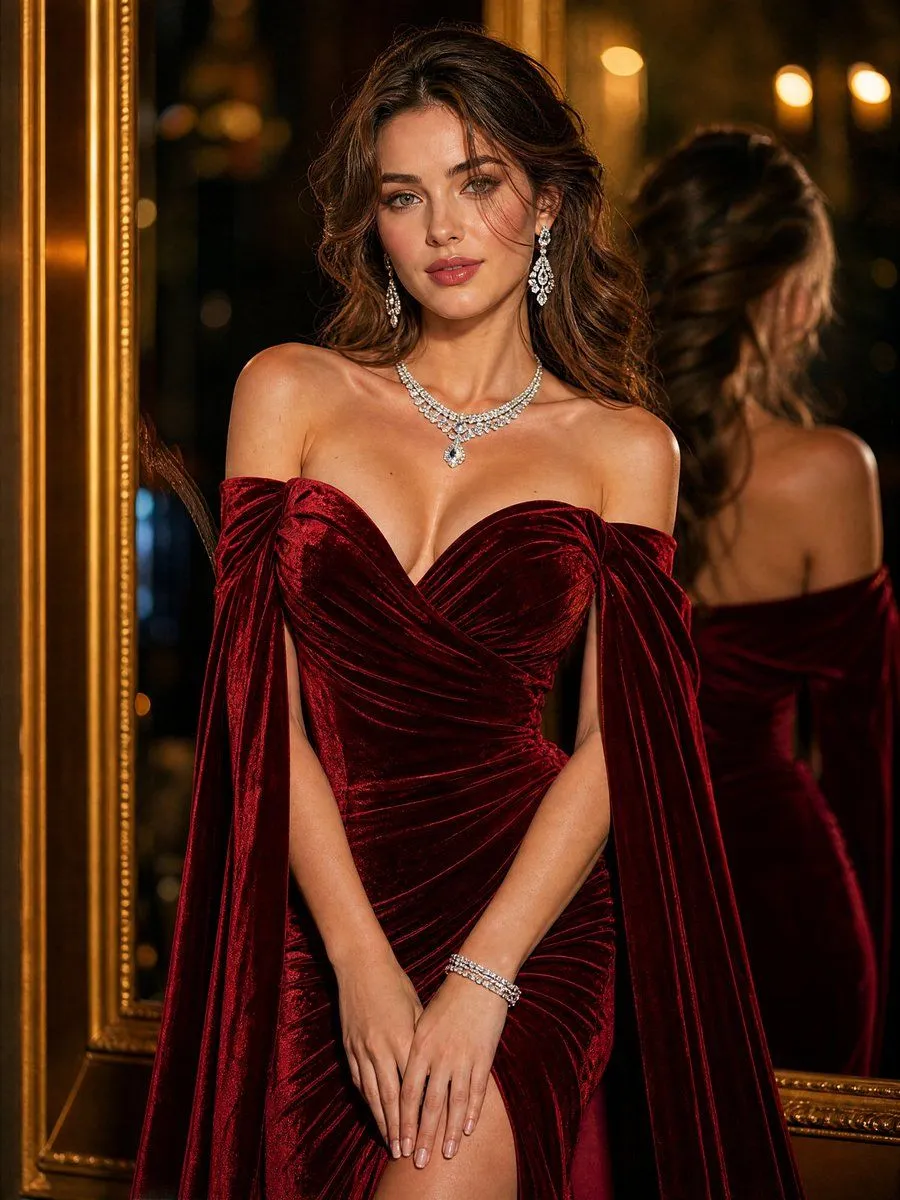
    • Luxury Ruby Red Velvet Evening Gown Portrait
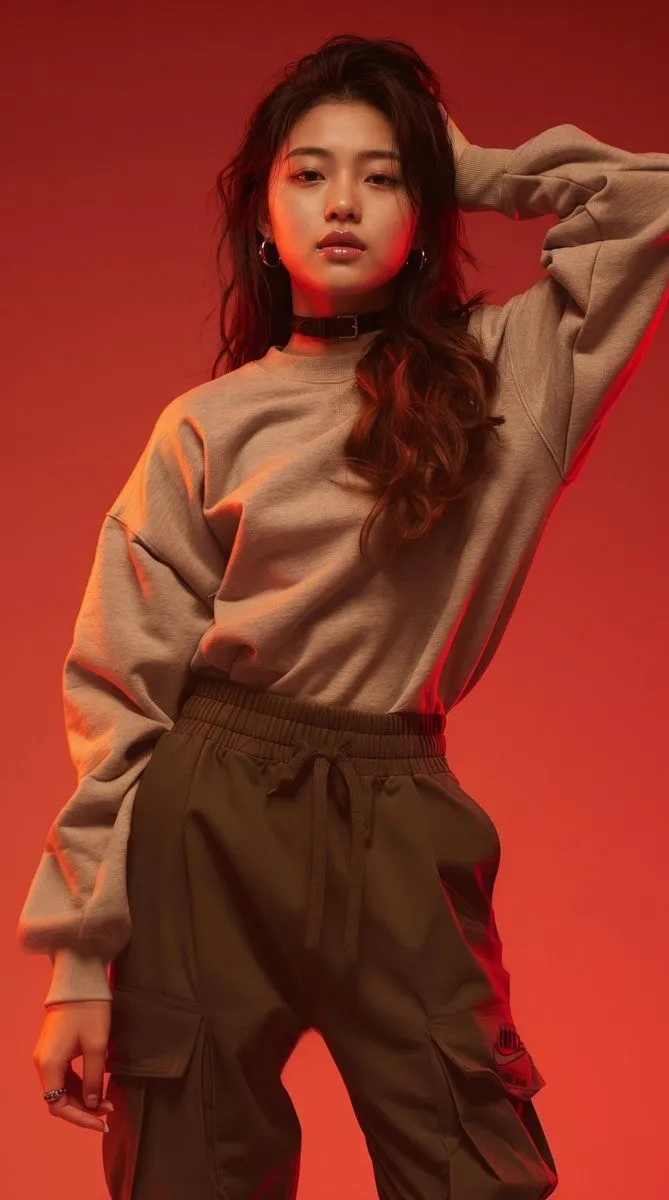
    • Monochromatic Red Studio Portrait
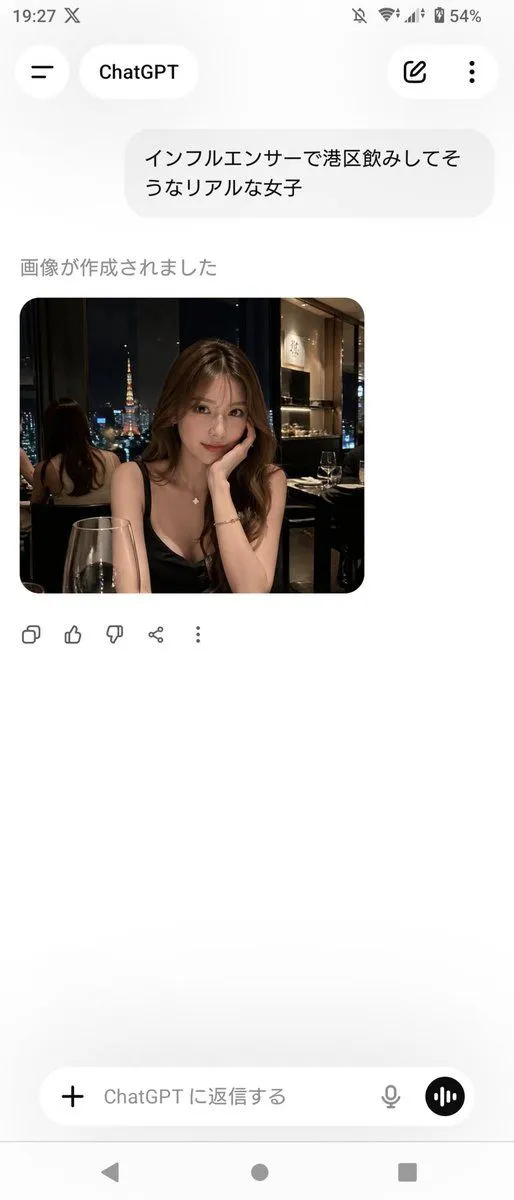
    • ChatGPT App Screenshot With Generated Portrait
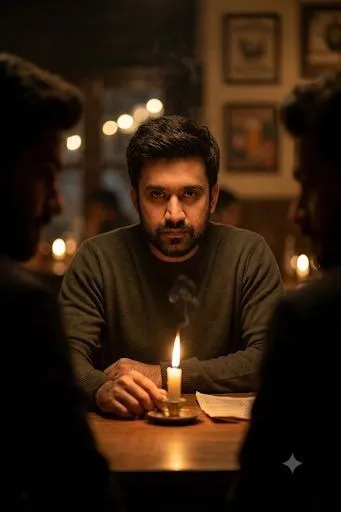
    • Cinematic Candlelit Noir Scene
    • Convenience Store Fight Scene
    • RPG Status Screen Overlay

    Show more

    Run it on your phone

    1. Prompt copiedRead it

      Realistic style, vertical screen, first-person driver's seat perspective. Inside the car at night, raindrops slide down the windshield, and the neon lights outside blur into a halo. Sitting in the passenger seat is an elegant young Asian woman with chestnut wavy hair, wearing a beige knit cardigan and black camisole, with her delicate collarbone faintly visible. Action description: She first looks out the window in a daze, then slowly turns to the camera, her mouth curved into a gentle smile, and softly says: What are you thinking about, looking at me so seriously? She reaches up to brush her hair, and her other hand rests naturally on her lap. The camera slowly moves down, showing her long, crossed legs, as she slips off one black stiletto high heel, her bare foot gently swaying. The atmosphere inside the car is ambiguous and warm, with rich light and shadow layers, and cinematic quality.

    2. Open your app

    3. Paste and run

      Press and hold the message box, then tap Paste. Add your photo first if the prompt uses one. You may need to sign in.