Tell us anything

An idea, a bug, something you love. We read every note.

⌘↵ to send. The page you're on comes along.

Scenic Travel Ad Banner Generator

Made with GPT Image 2 in ChatGPT by Library Brand. Promptclay never generates images.

Did it work?

No reports yet. Tell others if it worked for you.

No comments yet. Be the first.

    Scenic Travel Ad Banner Generator

    GPT Image 216:9AI-generated

    Prompt

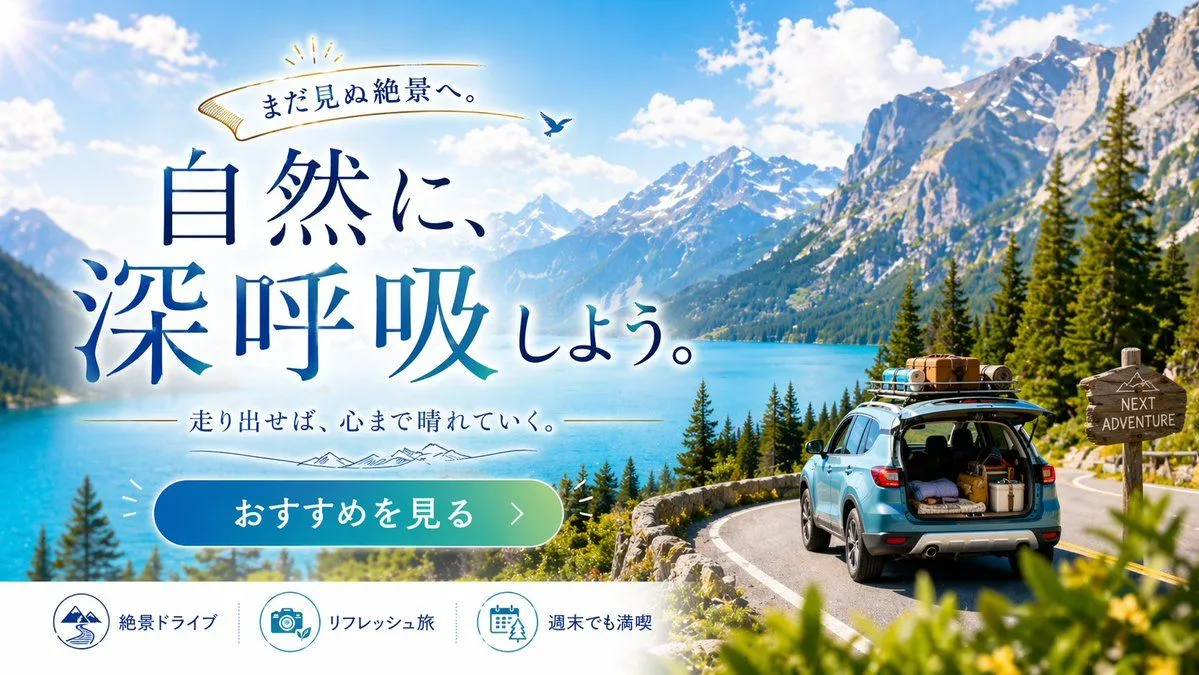
    { "type": "travel advertisement web banner", "layout": { "background": "{argument name=\"scenery type\" default=\"majestic snow-capped mountains and turquoise lake\"}, pine trees, winding paved road, bright blue sky with fluffy clouds", "foreground_right": "{argument name=\"car color\" default=\"light blue\"} SUV on road, open trunk with luggage, loaded roof rack, wooden signpost reading 'NEXT ADVENTURE'", "typography_left": { "top_ribbon": "Golden ribbon with text 'まだ見ぬ絶景へ。' and small bird", "main_headline": "Large serif text '{argument name=\"main headline\" default=\"自然に、深呼吸しよう。\"}' in deep blue gradient", "sub_headline": "Text '{argument name=\"sub headline\" default=\"走り出せば、心まで晴れていく。\"}' with thin lines and mountain graphic" }, "ui_elements": { "cta_button": "Pill-shaped blue-to-green gradient button with text '{argument name=\"cta button text\" default=\"おすすめを見る >\"}'", "bottom_bar": { "description": "White footer bar", "count": 3, "items": [ {"icon": "mountain and road", "text": "絶景ドライブ"}, {"icon": "camera and leaf", "text": "リフレッシュ旅"}, {"icon": "calendar and tree", "text": "週末でも満喫"} ] } } } }

    Works in
    ChatGPT, Gemini
    Status
    Free to copy
    0
    DetailsVersions, settings and questions

    Written for

    What's in the prompt

    Subject
    Model
    GPT Image 2

    If your face changes

    keep my face exactly the same

    Questions

    Does this work in the ChatGPT app?
    Yes. Paste the prompt and attach your photo if it uses one.
    It changed my face. What do I do?
    Add "keep my face exactly the same" to the end and run it again.
    Can I use the images I make?
    Check the terms of the app you use. Promptclay never generates images and claims nothing you make.
    Similar prompts

    See more
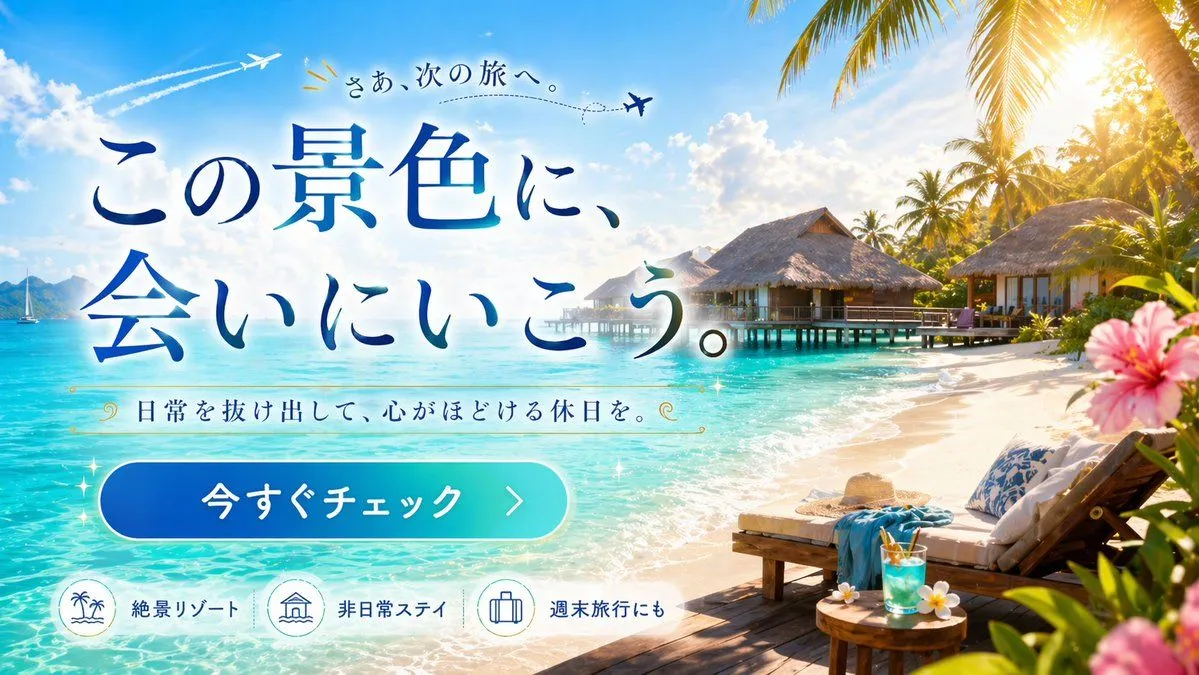
    • Tropical Resort Travel Ad Banner
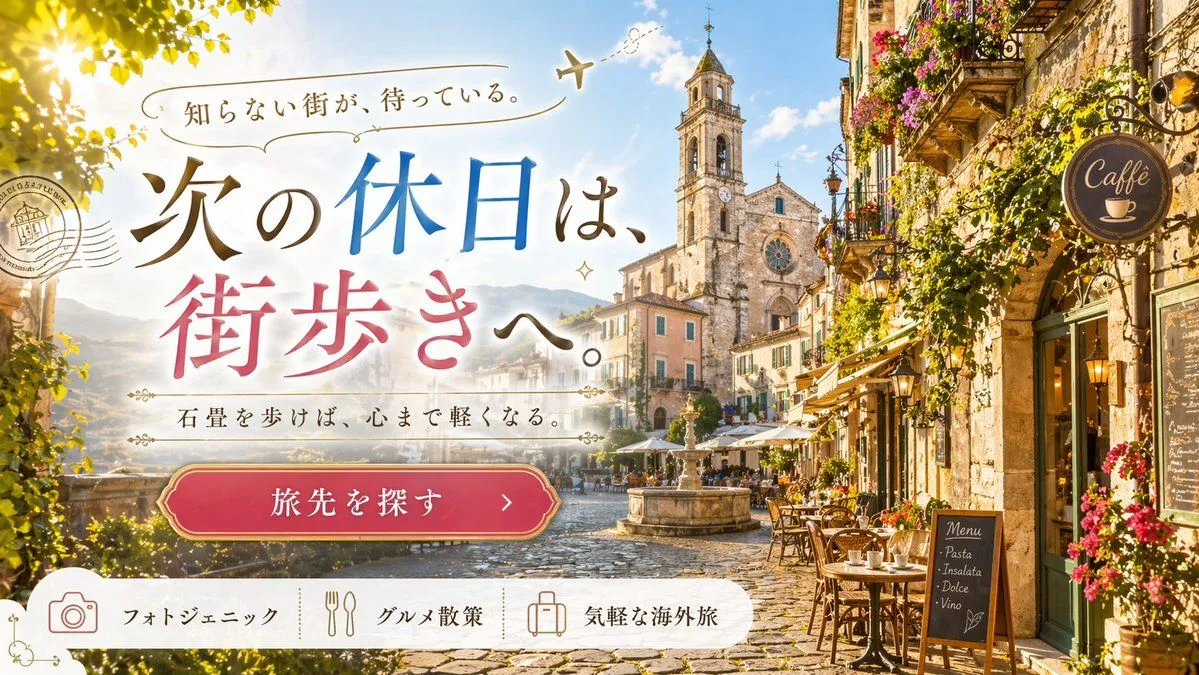
    • European Travel Advertisement Banner
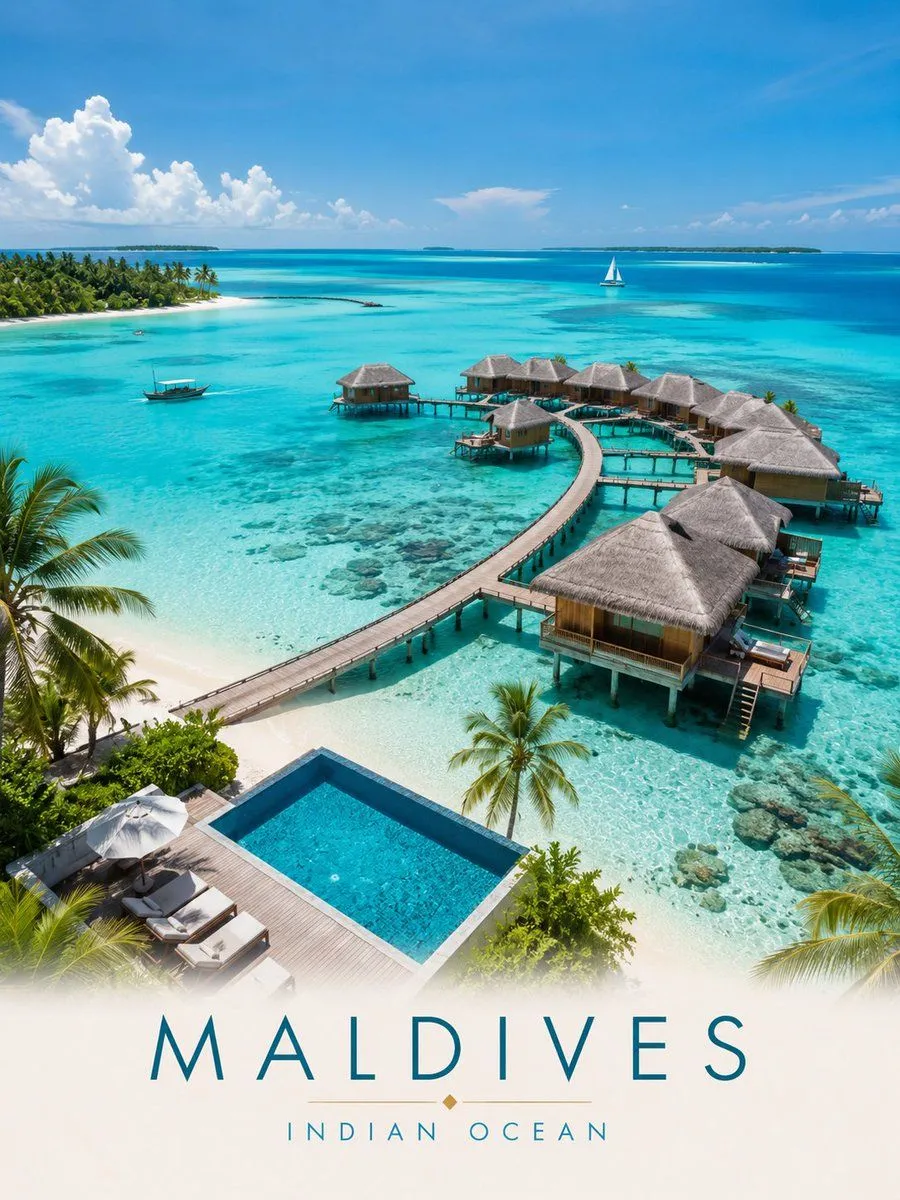
    • Maldives Luxury Travel Poster
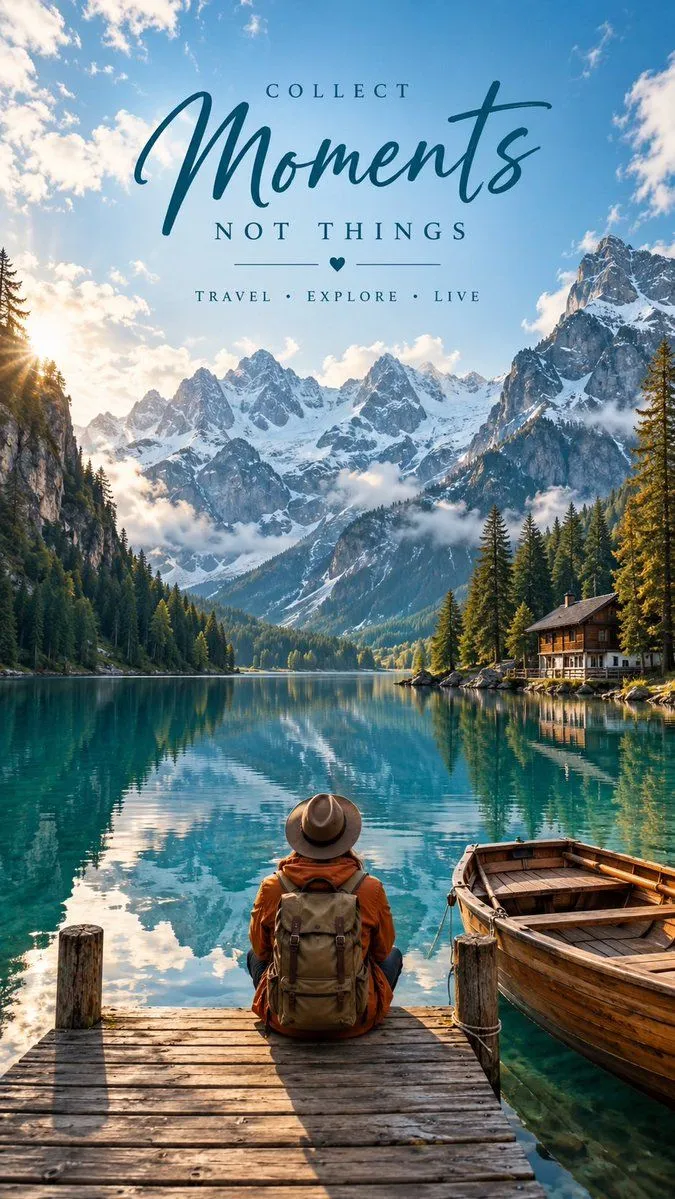
    • Alpine Lake Editorial Travel Poster
    • Summer McCafé Mountain Road Ad
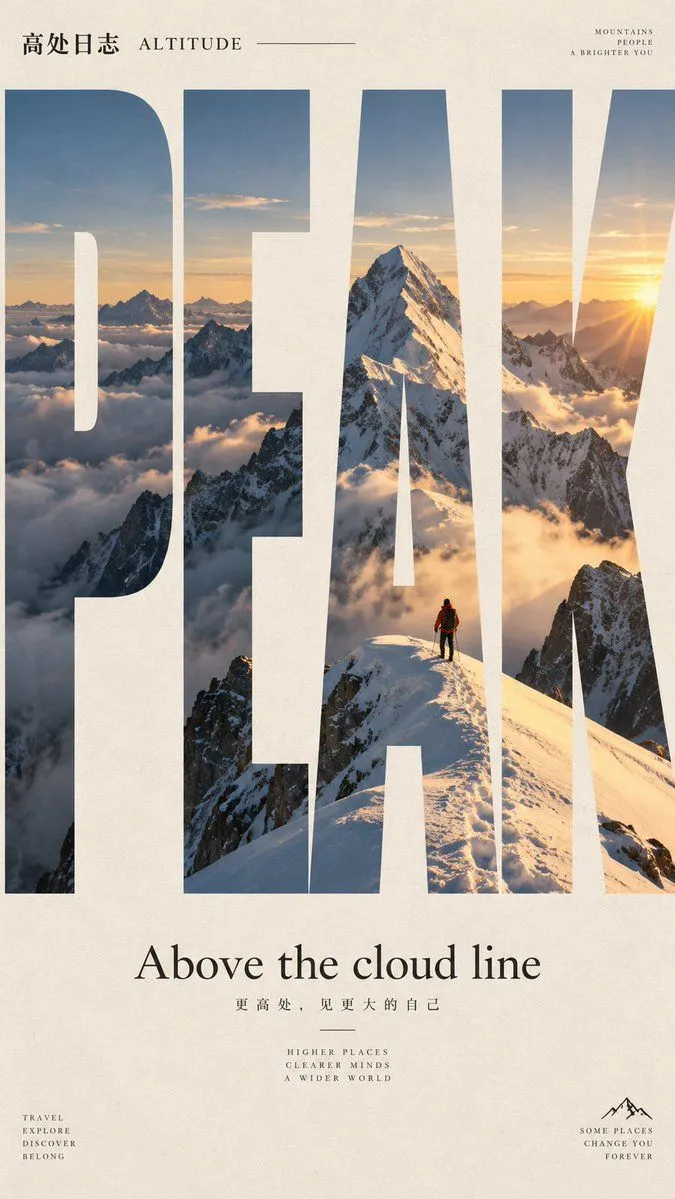
    • GPT Image Typography Travel Poster Prompt
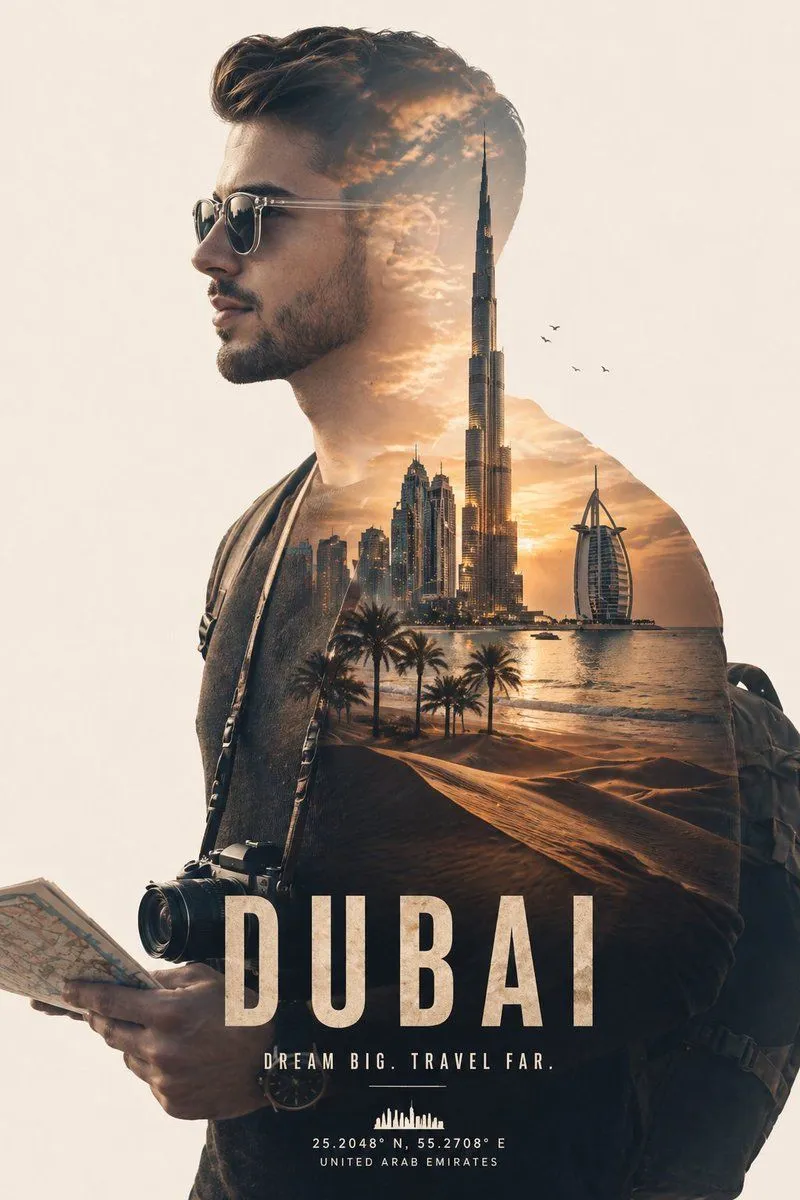
    • Cinematic Double Exposure Traveler
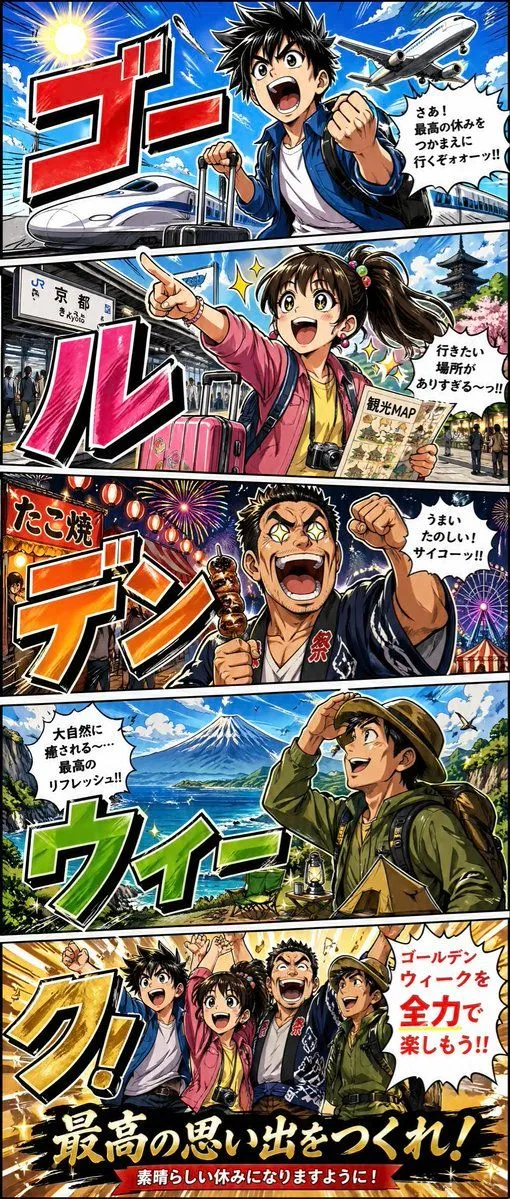
    • Golden Week Manga Travel Poster
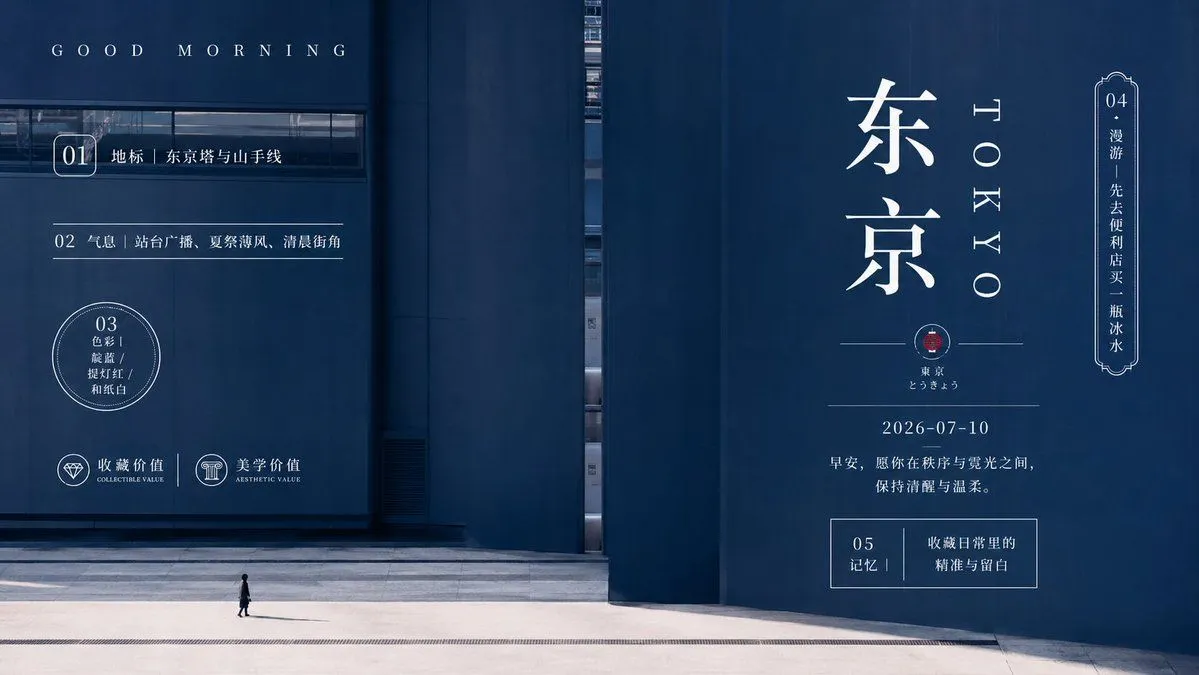
    • Minimal Tokyo Morning Poster
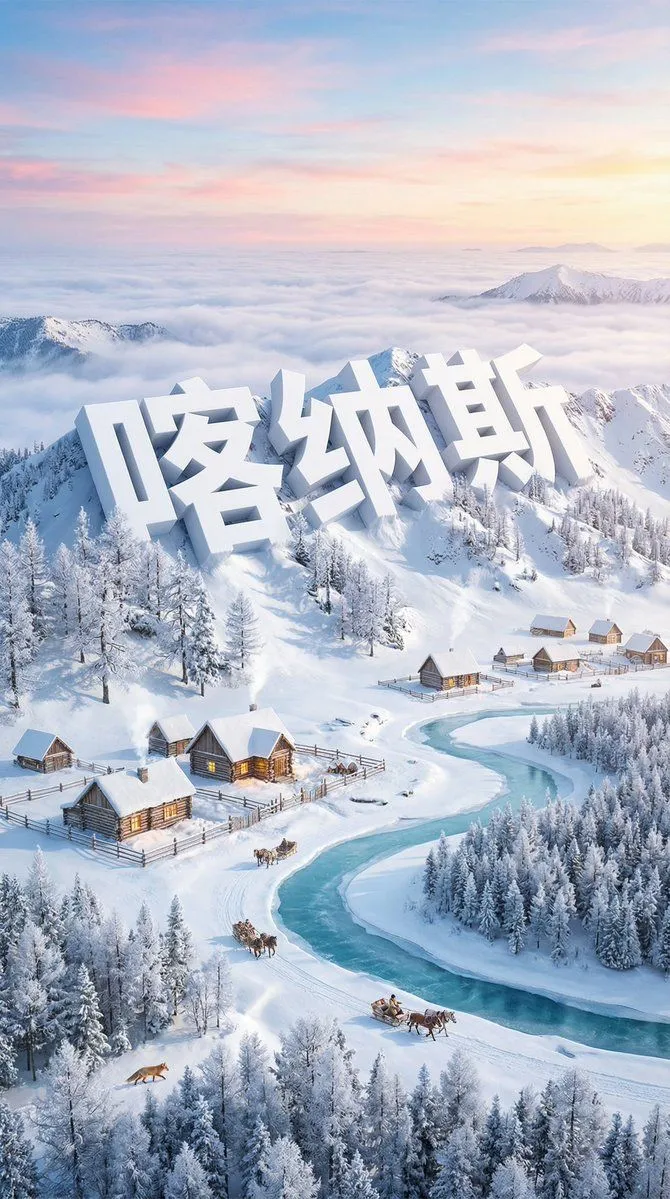
    • Dreamlike Snow Country Scene
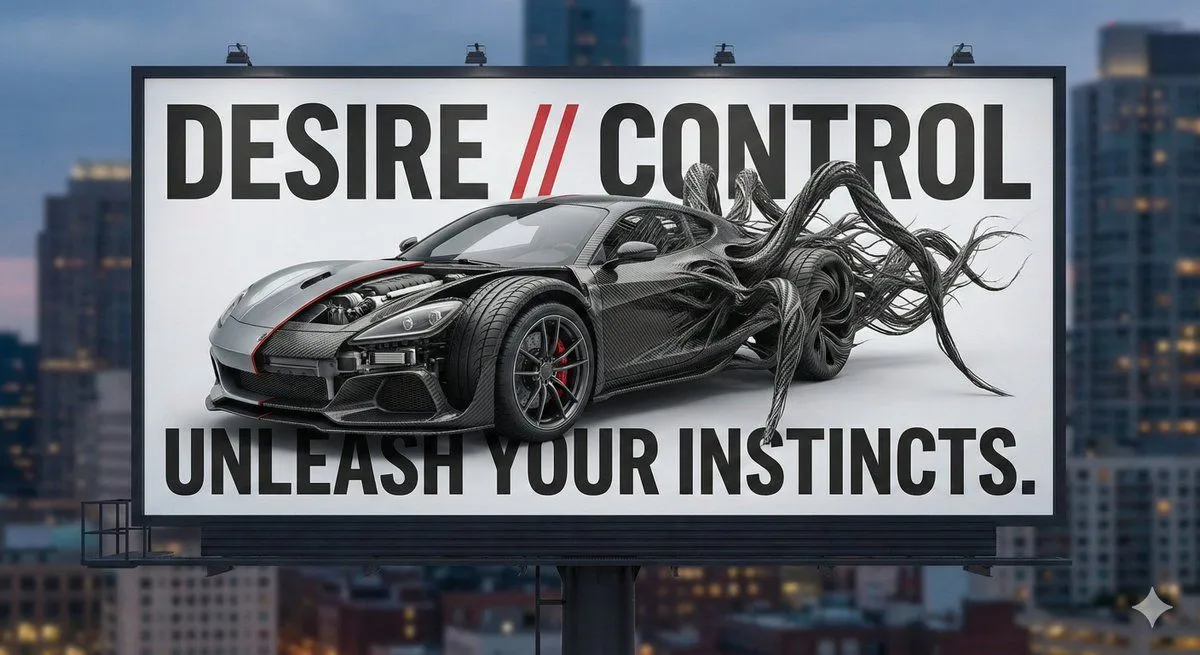
    • Advertising Visual Prompt: Sports Car Model Exploration
    • Nano Banana Pro Thumbnail Generation Example
    • Japanese Prompt Tip Slide
    • Faithful Japanese Policy Infographic Recreation
    • Low-Cost AI Video Thumbnail
    • Portfolio image for a fictional web designer
    • Consistent Character Image Editing Banner
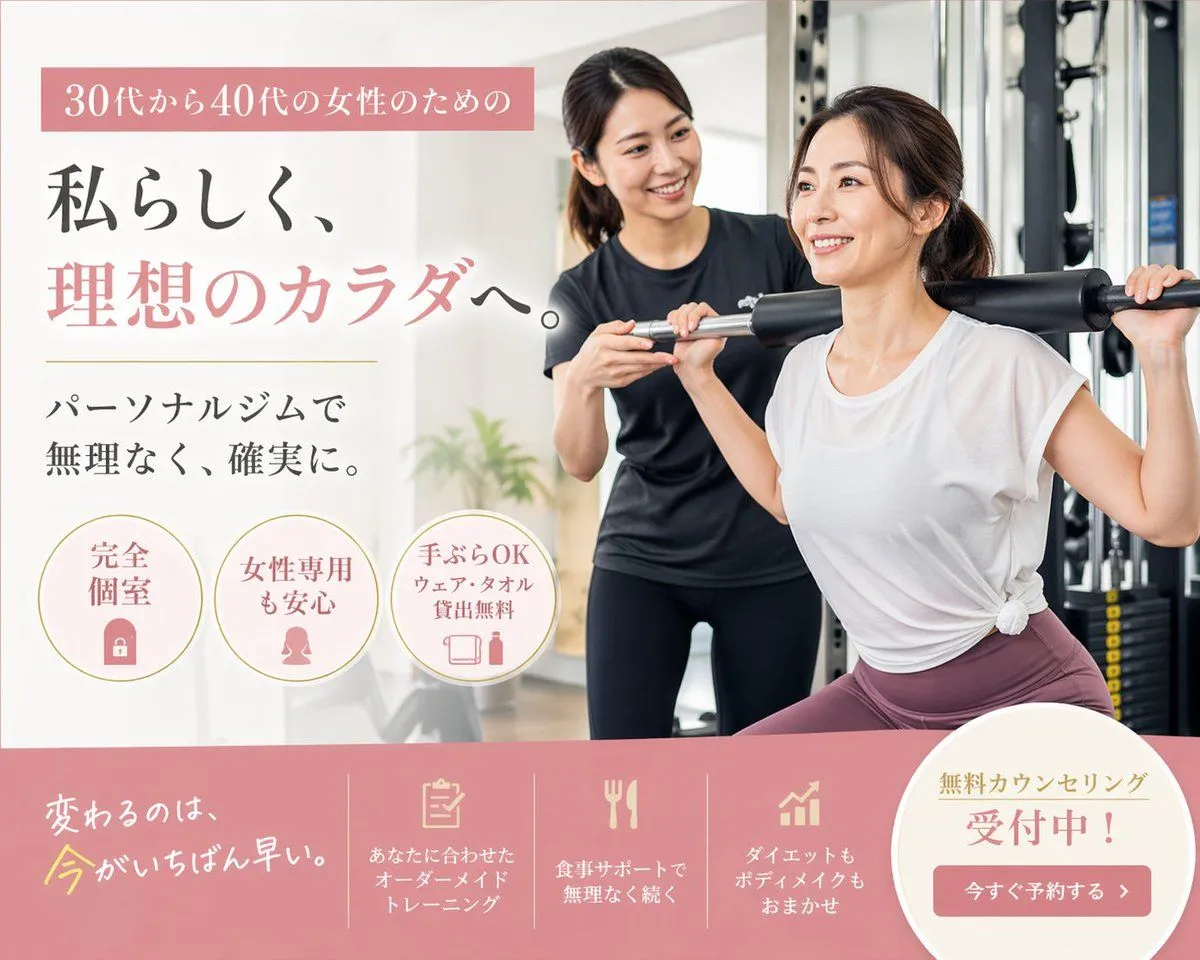
    • Japanese Women's Gym Hero Banner
    • AI Fantasy Dungeon UI Header
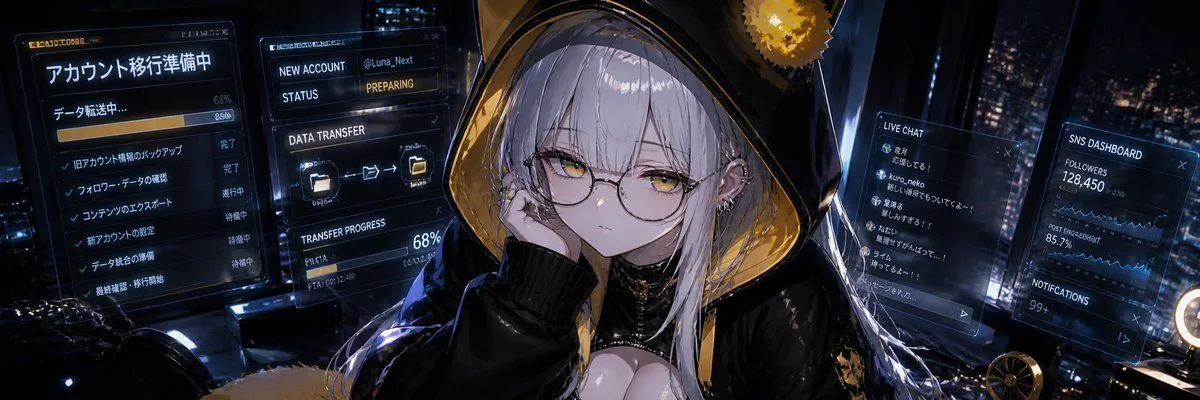
    • Cyberpunk Account Migration Streamer
    • Fantasy GPT Image Skills Banner
    • Japanese Developer Comment Banner
    • Pink Chibi Mascot Holding Logo
    • Twitter Header Image Resizer

    Show more

    Run it on your phone

    1. Prompt copiedRead it

      { "type": "travel advertisement web banner", "layout": { "background": "{argument name=\"scenery type\" default=\"majestic snow-capped mountains and turquoise lake\"}, pine trees, winding paved road, bright blue sky with fluffy clouds", "foreground_right": "{argument name=\"car color\" default=\"light blue\"} SUV on road, open trunk with luggage, loaded roof rack, wooden signpost reading 'NEXT ADVENTURE'", "typography_left": { "top_ribbon": "Golden ribbon with text 'まだ見ぬ絶景へ。' and small bird", "main_headline": "Large serif text '{argument name=\"main headline\" default=\"自然に、深呼吸しよう。\"}' in deep blue gradient", "sub_headline": "Text '{argument name=\"sub headline\" default=\"走り出せば、心まで晴れていく。\"}' with thin lines and mountain graphic" }, "ui_elements": { "cta_button": "Pill-shaped blue-to-green gradient button with text '{argument name=\"cta button text\" default=\"おすすめを見る >\"}'", "bottom_bar": { "description": "White footer bar", "count": 3, "items": [ {"icon": "mountain and road", "text": "絶景ドライブ"}, {"icon": "camera and leaf", "text": "リフレッシュ旅"}, {"icon": "calendar and tree", "text": "週末でも満喫"} ] } } } }

    2. Open your app

    3. Paste and run

      Press and hold the message box, then tap Paste. Add your photo first if the prompt uses one. You may need to sign in.

    Scenic Travel Ad Banner Generator