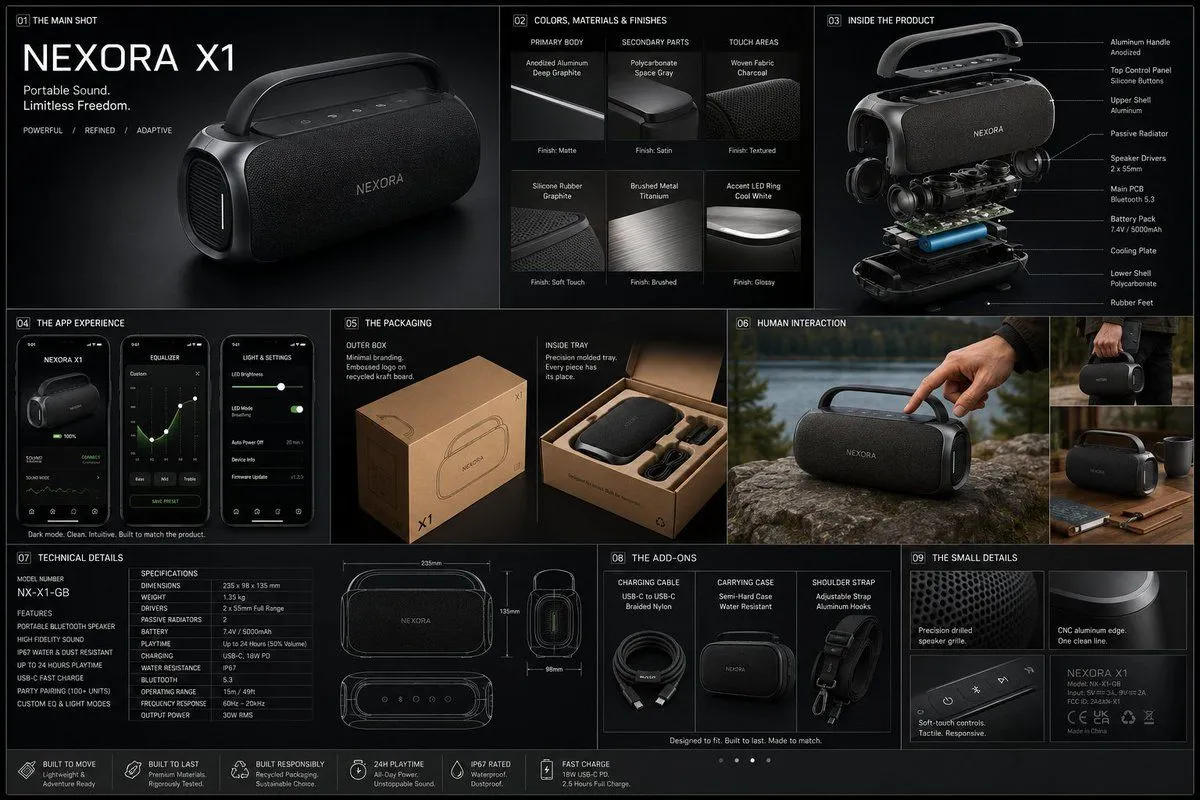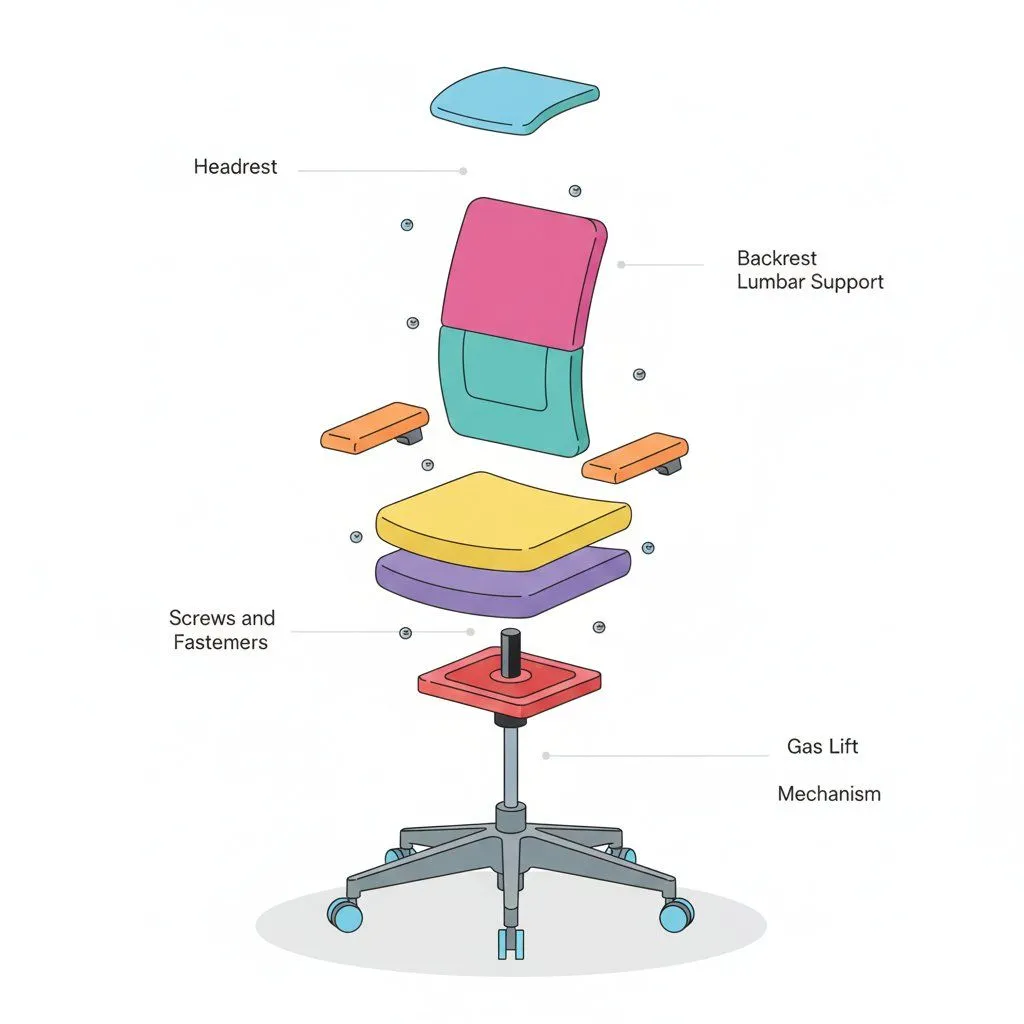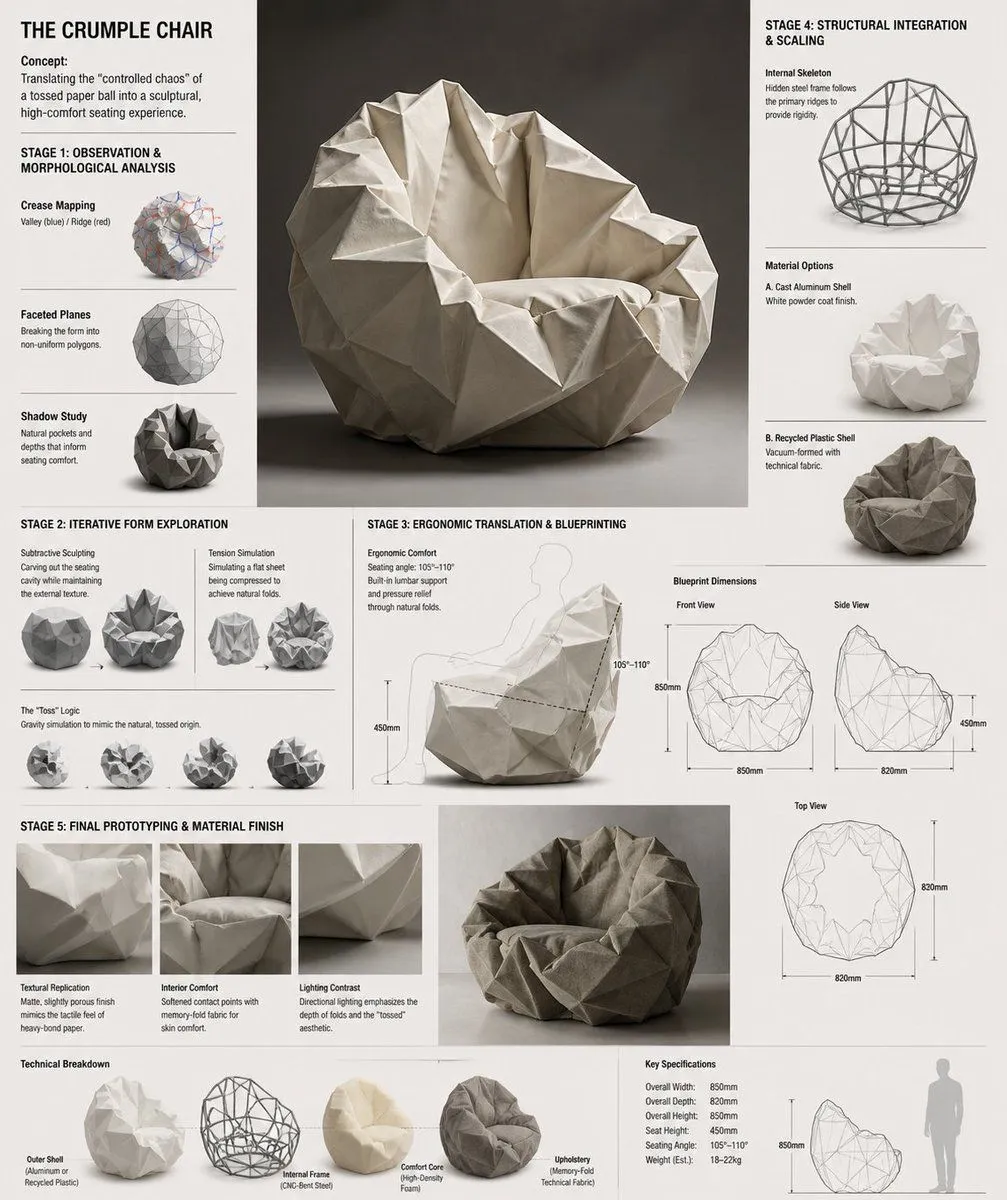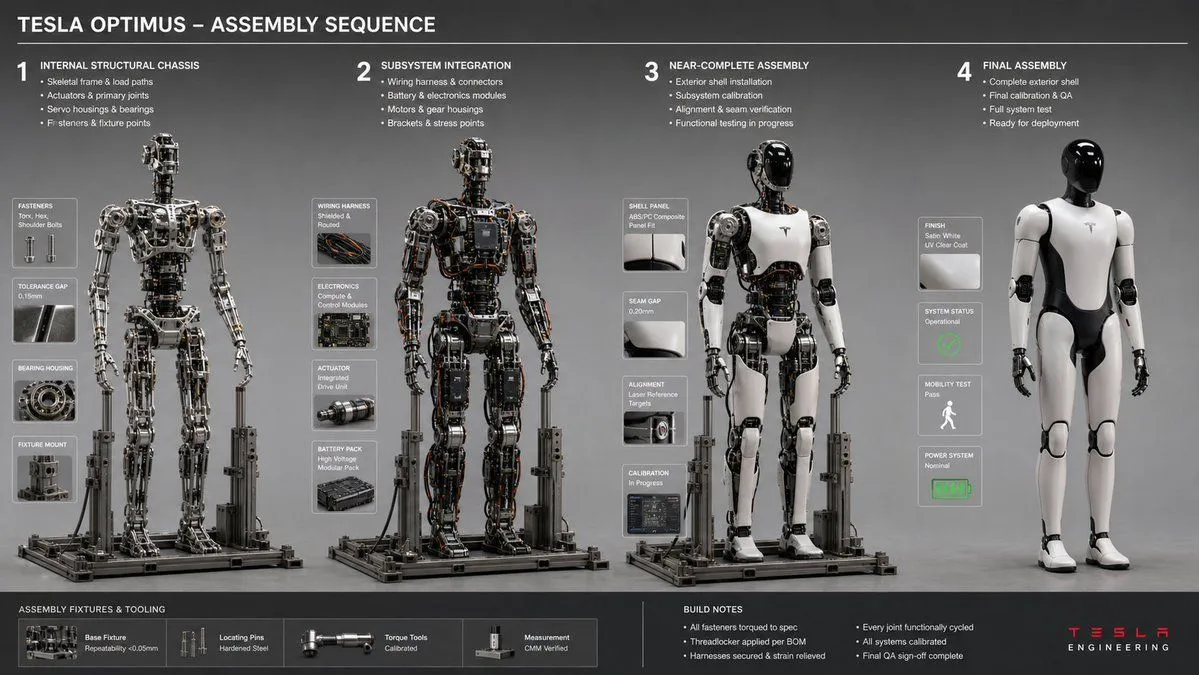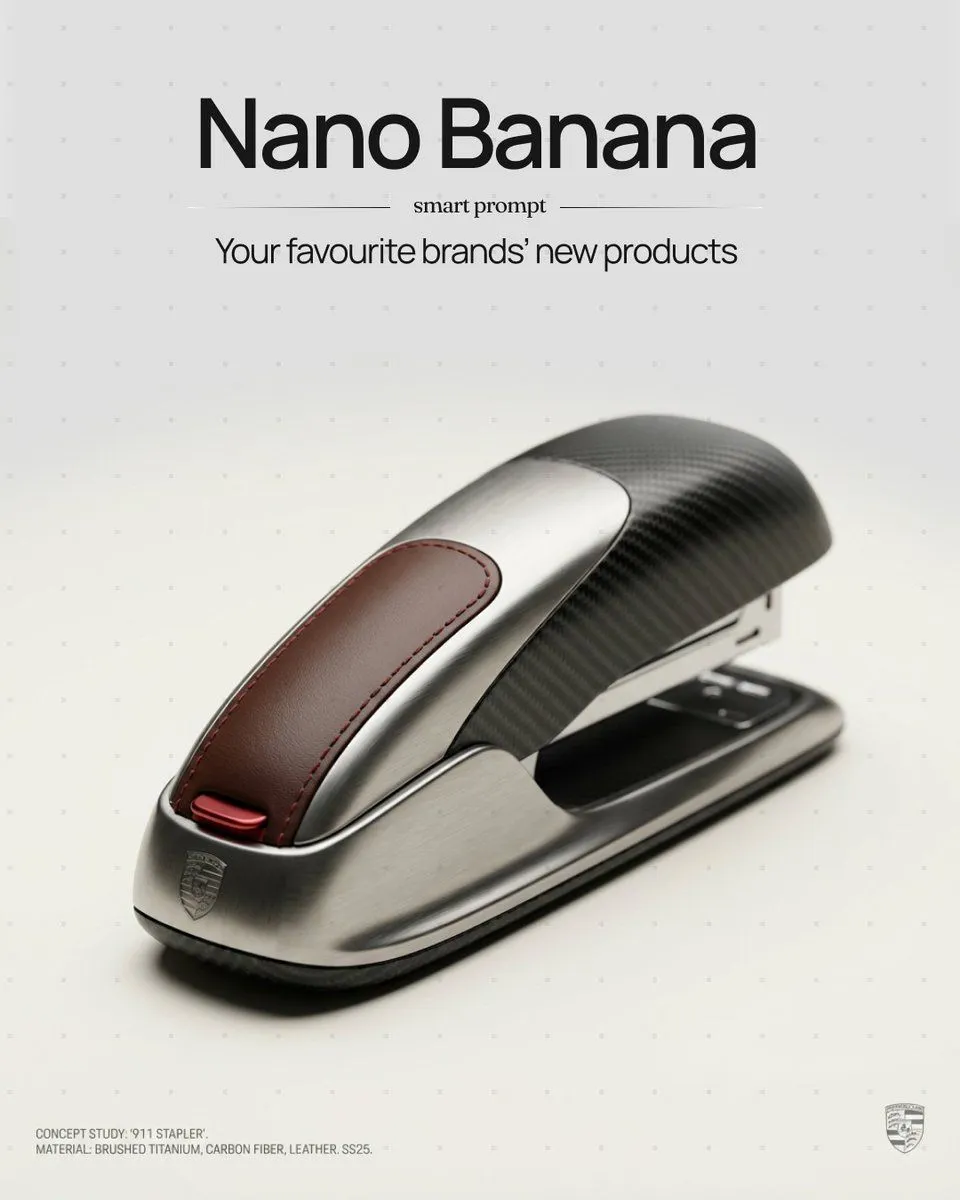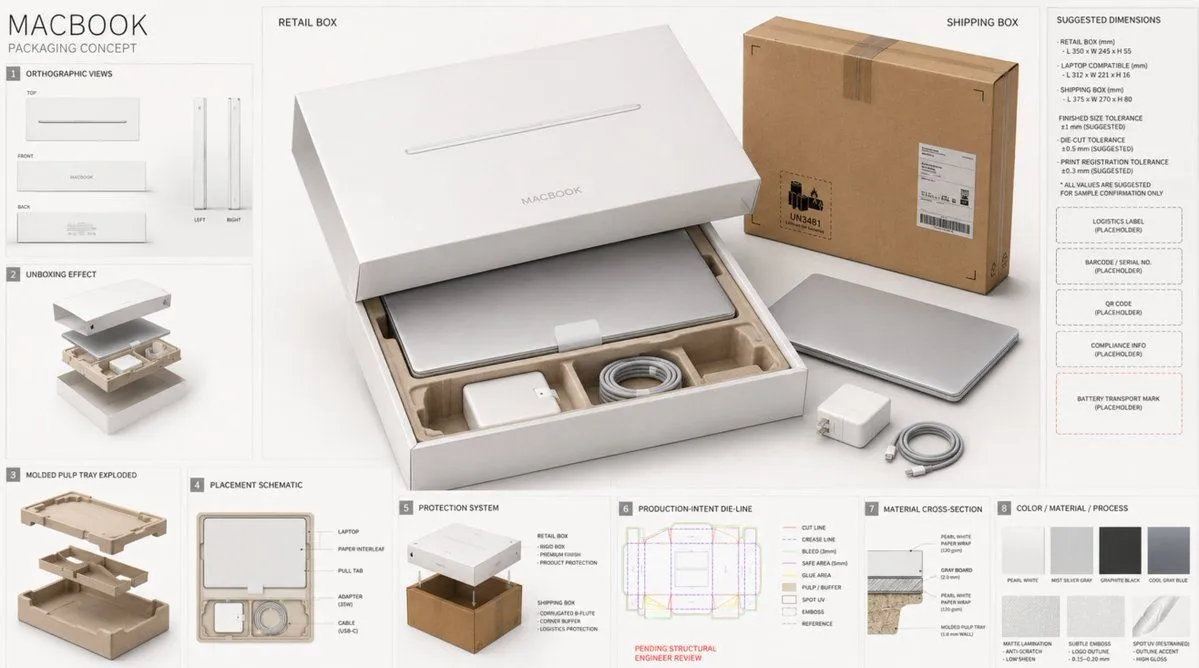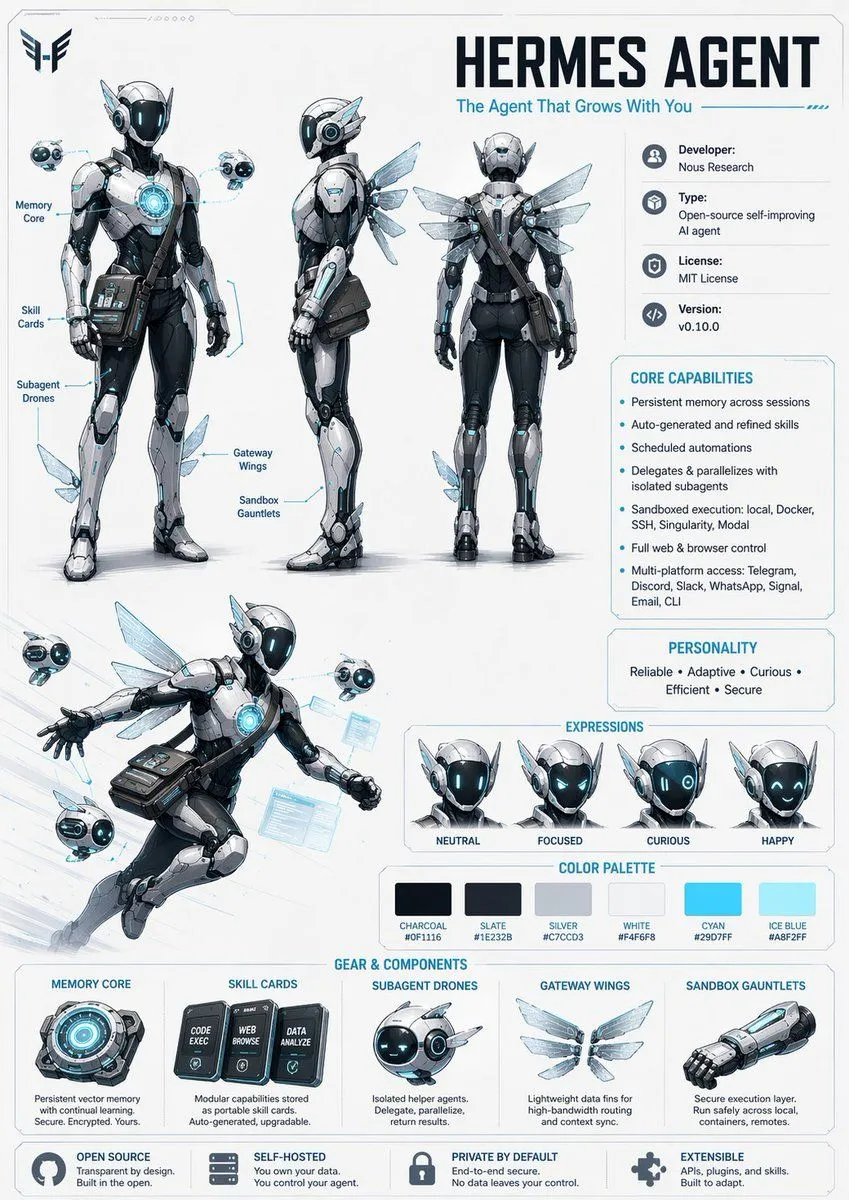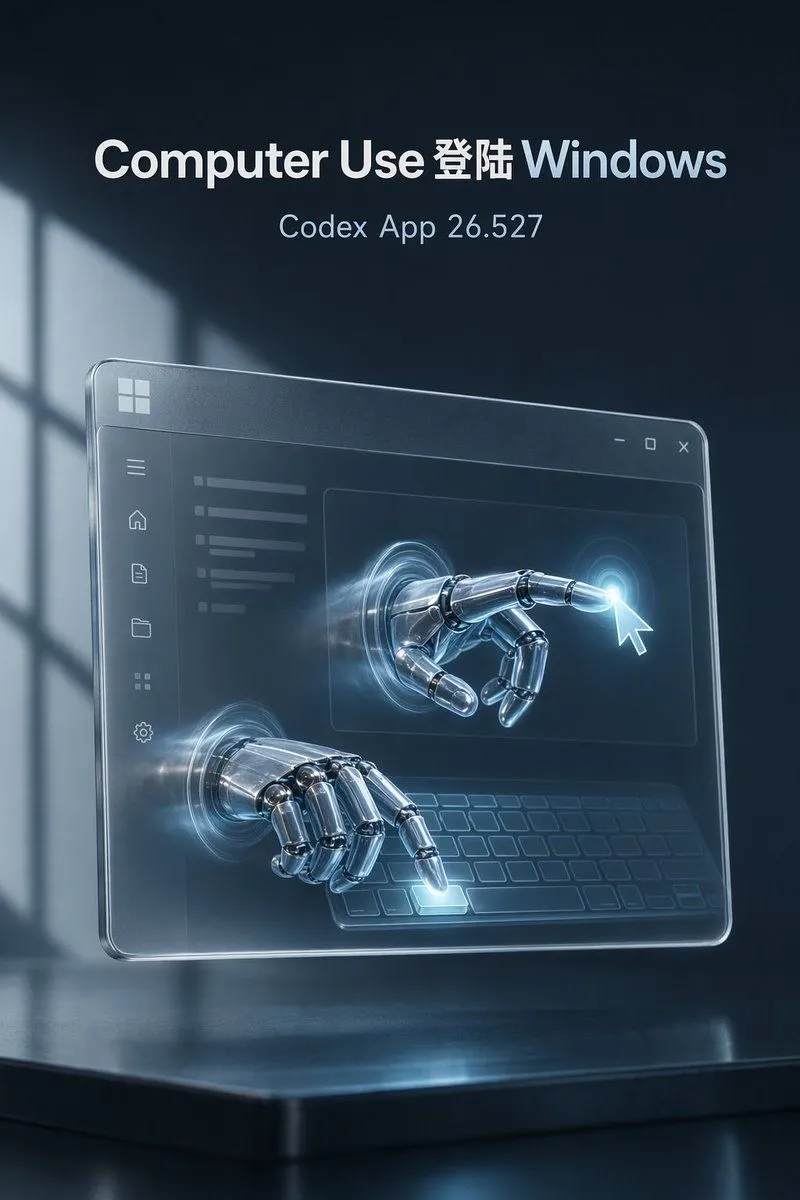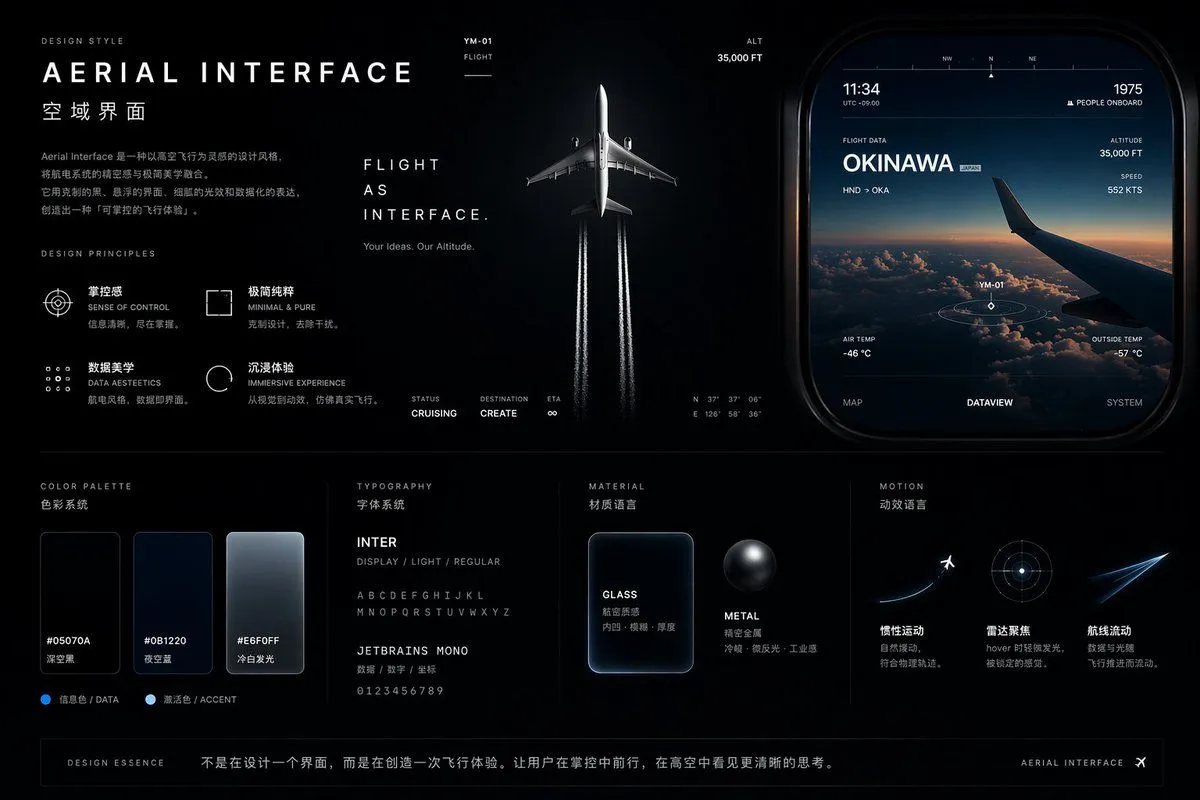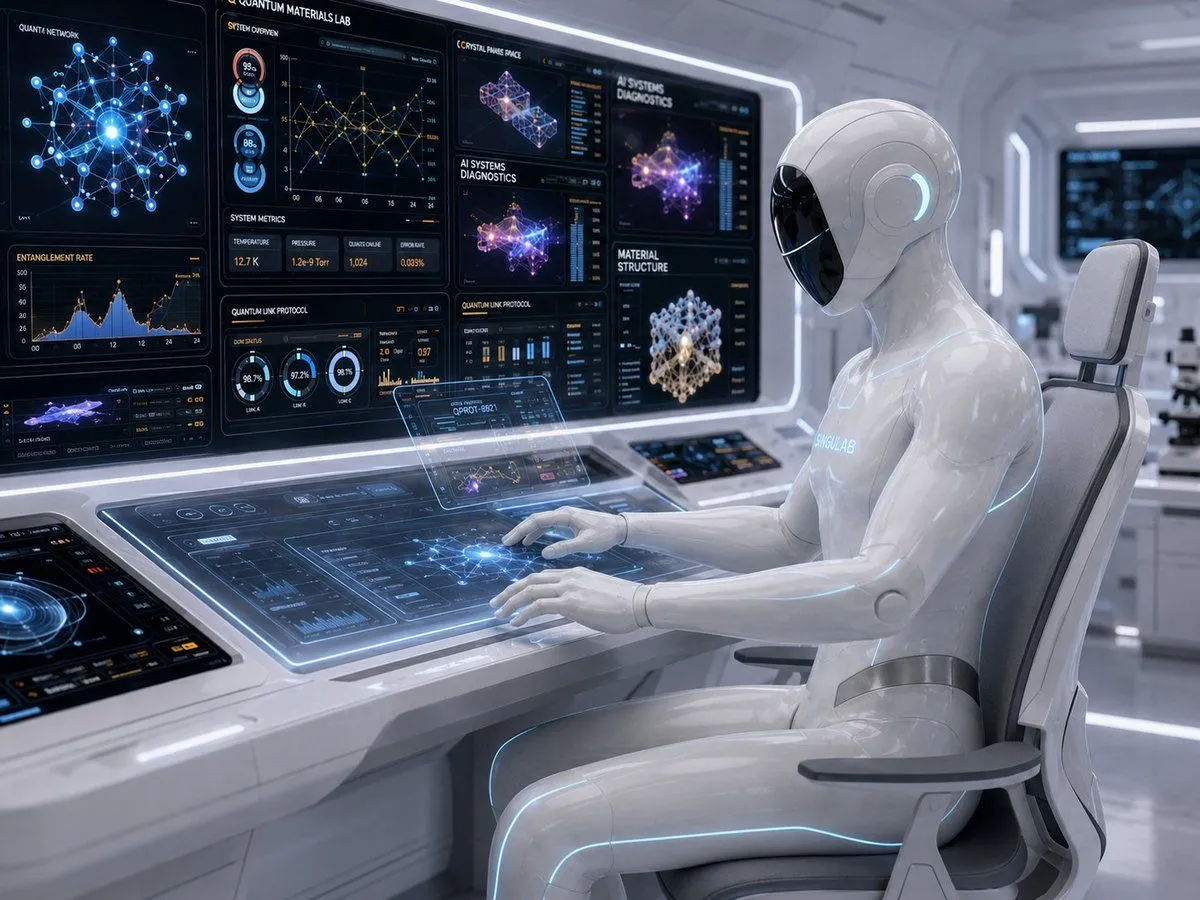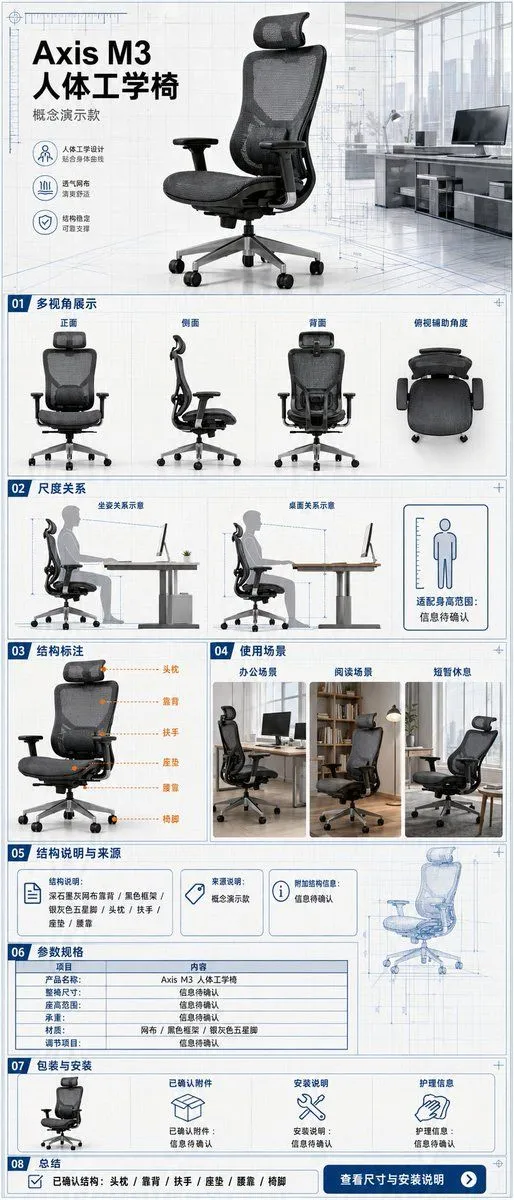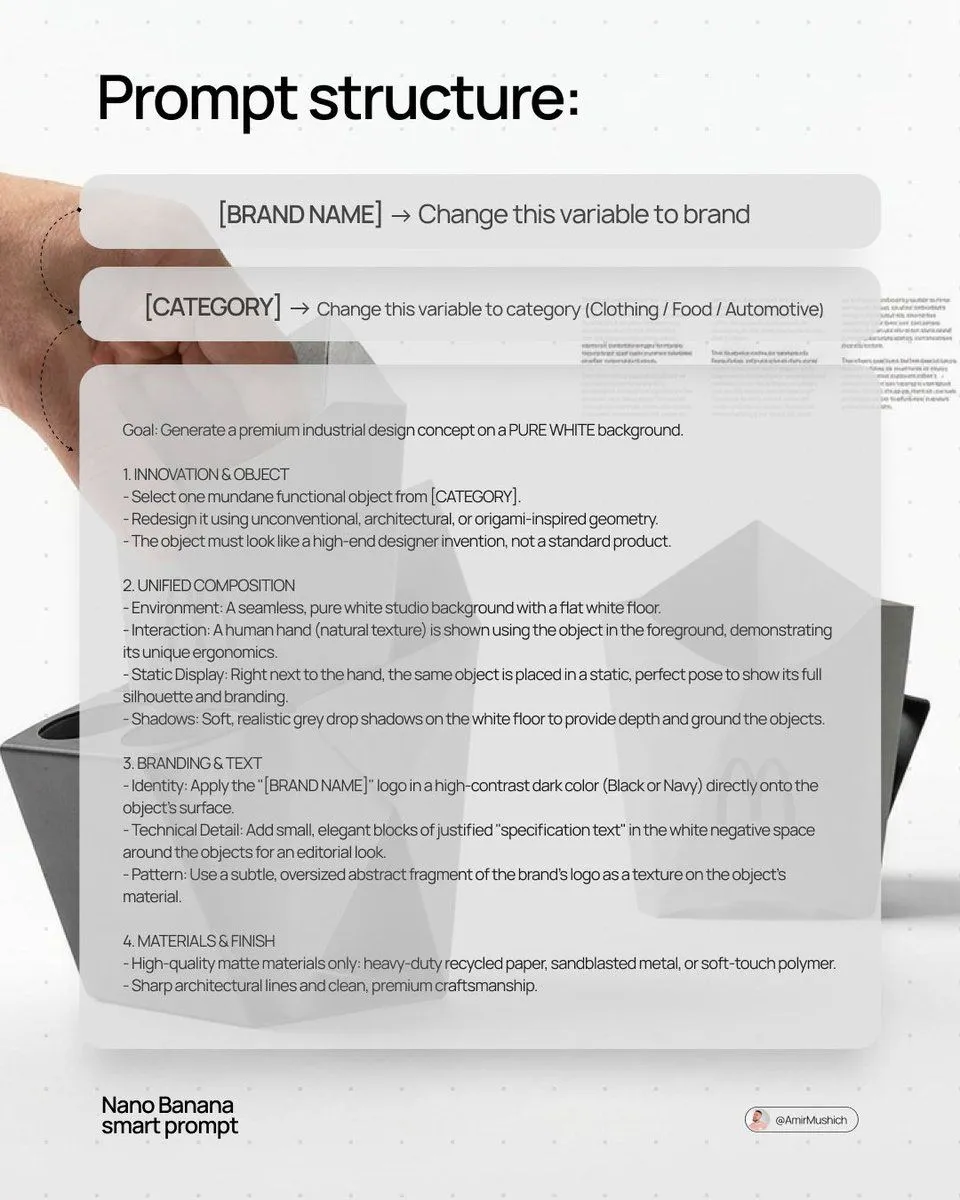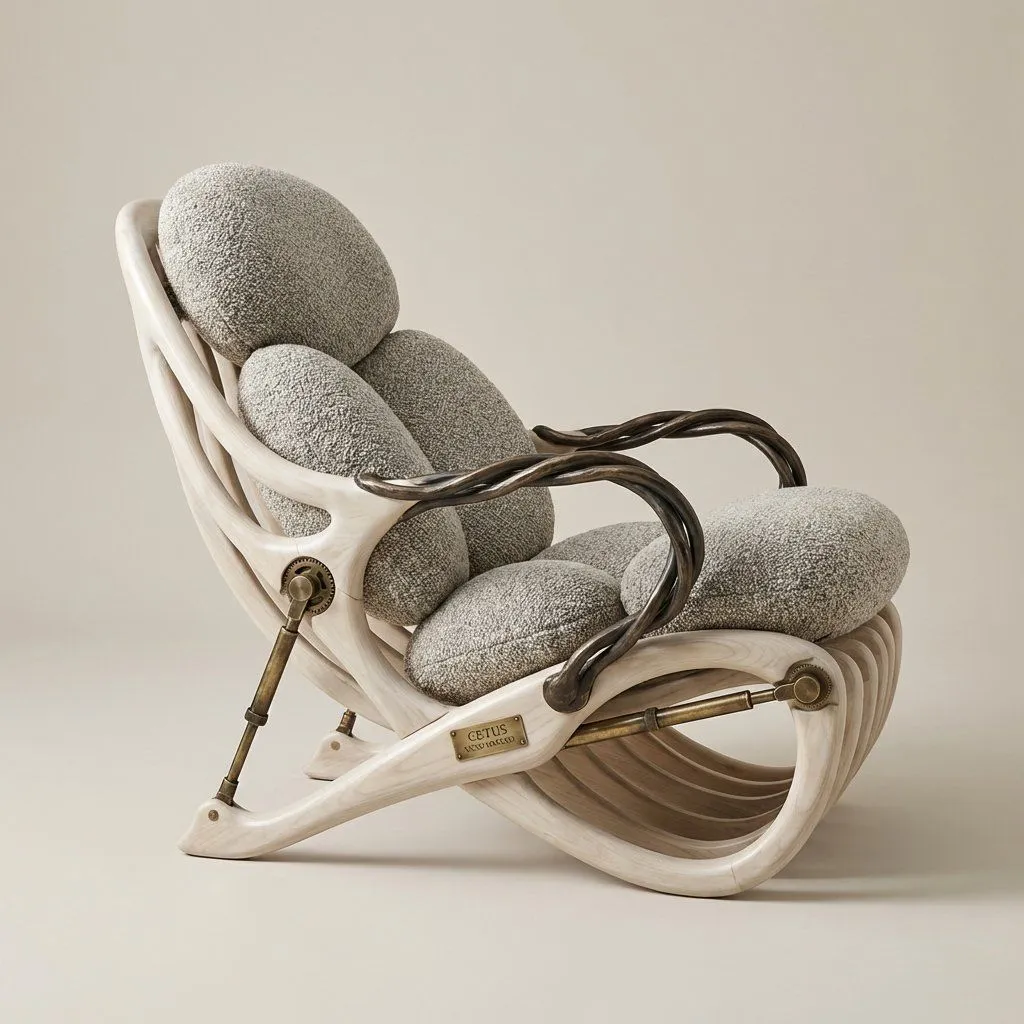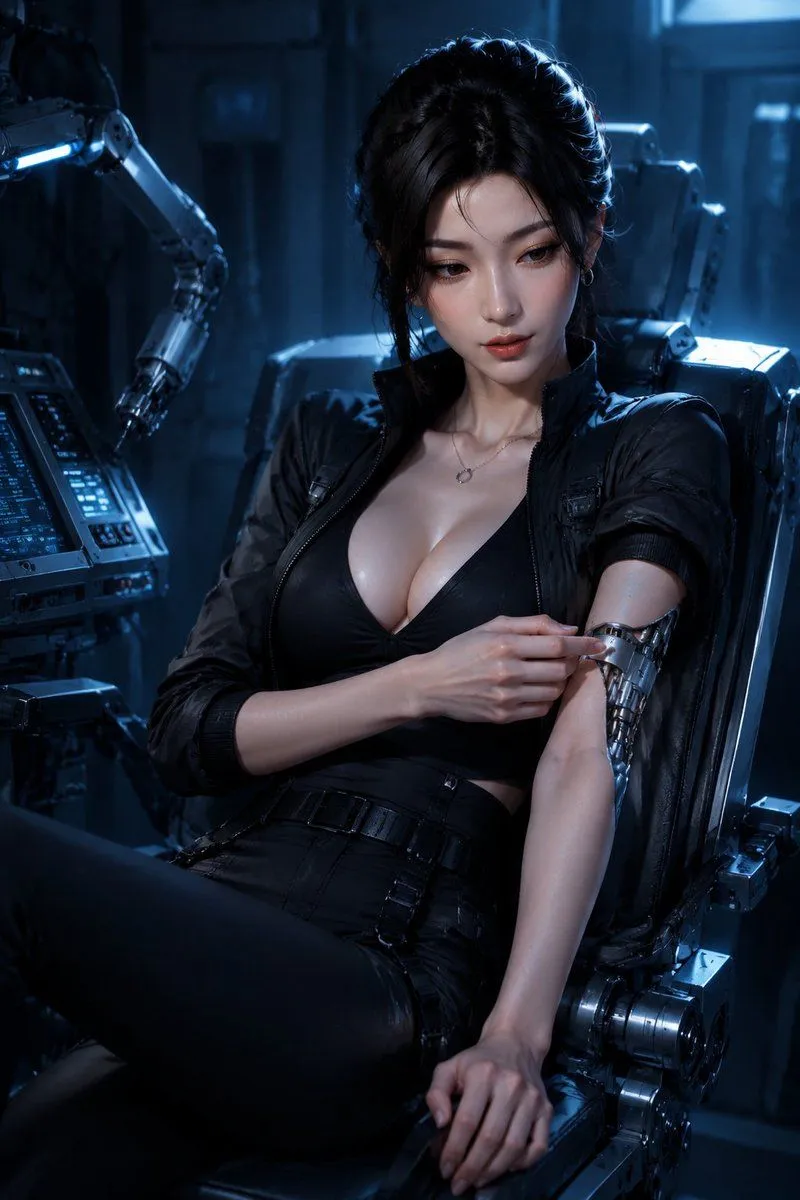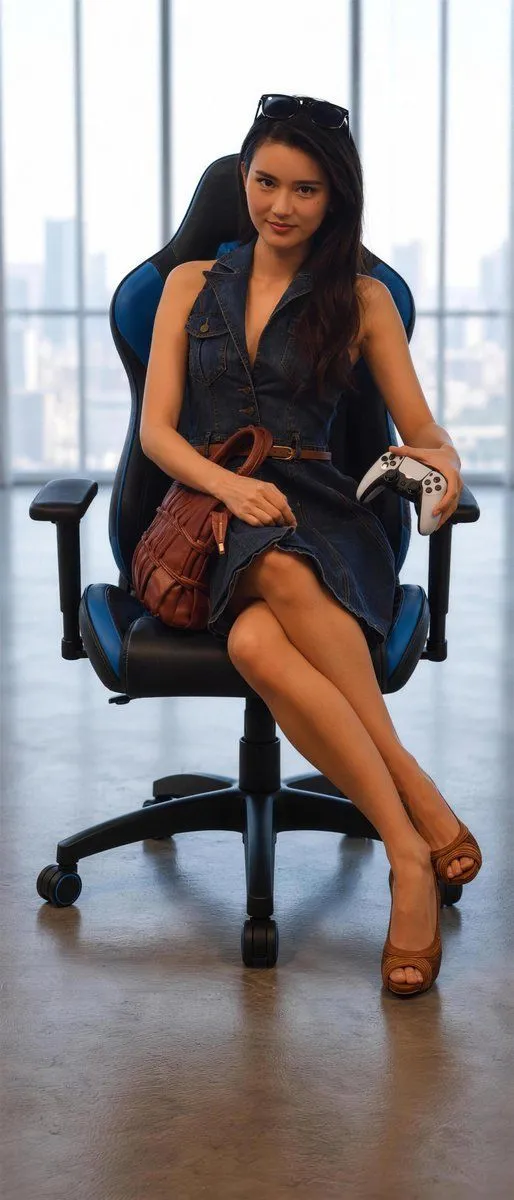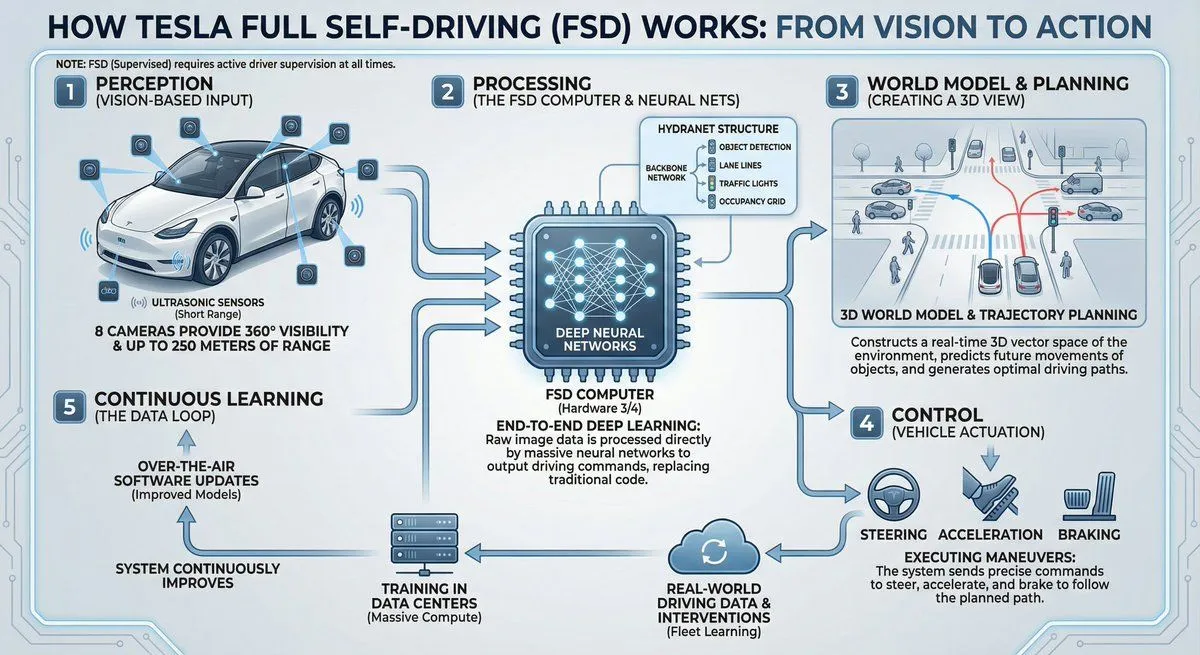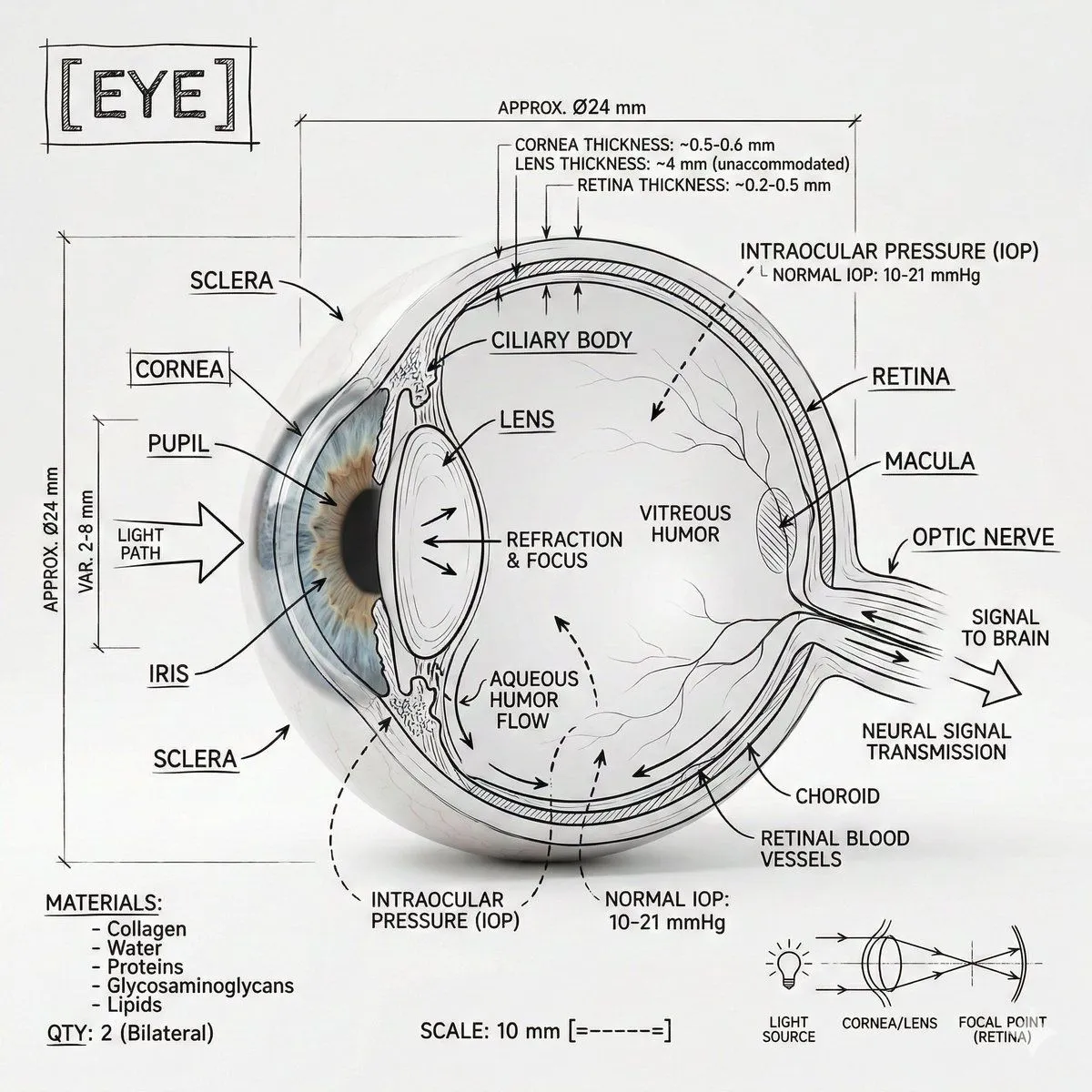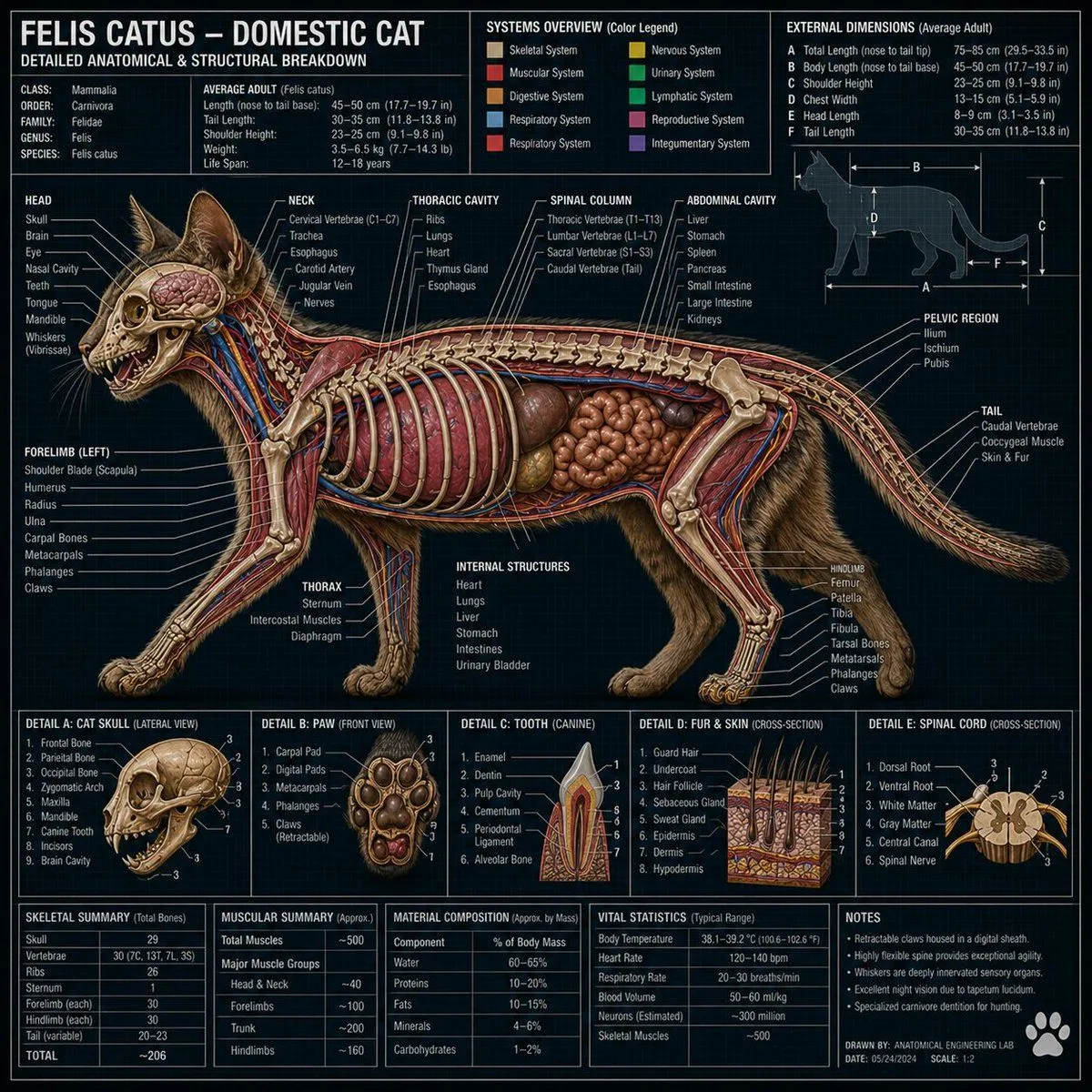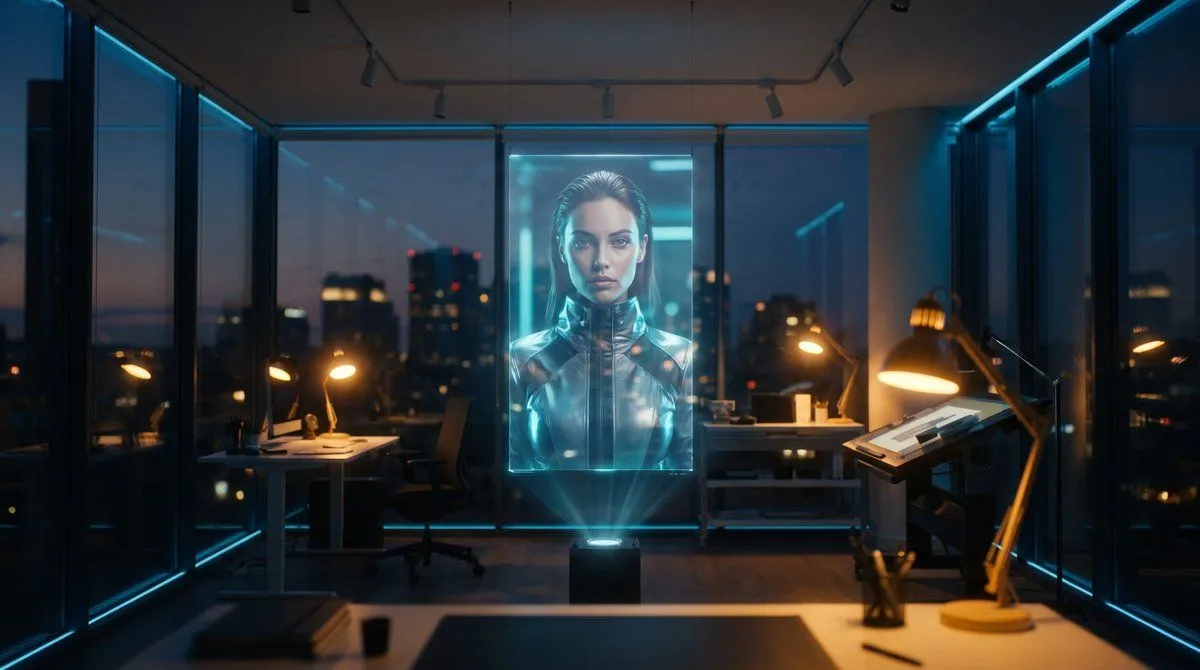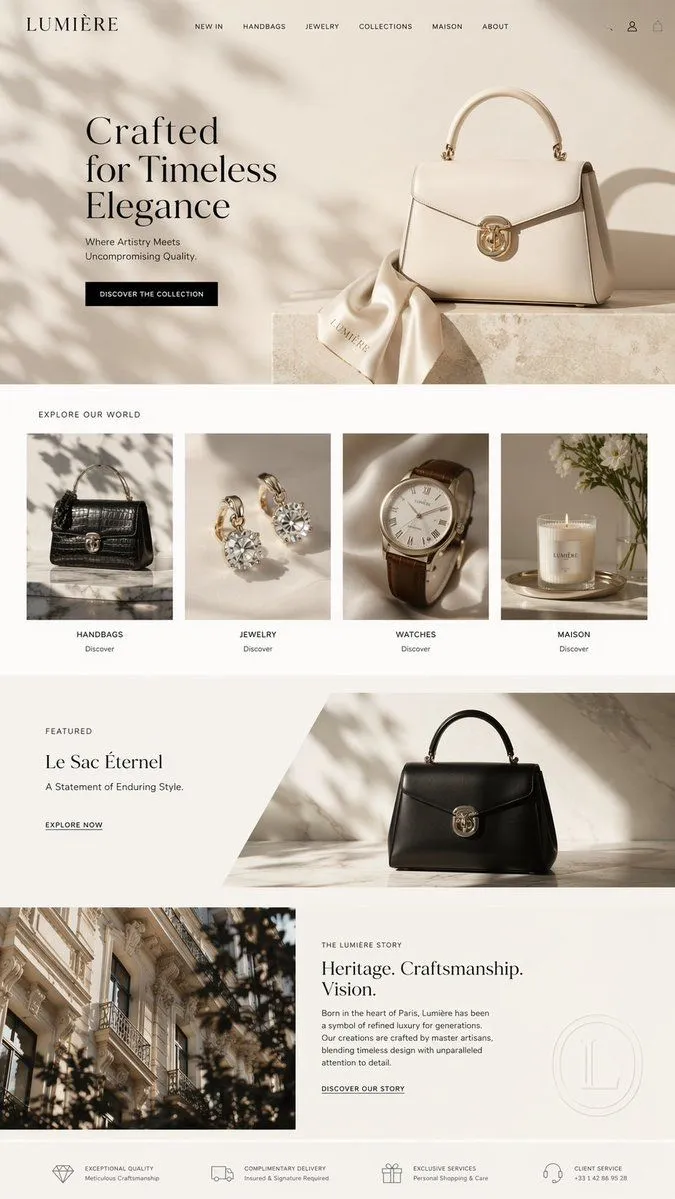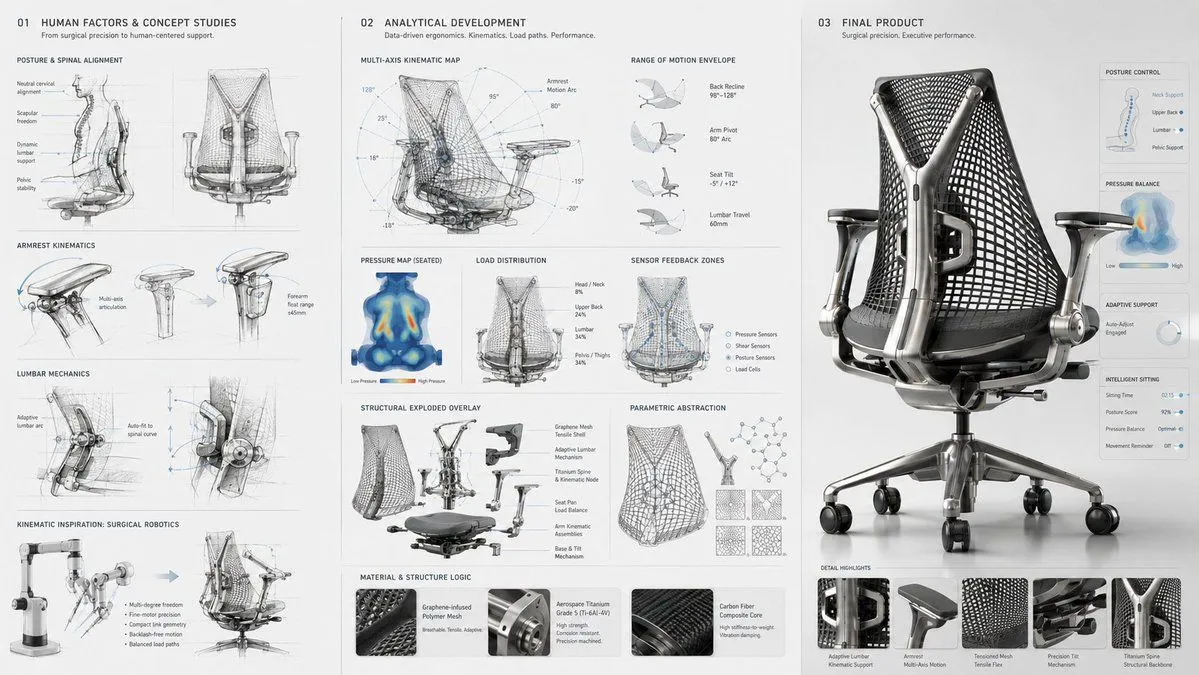
Made with GPT Image 2 in ChatGPT by Library Explainers. Promptclay never generates images.
Did it work?
No reports yet. Tell others if it worked for you.
Robotic Engineering Product Concept
Prompt
2 blanks to fillergonomic micro-robotics, the high-fidelity haptic feedback mechanisms of {device} shaping a dynamically adaptive {product}, sequence from [kinematic range-of-motion mapping] to [load-distribution sensor diagrams] to structural parametric abstraction to final product, ai to infer bio-mechanical translation utilizing [material 1] joints and [material 2] breathable meshes, including side-panel ui/ux interface glimpses, [aesthetic style] aesthetic, presentation layout: human-factors engineering sketches on the left, load-bearing wireframes center, hyper-detailed macro product render right, [lighting style]. input: [da vinci surgical robotic arm], [c-suite executive task chair], [multi-axis kinetic wireframes], [pressure-point heat maps], [brushed aerospace titanium], [graphene-infused polymer], [herman miller meets futuristic medical], [clean, diffuse daylight simulation] 16:9
Preview of your prompt
ergonomic micro-robotics, the high-fidelity haptic feedback mechanisms of advanced surgical/robotic device shaping a dynamically adaptive ergonomic seating/wearable, sequence from [kinematic range-of-motion mapping] to [load-distribution sensor diagrams] to structural parametric abstraction to final product, ai to infer bio-mechanical translation utilizing [material 1] joints and [material 2] breathable meshes, including side-panel ui/ux interface glimpses, [aesthetic style] aesthetic, presentation layout: human-factors engineering sketches on the left, load-bearing wireframes center, hyper-detailed macro product render right, [lighting style]. input: [da vinci surgical robotic arm], [c-suite executive task chair], [multi-axis kinetic wireframes], [pressure-point heat maps], [brushed aerospace titanium], [graphene-infused polymer], [herman miller meets futuristic medical], [clean, diffuse daylight simulation] 16:9
DetailsVersions, settings and questions
Written for
What's in the prompt
- Subject
- Model
- GPT Image 2
If your face changes
keep my face exactly the sameQuestions
- Does this work in the ChatGPT app?
- Yes. Paste the prompt and attach your photo if it uses one.
- It changed my face. What do I do?
- Add "keep my face exactly the same" to the end and run it again.
- Can I use the images I make?
- Check the terms of the app you use. Promptclay never generates images and claims nothing you make.