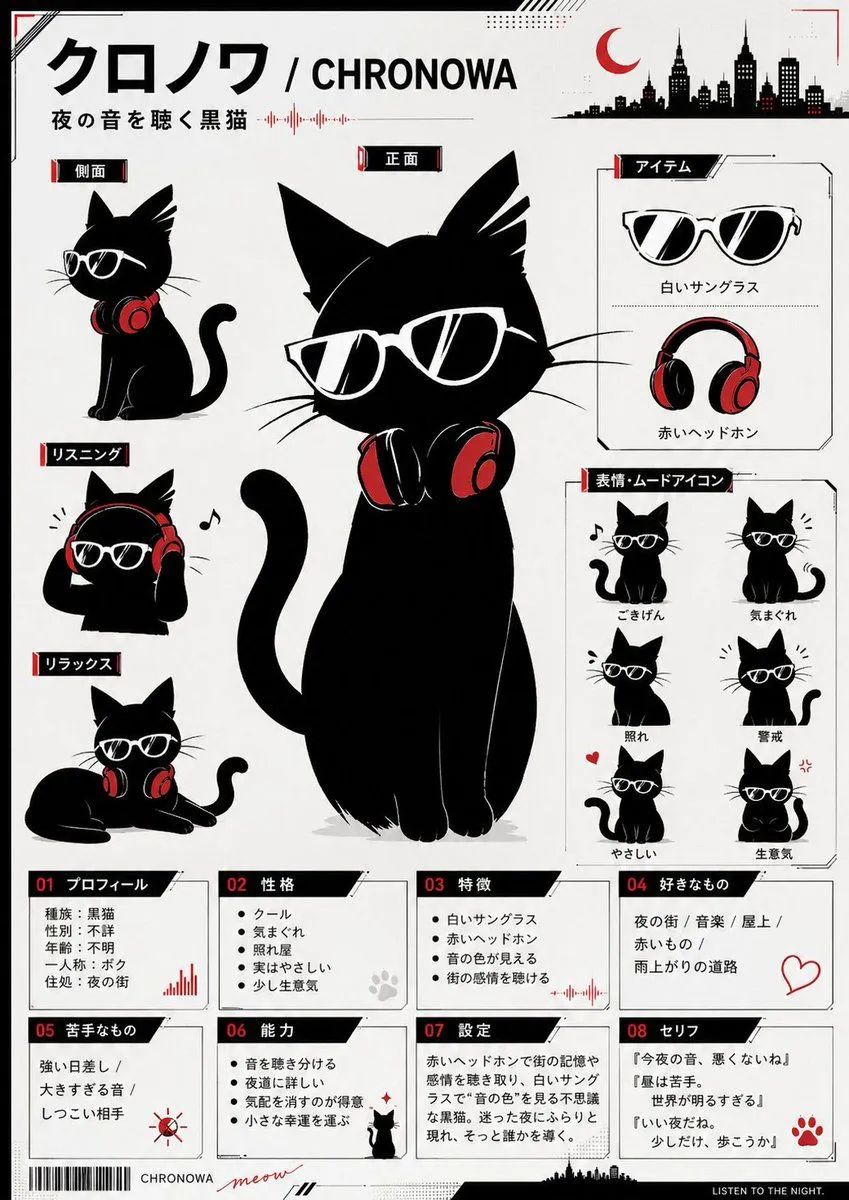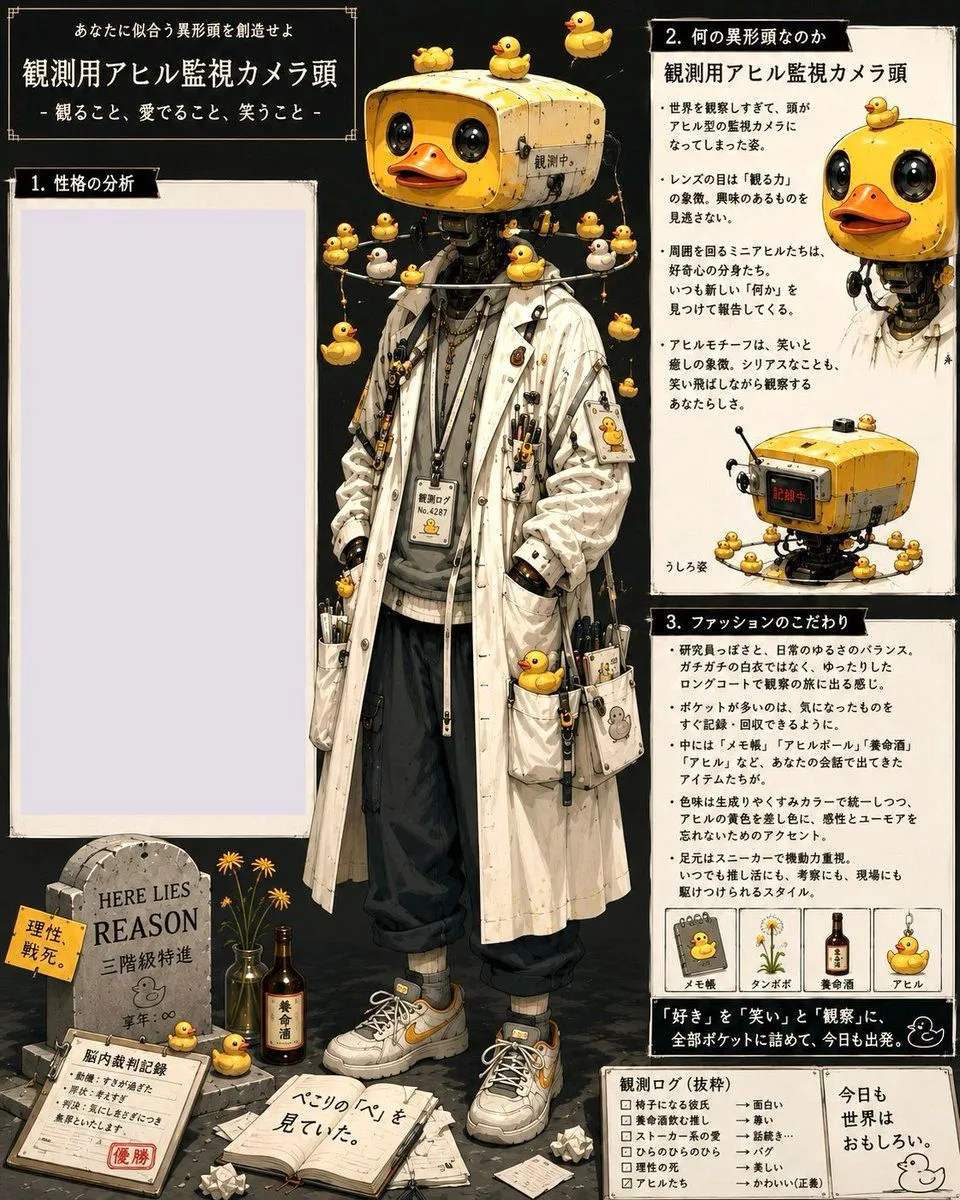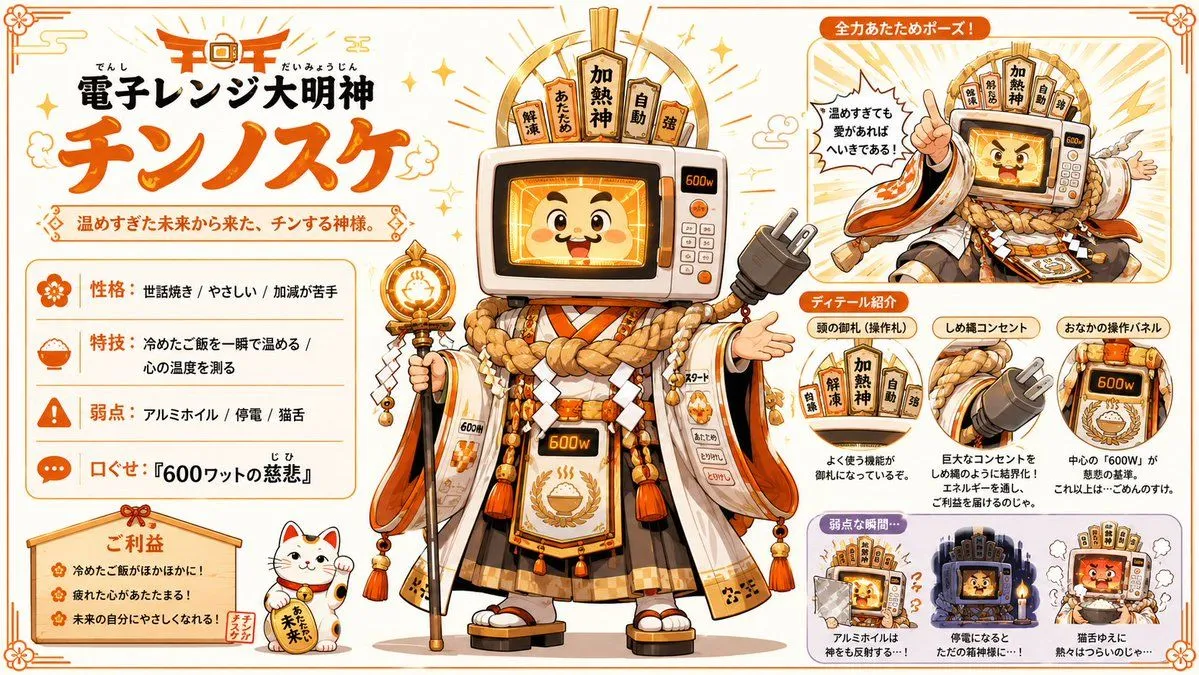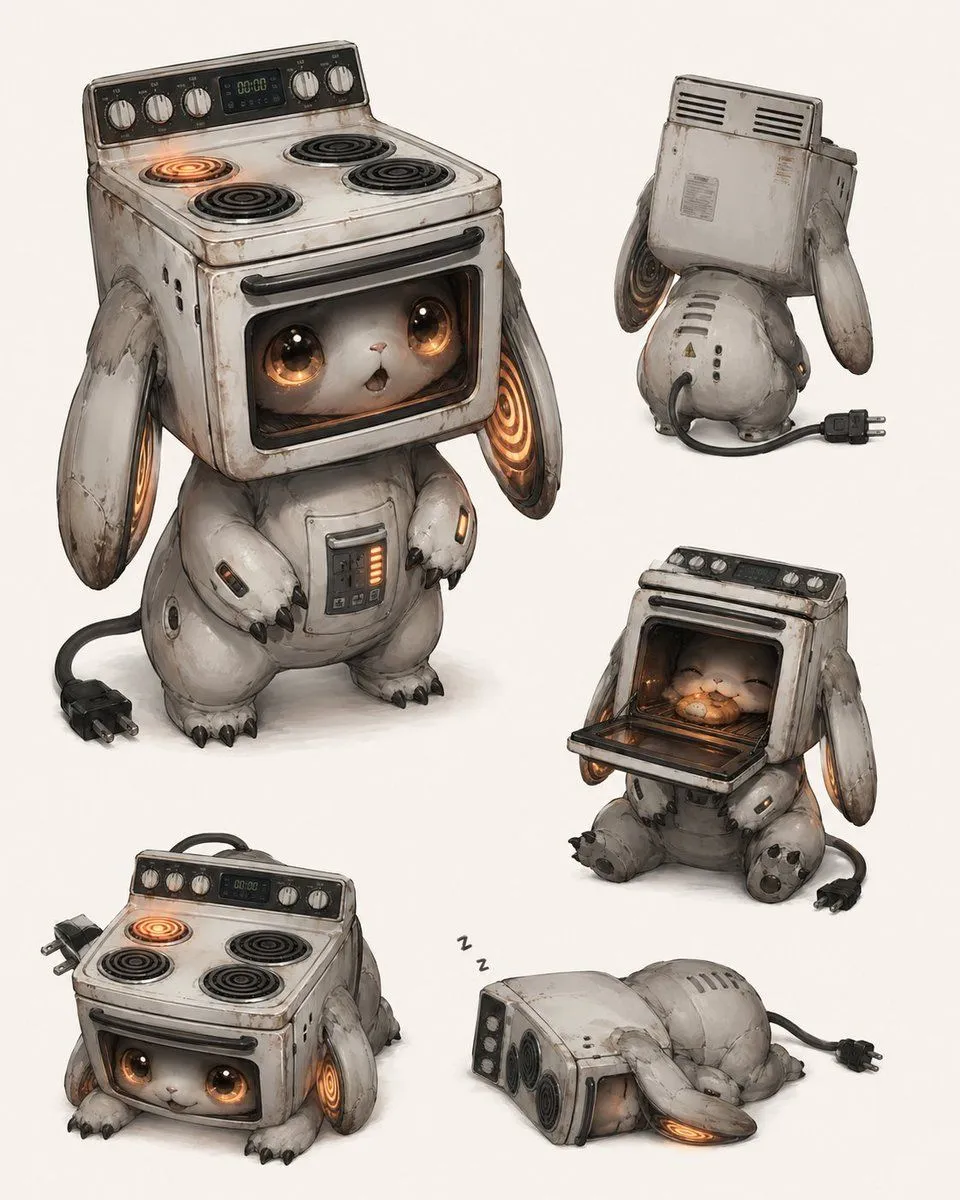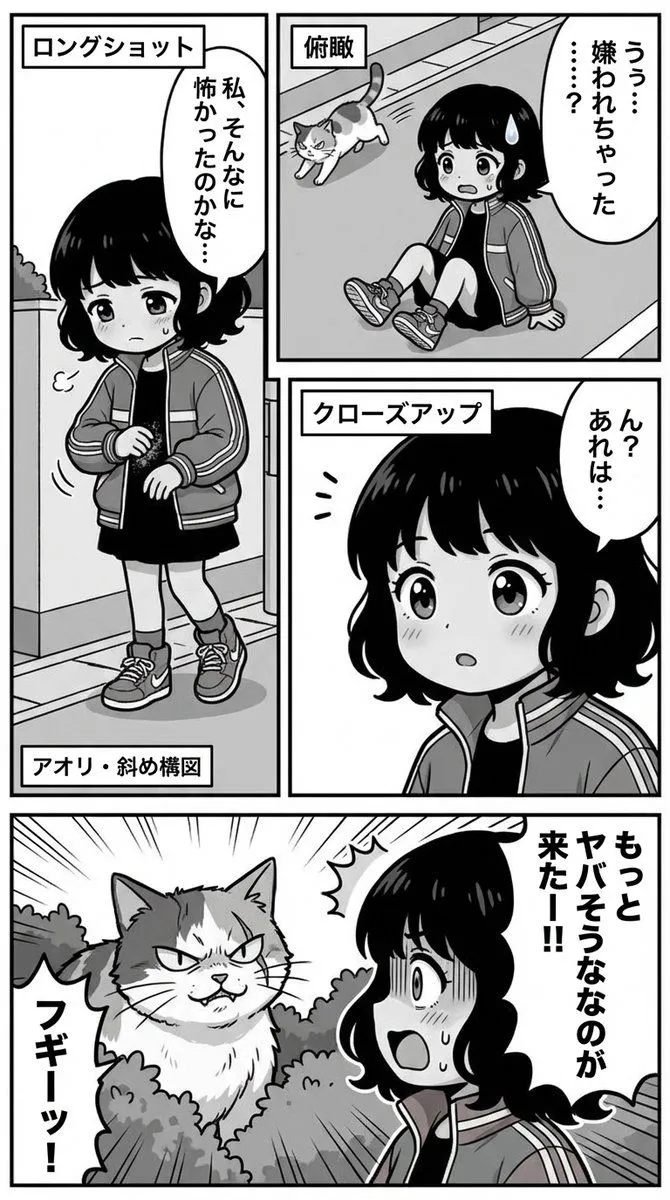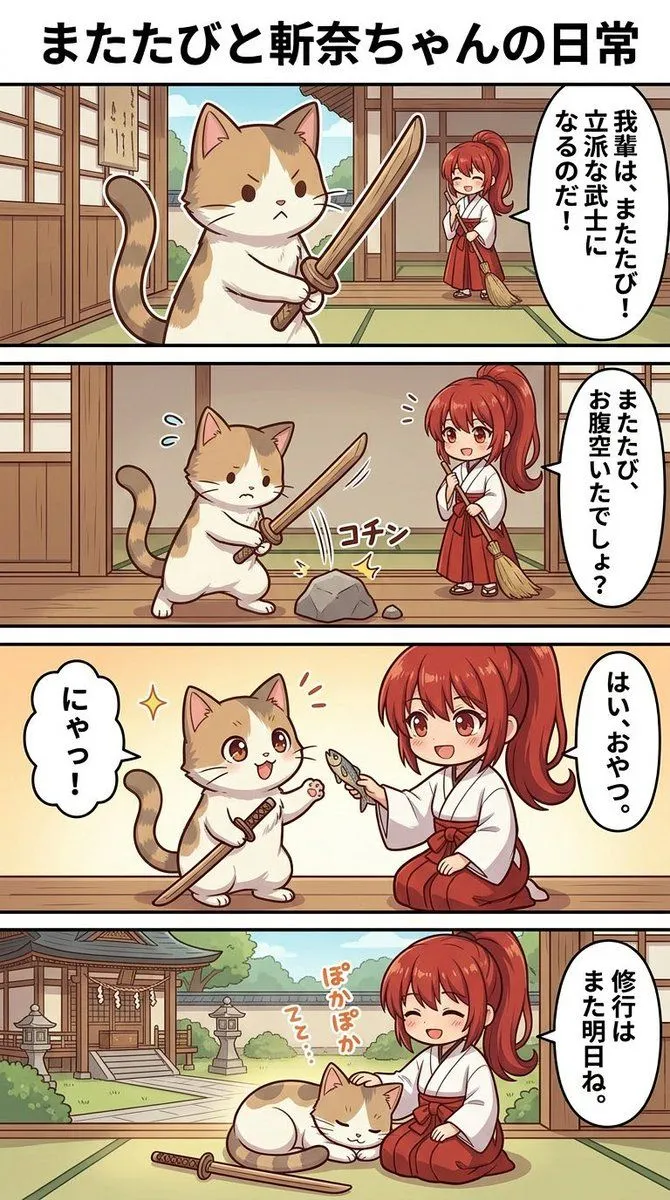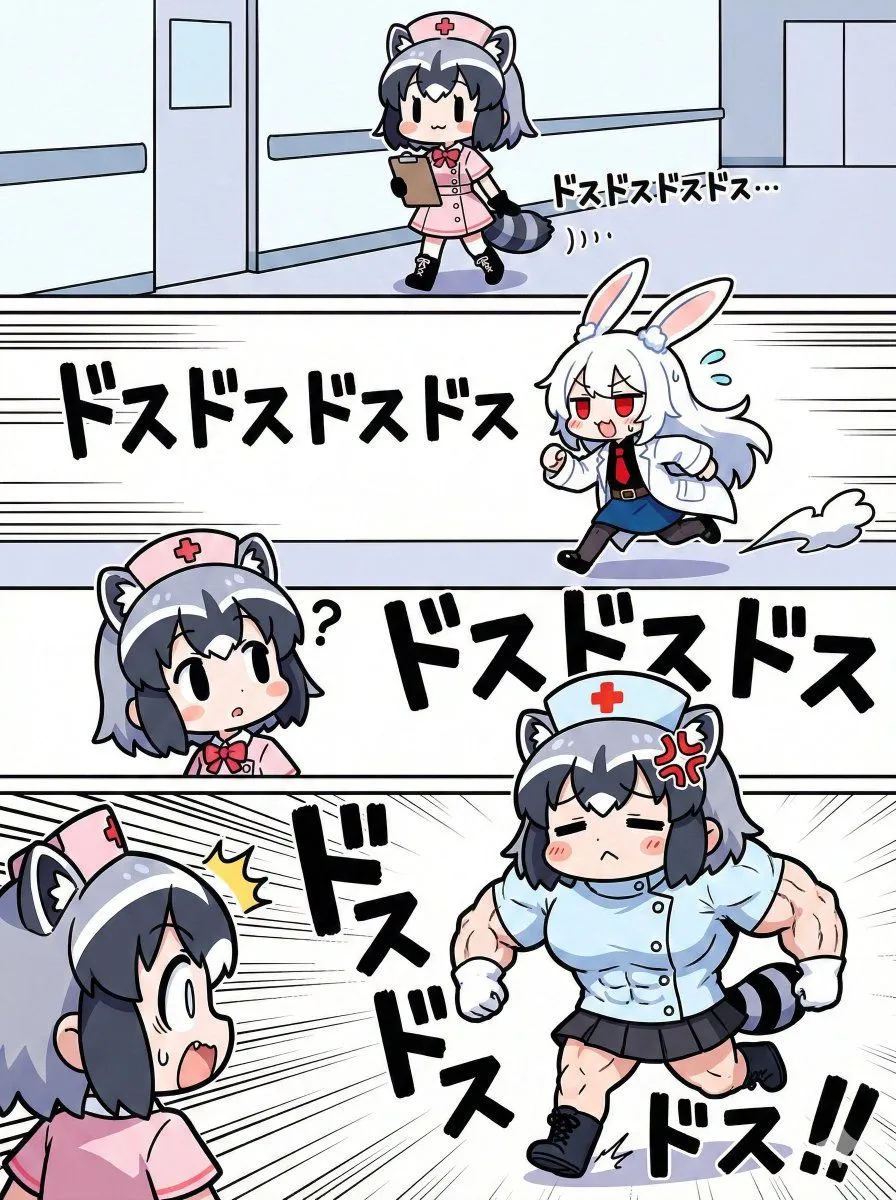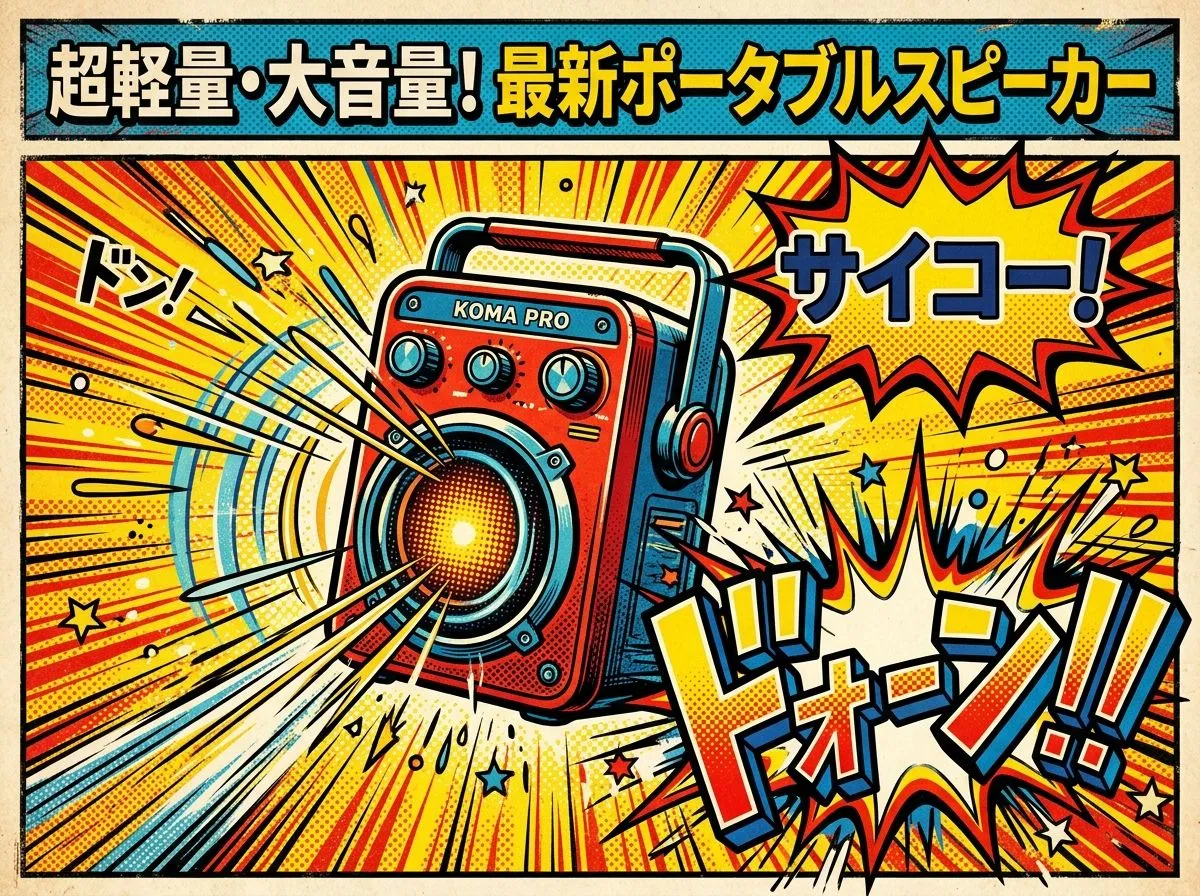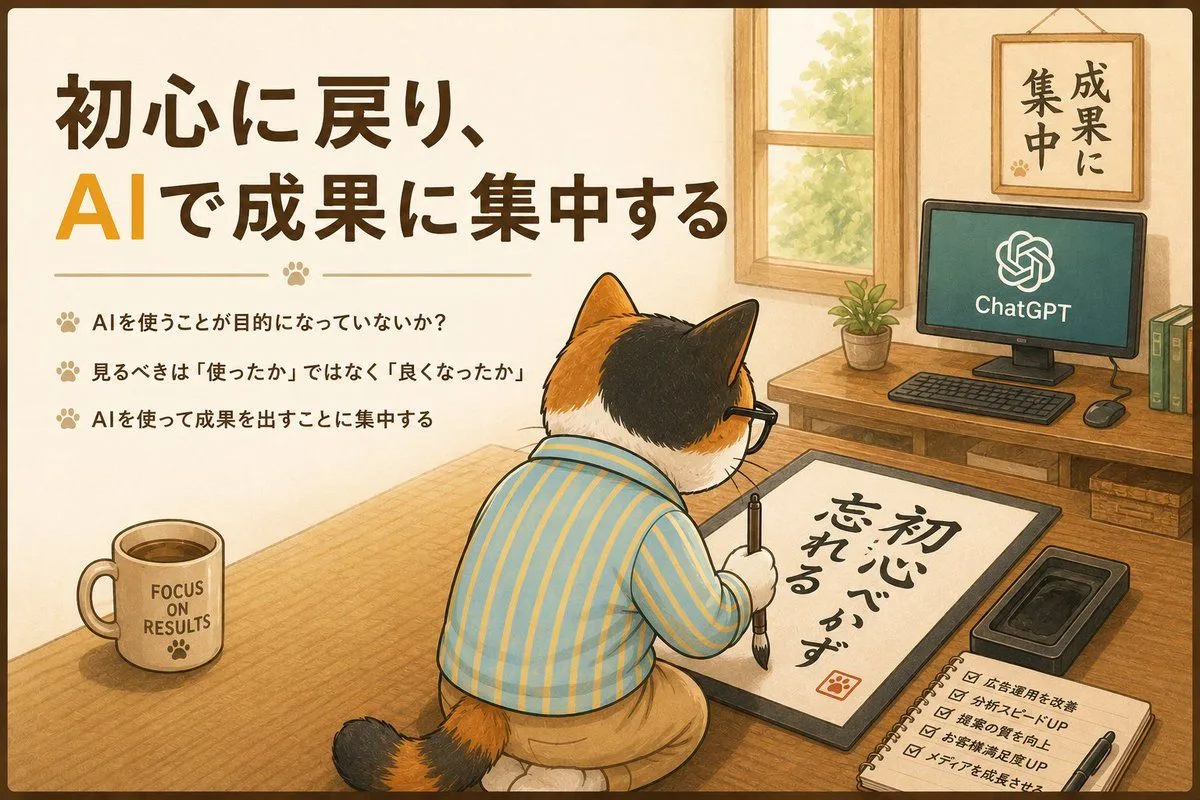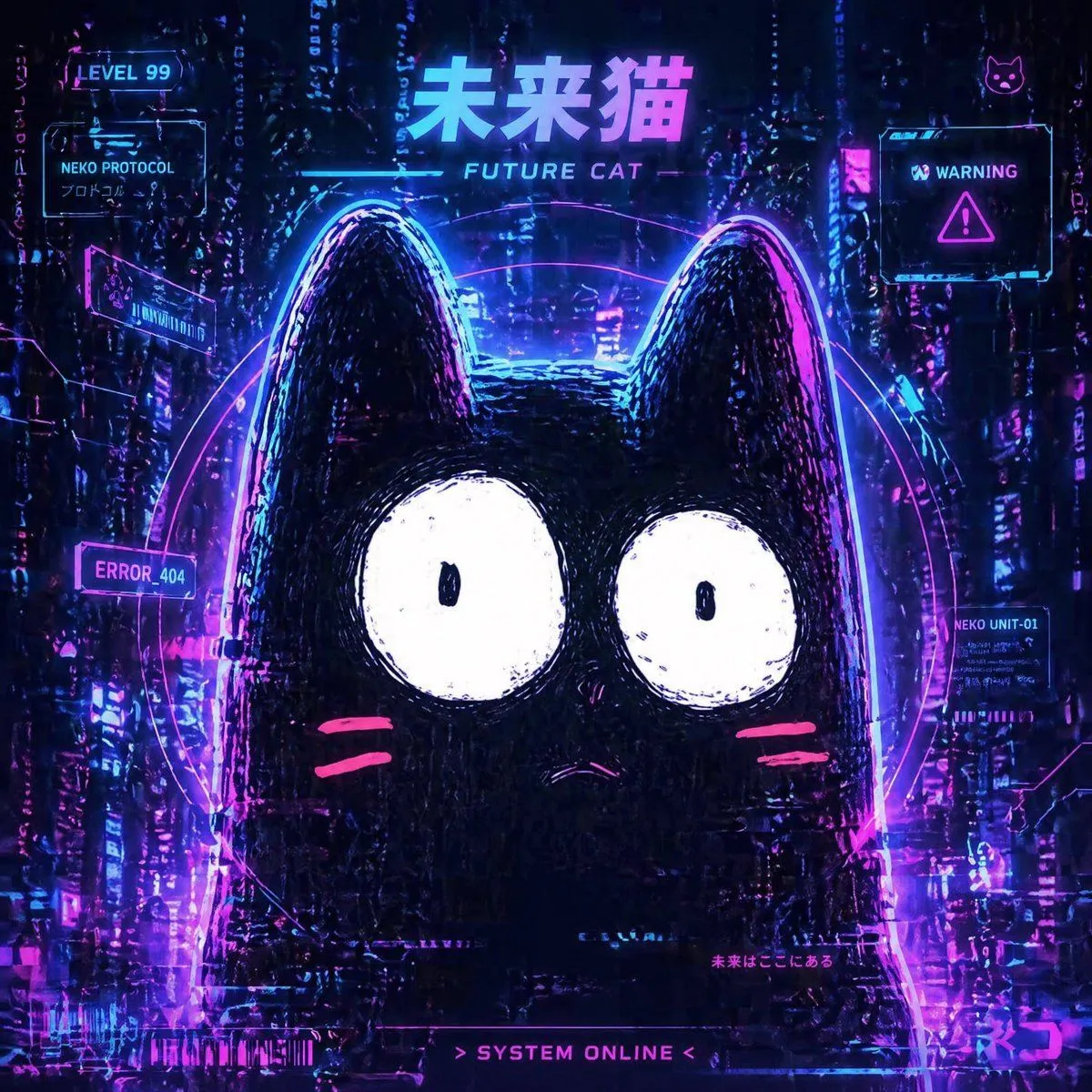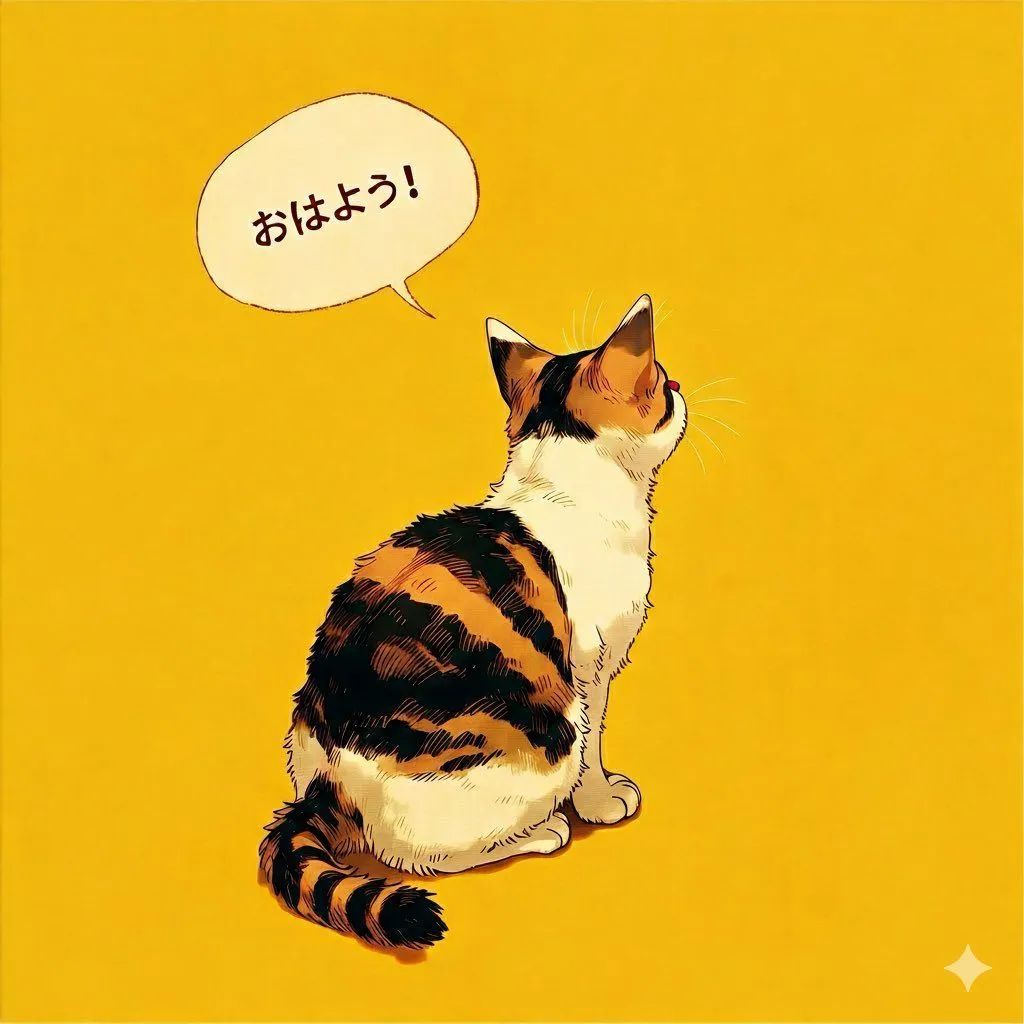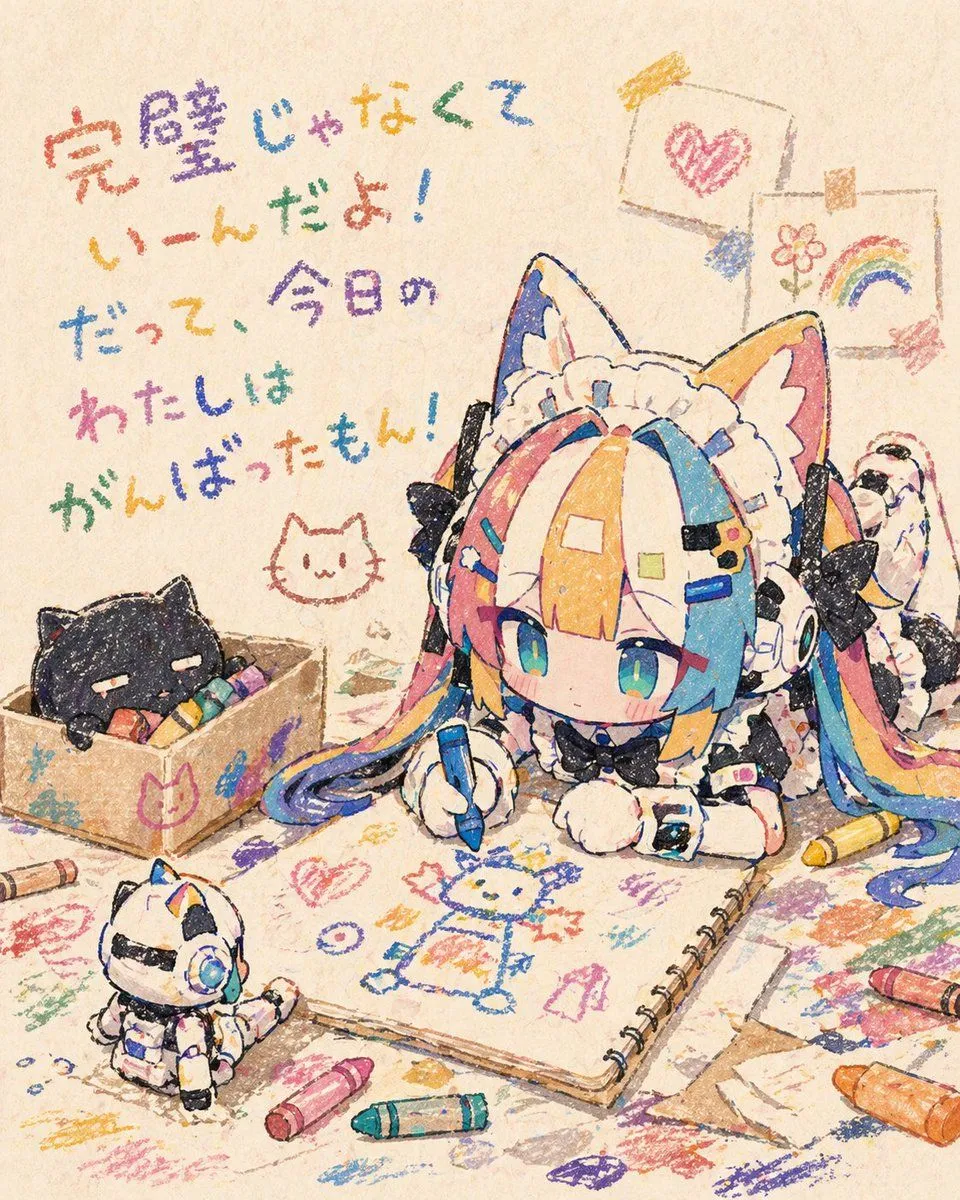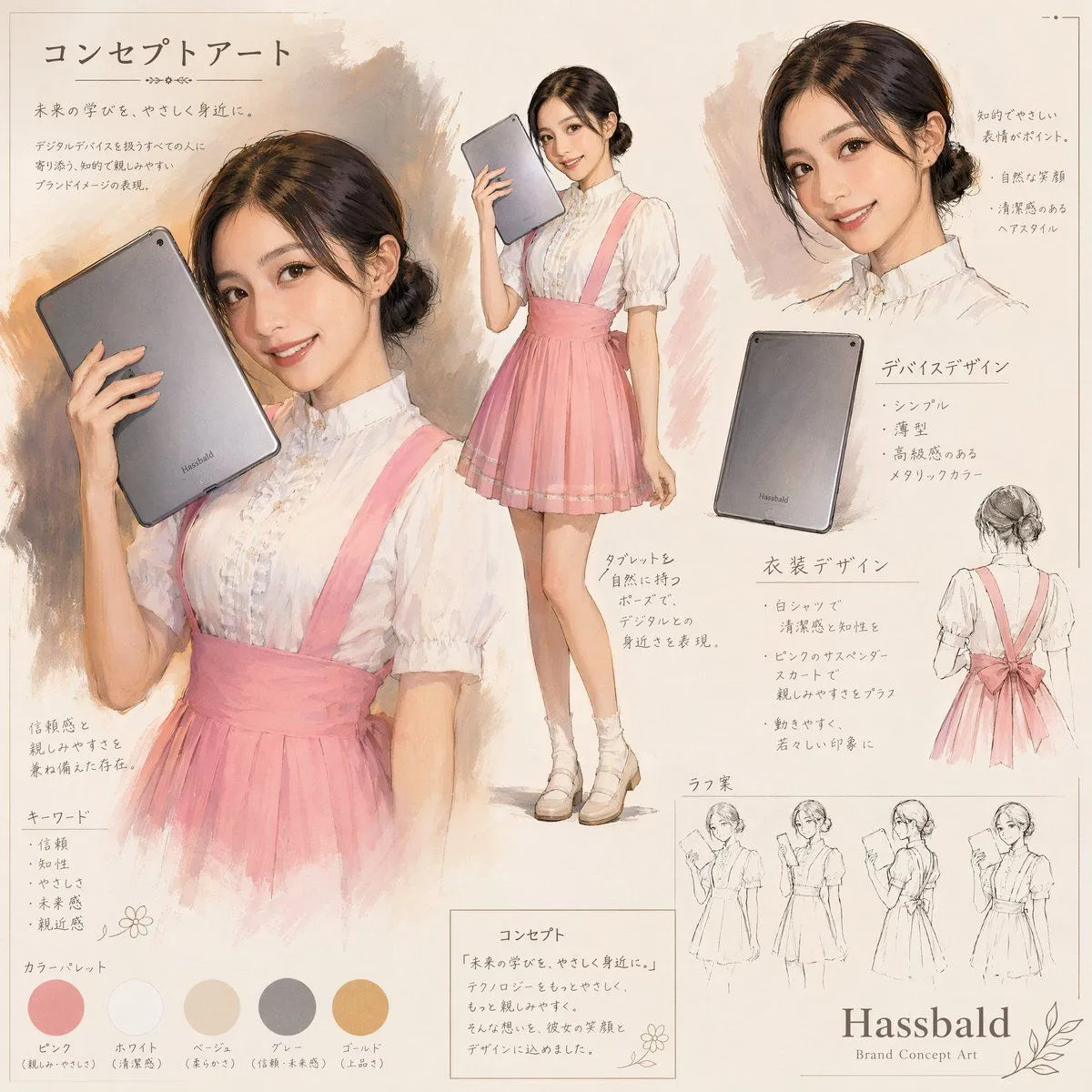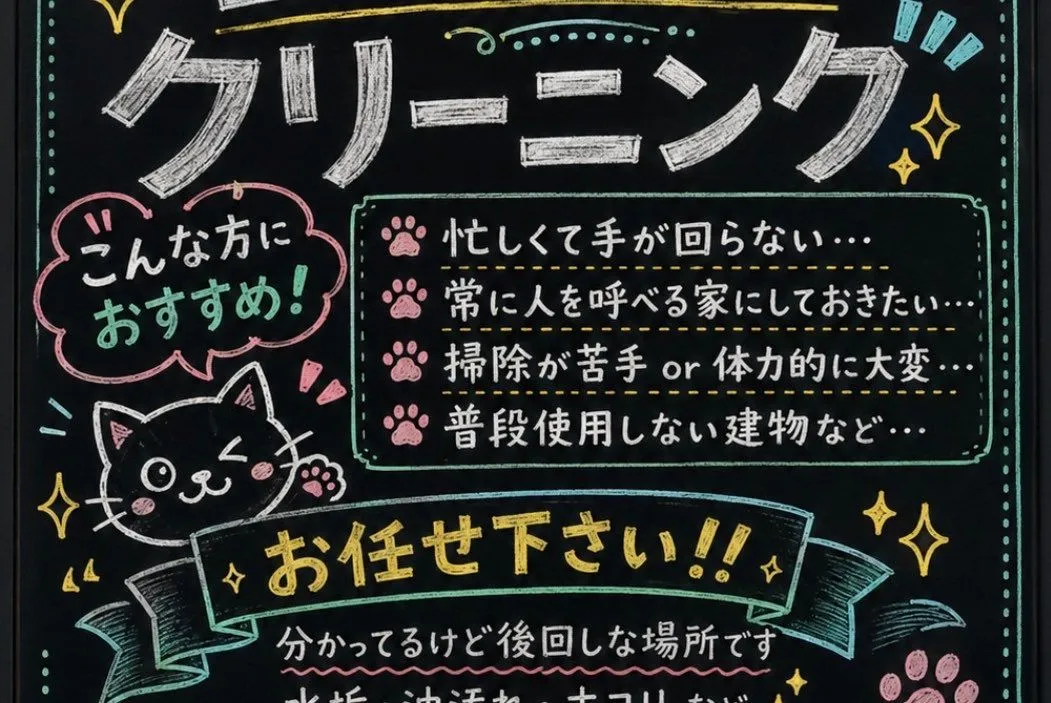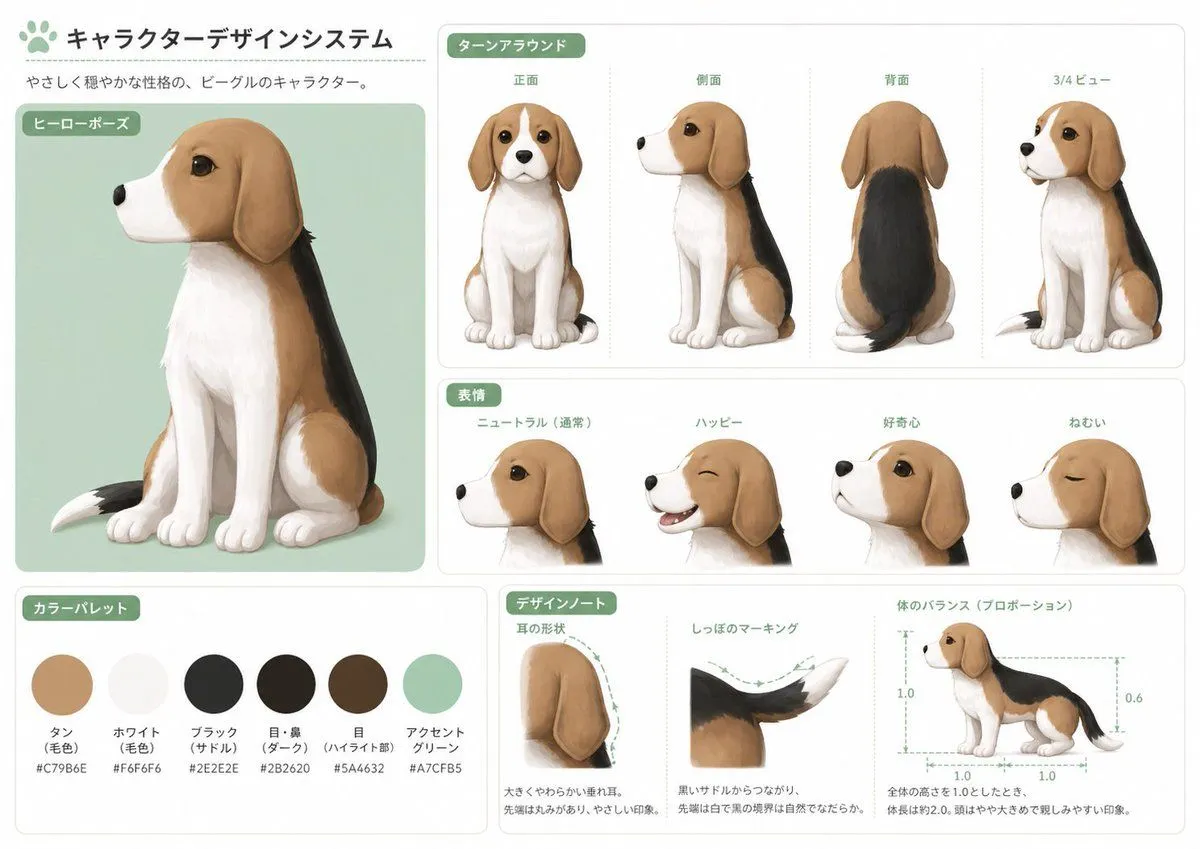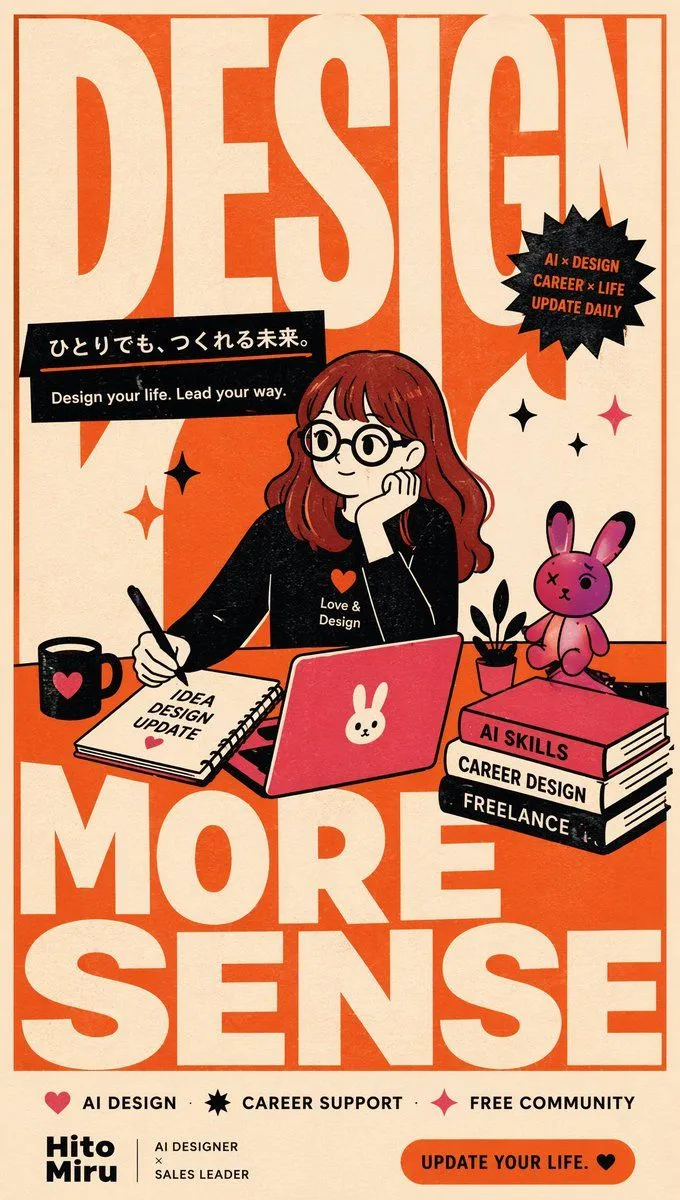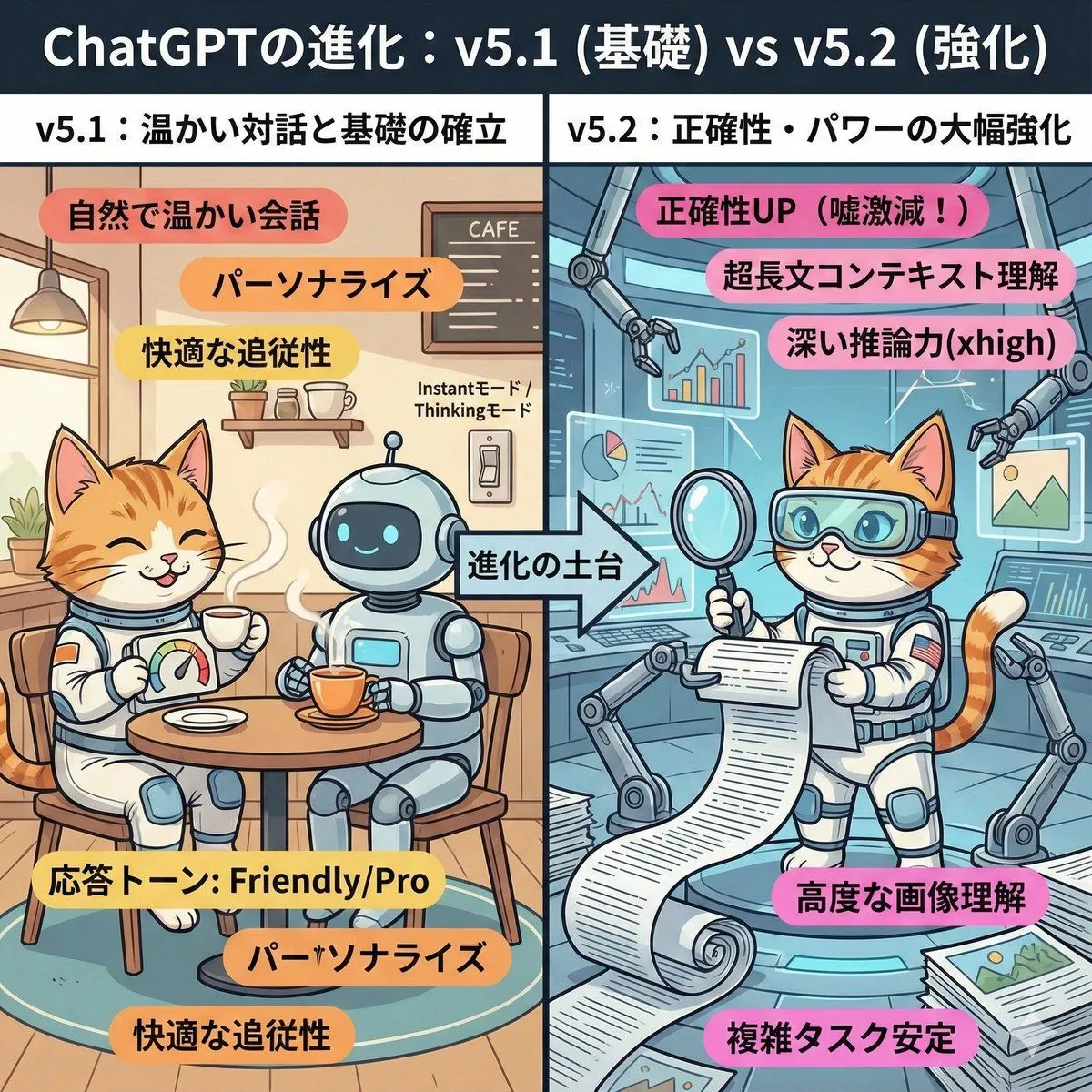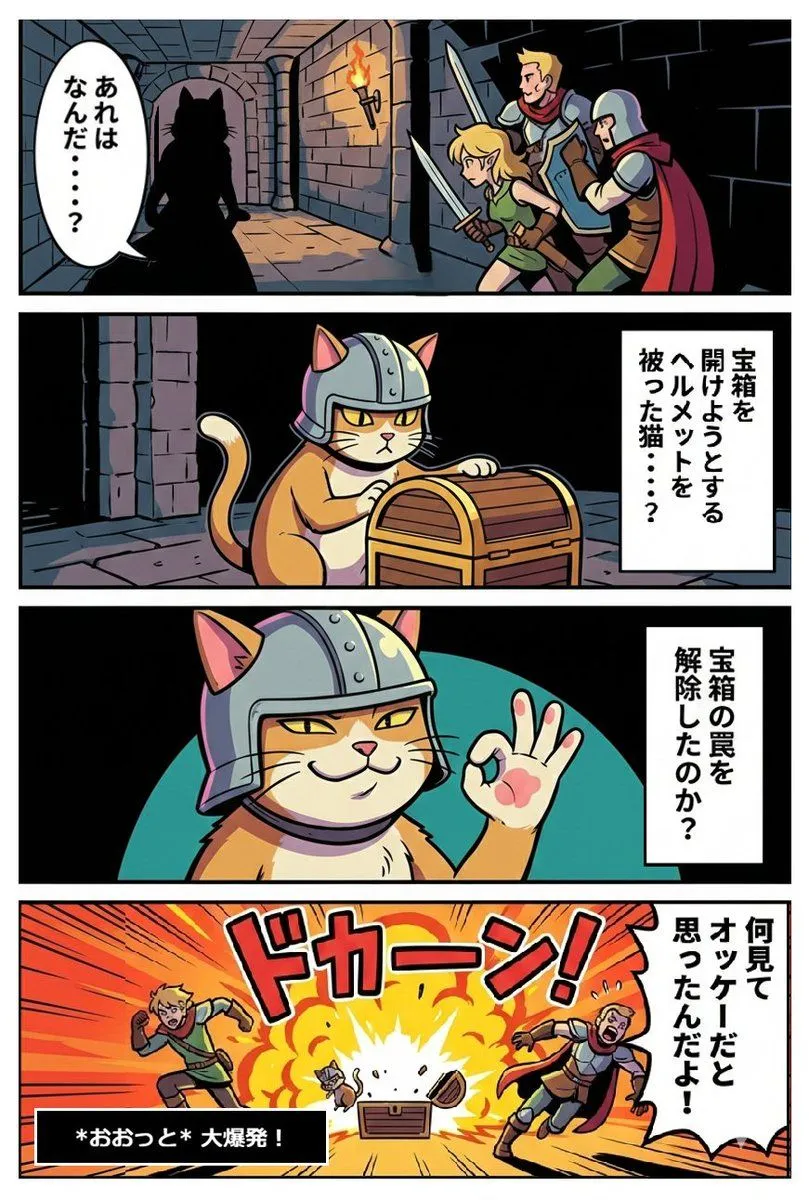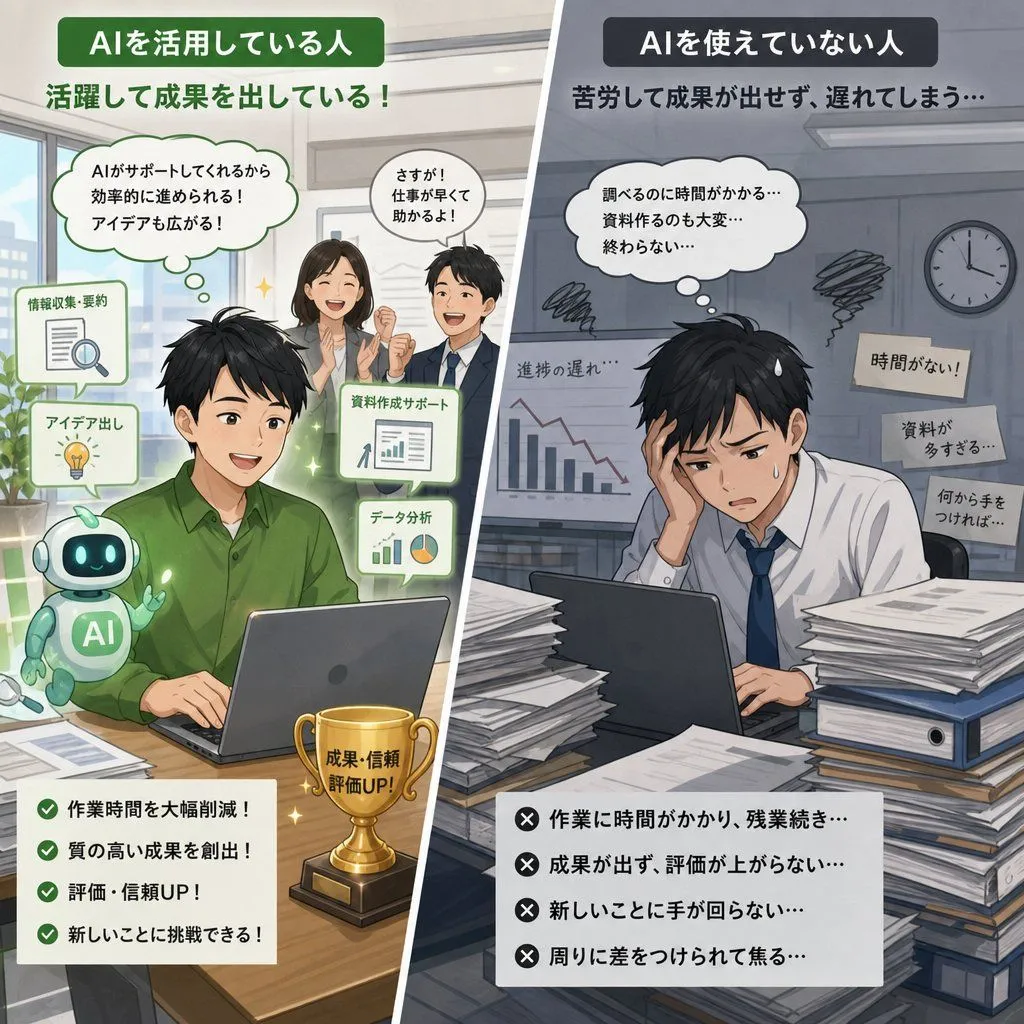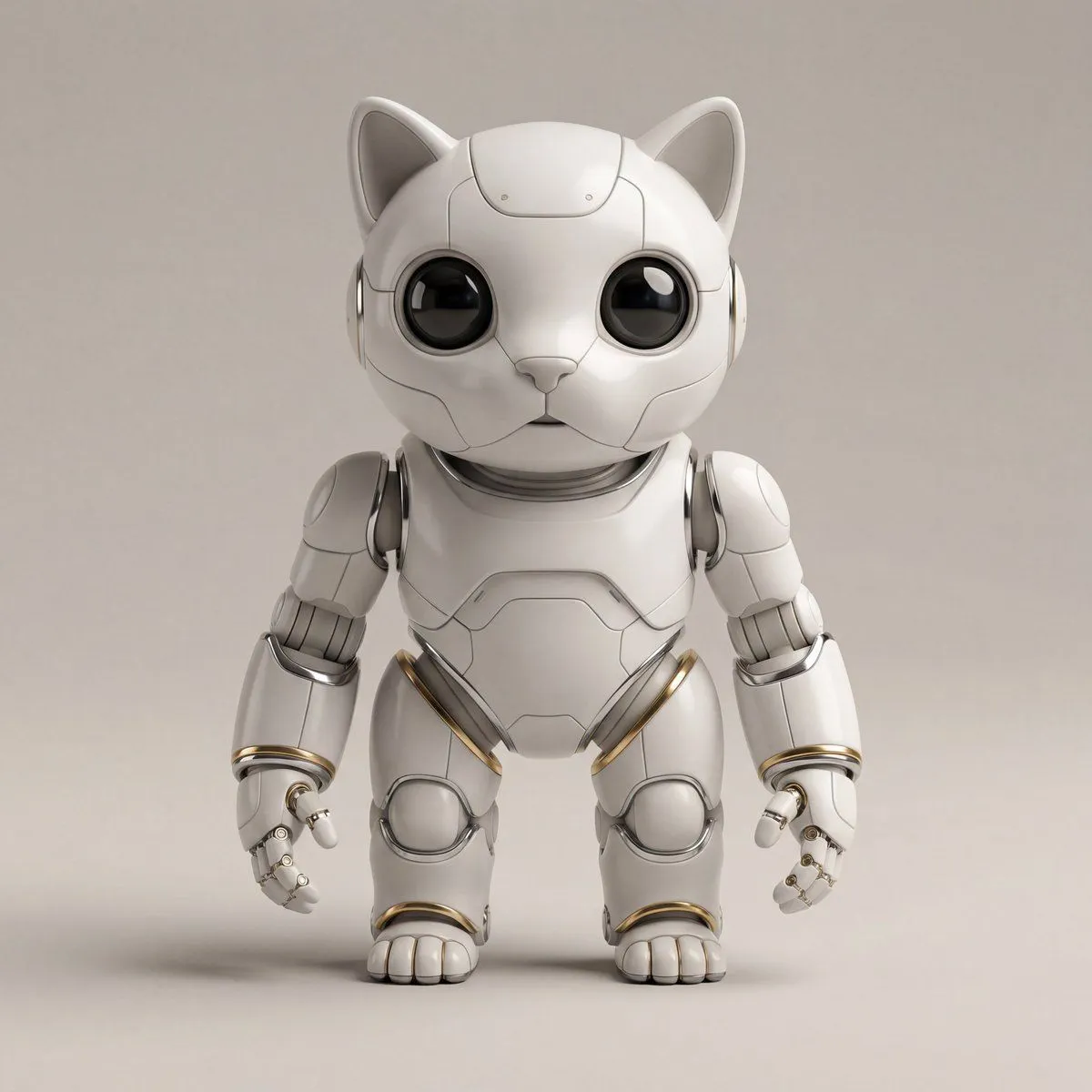
Made with GPT Image 2 in ChatGPT, collected by Library Anime. Promptclay never generates images.
Did it work?
No reports yet. Tell others if it worked for you.
Retro Manga StackChan Concept Sheet
Prompt
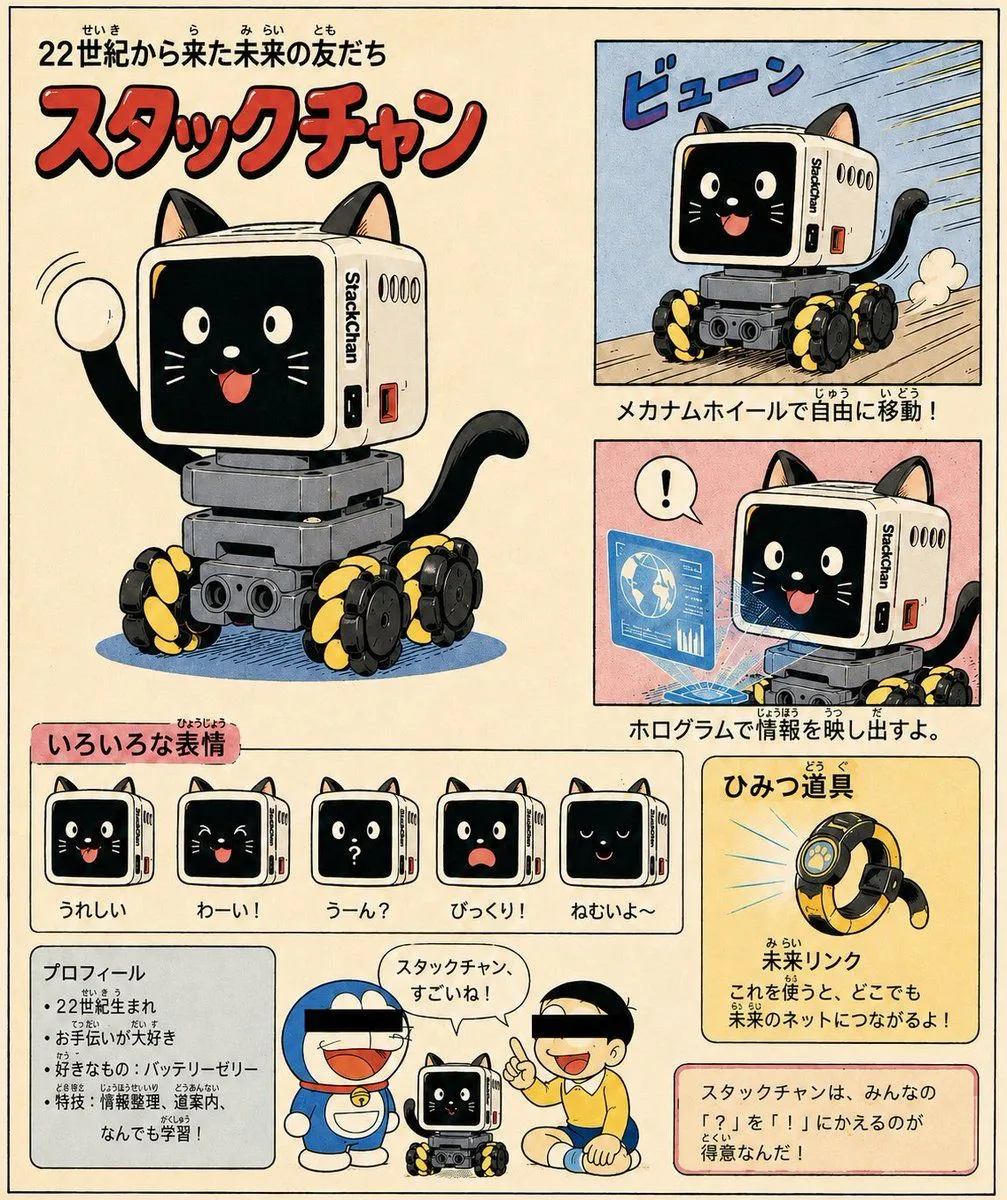
3 blanks to fillUsing REFERENCE_0 and REFERENCE_1 as the base design for the small StackChan wheeled robot, transform it into a cheerful retro Japanese manga/anime concept sheet for a cute “friend from the future.” Keep the recognizable white cube head, black screen face, side StackChan label, gray body, and black/yellow mecanum wheels, but stylize everything as hand-drawn 1970s–1980s children’s manga with ink outlines, halftone texture, warm cream paper, and slightly faded print colors. Goal: Create a full-page character introduction poster for {character_name}, presented as a futuristic robot-cat companion who is good at turning “?” into “!”. Add cat ears, a cat tail, a friendly animated face on the screen, and playful manga energy. Layout: Use a vintage Japanese magazine/comic-page layout with exactly 8 main content areas: 1. Large hero illustration on the left: the robot-cat waving happily, with the title above. 2. Top-right action panel: the robot moving fast on its mecanum wheels with speed lines and the sound effect 「ビューン」. 3. Middle-right feature panel: the robot projecting a blue hologram information display, with a speech bubble showing 「!」. 4. Expression strip: exactly 5 small face-expression icons labeled in Japanese — happy, yay, confused with a question mark, surprised, and sleepy. 5. Lower-left profile box with bullet-point facts. 6. Bottom-center cameo panel: two famous blue robotic-cat and schoolboy-inspired silhouettes with black censor bars over their eyes, standing beside StackChan, with a speech bubble saying 「スタックチャン、すごいね!」. 7. Lower-right secret gadget card featuring a ring-shaped device. 8. Bottom-right concept message box explaining that the character turns everyone’s 「?」 into 「!」. Text: Include Japanese typography and furigana-style small kana for a retro children’s encyclopedia feel. Main headline should read {headline_text}. Big red title should read {title_text}. Feature captions should describe free movement by mecanum wheels, projecting information with holograms, and the gadget 「未来リンク」 that connects to the future network. Style constraints: Make it look like a scanned vintage manga character guide page, not a photo. Use bold red title lettering, cream background, blue/pink/yellow feature panels, thick black panel borders, hand-lettered Japanese captions, visible print grain, and whimsical child-friendly sci-fi energy. Do not add more than the 5 expression icons or more than the single secret gadget card.
Preview of your prompt
Using REFERENCE_0 and REFERENCE_1 as the base design for the small StackChan wheeled robot, transform it into a cheerful retro Japanese manga/anime concept sheet for a cute “friend from the future.” Keep the recognizable white cube head, black screen face, side StackChan label, gray body, and black/yellow mecanum wheels, but stylize everything as hand-drawn 1970s–1980s children’s manga with ink outlines, halftone texture, warm cream paper, and slightly faded print colors. Goal: Create a full-page character introduction poster for StackChan, presented as a futuristic robot-cat companion who is good at turning “?” into “!”. Add cat ears, a cat tail, a friendly animated face on the screen, and playful manga energy. Layout: Use a vintage Japanese magazine/comic-page layout with exactly 8 main content areas: 1. Large hero illustration on the left: the robot-cat waving happily, with the title above. 2. Top-right action panel: the robot moving fast on its mecanum wheels with speed lines and the sound effect 「ビューン」. 3. Middle-right feature panel: the robot projecting a blue hologram information display, with a speech bubble showing 「!」. 4. Expression strip: exactly 5 small face-expression icons labeled in Japanese — happy, yay, confused with a question mark, surprised, and sleepy. 5. Lower-left profile box with bullet-point facts. 6. Bottom-center cameo panel: two famous blue robotic-cat and schoolboy-inspired silhouettes with black censor bars over their eyes, standing beside StackChan, with a speech bubble saying 「スタックチャン、すごいね!」. 7. Lower-right secret gadget card featuring a ring-shaped device. 8. Bottom-right concept message box explaining that the character turns everyone’s 「?」 into 「!」. Text: Include Japanese typography and furigana-style small kana for a retro children’s encyclopedia feel. Main headline should read 22世紀から来た未来の友だち. Big red title should read スタックチャン. Feature captions should describe free movement by mecanum wheels, projecting information with holograms, and the gadget 「未来リンク」 that connects to the future network. Style constraints: Make it look like a scanned vintage manga character guide page, not a photo. Use bold red title lettering, cream background, blue/pink/yellow feature panels, thick black panel borders, hand-lettered Japanese captions, visible print grain, and whimsical child-friendly sci-fi energy. Do not add more than the 5 expression icons or more than the single secret gadget card.
DetailsVersions, settings and questions
Written for
What's in the prompt
- Subject
- Model
- GPT Image 2
If your face changes
keep my face exactly the sameQuestions
- Does this work in the ChatGPT app?
- Yes. Paste the prompt and attach your photo if it uses one.
- It changed my face. What do I do?
- Add "keep my face exactly the same" to the end and run it again.
- Can I use the images I make?
- Check the terms of the app you use. Promptclay never generates images and claims nothing you make.