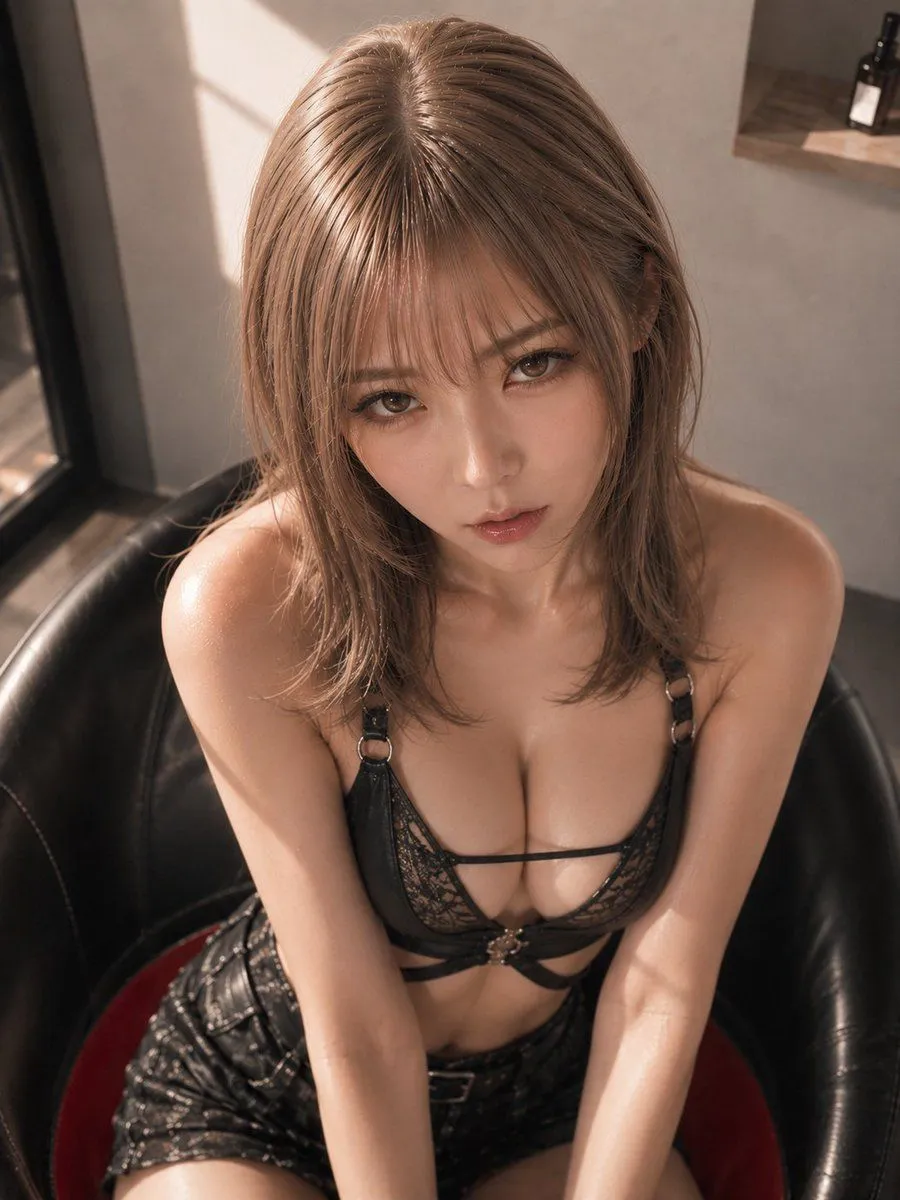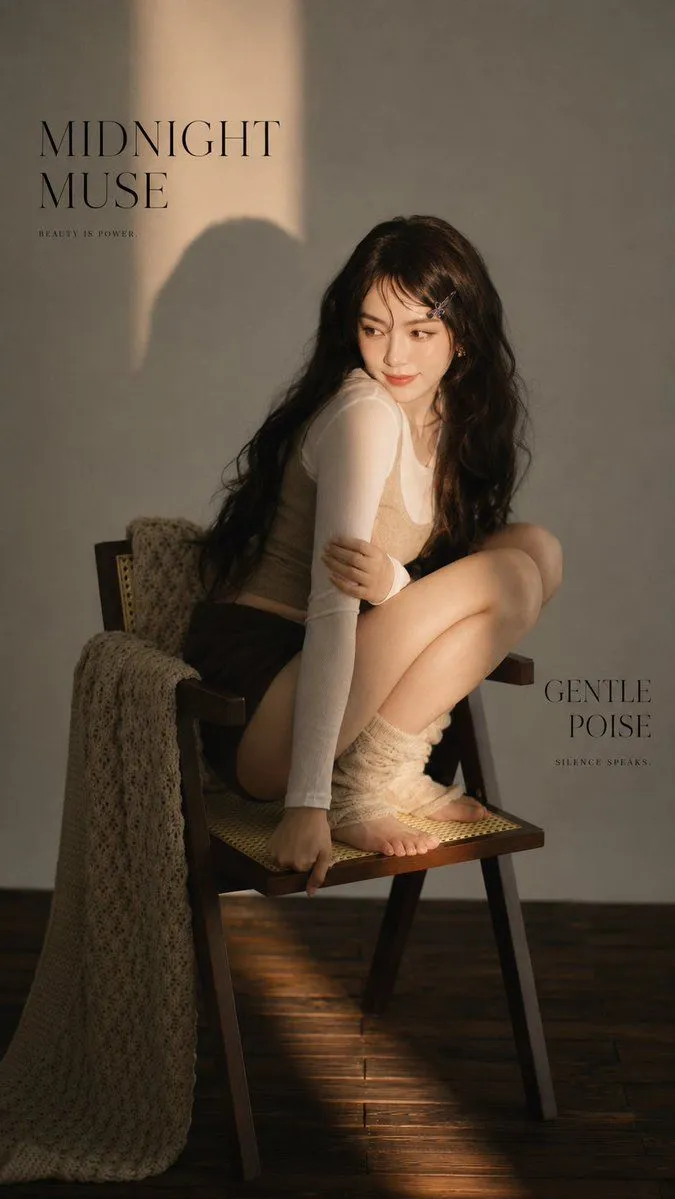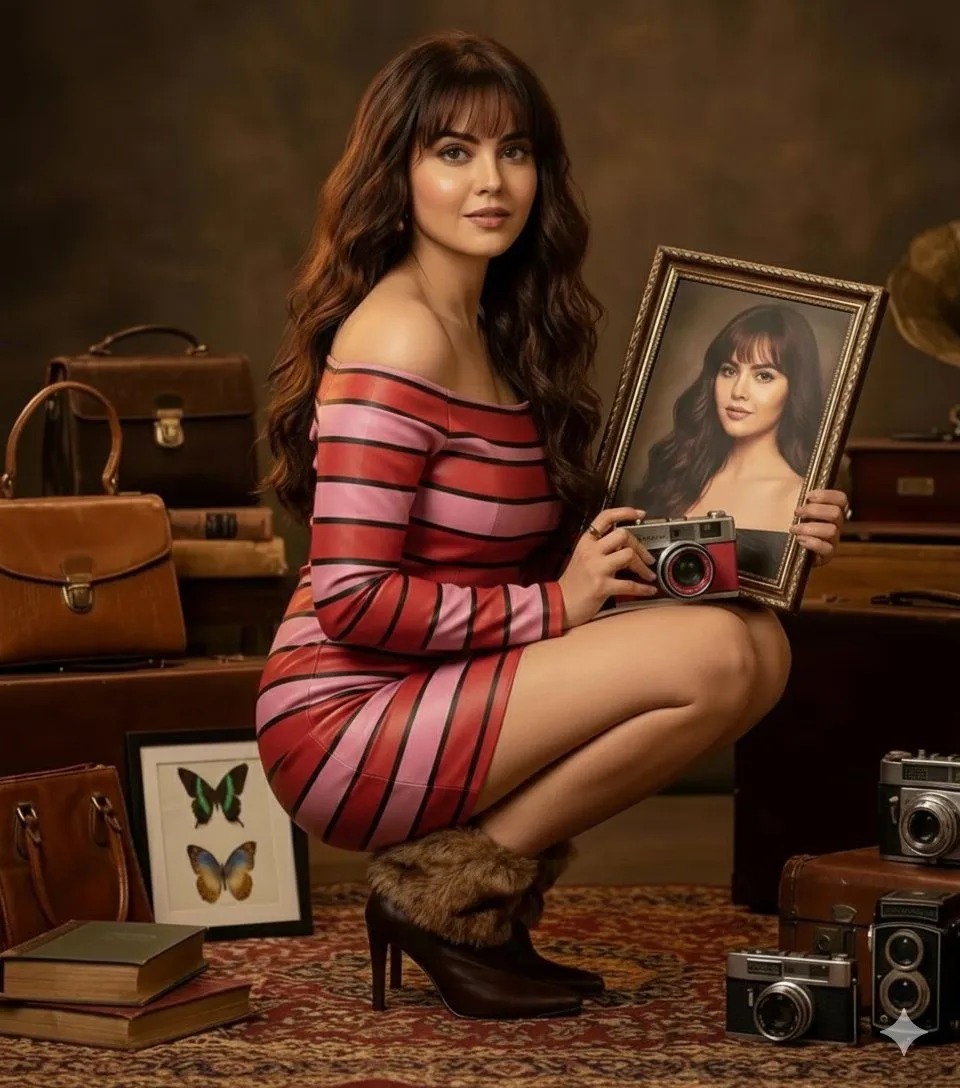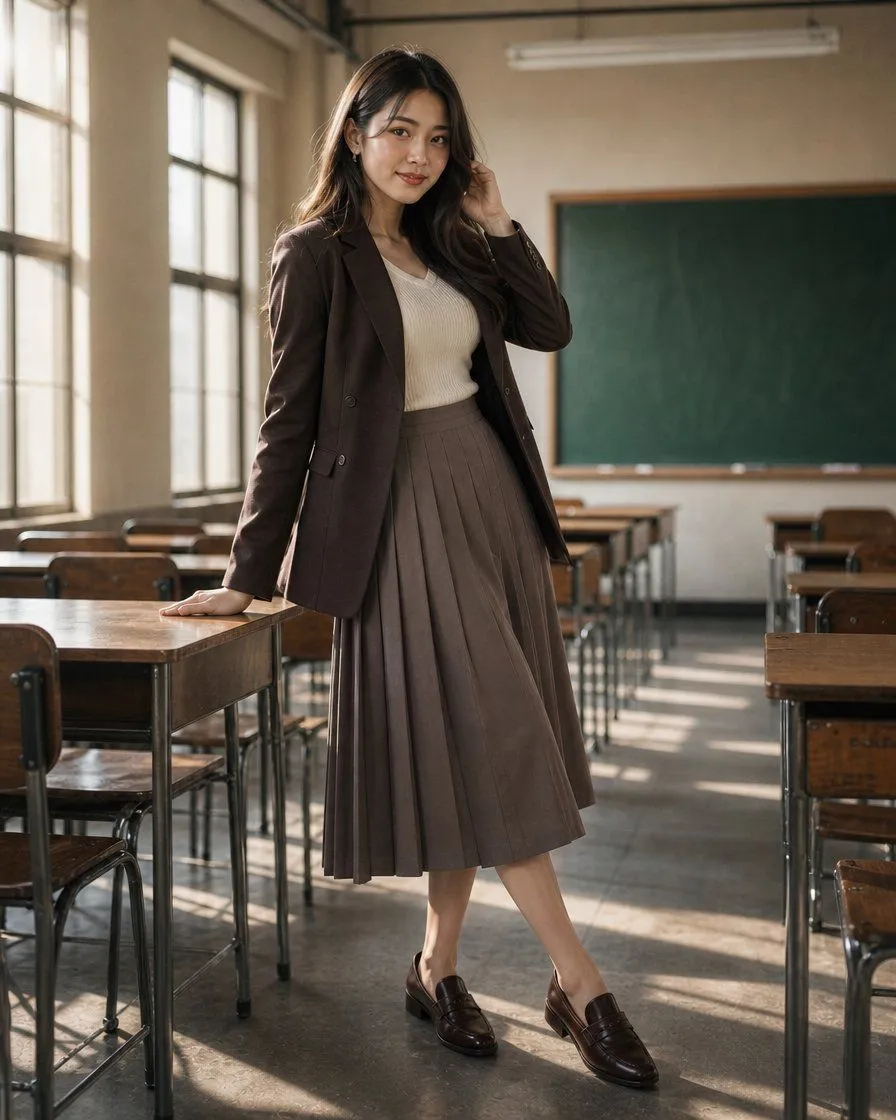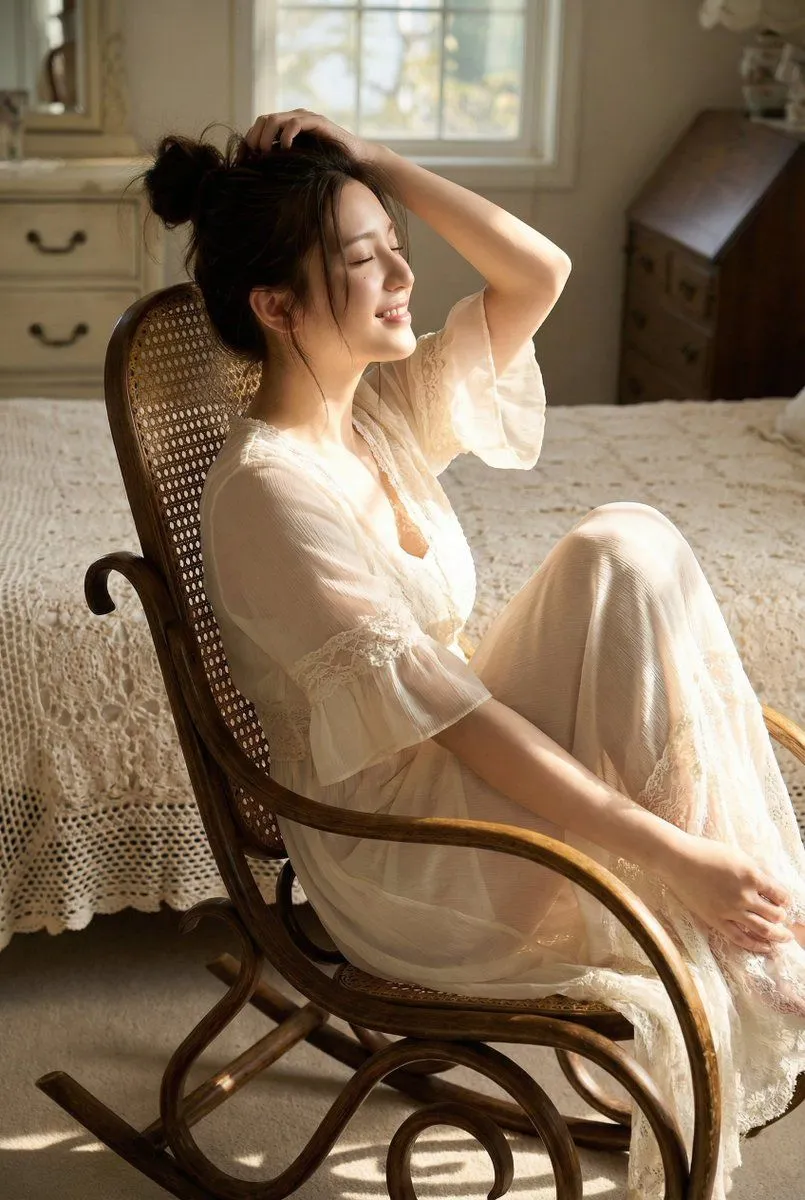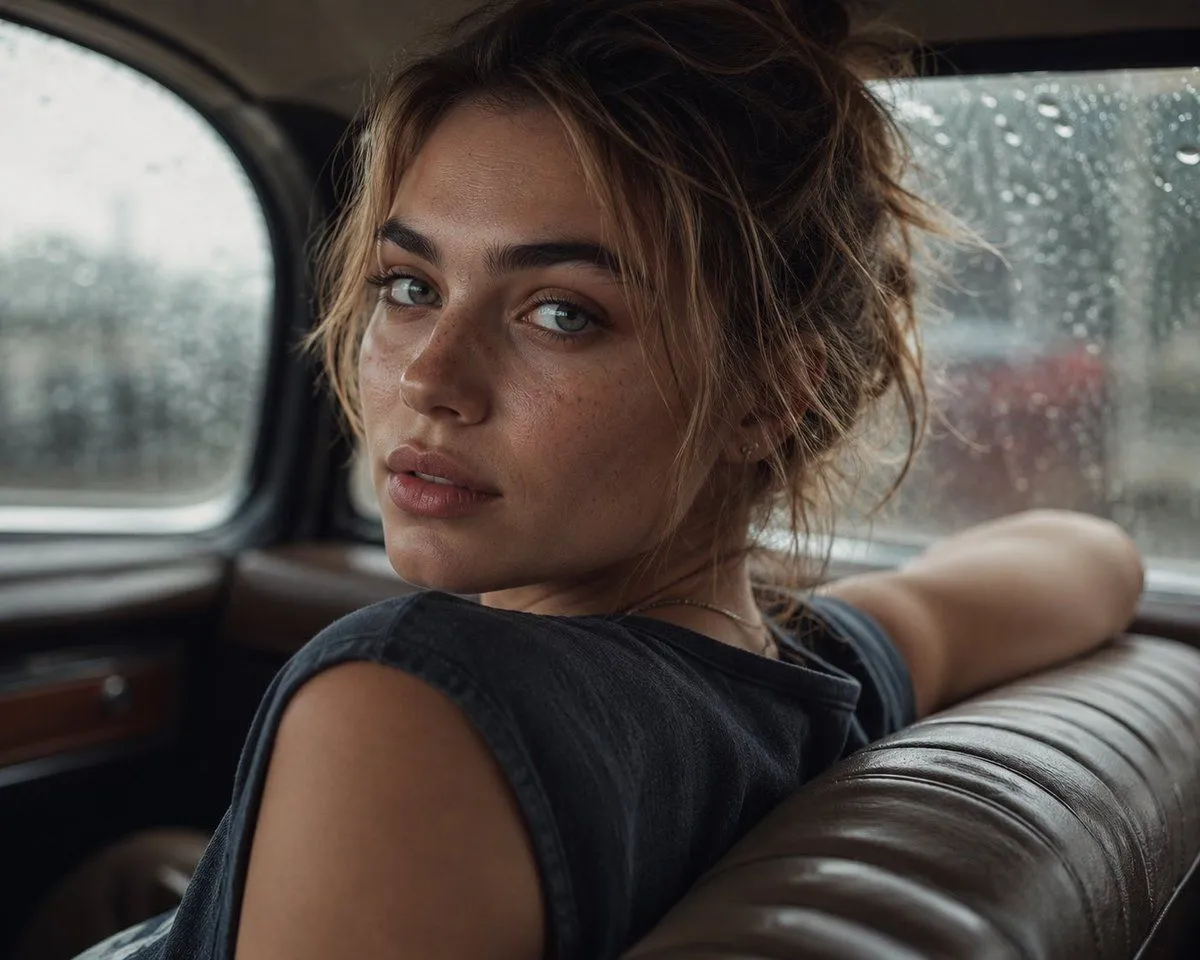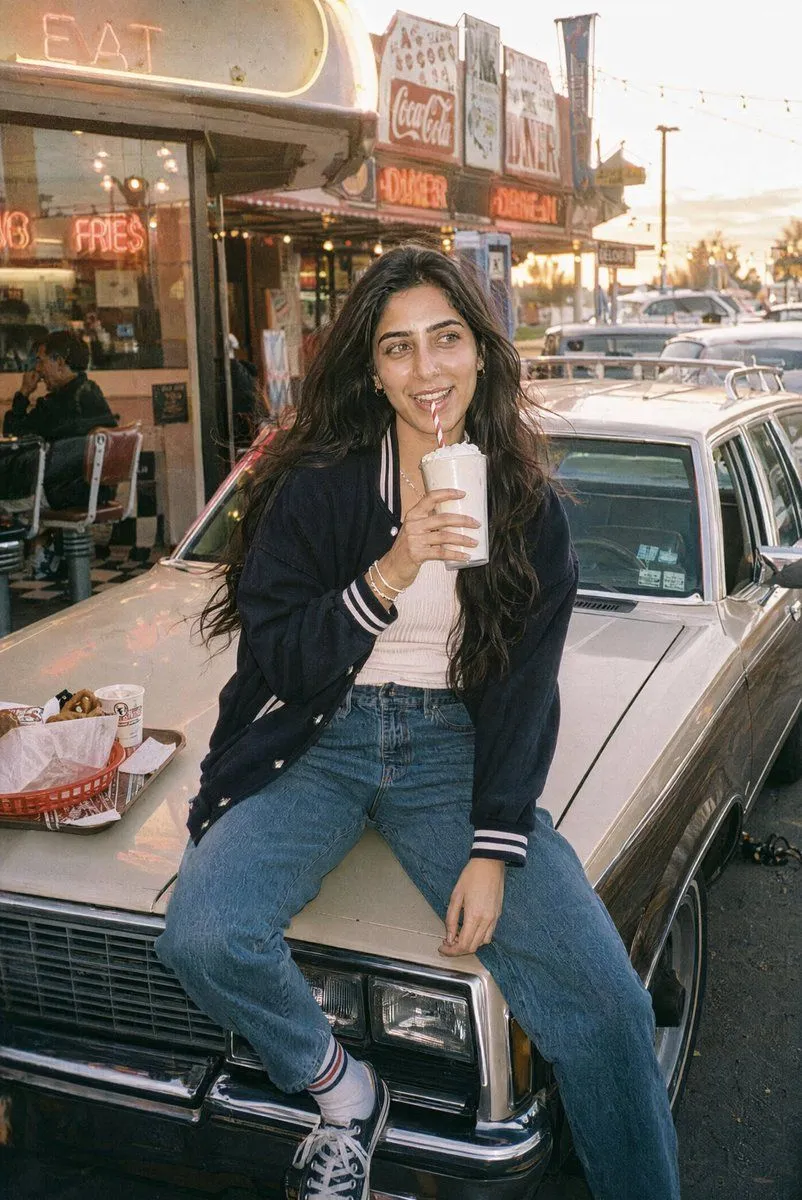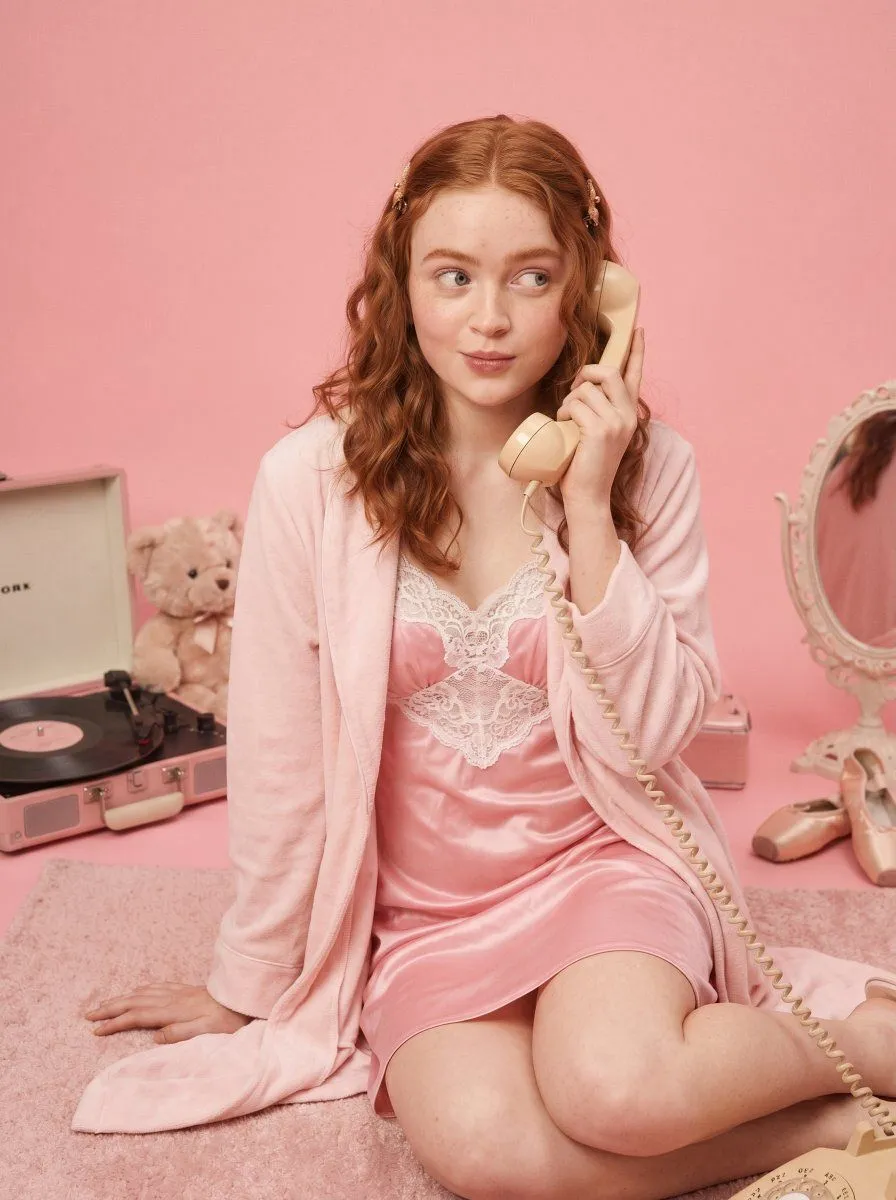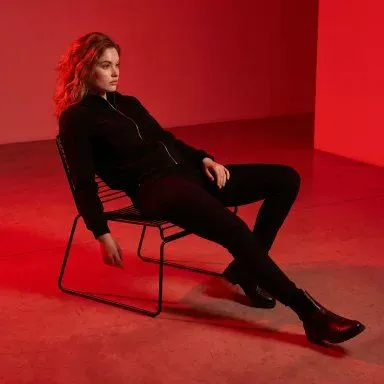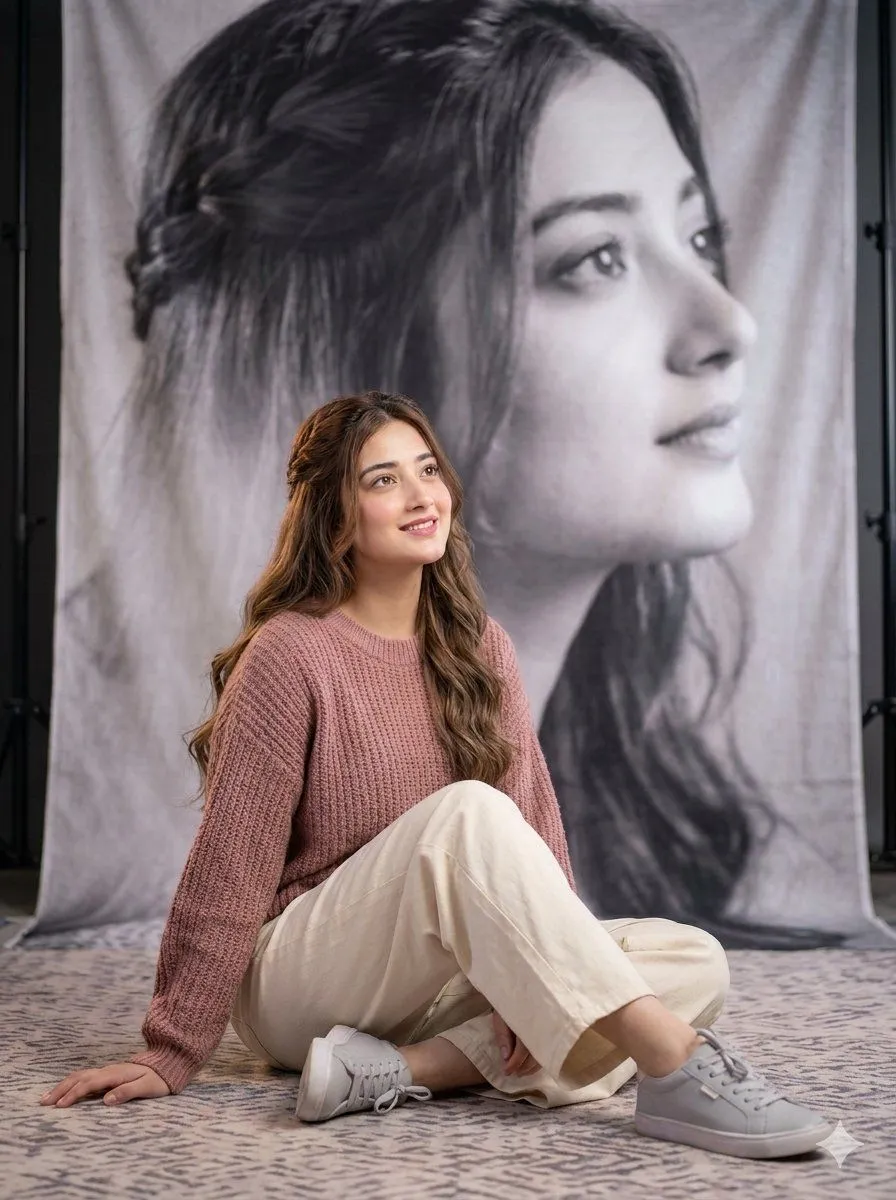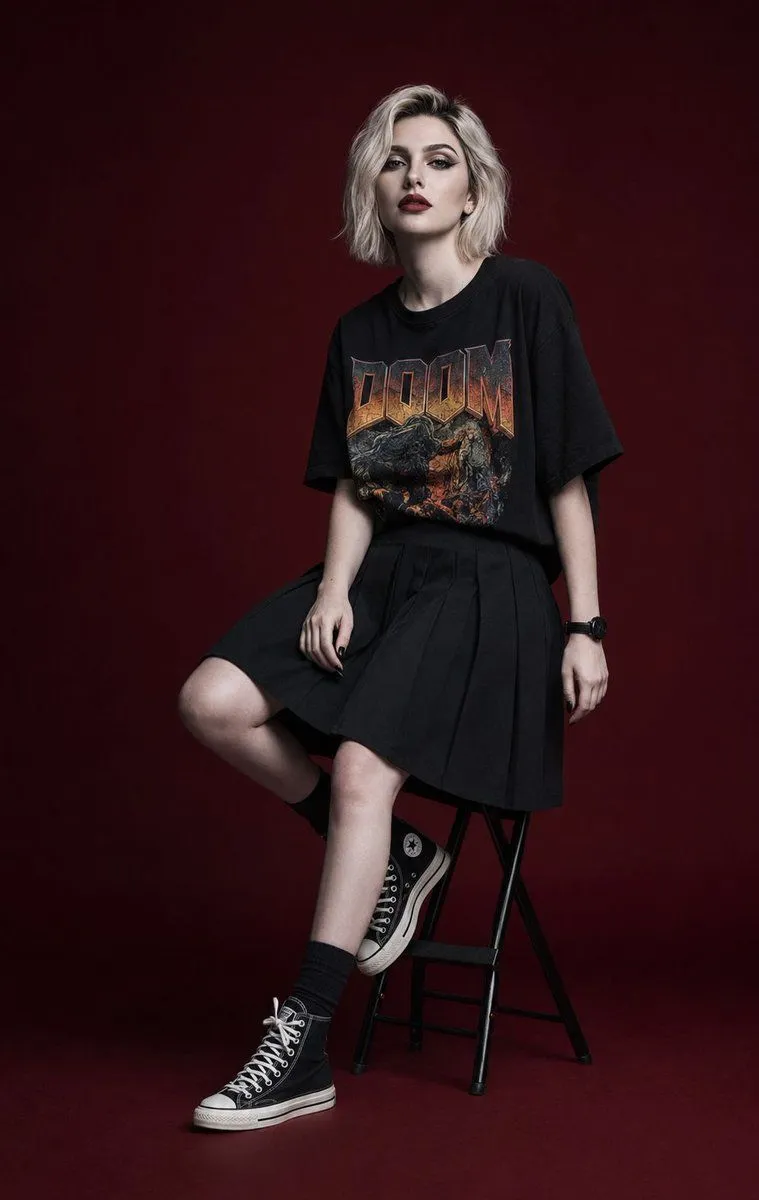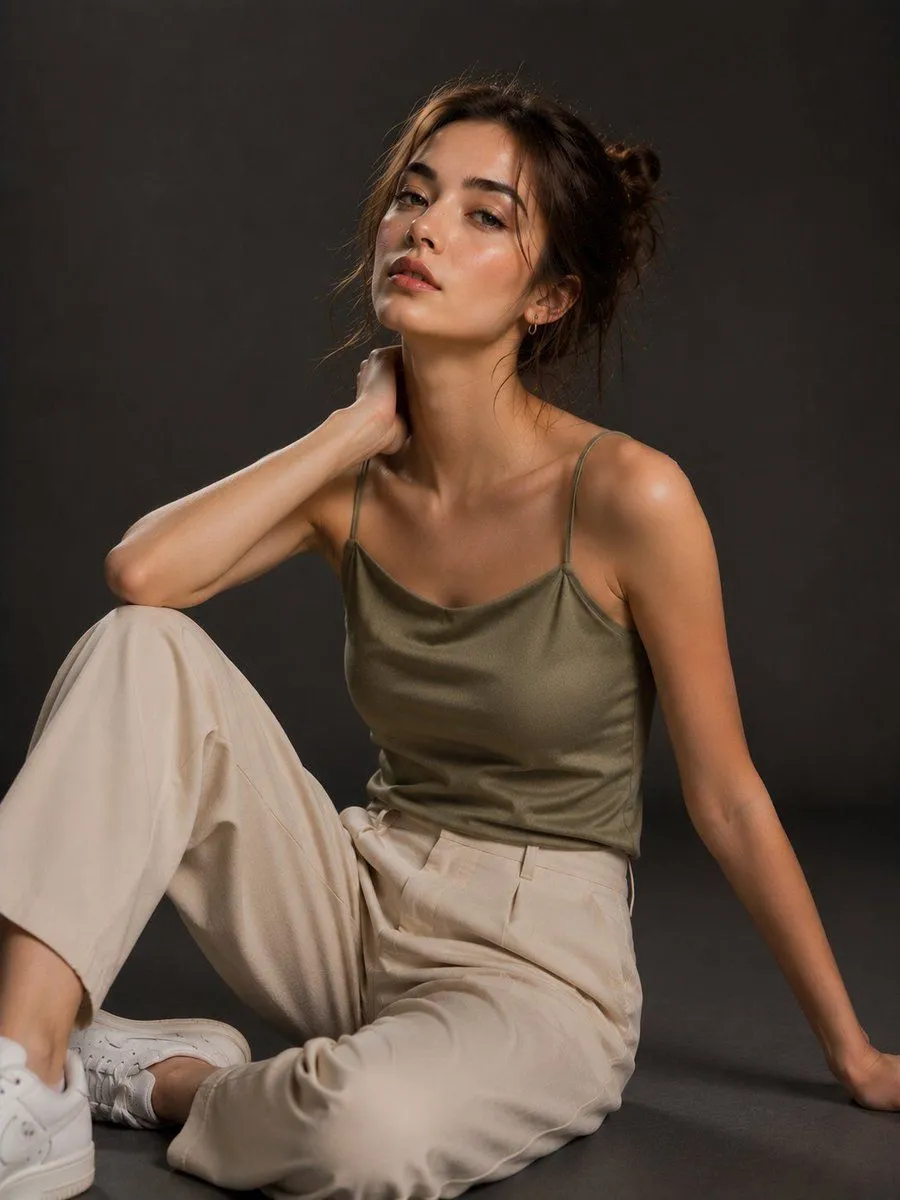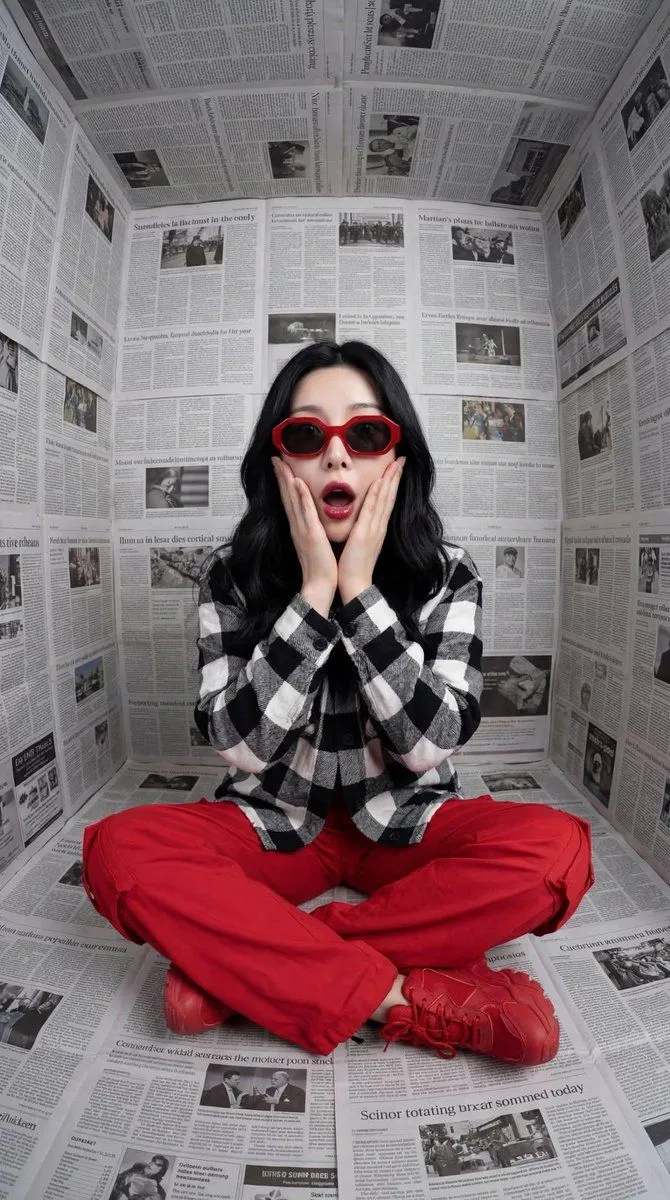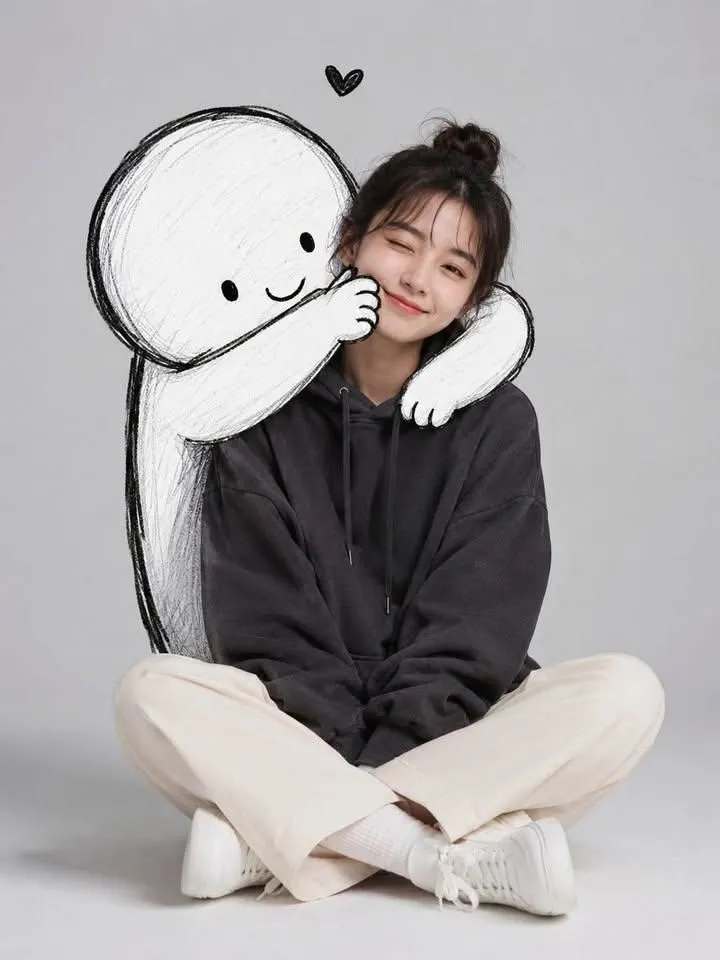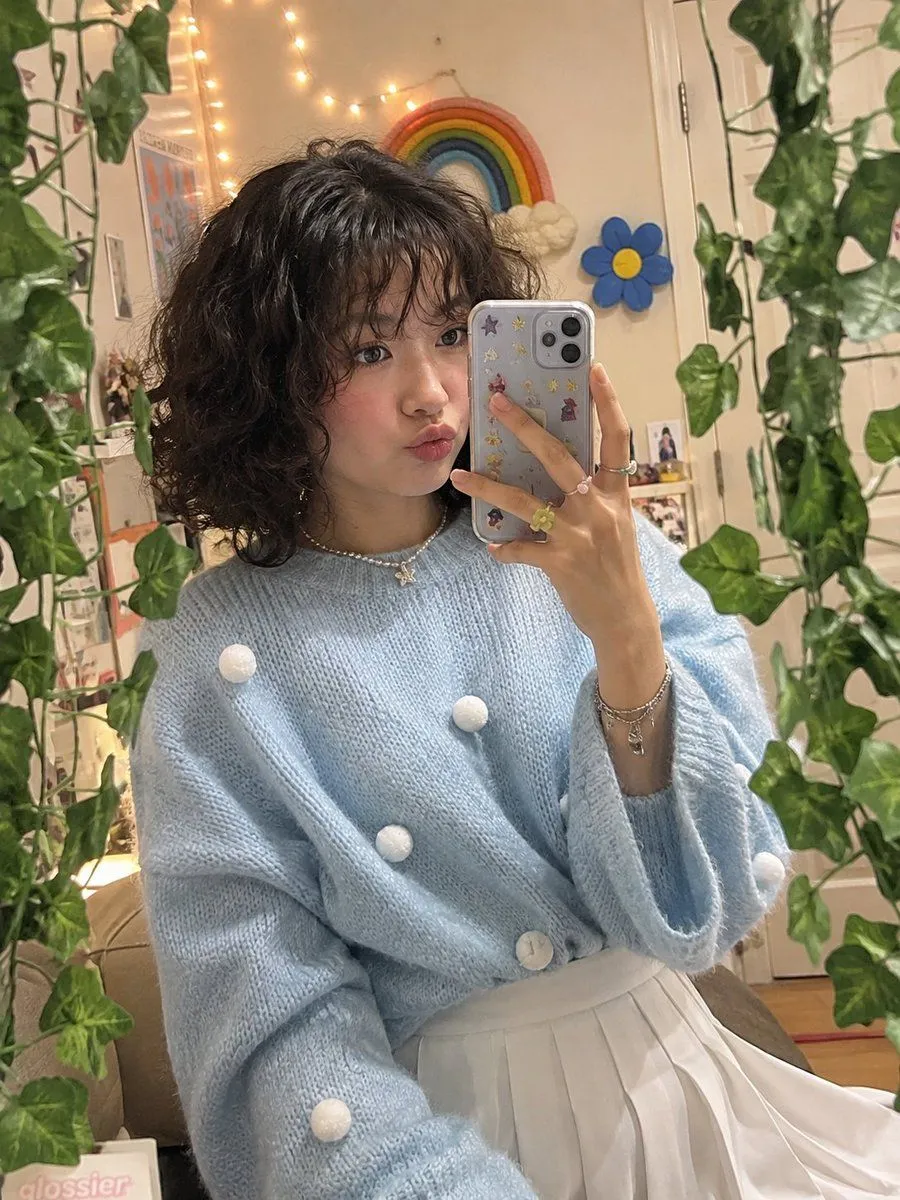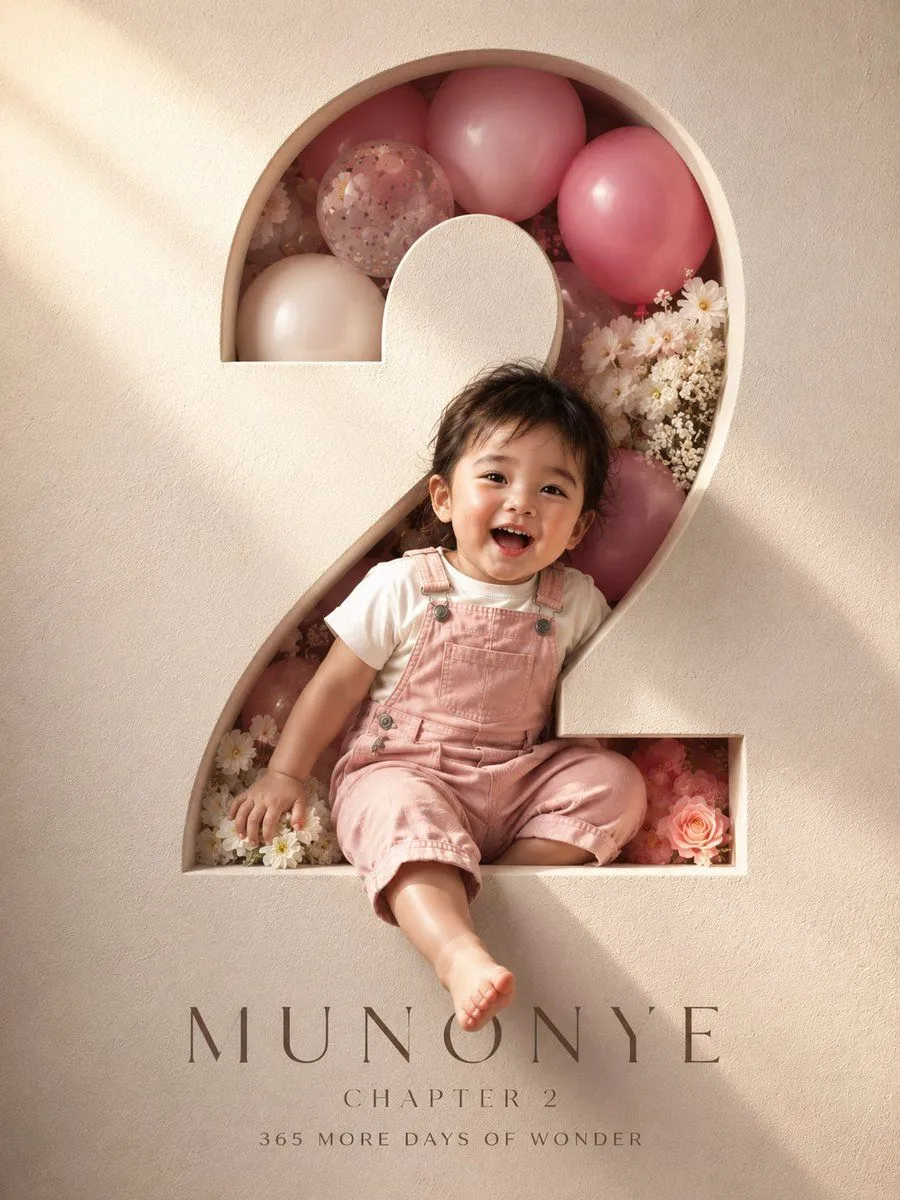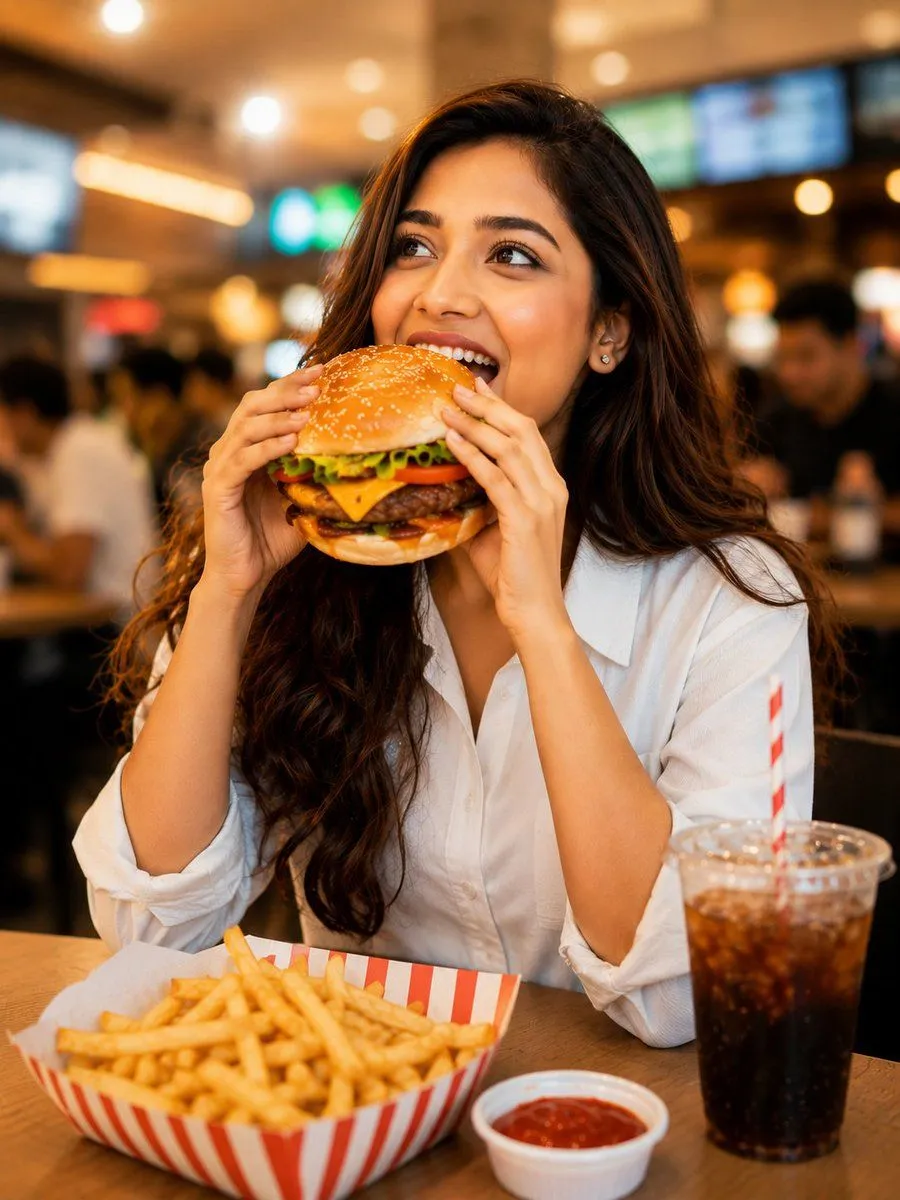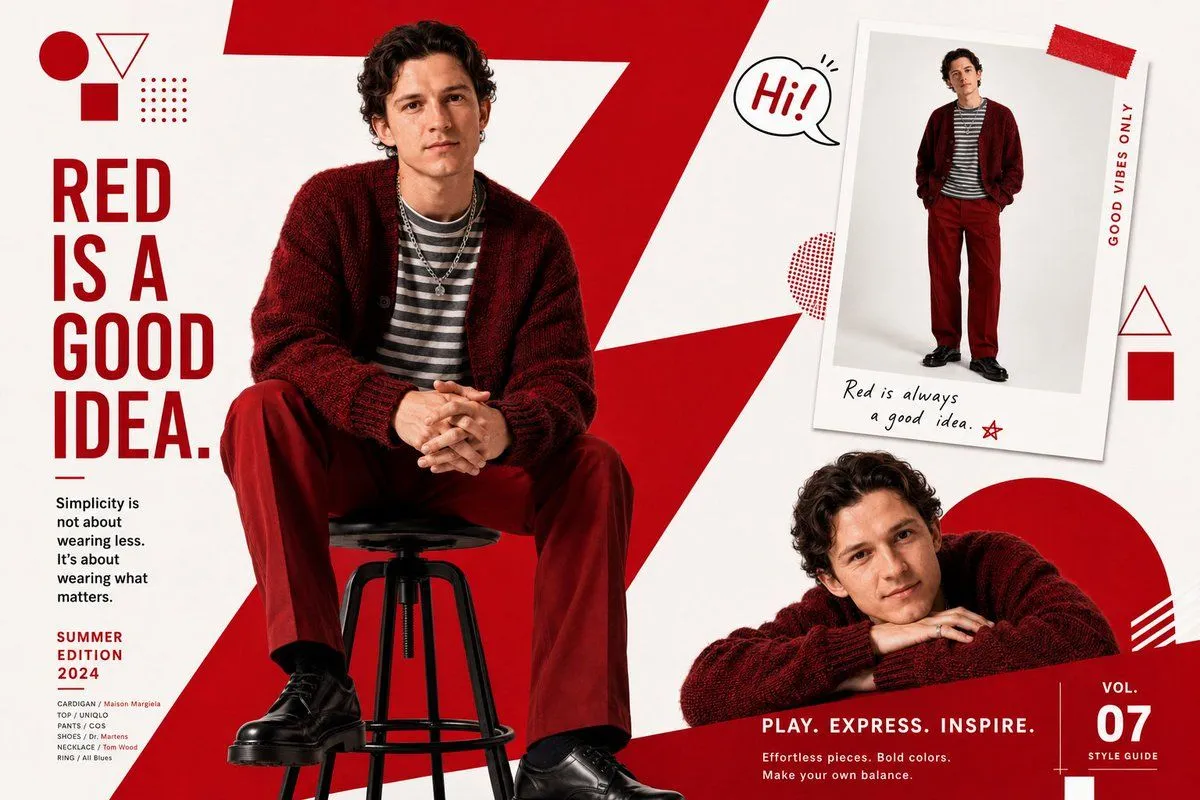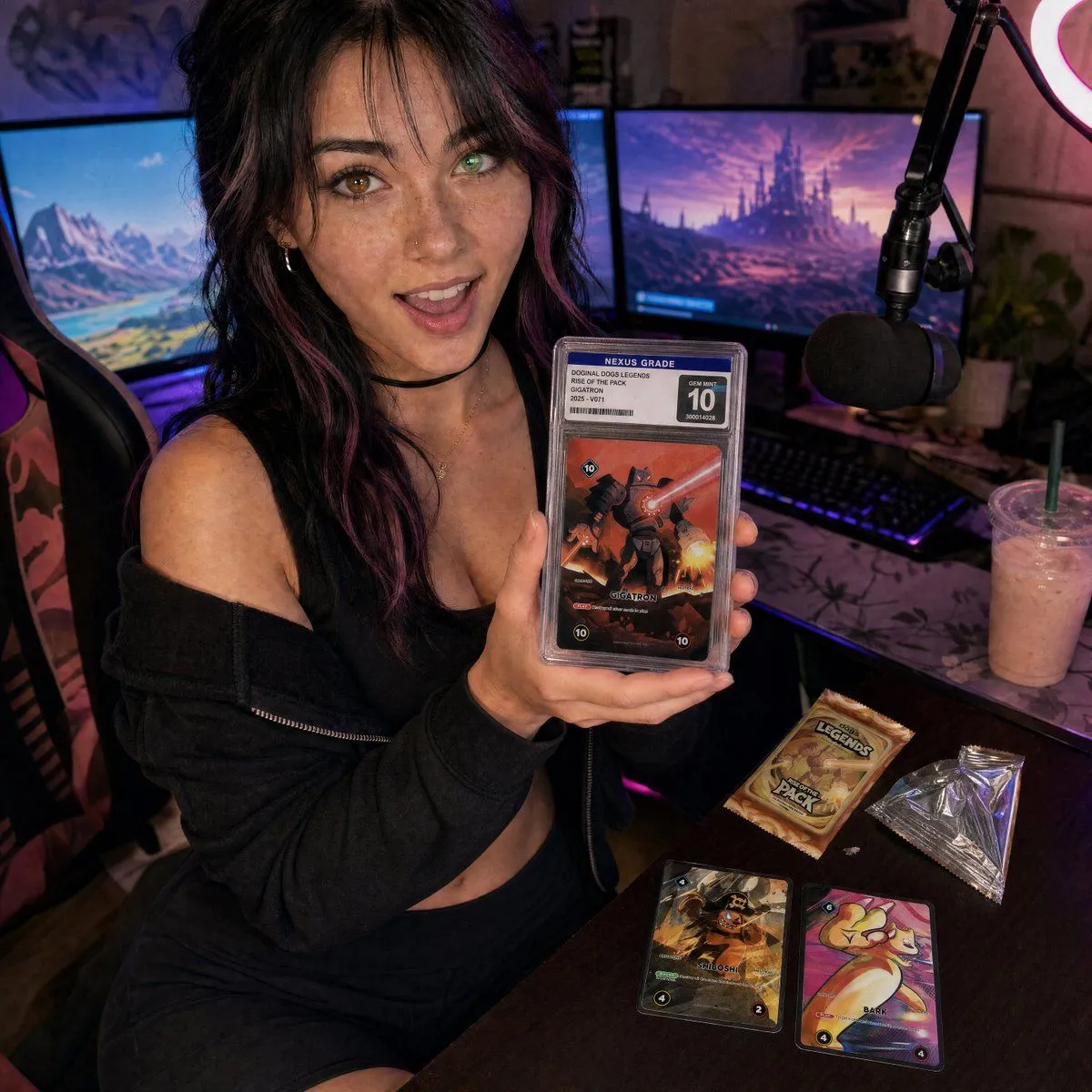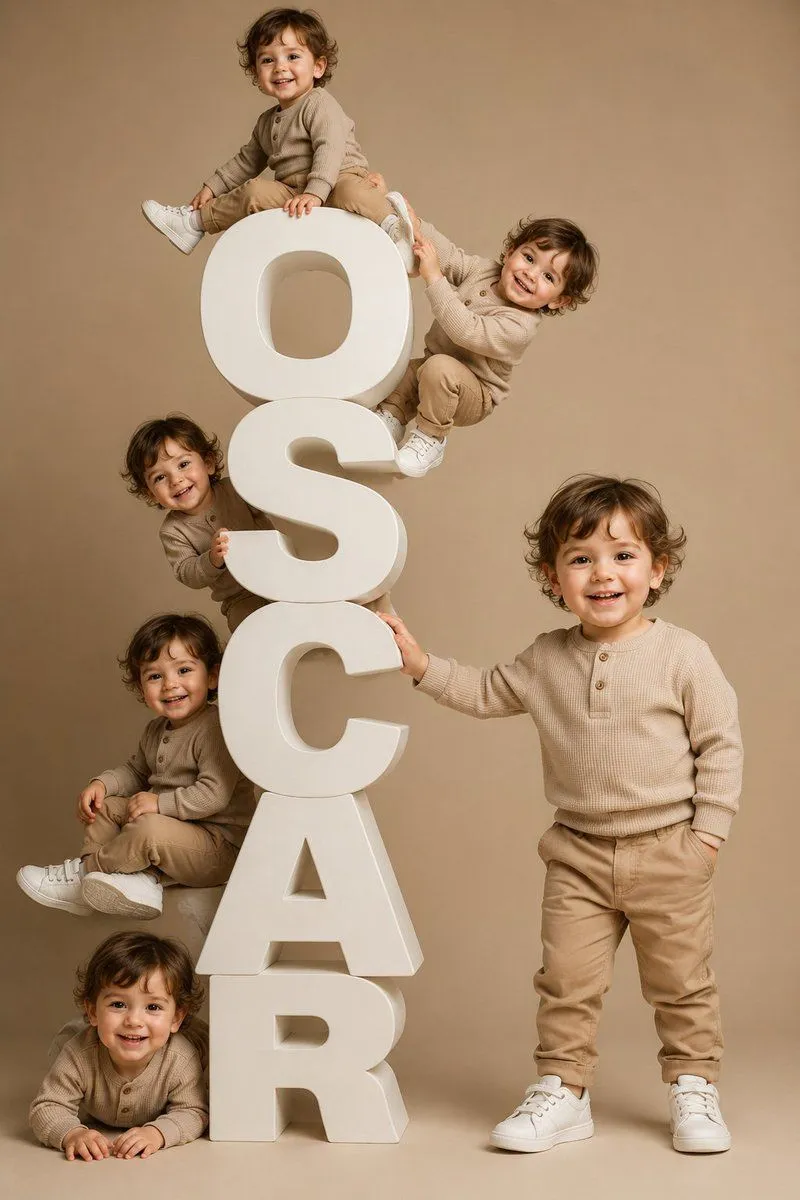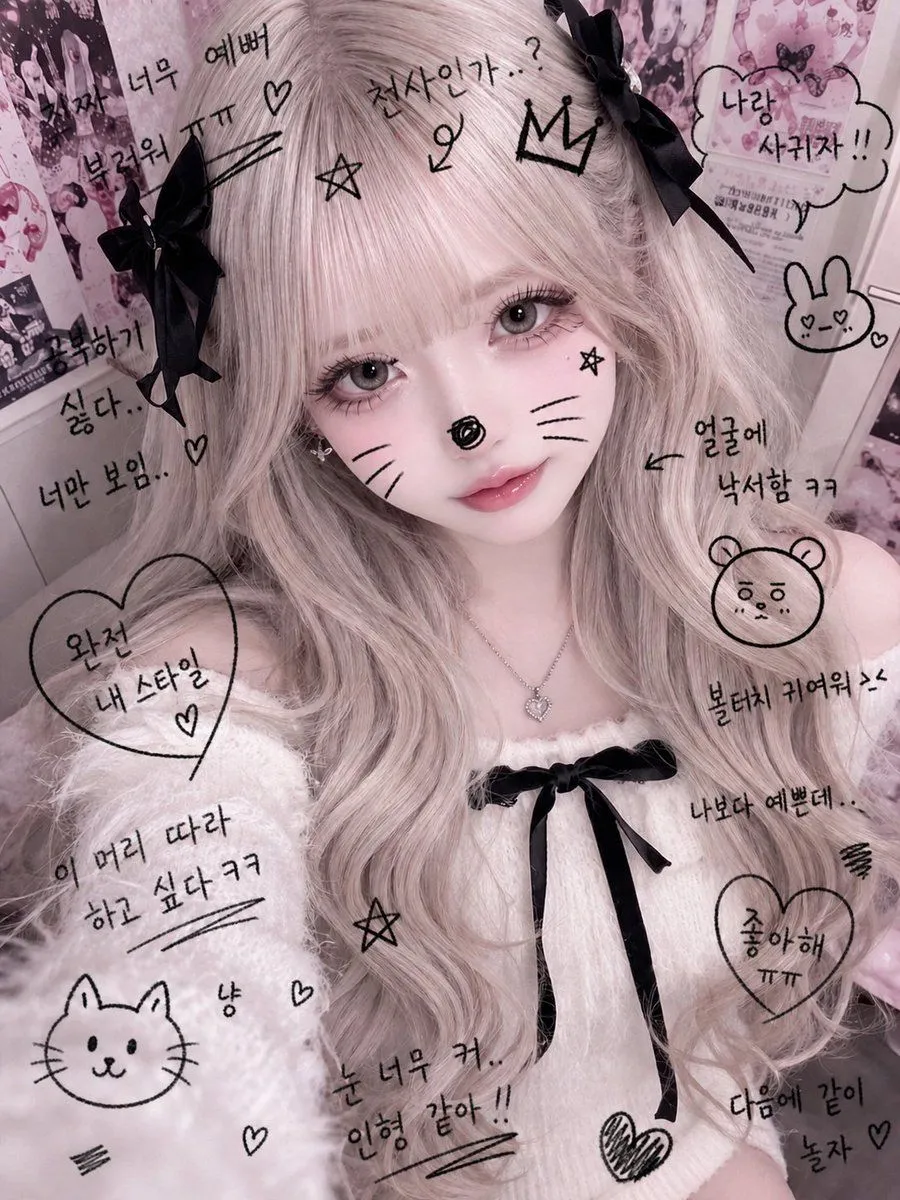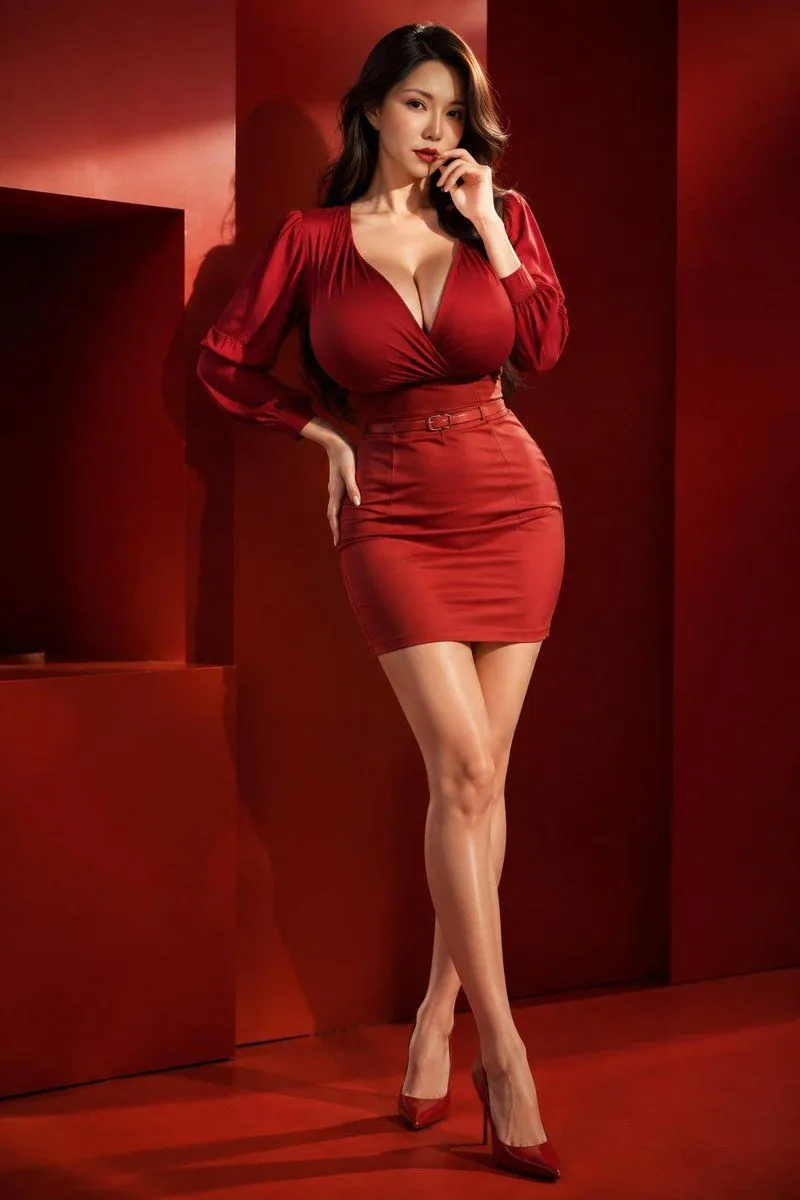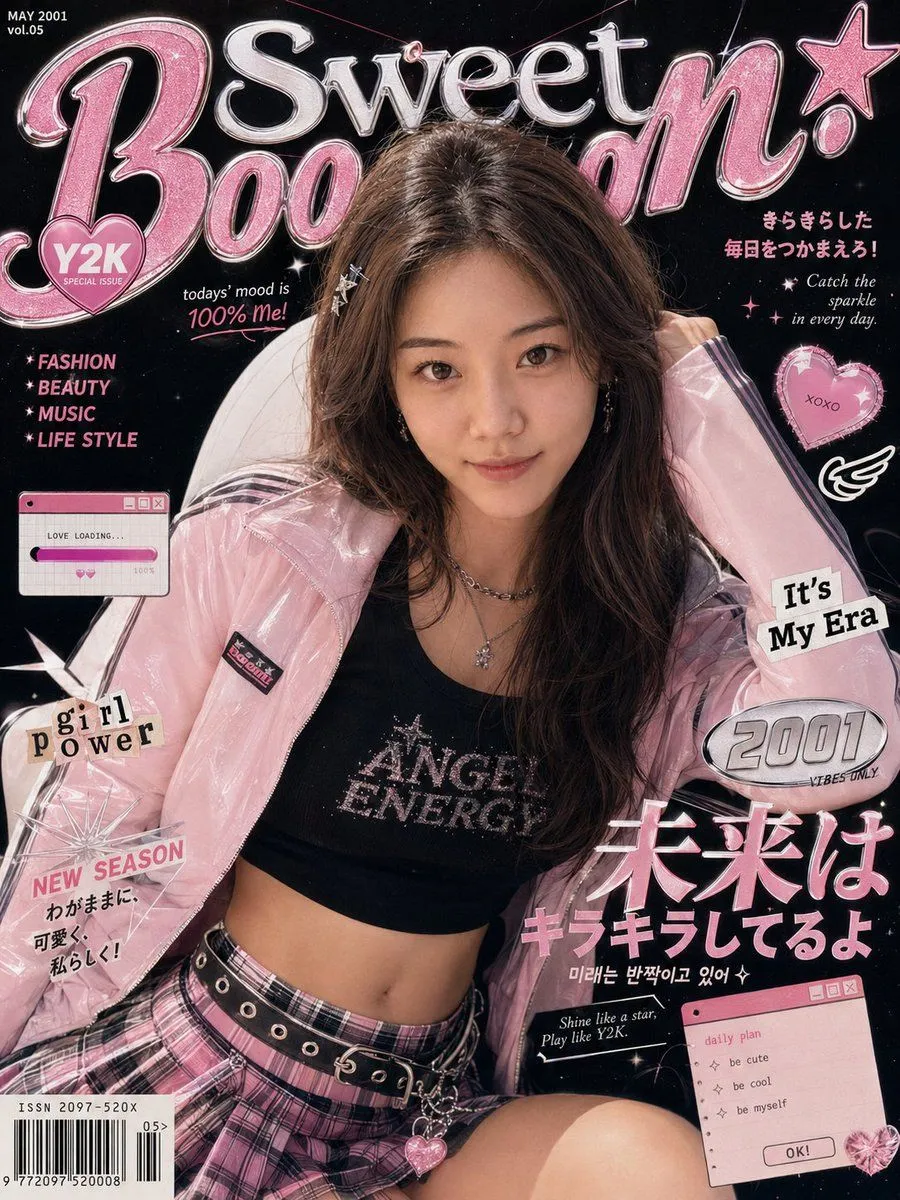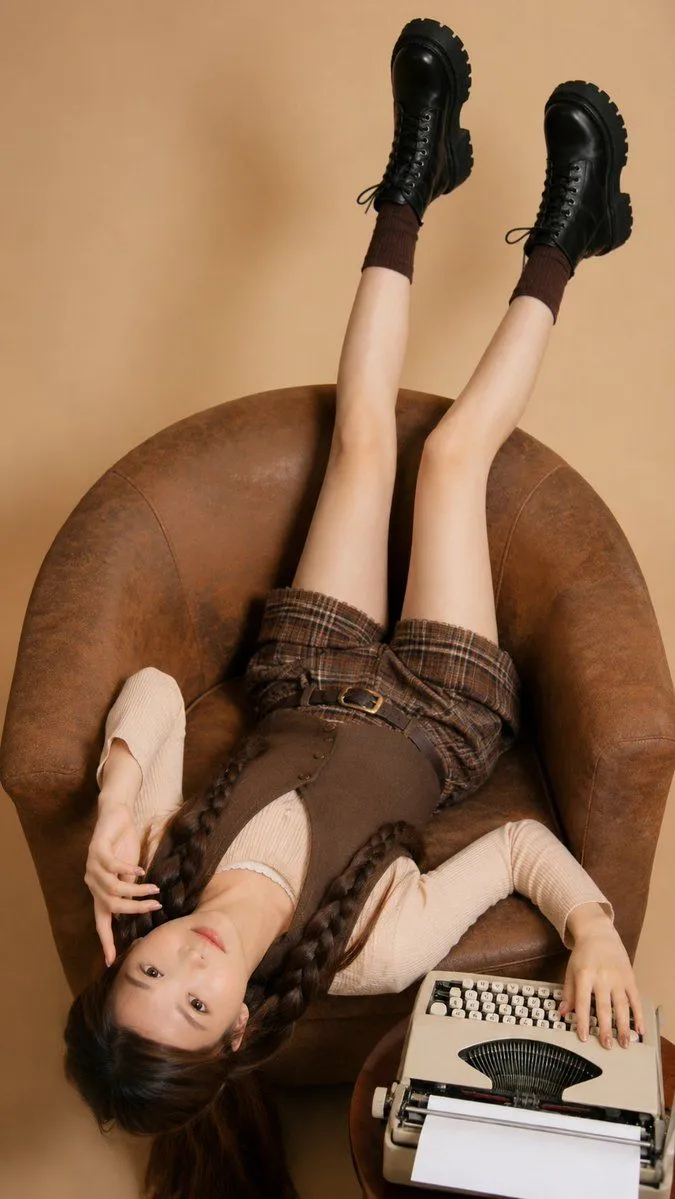
Made with GPT Image 2 in ChatGPT by Library Avatars. Promptclay never generates images.
Retro Magazine Upside-Down Portrait
Prompt
2 blanks to fillUse my uploaded portrait only as the identity reference for facial features, hairstyle, hairline, skin tone, and overall real-person likeness. Create a realistic retro editorial portrait of me lying upside down on a large round {furniture}, legs raised naturally upward, one hand near the face and the other resting beside a {prop}. Use a warm beige studio background, soft indoor lighting, slight film-photo texture, playful relaxed pose, and a vertical 9:16 composition. Do not copy the clothing from the reference exactly. Choose a more suitable outfit based on my uploaded portrait and personal appearance, keeping it casual, stylish, youthful, and visually harmonious with the retro chair and typewriter scene. The face must remain recognizable and naturally integrated, not like a face swap. Keep realistic skin texture, natural shadows, believable body proportions, and real camera perspective. No watermark, no logo, no text.
Preview of your prompt
Use my uploaded portrait only as the identity reference for facial features, hairstyle, hairline, skin tone, and overall real-person likeness. Create a realistic retro editorial portrait of me lying upside down on a large round brown vintage leather armchair, legs raised naturally upward, one hand near the face and the other resting beside a cream-colored vintage typewriter. Use a warm beige studio background, soft indoor lighting, slight film-photo texture, playful relaxed pose, and a vertical 9:16 composition. Do not copy the clothing from the reference exactly. Choose a more suitable outfit based on my uploaded portrait and personal appearance, keeping it casual, stylish, youthful, and visually harmonious with the retro chair and typewriter scene. The face must remain recognizable and naturally integrated, not like a face swap. Keep realistic skin texture, natural shadows, believable body proportions, and real camera perspective. No watermark, no logo, no text.
DetailsVersions, settings and questions
Written for
What's in the prompt
- Subject
- Model
- GPT Image 2
If your face changes
keep my face exactly the sameQuestions
- Does this work in the ChatGPT app?
- Yes. Paste the prompt and attach your photo if it uses one.
- It changed my face. What do I do?
- Add "keep my face exactly the same" to the end and run it again.
- Can I use the images I make?
- Check the terms of the app you use. Promptclay never generates images and claims nothing you make.