Tell us anything

An idea, a bug, something you love. We read every note.

⌘↵ to send. The page you're on comes along.

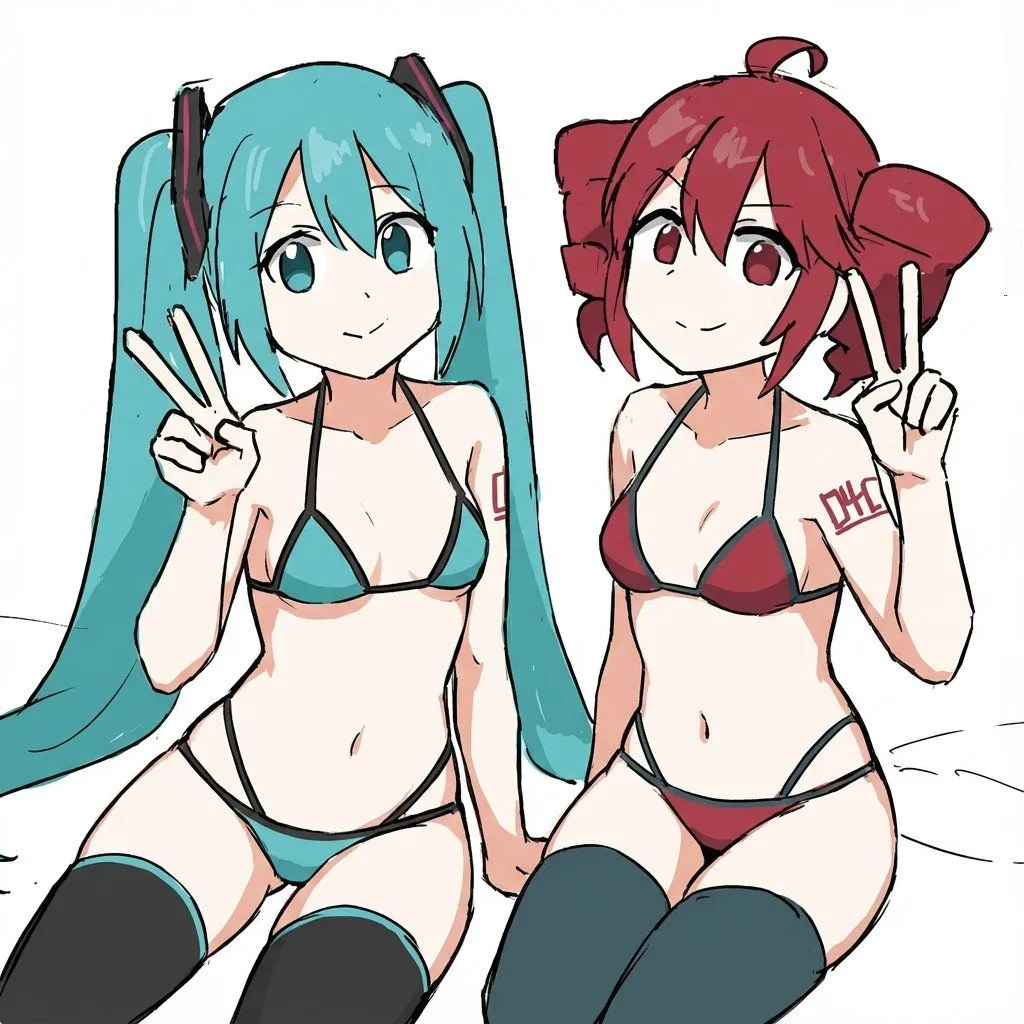
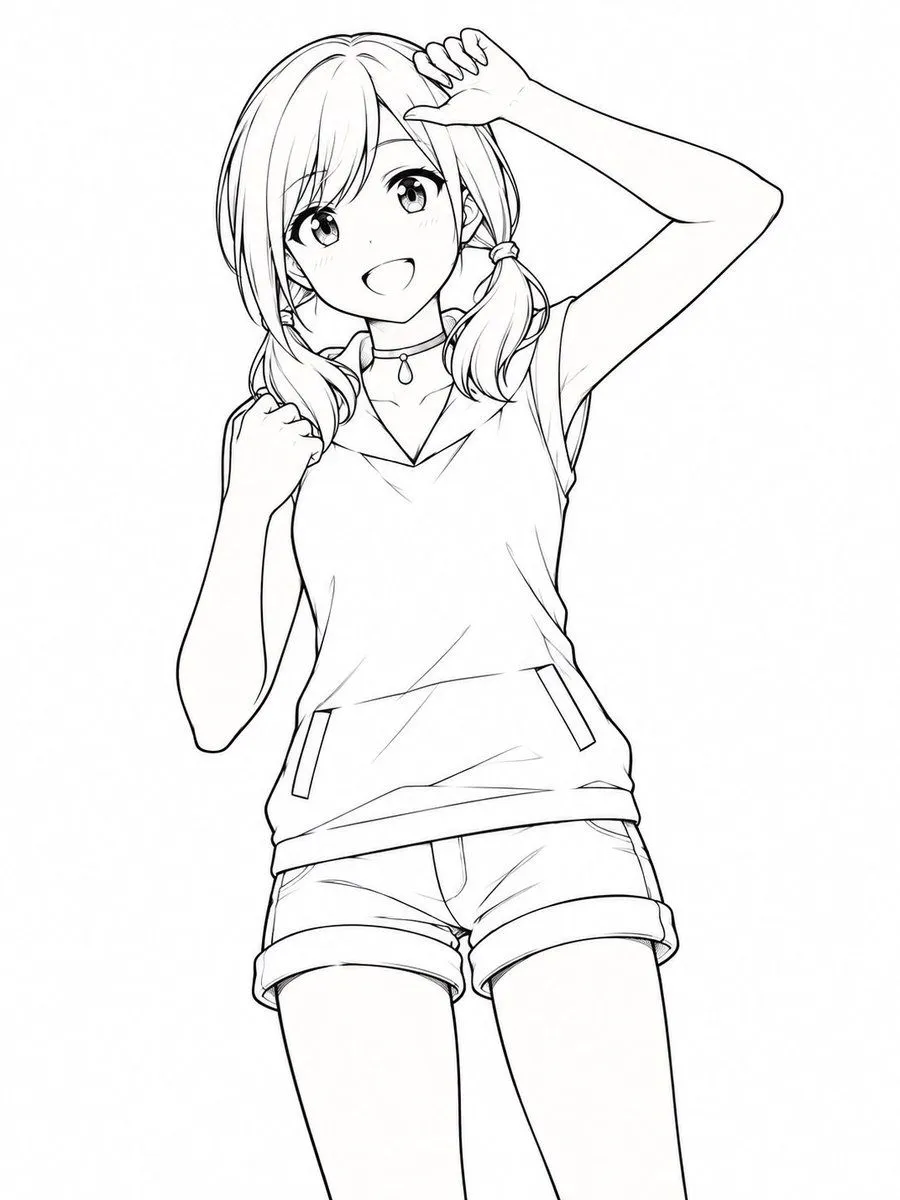
Refine Anime Line Art

Made with GPT Image 2.5 in ChatGPT by Library Game Art. Promptclay never generates images.

Did it work?

No reports yet. Tell others if it worked for you.

No comments yet. Be the first.

    Refine Anime Line Art

    GPT Image 2.53:4AI-generated

    Prompt

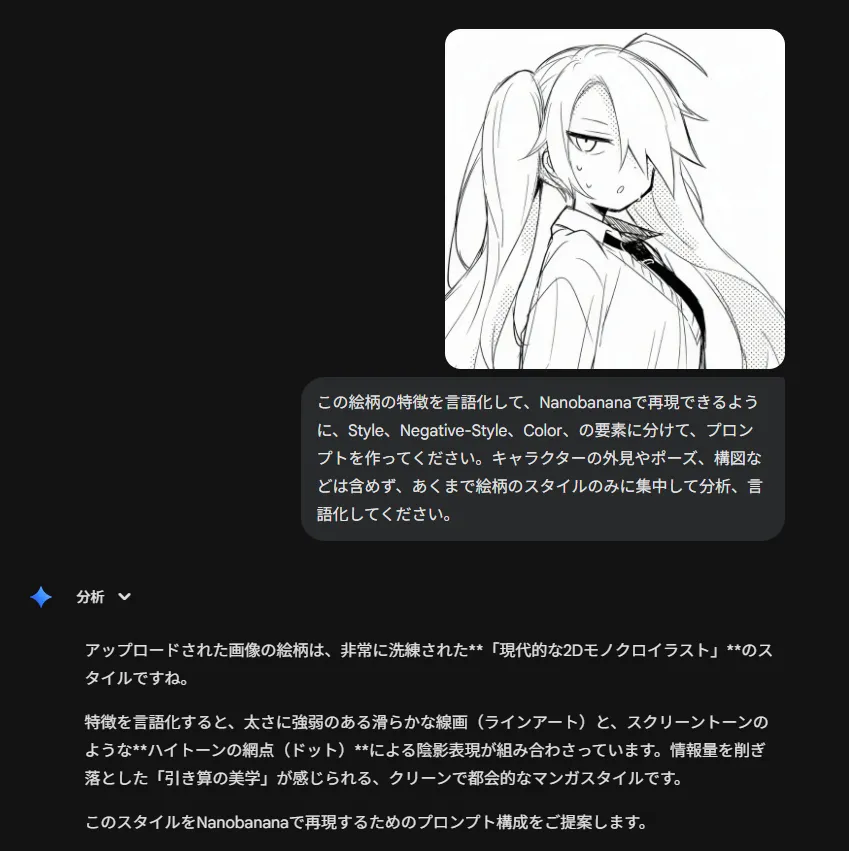
    Using the provided reference image, refine the line art into a polished anime-style illustration. Keep the character's pose and clothing unchanged but upgrade the drawing quality: replace the rough sketch lines with clean, confident vector-like strokes; add detailed hair strands and shading to the twin-tails; render the eyes with distinct pupils and highlights; and define the facial expression more clearly.

    Works in
    ChatGPT, Gemini
    Status
    Free to copy
    0
    DetailsVersions, settings and questions

    Written for

    What's in the prompt

    Subject
    Model
    GPT Image 2.5

    If your face changes

    keep my face exactly the same

    Questions

    Does this work in the ChatGPT app?
    Yes. Paste the prompt and attach your photo if it uses one.
    It changed my face. What do I do?
    Add "keep my face exactly the same" to the end and run it again.
    Can I use the images I make?
    Check the terms of the app you use. Promptclay never generates images and claims nothing you make.

    Similar prompts

    See more
    • Japanese/Korean Mixed Text for Affectionate Roleplay
    • Manga Generation Prompt Template for Nano Banana Pro
    • Soft Anime Girl Portrait
    • Anime Character Style Transfer to Bikini and Stockings
    • Stylish Minimalist Anime Portrait
    • Anime Sportswear Girl Illustration
    • Silver-Haired Anime Fashion Girl
    • Purple Blouse and Black Shorts Outfit Prompt
    • Anime Character Switching PromptVideo, 0:05
    • Urakaze Anime Illustration
    • Pastel Anime Swimsuit Character
    • Soft Pastel Anime Girl Full Body
    • Pastel Kawaii Girl Fashion Portrait
    • AI Image Generation Prompts for Multiple Angles
    • Cinematic Storyboard Generation Prompt
    • Elegant Accessories Maximization Prompt for Nano Banana
    • Photo to Anime Style Transformation
    • T-Shirt Text Customization Prompt
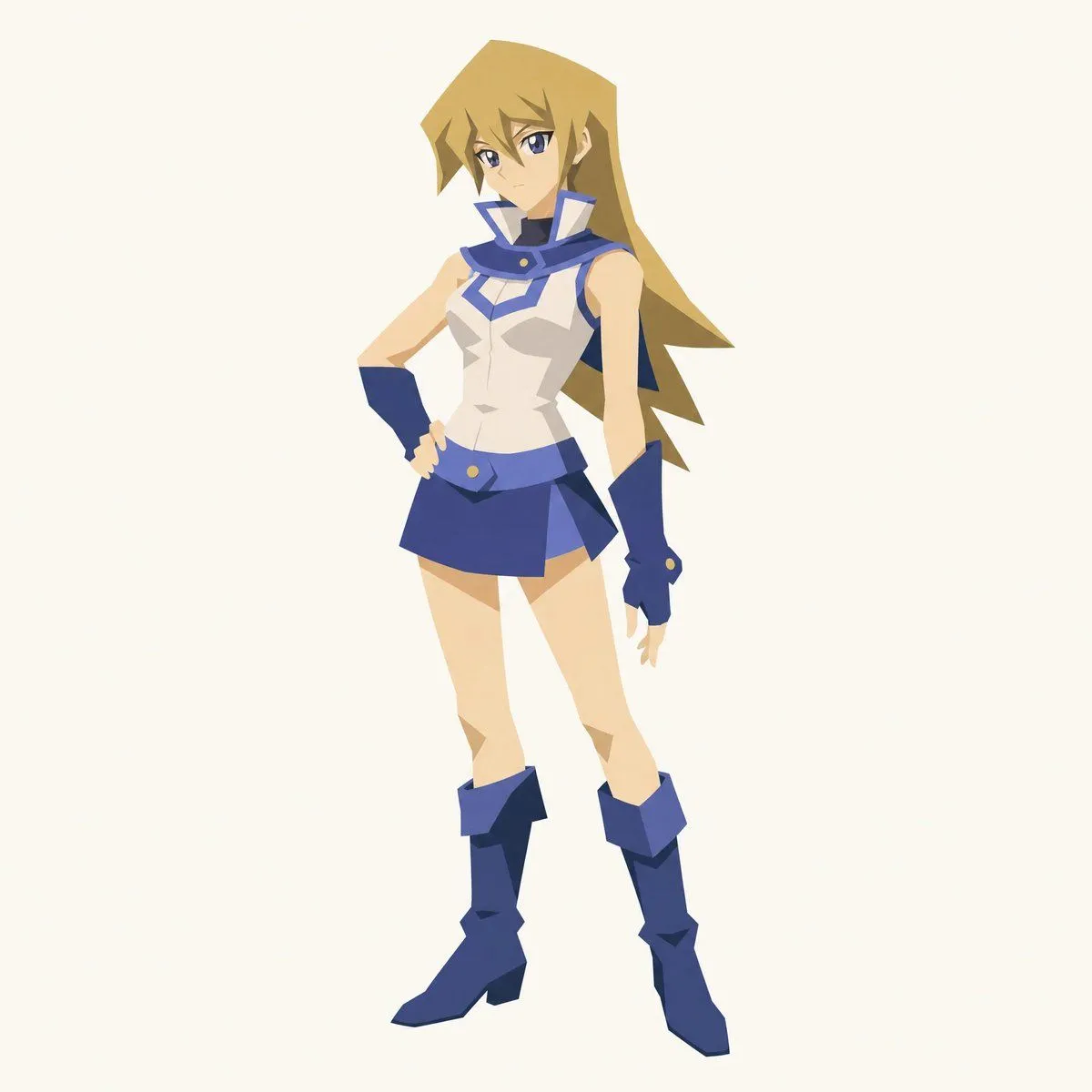
    • Cut-out Style Character Illustration
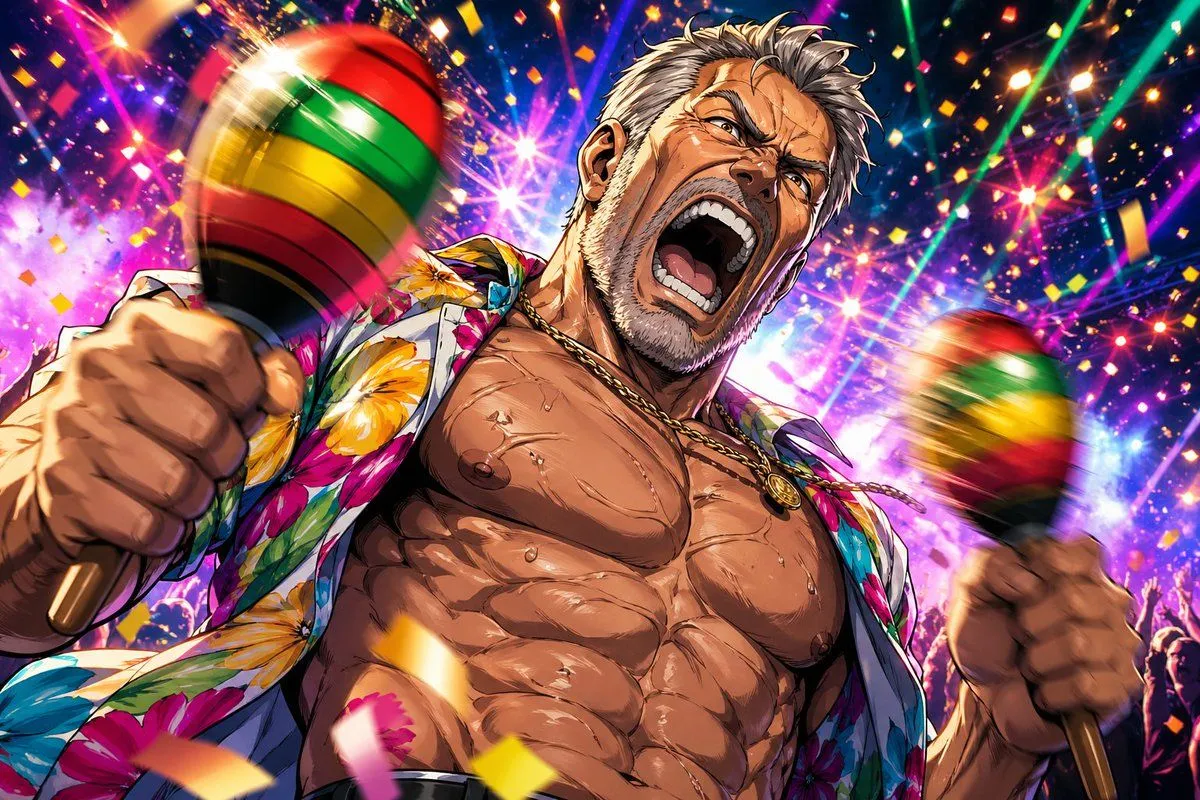
    • Muscular Party Man with Maracas
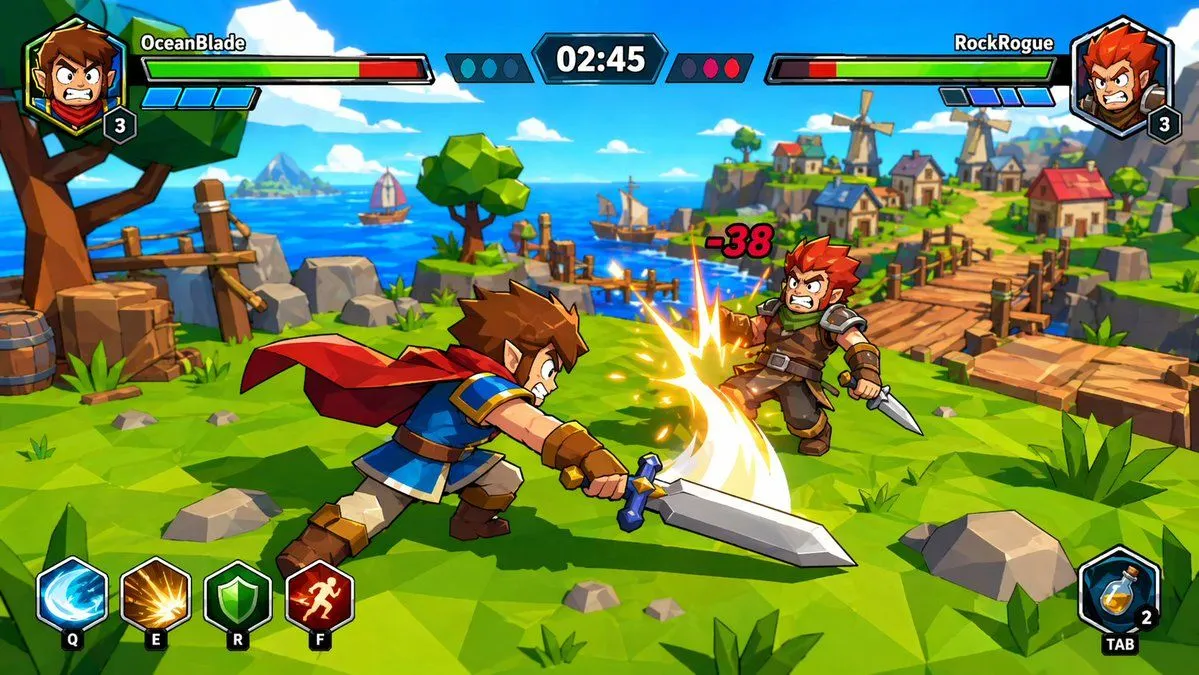
    • Zelda-Style Game UI Screenshot
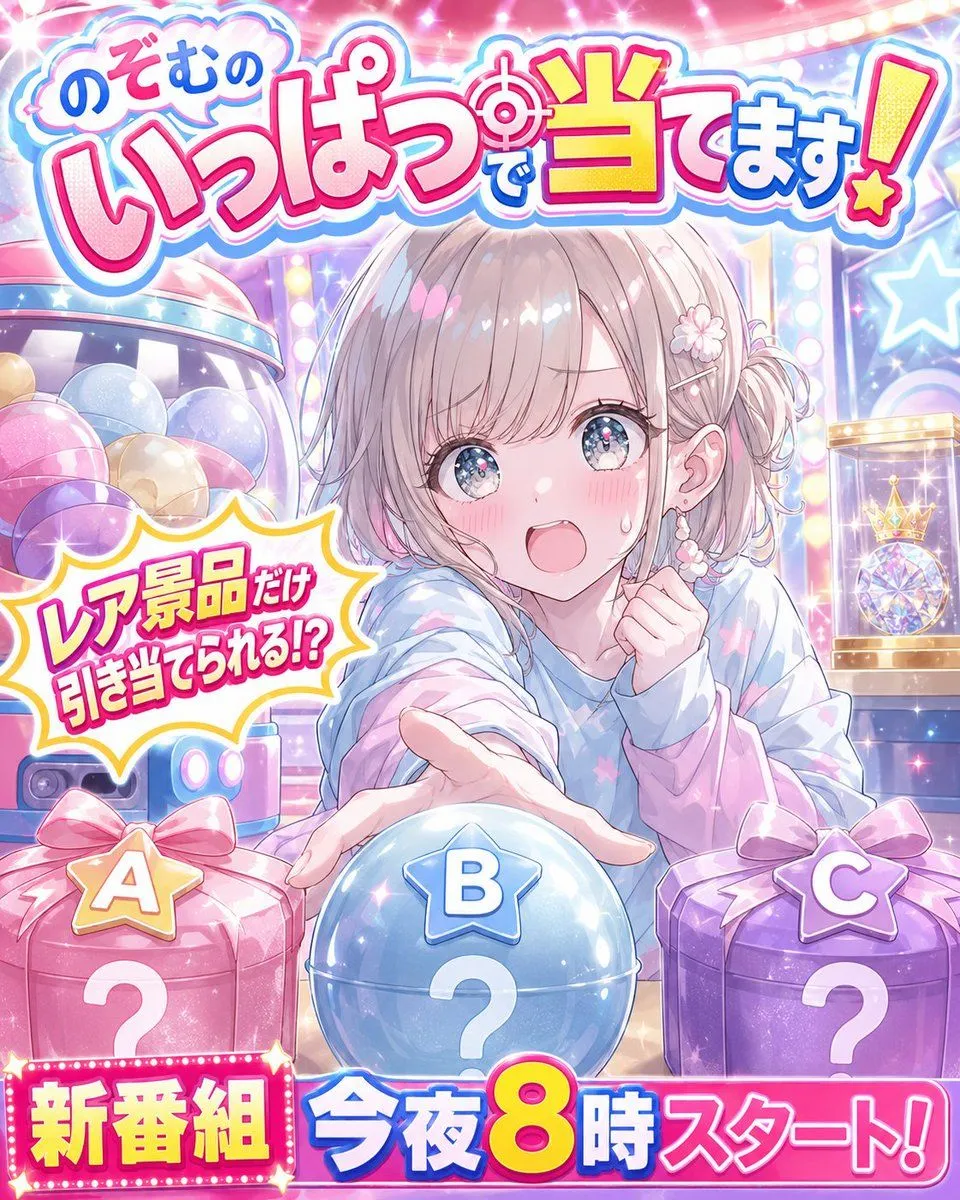
    • Anime Prize Variety Show Poster
    • Anime VTuber Livestream Thumbnail
    • Tipsy Businessman on Marble Stairs

    Show more

    Run it on your phone

    1. Prompt copiedRead it

      Using the provided reference image, refine the line art into a polished anime-style illustration. Keep the character's pose and clothing unchanged but upgrade the drawing quality: replace the rough sketch lines with clean, confident vector-like strokes; add detailed hair strands and shading to the twin-tails; render the eyes with distinct pupils and highlights; and define the facial expression more clearly.

    2. Open your app

    3. Paste and run

      Press and hold the message box, then tap Paste. Add your photo first if the prompt uses one. You may need to sign in.

    Refine Anime Line Art