Tell us anything

An idea, a bug, something you love. We read every note.

⌘↵ to send. The page you're on comes along.

Reference Linking Syntax for Video Generation

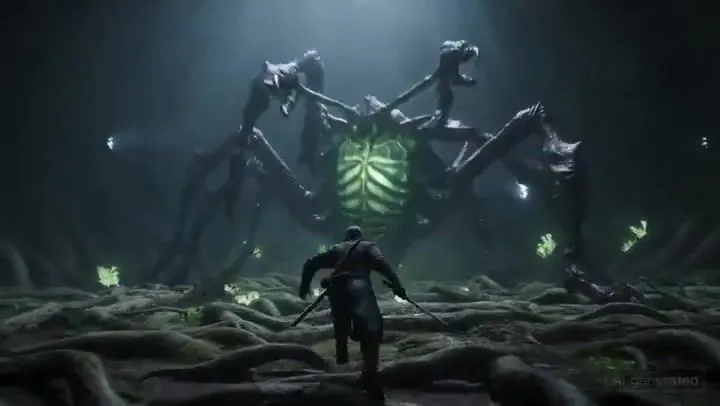
Made with Seedance 2.0 in Kling by Library Cinema. Promptclay never generates images.

Did it work?

No reports yet. Tell others if it worked for you.

No comments yet. Be the first.

    Reference Linking Syntax for Video Generation

    Seedance 2.09:16AI-generated

    Prompt

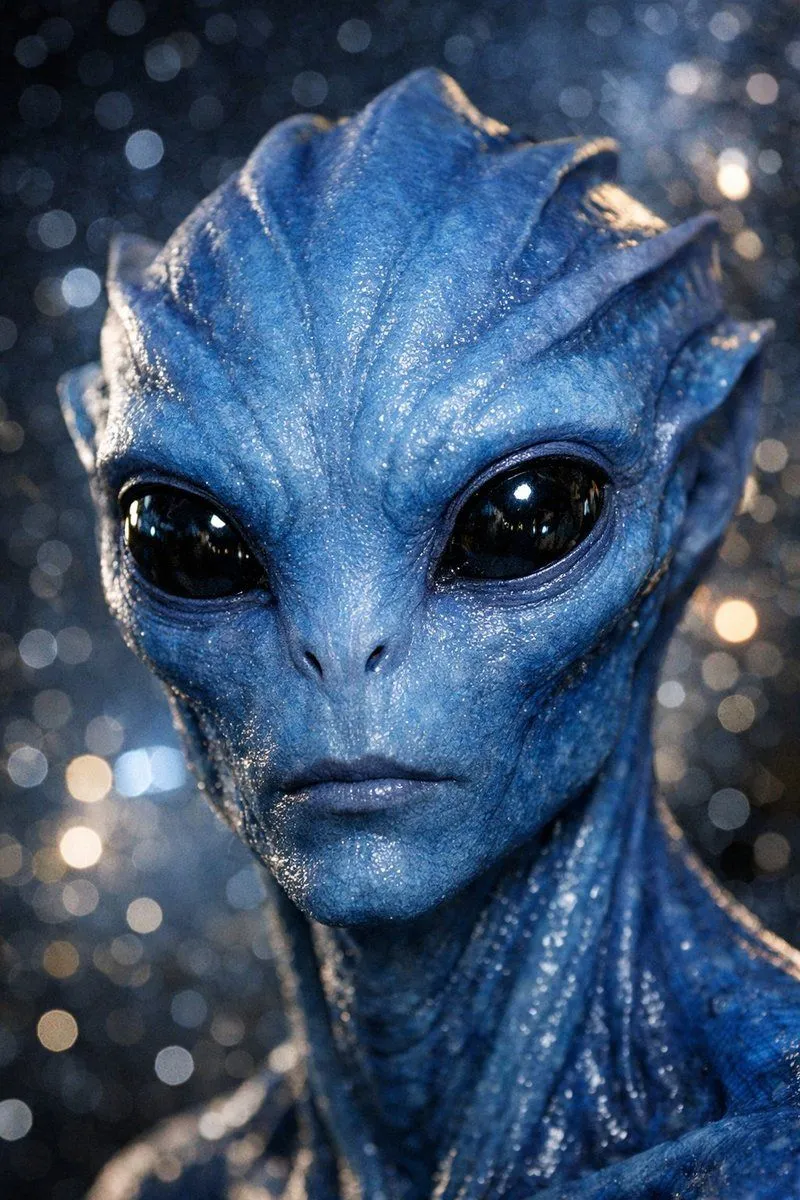
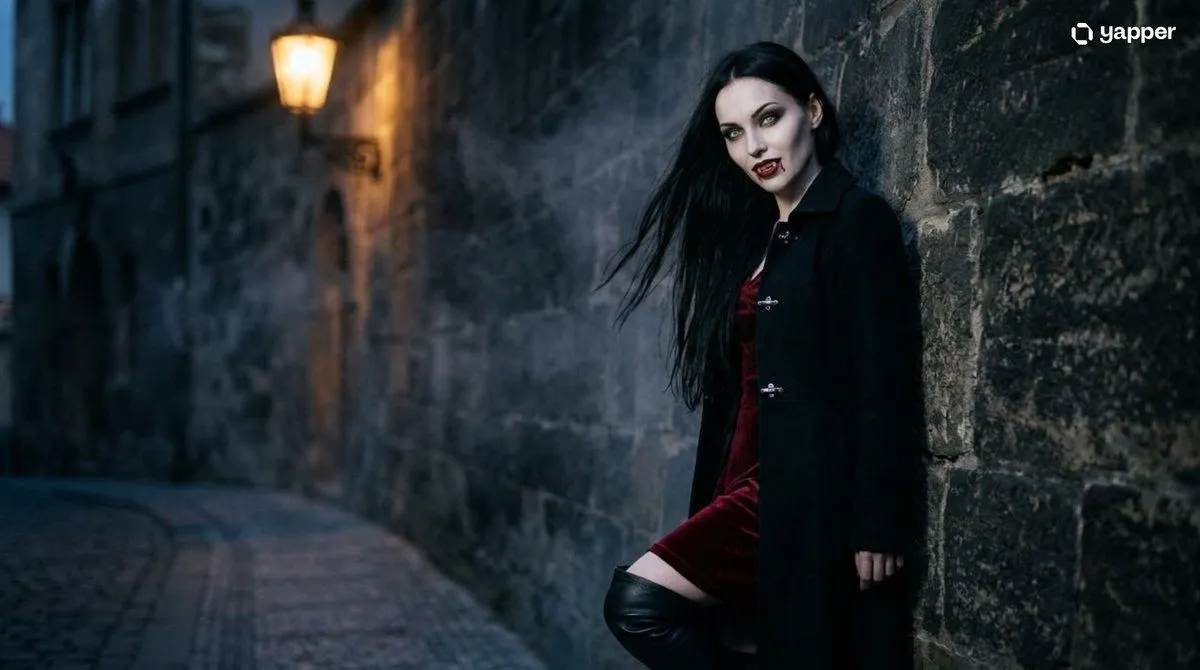
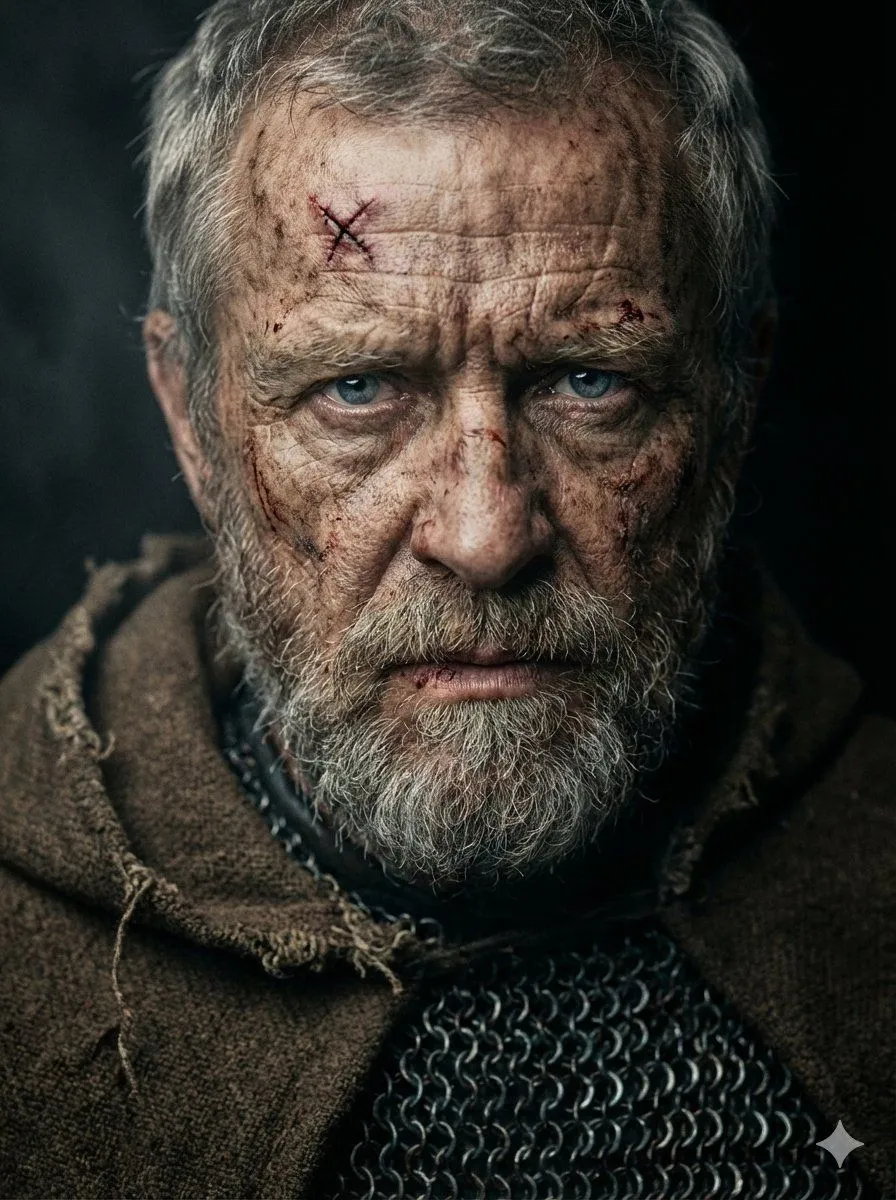
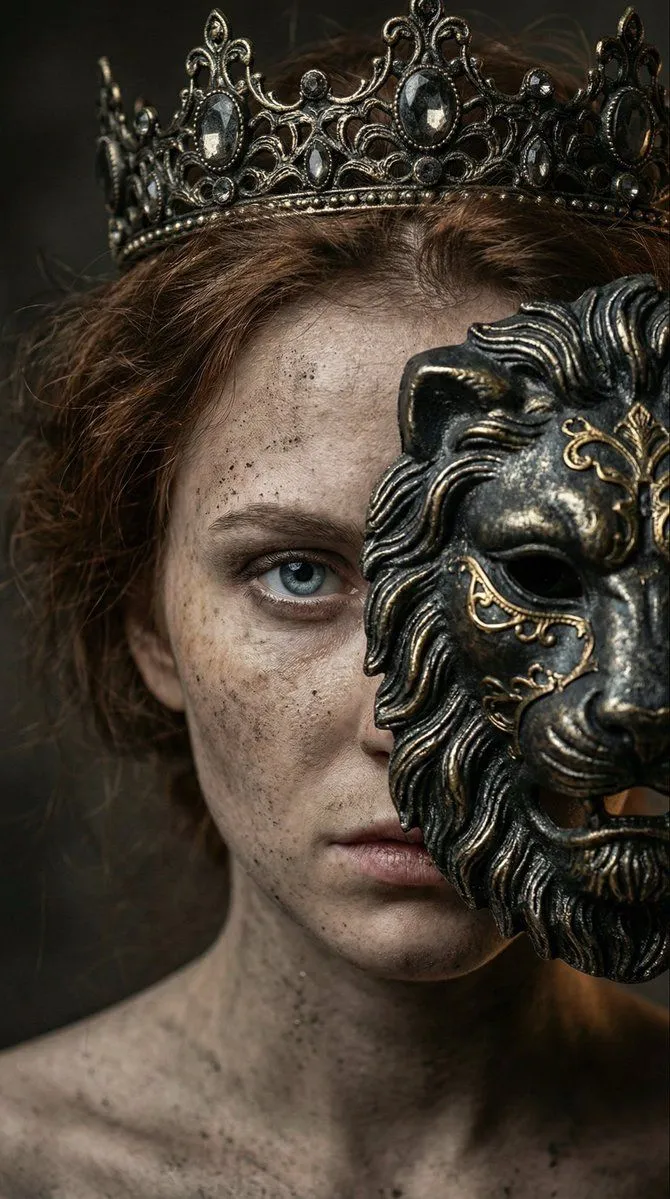
    @ image1 character reference2 @ image2 use the background as the opening frame @ video1 take the motion and sound

    Works in
    Kling
    Status
    Free to copy
    0
    DetailsVersions, settings and questions

    Written for

    What's in the prompt

    Subject
    Model
    Seedance 2.0

    If your face changes

    keep my face exactly the same

    Questions

    Does this work in the Kling app?
    Yes. Paste the prompt and attach your photo if it uses one.
    It changed my face. What do I do?
    Add "keep my face exactly the same" to the end and run it again.
    Can I use the images I make?
    Check the terms of the app you use. Promptclay never generates images and claims nothing you make.

    Similar prompts

    See more
    • Comparing ChatGPT 5.2 and Nano Banana 2 for Devilman modeling
    • Cinematic Teal Goblin Warrior
    • Gothic Vampire Lord Video PromptVideo, 0:15
    • Candlelit Occult Priestess Close-Up
    • Hyperrealistic Dark Sorcerer Portrait
    • Supernatural Portrait with Glowing Eyes
    • Image generation prompt using medium resolution
    • Gothic Vampire Cinematic Scene
    • Battle-Hardened Medieval Warrior Cinematic Portrait
    • Dark fantasy portrait with metal lion mask
    • Surreal Ronin Action SceneVideo, 0:15
    • Dark Fantasy Paladin Duel
    • Censored Dragon Skull Warrior
    • Cinematic Portrait of Sydney Sweeney as Wanda Maximoff
    • Photoreal Claire Face Restoration
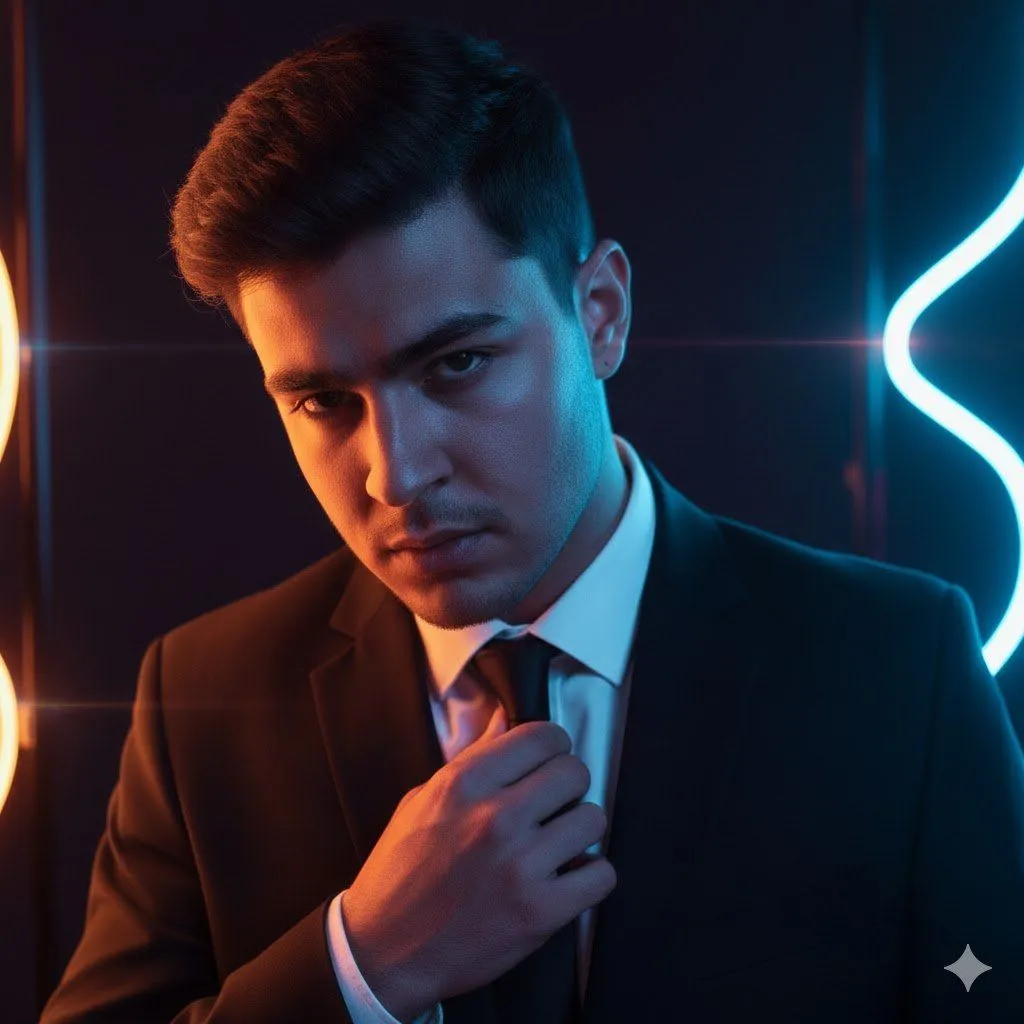
    • Cyberpunk Neon Identity Rim Light Portrait
    • Dark Hooded Spider-Man Portrait
    • Cinematic Cyberpunk Portrait with Split Neon Lighting
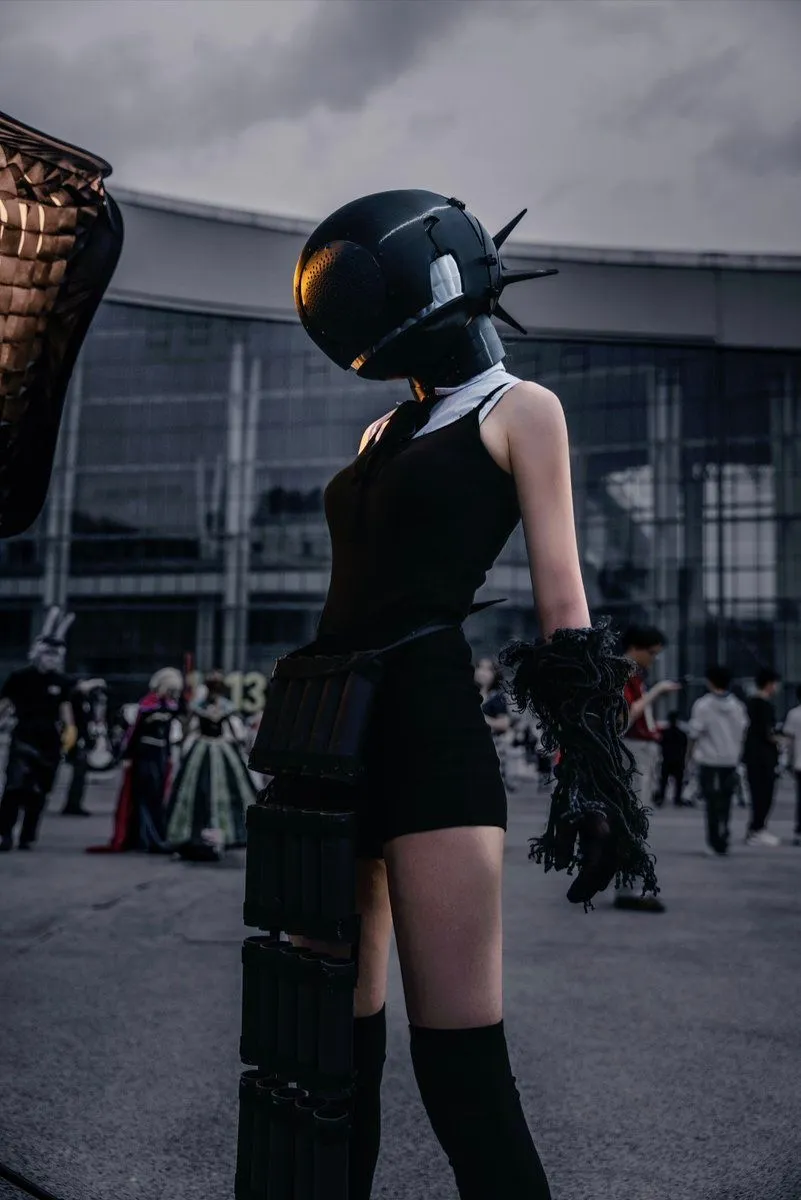
    • Cinematic Easthies Cosplay Portrait
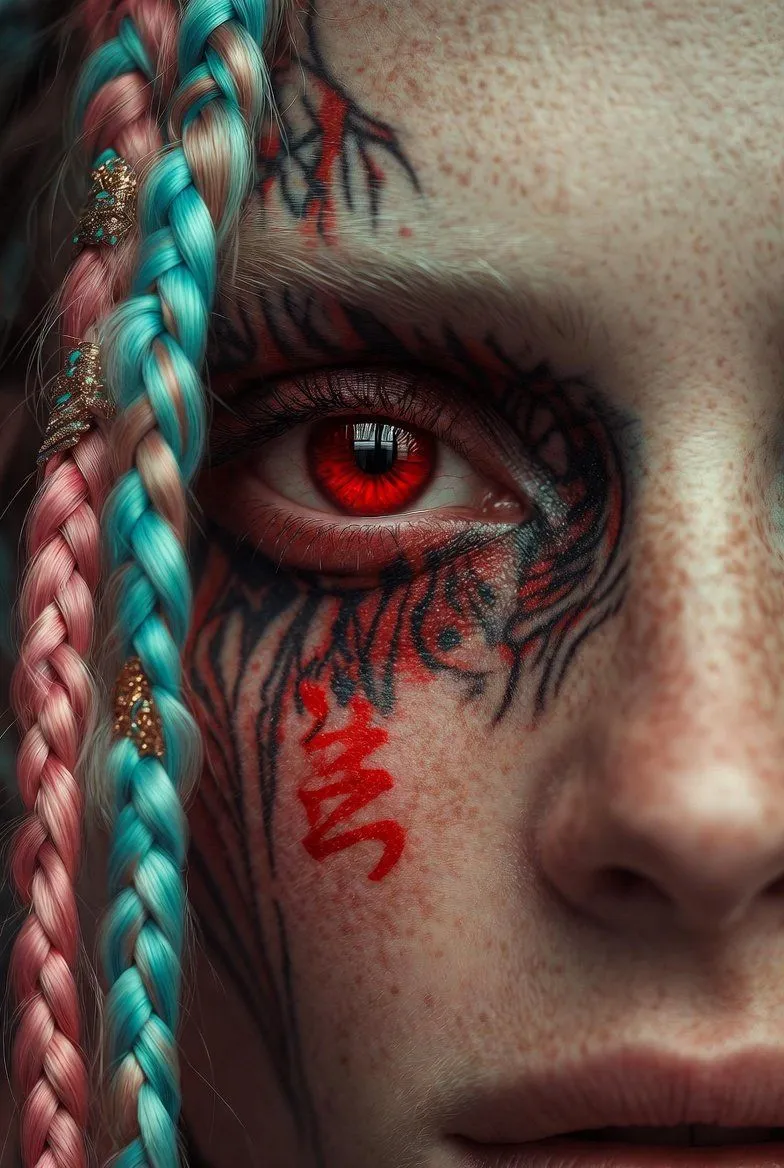
    • Extreme Close-Up Cinematic Portrait with Tattoos and Red Eye
    • Futuristic Noir Cinematic Portrait
    • Cyberpunk Cinematic Photo Edit
    • Fire Demon Queen Vertical Fantasy Art
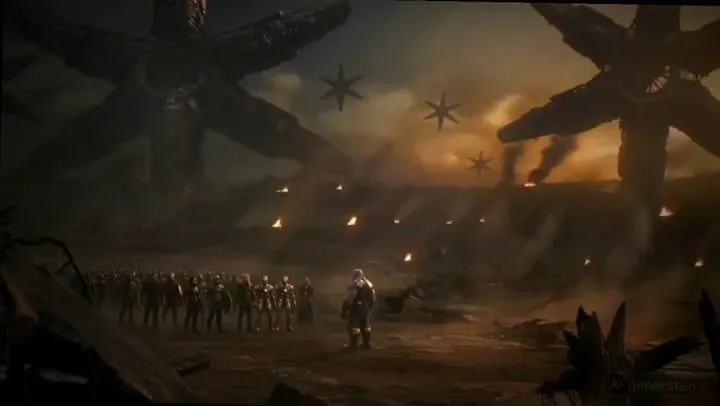
    • Thanos Apologizes to Spider-Man PromptVideo, 0:16

    Show more

    Run it on your phone

    1. Prompt copiedRead it

      @ image1 character reference2 @ image2 use the background as the opening frame @ video1 take the motion and sound

    2. Open your app

    3. Paste and run

      Press and hold the message box, then tap Paste. Add your photo first if the prompt uses one. You may need to sign in.