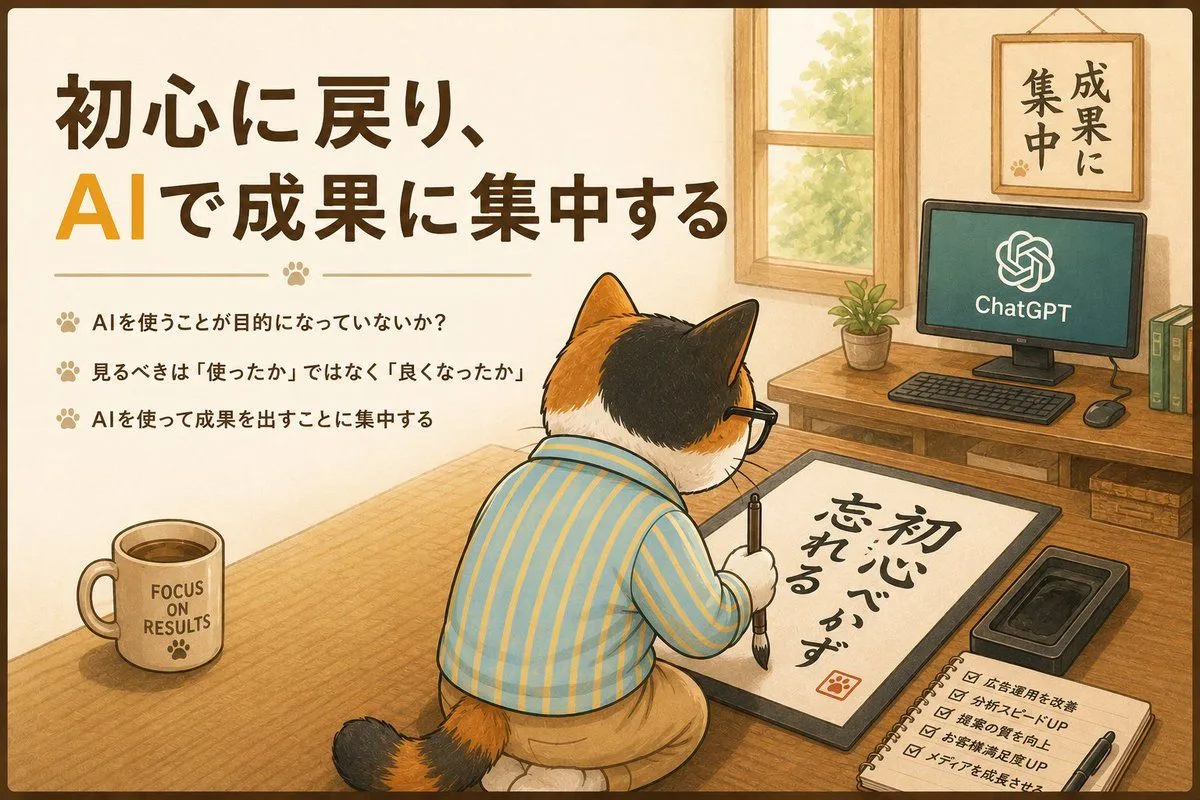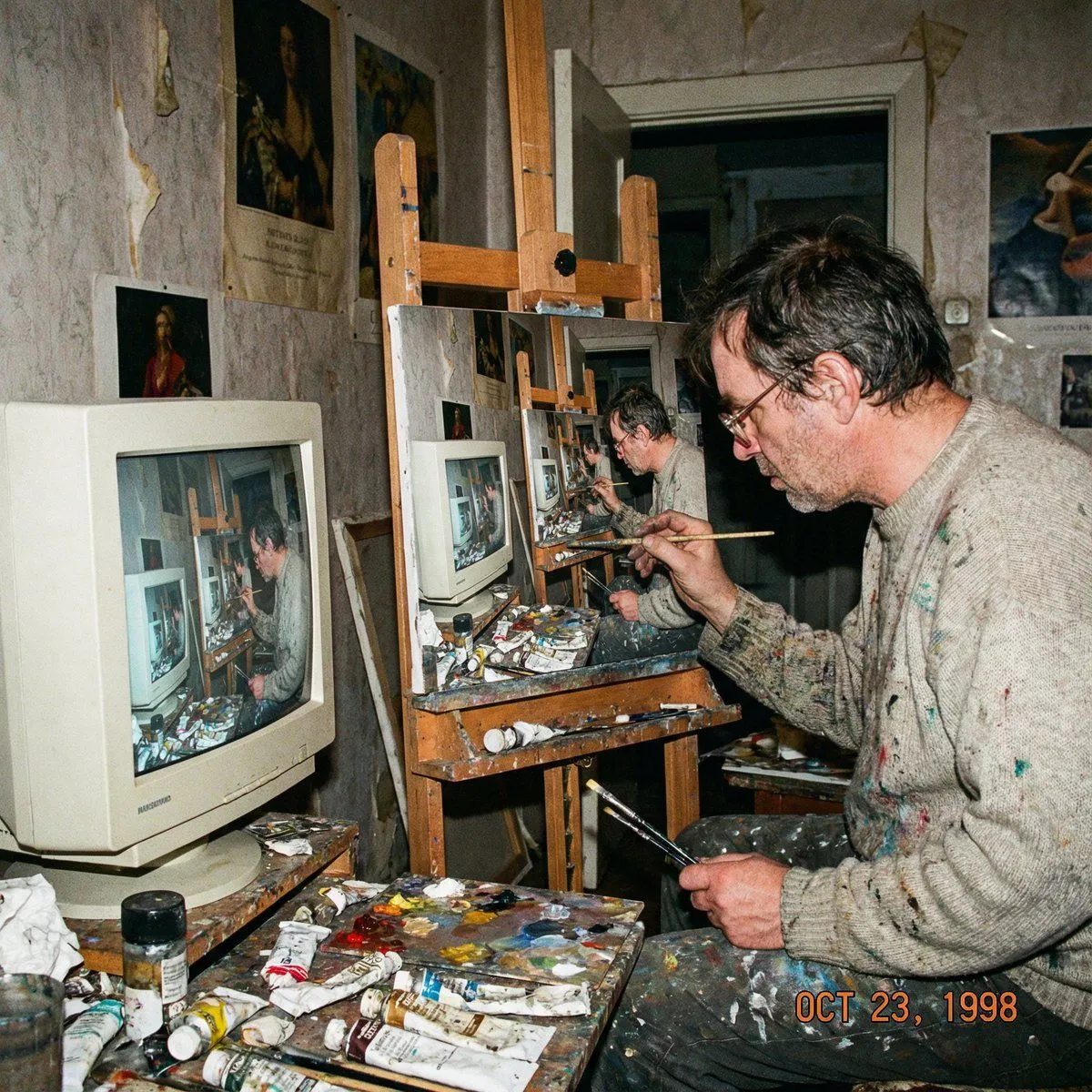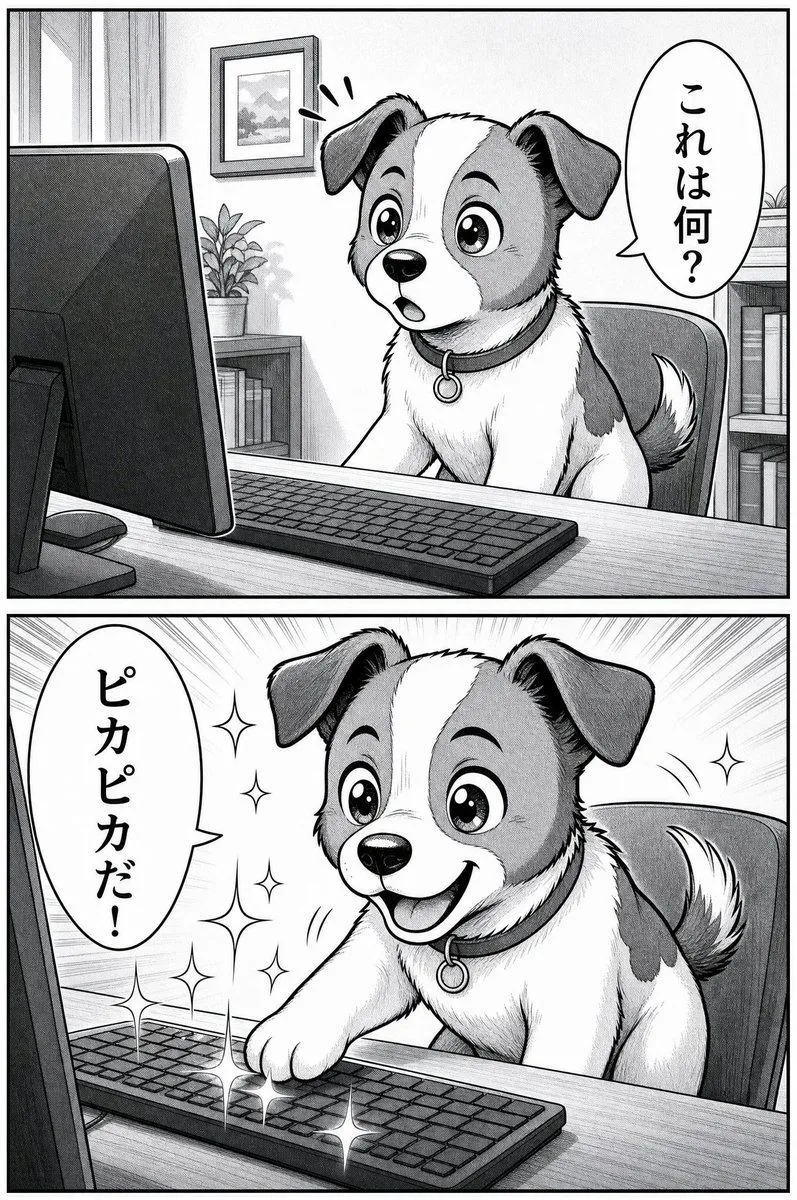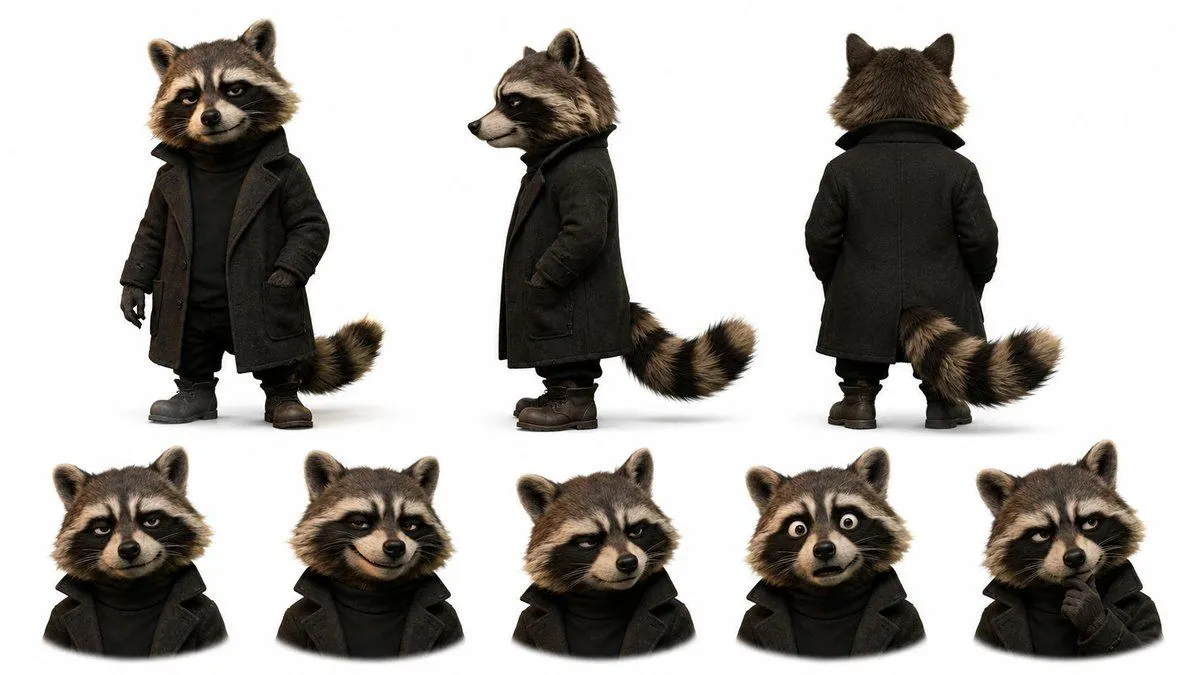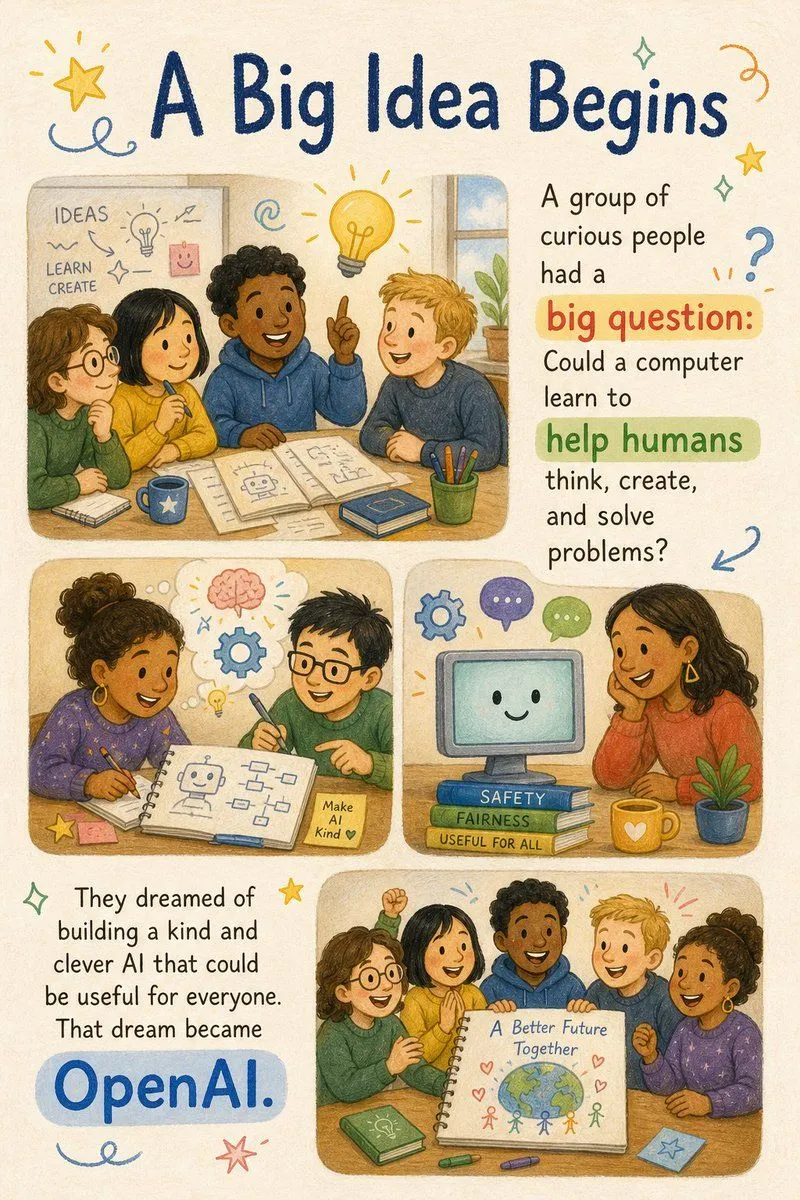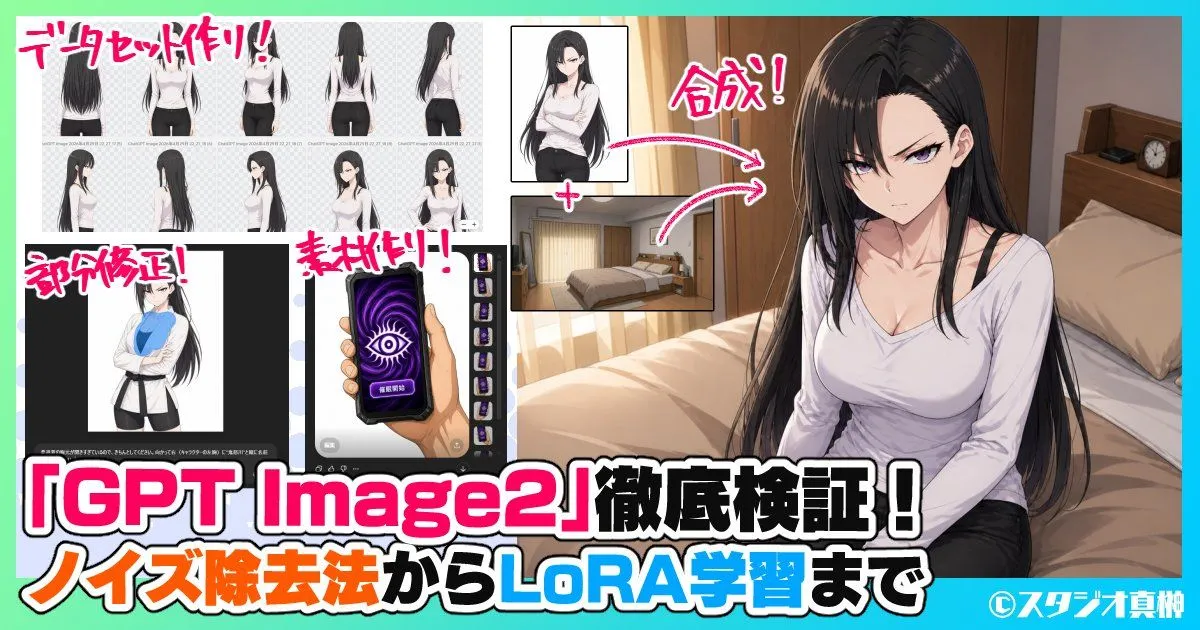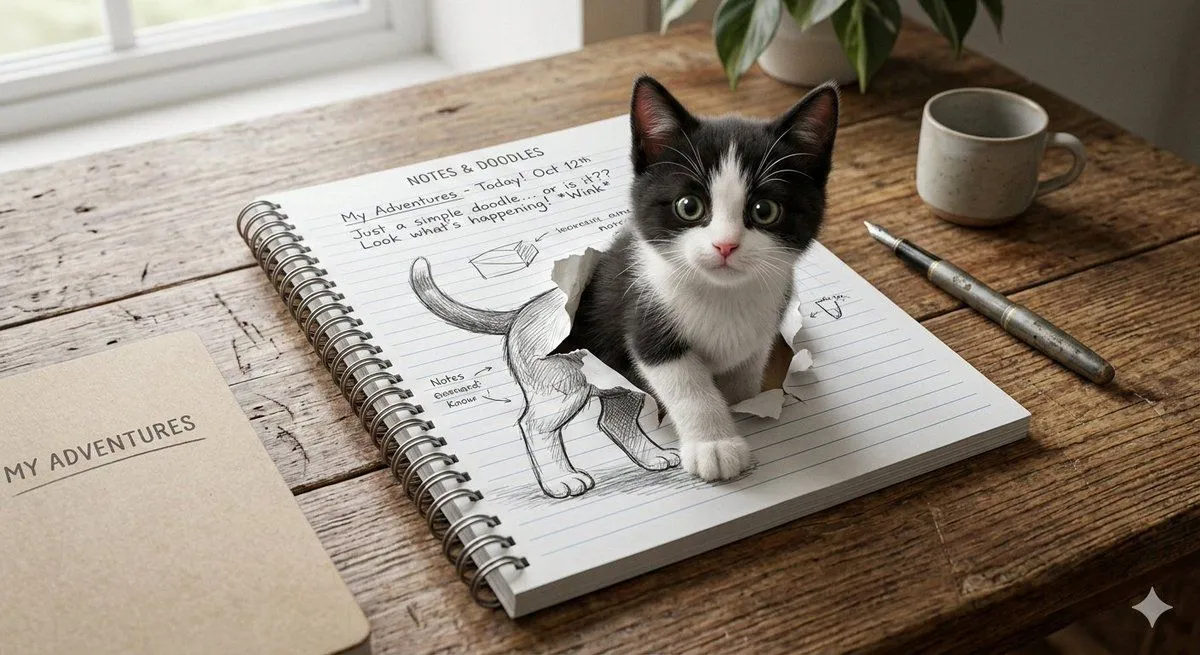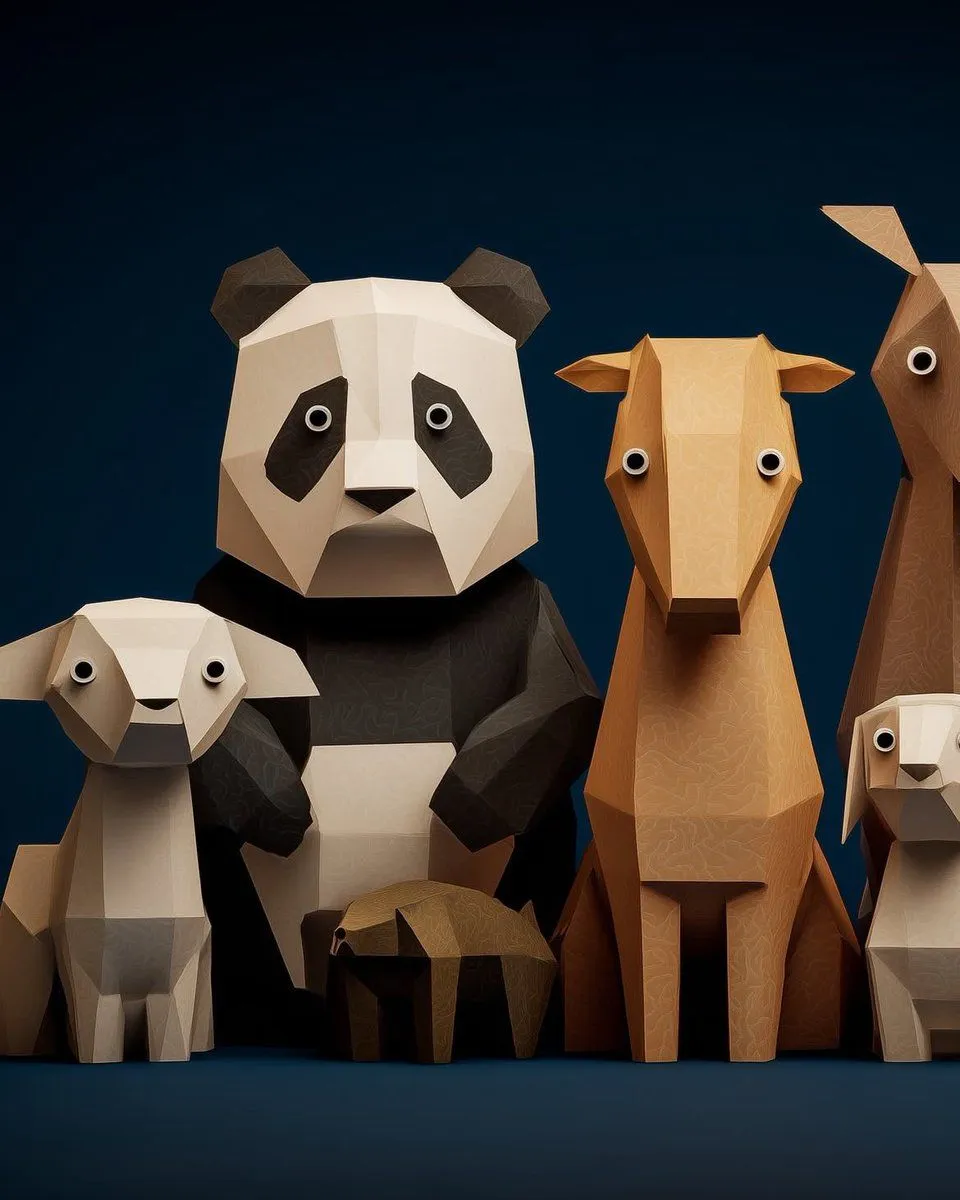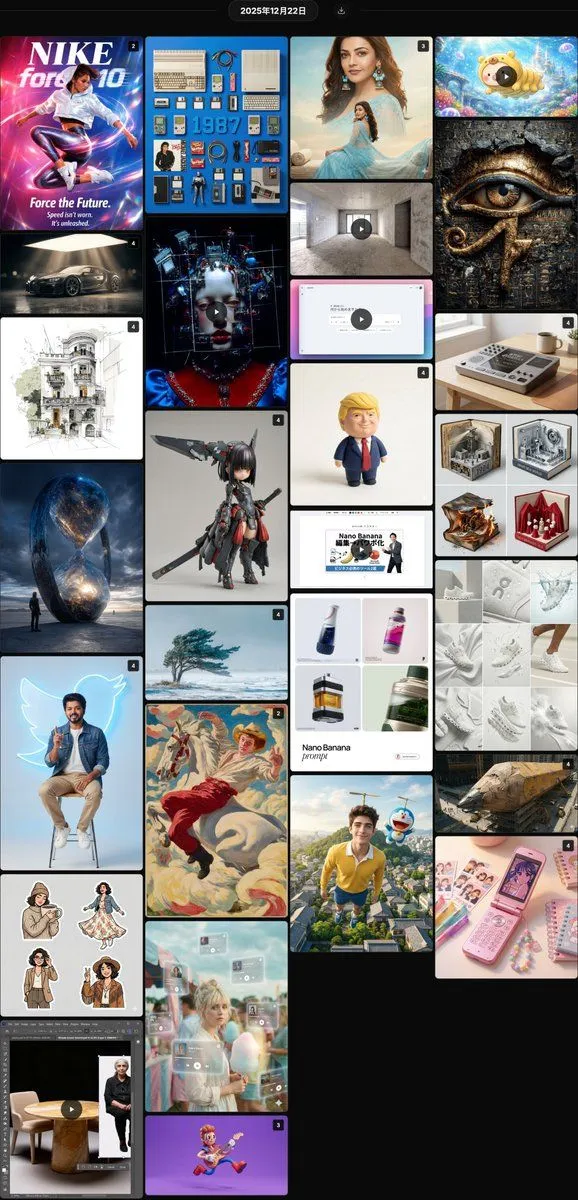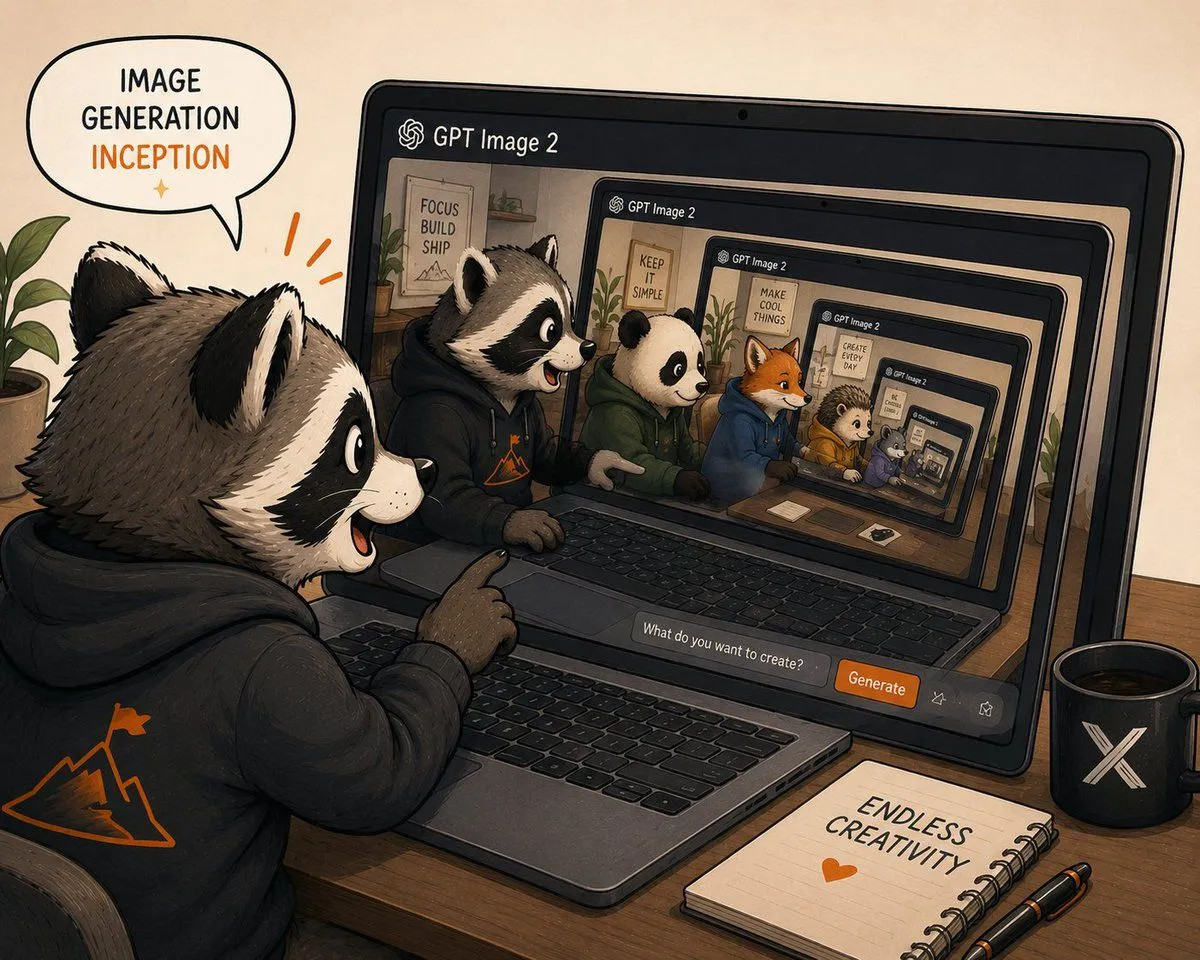
Made with GPT Image 2 in ChatGPT by Library Anime. Promptclay never generates images.
Did it work?
No reports yet. Tell others if it worked for you.
Recursive GPT Image 2 Inception
Prompt
5 blanks to fillCreate a warm hand-drawn digital illustration of recursive image generation inception, showing a cute anthropomorphic raccoon creator at a wooden desk using GPT Image 2 on a laptop. The scene is in a cozy studio with beige paper-textured background, inked outlines, soft shading, muted earth tones, and orange accent highlights. In the foreground, place 1 large raccoon character wearing a black hoodie with an orange mountain-and-flag logo on the back, sitting at the laptop and pointing excitedly at the screen with an open-mouthed smile. Add a speech bubble above the raccoon that reads “IMAGE GENERATION” in black and “INCEPTION” in orange, with a small orange sparkle beneath. On the laptop screen, show the GPT Image 2 interface with the header “GPT Image 2” and an infinite nested recursion of the same scene: exactly 6 visible screen/laptop frames receding inward, each smaller and perspective-aligned, creating a tunnel effect. Inside the main visible screen, include exactly 6 main animal characters seated side by side at desks: 1 raccoon in a black hoodie, 1 panda in a green hoodie, 1 orange fox in a blue hoodie, 1 hedgehog in a yellow hoodie, 1 small purple animal, and 1 tiny nested animal inside the deepest screen. Add motivational posters in the recursive room backgrounds with short text such as “FOCUS BUILD SHIP,” “KEEP IT SIMPLE,” “MAKE COOL THINGS,” and “CREATE EVERY DAY.” At the bottom of the laptop interface, include a prompt input field reading “What do you want to create?” and an orange button labeled “Generate,” plus two small outline action icons. On the desk, include exactly 3 prominent accessories: a black mug with a white X logo on the right, a spiral notebook reading “ENDLESS CREATIVITY” with an orange heart below it, and two black pens with orange accents. Add a leafy green plant at the far left edge and another plant visible inside the recursive screen room. Use a slightly wide 4:3 composition, dynamic perspective looking over the raccoon’s shoulder, playful creator-community mood, crisp readable text, no photorealism, no watermark. Use {app_name}, {speech_bubble_text}, {button_label}, {notebook_text}, and {main_character}.
Preview of your prompt
Create a warm hand-drawn digital illustration of recursive image generation inception, showing a cute anthropomorphic raccoon creator at a wooden desk using GPT Image 2 on a laptop. The scene is in a cozy studio with beige paper-textured background, inked outlines, soft shading, muted earth tones, and orange accent highlights. In the foreground, place 1 large raccoon character wearing a black hoodie with an orange mountain-and-flag logo on the back, sitting at the laptop and pointing excitedly at the screen with an open-mouthed smile. Add a speech bubble above the raccoon that reads “IMAGE GENERATION” in black and “INCEPTION” in orange, with a small orange sparkle beneath. On the laptop screen, show the GPT Image 2 interface with the header “GPT Image 2” and an infinite nested recursion of the same scene: exactly 6 visible screen/laptop frames receding inward, each smaller and perspective-aligned, creating a tunnel effect. Inside the main visible screen, include exactly 6 main animal characters seated side by side at desks: 1 raccoon in a black hoodie, 1 panda in a green hoodie, 1 orange fox in a blue hoodie, 1 hedgehog in a yellow hoodie, 1 small purple animal, and 1 tiny nested animal inside the deepest screen. Add motivational posters in the recursive room backgrounds with short text such as “FOCUS BUILD SHIP,” “KEEP IT SIMPLE,” “MAKE COOL THINGS,” and “CREATE EVERY DAY.” At the bottom of the laptop interface, include a prompt input field reading “What do you want to create?” and an orange button labeled “Generate,” plus two small outline action icons. On the desk, include exactly 3 prominent accessories: a black mug with a white X logo on the right, a spiral notebook reading “ENDLESS CREATIVITY” with an orange heart below it, and two black pens with orange accents. Add a leafy green plant at the far left edge and another plant visible inside the recursive screen room. Use a slightly wide 4:3 composition, dynamic perspective looking over the raccoon’s shoulder, playful creator-community mood, crisp readable text, no photorealism, no watermark. Use GPT Image 2, IMAGE GENERATION INCEPTION, Generate, ENDLESS CREATIVITY, and anthropomorphic raccoon creator.
DetailsVersions, settings and questions
Written for
What's in the prompt
- Subject
- Model
- GPT Image 2
If your face changes
keep my face exactly the sameQuestions
- Does this work in the ChatGPT app?
- Yes. Paste the prompt and attach your photo if it uses one.
- It changed my face. What do I do?
- Add "keep my face exactly the same" to the end and run it again.
- Can I use the images I make?
- Check the terms of the app you use. Promptclay never generates images and claims nothing you make.