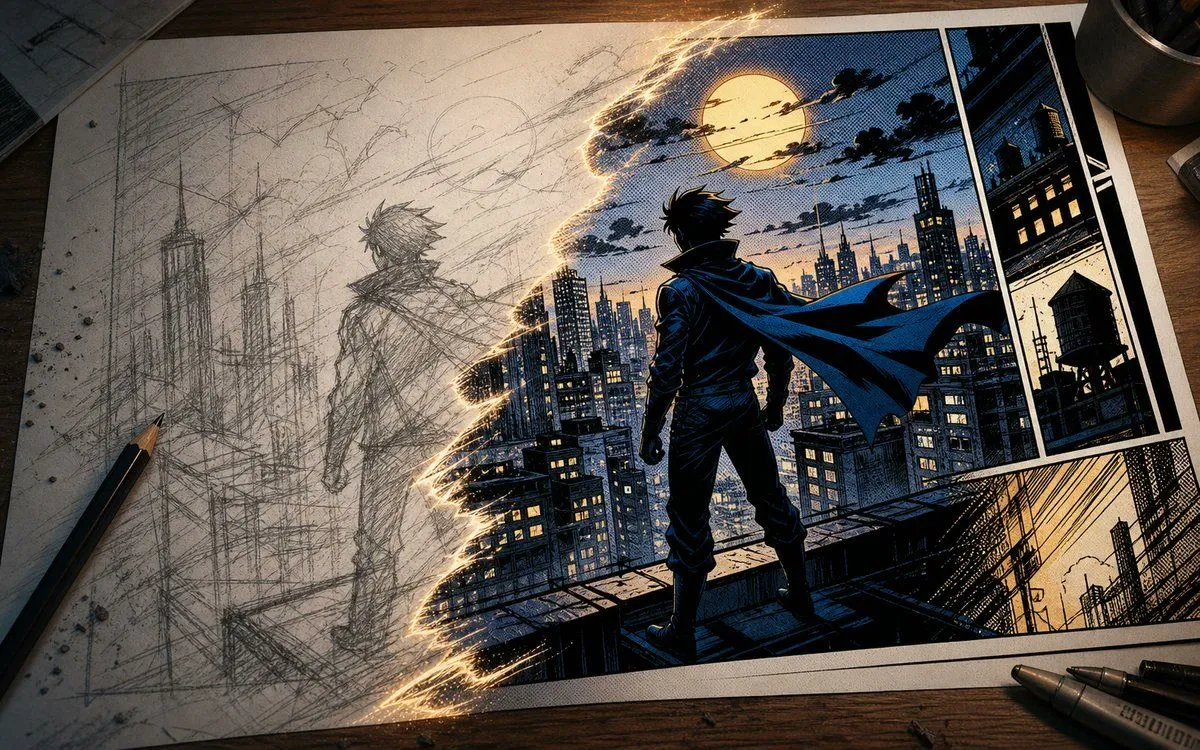
Sketch to Manga Comic Transformation
Create a cinematic tabletop scene showing a manga/comic artwork in progress on a sheet of paper, viewed from a slightly overhead angle on a dark wooden desk. The page is split diagonally by a jagged glowing golden tear of sparks: the left half is a rough graphite pencil sketch, and the right half is the finished colored comic. On the left sketch side, draw an unfinished city skyline with tall skyscrapers and a lone caped hero seen from behind, all in loose construction lines, smudges, crosshatching, and eraser dust. On the right finished side, render a dramatic noir manga superhero scene in deep navy blues, black inks, halftone dots, warm yellow window lights, and crisp white panel borders: a silhouetted young male hero with spiky hair and a long flowing cape stands on a rooftop ledge facing a dense futuristic city under a large full moon and streaky clouds. The finished comic page contains exactly 4 visible panels: 1 large main panel with the hero overlooking the city, 2 narrow vertical panels stacked on the right showing dark city architecture and a rooftop water tower, and 1 wide bottom-right panel showing diagonal urban perspective lines and buildings. Add real art supplies around the page: exactly 1 sharpened pencil on the lower left, exactly 2 black drawing pens on the lower right, and 1 metal cup partially visible at the top right. Use dramatic warm desk lighting, realistic paper texture, ink grain, halftone print texture, glowing transition sparks, and high-detail comic linework. The scene should feel like a transformation from sketch to finished comic art. Customize the hero as character_type, the setting as city_setting, the comic palette as color_palette, the moon detail as sky_feature, and the desk style as desk_surface.