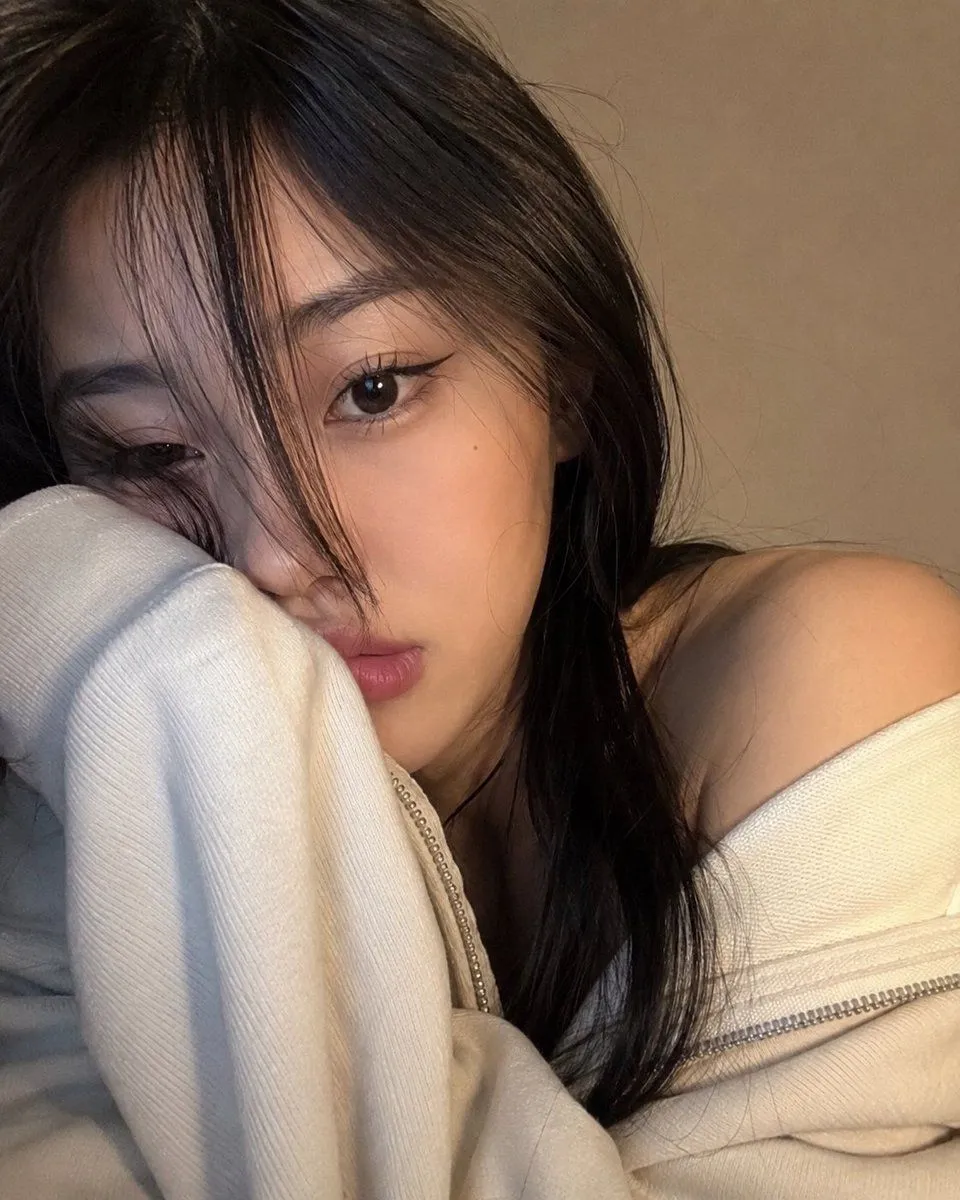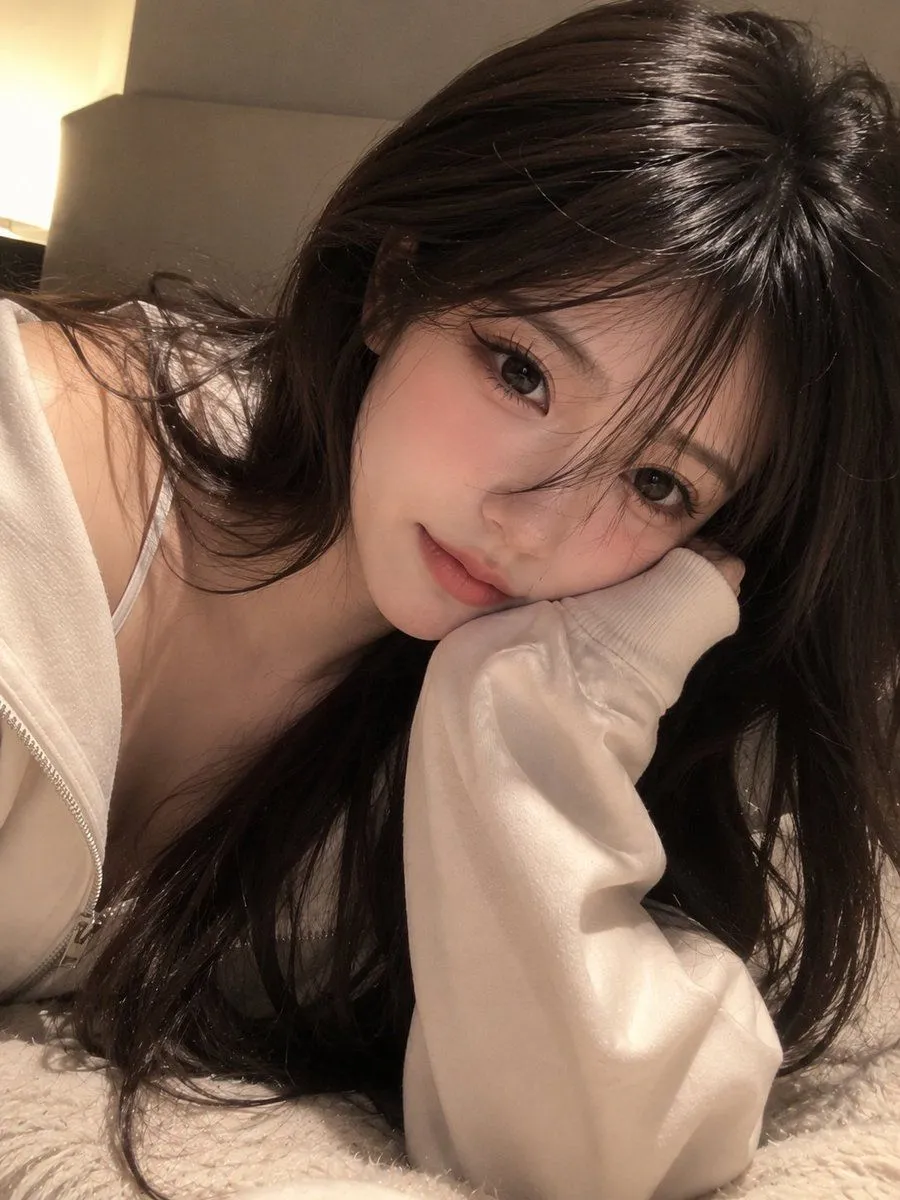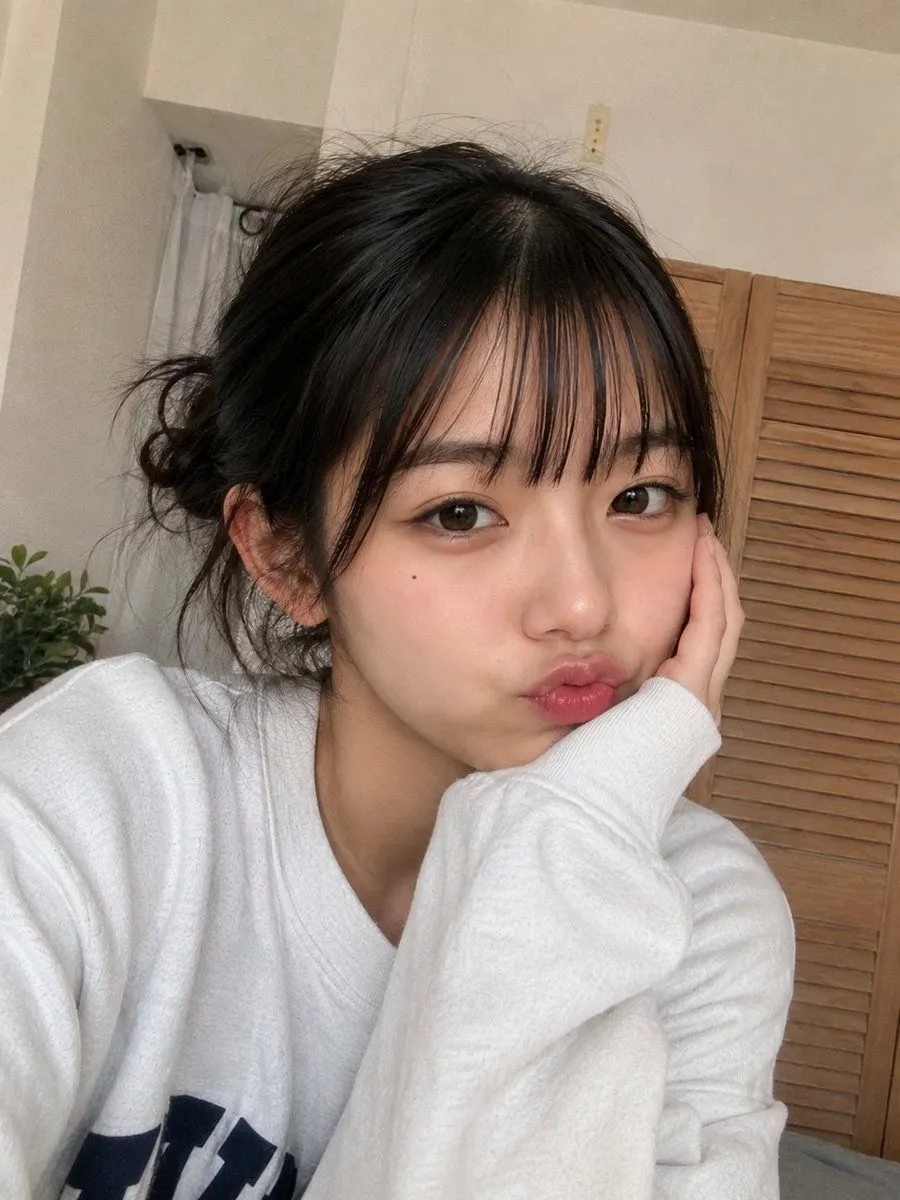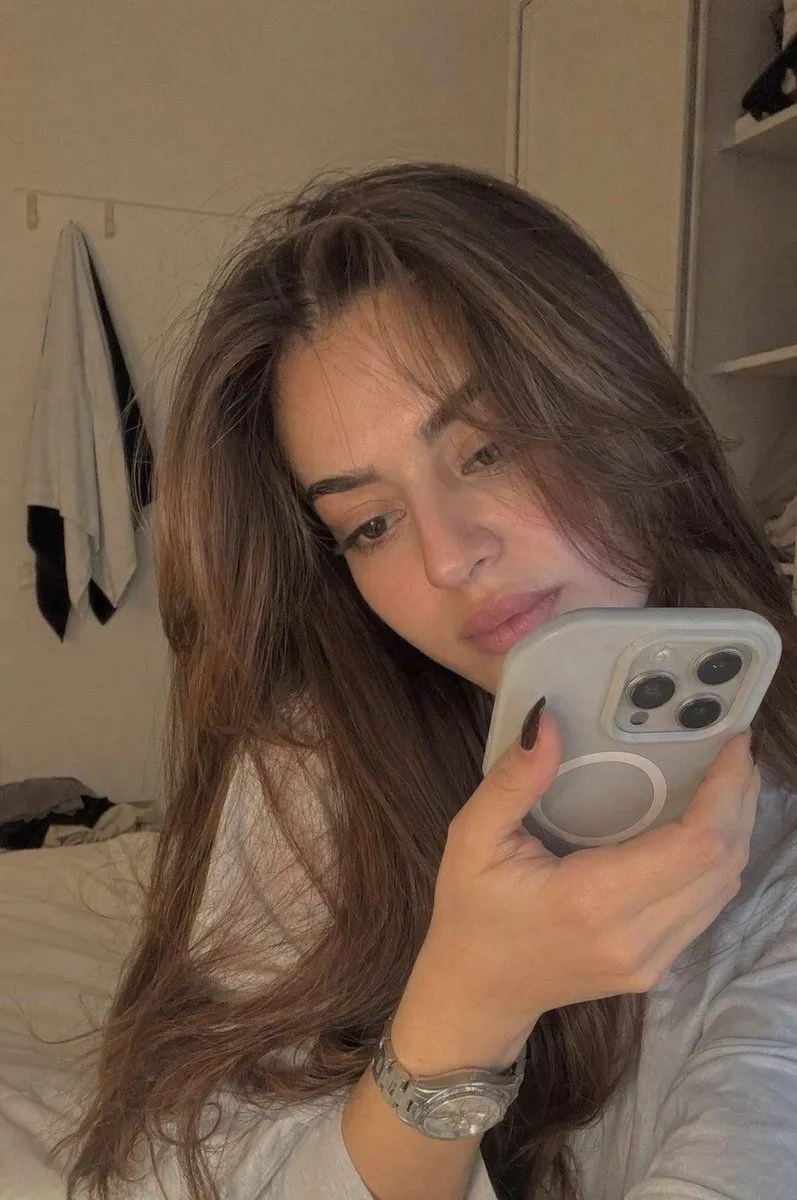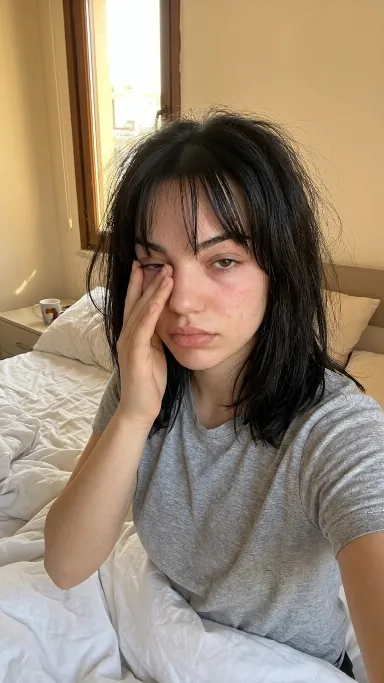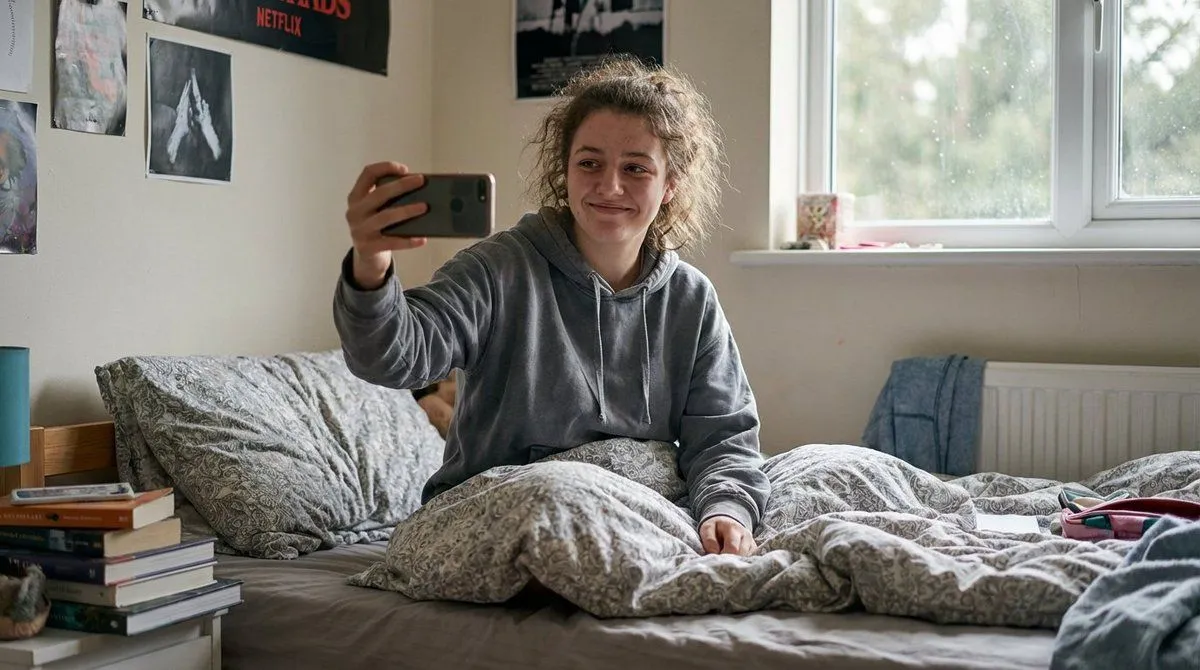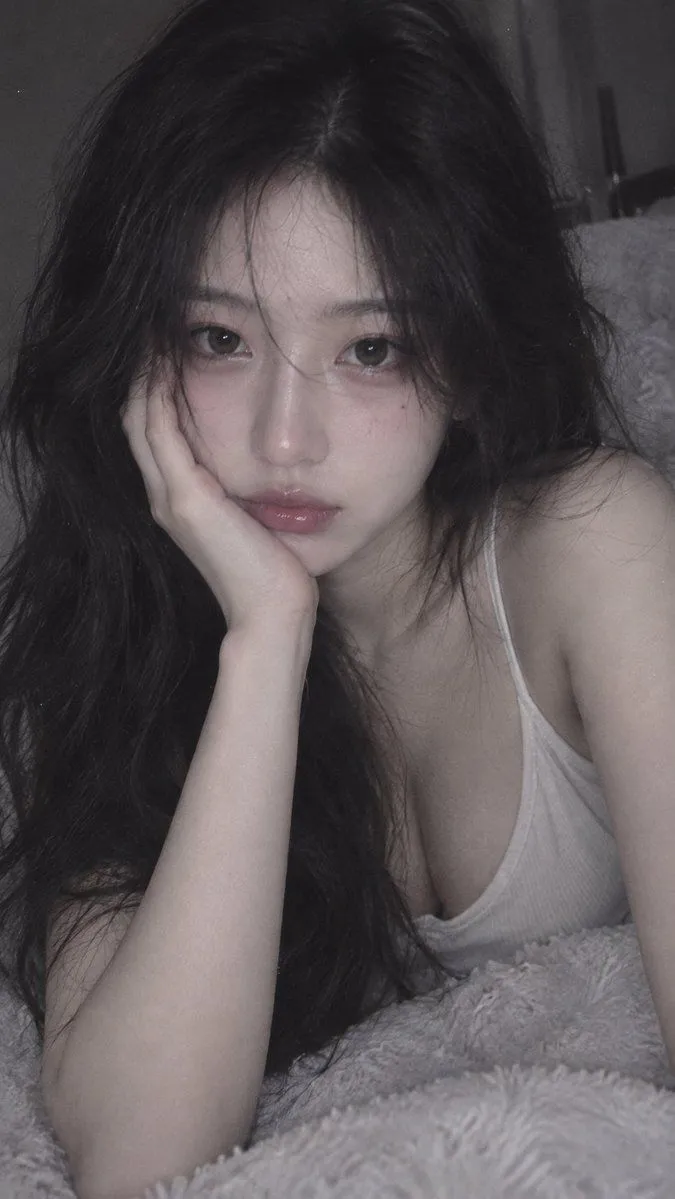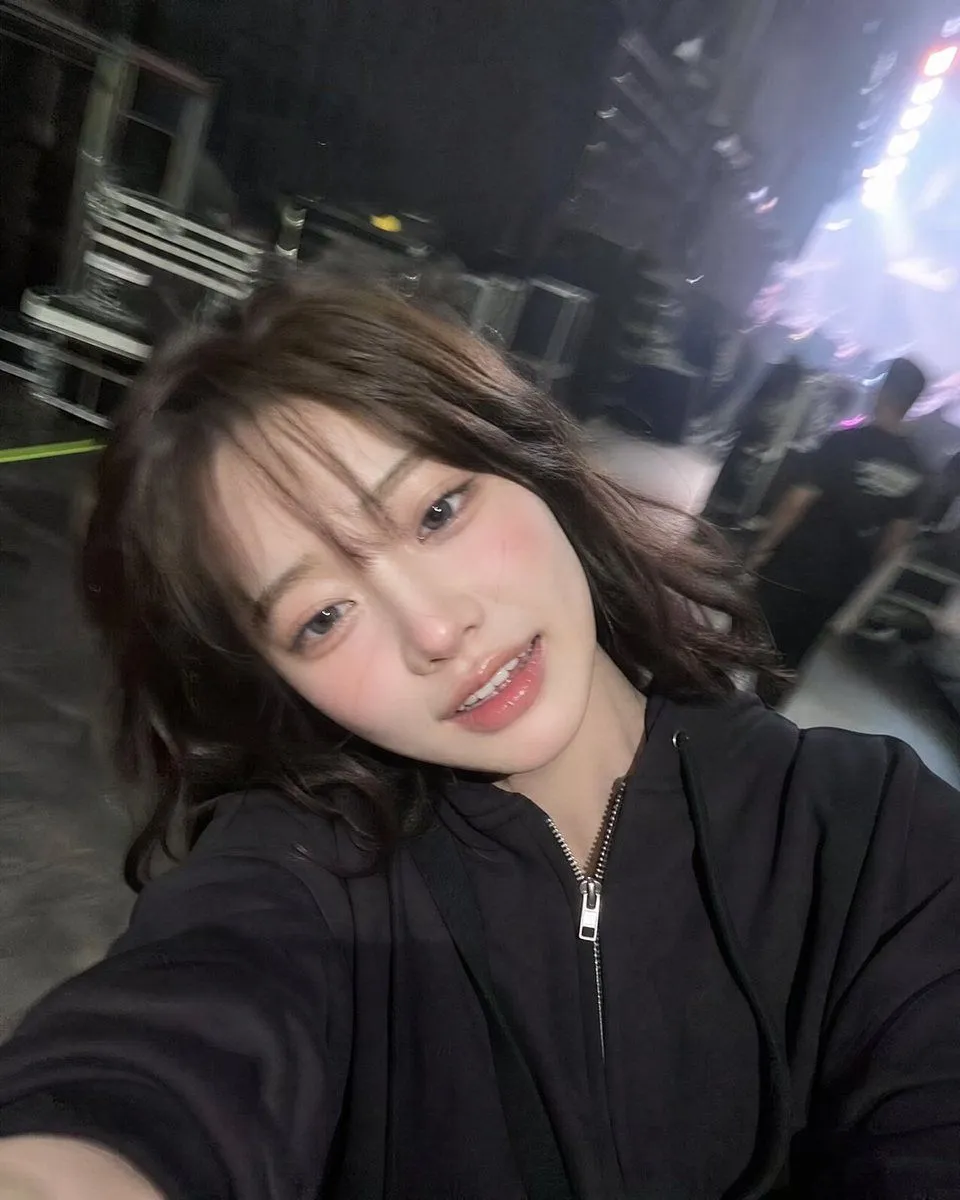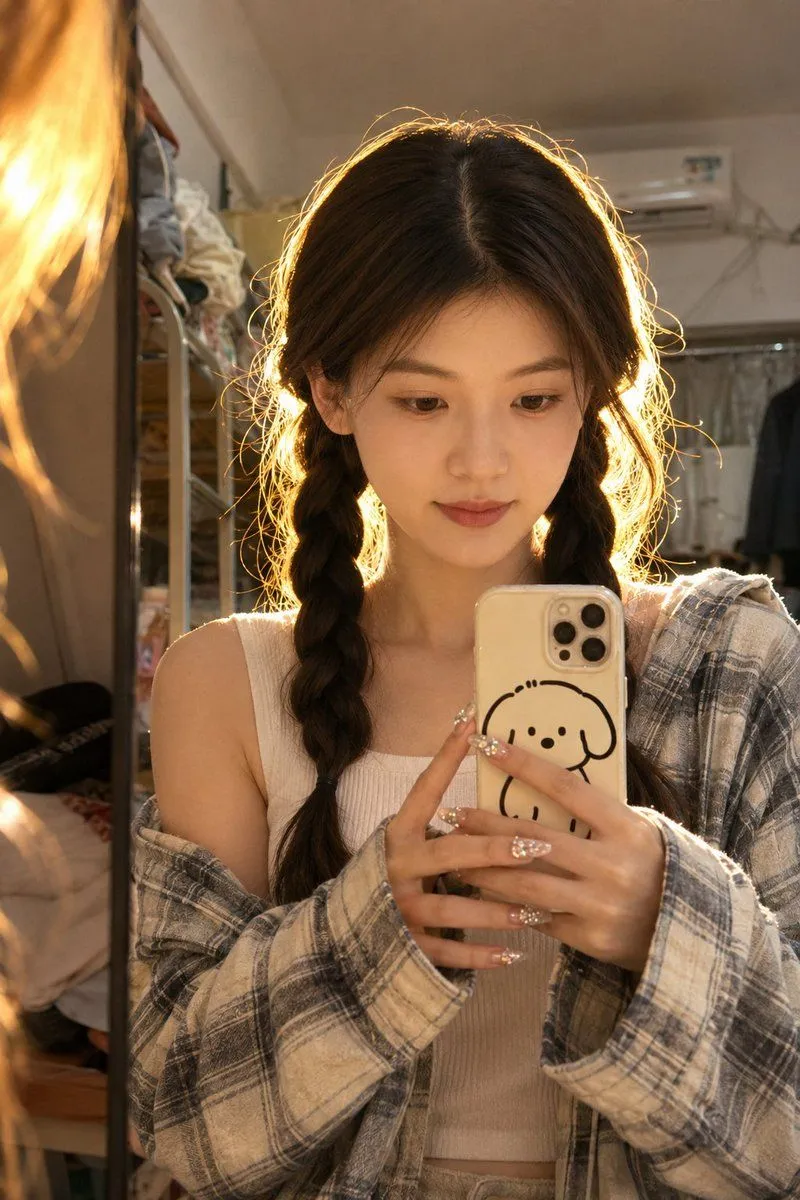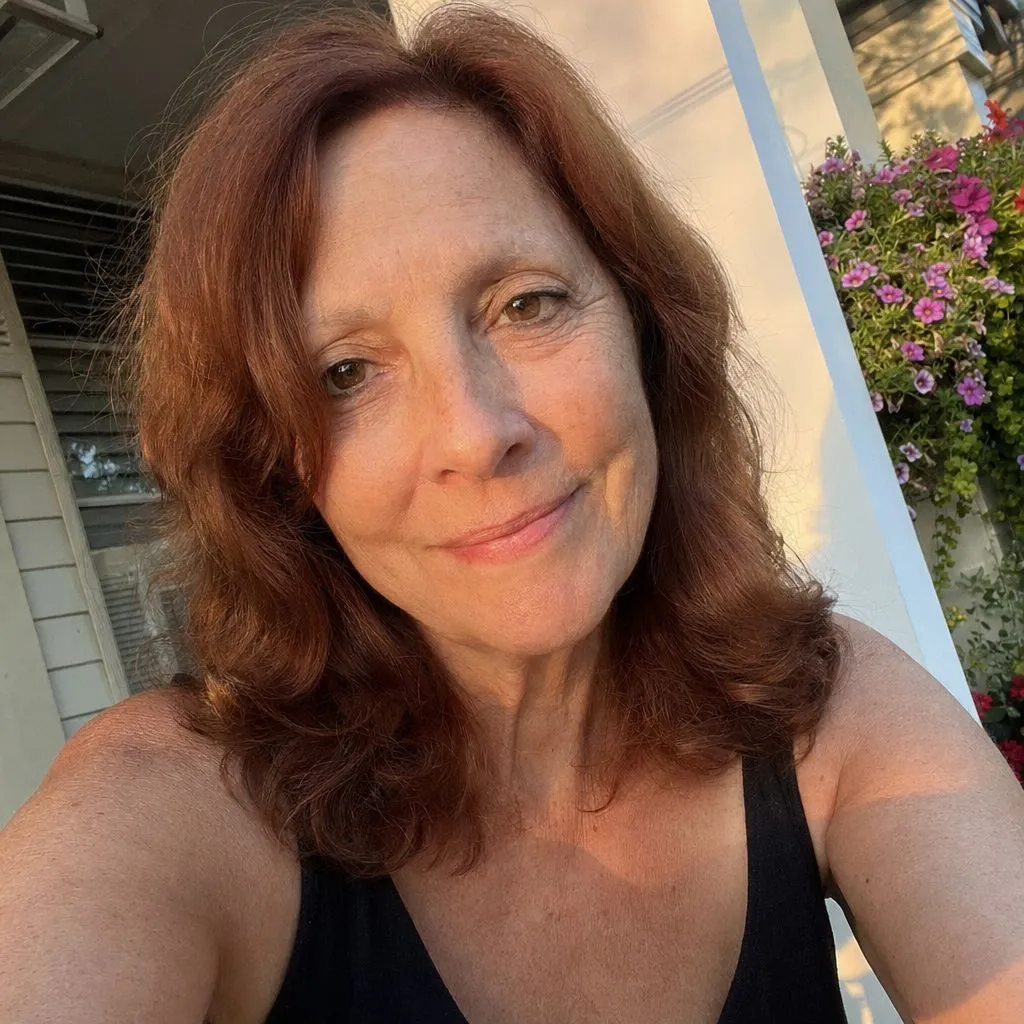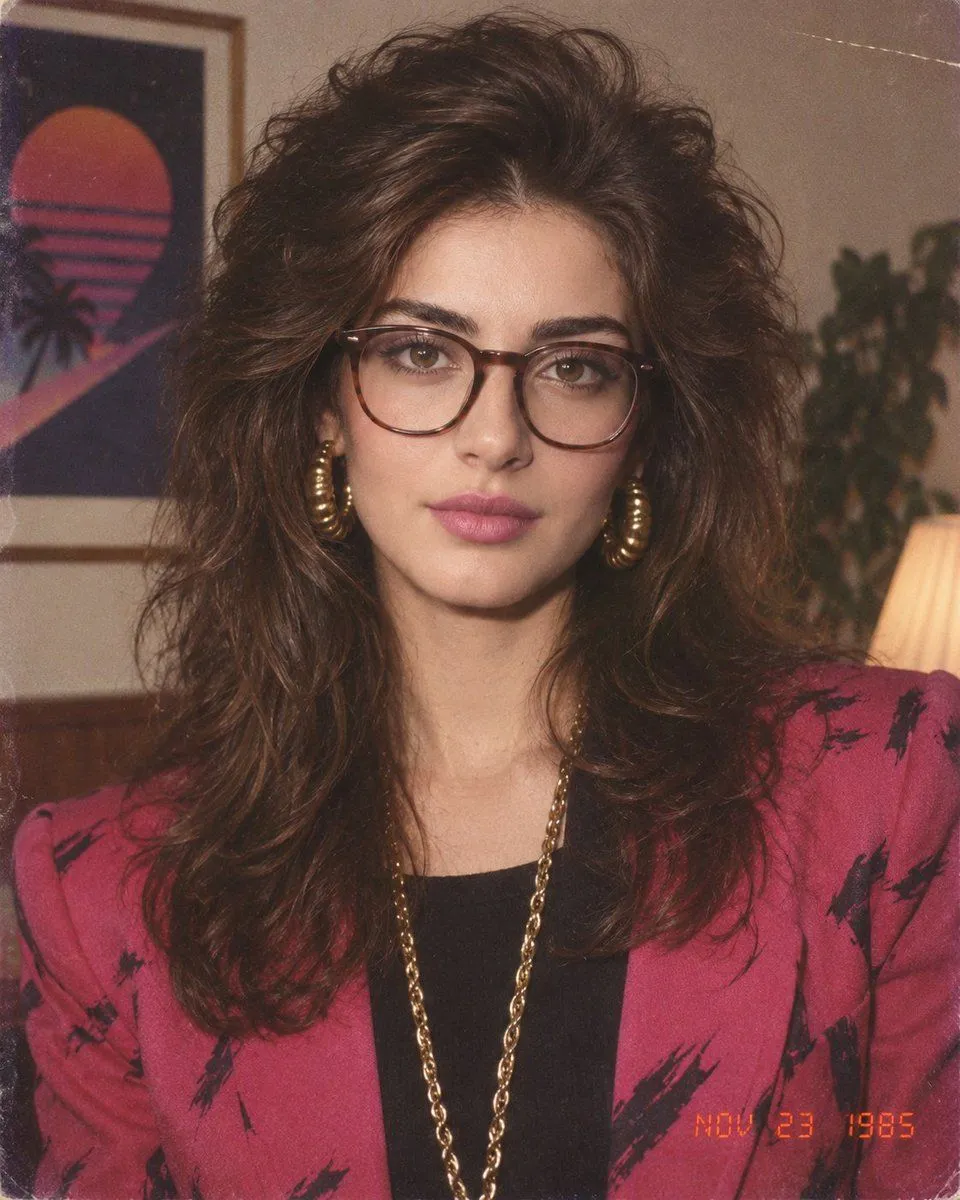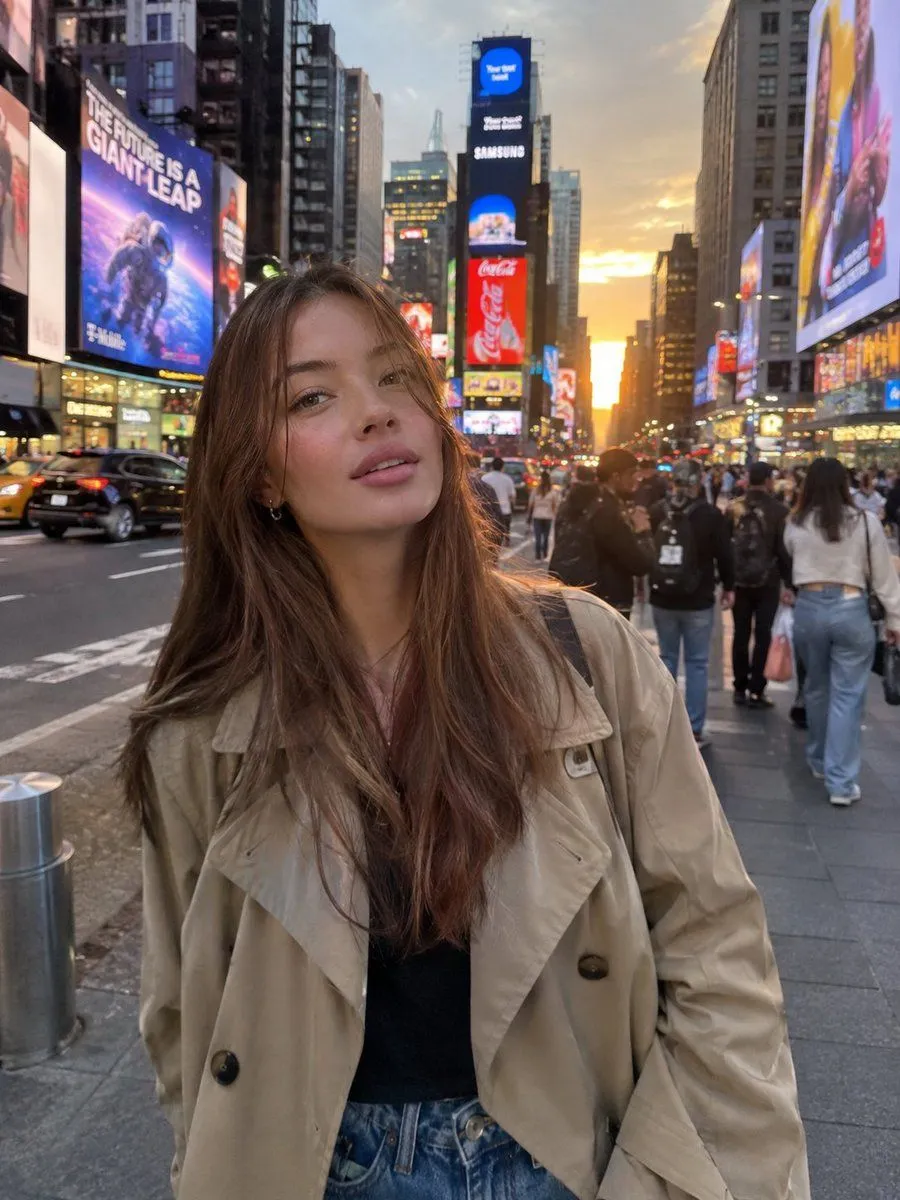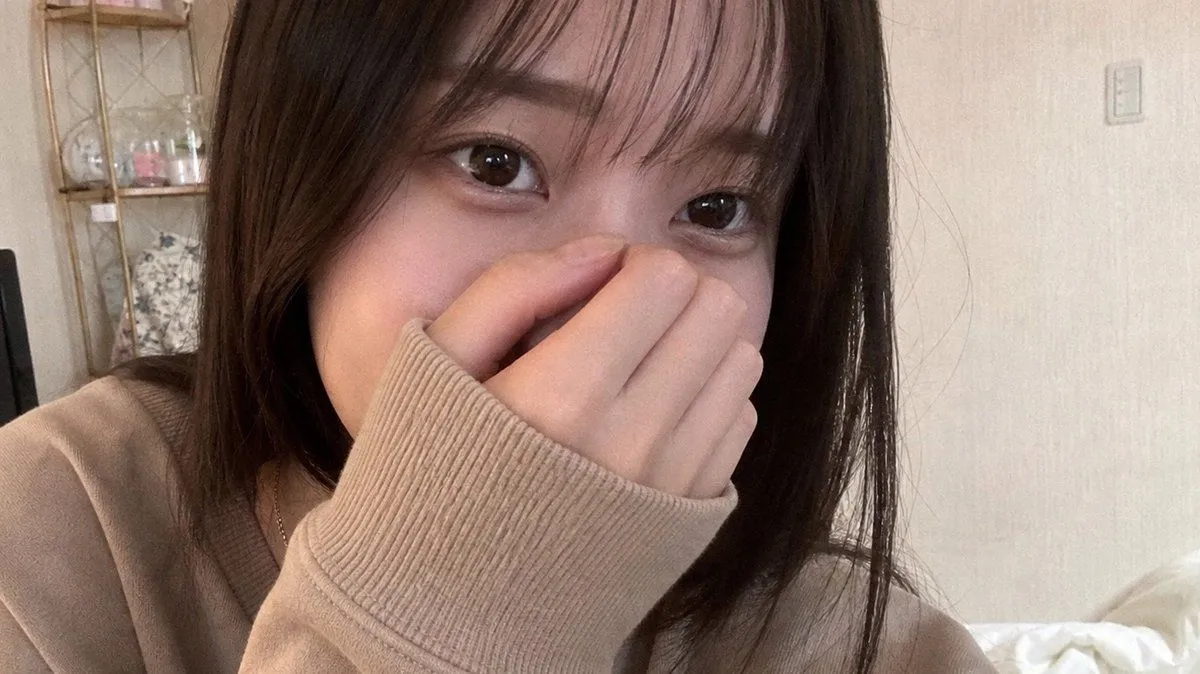
Made with GPT Image 2 in ChatGPT by Library Avatars. Promptclay never generates images.
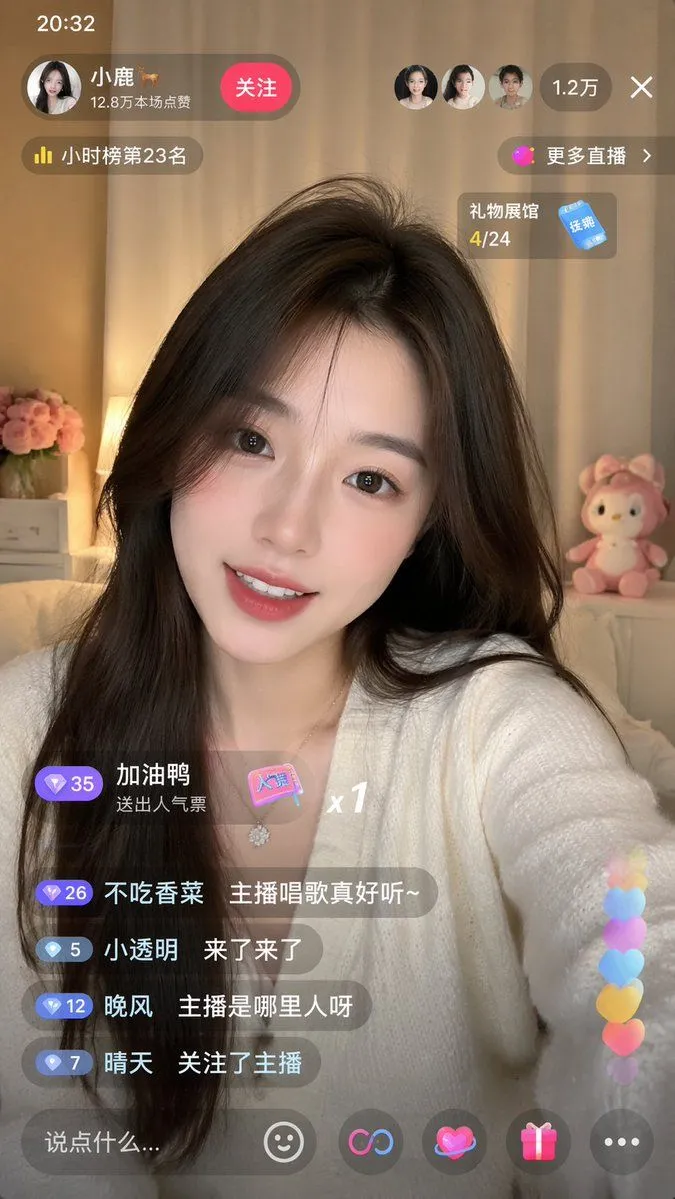
Realistic Shy Bedroom Selfie
Prompt
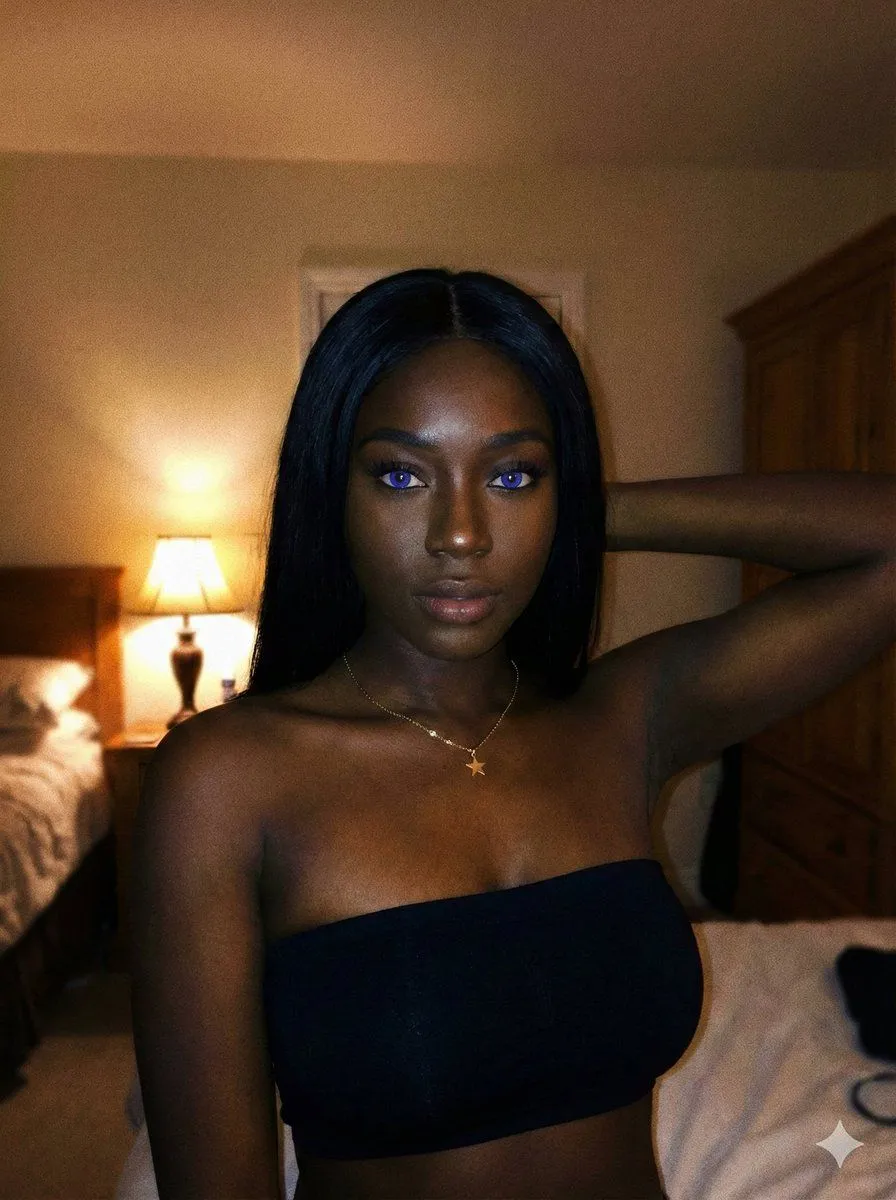
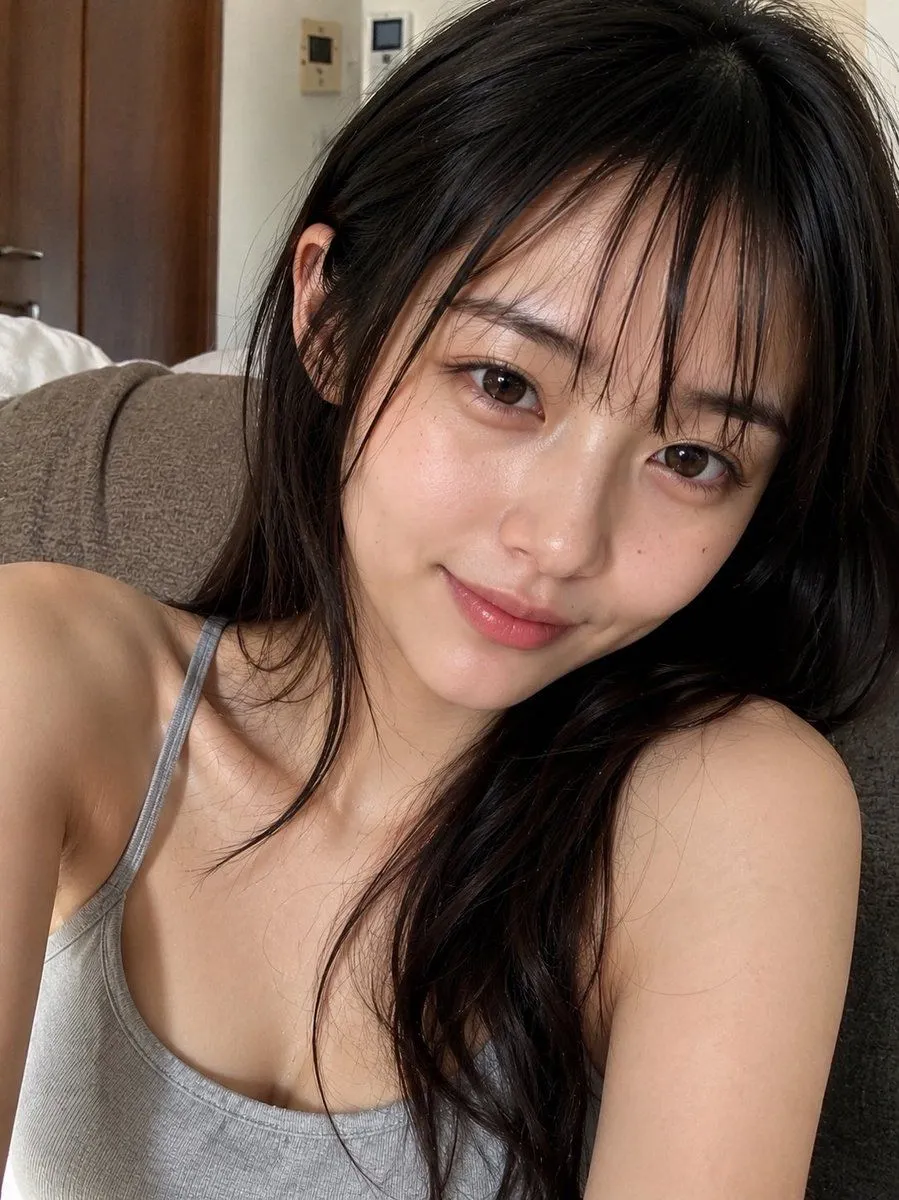
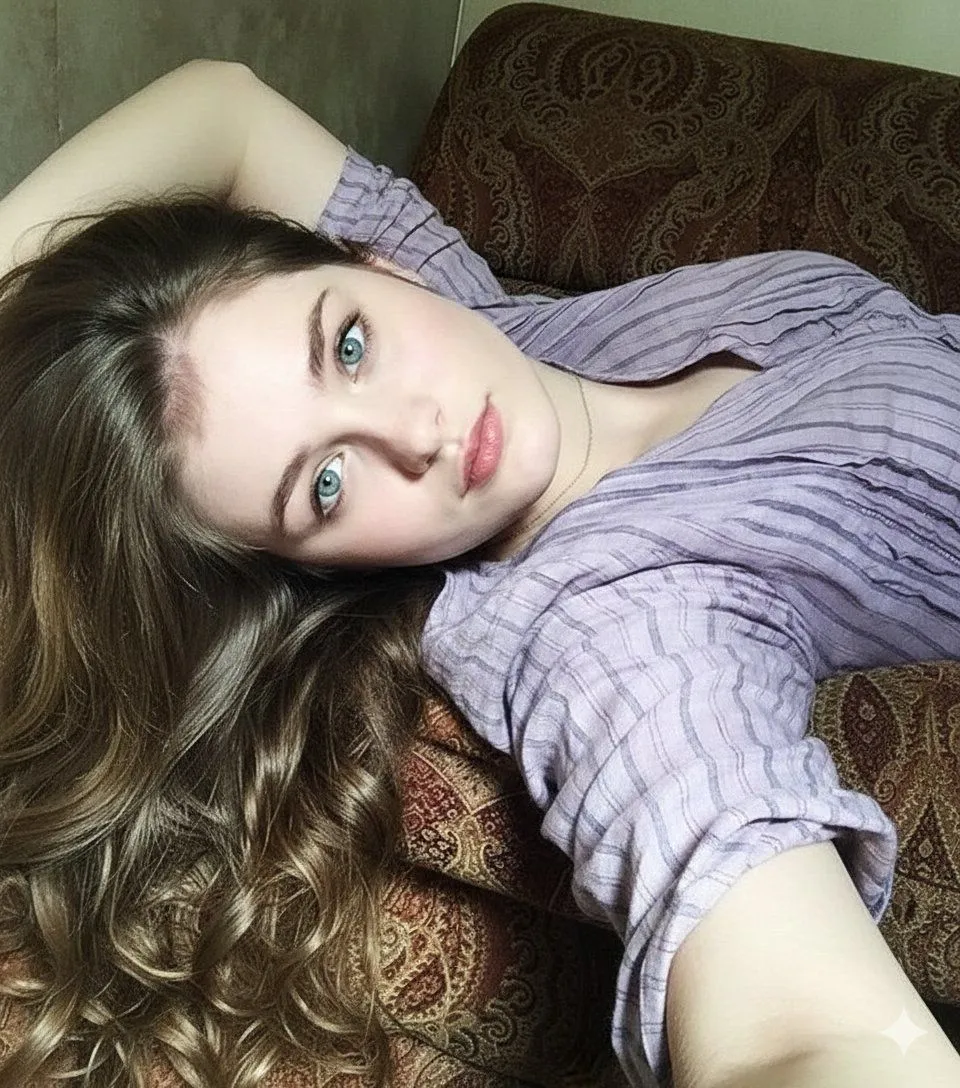
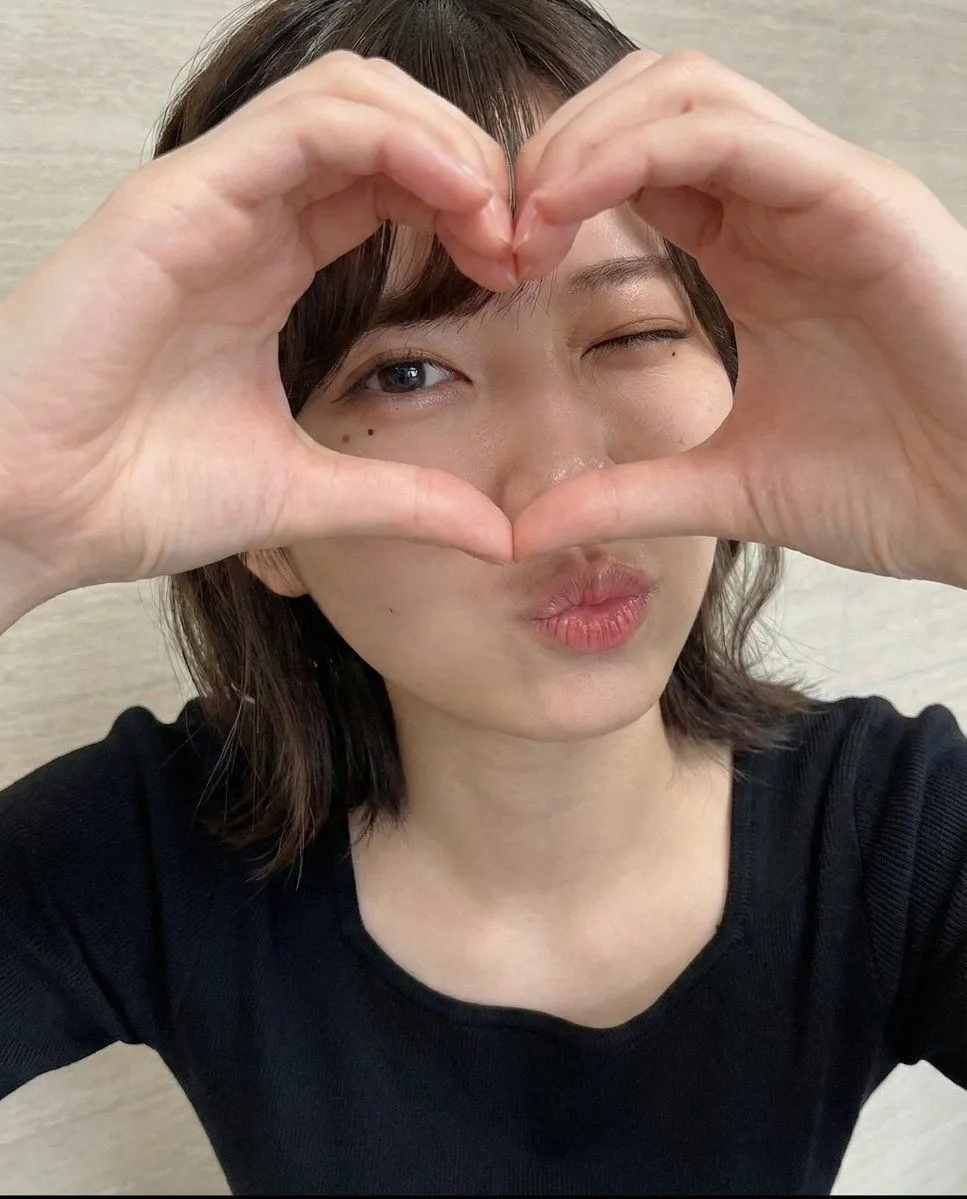
3 blanks to fillCreate an ultra-realistic casual smartphone selfie of a {subject} indoors, framed in a close-up horizontal 16:9 composition. She has {hair_style}, large glossy brown eyes, soft natural makeup, and smooth skin. She is leaning very close to the camera with a shy playful expression, looking directly into the lens while covering the lower half of her face and nose with one hand, the long ribbed cuff of her oversized {sweater_color} sweater pulled over part of her hand. Use warm dim bedroom lighting, realistic phone-camera optics, slight wide-angle distortion, subtle noise, natural skin texture, and shallow depth of field. Background details: a cream textured wall, a small light switch on the right, white bedding at the lower right, and a narrow shelving unit on the left holding glassware and small pink items. Make it look like an authentic unedited personal selfie, not a studio portrait, with no text, no watermark, and no artificial glamour lighting.
Preview of your prompt
Create an ultra-realistic casual smartphone selfie of a young adult East Asian woman indoors, framed in a close-up horizontal 16:9 composition. She has straight dark brown shoulder-length hair with wispy bangs, large glossy brown eyes, soft natural makeup, and smooth skin. She is leaning very close to the camera with a shy playful expression, looking directly into the lens while covering the lower half of her face and nose with one hand, the long ribbed cuff of her oversized beige sweater pulled over part of her hand. Use warm dim bedroom lighting, realistic phone-camera optics, slight wide-angle distortion, subtle noise, natural skin texture, and shallow depth of field. Background details: a cream textured wall, a small light switch on the right, white bedding at the lower right, and a narrow shelving unit on the left holding glassware and small pink items. Make it look like an authentic unedited personal selfie, not a studio portrait, with no text, no watermark, and no artificial glamour lighting.
DetailsVersions, settings and questions
Written for
What's in the prompt
- Subject
- Model
- GPT Image 2
If your face changes
keep my face exactly the sameQuestions
- Does this work in the ChatGPT app?
- Yes. Paste the prompt and attach your photo if it uses one.
- It changed my face. What do I do?
- Add "keep my face exactly the same" to the end and run it again.
- Can I use the images I make?
- Check the terms of the app you use. Promptclay never generates images and claims nothing you make.
Did it work?
No reports yet. Tell others if it worked for you.