Tell us anything

An idea, a bug, something you love. We read every note.

⌘↵ to send. The page you're on comes along.

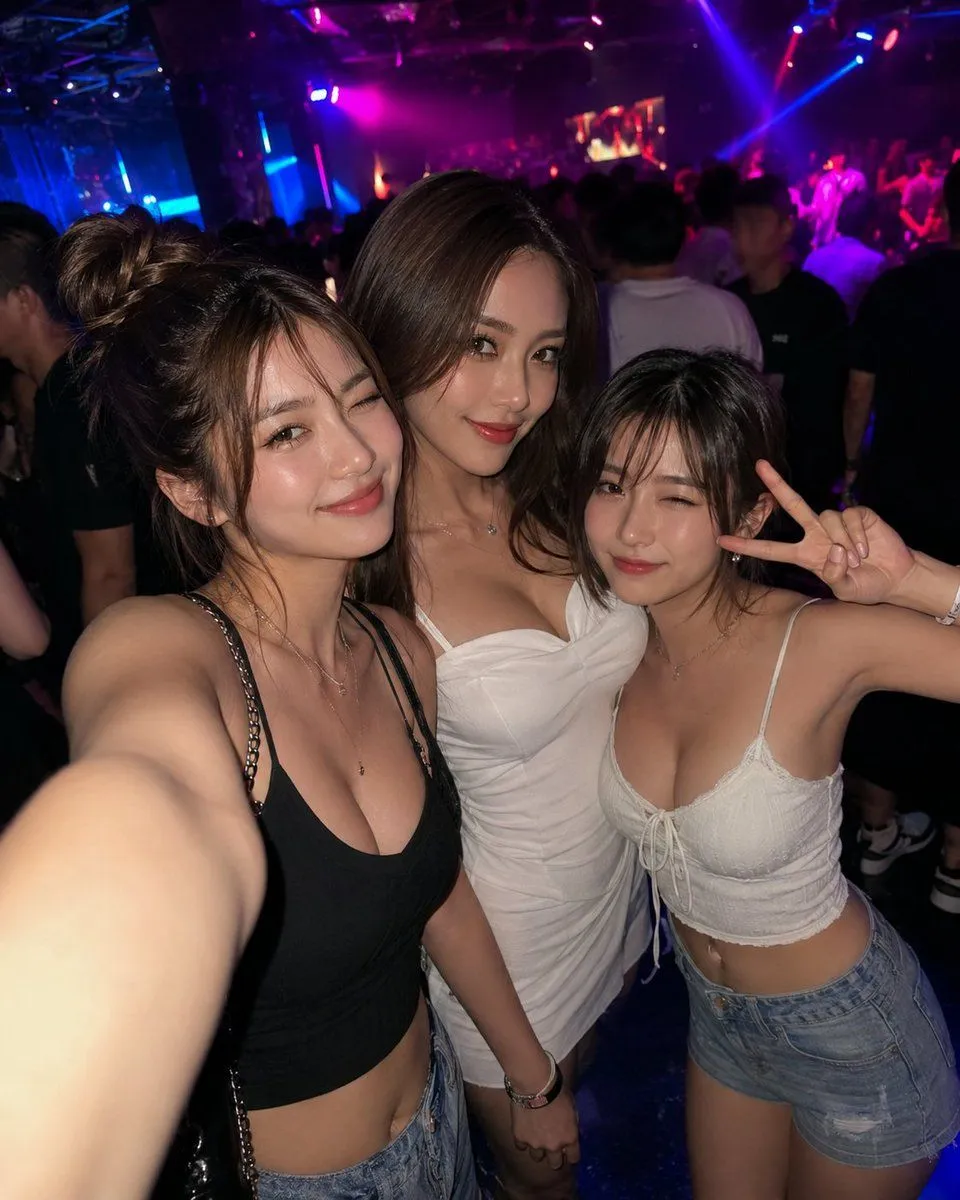
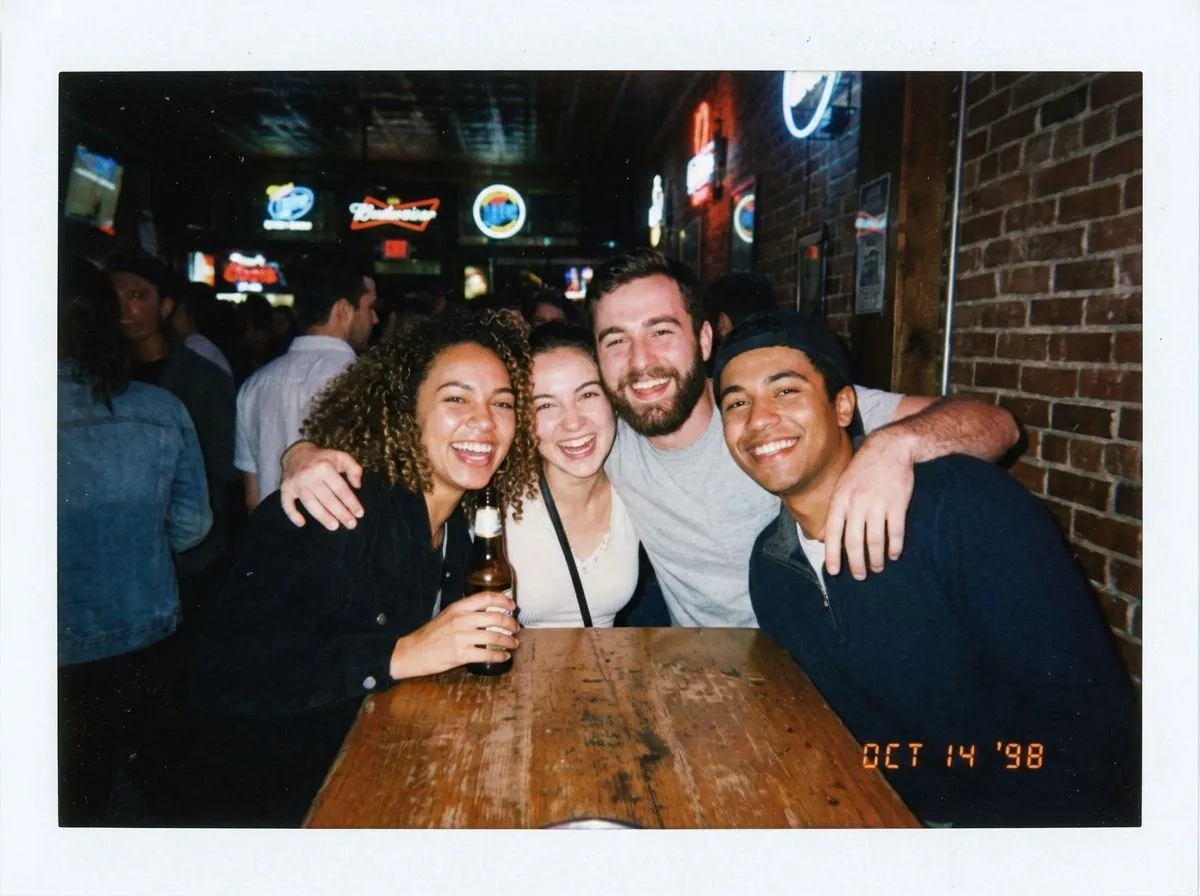
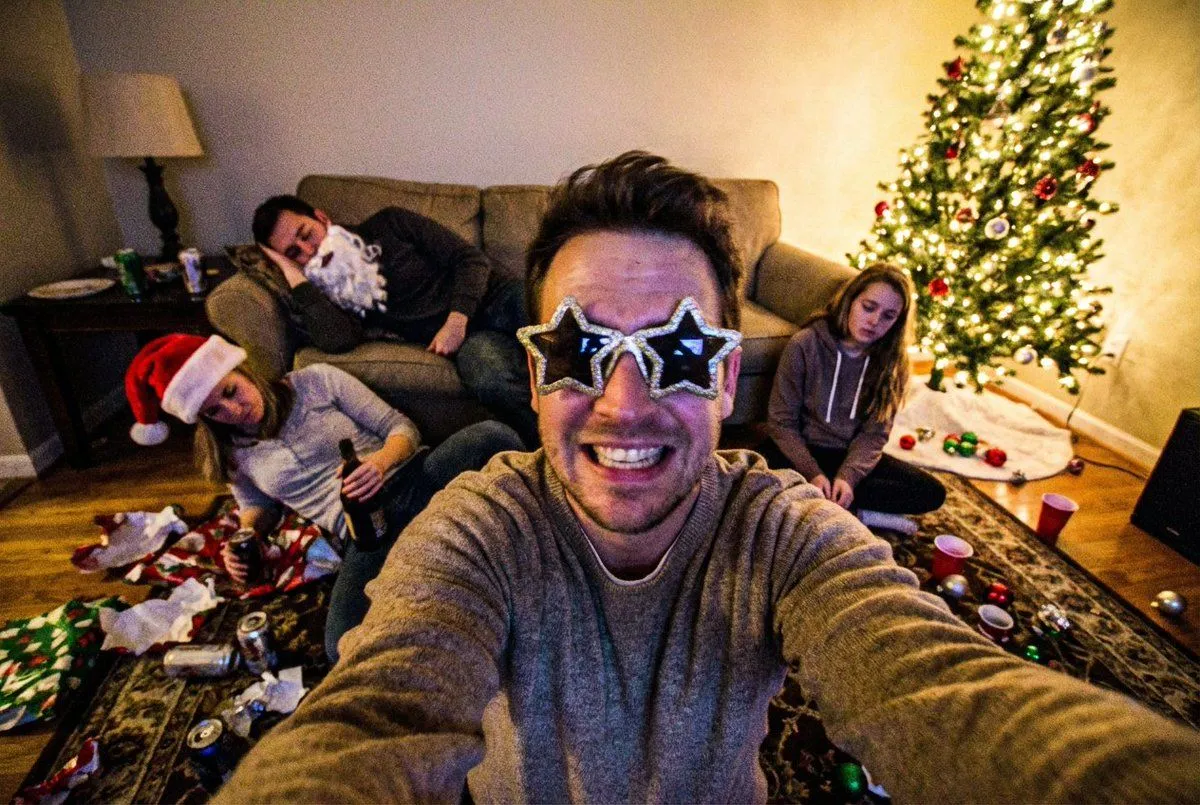
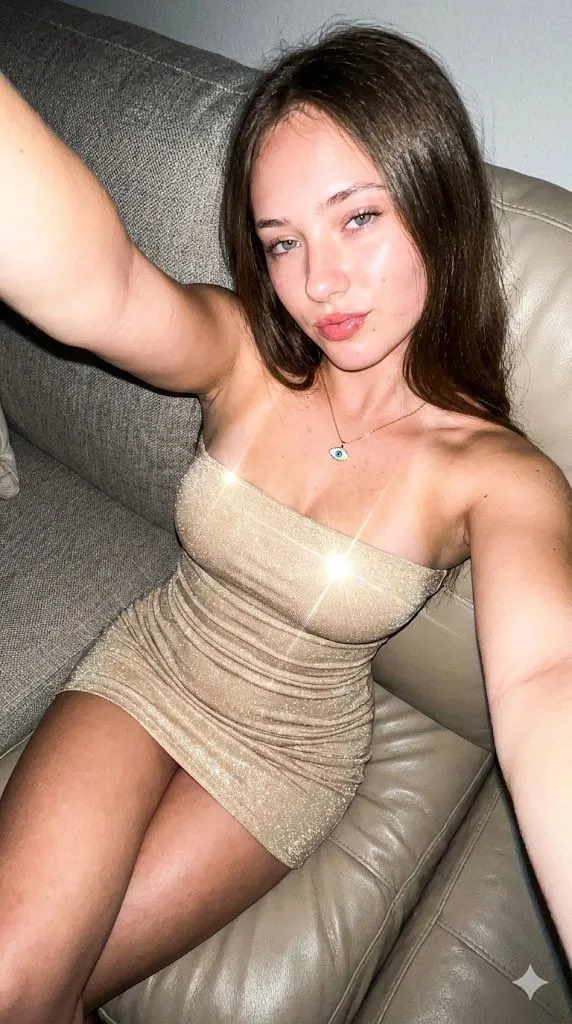
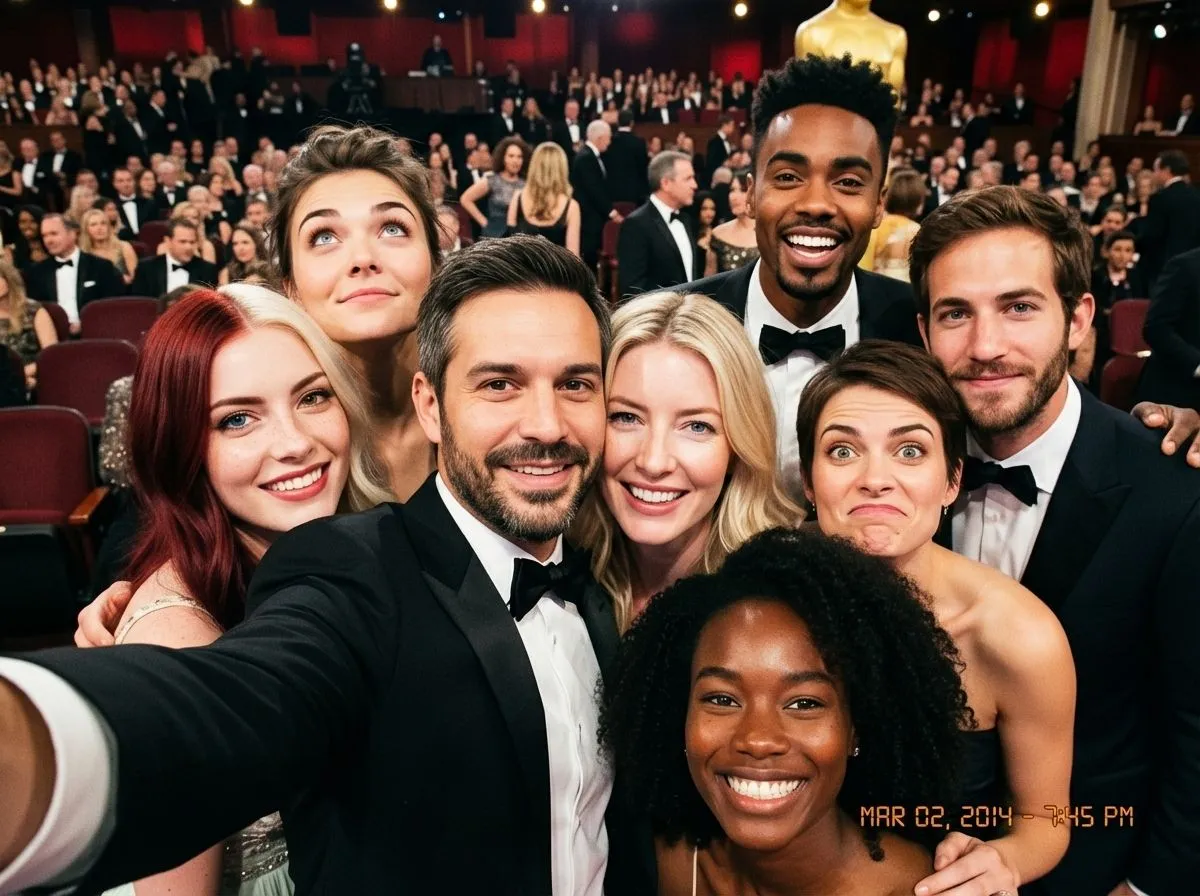
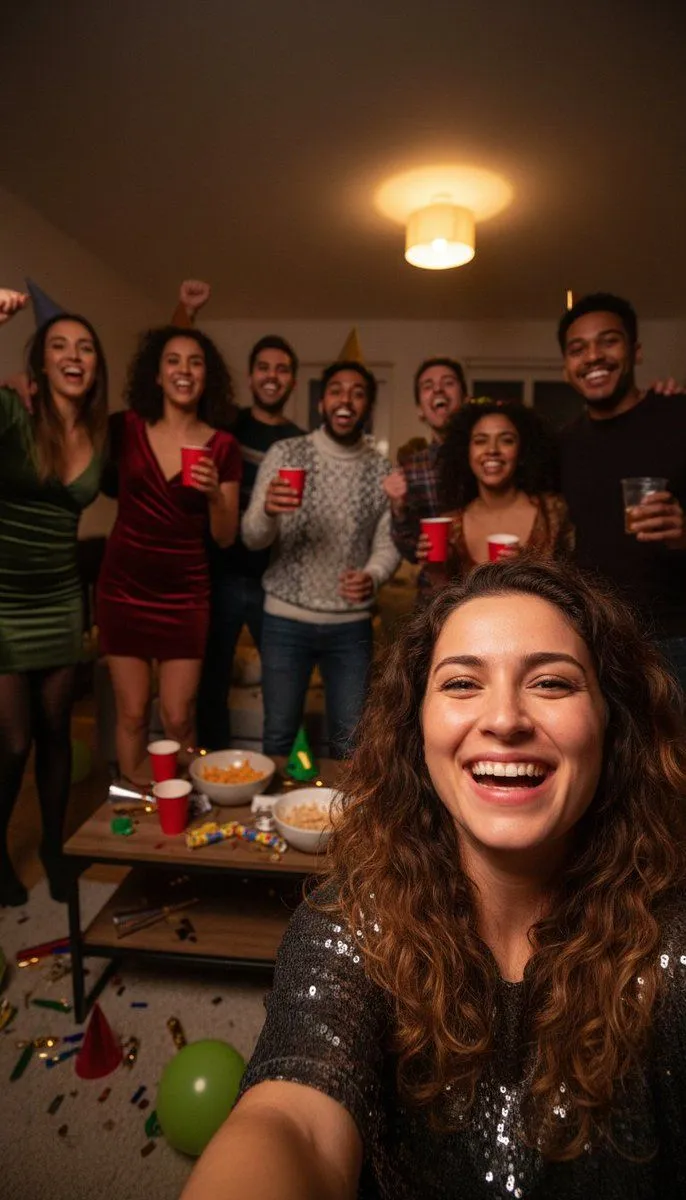
Realistic Group Selfie with Smartphone Flash Effect

Made with Nano Banana Pro in Gemini, collected by Library Social. Promptclay never generates images.

Did it work?

No reports yet. Tell others if it worked for you.

No comments yet. Be the first.

    Realistic Group Selfie with Smartphone Flash Effect

    Nano Banana Pro9:16AI-generated

    Prompt

    Group selfie of friends celebrating New Year’s Eve, realistic smartphone photo Wide selfie framing, multiple faces at different distances, closest face slightly larger Smartphone front camera, wide-angle lens, mild barrel distortion Indoor night setting, small living room, background cluttered with party items Materials defined: – skin with natural texture and varied highlights – hair with individual strands and soft reflections – party clothes made of mixed fabrics (cotton, synthetic, slight sheen) – plastic cups crinkled with specular highlights Lighting: single warm ceiling light from above camera-right Exposure: auto exposure prioritizing closest faces Failure mode active: shadow chroma noise visible on faces farther from light Additional pipeline behavior: mild denoise smear in darker areas Natural imperfections allowed: uneven exposure between faces, slight softness at frame edges

    Works in
    Gemini, ChatGPT
    Status
    Free to copy
    0
    DetailsVersions, settings and questions

    Written for

    What's in the prompt

    Subject
    Model
    Nano Banana Pro

    If your face changes

    keep my face exactly the same

    Questions

    Does this work in the Gemini app?
    Yes. Gemini runs Nano Banana, so paste the prompt and attach your photo if it uses one.
    It changed my face. What do I do?
    Add "keep my face exactly the same" to the end and run it again.
    Can I use the images I make?
    Check the terms of the app you use. Promptclay never generates images and claims nothing you make.
    Similar prompts

    See more
    • New Year's Eve Flash Photography Group Portrait
    • High-End E-Commerce Portrait with UI Overlay Prompt
    • Nightclub Group Selfie Transformation
    • Seasonal Korean restaurant menu image
    • Low-Quality Chaotic Christmas After-Party Selfie
    • Raw Wide-Angle Glitter Dress Selfie
    • Ultra-realistic Lifestyle Smartphone Selfie
    • Foot-Held Selfie in Hotel Room
    • Cozy Bedroom Selfie Portrait
    • Cozy Late-Night Bedroom Selfie
    • Cinematic Suburban Chase Scene
    • Oscars selfie as a character-select game screen
    • Vibrant Pop Art Party Scene
    • Red Hair Garden Portrait
    • Cinematic Liquid Splash Portrait
    • Early 2000s Rom-Com Movie Poster
    • Imagination Coming to Life
    • Man with Zootopia Characters in Alpine Cable Car
    • Multi-Angle Scene Generation Prompt (Oshi no Ko Style)
    • RPG Status Screen Overlay
    • Hand-Carved Wooden Miniature Figure
    • Human Fragments Editorial Poster
    • Nano Banana Pro Thumbnail Generation Example
    • Stylized Wicker Caricature Figurine

    Show more

    Run it on your phone

    1. Prompt copiedRead it

      Group selfie of friends celebrating New Year’s Eve, realistic smartphone photo Wide selfie framing, multiple faces at different distances, closest face slightly larger Smartphone front camera, wide-angle lens, mild barrel distortion Indoor night setting, small living room, background cluttered with party items Materials defined: – skin with natural texture and varied highlights – hair with individual strands and soft reflections – party clothes made of mixed fabrics (cotton, synthetic, slight sheen) – plastic cups crinkled with specular highlights Lighting: single warm ceiling light from above camera-right Exposure: auto exposure prioritizing closest faces Failure mode active: shadow chroma noise visible on faces farther from light Additional pipeline behavior: mild denoise smear in darker areas Natural imperfections allowed: uneven exposure between faces, slight softness at frame edges

    2. Open your app

    3. Paste and run

      Press and hold the message box, then tap Paste. Add your photo first if the prompt uses one. You may need to sign in.

    Realistic Group Selfie with Smartphone Flash Effect