Tell us anything

An idea, a bug, something you love. We read every note.

⌘↵ to send. The page you're on comes along.

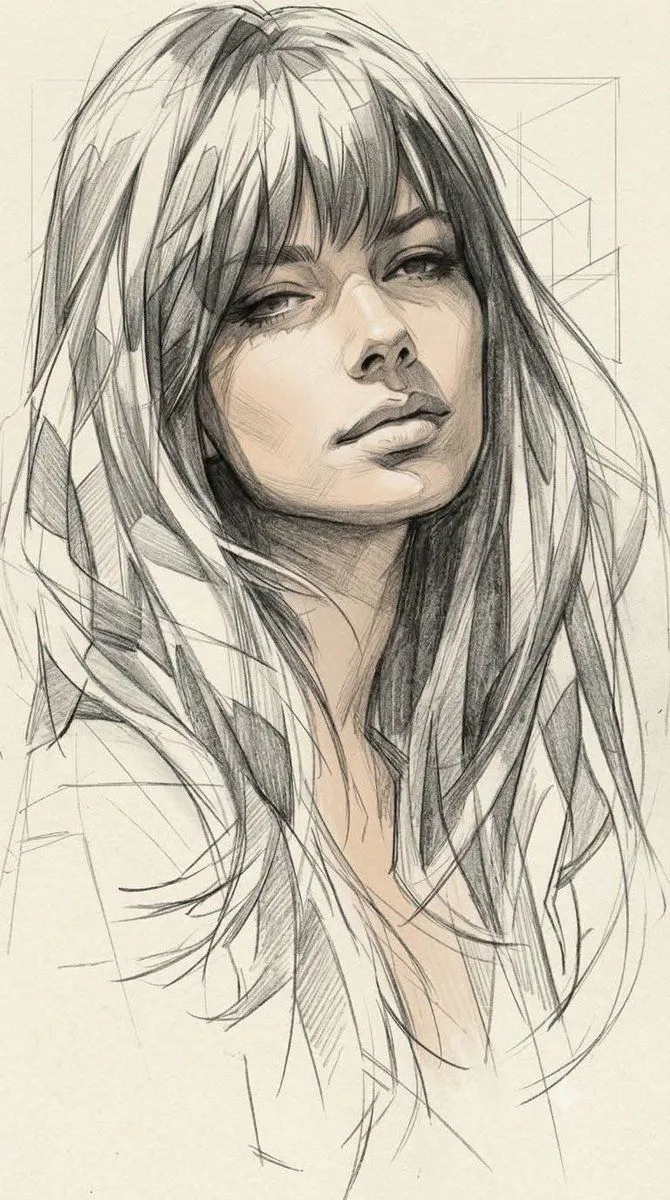
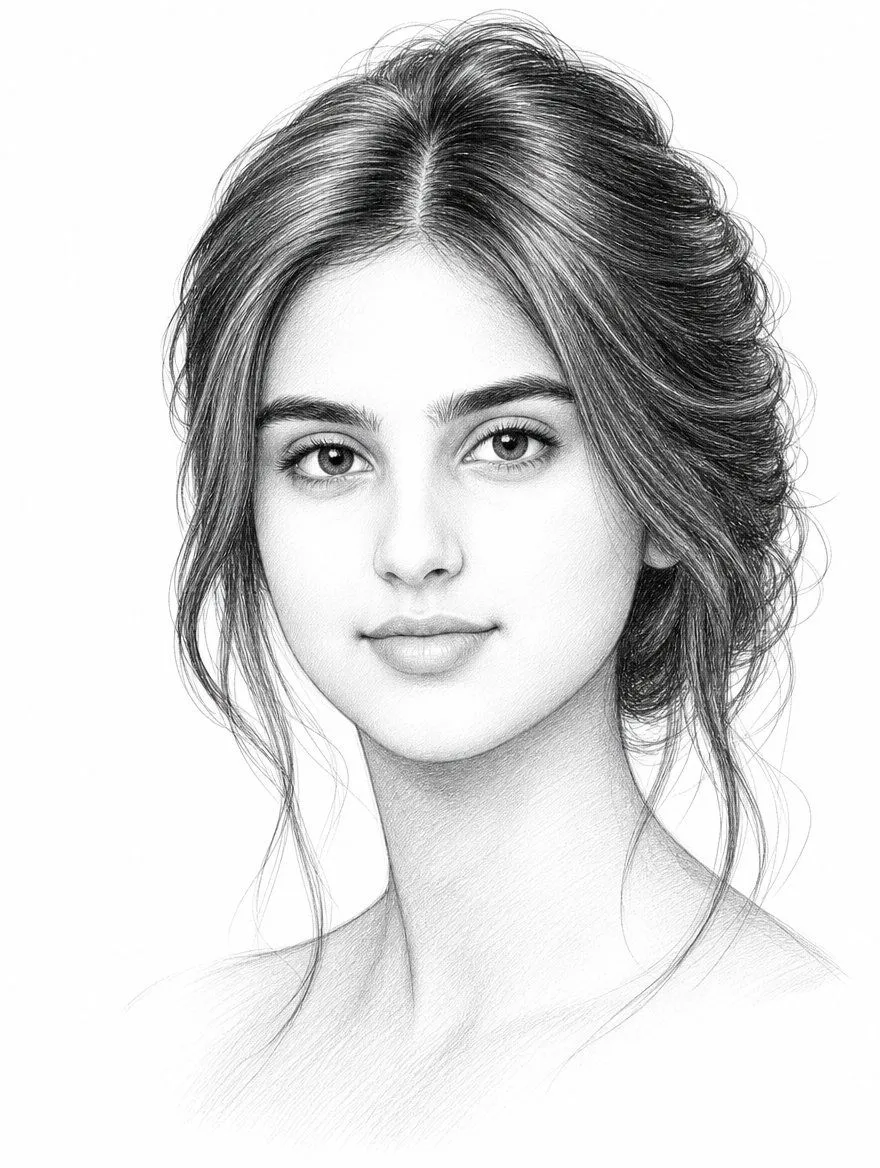
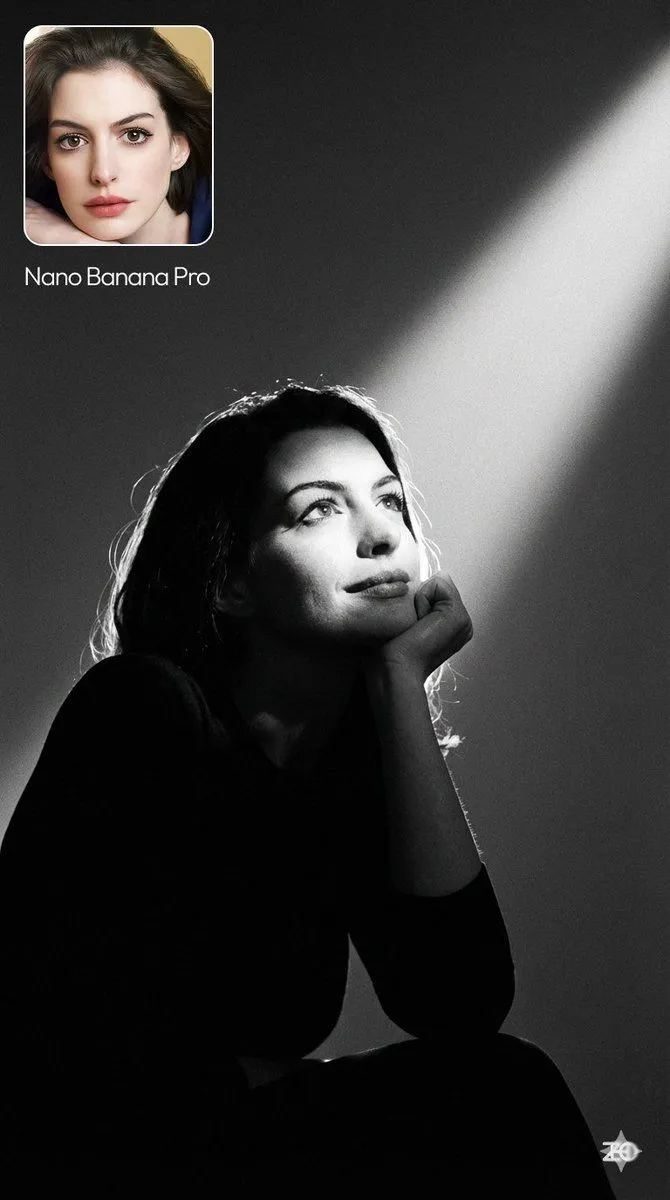
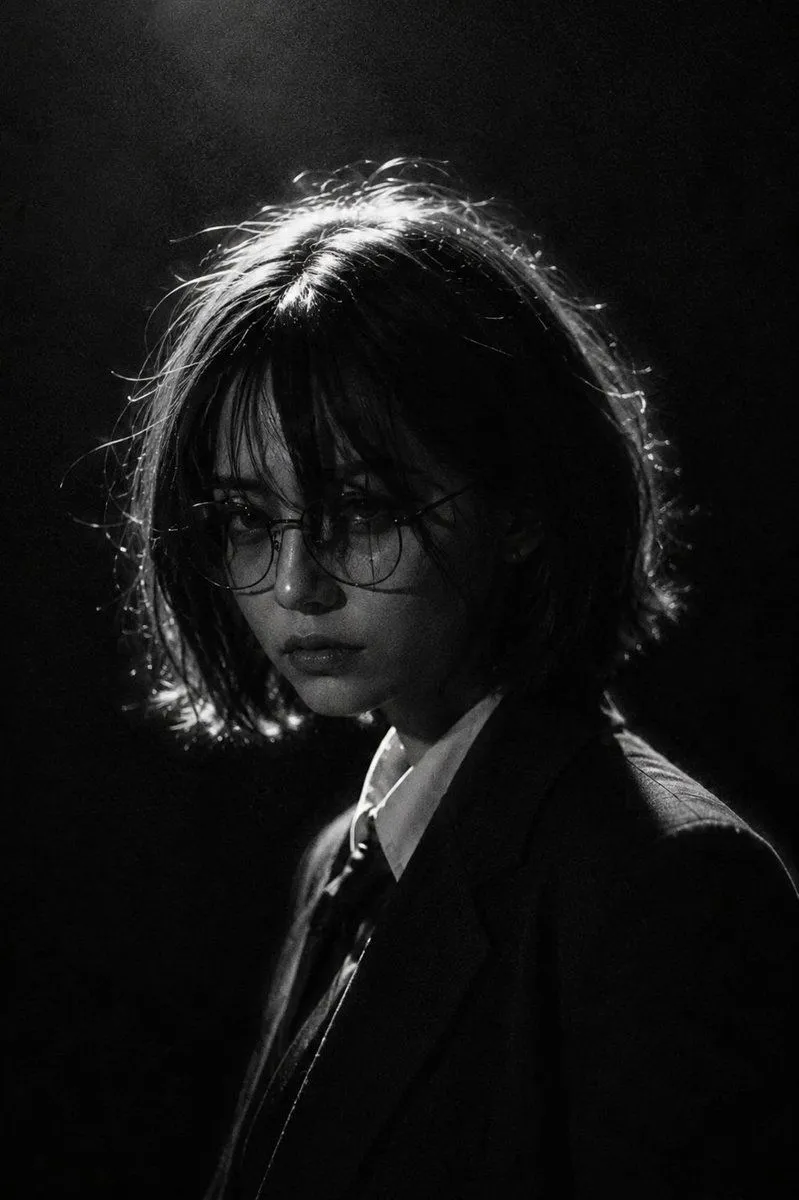
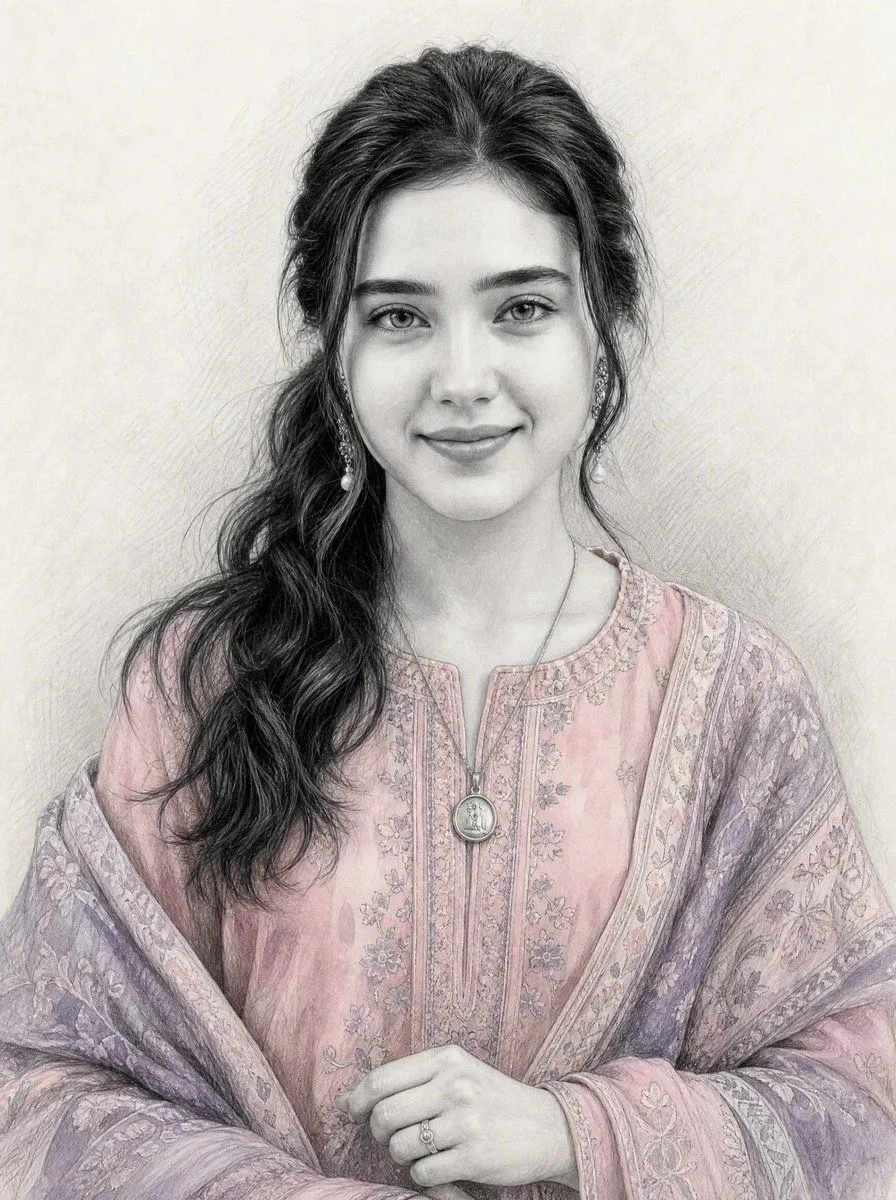
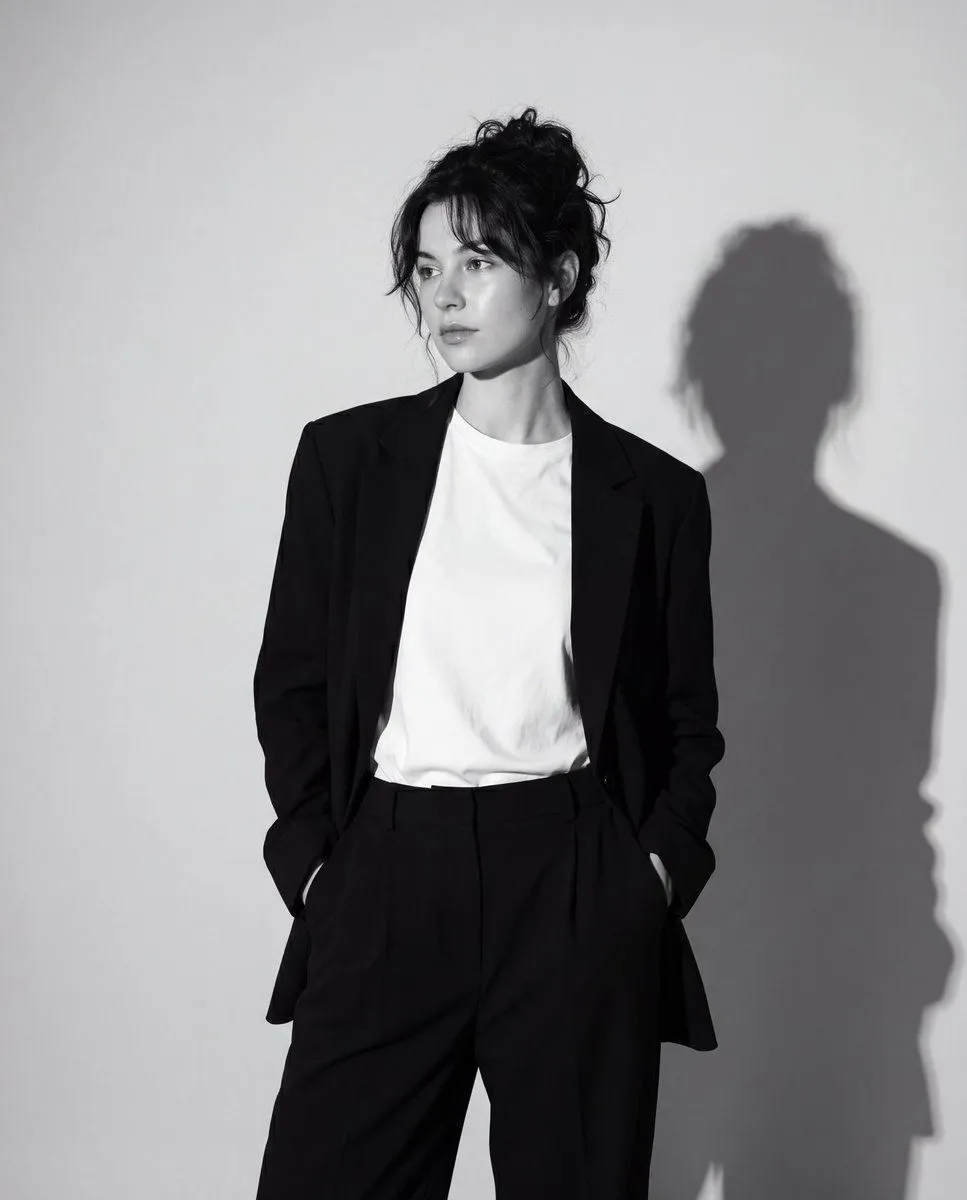
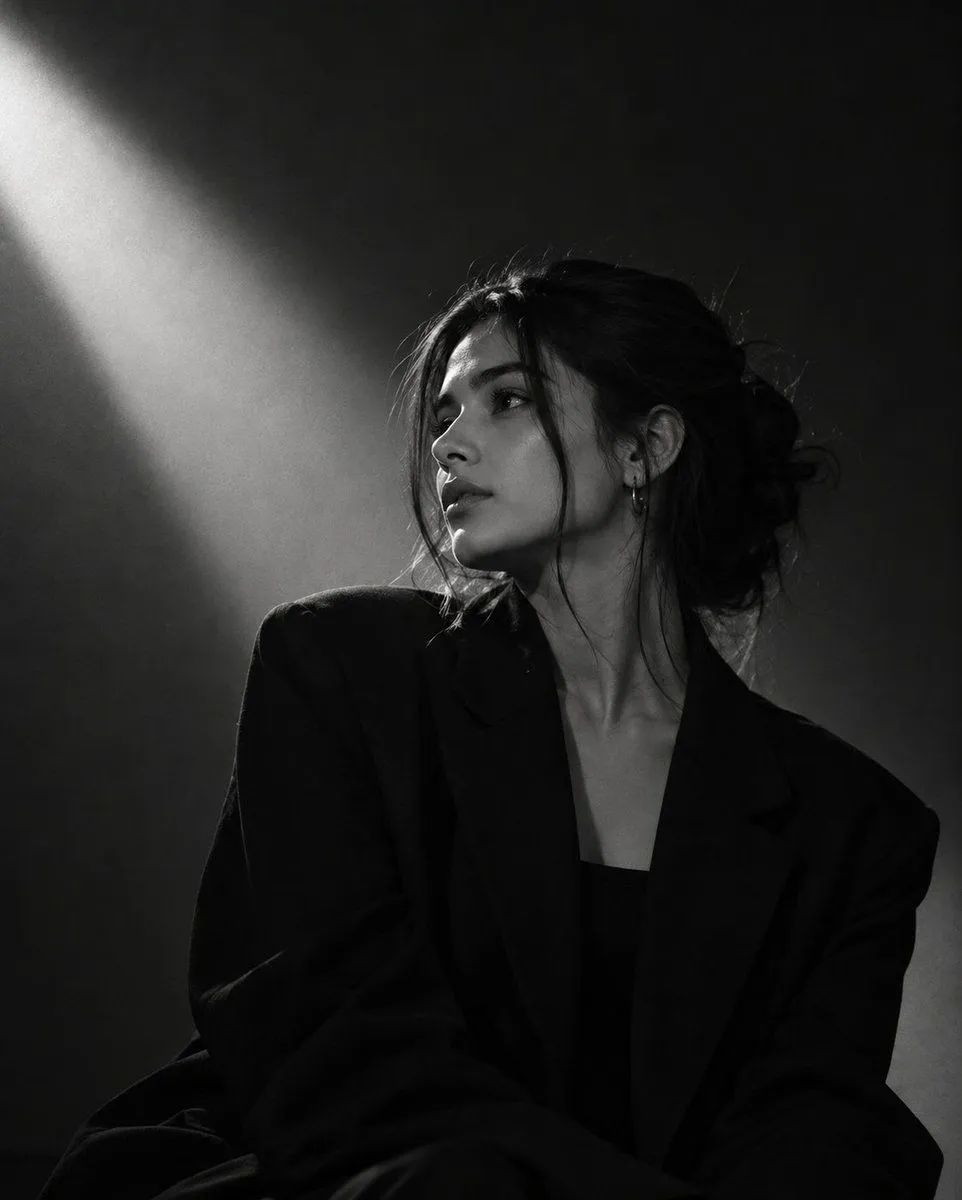
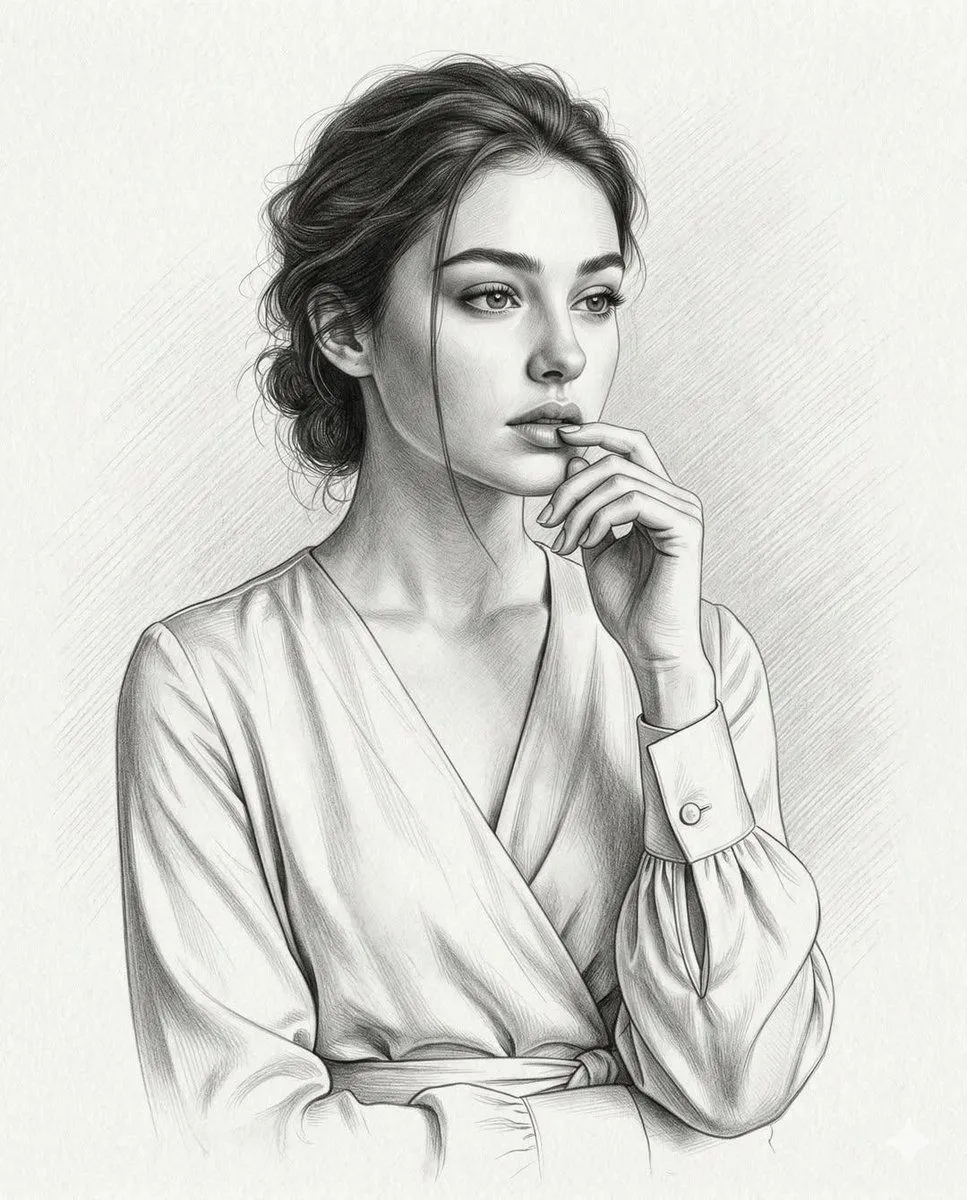
Realistic Graphite Pencil Portrait

Made with GPT Image 2.5 in ChatGPT by Library Avatars. Promptclay never generates images.

Did it work?

No reports yet. Tell others if it worked for you.

No comments yet. Be the first.

    Realistic Graphite Pencil Portrait

    GPT Image 2.54:5Needs your photoAI-generated

    Prompt

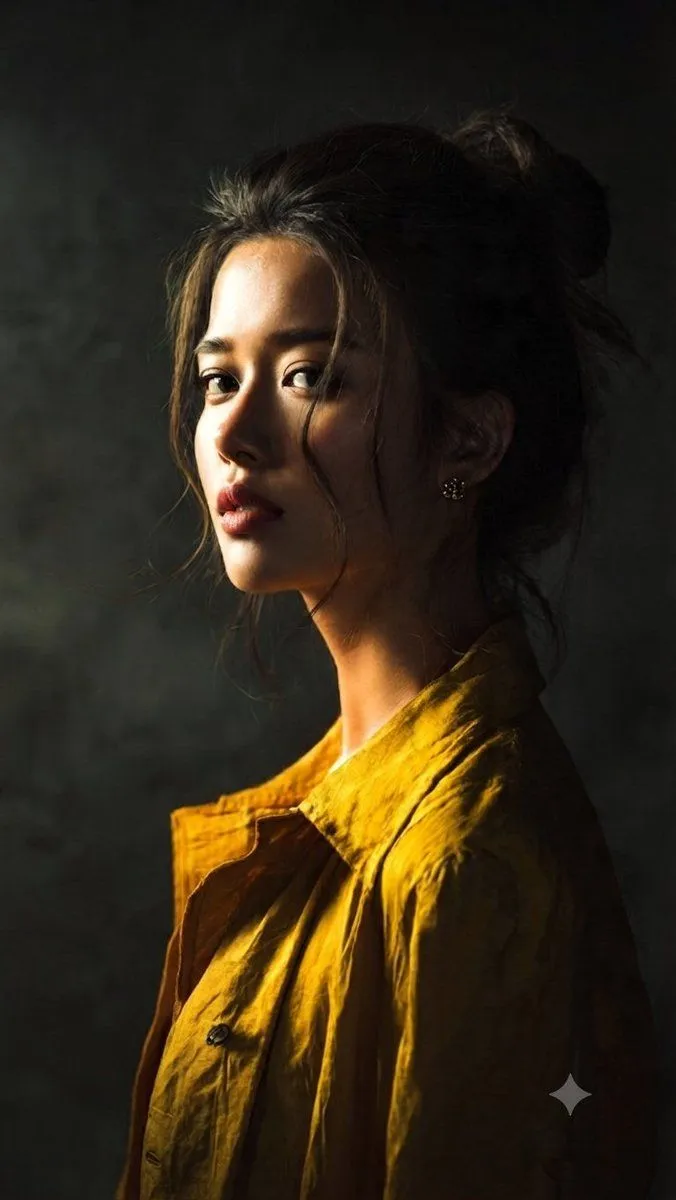
    Transform the uploaded photo into a highly realistic hand-drawn graphite pencil portrait while preserving the exact identity, facial features, expression, hairstyle, pose, clothing, and composition. Recreate the dramatic black-and-white noir lighting with high contrast, deep shadows, and soft highlights on the face. Render the image as a professional charcoal or graphite drawing with visible pencil texture, smooth shading transitions, and an artistic focus on the subject's gaze.

    Use only photos you have the right to usePhoto tips
    • Your photo stays with your app. You upload it to Gemini, ChatGPT or the app you use. Promptclay never sees or stores it.
    • Crop to what the prompt needs. Your face for a portrait. Leave out other people, house numbers, cards and screens.
    • Check the result before you post. Apps sometimes add things that were not in your photo, like a mole, a tattoo or bare shoulders. Run it again or ask the app to remove them.
    Works in
    ChatGPT, Gemini
    Status
    Free to copy
    0
    DetailsVersions, settings and questions

    Written for

    What's in the prompt

    Subject
    Model
    GPT Image 2.5

    If your face changes

    keep my face exactly the same

    Questions

    Does this work in the ChatGPT app?
    Yes. Paste the prompt and attach your photo if it uses one.
    It changed my face. What do I do?
    Add "keep my face exactly the same" to the end and run it again.
    Can I use the images I make?
    Check the terms of the app you use. Promptclay never generates images and claims nothing you make.

    Similar prompts

    See more
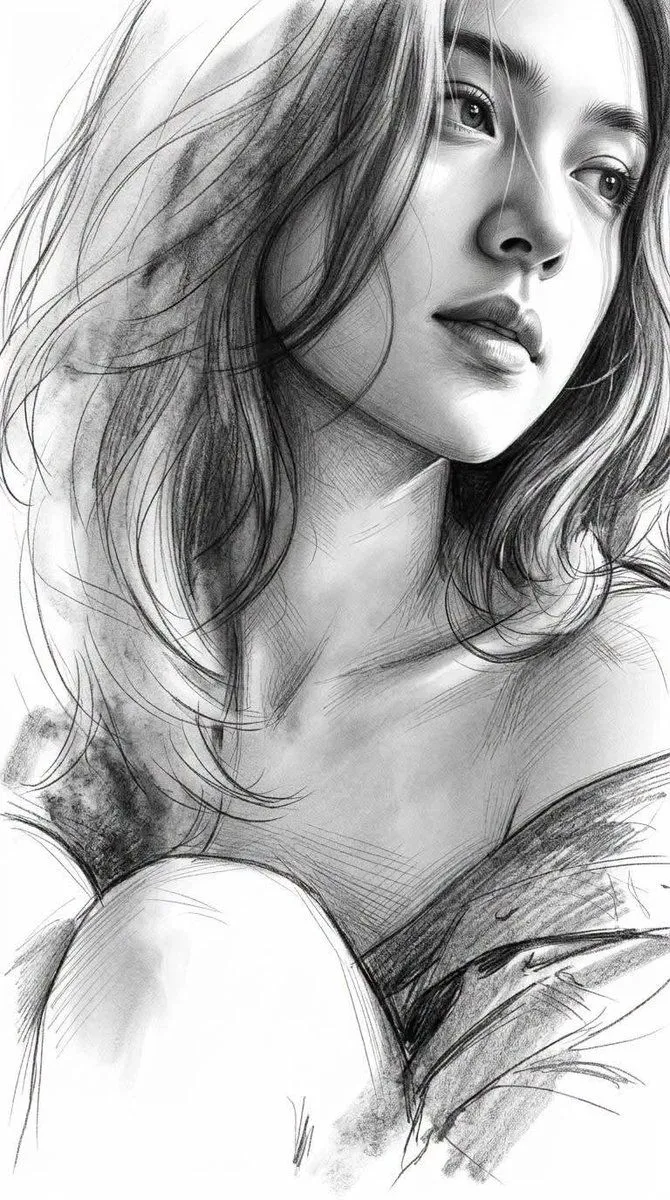
    • Monochrome Graphite Fine-Art Sketch
    • Ultra-Realistic Graphite Pencil Portrait
    • High-Contrast Monochrome Portrait Sketch
    • Black and White Pencil Portrait
    • Moody cinematic portrait from a photo
    • Cinematic Monochrome Studio Portrait
    • Moody Painterly Portrait
    • Multi-Layered Artist Journal Sketch
    • Double Exposure Pencil Sketch Portrait
    • Persian Baddies Liberation Scene (Humorous)Video, 0:41
    • Graphite Sketch with Selective Color
    • Late-Night Graphite Portrait Workspace
    • Graphite Portrait Progression Sheet
    • Photo to Pencil Sketch Transformation
    • Mixed Media Cinematic Portrait Illustration
    • High Contrast Scribble Art Portrait
    • Black and White Editorial Portrait
    • High-Fashion Editorial Portrait Prompt
    • Luxury Studio Korean Fashion Portrait
    • Extreme Close-up Portrait of a Dark OracleVideo, 0:10
    • Pencil Gesture Figure Sketch
    • Monochrome Scribble Ink Sketch
    • Anime Floral Personality Poster
    • Risograph Style Poetic Illustration

    Show more

    Run it on your phone

    1. Prompt copiedRead it

      Transform the uploaded photo into a highly realistic hand-drawn graphite pencil portrait while preserving the exact identity, facial features, expression, hairstyle, pose, clothing, and composition. Recreate the dramatic black-and-white noir lighting with high contrast, deep shadows, and soft highlights on the face. Render the image as a professional charcoal or graphite drawing with visible pencil texture, smooth shading transitions, and an artistic focus on the subject's gaze.

    2. Open your app

    3. Paste and run

      Press and hold the message box, then tap Paste. Add your photo first if the prompt uses one. You may need to sign in.

    Realistic Graphite Pencil Portrait