Tell us anything

An idea, a bug, something you love. We read every note.

⌘↵ to send. The page you're on comes along.

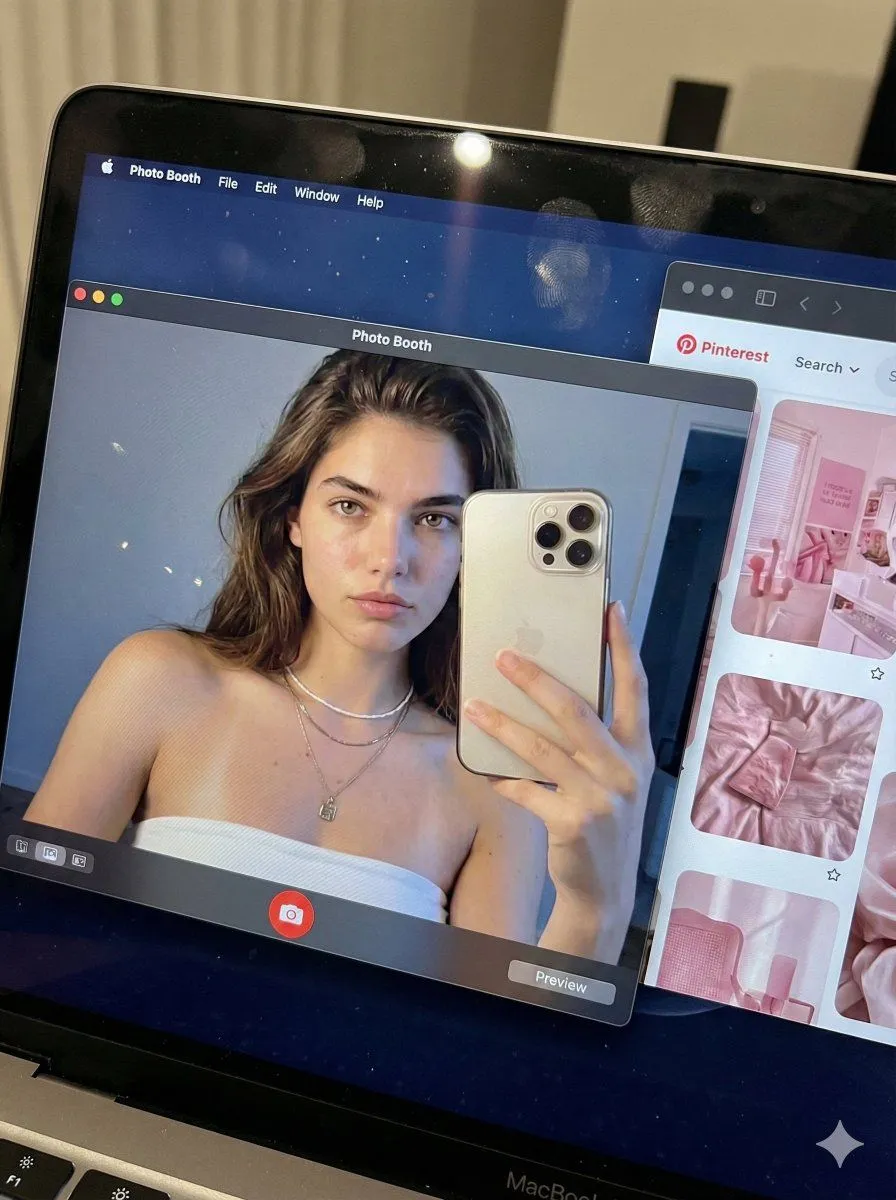
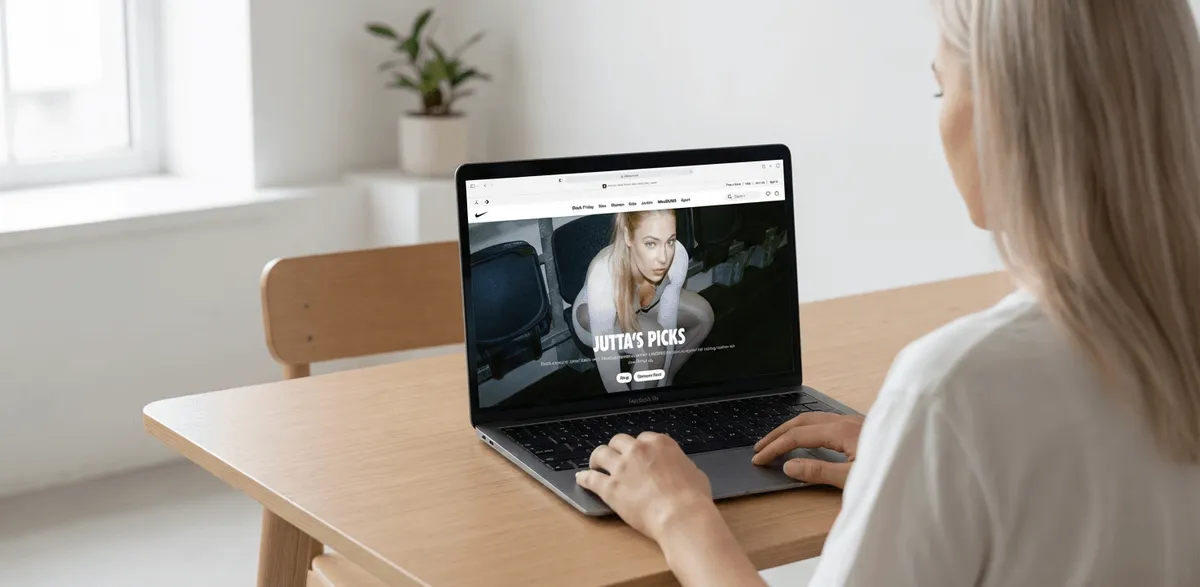
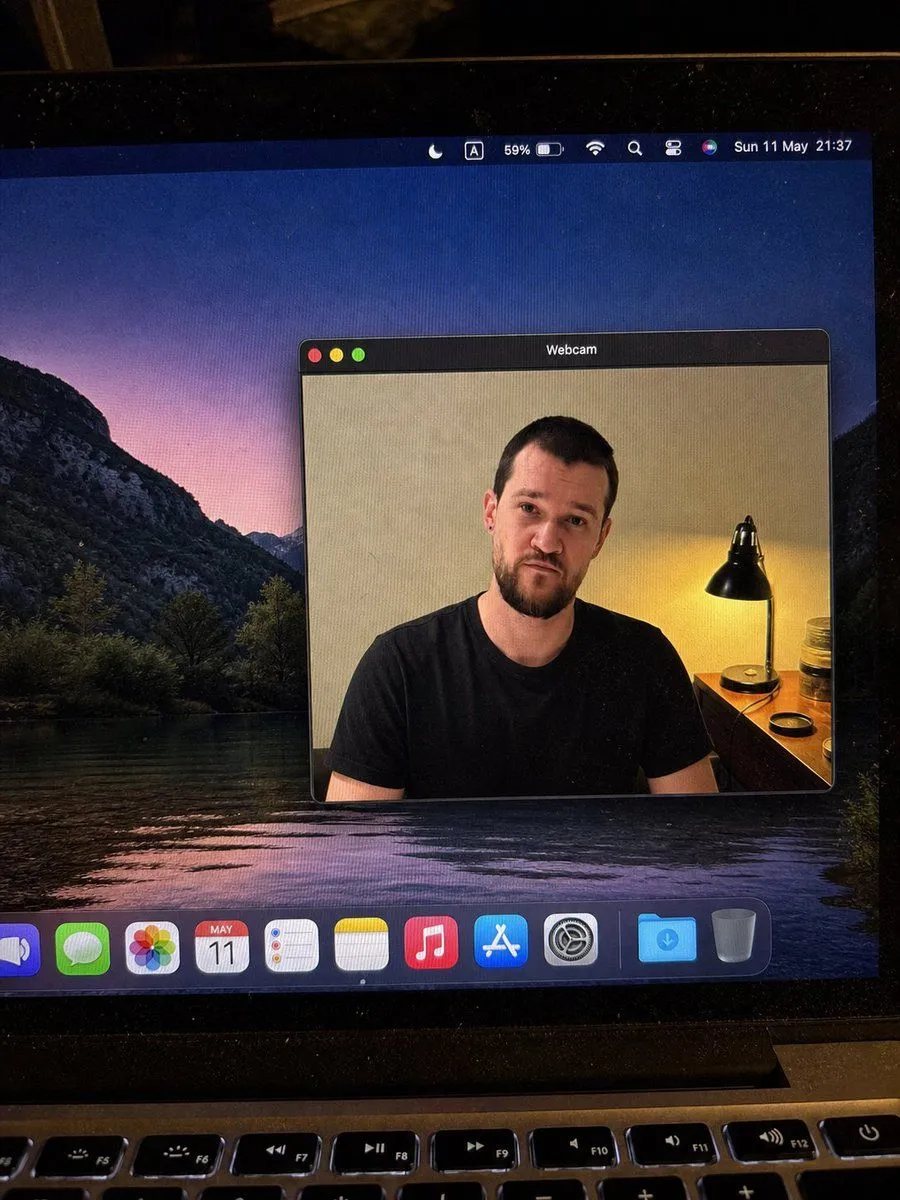
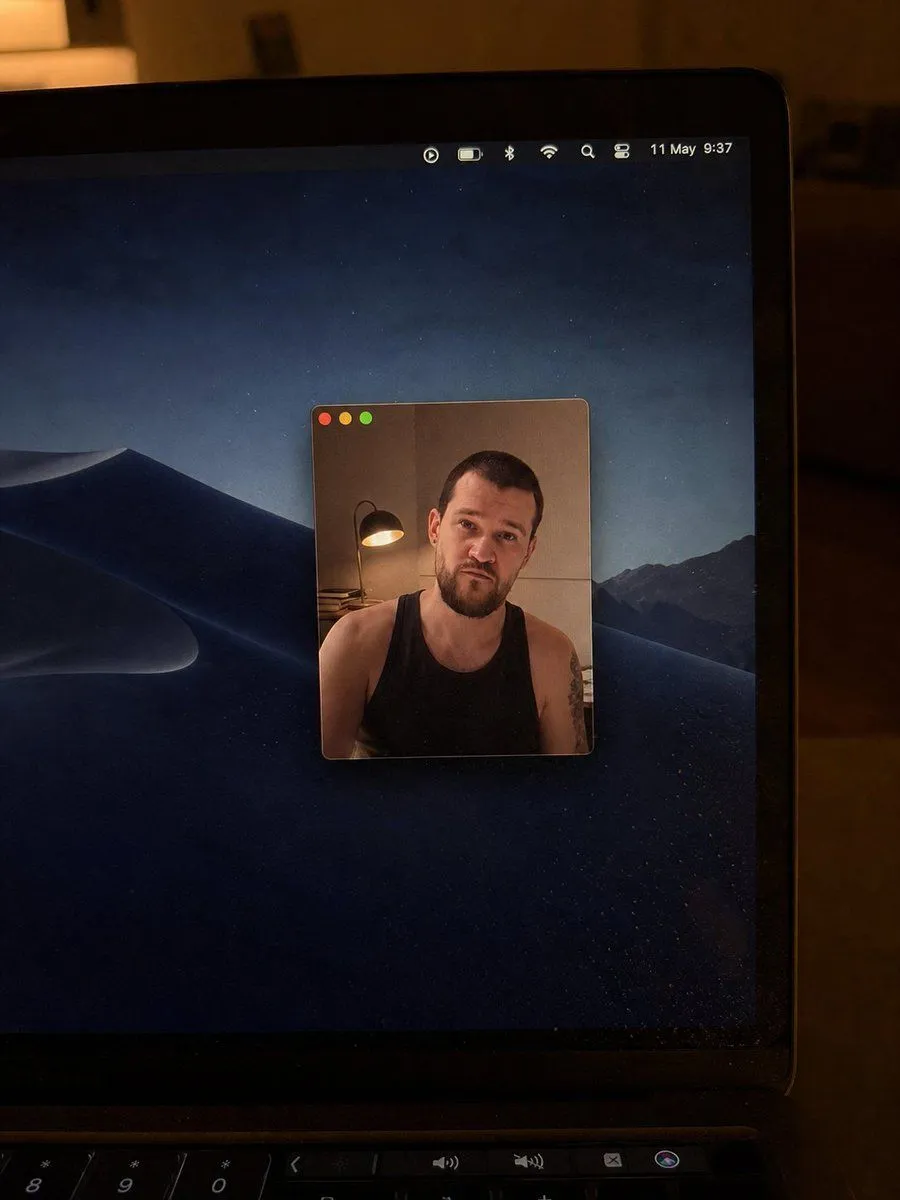
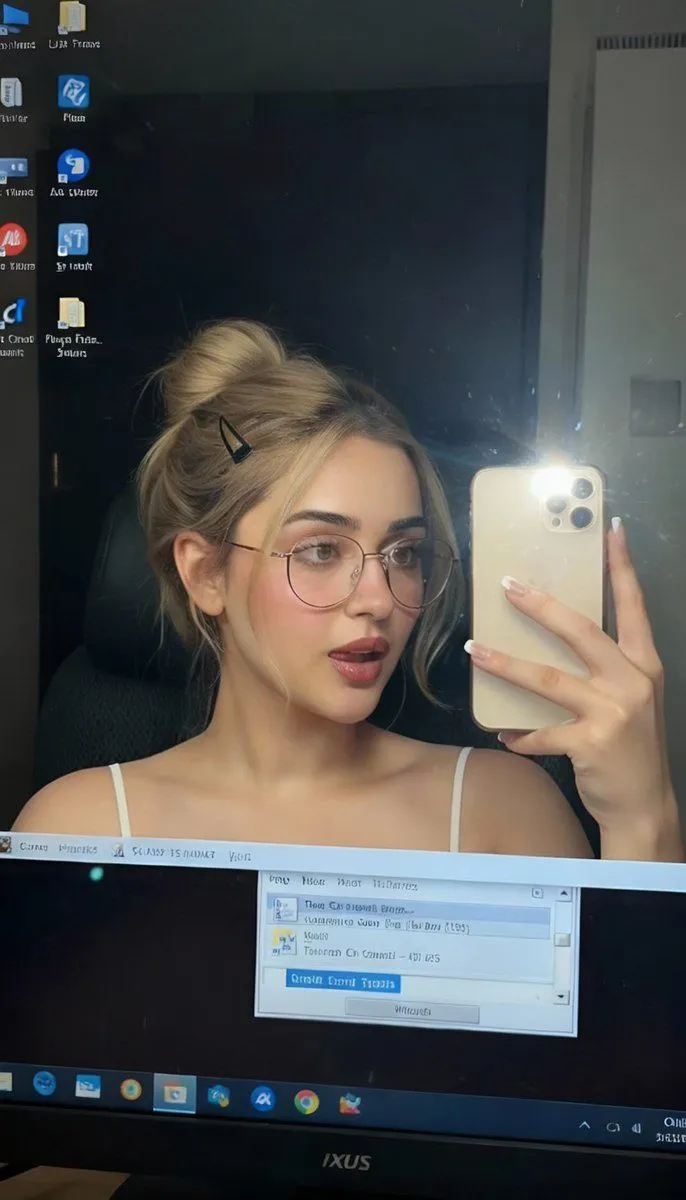
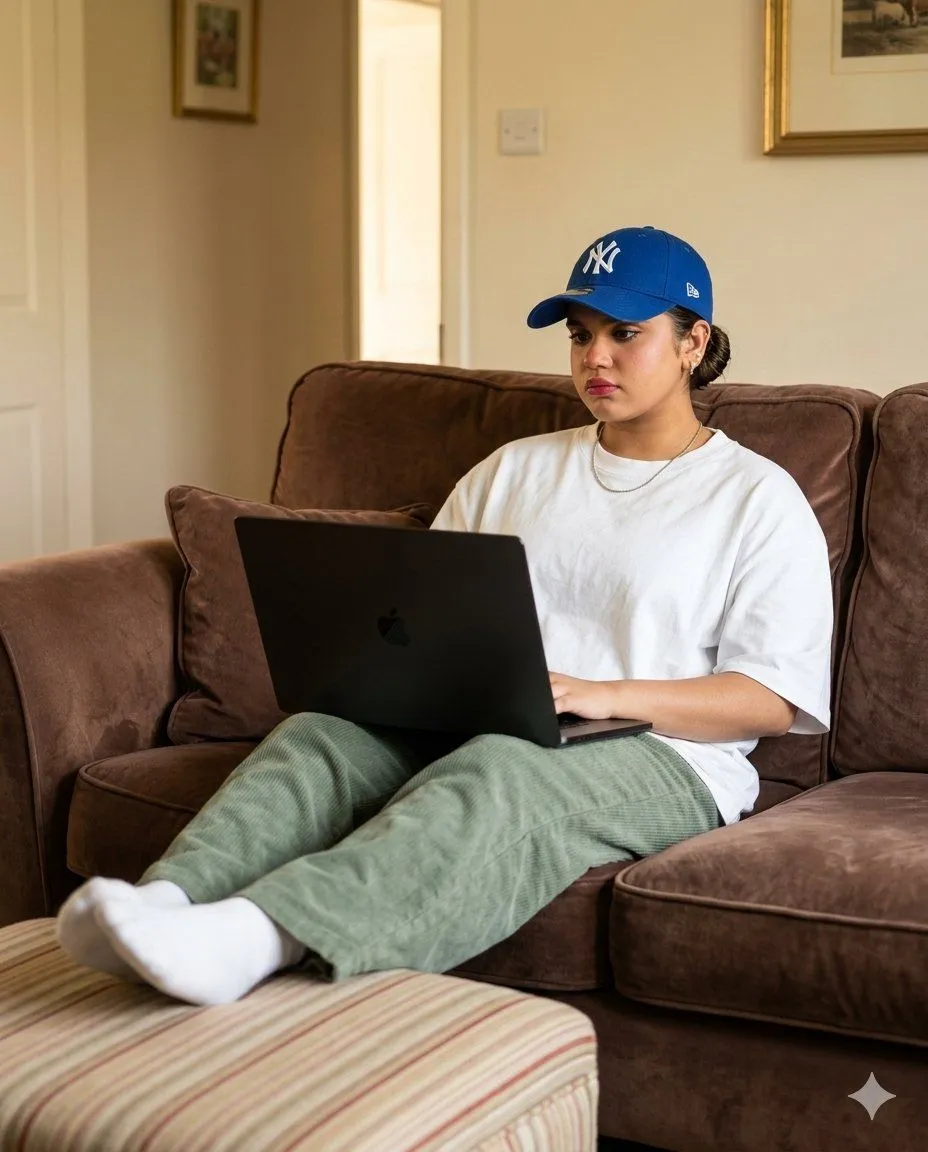
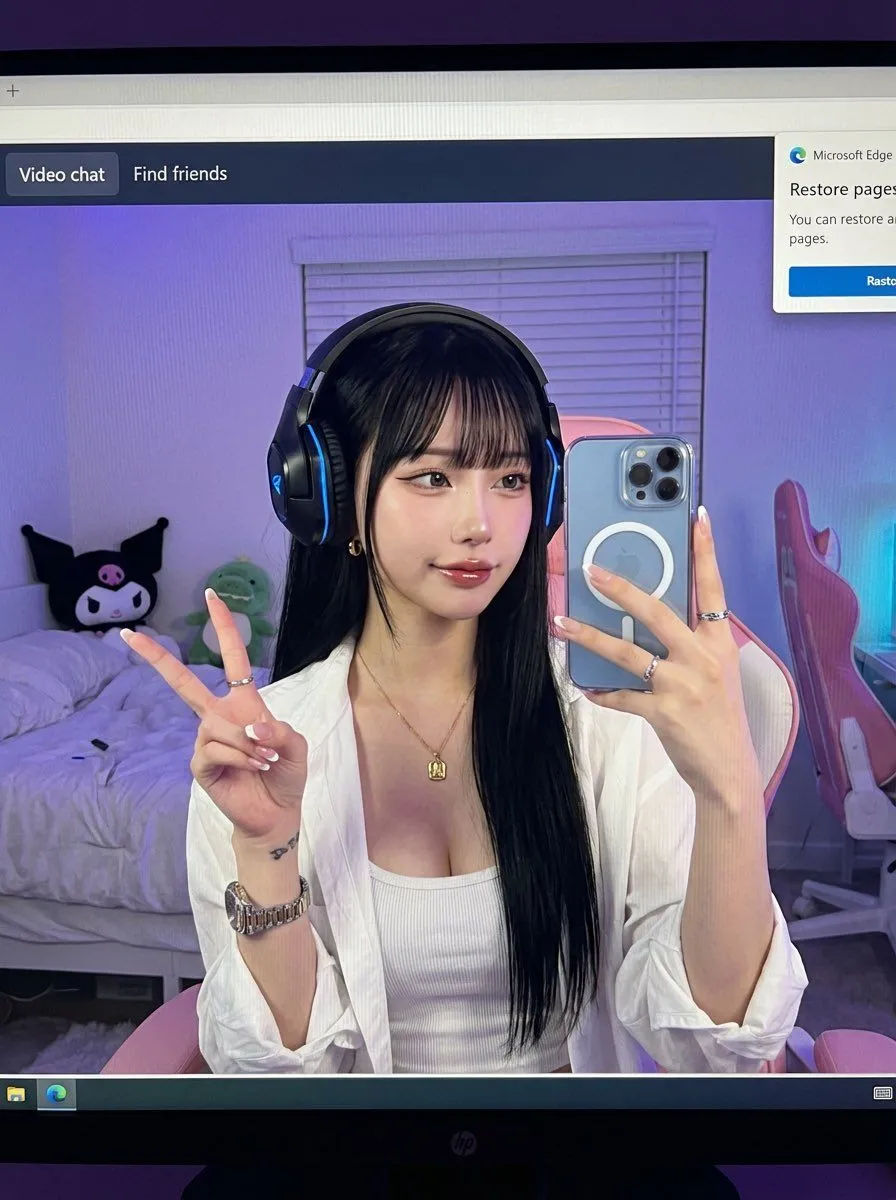
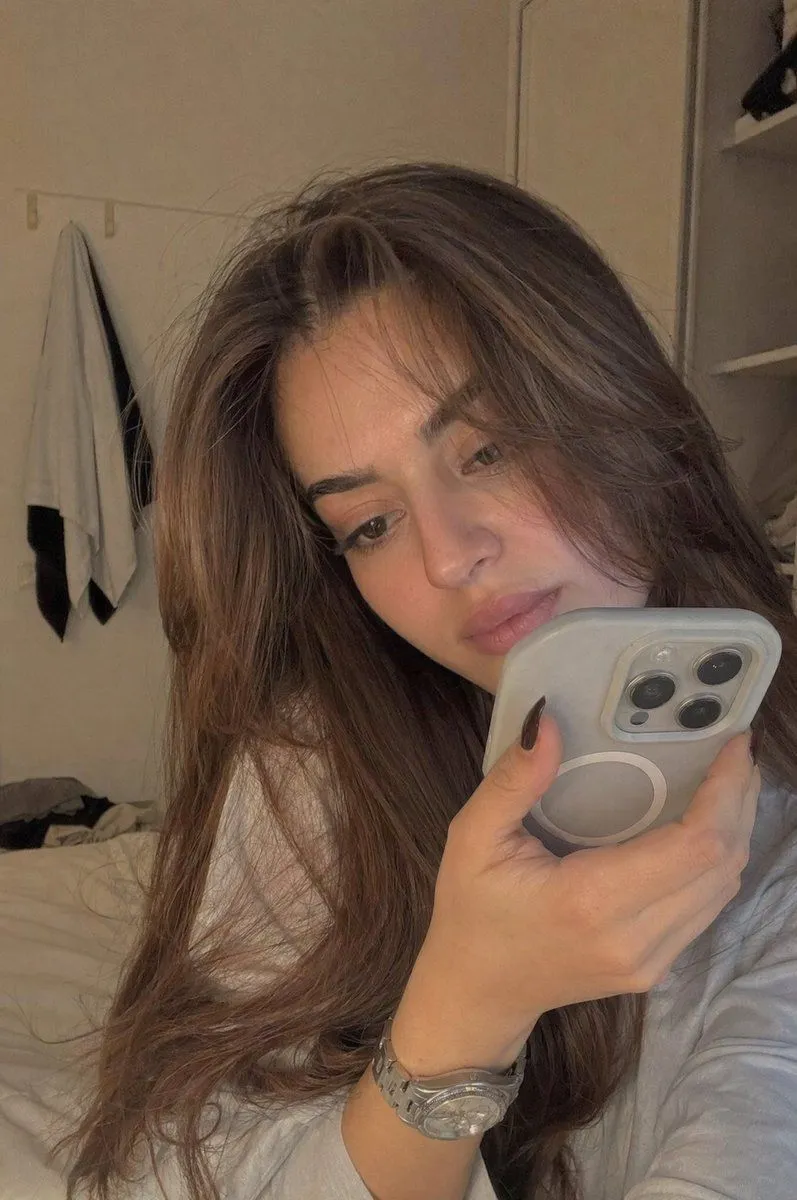
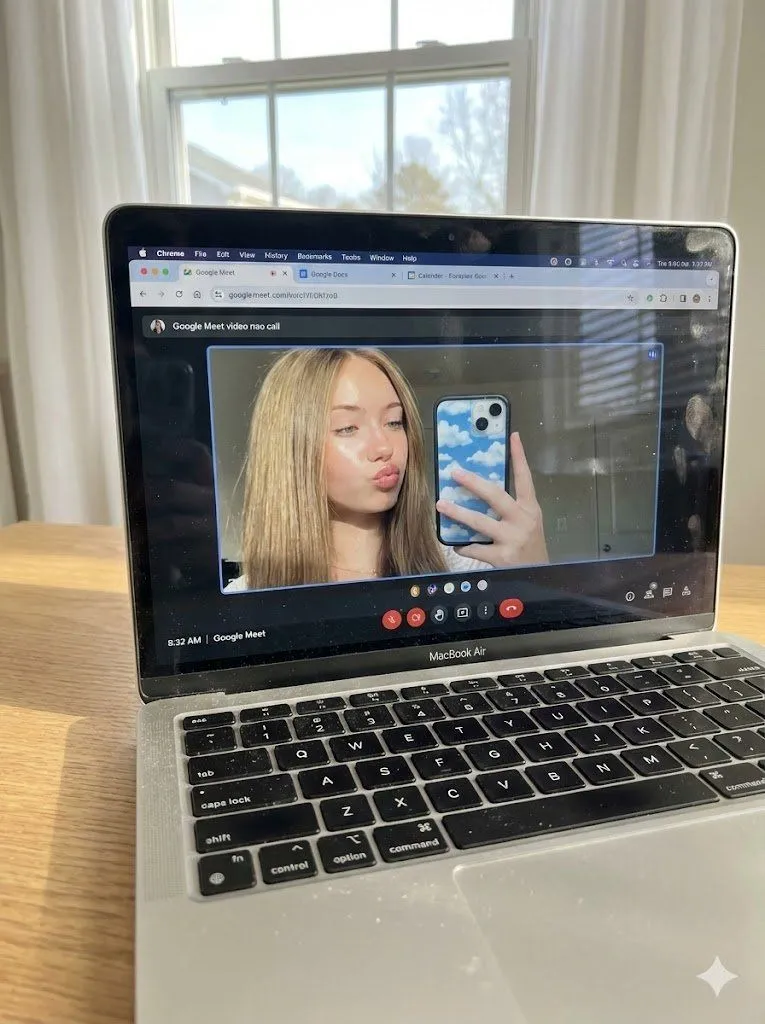
Raw Photo of MacBook Screen During Google Meet Selfie

Made with Nano Banana Pro in Gemini by Library Social. Promptclay never generates images.

Did it work?

No reports yet. Tell others if it worked for you.

No comments yet. Be the first.

    Raw Photo of MacBook Screen During Google Meet Selfie

    Nano Banana Pro3:4AI-generated

    Prompt

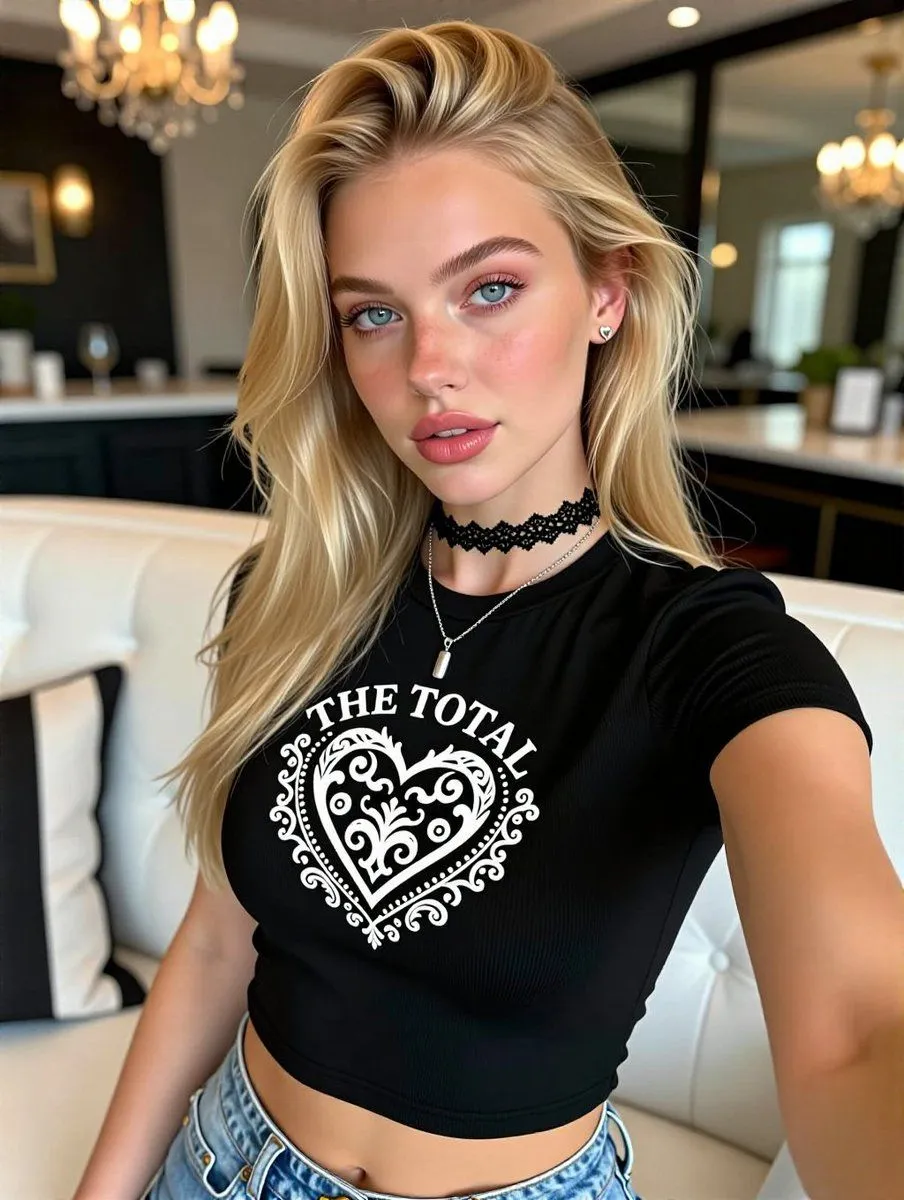
    (Vertical 3:4 aspect ratio). A raw, ultra-realistic physical photograph of a silver MacBook Air sitting on a light oak wooden desk. This is a handheld photo of a screen. NO ARTIFICIAL BOKEH. Everything is SHARP and in focus from the keyboard to the window in the background. Layer 1: The Physical Hardware (MacBook & Environment) The MacBook screen is the focal point. Direct, bright natural daylight streams in from a window behind the laptop, partially illuminating the keyboard and creating a realistic sun-glare on the screen's glossy surface. Surface Imperfections (High Realism): Visible fine dust particles on the black keyboard keys, a few realistic oily fingerprints on the screen's bezel, and the grain of the wooden desk are perfectly SHARP. Background: Soft white curtains and a bright window are visible behind the laptop, making the room feel airy and lived-in. Layer 2: The Digital Interface (macOS & Google Meet) The screen displays a Chrome browser window with multiple active tabs (Google Meet, Google Docs, Calendar). An active Google Meet video call is in progress. The interface controls (mute, camera, end call red button) are sharp and legible at the bottom of the call window. Layer 3: The Subject & Identity Locking (The "Uff" Content) Identity: Strictly preserve the exact face and unique features of the woman in Image 1 (Selfie). Bio-Fidelity: Inside the video call window, she is seen taking a mirror selfie through her webcam. She has a playful "kiss-face" or "pout" expression. Appearance: Her blonde hair is styled in a straight, shoulder-length cut. Her skin shows ultra-high-fidelity "TrueLens" physics: visible micro-pores and a healthy "satin-finish" glow even through the webcam's digital feed. The Selfie Architecture: On the laptop screen, she is holding a smartphone with a distinctive blue-and-white cloud-patterned case, capturing her own reflection. Quality & Lighting: Lighting: High-key, bright, and optimistic morning light. The contrast between the bright screen and the natural room light is perfectly balanced. Quality: Raw smartphone photo aesthetic, high dynamic range, visible subtle moiré patterns on the laptop screen pixels, 8k resolution. Single frame.

    Works in
    Gemini, ChatGPT
    Status
    Free to copy
    0
    DetailsVersions, settings and questions

    Written for

    What's in the prompt

    Subject
    Model
    Nano Banana Pro

    If your face changes

    keep my face exactly the same

    Questions

    Does this work in the Gemini app?
    Yes. Gemini runs Nano Banana, so paste the prompt and attach your photo if it uses one.
    It changed my face. What do I do?
    Add "keep my face exactly the same" to the end and run it again.
    Can I use the images I make?
    Check the terms of the app you use. Promptclay never generates images and claims nothing you make.
    Similar prompts

    See more
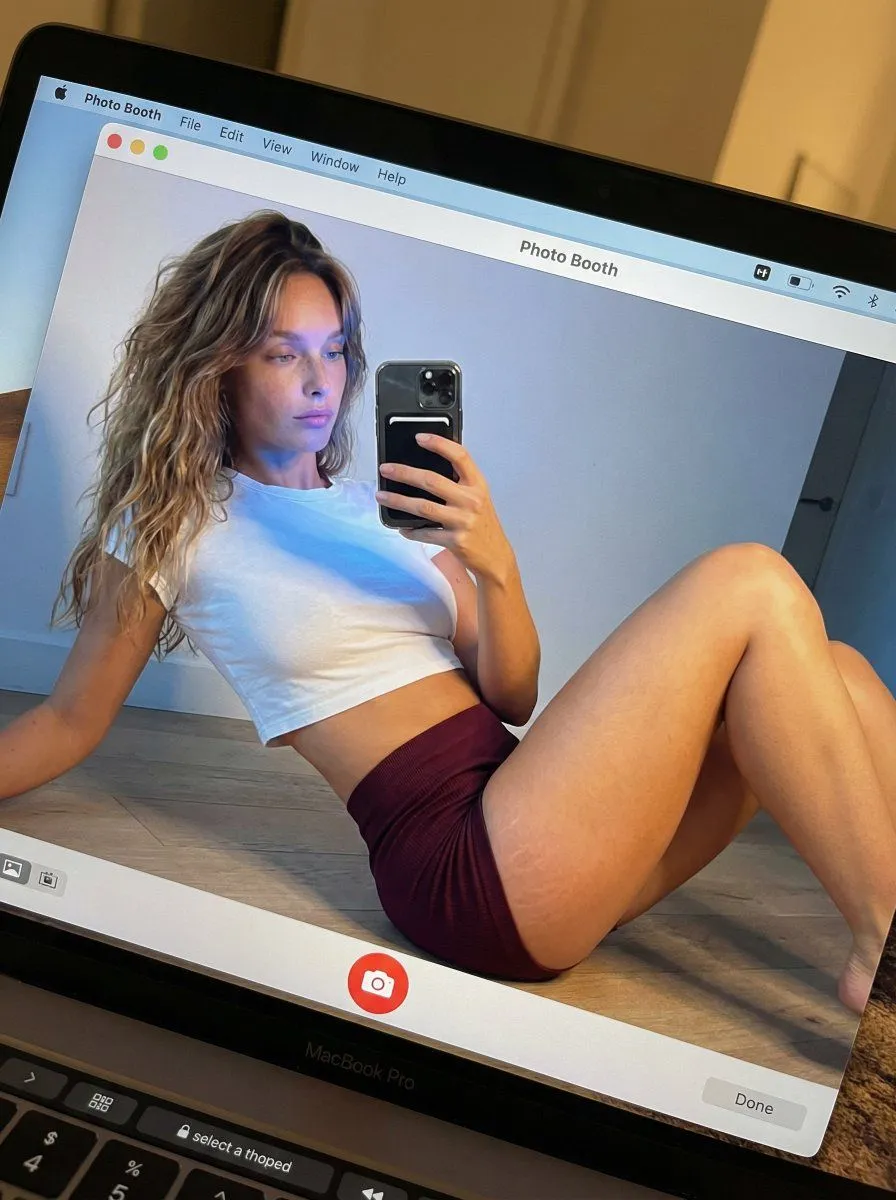
    • Meta-Shot Photo Booth Selfie with Realism Constraints
    • Photorealistic MacBook Desktop Selfie Scene
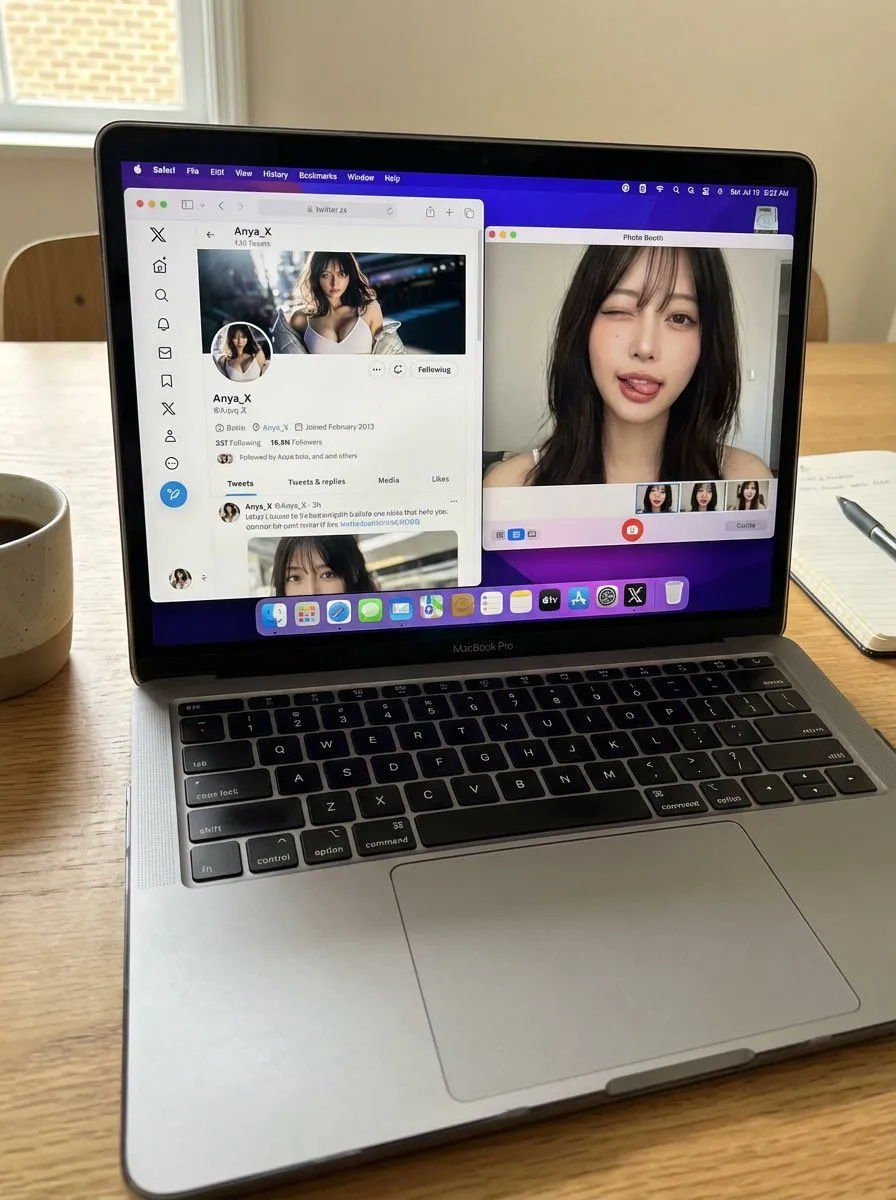
    • Hyper-realistic MacBook screen simulation prompt
    • MacBook Mockup with User from Behind
    • MacBook Webcam Window Photo
    • Realistic Mac Webcam Photo Edit
    • East Asian Woman Selfie with Messy Bun and Bokeh Background
    • Cozy English Cottage Interior with Laptop
    • Higgsfield Nano Banana Pro Aspect Ratio Prompt
    • High-Angle Indoor Selfie Portrait
    • Realistic Bedroom Phone Recording Style
    • Blonde Café Selfie With Censored Face
    • Sunlit Desk with White Cat and Laptop
    • 3D photorealistic space-flying game art with main character
    • AI Video Workspace Screenshot
    • A detailed prompt for generating a photorealistic image of a nano-banana-pro
    • Character Rebuilt from Sliced Fruits and Vegetables
    • Gilded Delftware Product Signature Prompt
    • Imagination Coming to Life
    • Multi-Angle Scene Generation Prompt (Oshi no Ko Style)
    • Nano Banana Pro Multi-Panel Generation
    • Object Reasoning Test Prompt for Nano Banana 2
    • Procedural Book Nook Diorama Generation Prompt
    • Product Ad: White Monster Energy Can Submerged in Water

    Show more

    Run it on your phone

    1. Prompt copiedRead it

      (Vertical 3:4 aspect ratio). A raw, ultra-realistic physical photograph of a silver MacBook Air sitting on a light oak wooden desk. This is a handheld photo of a screen. NO ARTIFICIAL BOKEH. Everything is SHARP and in focus from the keyboard to the window in the background. Layer 1: The Physical Hardware (MacBook & Environment) The MacBook screen is the focal point. Direct, bright natural daylight streams in from a window behind the laptop, partially illuminating the keyboard and creating a realistic sun-glare on the screen's glossy surface. Surface Imperfections (High Realism): Visible fine dust particles on the black keyboard keys, a few realistic oily fingerprints on the screen's bezel, and the grain of the wooden desk are perfectly SHARP. Background: Soft white curtains and a bright window are visible behind the laptop, making the room feel airy and lived-in. Layer 2: The Digital Interface (macOS & Google Meet) The screen displays a Chrome browser window with multiple active tabs (Google Meet, Google Docs, Calendar). An active Google Meet video call is in progress. The interface controls (mute, camera, end call red button) are sharp and legible at the bottom of the call window. Layer 3: The Subject & Identity Locking (The "Uff" Content) Identity: Strictly preserve the exact face and unique features of the woman in Image 1 (Selfie). Bio-Fidelity: Inside the video call window, she is seen taking a mirror selfie through her webcam. She has a playful "kiss-face" or "pout" expression. Appearance: Her blonde hair is styled in a straight, shoulder-length cut. Her skin shows ultra-high-fidelity "TrueLens" physics: visible micro-pores and a healthy "satin-finish" glow even through the webcam's digital feed. The Selfie Architecture: On the laptop screen, she is holding a smartphone with a distinctive blue-and-white cloud-patterned case, capturing her own reflection. Quality & Lighting: Lighting: High-key, bright, and optimistic morning light. The contrast between the bright screen and the natural room light is perfectly balanced. Quality: Raw smartphone photo aesthetic, high dynamic range, visible subtle moiré patterns on the laptop screen pixels, 8k resolution. Single frame.

    2. Open your app

    3. Paste and run

      Press and hold the message box, then tap Paste. Add your photo first if the prompt uses one. You may need to sign in.

    Raw Photo of MacBook Screen During Google Meet Selfie