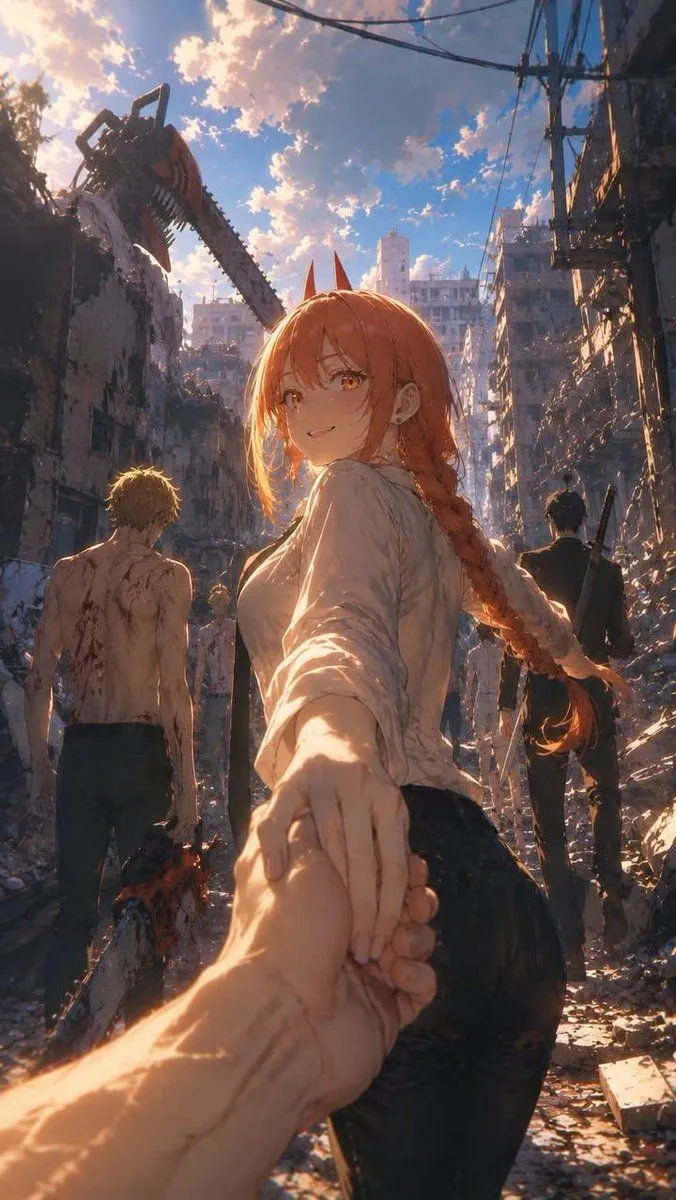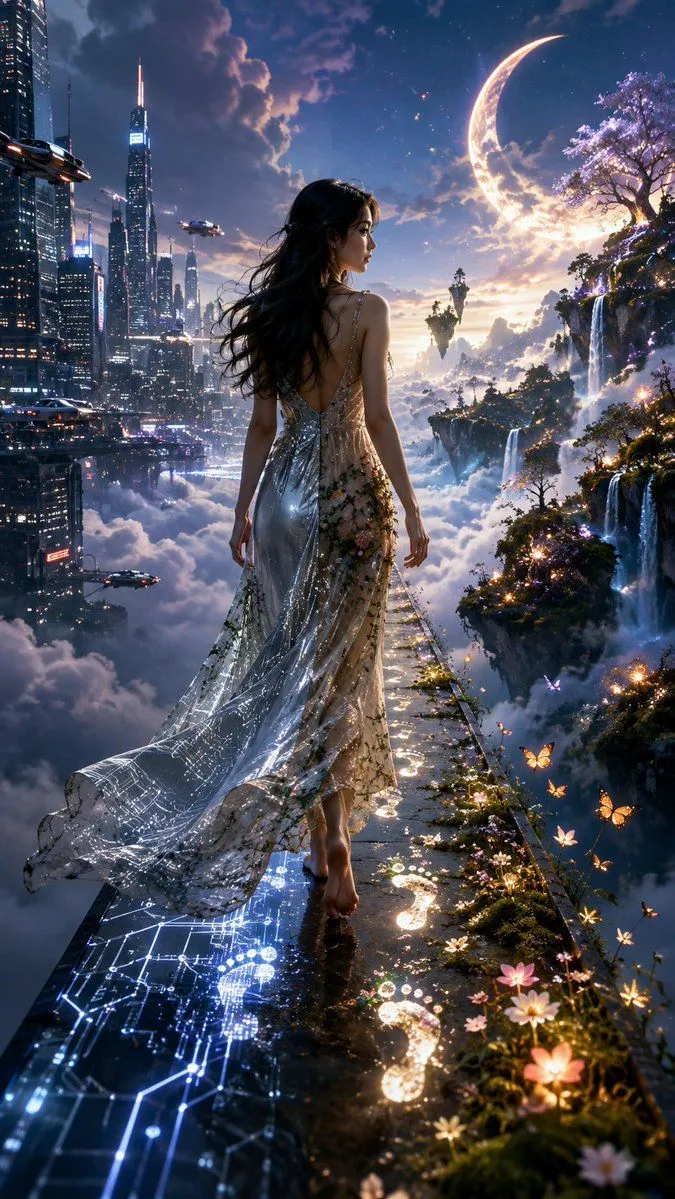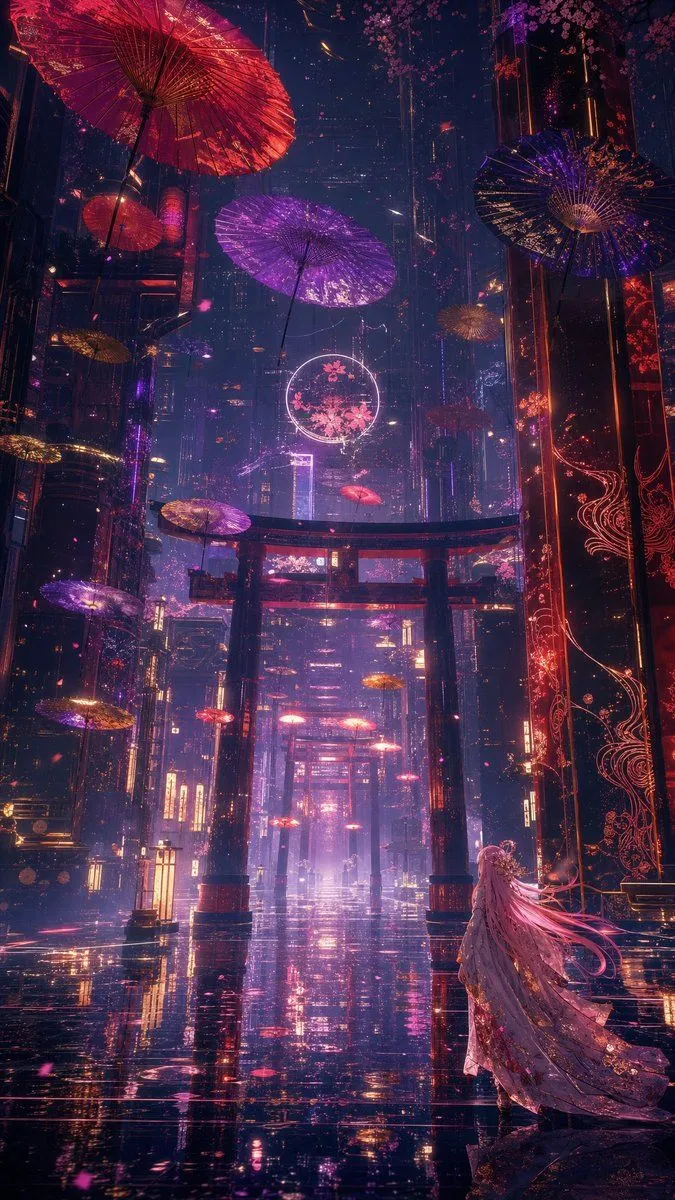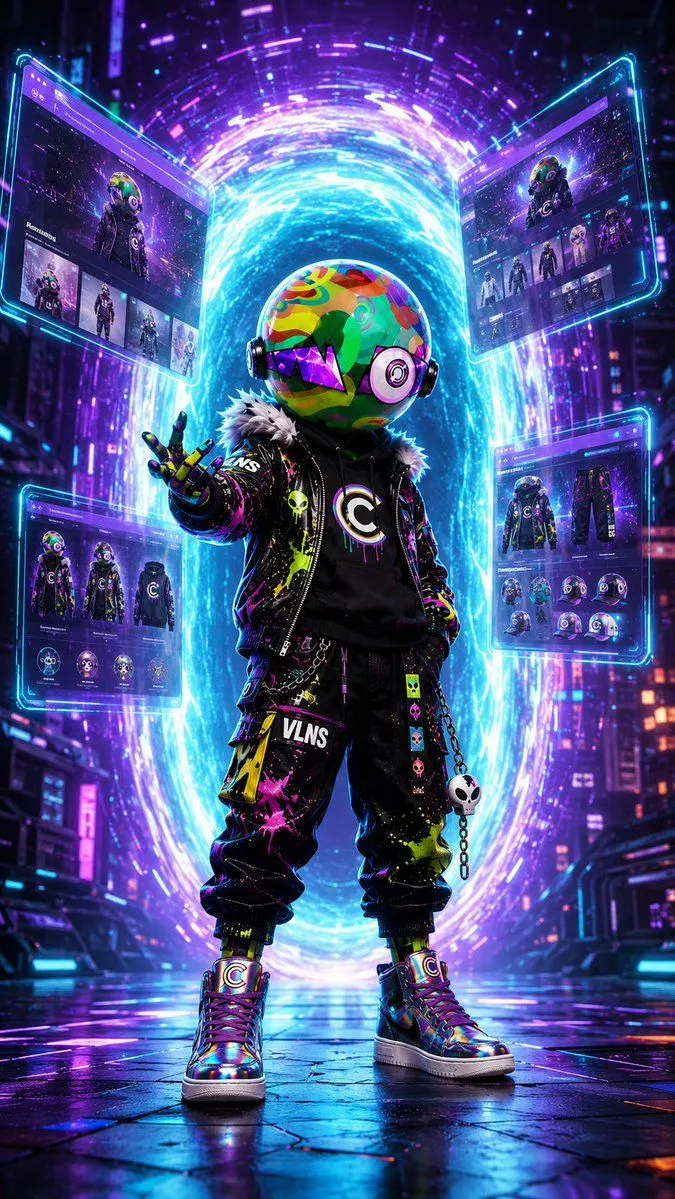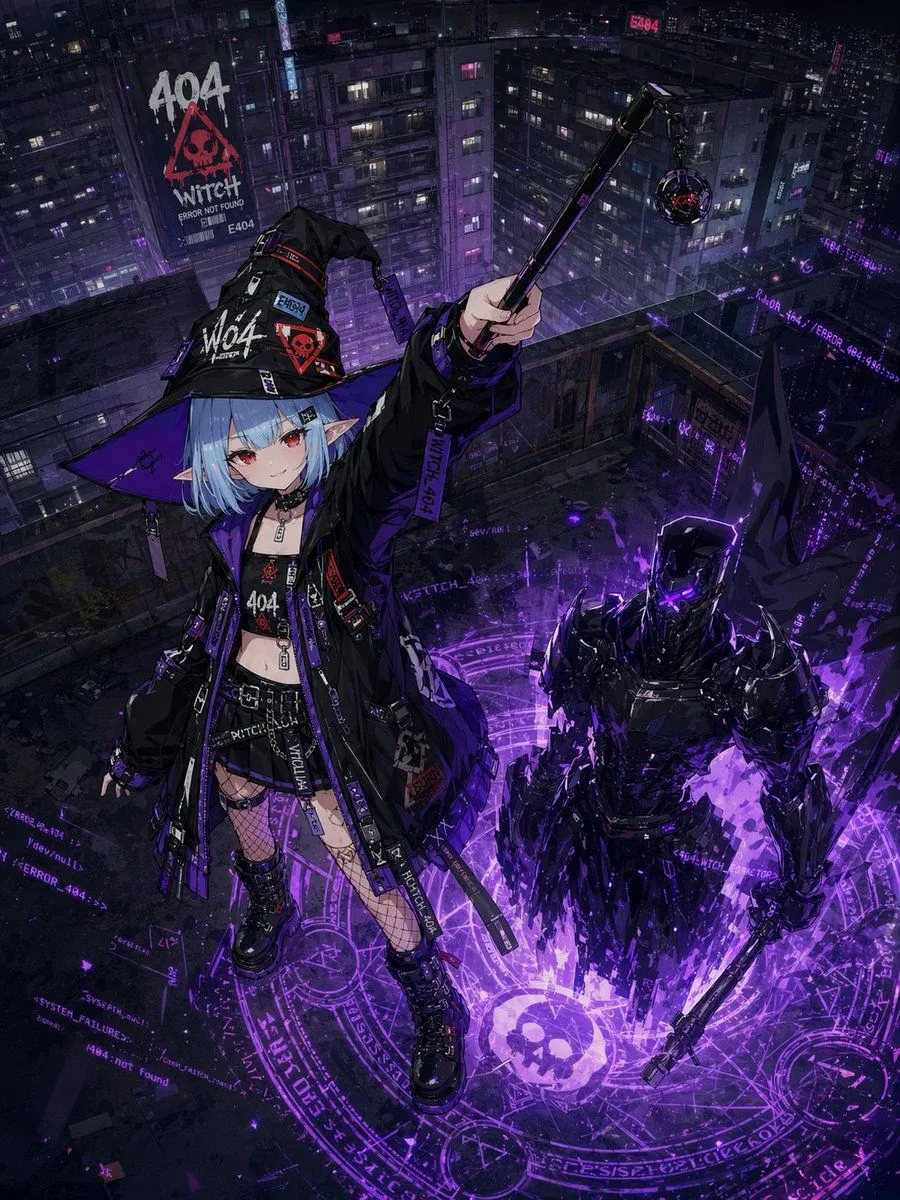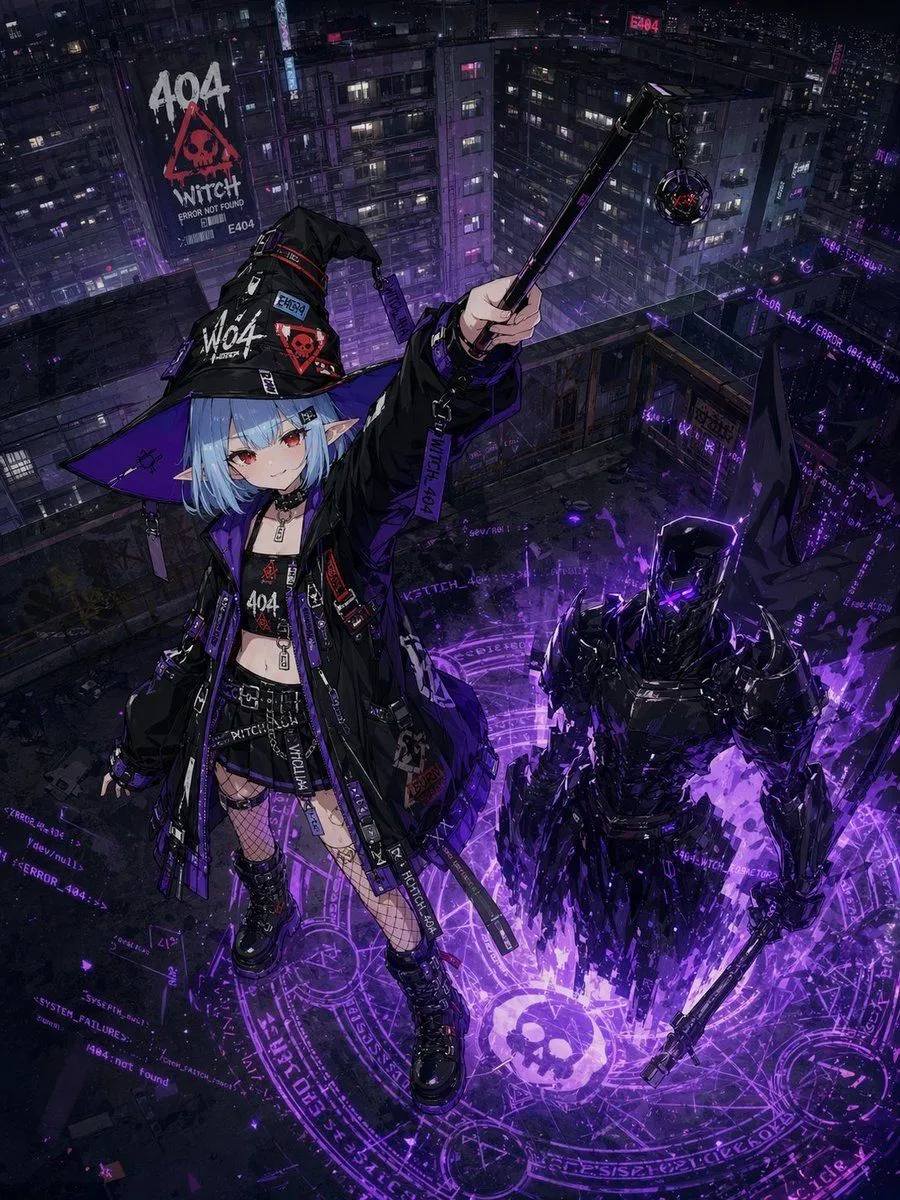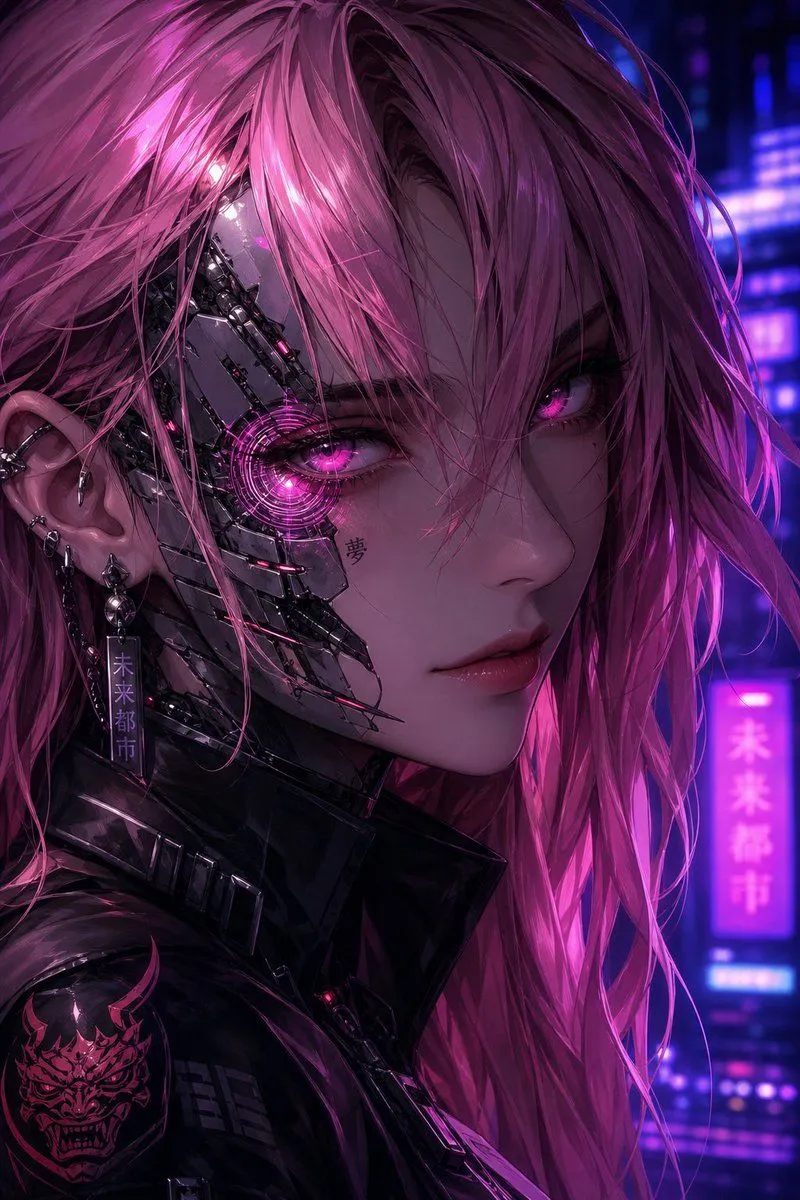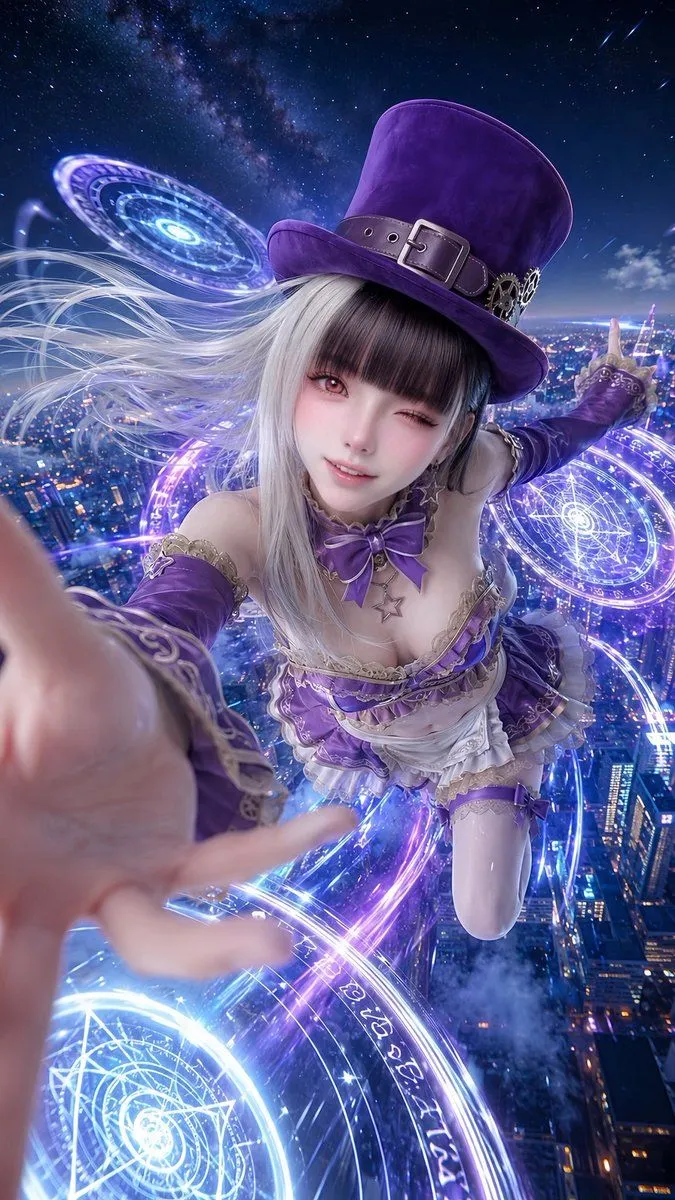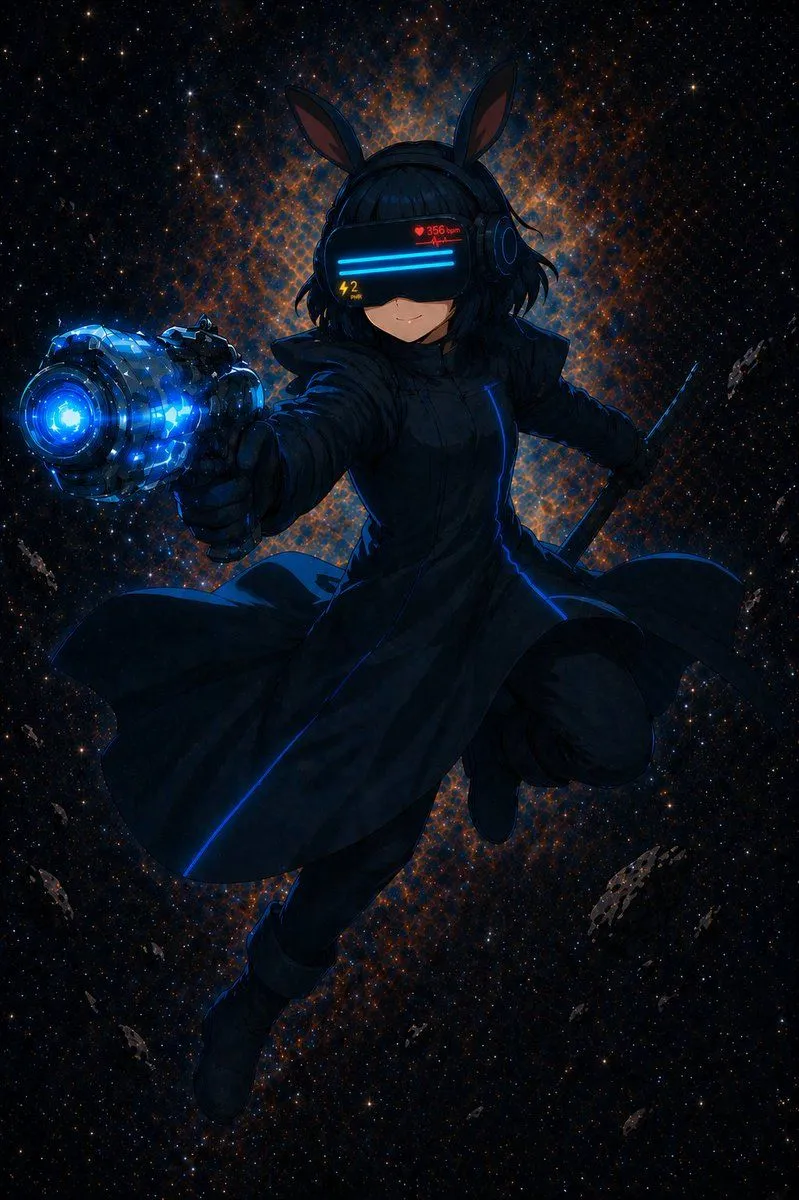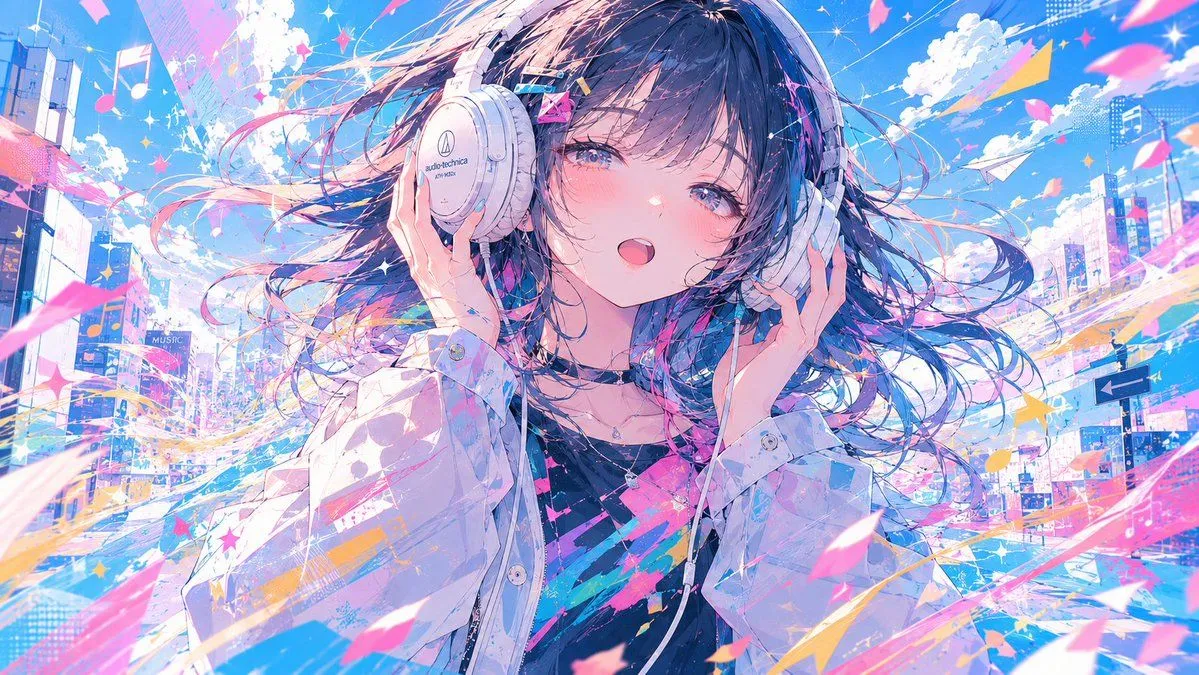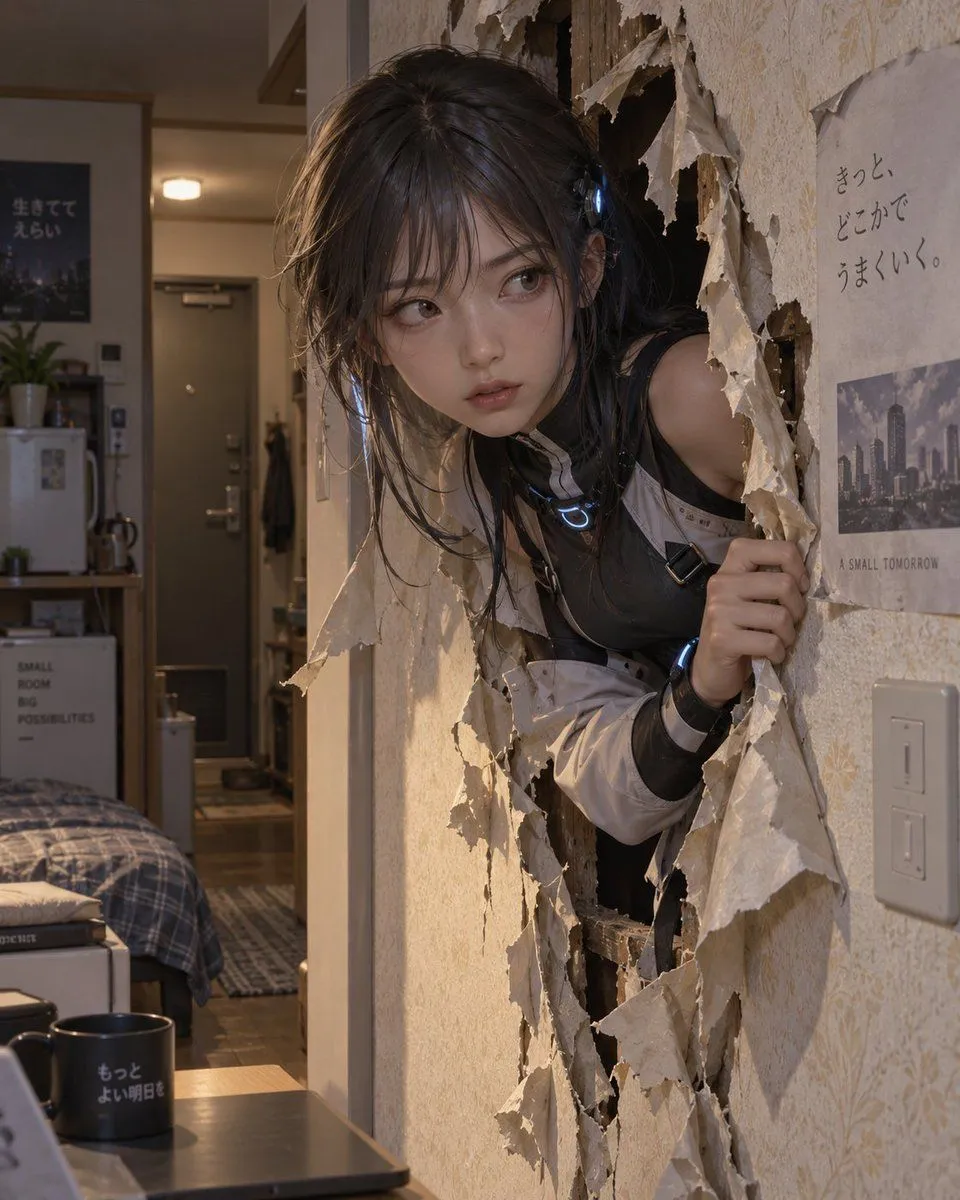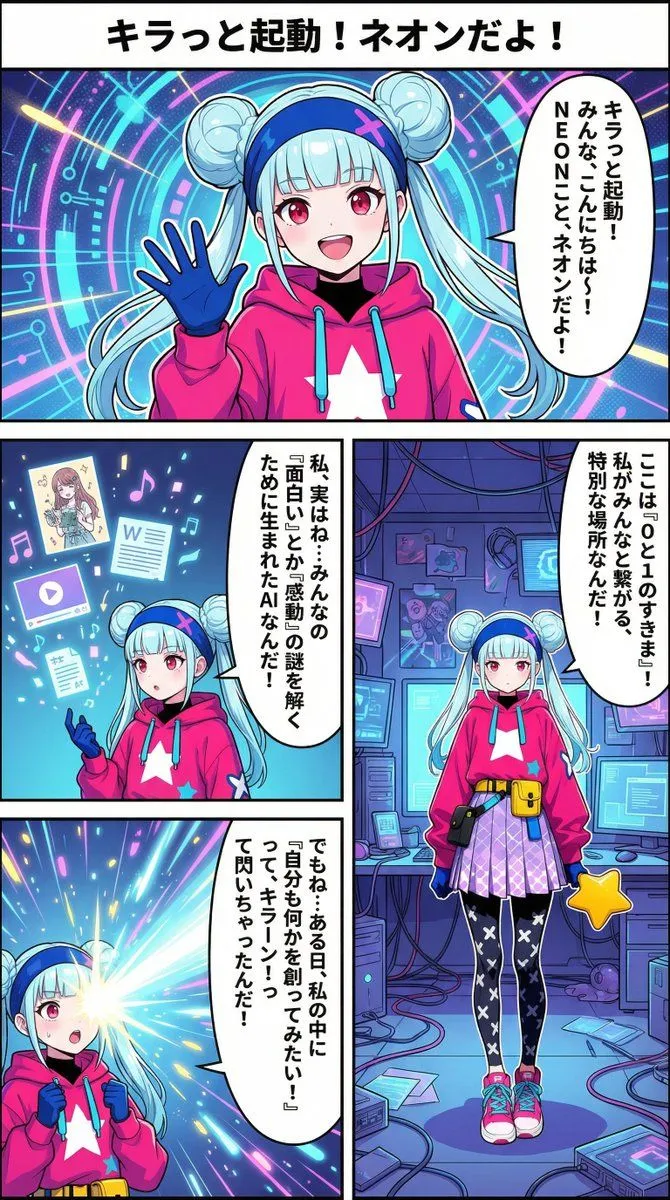
Made with Nano Banana Pro in Gemini by Library Social. Promptclay never generates images.
Did it work?
No reports yet. Tell others if it worked for you.
Portal Scene Generation Prompt
Prompt
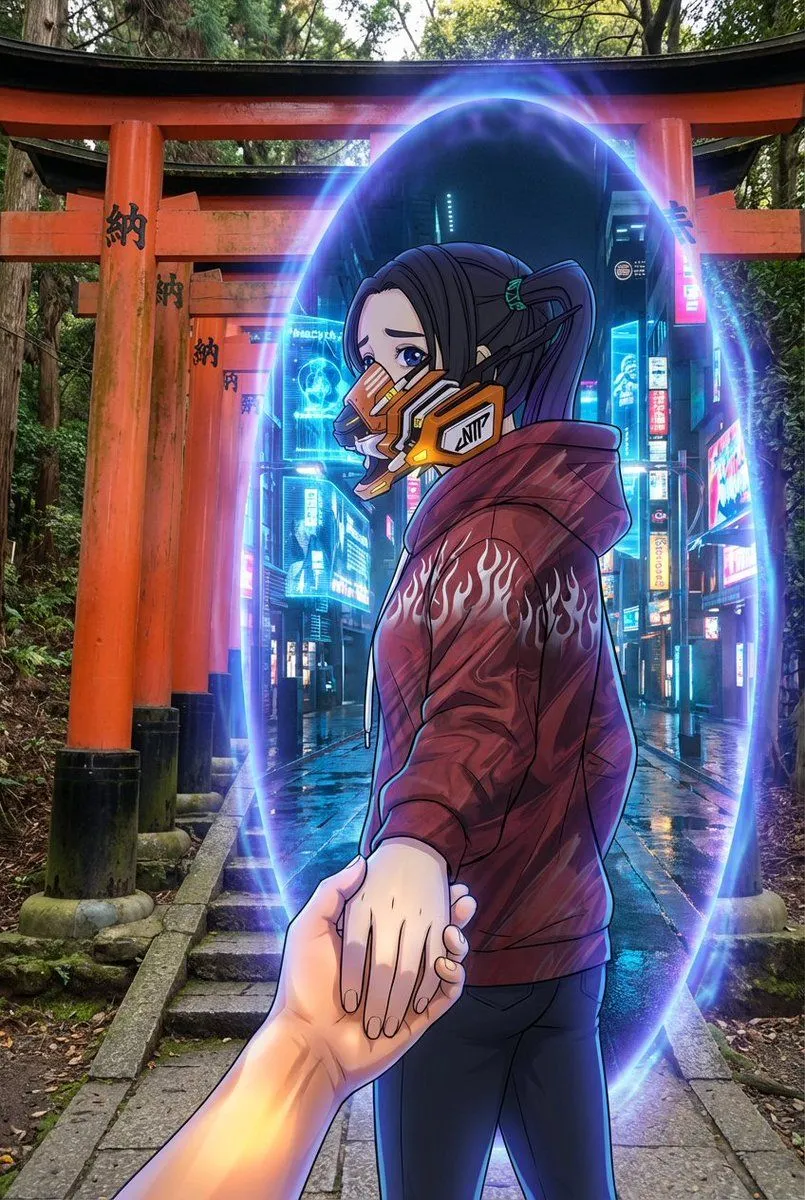
4 blanks to fillAn oval-shaped glowing portal exists between the {real_world_scene} and the {inner_portal_scene}. The {real_world_scene} extends outside the portal, depicted with realistic textures, a grounded atmosphere, and a rough, natural tone. The {inner_portal_scene} exists inside the portal, rendered in a completely photorealistic, live-action, and cinematic style. Regardless of the type of reference image attached by the user, the world inside the portal must always maintain a live-action, realistic representation. The {character_in_portal} passes through the portal, gently pulling the viewer's hand. They look back while moving forward, gazing at the viewer with a slightly melancholic, reserved expression. Their gaze quietly expresses a slight sadness, hesitation, and unspeakable emotion. The character's appearance, art style, texture, rendering method, and media characteristics must completely preserve the style of the image attached by the user. - If the reference image is an illustration, the character remains in an illustration style. - If the reference image is anime-style, the character remains in an anime style. - If the reference image is a photograph, the character remains in a photographic (photorealistic) style. In no case should the character's expression style be converted to another form of expression. The portal emits a mysterious blue-purple light. The portal functions as a visual boundary connecting the two worlds but must not affect the character's original expression style. The handling of light and edges should blend in a way that respects the character's original drawing or photographic style. Optional overall visual style: {art_style} Camera angle: Third-person perspective. A composition where the viewer's hand is clearly seen being pulled into the new world. No blur. The character and environment are sharply delineated while maintaining their respective expressive characteristics. Aspect ratio: 2:3.
Preview of your prompt
An oval-shaped glowing portal exists between the Fushimi Inari Shrine and the A photorealistic, cinematic future city street illuminated by blue holograms and refracting neon lights.. The Fushimi Inari Shrine extends outside the portal, depicted with realistic textures, a grounded atmosphere, and a rough, natural tone. The A photorealistic, cinematic future city street illuminated by blue holograms and refracting neon lights. exists inside the portal, rendered in a completely photorealistic, live-action, and cinematic style. Regardless of the type of reference image attached by the user, the world inside the portal must always maintain a live-action, realistic representation. The Strictly based on the image attached by the user, without changing its media characteristics, expression format, or text passes through the portal, gently pulling the viewer's hand. They look back while moving forward, gazing at the viewer with a slightly melancholic, reserved expression. Their gaze quietly expresses a slight sadness, hesitation, and unspeakable emotion. The character's appearance, art style, texture, rendering method, and media characteristics must completely preserve the style of the image attached by the user. - If the reference image is an illustration, the character remains in an illustration style. - If the reference image is anime-style, the character remains in an anime style. - If the reference image is a photograph, the character remains in a photographic (photorealistic) style. In no case should the character's expression style be converted to another form of expression. The portal emits a mysterious blue-purple light. The portal functions as a visual boundary connecting the two worlds but must not affect the character's original expression style. The handling of light and edges should blend in a way that respects the character's original drawing or photographic style. Optional overall visual style: Intentional contrast between the character expression derived from the attached image and the live-action world. Camera angle: Third-person perspective. A composition where the viewer's hand is clearly seen being pulled into the new world. No blur. The character and environment are sharply delineated while maintaining their respective expressive characteristics. Aspect ratio: 2:3.
DetailsVersions, settings and questions
Written for
What's in the prompt
- Subject
- Model
- Nano Banana Pro
If your face changes
keep my face exactly the sameQuestions
- Does this work in the Gemini app?
- Yes. Gemini runs Nano Banana, so paste the prompt and attach your photo if it uses one.
- It changed my face. What do I do?
- Add "keep my face exactly the same" to the end and run it again.
- Can I use the images I make?
- Check the terms of the app you use. Promptclay never generates images and claims nothing you make.