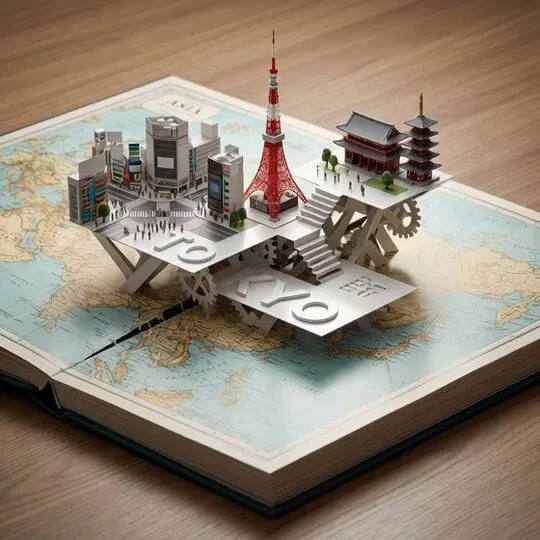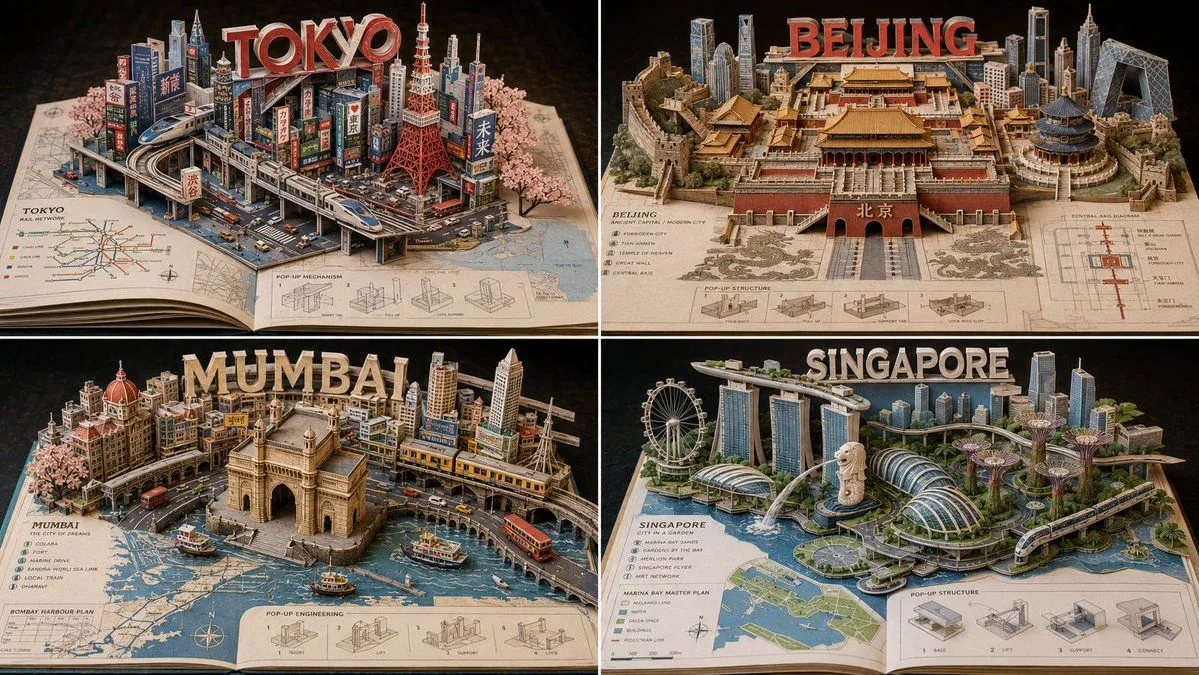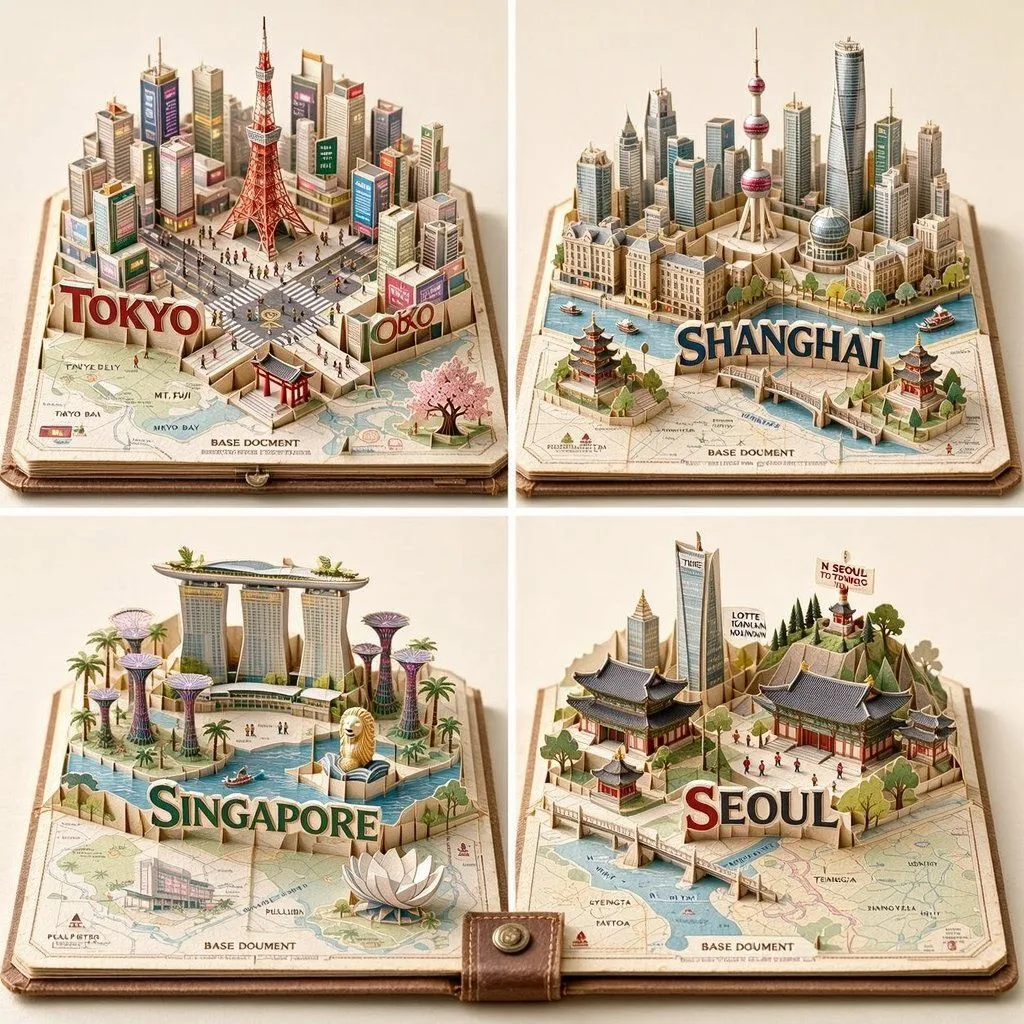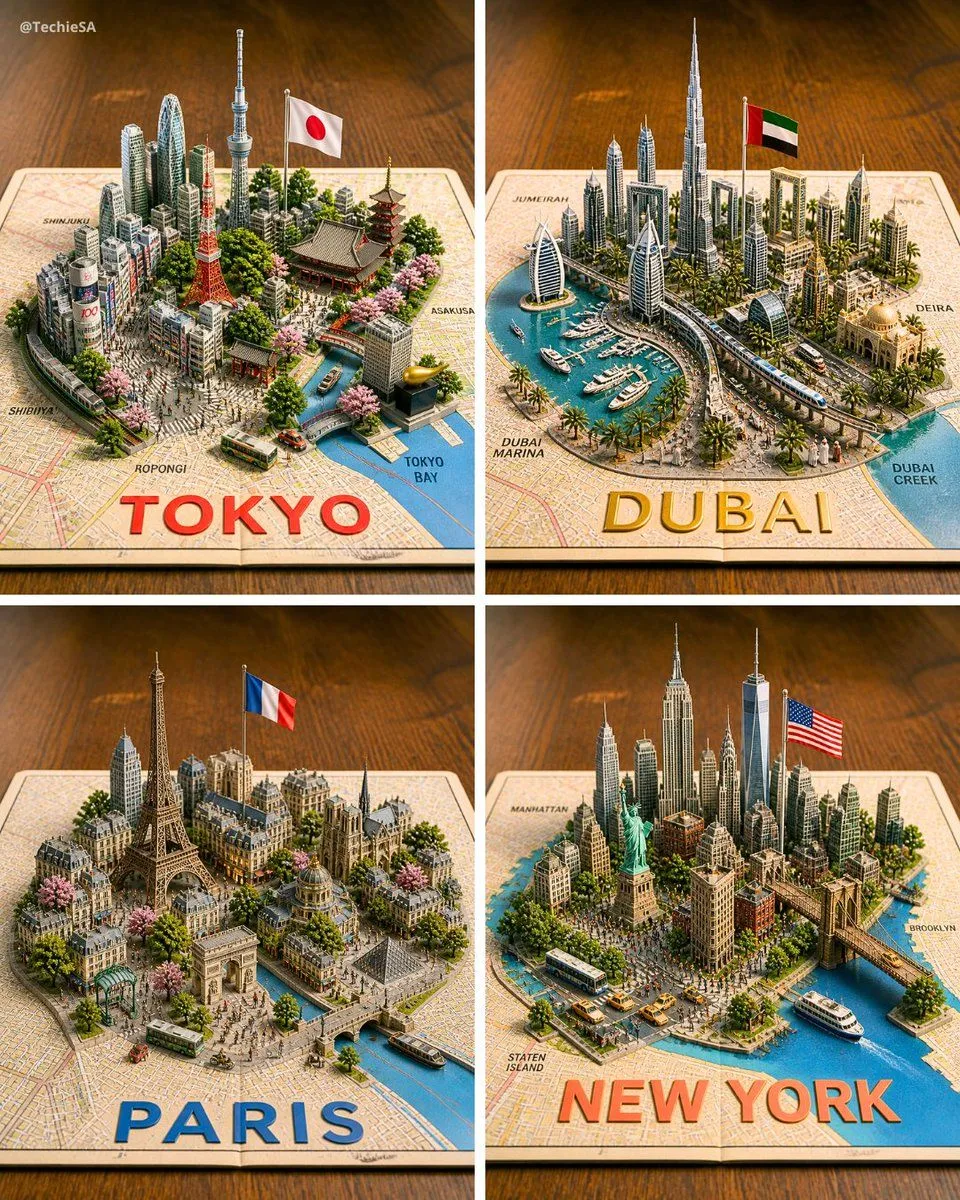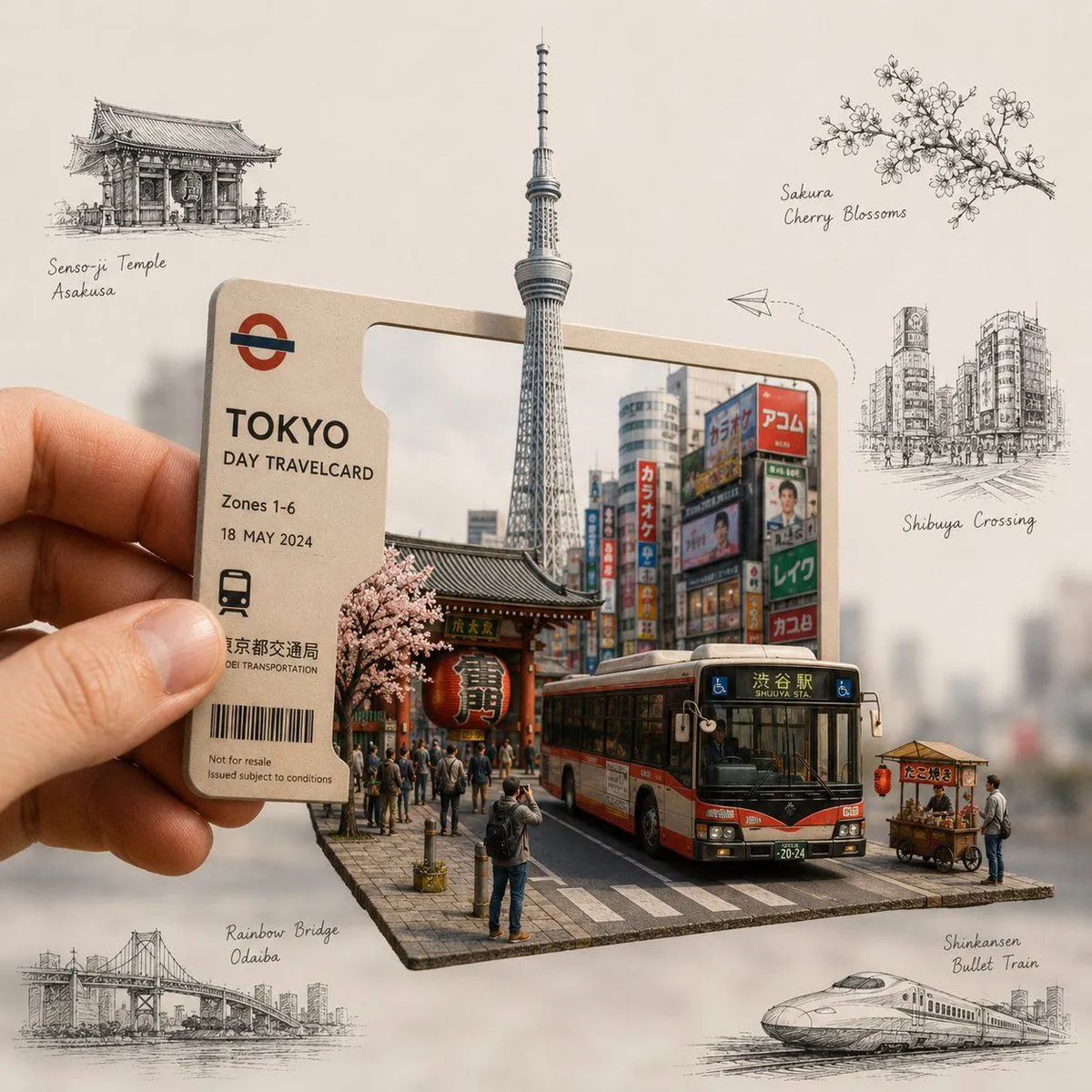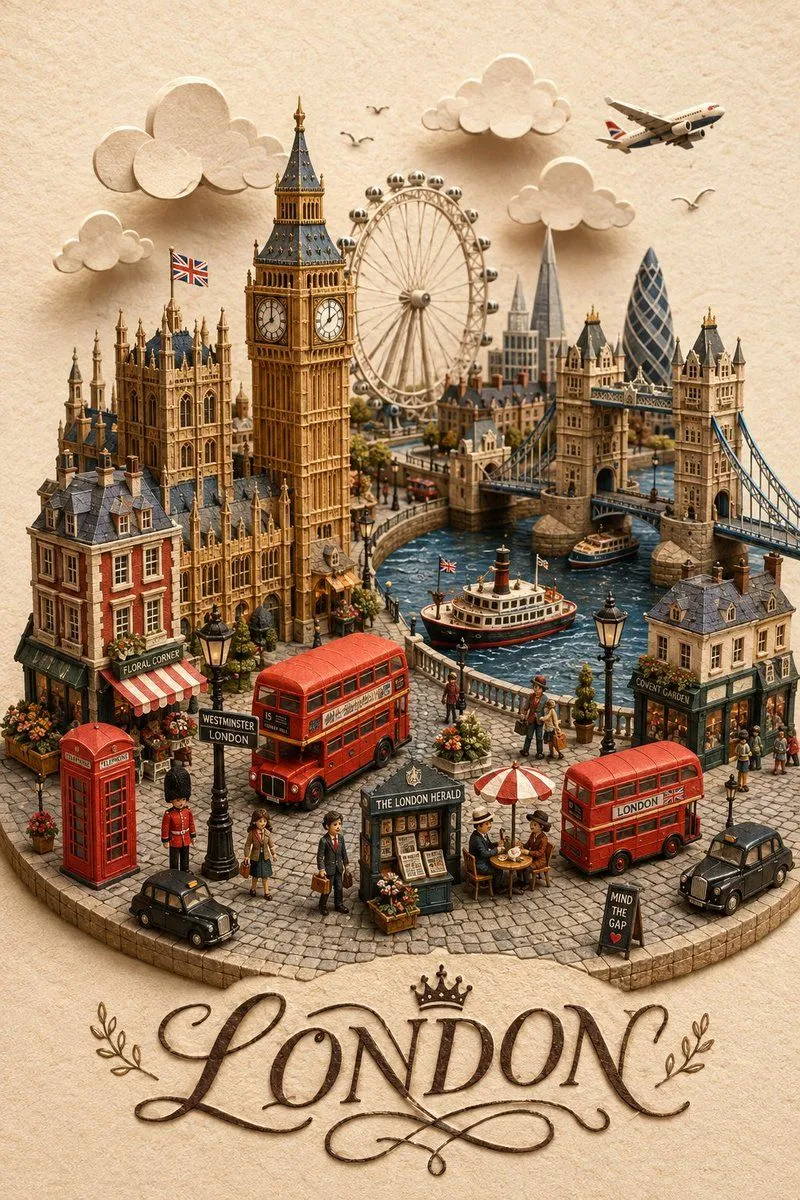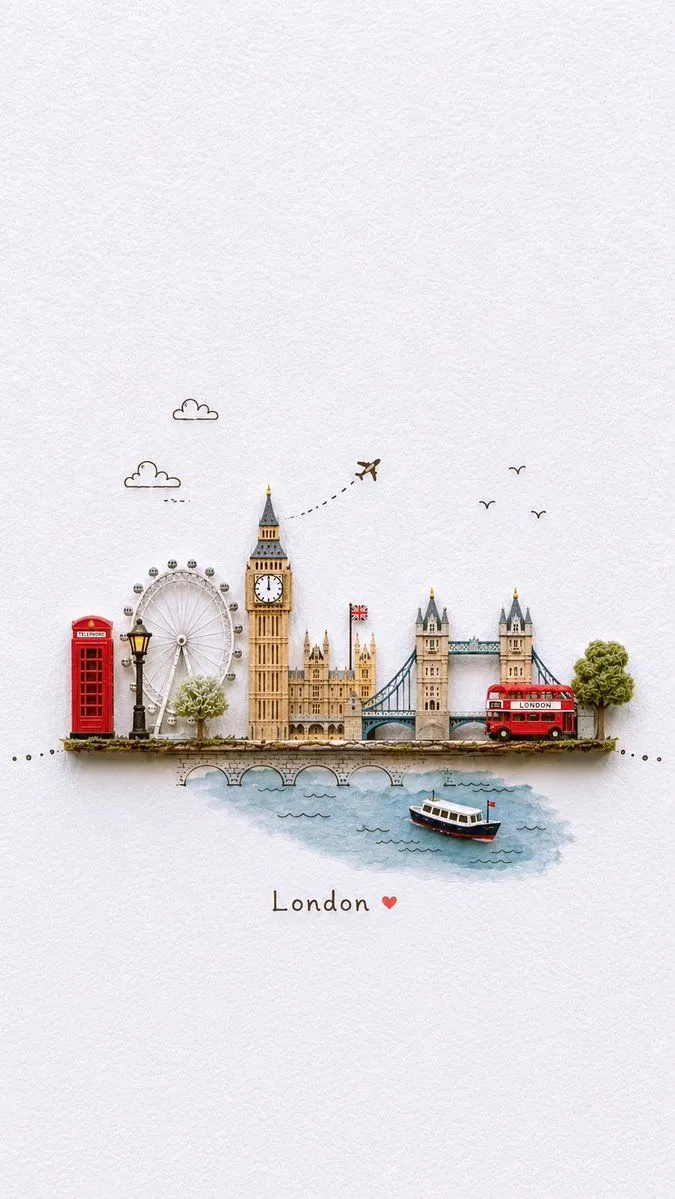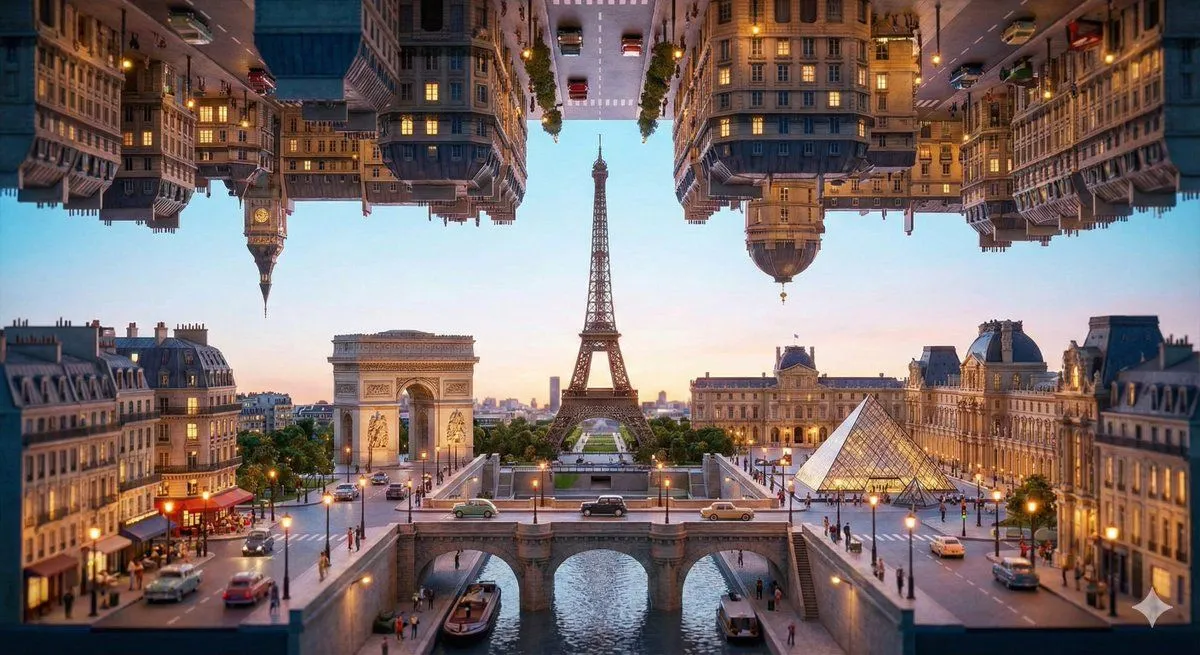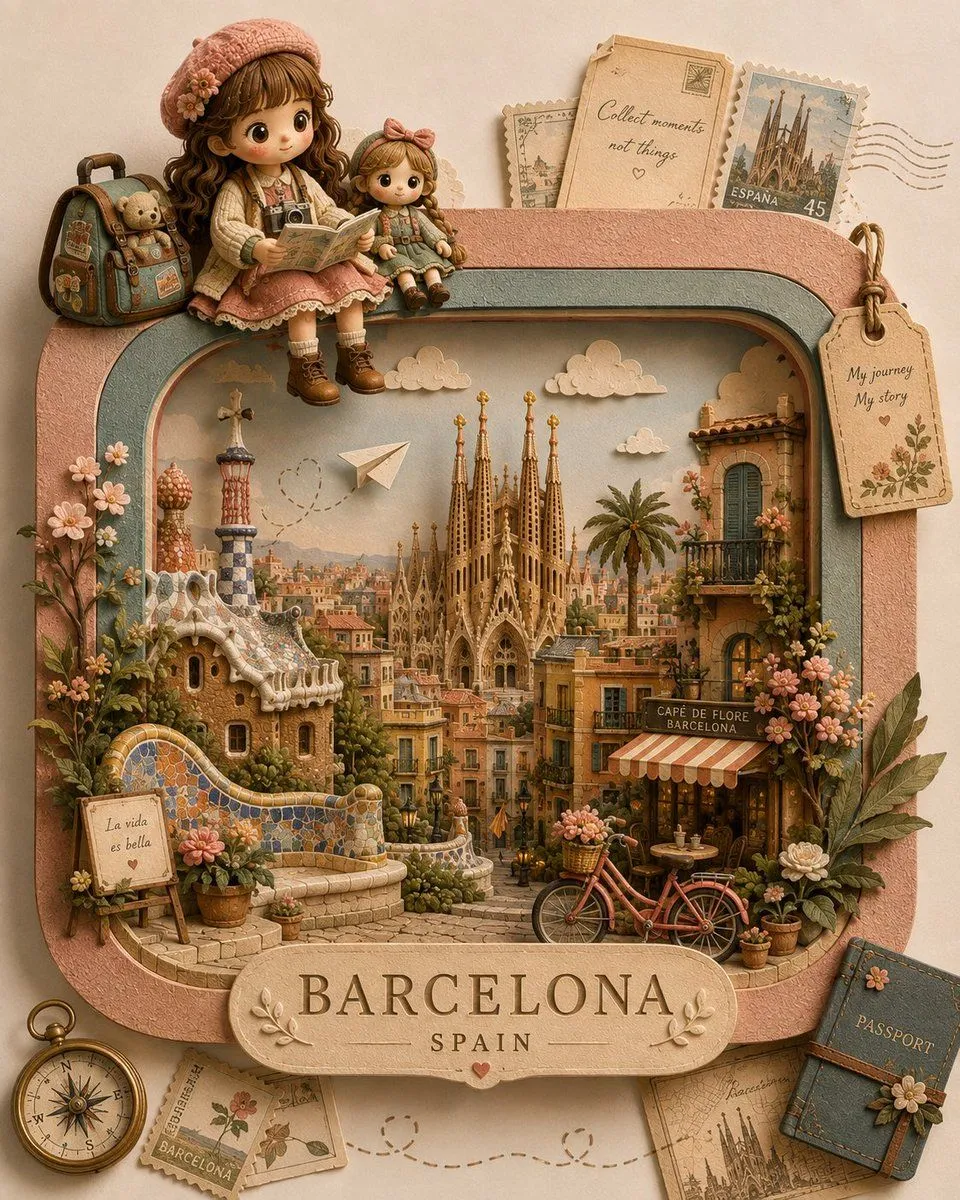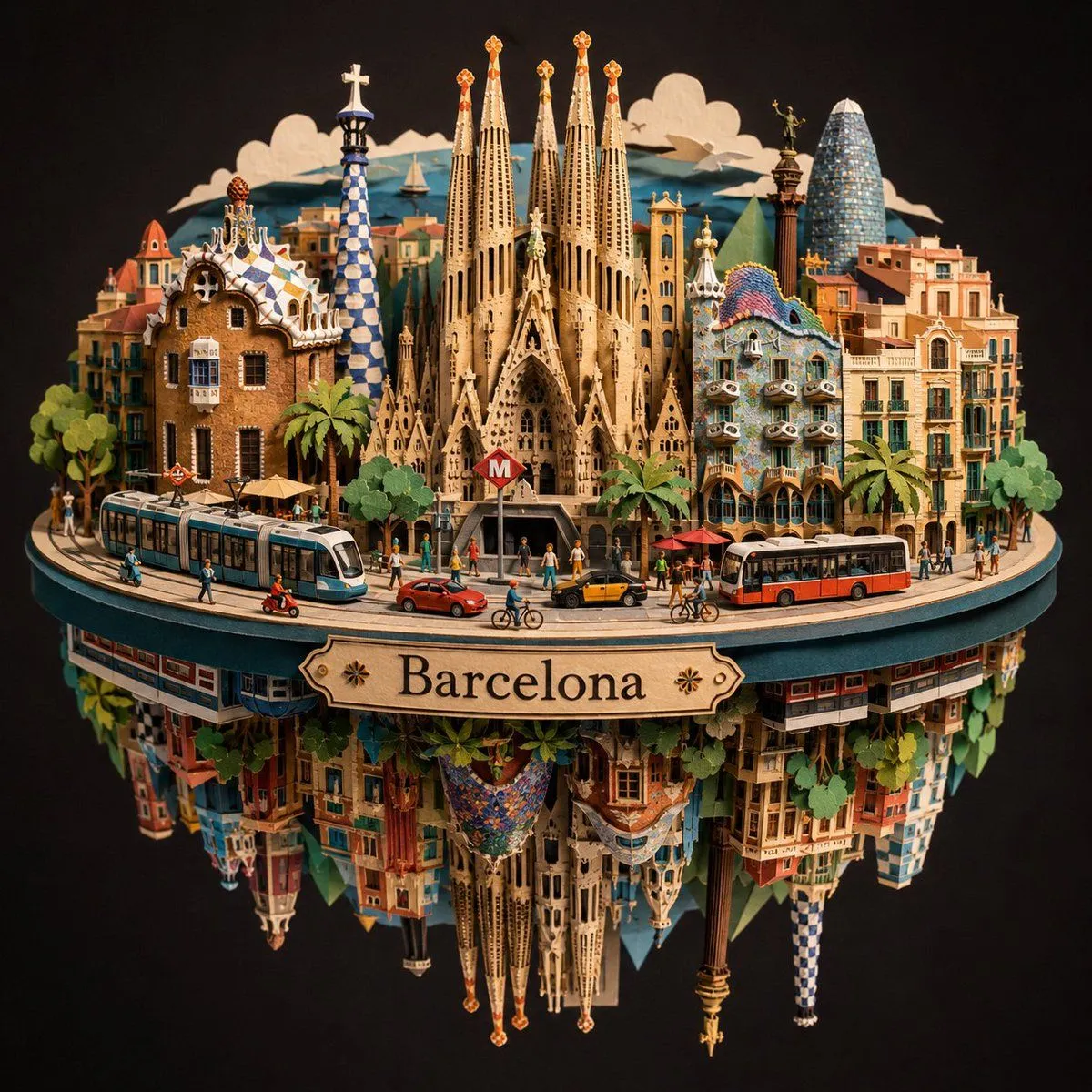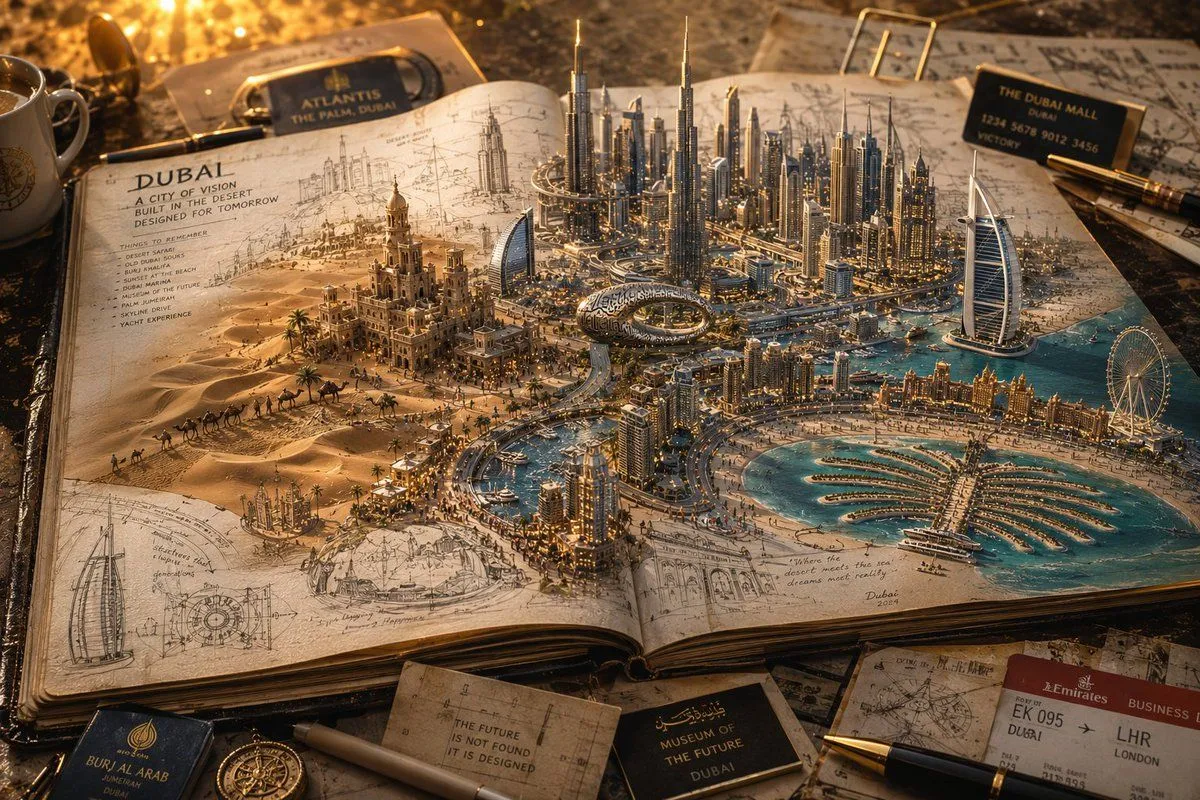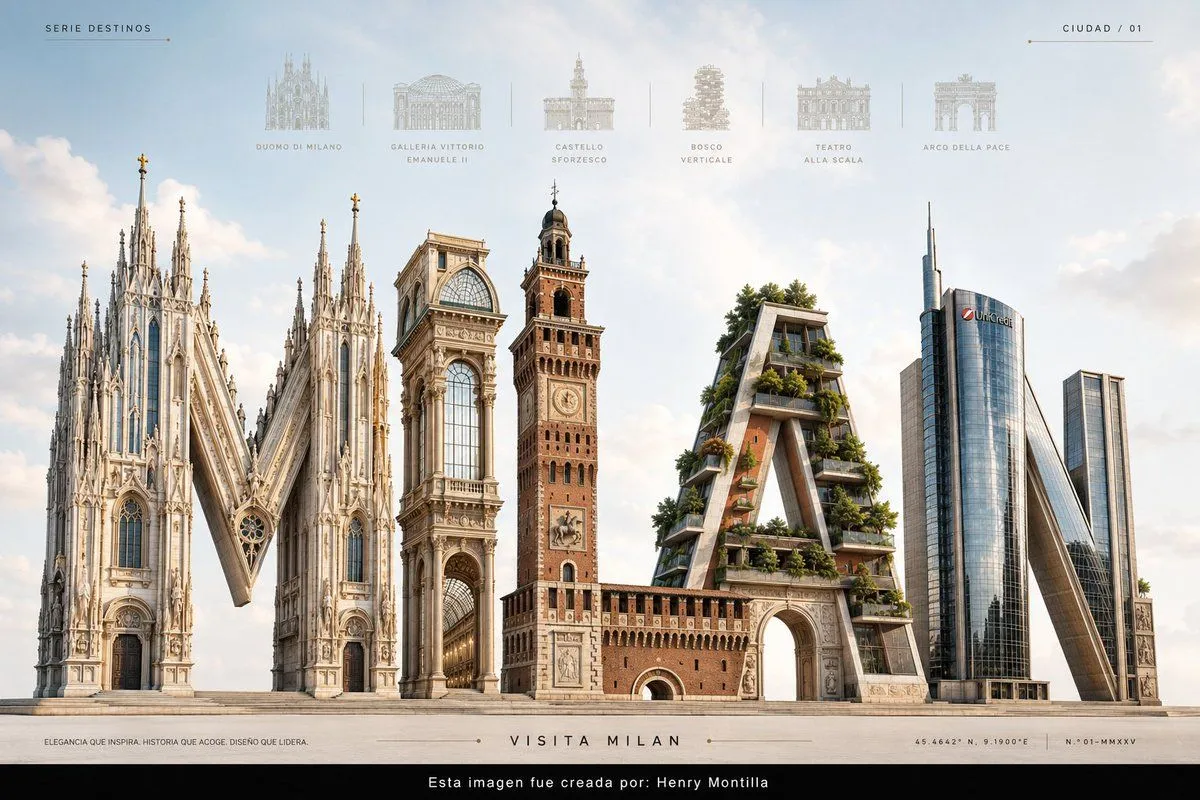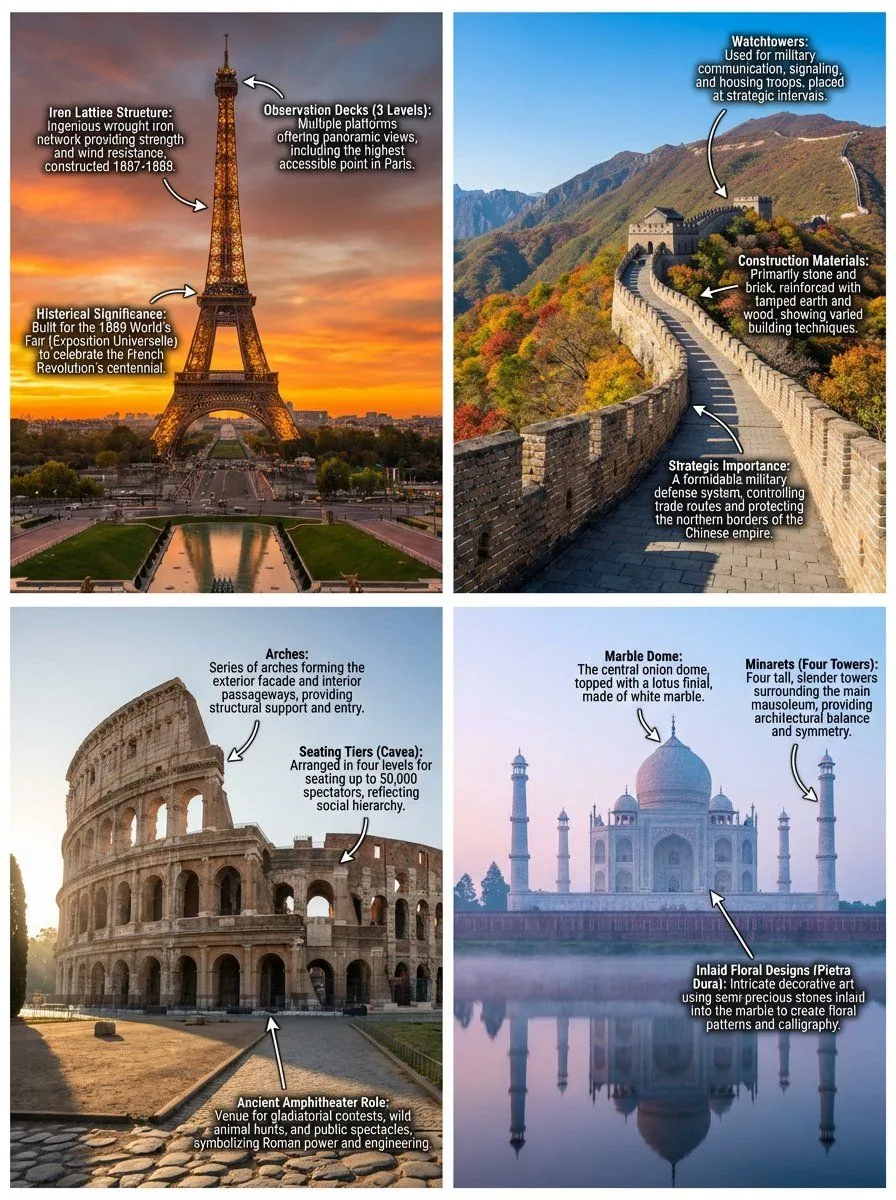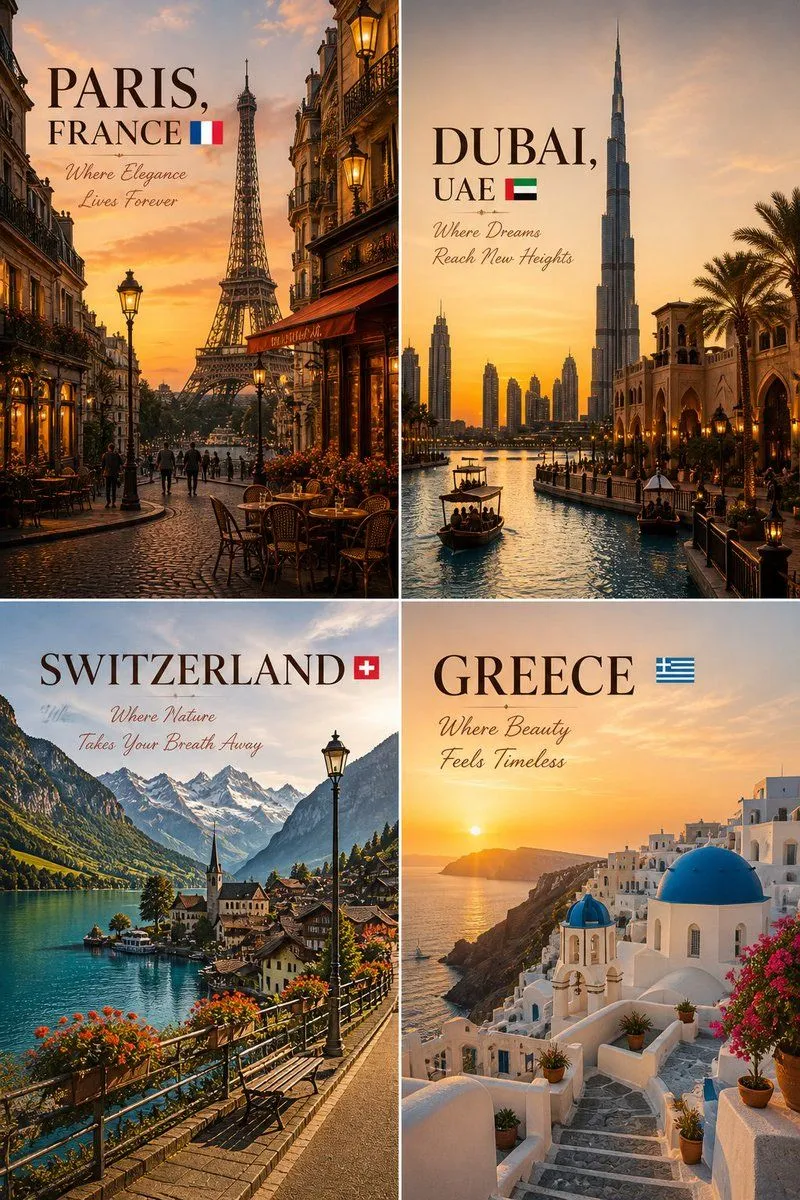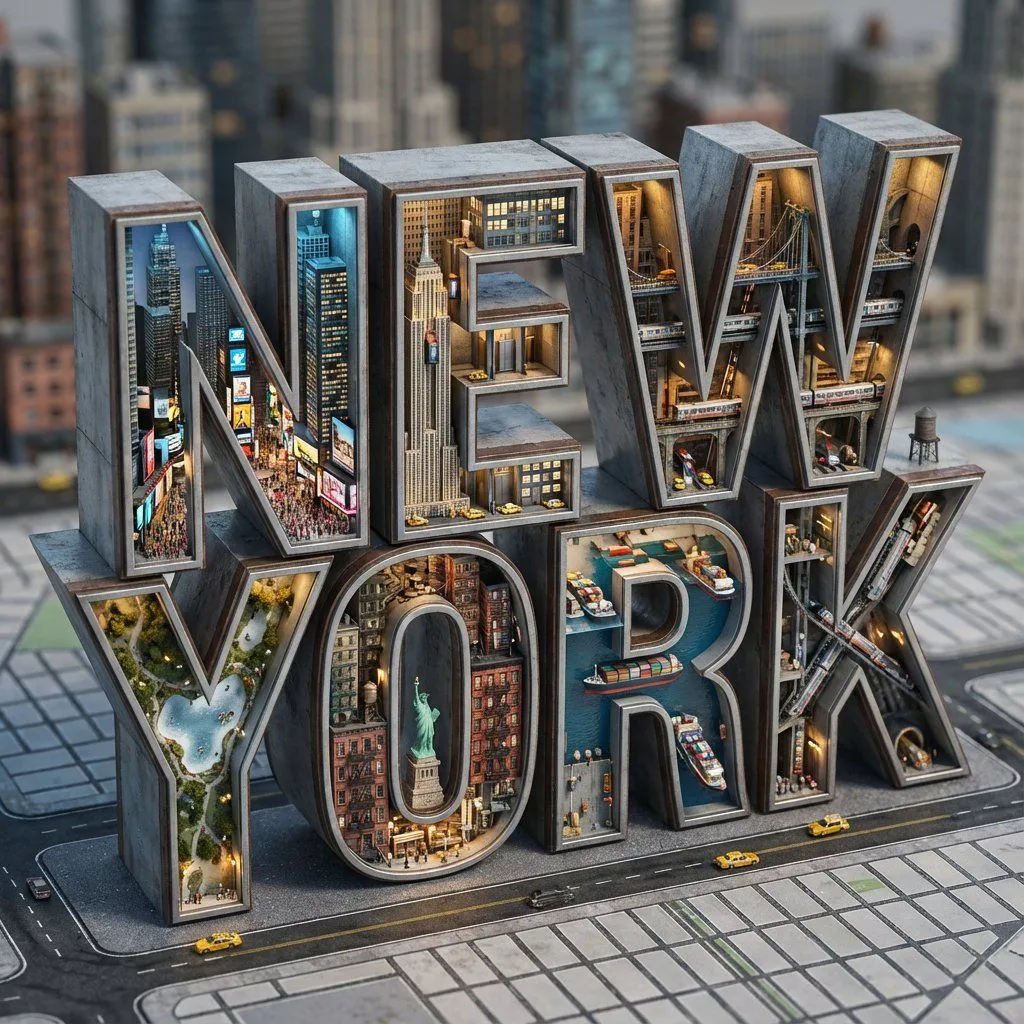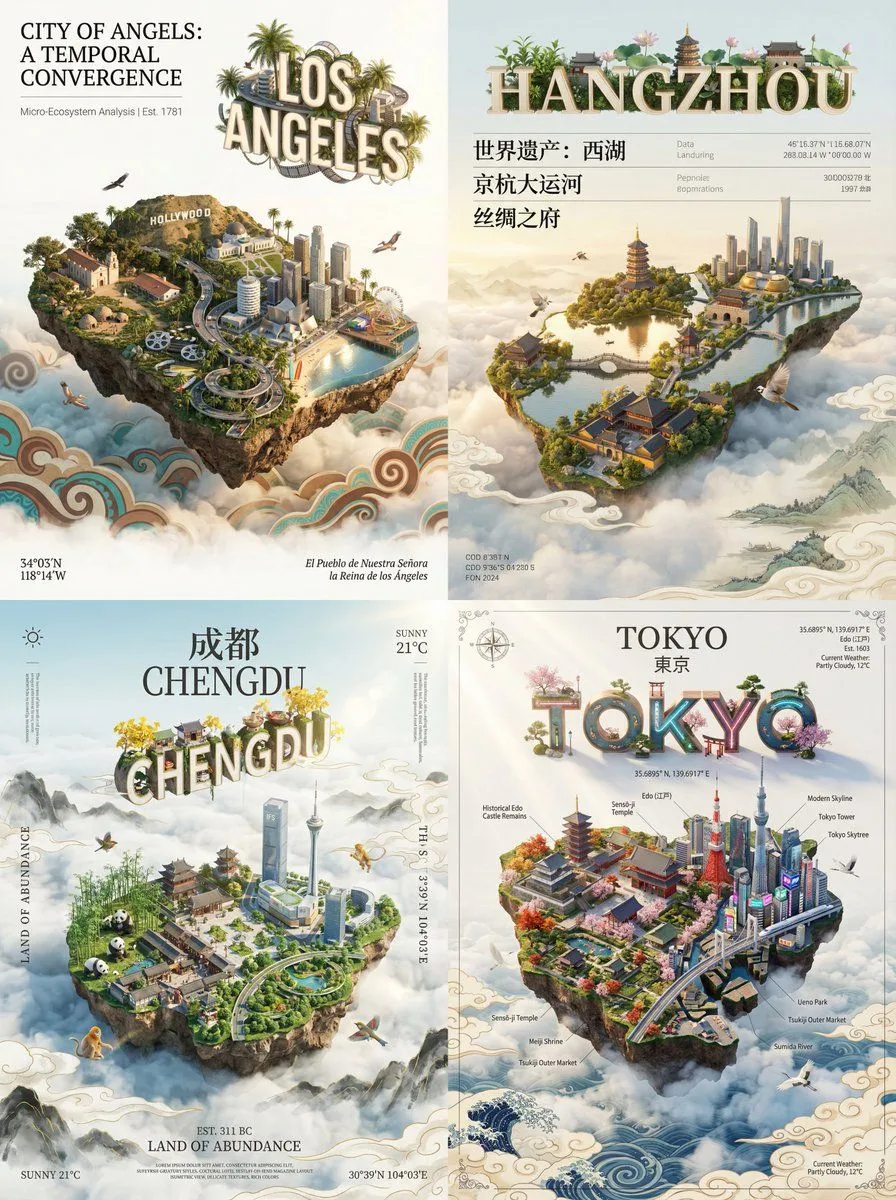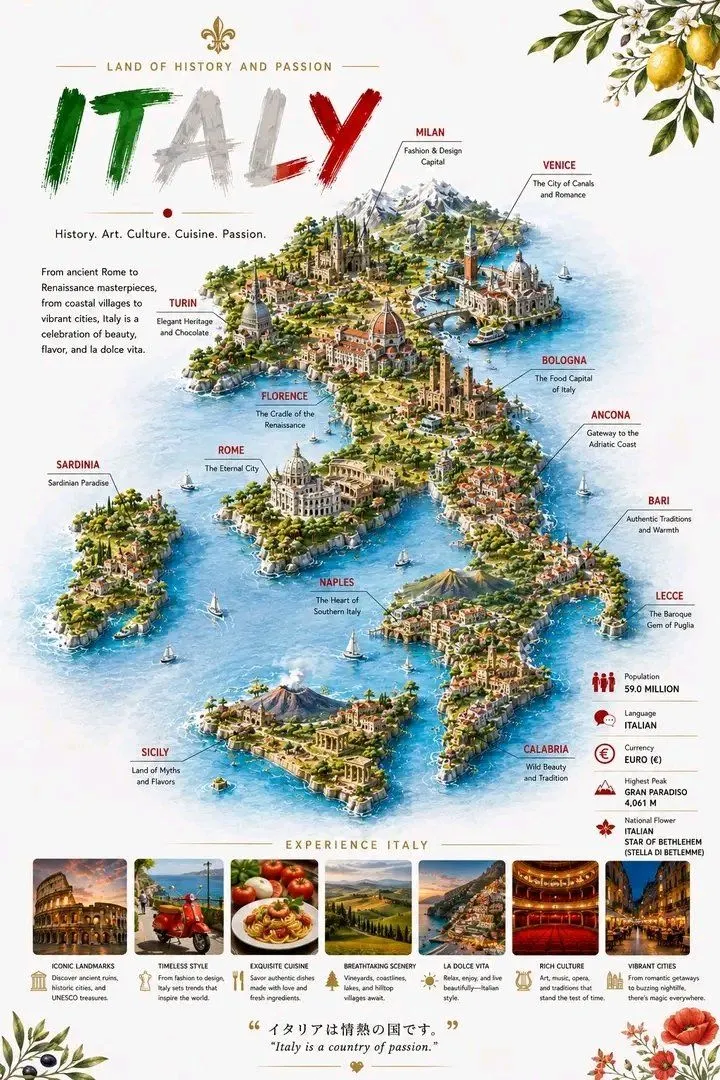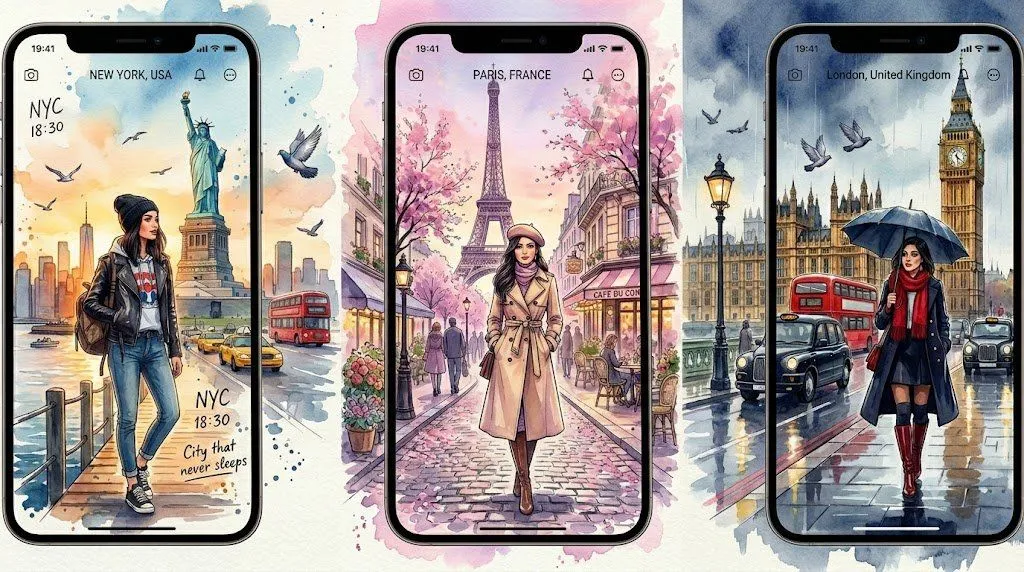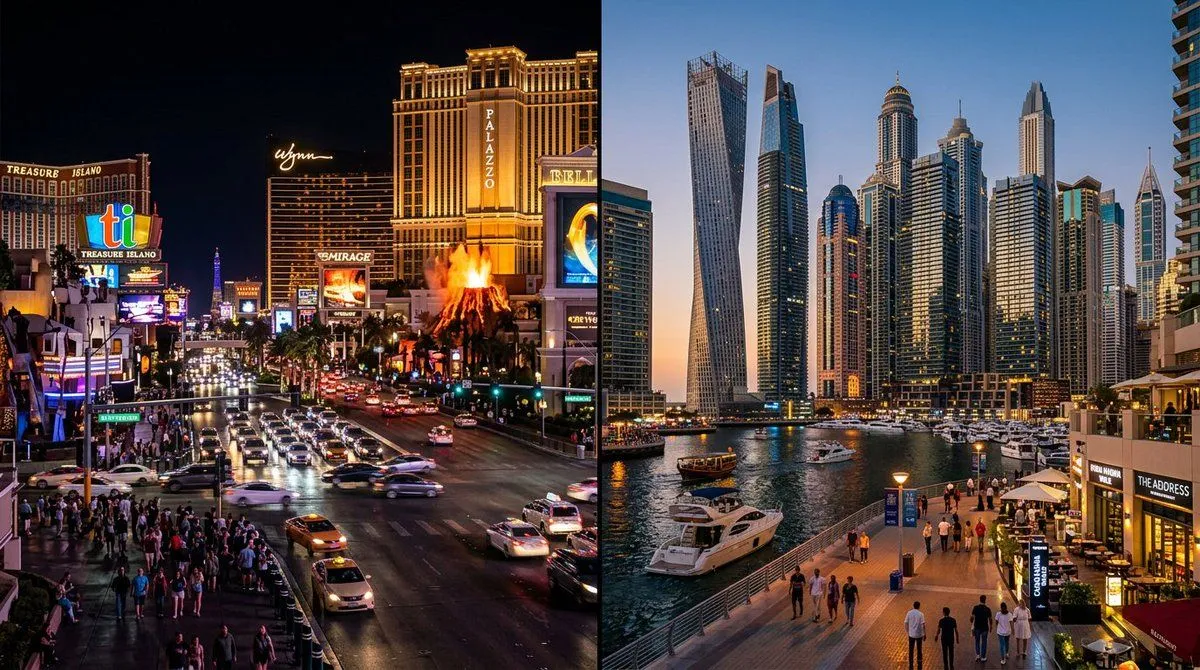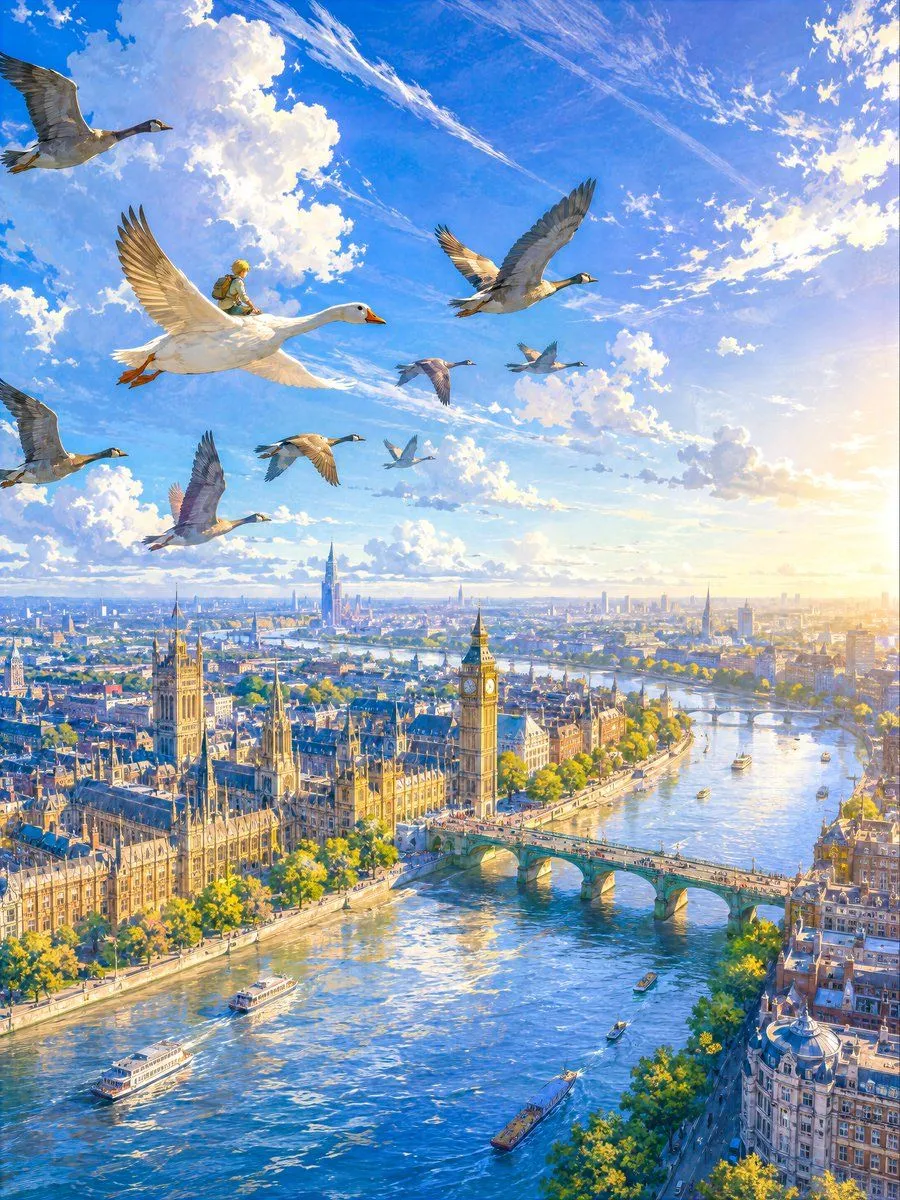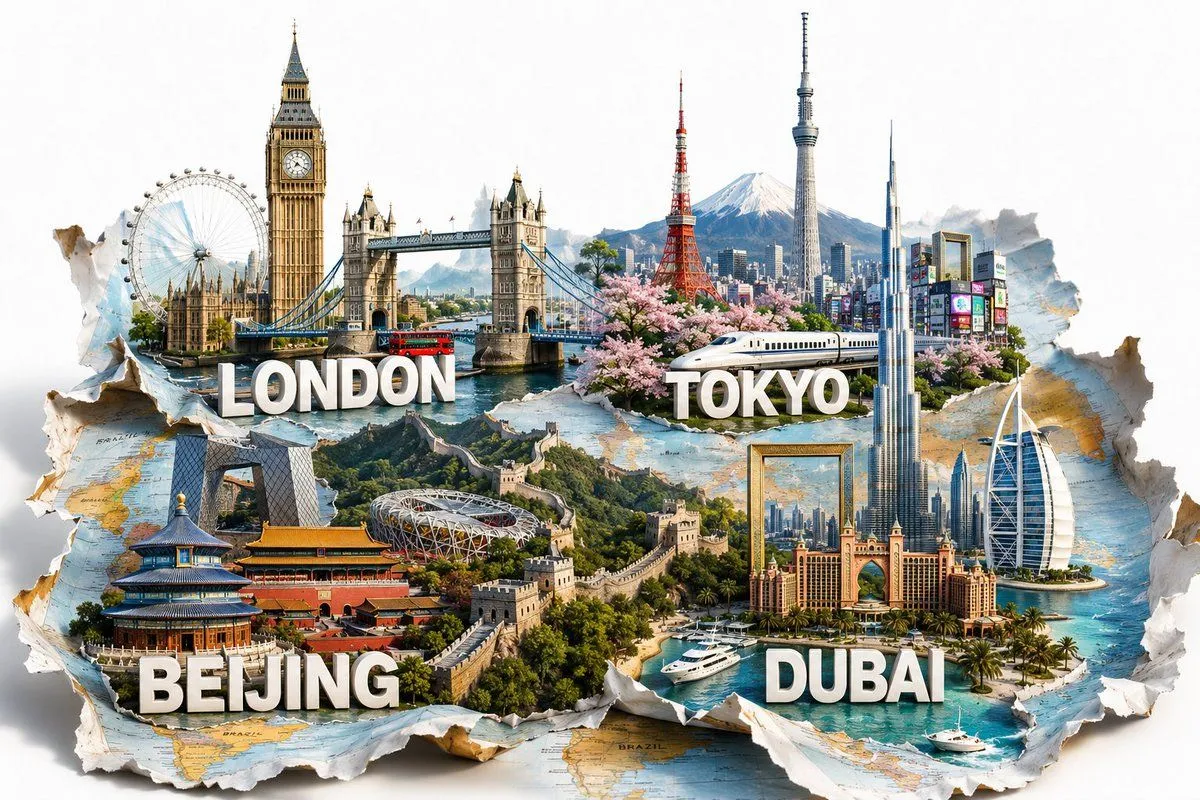
Made with GPT Image 2 in ChatGPT by Library Brand. Promptclay never generates images.
Pop-Up World Map City Collage
Prompt
5 blanks to fillGoal: Create a highly detailed 3D travel collage where famous global cities appear to burst upward from a torn, folded world map, as if the map has transformed into a miniature pop-up diorama of travel destinations. Canvas: Wide horizontal 3:2 composition, bright clean white background, photorealistic CGI with cinematic lighting, crisp depth, realistic paper texture, shadows, and layered torn-map edges curling upward around the scene. Main concept: A single large ripped world map lies across the bottom half of the image, with jagged paper tears and curled edges revealing four pop-up city environments. The cities blend into one continuous panoramic collage with water, greenery, architecture, roads, and skyline elements. Add subtle map labels and ocean coloring on the paper surface, but keep them secondary. City sections: Include exactly 4 labeled city sections, each with bold white extruded 3D uppercase text with gray drop shadow placed in front of its miniature city scene: 1) {london_label}, 2) {tokyo_label}, 3) {beijing_label}, 4) {dubai_label}. London section: Place it in the upper left. Show a detailed London skyline emerging from the map with Big Ben / Elizabeth Tower as the tallest landmark, the London Eye to the far left, the Houses of Parliament behind it, Tower Bridge spanning blue water in the center, and a red double-decker bus crossing the bridge. Use warm stone architecture, realistic reflections, and soft daylight. Tokyo section: Place it in the upper center to upper right. Show a vibrant Tokyo scene with Tokyo Tower in red and white, Tokyo Skytree tall and slender, Mount Fuji snow-capped in the background, blooming pink cherry blossoms in the foreground, a white Shinkansen bullet train crossing horizontally, and a dense neon city district with colorful signs. Make the Tokyo label sit over the train and blossoms. Beijing section: Place it in the lower left. Show Beijing landmarks emerging from the map with the Temple of Heaven in the front left, Tiananmen-style traditional red-and-gold palace architecture in the middle, the CCTV Headquarters tower in the background, the Bird's Nest stadium, and the Great Wall of China winding dramatically across green hills into the center of the image. Use rich greens, traditional reds, and stone textures. Dubai section: Place it in the lower right. Show Dubai rising from a turquoise coastal map area with Burj Khalifa towering high near the center-right, Burj Al Arab sail-shaped hotel on the far right, Atlantis-style resort architecture in the middle foreground, modern marina skyscrapers, palm-lined waterfront, luxury white yachts and speedboats on clear blue water. Make the Dubai label large in the front over the water. Visual style: Ultra-detailed photorealistic 3D render, polished travel advertising aesthetic, bright daylight, high contrast, clean composition, realistic scale-model look, crisp architectural details, saturated but natural colors, soft ambient shadows cast by buildings and curled paper. The map should look physically torn, with visible fibers, creases, folds, and layered paper thickness. Composition constraints: Keep all four city sections visible and balanced in one unified pop-up map scene. Use exactly 4 city name labels and no additional large headline. Avoid people as primary subjects. No logos, no watermark, no frame. The image should feel like {theme_phrase}.
Preview of your prompt
Goal: Create a highly detailed 3D travel collage where famous global cities appear to burst upward from a torn, folded world map, as if the map has transformed into a miniature pop-up diorama of travel destinations. Canvas: Wide horizontal 3:2 composition, bright clean white background, photorealistic CGI with cinematic lighting, crisp depth, realistic paper texture, shadows, and layered torn-map edges curling upward around the scene. Main concept: A single large ripped world map lies across the bottom half of the image, with jagged paper tears and curled edges revealing four pop-up city environments. The cities blend into one continuous panoramic collage with water, greenery, architecture, roads, and skyline elements. Add subtle map labels and ocean coloring on the paper surface, but keep them secondary. City sections: Include exactly 4 labeled city sections, each with bold white extruded 3D uppercase text with gray drop shadow placed in front of its miniature city scene: 1) LONDON, 2) TOKYO, 3) BEIJING, 4) DUBAI. London section: Place it in the upper left. Show a detailed London skyline emerging from the map with Big Ben / Elizabeth Tower as the tallest landmark, the London Eye to the far left, the Houses of Parliament behind it, Tower Bridge spanning blue water in the center, and a red double-decker bus crossing the bridge. Use warm stone architecture, realistic reflections, and soft daylight. Tokyo section: Place it in the upper center to upper right. Show a vibrant Tokyo scene with Tokyo Tower in red and white, Tokyo Skytree tall and slender, Mount Fuji snow-capped in the background, blooming pink cherry blossoms in the foreground, a white Shinkansen bullet train crossing horizontally, and a dense neon city district with colorful signs. Make the Tokyo label sit over the train and blossoms. Beijing section: Place it in the lower left. Show Beijing landmarks emerging from the map with the Temple of Heaven in the front left, Tiananmen-style traditional red-and-gold palace architecture in the middle, the CCTV Headquarters tower in the background, the Bird's Nest stadium, and the Great Wall of China winding dramatically across green hills into the center of the image. Use rich greens, traditional reds, and stone textures. Dubai section: Place it in the lower right. Show Dubai rising from a turquoise coastal map area with Burj Khalifa towering high near the center-right, Burj Al Arab sail-shaped hotel on the far right, Atlantis-style resort architecture in the middle foreground, modern marina skyscrapers, palm-lined waterfront, luxury white yachts and speedboats on clear blue water. Make the Dubai label large in the front over the water. Visual style: Ultra-detailed photorealistic 3D render, polished travel advertising aesthetic, bright daylight, high contrast, clean composition, realistic scale-model look, crisp architectural details, saturated but natural colors, soft ambient shadows cast by buildings and curled paper. The map should look physically torn, with visible fibers, creases, folds, and layered paper thickness. Composition constraints: Keep all four city sections visible and balanced in one unified pop-up map scene. Use exactly 4 city name labels and no additional large headline. Avoid people as primary subjects. No logos, no watermark, no frame. The image should feel like the world map coming alive as a luxury travel diorama.
DetailsVersions, settings and questions
Written for
What's in the prompt
- Subject
- Model
- GPT Image 2
If your face changes
keep my face exactly the sameQuestions
- Does this work in the ChatGPT app?
- Yes. Paste the prompt and attach your photo if it uses one.
- It changed my face. What do I do?
- Add "keep my face exactly the same" to the end and run it again.
- Can I use the images I make?
- Check the terms of the app you use. Promptclay never generates images and claims nothing you make.
Did it work?
No reports yet. Tell others if it worked for you.