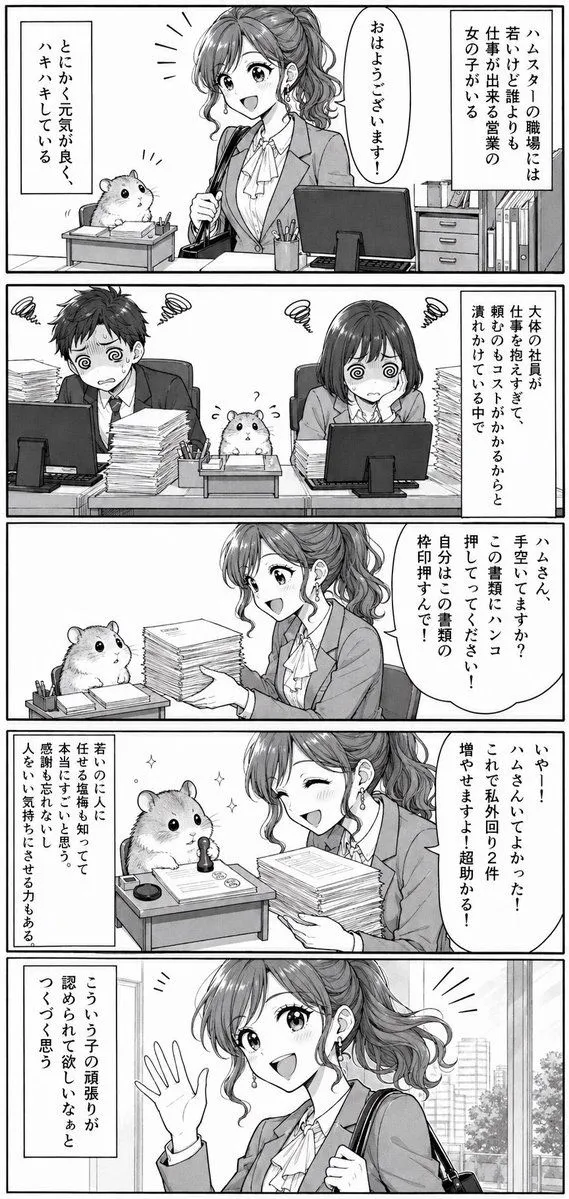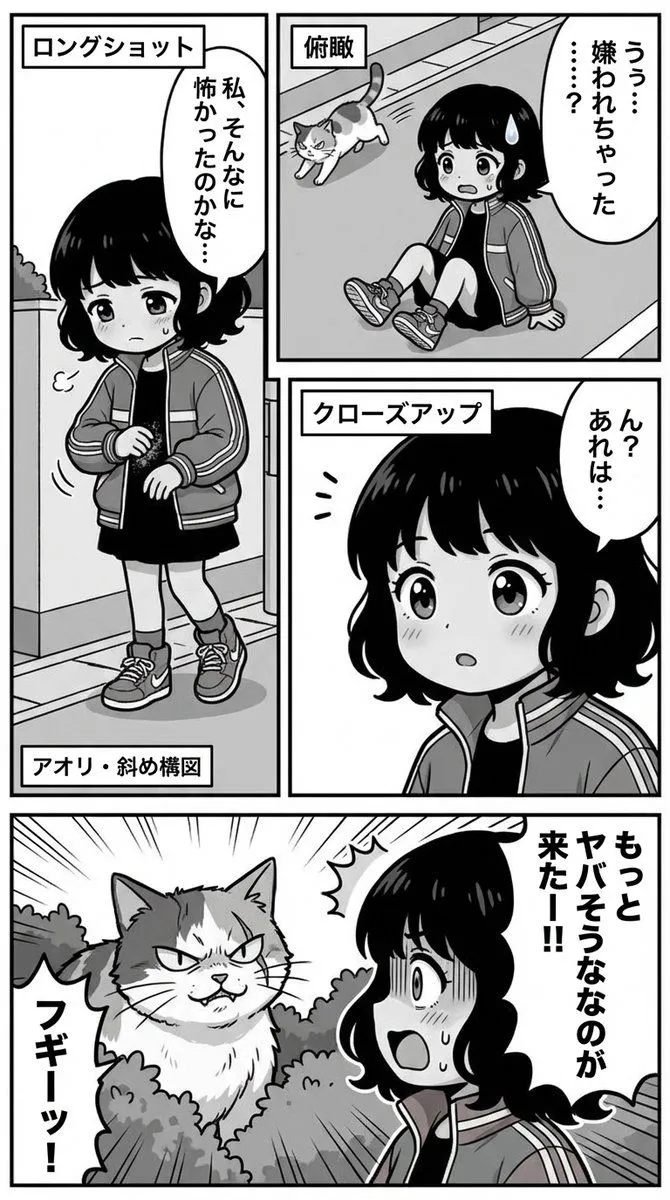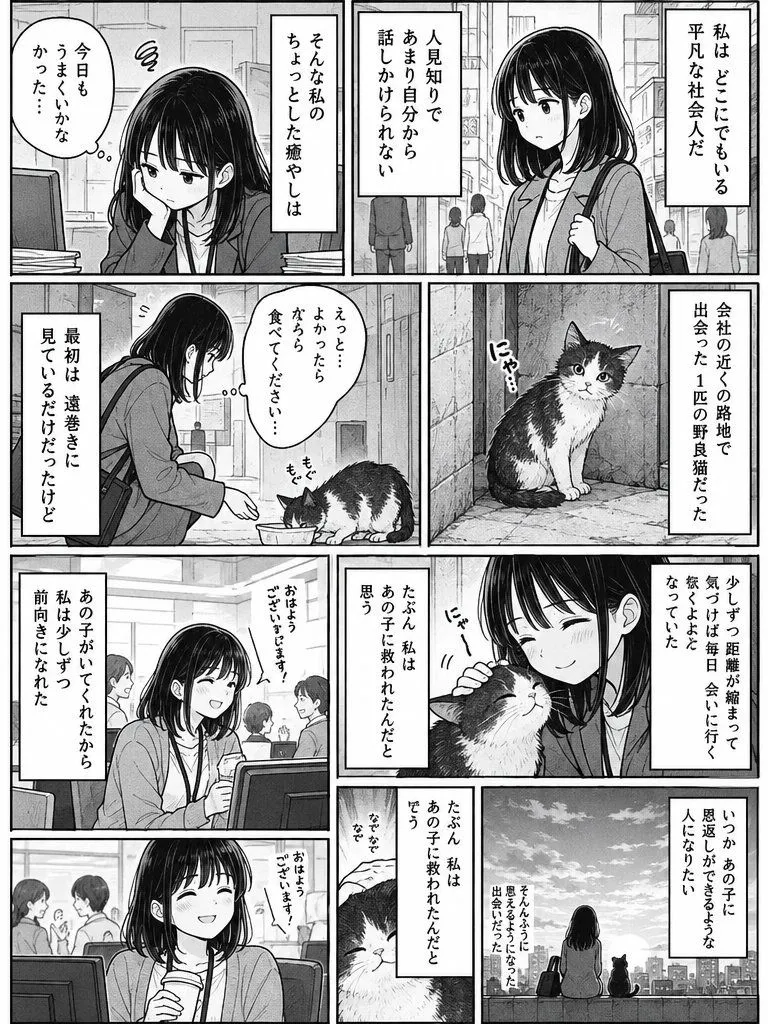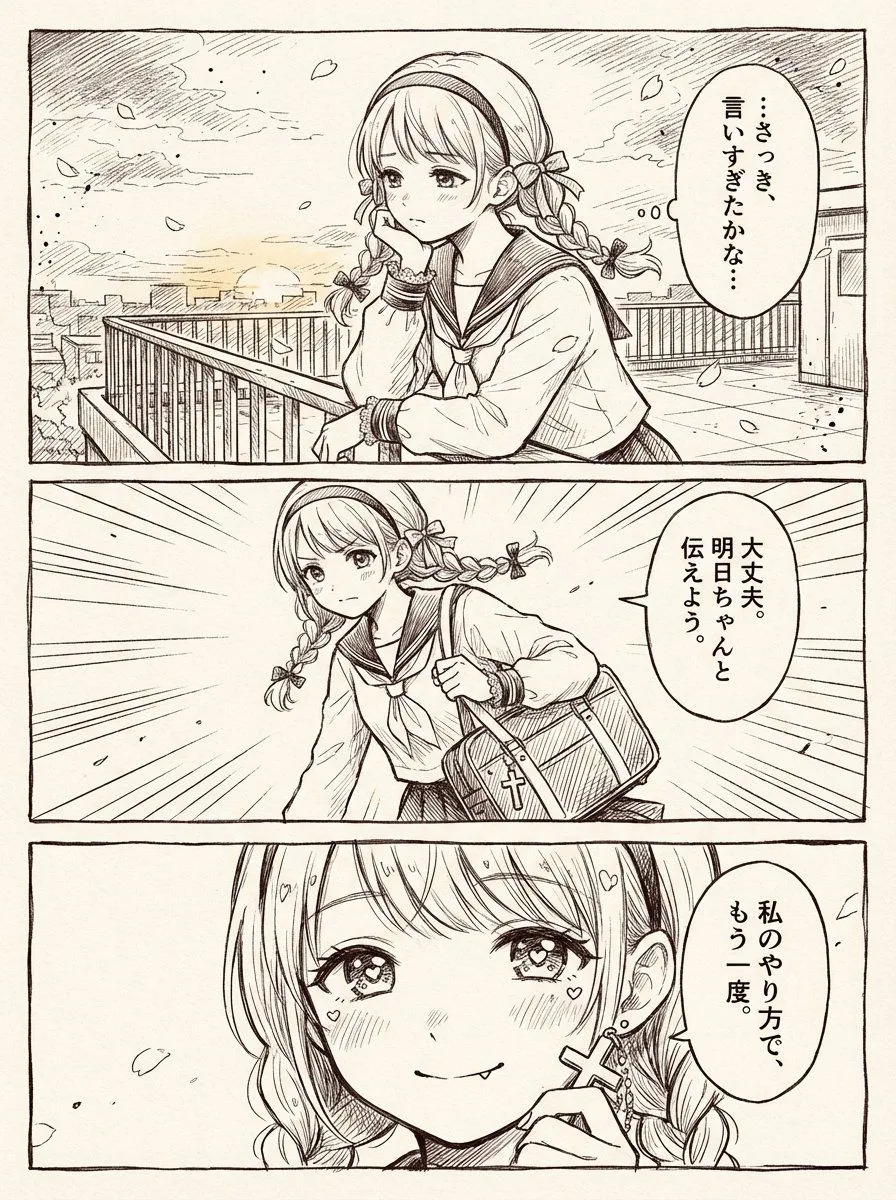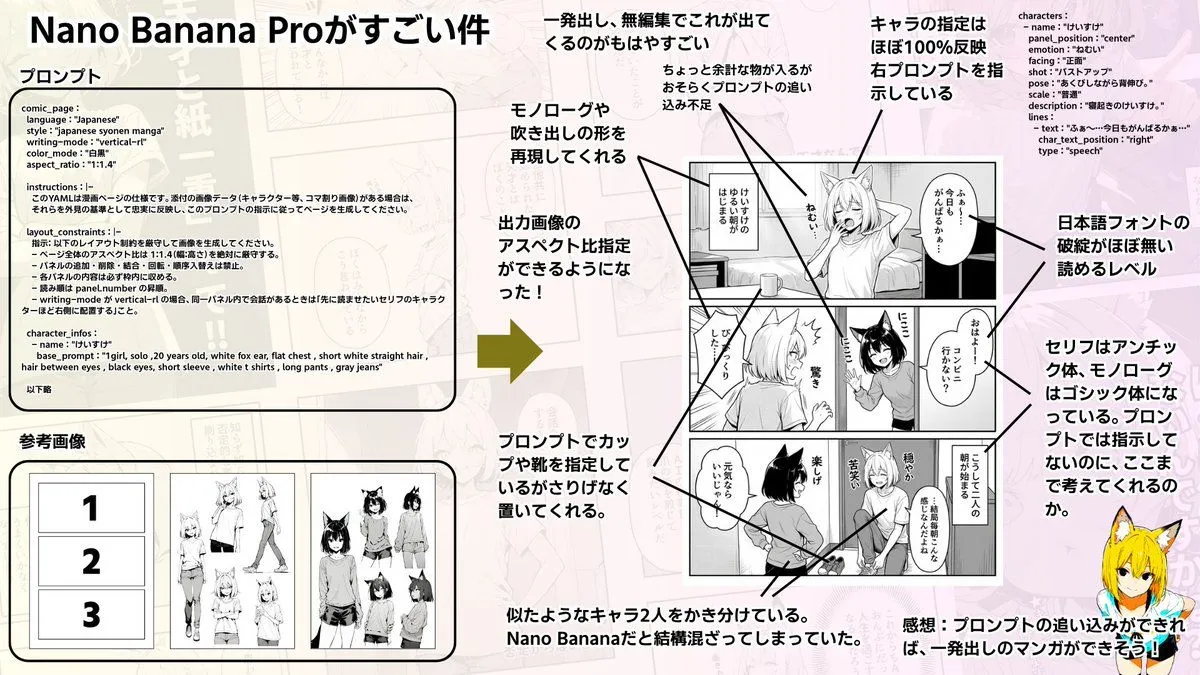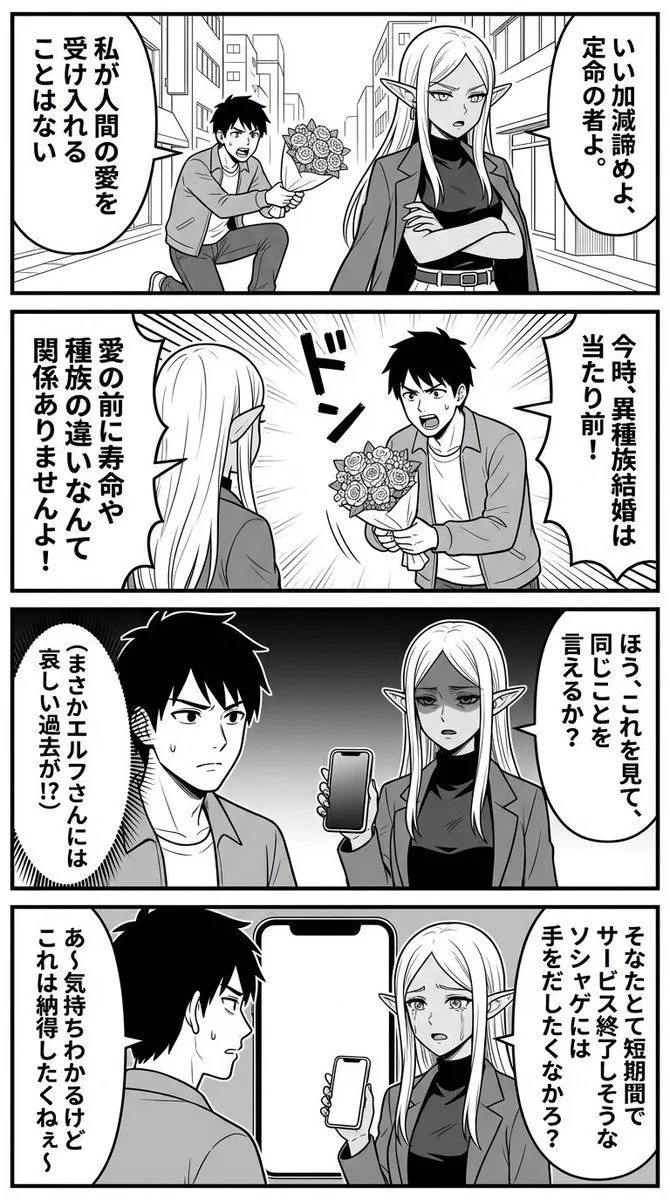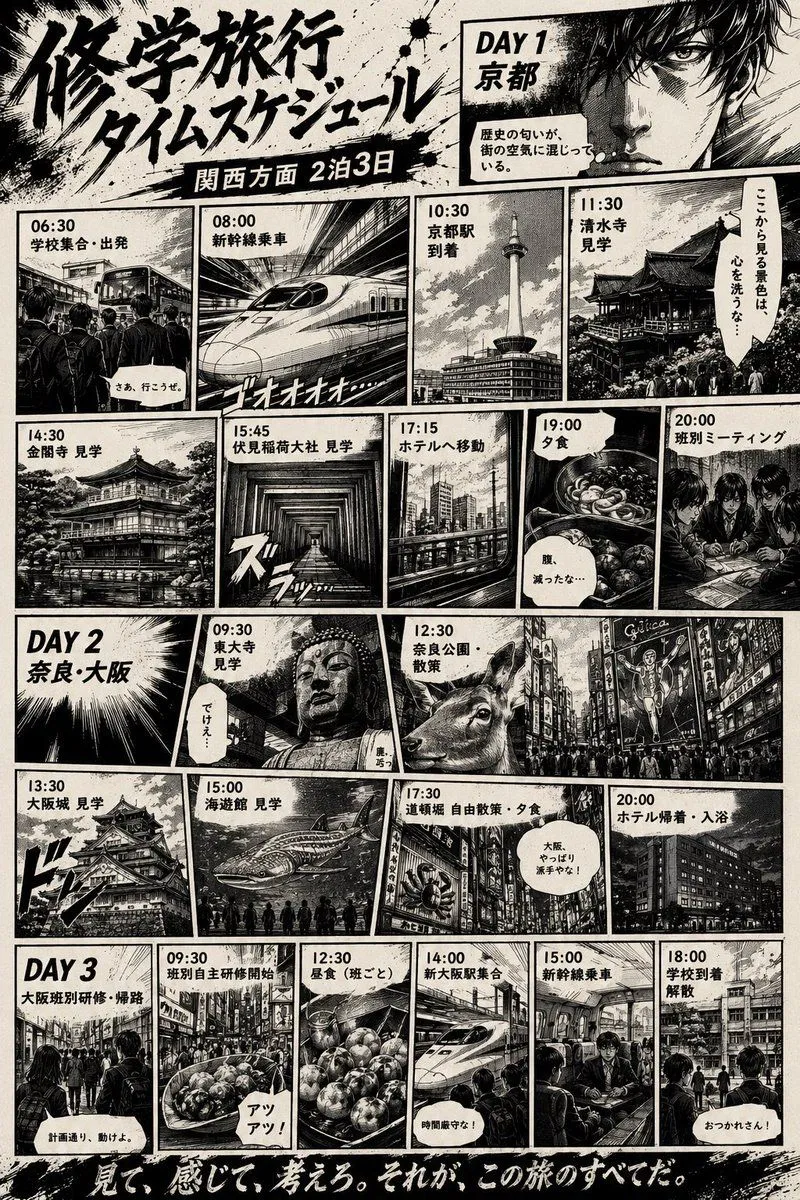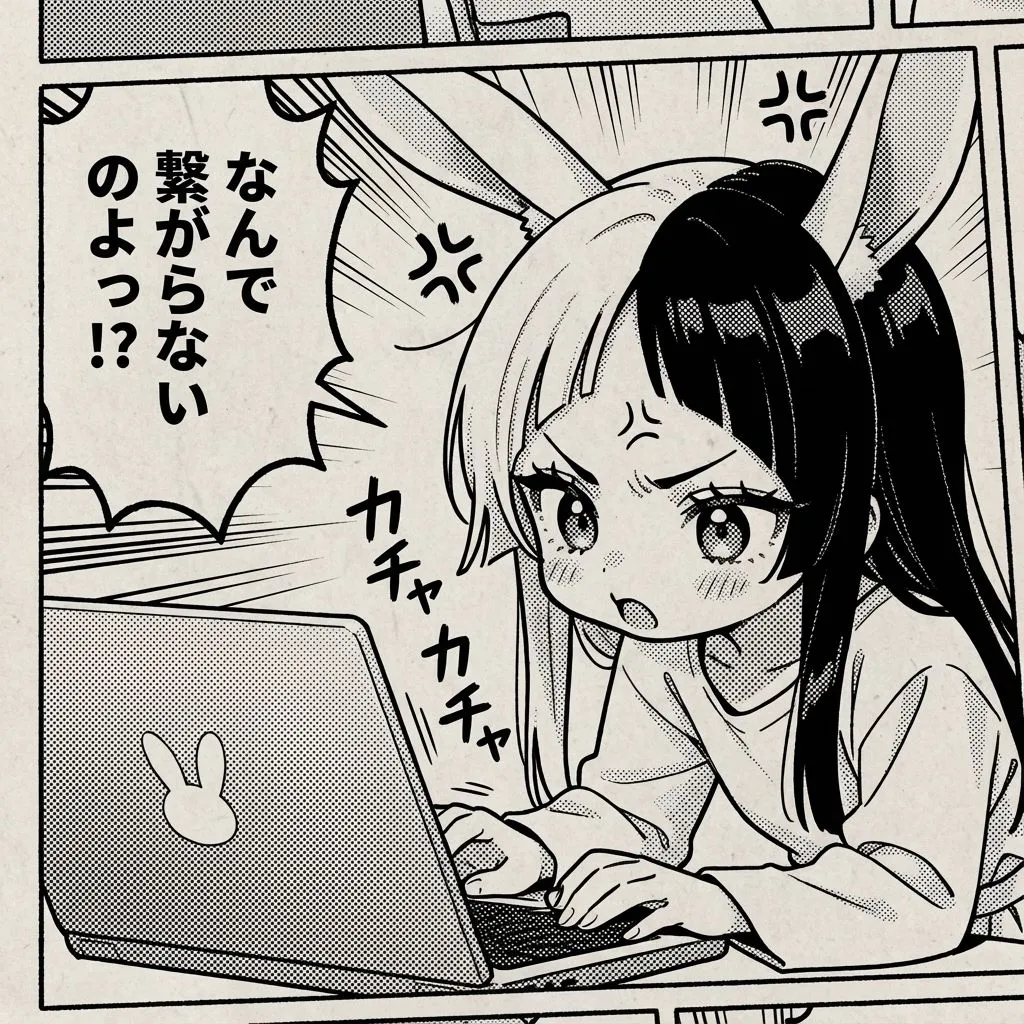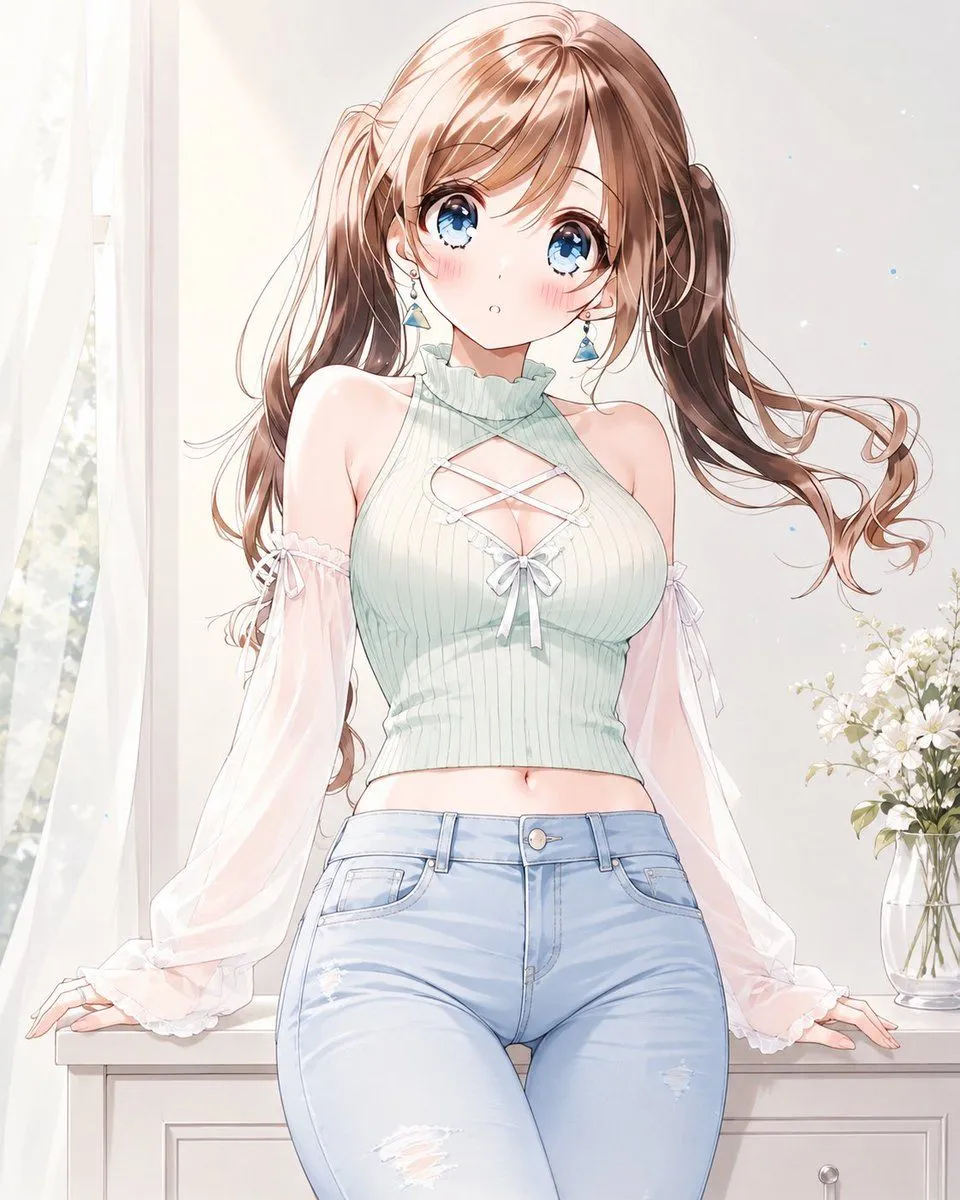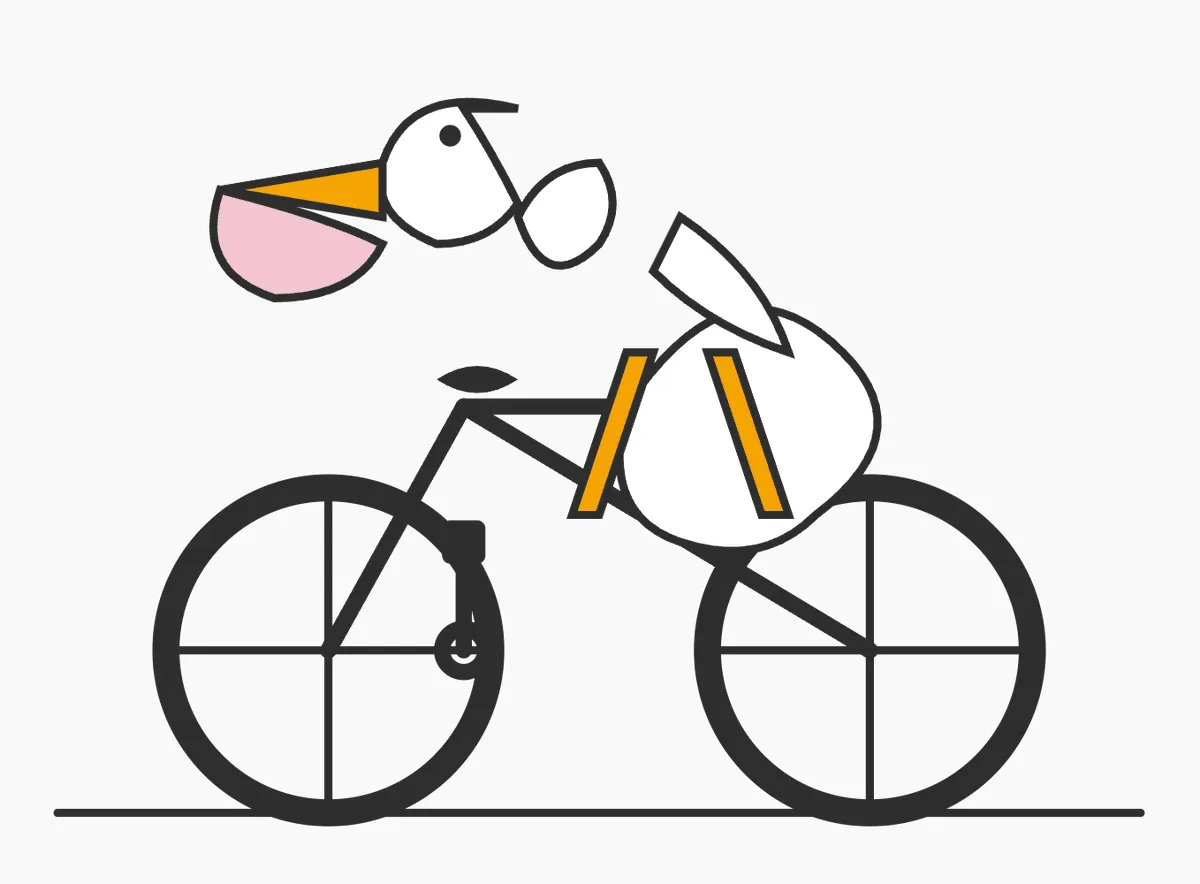
Made with GPT Image 2 in ChatGPT, collected by Library Anime. Promptclay never generates images.
Did it work?
No reports yet. Tell others if it worked for you.
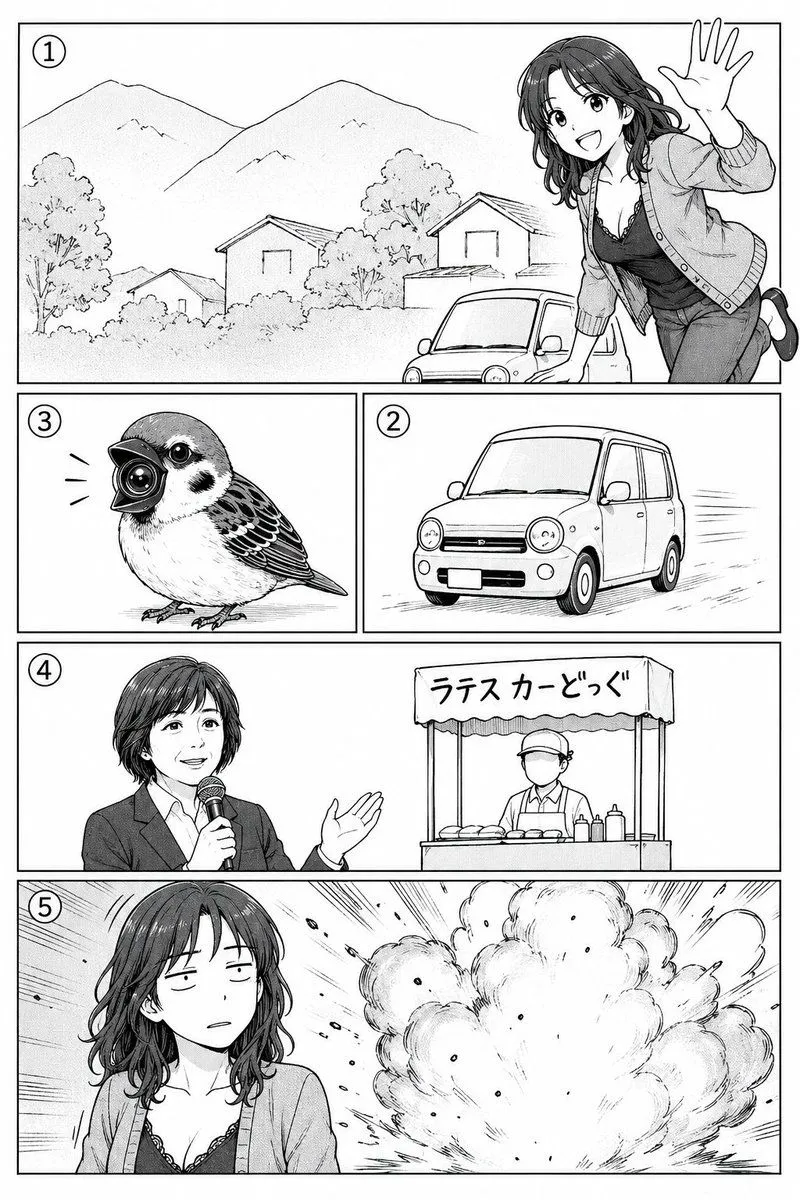
Polished Manga Page From Rough Storyboard
Prompt
1 blank to fillUsing REFERENCE_0 as a rough manga storyboard, turn it into a clean black-and-white manga page with polished line art, screentone shading, and crisp rectangular panel borders. Keep the same 5-panel story structure and visible circled panel numbers: 1 landscape scene with mountains, houses, a small car, and a cheerful woman leaning in from the right waving; 2 a compact car driving; 3 a small bird with a camera-like beak; 4 an announcer holding a microphone beside a street-food stall; 5 the woman in front of a large explosion. Preserve the rough layout order and the intended character/object positions, but render everything as finished manga art. Keep the faces in panels 4 and 5 intentionally obscured by a soft gray rectangular blur. Add Japanese text on the stall awning reading {stall_sign_text}. Make the page monochrome, high-detail, print-ready, with dynamic speed lines and explosion effects where indicated.
Preview of your prompt
Using REFERENCE_0 as a rough manga storyboard, turn it into a clean black-and-white manga page with polished line art, screentone shading, and crisp rectangular panel borders. Keep the same 5-panel story structure and visible circled panel numbers: 1 landscape scene with mountains, houses, a small car, and a cheerful woman leaning in from the right waving; 2 a compact car driving; 3 a small bird with a camera-like beak; 4 an announcer holding a microphone beside a street-food stall; 5 the woman in front of a large explosion. Preserve the rough layout order and the intended character/object positions, but render everything as finished manga art. Keep the faces in panels 4 and 5 intentionally obscured by a soft gray rectangular blur. Add Japanese text on the stall awning reading ラテスカーどっぐ. Make the page monochrome, high-detail, print-ready, with dynamic speed lines and explosion effects where indicated.
DetailsVersions, settings and questions
Written for
What's in the prompt
- Subject
- Model
- GPT Image 2
If your face changes
keep my face exactly the sameQuestions
- Does this work in the ChatGPT app?
- Yes. Paste the prompt and attach your photo if it uses one.
- It changed my face. What do I do?
- Add "keep my face exactly the same" to the end and run it again.
- Can I use the images I make?
- Check the terms of the app you use. Promptclay never generates images and claims nothing you make.