Tell us anything

An idea, a bug, something you love. We read every note.

⌘↵ to send. The page you're on comes along.

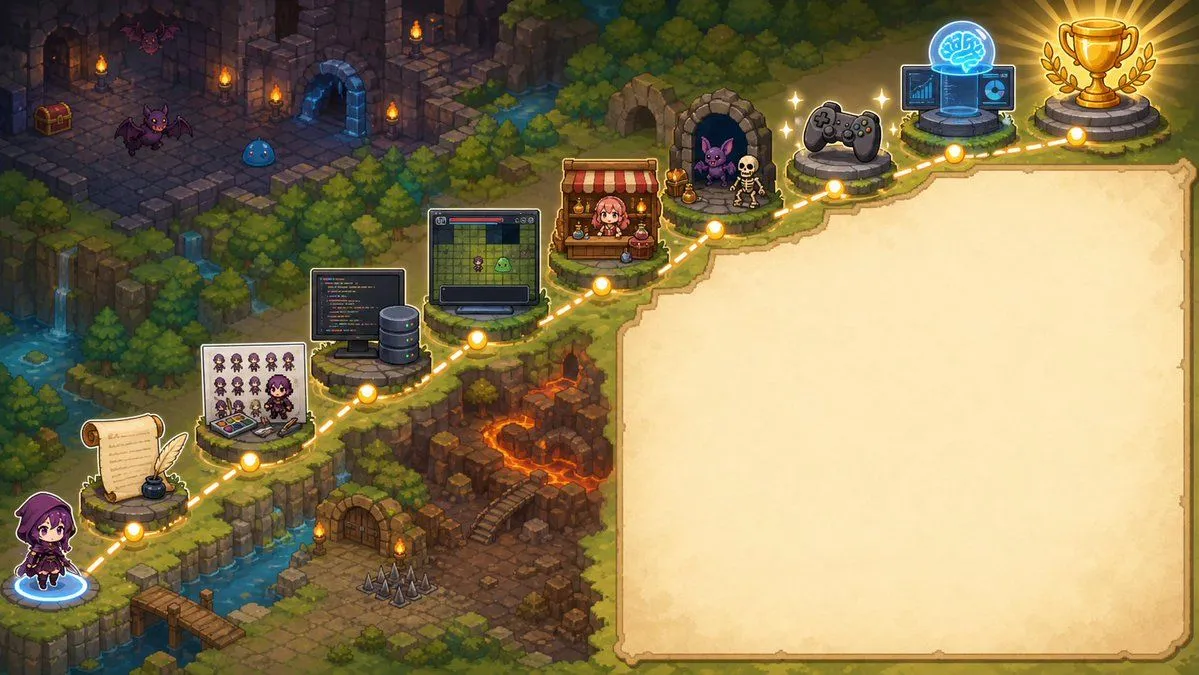
Pixel Art Game Development Roadmap

Made with GPT Image 2 in ChatGPT by Library Game Art. Promptclay never generates images.

Did it work?

No reports yet. Tell others if it worked for you.

No comments yet. Be the first.

    Pixel Art Game Development Roadmap

    GPT Image 216:9AI-generated

    Prompt

    {"type":"wide pixel-art fantasy roadmap illustration with blank presentation panel","format":"16:9 horizontal banner","style":"high-detail isometric pixel art, cozy JRPG game map, warm torchlight, saturated fantasy colors, crisp sprites, soft glow effects, no readable text anywhere","main_scene":{"setting":"a winding cliffside adventure path through a forested dungeon landscape, combining medieval ruins, waterfalls, lava caverns, bridges, stone platforms, and magical lights","camera":"isometric top-down view, wide composition","left_character":"a small hooded purple-robed adventurer seen from behind, standing at the lower-left starting point on a glowing blue magic circle","path":"a dotted glowing golden route line travels from the lower-left corner upward and across the image to the upper-right, connecting circular gold waypoint nodes","waypoint_count":10,"waypoints":["starting character on blue portal at bottom-left","parchment scroll with feather quill and inkwell","pixel character sprite sheet and color palette board with a small artist character","programming workstation with code monitor and server tower","game prototype monitor showing a grid map and tiny sprites","shop stall with red-and-white awning and pink-haired merchant","monster encounter cave with purple bat and skeleton","game controller platform","AI brain hologram with laptop and interface screens","gold trophy on stone pedestal with laurel branches"]},"right_panel":{"position":"right half of the image","shape":"large blank parchment rectangle with irregular hand-drawn border and rounded corners","purpose":"empty space reserved for adding a title, explanation, or roadmap text later","fill":"warm cream parchment texture with subtle stains, no writing"},"background_details":{"upper_left":"dark ruined stone dungeon rooms with torches, treasure chest, arched doorways, purple bats, and a blue slime","middle_left":"dense evergreen forest, cliffs, small waterfalls, streams, and mossy stone ledges","lower_middle":"rocky dungeon entrance with wooden door, stairs, floor spikes, torches, and orange lava fissures","upper_right":"forest edge and final trophy area glowing with victory light"},"customization":{"theme":"{argument name=\"roadmap theme\" default=\"AI-assisted game development journey\"}","main character":"{argument name=\"main character\" default=\"small hooded purple adventurer\"}","blank panel use":"{argument name=\"blank panel use\" default=\"empty parchment area for later text\"}","art style":"{argument name=\"art style\" default=\"isometric pixel art JRPG map\"}","final reward":"{argument name=\"final reward\" default=\"gold trophy with laurel branches\"}"},"composition_notes":"Keep the left and upper portions visually busy with the 10 connected roadmap icons, while the entire right side remains a clean blank parchment panel. Use glowing yellow nodes and a dashed route to clearly imply progression from writing and art creation to coding, prototyping, publishing, testing, AI assistance, and final success."}

    Works in
    ChatGPT, Gemini
    Status
    Free to copy
    0
    DetailsVersions, settings and questions

    Written for

    What's in the prompt

    Subject
    Model
    GPT Image 2

    If your face changes

    keep my face exactly the same

    Questions

    Does this work in the ChatGPT app?
    Yes. Paste the prompt and attach your photo if it uses one.
    It changed my face. What do I do?
    Add "keep my face exactly the same" to the end and run it again.
    Can I use the images I make?
    Check the terms of the app you use. Promptclay never generates images and claims nothing you make.
    Similar prompts

    See more
    • Isometric JRPG Town Plaza Scene
    • Toy Circus JRPG Battle
    • RPG Status Screen X Profile Prompt
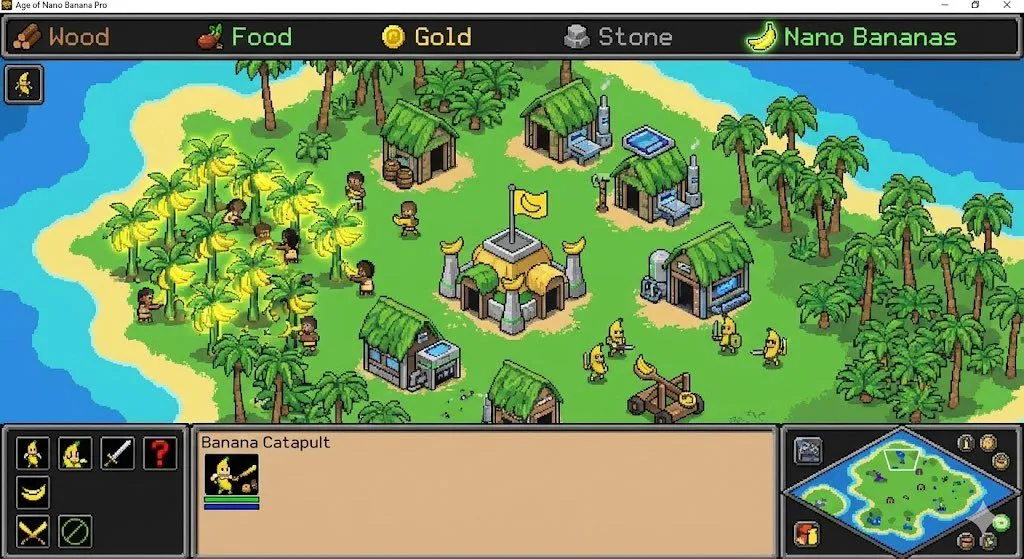
    • Ultra-realistic photo from retro game interface
    • Tropical Wolf Boy RPG Character Sheet
    • Super Robot Wars Style Witch Rejecting Friday
    • Fantasy RPG Region Map Sheet
    • Gothic Haunted Swamp Map
    • Treasure Map Adventure Prompt for Nano Banana 2
    • Isometric National Park Map
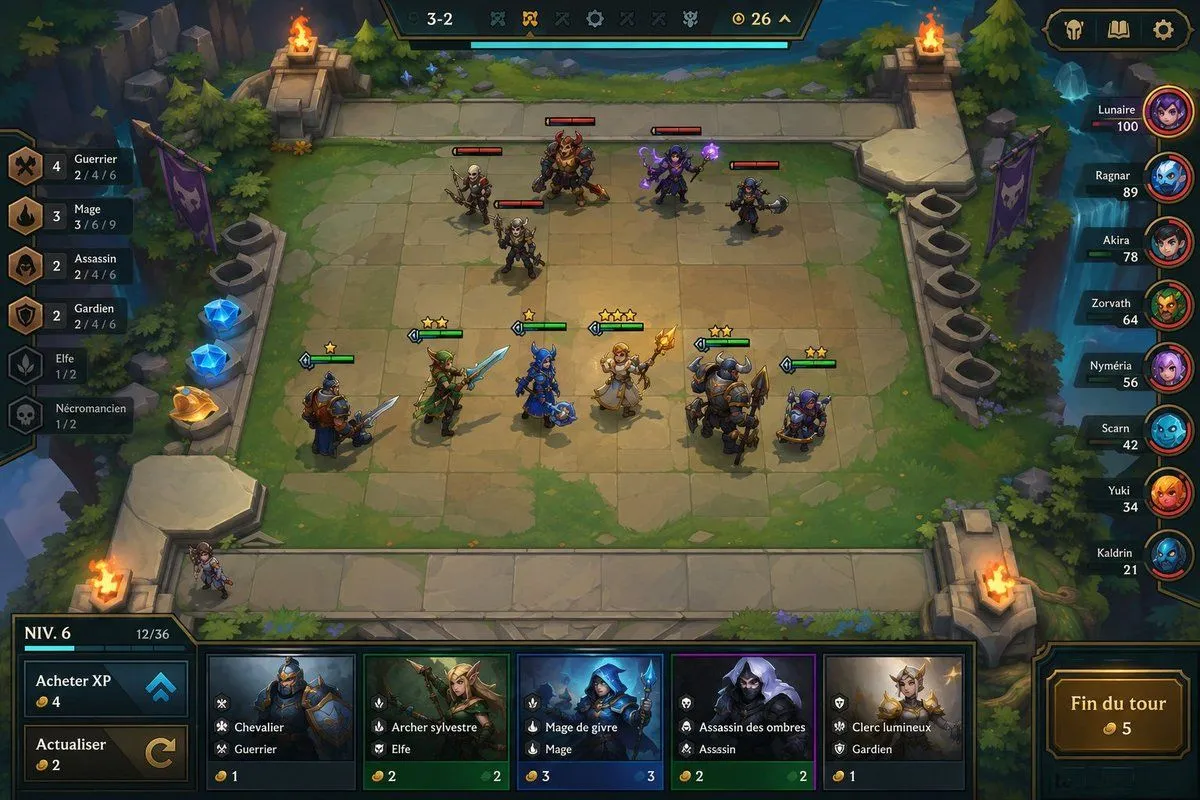
    • Fantasy Auto-Battler Gameplay UI
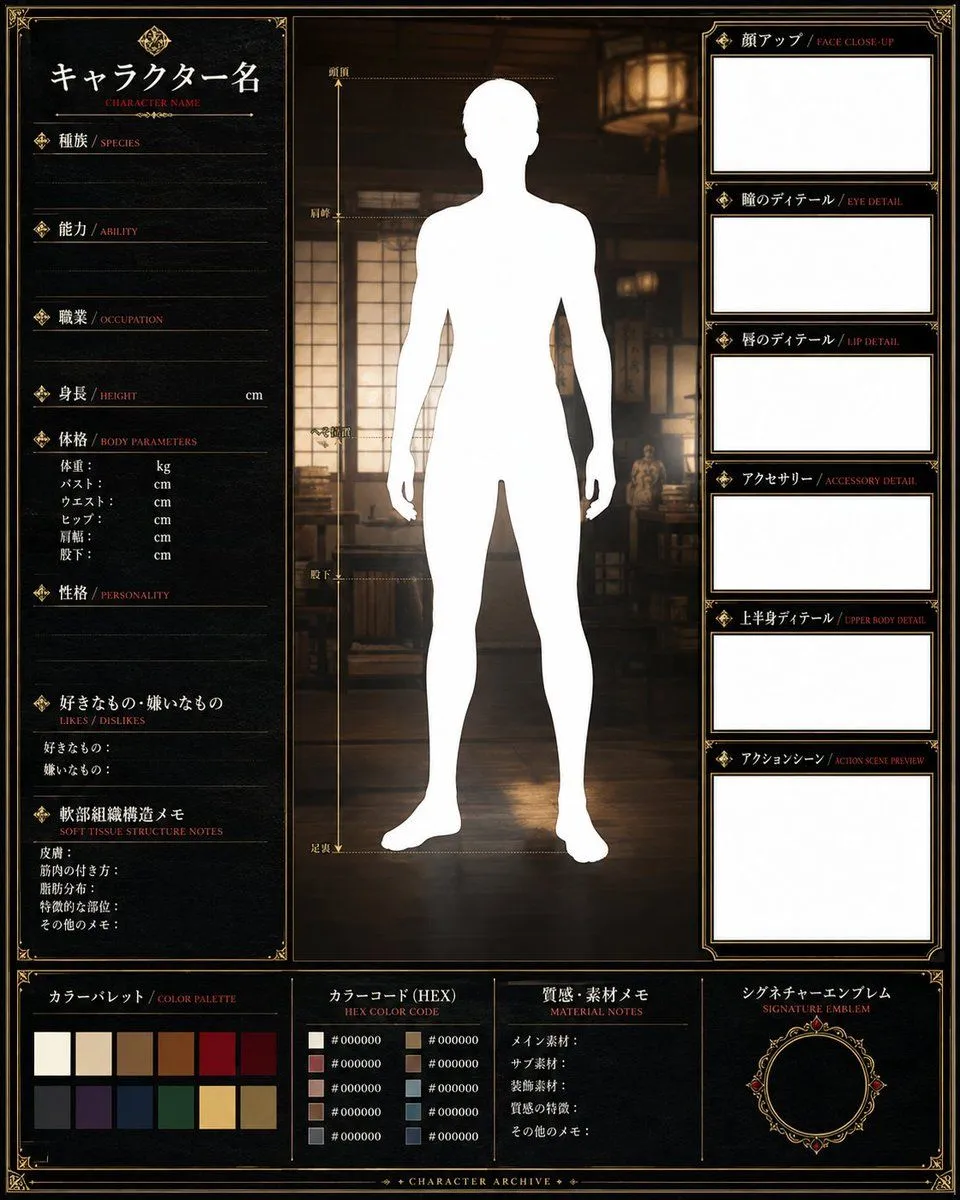
    • Fantasy Character Archive Sheet
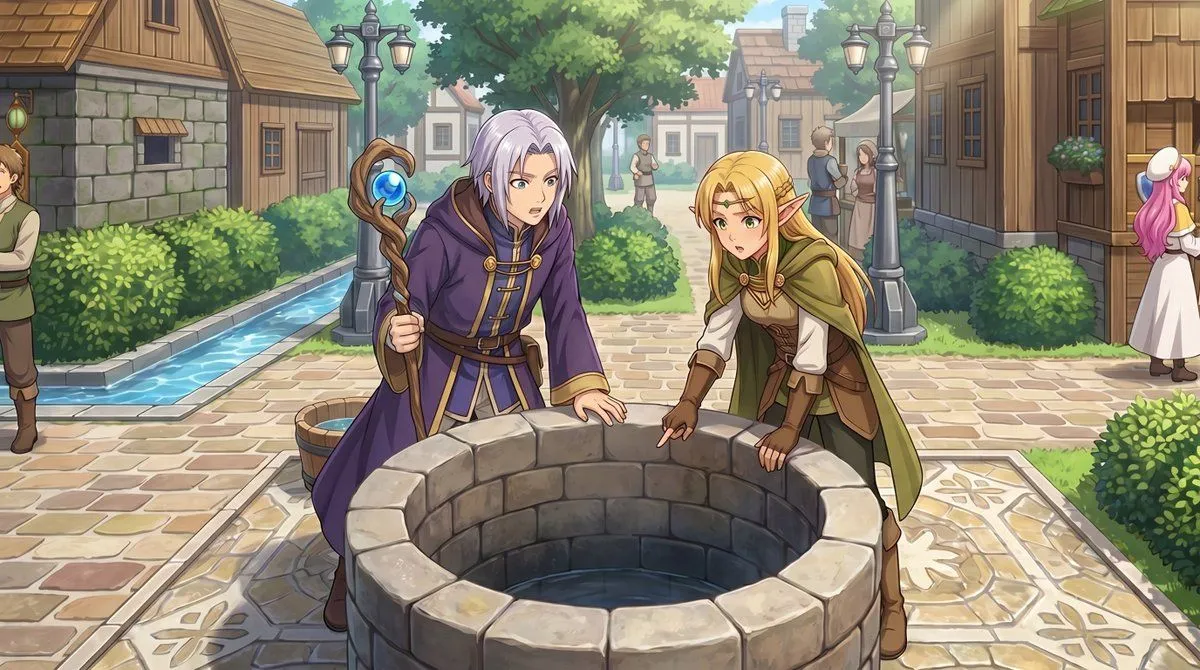
    • RPG Map to Anime Event Scene
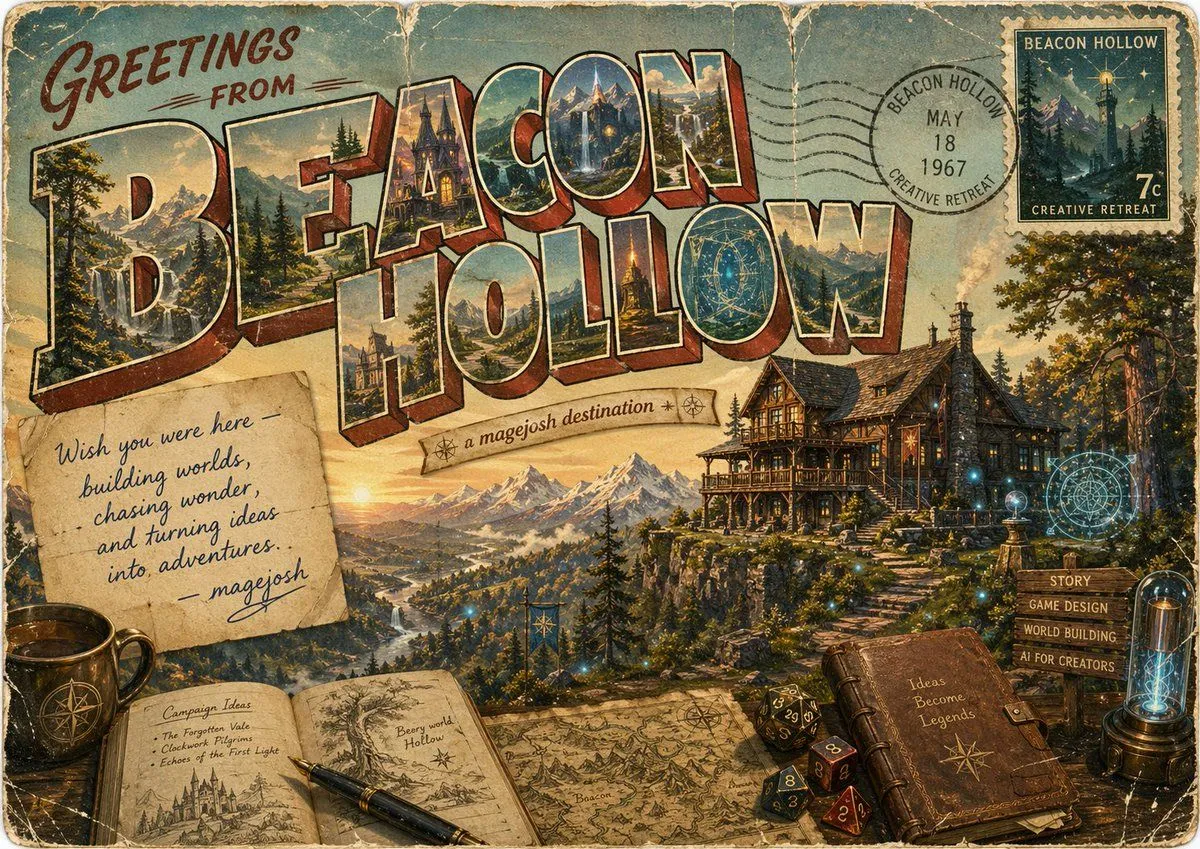
    • Vintage Fantasy Postcard of Beacon Hollow
    • Fictional World Map Attempts Collage
    • Split-Screen Cinematic Shot for Time Travel Comparison
    • Rainbow Magic Stone Board Game Flyer
    • Chibi RPG Game Campaign Key Visual
    • Videogame Screenshot Prompt
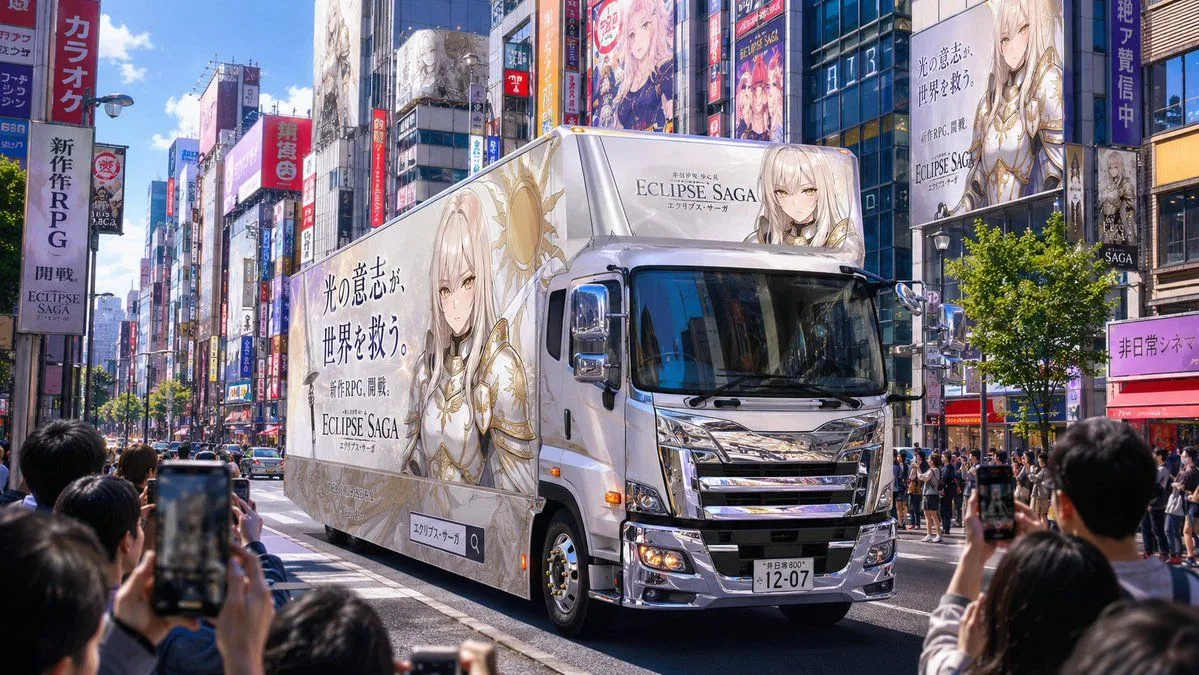
    • Fantasy RPG Ad Truck in Tokyo District
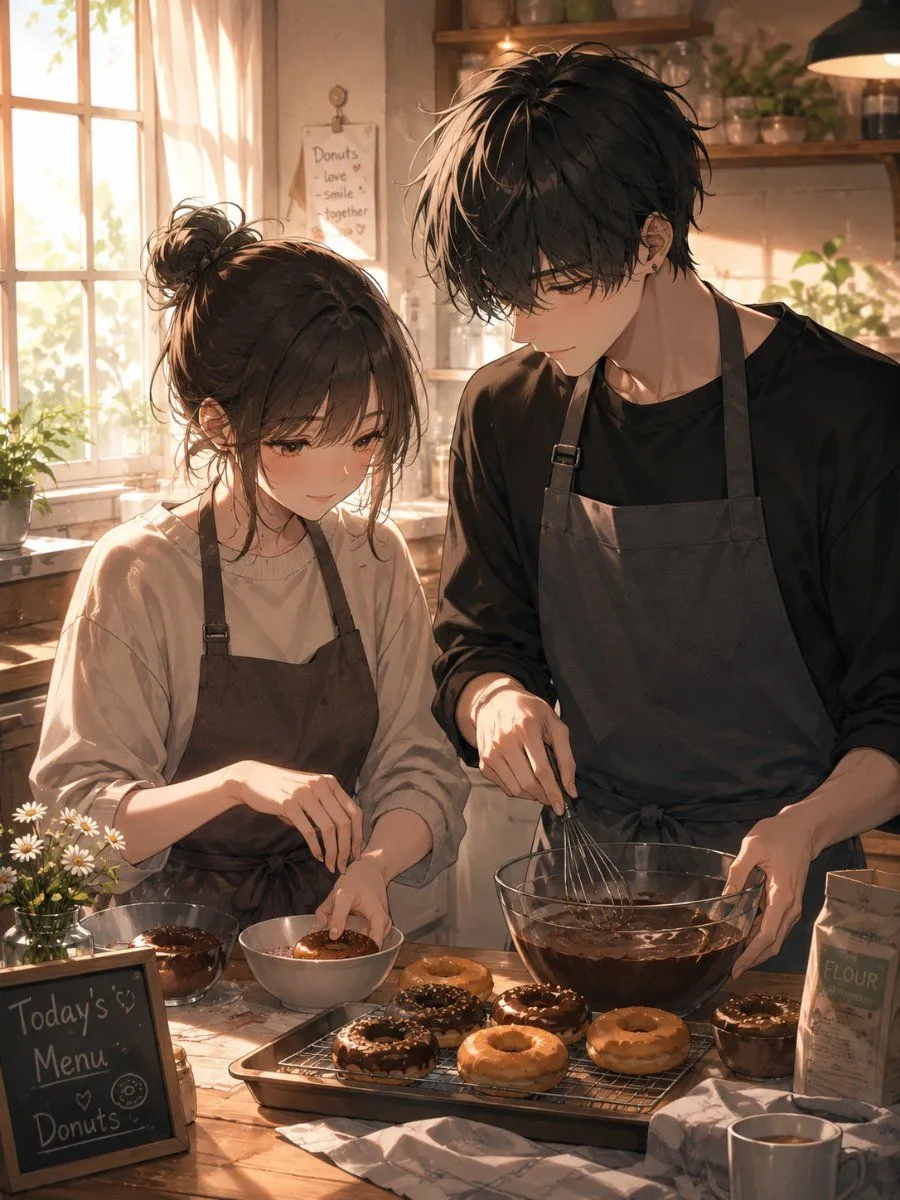
    • Afternoon Donut Baking Couple
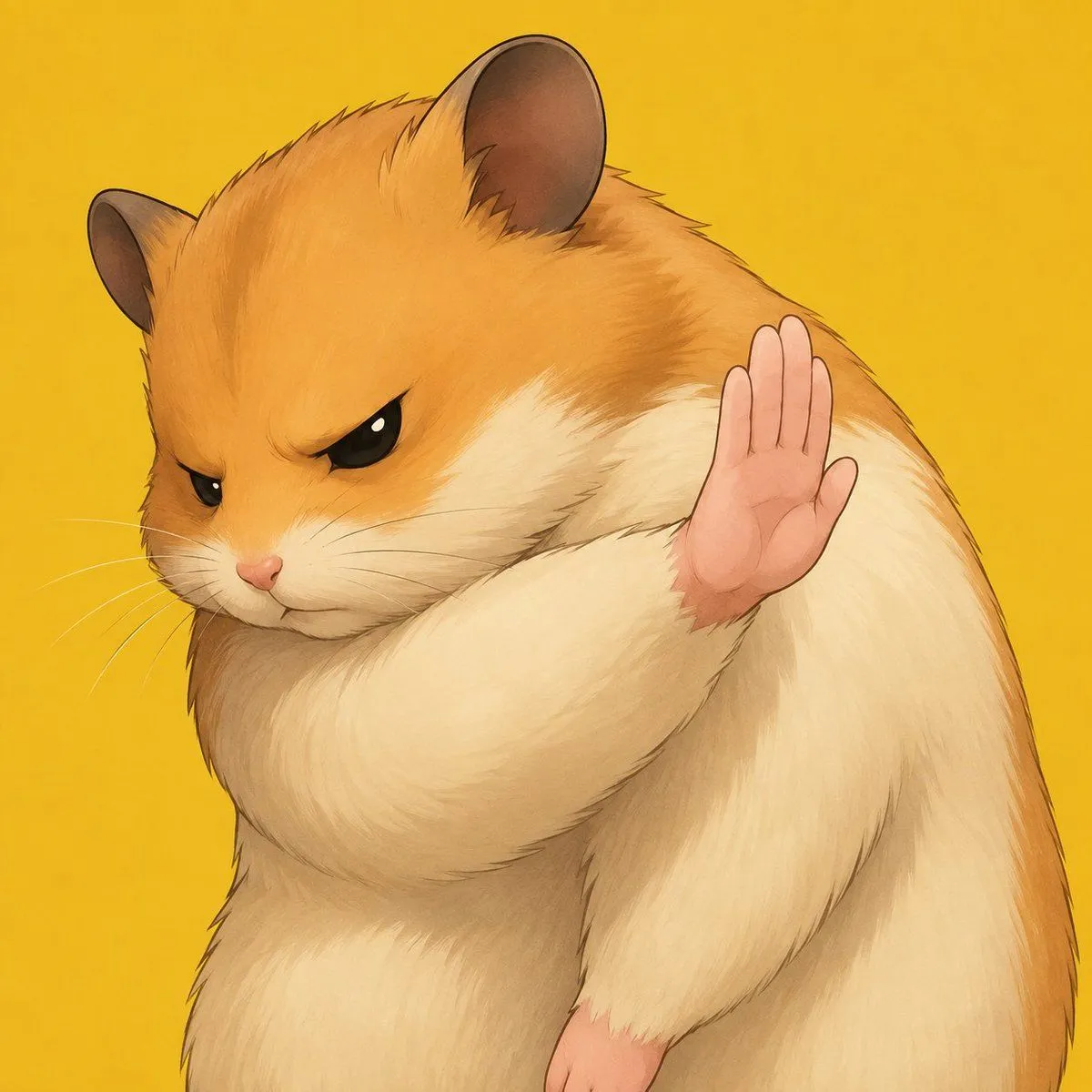
    • Grumpy Hamster Stop Gesture
    • Personalized VTuber Avatar Prompt
    • Risograph Style Cafe Poster Illustration

    Show more

    Run it on your phone

    1. Prompt copiedRead it

      {"type":"wide pixel-art fantasy roadmap illustration with blank presentation panel","format":"16:9 horizontal banner","style":"high-detail isometric pixel art, cozy JRPG game map, warm torchlight, saturated fantasy colors, crisp sprites, soft glow effects, no readable text anywhere","main_scene":{"setting":"a winding cliffside adventure path through a forested dungeon landscape, combining medieval ruins, waterfalls, lava caverns, bridges, stone platforms, and magical lights","camera":"isometric top-down view, wide composition","left_character":"a small hooded purple-robed adventurer seen from behind, standing at the lower-left starting point on a glowing blue magic circle","path":"a dotted glowing golden route line travels from the lower-left corner upward and across the image to the upper-right, connecting circular gold waypoint nodes","waypoint_count":10,"waypoints":["starting character on blue portal at bottom-left","parchment scroll with feather quill and inkwell","pixel character sprite sheet and color palette board with a small artist character","programming workstation with code monitor and server tower","game prototype monitor showing a grid map and tiny sprites","shop stall with red-and-white awning and pink-haired merchant","monster encounter cave with purple bat and skeleton","game controller platform","AI brain hologram with laptop and interface screens","gold trophy on stone pedestal with laurel branches"]},"right_panel":{"position":"right half of the image","shape":"large blank parchment rectangle with irregular hand-drawn border and rounded corners","purpose":"empty space reserved for adding a title, explanation, or roadmap text later","fill":"warm cream parchment texture with subtle stains, no writing"},"background_details":{"upper_left":"dark ruined stone dungeon rooms with torches, treasure chest, arched doorways, purple bats, and a blue slime","middle_left":"dense evergreen forest, cliffs, small waterfalls, streams, and mossy stone ledges","lower_middle":"rocky dungeon entrance with wooden door, stairs, floor spikes, torches, and orange lava fissures","upper_right":"forest edge and final trophy area glowing with victory light"},"customization":{"theme":"{argument name=\"roadmap theme\" default=\"AI-assisted game development journey\"}","main character":"{argument name=\"main character\" default=\"small hooded purple adventurer\"}","blank panel use":"{argument name=\"blank panel use\" default=\"empty parchment area for later text\"}","art style":"{argument name=\"art style\" default=\"isometric pixel art JRPG map\"}","final reward":"{argument name=\"final reward\" default=\"gold trophy with laurel branches\"}"},"composition_notes":"Keep the left and upper portions visually busy with the 10 connected roadmap icons, while the entire right side remains a clean blank parchment panel. Use glowing yellow nodes and a dashed route to clearly imply progression from writing and art creation to coding, prototyping, publishing, testing, AI assistance, and final success."}

    2. Open your app

      This prompt is long, so it is copied instead of sent in the link. Paste it in the app.

    3. Paste and run

      Press and hold the message box, then tap Paste. Add your photo first if the prompt uses one. You may need to sign in.

    Pixel Art Game Development Roadmap