Tell us anything

An idea, a bug, something you love. We read every note.

⌘↵ to send. The page you're on comes along.

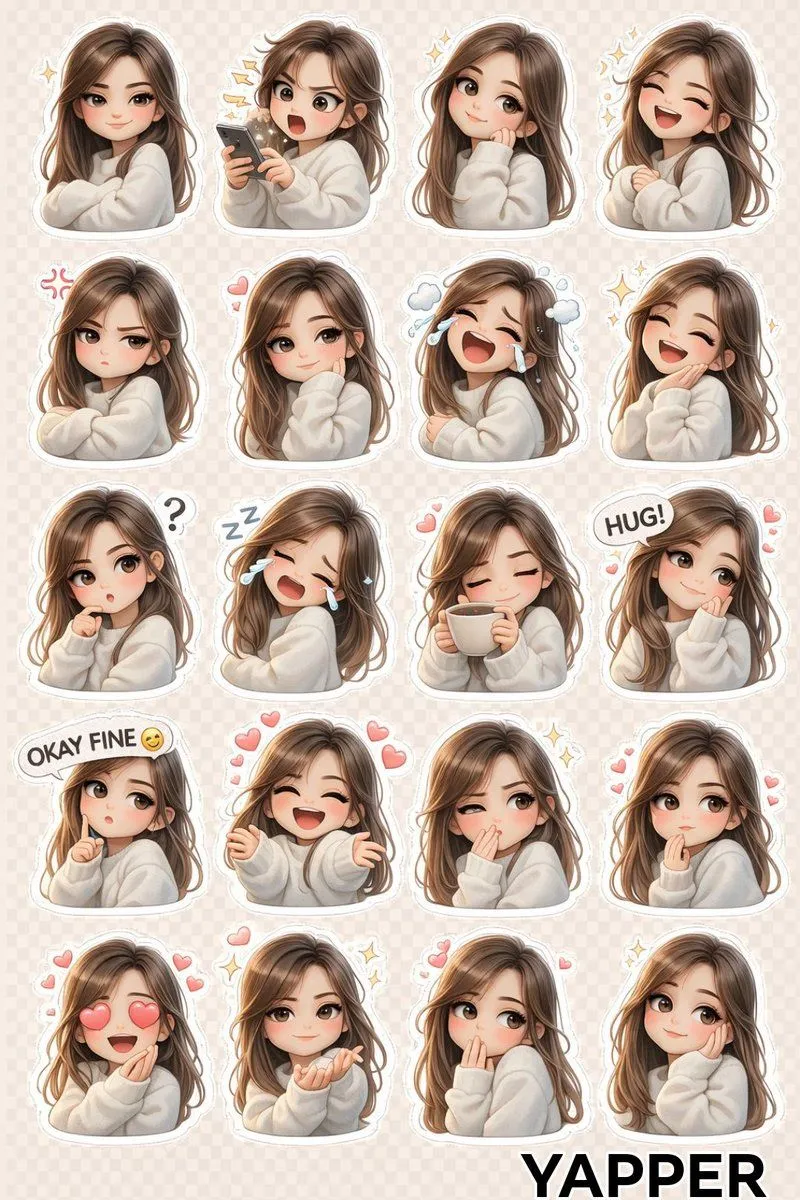
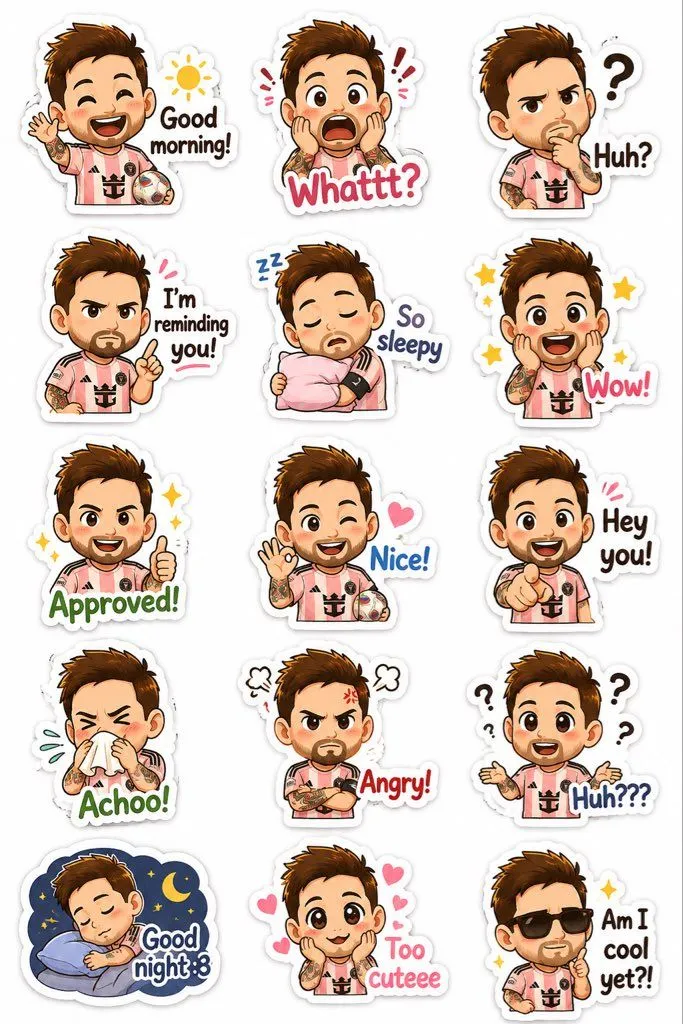
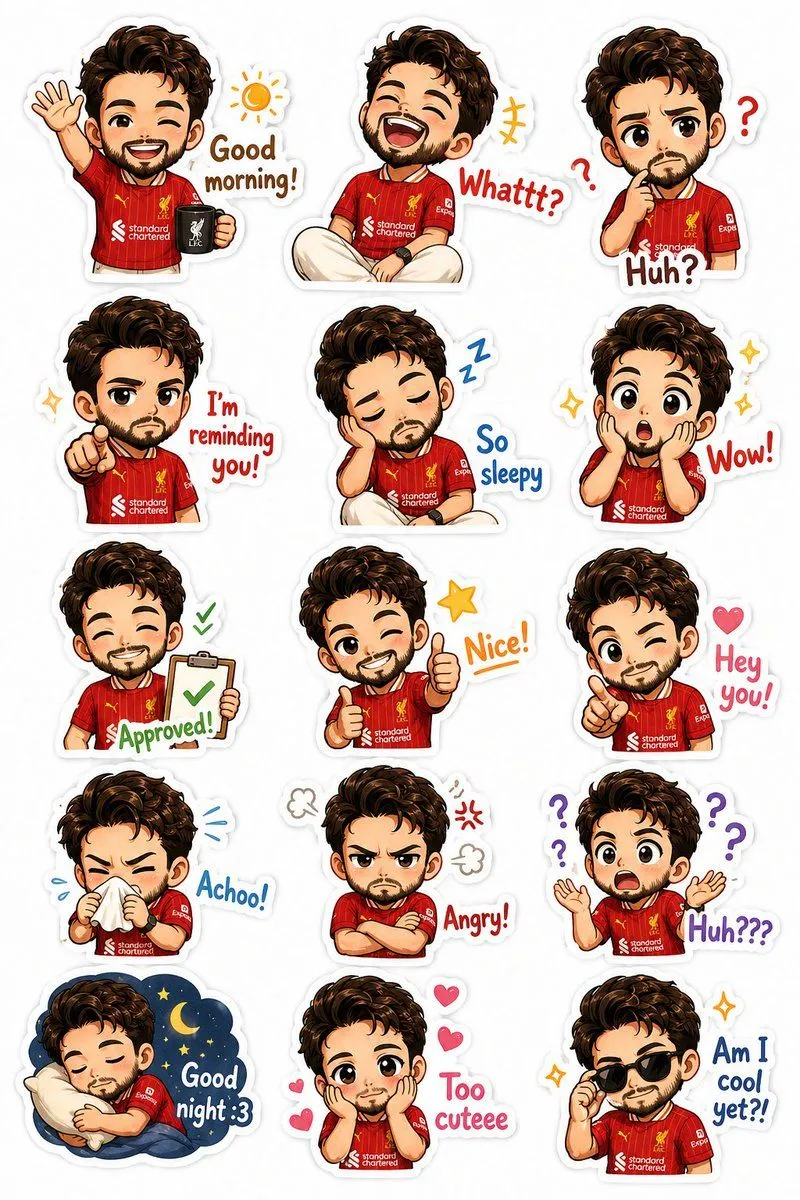
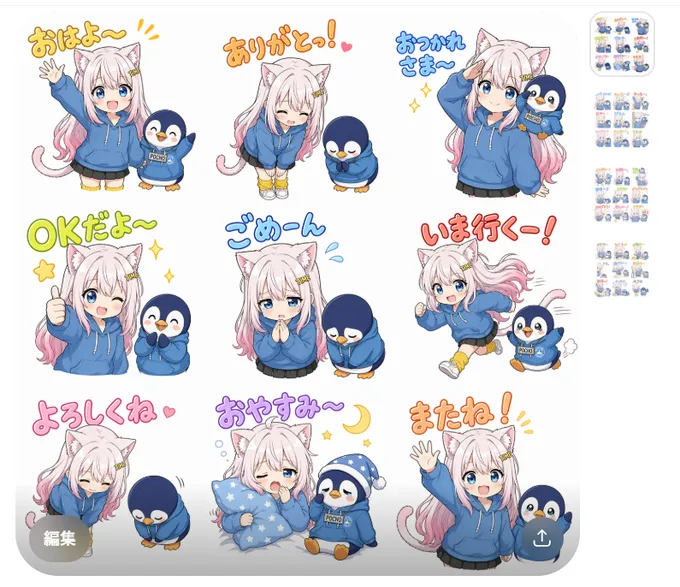
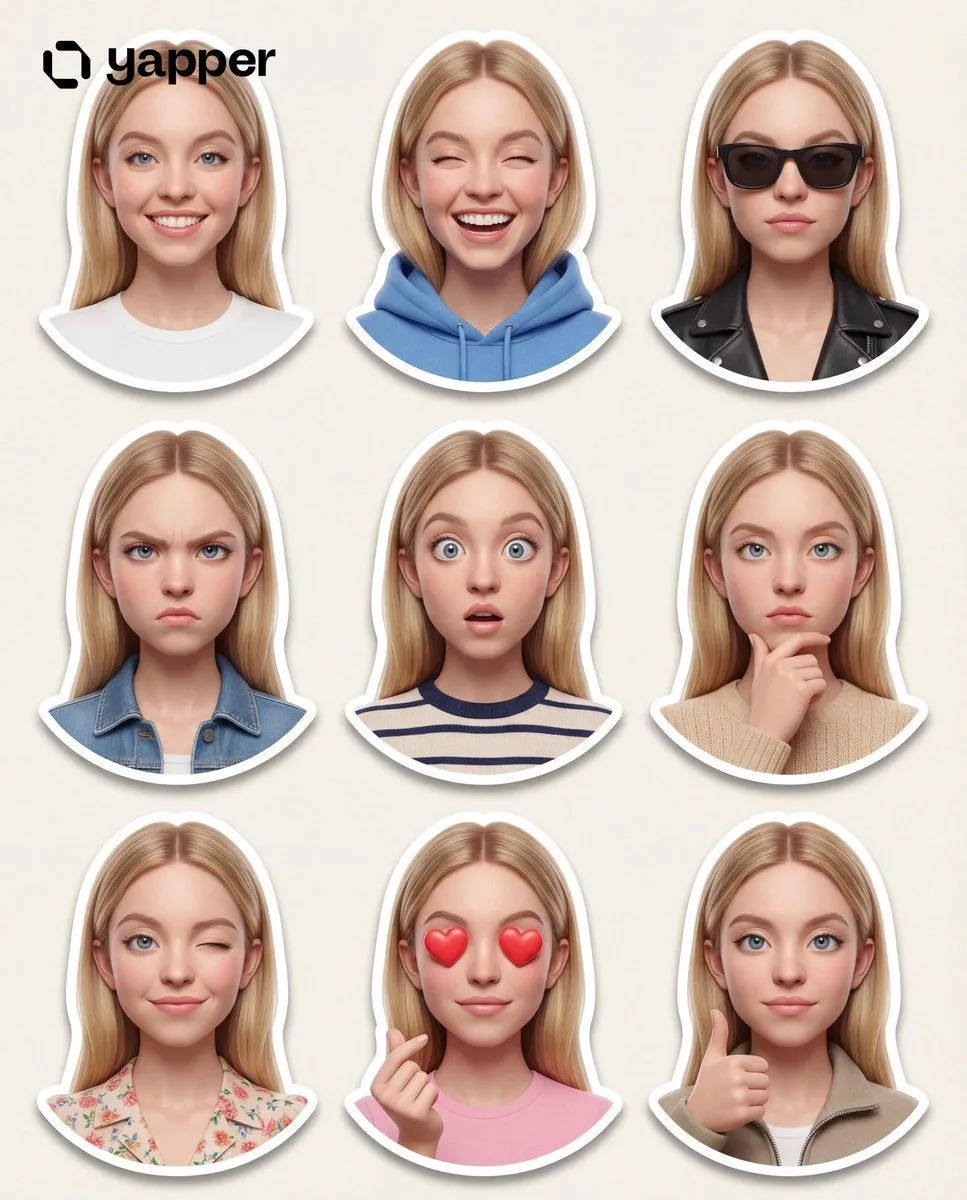
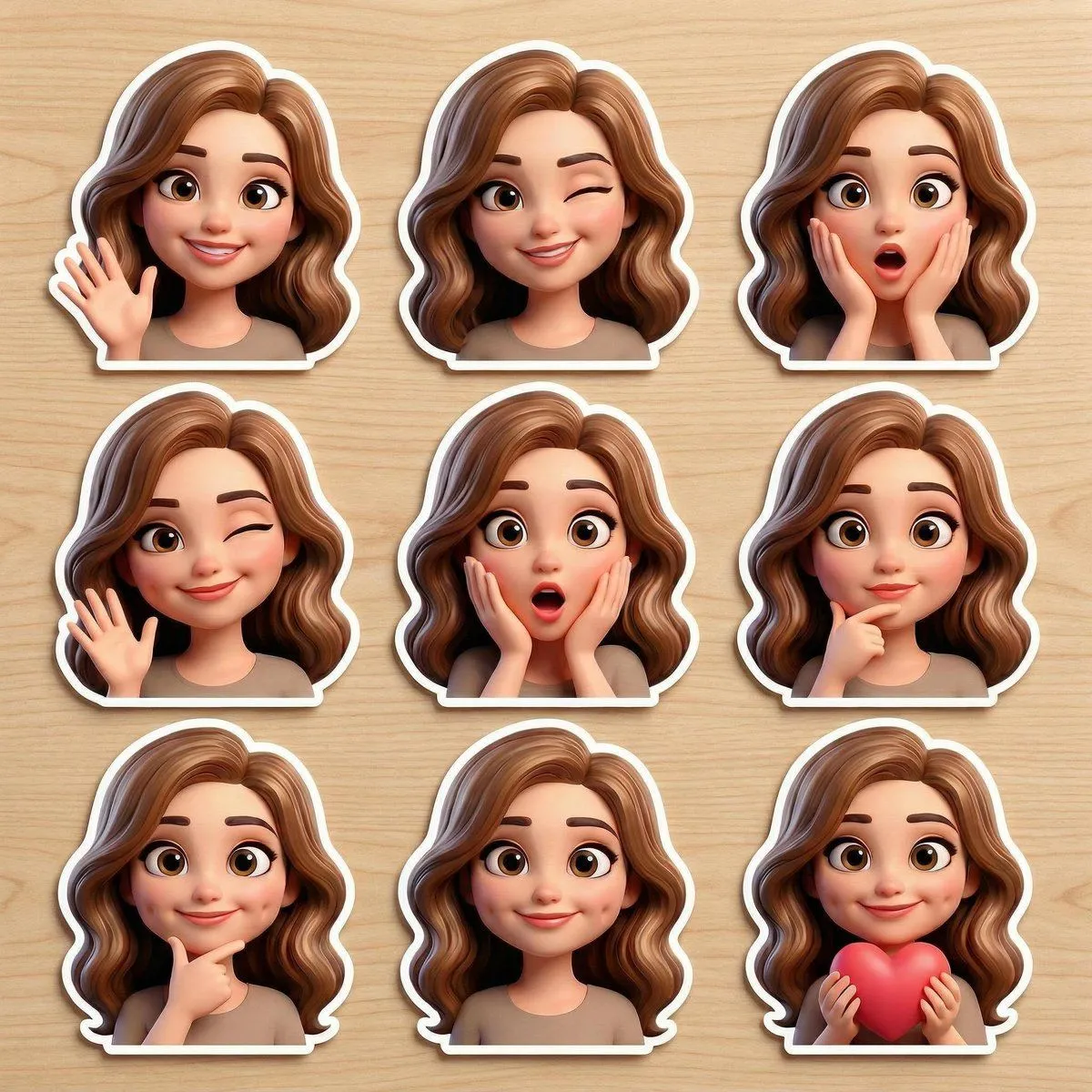
Pixar-Style Chibi Sticker Sheet

Made with Nano Banana Pro in Gemini, collected by Library Social. Promptclay never generates images.

Did it work?

No reports yet. Tell others if it worked for you.

No comments yet. Be the first.

    Pixar-Style Chibi Sticker Sheet

    Nano Banana Pro4:5AI-generated

    Prompt

    { "layout": "4:5", "grid": { "rows": 3, "columns": 3, "spacing": "even", "centered": true }, "character": { "identity": "same across all stickers", "hair": "pastel gradient gold", "eyes": "big glossy greenish-blue", "head": "oversized", "body": "tiny", "blush": "soft", "appearance": "doll-like" }, "style": { "type": "Pixar-style 3D chibi doll", "design": "clean sticker", "background": "white or none", "shadows": "soft", "finish": "glossy", "high_detail": true, "consistent_design": true, "edges": "clean" }, "outfits": [ { "type": "modern cute hanbok", "color": "pastel pink" }, { "type": "soft pastel casual outfit" } ], "expressions_actions": [ {"expression": "smiling with hearts", "emoji": "💕"}, {"expression": "happy jump", "emoji": "✨"}, {"expression": "holding coffee", "emoji": "☕"}, {"expression": "surprised", "emoji": "😲"}, {"expression": "sleepy", "emoji": "😴"}, {"expression": "crying (cute tears)", "emoji": "😢"}, {"expression": "angry (pouting)", "emoji": "😤"}, {"expression": "love / finger heart", "emoji": "💖"}, {"expression": "waving hello", "emoji": "👋"} ], "mood": "cute, expressive, playful, sticker-friendly", "quality": { "resolution": "ultra high", "text_distortion": false } }

    Works in
    Gemini, ChatGPT
    Status
    Free to copy
    0
    DetailsVersions, settings and questions

    Written for

    What's in the prompt

    Subject
    Model
    Nano Banana Pro

    If your face changes

    keep my face exactly the same

    Questions

    Does this work in the Gemini app?
    Yes. Gemini runs Nano Banana, so paste the prompt and attach your photo if it uses one.
    It changed my face. What do I do?
    Add "keep my face exactly the same" to the end and run it again.
    Can I use the images I make?
    Check the terms of the app you use. Promptclay never generates images and claims nothing you make.
    Similar prompts

    See more
    • Pixar-Style 3D Character Sticker Set (9 Variations)
    • Pixar-Style Avatar Stickers with Identity Lock
    • Generate chibi stickers with various poses and expressions
    • 3D Chibi Sticker Set with Customizable Jacket Color
    • 3D Puffy Resin Character Sticker Sheet
    • 3D Kawaii Seasonal Sticker Sheet
    • Chibi Pixar-Style Studio Composition
    • Kawaii Anime Sticker Sheet
    • Kawaii Chibi Sticker Pack Creator
    • Personalized Chibi Sticker Pack
    • Chibi Anime Girl Sticker Sheet
    • Chibi Expression Sticker Pack
    • Custom Chibi Sticker Pack
    • Chibi Cat Girl Sticker Pack
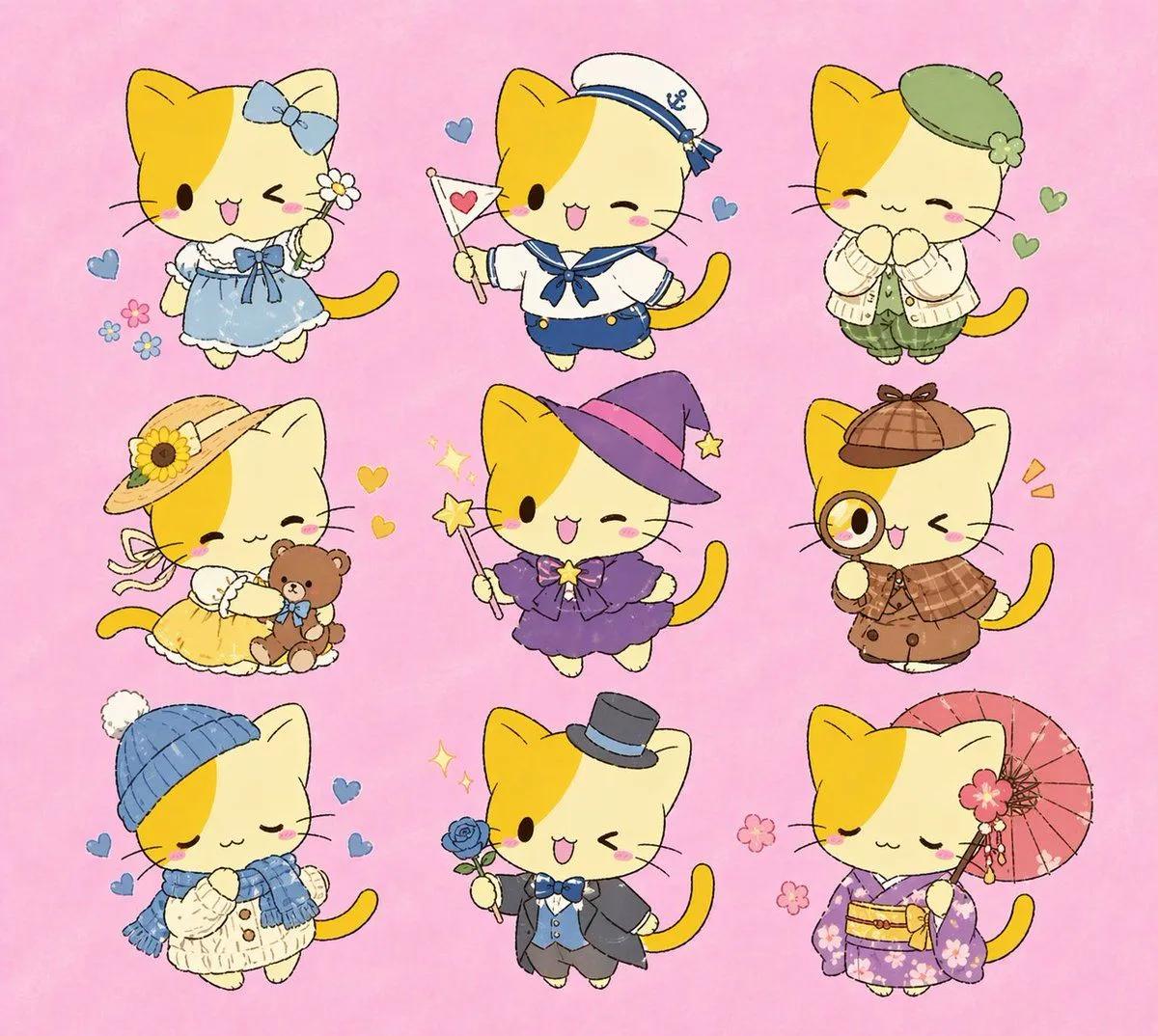
    • Nine Chibi Kitten Costume Variants
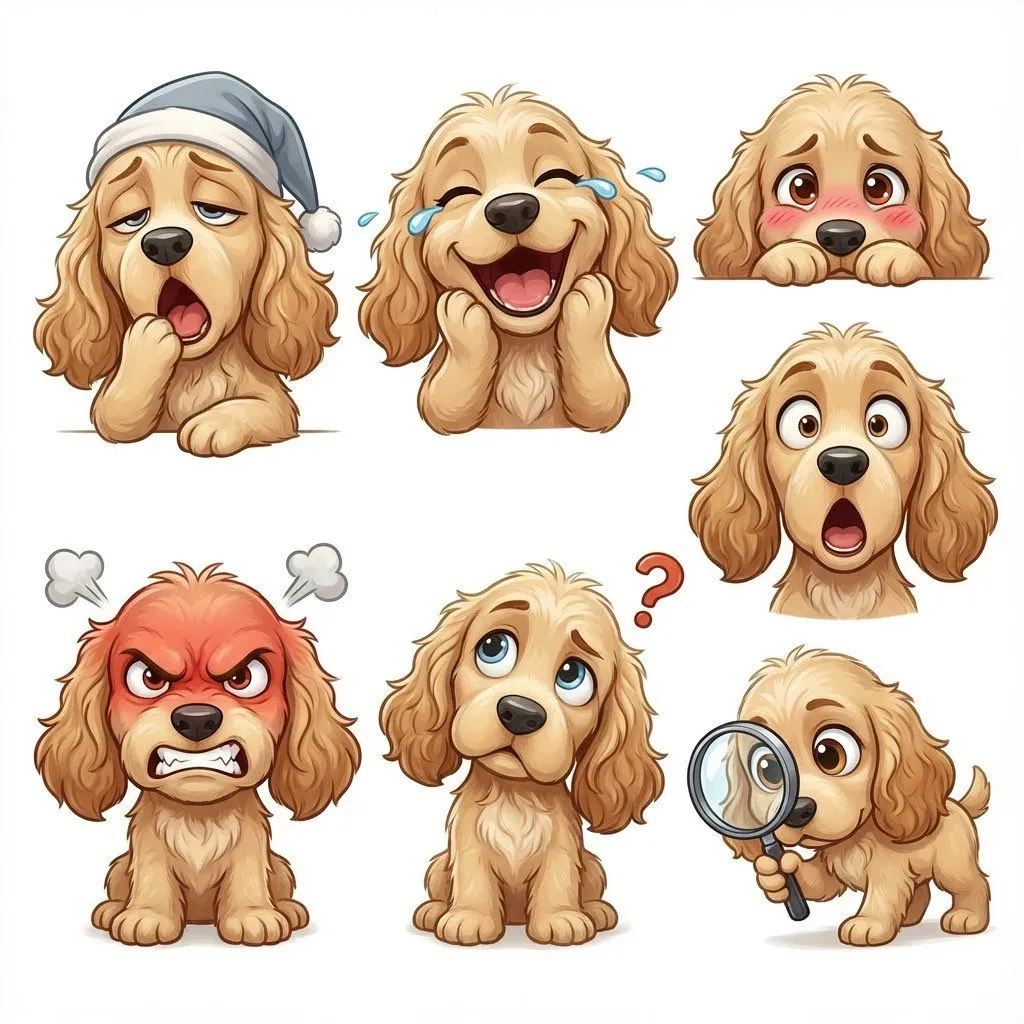
    • Kid-Friendly Emotion Illustrations (Cartoon Dog)
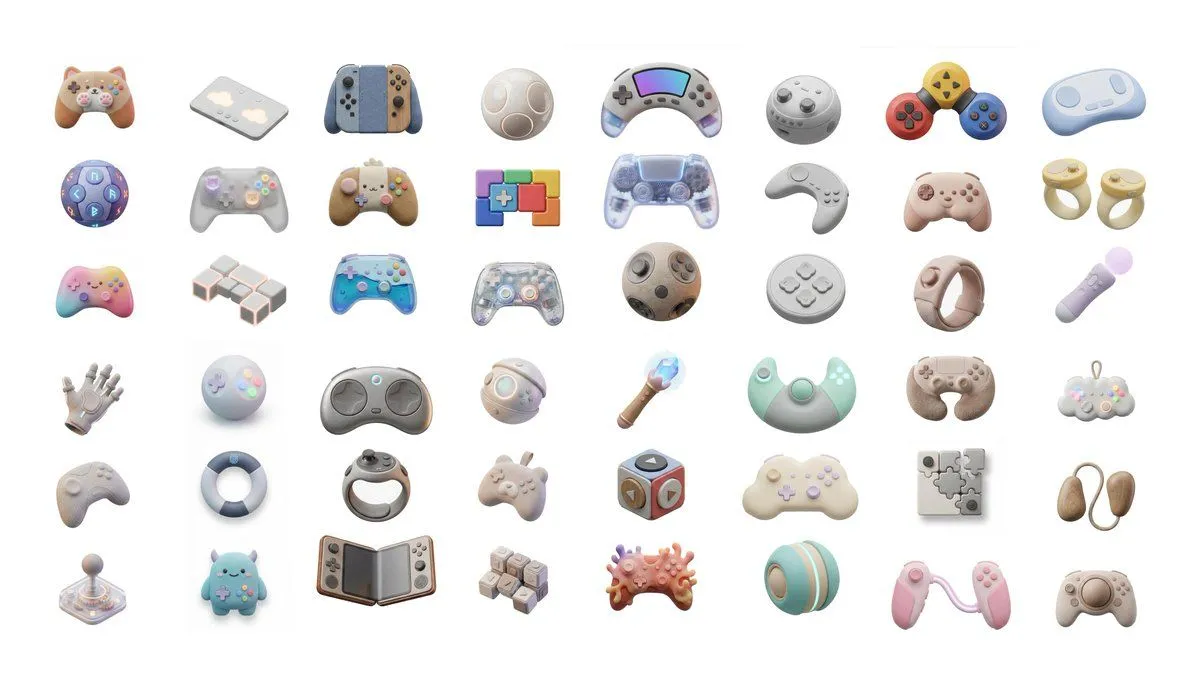
    • 3D Artsy Video Game Controller Grid
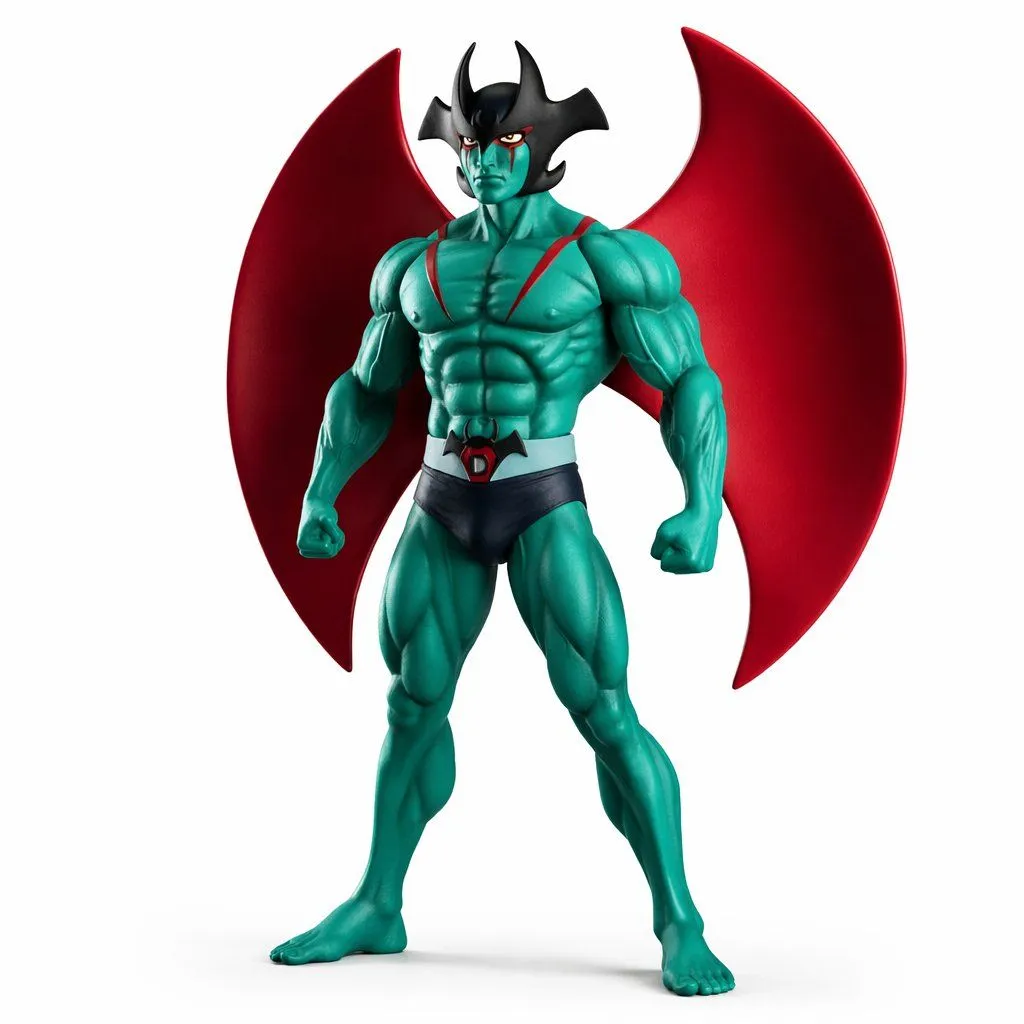
    • Comparing ChatGPT 5.2 and Nano Banana 2 for Devilman modeling
    • Nano Banana Pro: Artist and Neon Styles
    • Pastel Painted Sour Patch Kids in Whimsical Candyland
    • Whimsical Anthropomorphic Friendly Insect
    • Anthropomorphizing LLMs
    • Line Art Illustration Style
    • Paper Relief Anime Style

    Show more

    Run it on your phone

    1. Prompt copiedRead it

      { "layout": "4:5", "grid": { "rows": 3, "columns": 3, "spacing": "even", "centered": true }, "character": { "identity": "same across all stickers", "hair": "pastel gradient gold", "eyes": "big glossy greenish-blue", "head": "oversized", "body": "tiny", "blush": "soft", "appearance": "doll-like" }, "style": { "type": "Pixar-style 3D chibi doll", "design": "clean sticker", "background": "white or none", "shadows": "soft", "finish": "glossy", "high_detail": true, "consistent_design": true, "edges": "clean" }, "outfits": [ { "type": "modern cute hanbok", "color": "pastel pink" }, { "type": "soft pastel casual outfit" } ], "expressions_actions": [ {"expression": "smiling with hearts", "emoji": "💕"}, {"expression": "happy jump", "emoji": "✨"}, {"expression": "holding coffee", "emoji": "☕"}, {"expression": "surprised", "emoji": "😲"}, {"expression": "sleepy", "emoji": "😴"}, {"expression": "crying (cute tears)", "emoji": "😢"}, {"expression": "angry (pouting)", "emoji": "😤"}, {"expression": "love / finger heart", "emoji": "💖"}, {"expression": "waving hello", "emoji": "👋"} ], "mood": "cute, expressive, playful, sticker-friendly", "quality": { "resolution": "ultra high", "text_distortion": false } }

    2. Open your app

    3. Paste and run

      Press and hold the message box, then tap Paste. Add your photo first if the prompt uses one. You may need to sign in.

    Pixar-Style Chibi Sticker Sheet