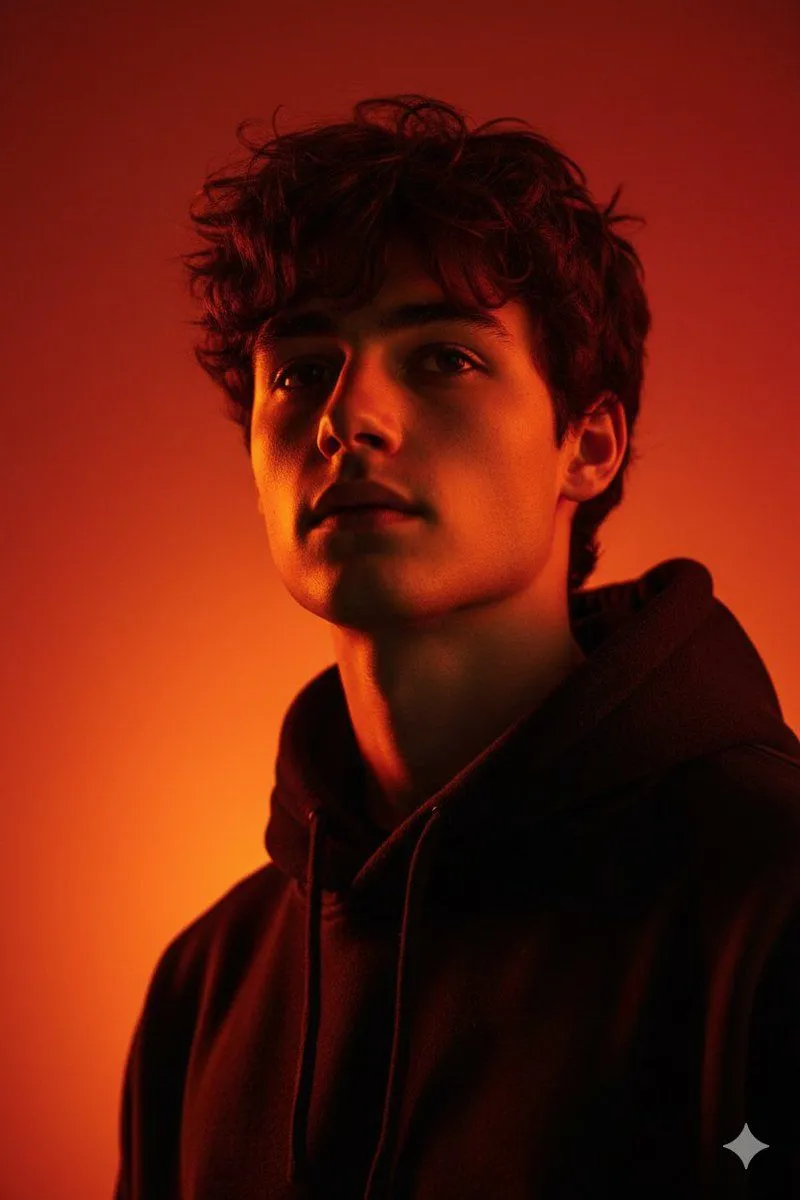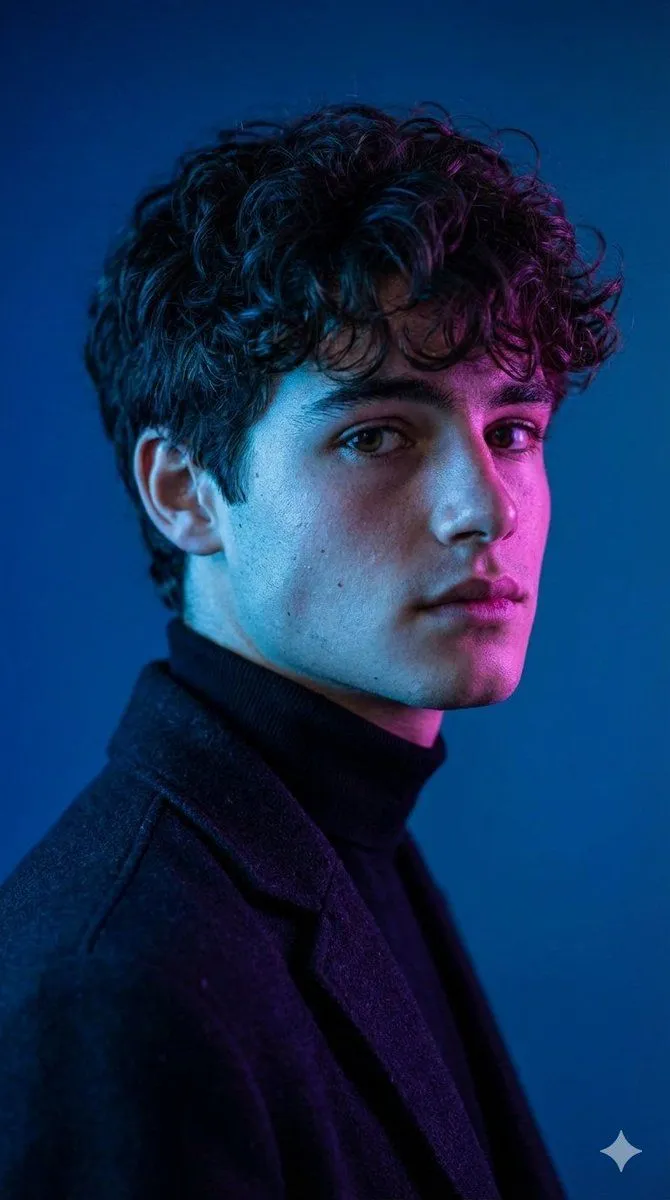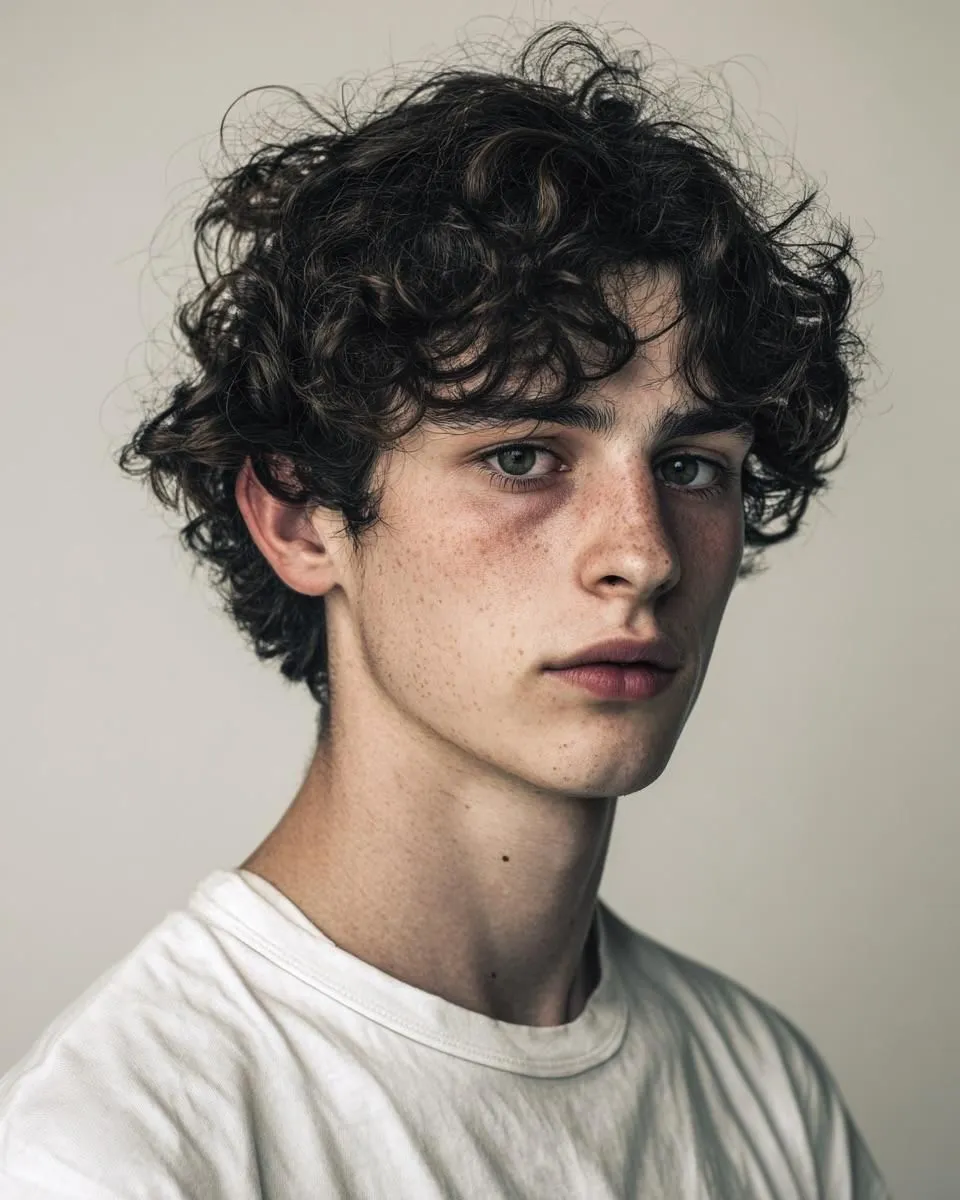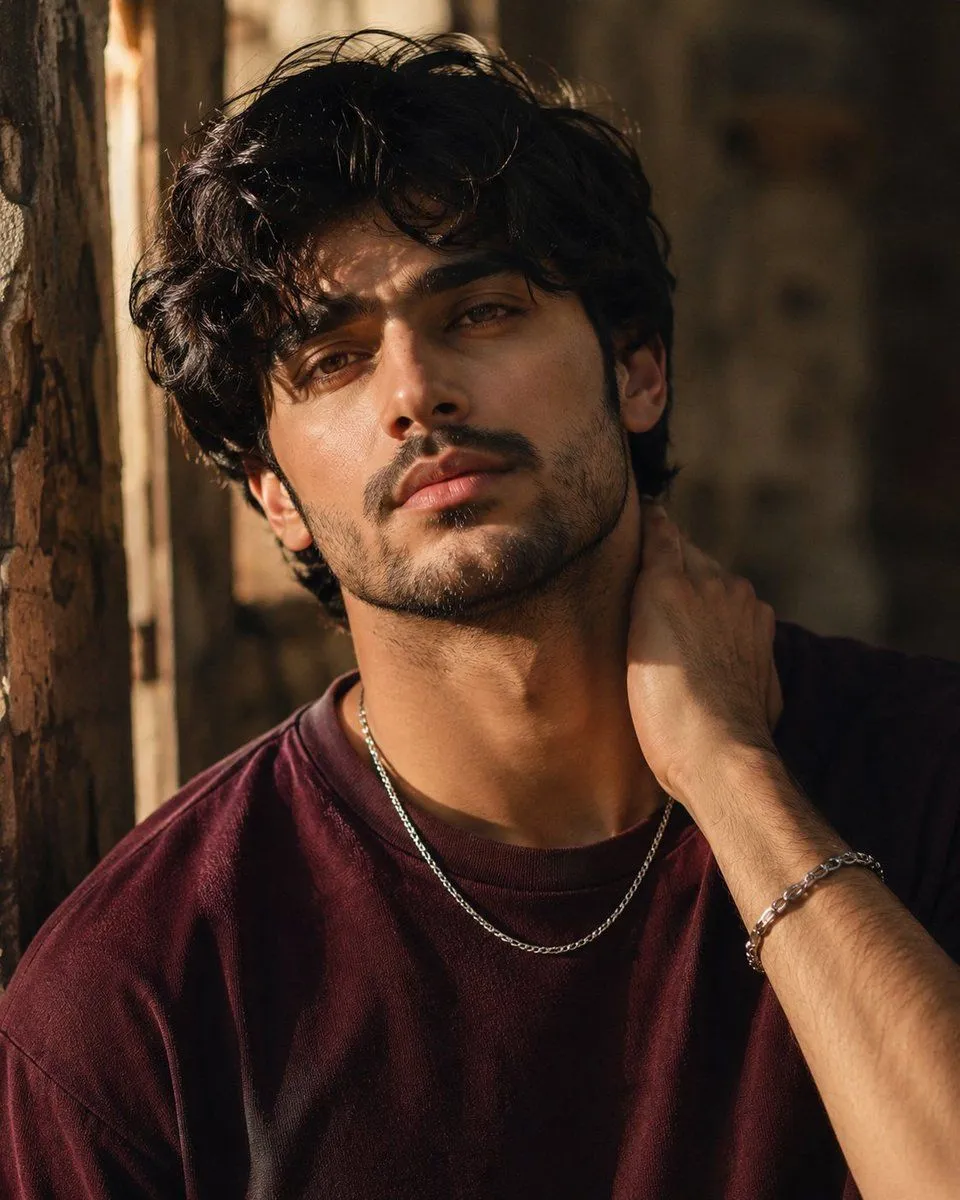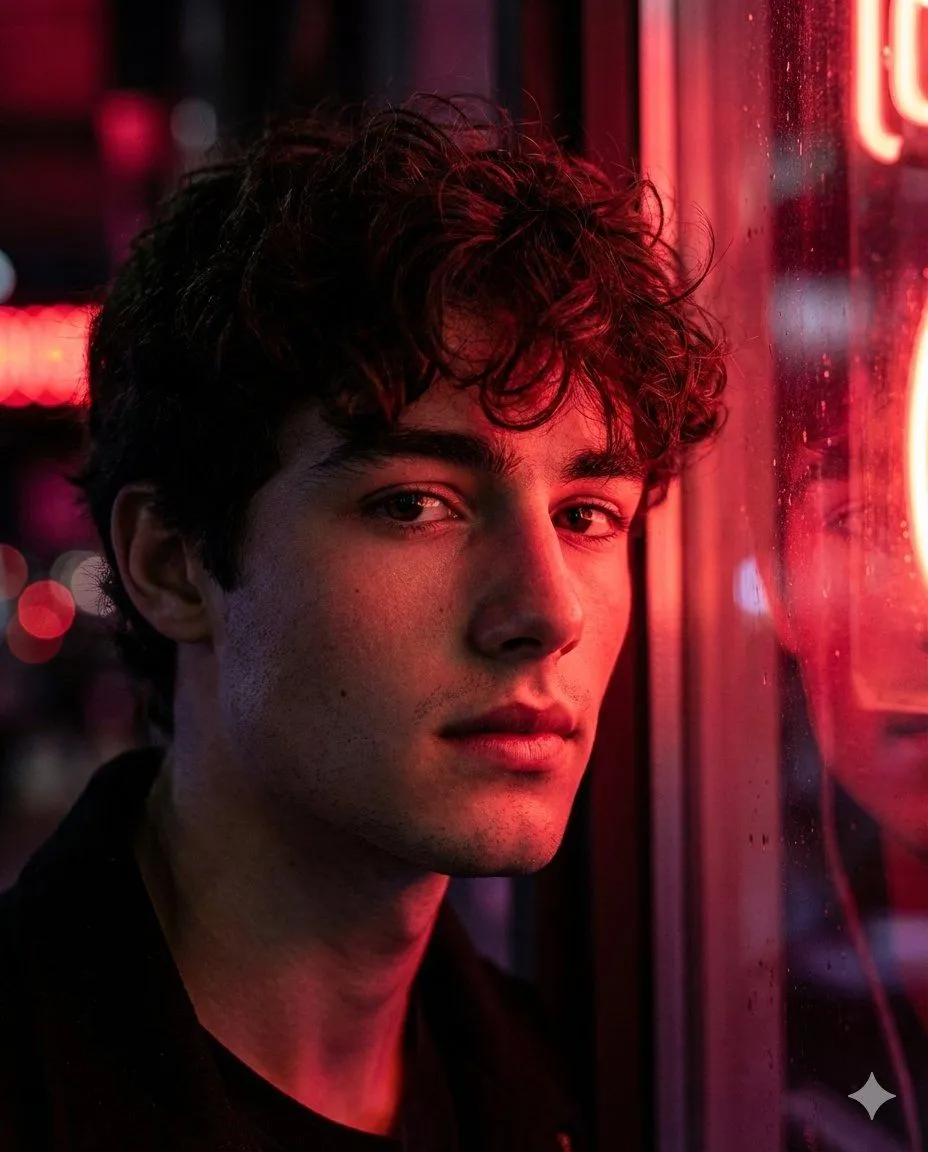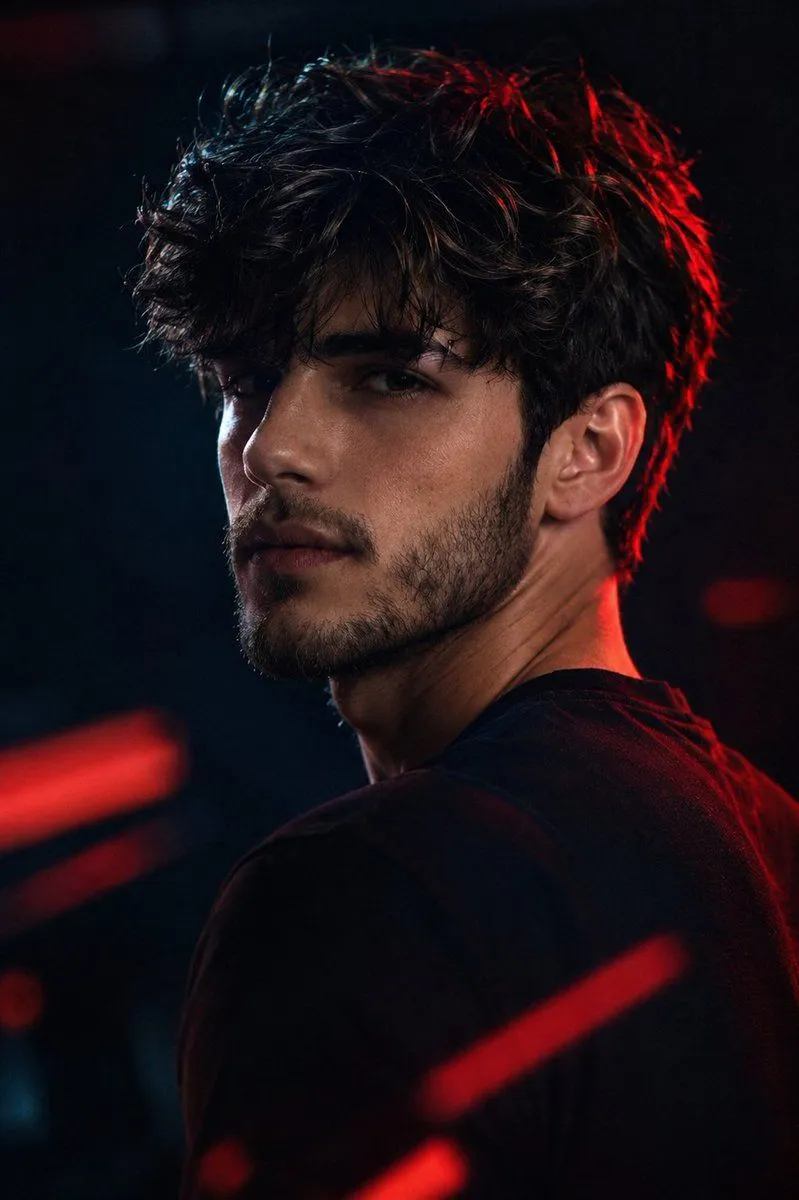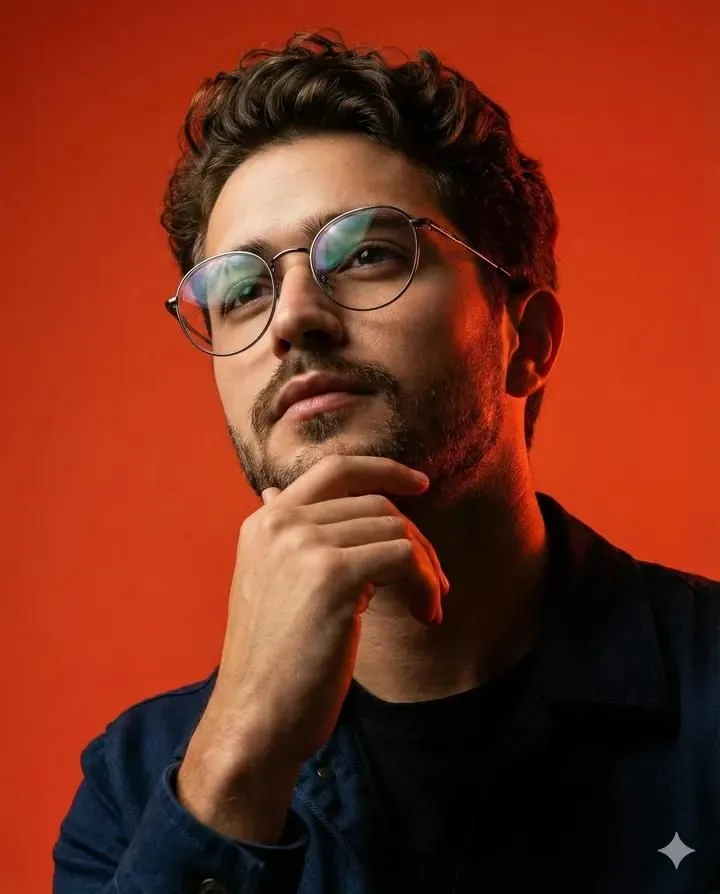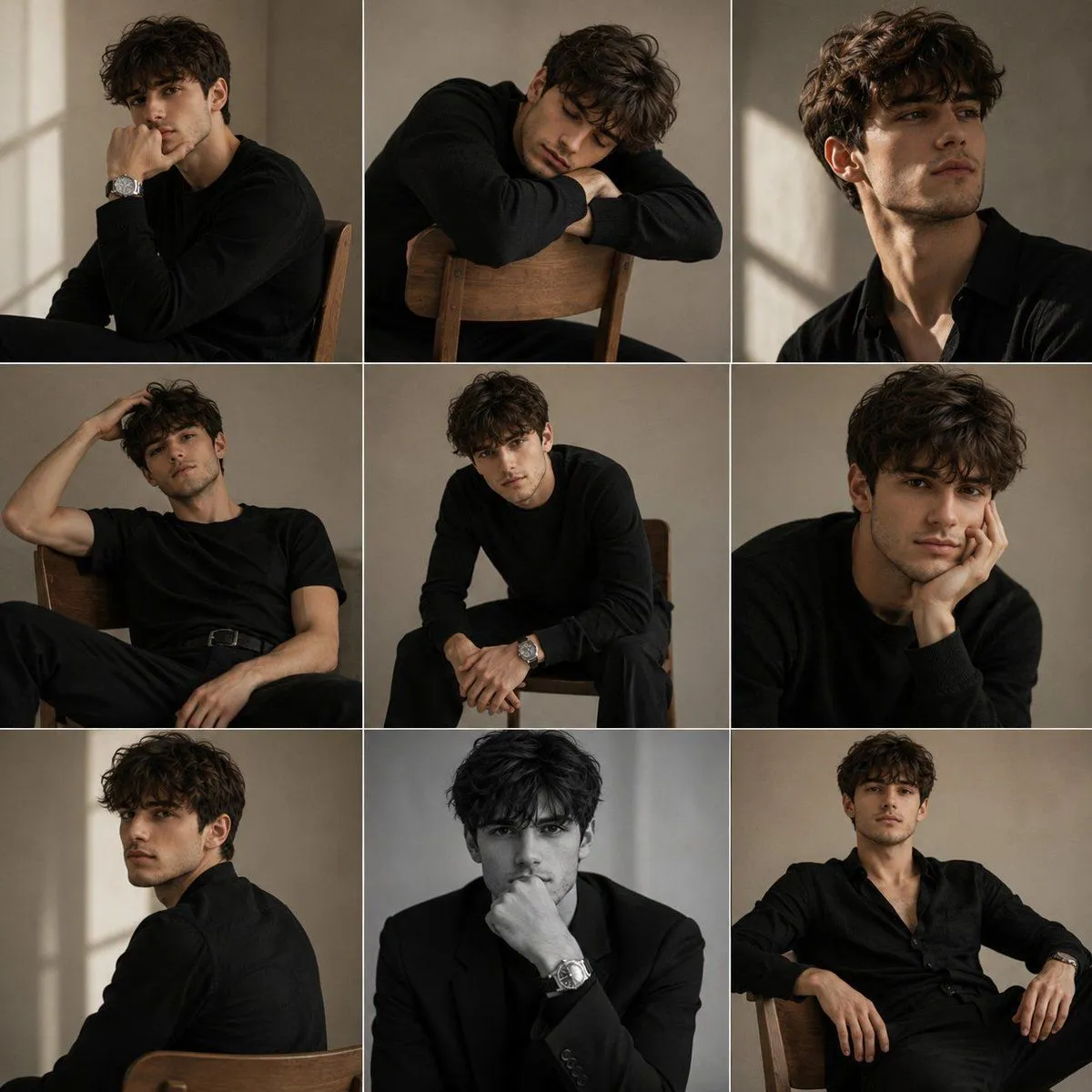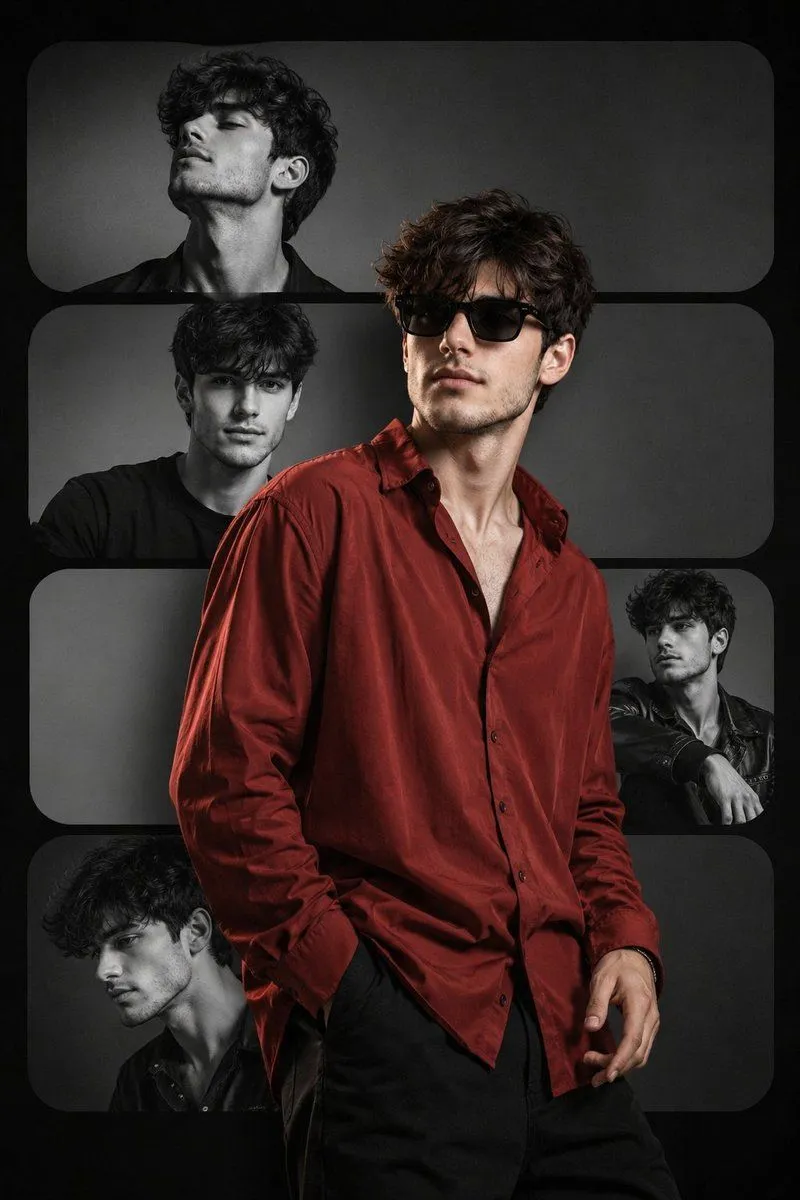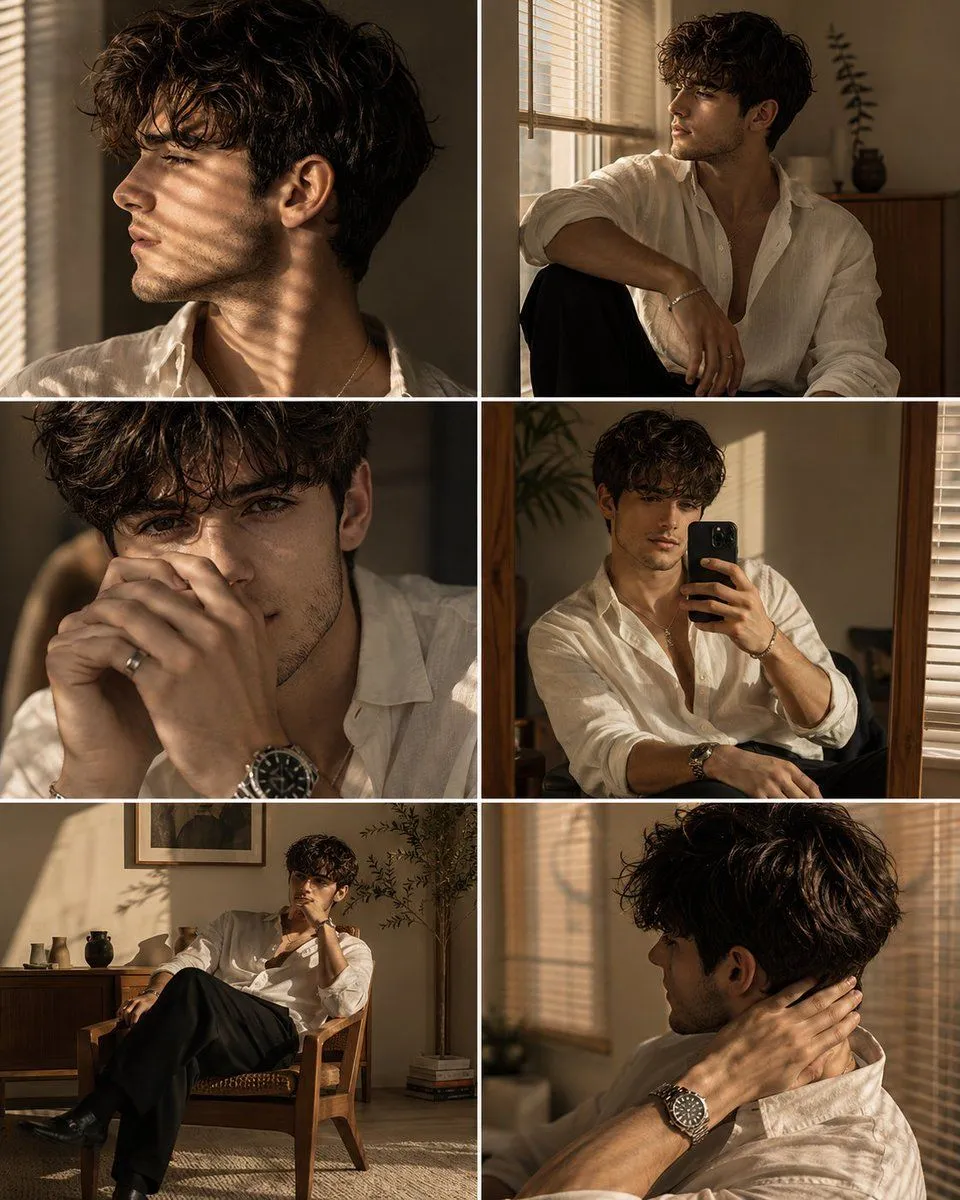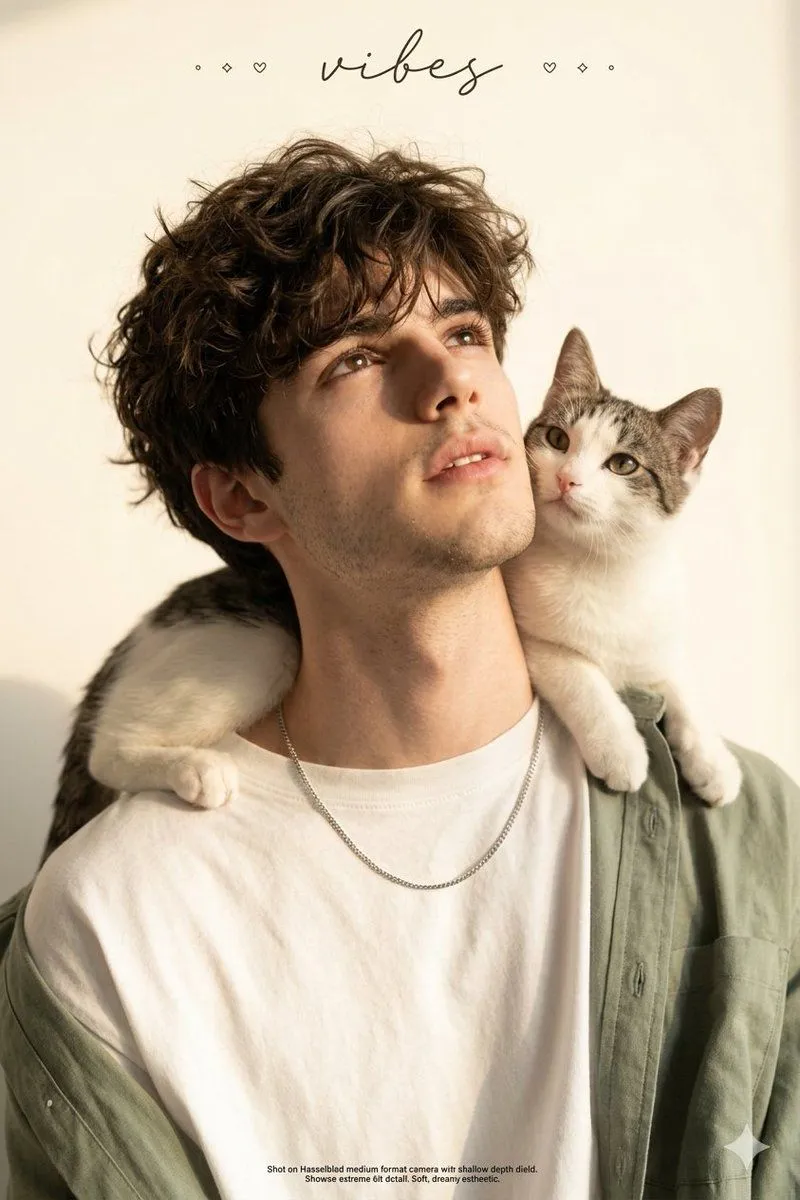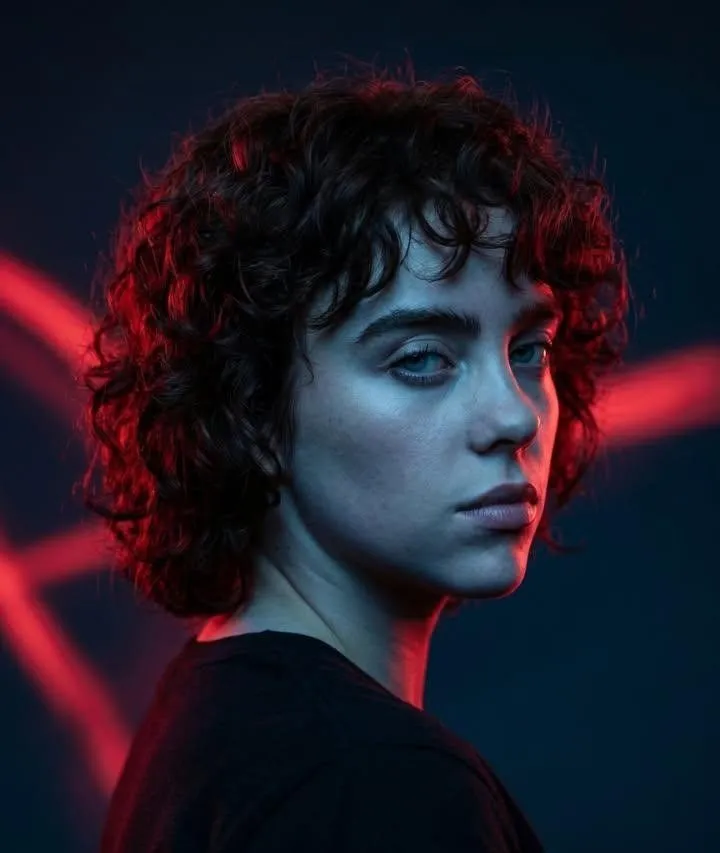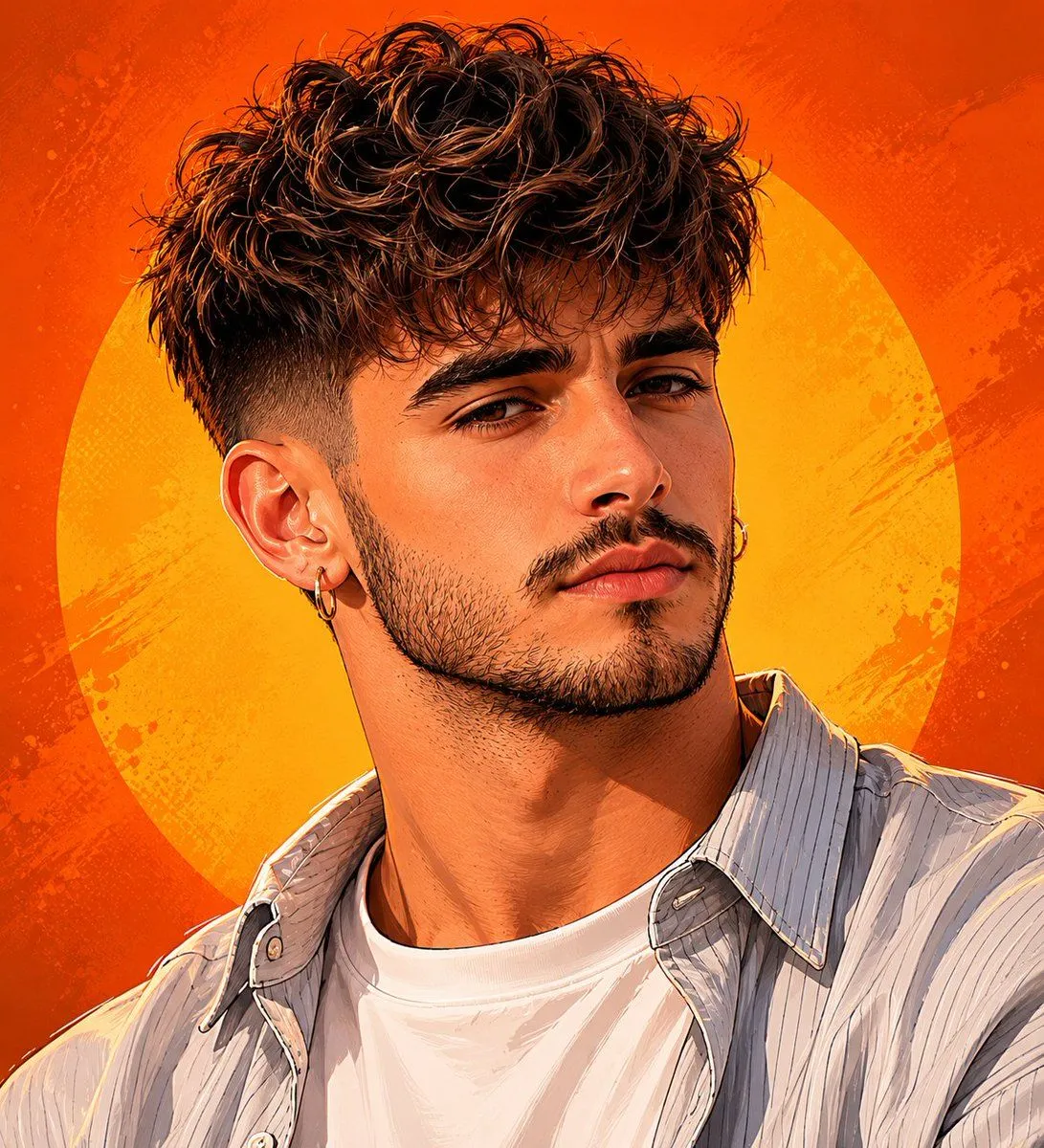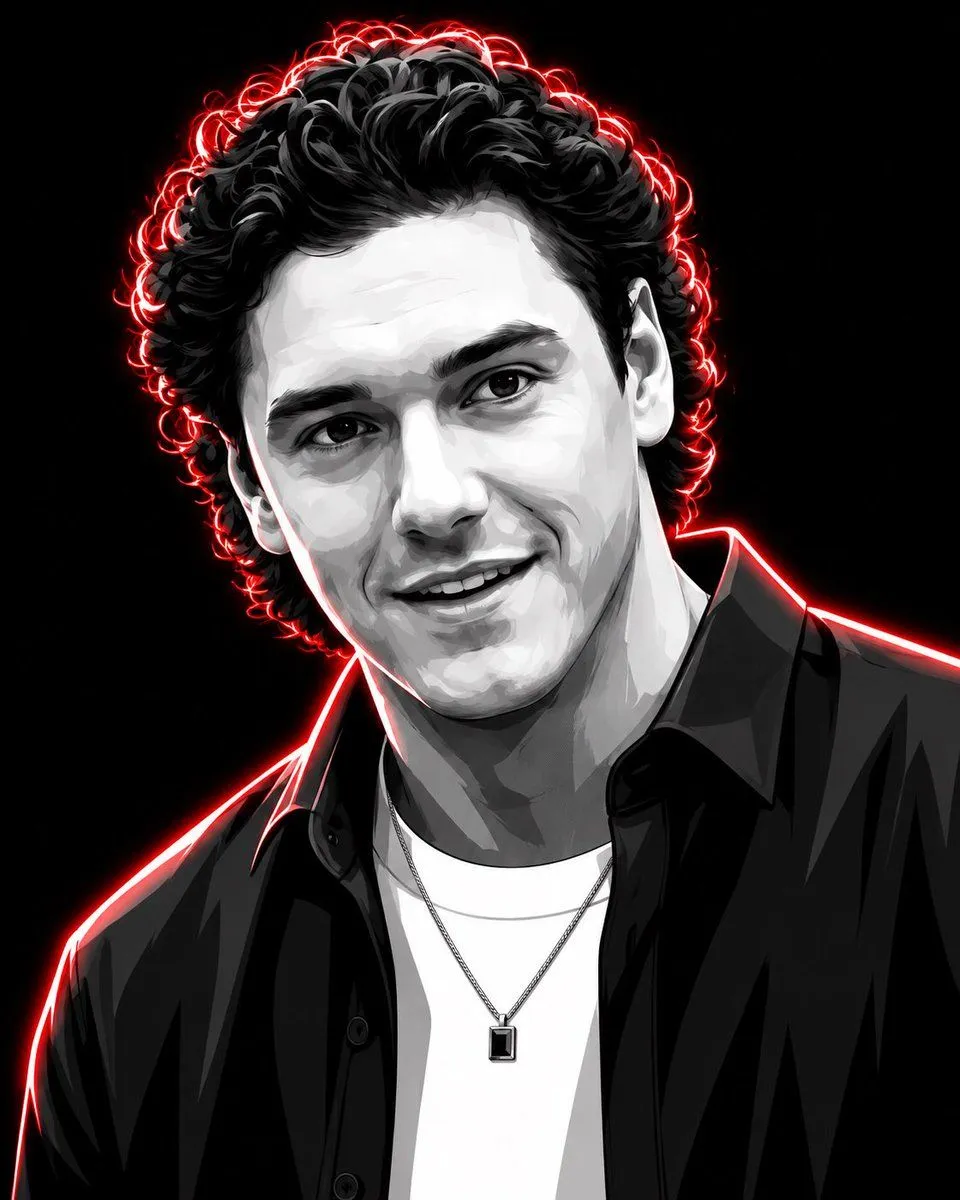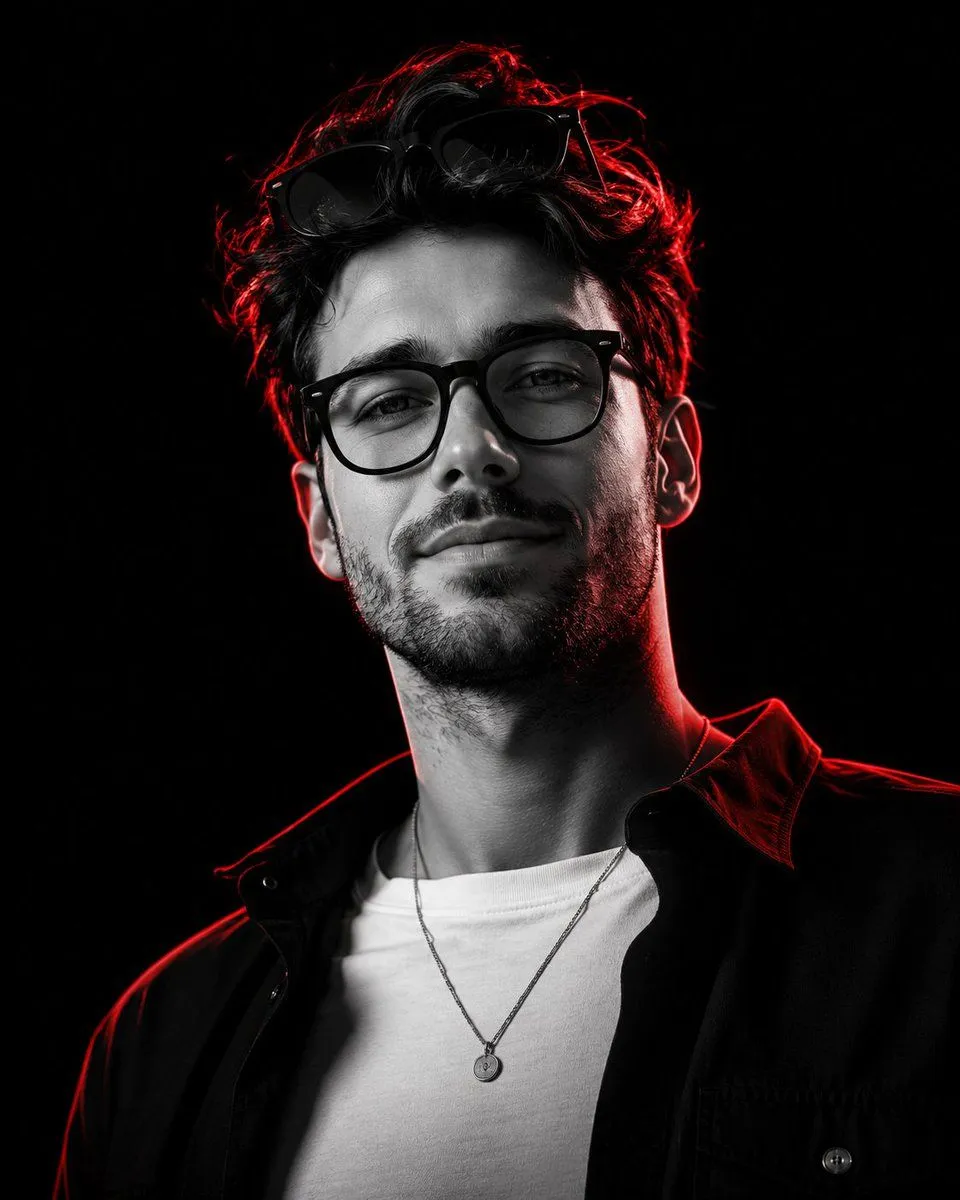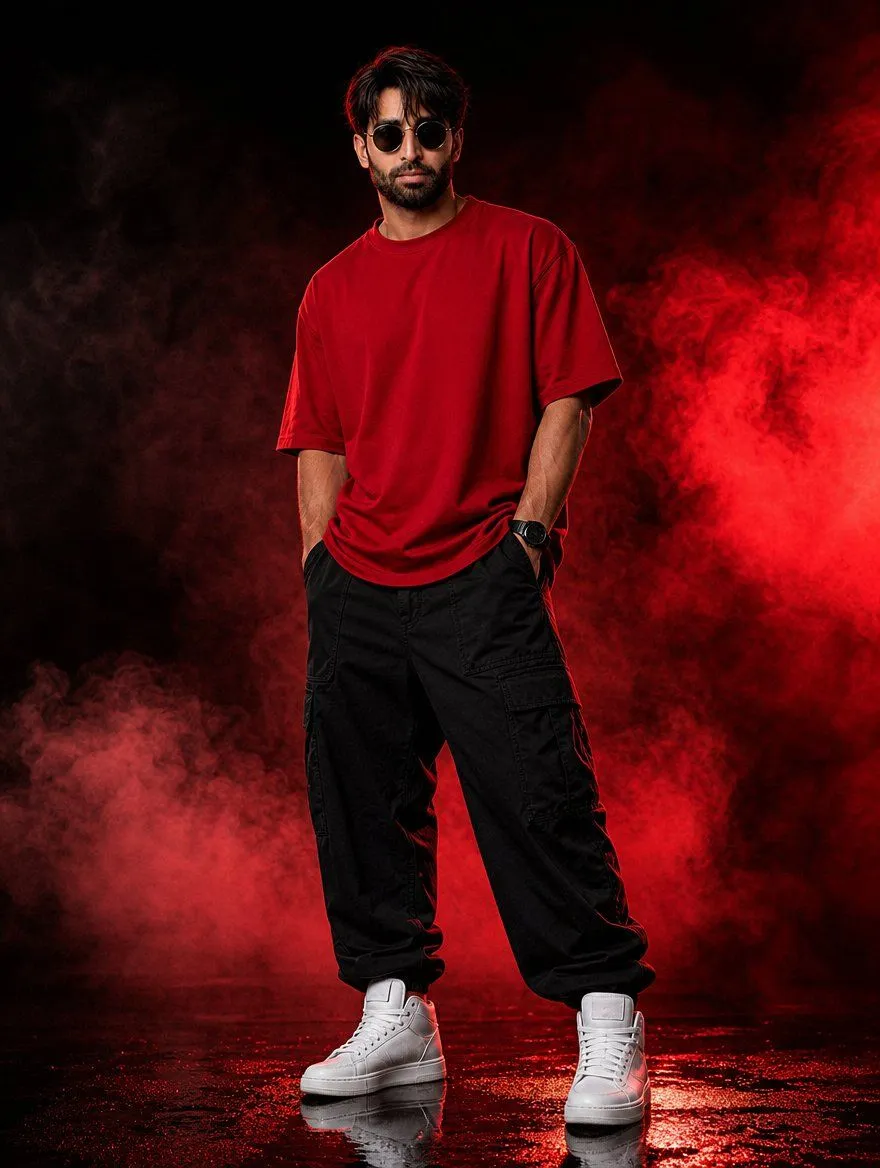
Made with GPT Image 2.5 in ChatGPT by Library Lifestyle. Promptclay never generates images.
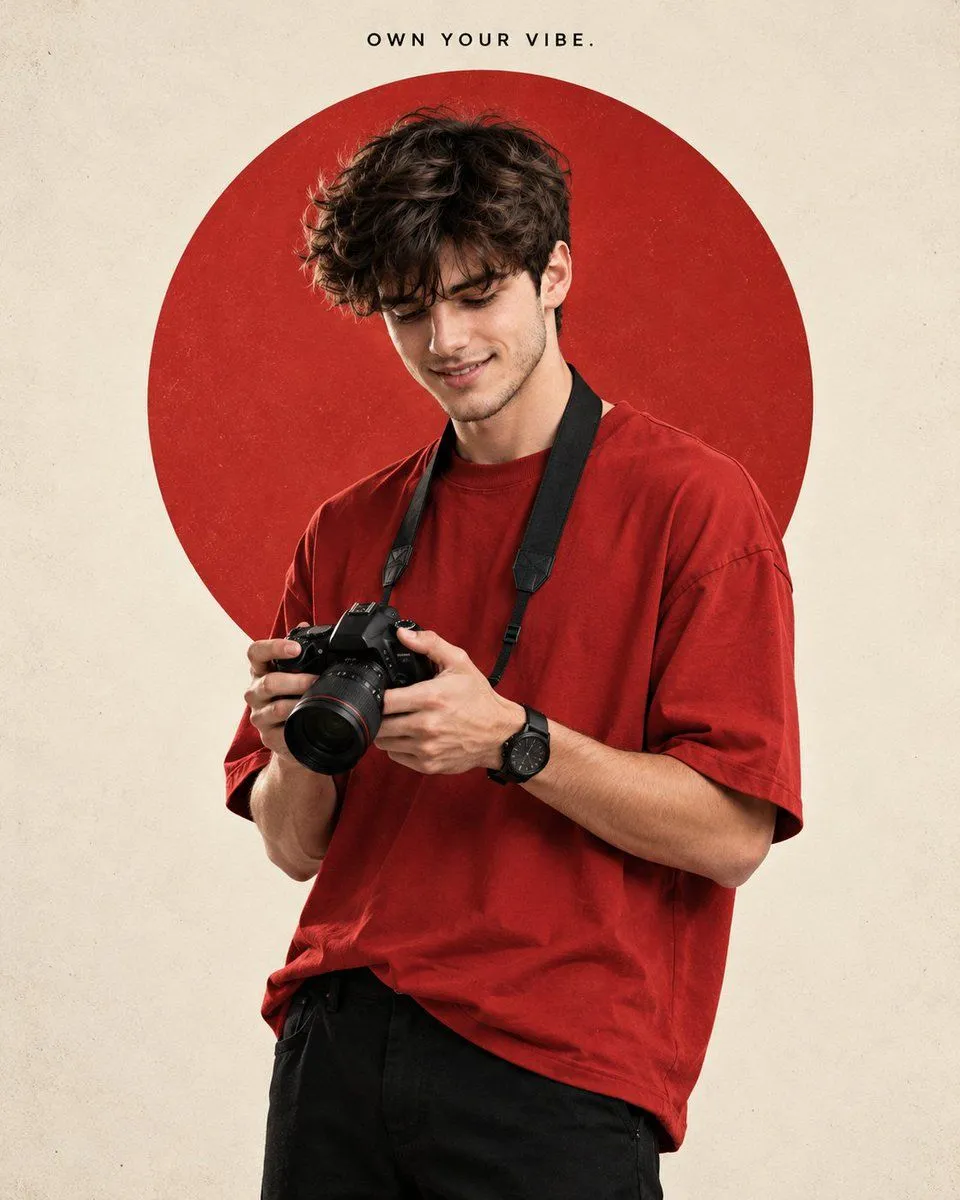
Photorealistic Portrait with Red Circle
Prompt
2 blanks to fillCreate Photorealistic editorial 4:5 portrait of a young man standing mostly straight in a relaxed, stylish pose, body turned slightly sideways so his chest is not directly facing the camera, with one shoulder subtly angled forward. He is not too thin, with natural, balanced proportions. He wears an oversized {shirt_color} short-sleeve T-shirt, black pants, black wristwatch, and black camera strap, holding a black DSLR camera naturally with both hands, slightly away from his face. He looks slightly downward at the camera he is holding, not at his eyes, with a soft, happy, confident smile. Thick curly dark hair. Clean warm off-white/cream background with a large red circle positioned directly behind his upper shoulders and head, with his hair and shoulder overlapping into the circle. Soft studio lighting, subtle vintage texture, clean minimal composition, realistic proportions. Small black uppercase text "{text_overlay}" centered at the very top above the circle.
Preview of your prompt
Create Photorealistic editorial 4:5 portrait of a young man standing mostly straight in a relaxed, stylish pose, body turned slightly sideways so his chest is not directly facing the camera, with one shoulder subtly angled forward. He is not too thin, with natural, balanced proportions. He wears an oversized red short-sleeve T-shirt, black pants, black wristwatch, and black camera strap, holding a black DSLR camera naturally with both hands, slightly away from his face. He looks slightly downward at the camera he is holding, not at his eyes, with a soft, happy, confident smile. Thick curly dark hair. Clean warm off-white/cream background with a large red circle positioned directly behind his upper shoulders and head, with his hair and shoulder overlapping into the circle. Soft studio lighting, subtle vintage texture, clean minimal composition, realistic proportions. Small black uppercase text "OWN YOUR VIBE." centered at the very top above the circle.
DetailsVersions, settings and questions
Written for
What's in the prompt
- Subject
- Model
- GPT Image 2.5
If your face changes
keep my face exactly the sameQuestions
- Does this work in the ChatGPT app?
- Yes. Paste the prompt and attach your photo if it uses one.
- It changed my face. What do I do?
- Add "keep my face exactly the same" to the end and run it again.
- Can I use the images I make?
- Check the terms of the app you use. Promptclay never generates images and claims nothing you make.