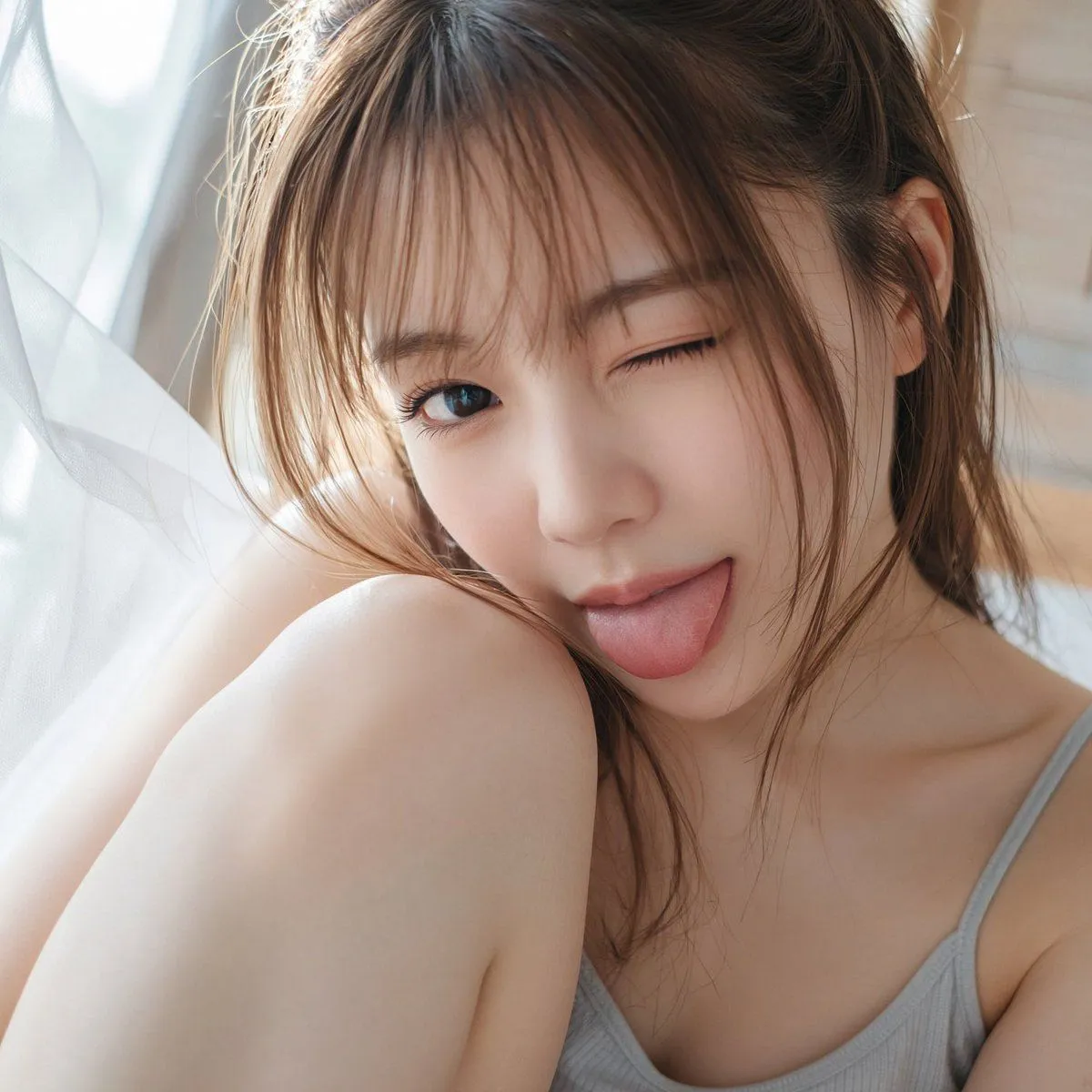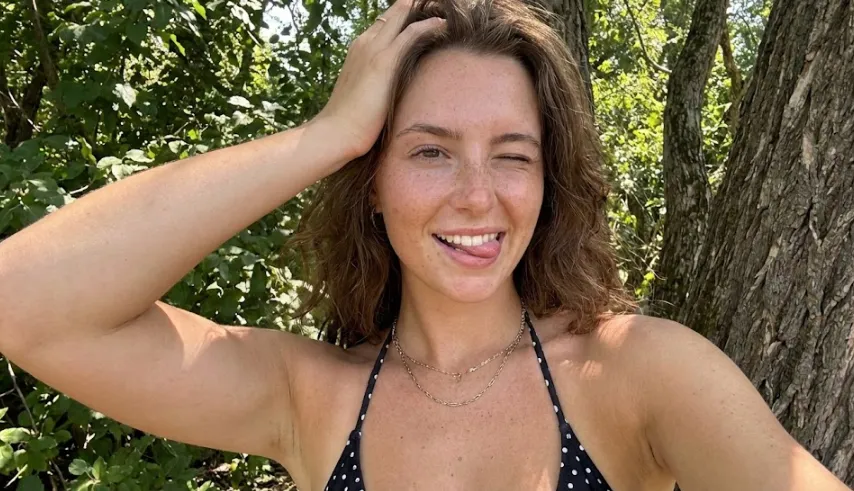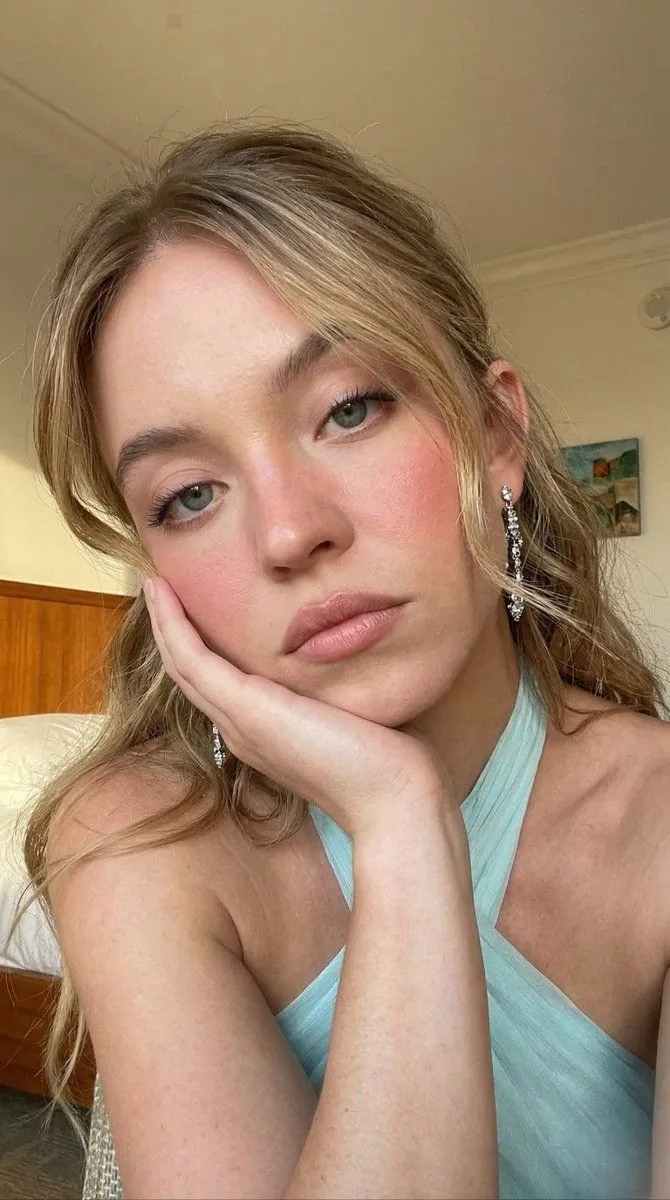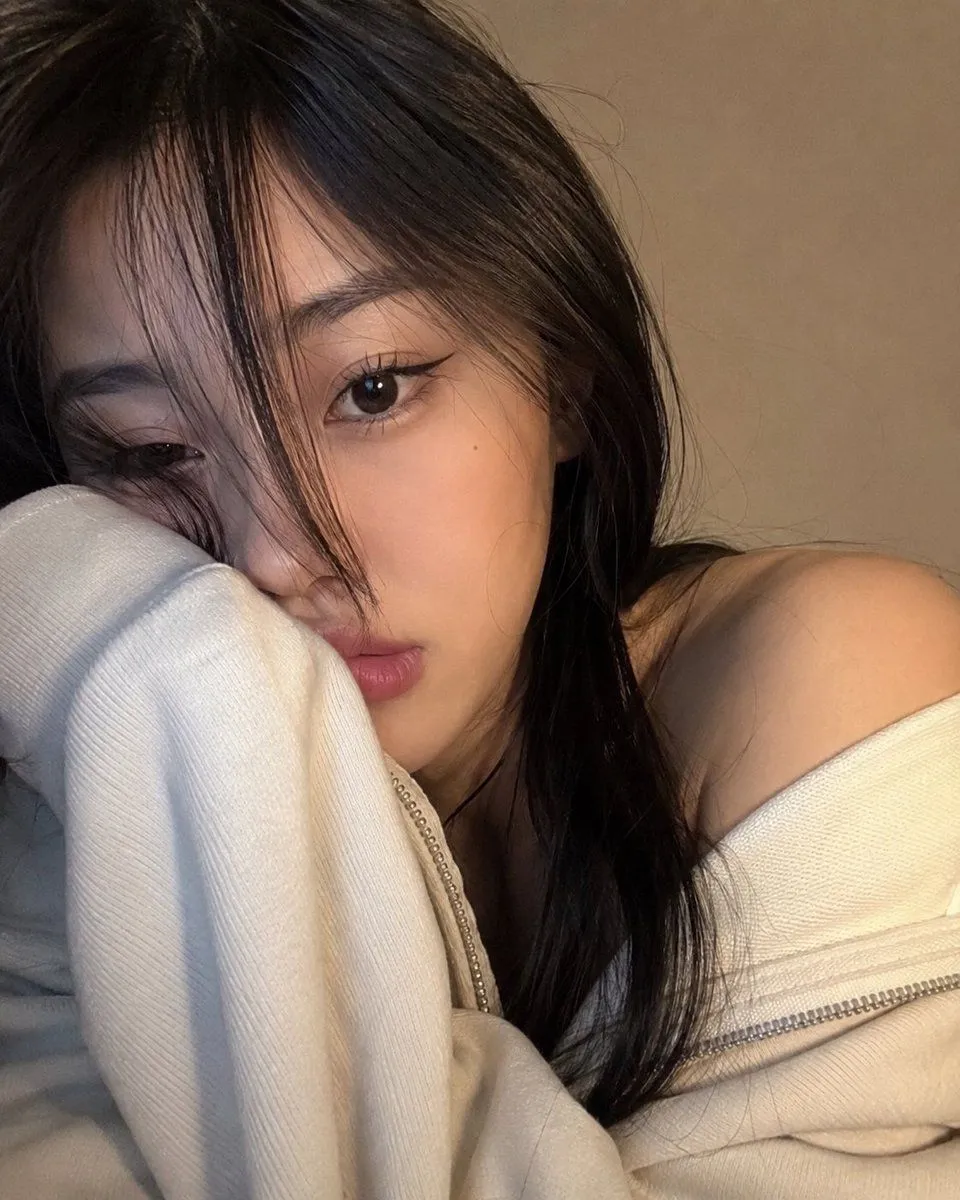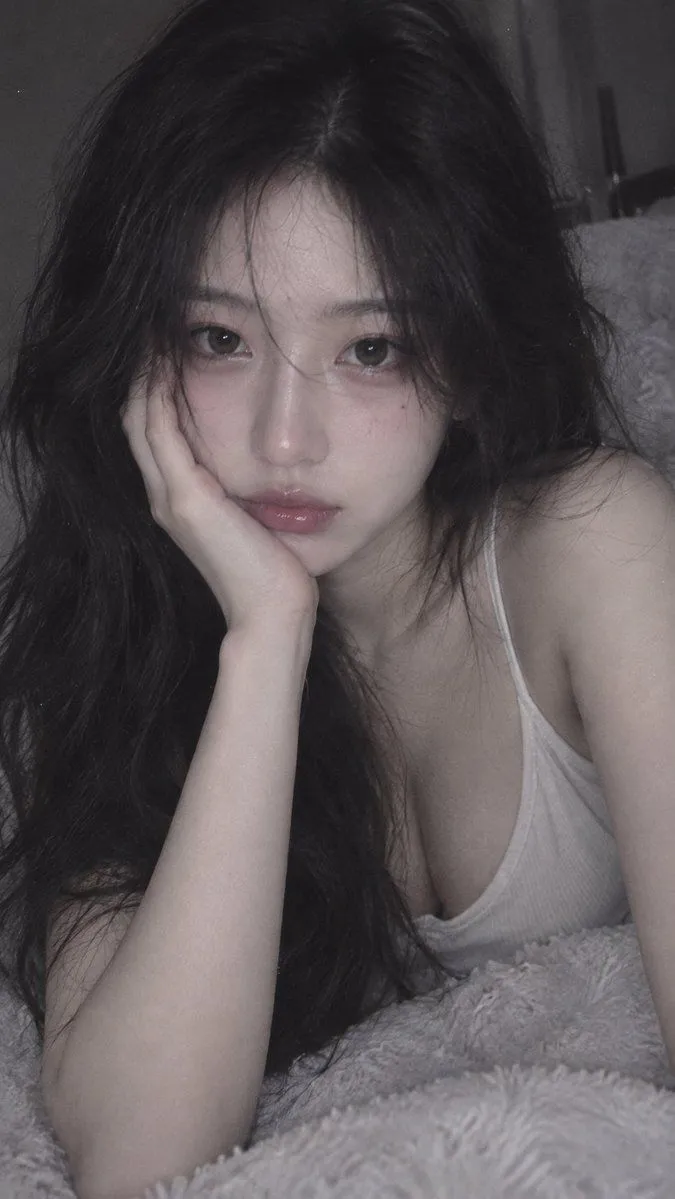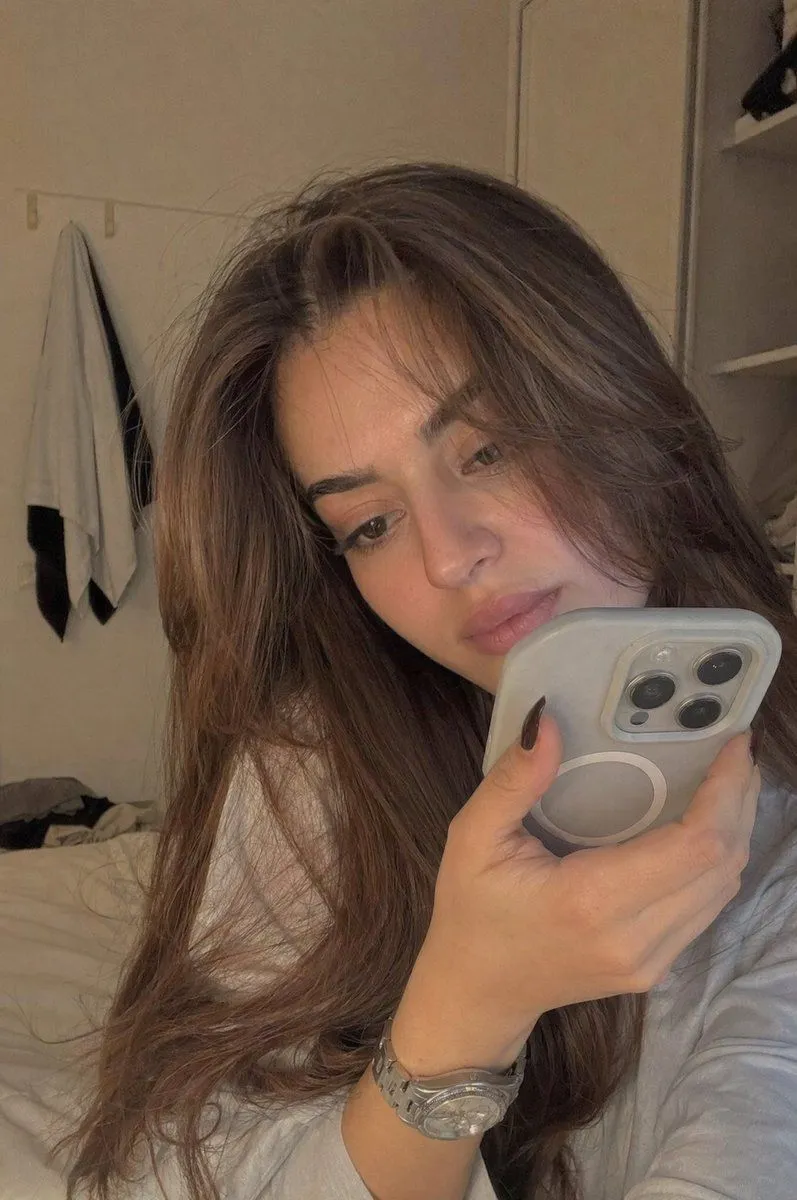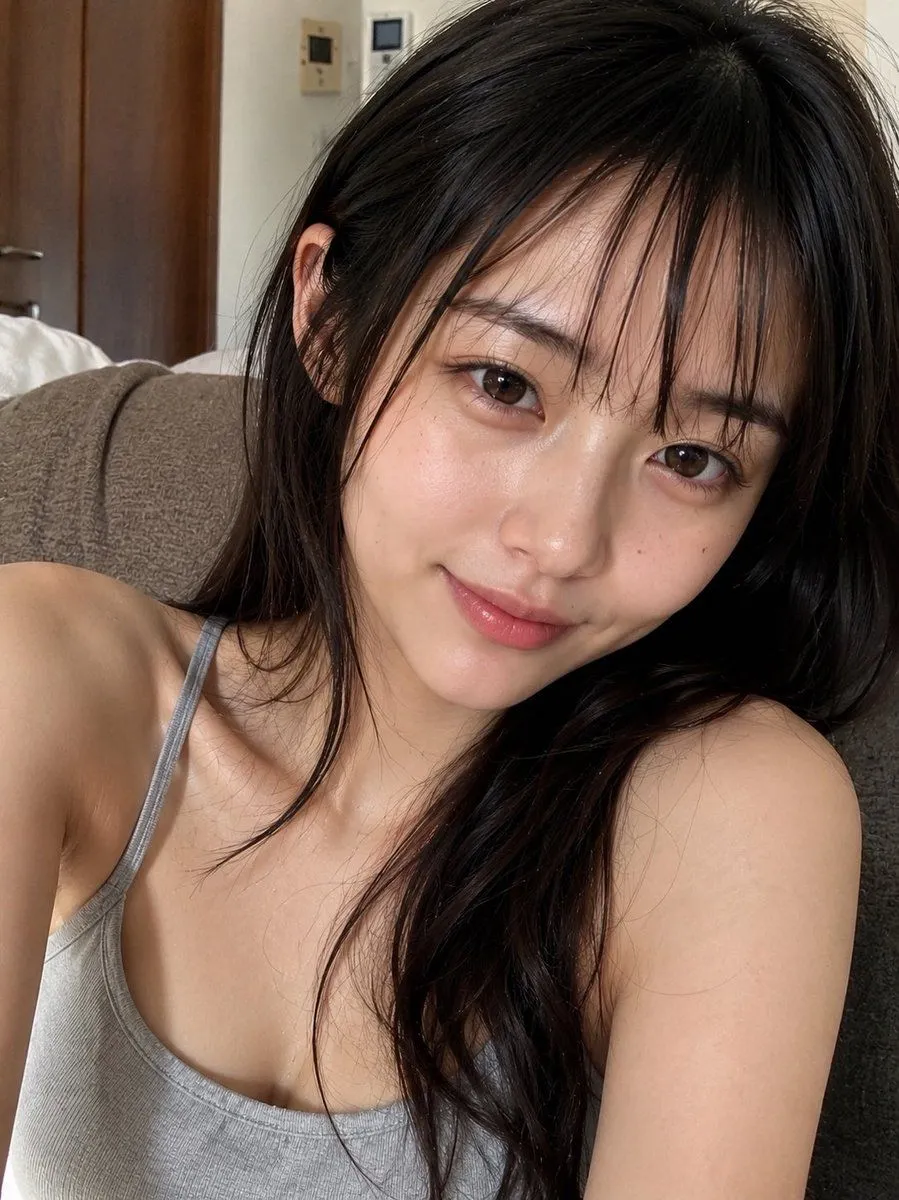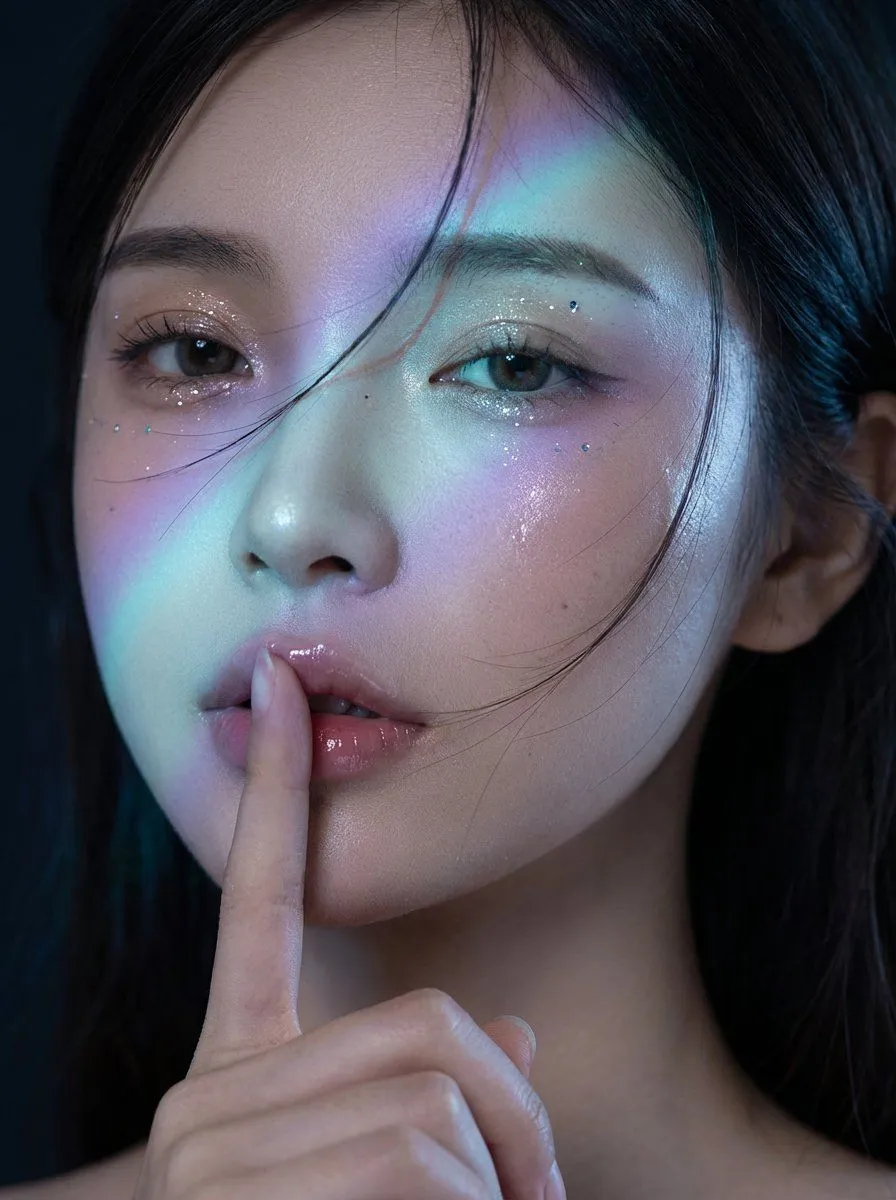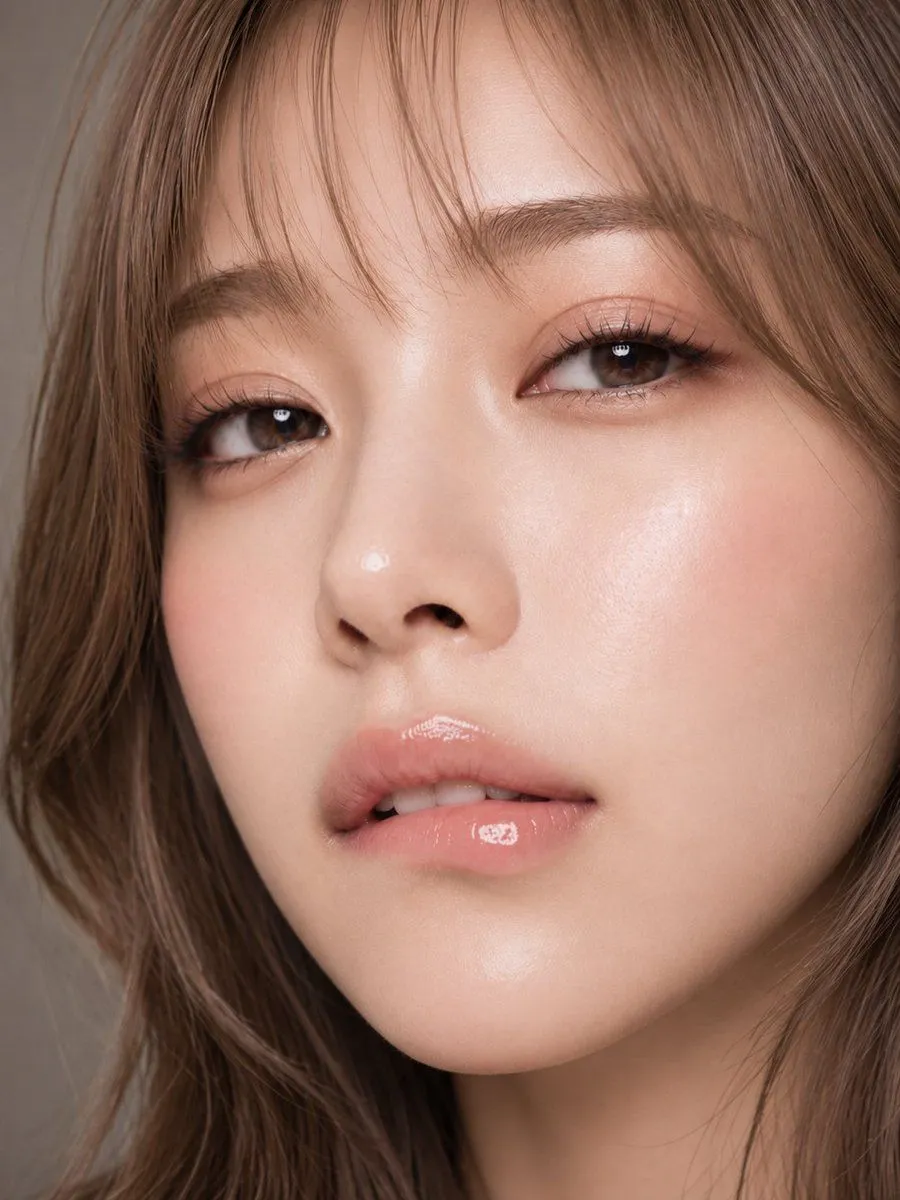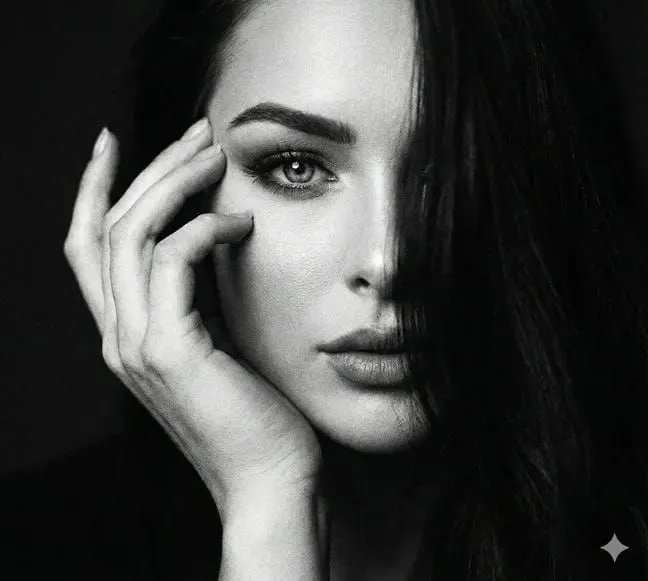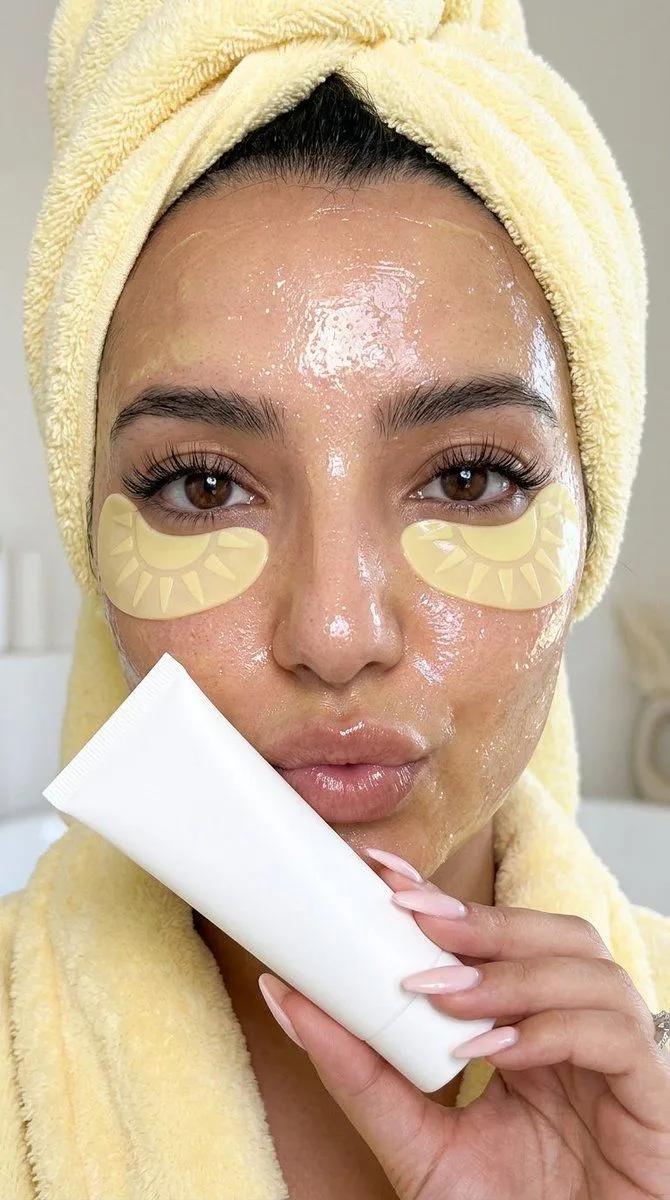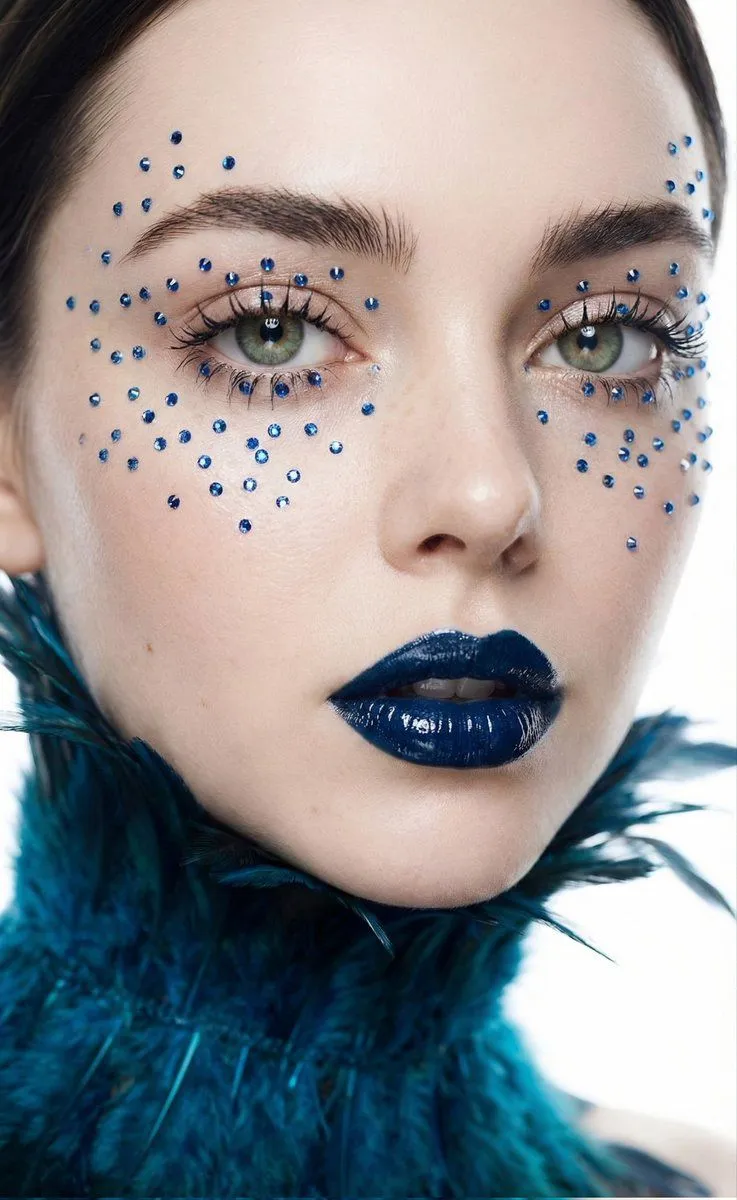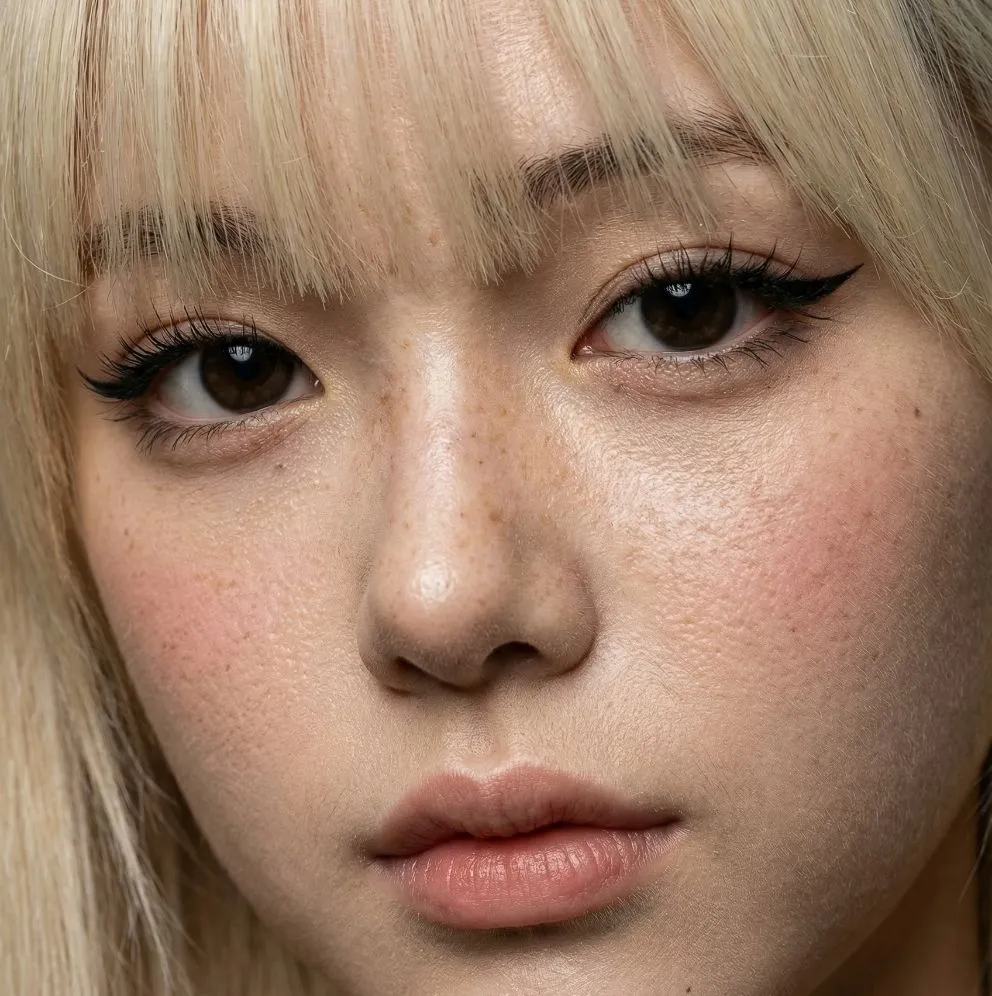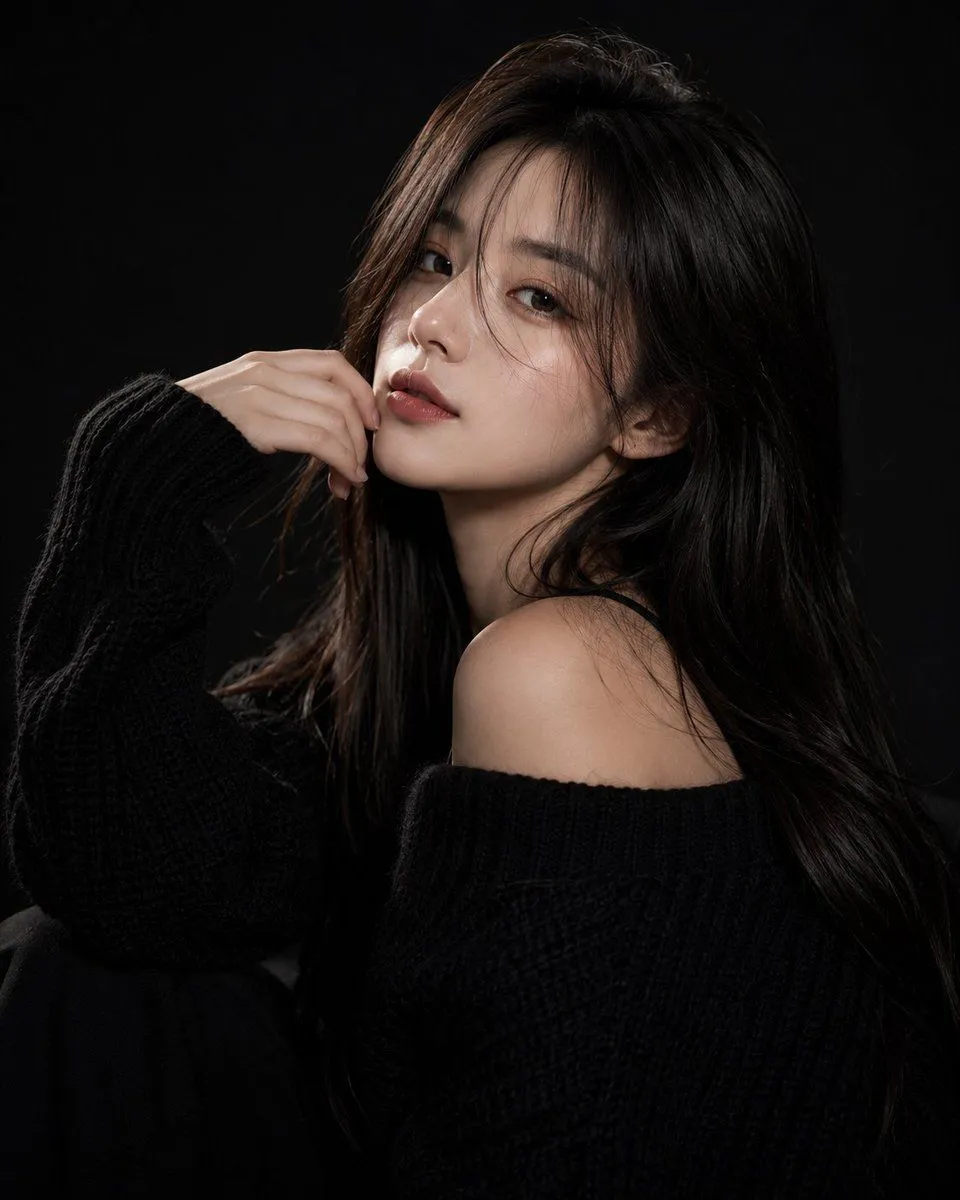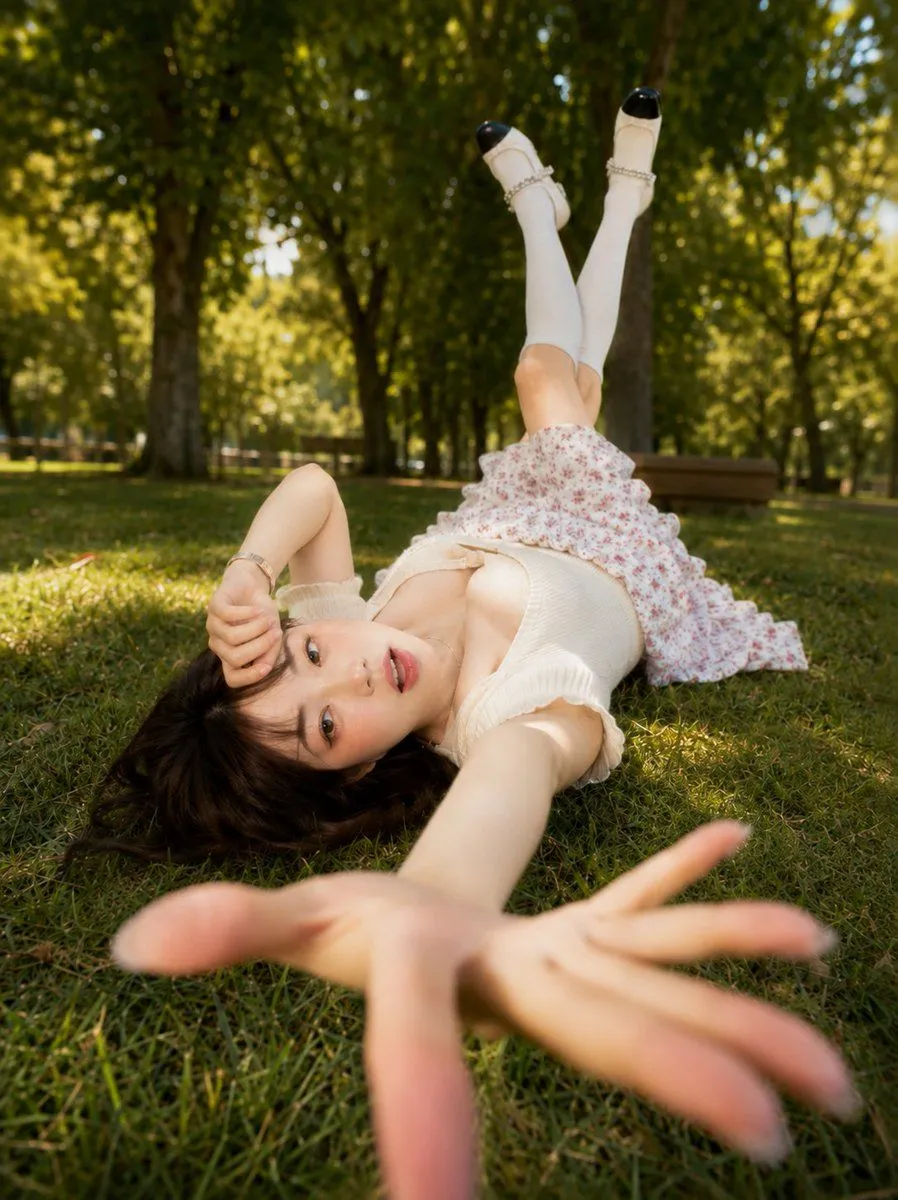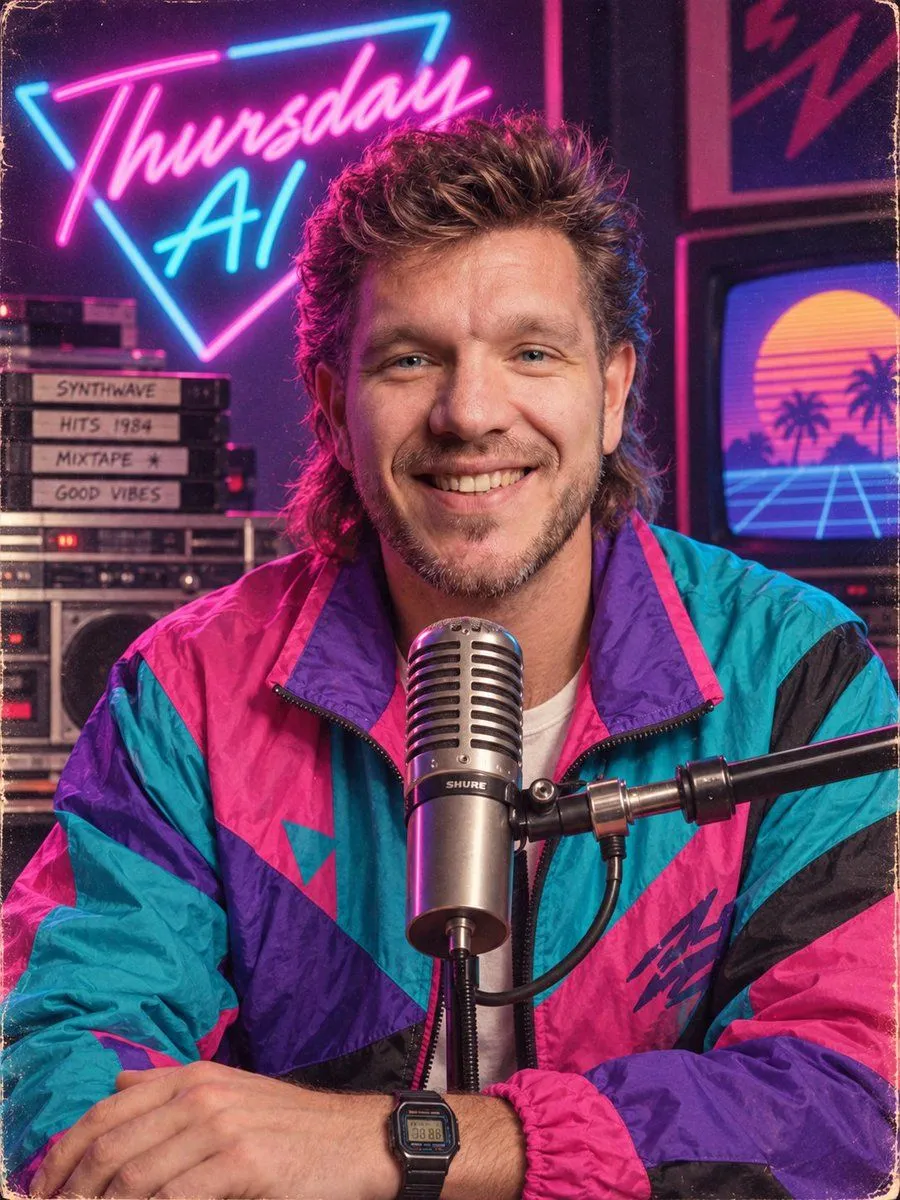
Made with GPT Image 2 in ChatGPT by Library Avatars. Promptclay never generates images.
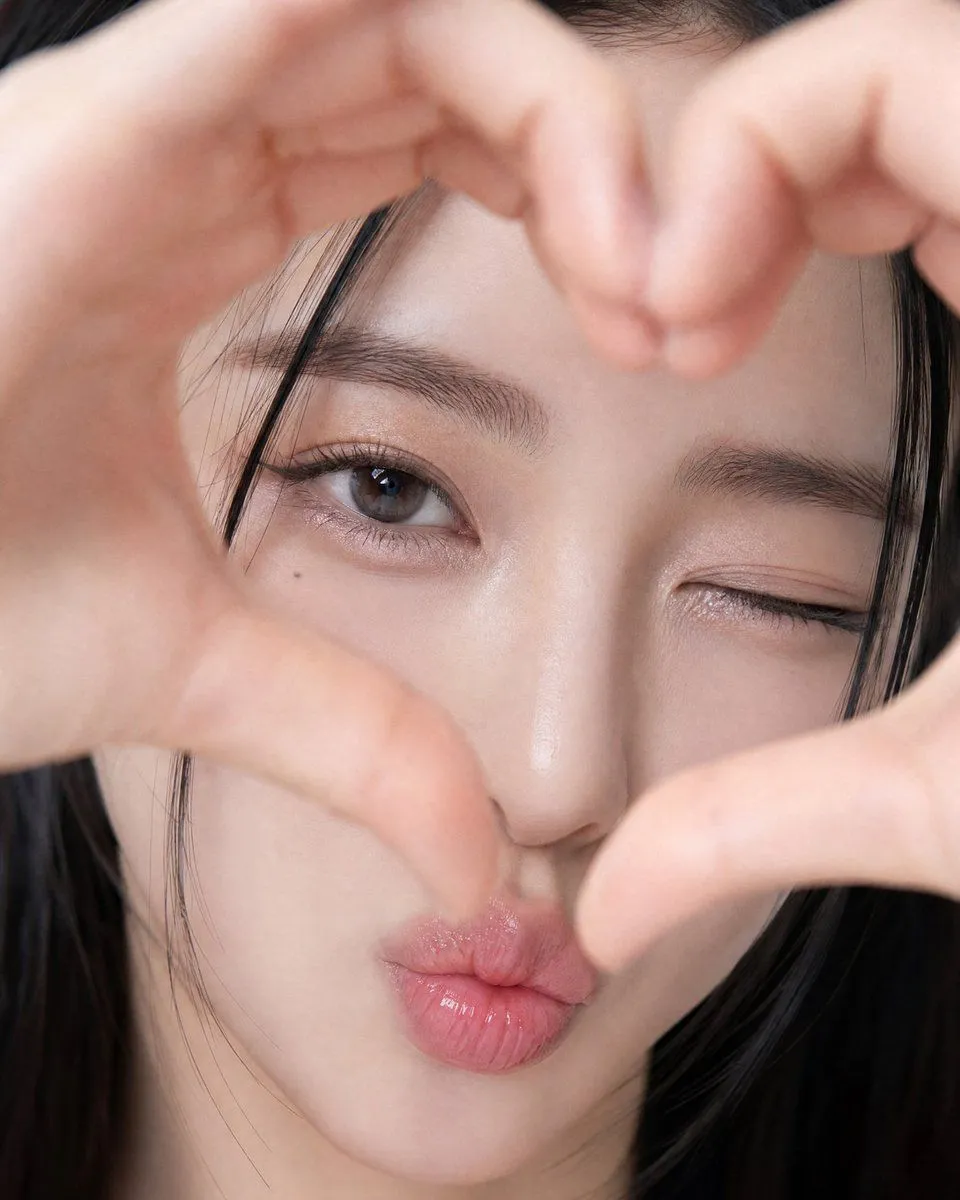
Photorealistic Heart-Hand Selfie Portrait
Prompt
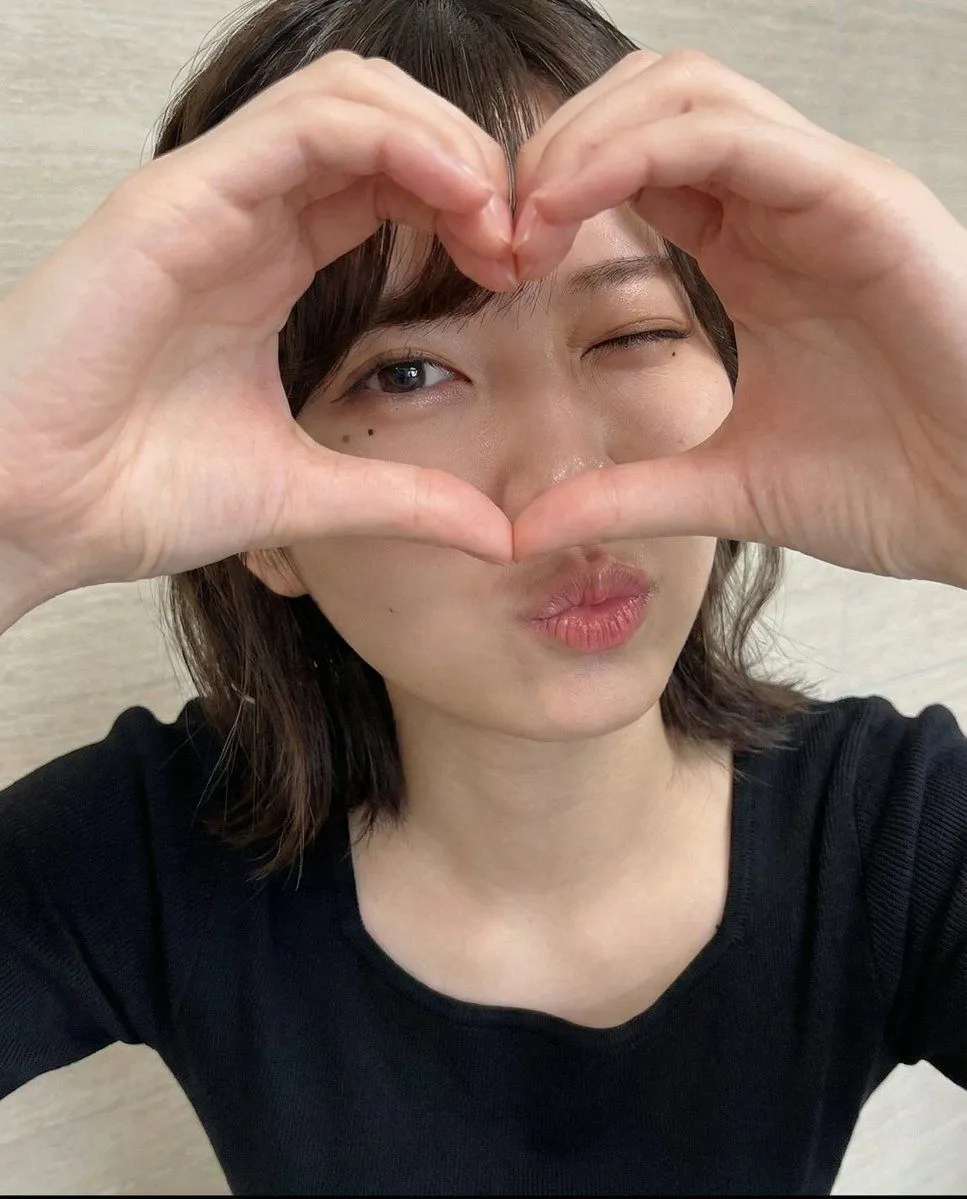
2 blanks to fill{ "aspect_ratio": "4:5", "subject": "{subject}", "style": "Photorealistic, soft playful selfie, film-like softness", "composition": "Extreme close-up, face fills frame", "pose": { "hands": "{gesture}, close to lens, slightly blurred", "head": "Slight tilt", "expression": "One eye wink, glossy pink kiss-face, looking at camera" }, "appearance": { "hair": "Straight black with loose strands", "eyes": "Almond-shaped dark brown", "makeup": "Subtle eyeliner, defined lashes, shimmer eyelids", "skin": "Natural glow, realistic texture", "mark": "Small mole under left eye" }, "background": "Not visible", "lighting": "Soft, diffused, even", "camera": { "angle": "Straight-on", "depth_of_field": "Very shallow", "focus": "Open eye and lips" }, "negative_prompt": [ "Plastic skin", "Distorted fingers", "Extra hands", "Extra fingers", "Harsh shadows", "Text", "Logo", "Watermark", "Cartoon", "Anime" ] }
Preview of your prompt
{ "aspect_ratio": "4:5", "subject": "Adult East Asian woman", "style": "Photorealistic, soft playful selfie, film-like softness", "composition": "Extreme close-up, face fills frame", "pose": { "hands": "Heart shape around face, close to lens, slightly blurred", "head": "Slight tilt", "expression": "One eye wink, glossy pink kiss-face, looking at camera" }, "appearance": { "hair": "Straight black with loose strands", "eyes": "Almond-shaped dark brown", "makeup": "Subtle eyeliner, defined lashes, shimmer eyelids", "skin": "Natural glow, realistic texture", "mark": "Small mole under left eye" }, "background": "Not visible", "lighting": "Soft, diffused, even", "camera": { "angle": "Straight-on", "depth_of_field": "Very shallow", "focus": "Open eye and lips" }, "negative_prompt": [ "Plastic skin", "Distorted fingers", "Extra hands", "Extra fingers", "Harsh shadows", "Text", "Logo", "Watermark", "Cartoon", "Anime" ] }
DetailsVersions, settings and questions
Written for
What's in the prompt
- Subject
- Model
- GPT Image 2
If your face changes
keep my face exactly the sameQuestions
- Does this work in the ChatGPT app?
- Yes. Paste the prompt and attach your photo if it uses one.
- It changed my face. What do I do?
- Add "keep my face exactly the same" to the end and run it again.
- Can I use the images I make?
- Check the terms of the app you use. Promptclay never generates images and claims nothing you make.