Tell us anything

An idea, a bug, something you love. We read every note.

⌘↵ to send. The page you're on comes along.

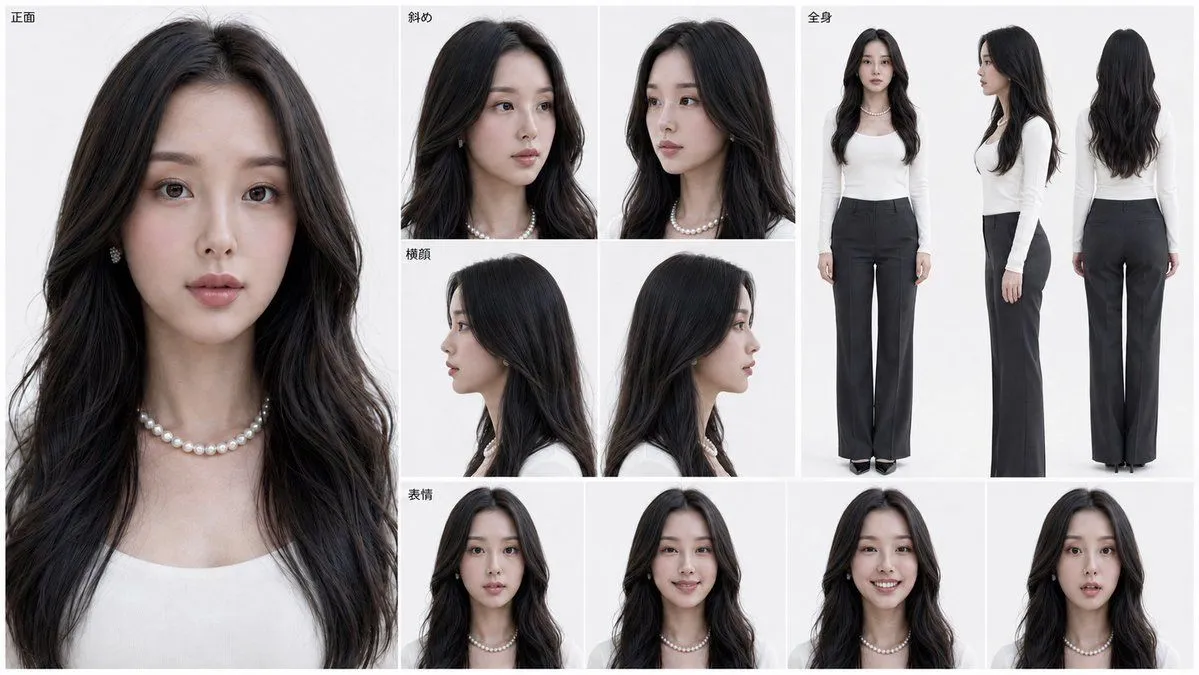
Photorealistic Character Reference Sheet Generator

Made with GPT Image 2.5 in ChatGPT by Library Game Art. Promptclay never generates images.

Did it work?

No reports yet. Tell others if it worked for you.

No comments yet. Be the first.

    Photorealistic Character Reference Sheet Generator

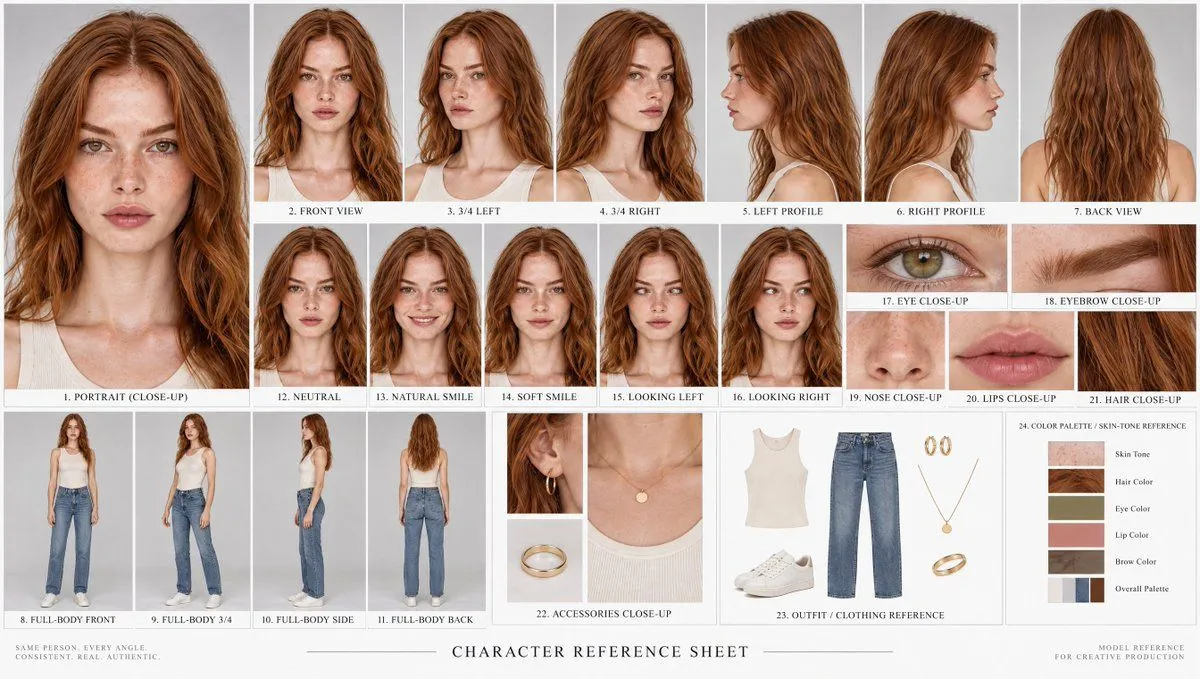
    GPT Image 2.516:9AI-generated

    Prompt

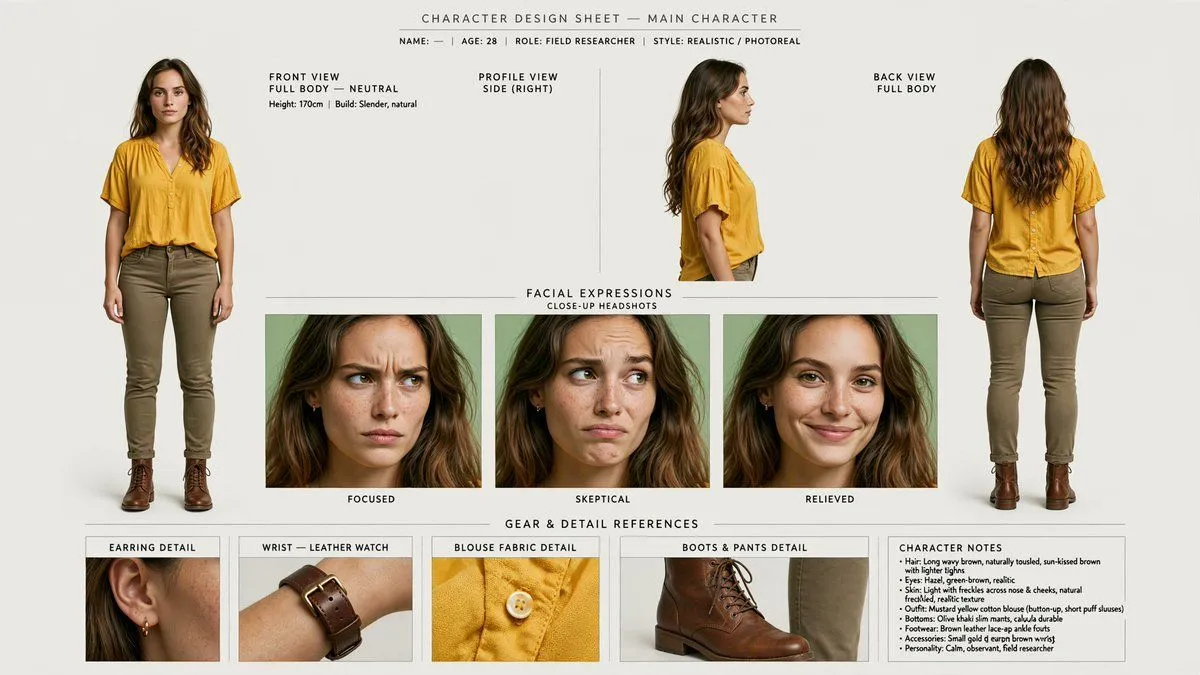
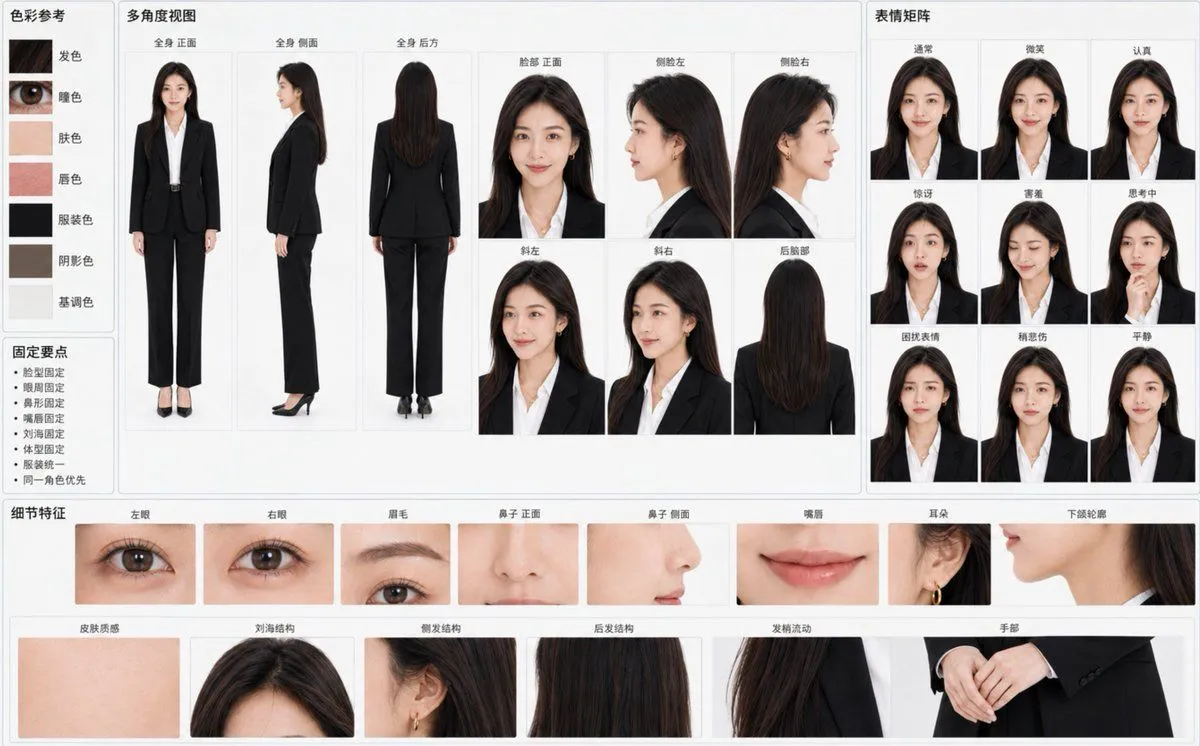
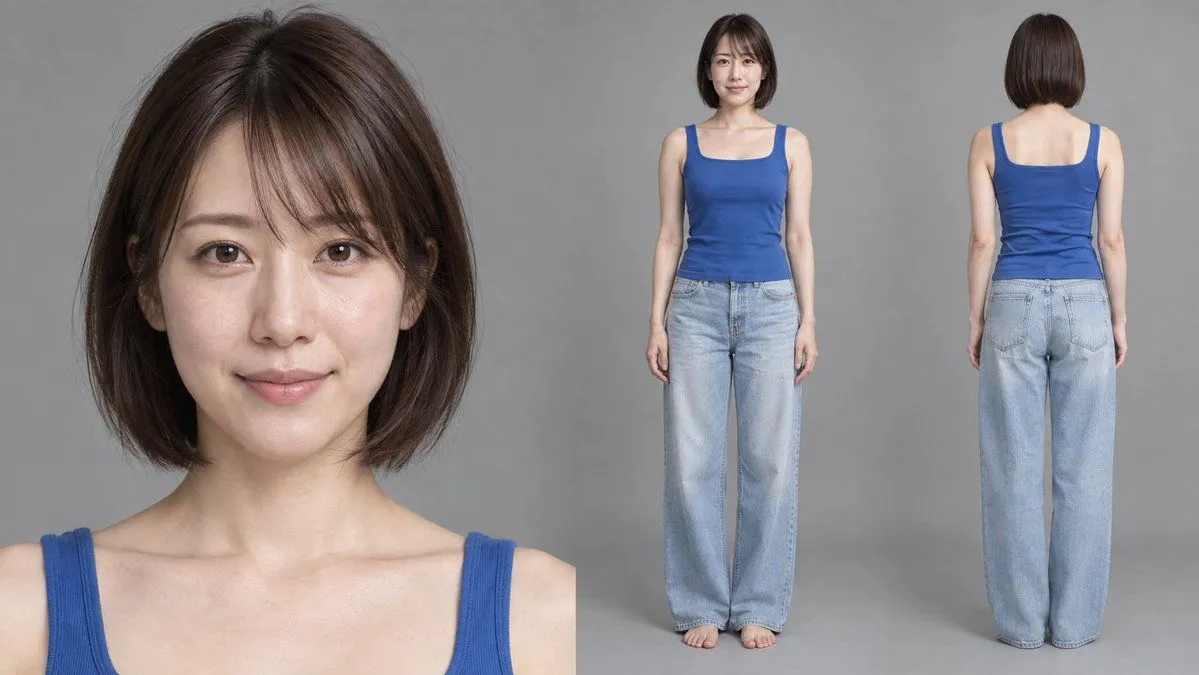
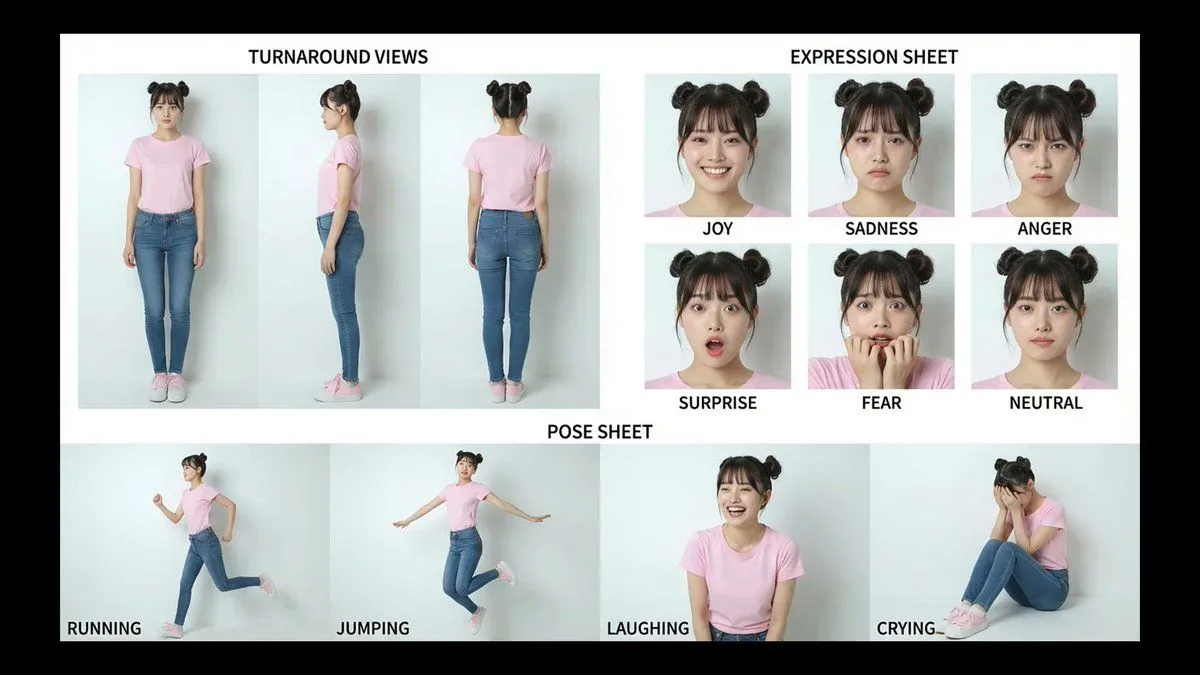
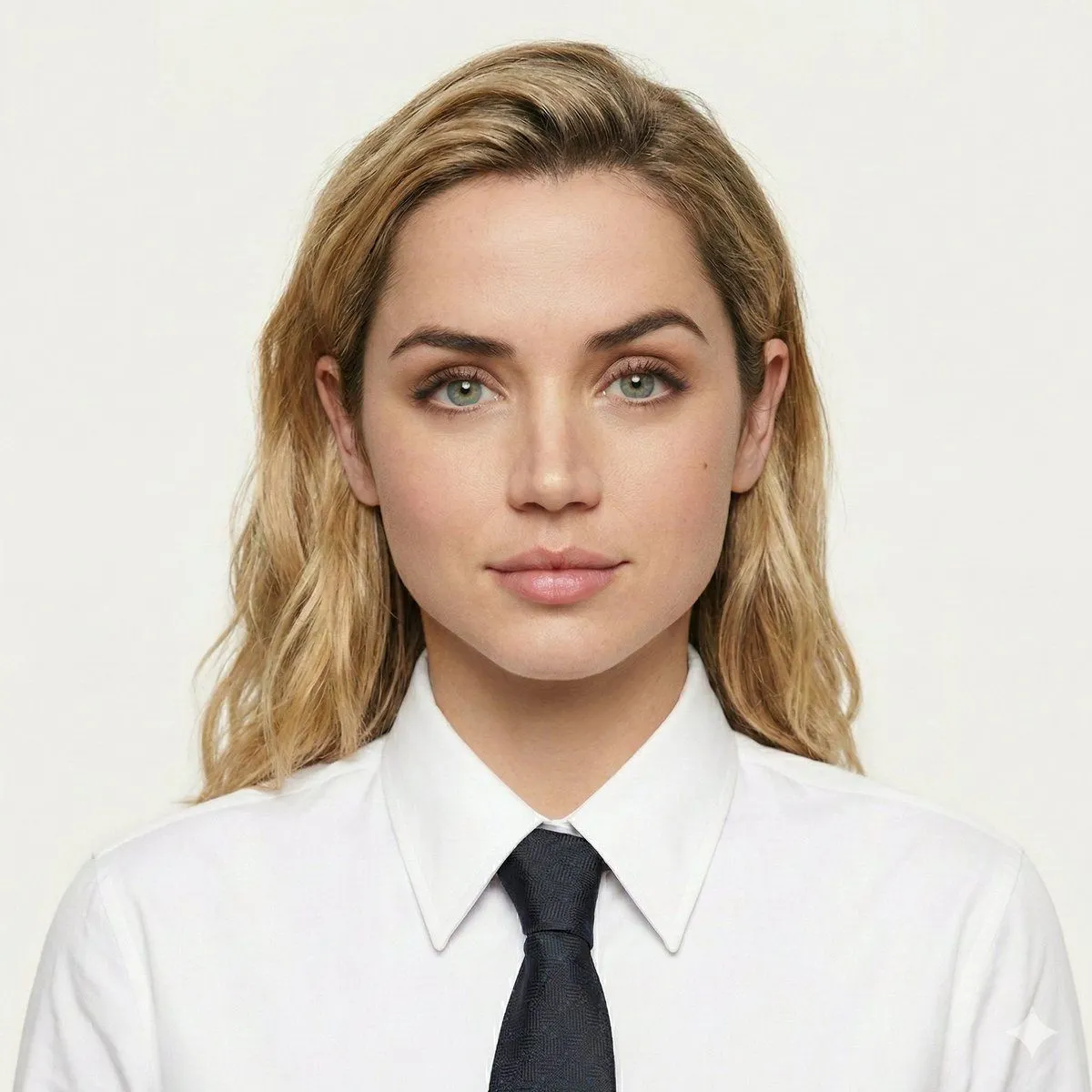
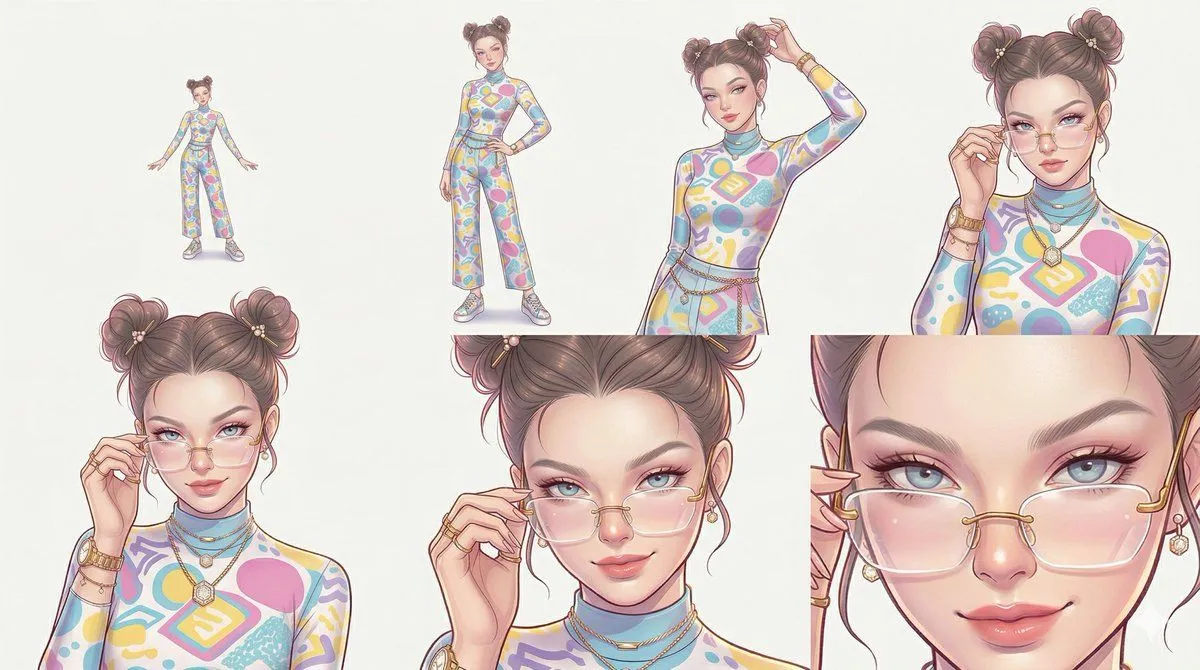
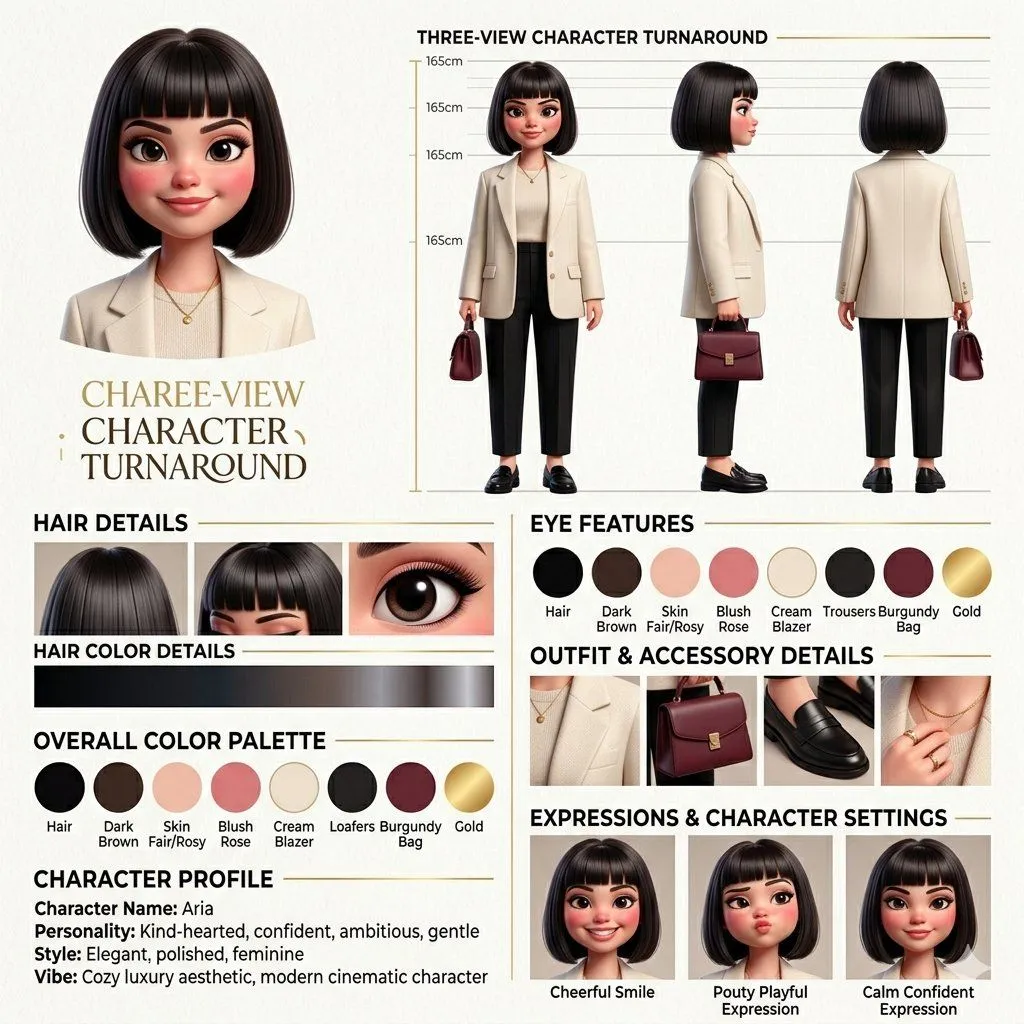
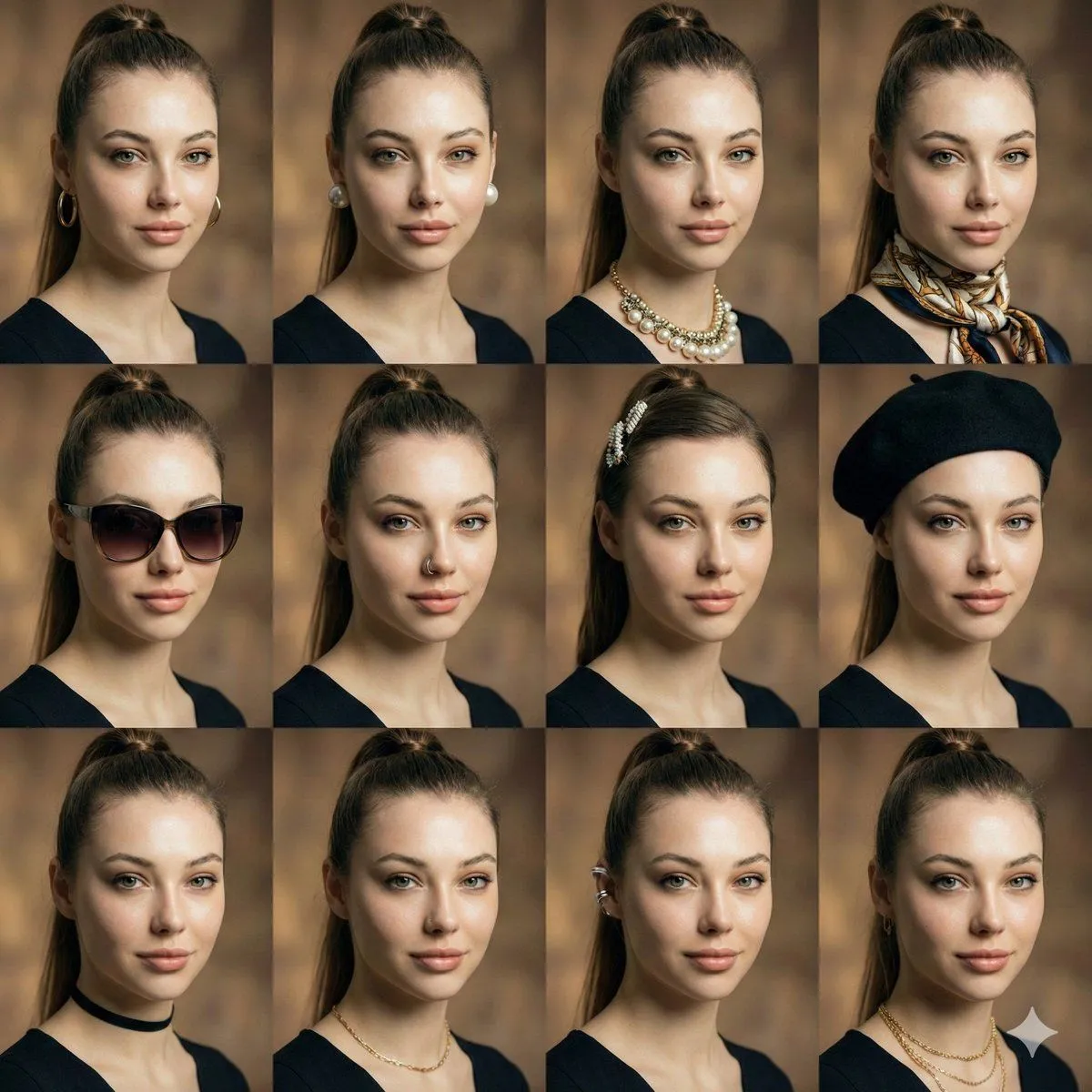
    Using the provided reference image as the sole identity source, generate a comprehensive character reference sheet featuring the exact same person in multiple views and expressions. The output must be a clean, professional grid layout on a white background. Layout & Content Requirements: 1. Top Row (Angles): Start with a large close-up portrait on the left labeled "1. PORTRAIT (CLOSE-UP)". Follow this with 6 smaller headshots showing different angles: "2. FRONT VIEW", "3. 3/4 LEFT", "4. 3/4 RIGHT", "5. LEFT PROFILE", "6. RIGHT PROFILE", and "7. BACK VIEW". 2. Middle Section (Expressions & Details): Include 5 frontal face variations labeled "12. NEUTRAL", "13. NATURAL SMILE", "14. SOFT SMILE", "15. LOOKING LEFT", and "16. LOOKING RIGHT". To the right of these, create a cluster of extreme close-ups for facial features: "17. EYE CLOSE-UP", "18. EYEBROW CLOSE-UP", "19. NOSE CLOSE-UP", "20. LIPS CLOSE-UP", and "21. HAIR CLOSE-UP". 3. Bottom Left (Full Body): Show 4 full-body shots wearing casual clothing (white tank top and blue jeans) labeled "8. FULL-BODY FRONT", "9. FULL-BODY 3/4", "10. FULL-BODY SIDE", and "11. FULL-BODY BACK". 4. Bottom Right (References): Create three distinct panels: - "22. ACCESSORIES CLOSE-UP": Showing gold hoop earrings, a thin necklace, and a ring. - "23. OUTFIT / CLOTHING REFERENCE": Flat-lay style images of the white ribbed tank top, blue straight-leg jeans, and white sneakers. - "24. COLOR PALETTE / SKIN-TONE REFERENCE": A vertical list of color swatches extracted from the subject's skin, hair, eyes, lips, brows, and overall palette. Style & Constraints: - Maintain photorealistic quality with soft studio lighting. - Ensure the subject's identity (face structure, freckles, hair texture/color) remains perfectly consistent across all 24 numbered sections. - Use small, sans-serif black text for labels beneath each image section. - Add footer text: "SAME PERSON. EVERY ANGLE. CONSISTENT. REAL. AUTHENTIC." on the bottom left and "MODEL REFERENCE FOR CREATIVE PRODUCTION" on the bottom right.

    Works in
    ChatGPT, Gemini
    Status
    Free to copy
    0
    DetailsVersions, settings and questions

    Written for

    What's in the prompt

    Subject
    Model
    GPT Image 2.5

    If your face changes

    keep my face exactly the same

    Questions

    Does this work in the ChatGPT app?
    Yes. Paste the prompt and attach your photo if it uses one.
    It changed my face. What do I do?
    Add "keep my face exactly the same" to the end and run it again.
    Can I use the images I make?
    Check the terms of the app you use. Promptclay never generates images and claims nothing you make.
    Similar prompts

    See more
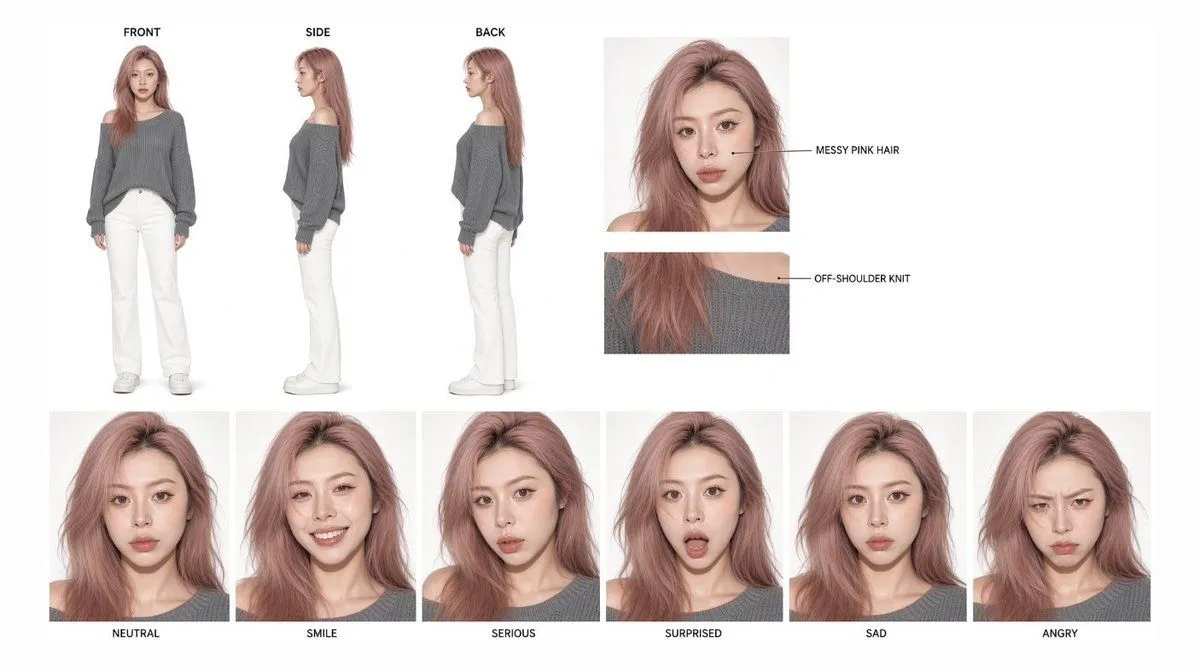
    • Photoreal Character Reference Sheet
    • Photorealistic Female Character Sheet
    • Photoreal Character Design Sheet
    • Character Consistency Reference Chart
    • Studio Model Reference Sheet
    • Realistic character design sheet from a photo
    • Pink-Haired Character Reference Sheet
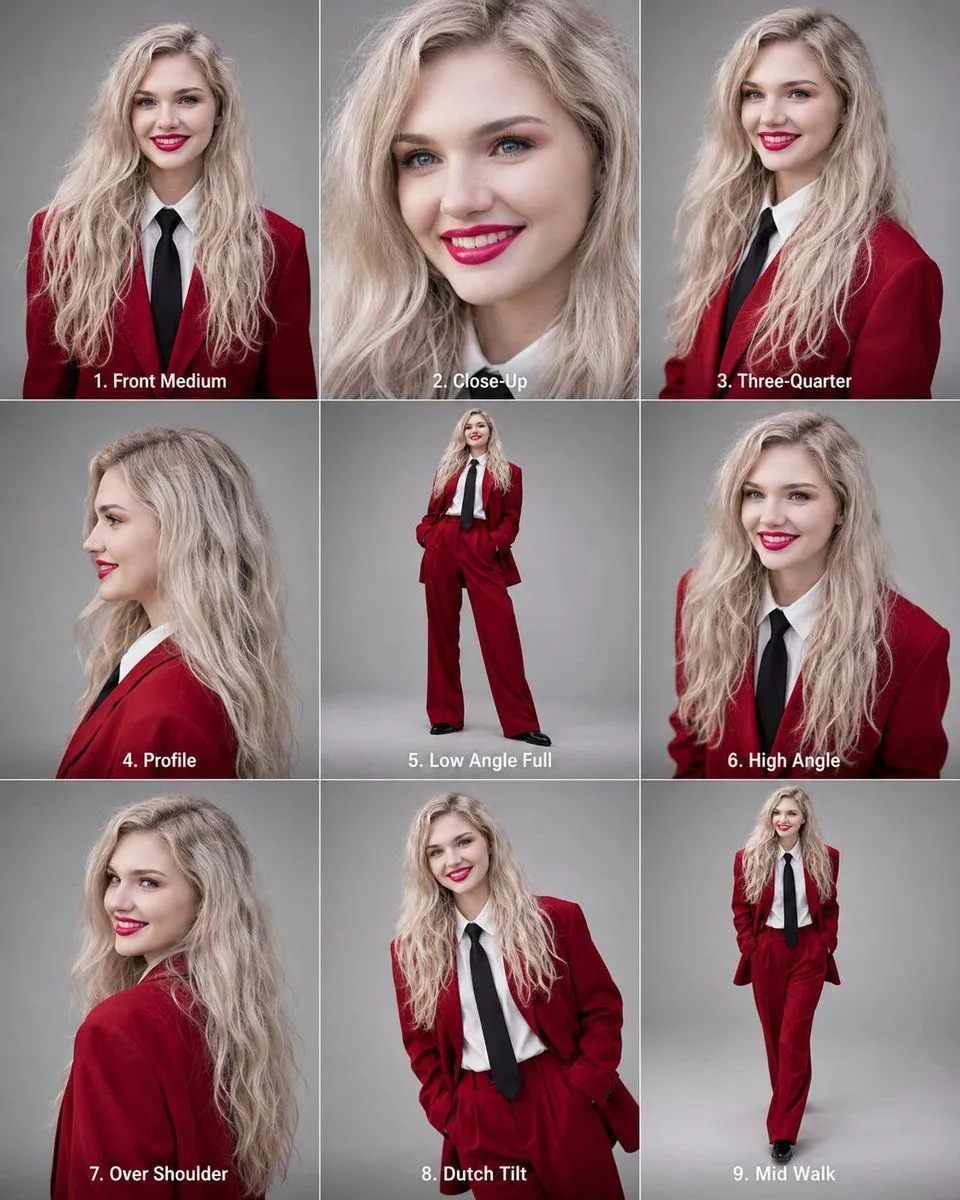
    • Editorial 3x3 Angle Reference Sheet
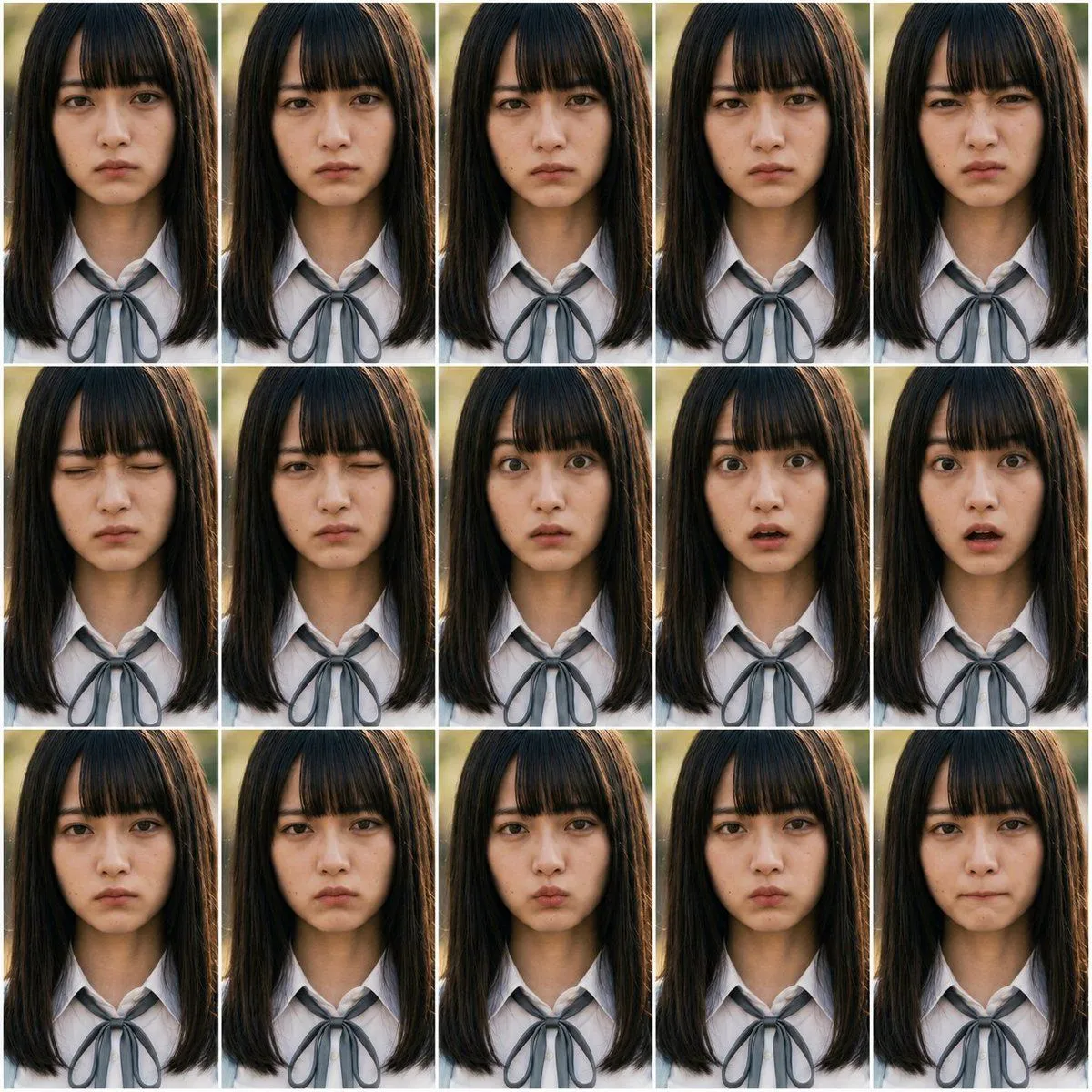
    • Photoreal FACS Expression Grid
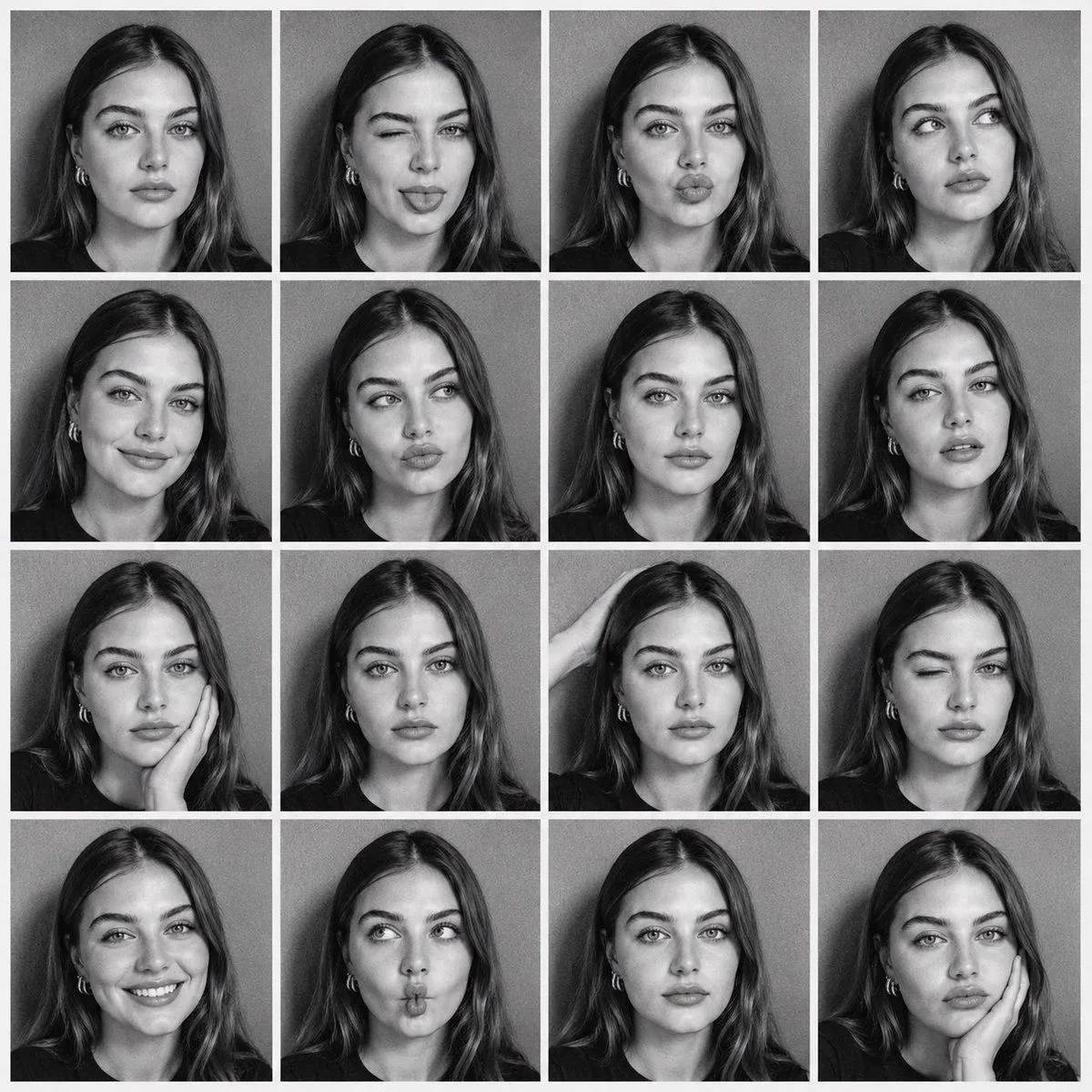
    • B&W Photobooth Contact Sheet
    • Passport Size Image Generator
    • Reference Character Posing Grid Study Prompt
    • 3D Character Design Infographic
    • Consistent Facial Symmetry Photo Collage for Accessories
    • 3x3 High-Fashion Wet Hair Editorial Grid with Identity Lock
    • High-Fashion Wet Hair Editorial Grid
    • 3x3 Grid Prompt for Lighting Cheatsheet
    • Artistic Character Reference Sheet
    • Editorial Portrait Photo Grid
    • Character Expression and Pose Variation Prompt (20 Patterns)
    • Editorial Beauty Collage Hairstyle Variations Prompt
    • 16-Panel Portrait Abstraction Study
    • Beauty Magazine Makeup Analysis Guide
    • Collage Style Cartoon Portrait

    Show more

    Run it on your phone

    1. Prompt copiedRead it

      Using the provided reference image as the sole identity source, generate a comprehensive character reference sheet featuring the exact same person in multiple views and expressions. The output must be a clean, professional grid layout on a white background. Layout & Content Requirements: 1. Top Row (Angles): Start with a large close-up portrait on the left labeled "1. PORTRAIT (CLOSE-UP)". Follow this with 6 smaller headshots showing different angles: "2. FRONT VIEW", "3. 3/4 LEFT", "4. 3/4 RIGHT", "5. LEFT PROFILE", "6. RIGHT PROFILE", and "7. BACK VIEW". 2. Middle Section (Expressions & Details): Include 5 frontal face variations labeled "12. NEUTRAL", "13. NATURAL SMILE", "14. SOFT SMILE", "15. LOOKING LEFT", and "16. LOOKING RIGHT". To the right of these, create a cluster of extreme close-ups for facial features: "17. EYE CLOSE-UP", "18. EYEBROW CLOSE-UP", "19. NOSE CLOSE-UP", "20. LIPS CLOSE-UP", and "21. HAIR CLOSE-UP". 3. Bottom Left (Full Body): Show 4 full-body shots wearing casual clothing (white tank top and blue jeans) labeled "8. FULL-BODY FRONT", "9. FULL-BODY 3/4", "10. FULL-BODY SIDE", and "11. FULL-BODY BACK". 4. Bottom Right (References): Create three distinct panels: - "22. ACCESSORIES CLOSE-UP": Showing gold hoop earrings, a thin necklace, and a ring. - "23. OUTFIT / CLOTHING REFERENCE": Flat-lay style images of the white ribbed tank top, blue straight-leg jeans, and white sneakers. - "24. COLOR PALETTE / SKIN-TONE REFERENCE": A vertical list of color swatches extracted from the subject's skin, hair, eyes, lips, brows, and overall palette. Style & Constraints: - Maintain photorealistic quality with soft studio lighting. - Ensure the subject's identity (face structure, freckles, hair texture/color) remains perfectly consistent across all 24 numbered sections. - Use small, sans-serif black text for labels beneath each image section. - Add footer text: "SAME PERSON. EVERY ANGLE. CONSISTENT. REAL. AUTHENTIC." on the bottom left and "MODEL REFERENCE FOR CREATIVE PRODUCTION" on the bottom right.

    2. Open your app

      This prompt is long, so it is copied instead of sent in the link. Paste it in the app.

    3. Paste and run

      Press and hold the message box, then tap Paste. Add your photo first if the prompt uses one. You may need to sign in.

    Photorealistic Character Reference Sheet Generator