Tell us anything

An idea, a bug, something you love. We read every note.

⌘↵ to send. The page you're on comes along.

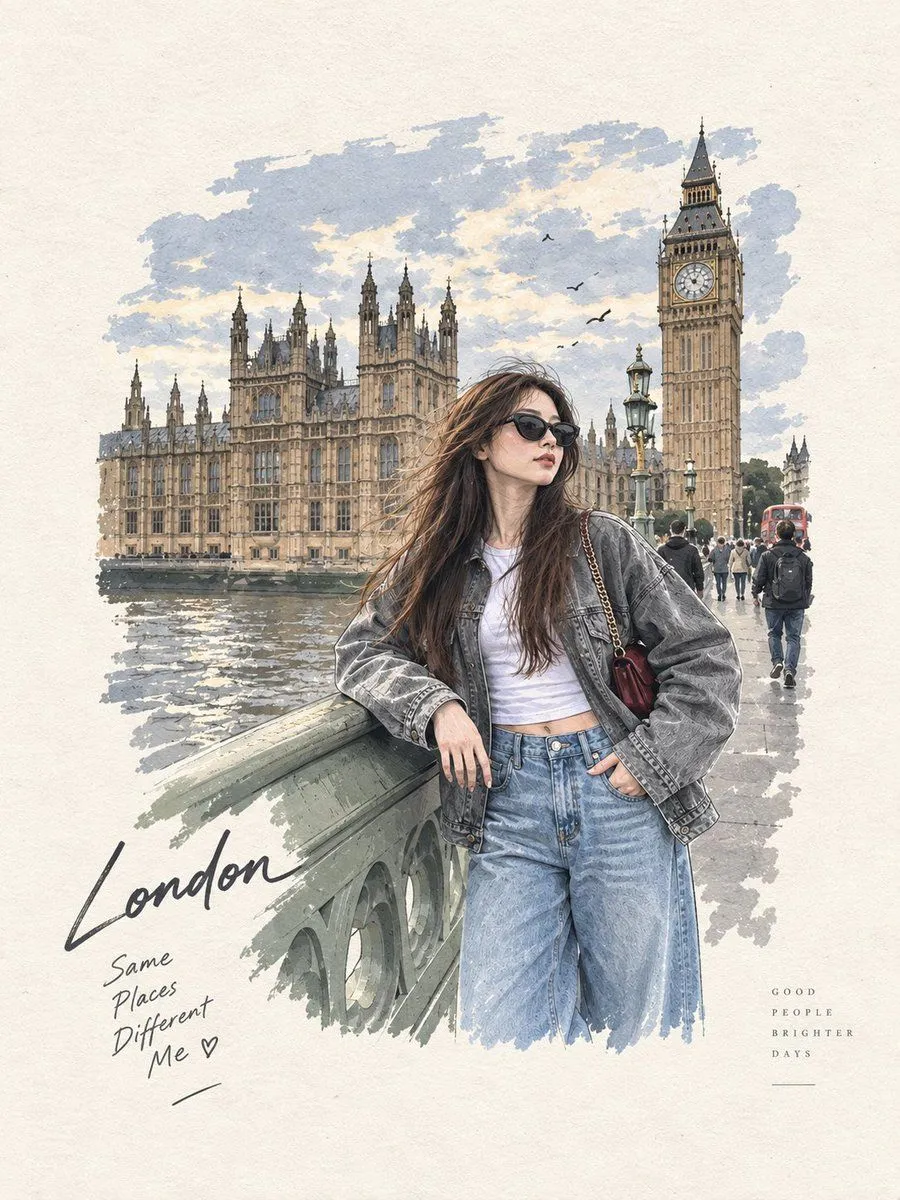
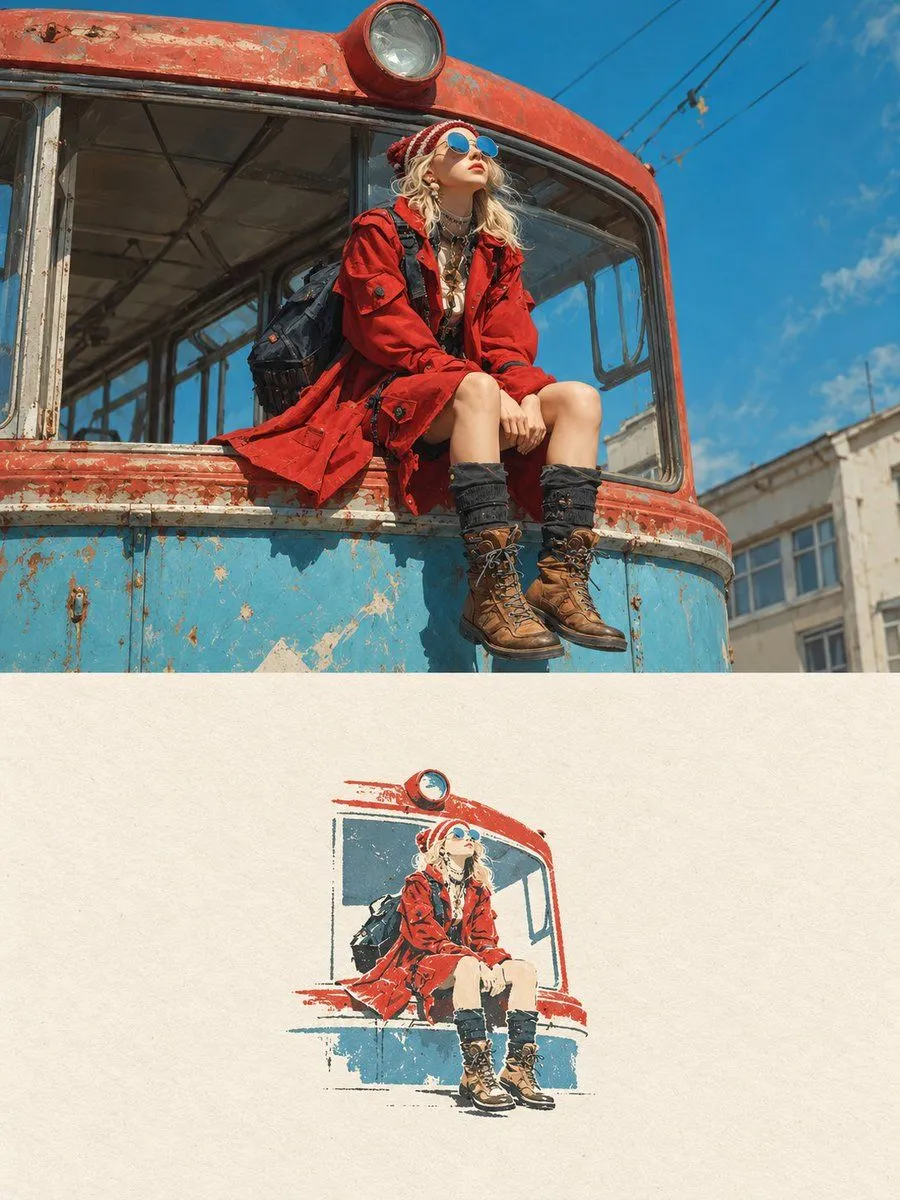
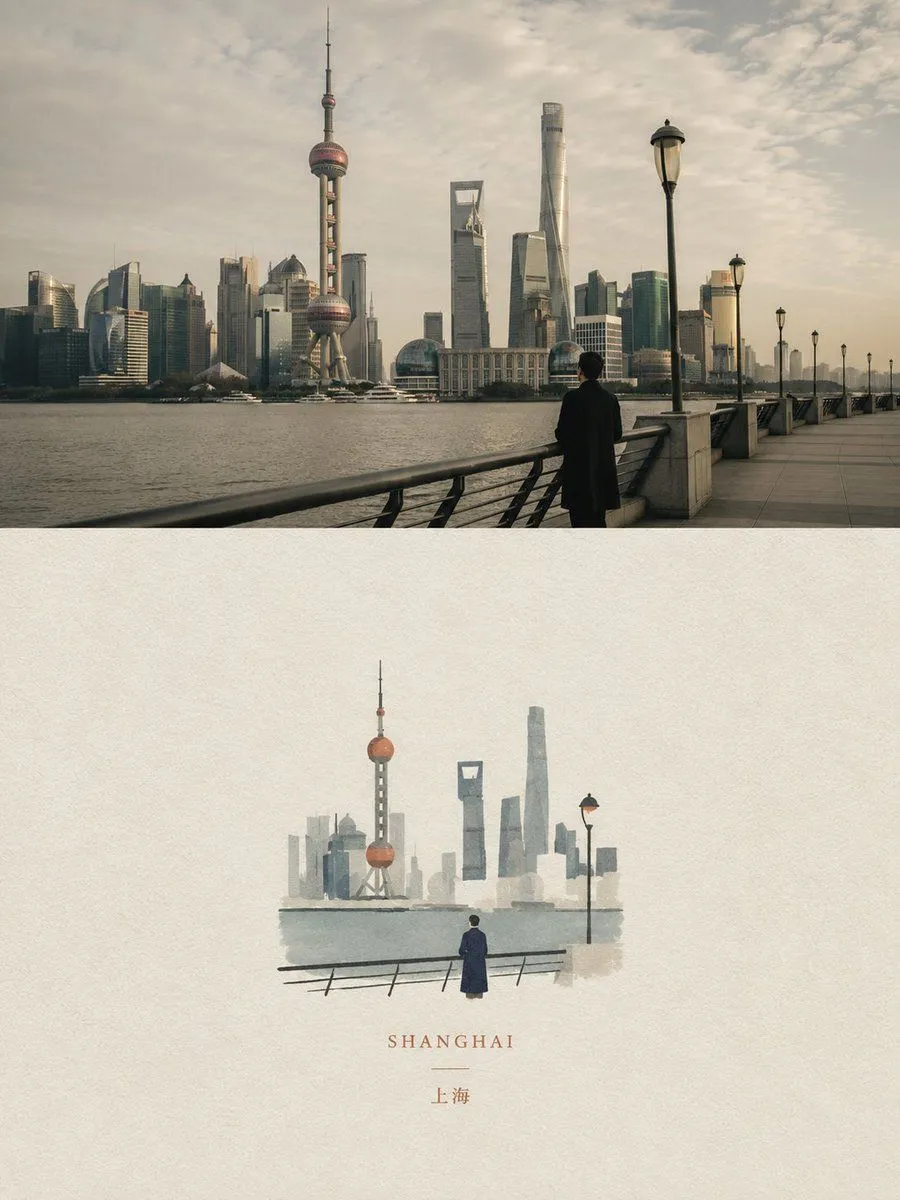
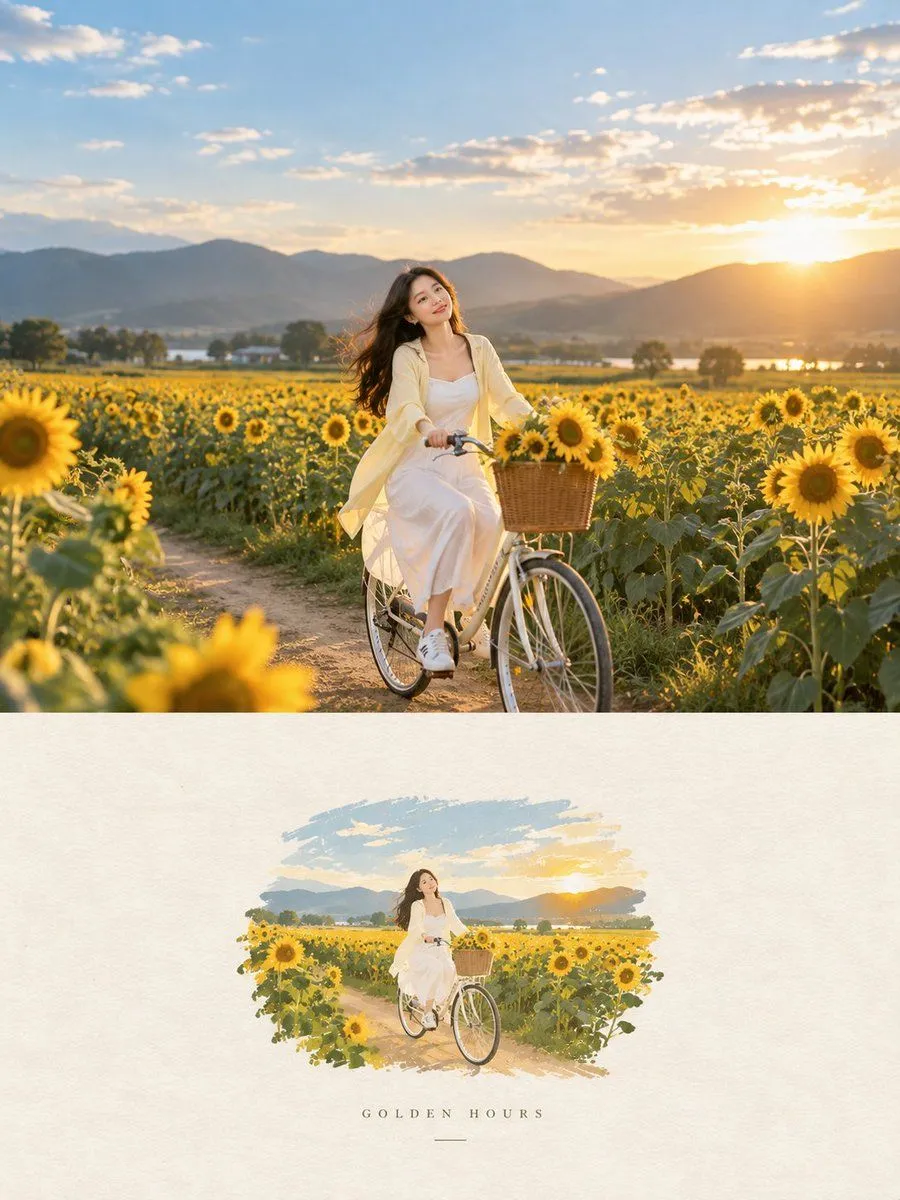
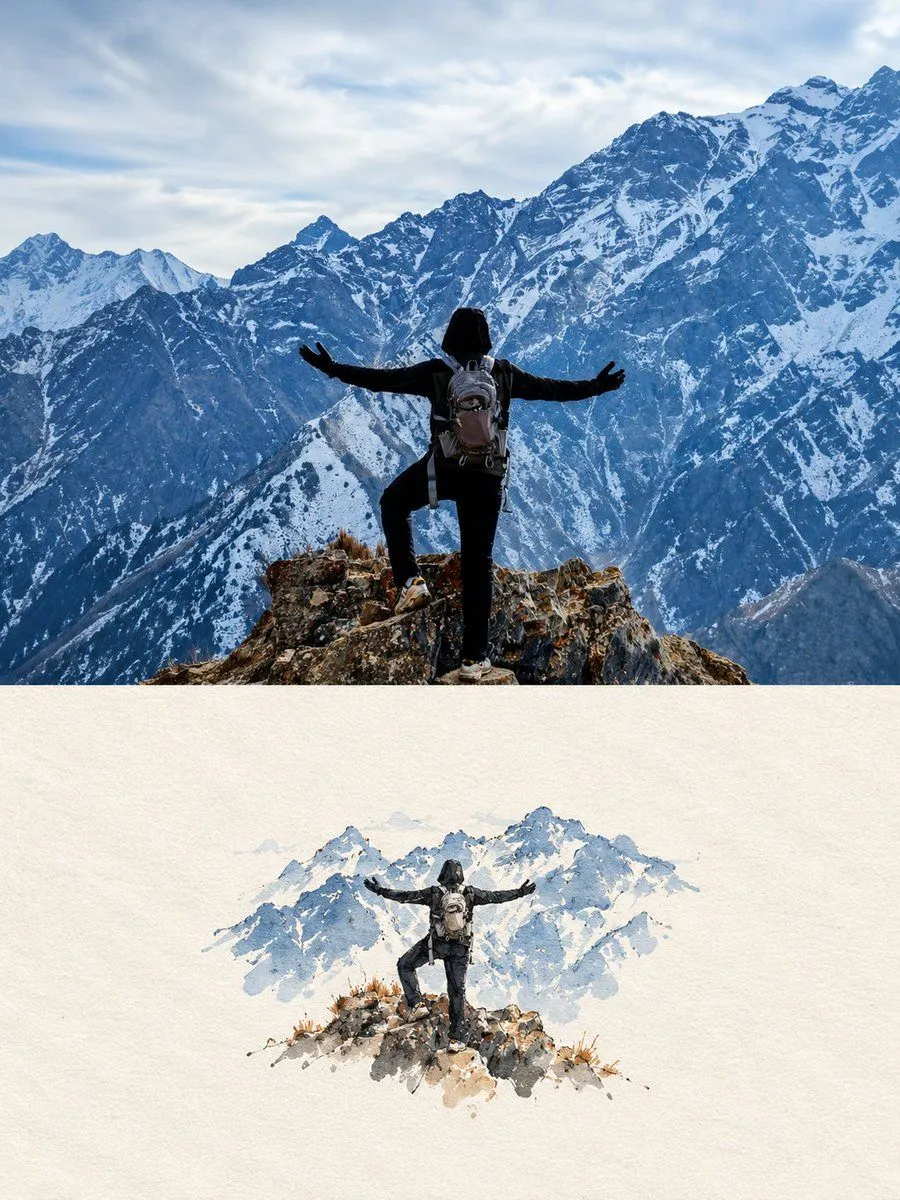
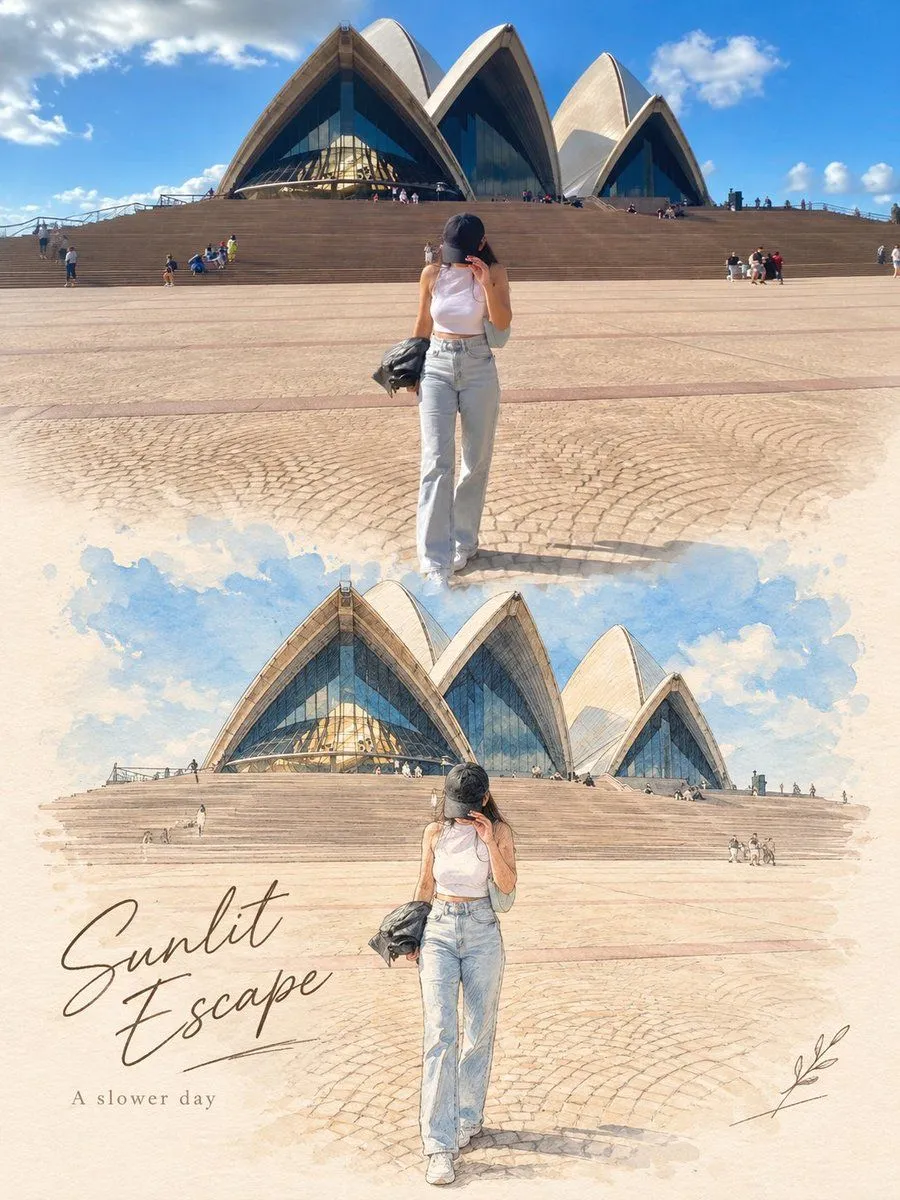
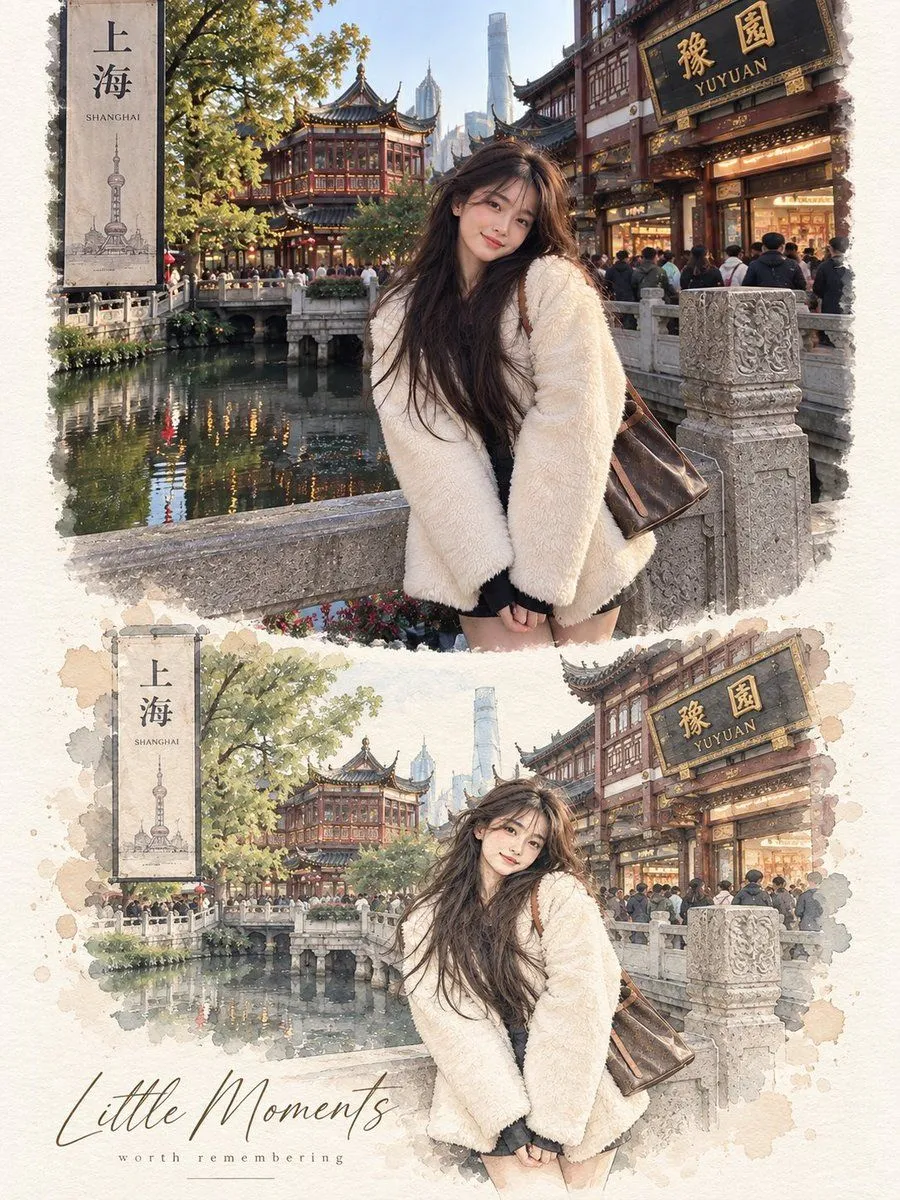
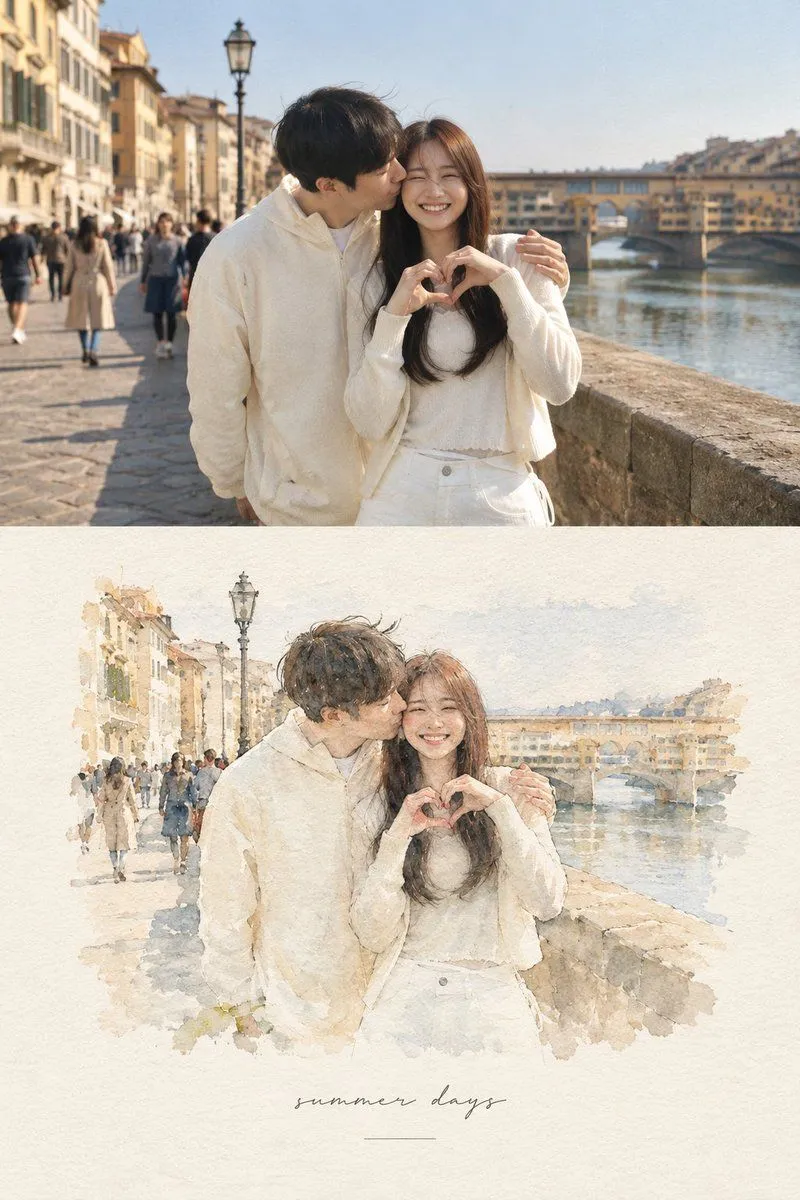
Photo to Watercolor Illustration Split

Made with GPT Image 2.5 in ChatGPT by Library Typography. Promptclay never generates images.

Did it work?

No reports yet. Tell others if it worked for you.

No comments yet. Be the first.

    Photo to Watercolor Illustration Split

    GPT Image 2.53:4AI-generated

    Prompt

    Use the uploaded image as the exact reference. Preserve the original subjects, identities, poses, composition, colors, lighting, background, and key details. Do not add, remove, or rearrange major elements. Create a vertical 3:4 editorial poster with two sections: - Top half: keep the original photo natural, sharp, and essentially unchanged. - Bottom half: recreate the exact same scene as a refined hand-drawn illustration in soft watercolor, colored pencil, and fine ink sketch style. Keep the same subjects, positions, perspective, and recognizable details. Use soft pastel tones, a warm off-white paper background, subtle paper texture, and a premium editorial / art-book / postcard feel. Add a soft seamless transition between the photo and illustration. Add minimal elegant typography: a handwritten-style title and a small simple subtitle. Use context-appropriate text such as “A Brighter Day” and “A Slower Life”, or for pets/family “Good Friends”, “Brighter Days”, or “Happier Tails ♡”. Optional: add a few subtle hand-drawn decorative details like tiny petals, leaves, hearts, or sketch marks only if they naturally fit. Do not change identities or the scene, and do not make the lower section look like photorealism, 3D, anime, or cartoon.

    Works in
    ChatGPT, Gemini
    Status
    Free to copy
    0
    DetailsVersions, settings and questions

    Written for

    What's in the prompt

    Subject
    Model
    GPT Image 2.5

    If your face changes

    keep my face exactly the same

    Questions

    Does this work in the ChatGPT app?
    Yes. Paste the prompt and attach your photo if it uses one.
    It changed my face. What do I do?
    Add "keep my face exactly the same" to the end and run it again.
    Can I use the images I make?
    Check the terms of the app you use. Promptclay never generates images and claims nothing you make.
    Similar prompts

    See more
    • Scandinavian Watercolor Vignette Artwork
    • Photo to Watercolor Travel Illustration
    • Minimalist Editorial Art Poster
    • Memory Card Photo Illustration Split
    • Dual Editorial Poster Layout
    • GPT Image 2 Editorial Art Book Poster
    • Editorial Poster from Photo and Minimalist Illustration
    • Reality vs Fiction Role Reversal Poster
    • Watercolor Travel Poster Fusion
    • Titanic Woman in Paris Prompt
    • Editorial Typography Poster Design
    • Hyper-Realistic Desert Portrait with Planet
    • Cinematic Ostrich Rider in the Desert
    • Prompt
    • Sci-Fi Misty Antenna Terrain
    • Sunset Beach Travel Photography
    • Japanese Travel Photo Prompts (Tokyo & Theme Park)
    • 360-Degree Panoramic Photography Prompt
    • Anime Floral Personality Poster
    • Futuristic Cyberpunk Creative Leader Poster
    • Pop Idol Typography Cover Art
    • E-commerce Livestream UI Mockup
    • Monochrome Scribble Ink Sketch
    • Risograph Style Poetic Illustration

    Show more

    Run it on your phone

    1. Prompt copiedRead it

      Use the uploaded image as the exact reference. Preserve the original subjects, identities, poses, composition, colors, lighting, background, and key details. Do not add, remove, or rearrange major elements. Create a vertical 3:4 editorial poster with two sections: - Top half: keep the original photo natural, sharp, and essentially unchanged. - Bottom half: recreate the exact same scene as a refined hand-drawn illustration in soft watercolor, colored pencil, and fine ink sketch style. Keep the same subjects, positions, perspective, and recognizable details. Use soft pastel tones, a warm off-white paper background, subtle paper texture, and a premium editorial / art-book / postcard feel. Add a soft seamless transition between the photo and illustration. Add minimal elegant typography: a handwritten-style title and a small simple subtitle. Use context-appropriate text such as “A Brighter Day” and “A Slower Life”, or for pets/family “Good Friends”, “Brighter Days”, or “Happier Tails ♡”. Optional: add a few subtle hand-drawn decorative details like tiny petals, leaves, hearts, or sketch marks only if they naturally fit. Do not change identities or the scene, and do not make the lower section look like photorealism, 3D, anime, or cartoon.

    2. Open your app

    3. Paste and run

      Press and hold the message box, then tap Paste. Add your photo first if the prompt uses one. You may need to sign in.

    Photo to Watercolor Illustration Split