Tell us anything

An idea, a bug, something you love. We read every note.

⌘↵ to send. The page you're on comes along.

Photo to Illustration Transformation

Made with GPT Image 2.5 in ChatGPT by Library Explainers. Promptclay never generates images.

Did it work?

No reports yet. Tell others if it worked for you.

No comments yet. Be the first.

    Photo to Illustration Transformation

    GPT Image 2.54:3AI-generated

    Prompt

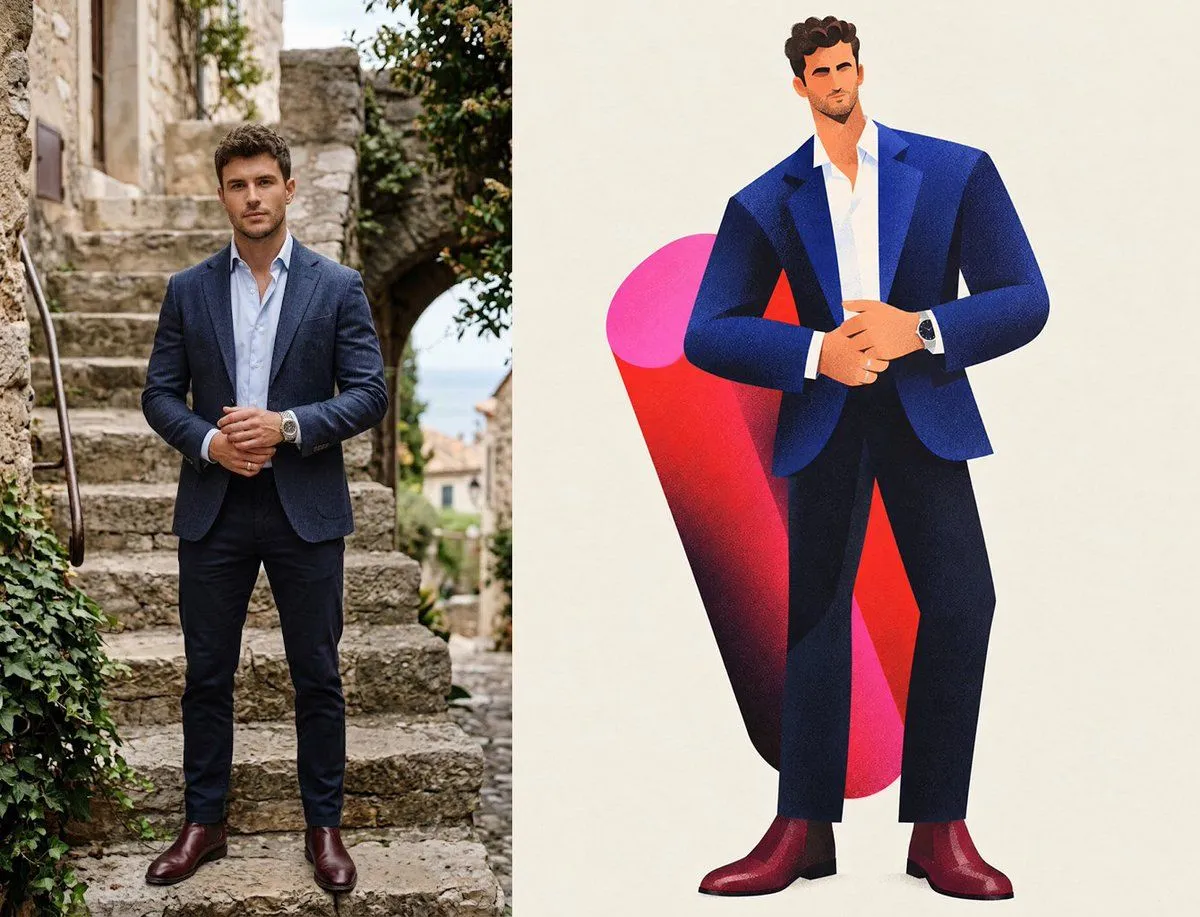
    A split-screen image showing a transformation from a photograph to an illustration. On the left, a realistic full-body photo of a man standing on stone steps in a Mediterranean village setting. He has short dark hair and is wearing a navy blue blazer over a light blue open-collar shirt, dark trousers, and brown leather shoes. His hands are clasped together in front of him. On the right, a stylized vector illustration of the same man in the exact same pose and outfit. The illustration features flat colors with subtle grain textures, simplified geometric shapes for the face and body, and a large abstract red and pink shape behind the figure against a cream background.

    Works in
    ChatGPT, Gemini
    Status
    Free to copy
    0
    DetailsVersions, settings and questions

    Written for

    What's in the prompt

    Subject
    Model
    GPT Image 2.5

    If your face changes

    keep my face exactly the same

    Questions

    Does this work in the ChatGPT app?
    Yes. Paste the prompt and attach your photo if it uses one.
    It changed my face. What do I do?
    Add "keep my face exactly the same" to the end and run it again.
    Can I use the images I make?
    Check the terms of the app you use. Promptclay never generates images and claims nothing you make.
    Similar prompts

    See more
    • Vertical Split-Screen Branding Composition
    • Storybook Style Photo-to-Illustration Split
    • Photo to Storybook Illustration Split
    • Split-View Mixed-Media Portrait (Photo and Illustration)
    • Split Face Photo and Ink Illustration
    • Split-Style Portrait Transformation Prompt for Nano Banana
    • Artwork to 4K Photo Transformation Prompt
    • System Prompt for 2D to 3D Plush Conversion
    • Real Life to Pixar Avatar Transformation
    • Rotoscoping animation style conversion
    • Split Screen Aging Effect
    • Urban Street Art Vector Illustration
    • Before-After Doodle Background Photo Edit
    • Footballer Then vs Now Transformation
    • Cinematic 2D Anime Illustration
    • Split Portrait Editorial Photography
    • Editorial Sketch Portrait Illustration
    • Disintegration Effect Function Prompt
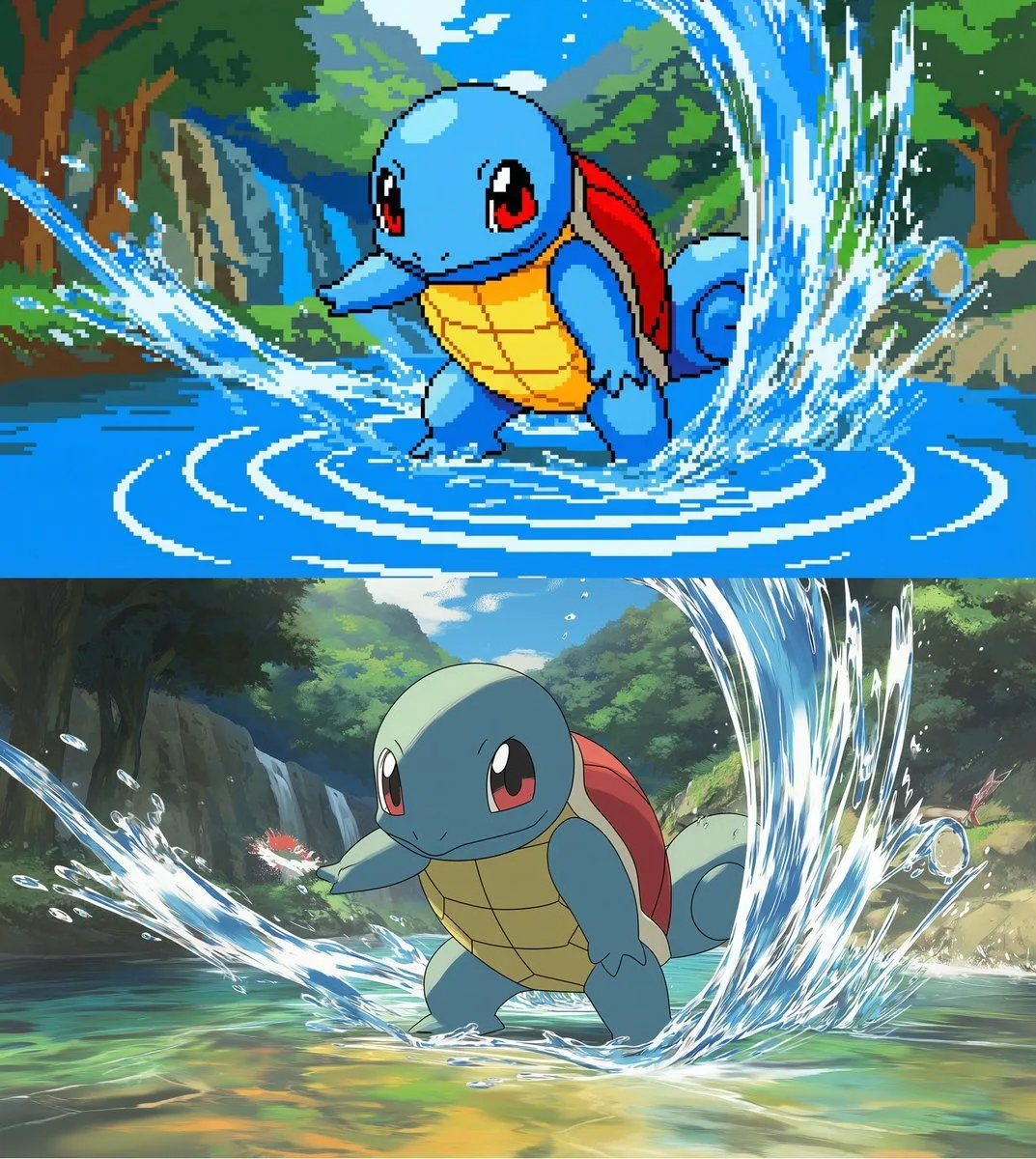
    • Convert scene to low-res pixel art
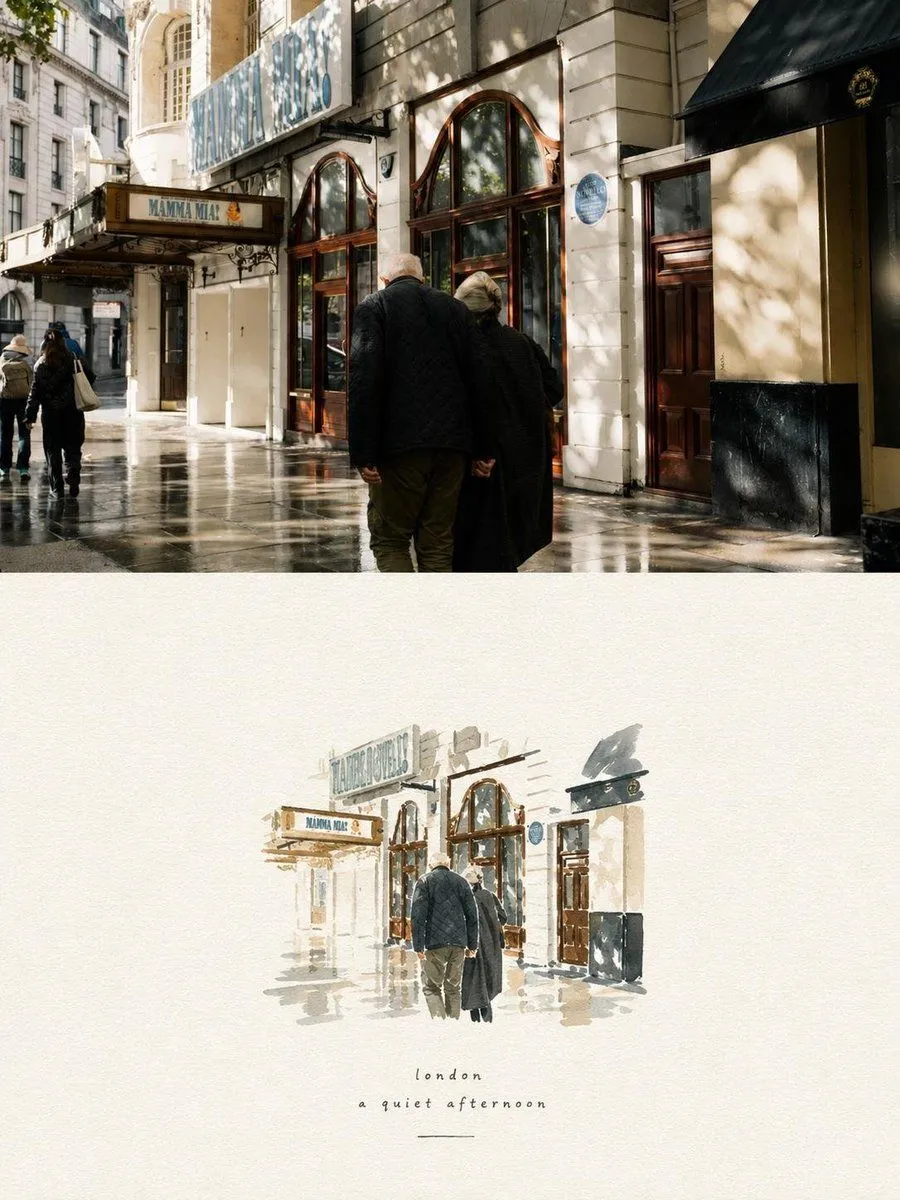
    • Photo to Watercolor Travel Split
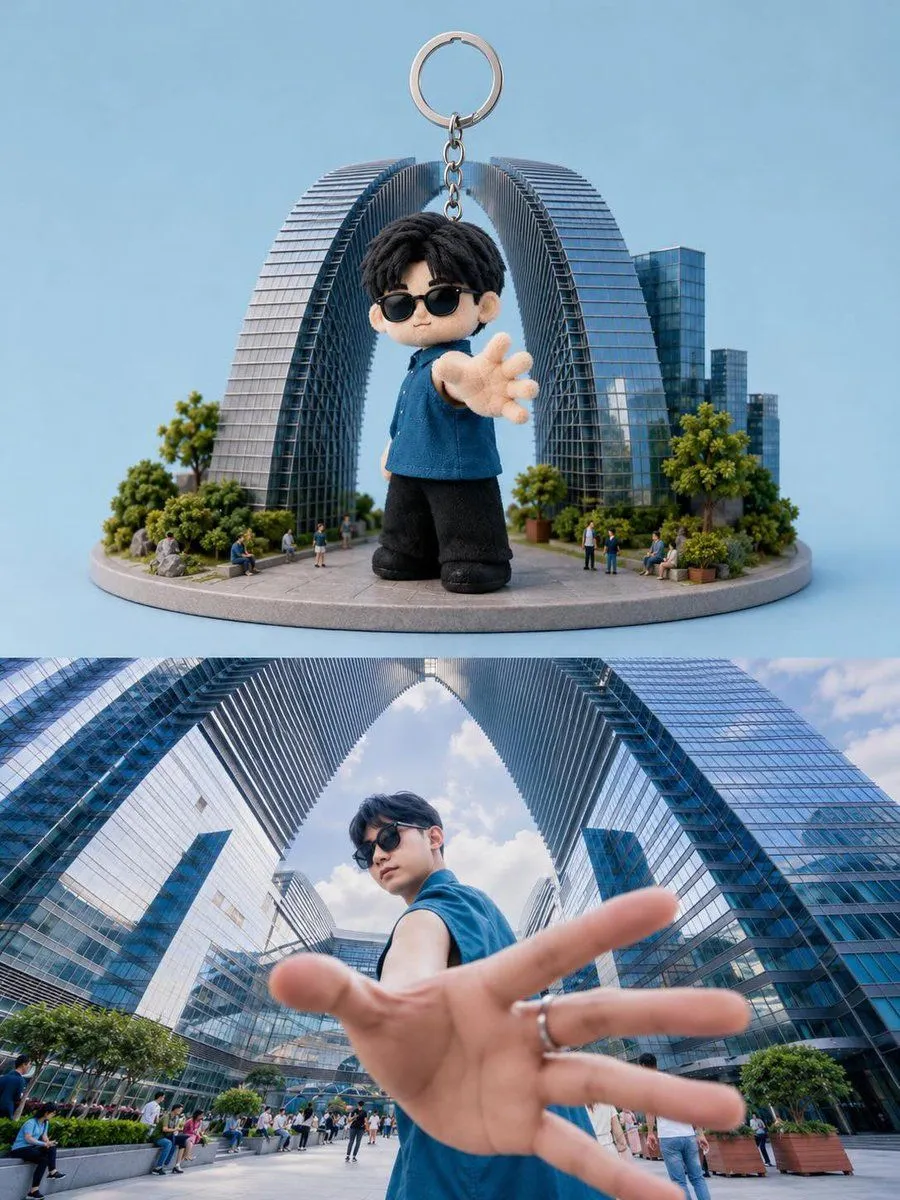
    • Toy Keychain vs Real Life Comparison
    • Anime Floral Personality Poster
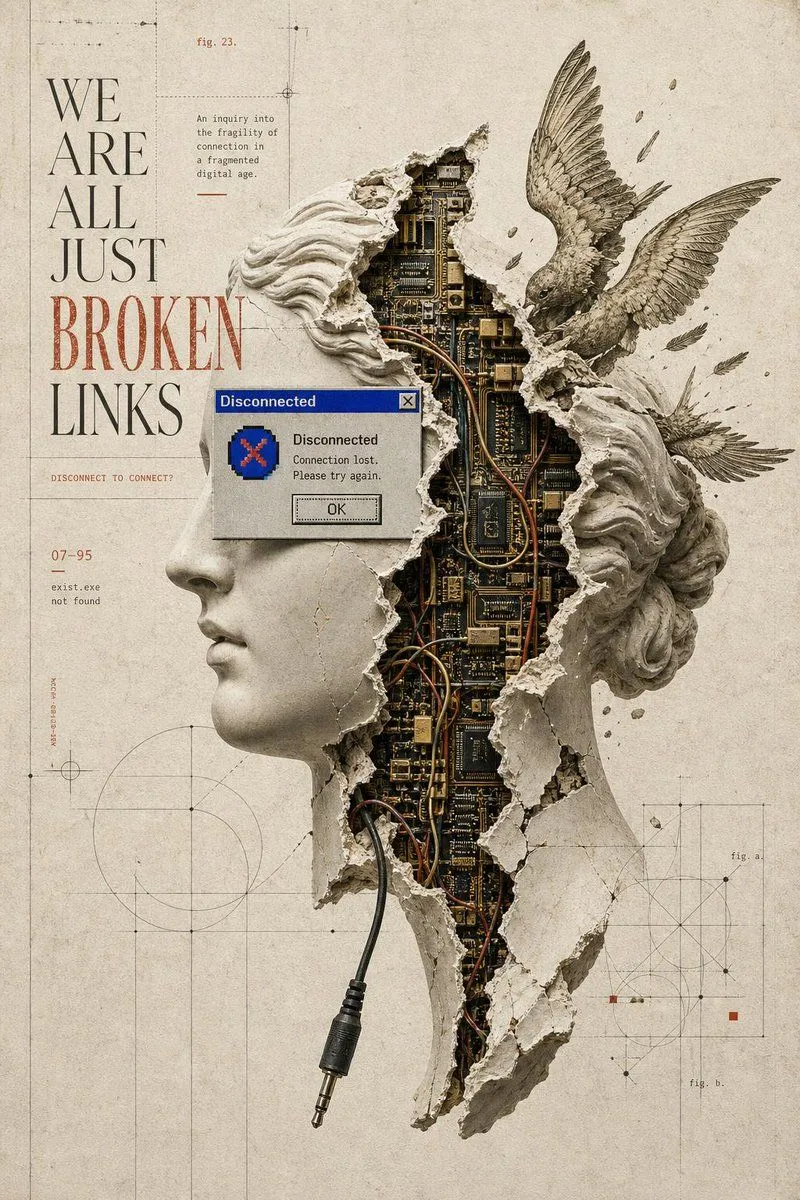
    • Broken Links Cybernetic Bust Poster
    • Risograph Style Poetic Illustration

    Show more

    Run it on your phone

    1. Prompt copiedRead it

      A split-screen image showing a transformation from a photograph to an illustration. On the left, a realistic full-body photo of a man standing on stone steps in a Mediterranean village setting. He has short dark hair and is wearing a navy blue blazer over a light blue open-collar shirt, dark trousers, and brown leather shoes. His hands are clasped together in front of him. On the right, a stylized vector illustration of the same man in the exact same pose and outfit. The illustration features flat colors with subtle grain textures, simplified geometric shapes for the face and body, and a large abstract red and pink shape behind the figure against a cream background.

    2. Open your app

    3. Paste and run

      Press and hold the message box, then tap Paste. Add your photo first if the prompt uses one. You may need to sign in.

    Photo to Illustration Transformation