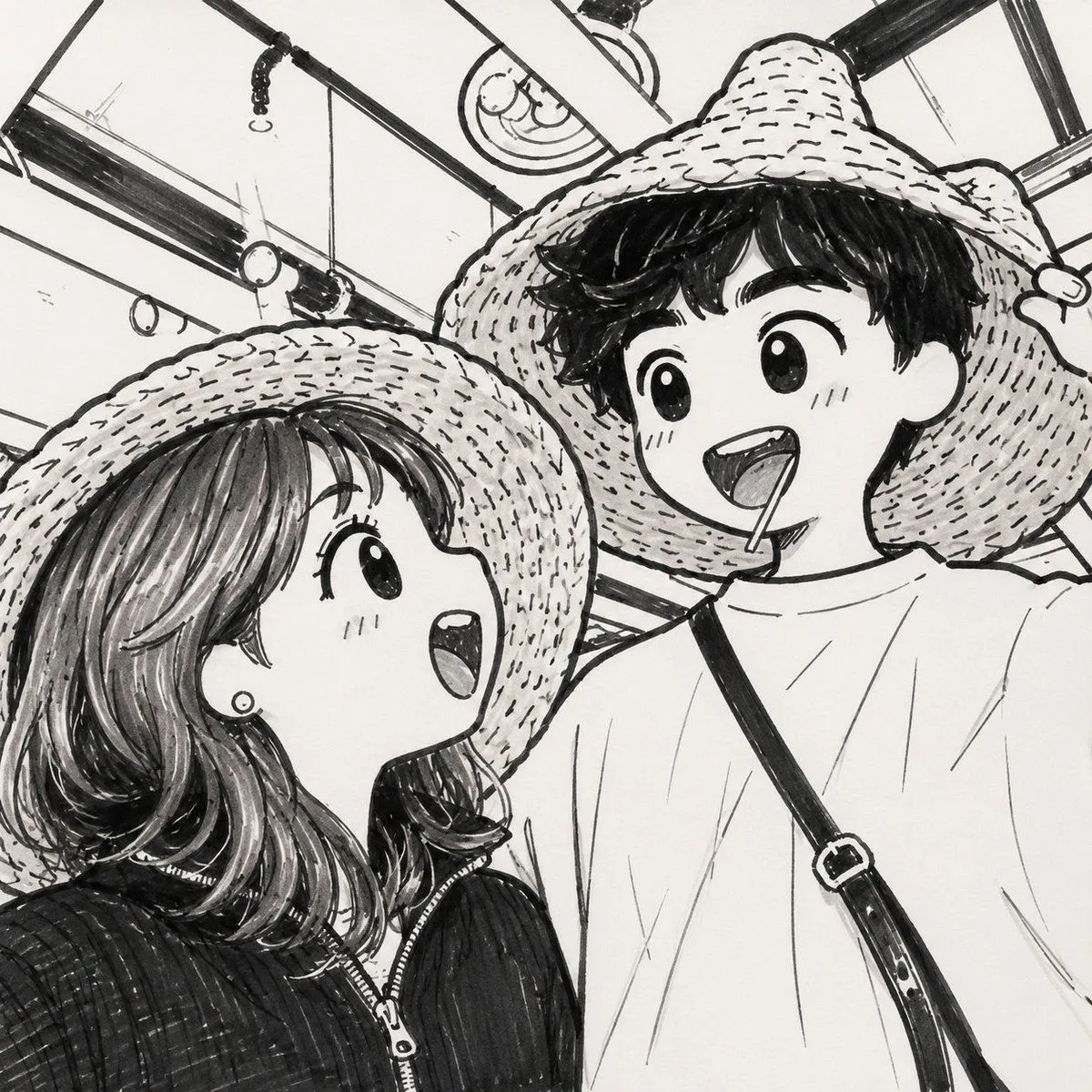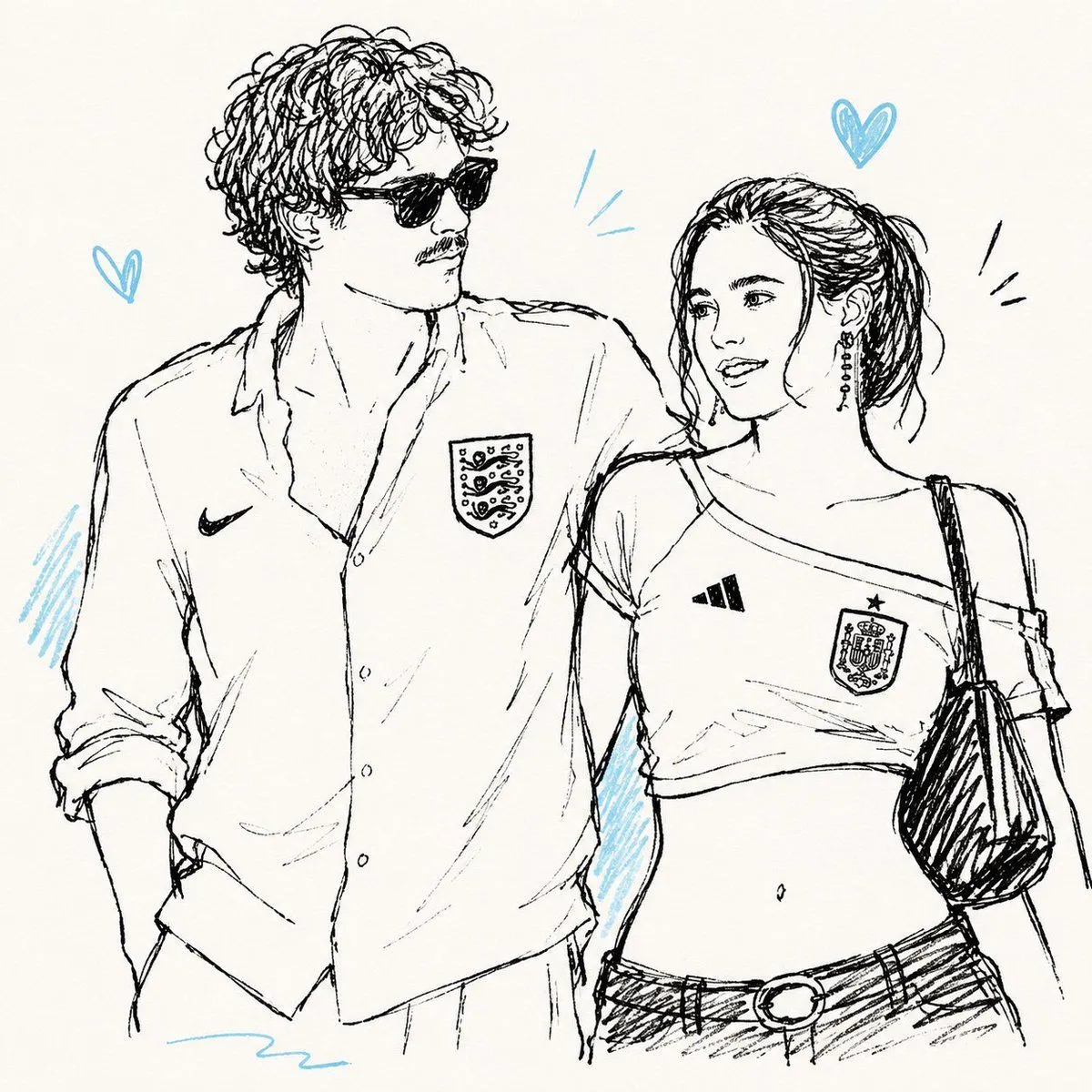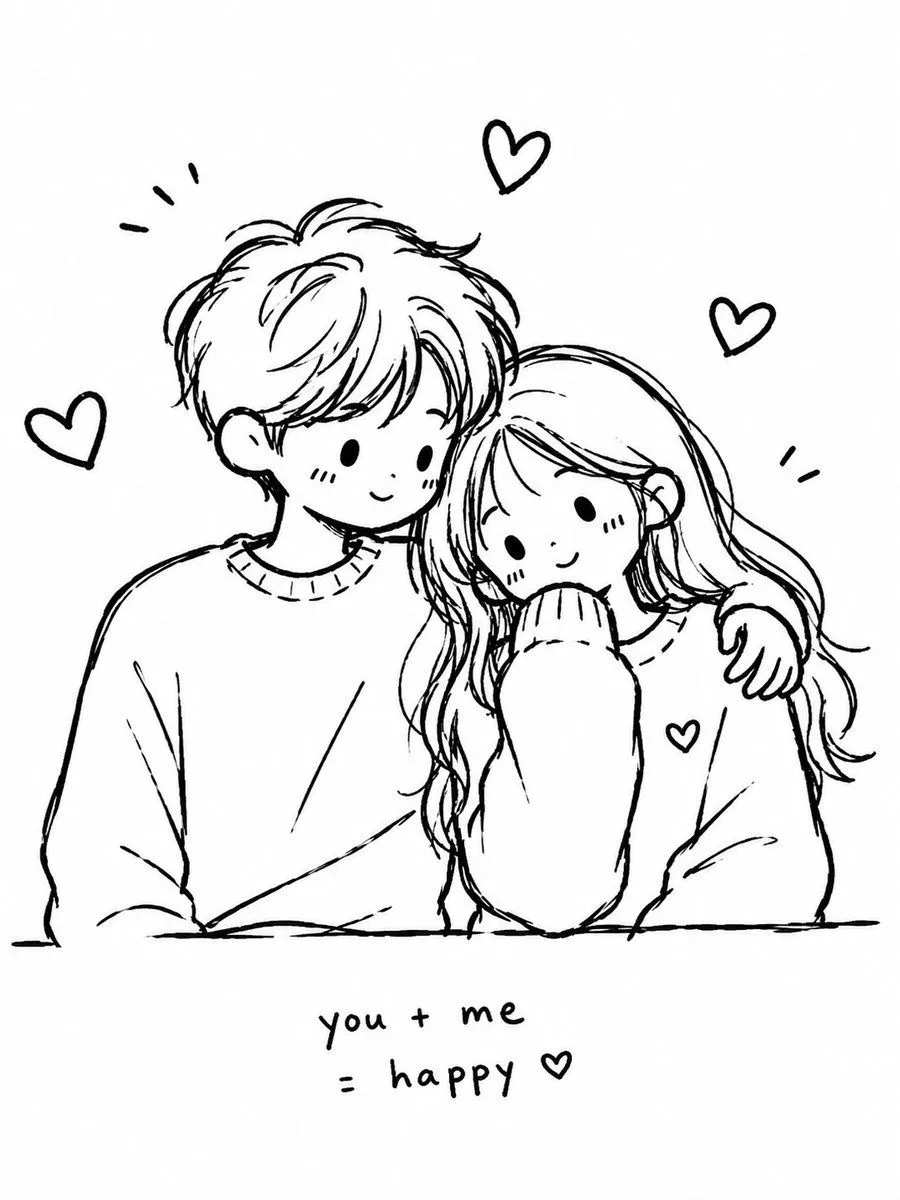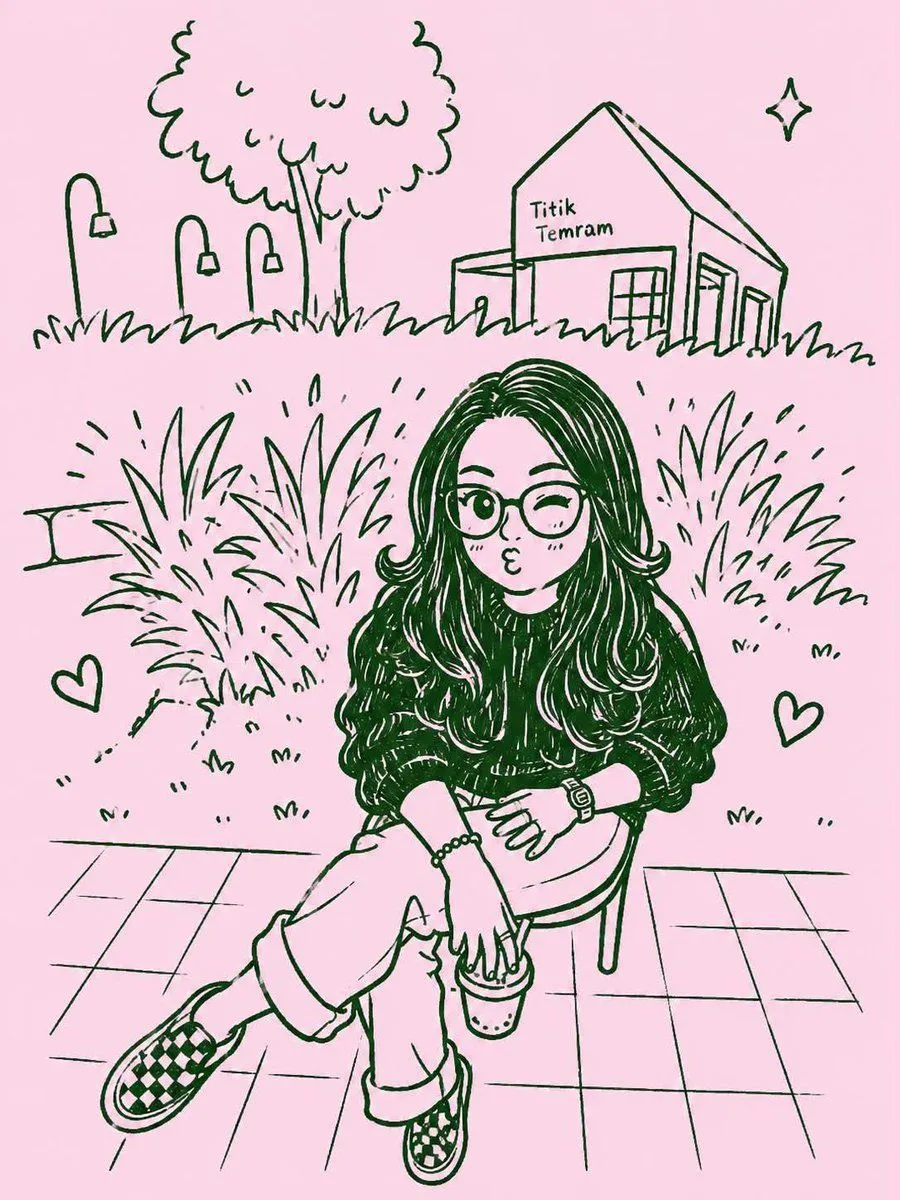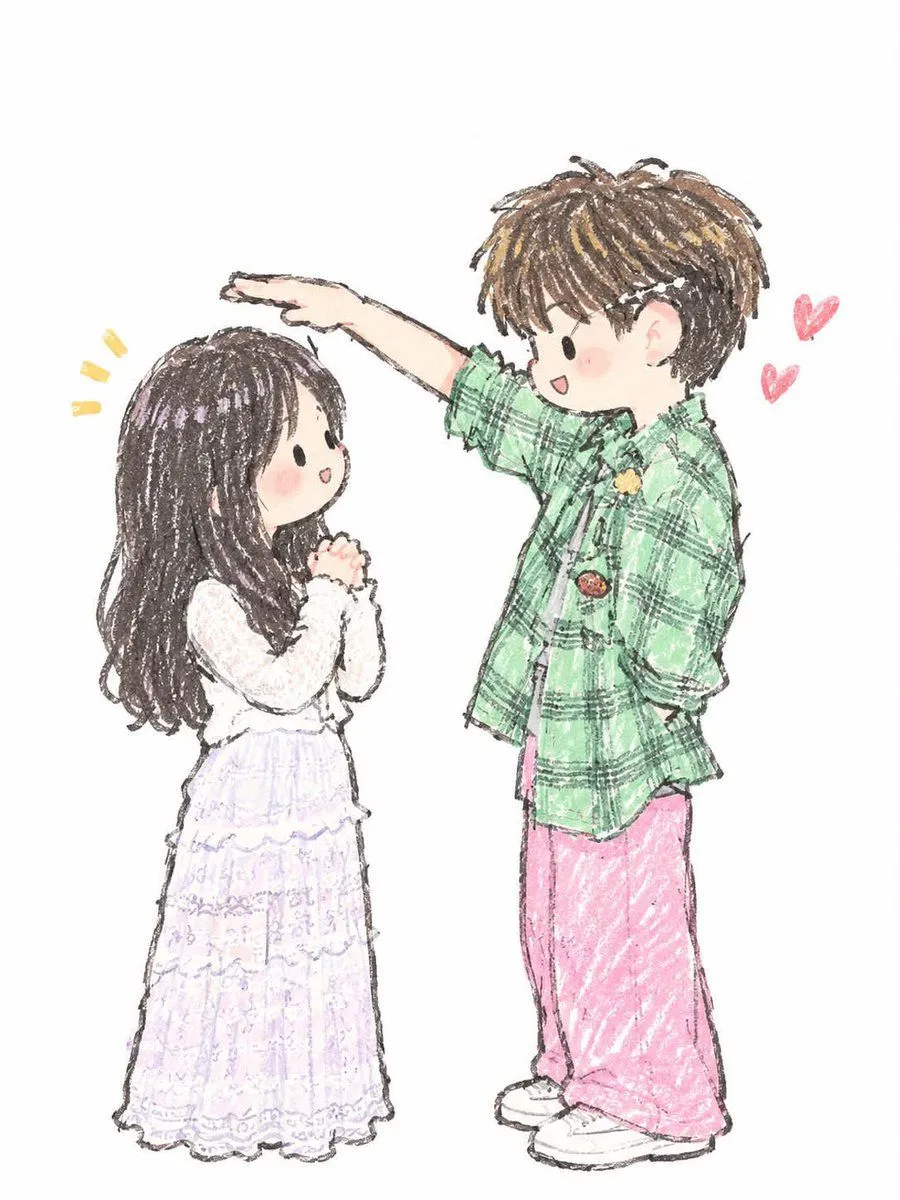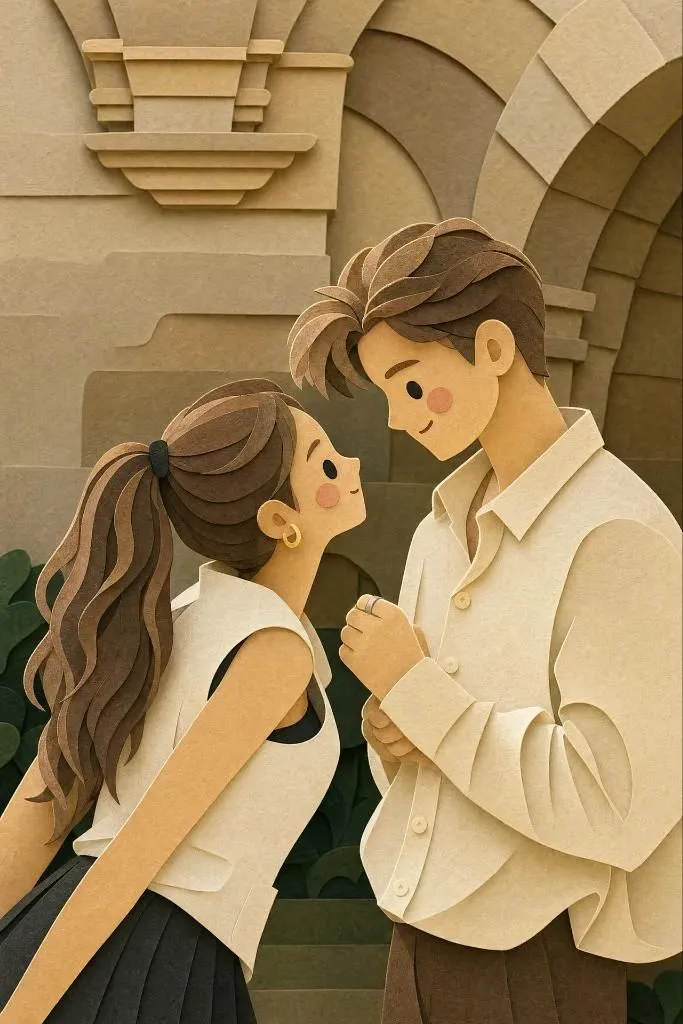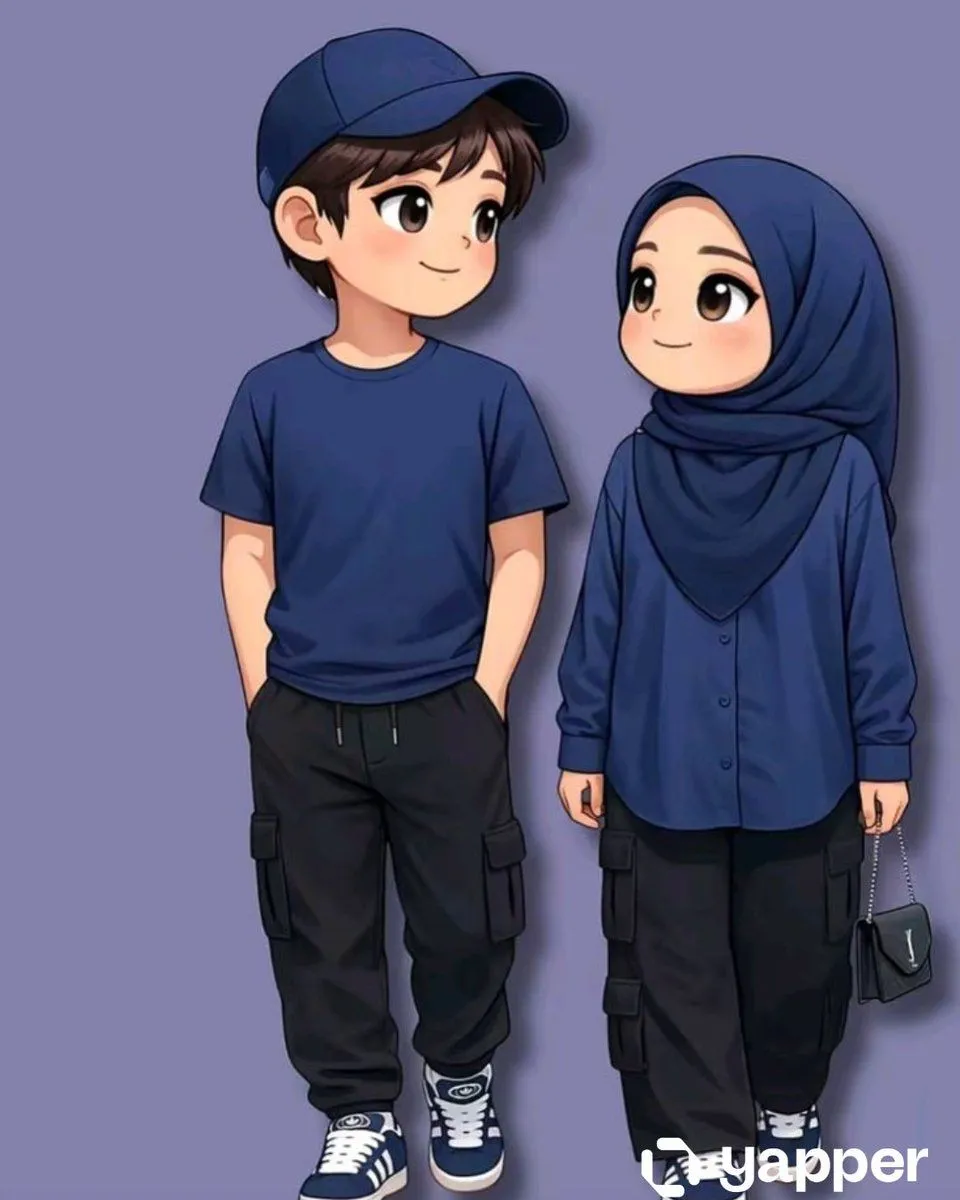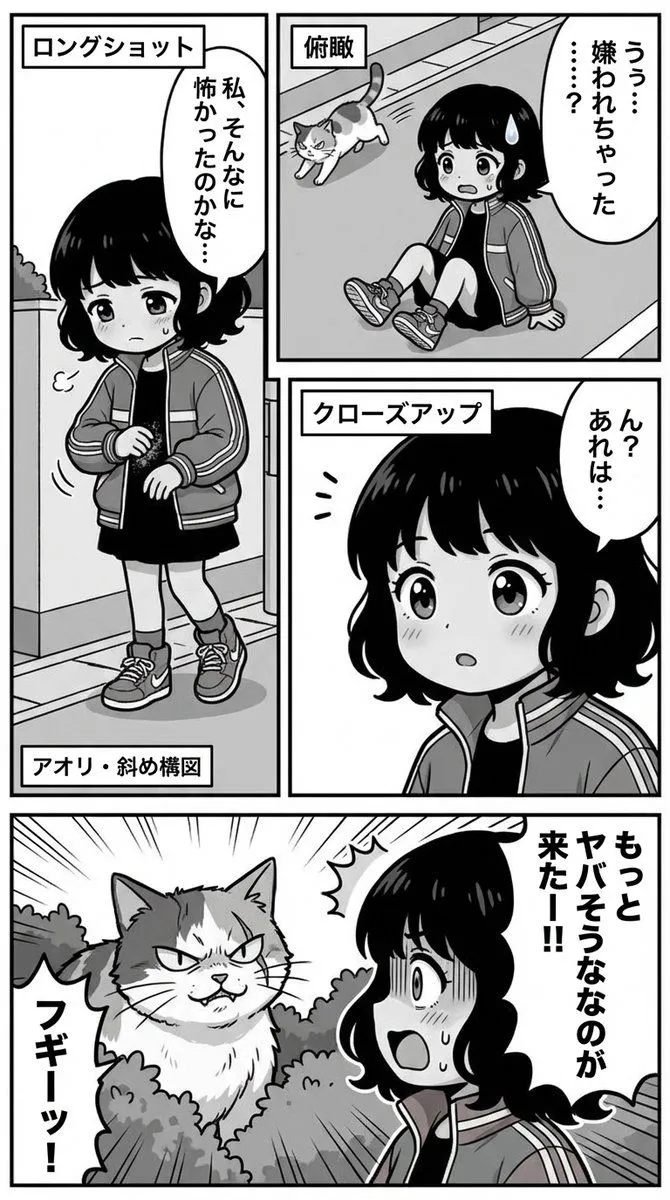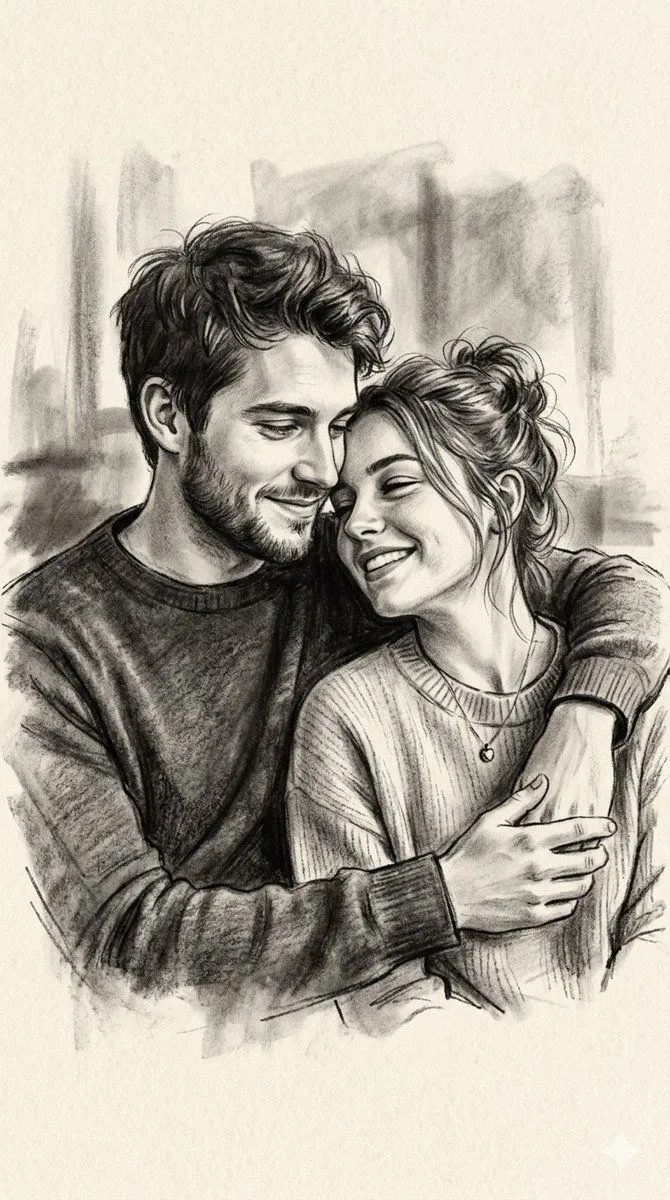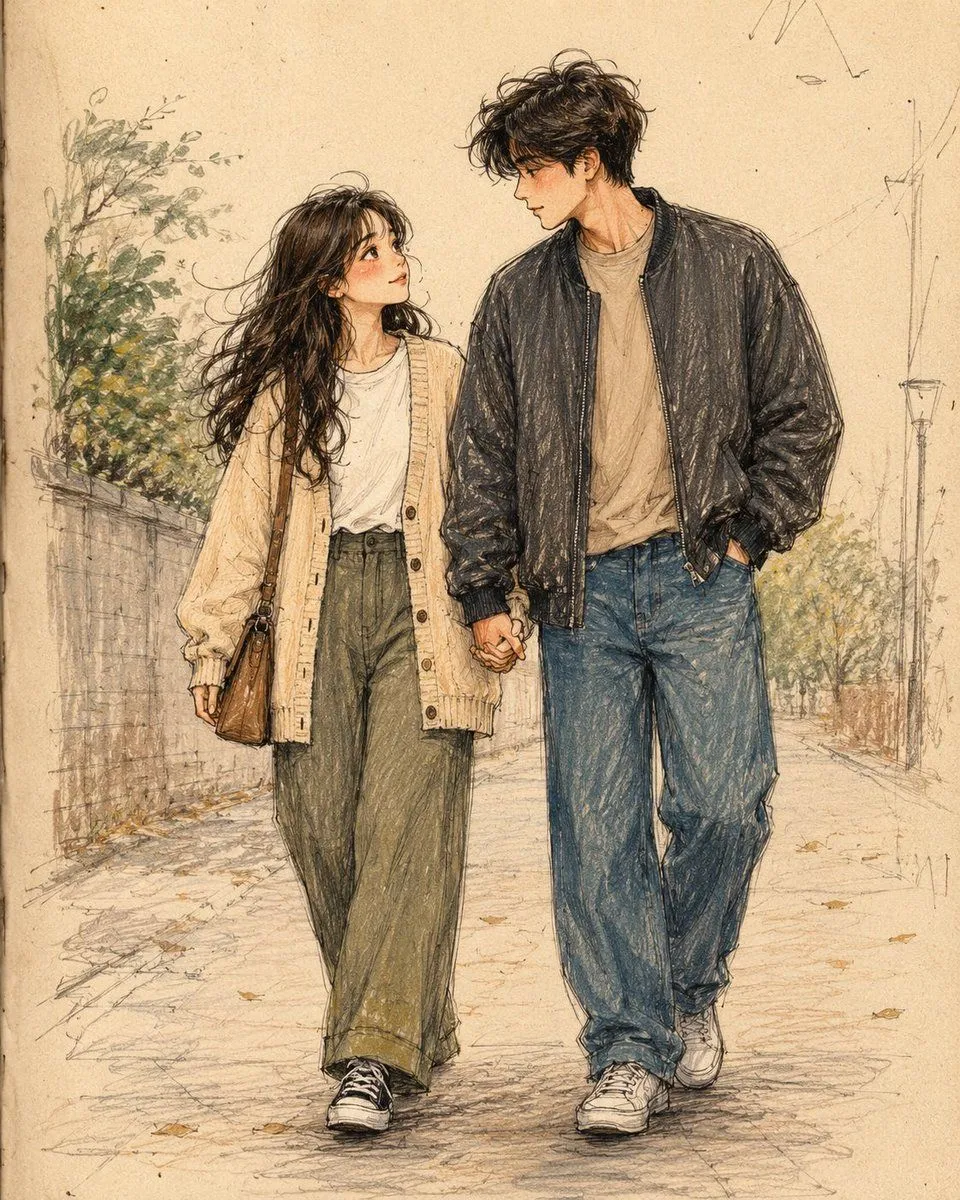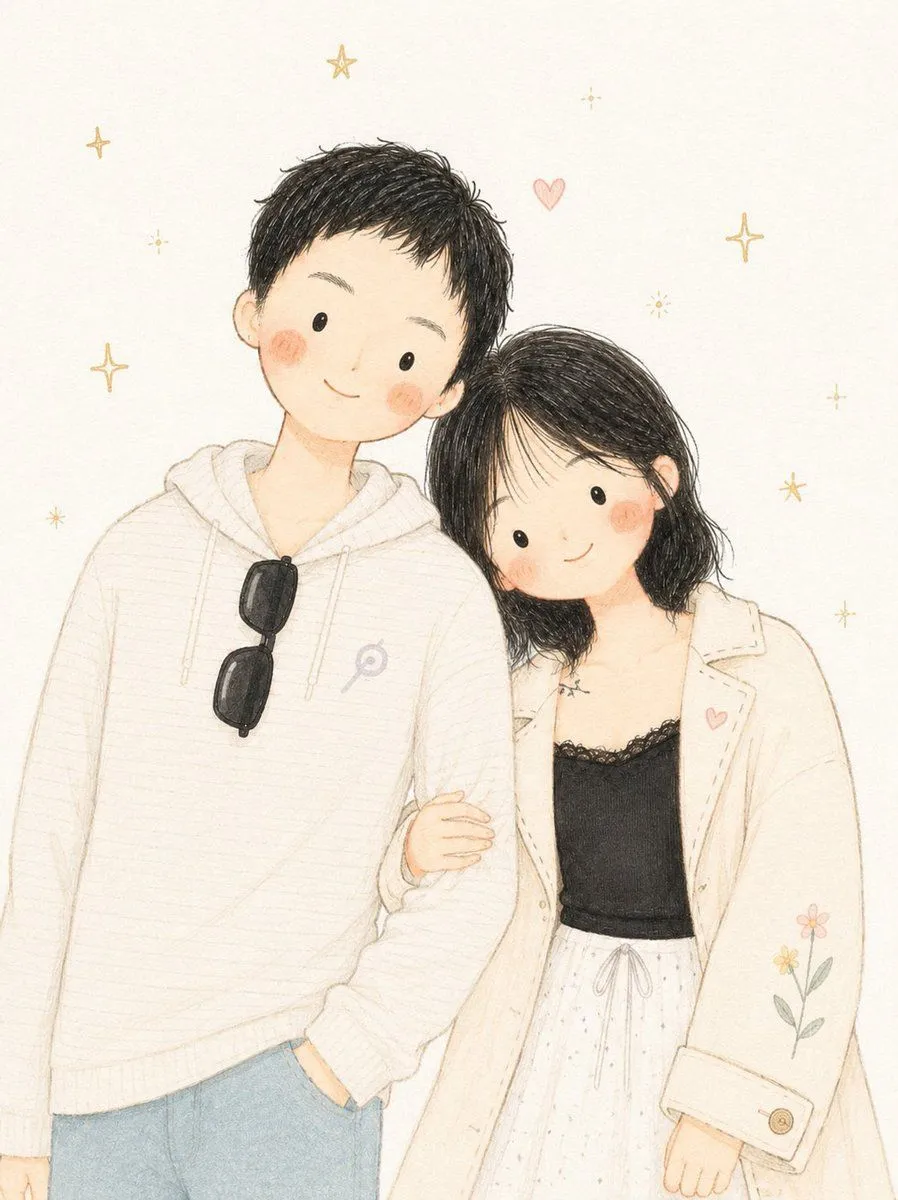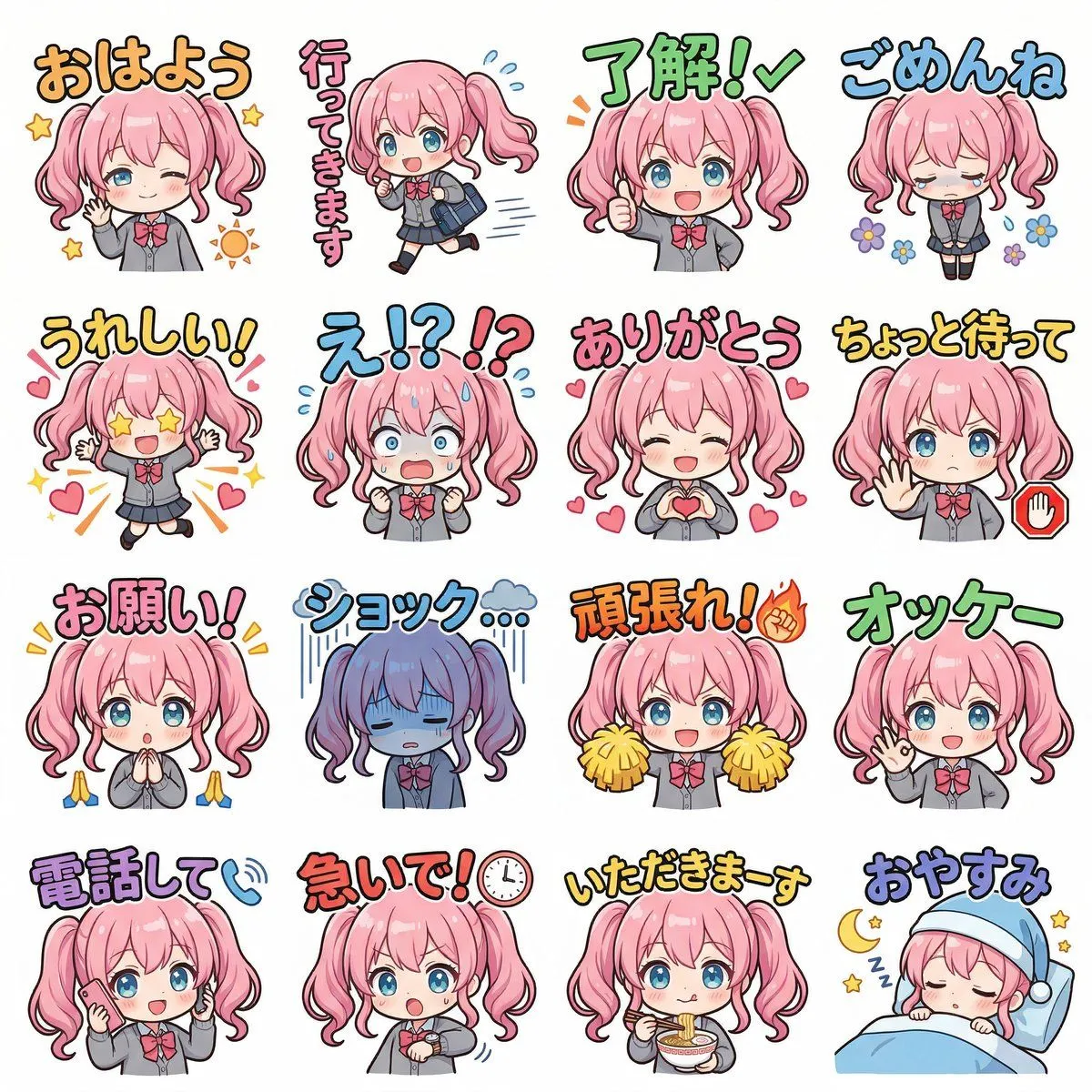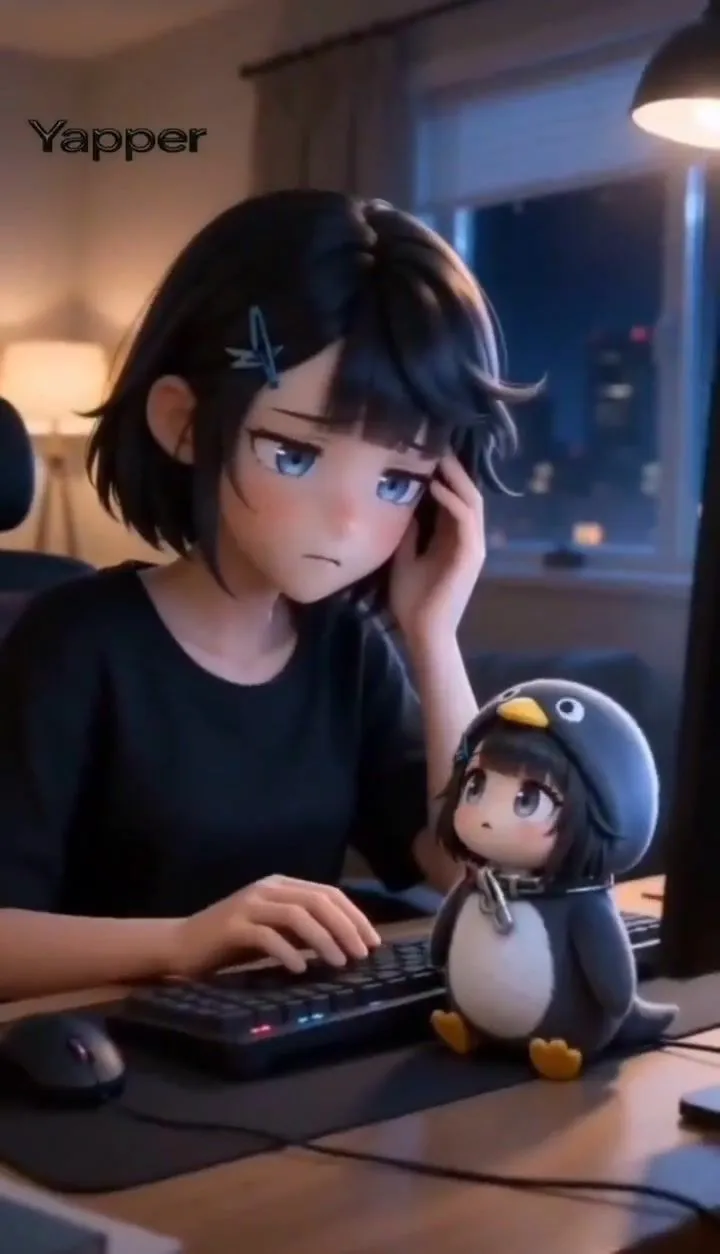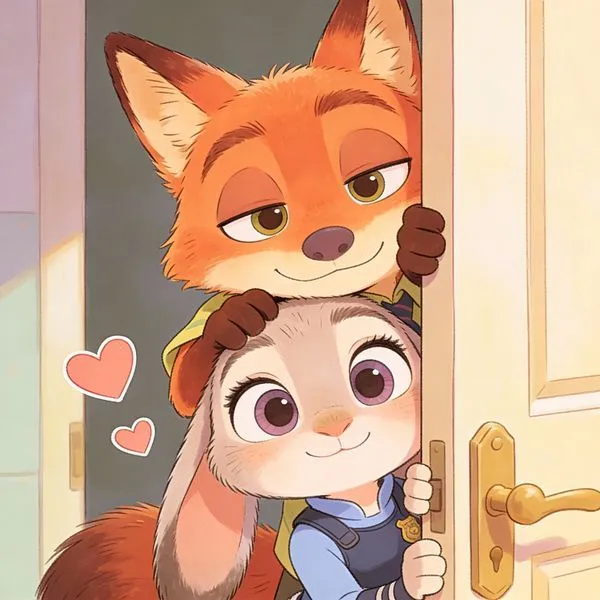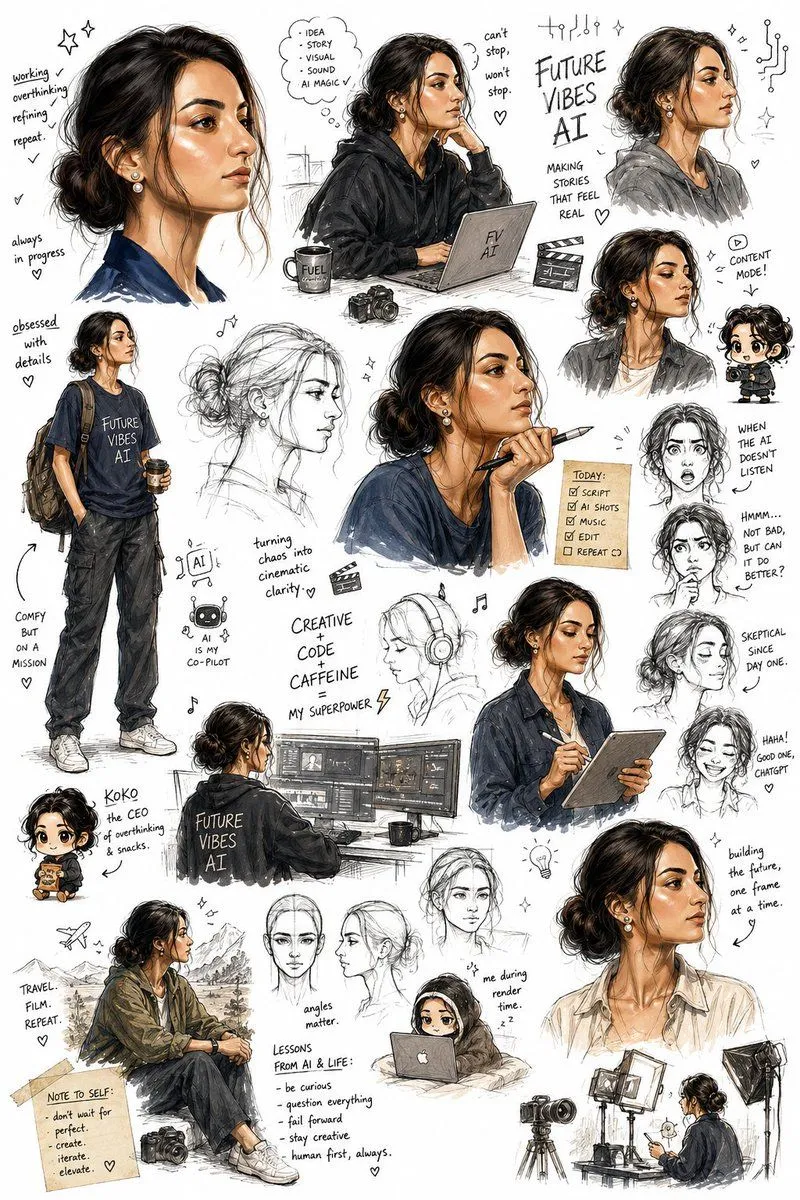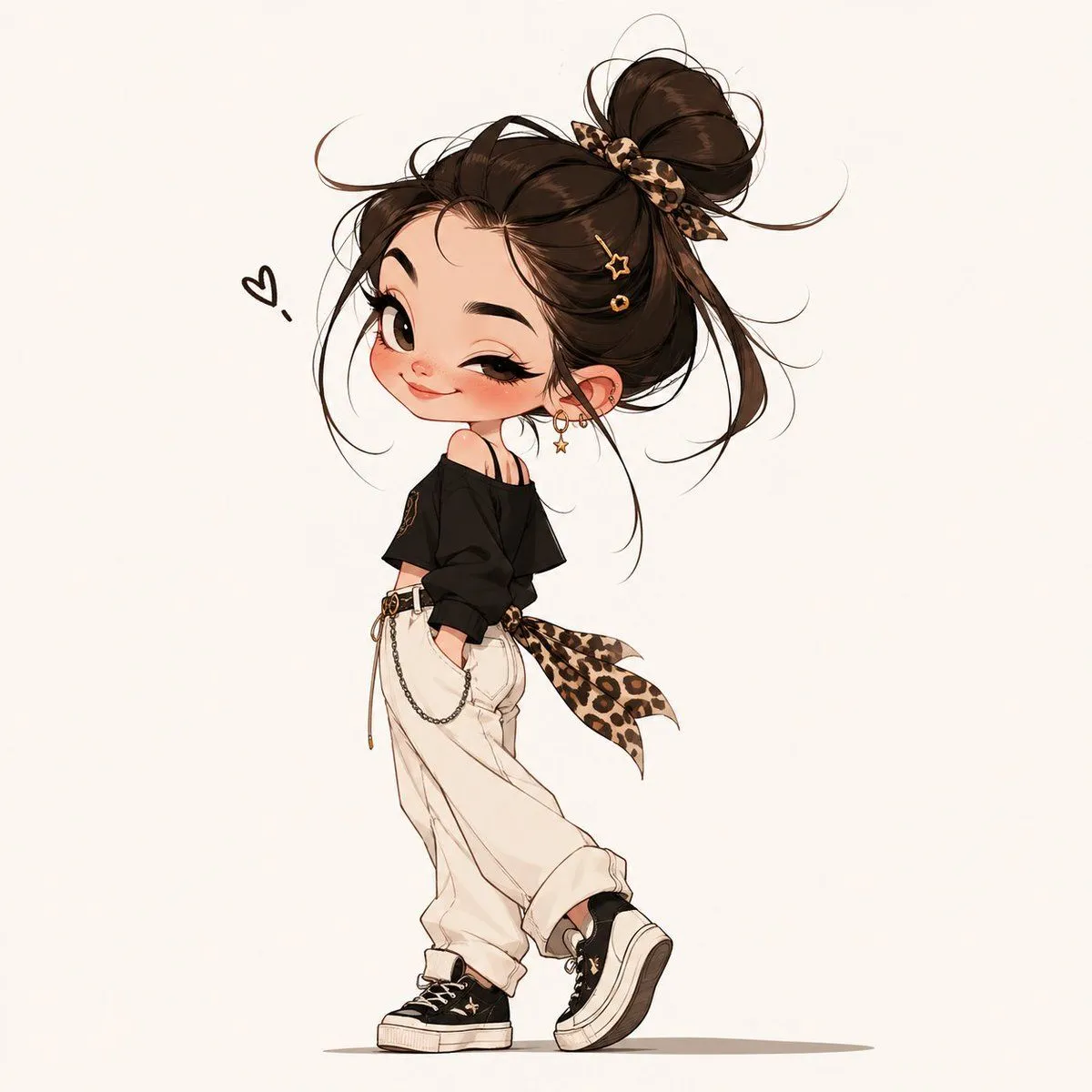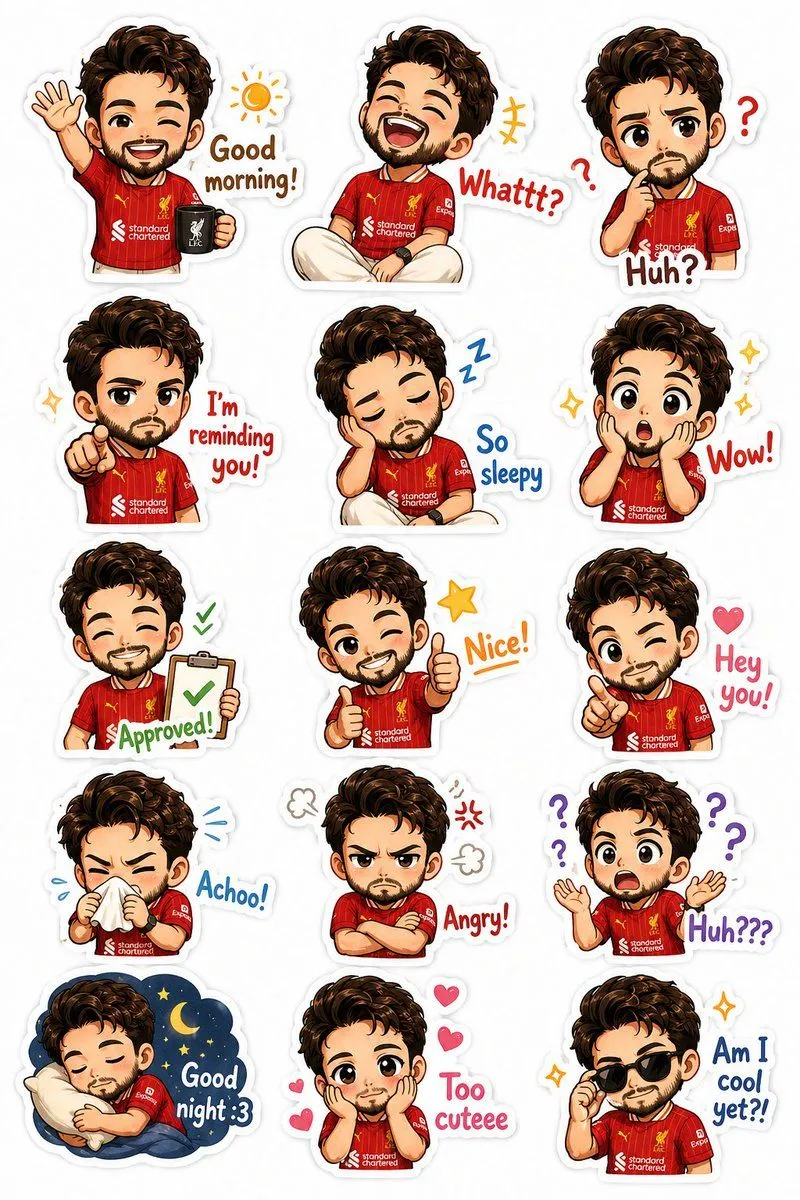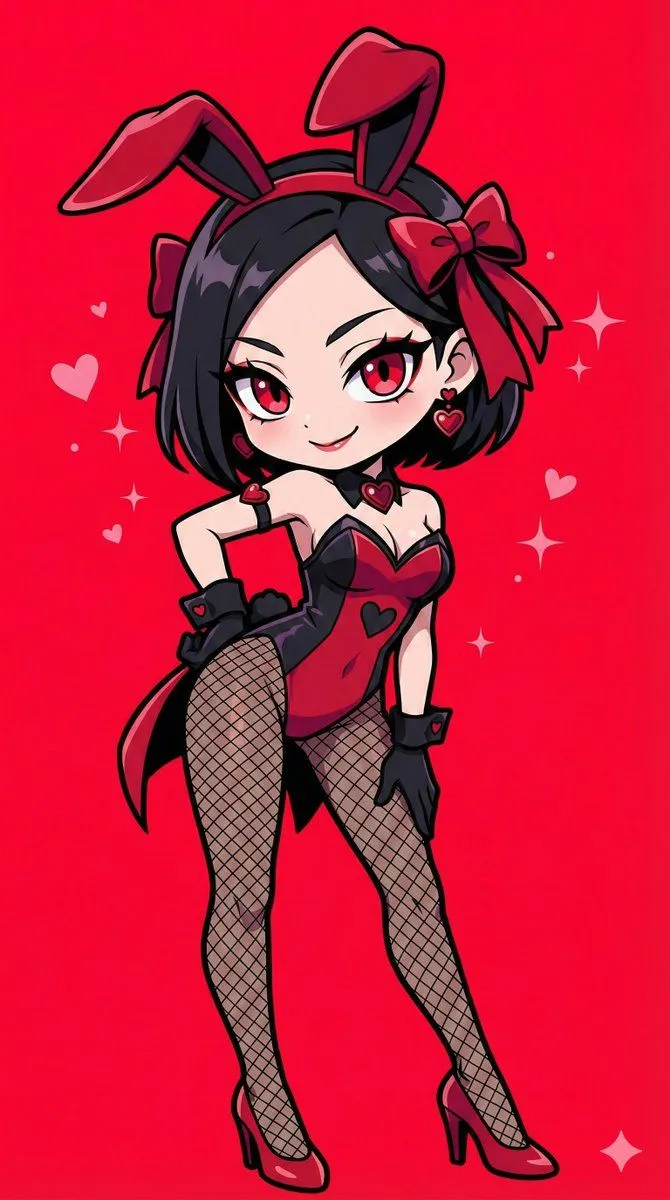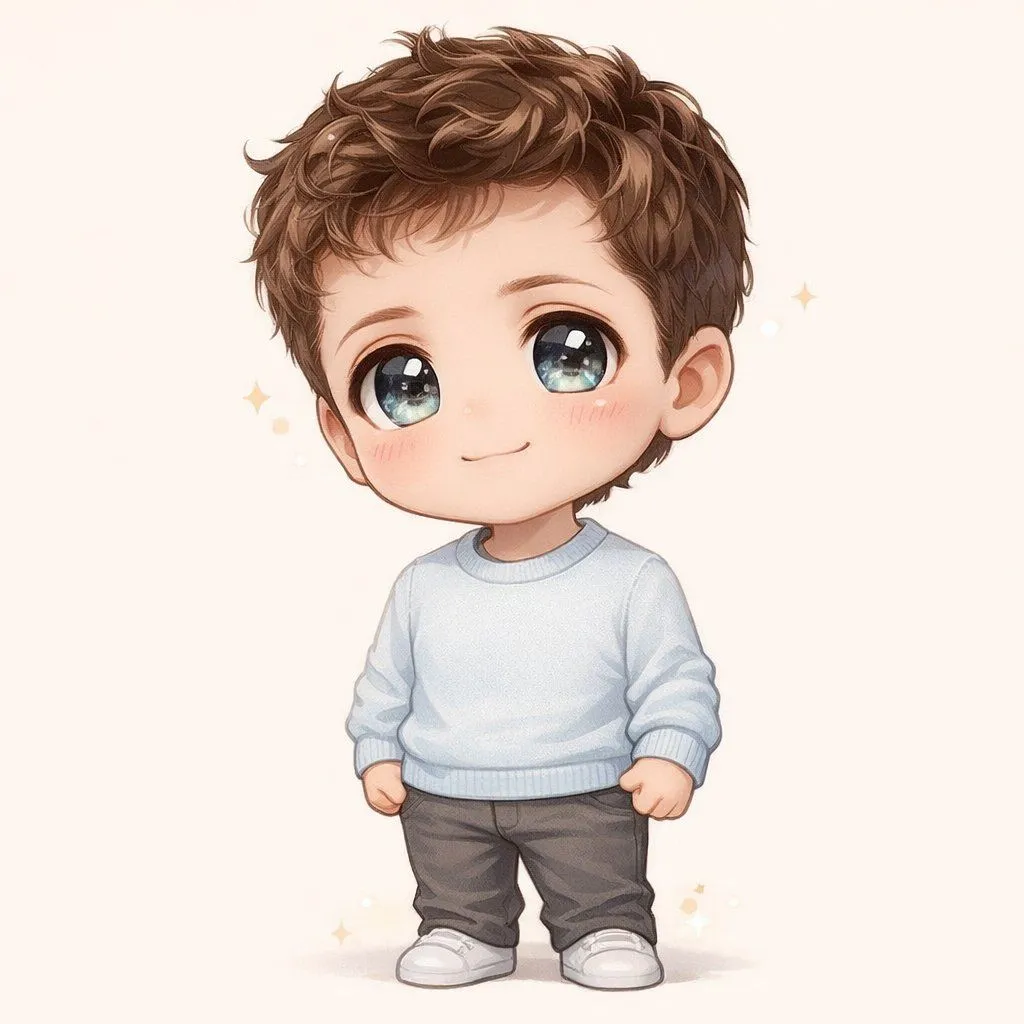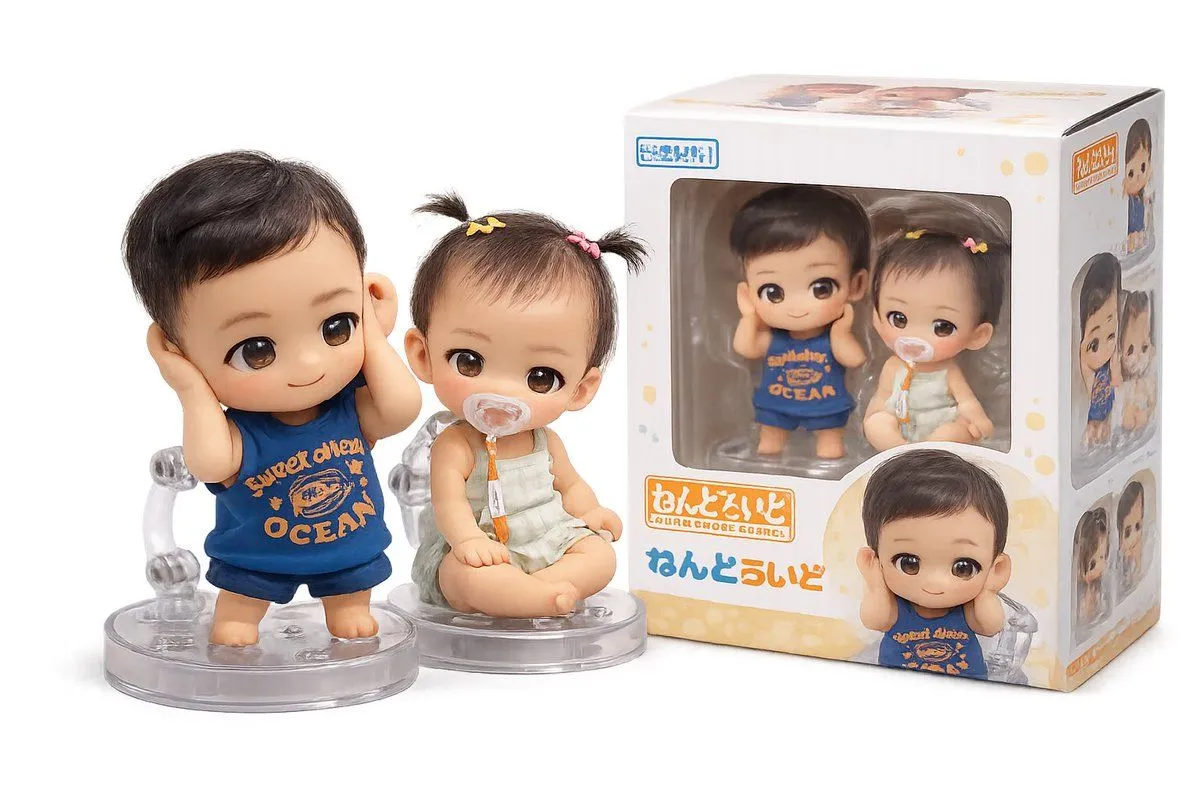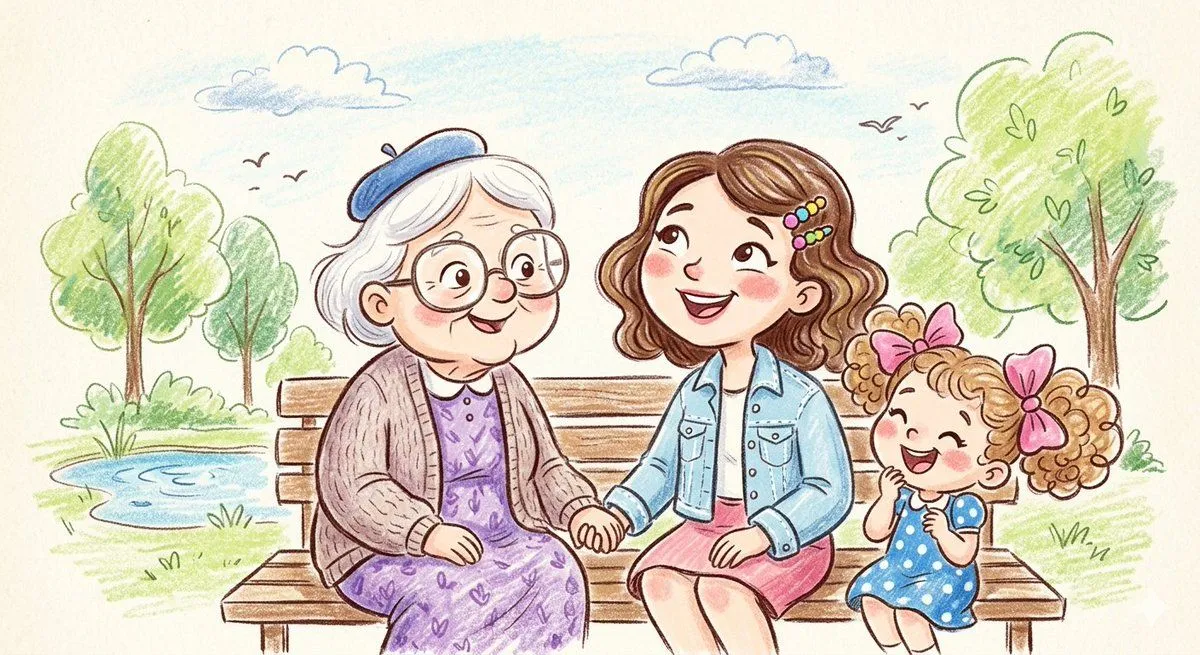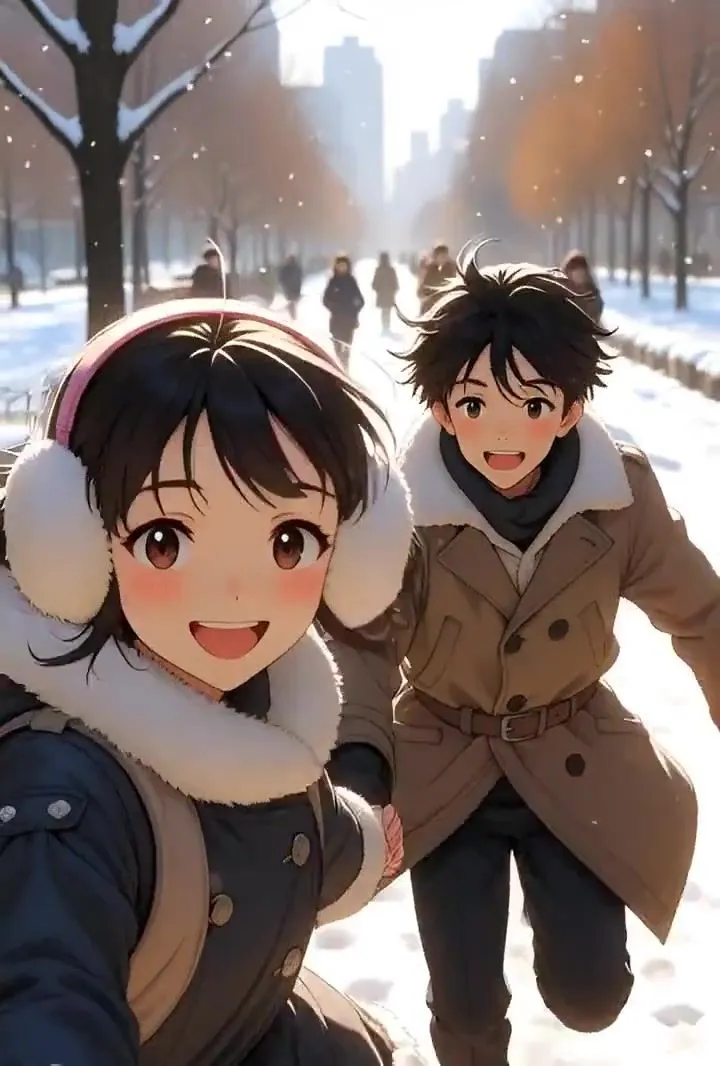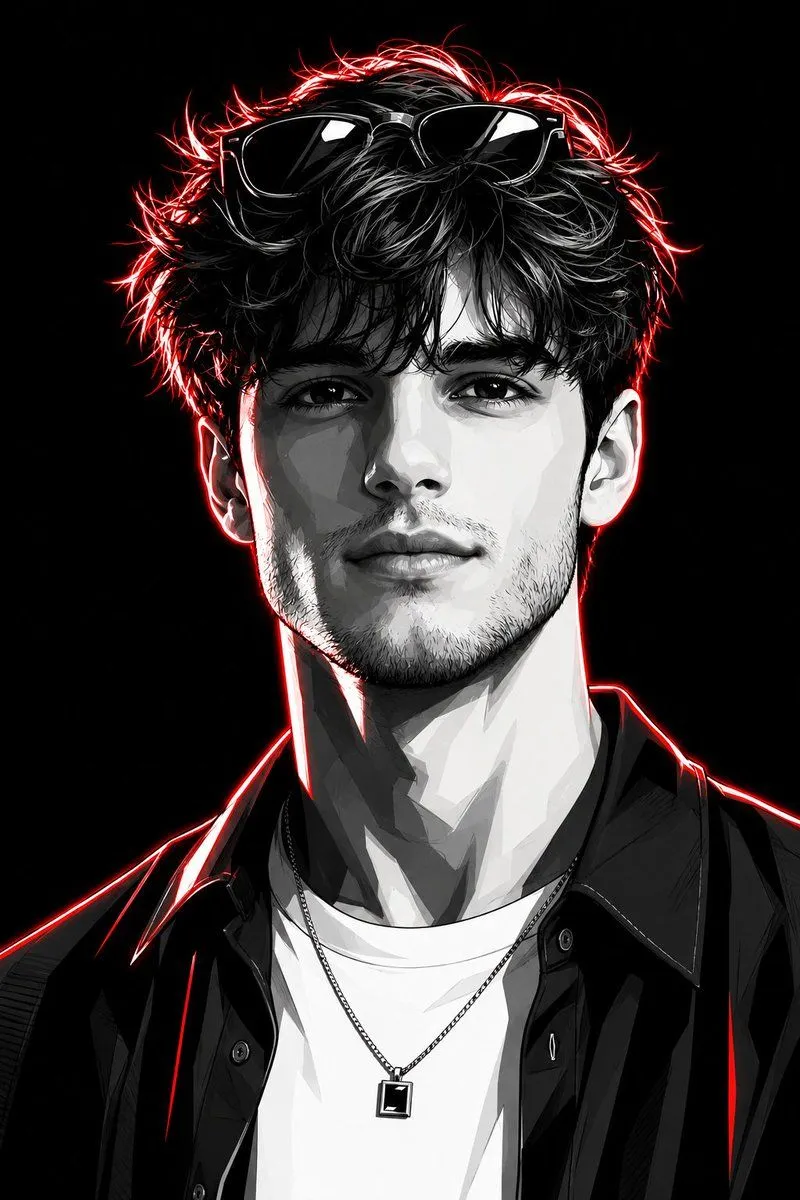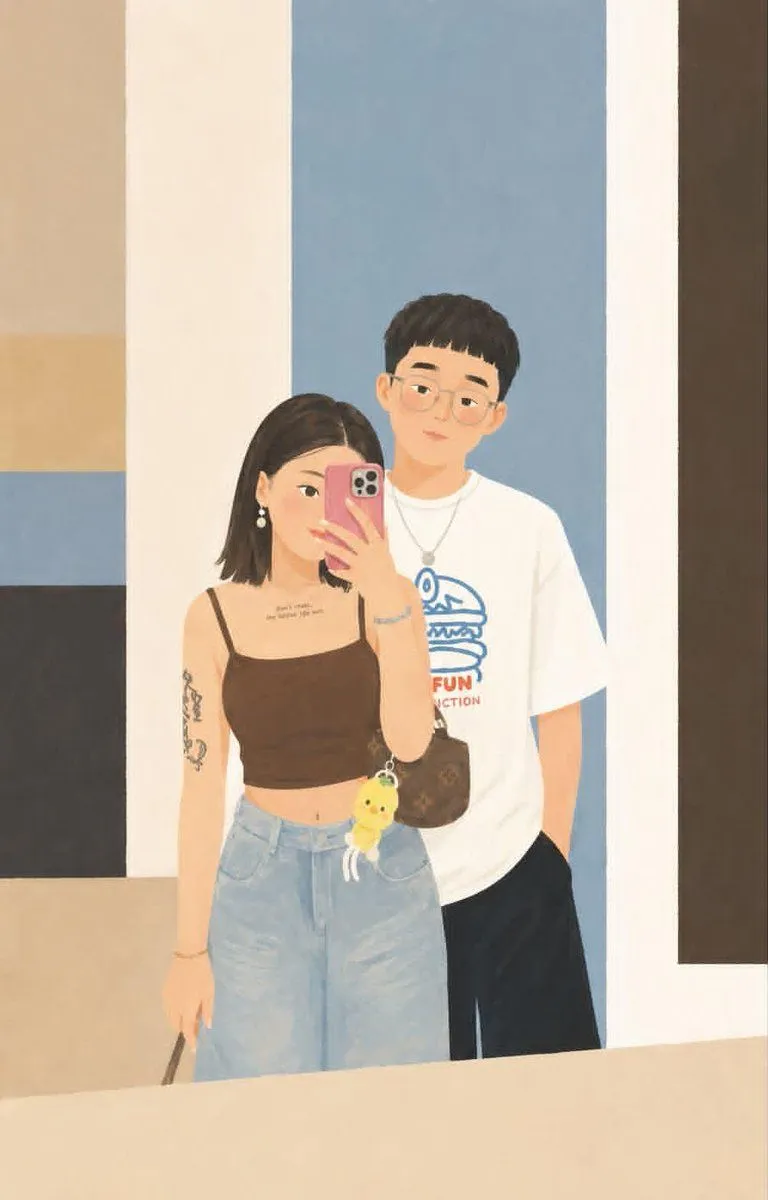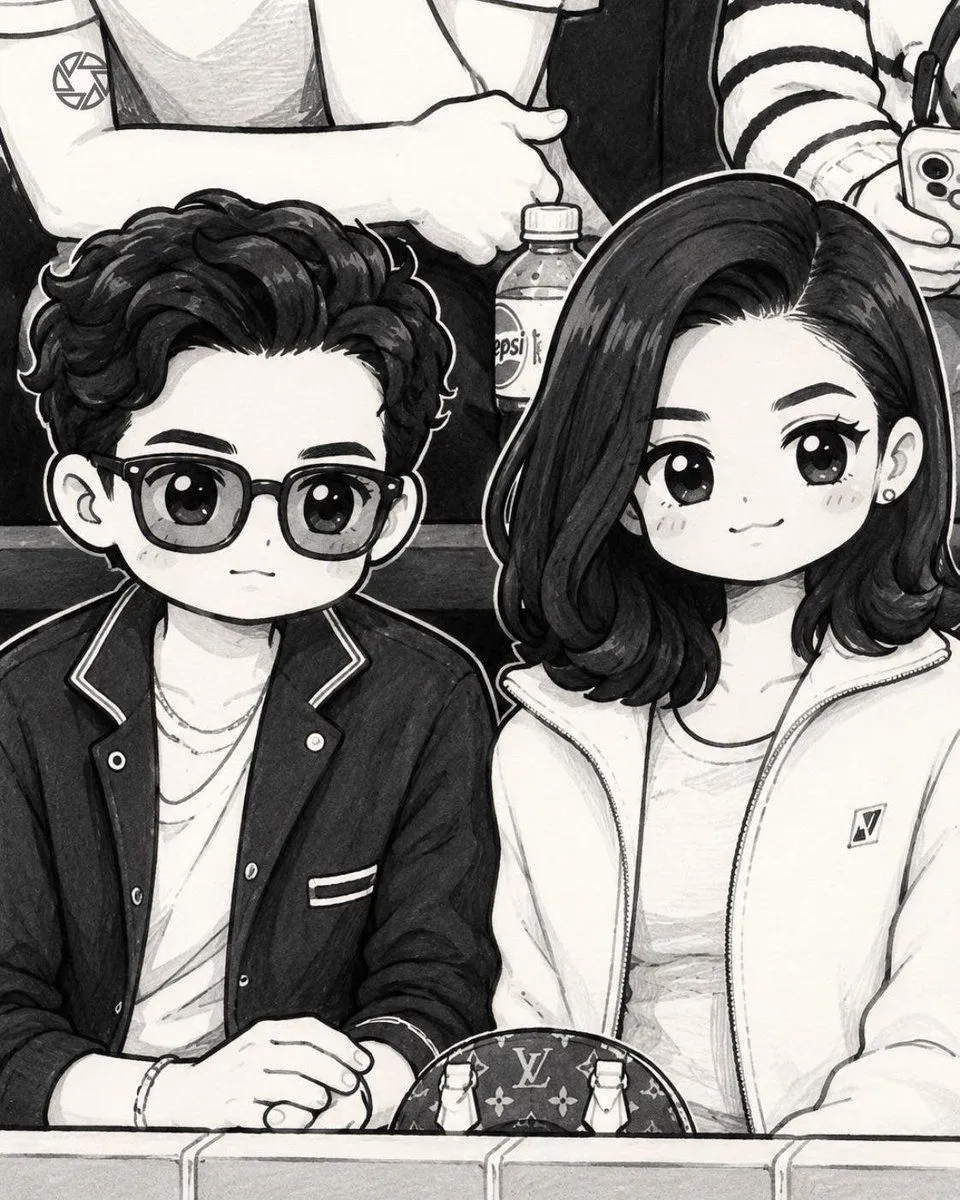
Made with GPT Image 2 in ChatGPT by Library Avatars. Promptclay never generates images.
Did it work?
No reports yet. Tell others if it worked for you.
Photo to Chibi Marker Sketch
Prompt
3 blanks to fillConvert the uploaded photo into a {style} in the exact style of a {medium}. Preserve the original composition, pose, camera angle, facial expressions, clothing, and positioning of all subjects. Transform the people into {character_style} with simplified features, large expressive eyes, rounded faces, and clean outlines.
Use only photos you have the right to usePhoto tips
- Your photo stays with your app. You upload it to Gemini, ChatGPT or the app you use. Promptclay never sees or stores it.
- Crop to what the prompt needs. Your face for a portrait. Leave out other people, house numbers, cards and screens.
- Check the result before you post. Apps sometimes add things that were not in your photo, like a mole, a tattoo or bare shoulders. Run it again or ask the app to remove them.
Preview of your prompt
Convert the uploaded photo into a cute black-and-white hand-drawn doodle illustration in the exact style of a minimalist marker sketch. Preserve the original composition, pose, camera angle, facial expressions, clothing, and positioning of all subjects. Transform the people into adorable chibi/cartoon characters with simplified features, large expressive eyes, rounded faces, and clean outlines.
DetailsVersions, settings and questions
Written for
What's in the prompt
- Subject
- Model
- GPT Image 2
If your face changes
keep my face exactly the sameQuestions
- Does this work in the ChatGPT app?
- Yes. Paste the prompt and attach your photo if it uses one.
- It changed my face. What do I do?
- Add "keep my face exactly the same" to the end and run it again.
- Can I use the images I make?
- Check the terms of the app you use. Promptclay never generates images and claims nothing you make.