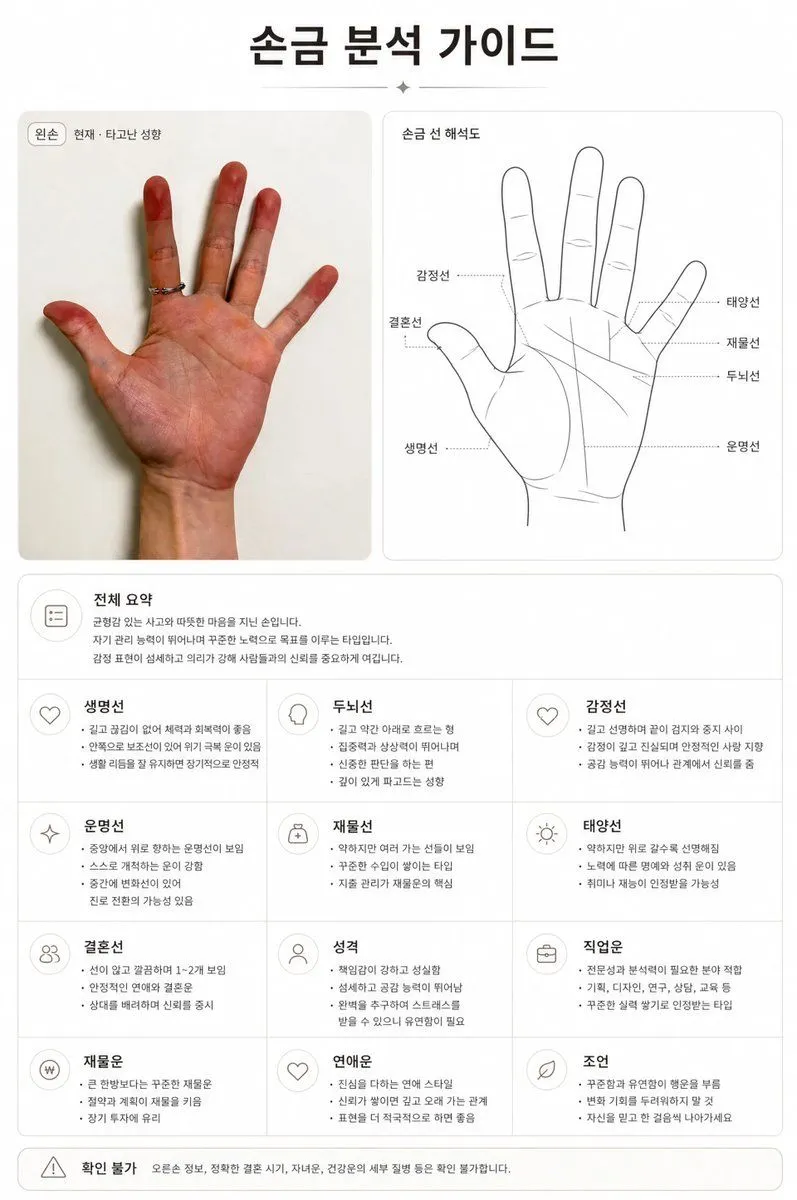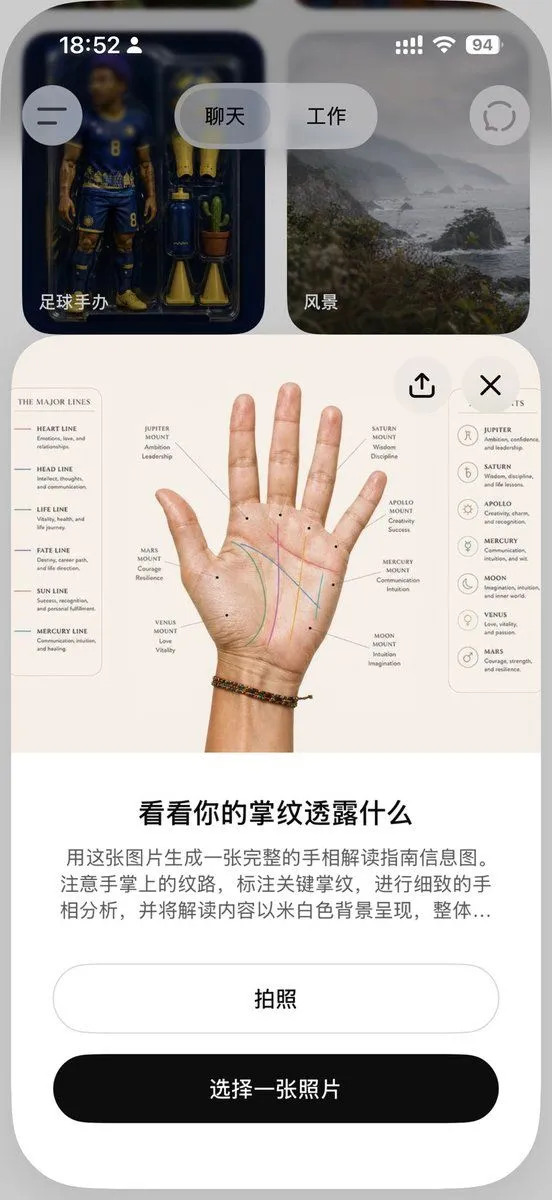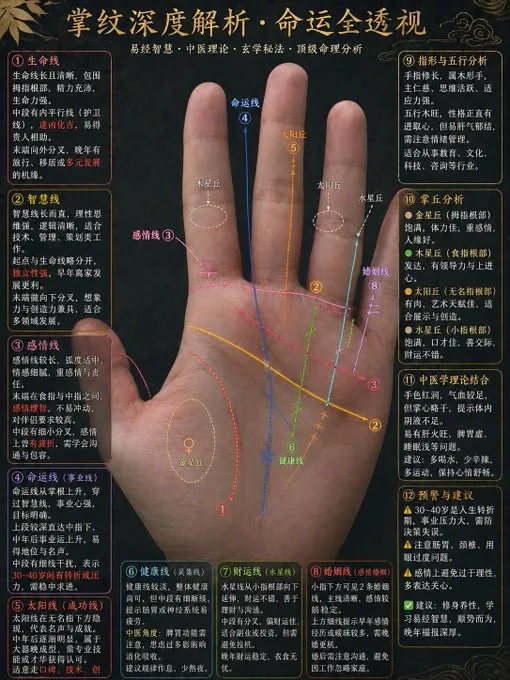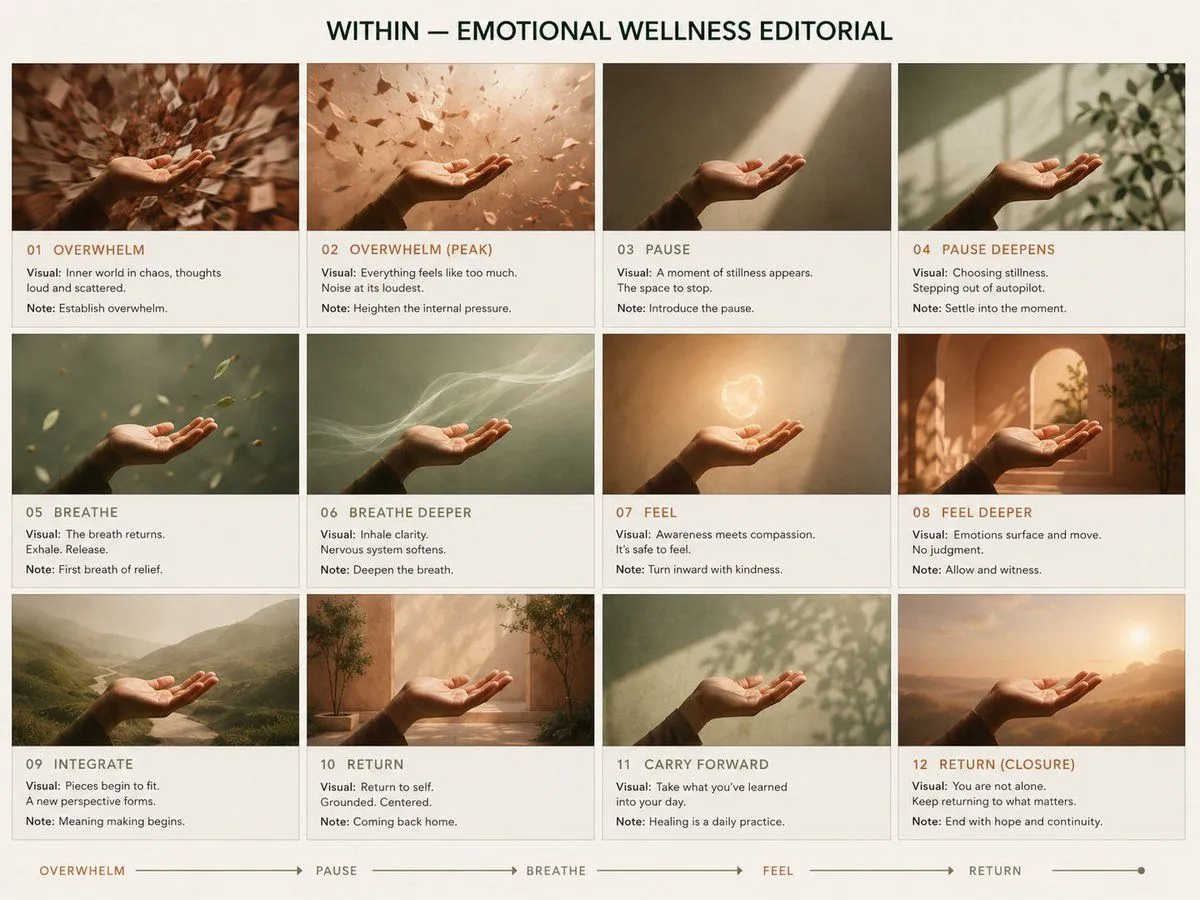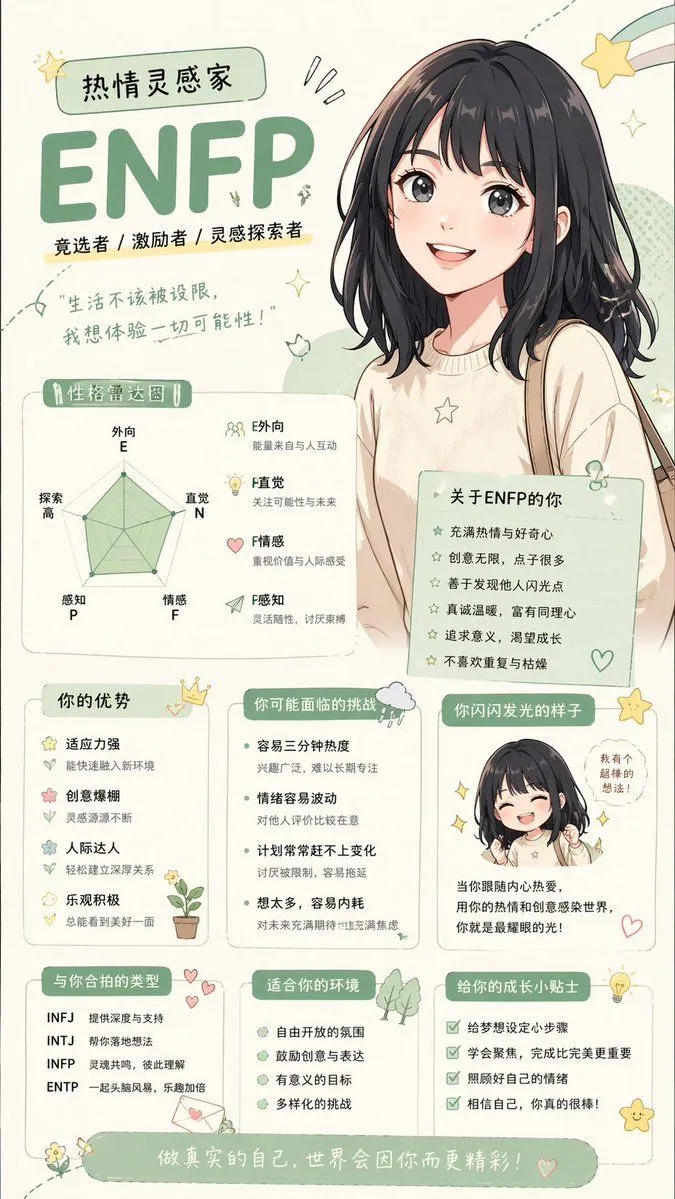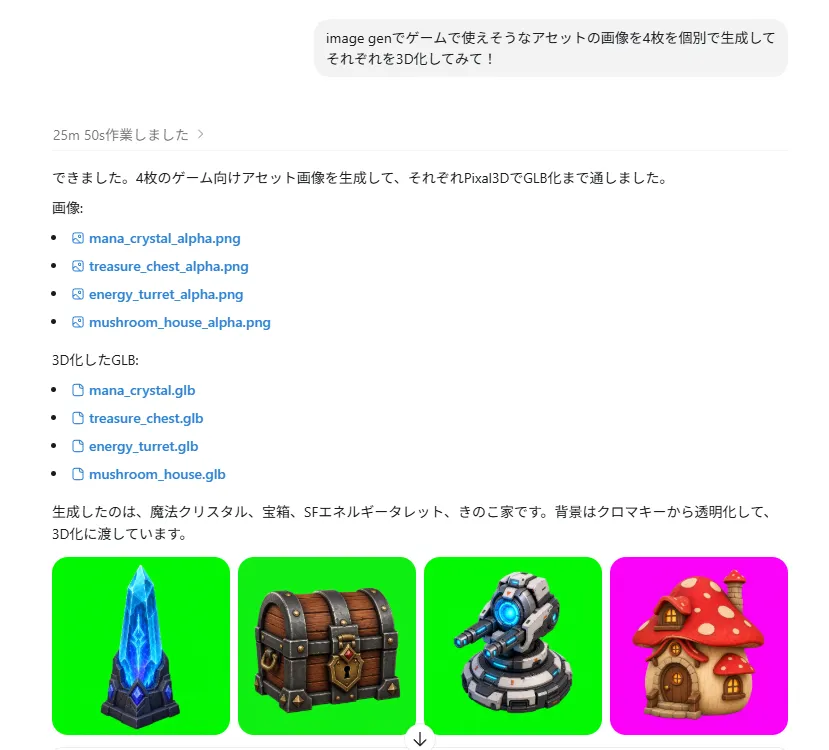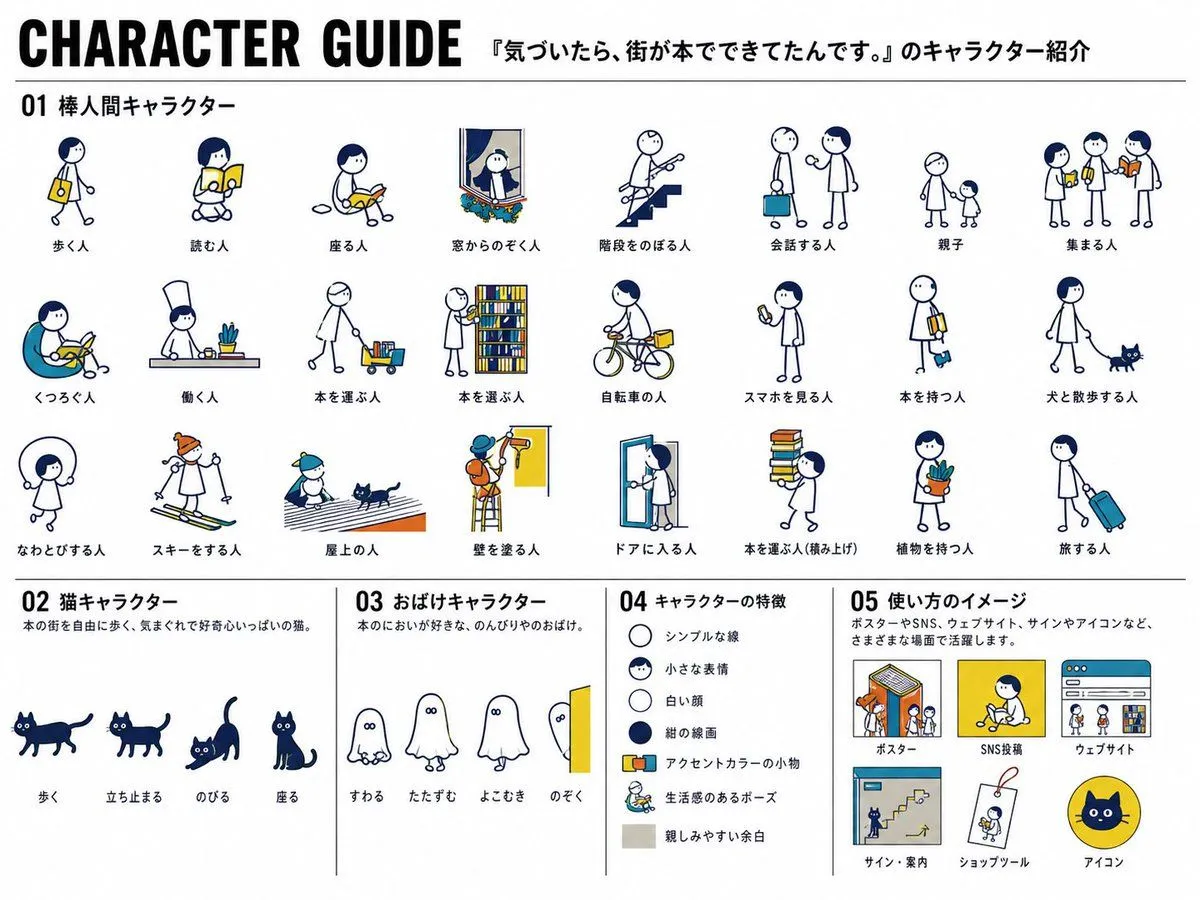
Made with GPT Image 2 in ChatGPT by Library Explainers. Promptclay never generates images.
Did it work?
No reports yet. Tell others if it worked for you.
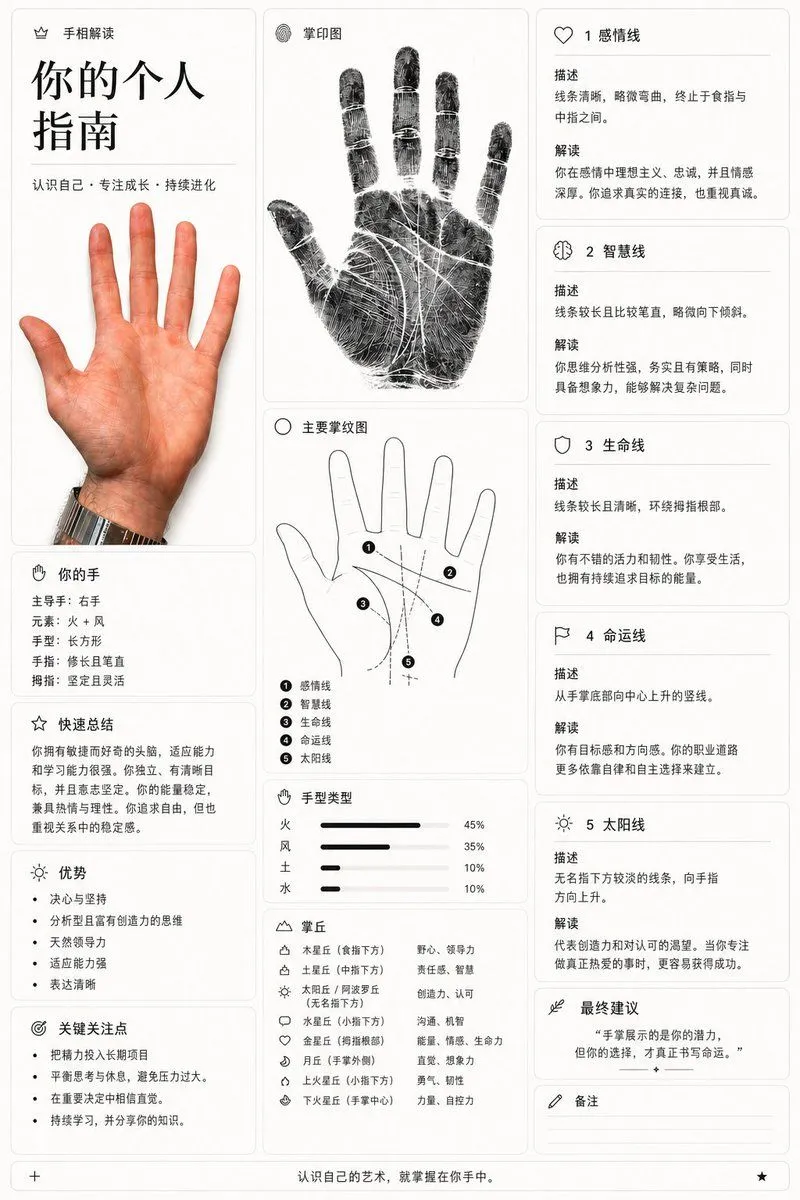
Personalized Palmistry Guide Infographic
Prompt
1 blank to fillGoal: Create a vertical infographic-style palmistry guide titled {title_text}. Canvas: A clean, modern layout with a white background and black text, divided into three main columns. The style is minimalist and educational, resembling a high-end wellness or self-improvement app interface. Layout: - Left Column: Top section has the title "你的个人指南" in large bold characters, followed by the subtitle "认识自己 · 专注成长 · 持续进化". Below this is a realistic photo of an open right hand (palm facing forward). Further down are sections for "你的手" (Your Hand) listing details like dominant hand, element, shape, and finger traits; "快速总结" (Quick Summary); "优势" (Strengths) as a bulleted list; and "关键关注点" (Key Focus Points) as another bulleted list. - Center Column: Top section shows a detailed black-and-white fingerprint scan image labeled "掌印图" (Palm Print Image). Below that is a line-drawing diagram of a hand labeled "主要掌纹图" (Main Palm Lines Diagram), with numbered lines (1-5) corresponding to specific palm lines. Underneath is a bar chart section "手型类型" (Hand Type) showing percentages for Fire, Wind, Earth, and Water elements. At the bottom is a legend for "掌丘" (Mounts) explaining their meanings. - Right Column: Contains five distinct cards detailing specific palm lines: 1. 感情线 (Heart Line), 2. 智慧线 (Head Line), 3. 生命线 (Life Line), 4. 命运线 (Fate Line), and 5. 太阳线 (Sun Line). Each card includes a description and interpretation. Below these is a final advice box "最终建议" and a notes section "备注". Visual Style: Use thin black borders for cards. Icons should be simple line art (e.g., heart, brain, shield). Text should be crisp sans-serif Chinese characters. The fingerprint image should have high contrast with visible ridges. Text Content: Ensure all Chinese labels match the provided image exactly, including headings like "手相解读", "掌印图", and the specific interpretations for each line.
Preview of your prompt
Goal: Create a vertical infographic-style palmistry guide titled 你的个人指南. Canvas: A clean, modern layout with a white background and black text, divided into three main columns. The style is minimalist and educational, resembling a high-end wellness or self-improvement app interface. Layout: - Left Column: Top section has the title "你的个人指南" in large bold characters, followed by the subtitle "认识自己 · 专注成长 · 持续进化". Below this is a realistic photo of an open right hand (palm facing forward). Further down are sections for "你的手" (Your Hand) listing details like dominant hand, element, shape, and finger traits; "快速总结" (Quick Summary); "优势" (Strengths) as a bulleted list; and "关键关注点" (Key Focus Points) as another bulleted list. - Center Column: Top section shows a detailed black-and-white fingerprint scan image labeled "掌印图" (Palm Print Image). Below that is a line-drawing diagram of a hand labeled "主要掌纹图" (Main Palm Lines Diagram), with numbered lines (1-5) corresponding to specific palm lines. Underneath is a bar chart section "手型类型" (Hand Type) showing percentages for Fire, Wind, Earth, and Water elements. At the bottom is a legend for "掌丘" (Mounts) explaining their meanings. - Right Column: Contains five distinct cards detailing specific palm lines: 1. 感情线 (Heart Line), 2. 智慧线 (Head Line), 3. 生命线 (Life Line), 4. 命运线 (Fate Line), and 5. 太阳线 (Sun Line). Each card includes a description and interpretation. Below these is a final advice box "最终建议" and a notes section "备注". Visual Style: Use thin black borders for cards. Icons should be simple line art (e.g., heart, brain, shield). Text should be crisp sans-serif Chinese characters. The fingerprint image should have high contrast with visible ridges. Text Content: Ensure all Chinese labels match the provided image exactly, including headings like "手相解读", "掌印图", and the specific interpretations for each line.
DetailsVersions, settings and questions
Written for
What's in the prompt
- Subject
- Model
- GPT Image 2
If your face changes
keep my face exactly the sameQuestions
- Does this work in the ChatGPT app?
- Yes. Paste the prompt and attach your photo if it uses one.
- It changed my face. What do I do?
- Add "keep my face exactly the same" to the end and run it again.
- Can I use the images I make?
- Check the terms of the app you use. Promptclay never generates images and claims nothing you make.