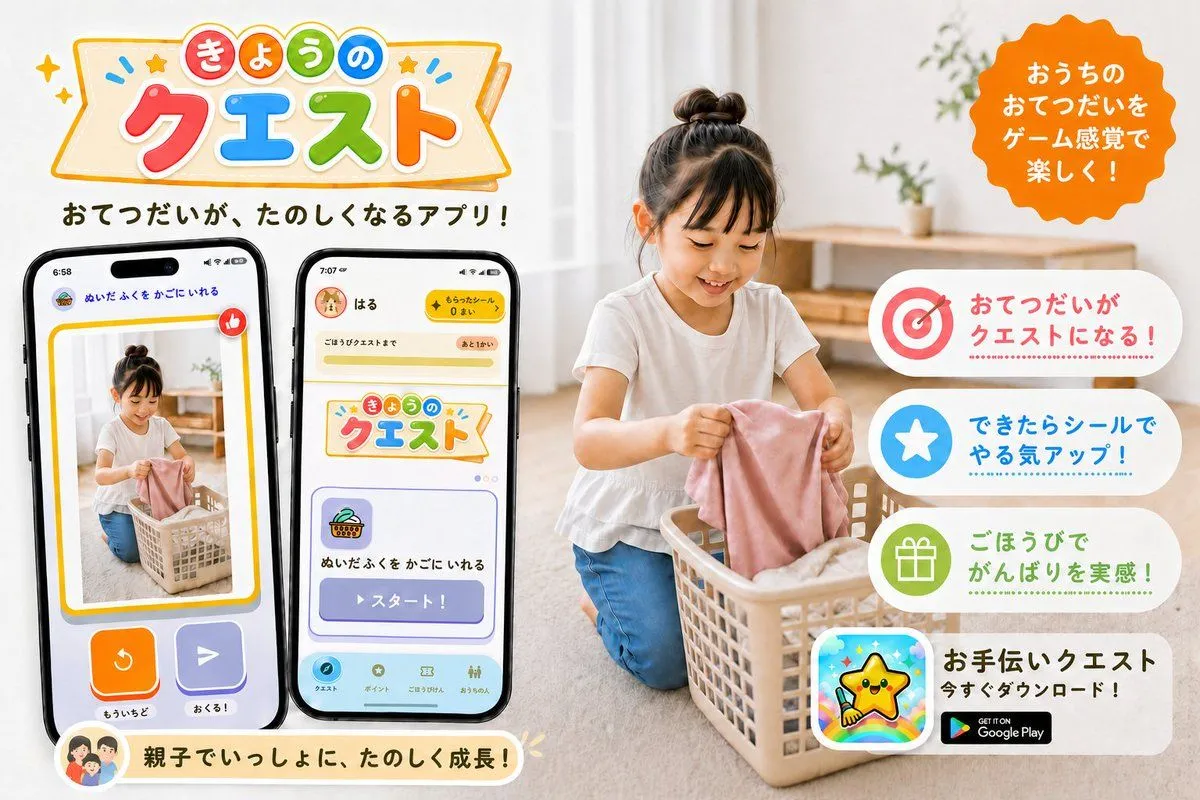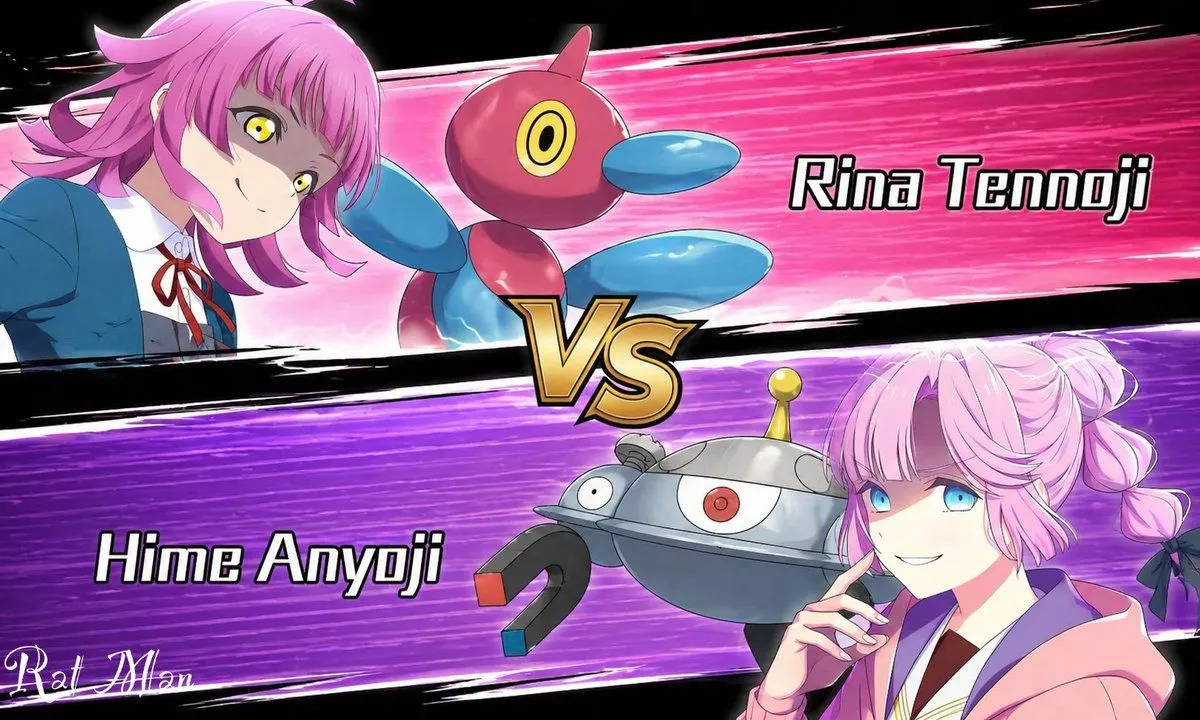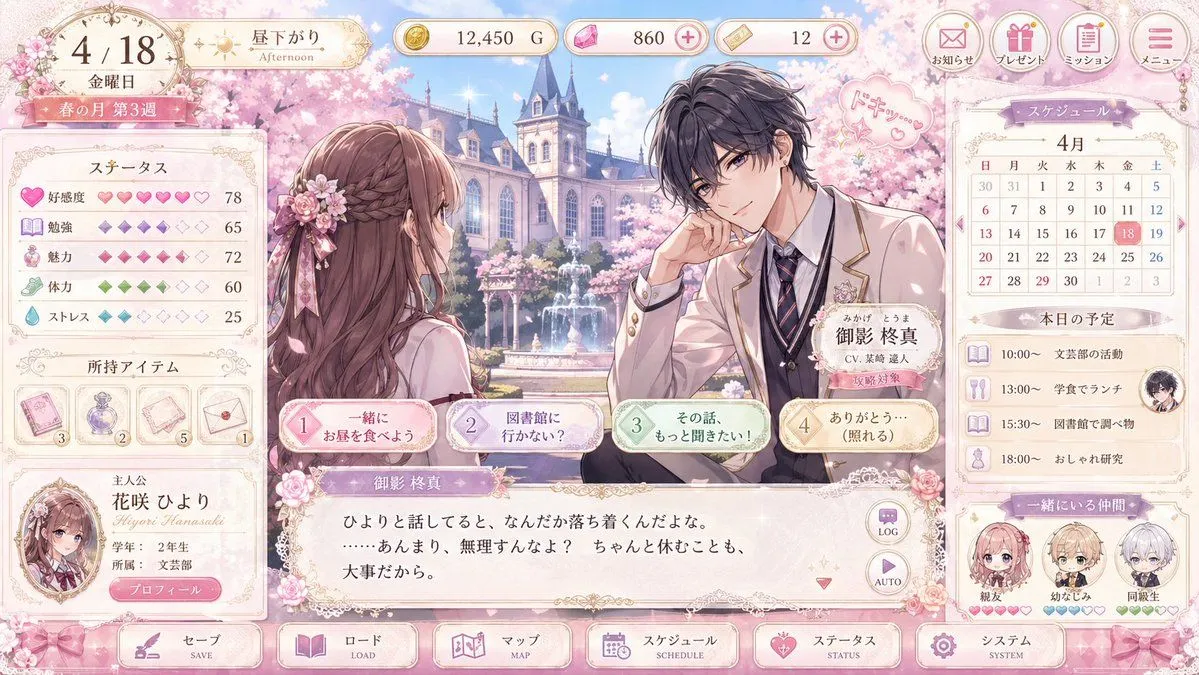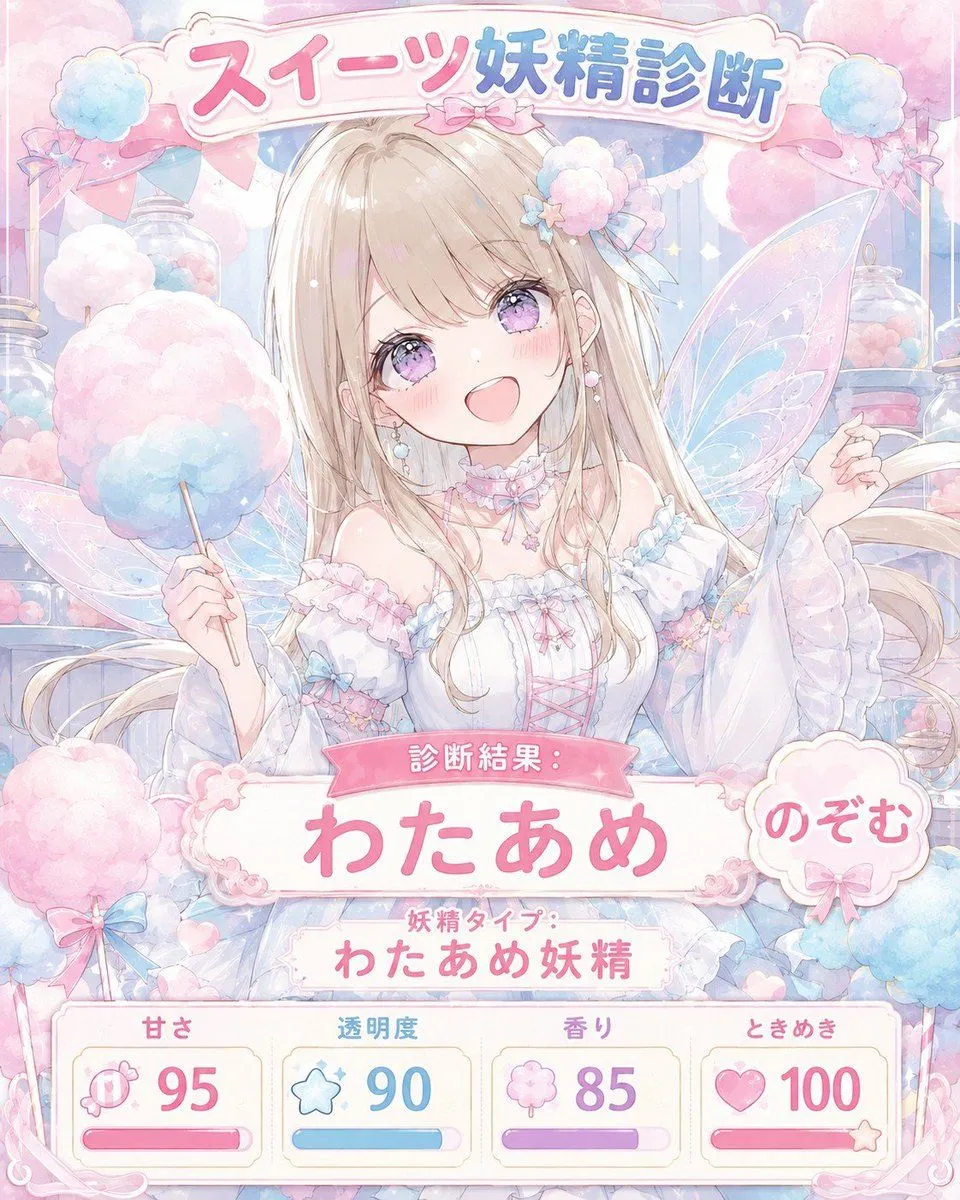
Made with GPT Image 2 in ChatGPT by Library Brand. Promptclay never generates images.
Did it work?
No reports yet. Tell others if it worked for you.
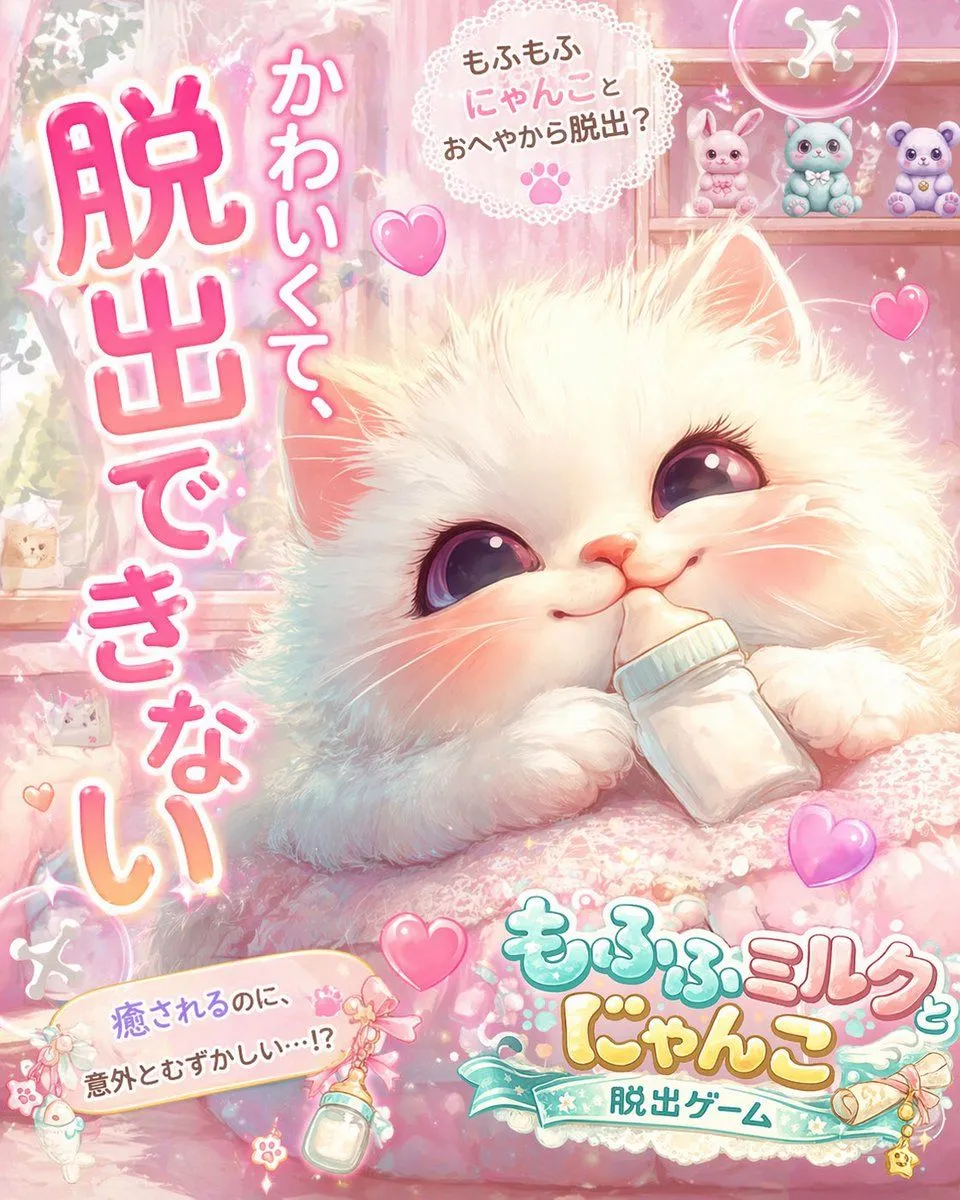
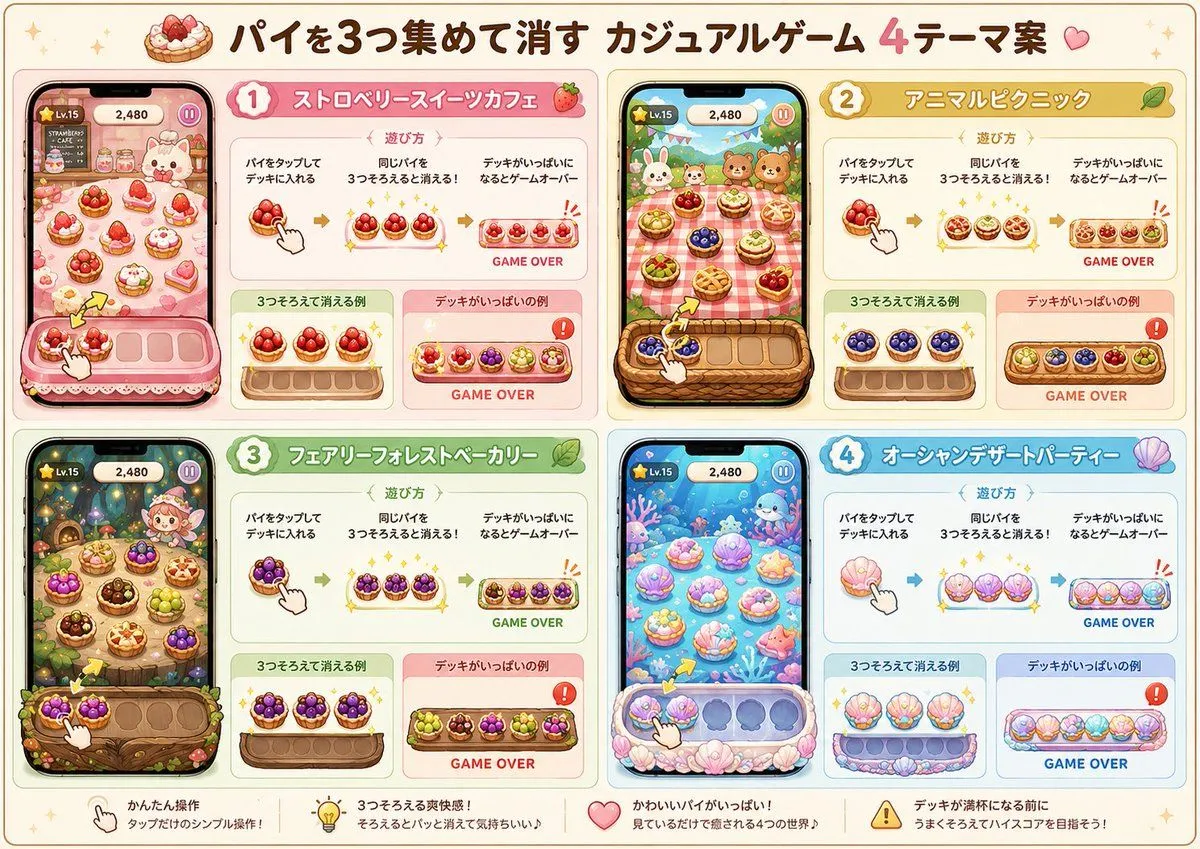
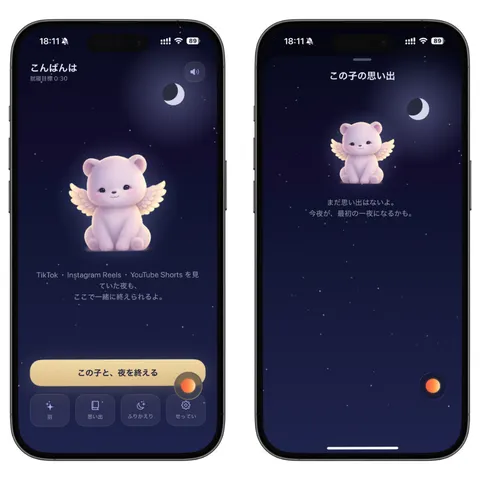
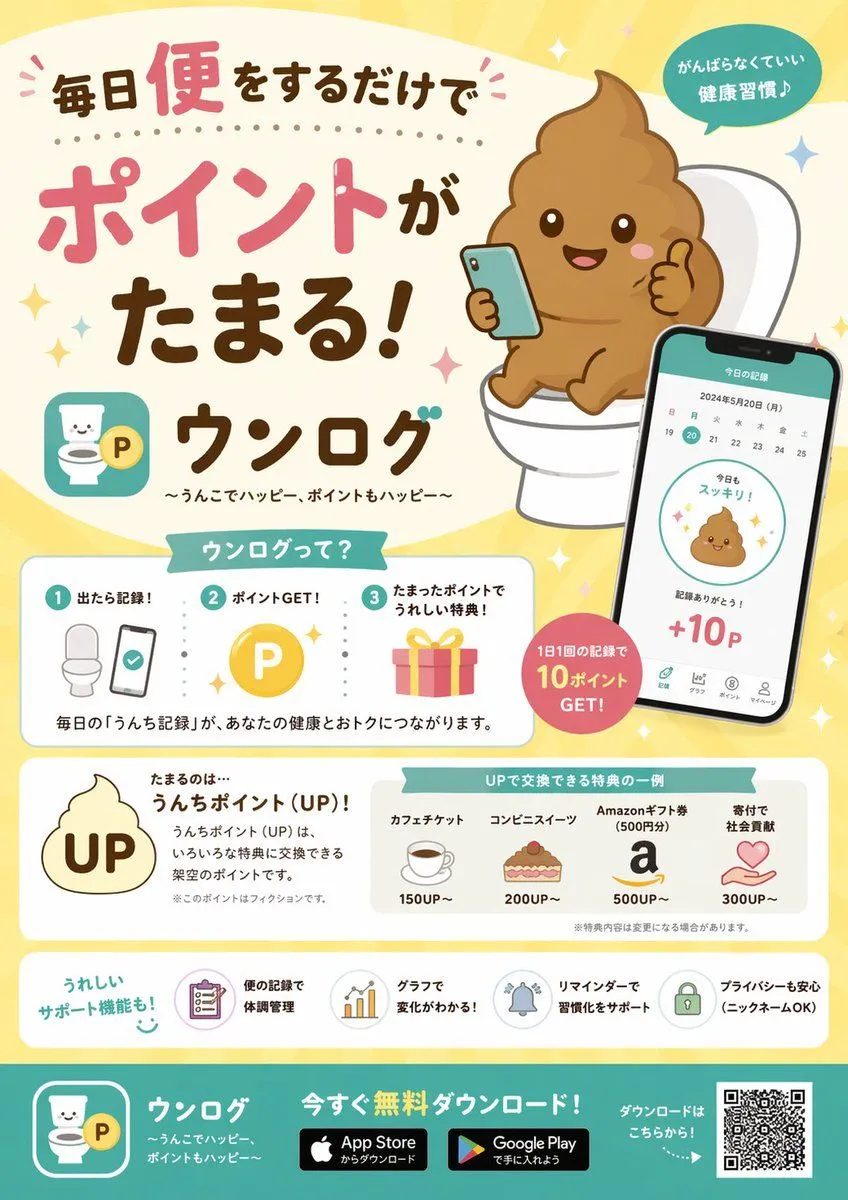
Pastel Japanese Mobile Game Store Screenshot
Prompt
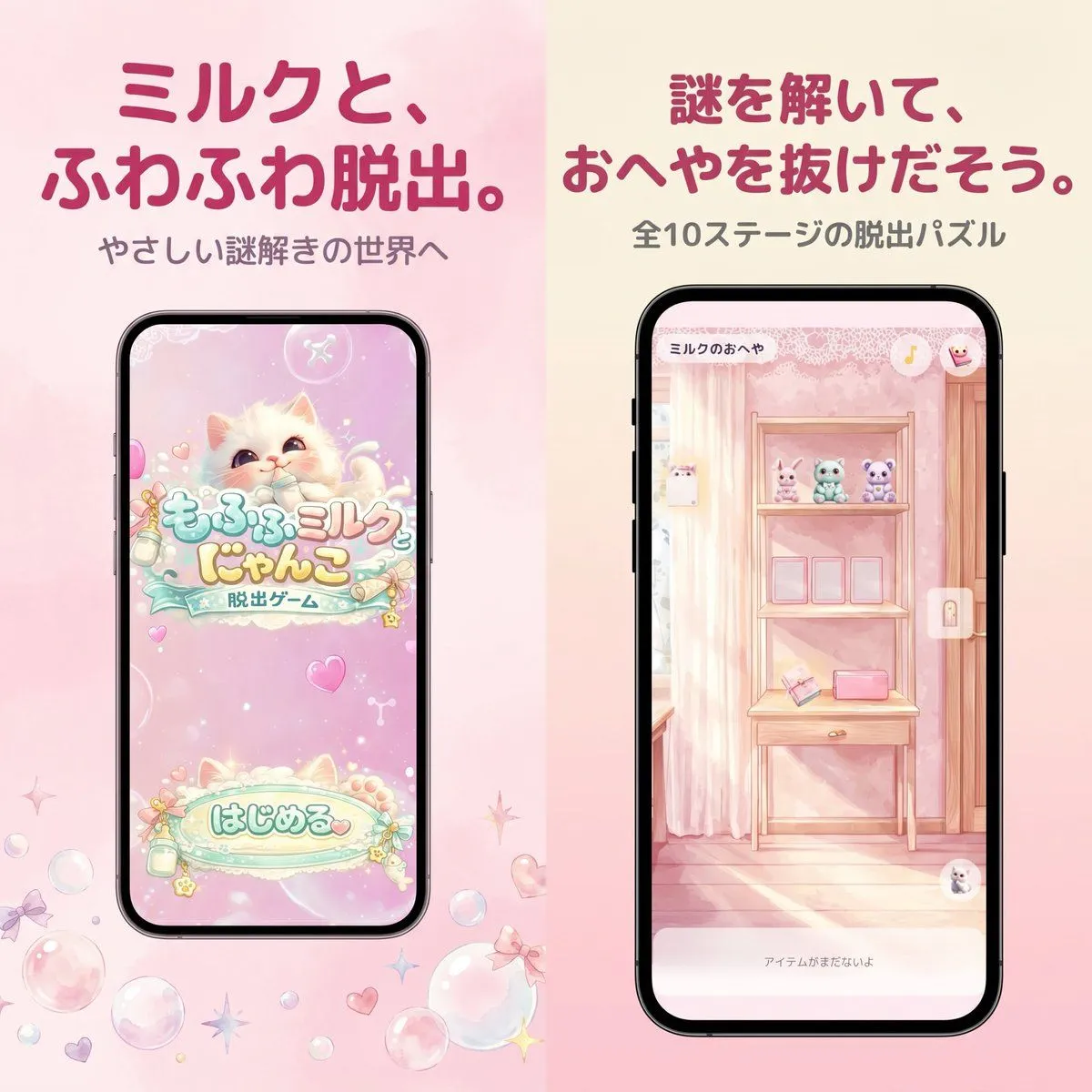
4 blanks to fillA polished Japanese mobile game promotional graphic in a soft pastel kawaii style, formatted as a square split-screen advertisement with 2 vertical panels side by side. The left half has a pale blush pink watercolor background, and the right half has a warm cream-to-pink gradient background. At the top of the left panel, place a large bold rounded Japanese headline in dark rose pink reading {left_headline_text}, with a smaller gray subtitle below reading {left_subtitle_text}. Centered below is a black-framed modern smartphone mockup showing the title screen of a cute pastel escape game: a fluffy cream-colored kitten with big watery eyes on a sparkly pink background, decorative bubbles and hearts, a logo in Japanese reading もふもふミルク にゃんこ with a smaller ribbon-like subtitle 脱出ゲーム, and a large rounded start button near the bottom reading はじめる. Around the phone on the pink background, scatter translucent soap bubbles, tiny bows, hearts, and star-shaped sparkles near the lower area. In the right panel, place a large bold rounded Japanese headline in dark rose pink reading {right_headline_text}, with a smaller gray subtitle below reading {right_subtitle_text}. Centered below is a second black-framed smartphone mockup showing in-game play: a dreamy pastel pink room with striped wallpaper, a wooden shelf unit or vanity table, 3 small plush animals lined up on the top shelf, 3 empty square frames or slots on the middle shelf, and 2 small objects on the lower shelf including a pink rectangular item and an angled card-like object. Add a tiny top-left room title inside the phone UI reading ミルクのおへや, a small circular icon at top right, a vertical lock icon on the right edge, and a pale bottom text bar reading アイテムがまだないよ. The entire composition should feel like an App Store screenshot for a gentle puzzle game, with soft lighting, pastel pinks and creams, rounded typography, clean spacing, and a cute feminine aesthetic.
Preview of your prompt
A polished Japanese mobile game promotional graphic in a soft pastel kawaii style, formatted as a square split-screen advertisement with 2 vertical panels side by side. The left half has a pale blush pink watercolor background, and the right half has a warm cream-to-pink gradient background. At the top of the left panel, place a large bold rounded Japanese headline in dark rose pink reading ミルクと、ふわふわ脱出。, with a smaller gray subtitle below reading やさしい謎解きの世界へ. Centered below is a black-framed modern smartphone mockup showing the title screen of a cute pastel escape game: a fluffy cream-colored kitten with big watery eyes on a sparkly pink background, decorative bubbles and hearts, a logo in Japanese reading もふもふミルク にゃんこ with a smaller ribbon-like subtitle 脱出ゲーム, and a large rounded start button near the bottom reading はじめる. Around the phone on the pink background, scatter translucent soap bubbles, tiny bows, hearts, and star-shaped sparkles near the lower area. In the right panel, place a large bold rounded Japanese headline in dark rose pink reading 謎を解いて、おへやを抜けだそう。, with a smaller gray subtitle below reading 全10ステージの脱出パズル. Centered below is a second black-framed smartphone mockup showing in-game play: a dreamy pastel pink room with striped wallpaper, a wooden shelf unit or vanity table, 3 small plush animals lined up on the top shelf, 3 empty square frames or slots on the middle shelf, and 2 small objects on the lower shelf including a pink rectangular item and an angled card-like object. Add a tiny top-left room title inside the phone UI reading ミルクのおへや, a small circular icon at top right, a vertical lock icon on the right edge, and a pale bottom text bar reading アイテムがまだないよ. The entire composition should feel like an App Store screenshot for a gentle puzzle game, with soft lighting, pastel pinks and creams, rounded typography, clean spacing, and a cute feminine aesthetic.
DetailsVersions, settings and questions
Written for
What's in the prompt
- Subject
- Model
- GPT Image 2
If your face changes
keep my face exactly the sameQuestions
- Does this work in the ChatGPT app?
- Yes. Paste the prompt and attach your photo if it uses one.
- It changed my face. What do I do?
- Add "keep my face exactly the same" to the end and run it again.
- Can I use the images I make?
- Check the terms of the app you use. Promptclay never generates images and claims nothing you make.