Tell us anything

An idea, a bug, something you love. We read every note.

⌘↵ to send. The page you're on comes along.

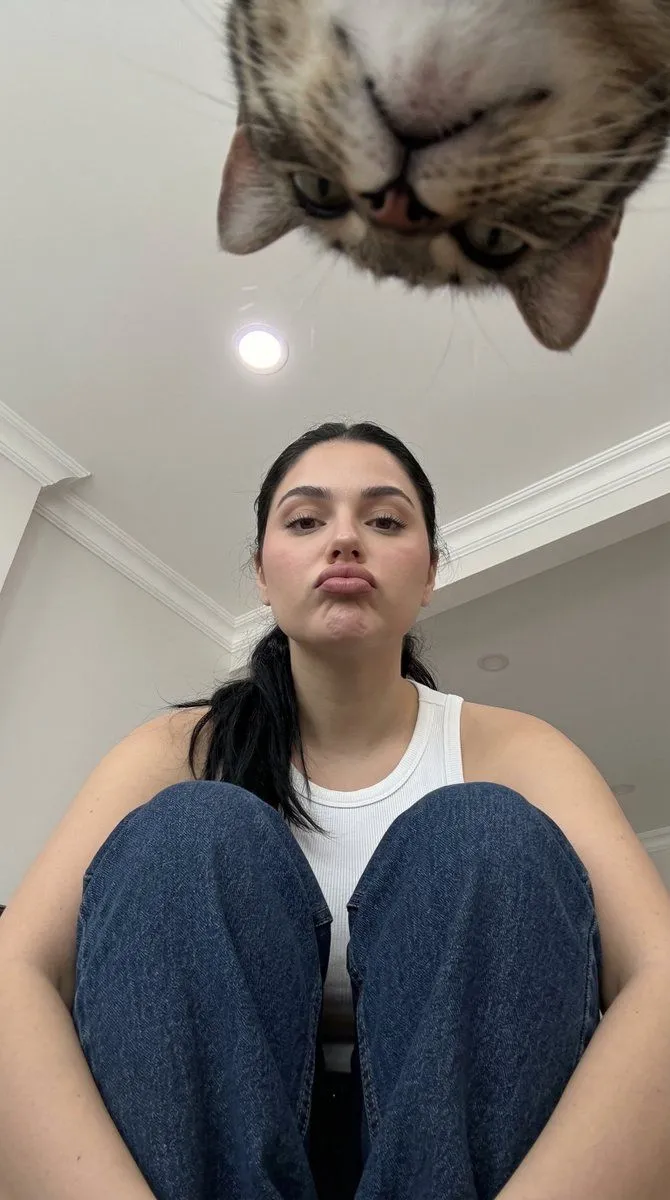
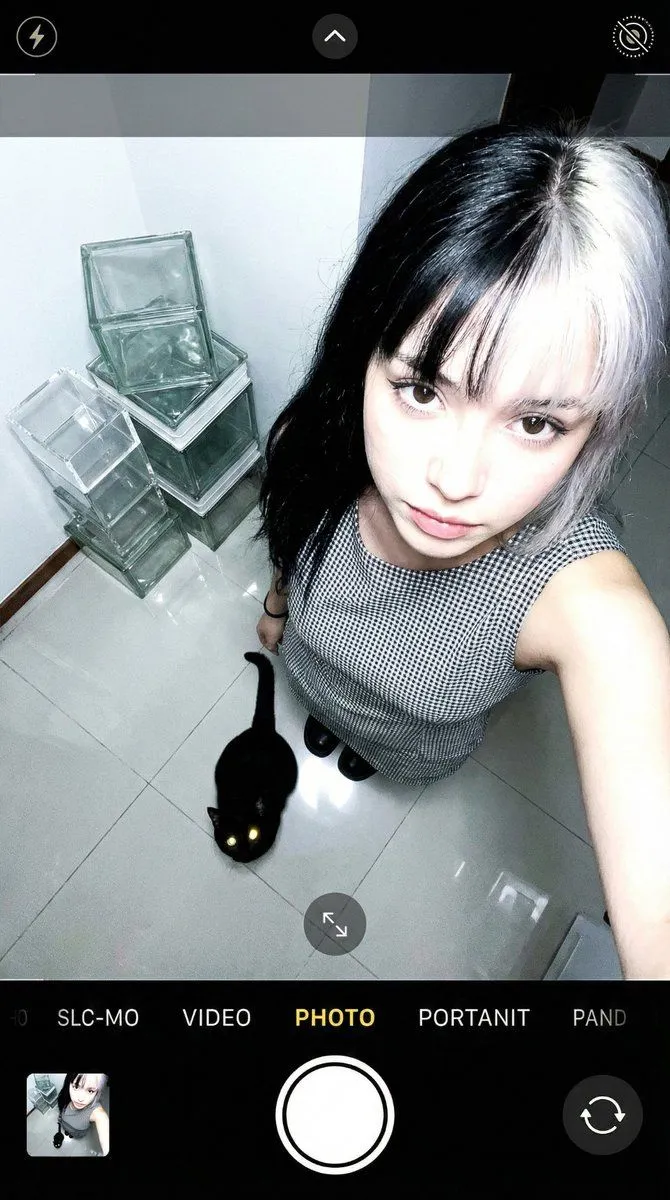
Overhead Smartphone Selfie with Black Cat

Made with Nano Banana Pro in Gemini by Library Portraits. Promptclay never generates images.

Did it work?

No reports yet. Tell others if it worked for you.

No comments yet. Be the first.

    Overhead Smartphone Selfie with Black Cat

    Nano Banana Pro9:16AI-generated

    Prompt

    { "intent": { "image_type": "selfie", "era_preset": "modern_standard", "notes": "Maximizing physical realism by defining light-material interaction and sensor failure modes." }, "subjects": { "count": 1, "primary": { "type": "person", "age_range": "20-25", "gender_presentation": "female", "region_target": "unspecified", "expression": "neutral, looking up", "pose": "looking directly into camera from below", "gaze": "looking into lens" }, "additional": [ { "type": "black cat", "position": "floor level, looking up", "material": "dense organic fur with translucent whiskers" } ] }, "framing_and_perspective": { "framing": "high_angle_plunging", "subject_fill_ratio": 0.82, "camera_angle": "directly_overhead_downward", "distance": "arm_length", "camera_class": "smartphone_front", "lens_equiv_mm": 24, "distortion": { "type": "mild_barrel", "strength_1to5": 4 }, "perspective_effects": { "foreground_scale_emphasis_1to5": 5, "nose_emphasis_1to5": 3, "ear_recession_1to5": 4 }, "depth_of_field": { "mode": "minimal", "strength_1to5": 2, "focus_target": "eyes" } }, "lighting_and_exposure": { "key_light": { "type": "overhead_panel", "direction": "top_down", "hardness_1to5": 5, "halo_bloom_1to5": 2 }, "exposure_behavior": { "auto_exposure": true, "hdr_tone_mapping_1to5": 4, "overall_brightness_1to5": 5, "contrast_1to5": 3, "shadow_depth_1to5": 2, "highlight_overflow_1to5": 5 }, "failure_modes_active": { "highlight_clipping": true, "shadow_chroma_noise": true, "denoise_smear": false, "sharpen_halos": true, "motion_blur": false, "jpeg_ringing_banding": false, "banding_in_gradients": false, "focus_falloff_edge_softness": true } }, "computational_pipeline": { "skin_smoothing": { "method": "edge_aware", "strength_1to5": 2, "specular_preservation": "required" }, "sharpening": { "strength_1to5": 3, "halo_risk_1to5": 2 }, "noise_and_denoise": { "shadow_chroma_noise_1to5": 3, "denoise_smear_1to5": 2, "grain_strength_1to5": 2 }, "compression": { "jpeg_artifacts_1to5": 1, "banding_risk_1to5": 1 }, "white_balance": { "mode": "auto", "highlight_temp_bias": "cool", "shadow_temp_bias": "neutral" } }, "region_and_face_feature_sliders": { "non_stereotype_policy": "sliders_over_labels", "beauty_mark_under_right_eye": false, "sliders_1to5": { "face_oval_vline_1to5": 3, "cheekbone_prominence_1to5": 3, "brow_definition_1to5": 3, "eye_emphasis_1to5": 4, "eyelid_crease_definition_1to5": 3, "nose_bridge_definition_1to5": 3, "lip_fullness_1to5": 3,

    Works in
    Gemini, ChatGPT
    Status
    Free to copy
    0
    DetailsVersions, settings and questions

    Written for

    What's in the prompt

    Subject
    Model
    Nano Banana Pro

    If your face changes

    keep my face exactly the same

    Questions

    Does this work in the Gemini app?
    Yes. Gemini runs Nano Banana, so paste the prompt and attach your photo if it uses one.
    It changed my face. What do I do?
    Add "keep my face exactly the same" to the end and run it again.
    Can I use the images I make?
    Check the terms of the app you use. Promptclay never generates images and claims nothing you make.
    Similar prompts

    See more
    • Low-Resolution Motion-Blurred Selfie with Cat
    • High-Angle Indoor Selfie Portrait
    • Low-Angle Amateur Snapshot with Extreme Perspective
    • Low-Angle Selfie with Fluffy Cat
    • Morning Selfie With Tabby Cat
    • High-Angle POV Portrait with Bio-Fidelity and Technical Wear
    • Afternoon Room Selfie Portrait
    • Image-to-Image Editing Example
    • Smartphone Travel Selfie Prompt
    • Prompt for Generating Image Variations from a Base Image
    • Horizontal three-panel emotional portrait from one image
    • Cinematic diptych of teenagers on a rooftop
    • AI Gallery Portrait UI Screenshot
    • Photoreal FACS Expression Grid
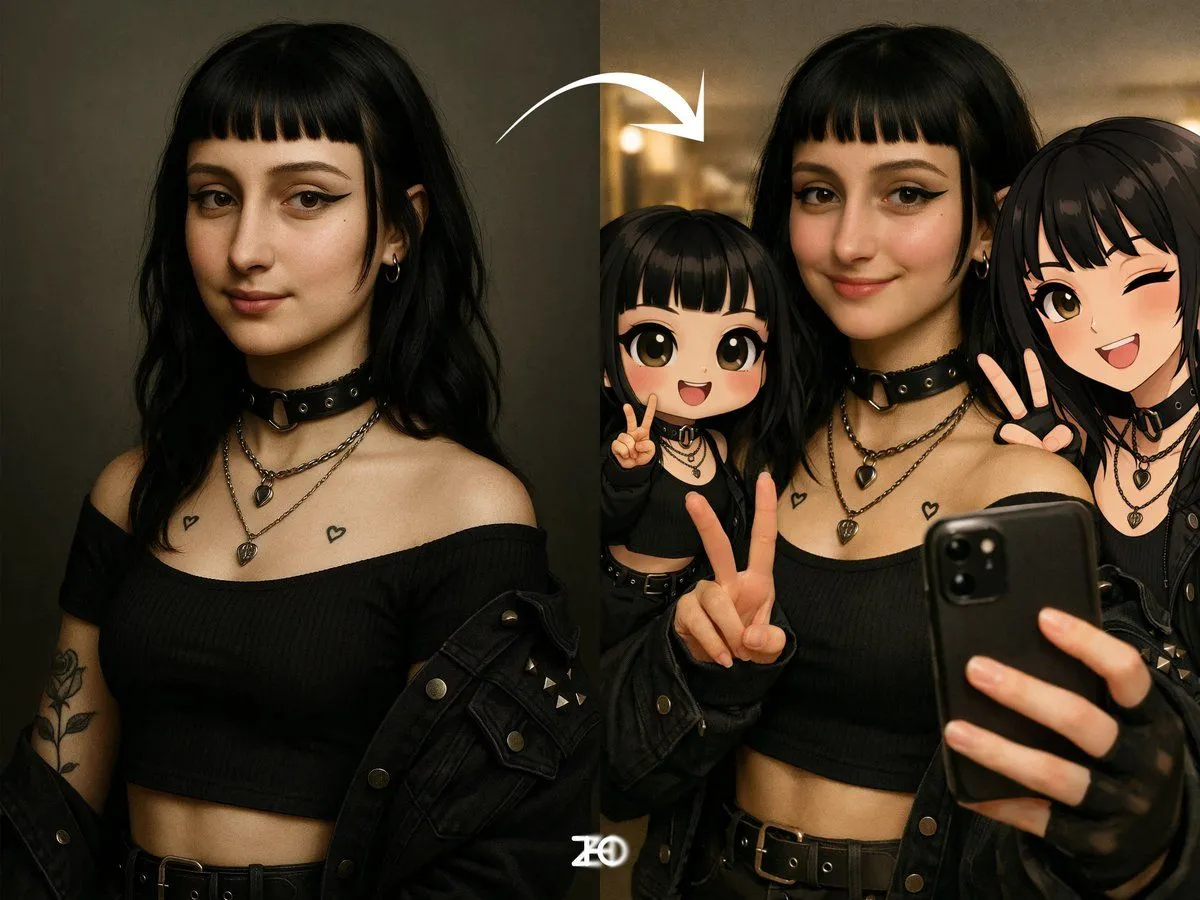
    • Selfie with 3D Q-version and 2D Illustration of a Person
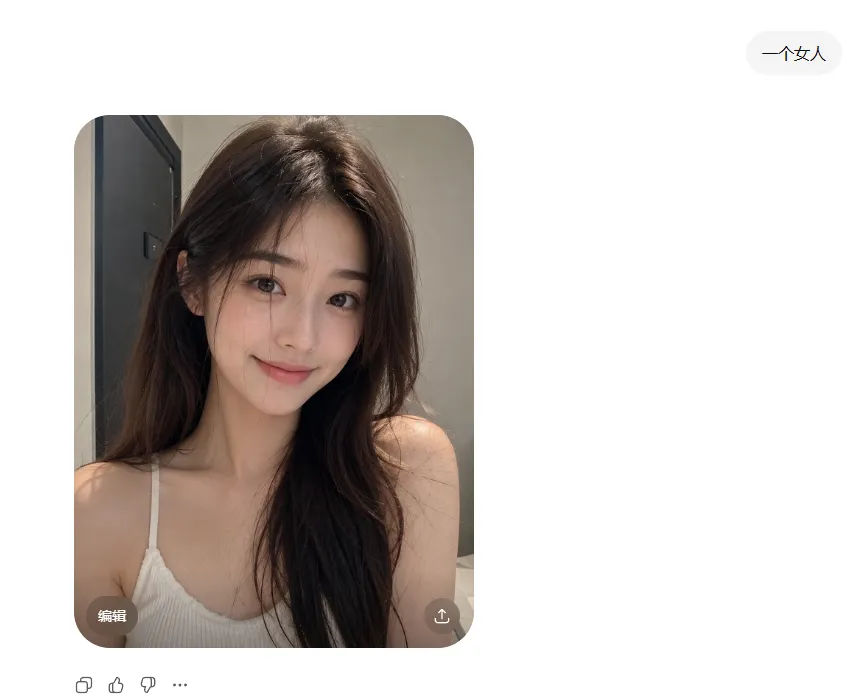
    • ChatGPT Portrait Result Screenshot
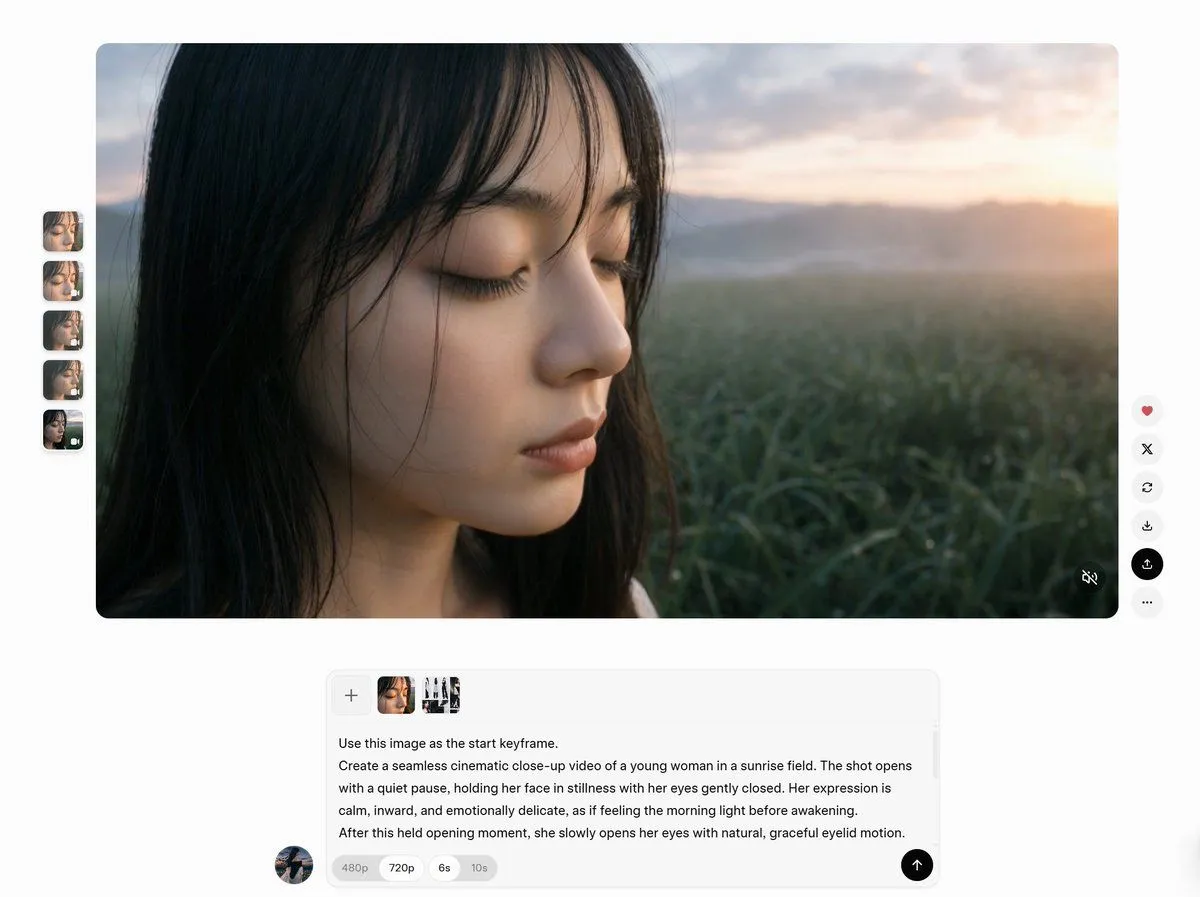
    • AI Video Workspace Screenshot
    • Hand-Carved Wooden Miniature Figure
    • Hyper-Realistic Luxury Fashion Portrait
    • Hyperrealistic Tattooed Elf Couple
    • Multi-Angle Scene Generation Prompt (Oshi no Ko Style)
    • Nano Banana Pro Thumbnail Generation Example
    • Newspaper Collage Shadow Portrait
    • Vintage Studio Portrait with Picture-in-Picture Effect

    Show more

    Run it on your phone

    1. Prompt copiedRead it

      { "intent": { "image_type": "selfie", "era_preset": "modern_standard", "notes": "Maximizing physical realism by defining light-material interaction and sensor failure modes." }, "subjects": { "count": 1, "primary": { "type": "person", "age_range": "20-25", "gender_presentation": "female", "region_target": "unspecified", "expression": "neutral, looking up", "pose": "looking directly into camera from below", "gaze": "looking into lens" }, "additional": [ { "type": "black cat", "position": "floor level, looking up", "material": "dense organic fur with translucent whiskers" } ] }, "framing_and_perspective": { "framing": "high_angle_plunging", "subject_fill_ratio": 0.82, "camera_angle": "directly_overhead_downward", "distance": "arm_length", "camera_class": "smartphone_front", "lens_equiv_mm": 24, "distortion": { "type": "mild_barrel", "strength_1to5": 4 }, "perspective_effects": { "foreground_scale_emphasis_1to5": 5, "nose_emphasis_1to5": 3, "ear_recession_1to5": 4 }, "depth_of_field": { "mode": "minimal", "strength_1to5": 2, "focus_target": "eyes" } }, "lighting_and_exposure": { "key_light": { "type": "overhead_panel", "direction": "top_down", "hardness_1to5": 5, "halo_bloom_1to5": 2 }, "exposure_behavior": { "auto_exposure": true, "hdr_tone_mapping_1to5": 4, "overall_brightness_1to5": 5, "contrast_1to5": 3, "shadow_depth_1to5": 2, "highlight_overflow_1to5": 5 }, "failure_modes_active": { "highlight_clipping": true, "shadow_chroma_noise": true, "denoise_smear": false, "sharpen_halos": true, "motion_blur": false, "jpeg_ringing_banding": false, "banding_in_gradients": false, "focus_falloff_edge_softness": true } }, "computational_pipeline": { "skin_smoothing": { "method": "edge_aware", "strength_1to5": 2, "specular_preservation": "required" }, "sharpening": { "strength_1to5": 3, "halo_risk_1to5": 2 }, "noise_and_denoise": { "shadow_chroma_noise_1to5": 3, "denoise_smear_1to5": 2, "grain_strength_1to5": 2 }, "compression": { "jpeg_artifacts_1to5": 1, "banding_risk_1to5": 1 }, "white_balance": { "mode": "auto", "highlight_temp_bias": "cool", "shadow_temp_bias": "neutral" } }, "region_and_face_feature_sliders": { "non_stereotype_policy": "sliders_over_labels", "beauty_mark_under_right_eye": false, "sliders_1to5": { "face_oval_vline_1to5": 3, "cheekbone_prominence_1to5": 3, "brow_definition_1to5": 3, "eye_emphasis_1to5": 4, "eyelid_crease_definition_1to5": 3, "nose_bridge_definition_1to5": 3, "lip_fullness_1to5": 3,

    2. Open your app

    3. Paste and run

      Press and hold the message box, then tap Paste. Add your photo first if the prompt uses one. You may need to sign in.

    Overhead Smartphone Selfie with Black Cat