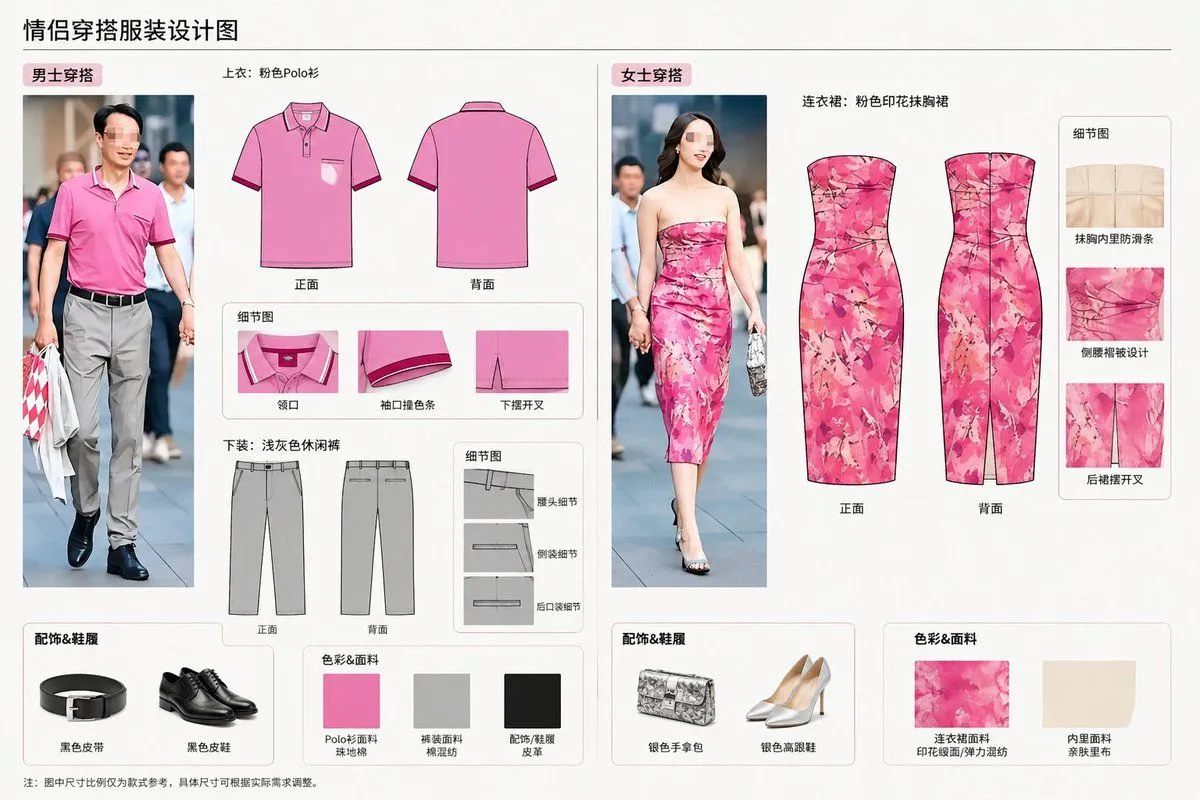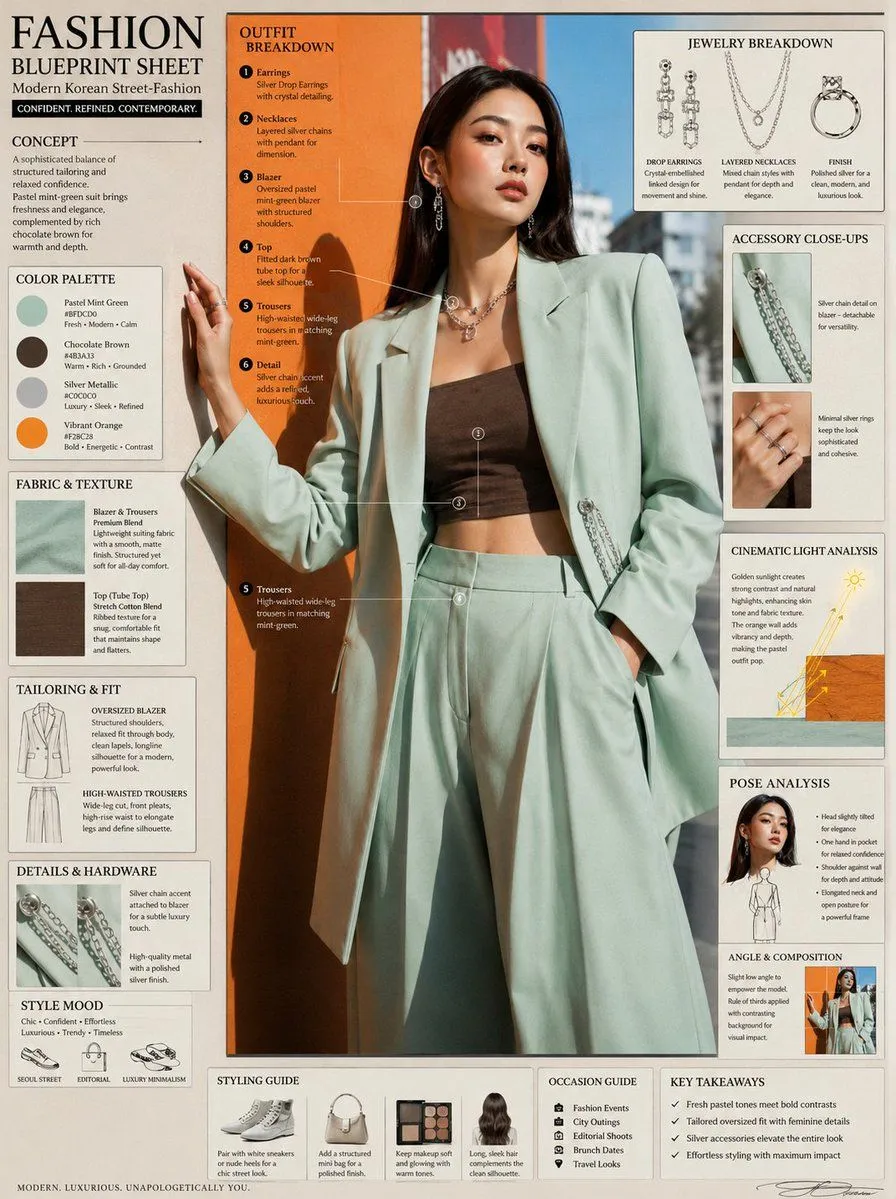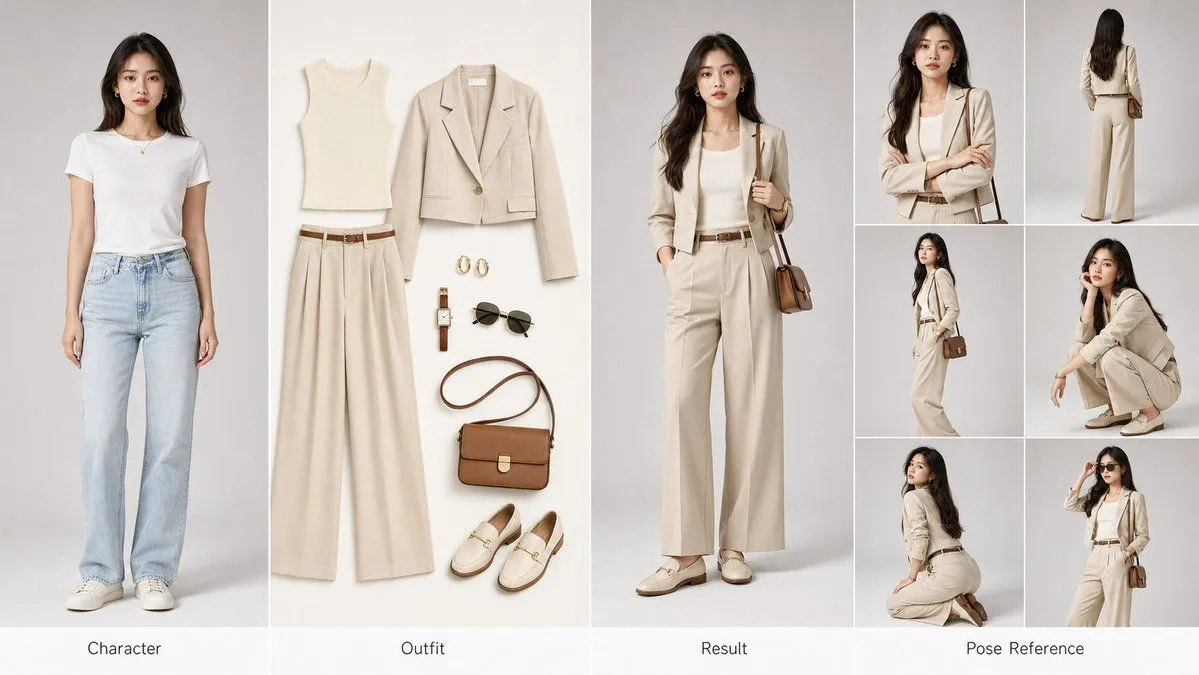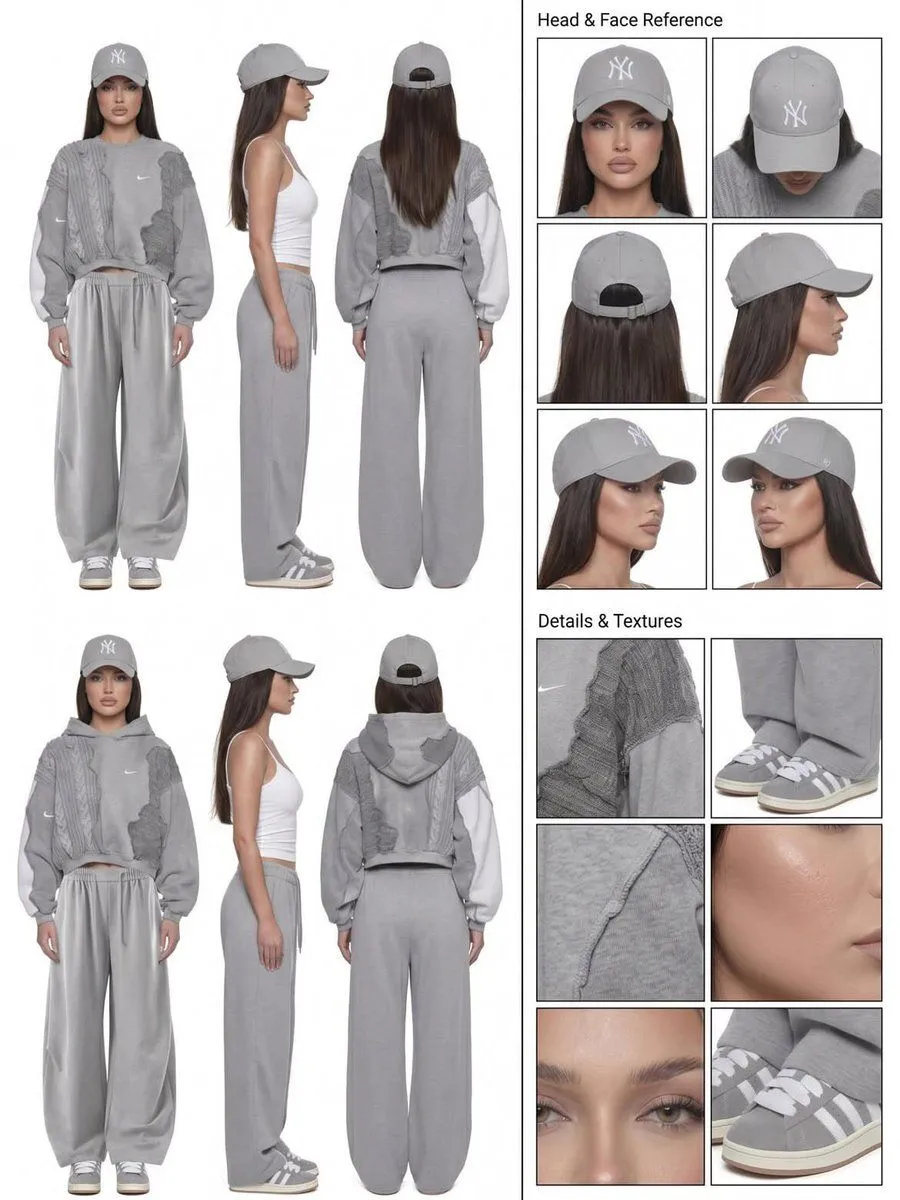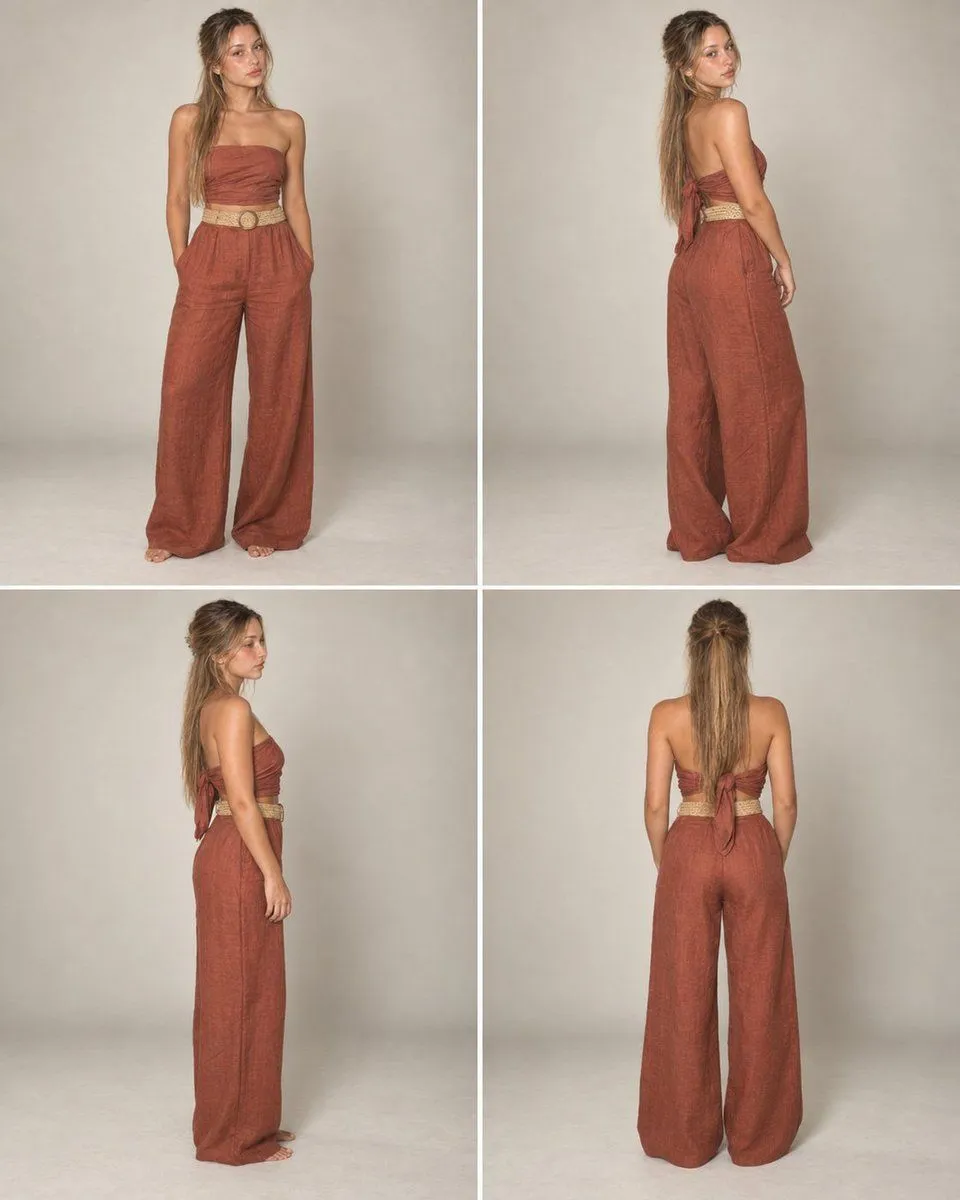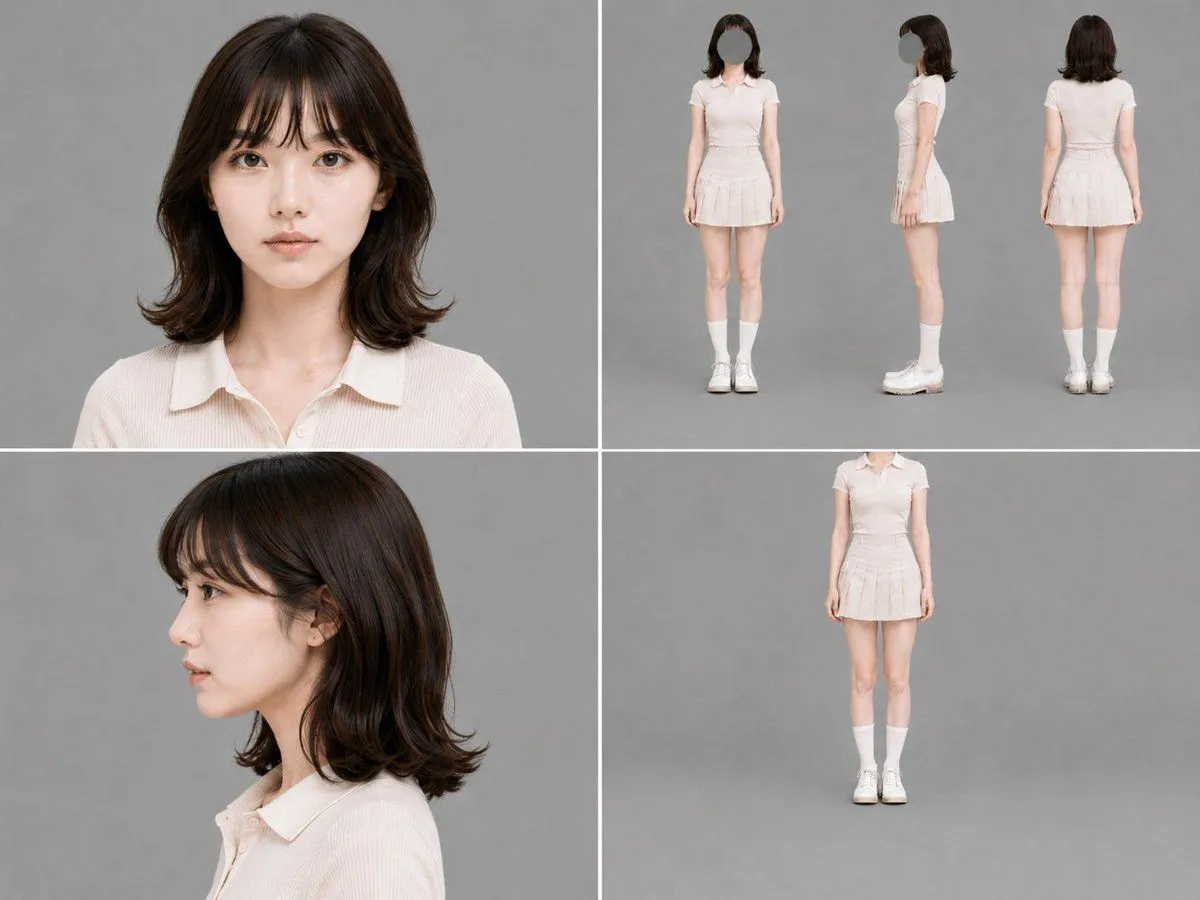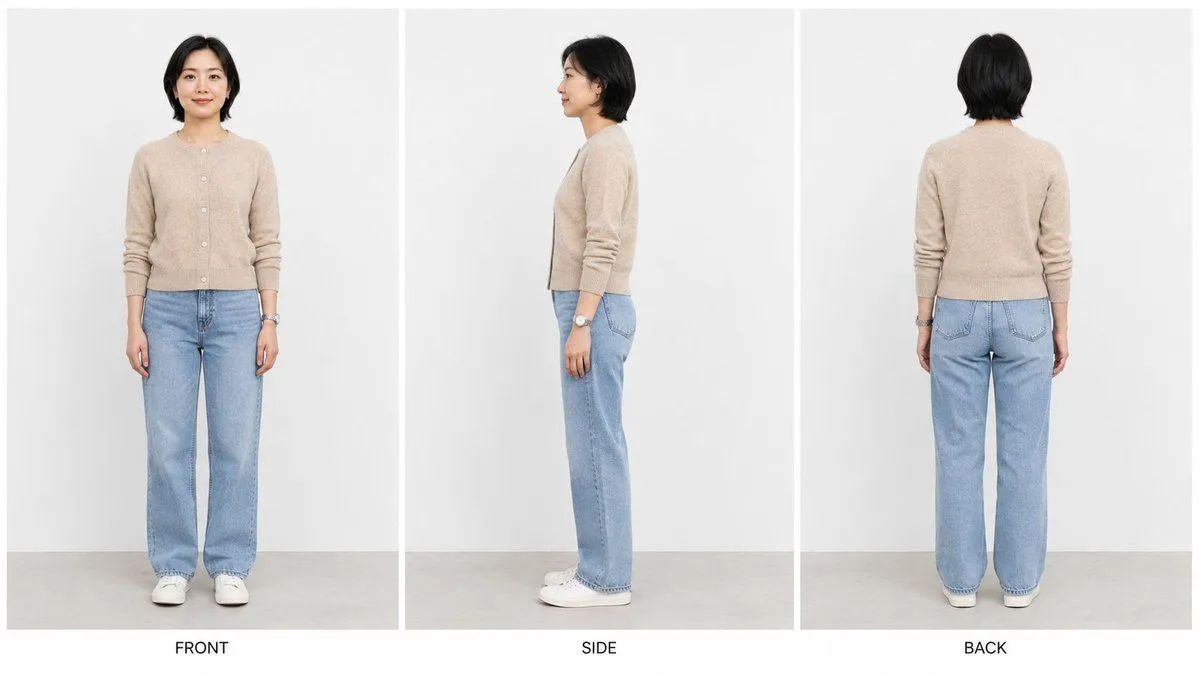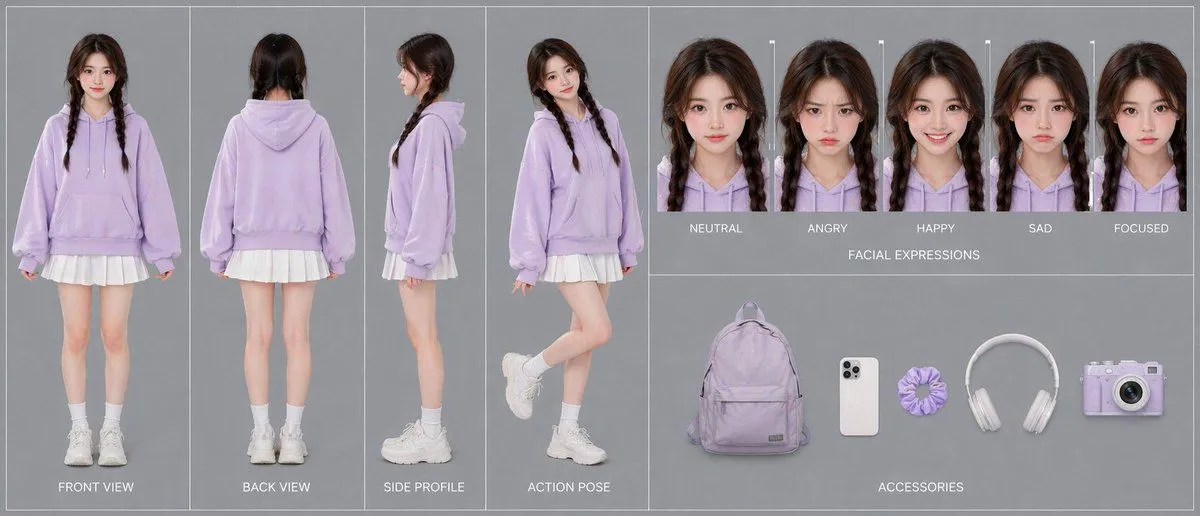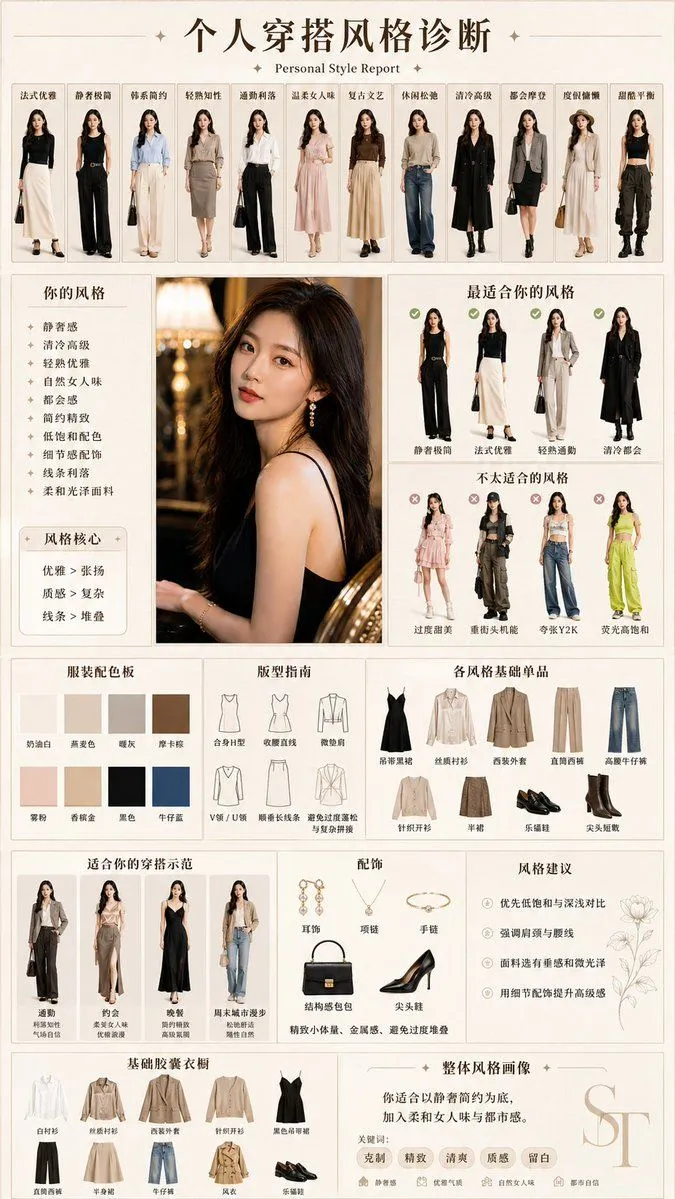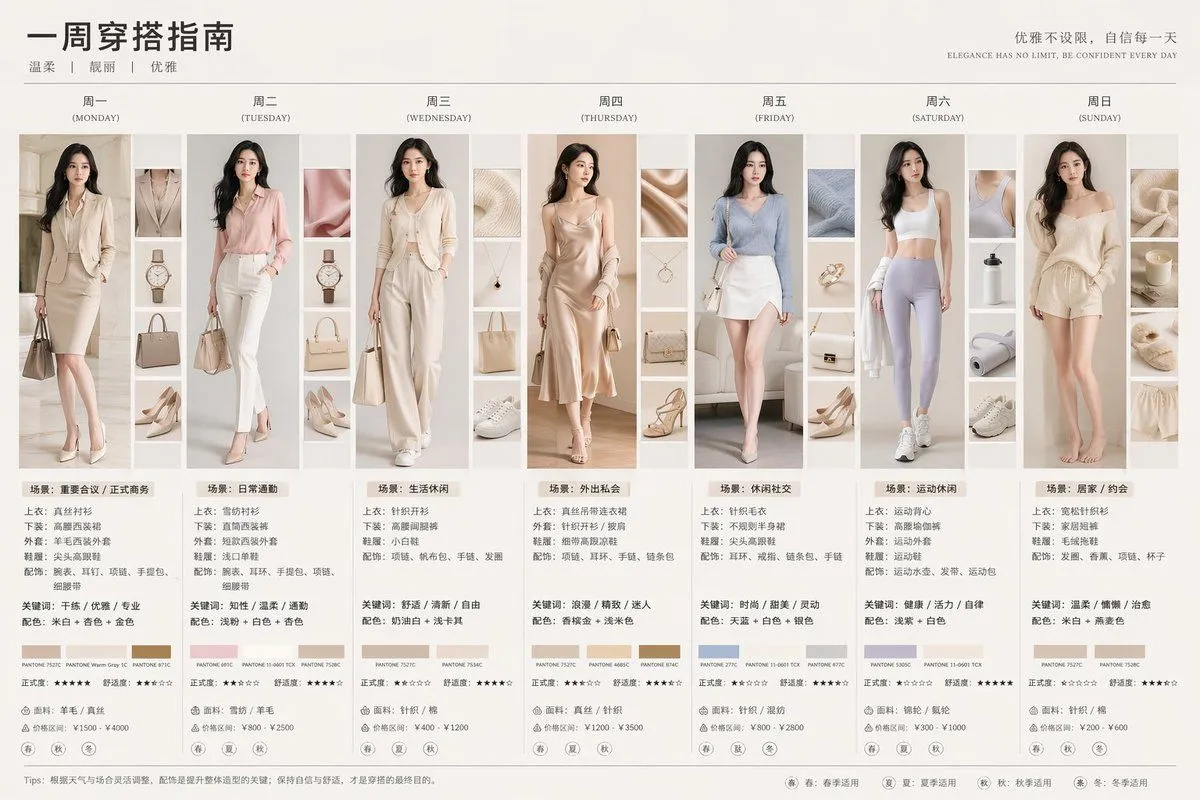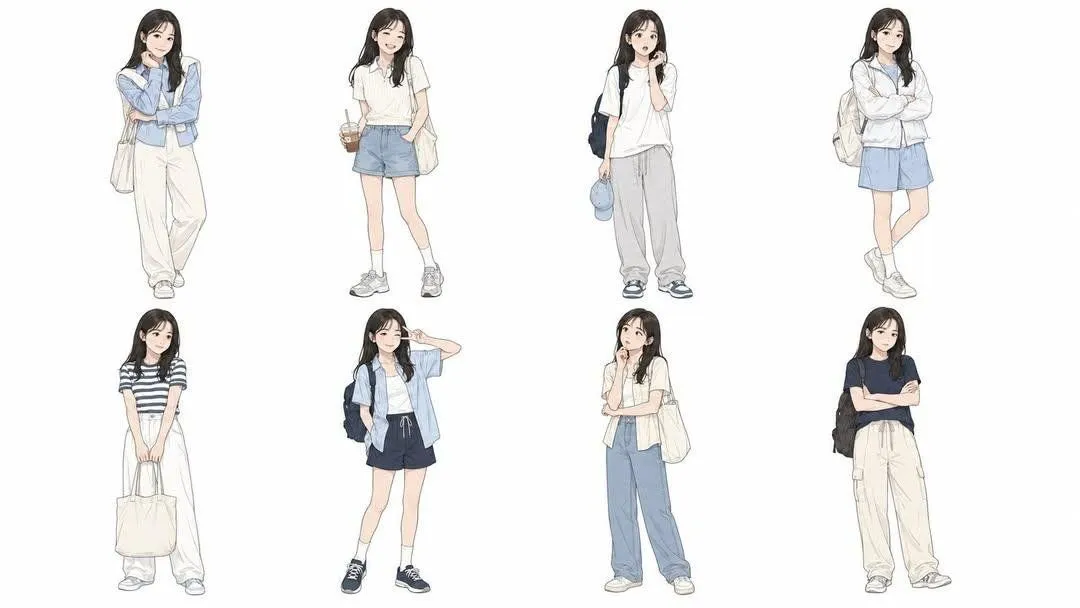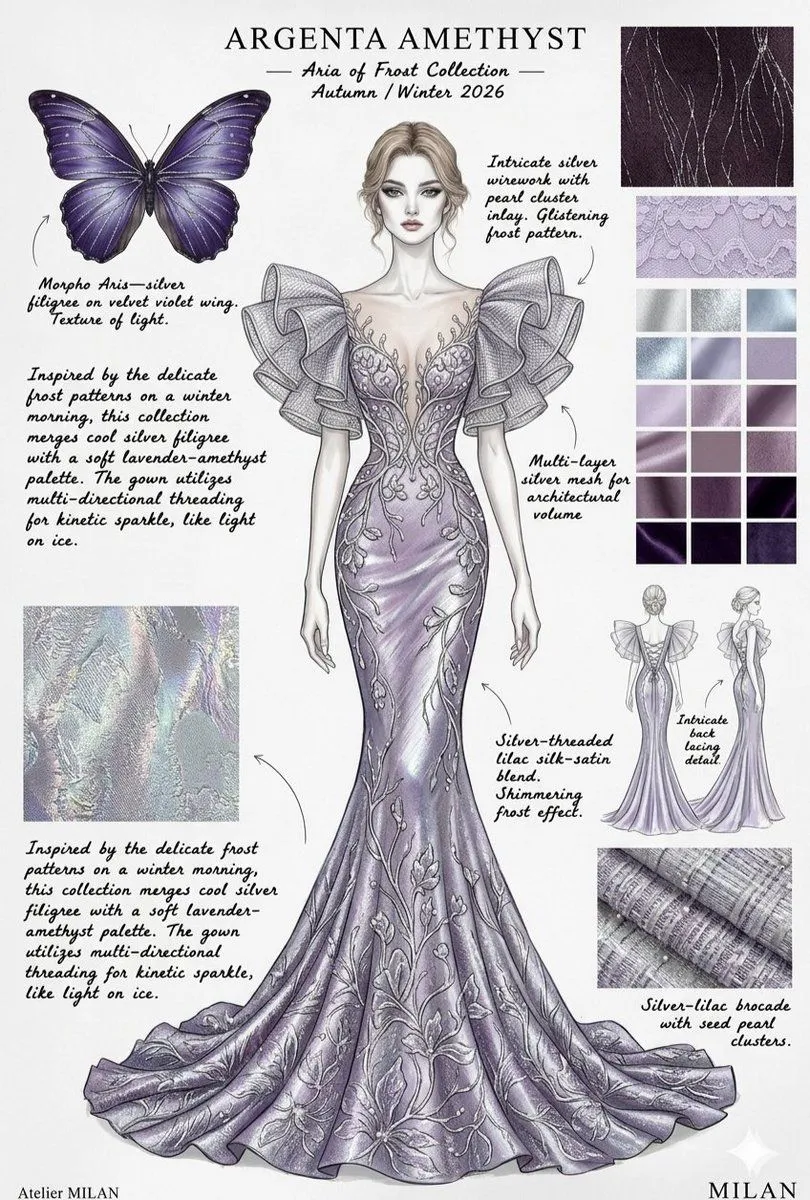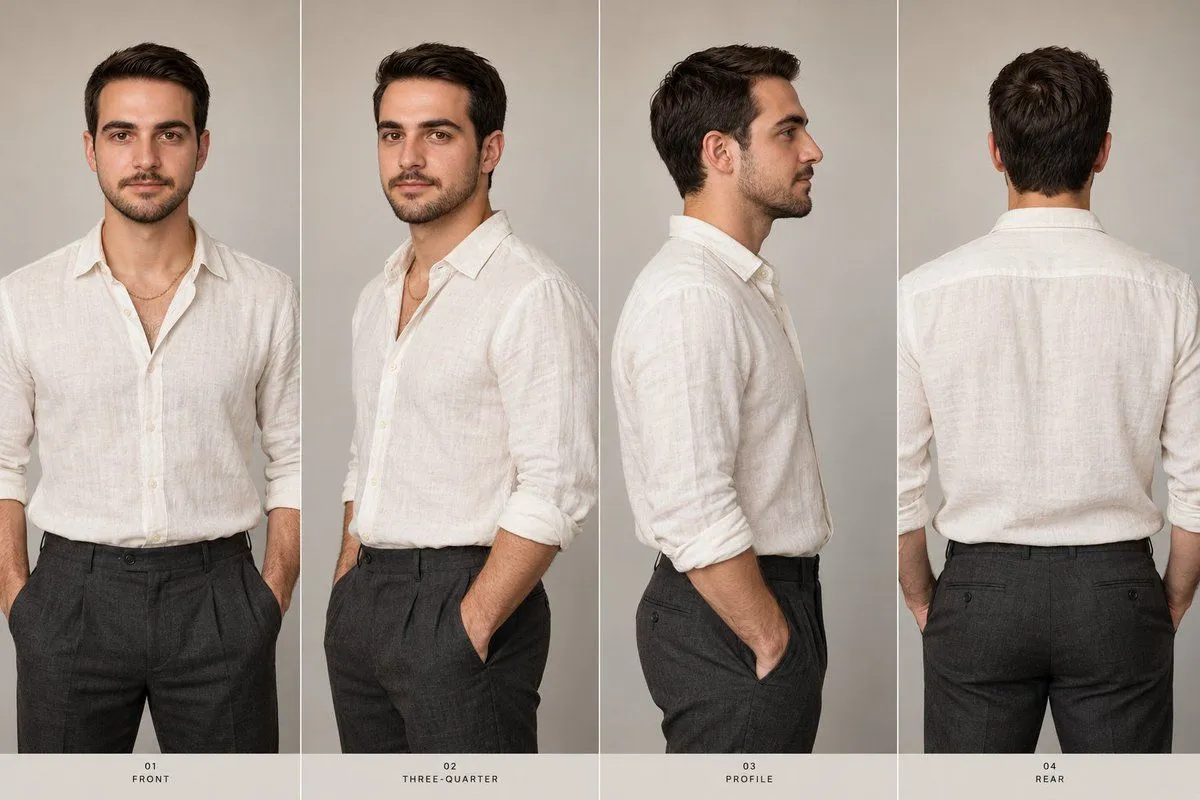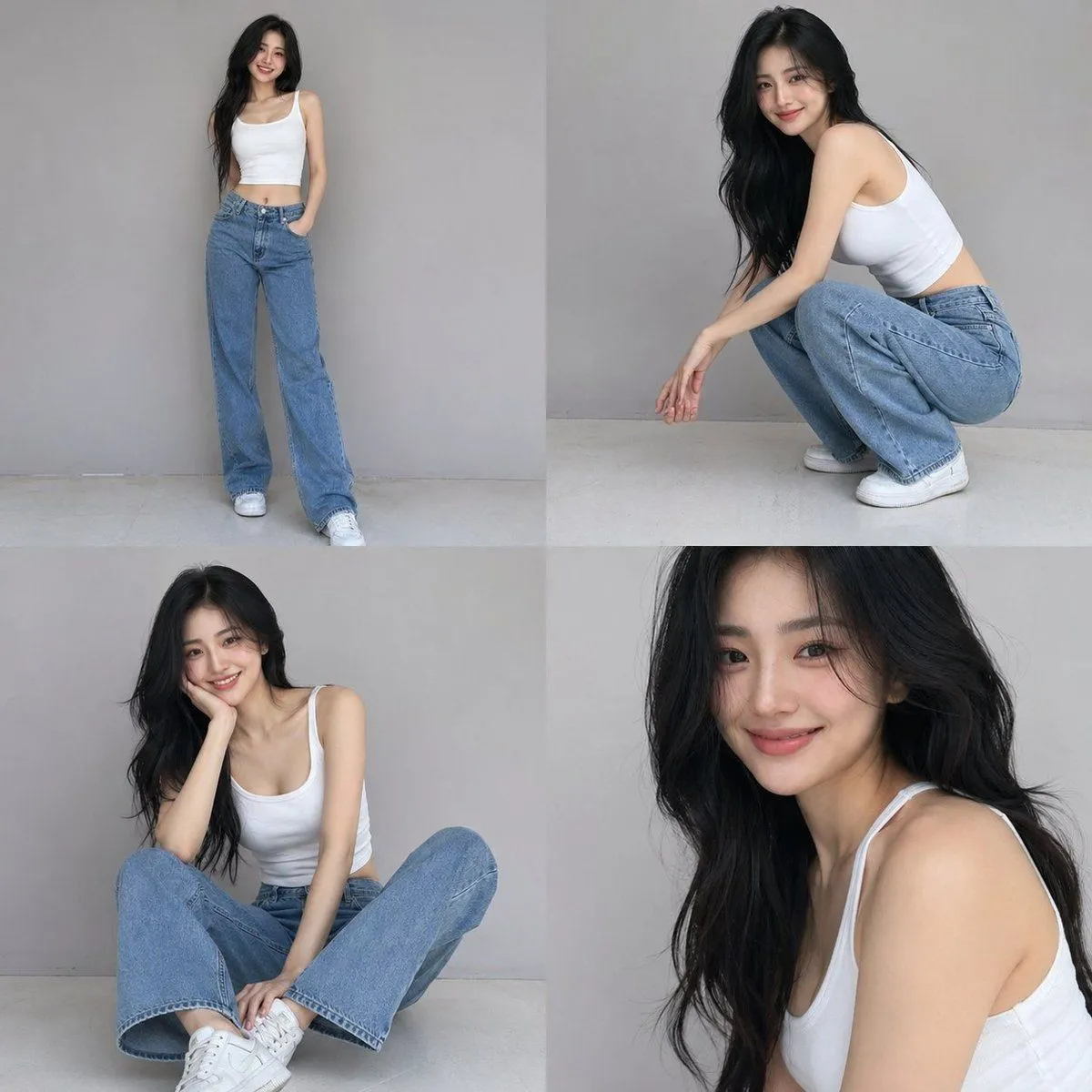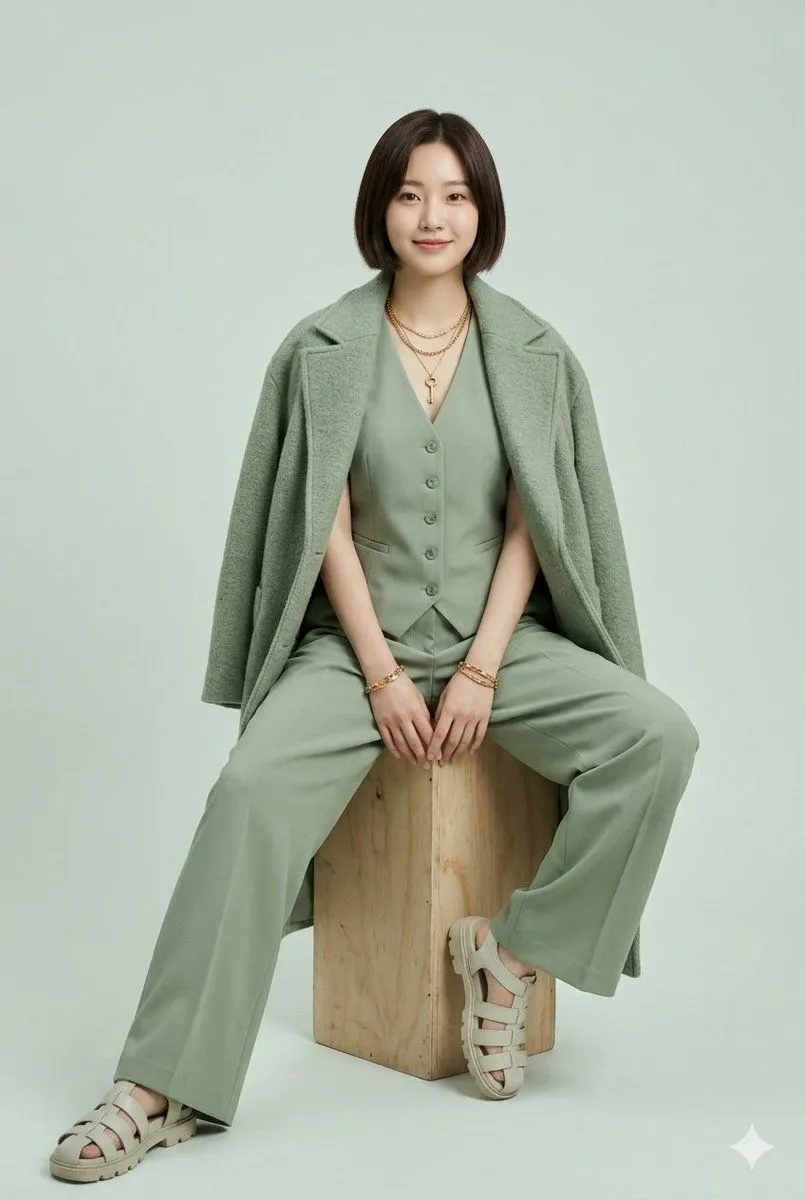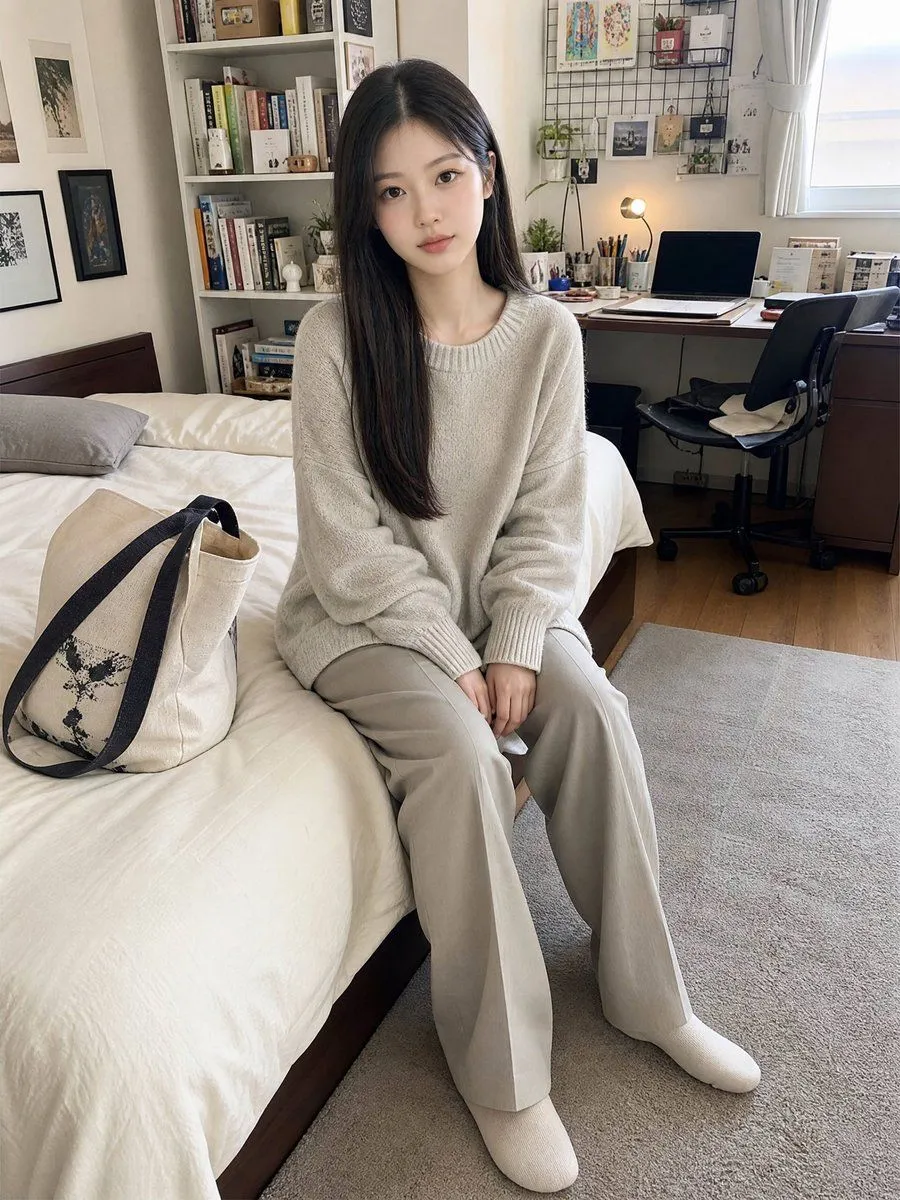
Made with GPT Image 2.5 in ChatGPT by Library Explainers. Promptclay never generates images.
Did it work?
No reports yet. Tell others if it worked for you.
Off-Shoulder Cardigan Outfit Reference Sheet
Prompt
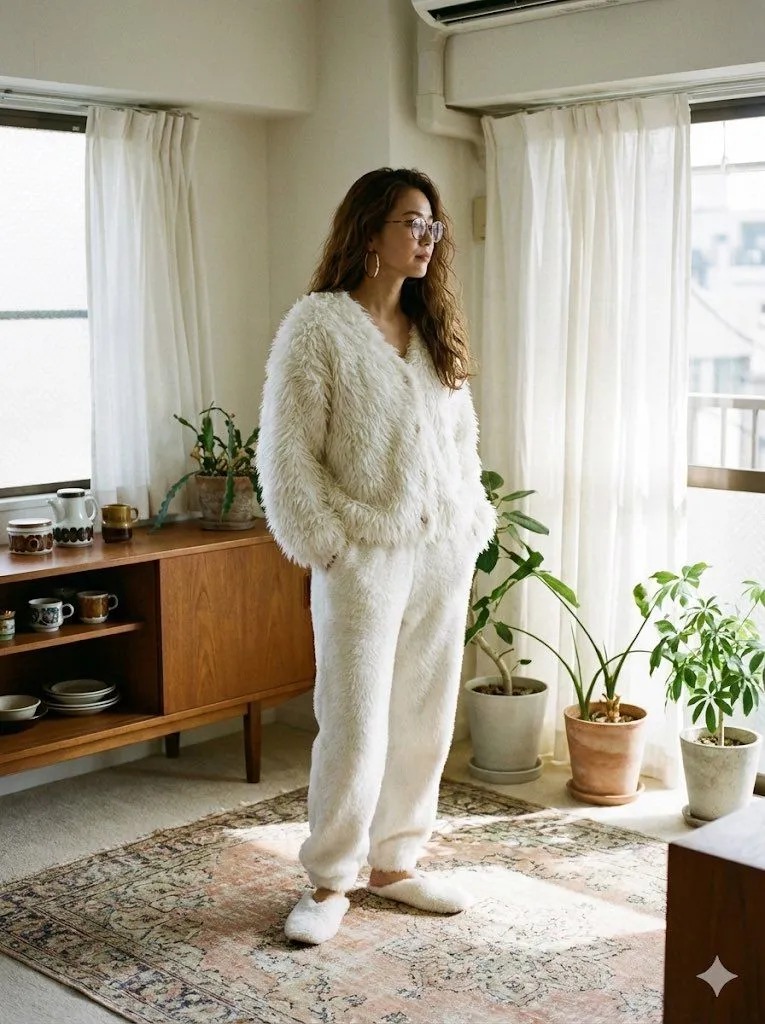
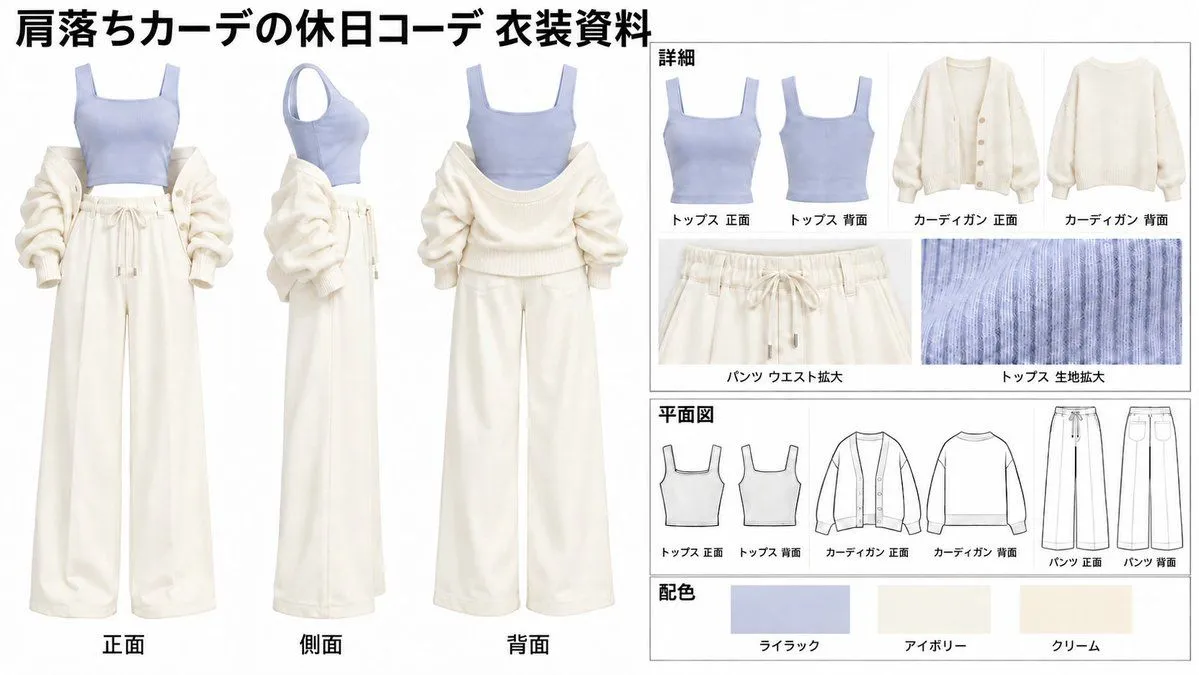
1 blank to fillGoal: Create a detailed fashion design reference sheet for an outfit featuring {cardigan_style}. Canvas: A landscape-oriented layout with a clean, white background and black text. The design is structured into distinct sections for visual clarity. Layout: The left half of the image displays three full-body views of the outfit on invisible mannequins: front (正面), side (側面), and back (背面). The right half is divided into four horizontal panels: 'Details' (詳細) showing close-ups of individual pieces, 'Flat Sketches' (平面図) with line drawings, and 'Color Palette' (配色) with swatches. Sections: 1. Main Outfit Views (Left): Show the complete look from three angles. The outfit consists of a light lilac ribbed tank top, wide-leg cream sweatpants with a drawstring waist, and a fluffy ivory off-the-shoulder cardigan with voluminous sleeves. 2. Details Panel (Top Right): Labeled '詳細'. Displays separate images of the tank top (front/back), the cardigan (front/back), a close-up of the pants waistband ('パンツ ウエスト拡大'), and a texture shot of the ribbed fabric ('トップス 生地拡大'). 3. Flat Sketches Panel (Middle Right): Labeled '平面図'. Contains simple black-and-white line drawings corresponding to the items above: Tank Top Front/Back, Cardigan Front/Back, Pants Front/Back. 4. Color Palette Panel (Bottom Right): Labeled '配色'. Shows three rectangular color swatches labeled in Japanese: Lilac (ライラック), Ivory (アイボリー), and Cream (クリーム). Visual Style: Professional fashion illustration, realistic fabric textures, clean typography, organized grid layout. Text Content: Use Japanese labels as seen in the reference: Title at top left reads '肩落ちカーデの休日コーデ 衣装資料'. Section headers are '詳細', '平面図', '配色'. Item labels include 'トップス 正面', 'トップス 背面', 'カーディガン 正面', 'カーディガン 背面', 'パンツ ウエスト拡大', 'トップス 生地拡大', 'パンツ 正面', 'パンツ 背面'. View labels under main figures: '正面', '側面', '背面'. Color names: 'ライラック', 'アイボリー', 'クリーム'.
Preview of your prompt
Goal: Create a detailed fashion design reference sheet for an outfit featuring off-shoulder cardigan. Canvas: A landscape-oriented layout with a clean, white background and black text. The design is structured into distinct sections for visual clarity. Layout: The left half of the image displays three full-body views of the outfit on invisible mannequins: front (正面), side (側面), and back (背面). The right half is divided into four horizontal panels: 'Details' (詳細) showing close-ups of individual pieces, 'Flat Sketches' (平面図) with line drawings, and 'Color Palette' (配色) with swatches. Sections: 1. Main Outfit Views (Left): Show the complete look from three angles. The outfit consists of a light lilac ribbed tank top, wide-leg cream sweatpants with a drawstring waist, and a fluffy ivory off-the-shoulder cardigan with voluminous sleeves. 2. Details Panel (Top Right): Labeled '詳細'. Displays separate images of the tank top (front/back), the cardigan (front/back), a close-up of the pants waistband ('パンツ ウエスト拡大'), and a texture shot of the ribbed fabric ('トップス 生地拡大'). 3. Flat Sketches Panel (Middle Right): Labeled '平面図'. Contains simple black-and-white line drawings corresponding to the items above: Tank Top Front/Back, Cardigan Front/Back, Pants Front/Back. 4. Color Palette Panel (Bottom Right): Labeled '配色'. Shows three rectangular color swatches labeled in Japanese: Lilac (ライラック), Ivory (アイボリー), and Cream (クリーム). Visual Style: Professional fashion illustration, realistic fabric textures, clean typography, organized grid layout. Text Content: Use Japanese labels as seen in the reference: Title at top left reads '肩落ちカーデの休日コーデ 衣装資料'. Section headers are '詳細', '平面図', '配色'. Item labels include 'トップス 正面', 'トップス 背面', 'カーディガン 正面', 'カーディガン 背面', 'パンツ ウエスト拡大', 'トップス 生地拡大', 'パンツ 正面', 'パンツ 背面'. View labels under main figures: '正面', '側面', '背面'. Color names: 'ライラック', 'アイボリー', 'クリーム'.
DetailsVersions, settings and questions
Written for
What's in the prompt
- Subject
- Model
- GPT Image 2.5
If your face changes
keep my face exactly the sameQuestions
- Does this work in the ChatGPT app?
- Yes. Paste the prompt and attach your photo if it uses one.
- It changed my face. What do I do?
- Add "keep my face exactly the same" to the end and run it again.
- Can I use the images I make?
- Check the terms of the app you use. Promptclay never generates images and claims nothing you make.