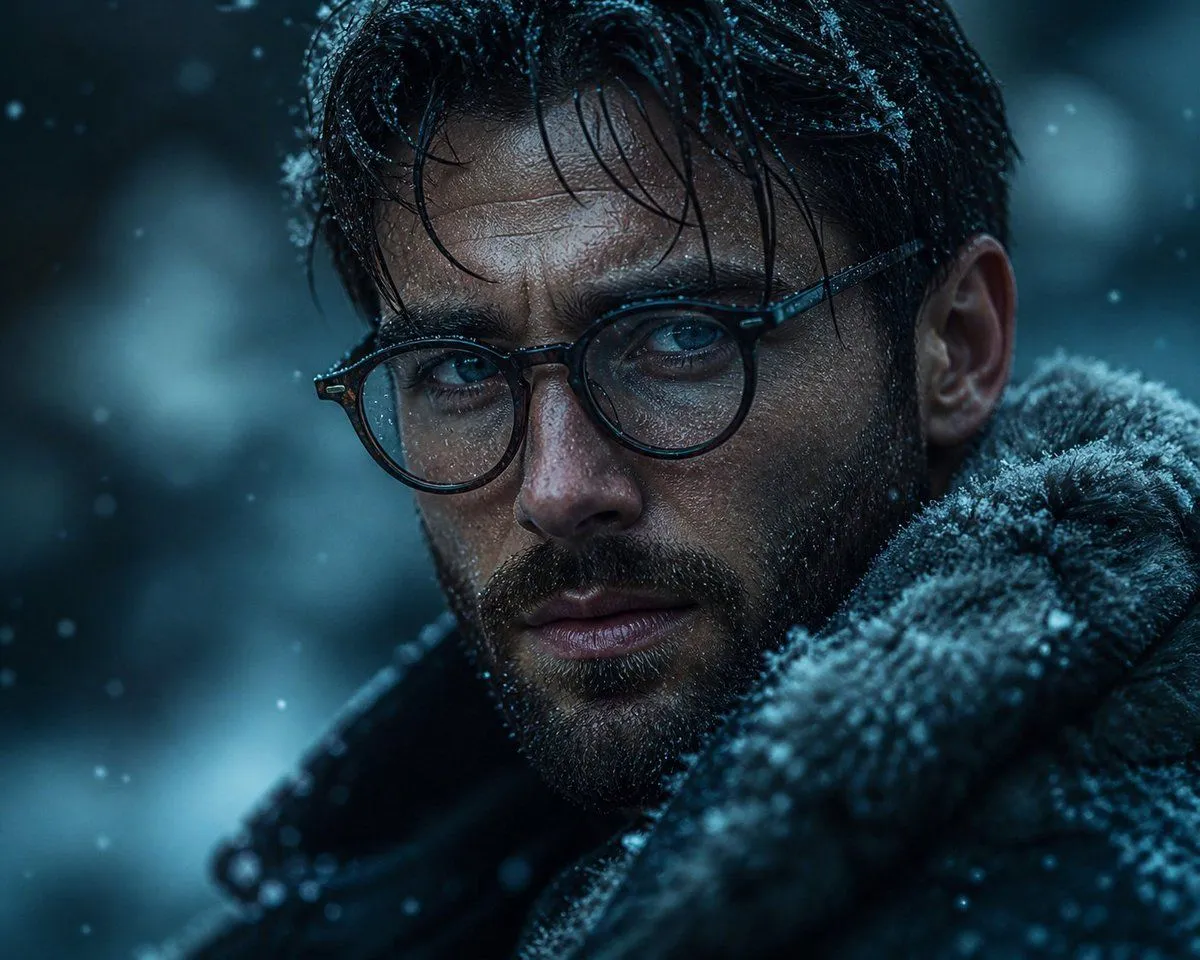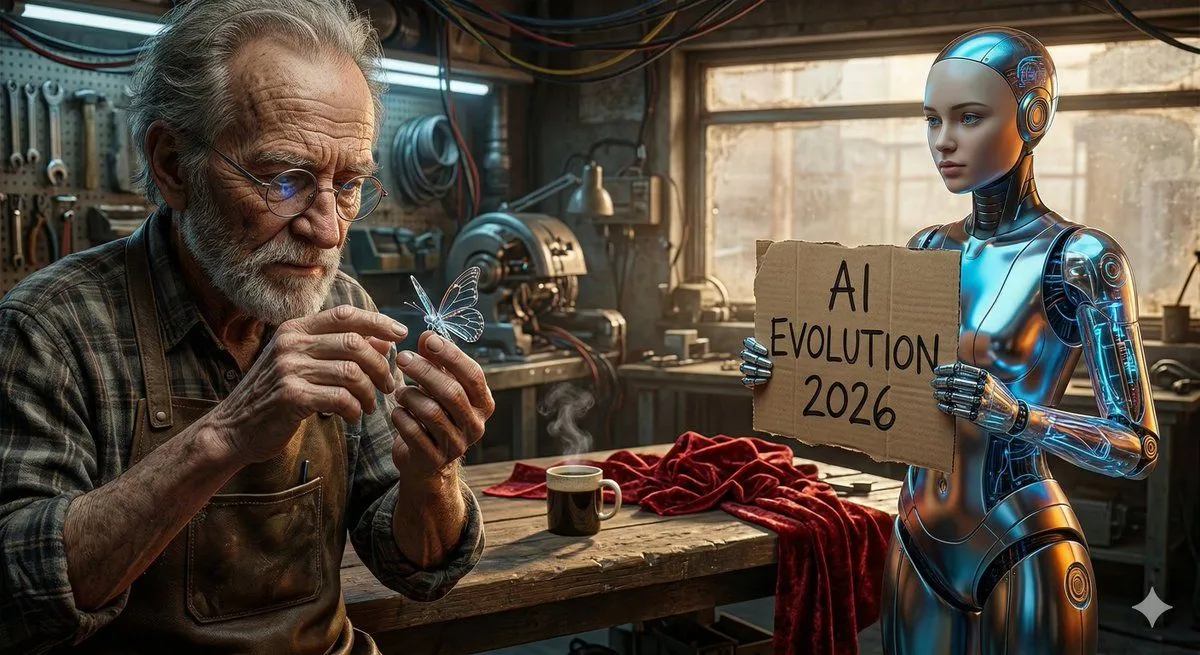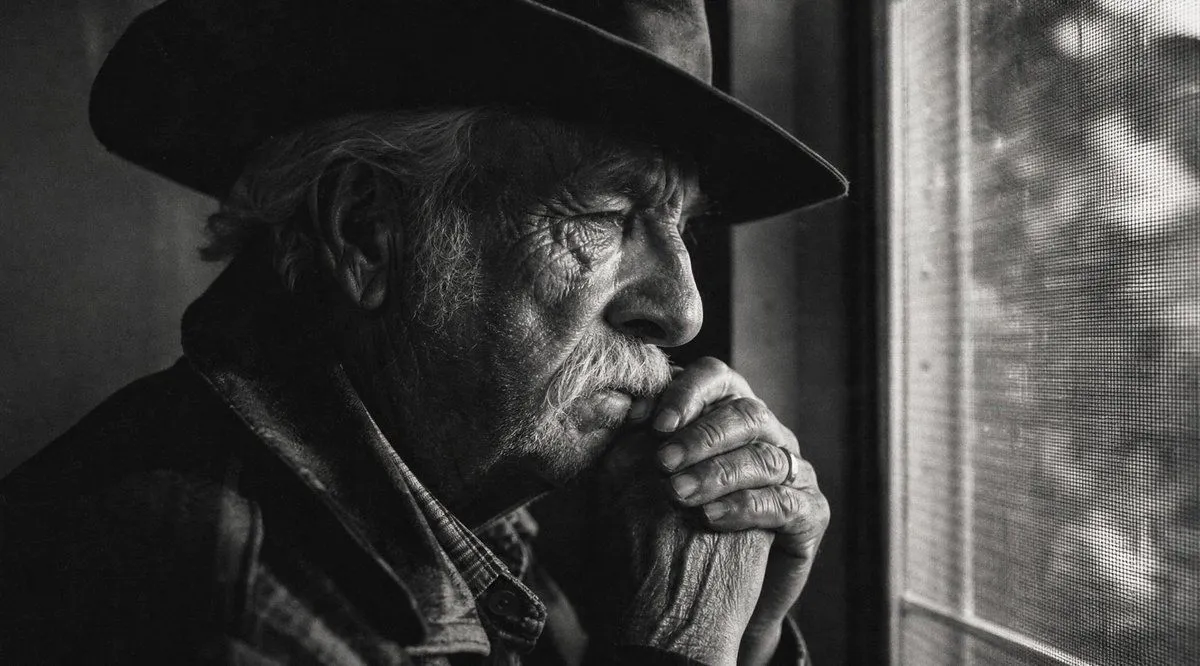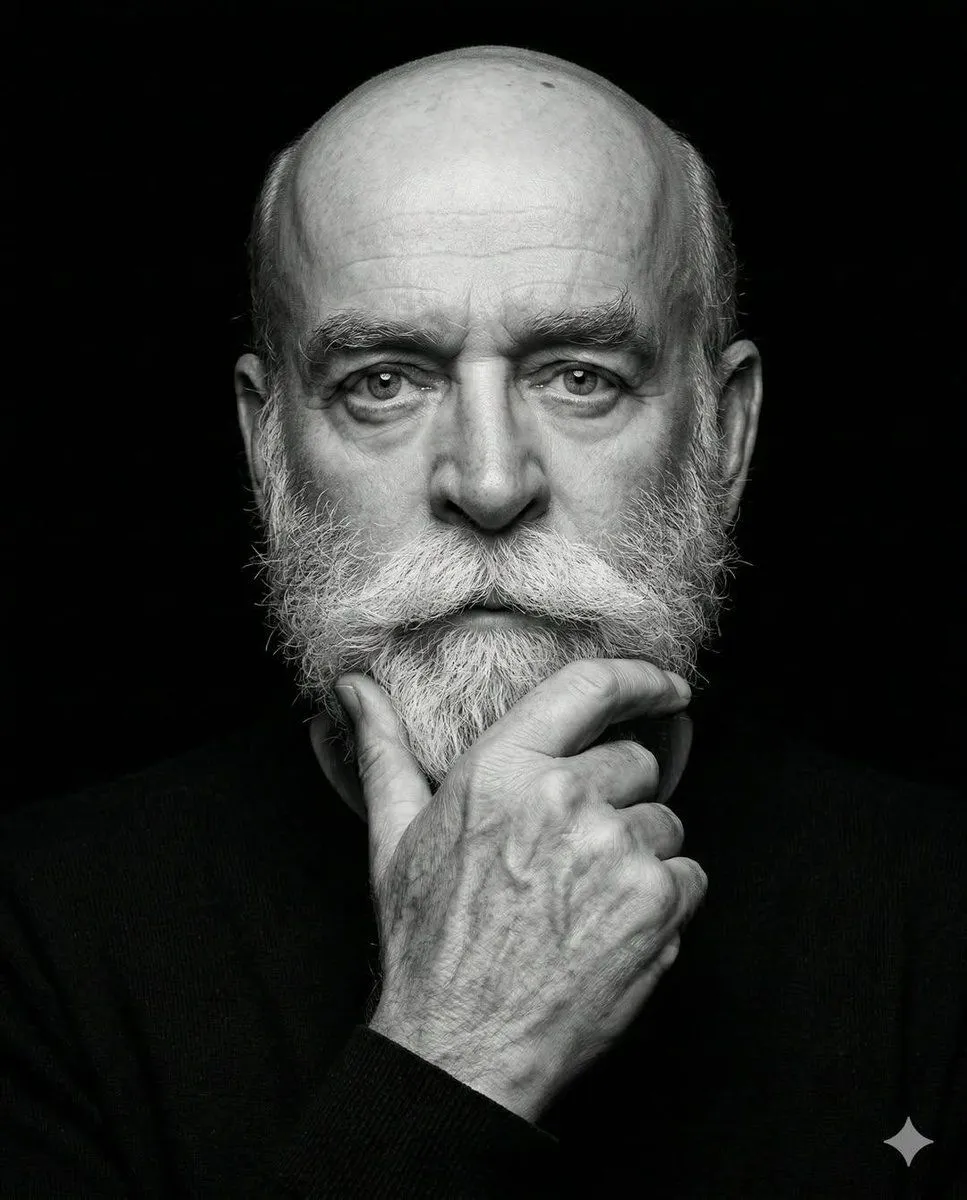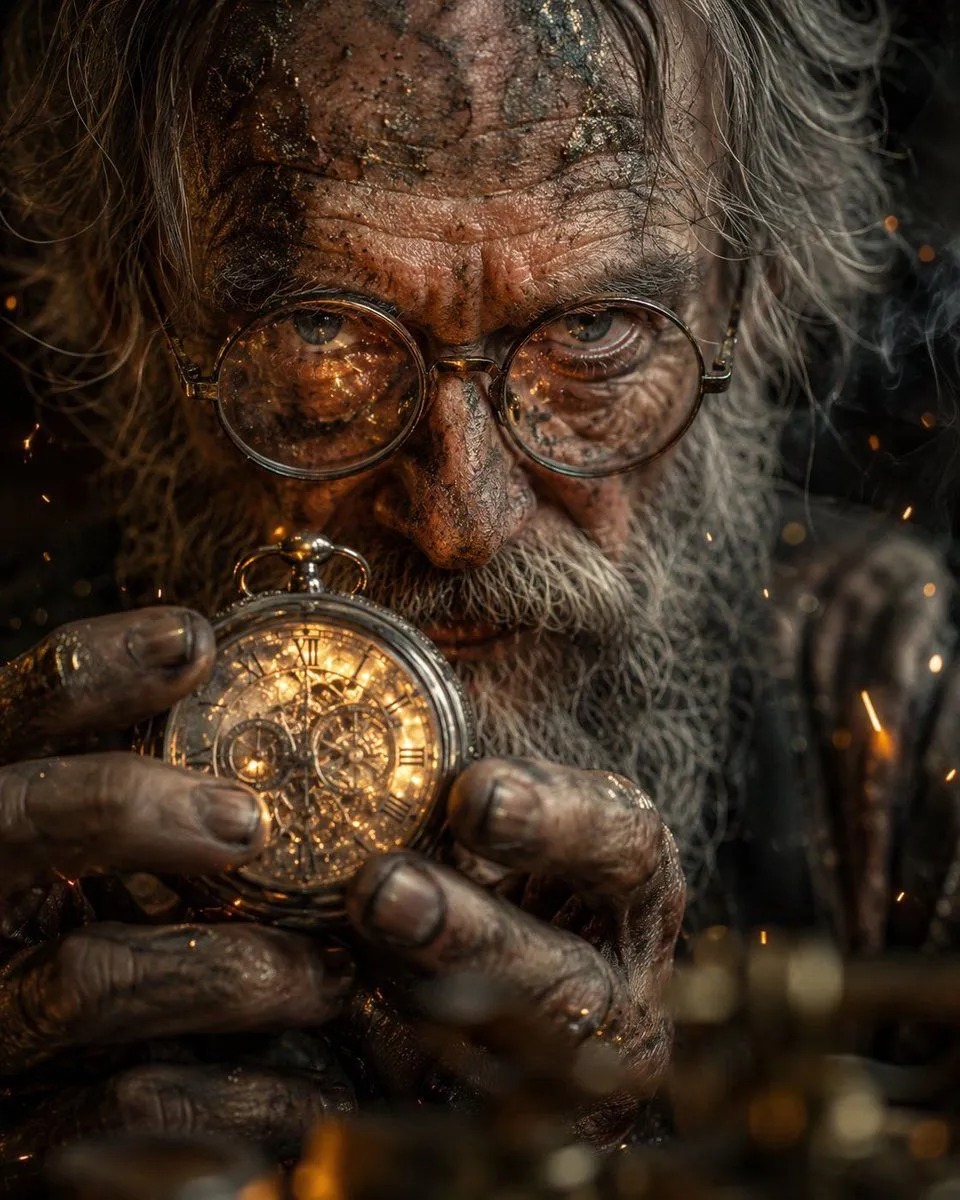
Made with GPT Image 2 in ChatGPT by Library Avatars. Promptclay never generates images.
Did it work?
No reports yet. Tell others if it worked for you.
Obscured Mystic Holding Artifact
Prompt
4 blanks to fillCreate a hyperreal cinematic close-up portrait of an elderly mystical figure, mostly obscured by a large solid matte brown square censor block centered over the face and upper torso. The visible parts show long wild gray-white hair framing both sides, a dirt- and ash-smeared forehead at the top edge, and weathered grimy hands at the bottom holding an ornate engraved brass or gold spherical artifact with intent. Use {character}, {object}, and {lighting}. Subtle metallic reflections catch on the artifact, dirty fingernails, skin texture, and stray hair. Orange sparks and faint smoke drift through a dark background, with shallow depth of field and blurred golden foreground bokeh. The mood is tense, ancient, ritualistic, and mysterious; the hidden eyes should be implied to convey {emotion}. Vertical 3:4 composition, macro lens realism, gritty skin detail, high contrast, cinematic color grading, no text, no watermark.
Preview of your prompt
Create a hyperreal cinematic close-up portrait of an elderly mystical figure, mostly obscured by a large solid matte brown square censor block centered over the face and upper torso. The visible parts show long wild gray-white hair framing both sides, a dirt- and ash-smeared forehead at the top edge, and weathered grimy hands at the bottom holding an ornate engraved brass or gold spherical artifact with intent. Use an elderly mystical figure, an ornate engraved brass sphere, and warm firelight mixed with dim smoky shadows. Subtle metallic reflections catch on the artifact, dirty fingernails, skin texture, and stray hair. Orange sparks and faint smoke drift through a dark background, with shallow depth of field and blurred golden foreground bokeh. The mood is tense, ancient, ritualistic, and mysterious; the hidden eyes should be implied to convey intense determination. Vertical 3:4 composition, macro lens realism, gritty skin detail, high contrast, cinematic color grading, no text, no watermark.
DetailsVersions, settings and questions
Written for
What's in the prompt
- Subject
- Model
- GPT Image 2
If your face changes
keep my face exactly the sameQuestions
- Does this work in the ChatGPT app?
- Yes. Paste the prompt and attach your photo if it uses one.
- It changed my face. What do I do?
- Add "keep my face exactly the same" to the end and run it again.
- Can I use the images I make?
- Check the terms of the app you use. Promptclay never generates images and claims nothing you make.