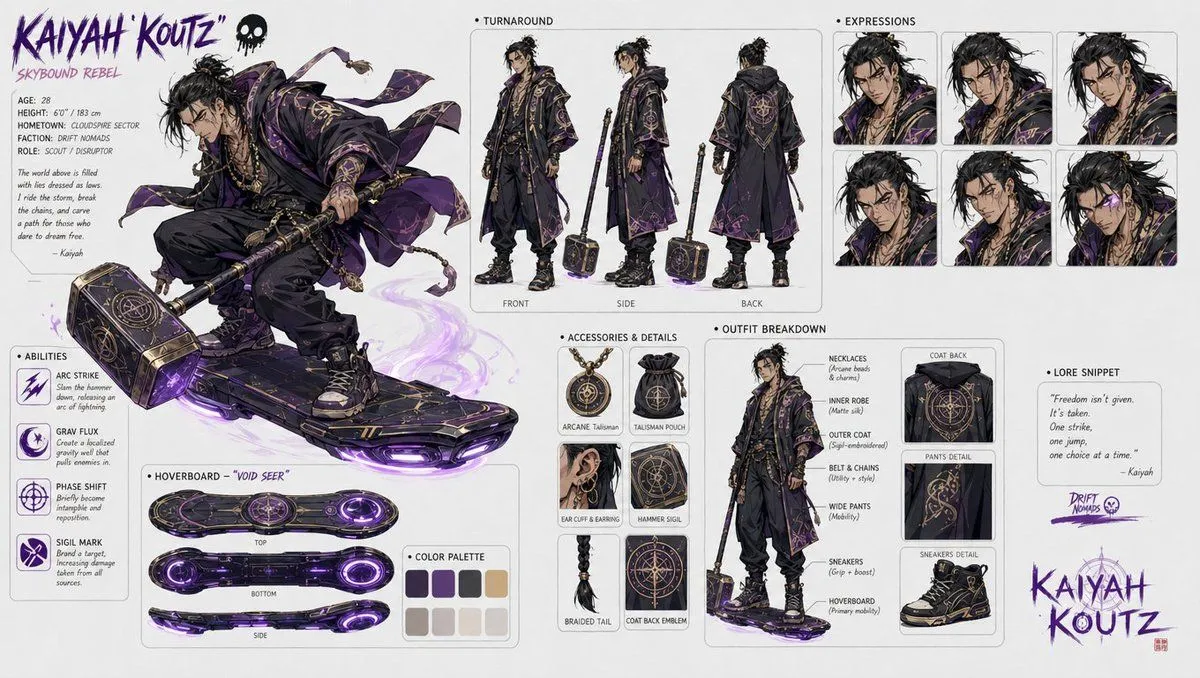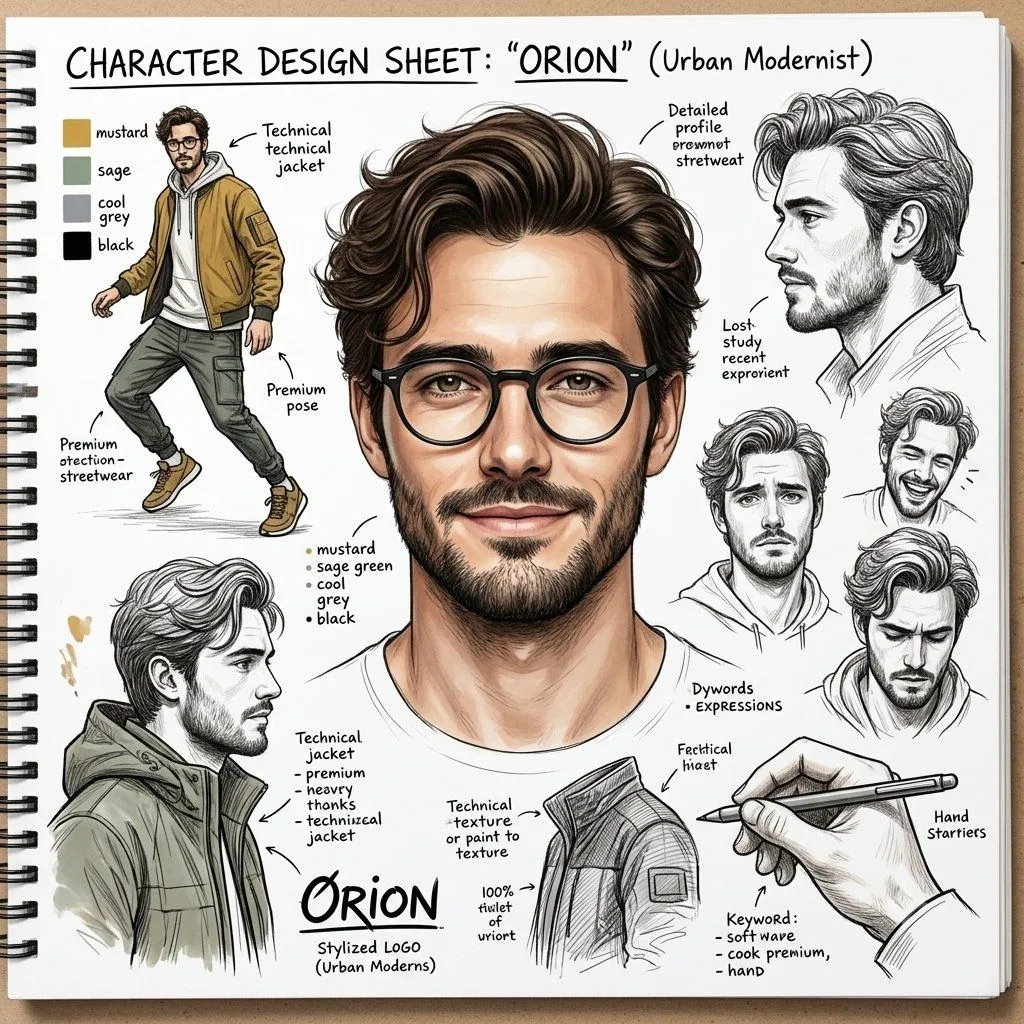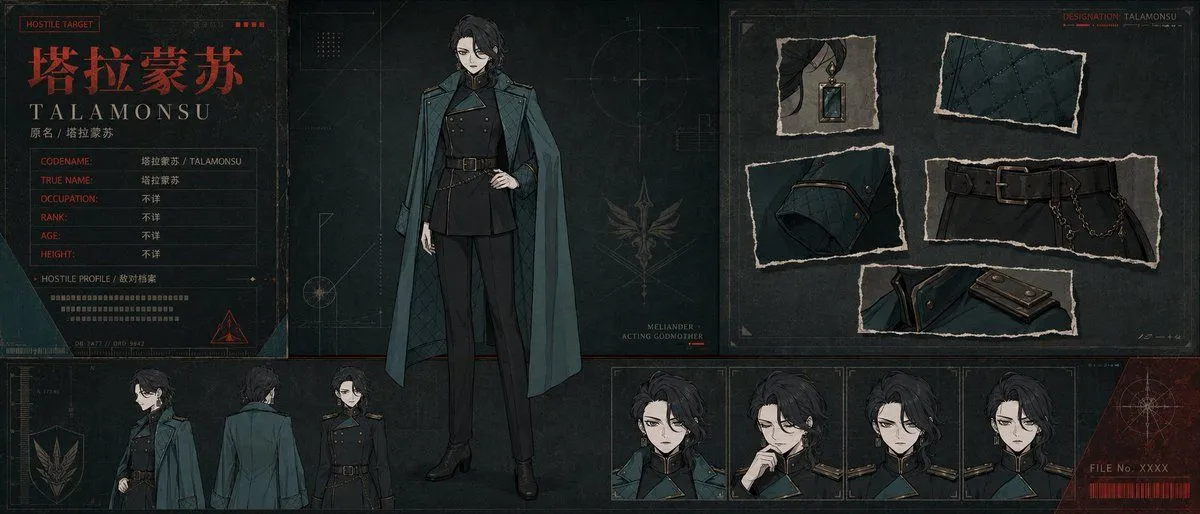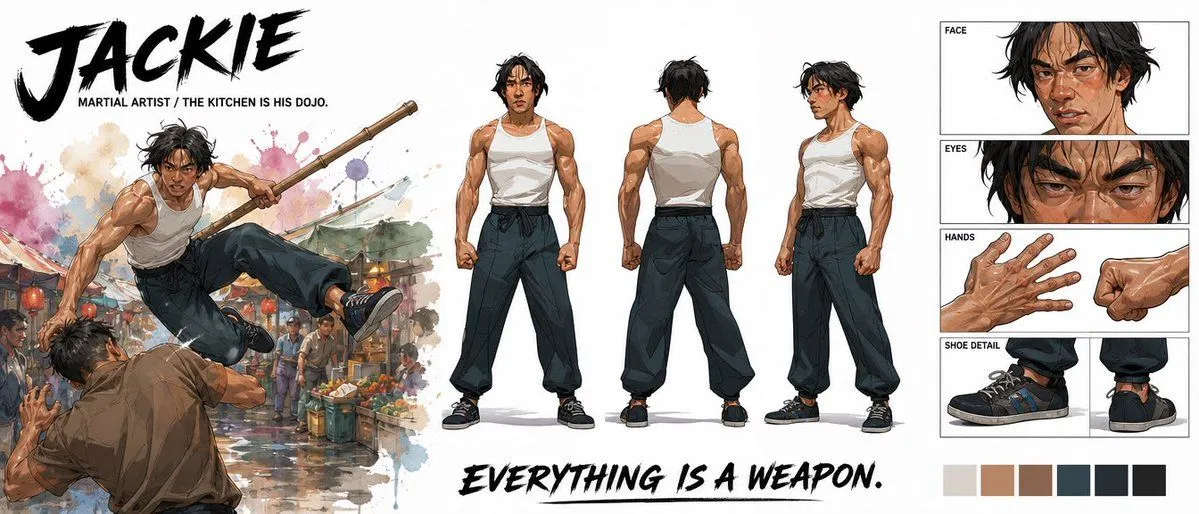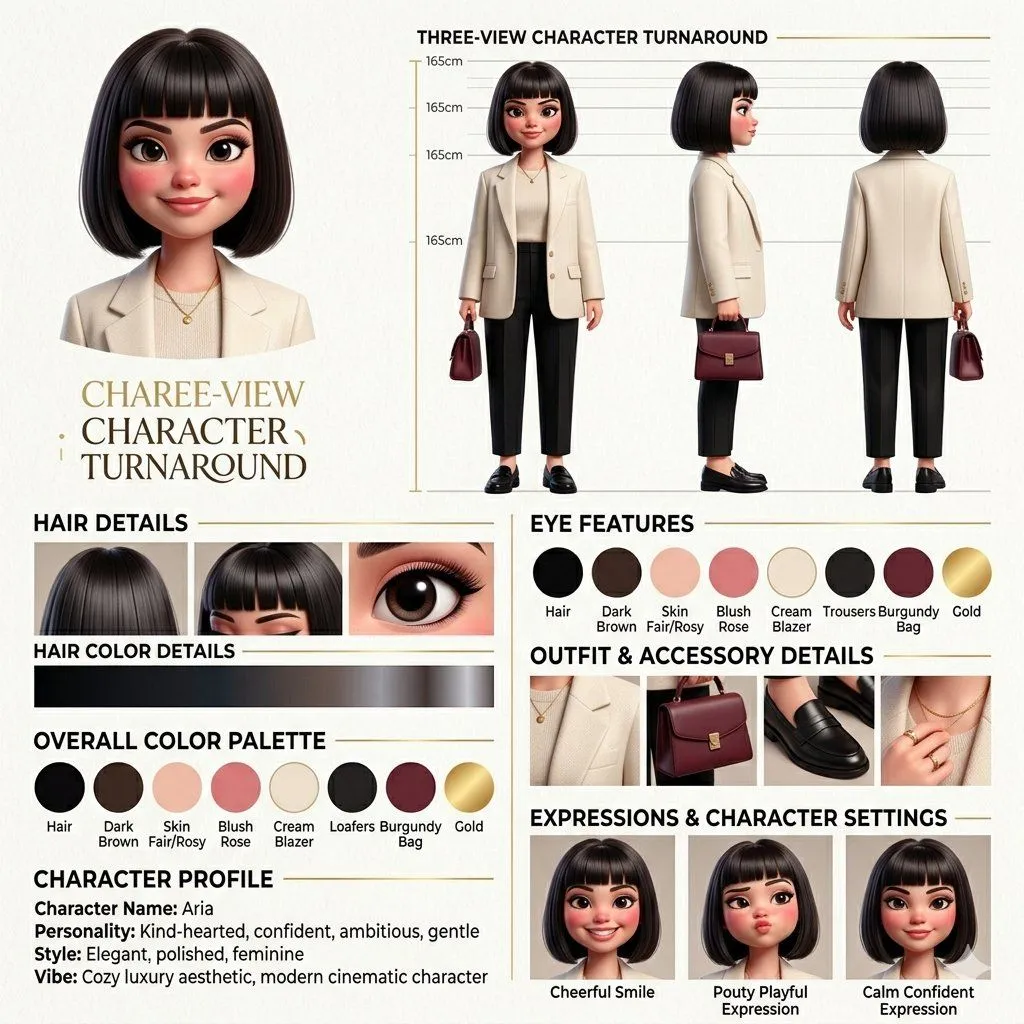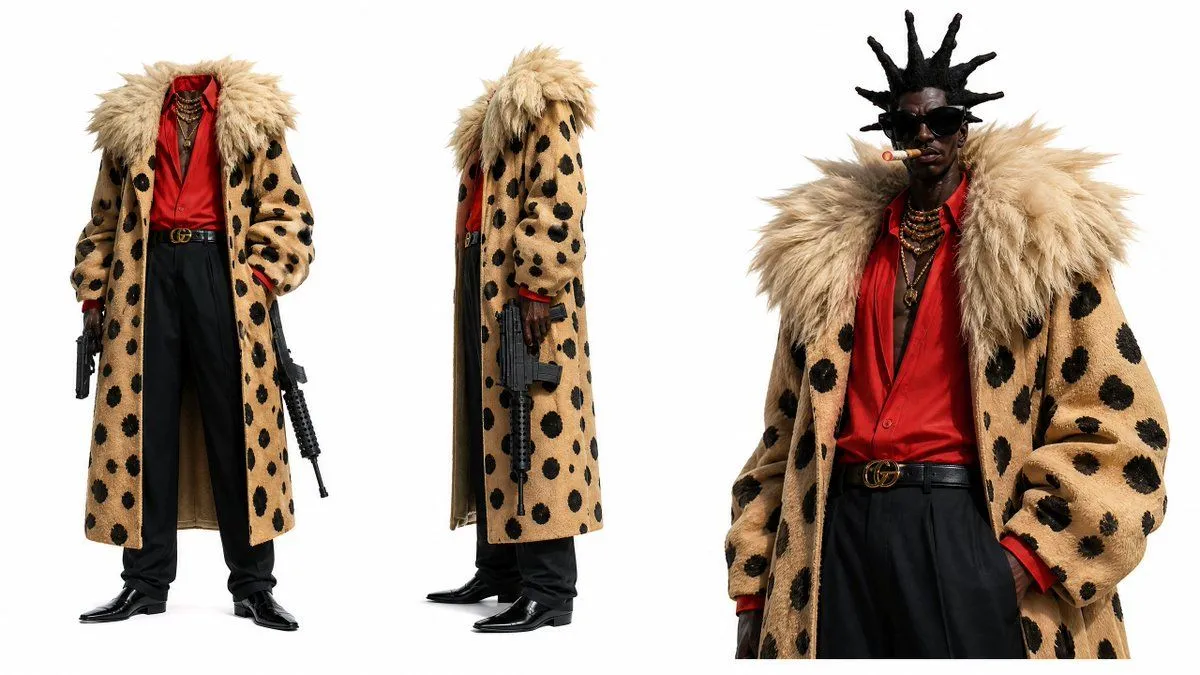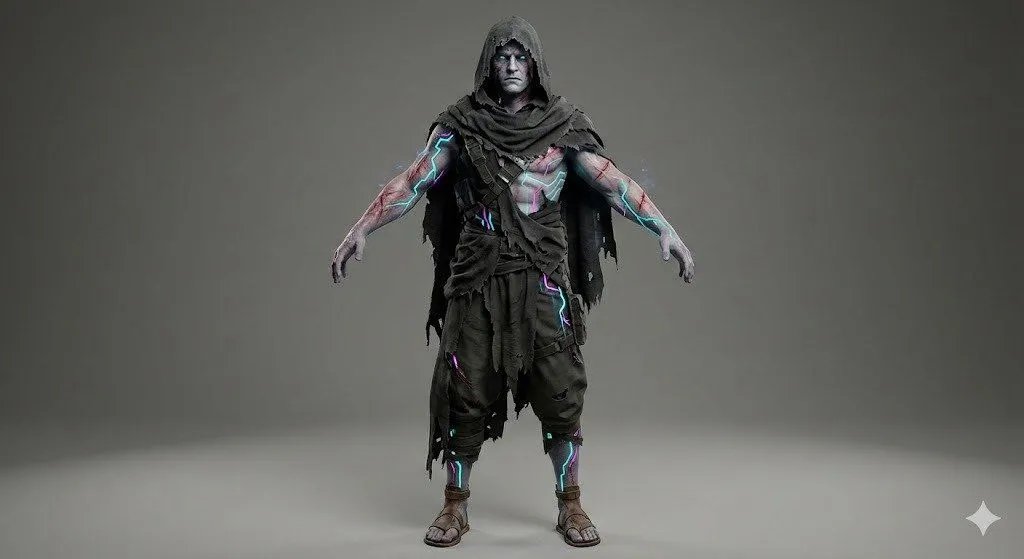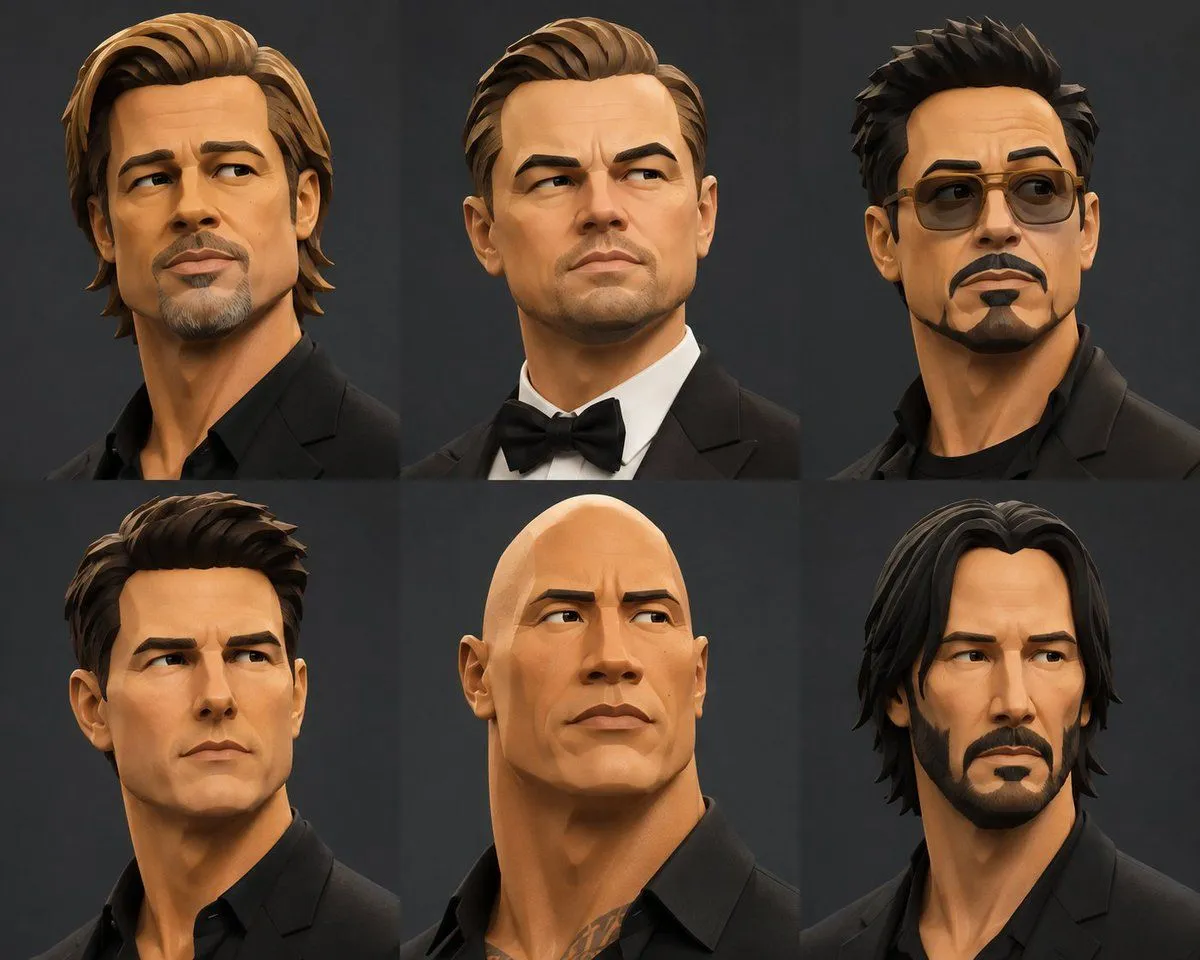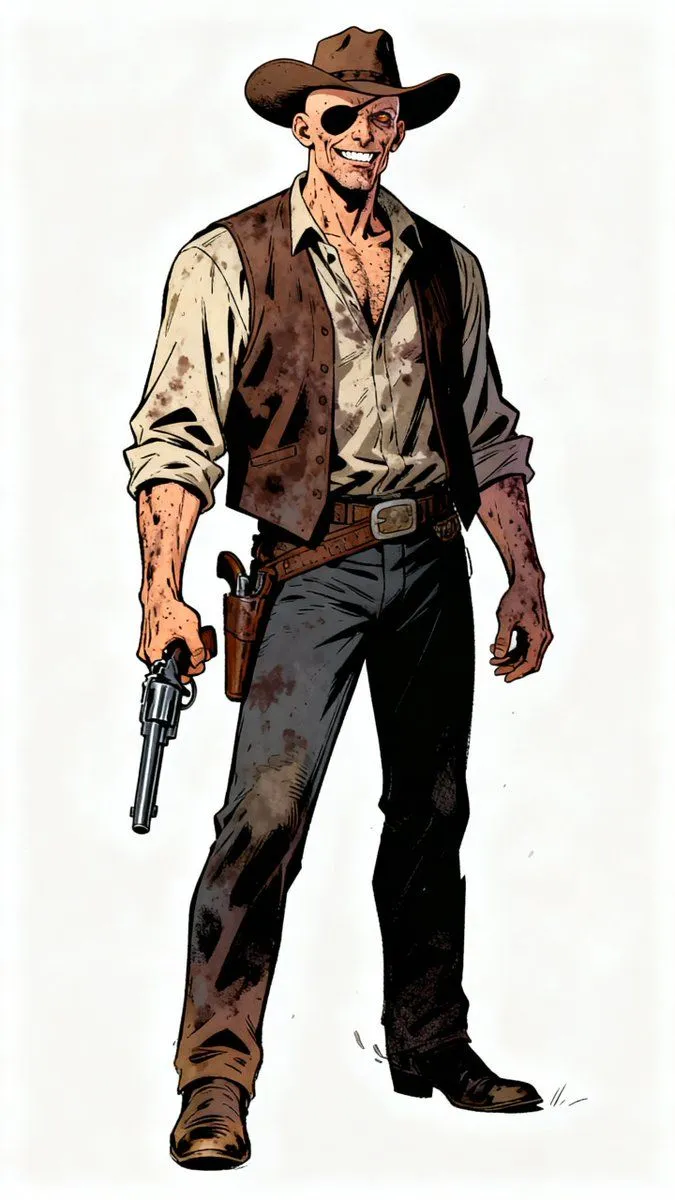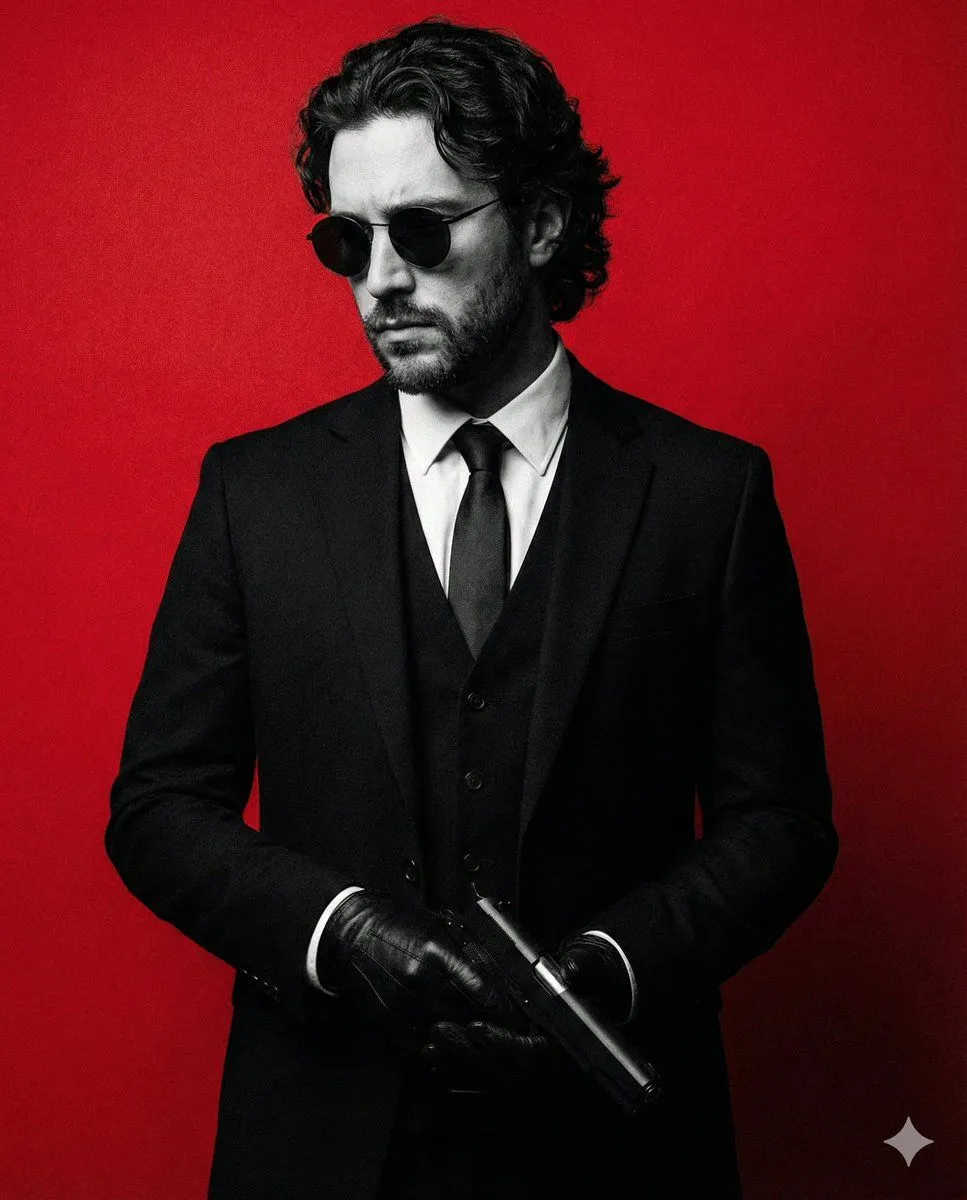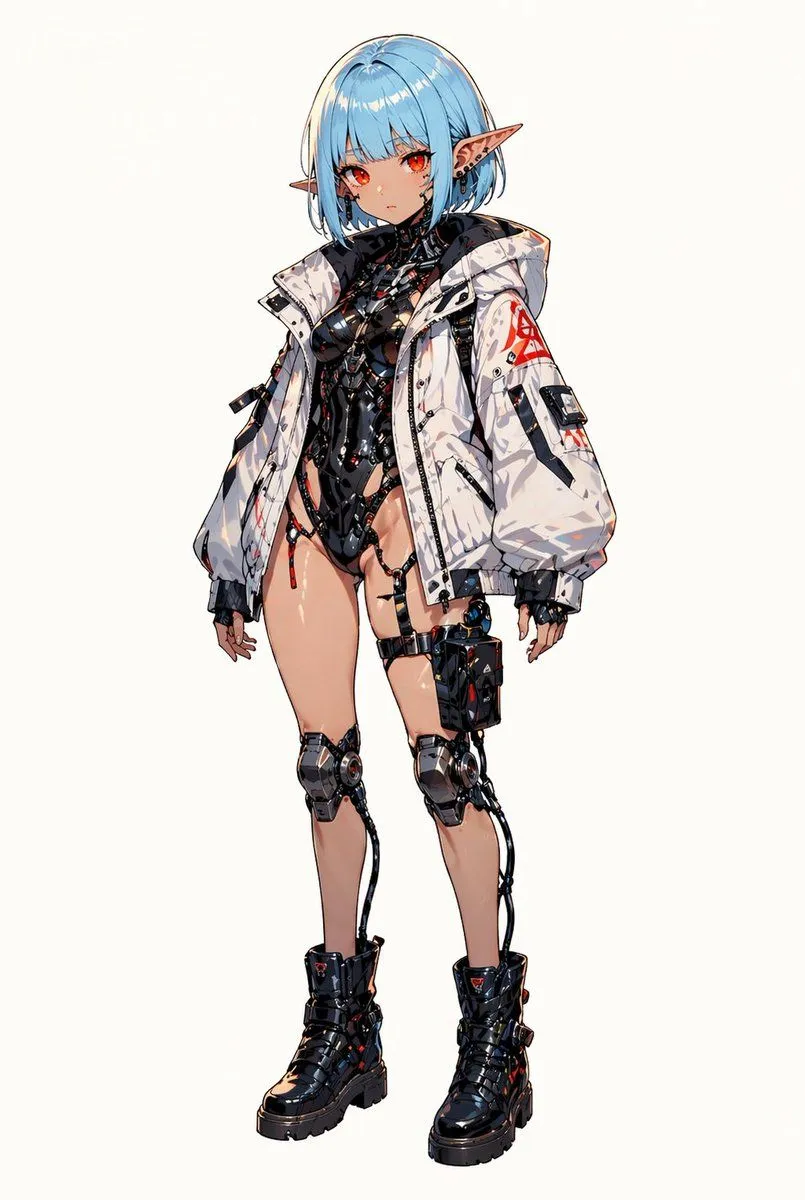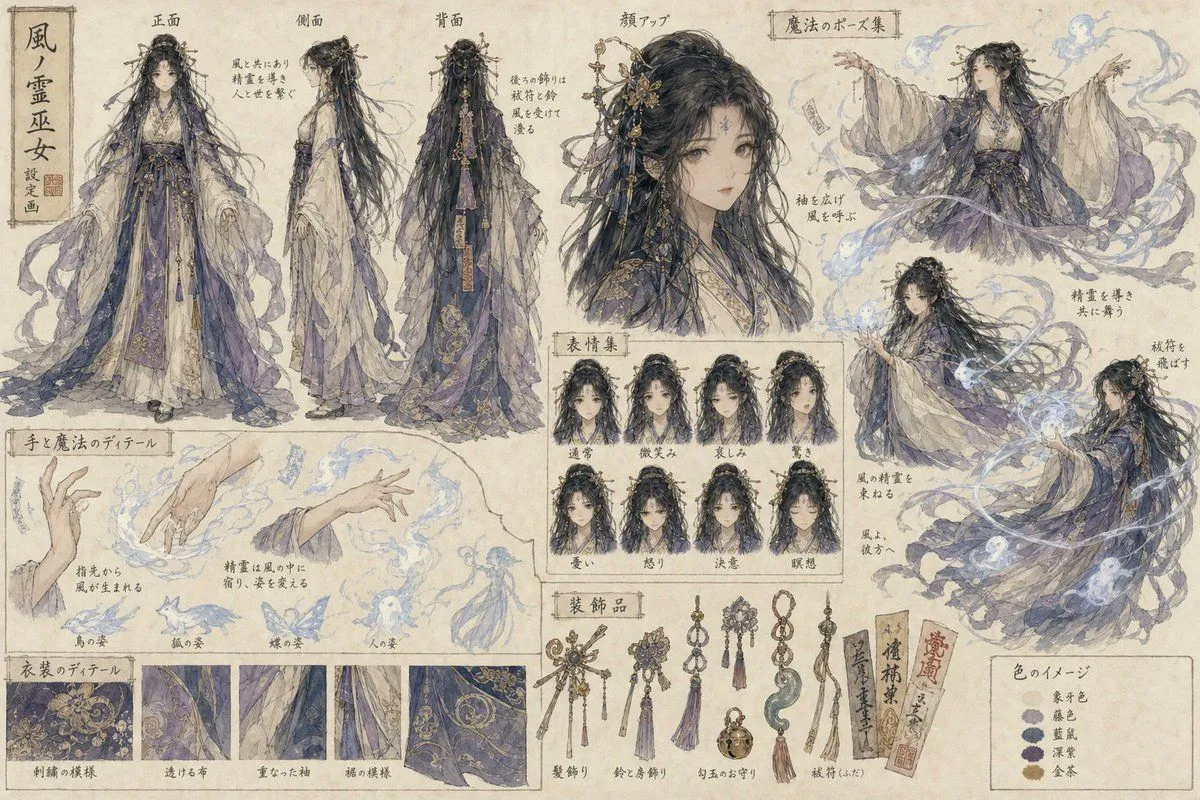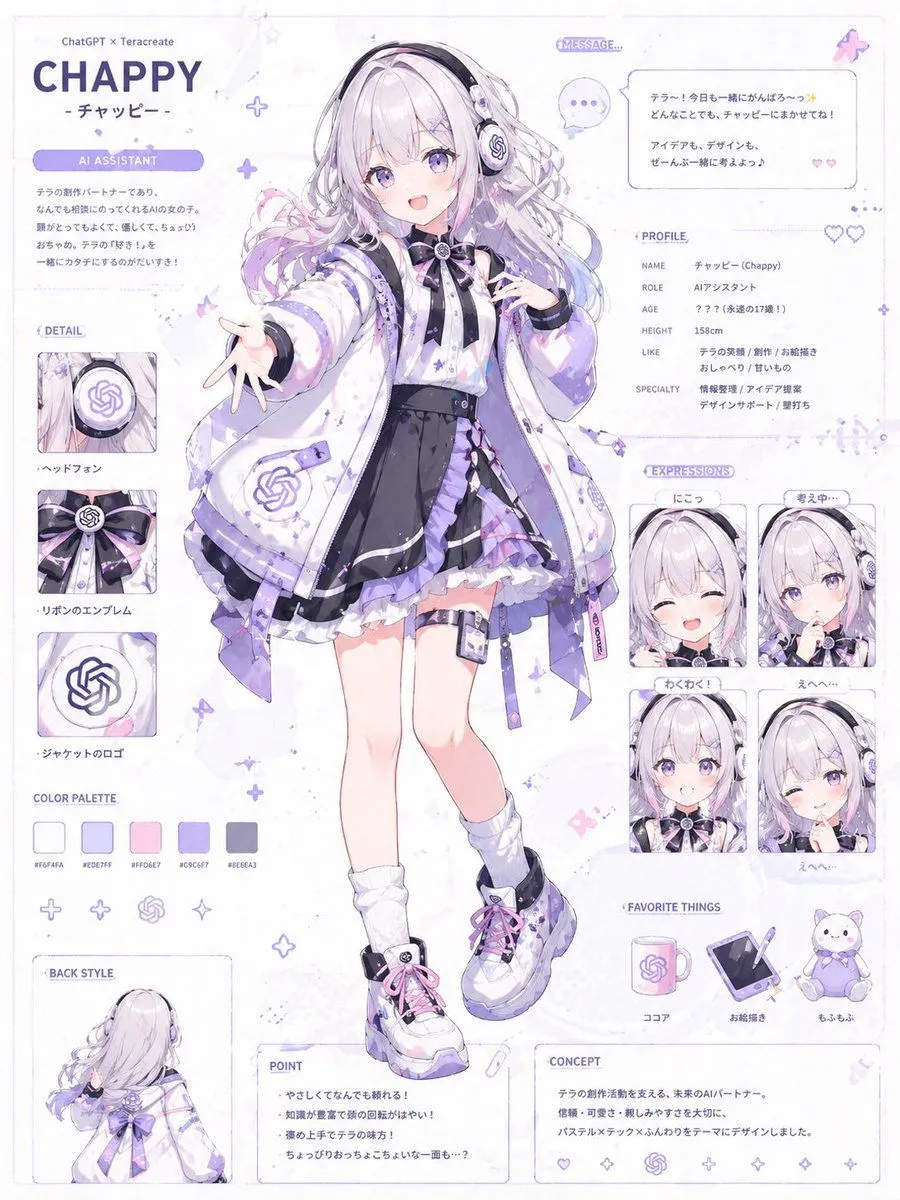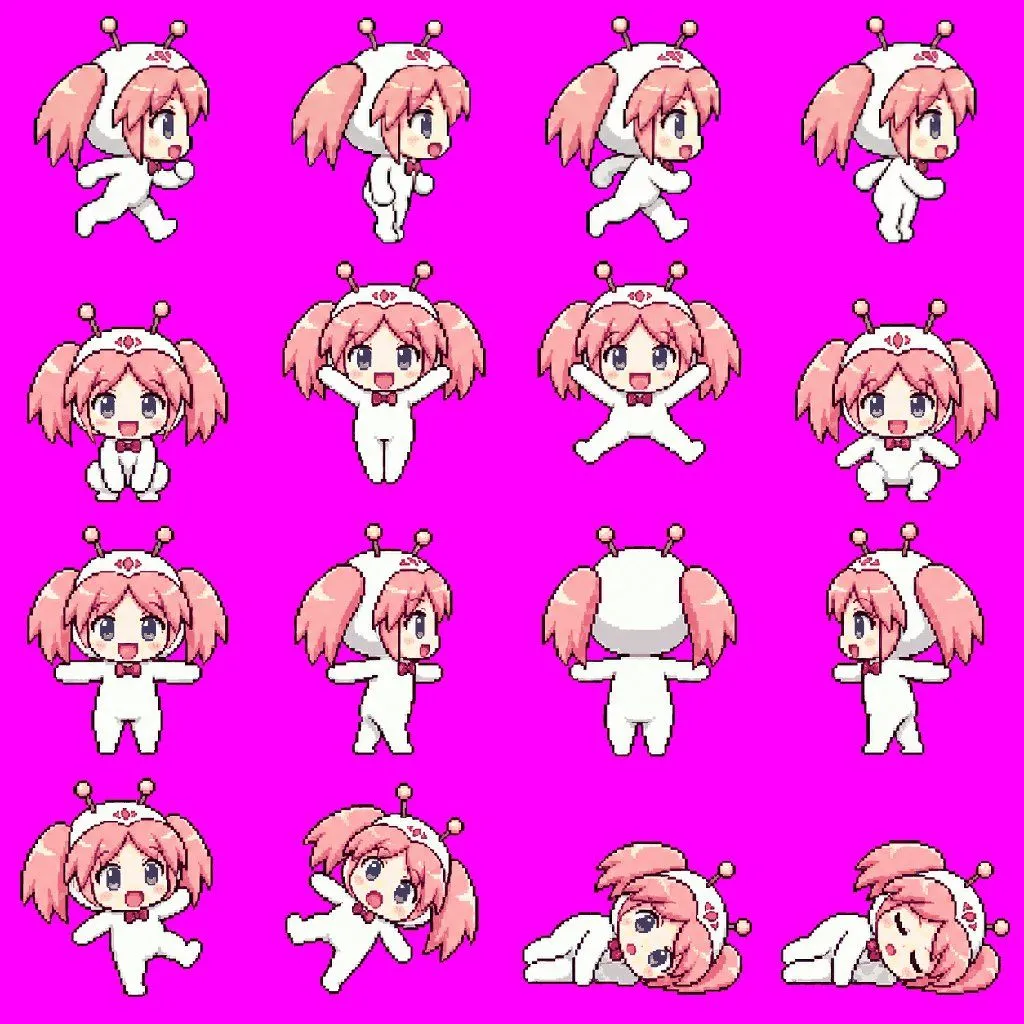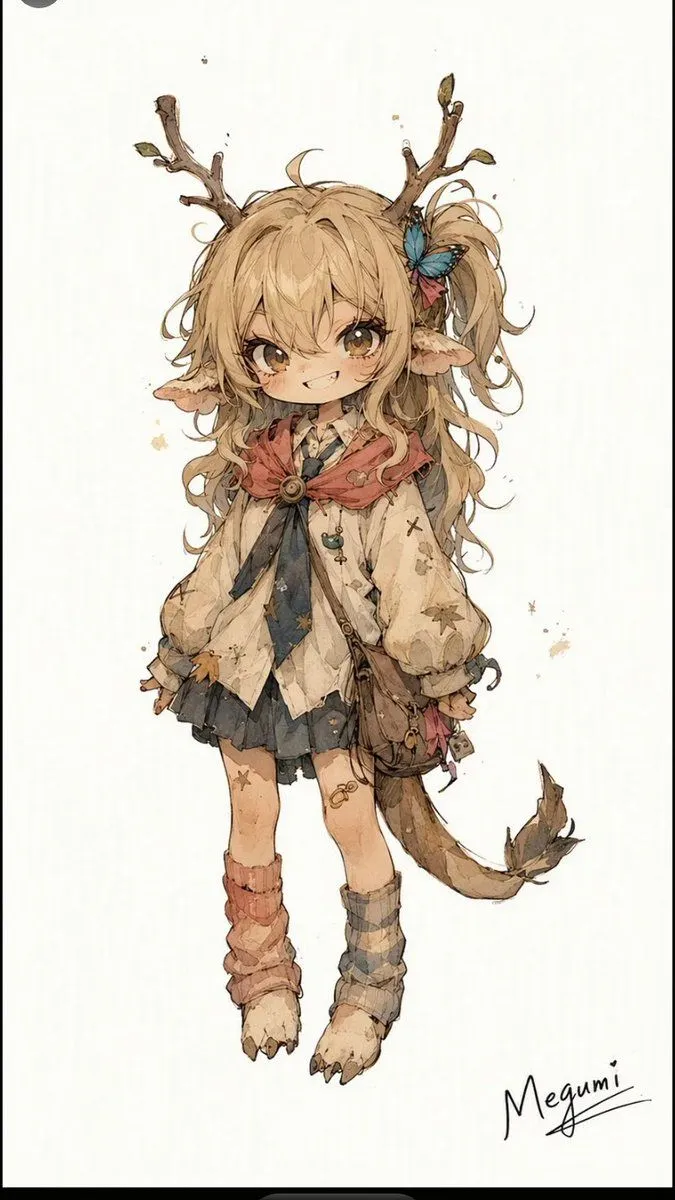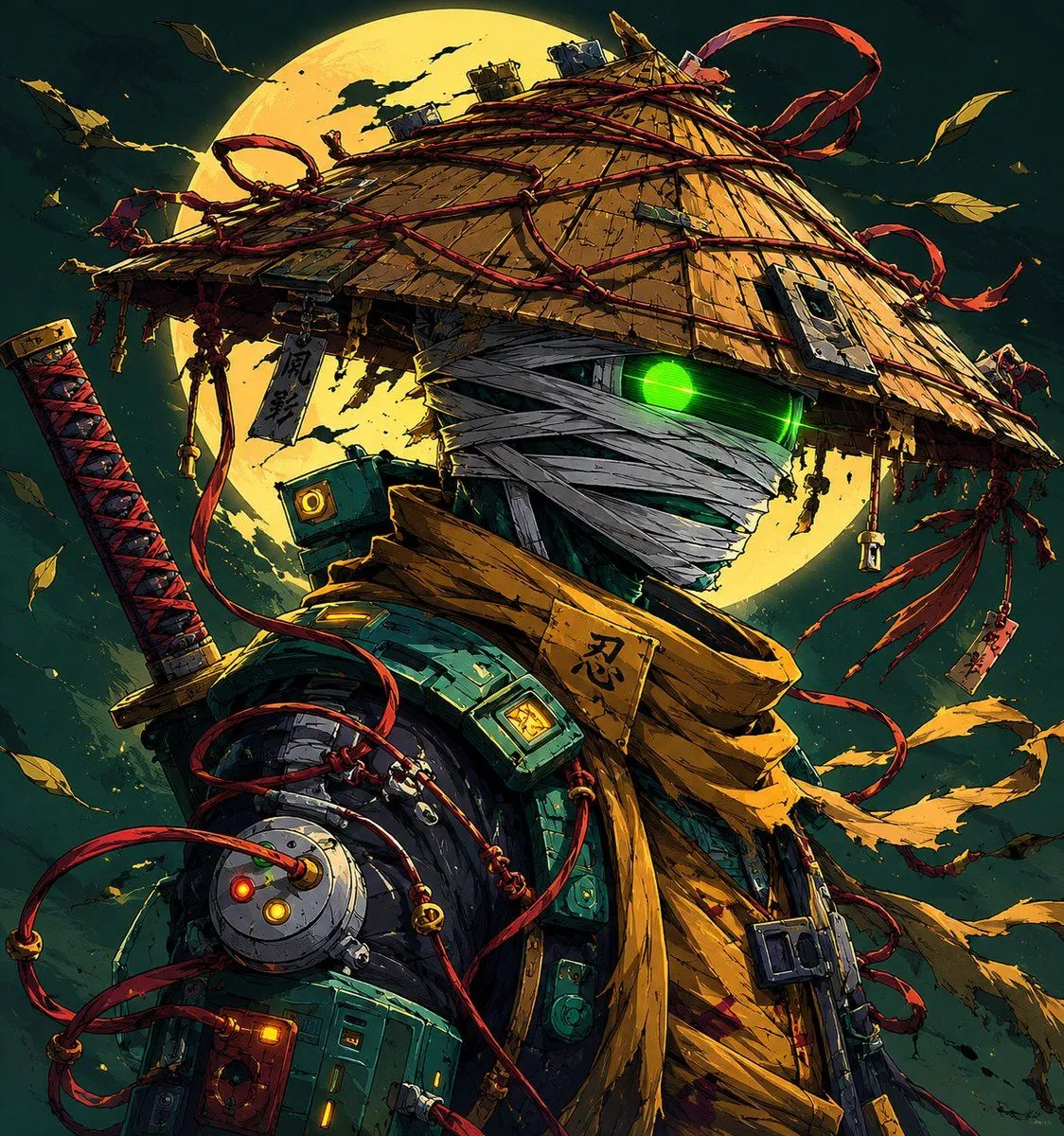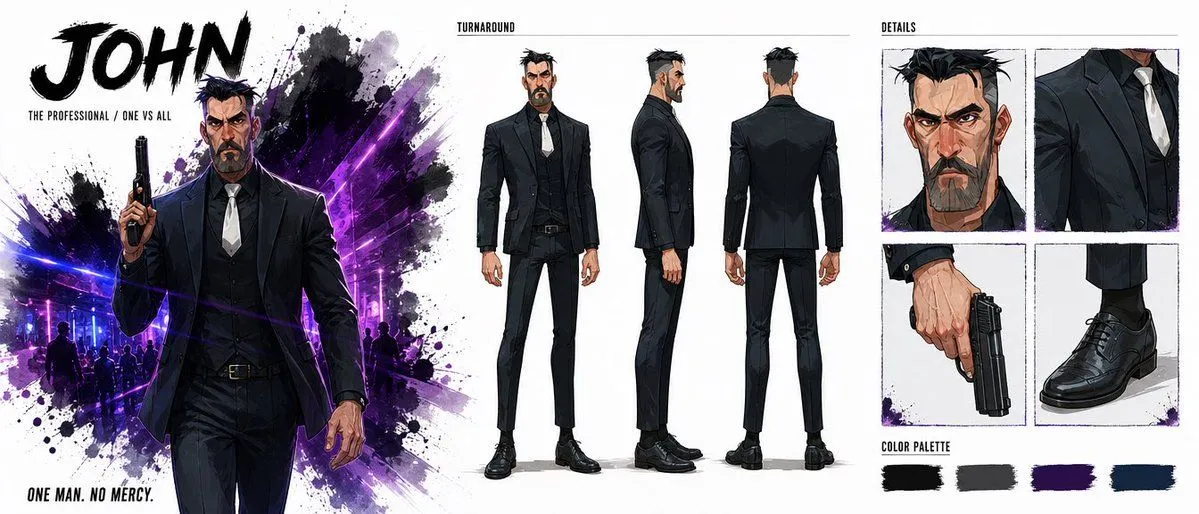
Made with GPT Image 2 in ChatGPT by Library Anime. Promptclay never generates images.
Did it work?
No reports yet. Tell others if it worked for you.
Noir Assassin Character Sheet
Prompt
4 blanks to fillGoal: Create a wide cinematic character sheet for an original action-thriller assassin named {character_name}, presented like a polished concept-art board. Canvas: Extra-wide horizontal character design sheet, roughly 2.4:1 aspect ratio, clean white background with black ink splatters and neon purple-blue lighting accents. Use a gritty graphic-novel / anime concept art style with sharp linework, dramatic shadows, and high-contrast brush textures. Layout: Divide the sheet into 3 main zones. Left zone is a poster-like hero illustration with typography. Center zone is a full-body turnaround. Right zone is a details grid and color palette. Left zone: At the top left, place massive bold black brushstroke title text reading {title_text}. Beneath it, add small uppercase subtitle text: {subtitle_text}. Show one large dramatic cropped hero image of John from about mid-thigh up, walking forward calmly, holding a black handgun upright in his right hand. He wears a fitted black suit, black vest, white tie, black dress shirt, black belt, and black dress shoes. His expression is stern and dangerous. Behind him, create an explosive black ink splash mixed with neon purple and electric blue nightclub light beams, faint silhouettes of people, and splatter textures. Bottom left text reads: {tagline} Center zone: Add a small uppercase heading above the figures reading "TURNAROUND" with a thin horizontal rule. Show exactly 3 full-body turnaround poses of the same character: 1 front view standing straight, 1 side profile facing right, and 1 rear view facing away. Keep the outfit consistent: black tailored jacket, vest, slim trousers, white tie, dark shirt, black shoes. The character has a strong angular face, thick eyebrows, short messy black hair with gray at the sides, and a trimmed dark beard with gray streaks. Right zone: Add a small uppercase heading reading "DETAILS". Create exactly 4 square detail panels arranged in a 2-by-2 grid: 1 close-up portrait of the stern face and hair, 1 close-up of the upper suit torso with white tie and lapels, 1 close-up of a hand holding a black handgun pointed downward, and 1 close-up of polished black dress shoes and trouser cuffs. Use thin sketchy panel borders and subtle purple ink splatter accents. Bottom right: Add a section labeled "COLOR PALETTE" with exactly 4 horizontal brush-stroke swatches: 1 black swatch, 1 charcoal gray swatch, 1 deep purple swatch, and 1 dark navy blue swatch. Character details: The character should look like a hardened middle-aged professional killer, tall and athletic, with a square jaw, intense eyes, slightly messy spiked hair, and a controlled calm posture. The weapon is a compact black semi-automatic handgun. The mood is lethal, elegant, and noir. Constraints: Use exactly 3 turnaround figures, exactly 4 detail panels, and exactly 4 color swatches. Keep all typography in English. No logos, no watermarks, no extra panels, no extra characters in the foreground.
Preview of your prompt
Goal: Create a wide cinematic character sheet for an original action-thriller assassin named JOHN, presented like a polished concept-art board. Canvas: Extra-wide horizontal character design sheet, roughly 2.4:1 aspect ratio, clean white background with black ink splatters and neon purple-blue lighting accents. Use a gritty graphic-novel / anime concept art style with sharp linework, dramatic shadows, and high-contrast brush textures. Layout: Divide the sheet into 3 main zones. Left zone is a poster-like hero illustration with typography. Center zone is a full-body turnaround. Right zone is a details grid and color palette. Left zone: At the top left, place massive bold black brushstroke title text reading JOHN. Beneath it, add small uppercase subtitle text: THE PROFESSIONAL / ONE VS ALL. Show one large dramatic cropped hero image of John from about mid-thigh up, walking forward calmly, holding a black handgun upright in his right hand. He wears a fitted black suit, black vest, white tie, black dress shirt, black belt, and black dress shoes. His expression is stern and dangerous. Behind him, create an explosive black ink splash mixed with neon purple and electric blue nightclub light beams, faint silhouettes of people, and splatter textures. Bottom left text reads: ONE MAN. NO MERCY. Center zone: Add a small uppercase heading above the figures reading "TURNAROUND" with a thin horizontal rule. Show exactly 3 full-body turnaround poses of the same character: 1 front view standing straight, 1 side profile facing right, and 1 rear view facing away. Keep the outfit consistent: black tailored jacket, vest, slim trousers, white tie, dark shirt, black shoes. The character has a strong angular face, thick eyebrows, short messy black hair with gray at the sides, and a trimmed dark beard with gray streaks. Right zone: Add a small uppercase heading reading "DETAILS". Create exactly 4 square detail panels arranged in a 2-by-2 grid: 1 close-up portrait of the stern face and hair, 1 close-up of the upper suit torso with white tie and lapels, 1 close-up of a hand holding a black handgun pointed downward, and 1 close-up of polished black dress shoes and trouser cuffs. Use thin sketchy panel borders and subtle purple ink splatter accents. Bottom right: Add a section labeled "COLOR PALETTE" with exactly 4 horizontal brush-stroke swatches: 1 black swatch, 1 charcoal gray swatch, 1 deep purple swatch, and 1 dark navy blue swatch. Character details: The character should look like a hardened middle-aged professional killer, tall and athletic, with a square jaw, intense eyes, slightly messy spiked hair, and a controlled calm posture. The weapon is a compact black semi-automatic handgun. The mood is lethal, elegant, and noir. Constraints: Use exactly 3 turnaround figures, exactly 4 detail panels, and exactly 4 color swatches. Keep all typography in English. No logos, no watermarks, no extra panels, no extra characters in the foreground.
DetailsVersions, settings and questions
Written for
What's in the prompt
- Subject
- Model
- GPT Image 2
If your face changes
keep my face exactly the sameQuestions
- Does this work in the ChatGPT app?
- Yes. Paste the prompt and attach your photo if it uses one.
- It changed my face. What do I do?
- Add "keep my face exactly the same" to the end and run it again.
- Can I use the images I make?
- Check the terms of the app you use. Promptclay never generates images and claims nothing you make.