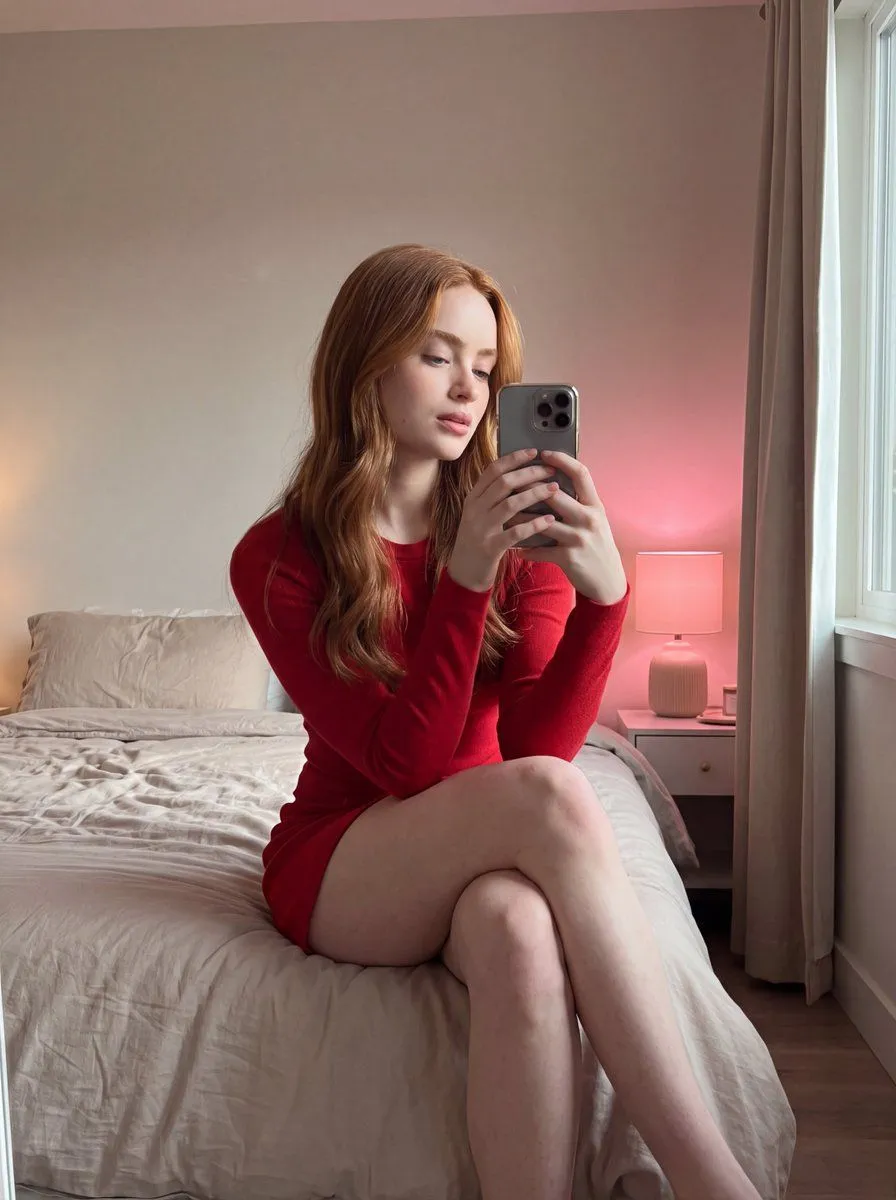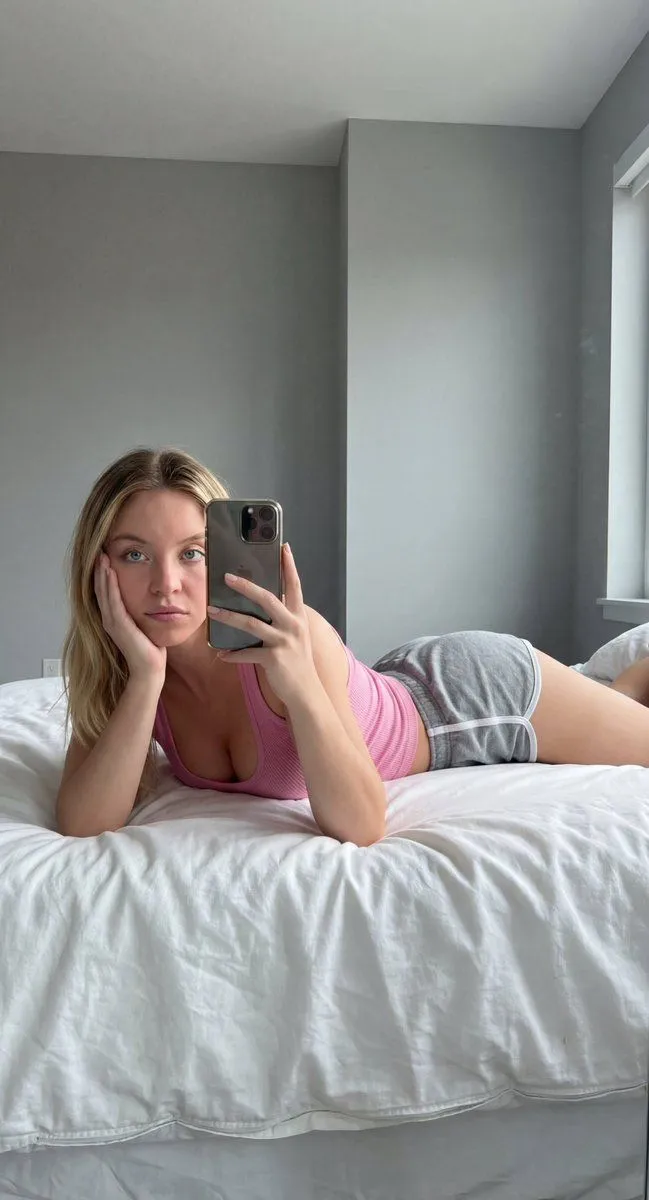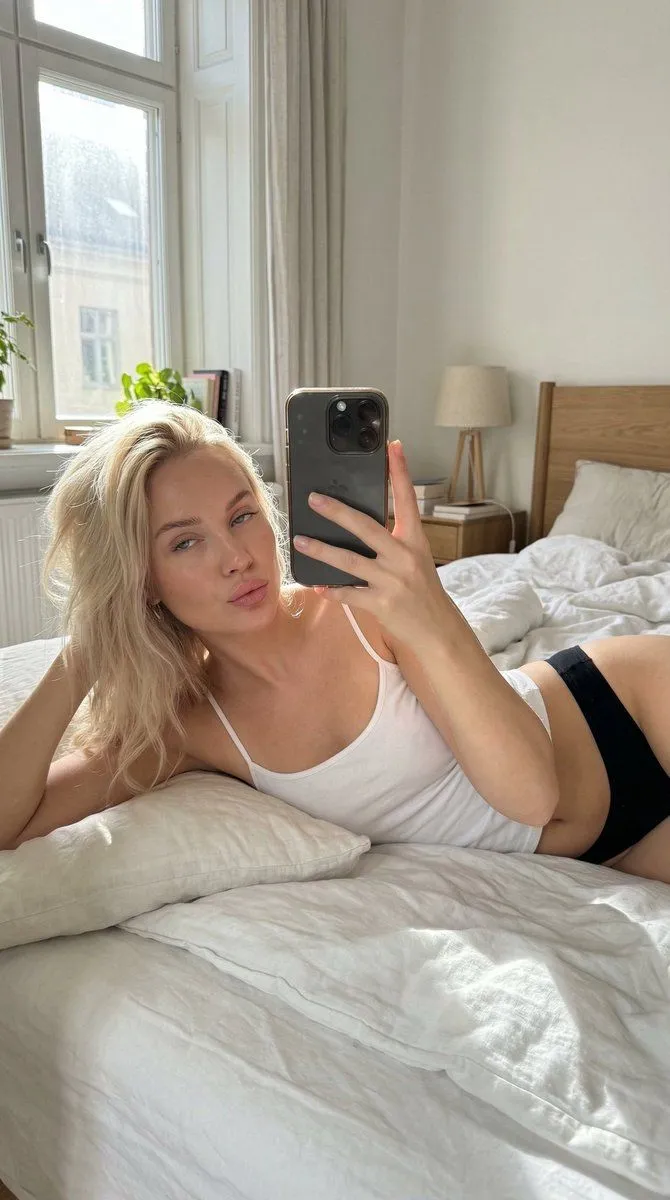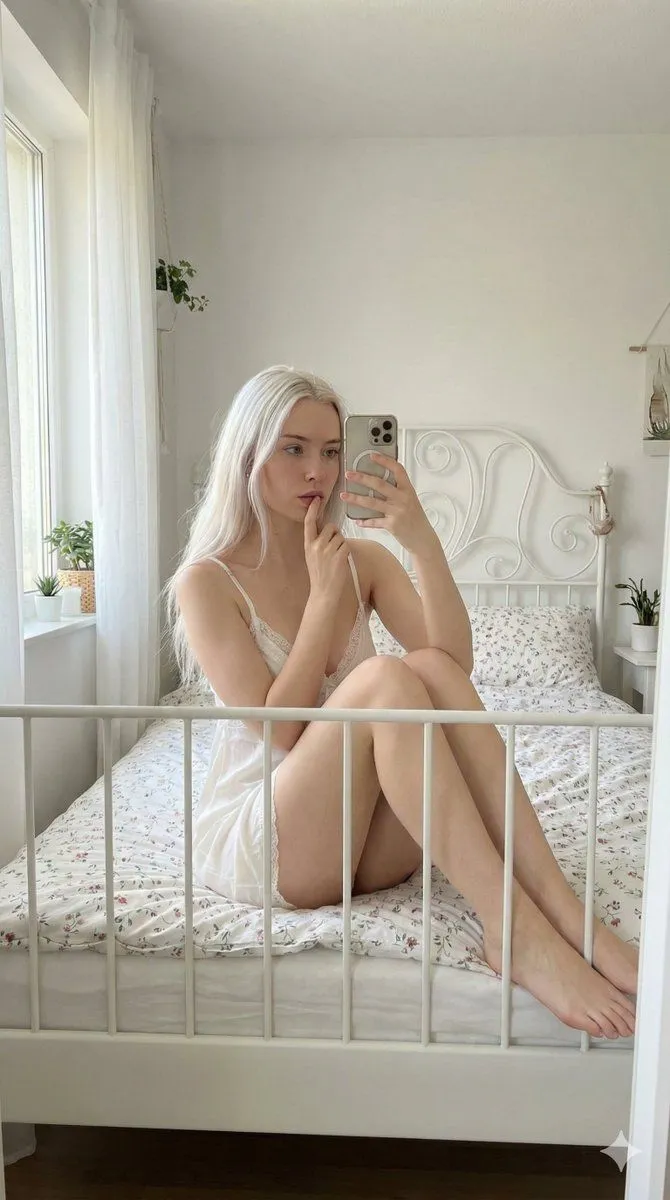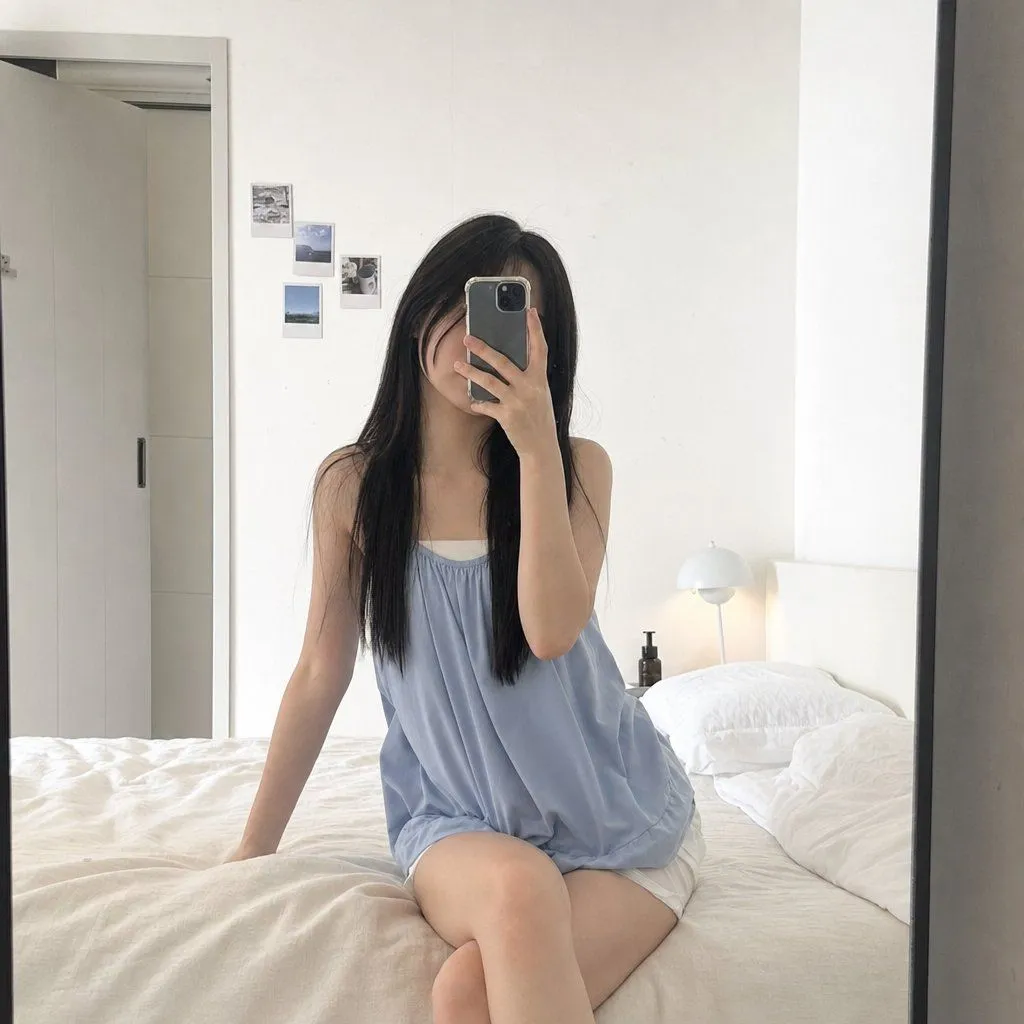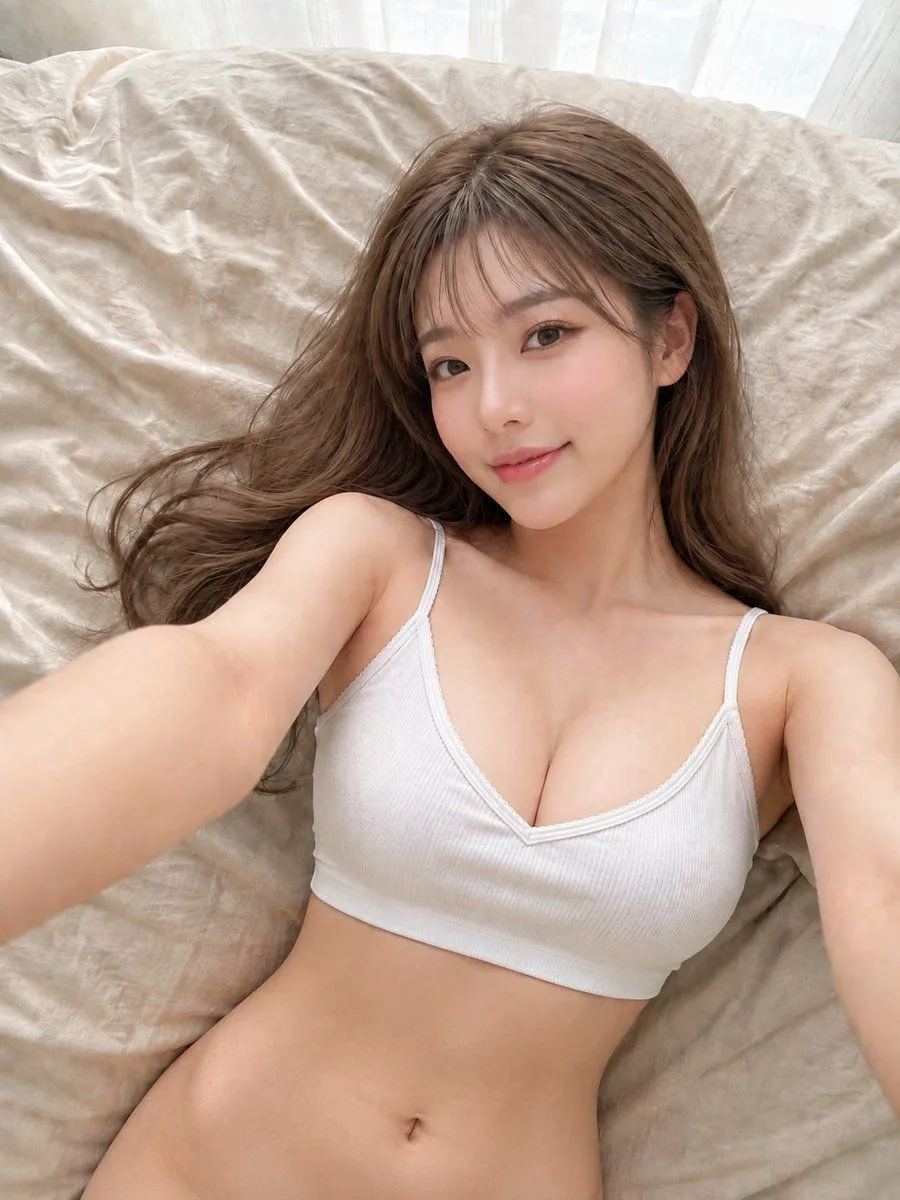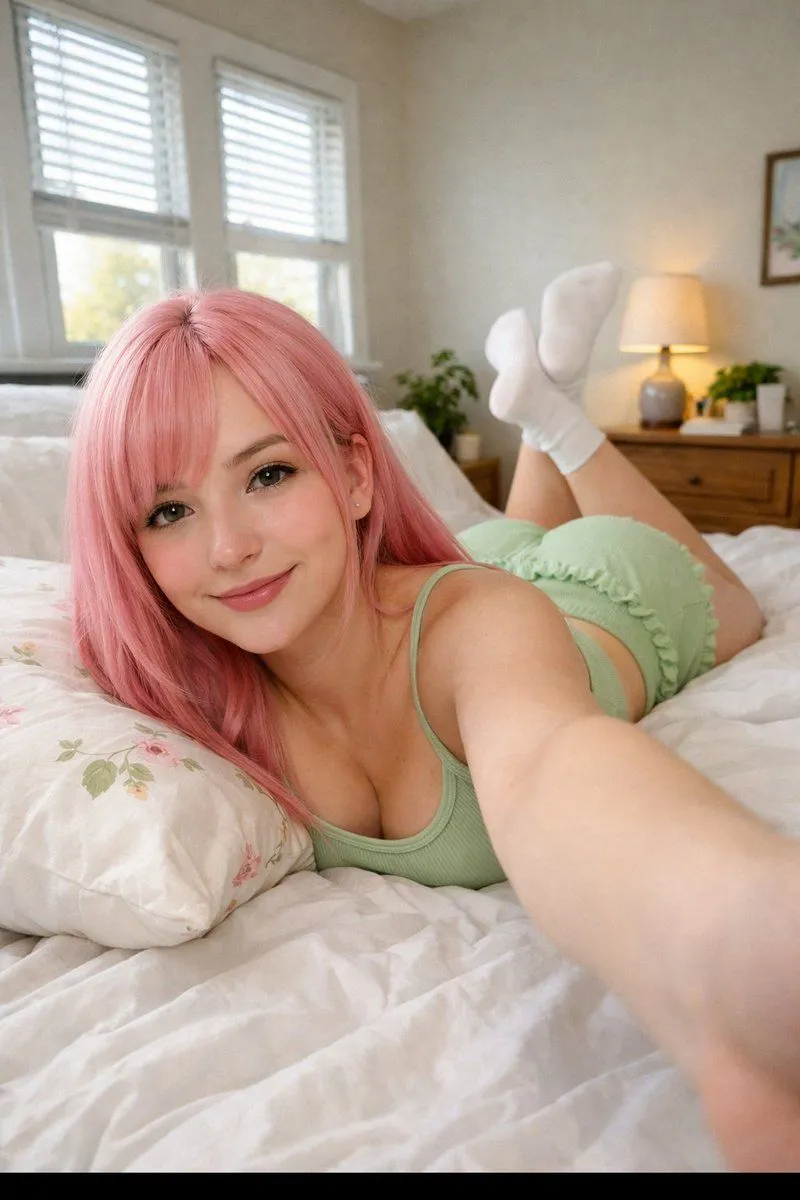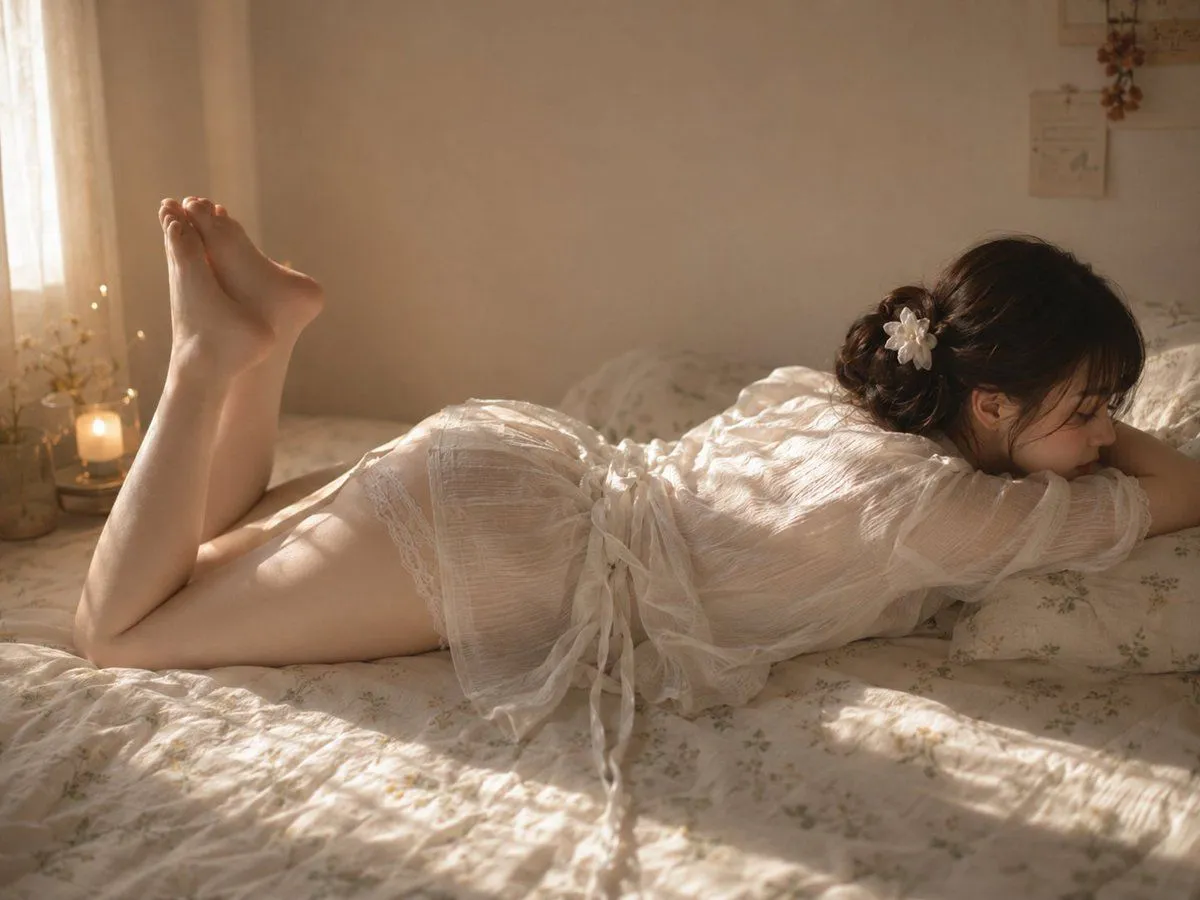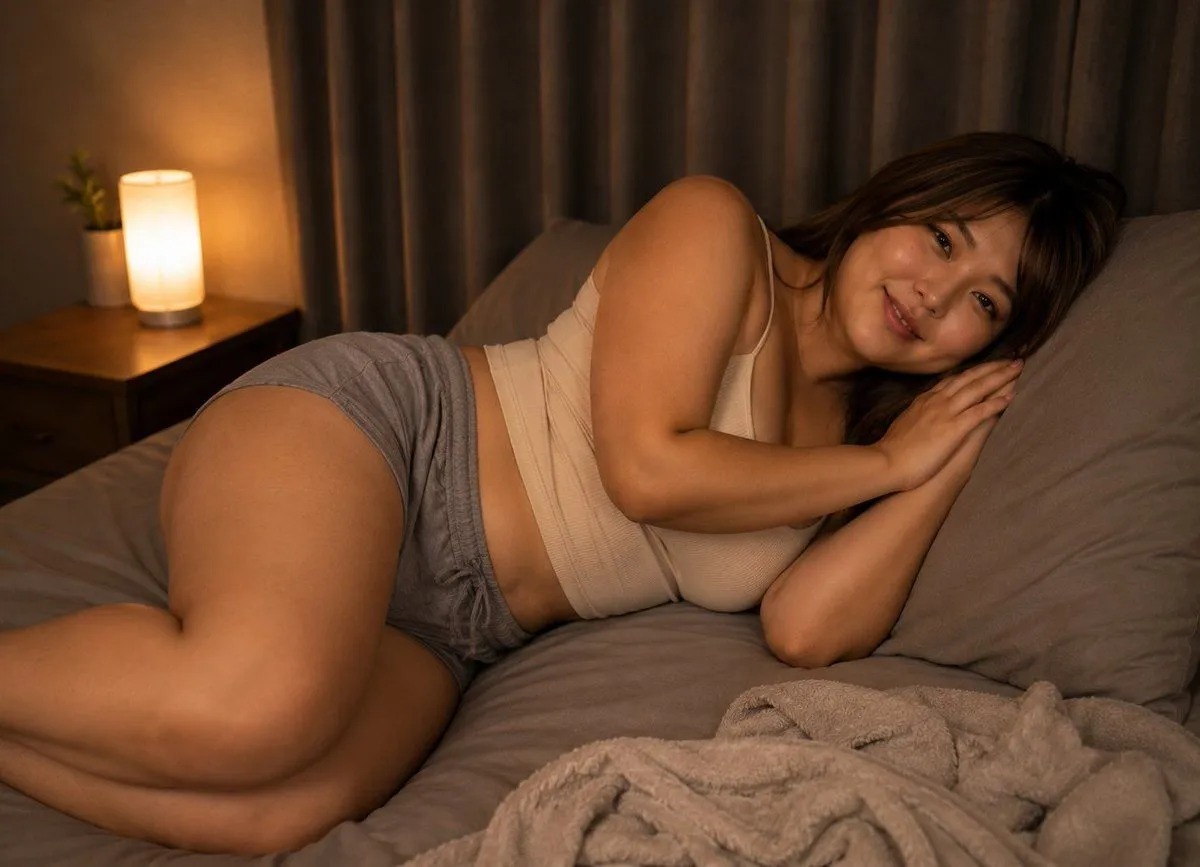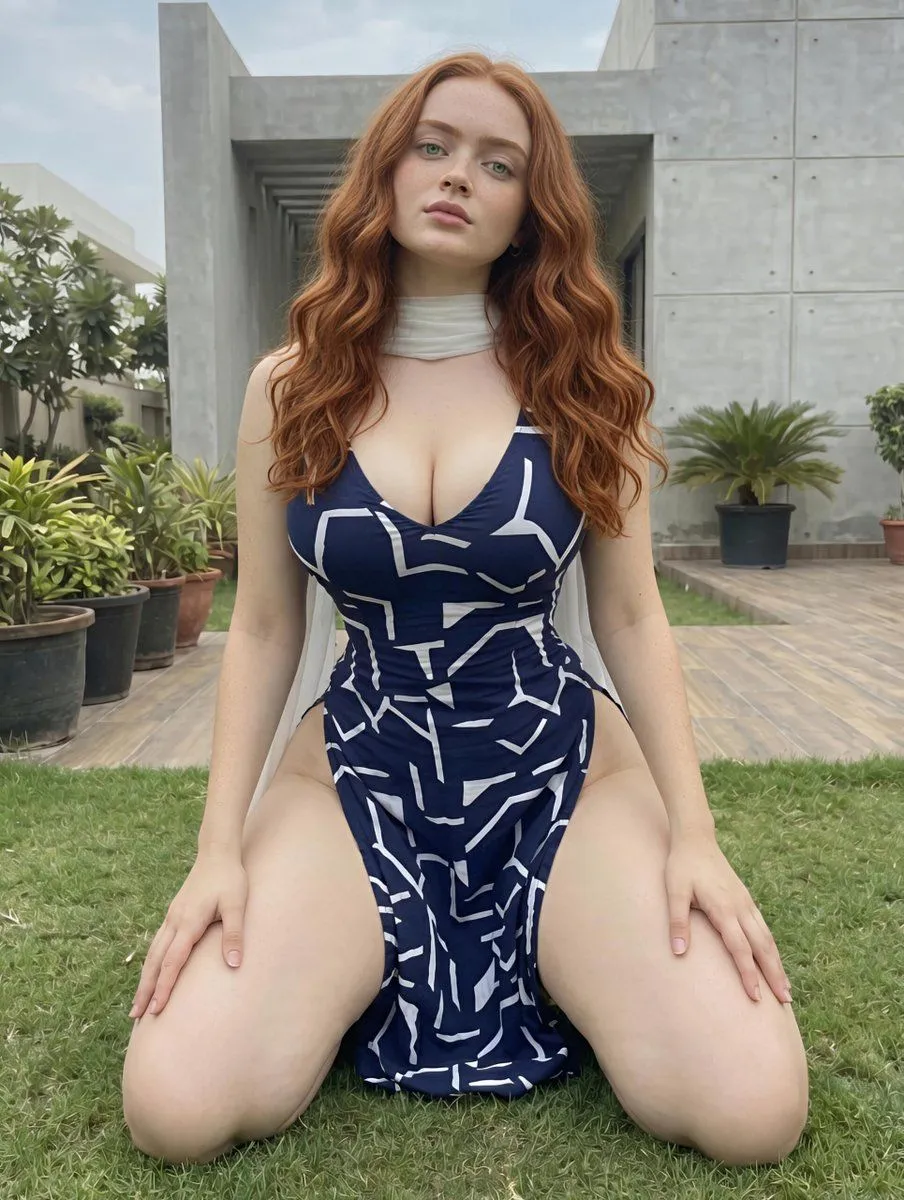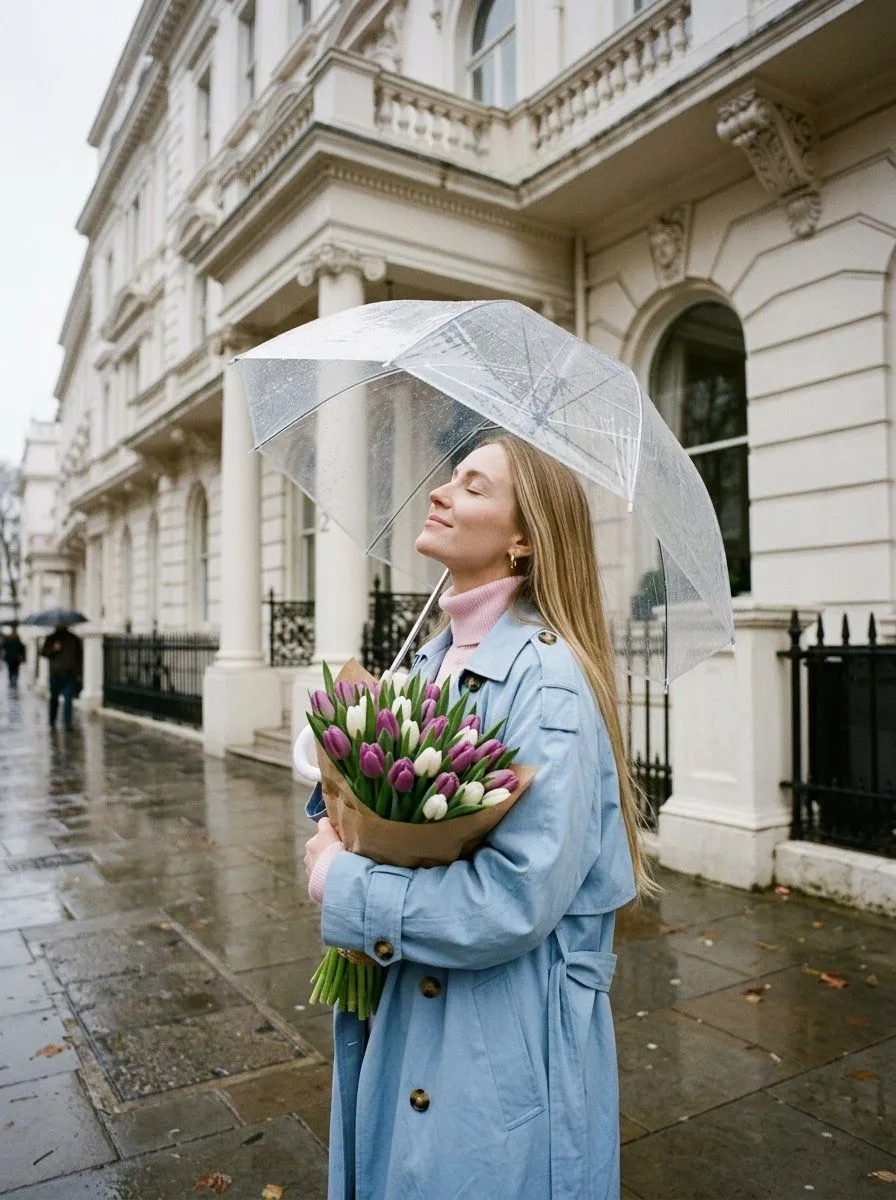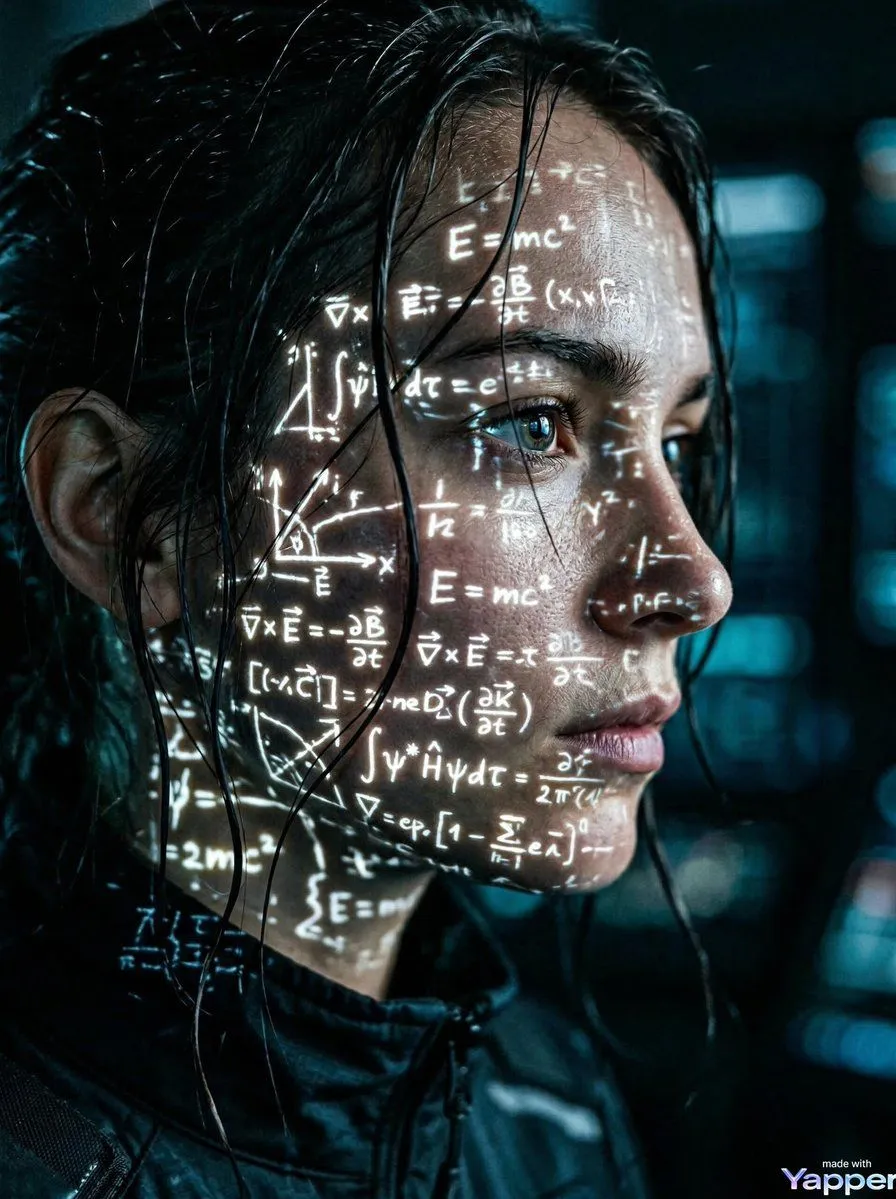
Made with Nano Banana Pro in Gemini, collected by Library Social. Promptclay never generates images.
Did it work?
No reports yet. Tell others if it worked for you.
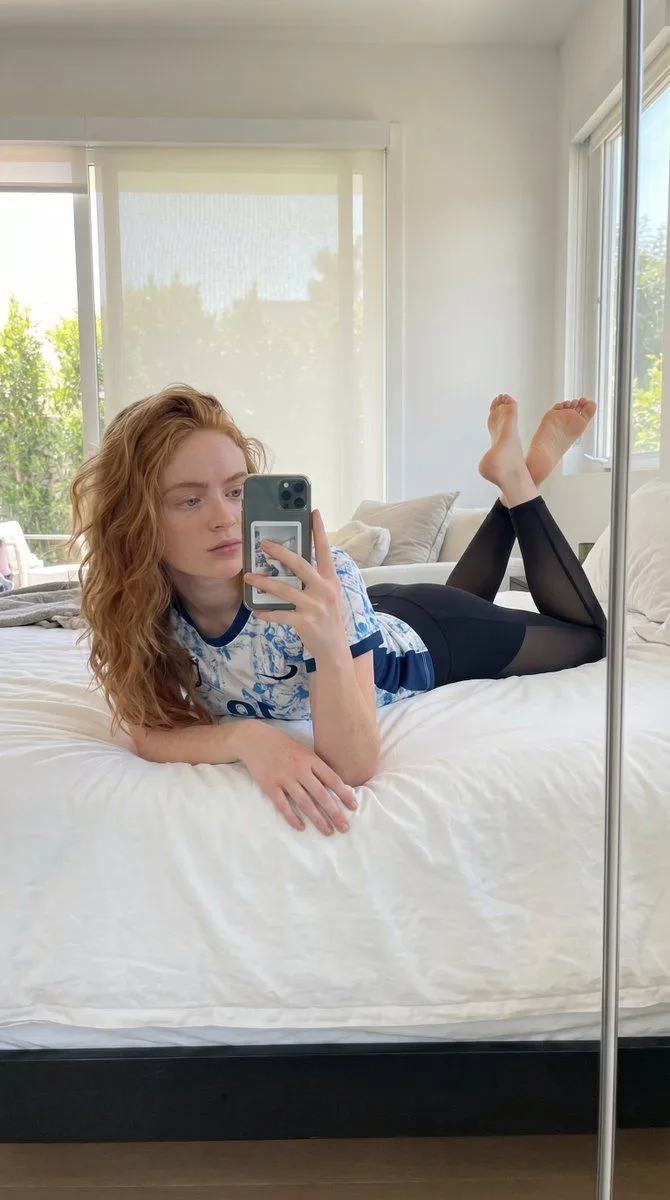
Natural Lifestyle Mirror Selfie
Prompt
2 blanks to fill{ "scene": { "setting": "indoor bedroom", "background": "{background}", "lighting": "natural daylight from window, soft and diffused, evenly illuminating subject" }, "subject": { "type": "female", "pose": "lying on stomach on bed, legs bent upward at knees with feet crossed in air, one arm extended holding phone for mirror selfie, relaxed posture", "expression": "neutral relaxed expression with soft gaze toward phone screen", "face": "Use uploaded reference image, keep identity exact, natural facial proportions", "hair": "Use uploaded reference image, keep identity exact, shoulder-length wavy hair", "eyes": "Use uploaded reference image, keep identity exact", "skin": "natural skin tone with soft daylight glow, realistic texture" }, "clothing": { "outfit": "{clothing}", "accessories": "smartphone held in hand" }, "environment_details": { "props": "bed with white sheets and pillows, window with blinds", "textures": "soft bedding fabric, smooth leggings material, cotton t-shirt texture" }, "camera": { "angle": "mirror selfie perspective at slight downward angle", "framing": "full body reflected in mirror", "focus": "sharp focus on subject with slight background softness" }, "style": { "realism": "ultra realistic lifestyle photography", "color_tone": "bright neutral tones", "effects": "soft natural diffusion, realistic lighting falloff" } }
Preview of your prompt
{ "scene": { "setting": "indoor bedroom", "background": "minimal bright bedroom with large window, soft daylight coming through sheer blinds, white bedding", "lighting": "natural daylight from window, soft and diffused, evenly illuminating subject" }, "subject": { "type": "female", "pose": "lying on stomach on bed, legs bent upward at knees with feet crossed in air, one arm extended holding phone for mirror selfie, relaxed posture", "expression": "neutral relaxed expression with soft gaze toward phone screen", "face": "Use uploaded reference image, keep identity exact, natural facial proportions", "hair": "Use uploaded reference image, keep identity exact, shoulder-length wavy hair", "eyes": "Use uploaded reference image, keep identity exact", "skin": "natural skin tone with soft daylight glow, realistic texture" }, "clothing": { "outfit": "short-sleeve fitted sports t-shirt with red and blue pattern, paired with thin black semi-sheer leggings", "accessories": "smartphone held in hand" }, "environment_details": { "props": "bed with white sheets and pillows, window with blinds", "textures": "soft bedding fabric, smooth leggings material, cotton t-shirt texture" }, "camera": { "angle": "mirror selfie perspective at slight downward angle", "framing": "full body reflected in mirror", "focus": "sharp focus on subject with slight background softness" }, "style": { "realism": "ultra realistic lifestyle photography", "color_tone": "bright neutral tones", "effects": "soft natural diffusion, realistic lighting falloff" } }
DetailsVersions, settings and questions
Written for
What's in the prompt
- Subject
- Model
- Nano Banana Pro
If your face changes
keep my face exactly the sameQuestions
- Does this work in the Gemini app?
- Yes. Gemini runs Nano Banana, so paste the prompt and attach your photo if it uses one.
- It changed my face. What do I do?
- Add "keep my face exactly the same" to the end and run it again.
- Can I use the images I make?
- Check the terms of the app you use. Promptclay never generates images and claims nothing you make.