Tell us anything

An idea, a bug, something you love. We read every note.

⌘↵ to send. The page you're on comes along.

Narrative Voiceover Cinematic Sequence

Made with Seedance 2.5 in Kling by Library Cinema. Promptclay never generates images.

Did it work?

No reports yet. Tell others if it worked for you.

No comments yet. Be the first.

    Narrative Voiceover Cinematic Sequence

    Seedance 2.516:9AI-generated

    Prompt

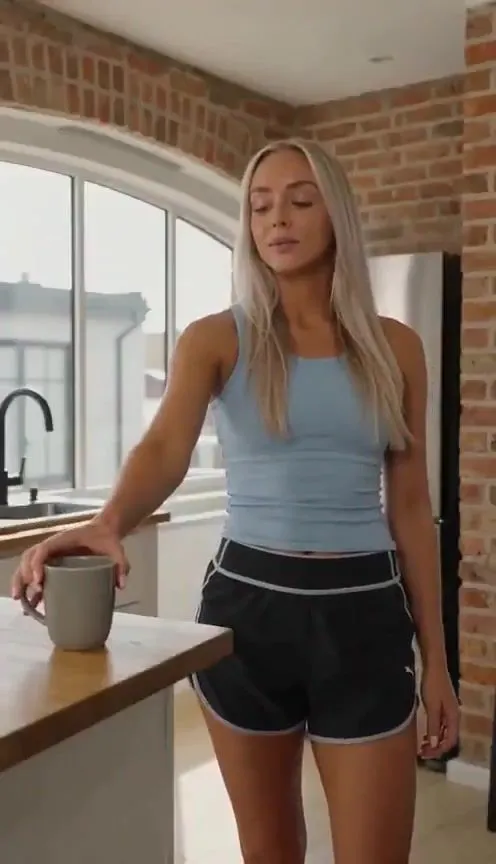
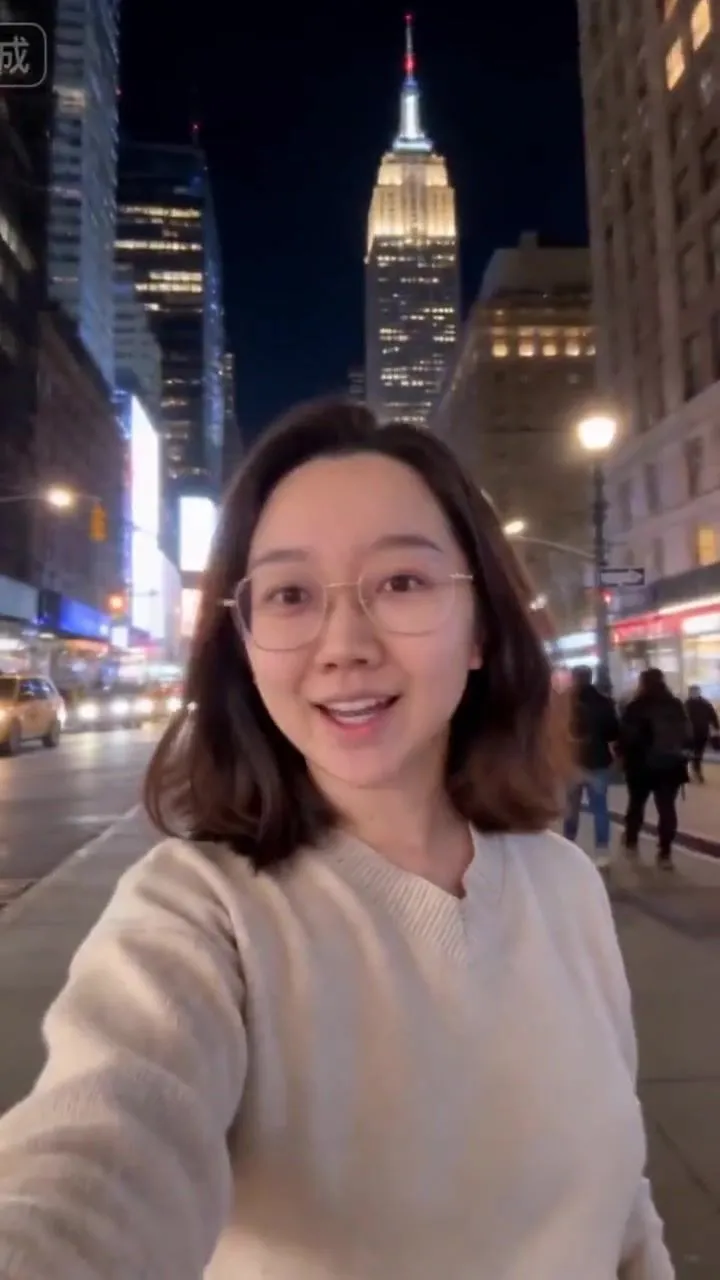
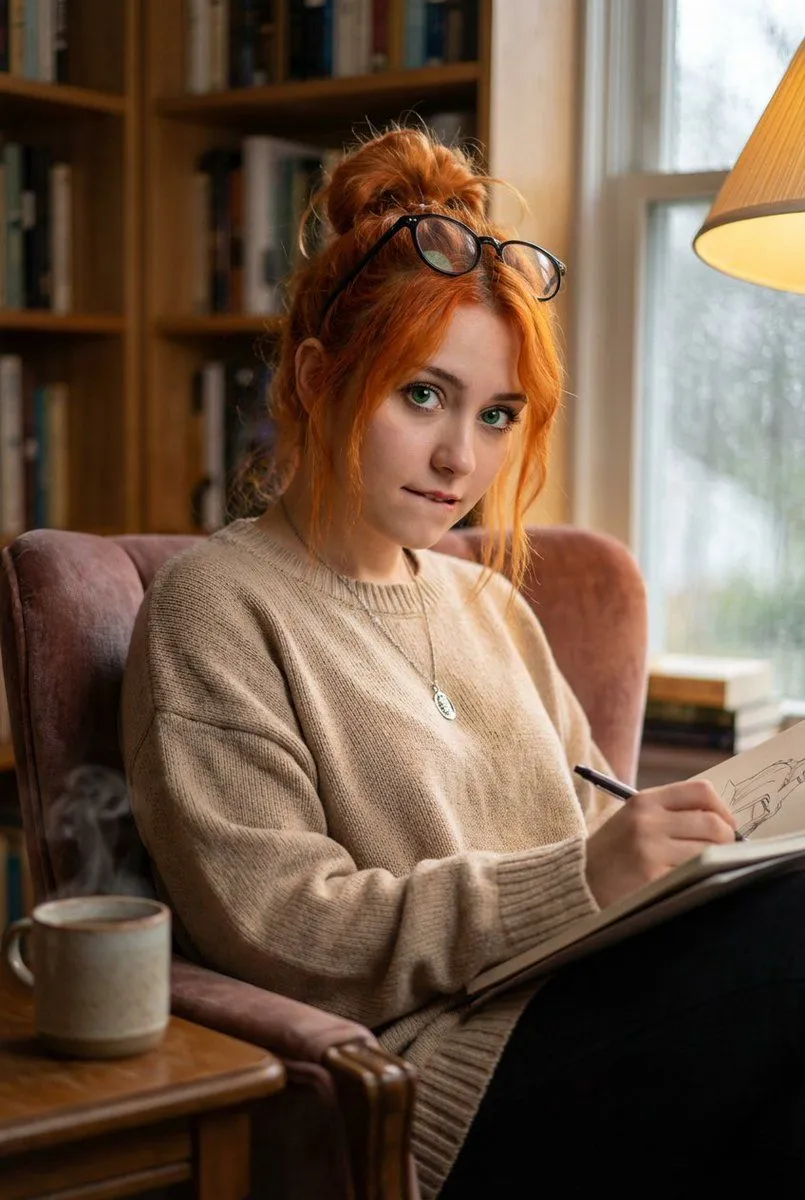
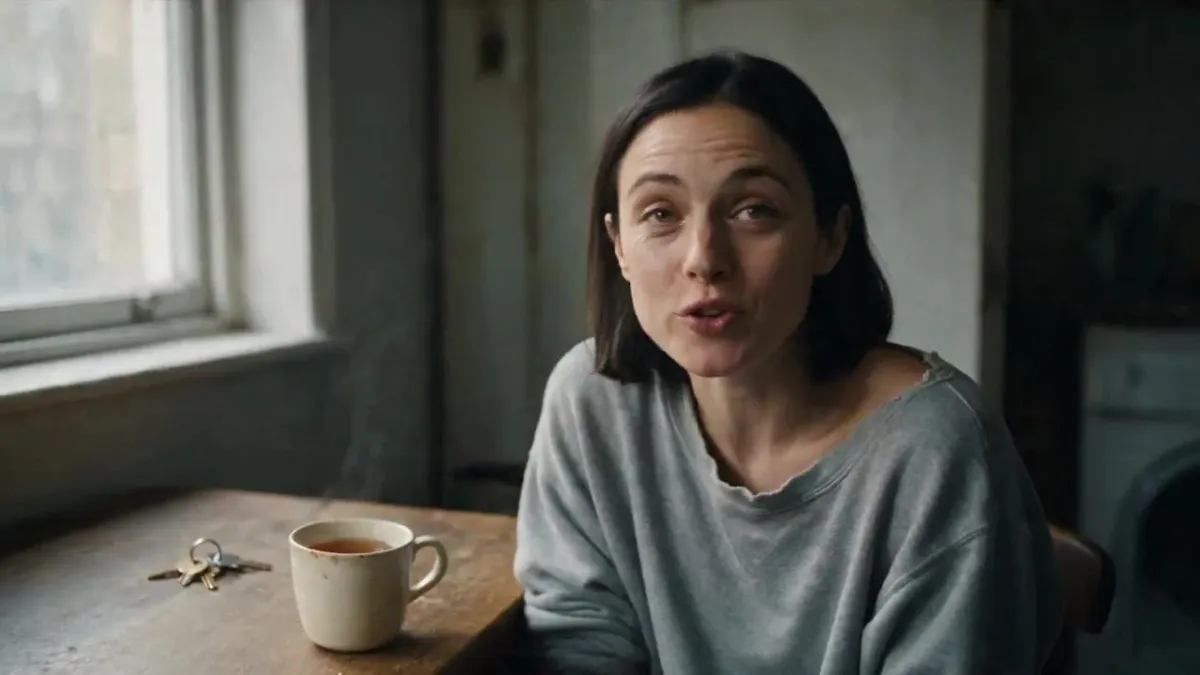
    Use [image1] as the start of the video. She is speaking to an unseen person off camera. She says: "So I go to see this flat. Top floor, rent's half what it should be, and the agent won't come up the stairs with me." Then cut to the voice only of the woman from [image1] as she continues to talk as a voiceover only. As she talks, her words are visualised as a story in the same visual style. The voiceover is: "First room: shoes. Hundreds of pairs, all facing the door, laces done up. Second room's got rain in it. Indoor rain, proper raincloud pouring raindrops all over the carpet. Third room, there's a window looking out onto a beach in full summer. It was February." Illustrate the voiceover sequence to tell the story visually. Then cut back to [image1] and she says with a smile: "Anyway. I signed the lease that afternoon."

    Works in
    Kling
    Status
    Free to copy
    0
    DetailsVersions, settings and questions

    Written for

    What's in the prompt

    Subject
    Model
    Seedance 2.5

    If your face changes

    keep my face exactly the same

    Questions

    Does this work in the Kling app?
    Yes. Paste the prompt and attach your photo if it uses one.
    It changed my face. What do I do?
    Add "keep my face exactly the same" to the end and run it again.
    Can I use the images I make?
    Check the terms of the app you use. Promptclay never generates images and claims nothing you make.
    Similar prompts

    See more
    • 3×3 cinematic storyboard contact sheet from one input image
    • Cinematic Tea Time Prompt (Shared for Image and Video Generation)
    • Kling 3.0 Video Generation from Nano Banana Pro Images
    • Cinematic Pure Love Narrative Video Prompt for Seedance 2.0Video, 0:15
    • Cinematic Slice-of-Life Comedy: Dropping a Coffee MugVideo, 0:12
    • Cinematic Portrait in a Cozy Cafe
    • Cozy Window Portrait With Privacy Block
    • Cinematic Studio Interview Scene
    • Sunlight Contours Indoor Portrait
    • Cinematic Morning Interior Scene
    • Cinematic Bedroom Bottle Portrait Prompt
    • Moody Red Cinematic Portrait
    • Ethereal Editorial Studio Portrait
    • 1995 Independent Wrestling Event PromptVideo, 0:10
    • Chinese New Year Selfie in New YorkVideo, 0:14
    • Elegant 23rd Birthday Studio Portrait
    • Hyper-Realistic Mirror Selfie Prompt (Pajamas)
    • Consistent Character Portrait: Alev in a Cozy Library (JSON)
    • Action Samurai Fruit Slicing
    • Alpine Thriller Fashion Close-up with Reflection
    • Battle-Worn Knight vs Forest Wraith
    • Image Editing Prompt: Remove Phone and Text
    • Image Edit Prompt for High-End Fashion Editorial Portrait
    • Moody Aesthetic iPhone Selfie Portrait

    Show more

    Run it on your phone

    1. Prompt copiedRead it

      Use [image1] as the start of the video. She is speaking to an unseen person off camera. She says: "So I go to see this flat. Top floor, rent's half what it should be, and the agent won't come up the stairs with me." Then cut to the voice only of the woman from [image1] as she continues to talk as a voiceover only. As she talks, her words are visualised as a story in the same visual style. The voiceover is: "First room: shoes. Hundreds of pairs, all facing the door, laces done up. Second room's got rain in it. Indoor rain, proper raincloud pouring raindrops all over the carpet. Third room, there's a window looking out onto a beach in full summer. It was February." Illustrate the voiceover sequence to tell the story visually. Then cut back to [image1] and she says with a smile: "Anyway. I signed the lease that afternoon."

    2. Open your app

    3. Paste and run

      Press and hold the message box, then tap Paste. Add your photo first if the prompt uses one. You may need to sign in.