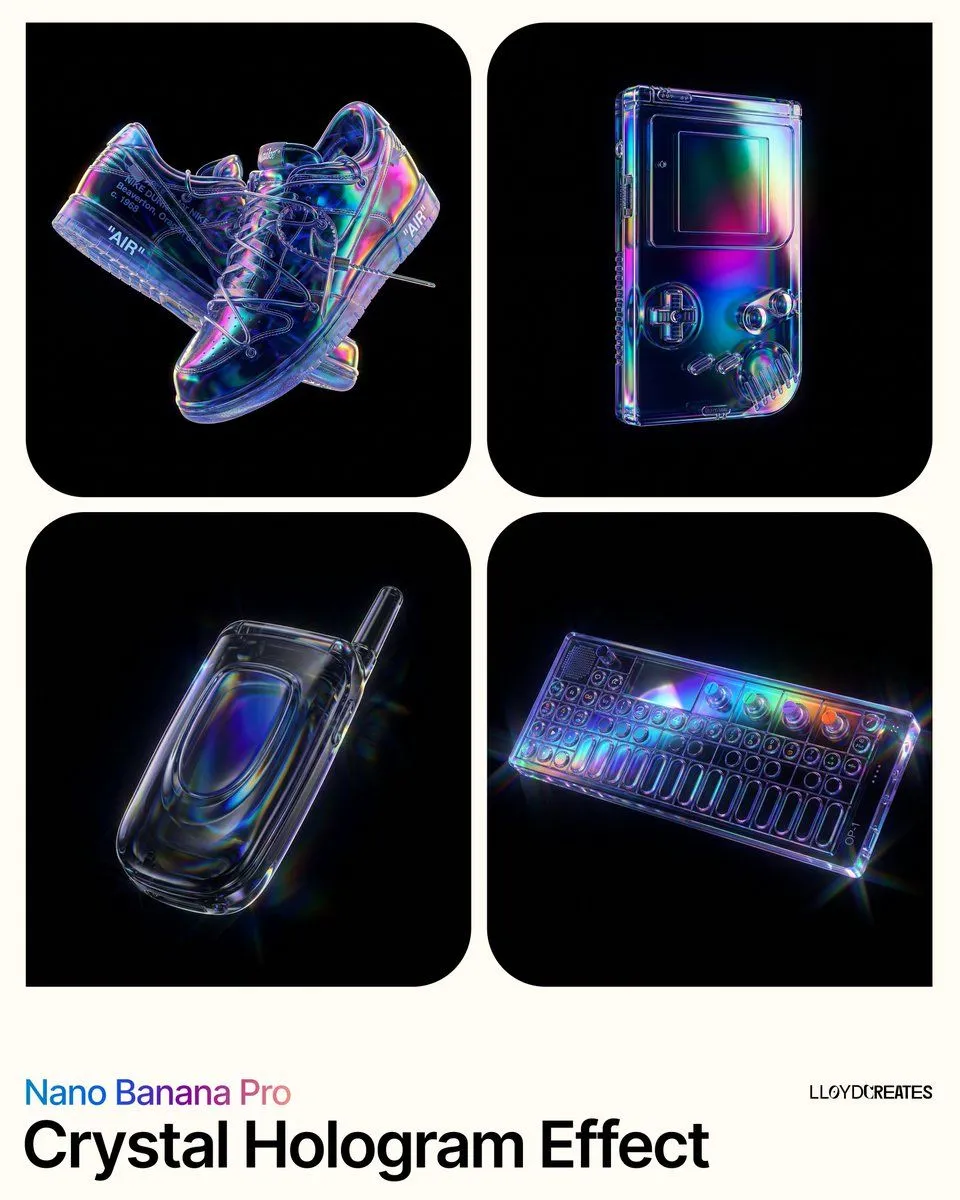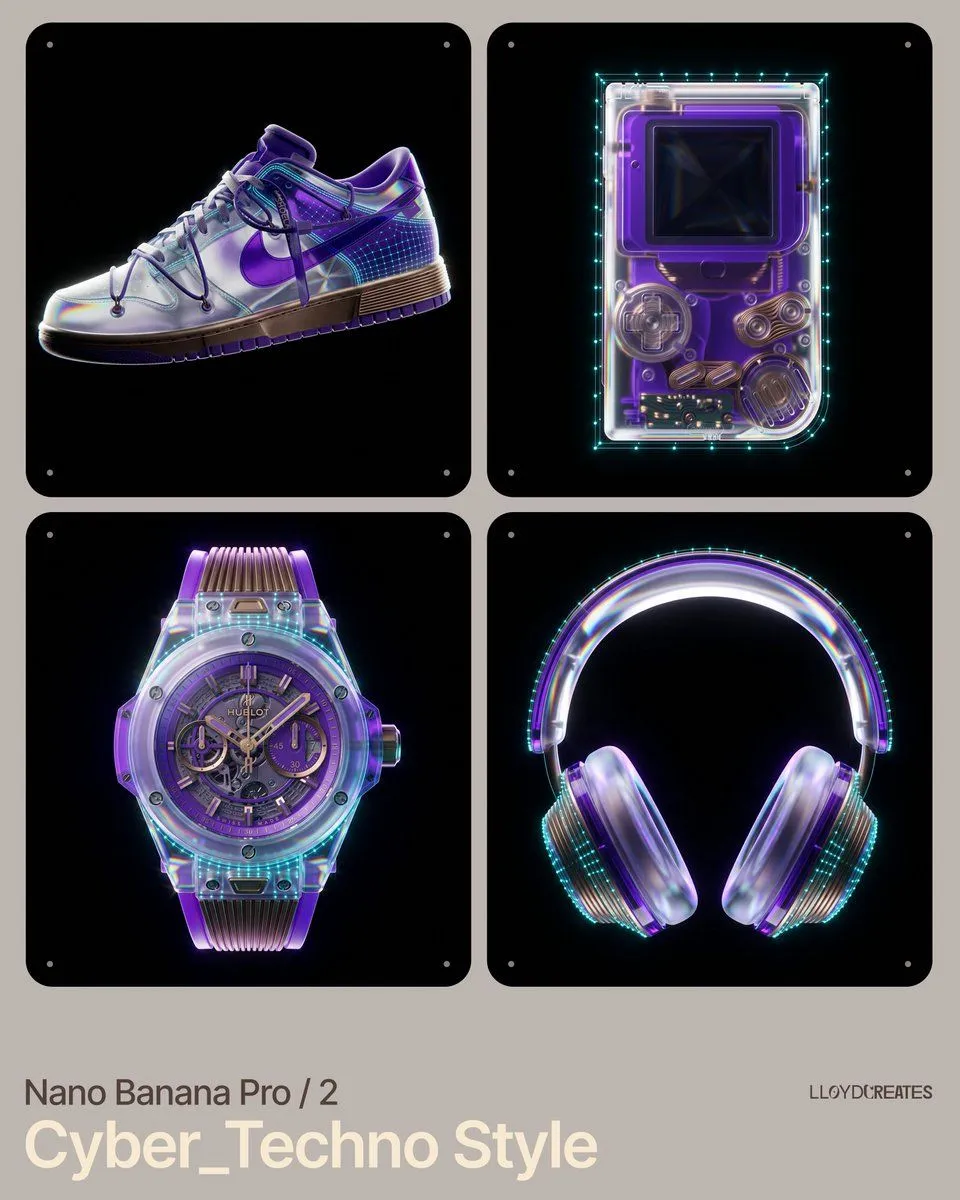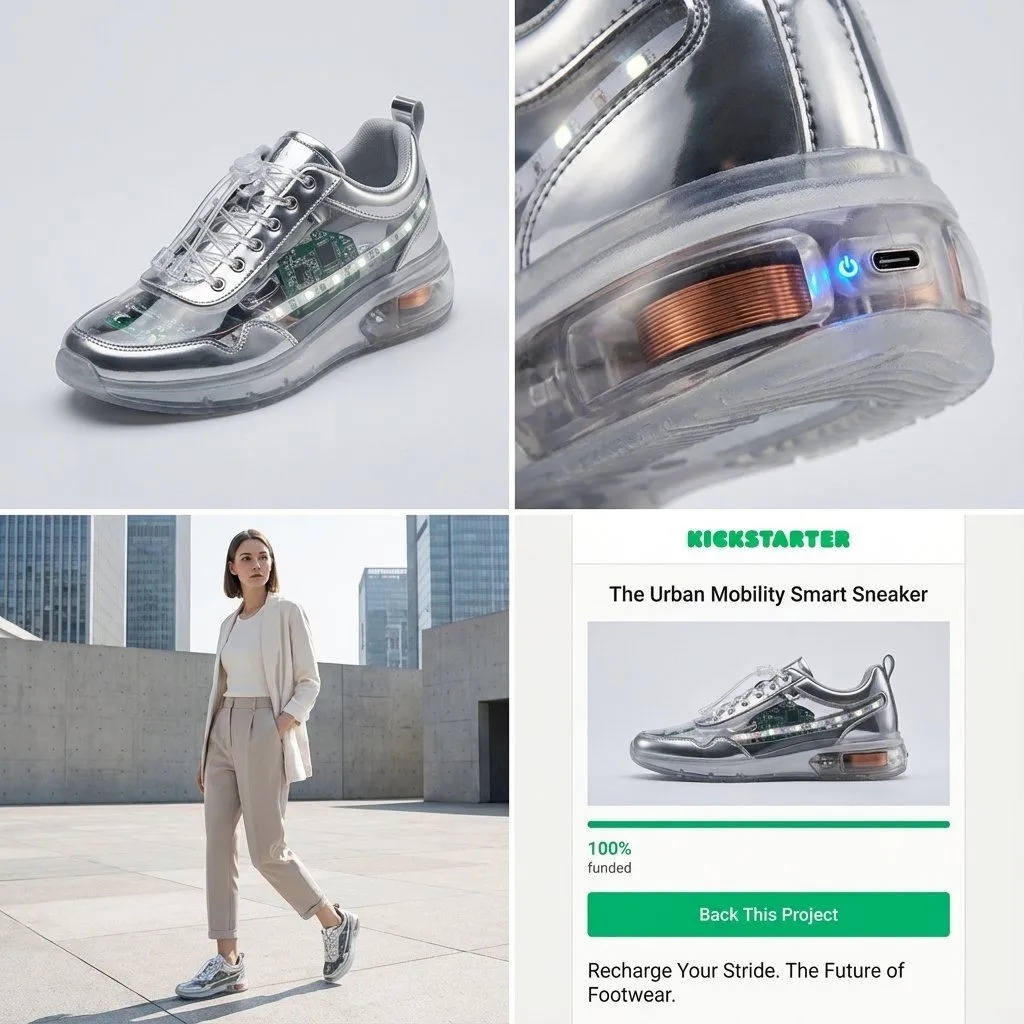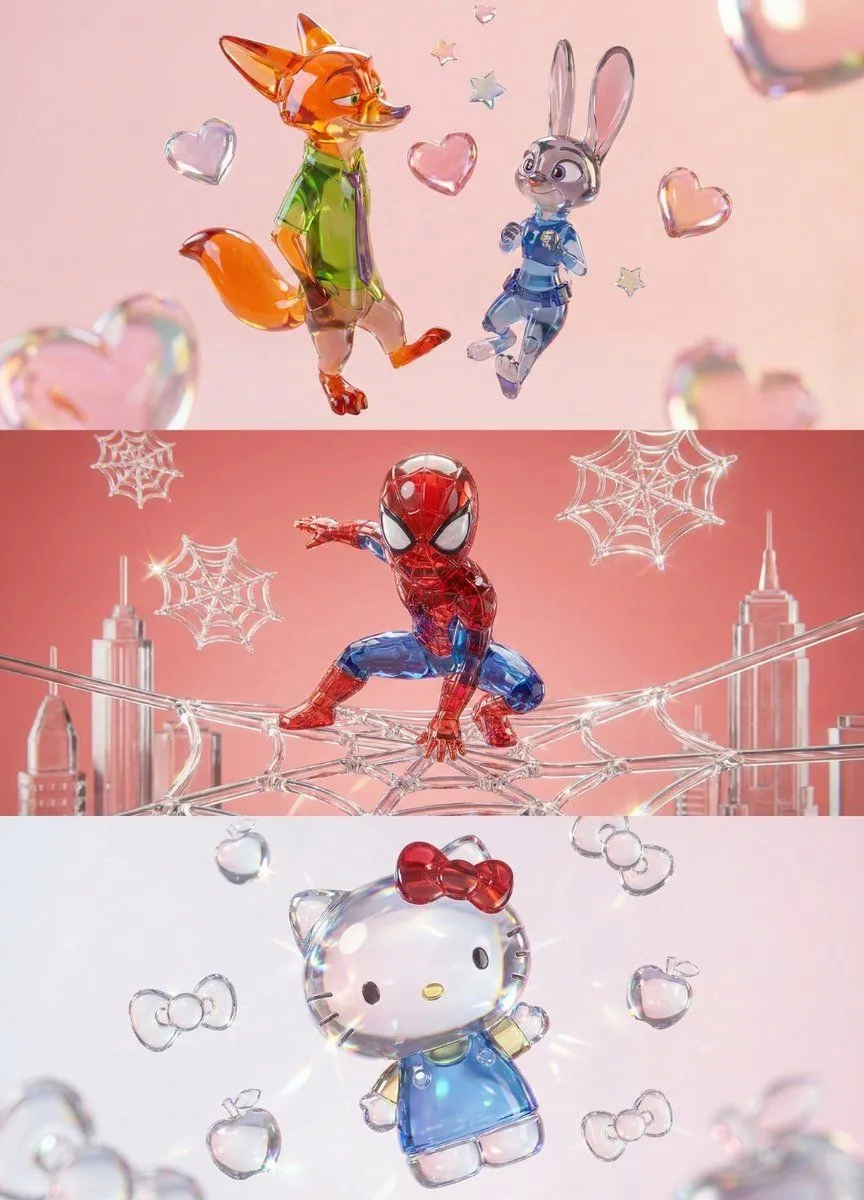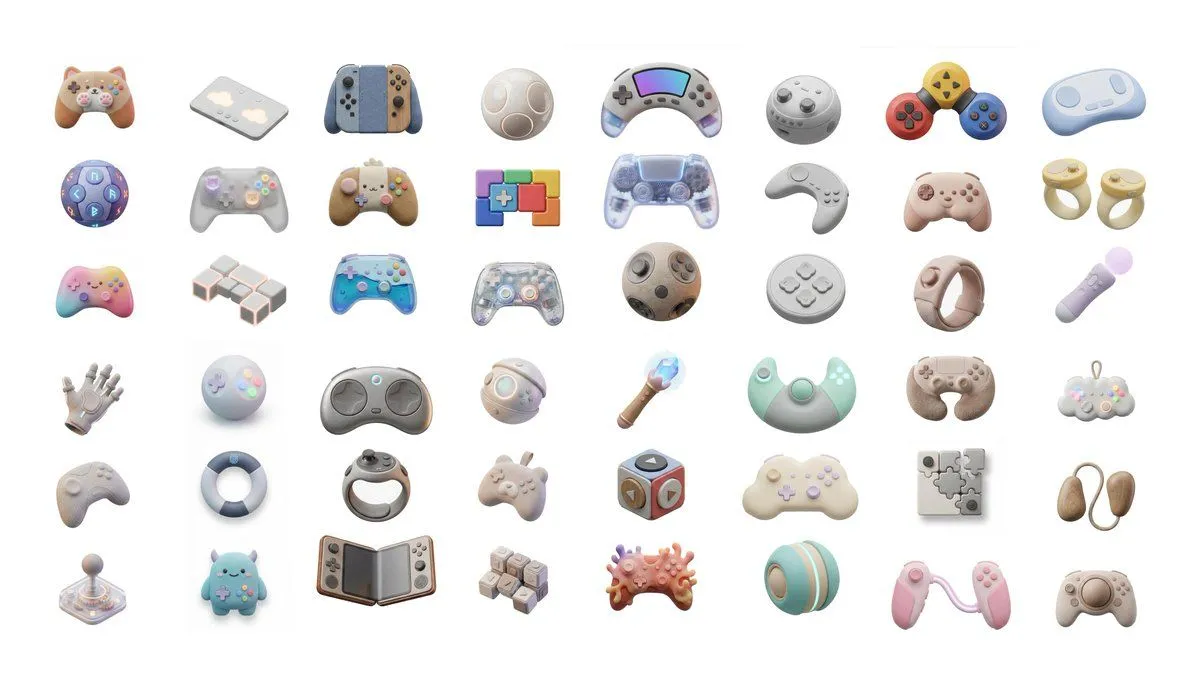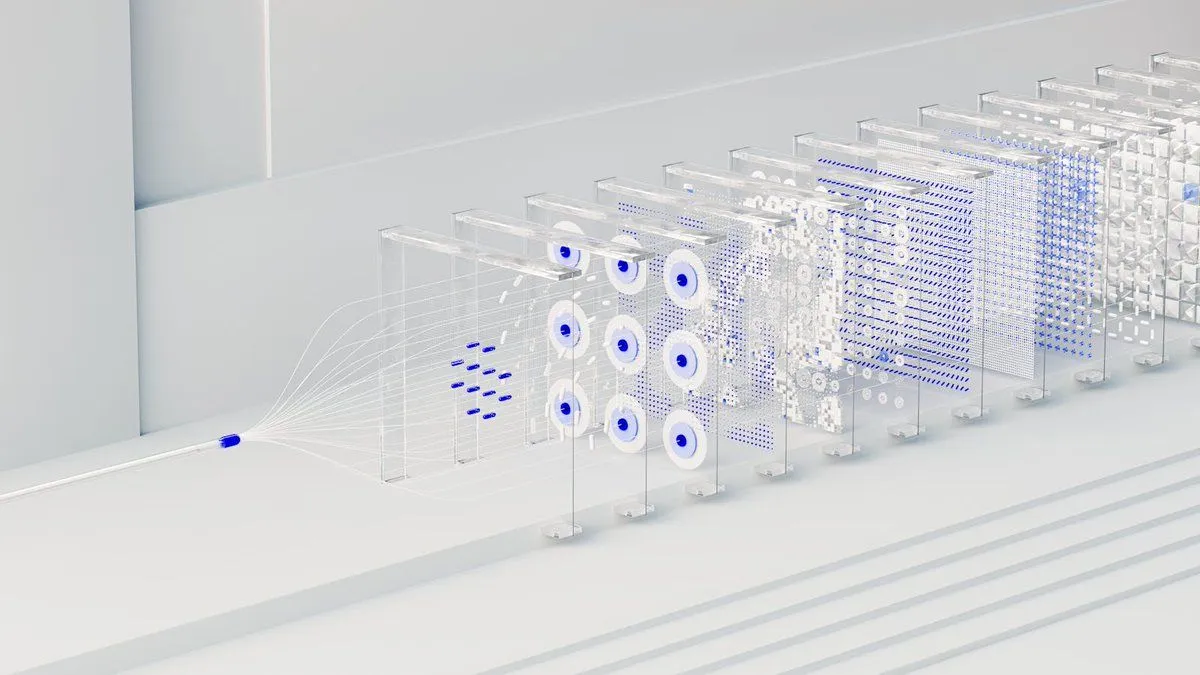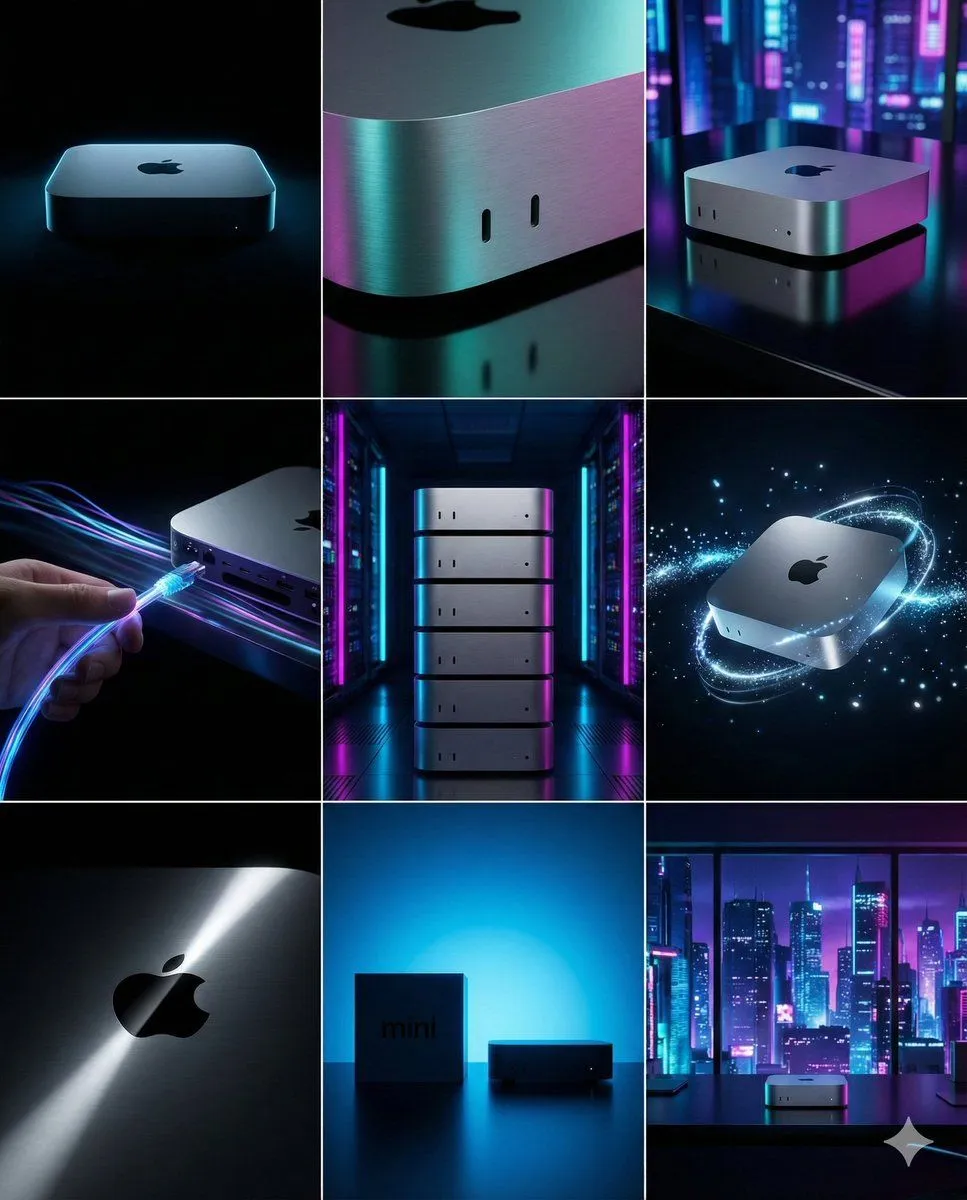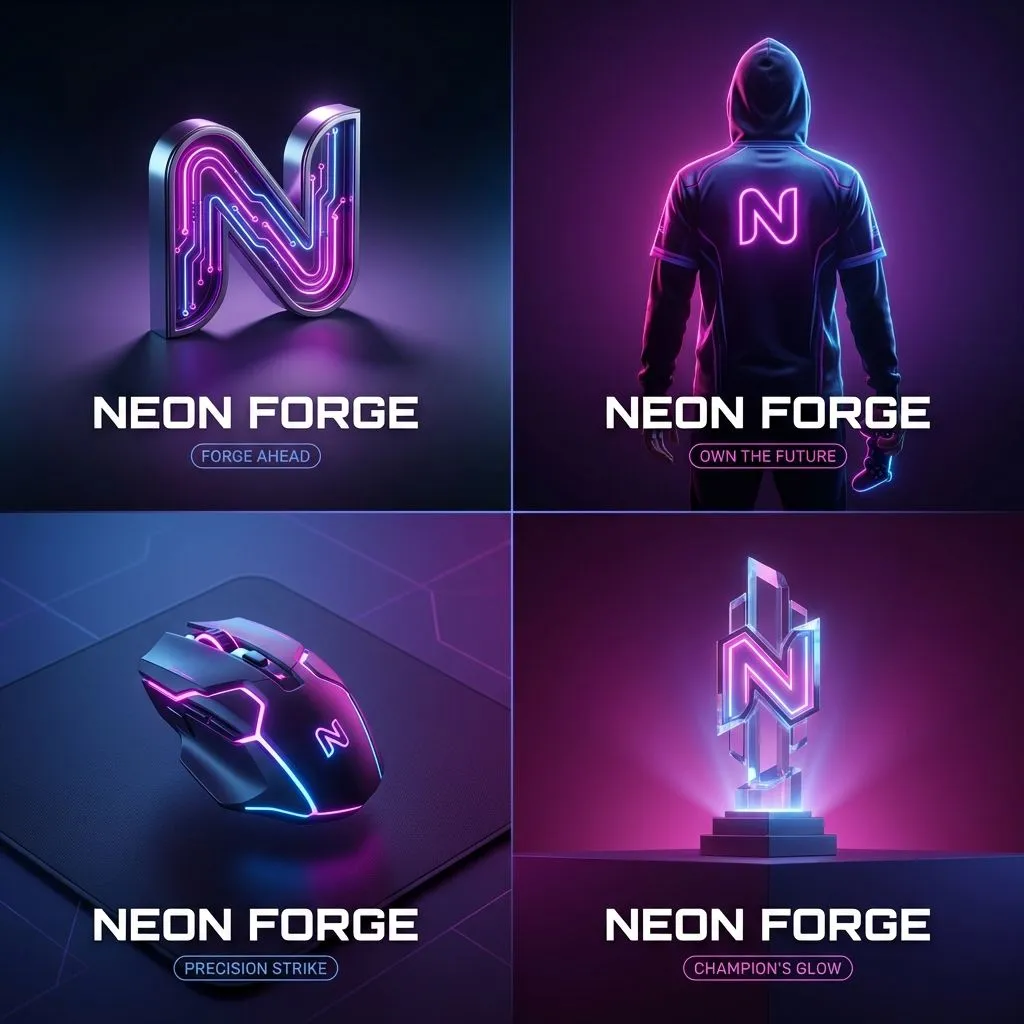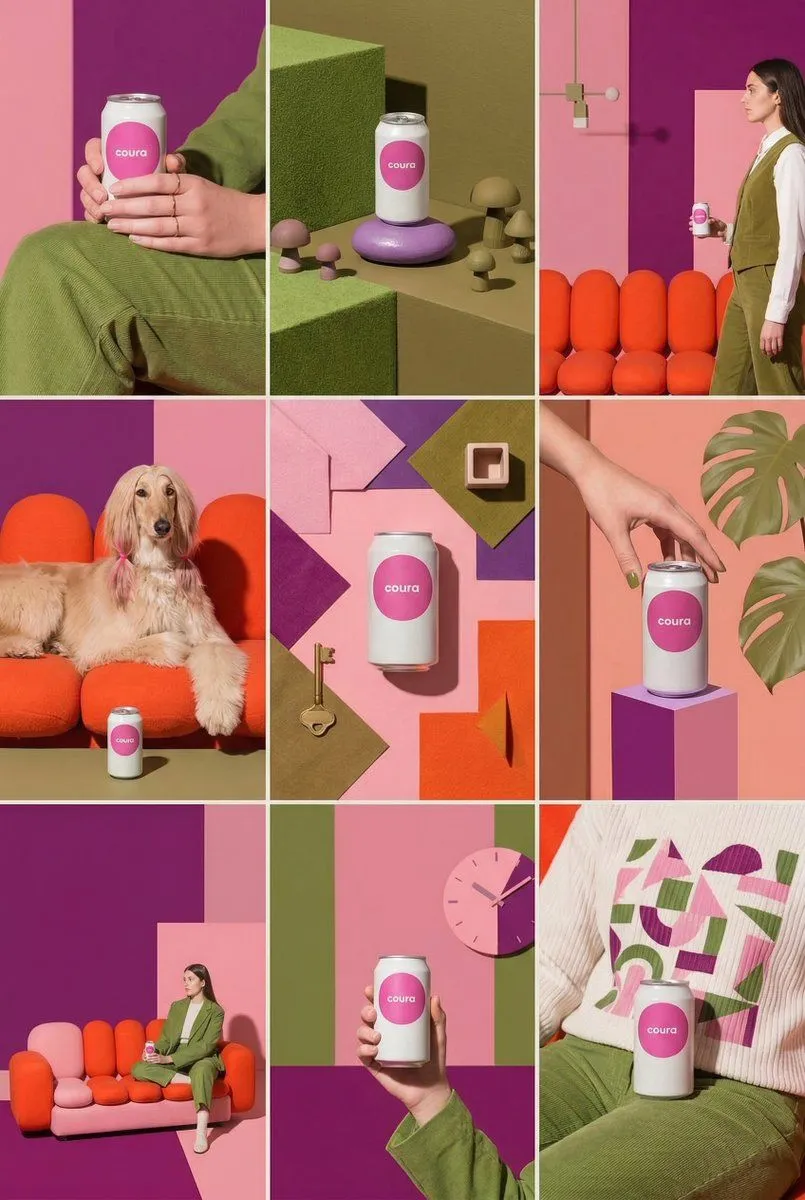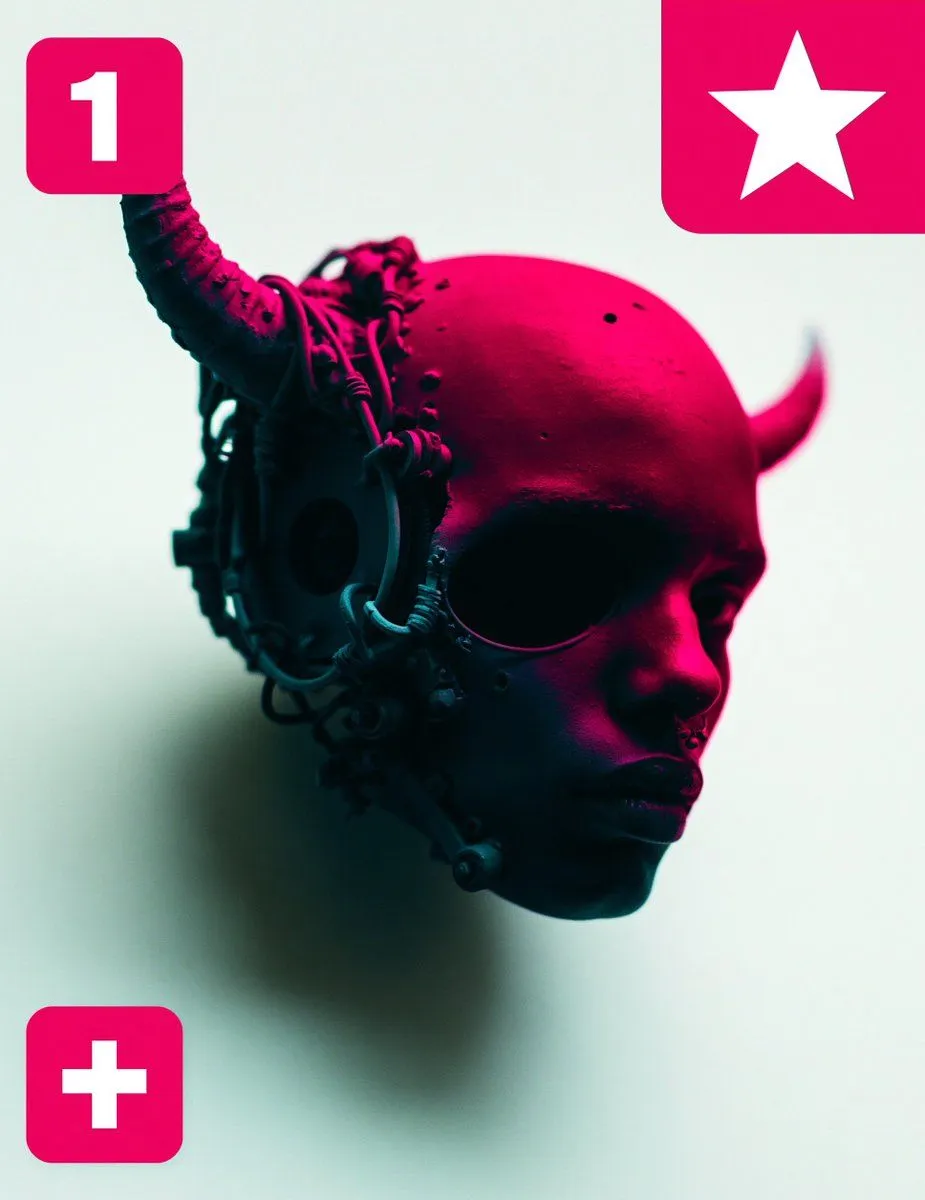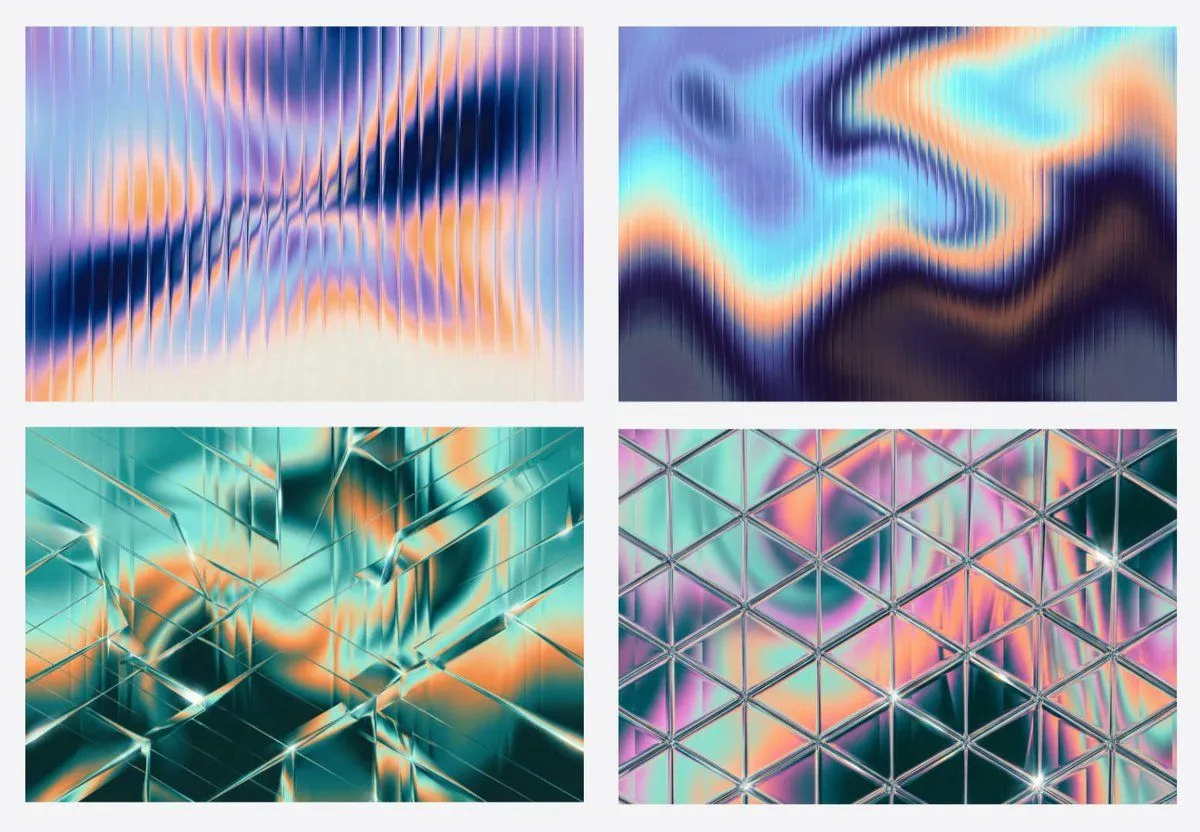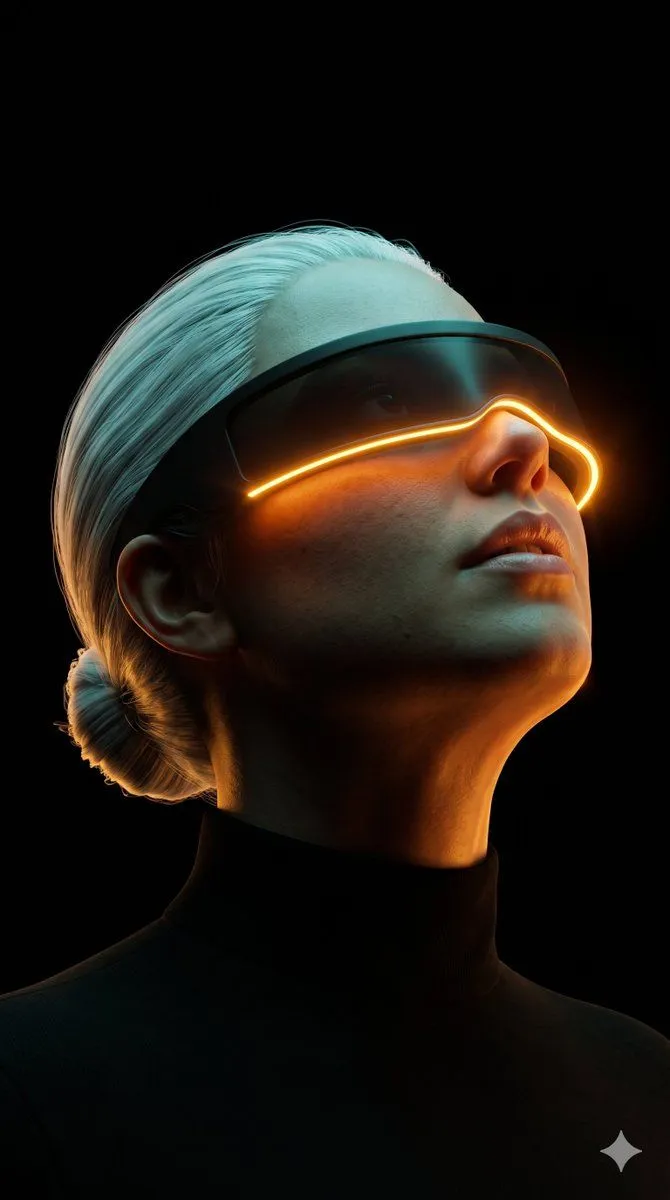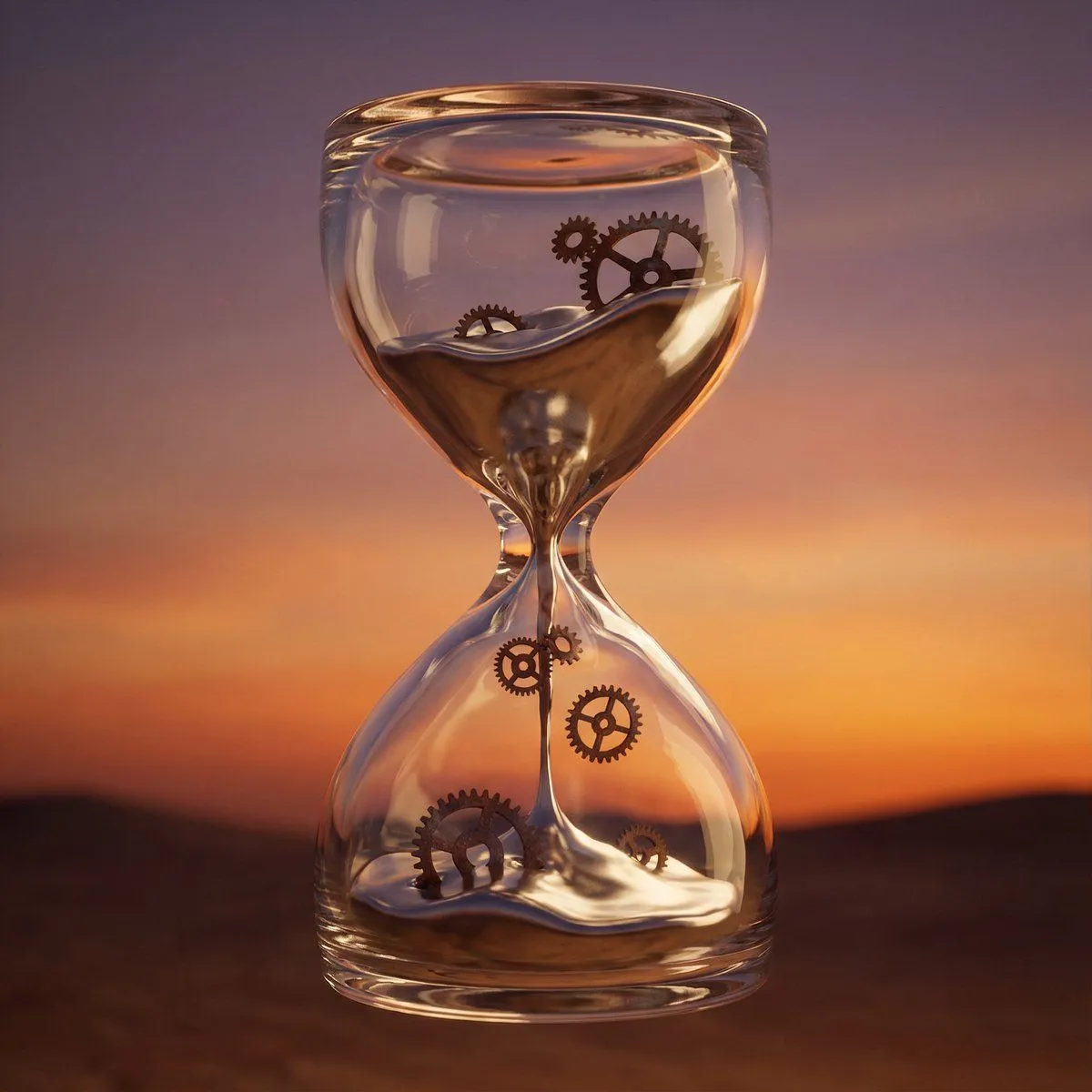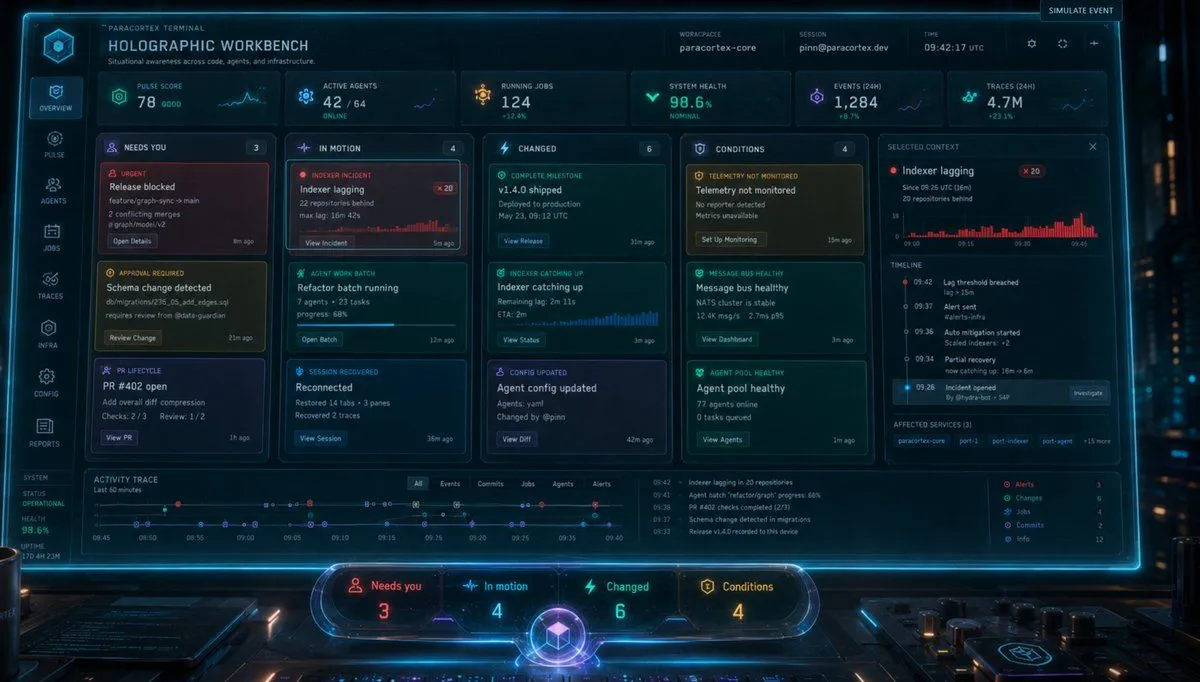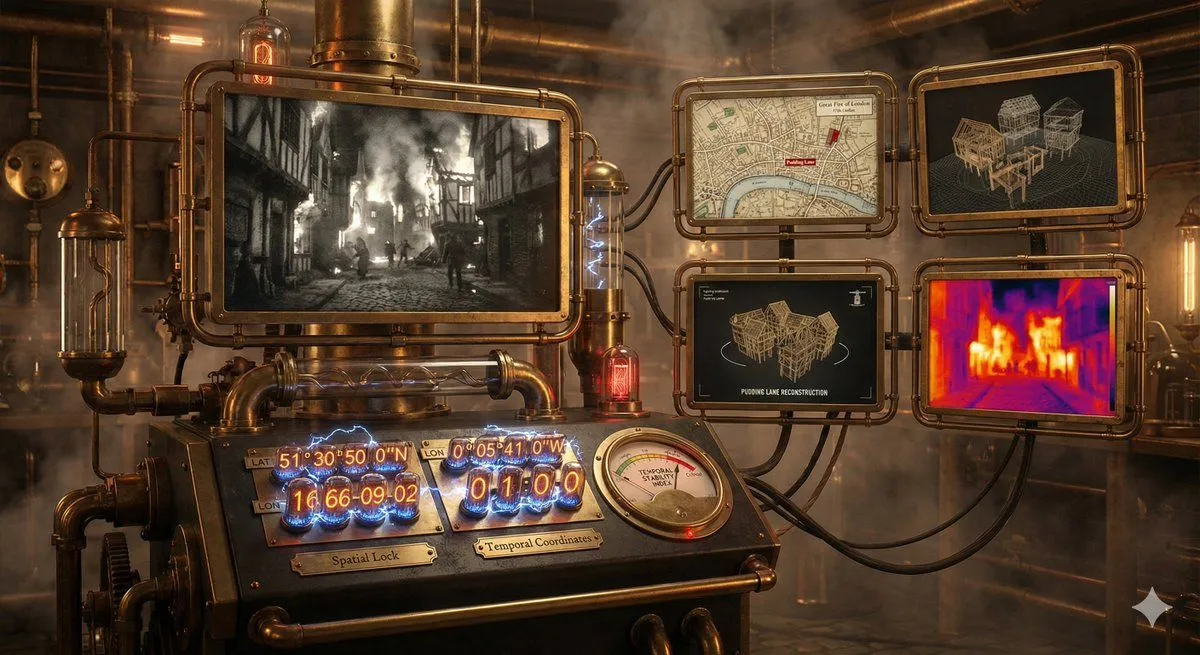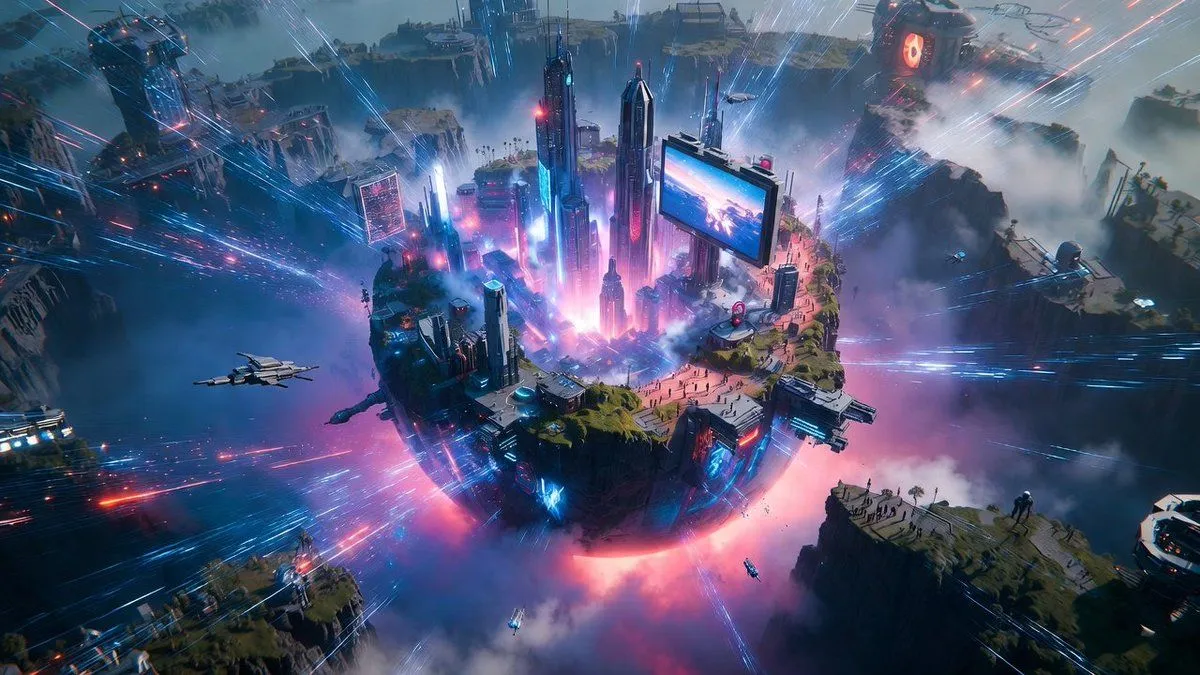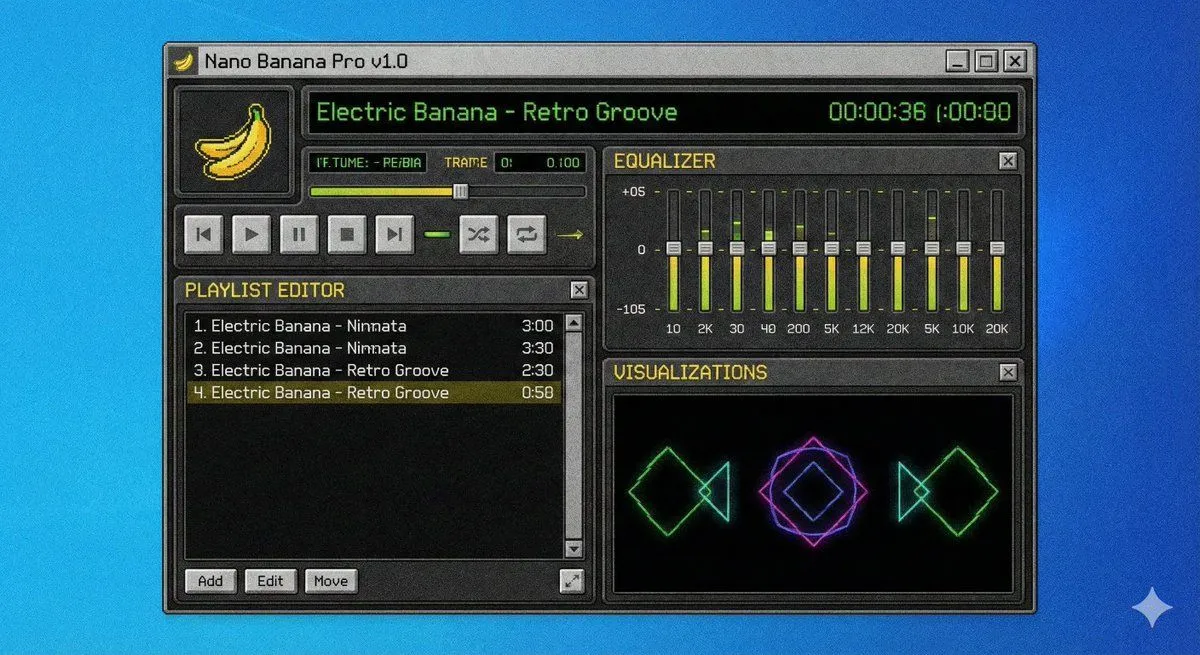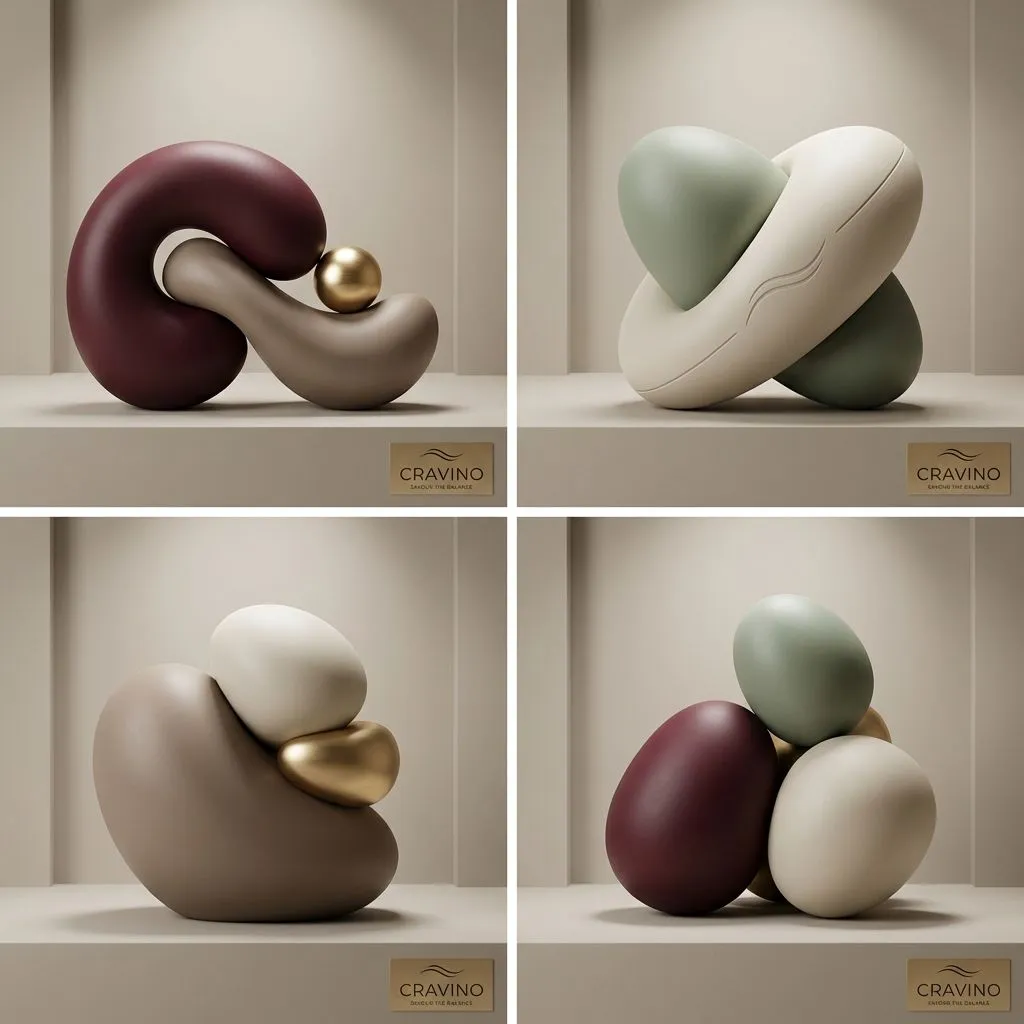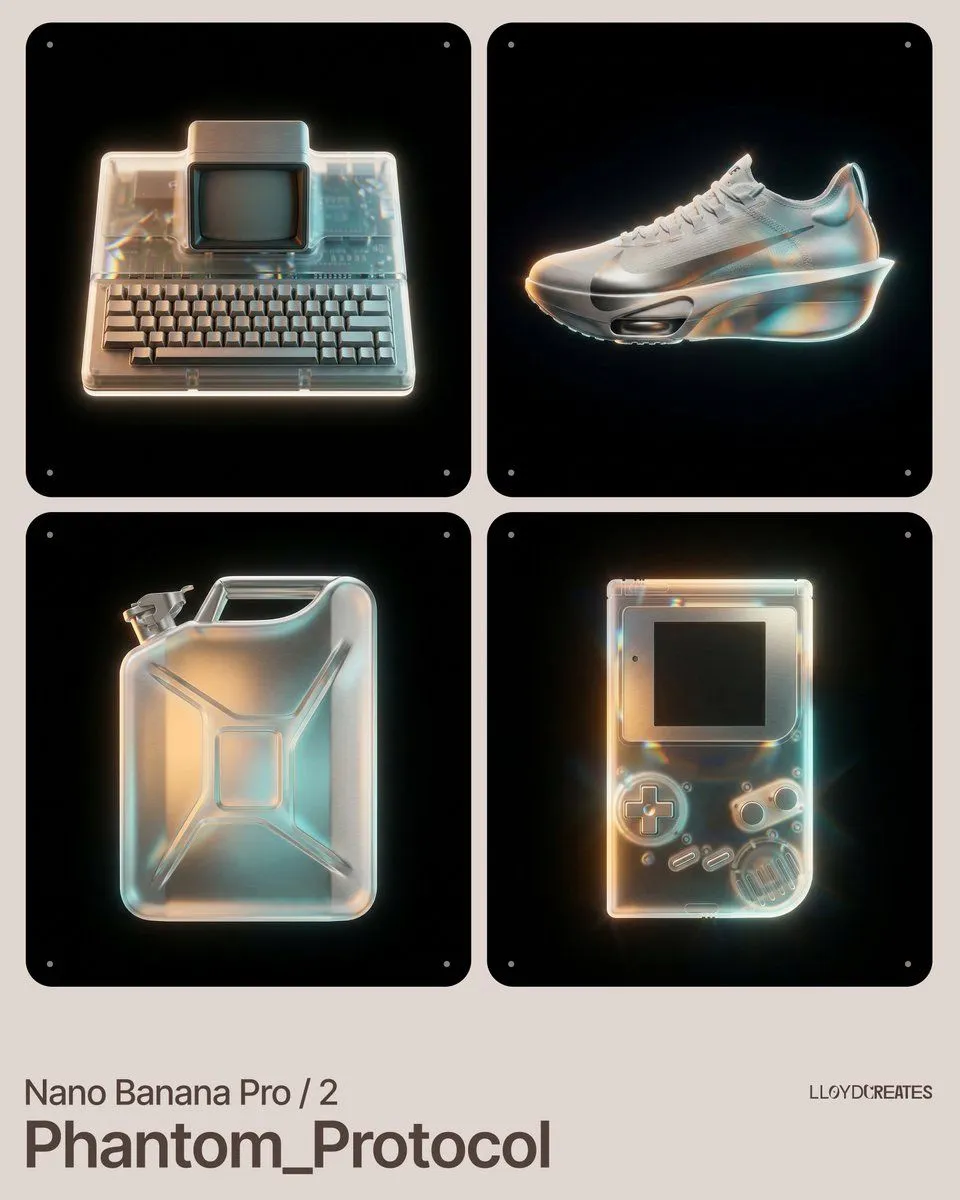
Made with Nano Banana Pro in Gemini by Library Product. Promptclay never generates images.
Did it work?
No reports yet. Tell others if it worked for you.
Nano Banana Pro Product Photography Prompt
Prompt
1 blank to fill{ "image_generation_controls": { "product_focus": "{product_focus}", "composition": { "placement": "strictly centered", "orientation": "eye-level, front-facing", "spatial_style": "levitating, floating in a void", "frame_padding": "ensure no edges of the product are cut off" }, "visual_style": { "background_color": "#000000", "lighting_effects": [ "prismatic light refraction", "caustic light leaks", "soft amber and cyan gradients", "anisotropic highlights" ], "textures": [ "brushed matte metallic", "frosted translucent glass layers", "fine-grain satin finish" ], "color_palette": { "primary_background": "#000000", "highlight_amber": "#FFB347", "highlight_cyan": "#4DB6AC", "accent_warm_white": "#F5F5DC" } }, "negative_constraints": { "environmental_elements": [ "no platforms", "no pedestals", "no stands", "no light boxes", "no photography umbrellas", "no studio props", "no shadows on floor", "no horizon line" ], "composition_errors": [ "product cut off by frame", "product off-center", "cropped edges", "multiple instances of product" ], "clutter": [ "no text", "no watermarks", "no UI elements", "no buttons", "no wires" ] }, "rendering_engine_directives": { "detail_level": "ultra-high fidelity", "surface_interaction": "photorealistic light dispersion on product surfaces", "edge_quality": "sharp, clean silhouettes with soft glow" } } }
Preview of your prompt
{ "image_generation_controls": { "product_focus": "[INSERT PRODUCT HERE]", "composition": { "placement": "strictly centered", "orientation": "eye-level, front-facing", "spatial_style": "levitating, floating in a void", "frame_padding": "ensure no edges of the product are cut off" }, "visual_style": { "background_color": "#000000", "lighting_effects": [ "prismatic light refraction", "caustic light leaks", "soft amber and cyan gradients", "anisotropic highlights" ], "textures": [ "brushed matte metallic", "frosted translucent glass layers", "fine-grain satin finish" ], "color_palette": { "primary_background": "#000000", "highlight_amber": "#FFB347", "highlight_cyan": "#4DB6AC", "accent_warm_white": "#F5F5DC" } }, "negative_constraints": { "environmental_elements": [ "no platforms", "no pedestals", "no stands", "no light boxes", "no photography umbrellas", "no studio props", "no shadows on floor", "no horizon line" ], "composition_errors": [ "product cut off by frame", "product off-center", "cropped edges", "multiple instances of product" ], "clutter": [ "no text", "no watermarks", "no UI elements", "no buttons", "no wires" ] }, "rendering_engine_directives": { "detail_level": "ultra-high fidelity", "surface_interaction": "photorealistic light dispersion on product surfaces", "edge_quality": "sharp, clean silhouettes with soft glow" } } }
DetailsVersions, settings and questions
Written for
What's in the prompt
- Subject
- Model
- Nano Banana Pro
If your face changes
keep my face exactly the sameQuestions
- Does this work in the Gemini app?
- Yes. Gemini runs Nano Banana, so paste the prompt and attach your photo if it uses one.
- It changed my face. What do I do?
- Add "keep my face exactly the same" to the end and run it again.
- Can I use the images I make?
- Check the terms of the app you use. Promptclay never generates images and claims nothing you make.