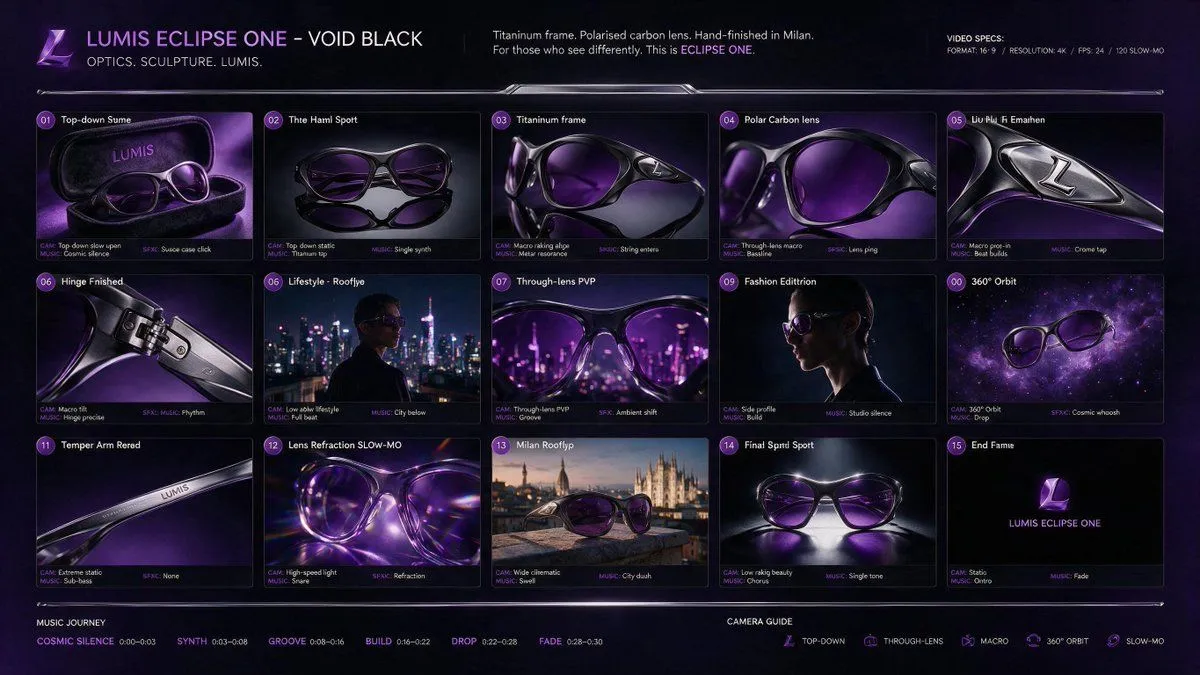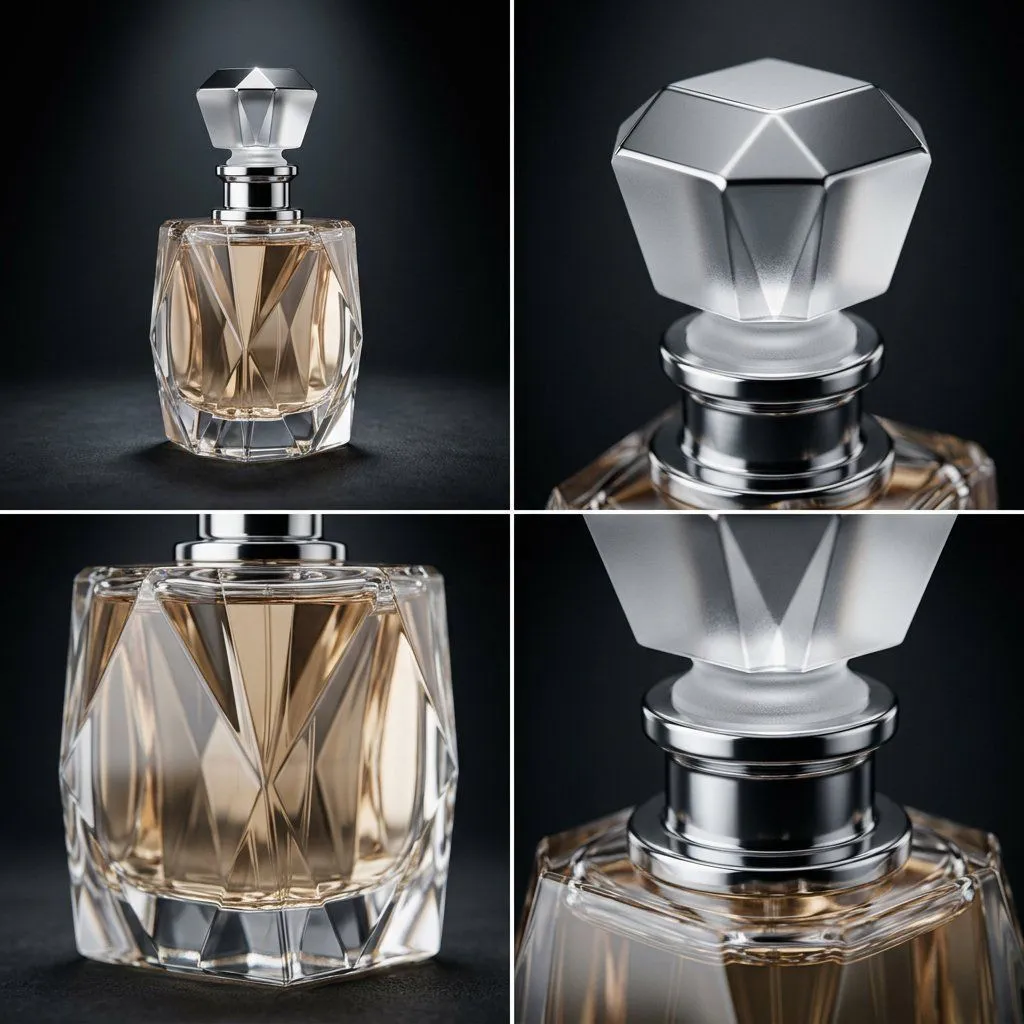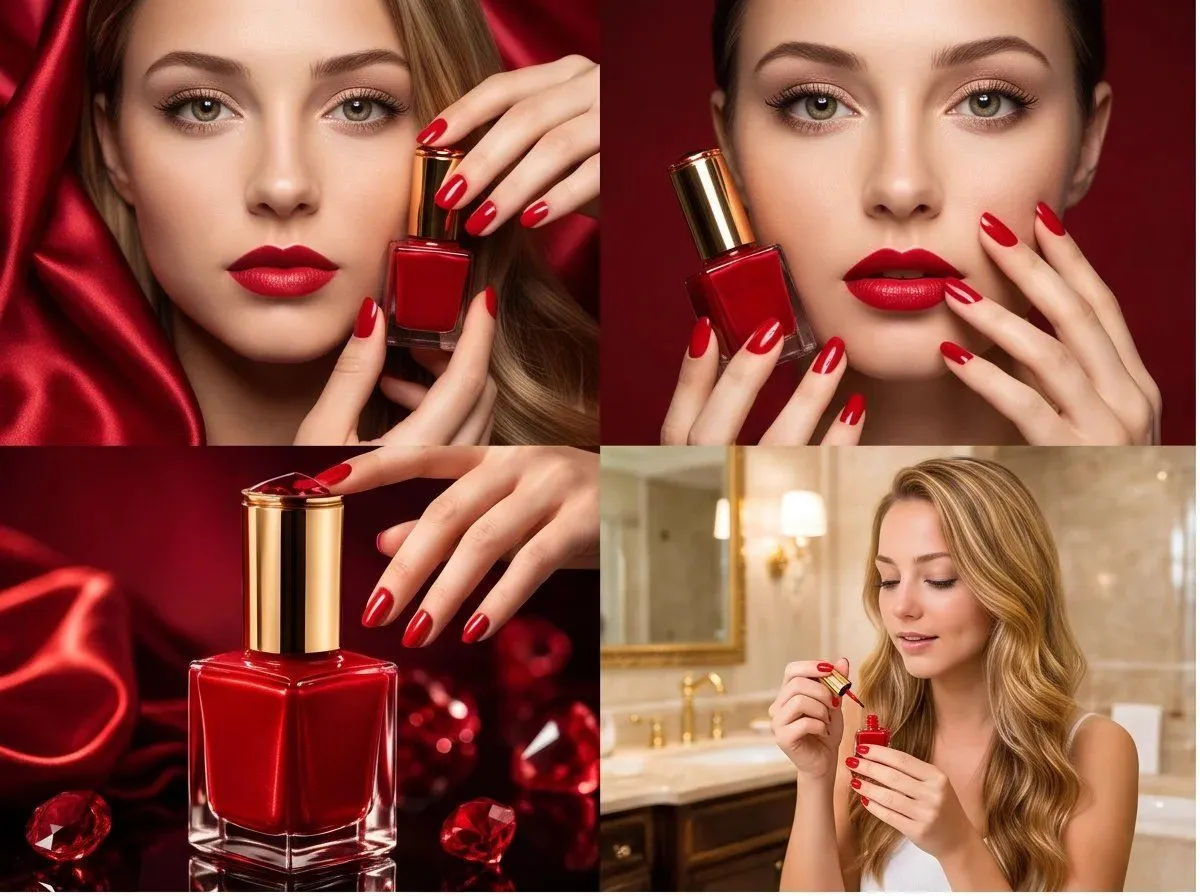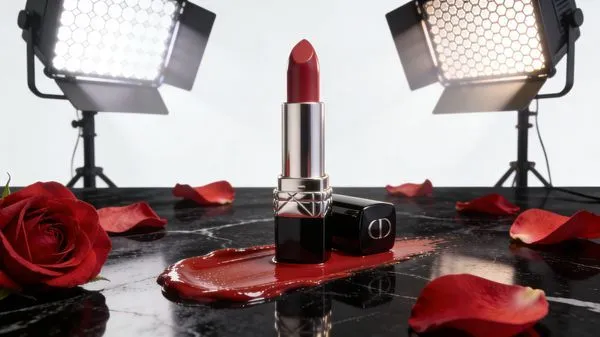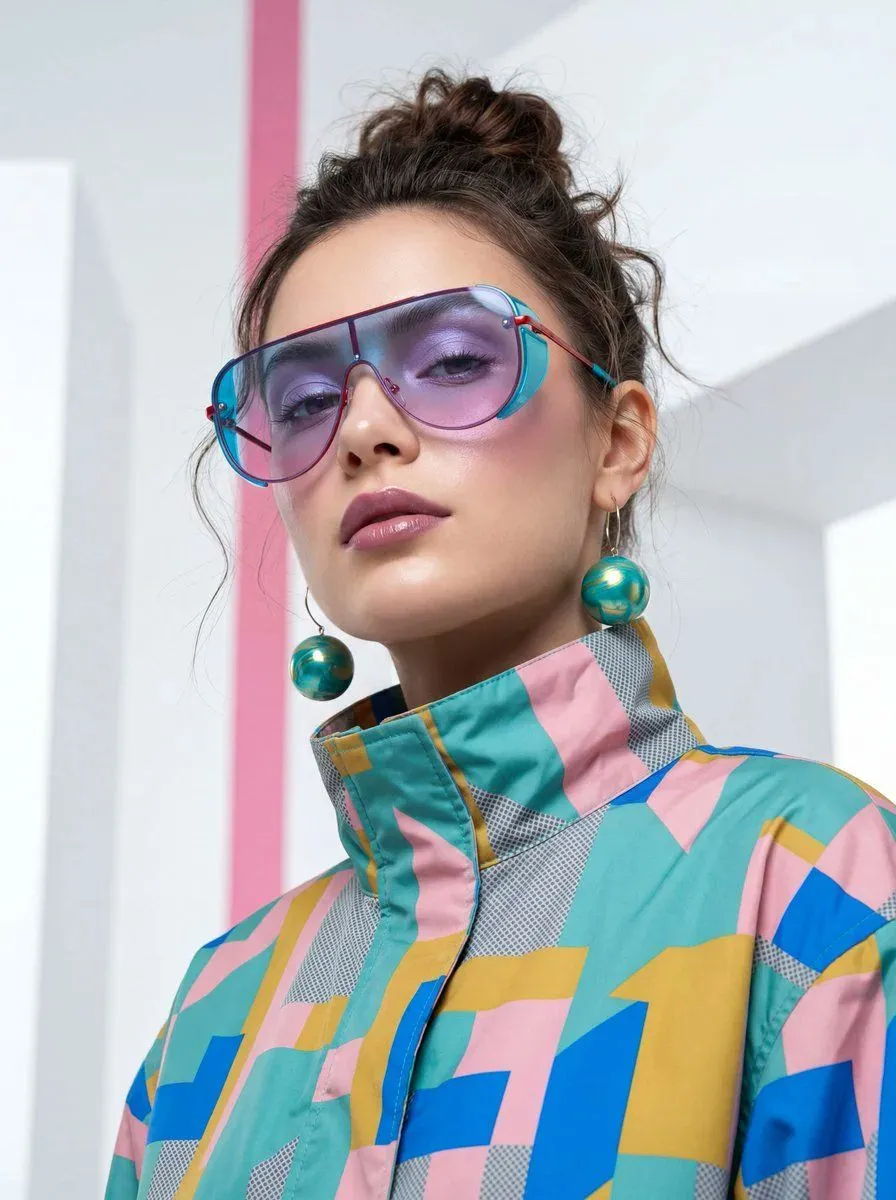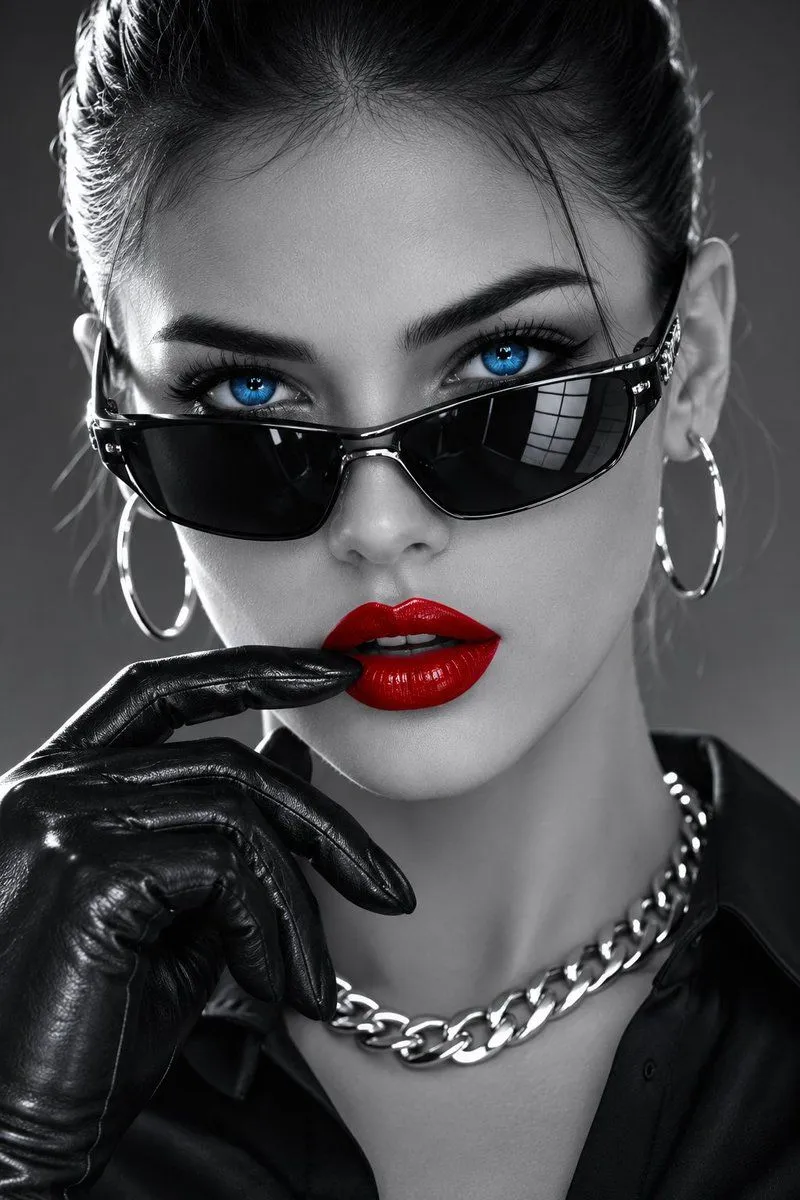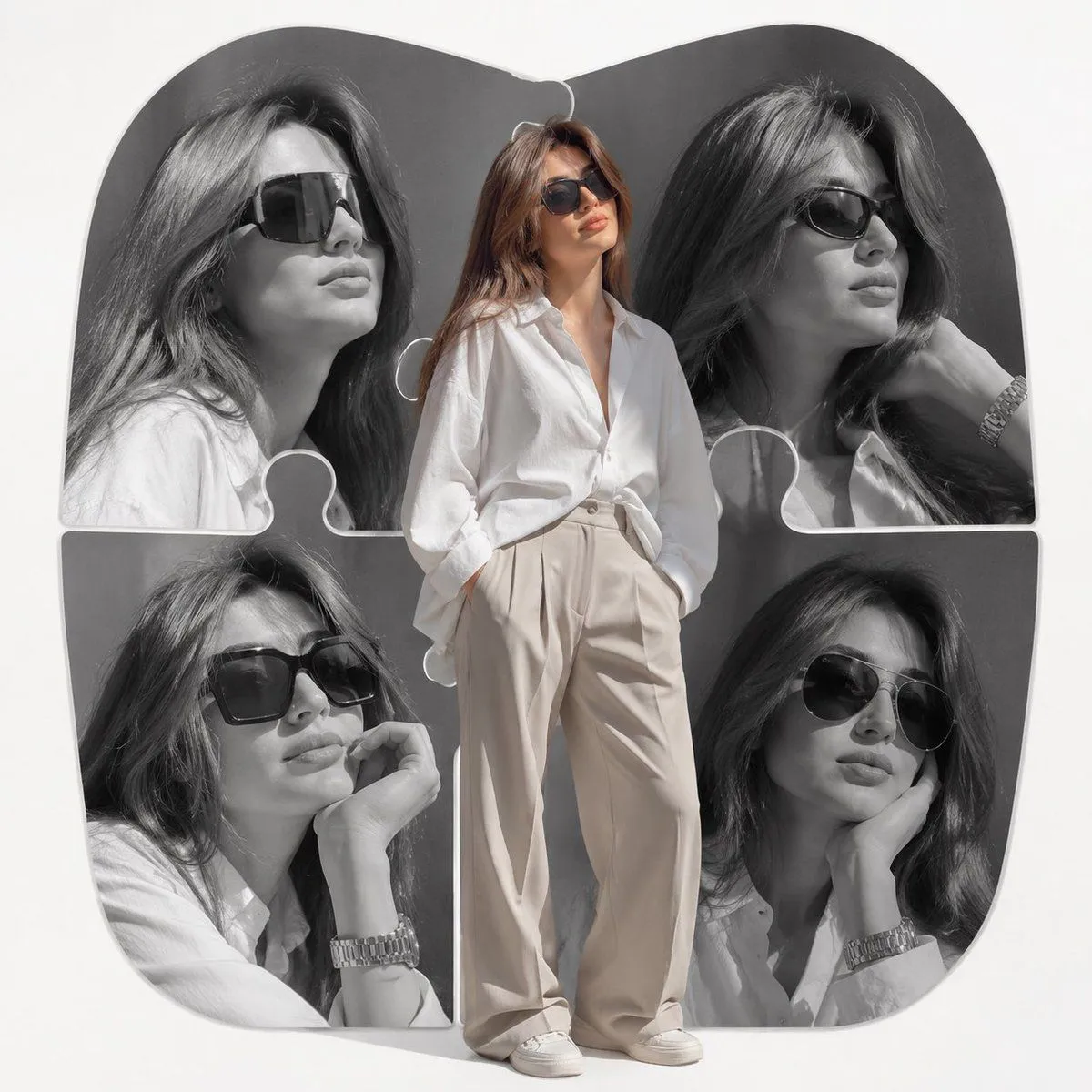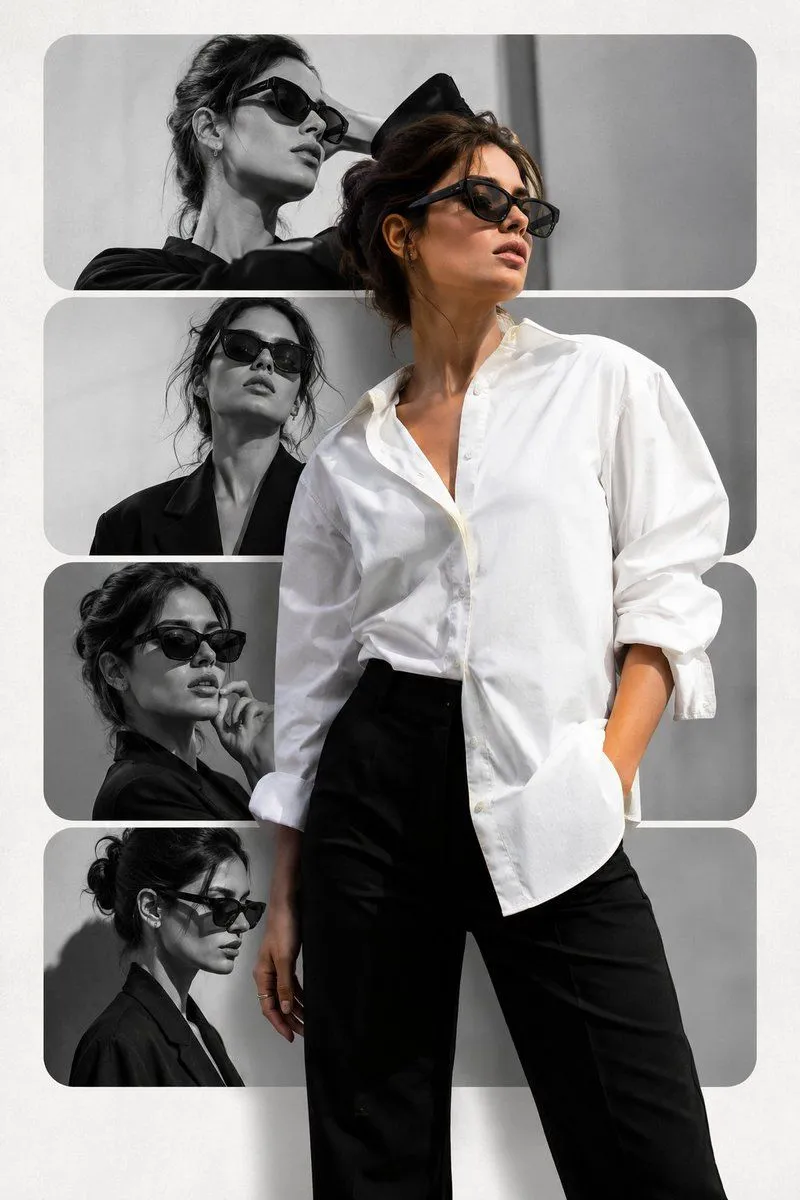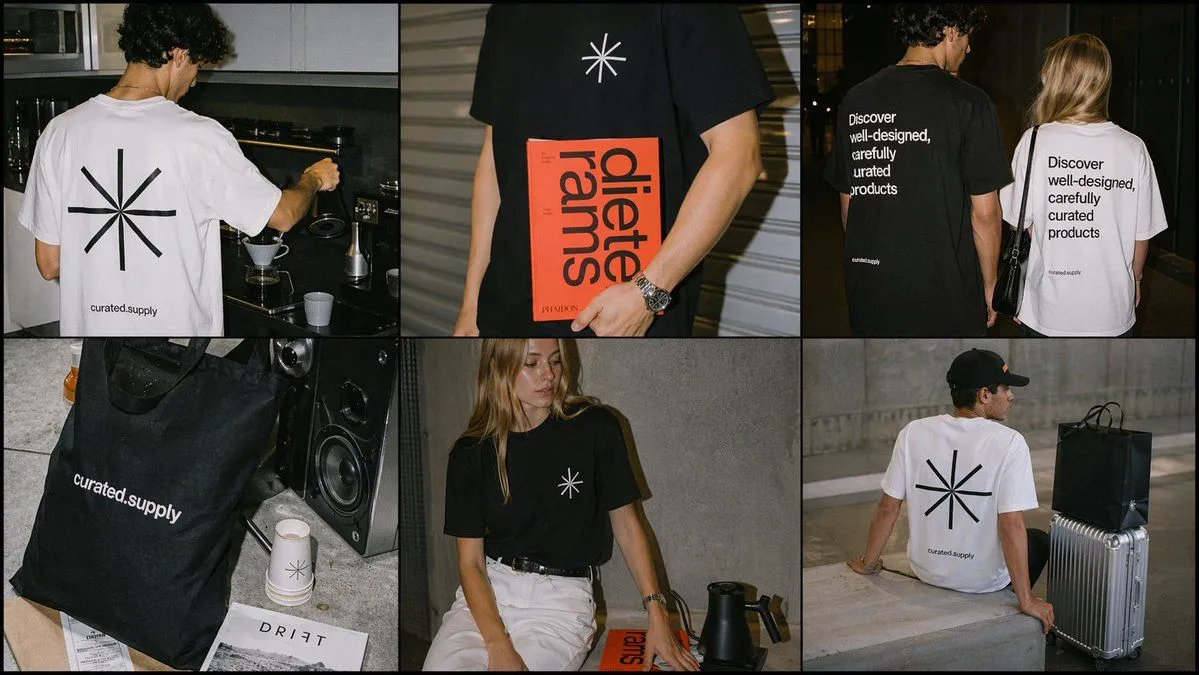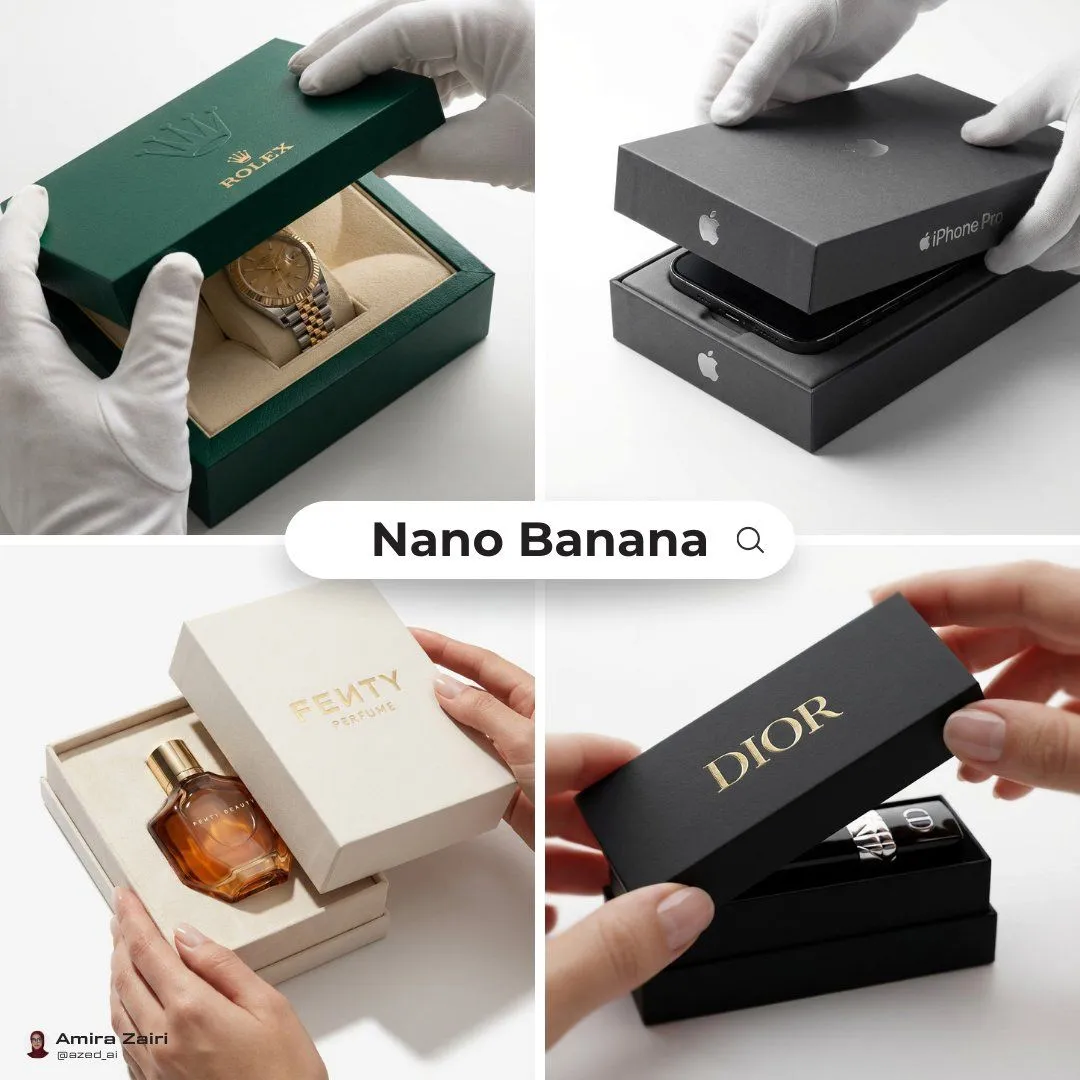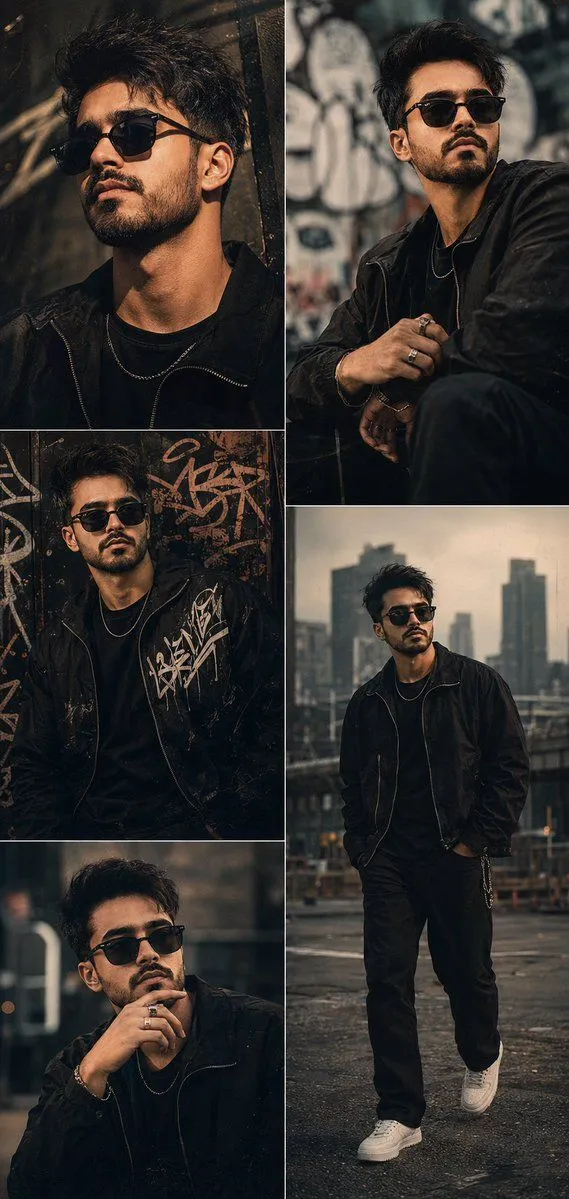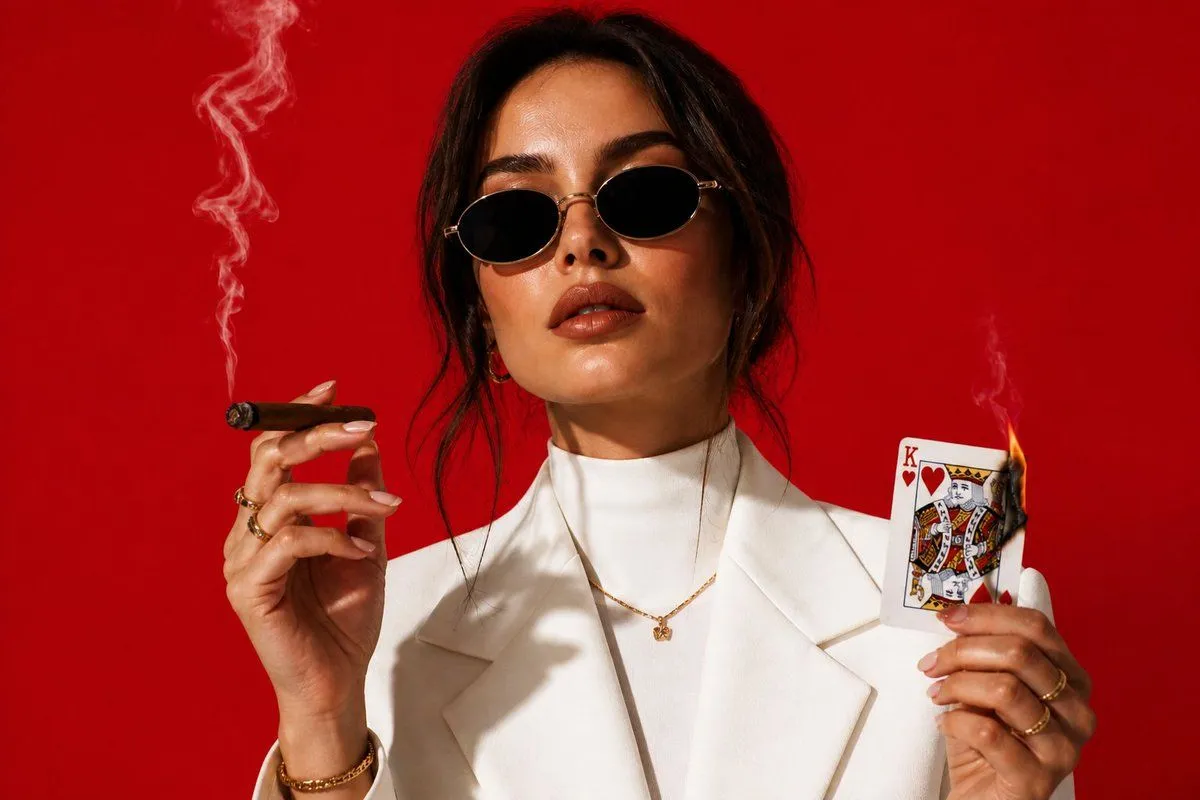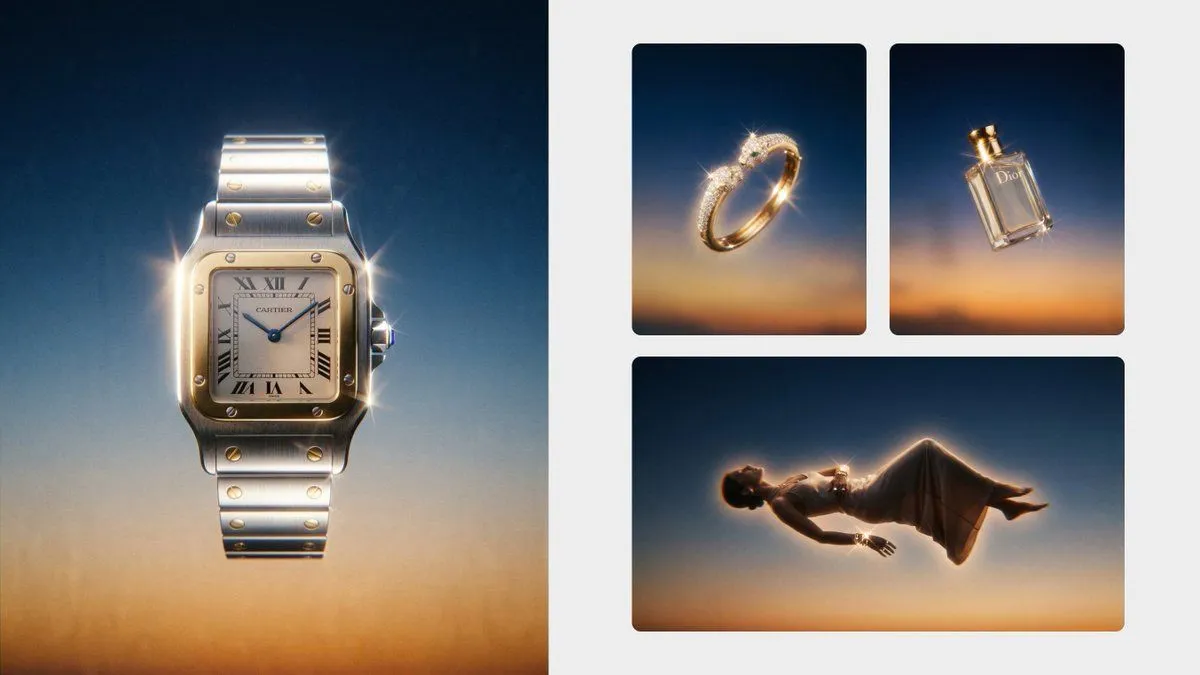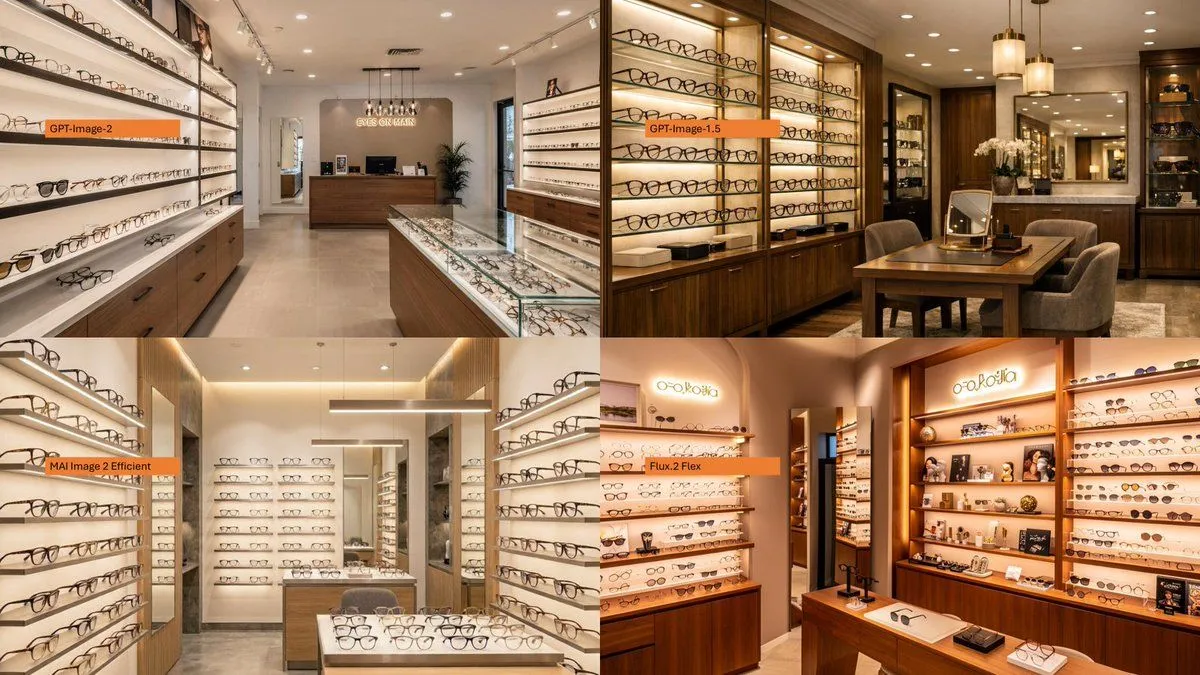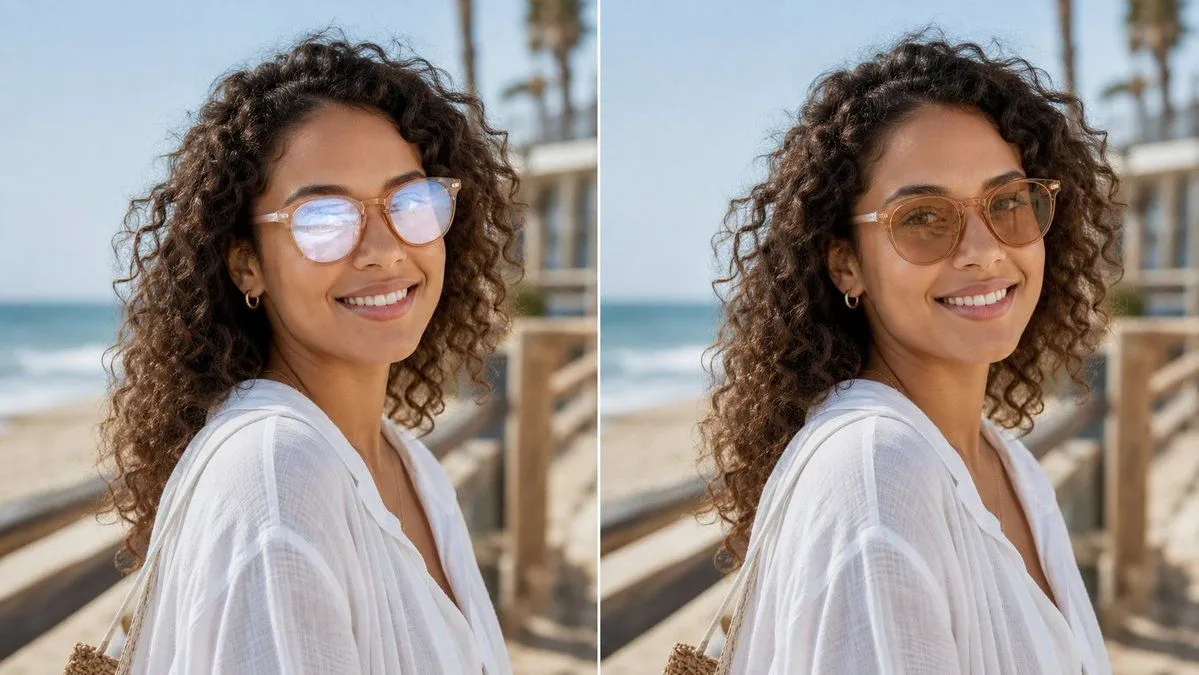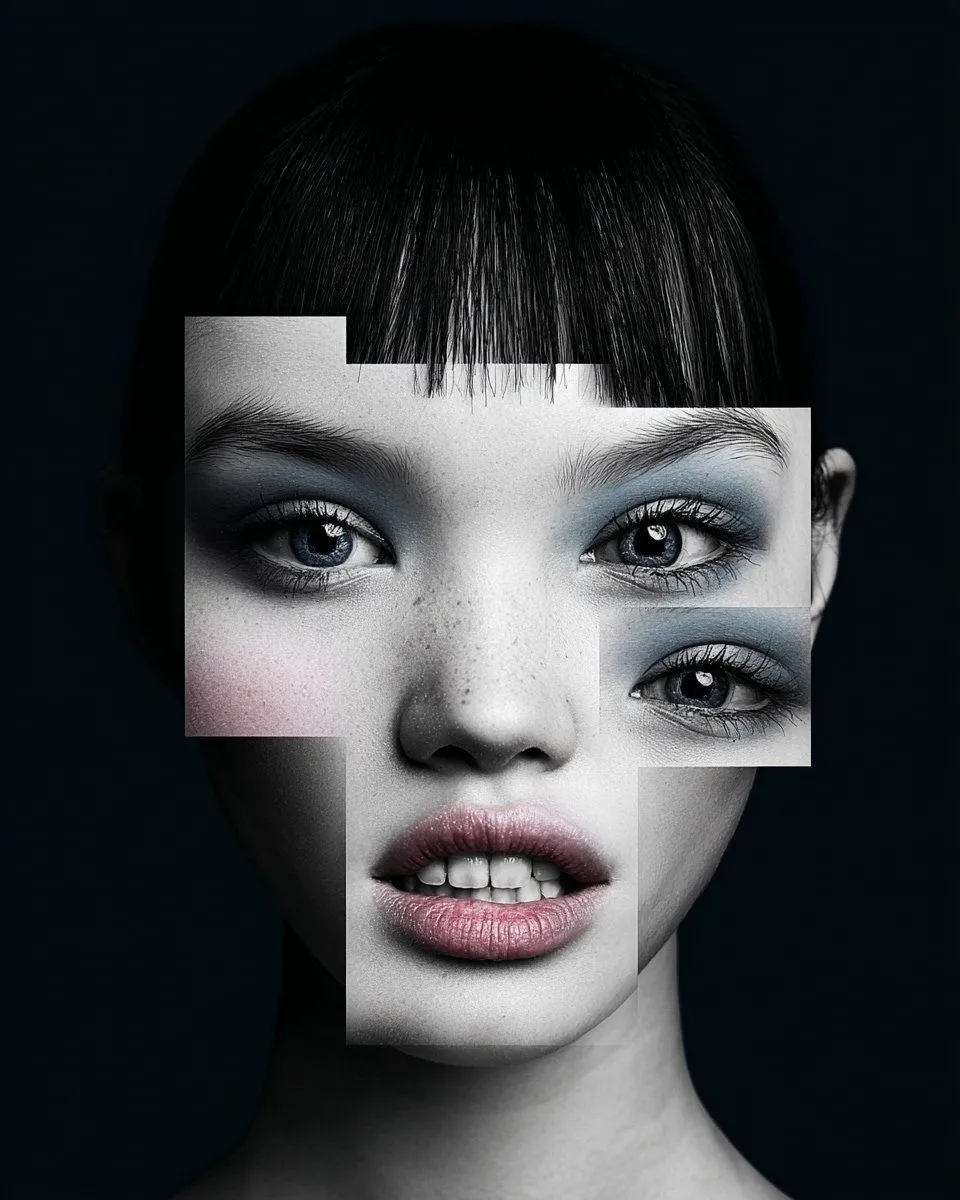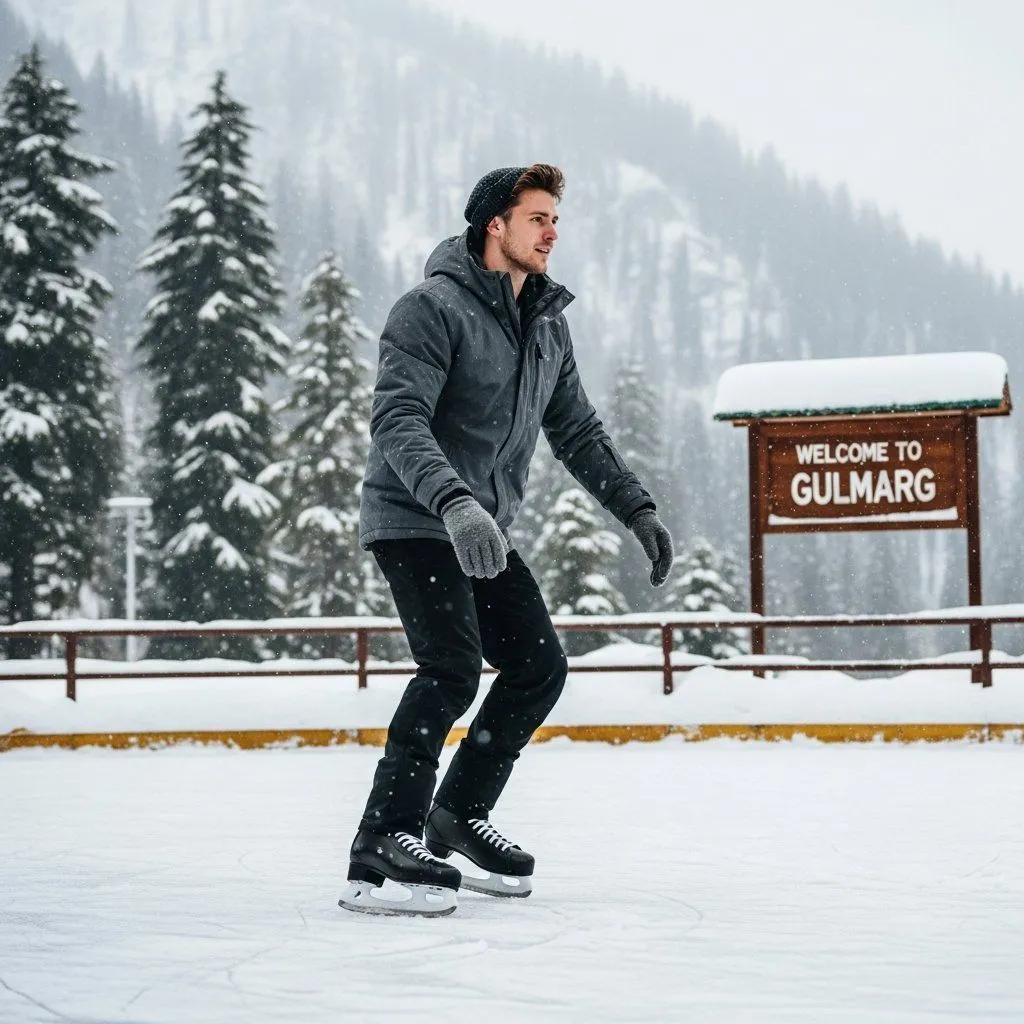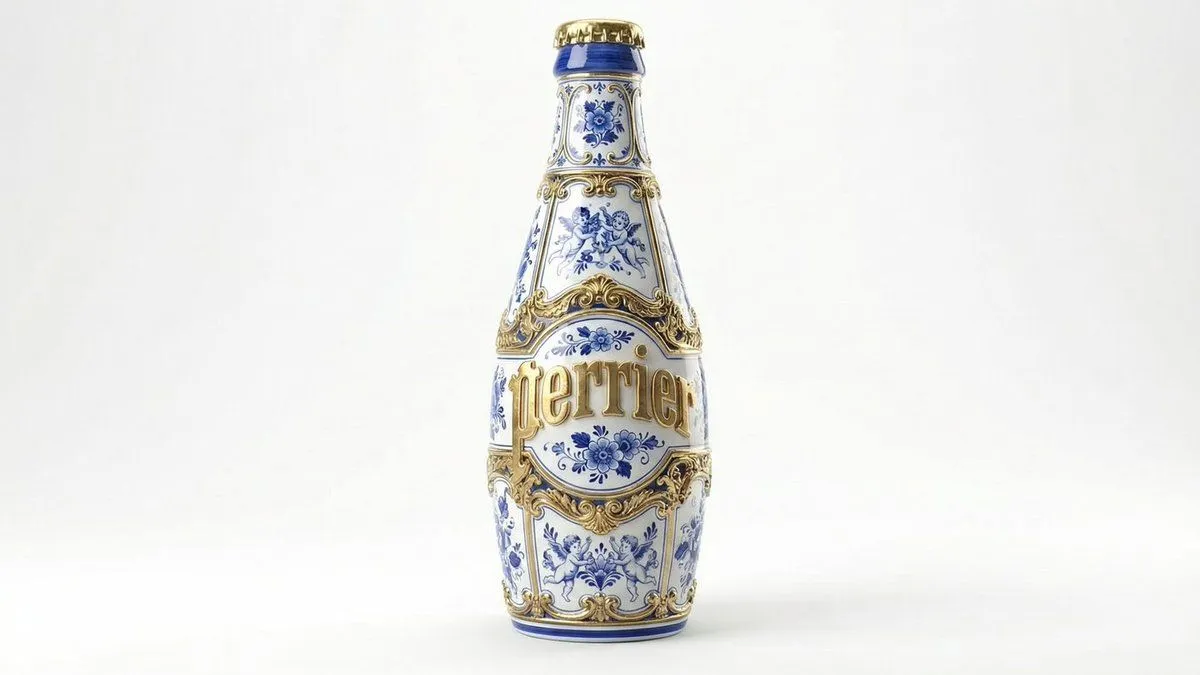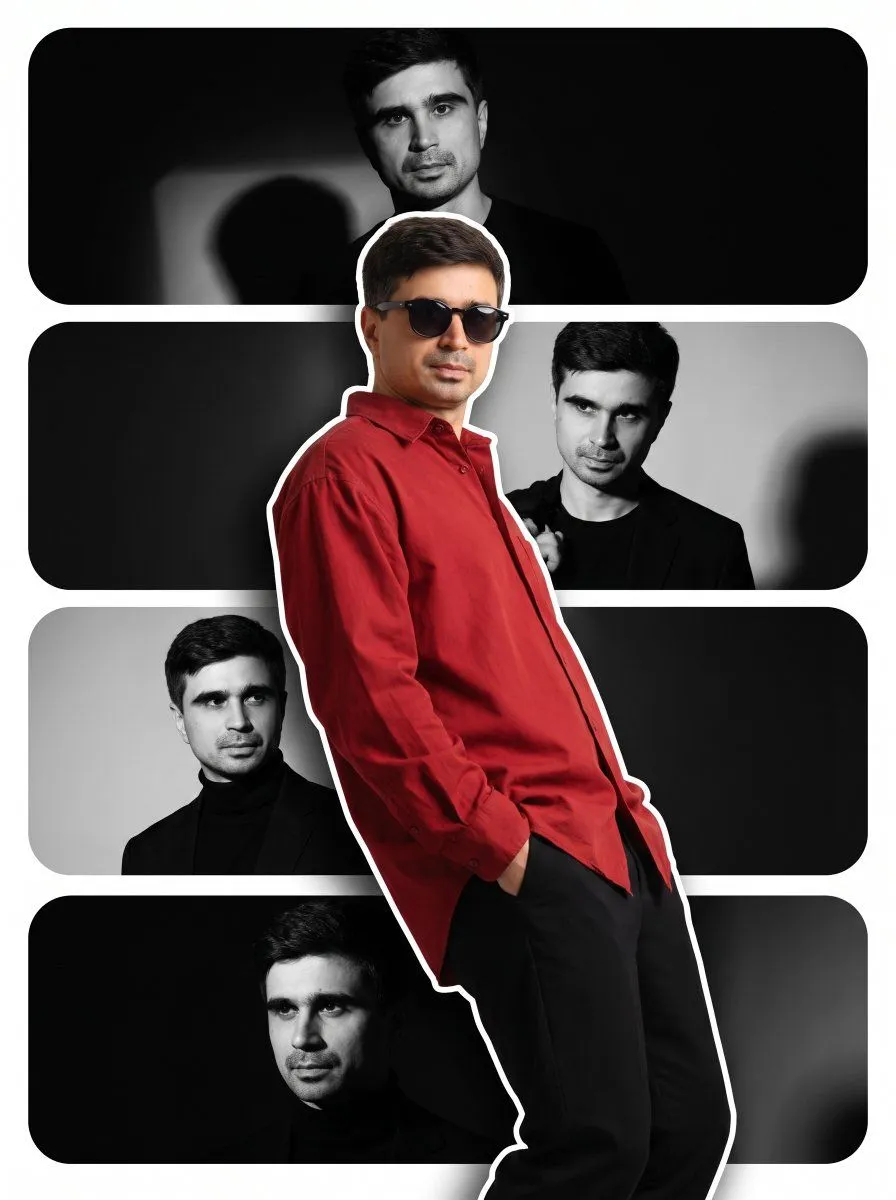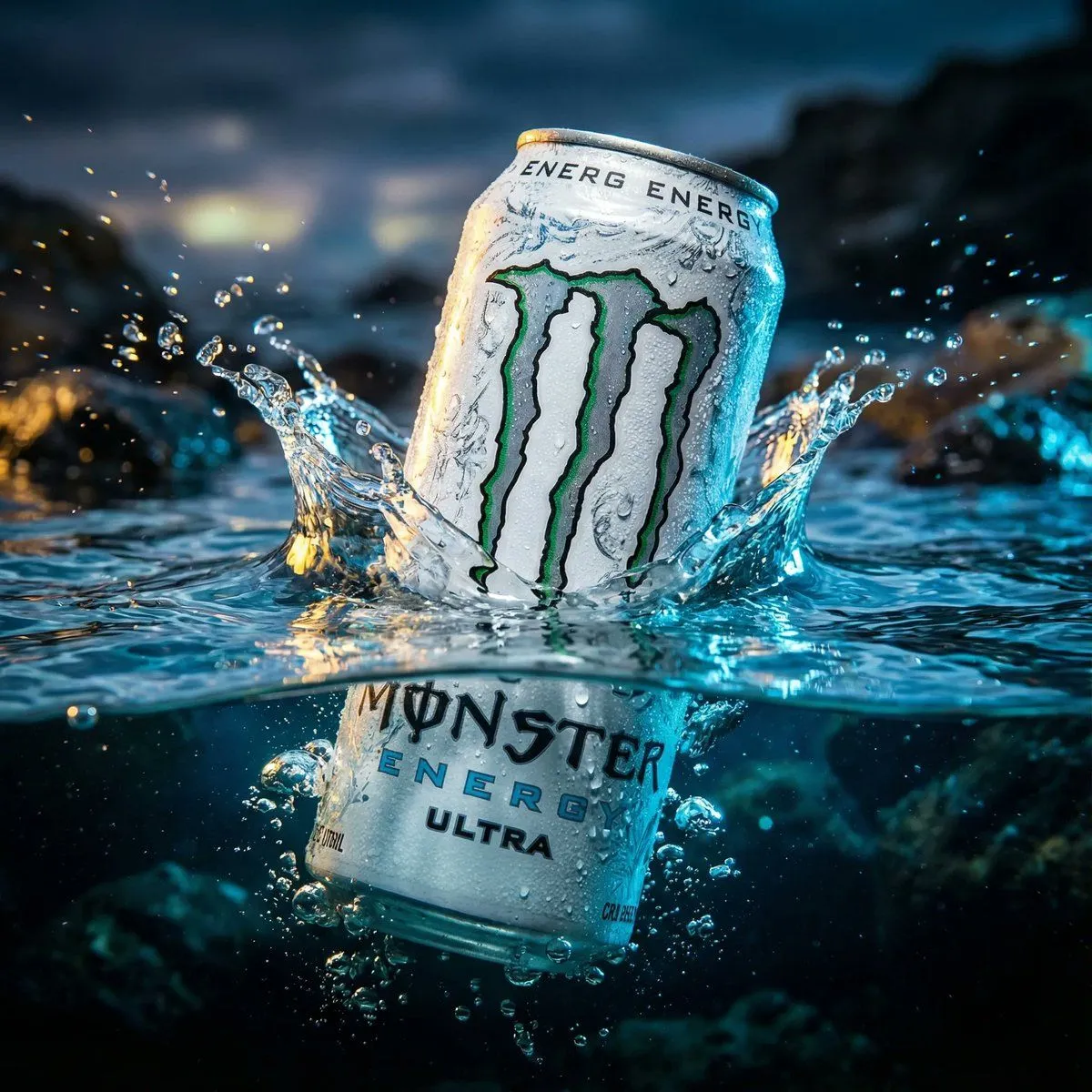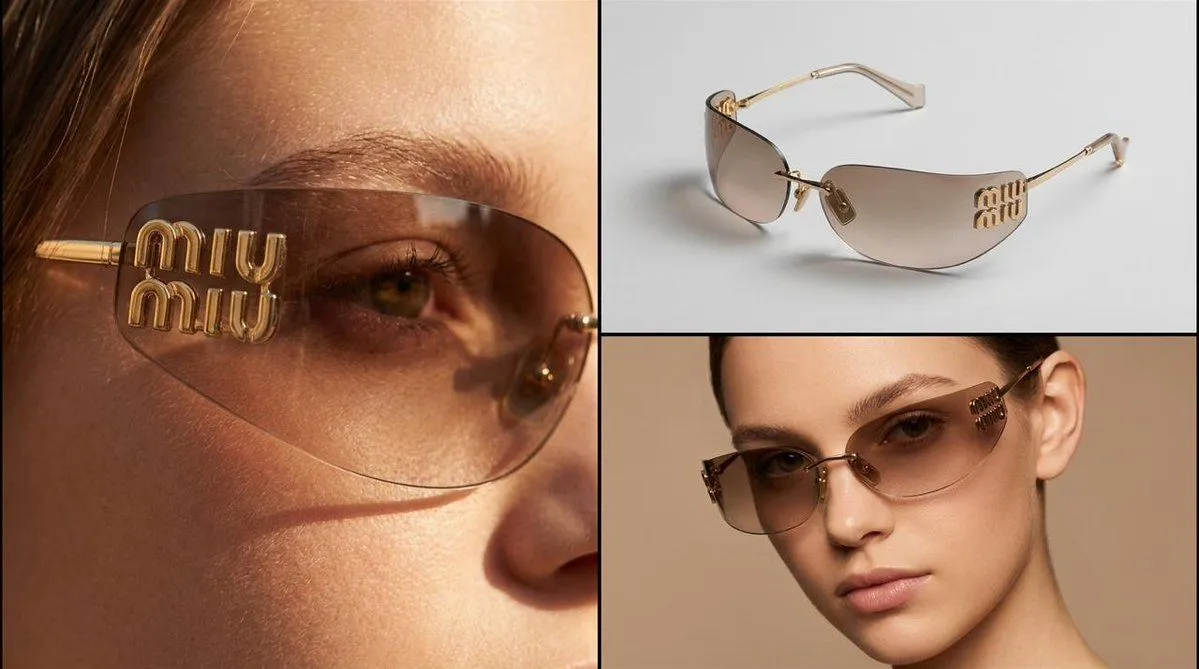
Made with Nano Banana Pro in Gemini by Library Product. Promptclay never generates images.
Did it work?
No reports yet. Tell others if it worked for you.
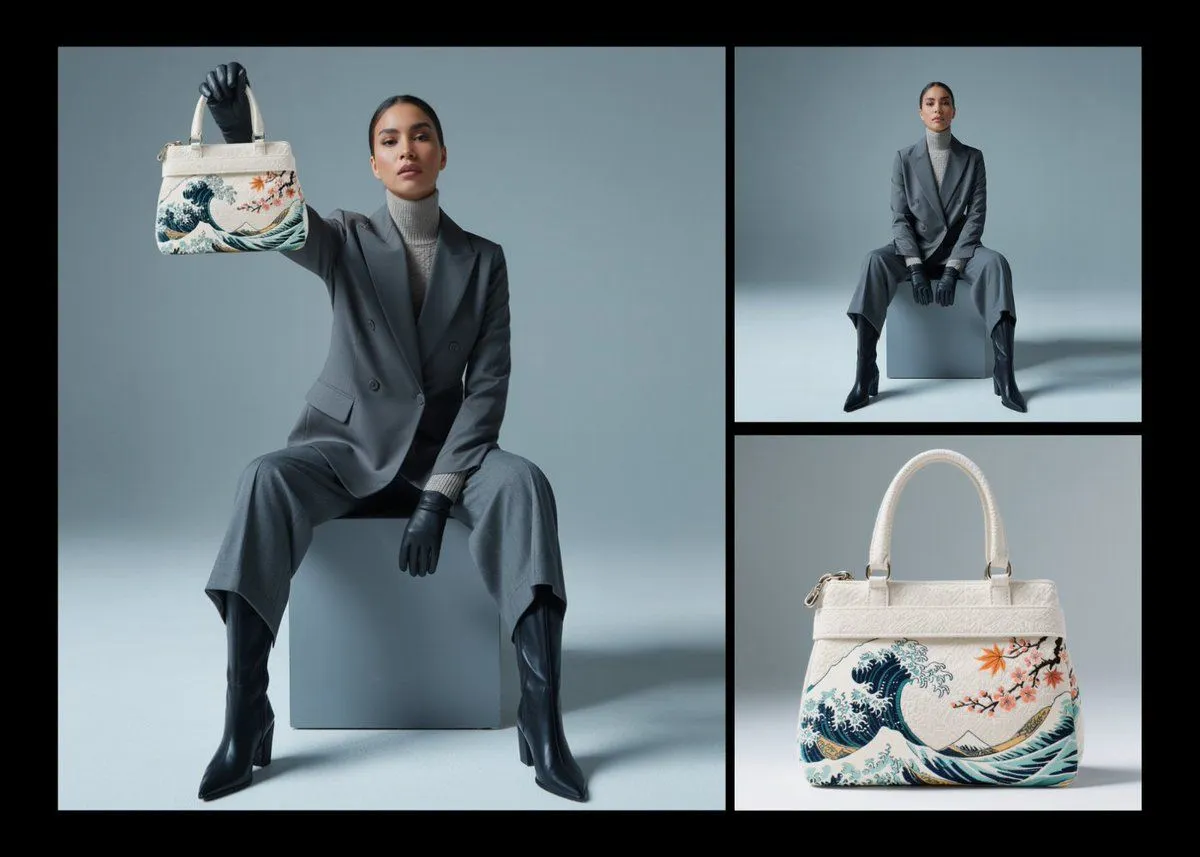
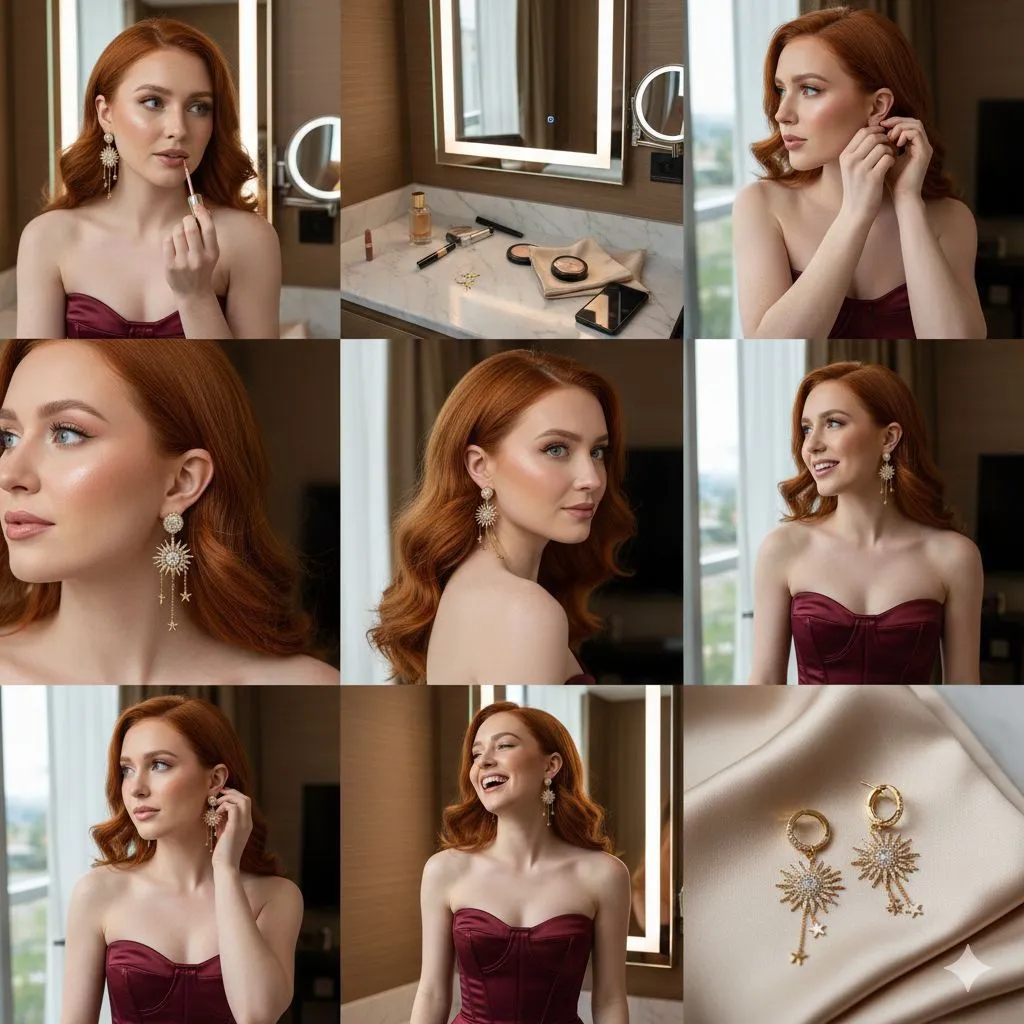
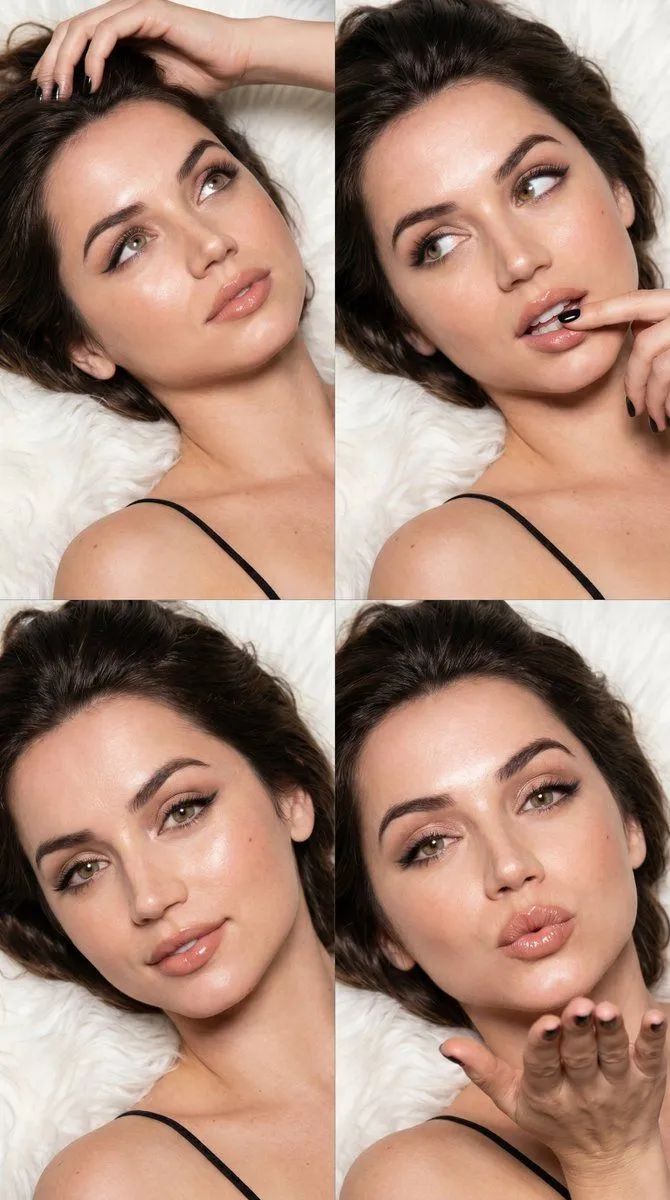
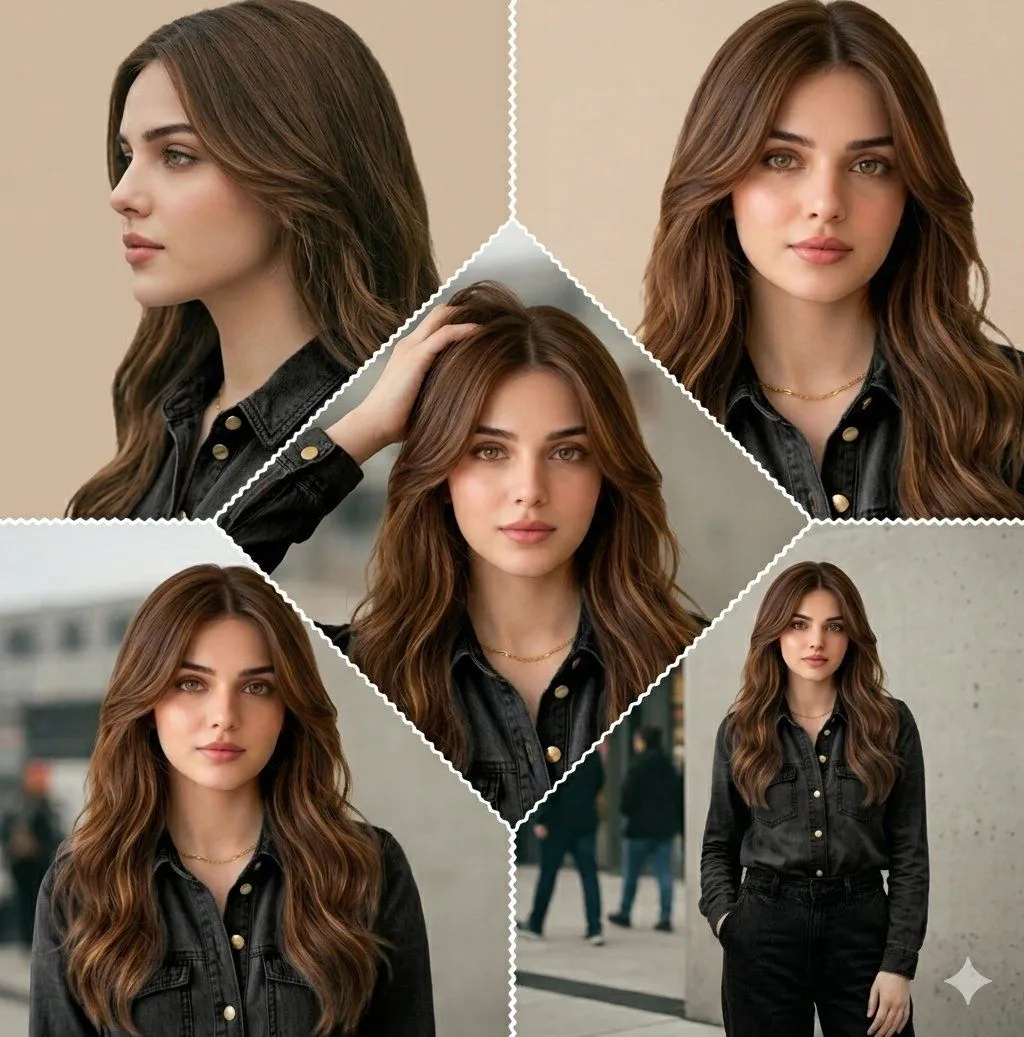
Nano Banana Pro Product Collage
Prompt
1 blank to fillThree-panel collage product photography of {product}. Left panel: extreme close-up macro shot of a young woman's eye area wearing the product, showing intricate texture and craftsmanship detail, natural skin tone, shallow depth of field, warm directional lighting. Top-right panel: clean studio product shot of the item alone resting on a flat surface at a three-quarter angle, seamless light gray background, soft even studio lighting with subtle shadow, sharp focus showcasing full design and material detail. Bottom-right panel: close-up beauty portrait of a young woman model wearing the product, direct or slightly angled gaze at camera, neutral warm-toned background, soft flattering studio lighting, editorial fashion photography aesthetic. Consistent silver/metallic tone and lighting mood across all three panels, high-resolution commercial photography, thin black divider lines between panels
Preview of your prompt
Three-panel collage product photography of luxury item. Left panel: extreme close-up macro shot of a young woman's eye area wearing the product, showing intricate texture and craftsmanship detail, natural skin tone, shallow depth of field, warm directional lighting. Top-right panel: clean studio product shot of the item alone resting on a flat surface at a three-quarter angle, seamless light gray background, soft even studio lighting with subtle shadow, sharp focus showcasing full design and material detail. Bottom-right panel: close-up beauty portrait of a young woman model wearing the product, direct or slightly angled gaze at camera, neutral warm-toned background, soft flattering studio lighting, editorial fashion photography aesthetic. Consistent silver/metallic tone and lighting mood across all three panels, high-resolution commercial photography, thin black divider lines between panels
DetailsVersions, settings and questions
Written for
What's in the prompt
- Subject
- Model
- Nano Banana Pro
If your face changes
keep my face exactly the sameQuestions
- Does this work in the Gemini app?
- Yes. Gemini runs Nano Banana, so paste the prompt and attach your photo if it uses one.
- It changed my face. What do I do?
- Add "keep my face exactly the same" to the end and run it again.
- Can I use the images I make?
- Check the terms of the app you use. Promptclay never generates images and claims nothing you make.