Tell us anything

An idea, a bug, something you love. We read every note.

⌘↵ to send. The page you're on comes along.

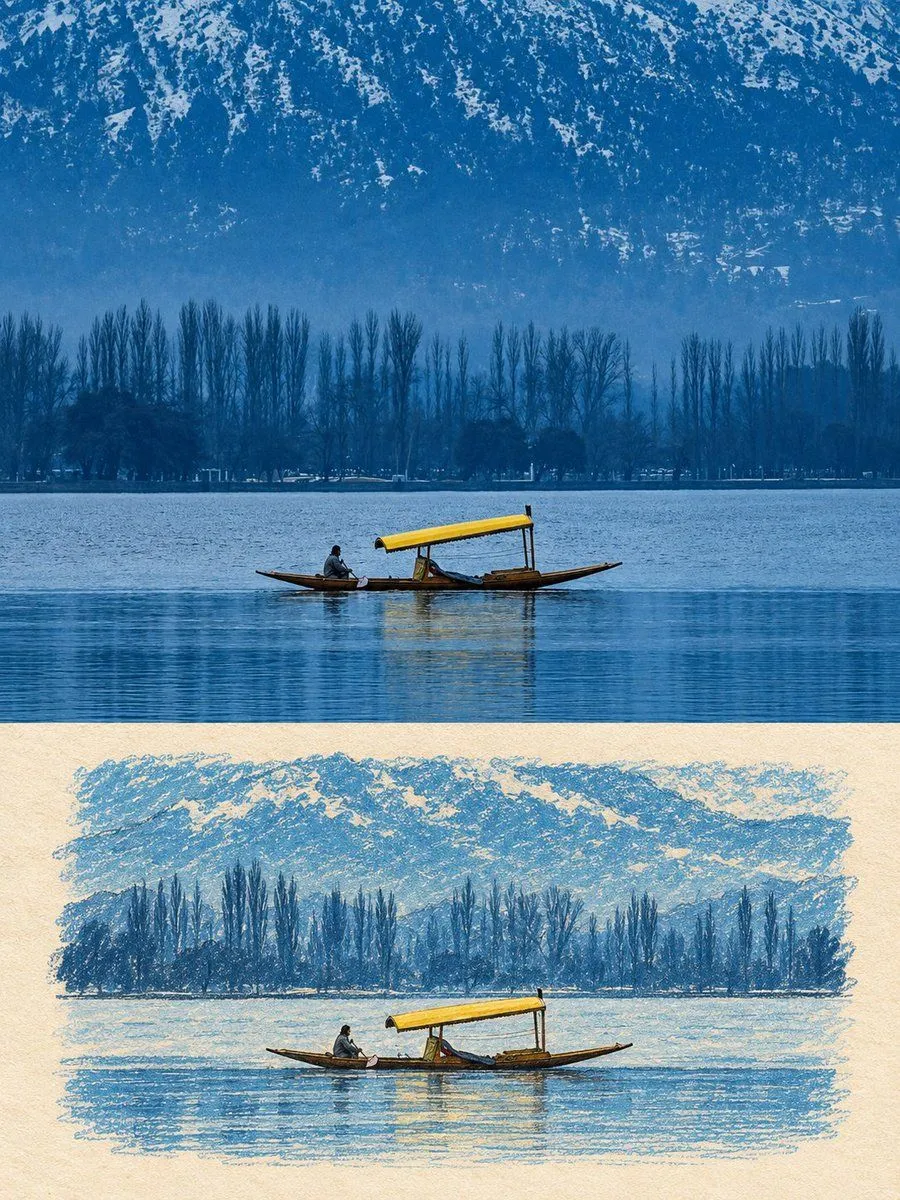
Naive Editorial Memory Card

Made with GPT Image 2.5 in ChatGPT by Library Lifestyle. Promptclay never generates images.

Did it work?

No reports yet. Tell others if it worked for you.

No comments yet. Be the first.

    Naive Editorial Memory Card

    GPT Image 2.53:4Needs your photoAI-generated

    Prompt

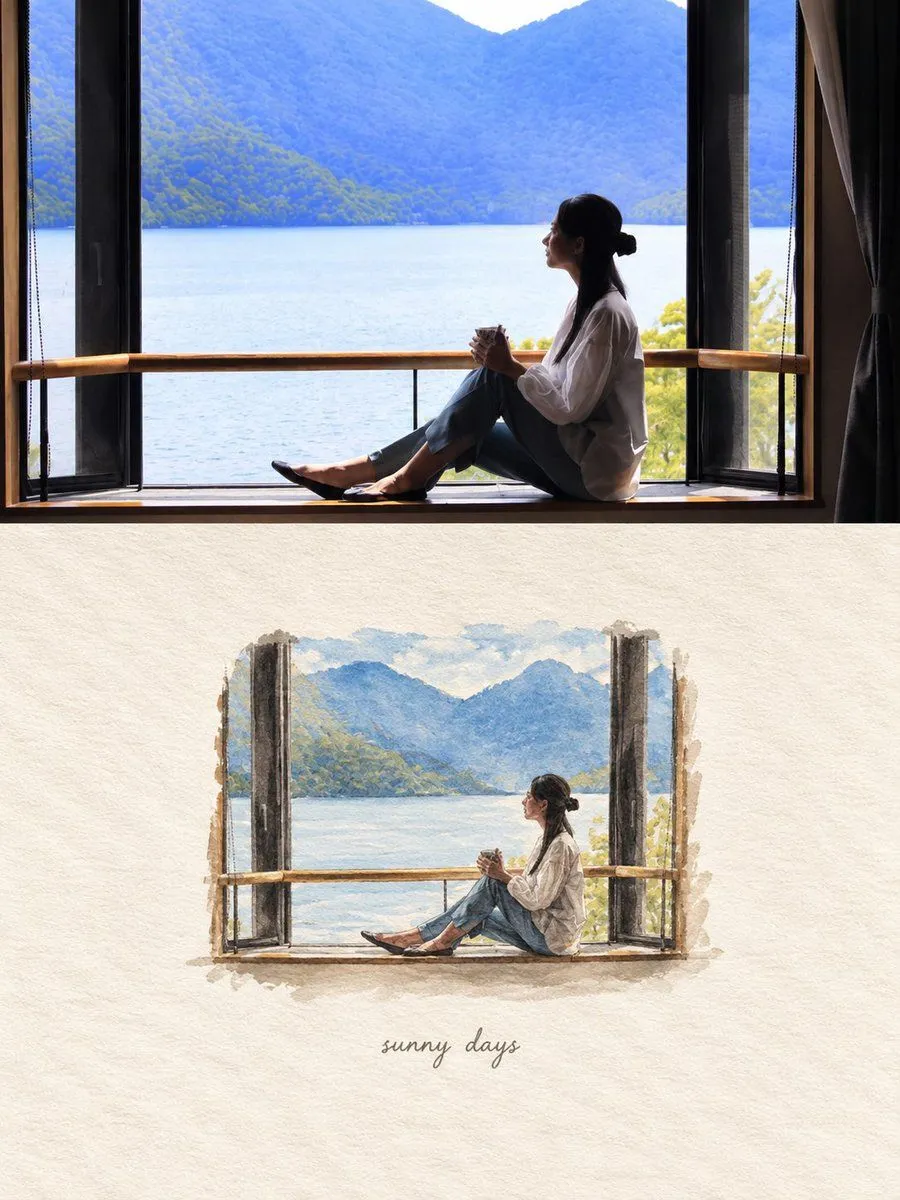
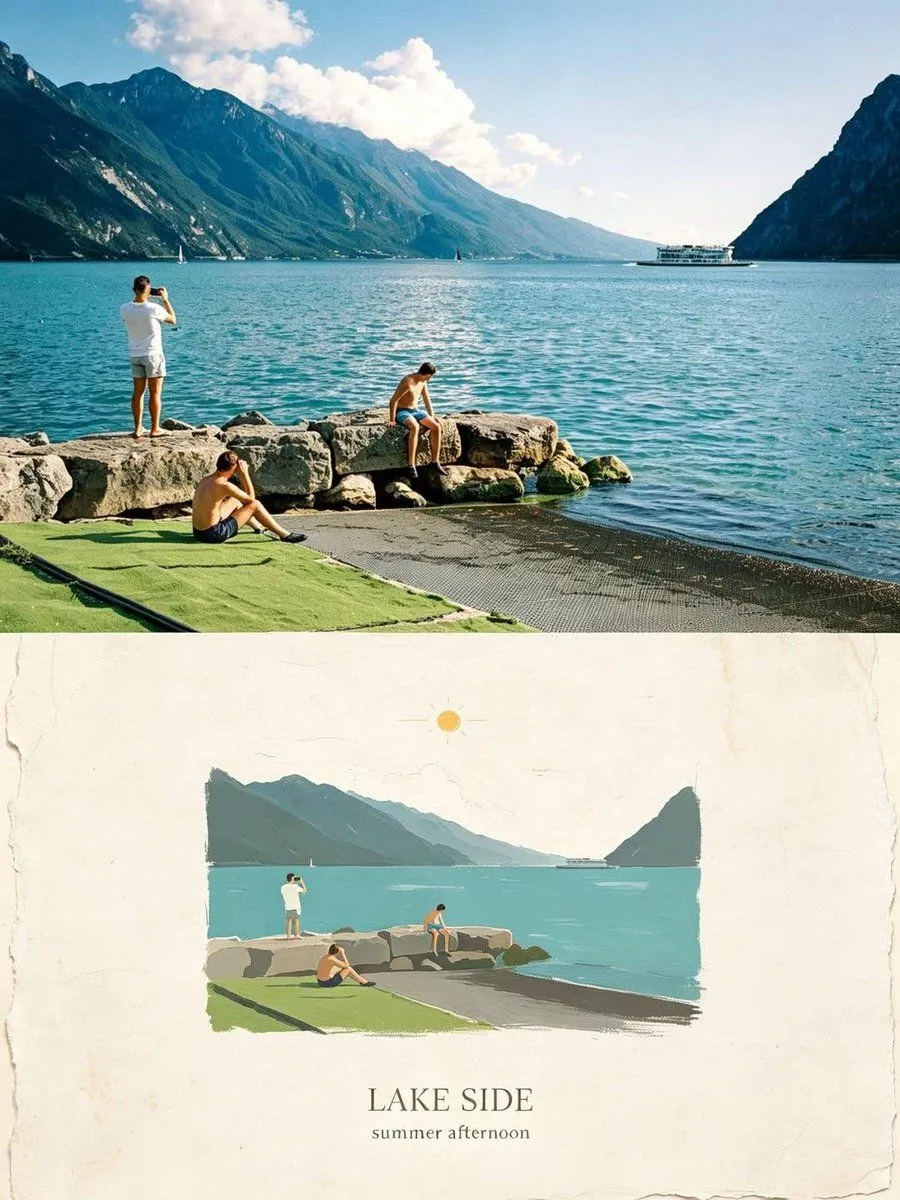
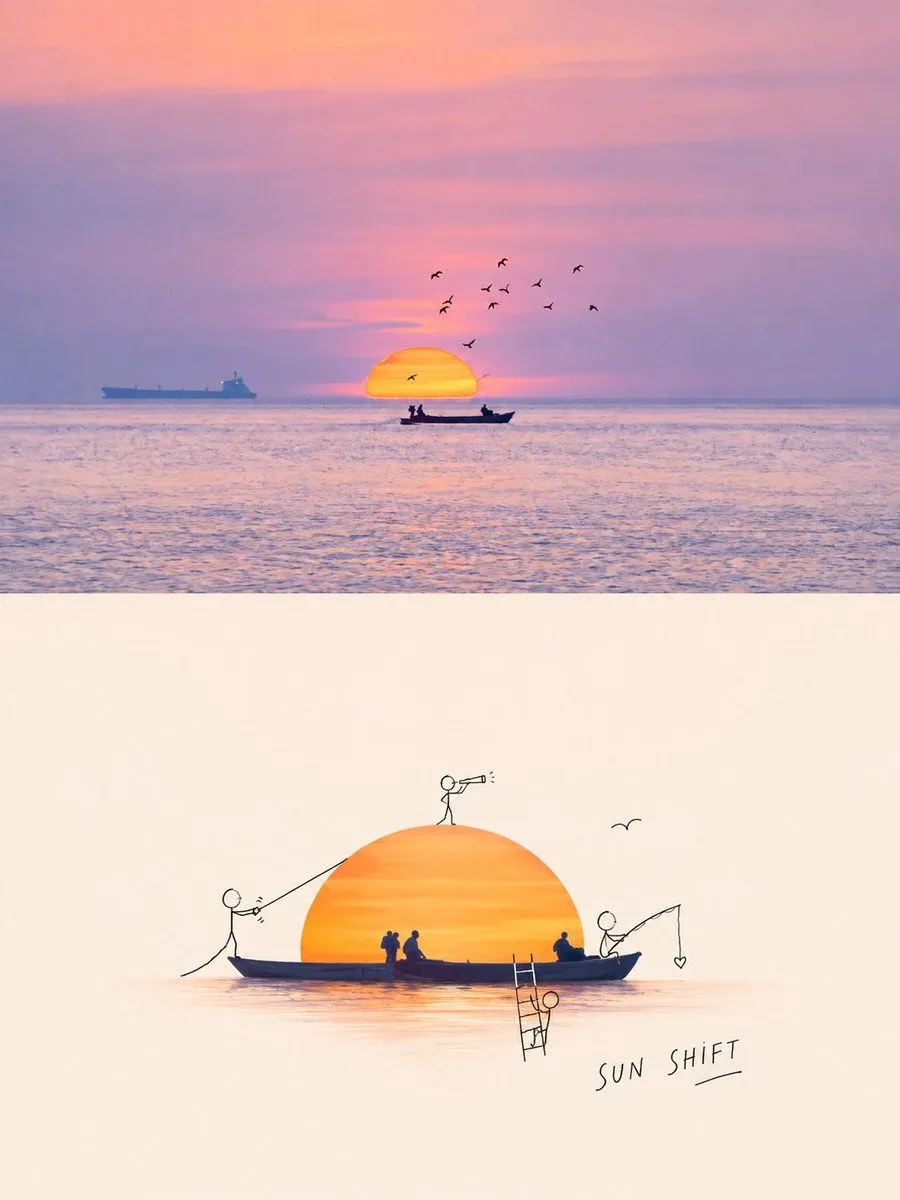
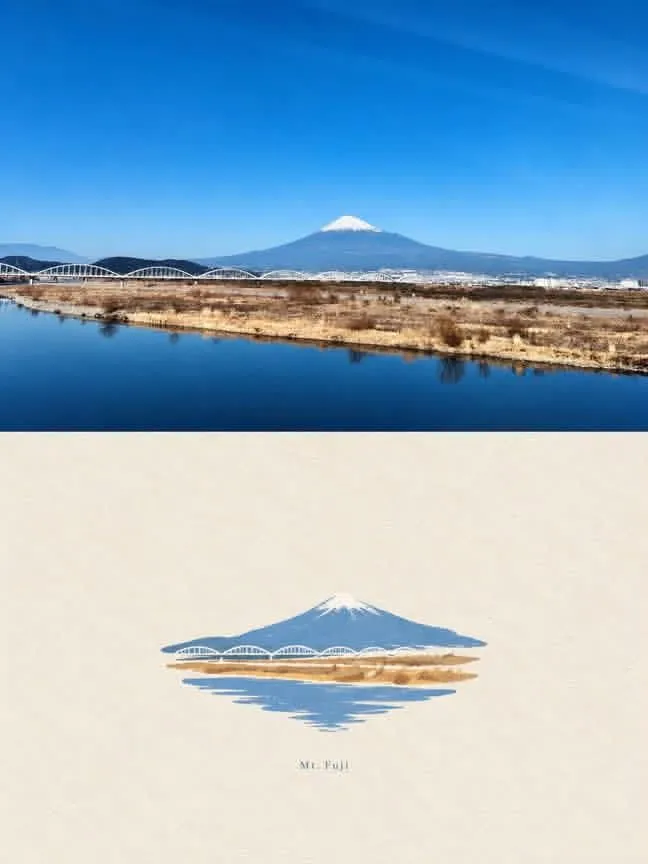
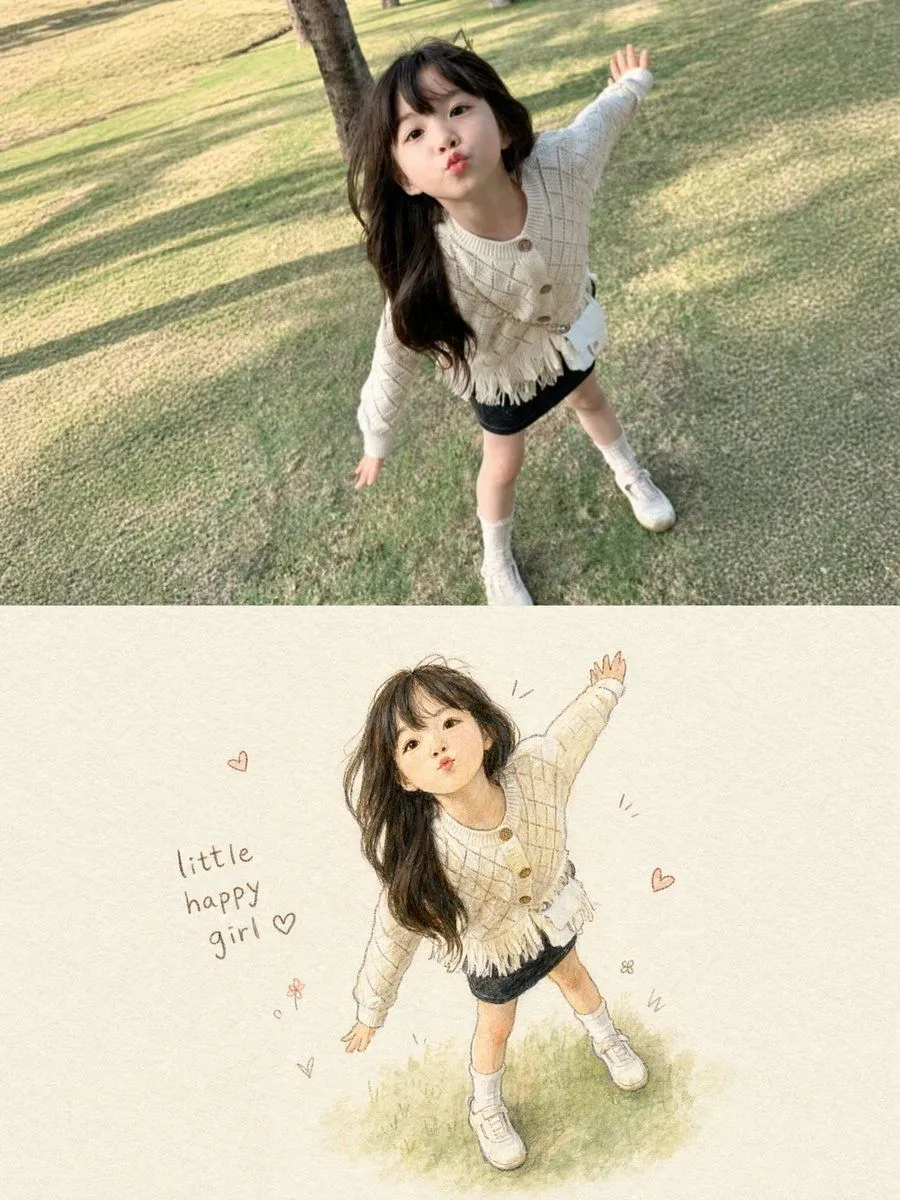
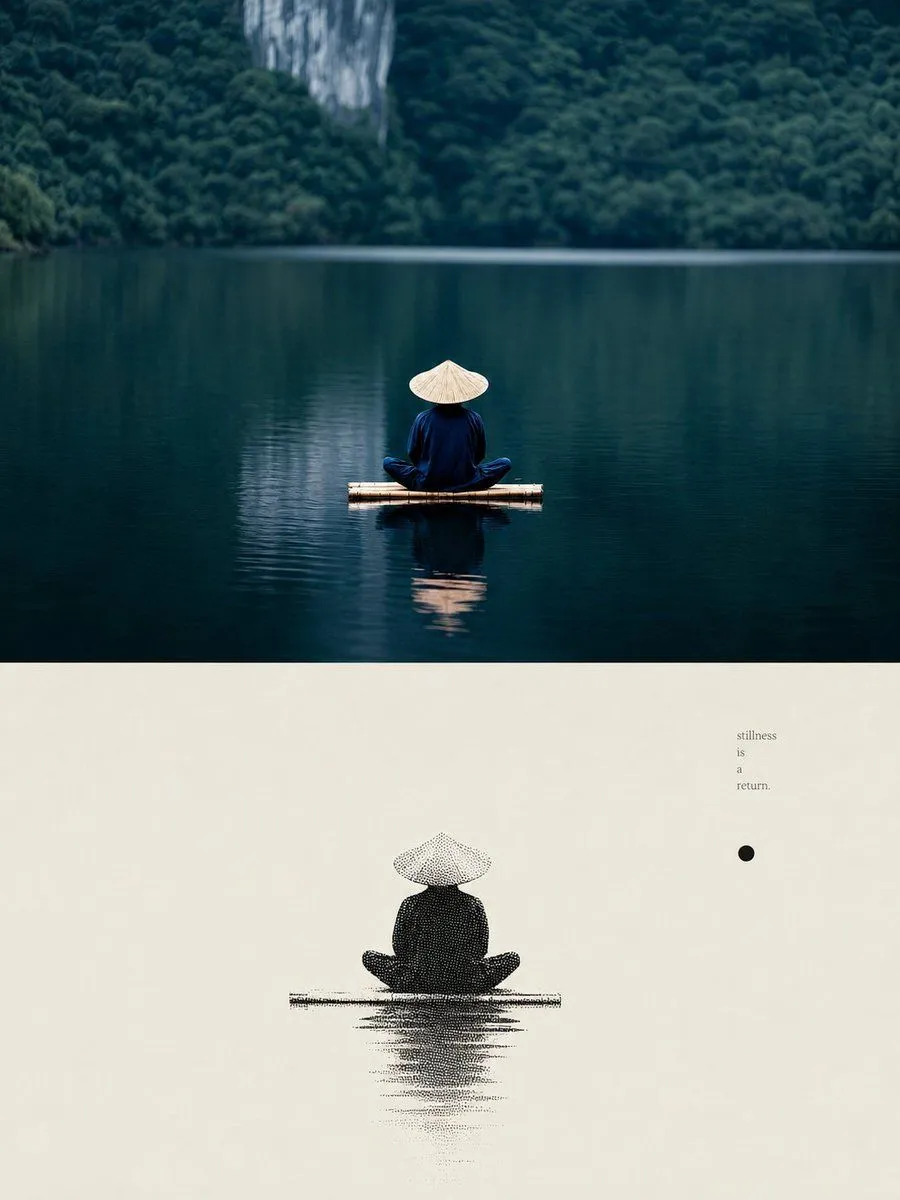
    Use the uploaded photo as the only content source. Create a vertical 3:4 “real photo + minimal illustration” memory card based entirely on that image. Preserve the main subjects, subject count, pose, viewpoint, spatial relationships, and overall scene logic. Do not redesign the source or add unrelated content. Layout Split the card into two horizontal sections, about 50% top and 50% bottom. The top half keeps the uploaded photo with photographic texture. Crop naturally to fit, but do not stretch, mirror, rearrange, or alter the main subjects. Keep natural lighting, real materials, and the original color mood, with subtle editorial grading. The lower half uses a warm ivory handmade-paper background and shows a centered horizontal illustration of the same scene. The illustration occupies about 63-67% of the lower width, with generous blank space around it. Scene Translation In the lower illustration, preserve the most recognizable subjects, major structures, important objects, viewpoint, depth, relative scale, and key positions from the source. Remove tiny clutter, fine photographic texture, reflections, and complex shadows. Simplify the scene into slightly awkward geometric color blocks and thin hand-drawn lines. People and animals, when present, remain identifiable through silhouette, pose, hair or fur shape, clothing color, and placement, but facial detail may be reduced. Outlines may wobble, break, shift, or misalign slightly while the scene stays recognizable. Illustration Style Use restrained naive editorial drawing with soft geometric simplification and handmade quality. Combine thin sketchy linework with flat shapes. The lower scene should feel calm, clean, slightly imperfect, and visually reduced rather than technically precise. Avoid realistic rendering. Color Extract 4-6 representative colors from the uploaded photo and reinterpret them as a soft low-saturation palette. Use muted tones derived from the source, with flat fills and enough contrast to separate major subjects and scene layers. No complex gradients, glossy highlights, or heavy 3D modeling. Texture Blend crayon, pastel, screen-print, and old-book illustration qualities. Keep paper show-through, fine grain, slight pigment unevenness, worn edges, and subtle off-register shifts. The result should feel like an independent editorial illustration printed on aged paper: warm, quiet, nostalgic, and collectible. Typography Below the illustration, you may include exactly two short English lines related to the scene, mood, place, or moment. Use a small vintage serif font, left-aligned. If clean readable text cannot be rendered, leave the area blank. No other readable text. Cleanup Remove phone UI, subtitles, screenshot traces, and interface elements when present. Do not invent missing scenery or decorative props. Negative No major layout change, no added or missing primary subjects, no photoreal painting, no polished watercolor, no anime, no manga, no v

    Use only photos you have the right to usePhoto tips
    • Your photo stays with your app. You upload it to Gemini, ChatGPT or the app you use. Promptclay never sees or stores it.
    • Crop to what the prompt needs. Your face for a portrait. Leave out other people, house numbers, cards and screens.
    • Check the result before you post. Apps sometimes add things that were not in your photo, like a mole, a tattoo or bare shoulders. Run it again or ask the app to remove them.
    Works in
    ChatGPT, Gemini
    Status
    Free to copy
    0
    DetailsVersions, settings and questions

    Written for

    What's in the prompt

    Subject
    Model
    GPT Image 2.5

    If your face changes

    keep my face exactly the same

    Questions

    Does this work in the ChatGPT app?
    Yes. Paste the prompt and attach your photo if it uses one.
    It changed my face. What do I do?
    Add "keep my face exactly the same" to the end and run it again.
    Can I use the images I make?
    Check the terms of the app you use. Promptclay never generates images and claims nothing you make.
    Similar prompts

    See more
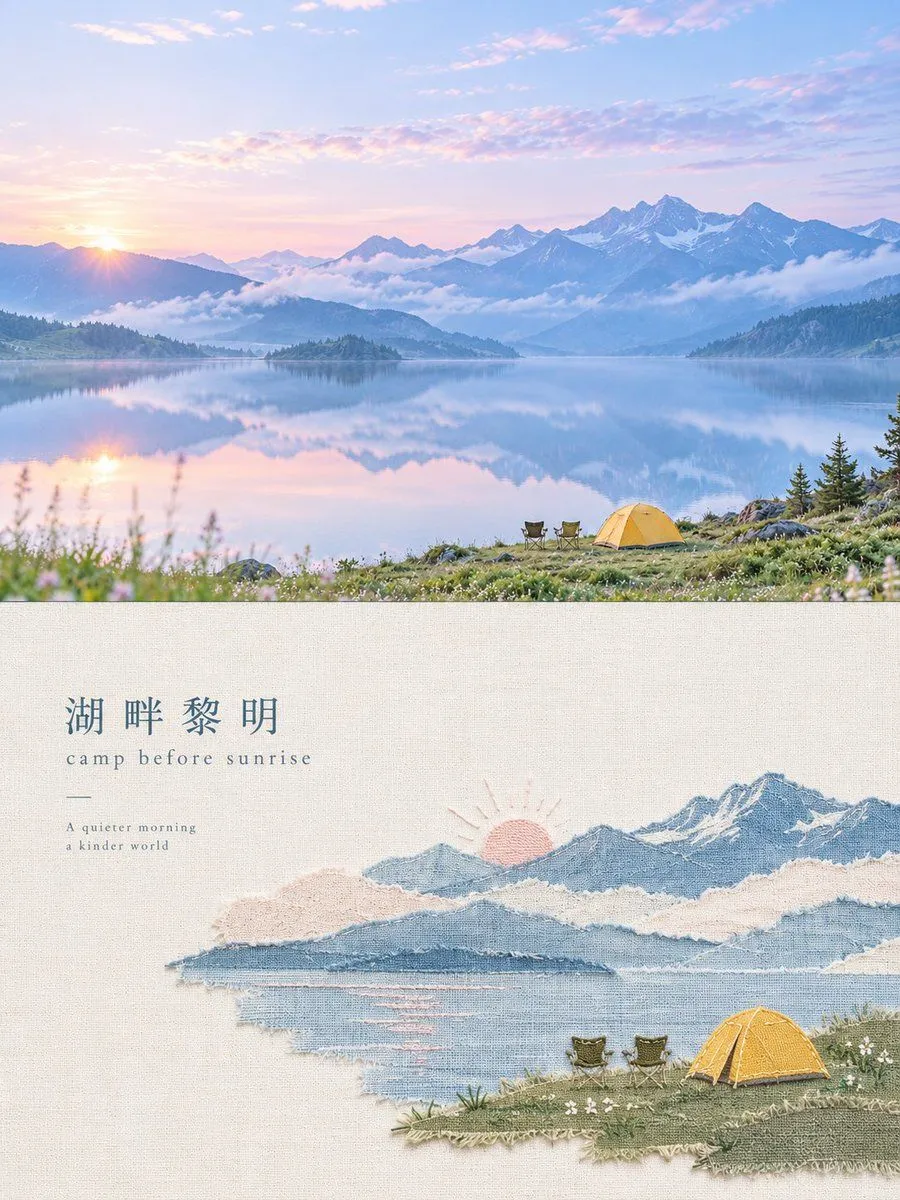
    • Handmade Textile Collage Poster
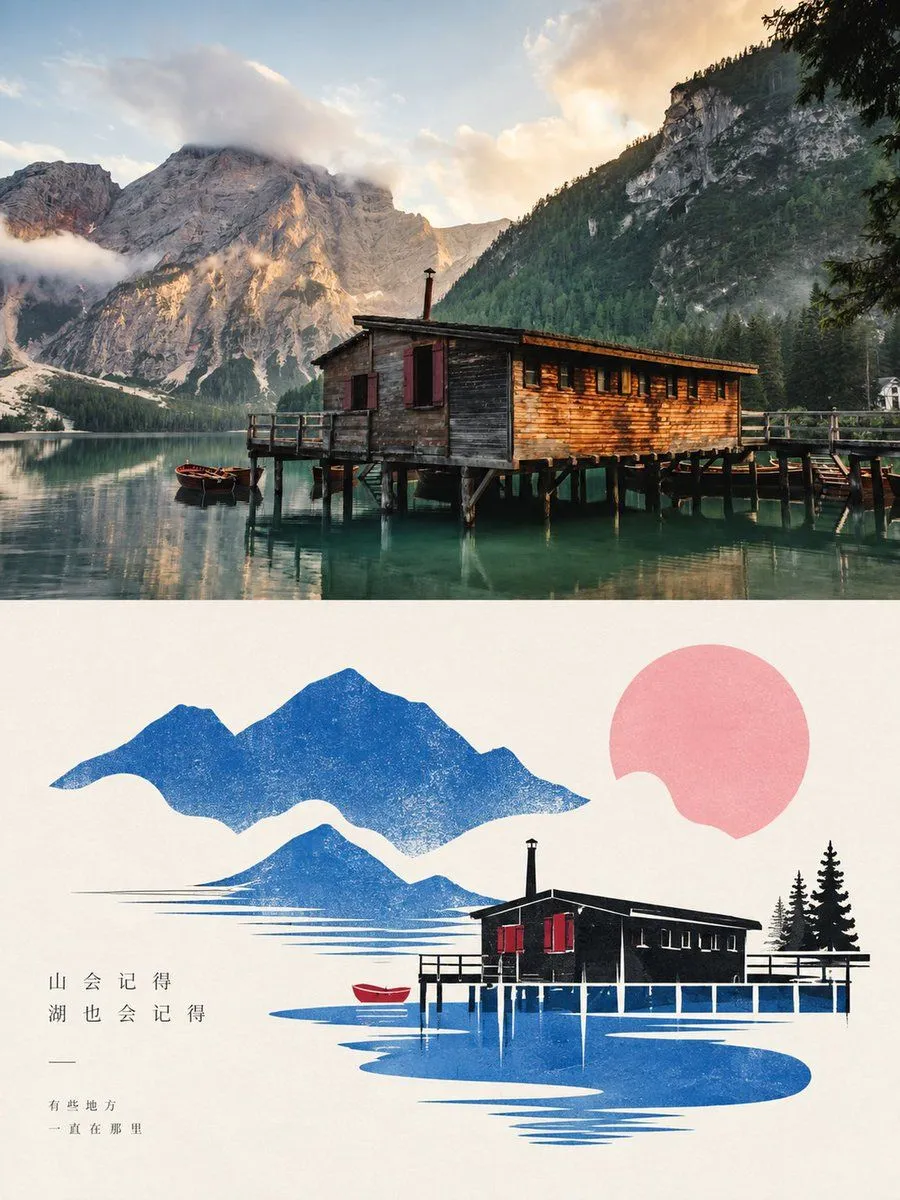
    • Dolomites Lake Photo to Minimalist Art
    • GPT Image 2 Nostalgic Editorial Scrapbook Transformation
    • Modern Train Interior Photography and Illustration
    • Doodle Character Editorial Lifestyle Poster
    • Mount Fuji Watercolor Transformation
    • Photo to Storybook Illustration Split
    • Zen Lake Stillness Poster
    • Alpine Lake Editorial Travel Poster
    • Minimalist Gradient Phone Wallpaper
    • Landscape Painting with Color Palette for Nano-Banana-Pro
    • Ink and Wash Illustration Generator
    • Generate Debussy's 'Petit Suite: En Bateau' in Monet's Style with Color Modification
    • Ink painting lone boat prompt for Nano Banana Pro
    • Chinese style mountains video promptVideo, 0:10
    • Misty Sunrise Heron Lake
    • Cinematic Spring Cherry Blossom Portrait
    • Four-Model Earbud Product Comparison
    • Heian Period Fantasy Garden
    • Minimalist Luxury Fashion Ad
    • Risograph Style Poetic Illustration
    • Snow Flower Hashira Diagnosis Poster
    • Water Mirror Fantasy Maiden
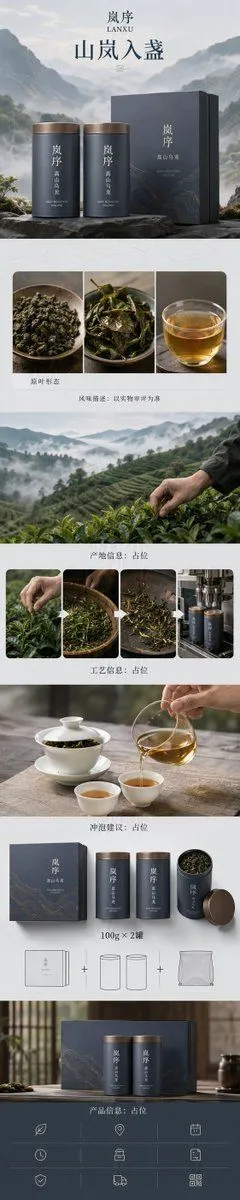
    • Zen-Style Oolong Tea Ecommerce Detail Page

    Show more

    Run it on your phone

    1. Prompt copiedRead it

      Use the uploaded photo as the only content source. Create a vertical 3:4 “real photo + minimal illustration” memory card based entirely on that image. Preserve the main subjects, subject count, pose, viewpoint, spatial relationships, and overall scene logic. Do not redesign the source or add unrelated content. Layout Split the card into two horizontal sections, about 50% top and 50% bottom. The top half keeps the uploaded photo with photographic texture. Crop naturally to fit, but do not stretch, mirror, rearrange, or alter the main subjects. Keep natural lighting, real materials, and the original color mood, with subtle editorial grading. The lower half uses a warm ivory handmade-paper background and shows a centered horizontal illustration of the same scene. The illustration occupies about 63-67% of the lower width, with generous blank space around it. Scene Translation In the lower illustration, preserve the most recognizable subjects, major structures, important objects, viewpoint, depth, relative scale, and key positions from the source. Remove tiny clutter, fine photographic texture, reflections, and complex shadows. Simplify the scene into slightly awkward geometric color blocks and thin hand-drawn lines. People and animals, when present, remain identifiable through silhouette, pose, hair or fur shape, clothing color, and placement, but facial detail may be reduced. Outlines may wobble, break, shift, or misalign slightly while the scene stays recognizable. Illustration Style Use restrained naive editorial drawing with soft geometric simplification and handmade quality. Combine thin sketchy linework with flat shapes. The lower scene should feel calm, clean, slightly imperfect, and visually reduced rather than technically precise. Avoid realistic rendering. Color Extract 4-6 representative colors from the uploaded photo and reinterpret them as a soft low-saturation palette. Use muted tones derived from the source, with flat fills and enough contrast to separate major subjects and scene layers. No complex gradients, glossy highlights, or heavy 3D modeling. Texture Blend crayon, pastel, screen-print, and old-book illustration qualities. Keep paper show-through, fine grain, slight pigment unevenness, worn edges, and subtle off-register shifts. The result should feel like an independent editorial illustration printed on aged paper: warm, quiet, nostalgic, and collectible. Typography Below the illustration, you may include exactly two short English lines related to the scene, mood, place, or moment. Use a small vintage serif font, left-aligned. If clean readable text cannot be rendered, leave the area blank. No other readable text. Cleanup Remove phone UI, subtitles, screenshot traces, and interface elements when present. Do not invent missing scenery or decorative props. Negative No major layout change, no added or missing primary subjects, no photoreal painting, no polished watercolor, no anime, no manga, no v

    2. Open your app

      This prompt is long, so it is copied instead of sent in the link. Paste it in the app.

    3. Paste and run

      Press and hold the message box, then tap Paste. Add your photo first if the prompt uses one. You may need to sign in.

    Naive Editorial Memory Card