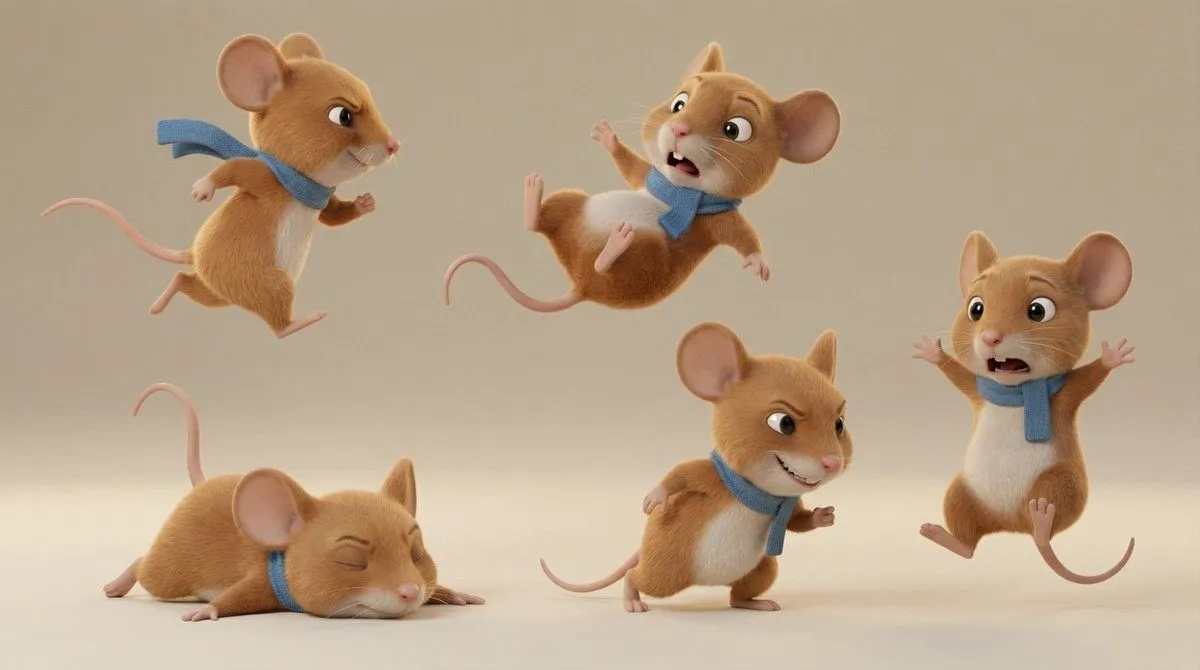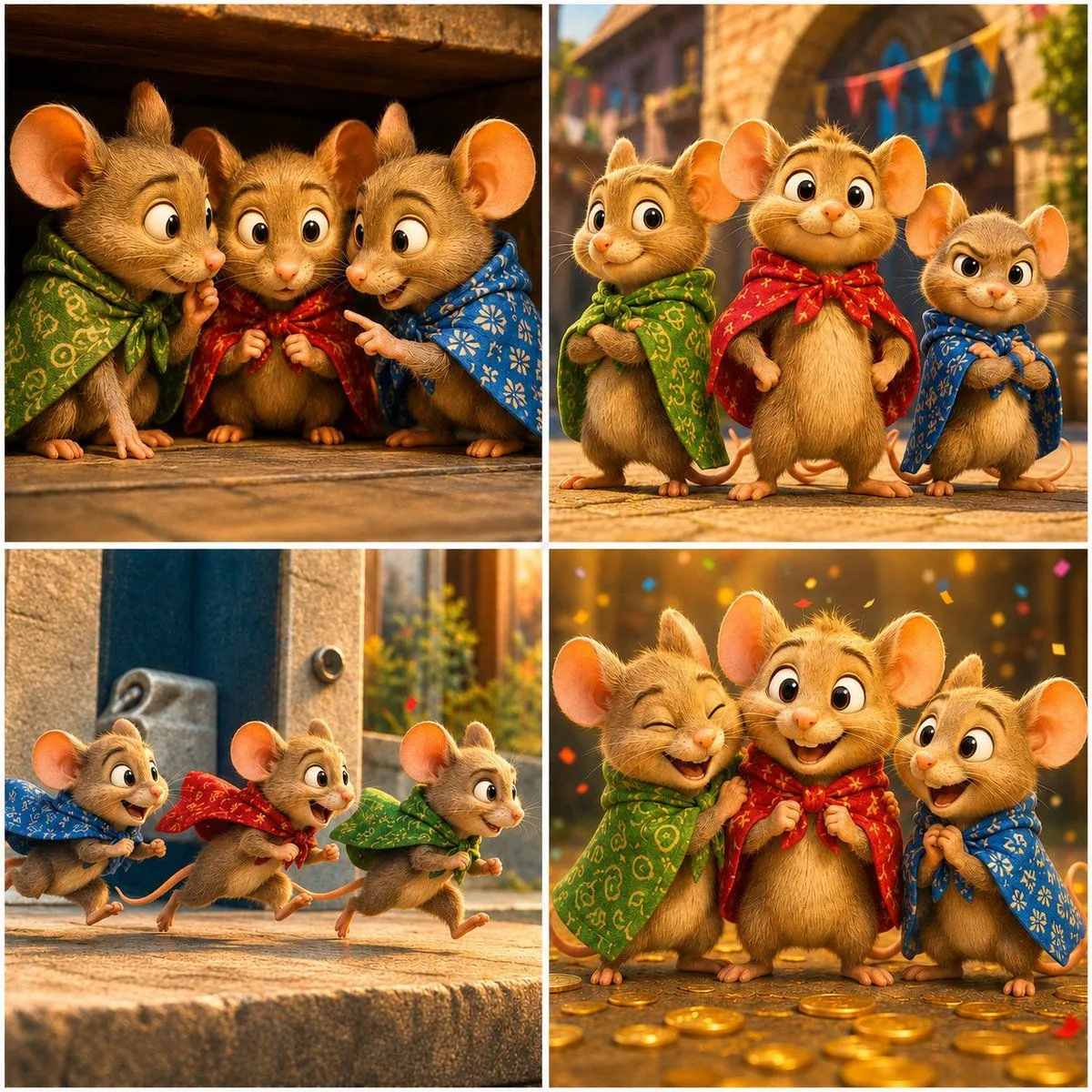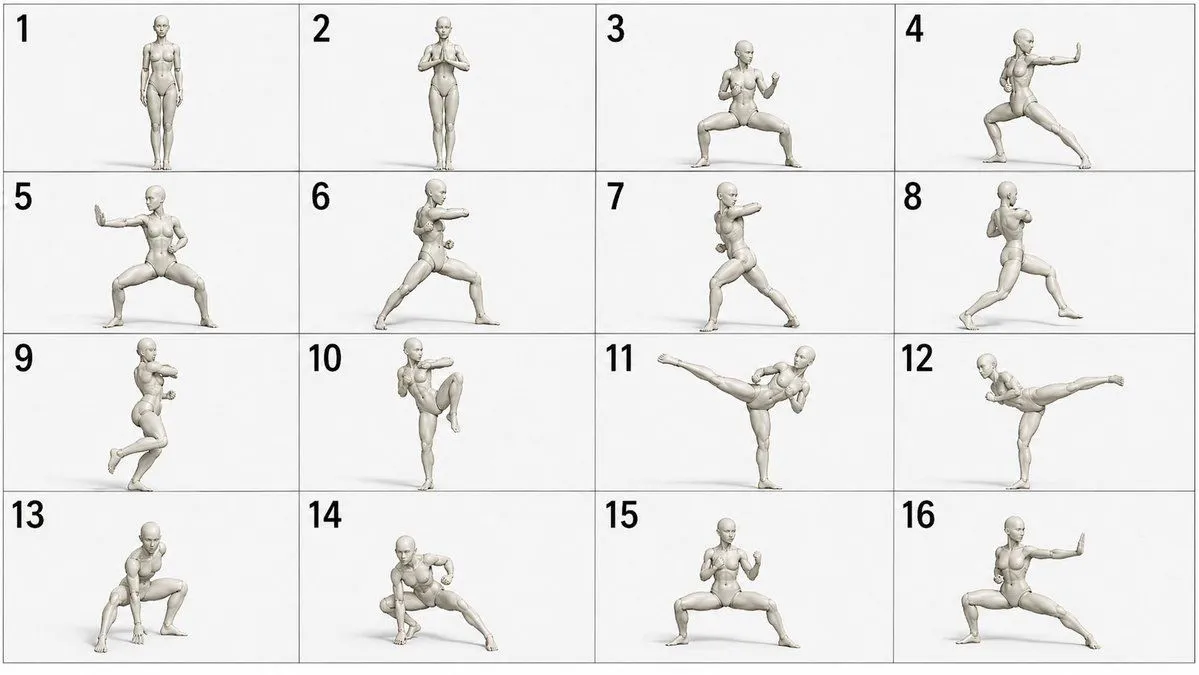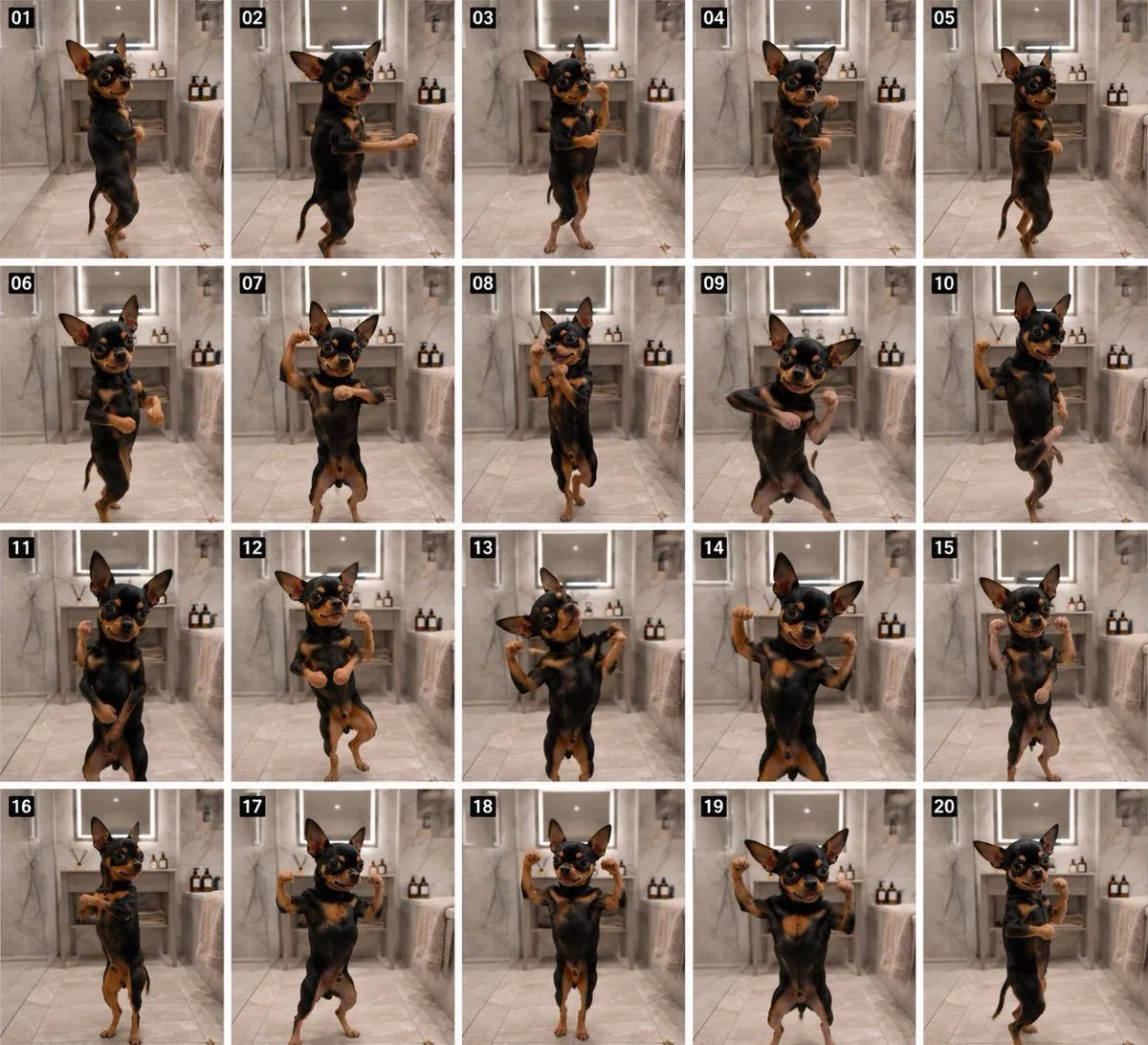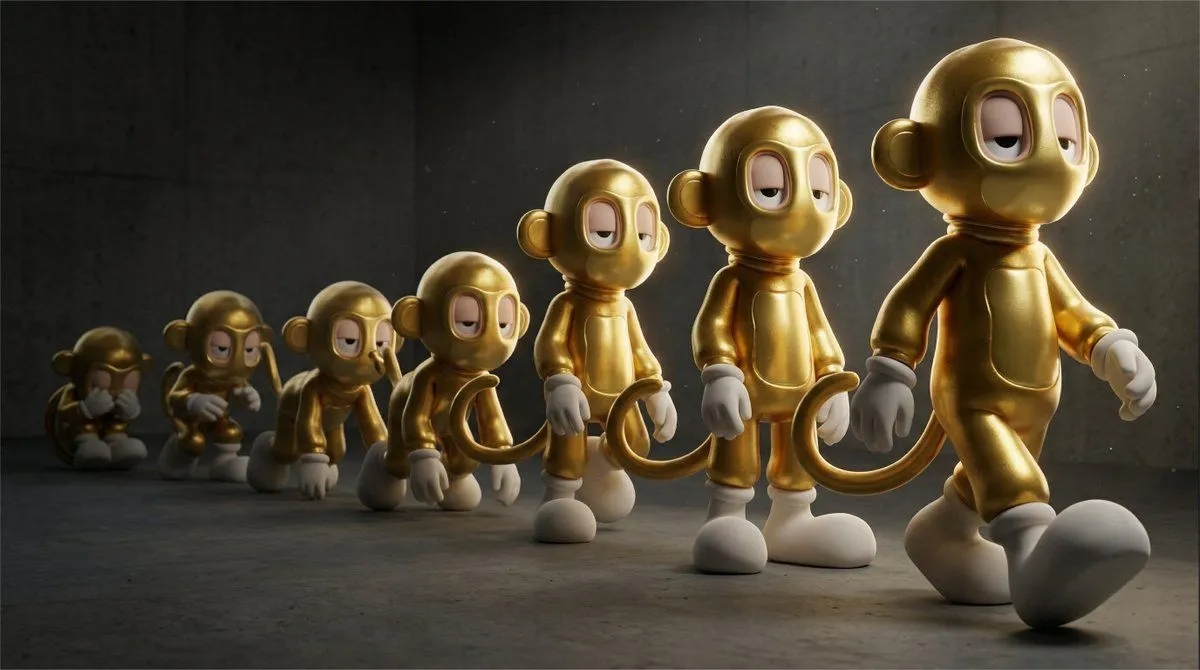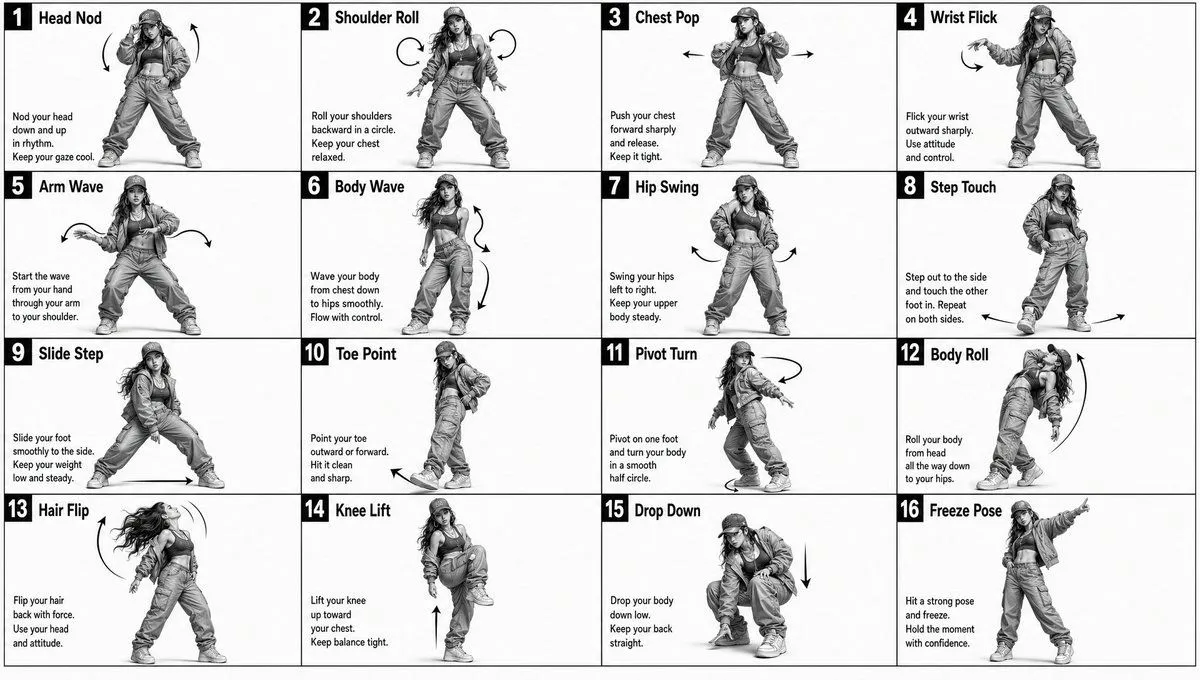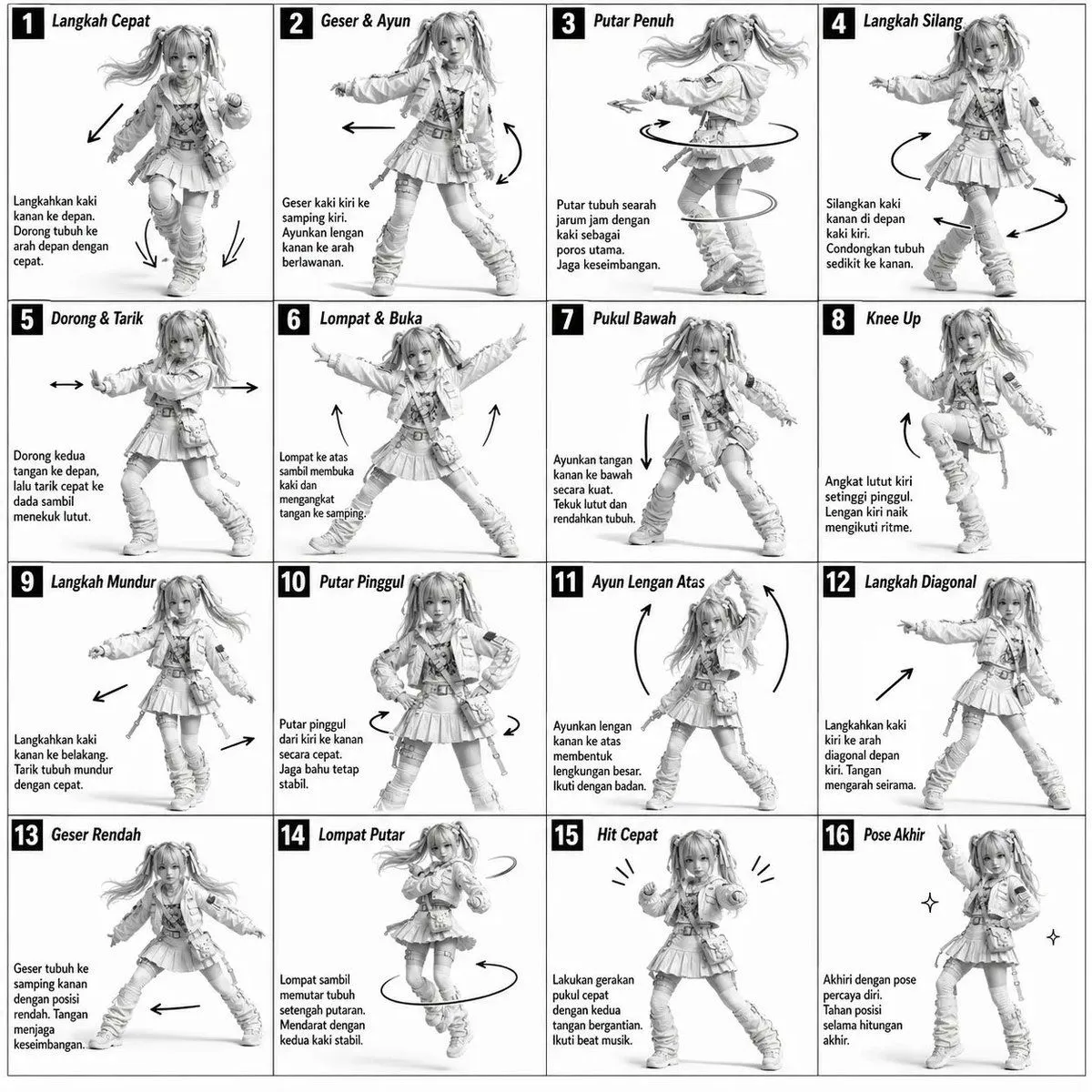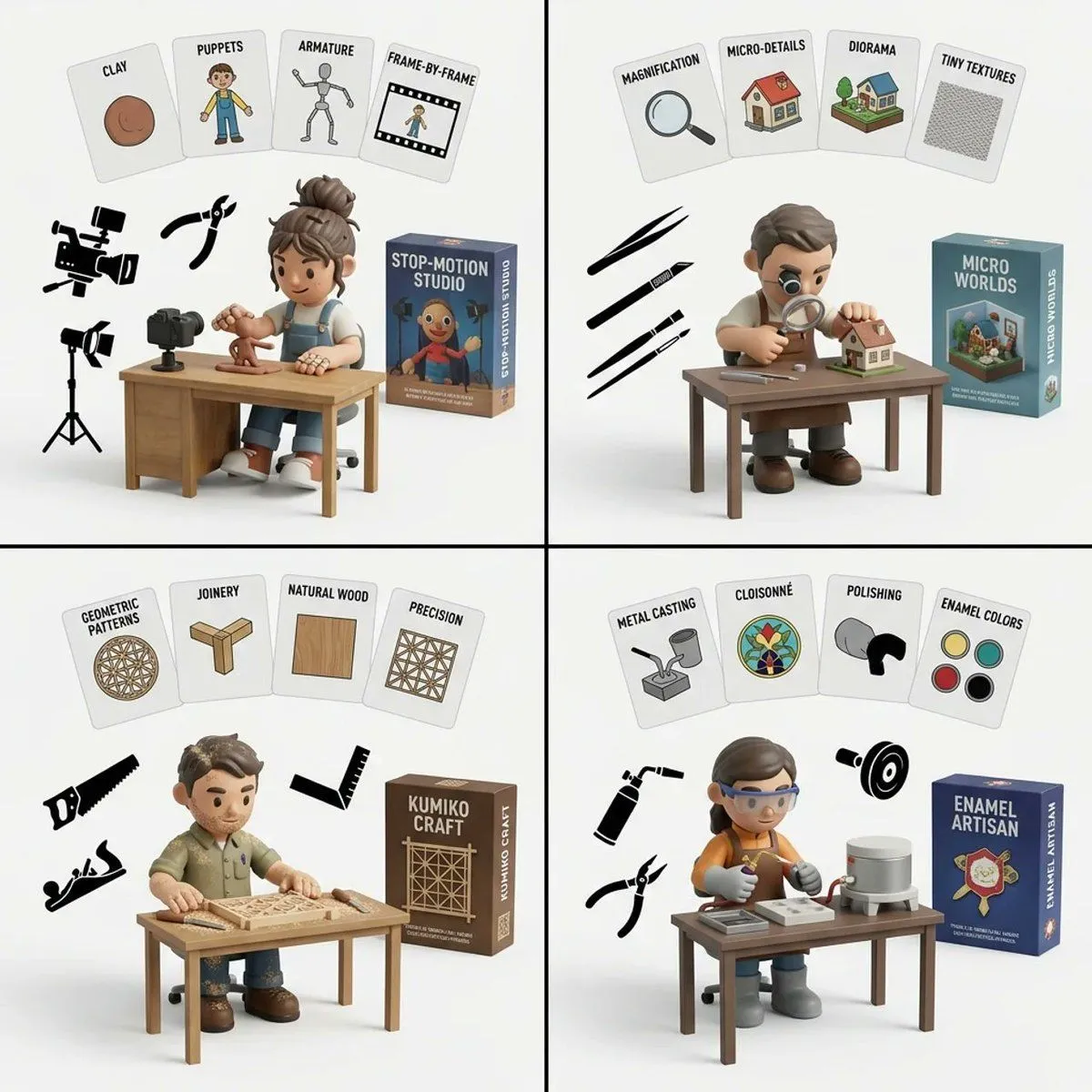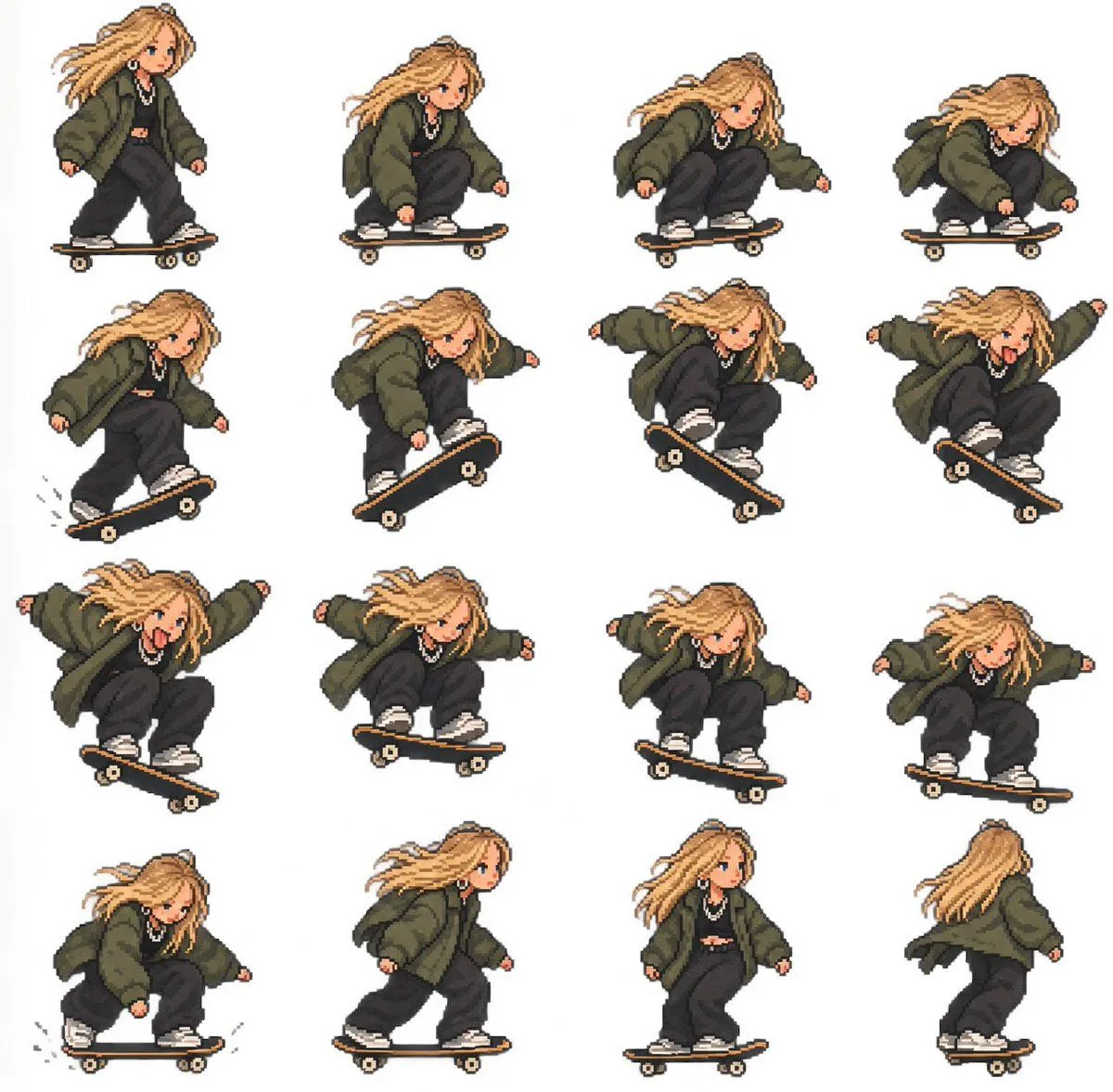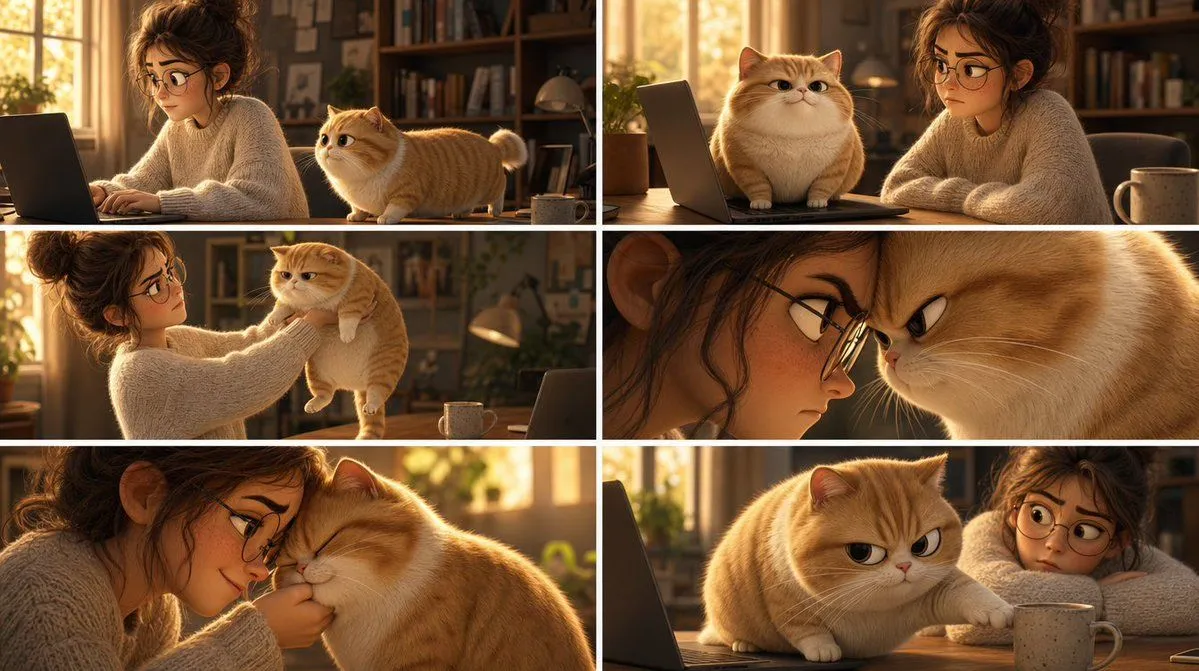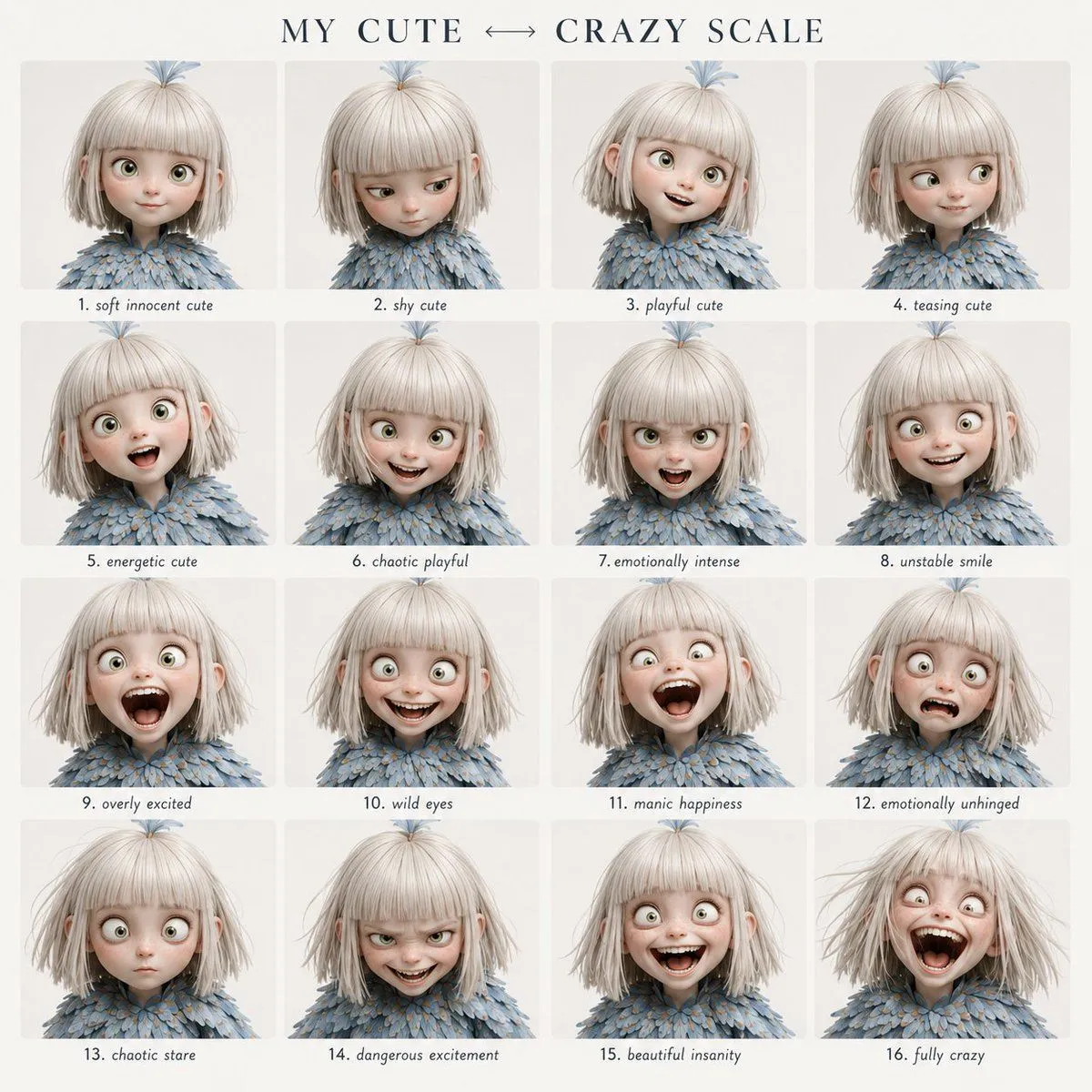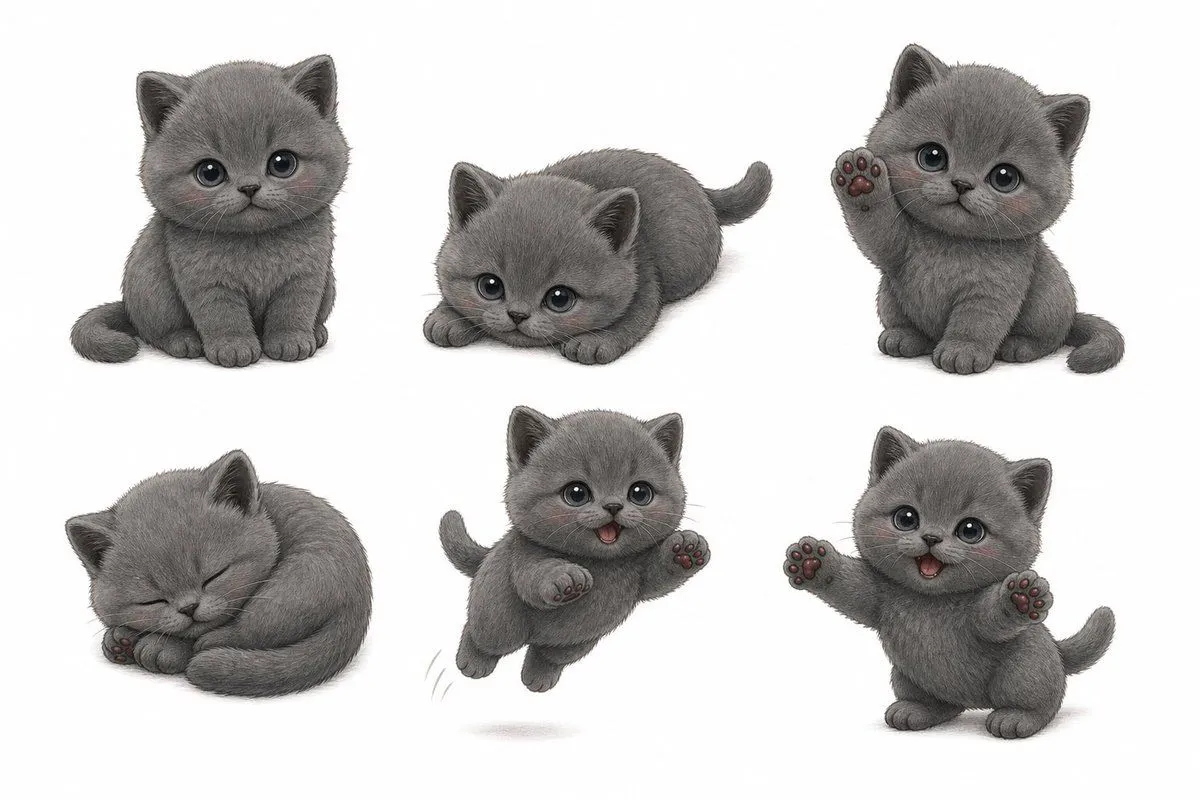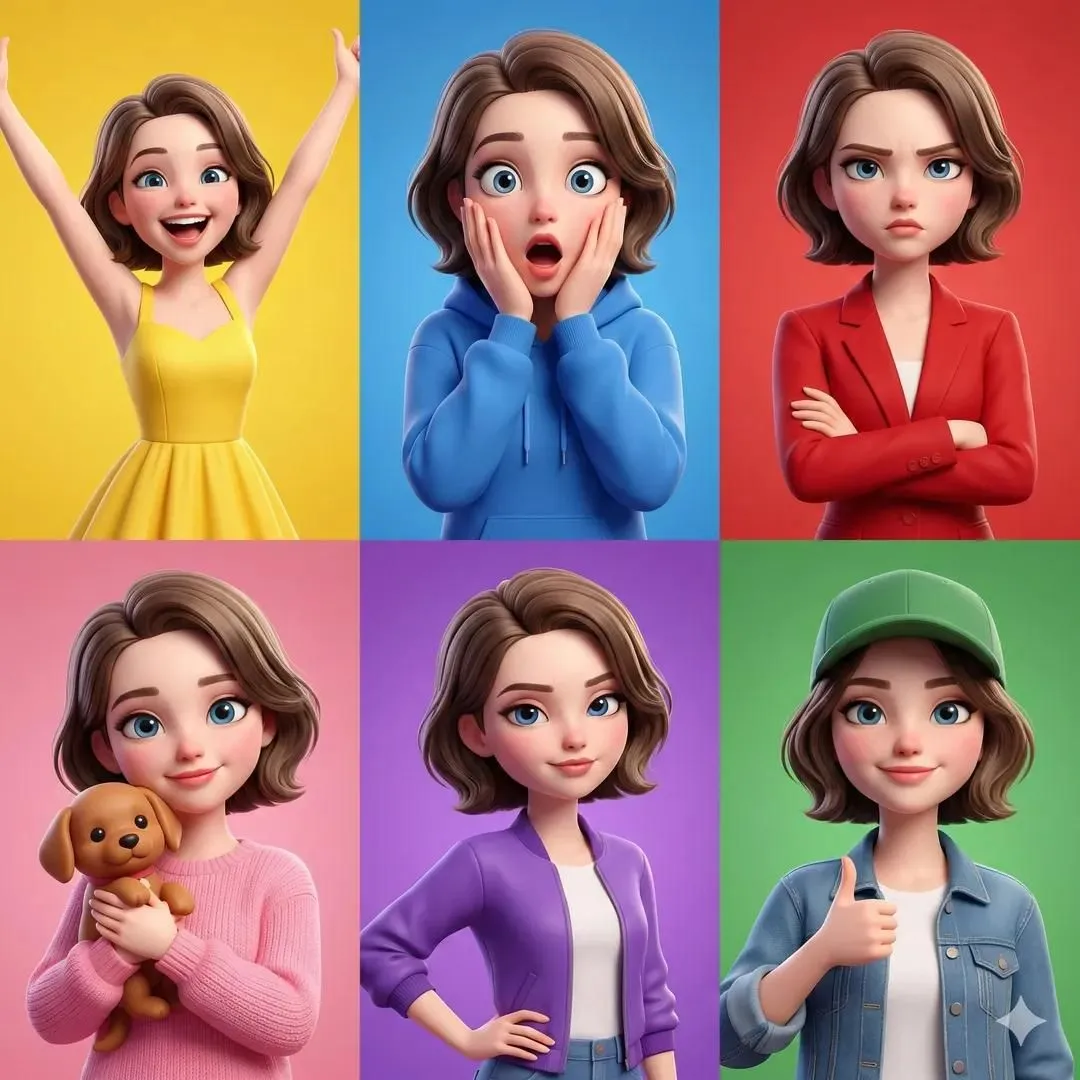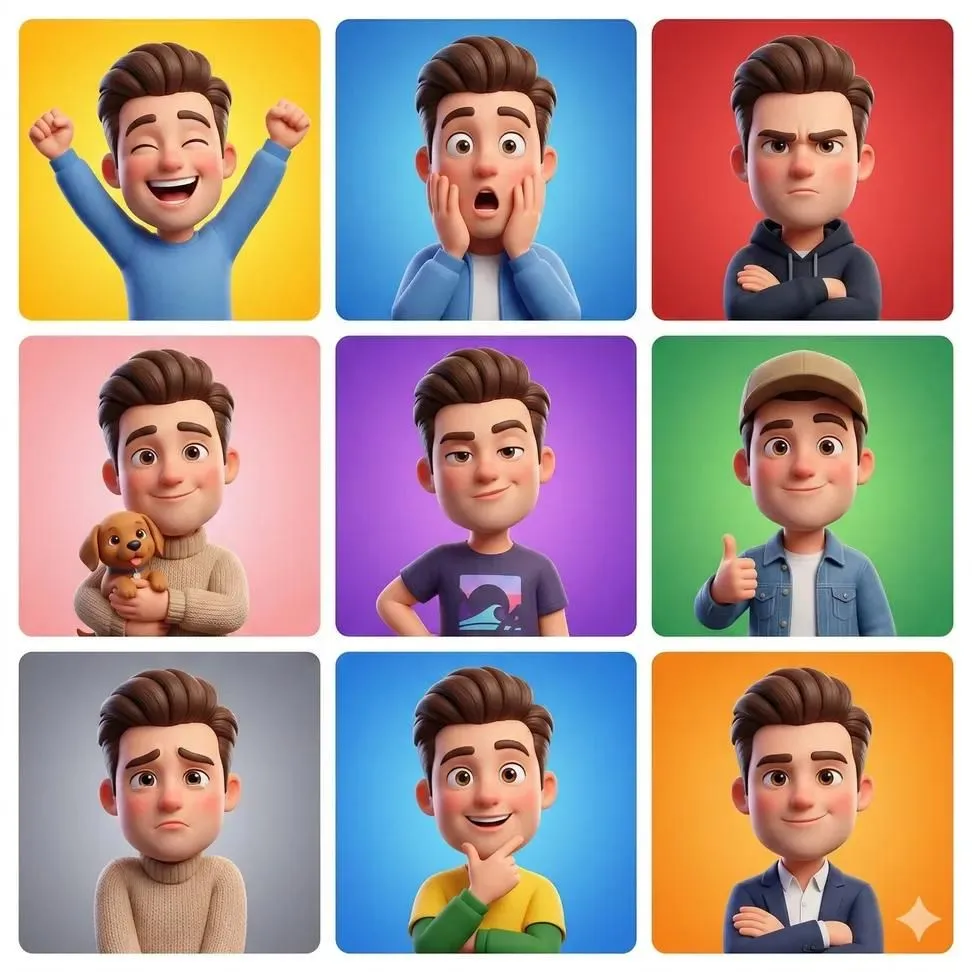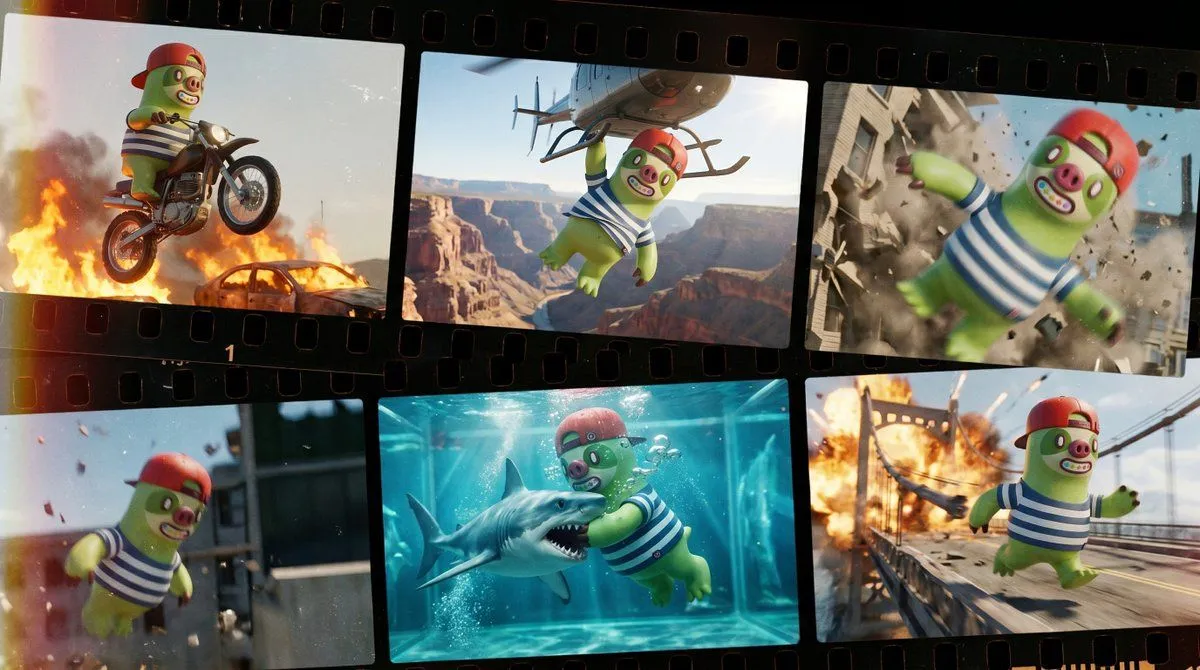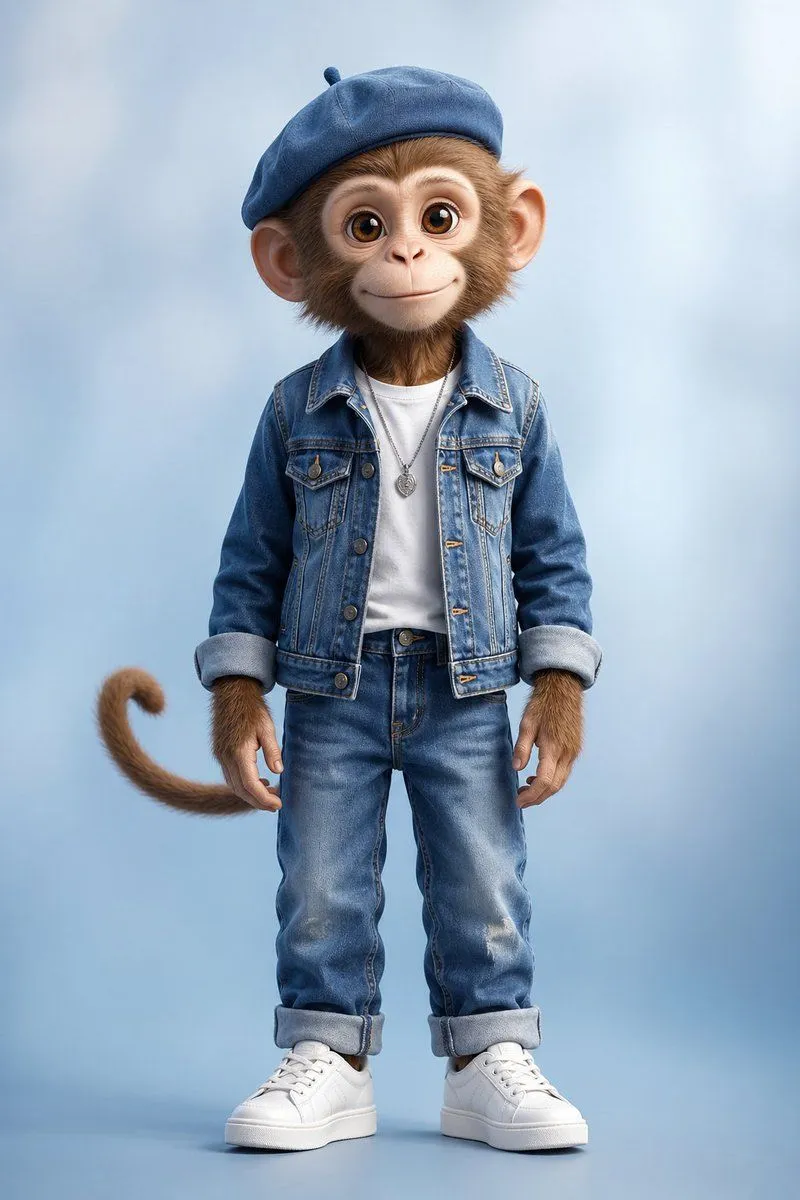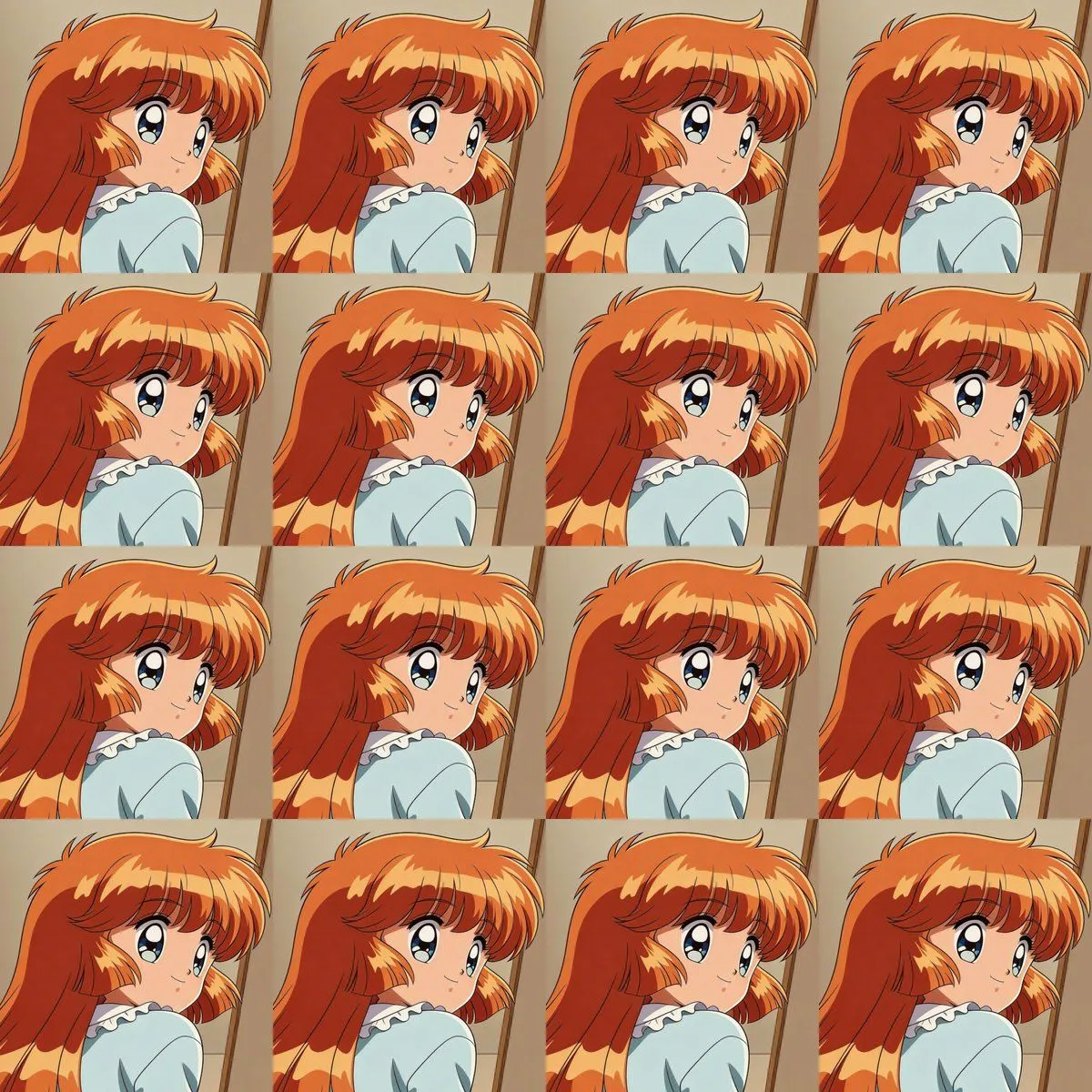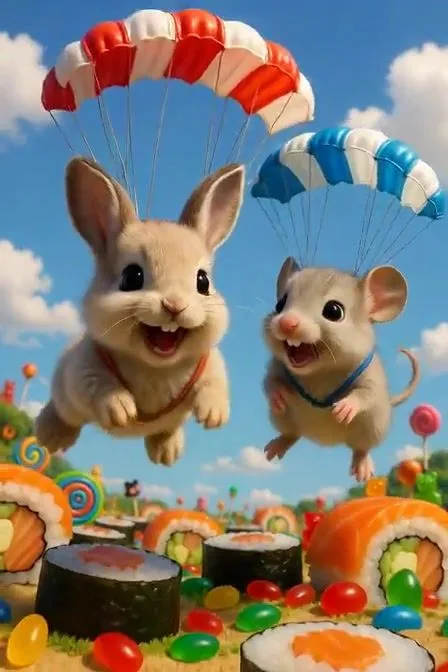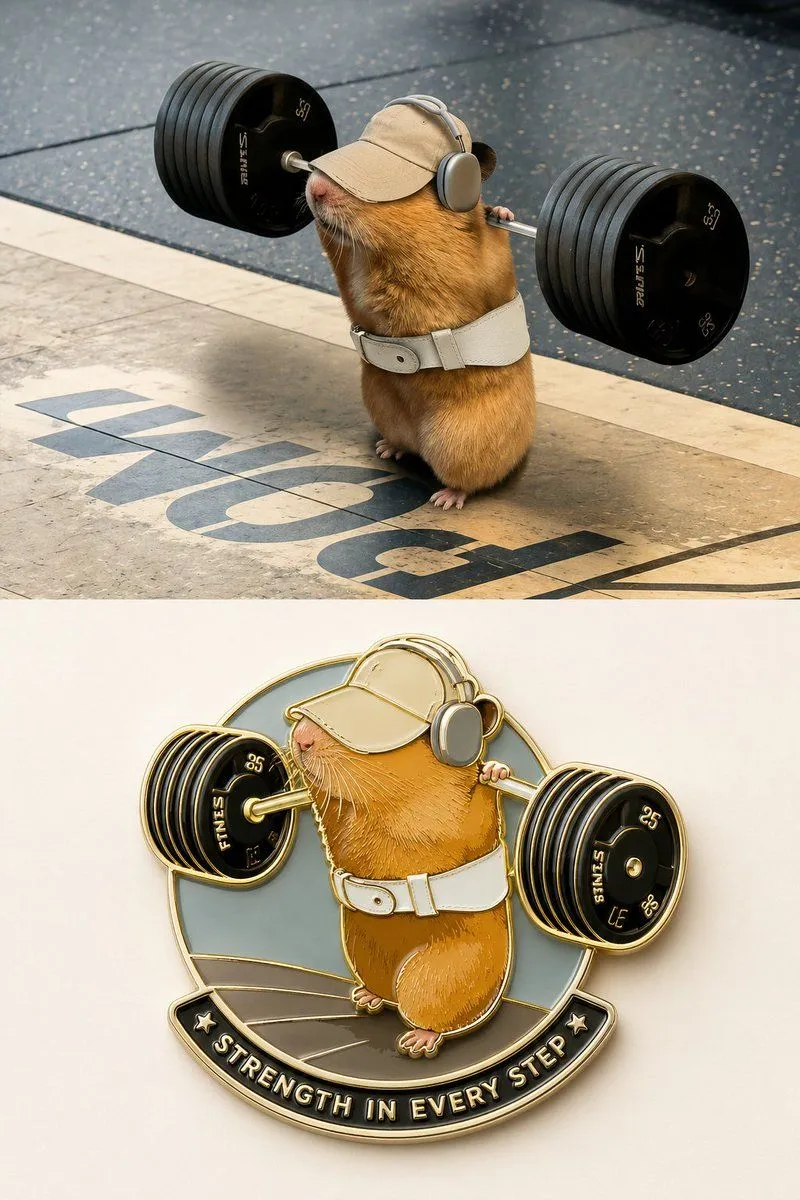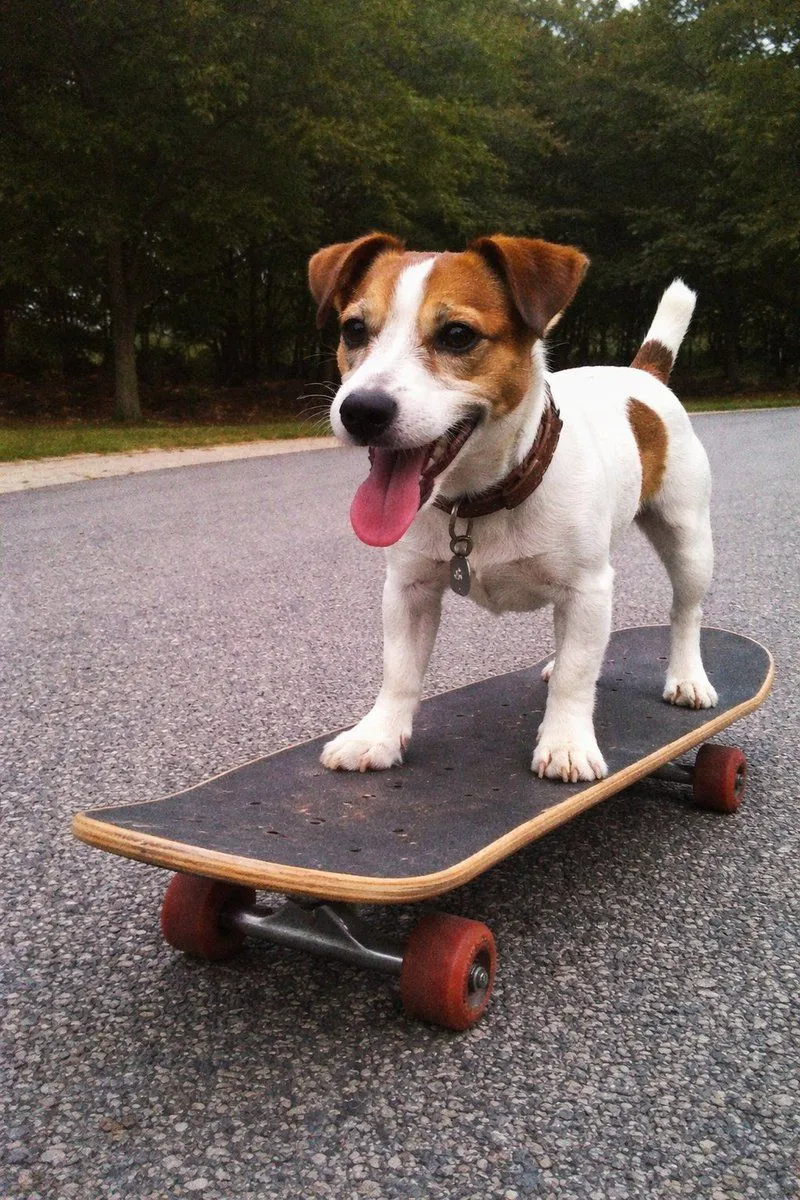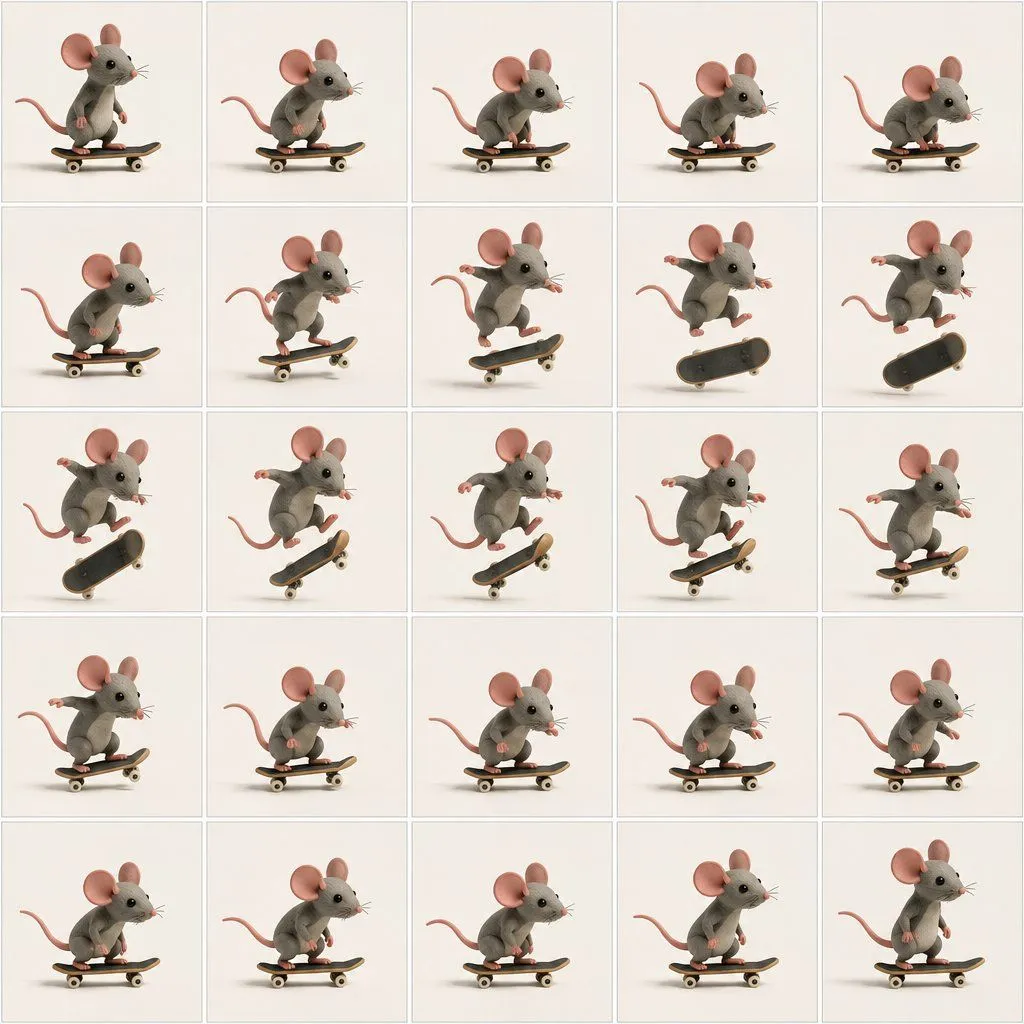
Made with GPT Image 2.5 in ChatGPT by Library Anime. Promptclay never generates images.
Did it work?
No reports yet. Tell others if it worked for you.
Mouse Skateboard Trick Animation Grid
Prompt
3 blanks to fillGoal: Create a clean animation reference grid showing a cute mouse performing a skateboard trick, like sequential keyframes from a stop-motion or 3D character animation study. Canvas: Square image, 1:1 aspect ratio, divided into exactly 25 equal panels arranged in a 5 by 5 grid. Each panel has a thin pale gray border and an off-white studio background. Use consistent lighting, soft shadows under the skateboard, and plenty of empty space around the subject. Subject details: The same small stylized {animal_character} appears in every panel. The mouse has soft plush-like gray fur, oversized round pink ears, glossy black bead eyes, a pointed snout, fine whiskers, tiny pink paws, and a long curved pink tail. The design should feel like a high-quality miniature 3D clay or felt character, adorable and tactile, with realistic soft material texture. Prop details: Use one small {skateboard_color} in every panel. The board is short and rounded, with visible trucks and wheels, casting a soft contact shadow. Layout and action sequence: Show exactly 25 discrete frames of the mouse skateboarding, one frame per panel, reading left to right and top to bottom. Frame 1: mouse standing upright on the skateboard, tail arcing left. Frame 2: crouching slightly and looking forward. Frame 3: leaning forward, knees bent. Frame 4: lower crouch preparing to pop the board. Frame 5: compact stance rolling forward. Frame 6: deeper crouch with tail extended. Frame 7: front paws raised as the trick begins. Frame 8: mouse jumping upward while board starts to lift. Frame 9: mouse fully airborne above the board. Frame 10: board rotates vertically while mouse floats to the right. Frame 11: board flips more dramatically beneath the mouse. Frame 12: mouse stretched in midair over a tilted board. Frame 13: board nearly vertical under the mouse. Frame 14: mouse beginning descent toward the angled board. Frame 15: feet nearing the board as it levels. Frame 16: landing with arms spread for balance. Frame 17: crouched landing on the board. Frame 18: rolling away low and stable. Frame 19: returning to a balanced riding pose. Frame 20: relaxed stance continuing forward. Frame 21: crouching again in a smooth ride. Frame 22: leaning forward on the board. Frame 23: steady riding pose, side profile. Frame 24: slightly upright riding pose, whiskers visible. Frame 25: final upright pose on skateboard, completing the loop. Visual style: Use {visual_style}, soft diffuse studio lighting, subtle ambient occlusion, warm neutral tones, crisp details, shallow but consistent depth, no motion blur. Keep the mouse scale and camera angle consistent across all panels. Constraints: No text, no numbers, no captions, no watermarks. The grid must contain exactly 25 panels and exactly one mouse and one skateboard in each panel. Keep the background plain and uniform, with only the character, skateboard, panel borders, and soft shadows visible.
Preview of your prompt
Goal: Create a clean animation reference grid showing a cute mouse performing a skateboard trick, like sequential keyframes from a stop-motion or 3D character animation study. Canvas: Square image, 1:1 aspect ratio, divided into exactly 25 equal panels arranged in a 5 by 5 grid. Each panel has a thin pale gray border and an off-white studio background. Use consistent lighting, soft shadows under the skateboard, and plenty of empty space around the subject. Subject details: The same small stylized gray mouse appears in every panel. The mouse has soft plush-like gray fur, oversized round pink ears, glossy black bead eyes, a pointed snout, fine whiskers, tiny pink paws, and a long curved pink tail. The design should feel like a high-quality miniature 3D clay or felt character, adorable and tactile, with realistic soft material texture. Prop details: Use one small black skateboard with tan wooden edges and cream wheels in every panel. The board is short and rounded, with visible trucks and wheels, casting a soft contact shadow. Layout and action sequence: Show exactly 25 discrete frames of the mouse skateboarding, one frame per panel, reading left to right and top to bottom. Frame 1: mouse standing upright on the skateboard, tail arcing left. Frame 2: crouching slightly and looking forward. Frame 3: leaning forward, knees bent. Frame 4: lower crouch preparing to pop the board. Frame 5: compact stance rolling forward. Frame 6: deeper crouch with tail extended. Frame 7: front paws raised as the trick begins. Frame 8: mouse jumping upward while board starts to lift. Frame 9: mouse fully airborne above the board. Frame 10: board rotates vertically while mouse floats to the right. Frame 11: board flips more dramatically beneath the mouse. Frame 12: mouse stretched in midair over a tilted board. Frame 13: board nearly vertical under the mouse. Frame 14: mouse beginning descent toward the angled board. Frame 15: feet nearing the board as it levels. Frame 16: landing with arms spread for balance. Frame 17: crouched landing on the board. Frame 18: rolling away low and stable. Frame 19: returning to a balanced riding pose. Frame 20: relaxed stance continuing forward. Frame 21: crouching again in a smooth ride. Frame 22: leaning forward on the board. Frame 23: steady riding pose, side profile. Frame 24: slightly upright riding pose, whiskers visible. Frame 25: final upright pose on skateboard, completing the loop. Visual style: Use adorable 3D stop-motion clay-rendered character study, soft diffuse studio lighting, subtle ambient occlusion, warm neutral tones, crisp details, shallow but consistent depth, no motion blur. Keep the mouse scale and camera angle consistent across all panels. Constraints: No text, no numbers, no captions, no watermarks. The grid must contain exactly 25 panels and exactly one mouse and one skateboard in each panel. Keep the background plain and uniform, with only the character, skateboard, panel borders, and soft shadows visible.
DetailsVersions, settings and questions
Written for
What's in the prompt
- Subject
- Model
- GPT Image 2.5
If your face changes
keep my face exactly the sameQuestions
- Does this work in the ChatGPT app?
- Yes. Paste the prompt and attach your photo if it uses one.
- It changed my face. What do I do?
- Add "keep my face exactly the same" to the end and run it again.
- Can I use the images I make?
- Check the terms of the app you use. Promptclay never generates images and claims nothing you make.