Tell us anything

An idea, a bug, something you love. We read every note.

⌘↵ to send. The page you're on comes along.

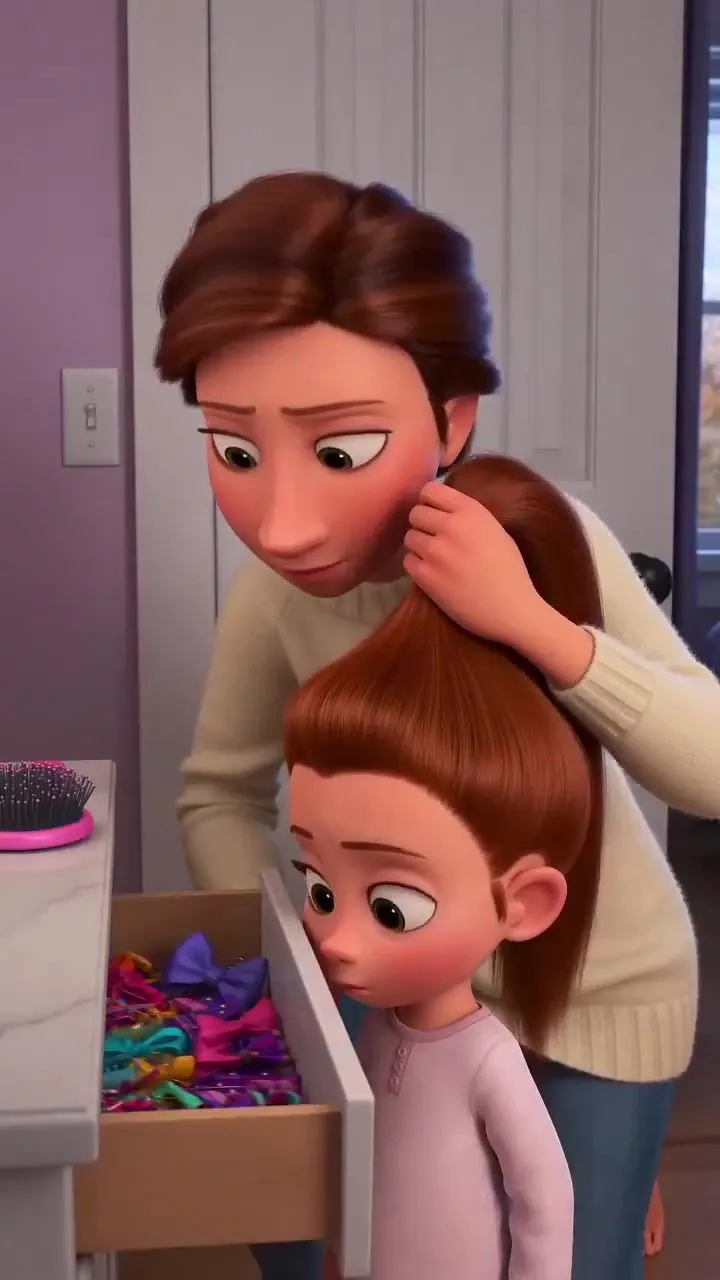
Mother Brushing Daughter Hair Pixar

Made with Seedance 2.5 in Kling by Library Cinema. Promptclay never generates images.

Did it work?

No reports yet. Tell others if it worked for you.

No comments yet. Be the first.

    Mother Brushing Daughter Hair Pixar

    Seedance 2.59:16AI-generated

    Prompt

    Create a high-quality 3D animated Pixar-style short film featuring a loving mother and her adorable little daughter. Scene 1 (0–3 seconds): In a cozy modern bedroom with soft purple walls, a beautiful mother wearing a cream knitted sweater stands behind her little daughter, who is wearing pink pajamas. The mother gently brushes the girl's long, thick reddish-brown hair using a pink hairbrush. The little girl looks slightly uncomfortable and unhappy. Scene 2 (3–5 seconds): The mother starts gathering the girl's long hair into a high ponytail. The little girl suddenly gets annoyed and tries to run away, while the mother follows her, holding her hair gently. Scene 3 (5–8 seconds): Show a close-up of the little girl's face with big expressive green eyes, raised eyebrows, and a shocked, frustrated expression. Her mother looks surprised and worried. Scene 4 (8–11 seconds): The scene transitions to a bright, beautiful modern kitchen. The mother kneels behind the little girl and tries to fix her messy hair into a ponytail. The girl looks extremely annoyed, rolling her eyes with a funny expression. Scene 5 (11–15 seconds): Show an emotional close-up of the little girl giving an adorable angry side-eye while her mother finally manages to tie her hair. The mother smiles proudly, while the girl remains unimpressed. Visual Style: Premium Pixar-inspired 3D animation, cinematic lighting, realistic hair physics, detailed facial expressions, smooth character animation, warm family atmosphere, expressive eyes, natural movements, beautiful indoor environments, professional animated movie quality. Camera: Mix of medium shots, close-ups, facial reaction shots, and smooth cinematic camera movements. Format: Vertical 9:16, 4K resolution, 24 FPS, approximately 15 seconds. Important: Maintain consistent character faces, hairstyles, clothing, body proportions, and colors throughout every scene. No character distortion, no extra fingers, no flickering, no subtitles, and no text on screen.

    Works in
    Kling
    Status
    Free to copy
    0
    DetailsVersions, settings and questions

    Written for

    What's in the prompt

    Subject
    Model
    Seedance 2.5

    If your face changes

    keep my face exactly the same

    Questions

    Does this work in the Kling app?
    Yes. Paste the prompt and attach your photo if it uses one.
    It changed my face. What do I do?
    Add "keep my face exactly the same" to the end and run it again.
    Can I use the images I make?
    Check the terms of the app you use. Promptclay never generates images and claims nothing you make.
    Similar prompts

    See more
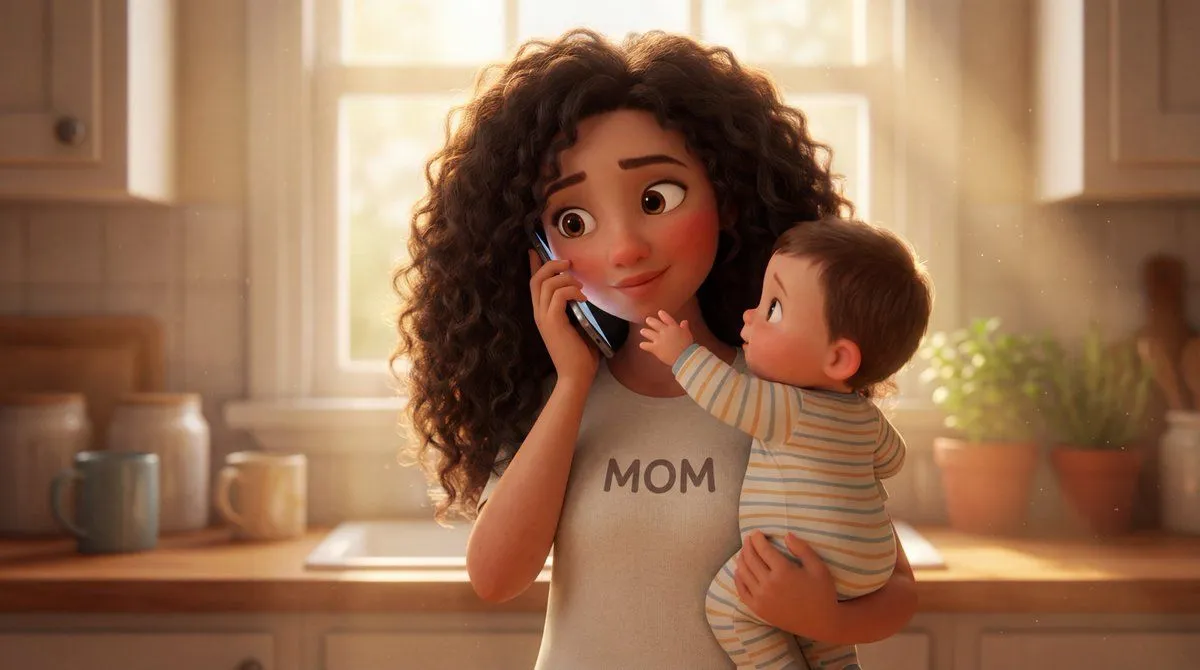
    • Stylized 3D Animated Mother Portrait
    • 3D Animated Scene with Reference Matching
    • 3D Pixar Style Girl Family Portrait
    • Pixar-Style Telekinesis Animation SequenceVideo, 0:10
    • 1⃣Character sheet prompt: A highly detailed 3D
    • Pixar-Style 3D Girl Illustration Prompts
    • Pixar Style Curly Haired Girl
    • Pixar/Disney Style 3D Animated Character Slides
    • 3D Pixar Chibi Character Transformation
    • Pixar-Style 3D Character Portraits (Male and Female)
    • Pixar/Disney Style X (Twitter) Profile Card Prompt
    • Pixar-Style 3D Character Portrait
    • 3D Anime Style Transformation
    • Base Prompt with Uploaded Image
    • Dragon Ball show for kids in the style of Paw PatrolVideo, 0:45
    • Chibi Moe Anime Penguin GirlVideo, 0:15
    • Pixar-Style Chibi Character Prompt
    • AI Manga: 2-Minute Cooking
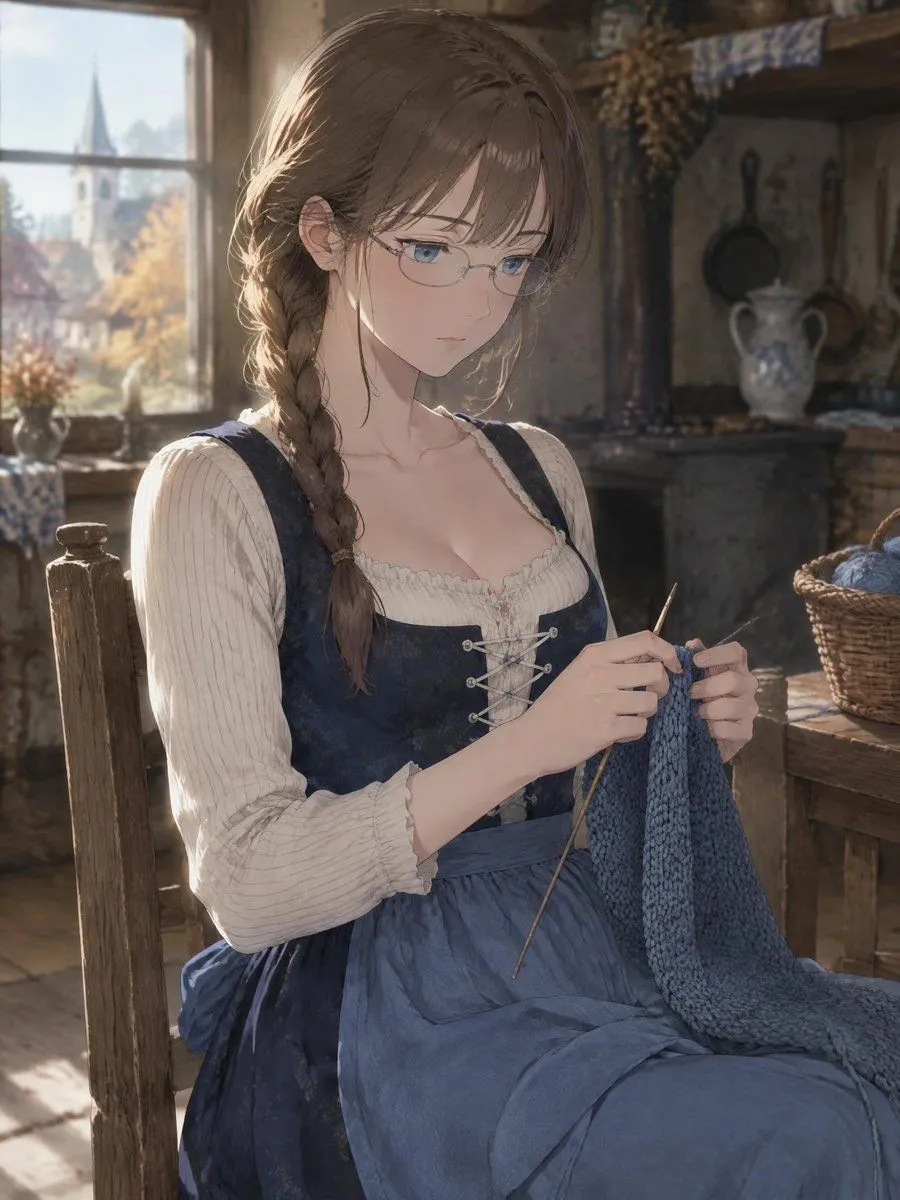
    • Anime Girl Knitting in Rustic Cottage
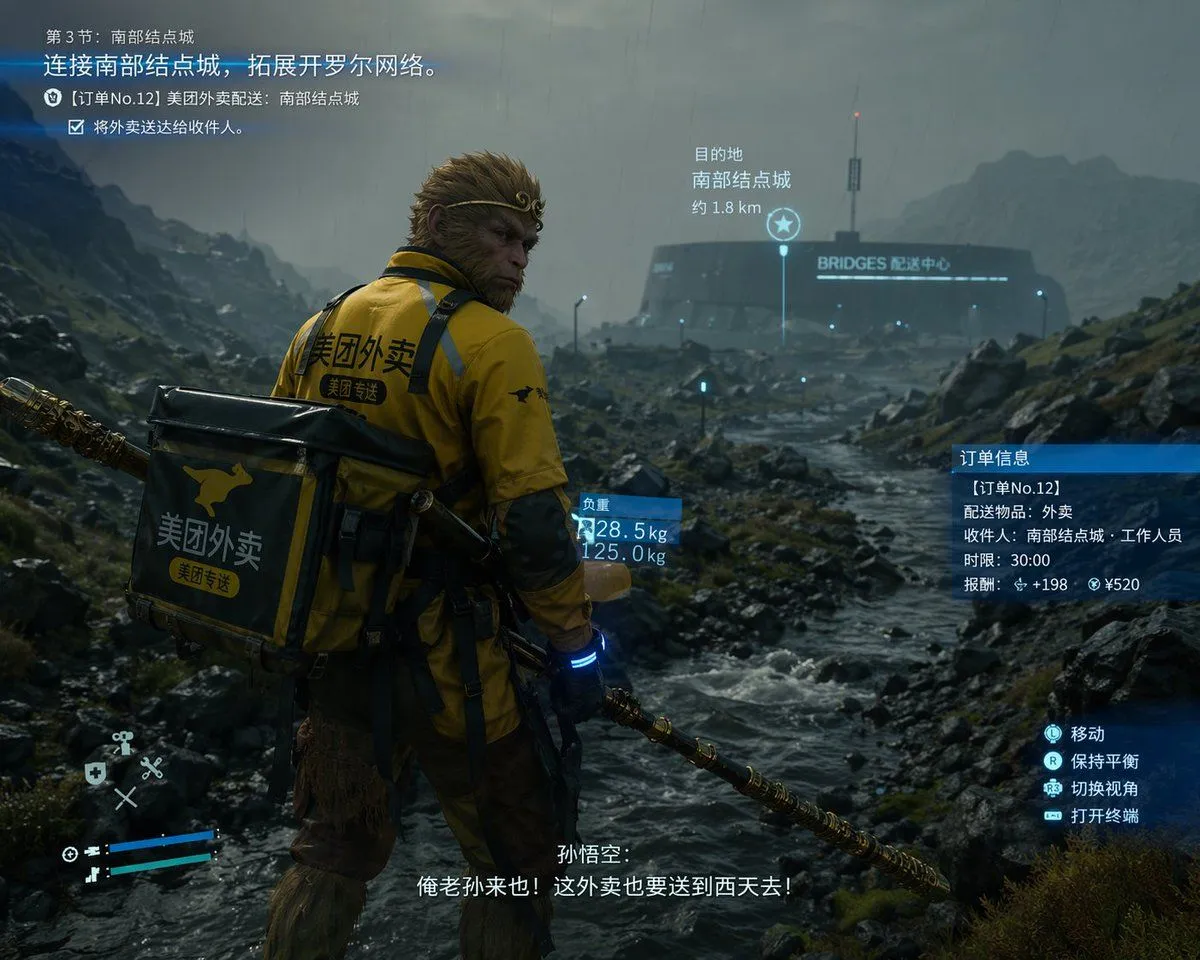
    • Cinematic Game UI Mockup
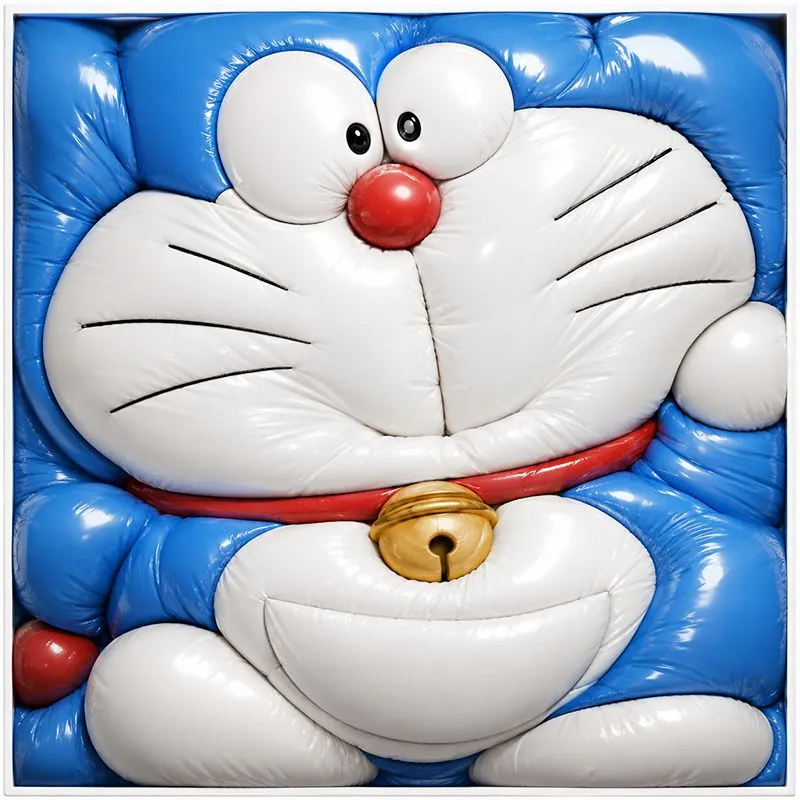
    • Inflated Doraemon Balloon Box
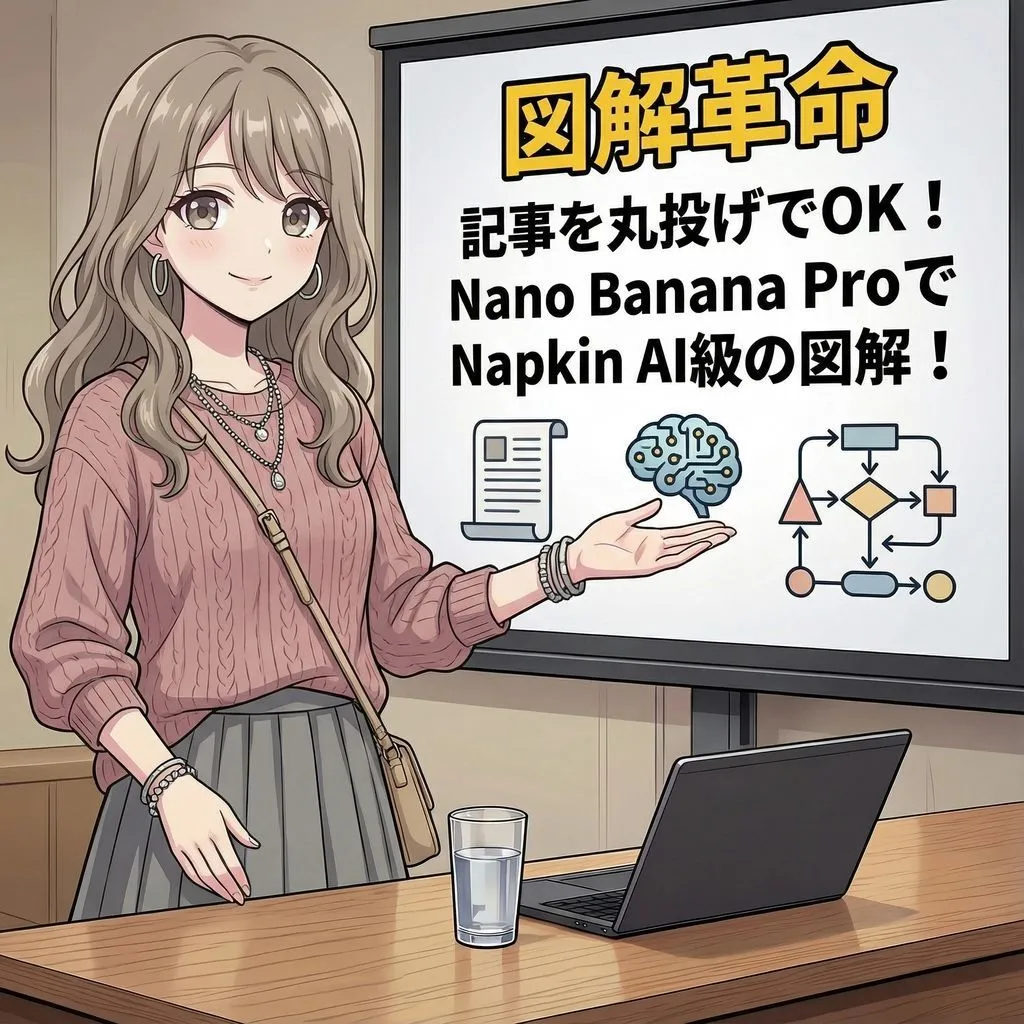
    • Magic Prompt for Automatic Infographic Generation with Nano Banana Pro
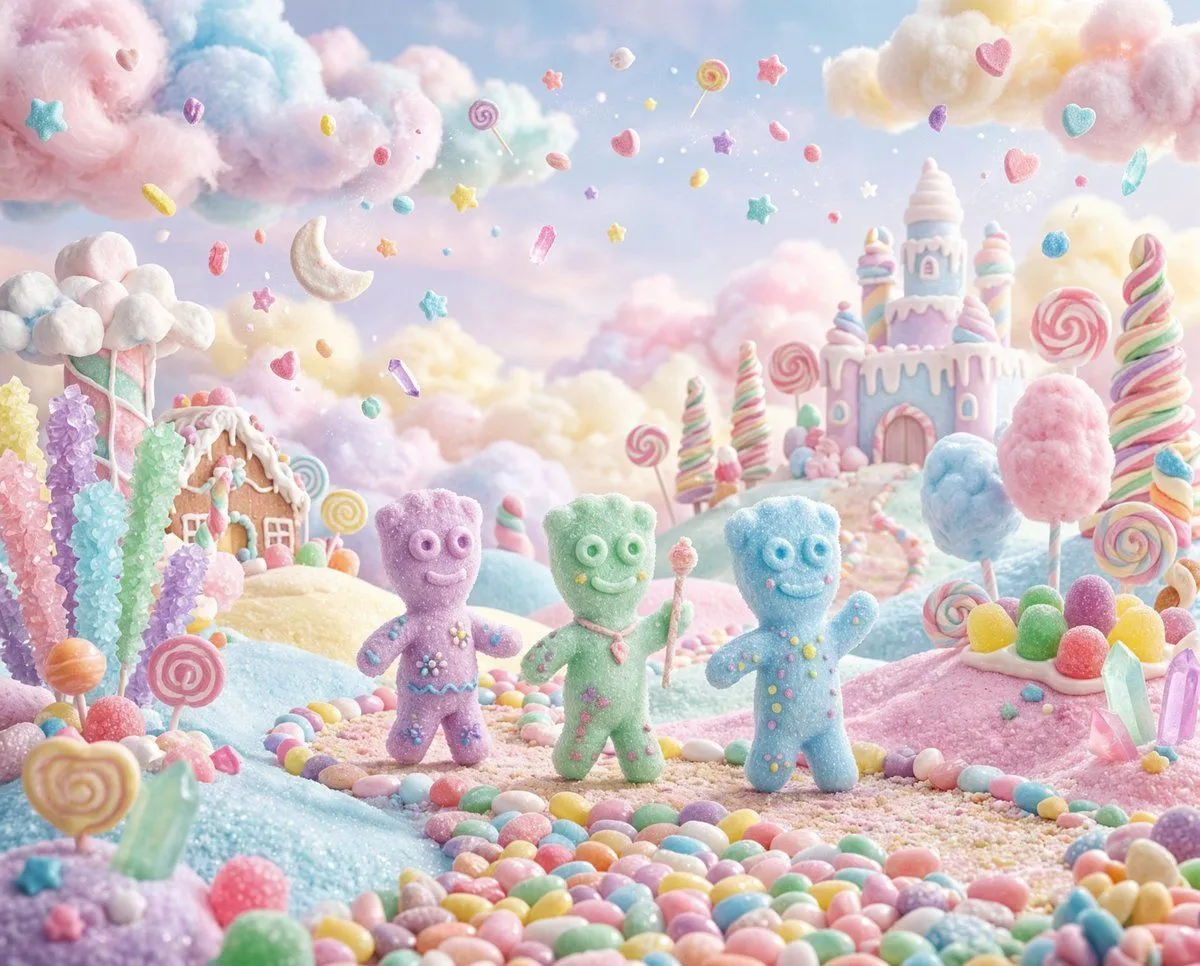
    • Pastel Painted Sour Patch Kids in Whimsical Candyland
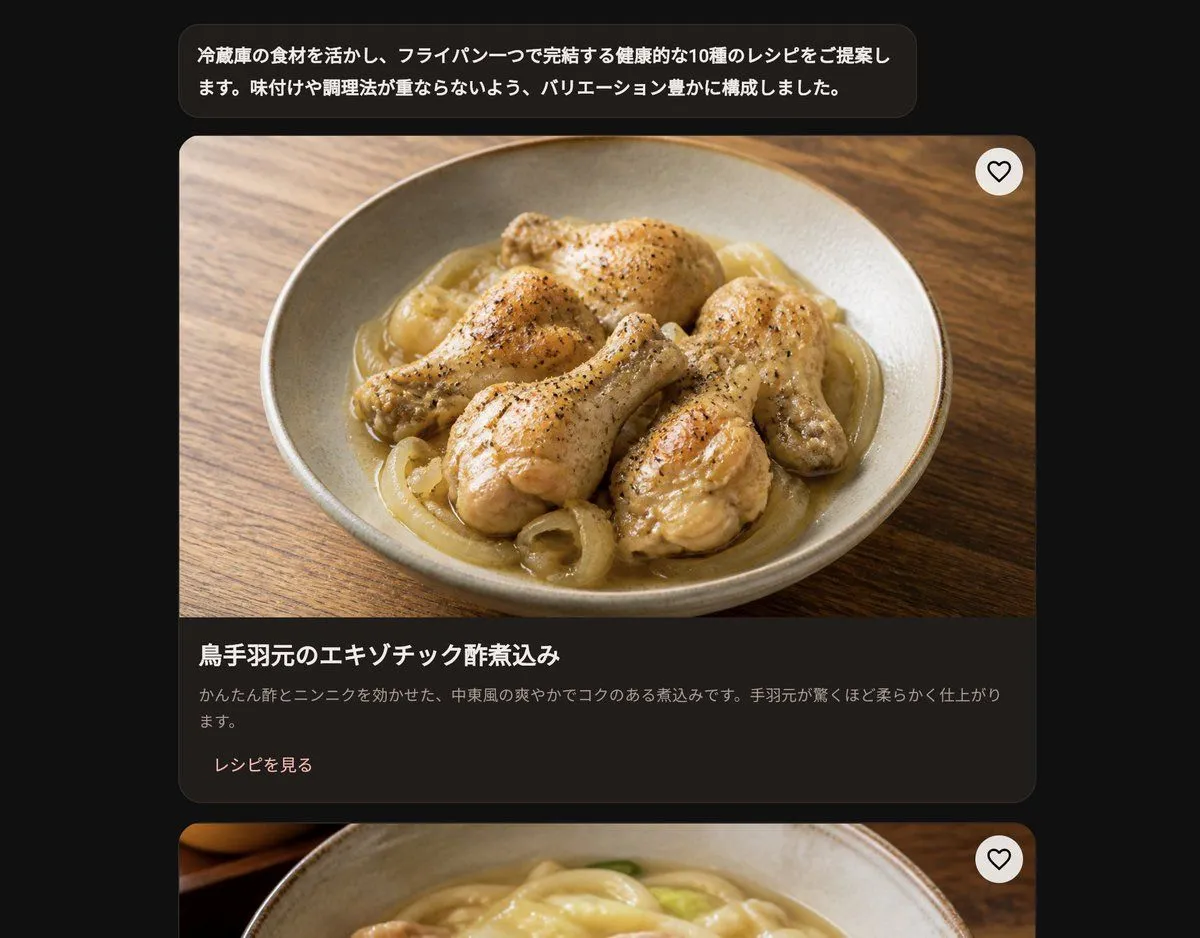
    • Dark Japanese Recipe App UI

    Show more

    Run it on your phone

    1. Prompt copiedRead it

      Create a high-quality 3D animated Pixar-style short film featuring a loving mother and her adorable little daughter. Scene 1 (0–3 seconds): In a cozy modern bedroom with soft purple walls, a beautiful mother wearing a cream knitted sweater stands behind her little daughter, who is wearing pink pajamas. The mother gently brushes the girl's long, thick reddish-brown hair using a pink hairbrush. The little girl looks slightly uncomfortable and unhappy. Scene 2 (3–5 seconds): The mother starts gathering the girl's long hair into a high ponytail. The little girl suddenly gets annoyed and tries to run away, while the mother follows her, holding her hair gently. Scene 3 (5–8 seconds): Show a close-up of the little girl's face with big expressive green eyes, raised eyebrows, and a shocked, frustrated expression. Her mother looks surprised and worried. Scene 4 (8–11 seconds): The scene transitions to a bright, beautiful modern kitchen. The mother kneels behind the little girl and tries to fix her messy hair into a ponytail. The girl looks extremely annoyed, rolling her eyes with a funny expression. Scene 5 (11–15 seconds): Show an emotional close-up of the little girl giving an adorable angry side-eye while her mother finally manages to tie her hair. The mother smiles proudly, while the girl remains unimpressed. Visual Style: Premium Pixar-inspired 3D animation, cinematic lighting, realistic hair physics, detailed facial expressions, smooth character animation, warm family atmosphere, expressive eyes, natural movements, beautiful indoor environments, professional animated movie quality. Camera: Mix of medium shots, close-ups, facial reaction shots, and smooth cinematic camera movements. Format: Vertical 9:16, 4K resolution, 24 FPS, approximately 15 seconds. Important: Maintain consistent character faces, hairstyles, clothing, body proportions, and colors throughout every scene. No character distortion, no extra fingers, no flickering, no subtitles, and no text on screen.

    2. Open your app

    3. Paste and run

      Press and hold the message box, then tap Paste. Add your photo first if the prompt uses one. You may need to sign in.