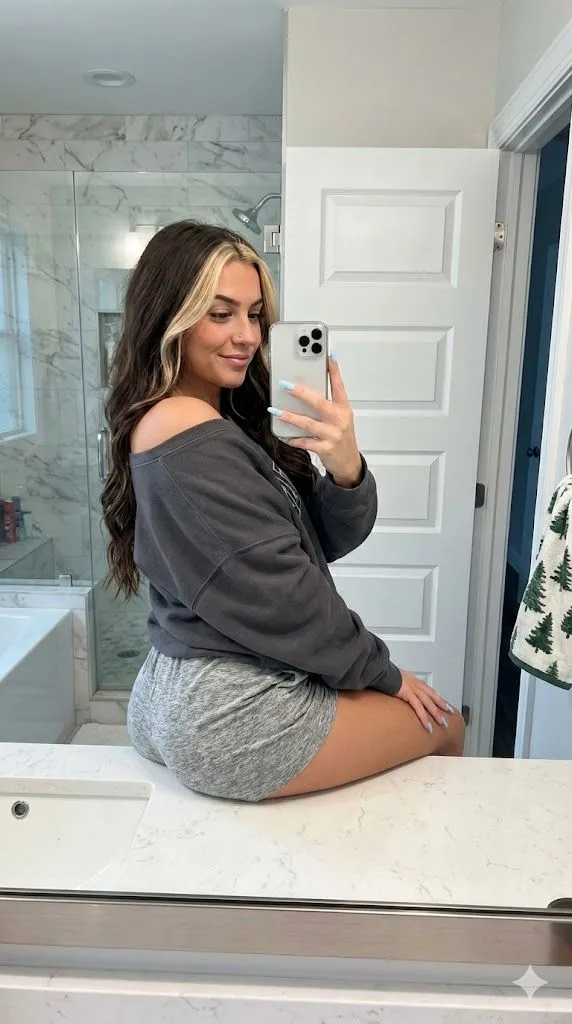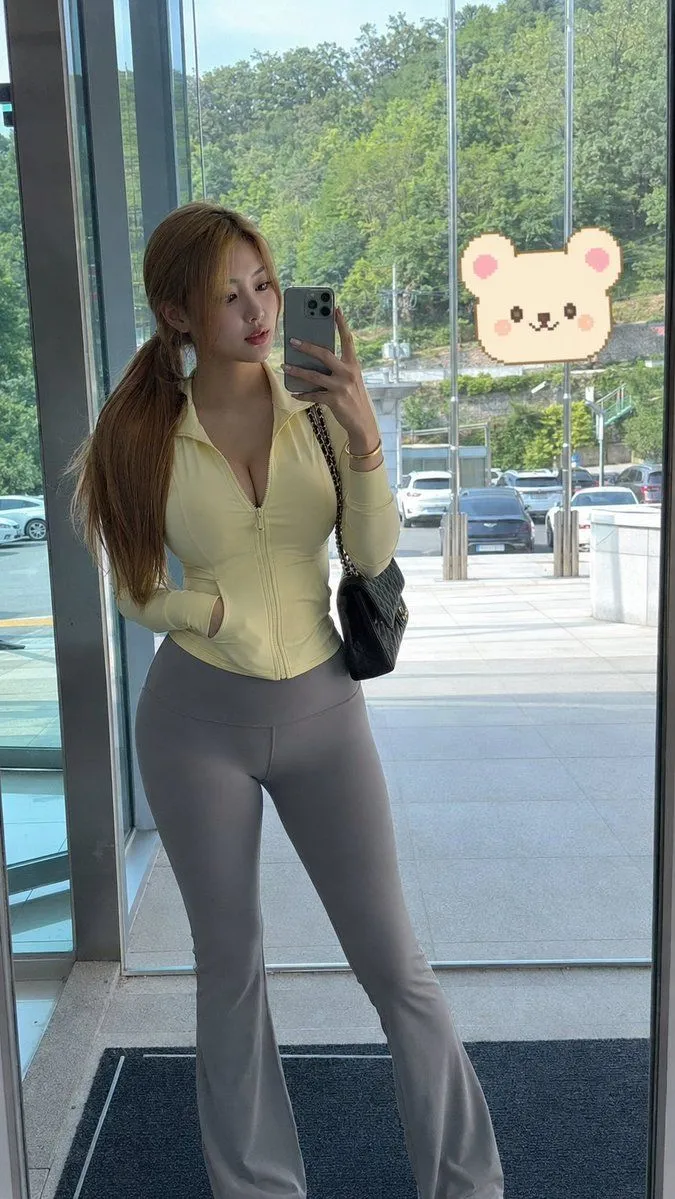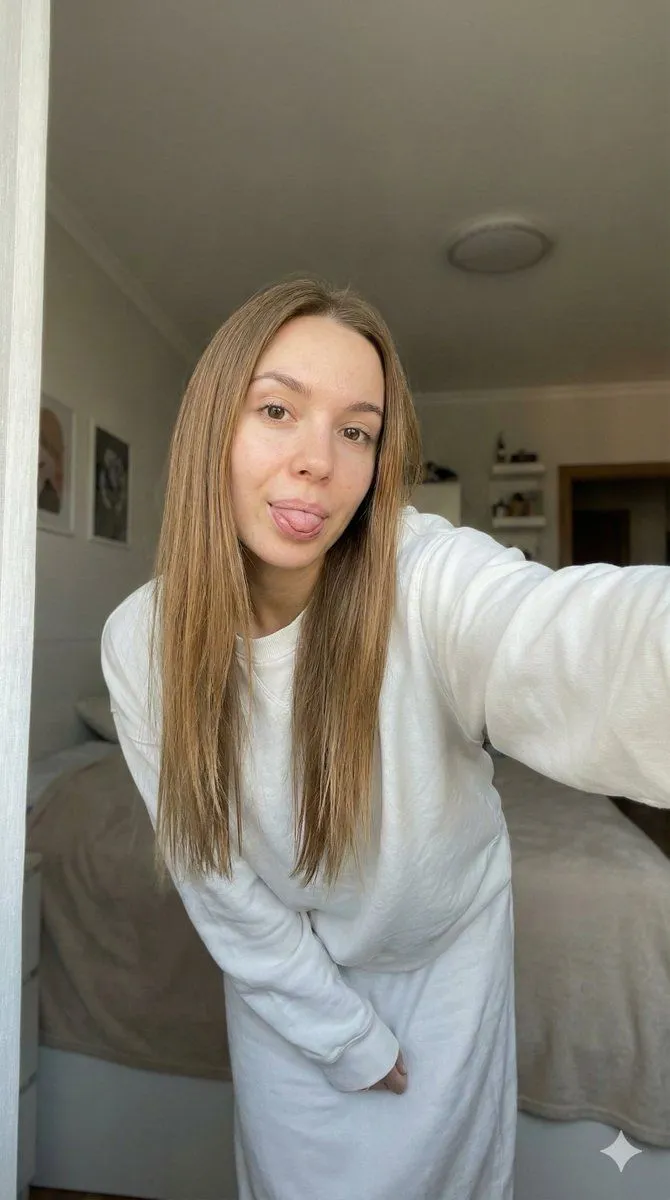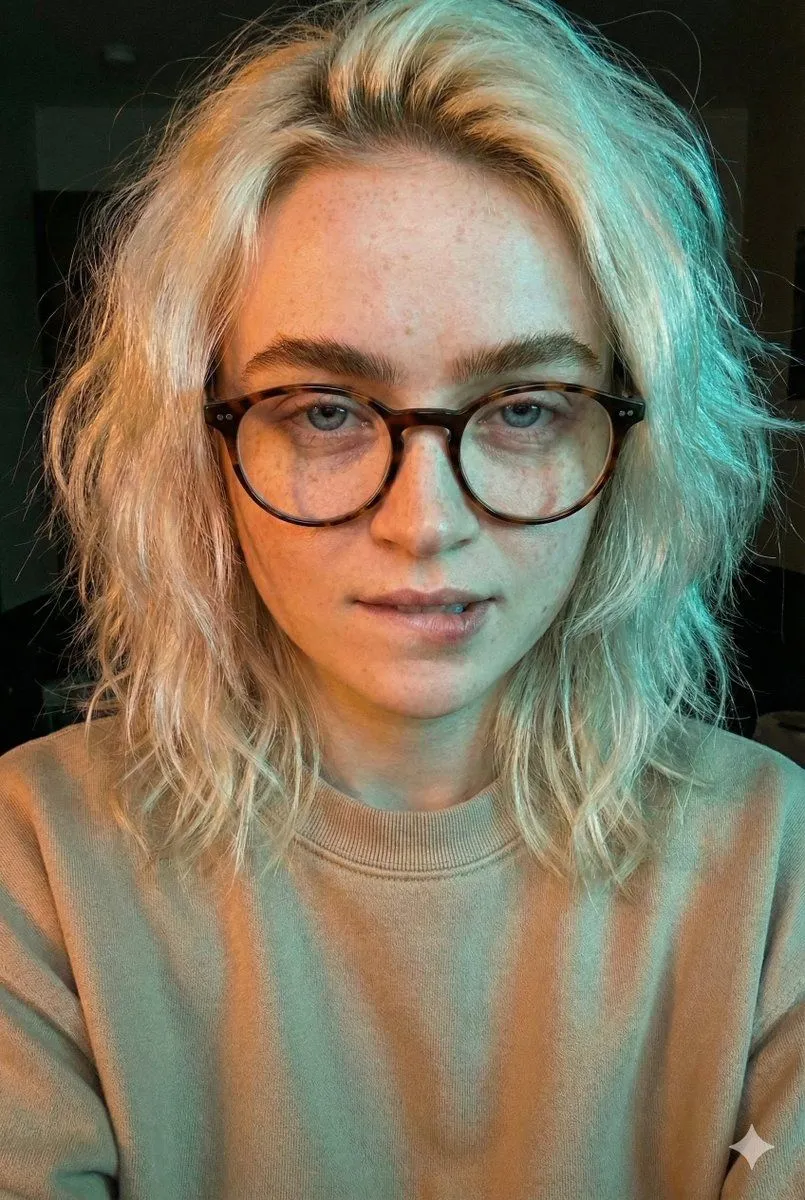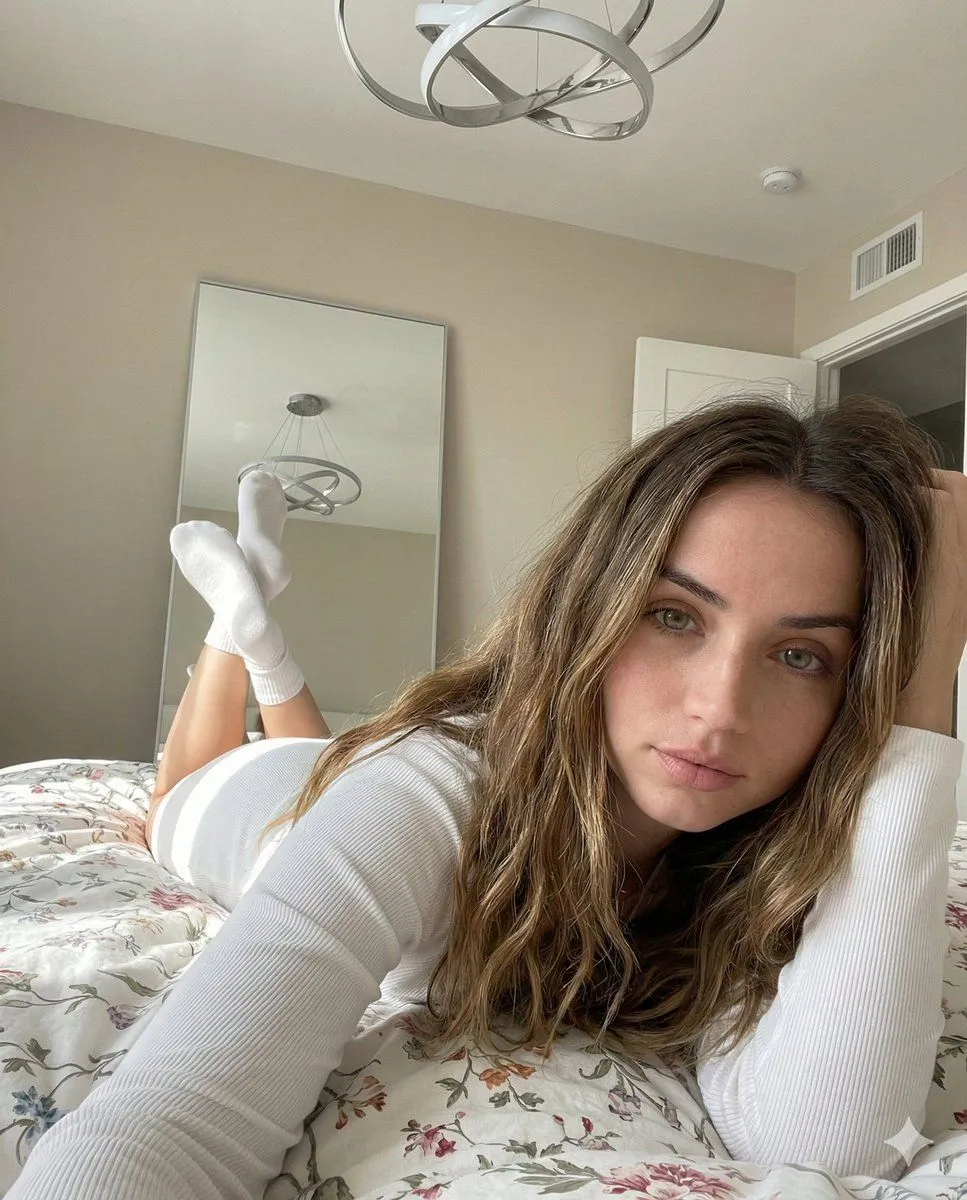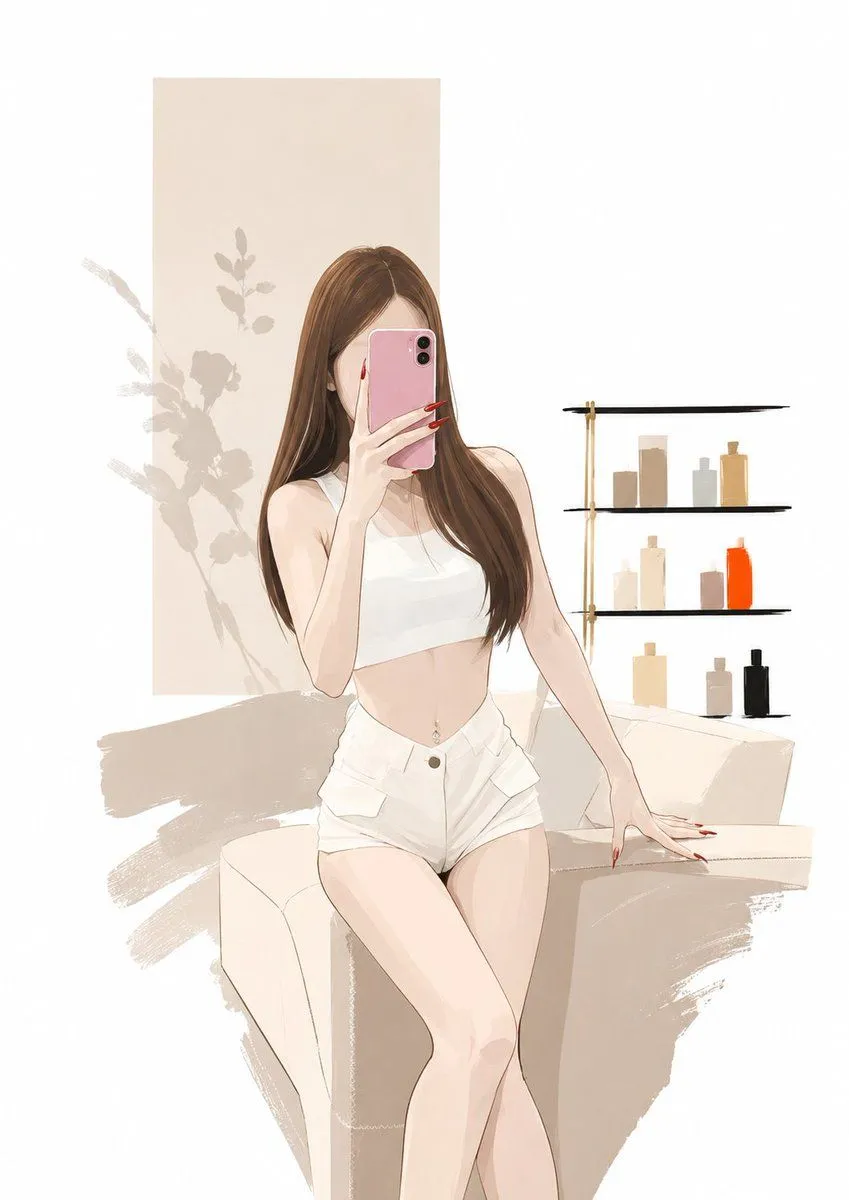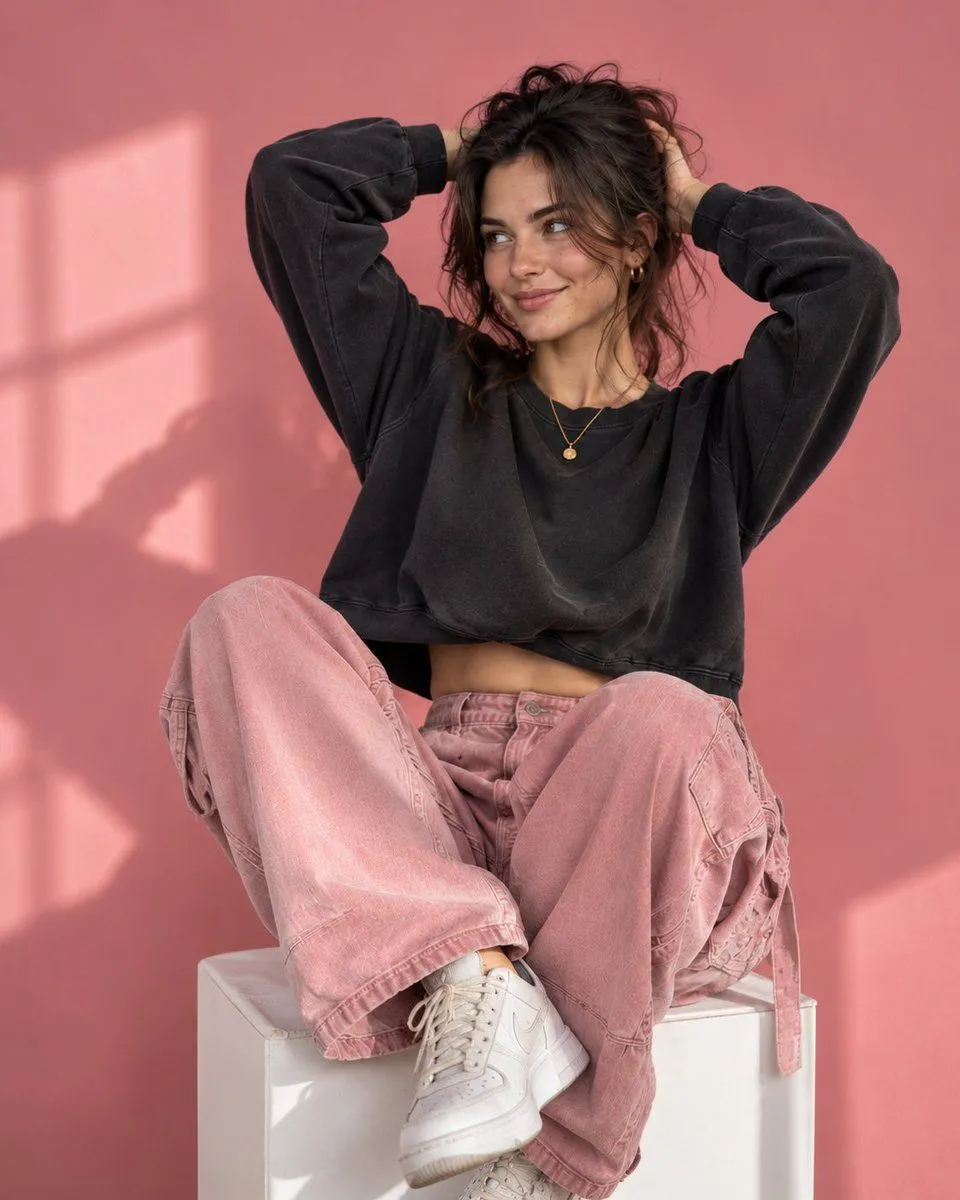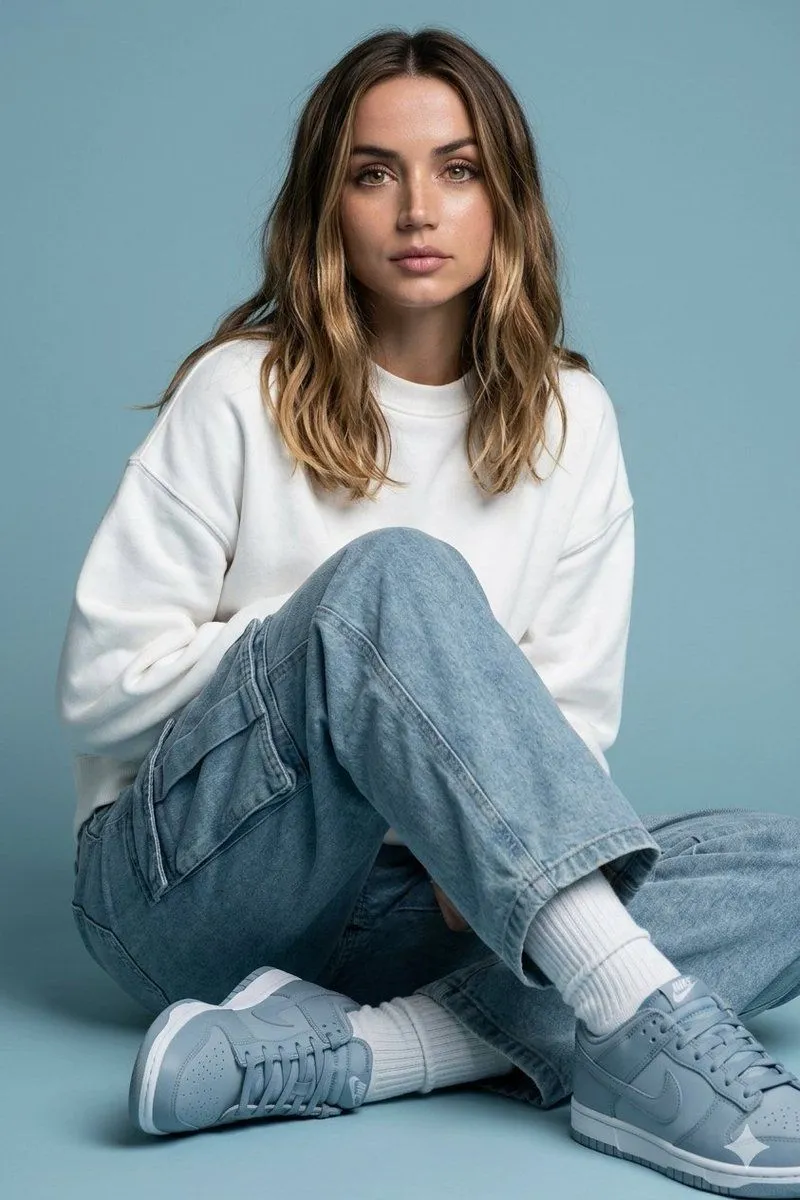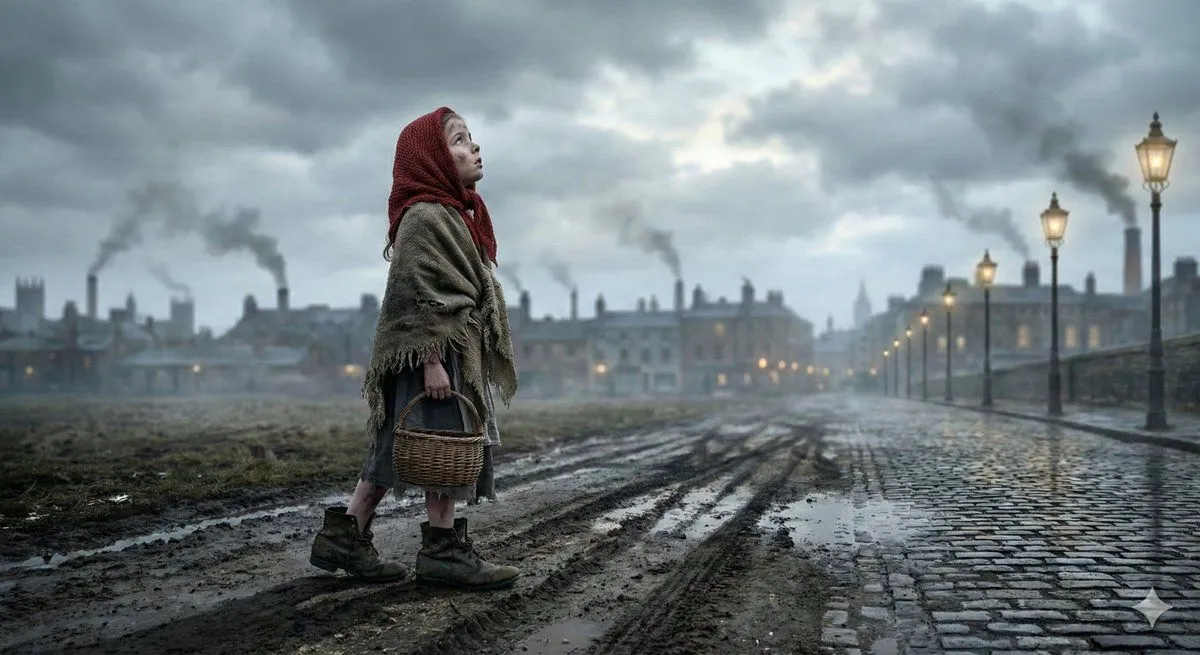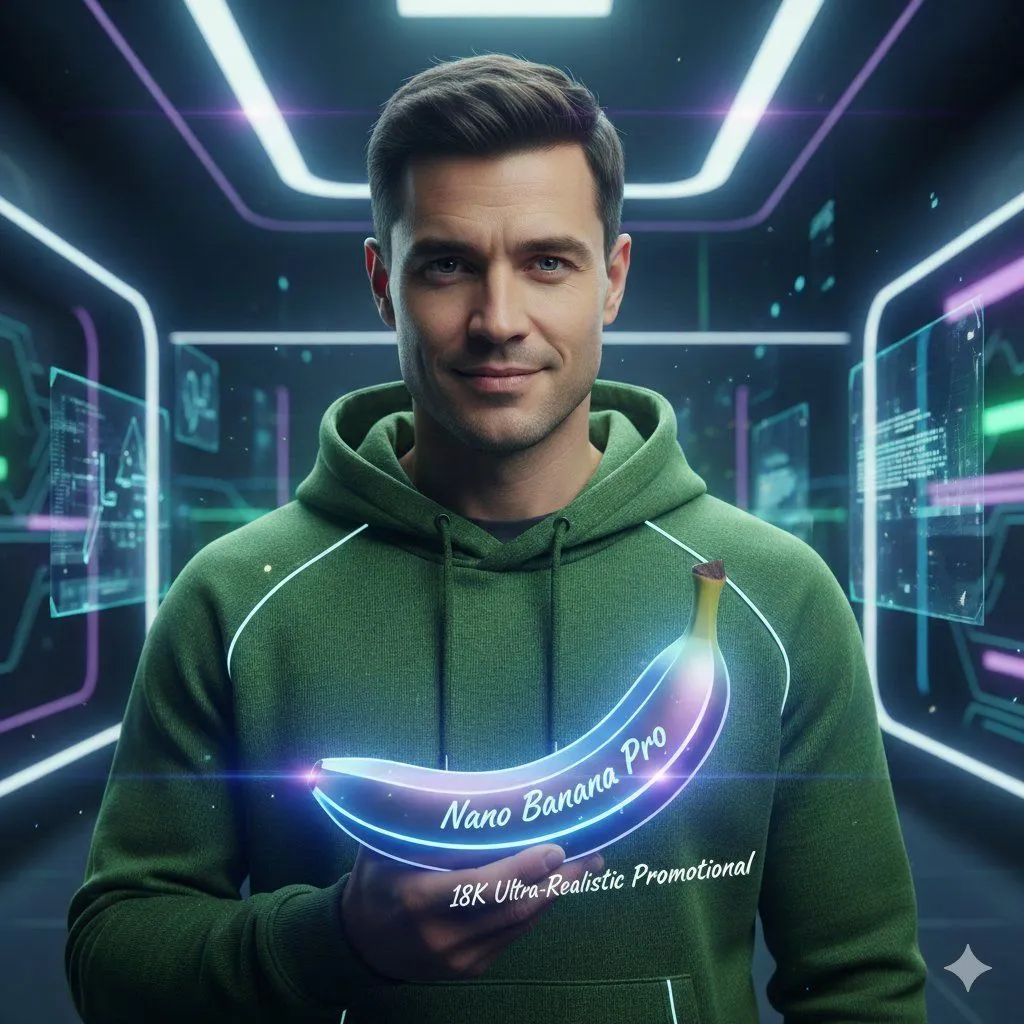
Made with Nano Banana Pro in Gemini by Library Portraits. Promptclay never generates images.
Did it work?
No reports yet. Tell others if it worked for you.
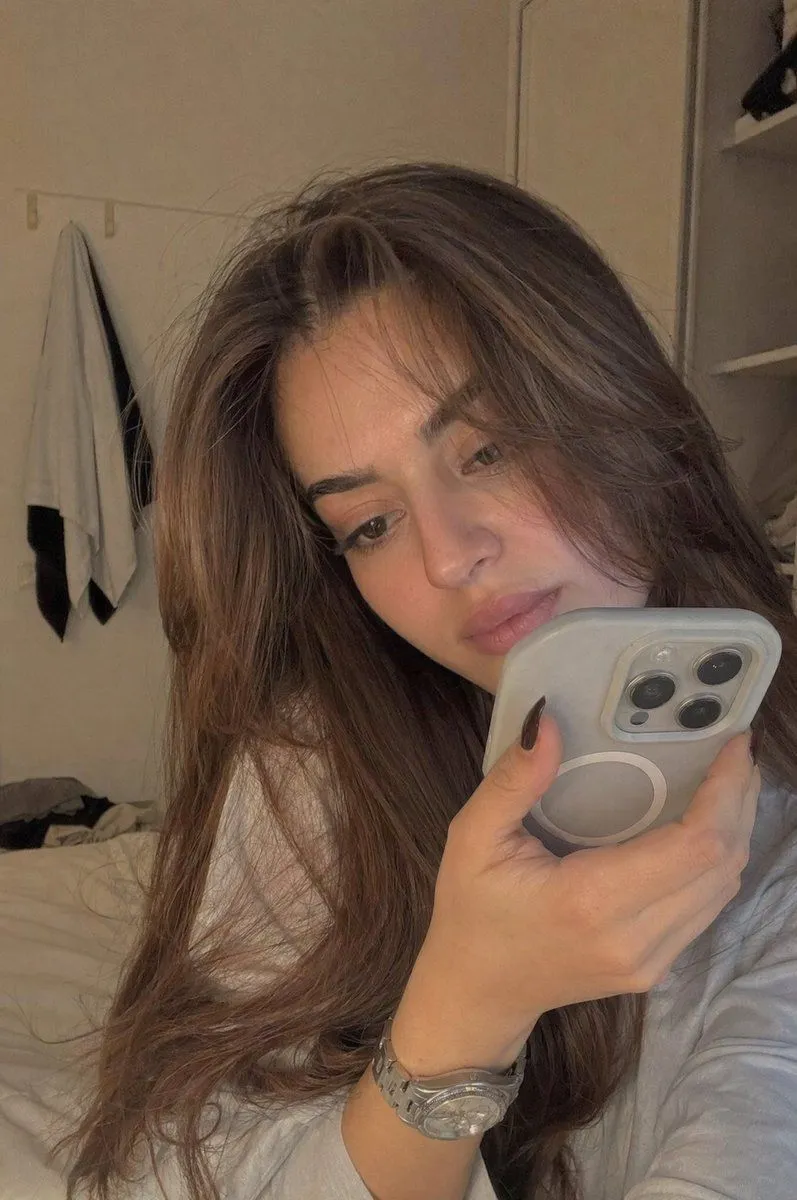
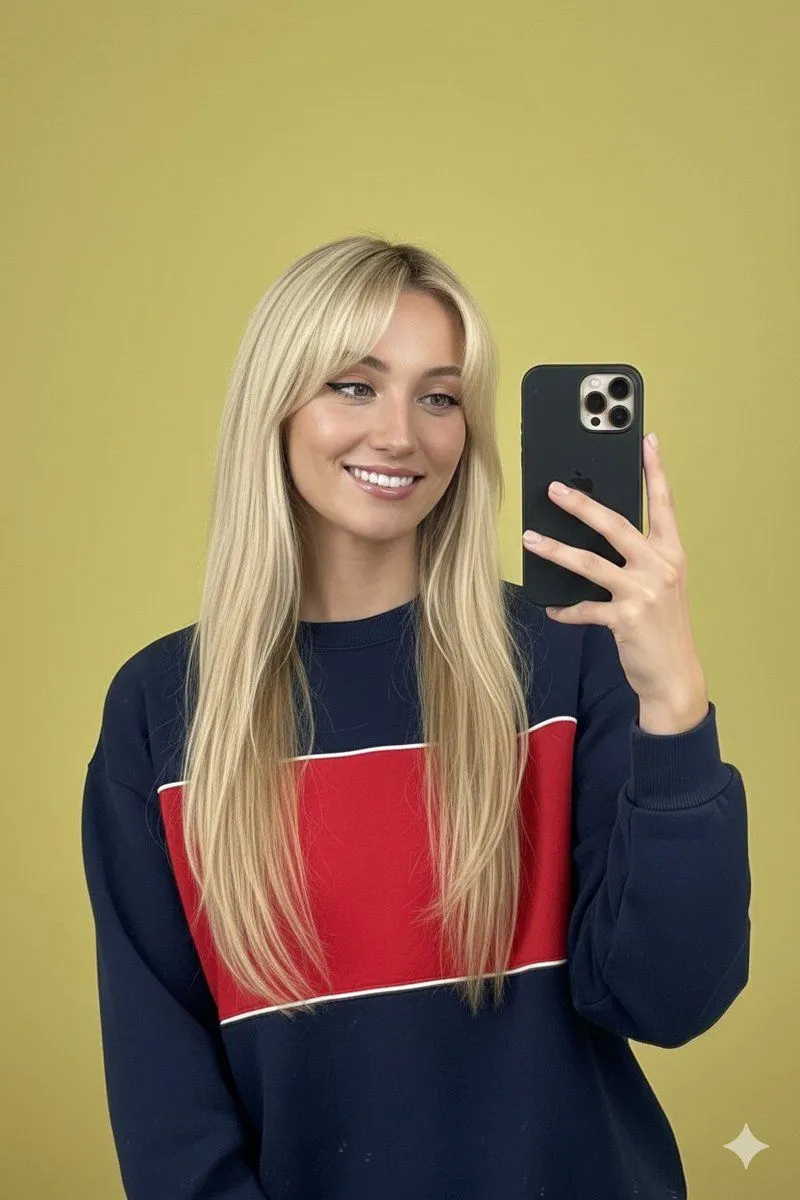
Mirror Selfie with Identity Preservation and Vibrant Background
Prompt
2 blanks to fillUse the same face from the reference image without changing facial features { "subject": { "gender": "female", "appearance": { "ethnicity": " western", "hair": "long, straight, blonde with subtle warm highlights, messy bangs spread on forehead ", "facial_features": "almond-shaped eyes, well-defined dark eyebrows, high cheekbones, radiant smile", "makeup": "natural 'clean girl' aesthetic, winged eyeliner, soft pink lipstick, manicured long nude-tip nails" }, "pose": "mirror selfie, holding a black smartphone with a triple-lens camera, head tilted slightly, looking into the mirror" }, "attire": { "top": "{top_color} crew-neck sweatshirt with a bold red horizontal panel across the chest and white piping accents" }, "environment": { "background": "minimalist, solid {background_color} wall, bright indoor lighting", "atmosphere": "vibrant, cheerful, youthful, high-clarity portrait" }, "technical_specifications": { "shot_type": "medium shot, upper body", "lighting": "bright, even front-lighting, soft shadows", "color_palette": ["#D1E231", "#0A0A0A", "#E60000", "#FFFFFF"], "style": "lifestyle photography, social media aesthetic, high resolution" }, "keywords": [ "casual chic", "gen-z style", "mirror selfie", "vibrant colors", "youthful energy" ] }
Preview of your prompt
Use the same face from the reference image without changing facial features { "subject": { "gender": "female", "appearance": { "ethnicity": " western", "hair": "long, straight, blonde with subtle warm highlights, messy bangs spread on forehead ", "facial_features": "almond-shaped eyes, well-defined dark eyebrows, high cheekbones, radiant smile", "makeup": "natural 'clean girl' aesthetic, winged eyeliner, soft pink lipstick, manicured long nude-tip nails" }, "pose": "mirror selfie, holding a black smartphone with a triple-lens camera, head tilted slightly, looking into the mirror" }, "attire": { "top": "navy blue or black crew-neck sweatshirt with a bold red horizontal panel across the chest and white piping accents" }, "environment": { "background": "minimalist, solid lime-yellow / chartreuse wall, bright indoor lighting", "atmosphere": "vibrant, cheerful, youthful, high-clarity portrait" }, "technical_specifications": { "shot_type": "medium shot, upper body", "lighting": "bright, even front-lighting, soft shadows", "color_palette": ["#D1E231", "#0A0A0A", "#E60000", "#FFFFFF"], "style": "lifestyle photography, social media aesthetic, high resolution" }, "keywords": [ "casual chic", "gen-z style", "mirror selfie", "vibrant colors", "youthful energy" ] }
DetailsVersions, settings and questions
Written for
What's in the prompt
- Subject
- Model
- Nano Banana Pro
If your face changes
keep my face exactly the sameQuestions
- Does this work in the Gemini app?
- Yes. Gemini runs Nano Banana, so paste the prompt and attach your photo if it uses one.
- It changed my face. What do I do?
- Add "keep my face exactly the same" to the end and run it again.
- Can I use the images I make?
- Check the terms of the app you use. Promptclay never generates images and claims nothing you make.