Tell us anything

An idea, a bug, something you love. We read every note.

⌘↵ to send. The page you're on comes along.

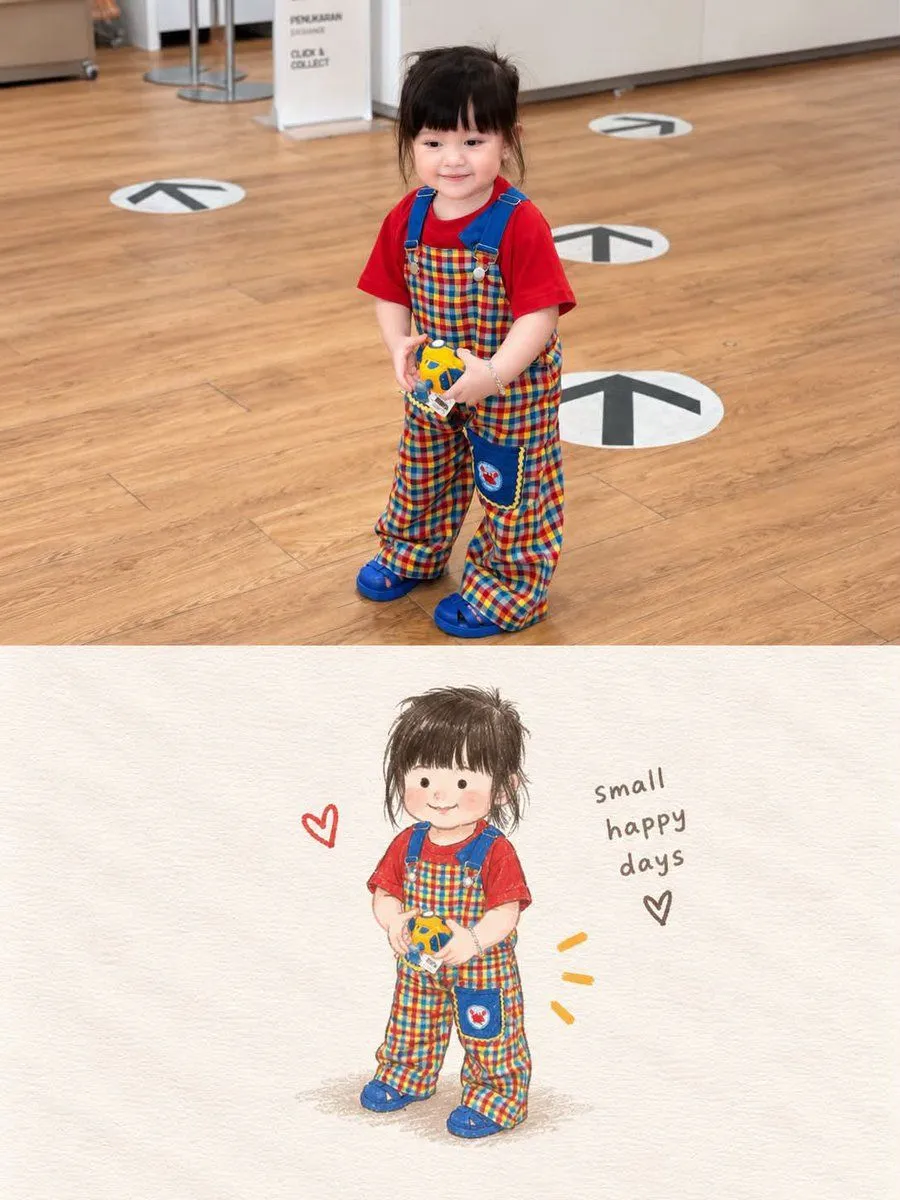
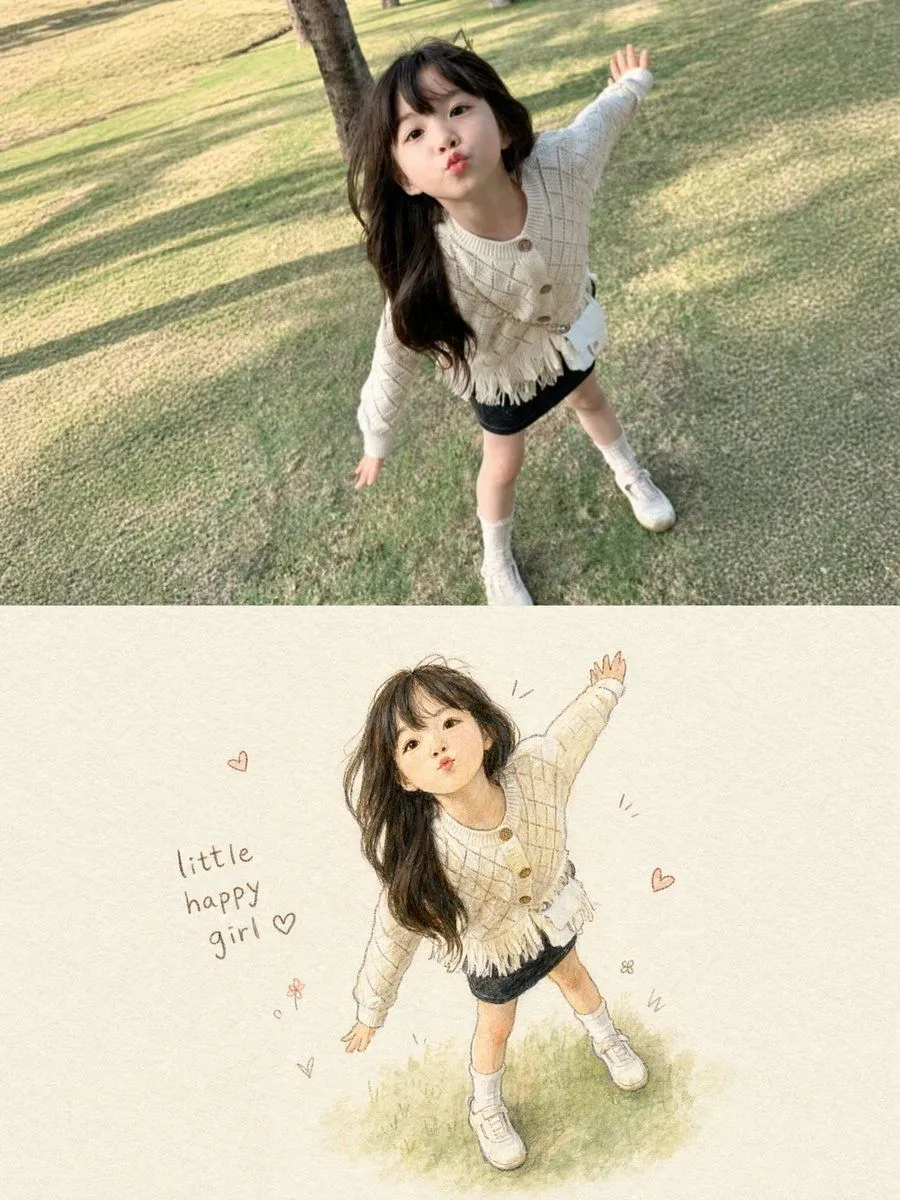
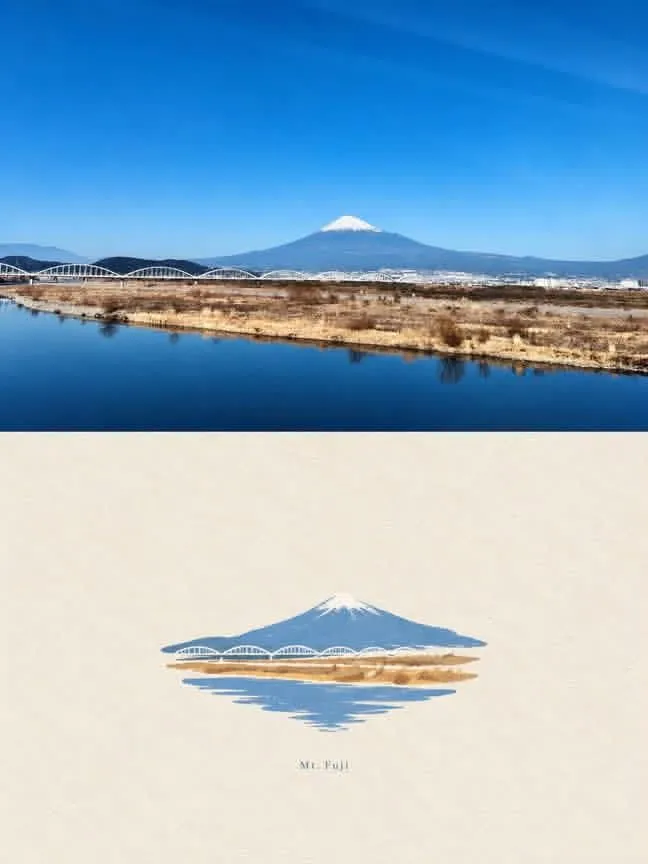
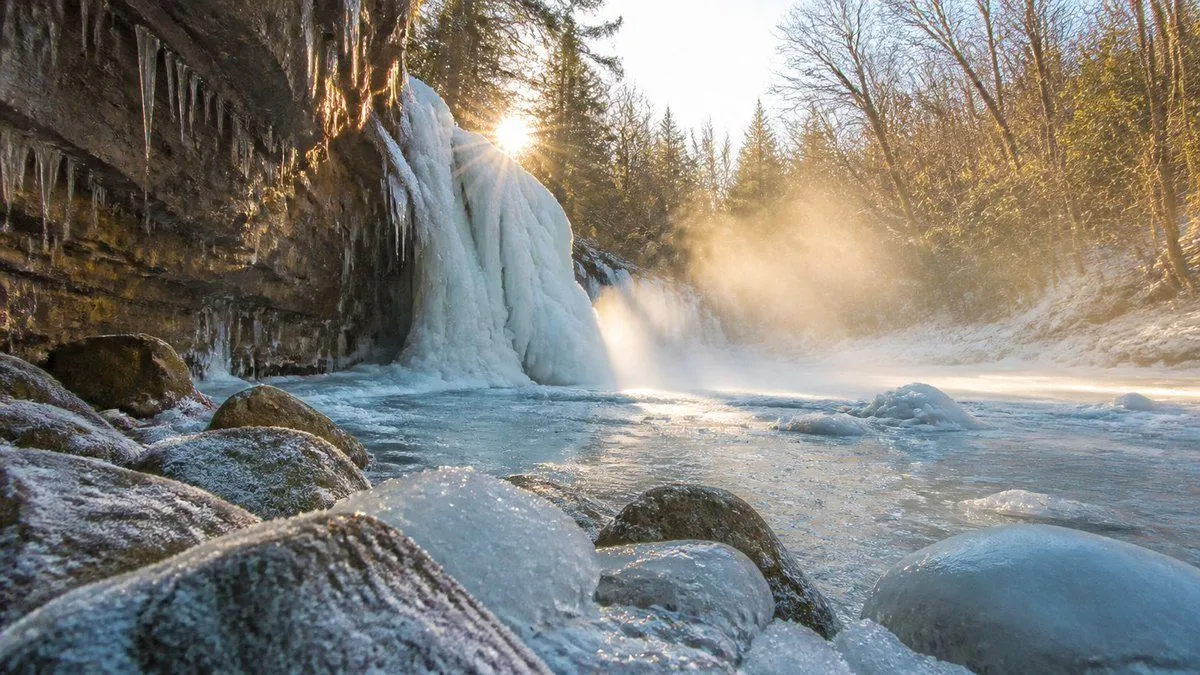
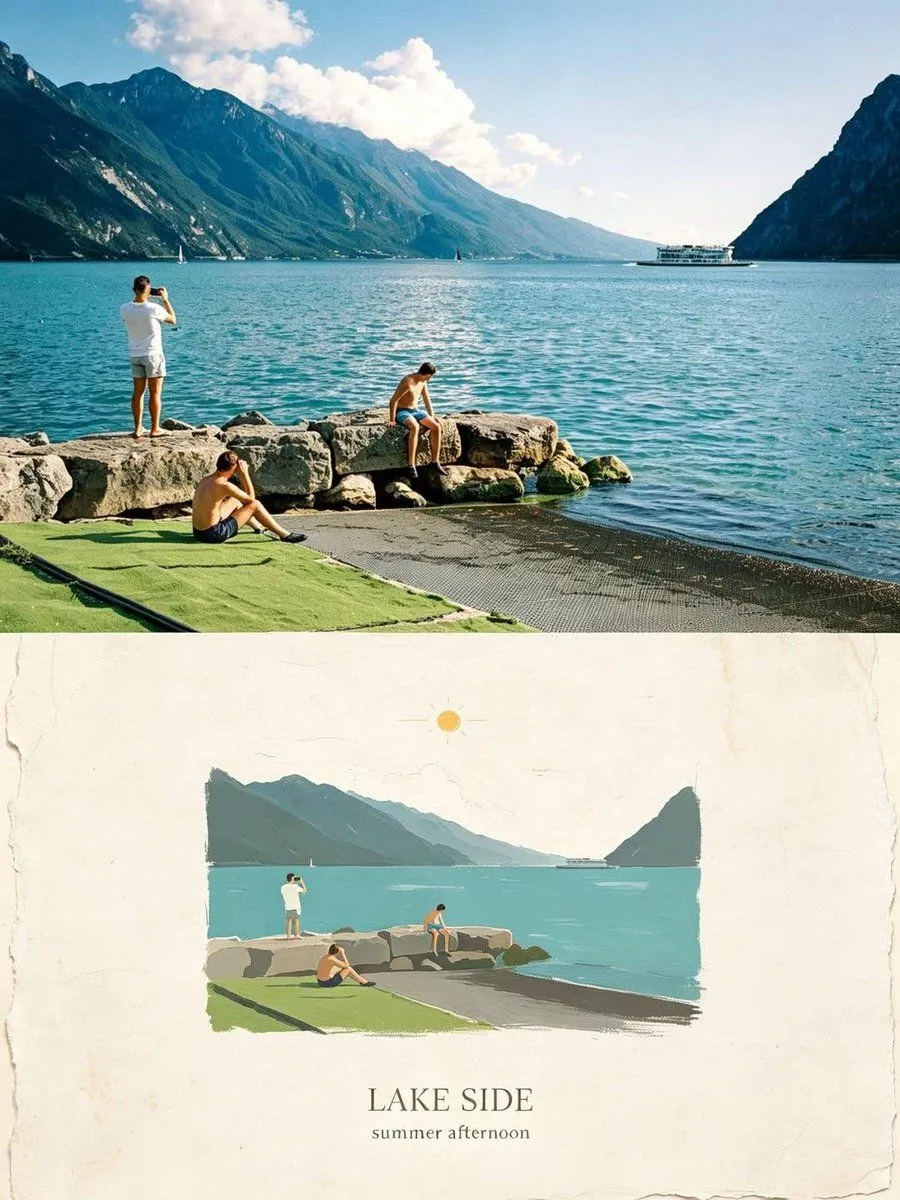
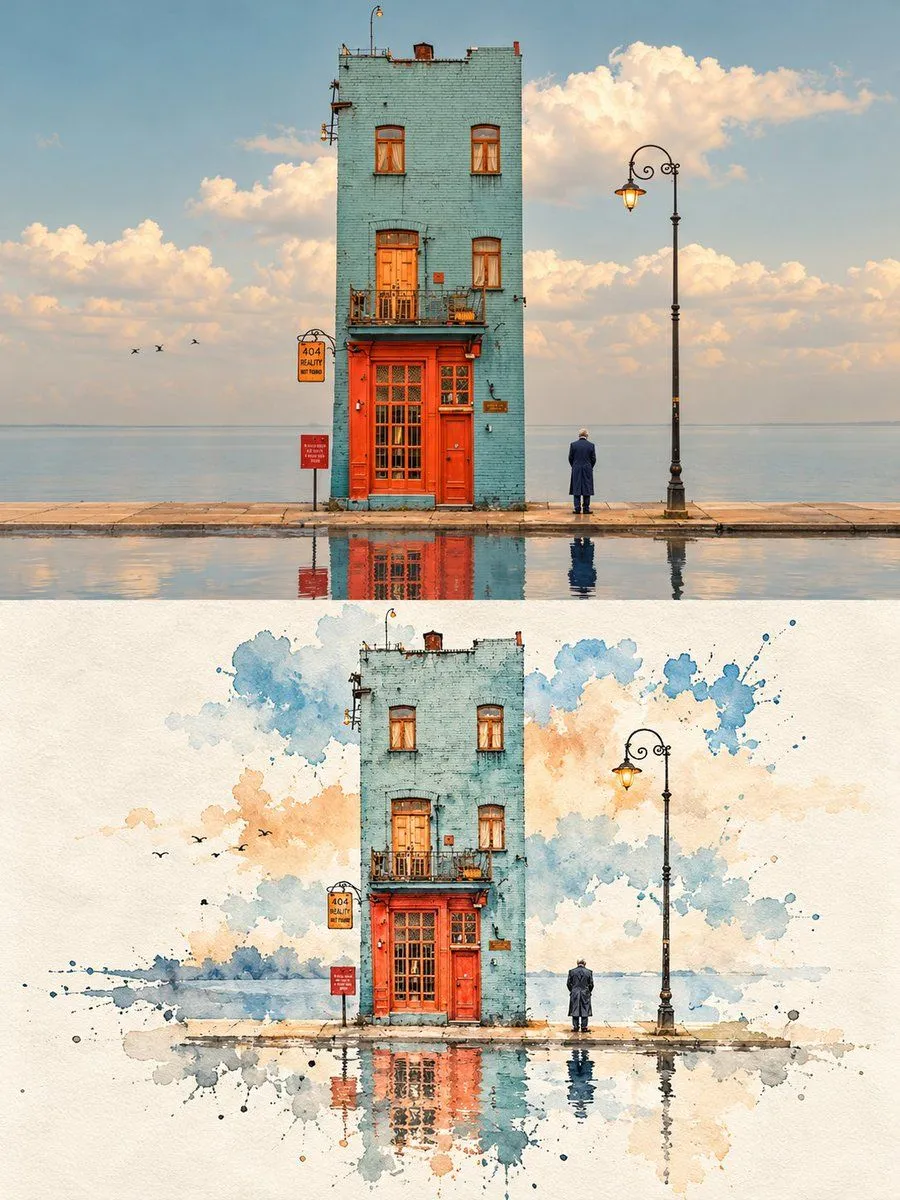
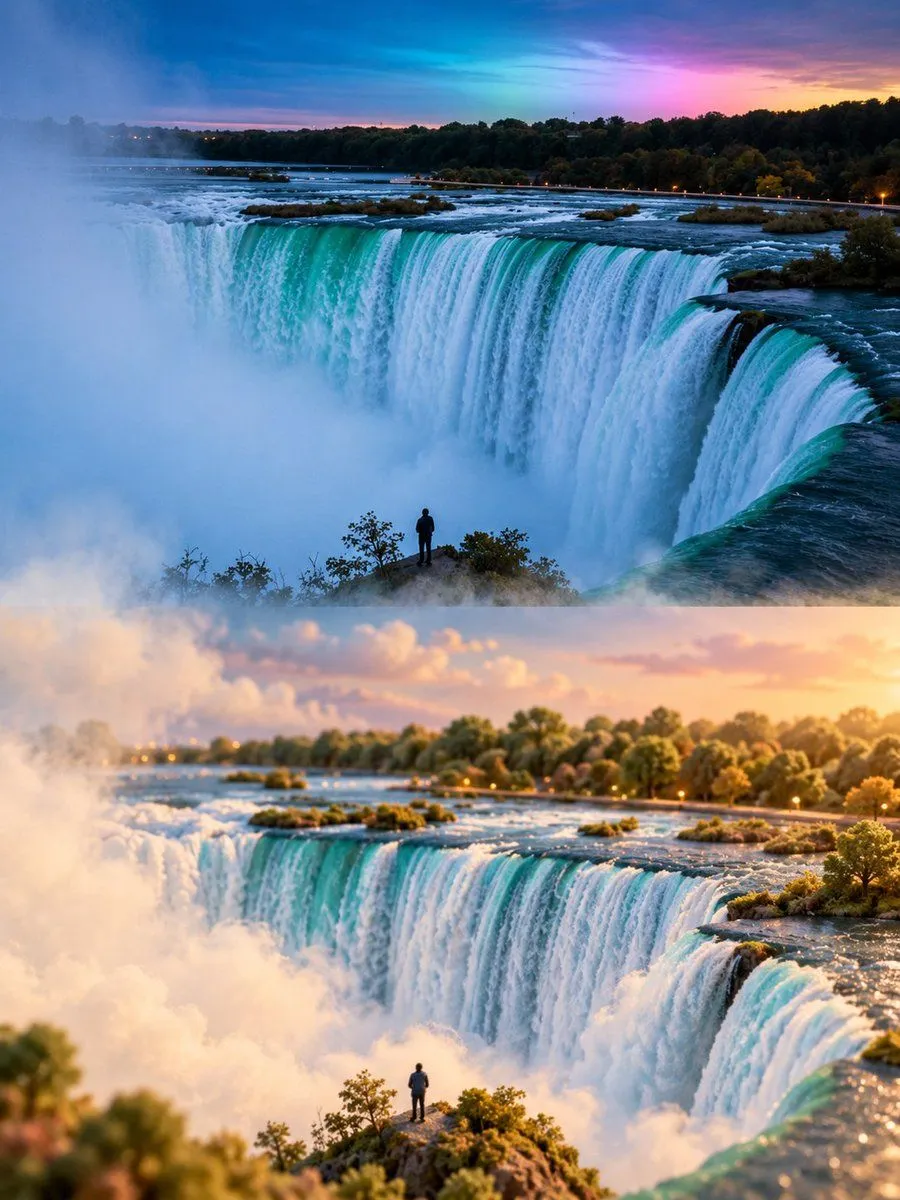
Miniature world split photo transformation

Made with GPT Image 2.5 in ChatGPT by Library Typography. Promptclay never generates images.

Did it work?

No reports yet. Tell others if it worked for you.

No comments yet. Be the first.

    Miniature world split photo transformation

    GPT Image 2.53:4AI-generated

    Prompt

    Create a 3:4 vertical dreamy miniature-world transformation of the uploaded photograph. COMPOSITION: Divide the image into two equal horizontal sections. The upper half preserves the original photograph’s realistic appearance, composition, perspective, colors, and recognizable details. The lower half reimagines the exact same scene as a soft, whimsical miniature landscape. MINIATURE WORLD: Transform the original scenery into rounded, delicate forms with a subtle velvety texture and fine tactile grain. Preserve the subject’s identity and spatial arrangement while simplifying details into an enchanting miniature environment. Everything should feel handcrafted, tiny, and gently sculpted rather than cartoonish. ATMOSPHERE: Use muted natural colors, creamy ivory tones, soft warm sunlight, delicate highlights, and layers of floating mist. Let fog flow naturally between the two halves, gradually blending the realistic photograph into the miniature world with softly dissolving edges. ART DIRECTION: Dreamlike, peaceful, airy, understated, and poetic. Combine photographic realism with refined miniature diorama aesthetics, realistic depth, subtle shadows, and beautifully controlled textures. Automatically adapt the miniature transformation to the uploaded photograph. Preserve its defining features and composition; do not introduce unrelated objects or change the scene’s identity. Avoid harsh transitions, oversaturated colors, excessive fantasy, plastic-looking surfaces, heavy blur, text, titles, logos, and watermarks. FORMAT: 3:4 vertical, exact 50/50 horizontal split, high resolution.

    Works in
    ChatGPT, Gemini
    Status
    Free to copy
    0
    DetailsVersions, settings and questions

    Written for

    What's in the prompt

    Subject
    Model
    GPT Image 2.5

    If your face changes

    keep my face exactly the same

    Questions

    Does this work in the ChatGPT app?
    Yes. Paste the prompt and attach your photo if it uses one.
    It changed my face. What do I do?
    Add "keep my face exactly the same" to the end and run it again.
    Can I use the images I make?
    Check the terms of the app you use. Promptclay never generates images and claims nothing you make.
    Similar prompts

    See more
    • Impossible Reflection - Parallel Reality Puddle
    • Poetry Diorama Generation System Prompt
    • Hyper-Realistic Miniature Diorama Creator
    • Vertical Tilt-Shift Miniature City Cross-Section
    • Cinematic Atlas Miniature World Diorama
    • Split-Era Urban Diorama Generation Prompt for Nano Banana Pro
    • Storybook Style Photo-to-Illustration Split
    • Photo to Storybook Illustration Split
    • Mount Fuji Watercolor Transformation
    • Frozen Waterfall Sunlit Crystal Landscape
    • Surreal Seasonal Split Landscape
    • Grok Imagine prompt: The 'other side'Video, 0:30
    • Sunset Photo to Crayon Art Split
    • Modern Train Interior Photography and Illustration
    • Minimalist Ink Wash Reconstruction Split Image
    • Convert scene to low-res pixel art
    • Cinematic Rocky Waterfall Valley
    • Photo to Watercolor Travel Split
    • Tokyo Time-Blend Split-Screen
    • Cinematic GPT-Image 2.5 Announcement
    • Cinematic heart-shaped ocean split viewVideo, 0:06
    • Split Face Photo and Ink Illustration
    • Cinematic Torn Paper Split Portrait
    • Photo to Watercolor Travel Illustration

    Show more

    Run it on your phone

    1. Prompt copiedRead it

      Create a 3:4 vertical dreamy miniature-world transformation of the uploaded photograph. COMPOSITION: Divide the image into two equal horizontal sections. The upper half preserves the original photograph’s realistic appearance, composition, perspective, colors, and recognizable details. The lower half reimagines the exact same scene as a soft, whimsical miniature landscape. MINIATURE WORLD: Transform the original scenery into rounded, delicate forms with a subtle velvety texture and fine tactile grain. Preserve the subject’s identity and spatial arrangement while simplifying details into an enchanting miniature environment. Everything should feel handcrafted, tiny, and gently sculpted rather than cartoonish. ATMOSPHERE: Use muted natural colors, creamy ivory tones, soft warm sunlight, delicate highlights, and layers of floating mist. Let fog flow naturally between the two halves, gradually blending the realistic photograph into the miniature world with softly dissolving edges. ART DIRECTION: Dreamlike, peaceful, airy, understated, and poetic. Combine photographic realism with refined miniature diorama aesthetics, realistic depth, subtle shadows, and beautifully controlled textures. Automatically adapt the miniature transformation to the uploaded photograph. Preserve its defining features and composition; do not introduce unrelated objects or change the scene’s identity. Avoid harsh transitions, oversaturated colors, excessive fantasy, plastic-looking surfaces, heavy blur, text, titles, logos, and watermarks. FORMAT: 3:4 vertical, exact 50/50 horizontal split, high resolution.

    2. Open your app

    3. Paste and run

      Press and hold the message box, then tap Paste. Add your photo first if the prompt uses one. You may need to sign in.

    Miniature world split photo transformation