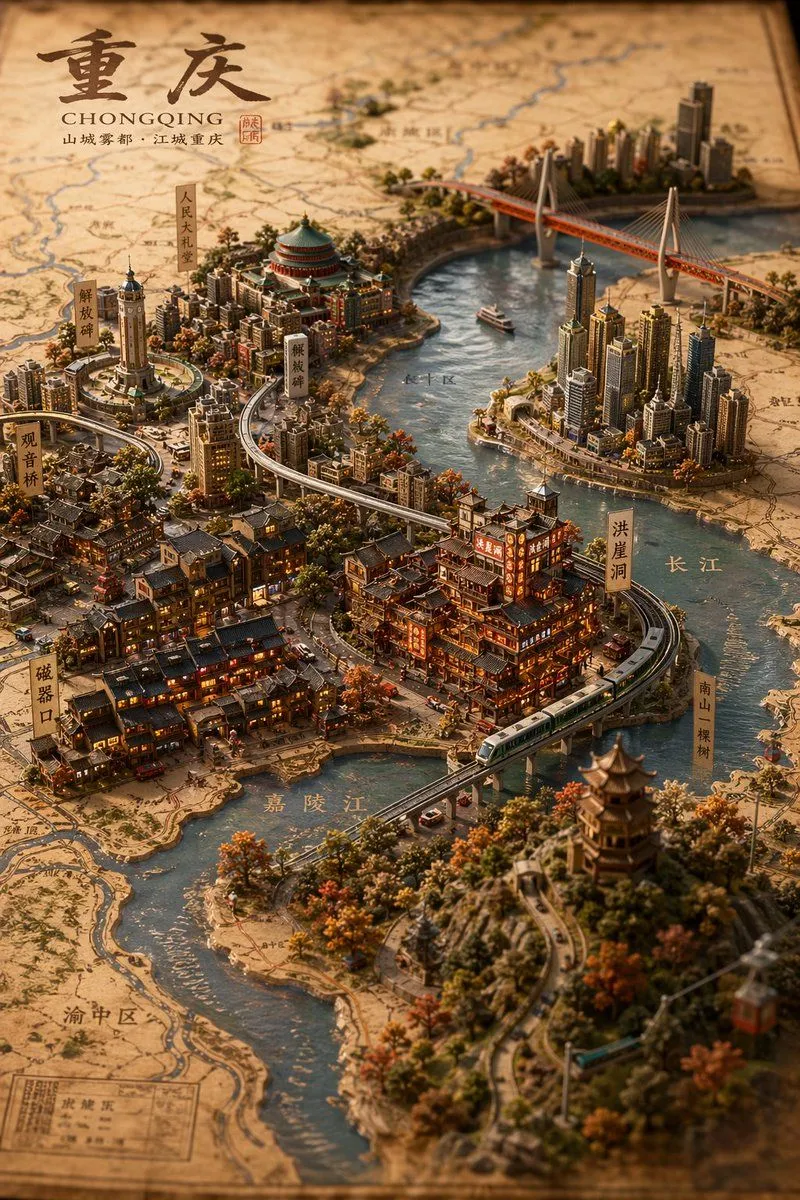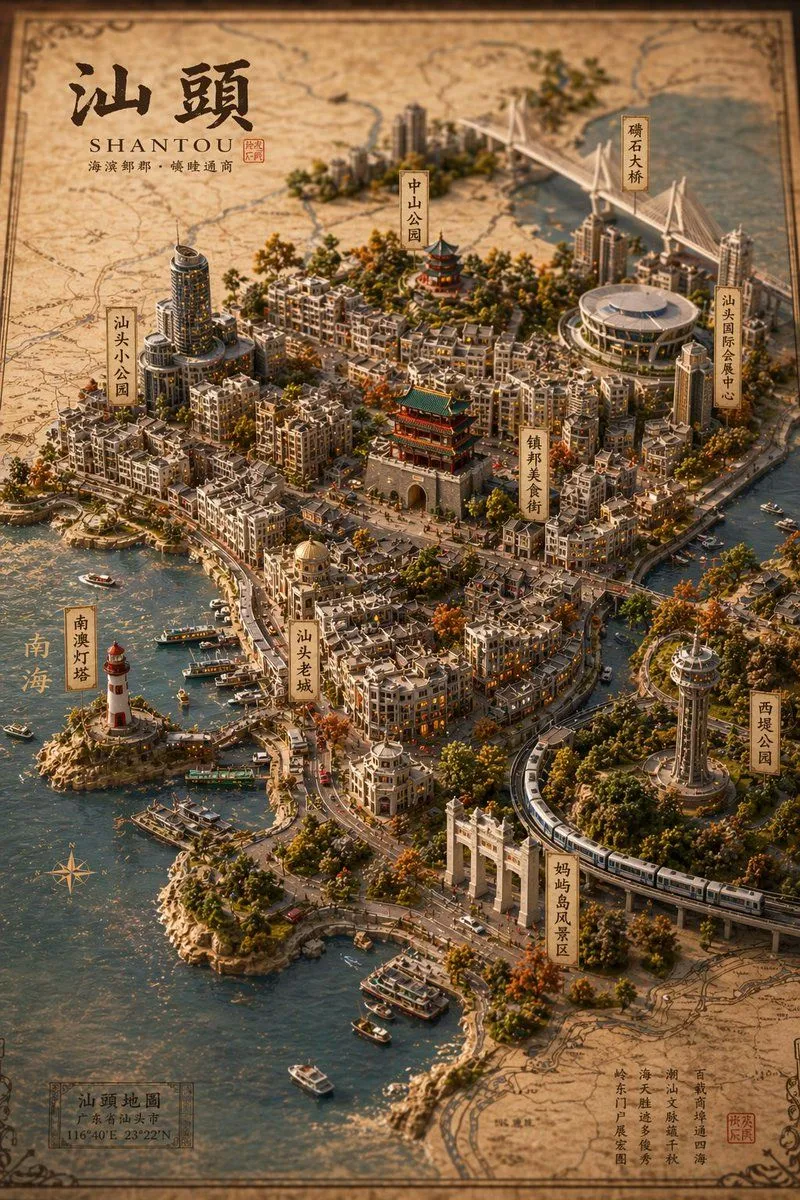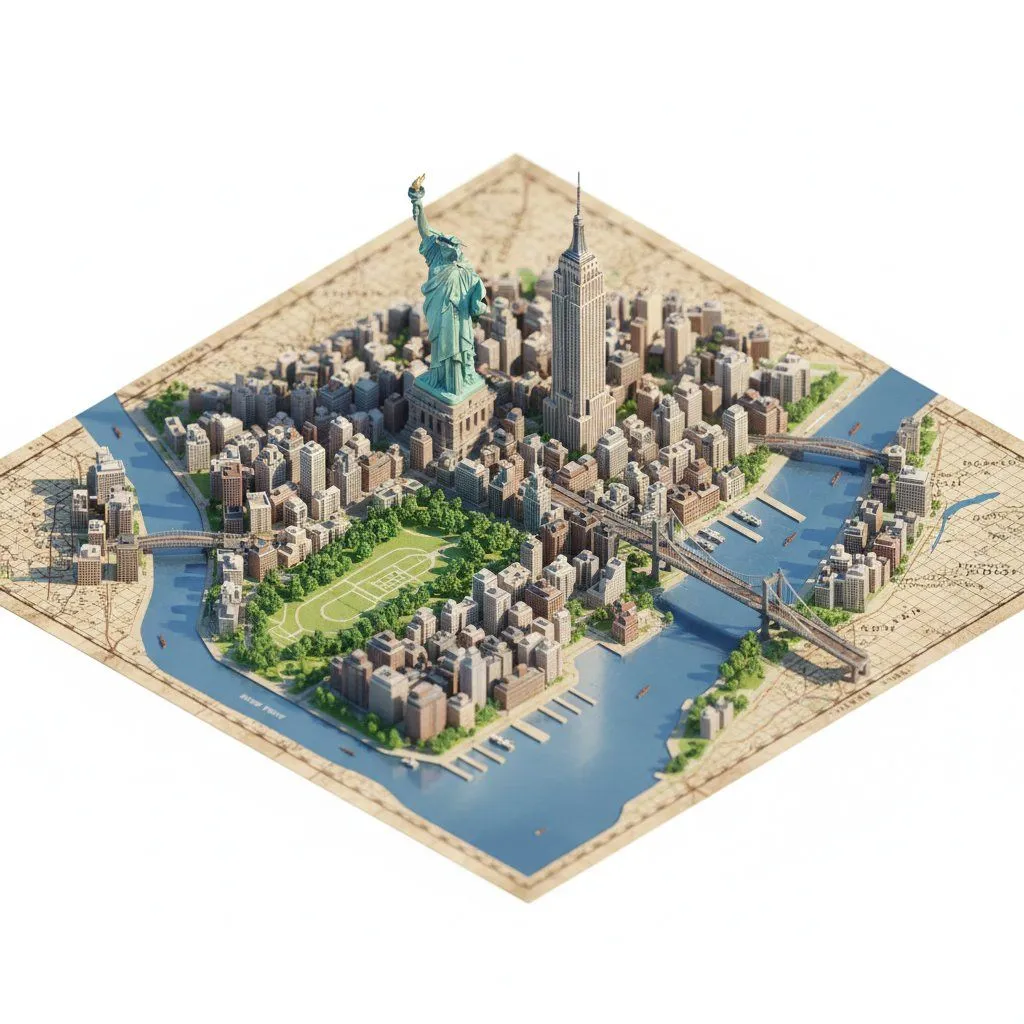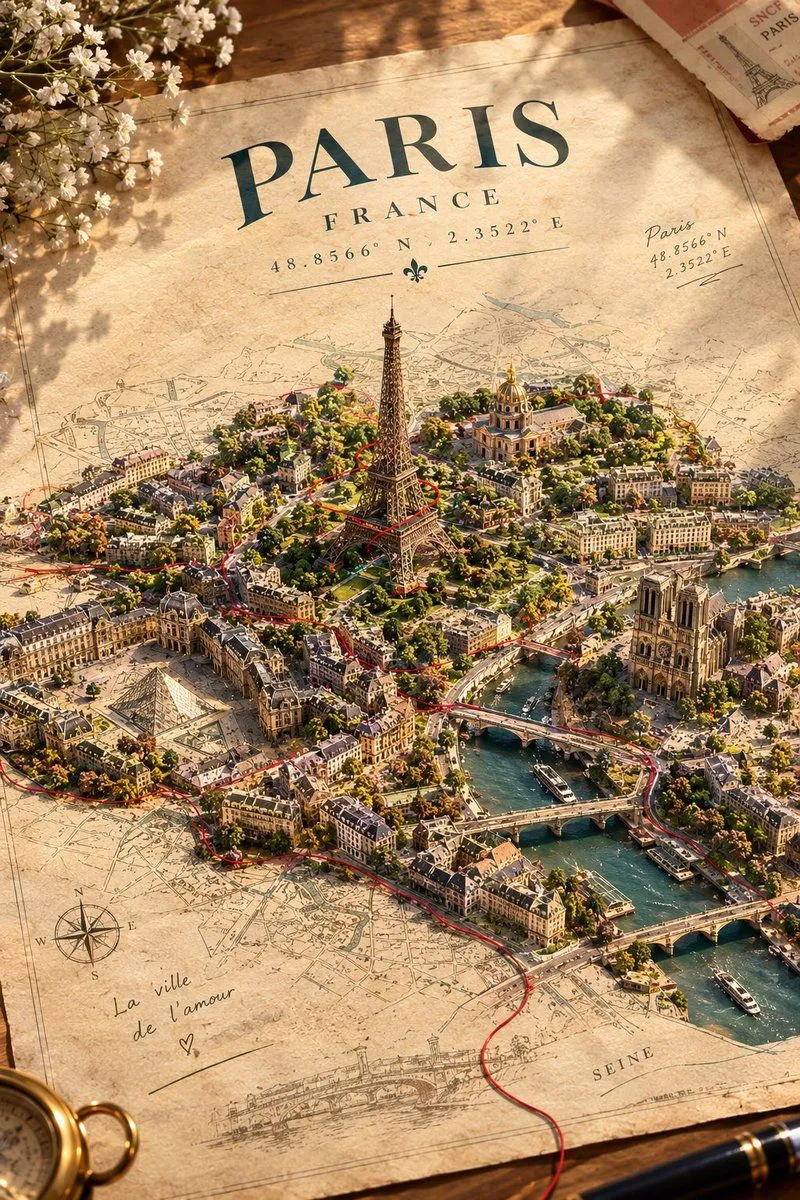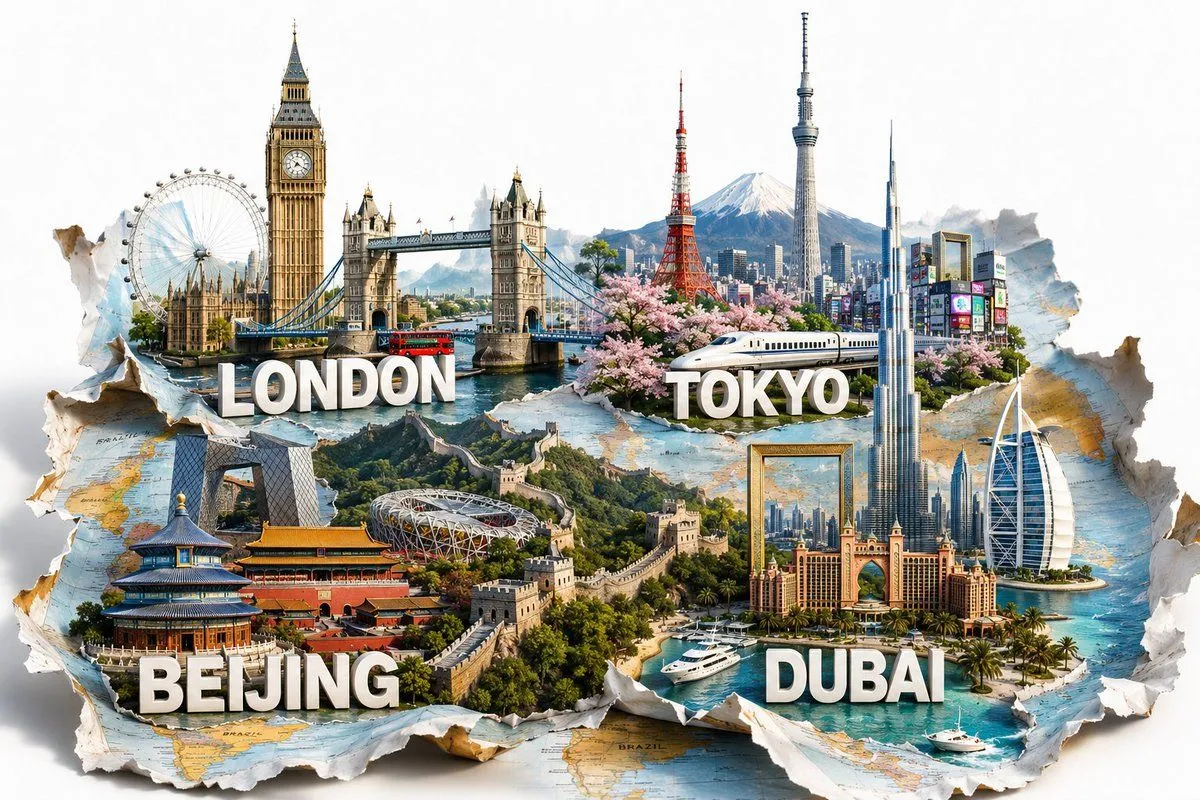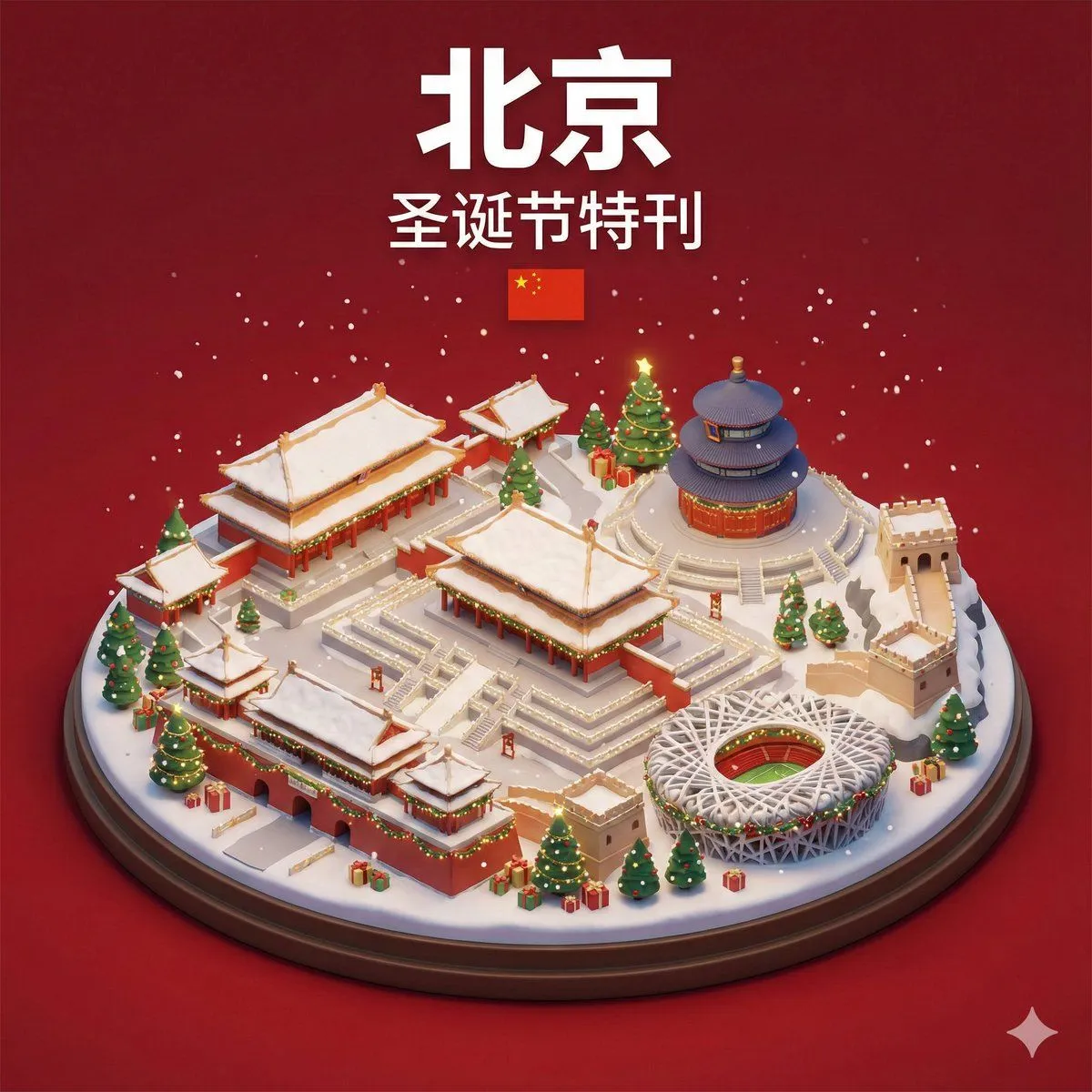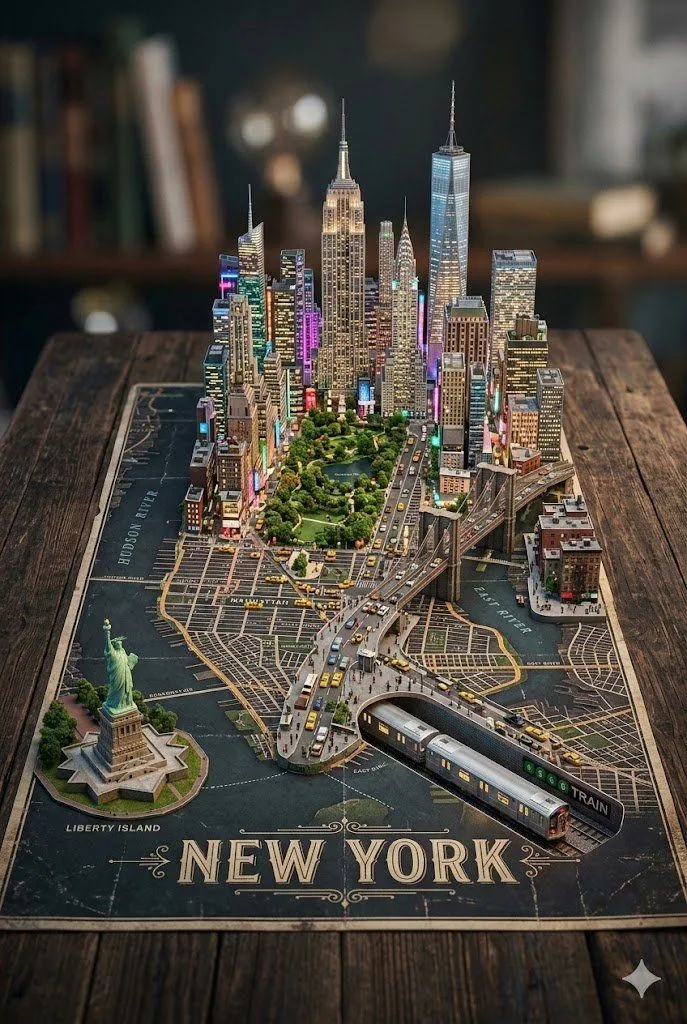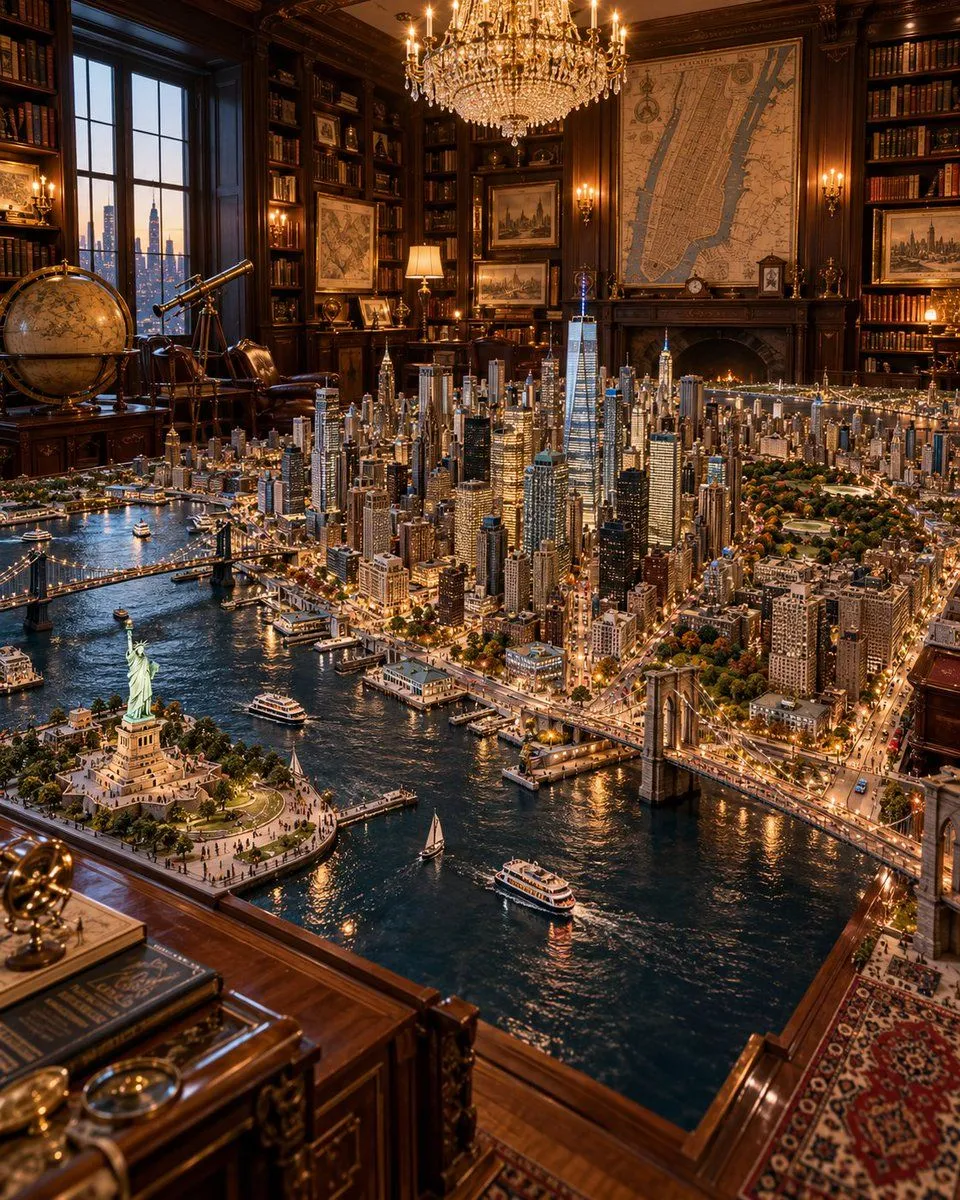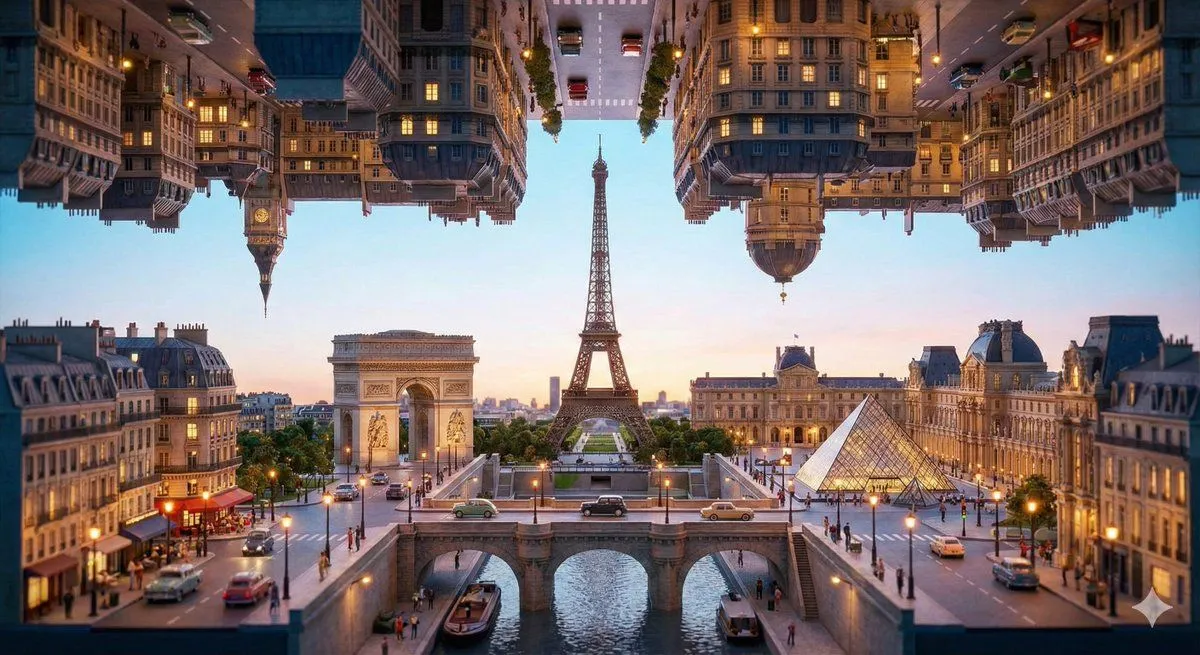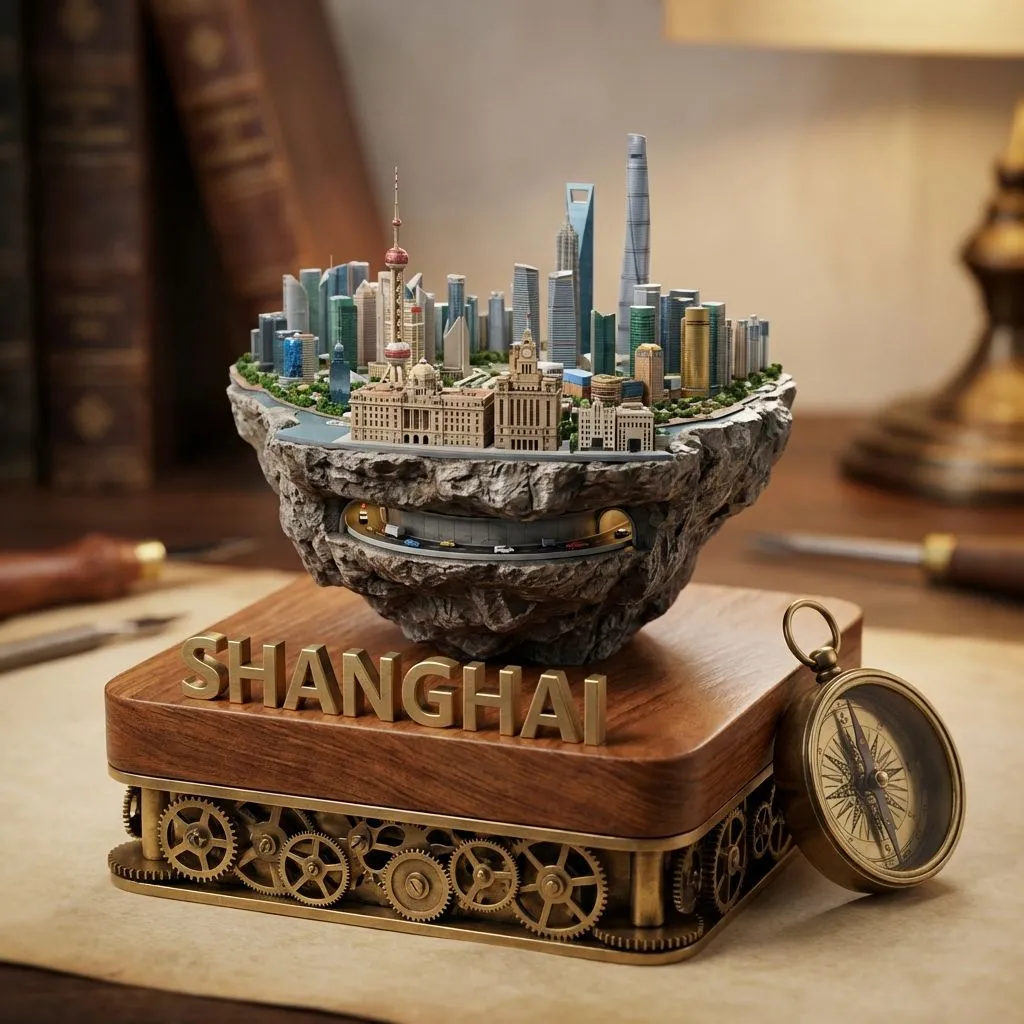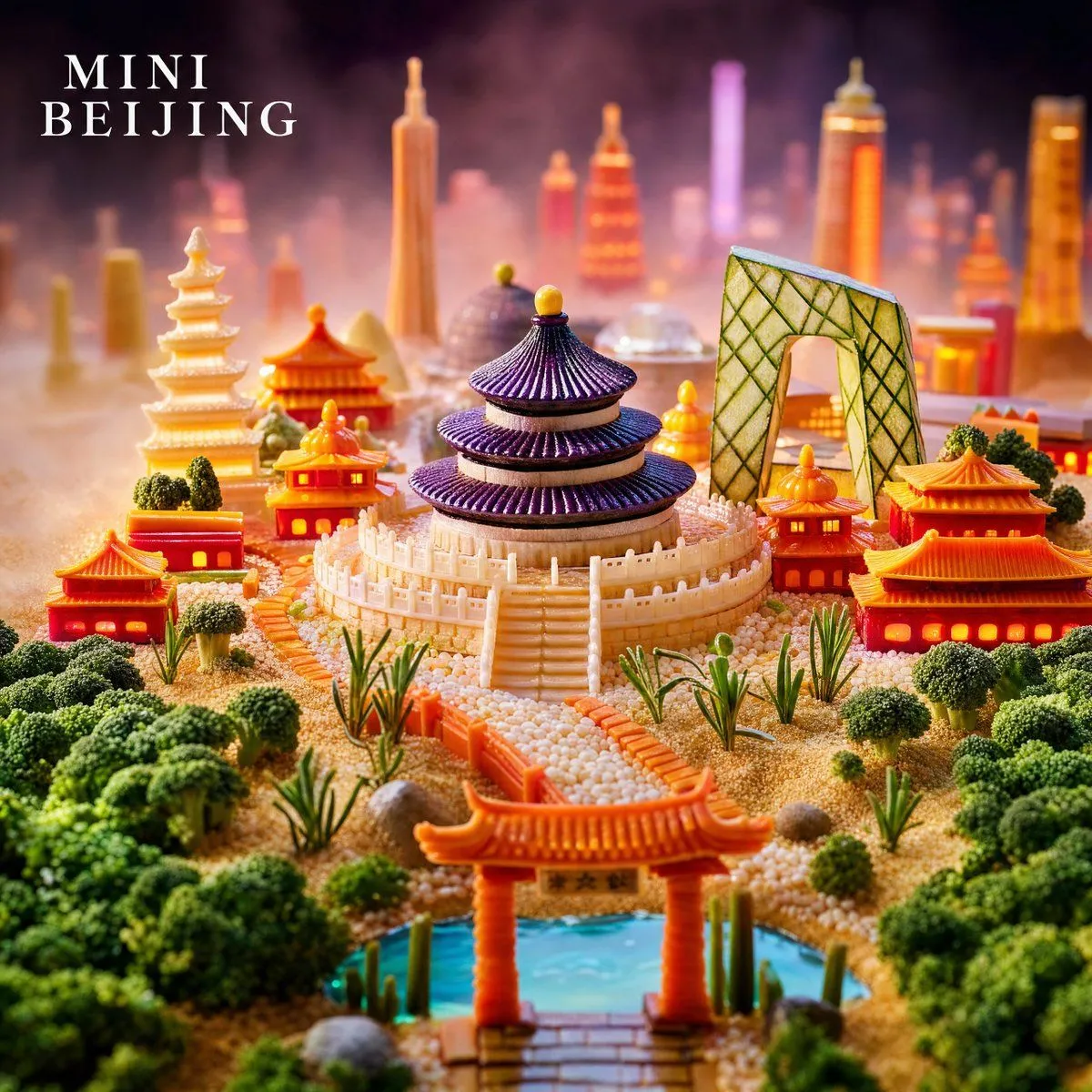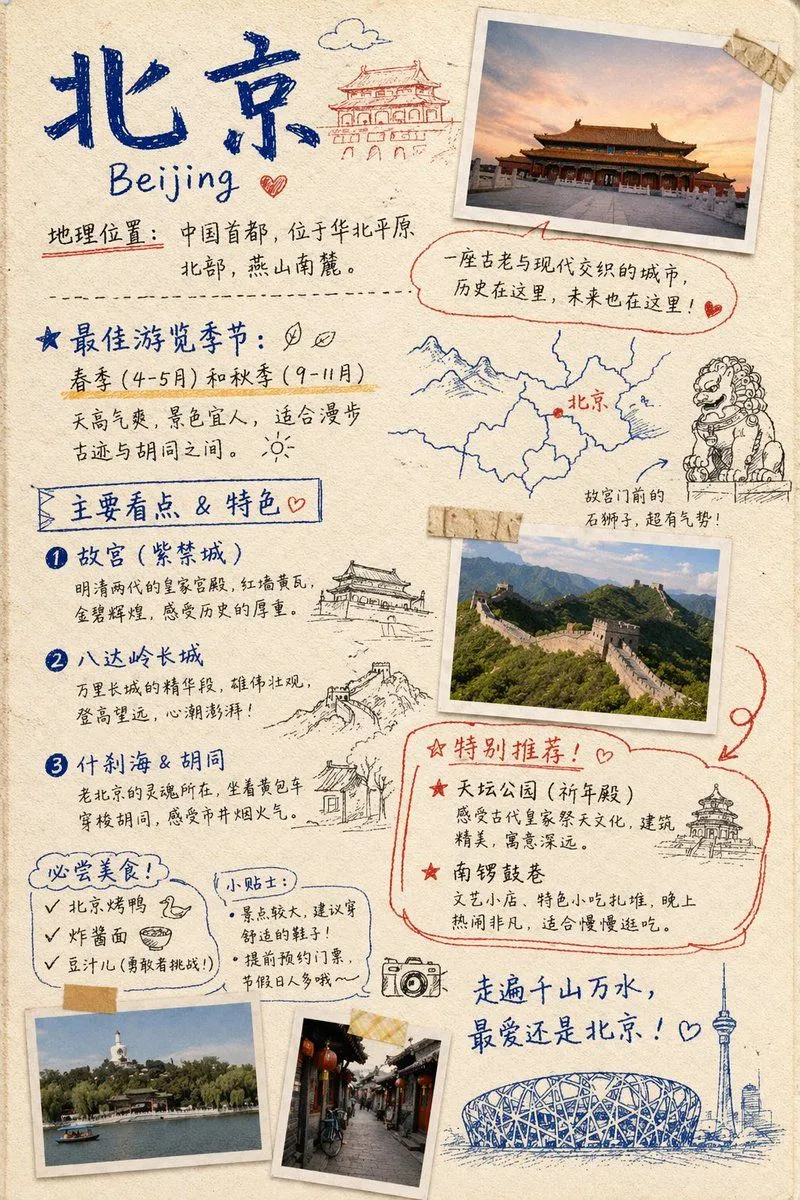
Made with GPT Image 2.5 in ChatGPT by Library Explainers. Promptclay never generates images.
Did it work?
No reports yet. Tell others if it worked for you.
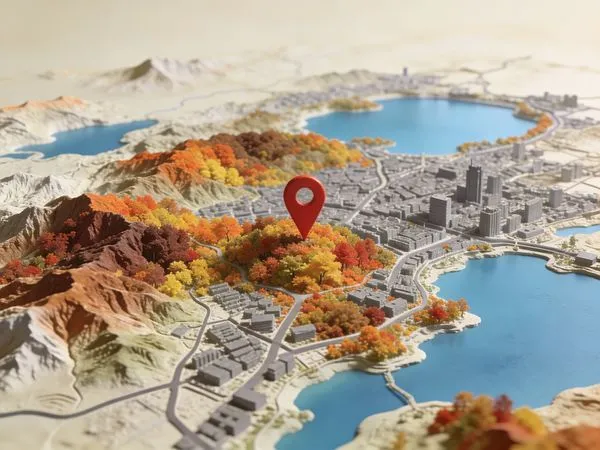
Miniature Beijing Map Diorama
Prompt
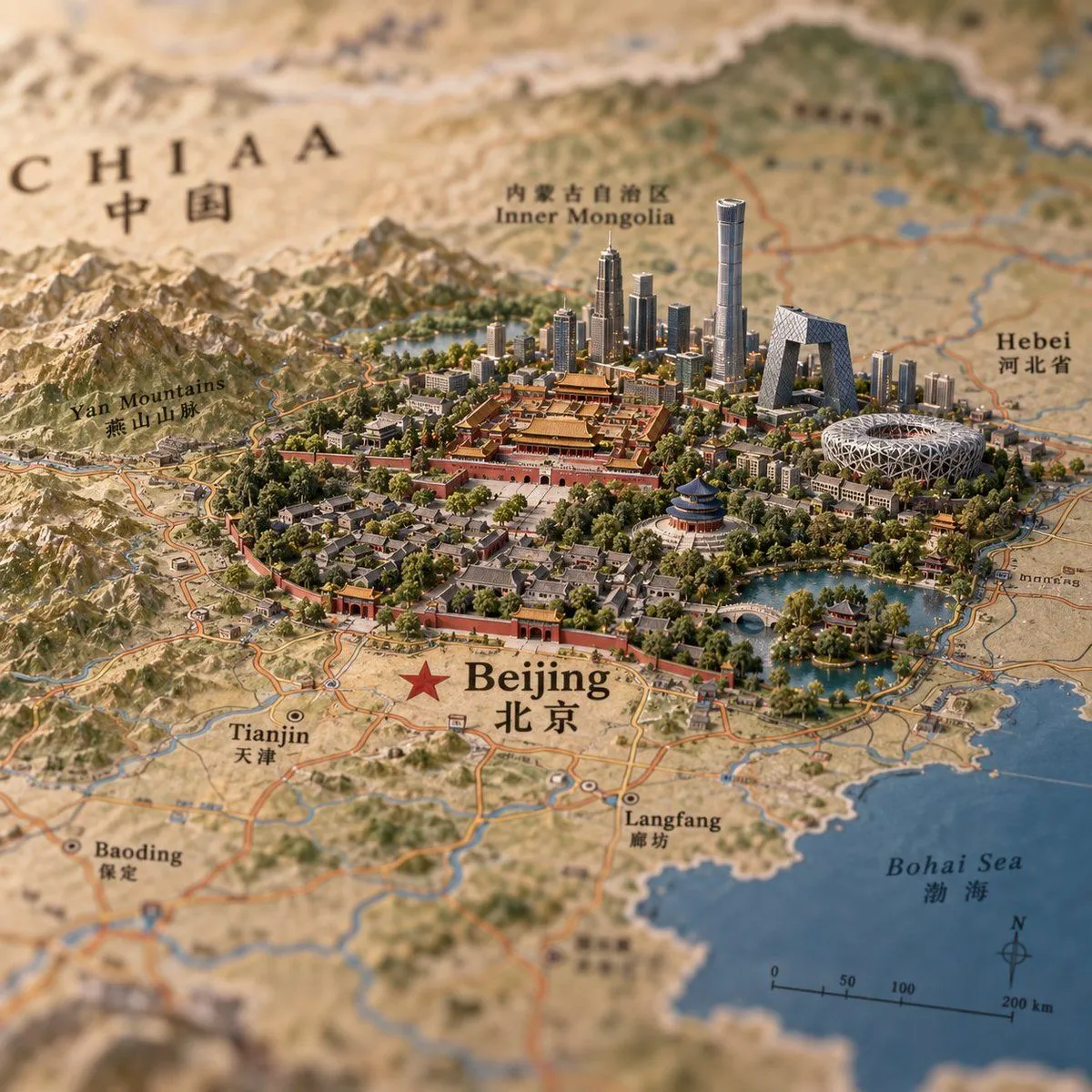
1 blank to fillCreate a hyper-detailed miniature diorama built directly on top of an antique printed atlas map, showing {city_name} as a tiny 3D landmark city rising from the flat map. Use a square 1:1 canvas, warm natural light, shallow depth of field, tilt-shift macro photography, realistic paper texture, and a premium travel-editorial look. The map should show northern China with bilingual English and Chinese labels; make the main label large and sharp near the foreground with a red star marker: “Beijing” and “北京”. Include surrounding readable map labels: “CHIAA” with “中国” in the upper left, “Inner Mongolia” with Chinese text near the top center, “Hebei” with Chinese text on the right, “Yan Mountains” with Chinese text on the left, “Tianjin” with “天津” at lower left, “Baoding” with “保定” at lower left, “Langfang” with “廊坊” near the lower center, and “Bohai Sea” with “渤海” on the lower right over blue water. Add printed roads, rivers, province borders, a compass rose, and a scale bar marked 0, 50, 100, 200 km. In the center, build a dense miniature Beijing cityscape: the Forbidden City palace complex in red and gold at the core, a red city wall and gates around older hutong-style neighborhoods, abundant green trees, lakes and bridges, plus modern skyline towers behind it. Include recognizable miniature landmarks: the Forbidden City, Temple of Heaven, CCTV Headquarters, Beijing National Stadium Bird’s Nest, and several tall glass skyscrapers including one very tall cylindrical tower. Surround the city with sculpted mountains to the west and north, water features to the southeast, and tiny road networks integrated into the printed map. Keep the foreground and central city crisp while the map edges blur softly; use earthy beige map tones, deep green parks, red palace walls, blue water, and metallic glass towers. No people, no vehicles emphasized, no watermark, no extra labels beyond map typography.
Preview of your prompt
Create a hyper-detailed miniature diorama built directly on top of an antique printed atlas map, showing Beijing as a tiny 3D landmark city rising from the flat map. Use a square 1:1 canvas, warm natural light, shallow depth of field, tilt-shift macro photography, realistic paper texture, and a premium travel-editorial look. The map should show northern China with bilingual English and Chinese labels; make the main label large and sharp near the foreground with a red star marker: “Beijing” and “北京”. Include surrounding readable map labels: “CHIAA” with “中国” in the upper left, “Inner Mongolia” with Chinese text near the top center, “Hebei” with Chinese text on the right, “Yan Mountains” with Chinese text on the left, “Tianjin” with “天津” at lower left, “Baoding” with “保定” at lower left, “Langfang” with “廊坊” near the lower center, and “Bohai Sea” with “渤海” on the lower right over blue water. Add printed roads, rivers, province borders, a compass rose, and a scale bar marked 0, 50, 100, 200 km. In the center, build a dense miniature Beijing cityscape: the Forbidden City palace complex in red and gold at the core, a red city wall and gates around older hutong-style neighborhoods, abundant green trees, lakes and bridges, plus modern skyline towers behind it. Include recognizable miniature landmarks: the Forbidden City, Temple of Heaven, CCTV Headquarters, Beijing National Stadium Bird’s Nest, and several tall glass skyscrapers including one very tall cylindrical tower. Surround the city with sculpted mountains to the west and north, water features to the southeast, and tiny road networks integrated into the printed map. Keep the foreground and central city crisp while the map edges blur softly; use earthy beige map tones, deep green parks, red palace walls, blue water, and metallic glass towers. No people, no vehicles emphasized, no watermark, no extra labels beyond map typography.
DetailsVersions, settings and questions
Written for
What's in the prompt
- Subject
- Model
- GPT Image 2.5
If your face changes
keep my face exactly the sameQuestions
- Does this work in the ChatGPT app?
- Yes. Paste the prompt and attach your photo if it uses one.
- It changed my face. What do I do?
- Add "keep my face exactly the same" to the end and run it again.
- Can I use the images I make?
- Check the terms of the app you use. Promptclay never generates images and claims nothing you make.